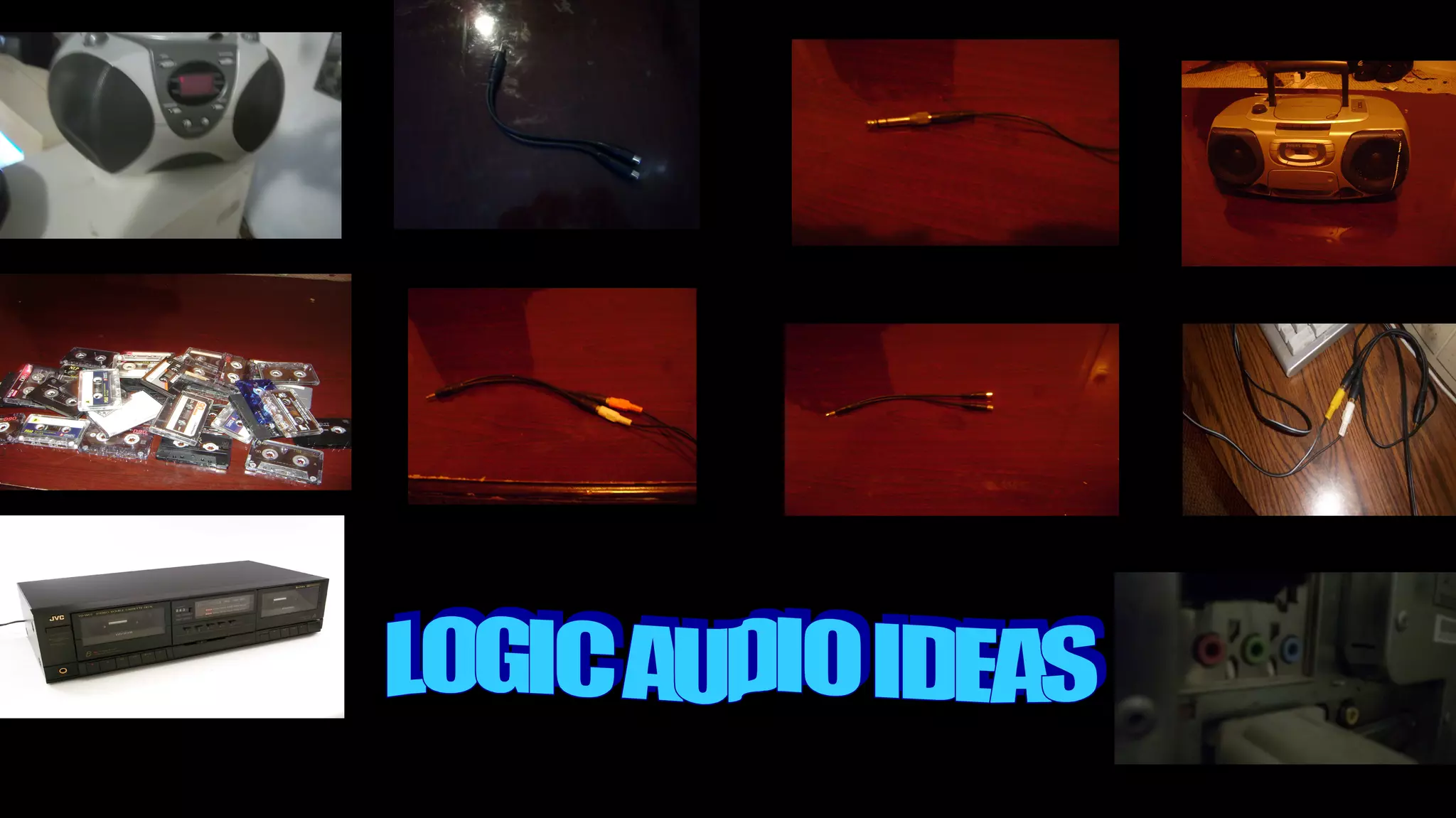
MP3 CABLE
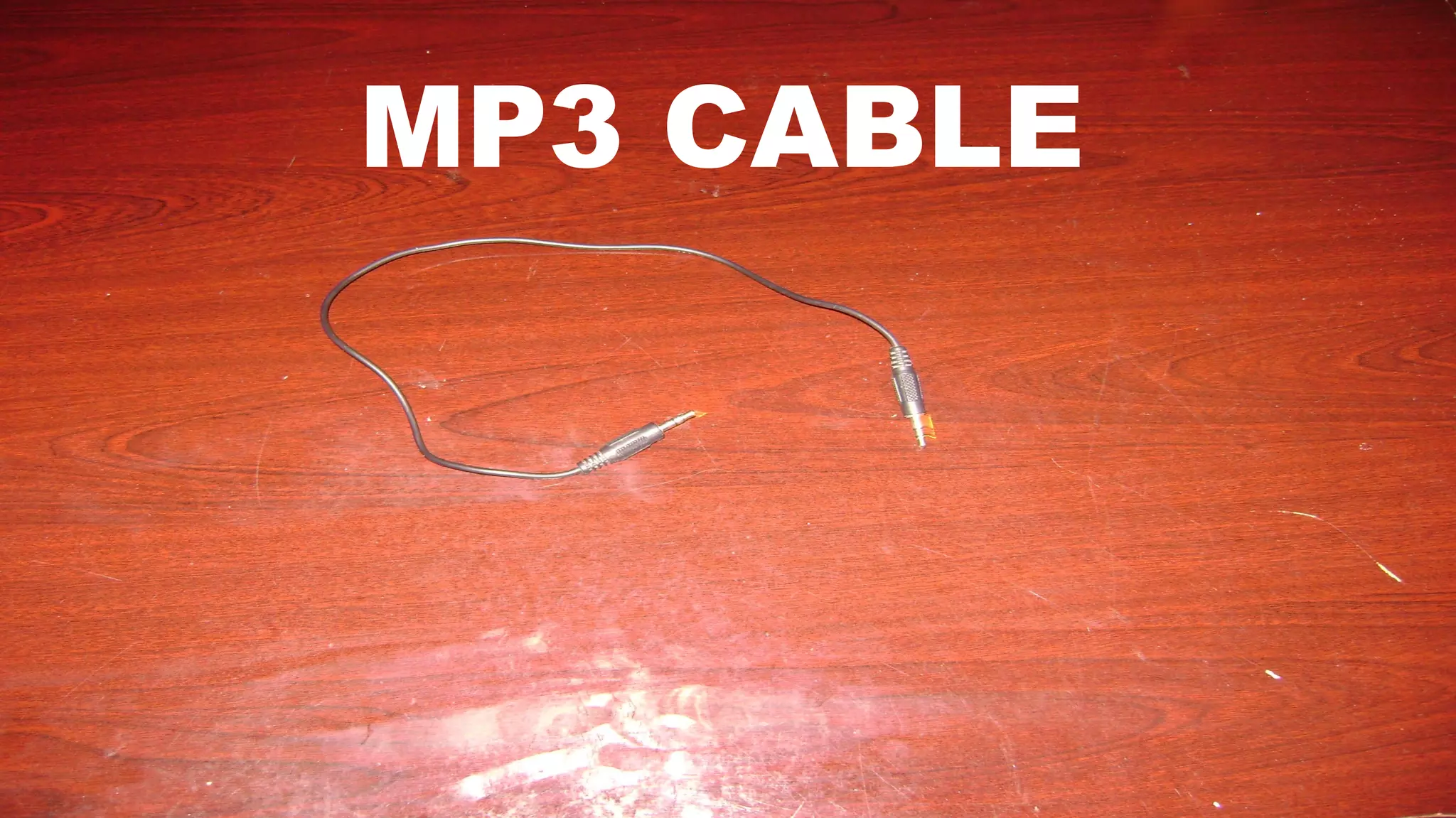
MP3 CABLE
• Is Easy to Plug in to your Computer, Laptop,
Notebook
MP3 CABLE
• Is Easy to Plug in to your Computer, Laptop,
Notebook
• It’s simple to test it out with Sound Recorder, first
MP3 CABLE
• Is Easy to Plug in to your Computer, Laptop,
Notebook
• It’s simple to test it out with Sound Recorder, first
• Plays a role in connect in any media in many
sizes from Portable Cassette/radio, Boom Box,
Portable CD Player, E.T.C
MP3 CABLE
• Is Easy to Plug in to your Computer, Laptop,
Notebook
• It’s simple to test it out with Sound Recorder, first
• Plays a role in connect in any media in many
sizes from Portable Cassette/radio, Boom Box,
Portable CD Player, E.T.C
• Easy to Copy to anywhere in Colleges
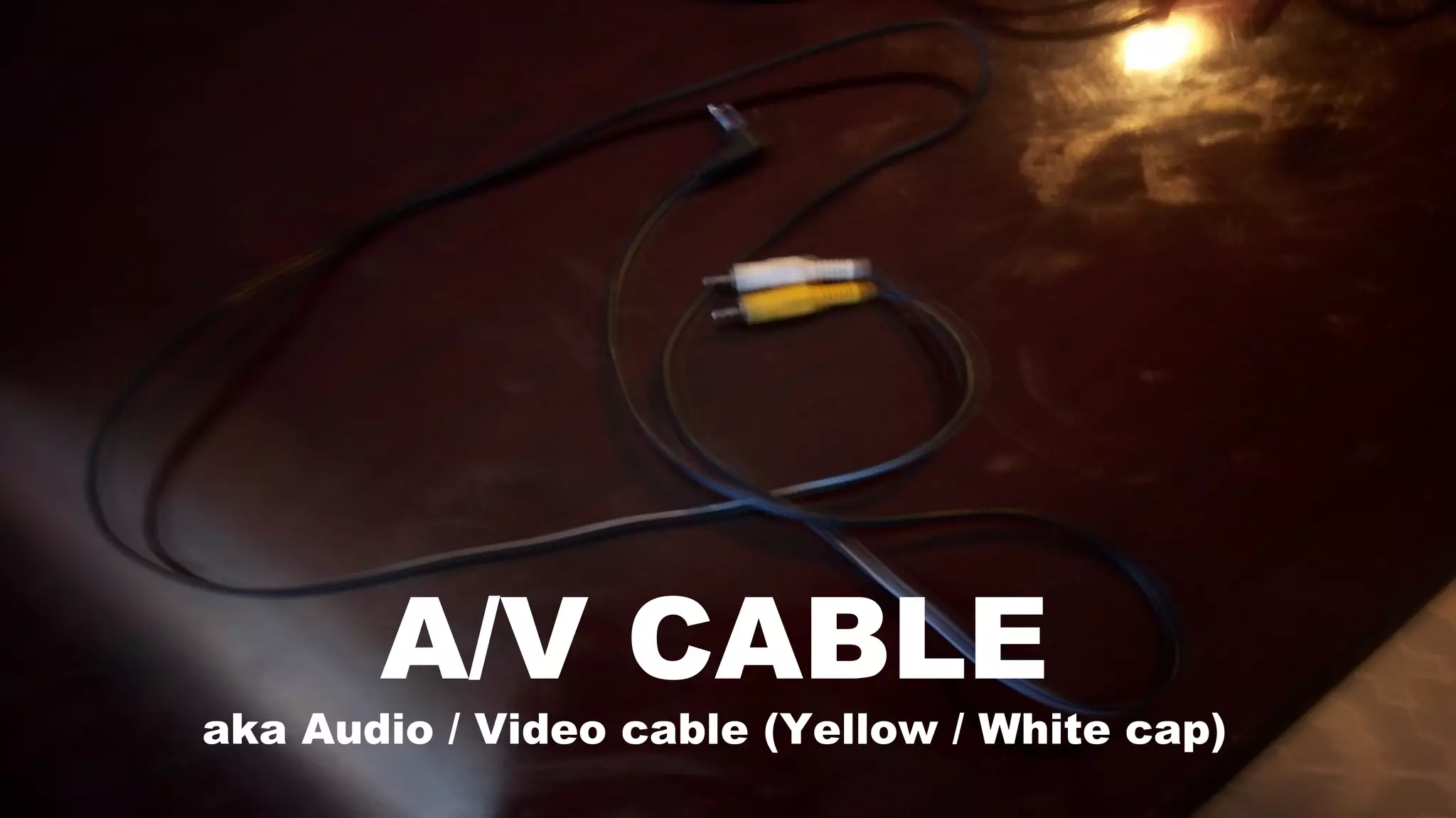
A/V CABLE
aka Audio / Video cable (Yellow / White cap)
A/V CABLE
• Is Simple to Plug in to Deck Tape Player at the
backside
A/V CABLE
• Is Simple to Plug in to Deck Tape Player at the
backside
• Plug the boom box (deck player like) at the
backside
A/V CABLE
• Is Simple to Plug in to Deck Tape Player at the
backside
• Plug the boom box (deck player like) at the
backside
• Connect it with your stereo (home entertainment
stereo or deck player like)
A/V CABLE
• Just like Mp3 on the Backside test it with your
sound recorder on the computer
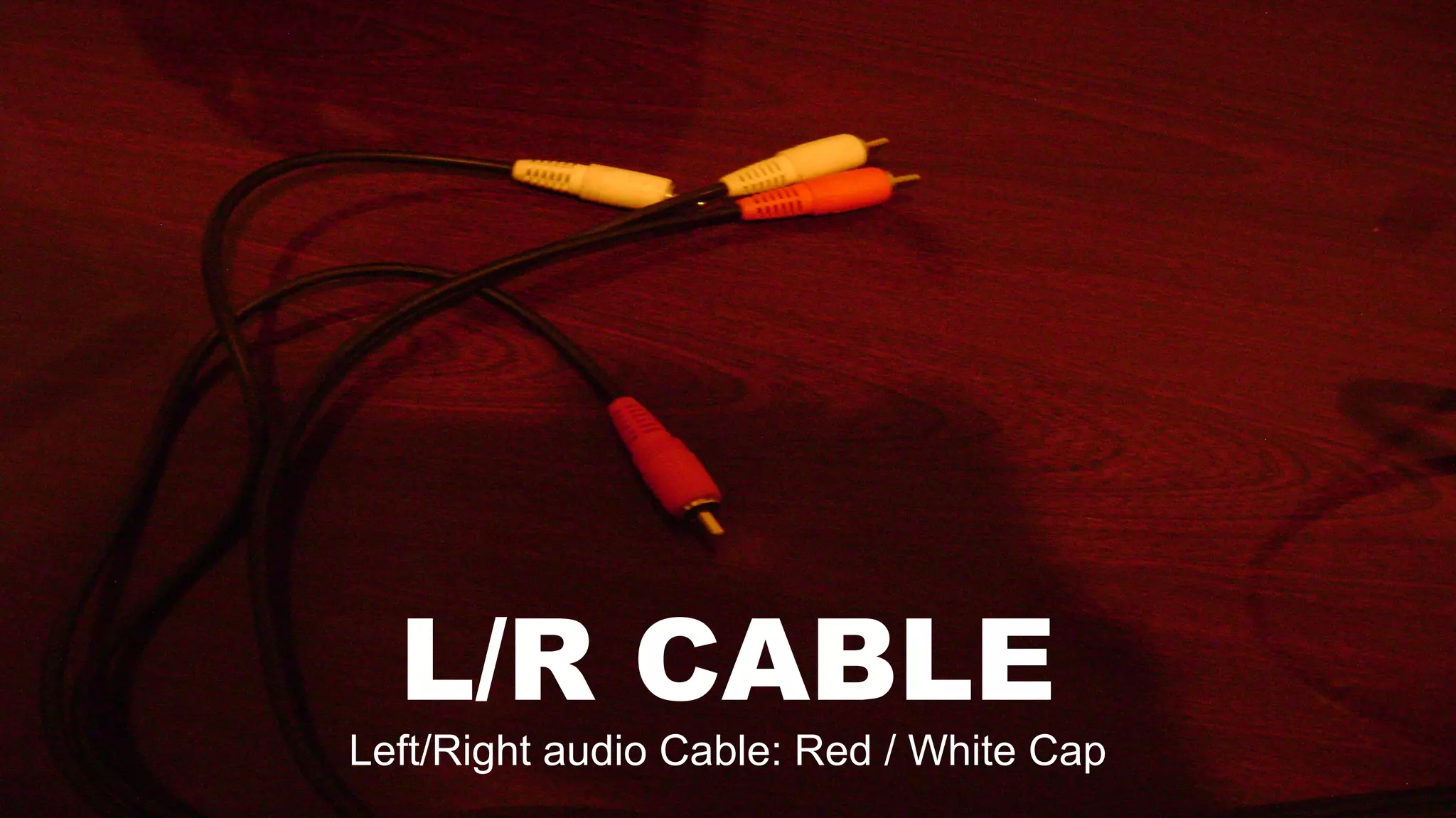
L/R CABLE
Left/Right audio Cable: Red / White Cap
L/R CABLE
• I’m mostly sure that L/R Cable can work like Mp3
Cable on your Power Macintosh Computer, not on
Microsoft Computer
L/R CABLE
• I’m mostly sure that L/R Cable can work like Mp3
Cable on your Power Macintosh Computer, not on
Microsoft Computer
• If there is sound recorder on Macintosh then try it
like it is Microsoft Computer
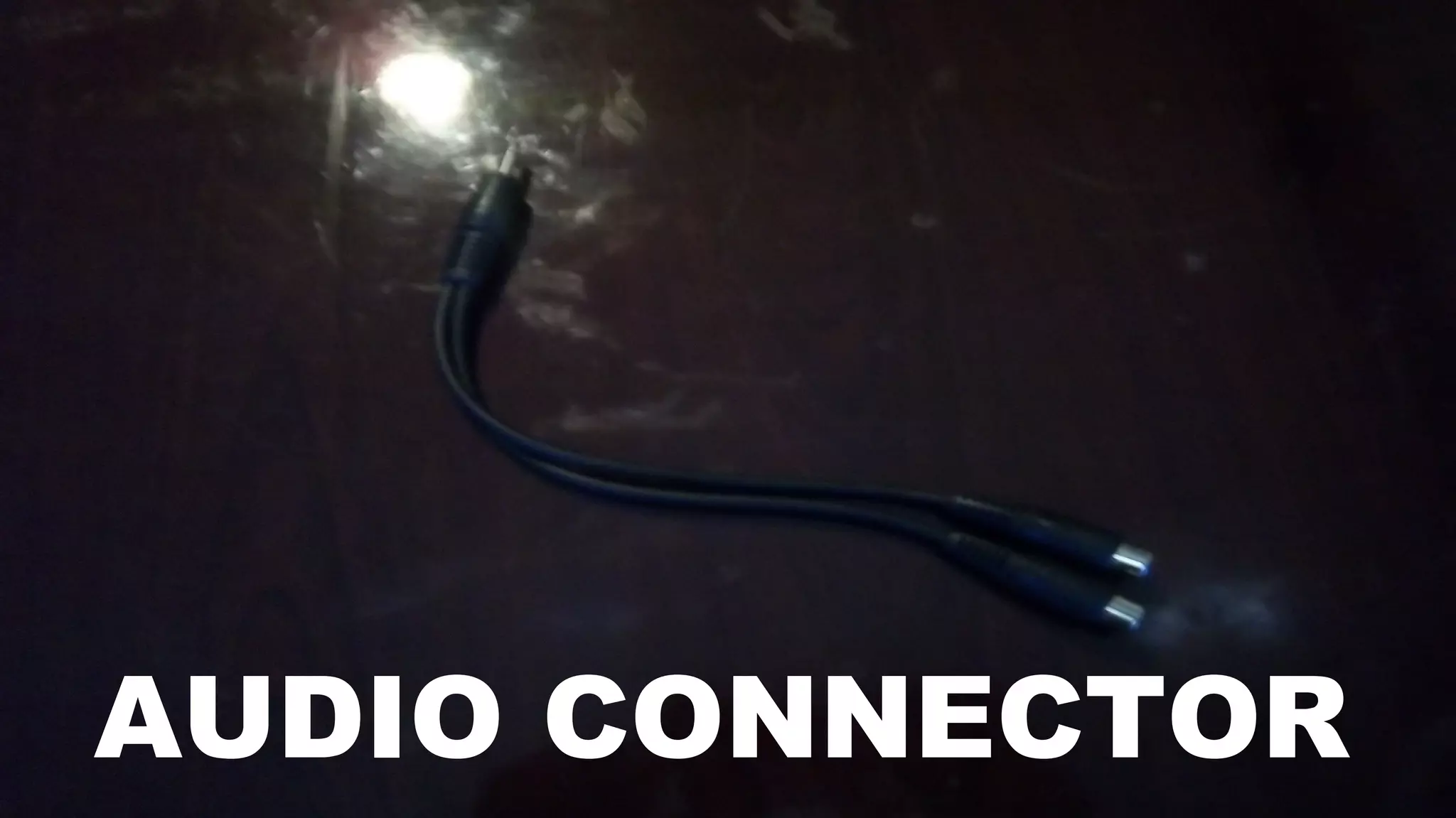
AUDIO CONNECTOR
AUDIO CONNECTOR
• Audio Connector help with L/R cable and A/V
Cable, separately like Mp3 cable
AUDIO CONNECTOR
• Audio Connector help with L/R cable and A/V
Cable, separately like Mp3 cable
• Audio Connector helps when it is missed
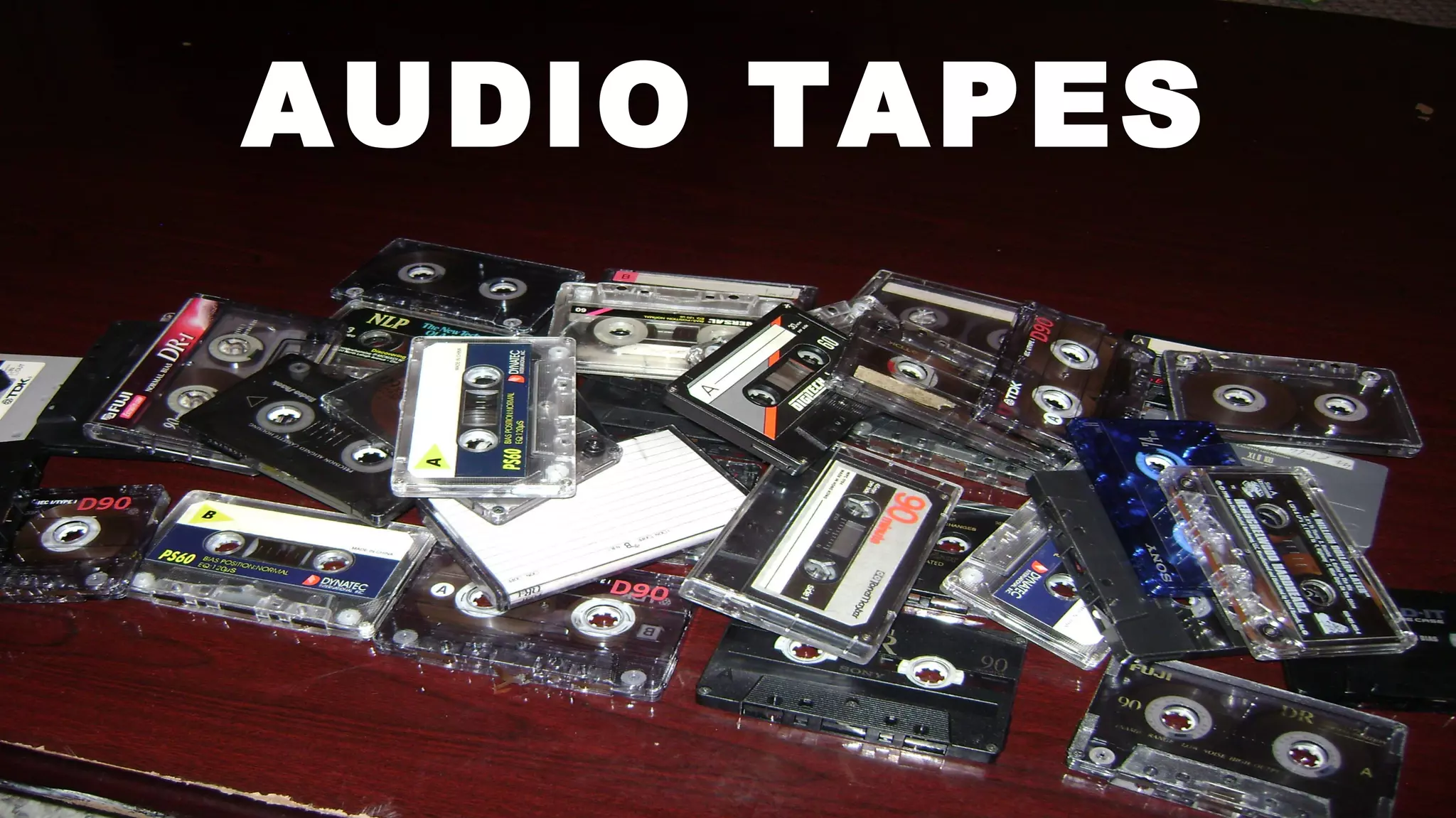
AUDIO TAPES
AUDIO TAPES
• Audio Tapes are always available to you to try
them, anytime
AUDIO TAPES
• Audio Tapes are always available to you to try
them, anytime
• Please, Please, Please!! Do not throw audio
cassette tapes away because this item is
important and your Legacy.
AUDIO TAPES
• Audio Tapes are always available to you to try
them, anytime
• Please, Please, Please!! Do not throw audio
cassette tapes away because this item is
important and your Legacy.
• Audio Tapes can be use to record a little or full.
AUDIO TAPES
• Audio Tapes are always available to you to try
them, anytime
• Please, Please, Please!! Do not throw audio
cassette tapes away because this item is
important and your Legacy.
• Audio Tapes can be use to record a little or full.
• As a Matter of fact both sides to record
AUDIO TAPES
• Audio Tapes are always available to you to try
them, anytime
• Please, Please, Please!! Do not throw audio
cassette tapes away because this item is
important and your Legacy.
• Audio Tapes can be use to record a little or full.
• As a Matter of fact both sides to record
• Save all your project before it is lost.
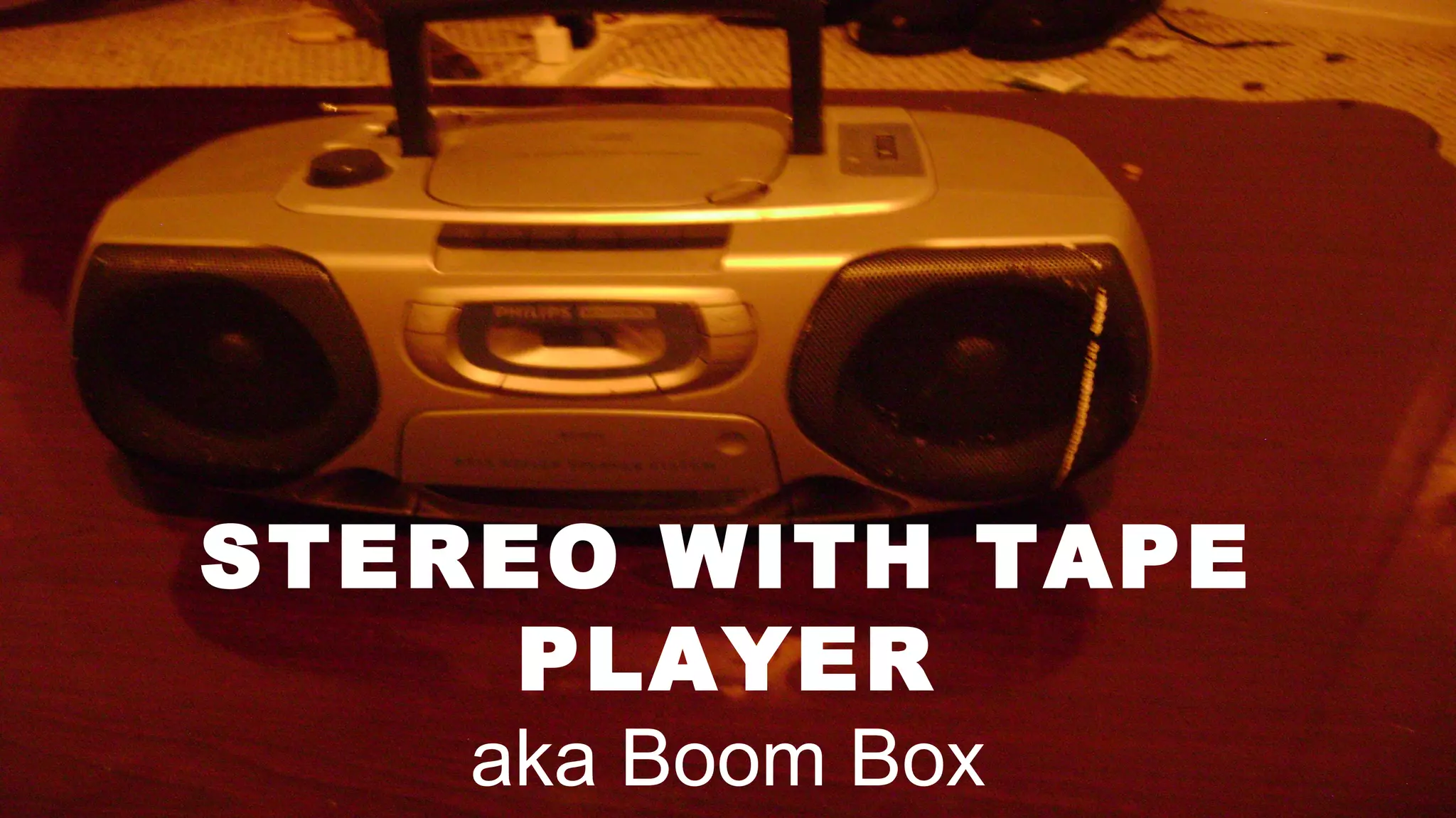
STEREO WITH TAPE
PLAYER
aka Boom Box
STEREO WITH TAPE PLAYER
• Tapes are Limited
STEREO WITH TAPE PLAYER
• Tapes are Limited
• Radio in live clips are Unlimited
STEREO WITH TAPE PLAYER
• Tapes are Limited
• Radio in live clips are Unlimited
• Record them on the computer in audio recorder
STEREO WITH TAPE PLAYER
• Tapes are Limited
• Radio in live clips are Unlimited
• Record them on the computer in audio recorder
• As many tapes you record is still limited
STEREO WITH TAPE PLAYER
• Tapes are Limited
• Radio in live clips are Unlimited
• Record them on the computer in audio recorder
• As many tapes your record is still limited
• Save them, it does not matter how much time
your record.
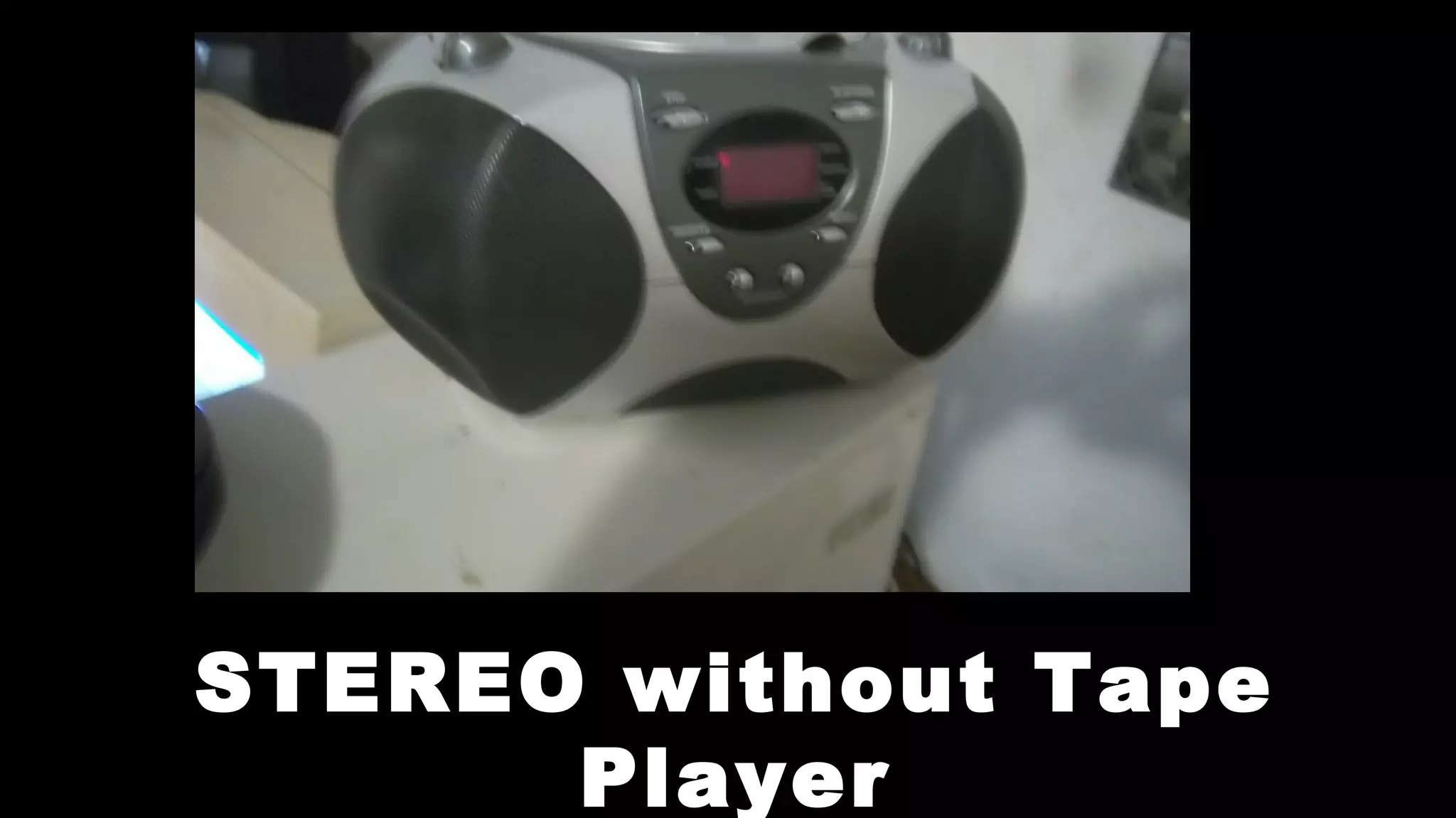
STEREO without Tape
Player
STEREO WITHOUT TAPE PLAYER
• Radios are unlimited
STEREO WITHOUT TAPE PLAYER
• Radios are unlimited
• Record as much as you please
STEREO WITHOUT TAPE PLAYER
• Radios are unlimited
• Record as much as you please
• Sure your big project so it like tape but many
times longer
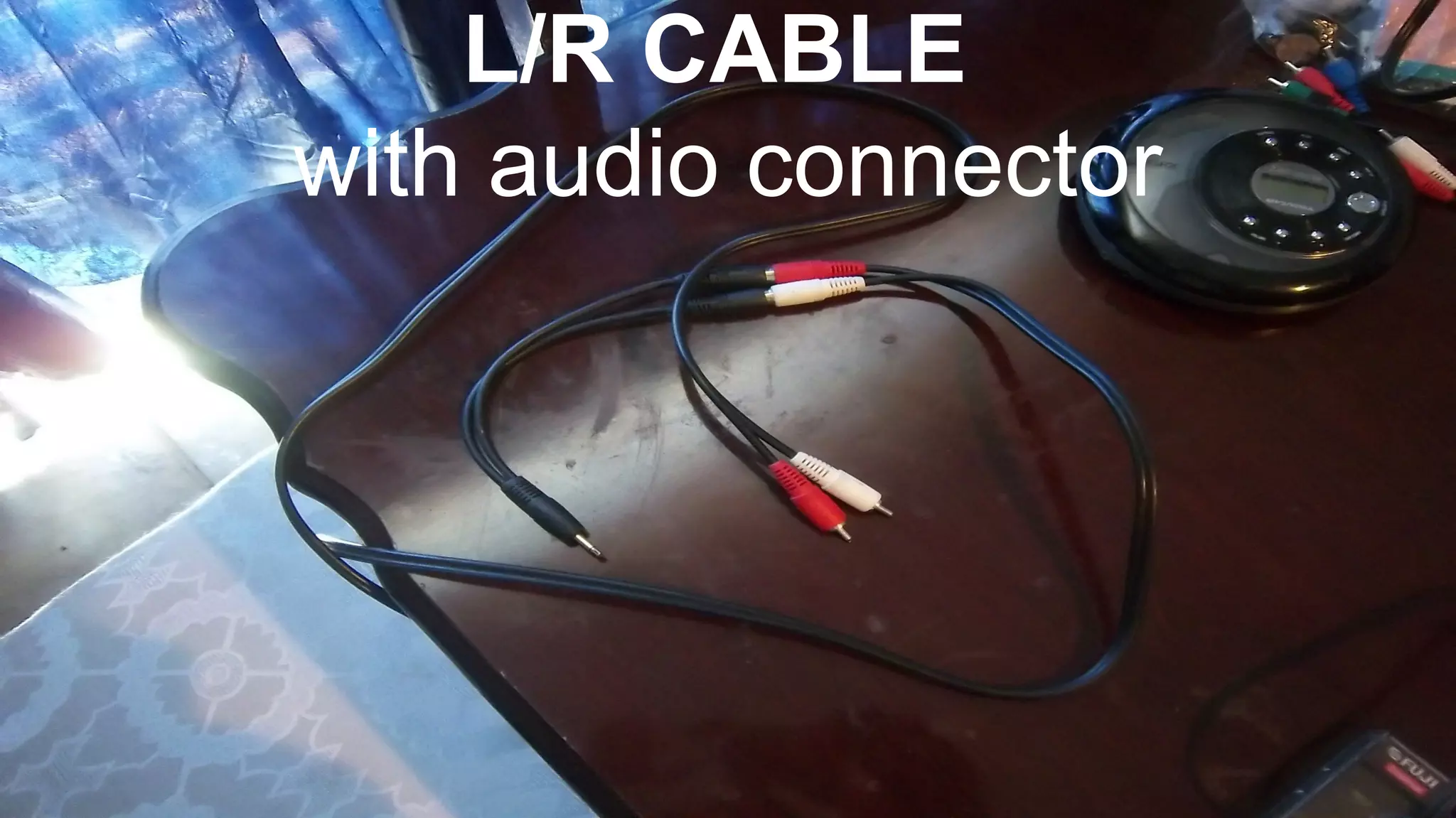
L/R CABLE
with audio connector
L/R CABLE with audio connector
• L/R Cable with audio connector like only A/V
Cable
L/R CABLE with audio connector
• L/R Cable with audio connector like only A/V
Cable
• Use that and connect to your Deck Tape Player,
Boom Box, Stereo, E.T.C.
L/R CABLE with audio connector
• L/R Cable with audio connector like only A/V
Cable
• Use that and connect to your Deck Tape Player,
Boom Box, Stereo, E.T.C.
• Test it on your sound recorder
L/R CABLE with audio connector
• L/R Cable with audio connector like only A/V
Cable
• Use that and connect to your Deck Tape Player,
Boom Box, Stereo, E.T.C.
• Test it on your sound recorder
• This should work successfully like other
connections
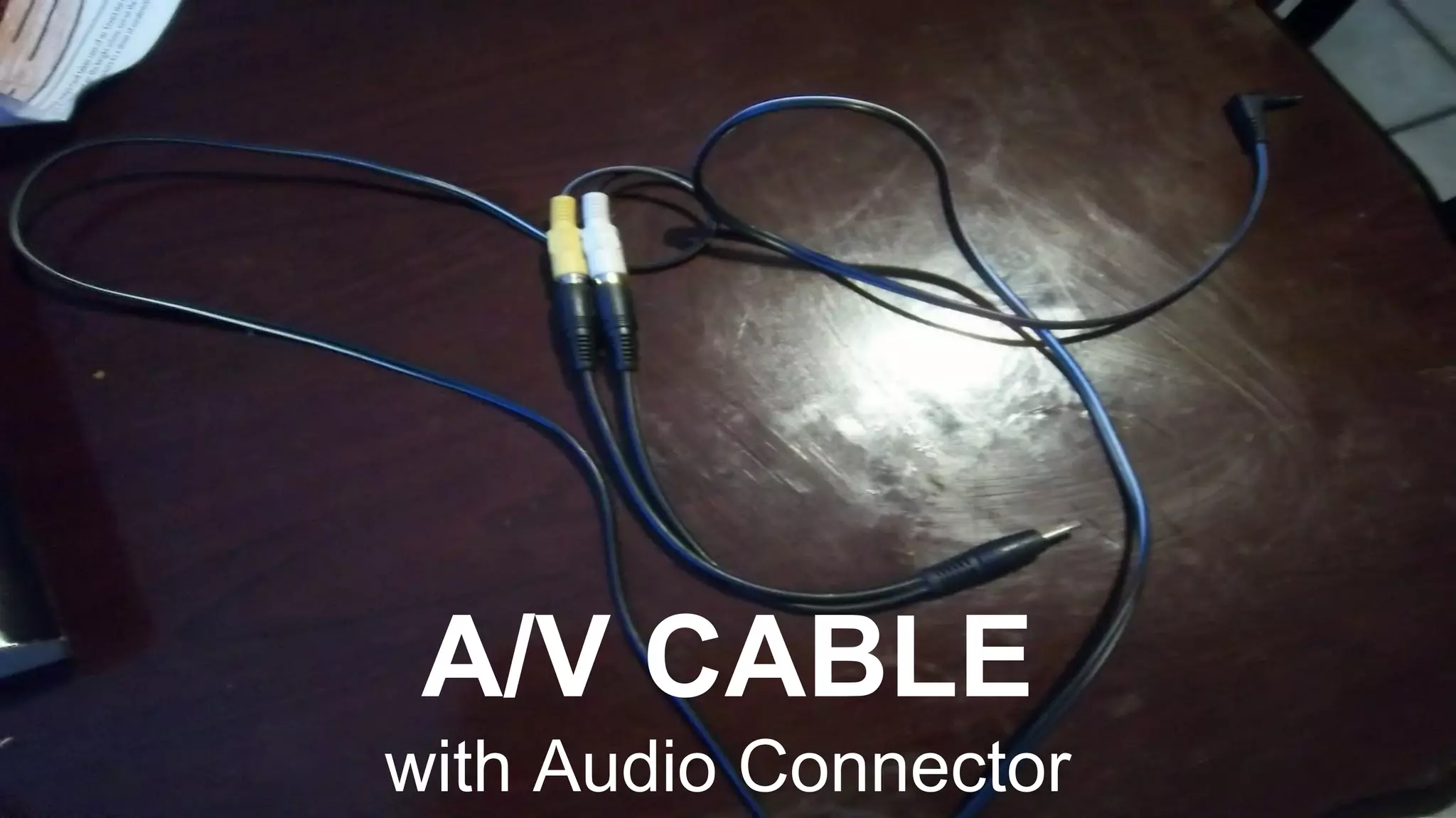
A/V CABLE
with Audio Connector
A/V CABLE with audio connector
• L/R Cable with audio connector like only Mp3
Cable
A/V CABLE with audio connector
• L/R Cable with audio connector like only Mp3
Cable
• Simple connect this one with your boom box,
Portable Cassette Tape Player , Portable CD
Player
A/V CABLE with audio connector
• A/V Cable with audio connector like only Mp3
Cable
• Simple connect this one with your boom box,
Portable Cassette Tape Player , Portable CD
Player
• Test this with your sound recorder
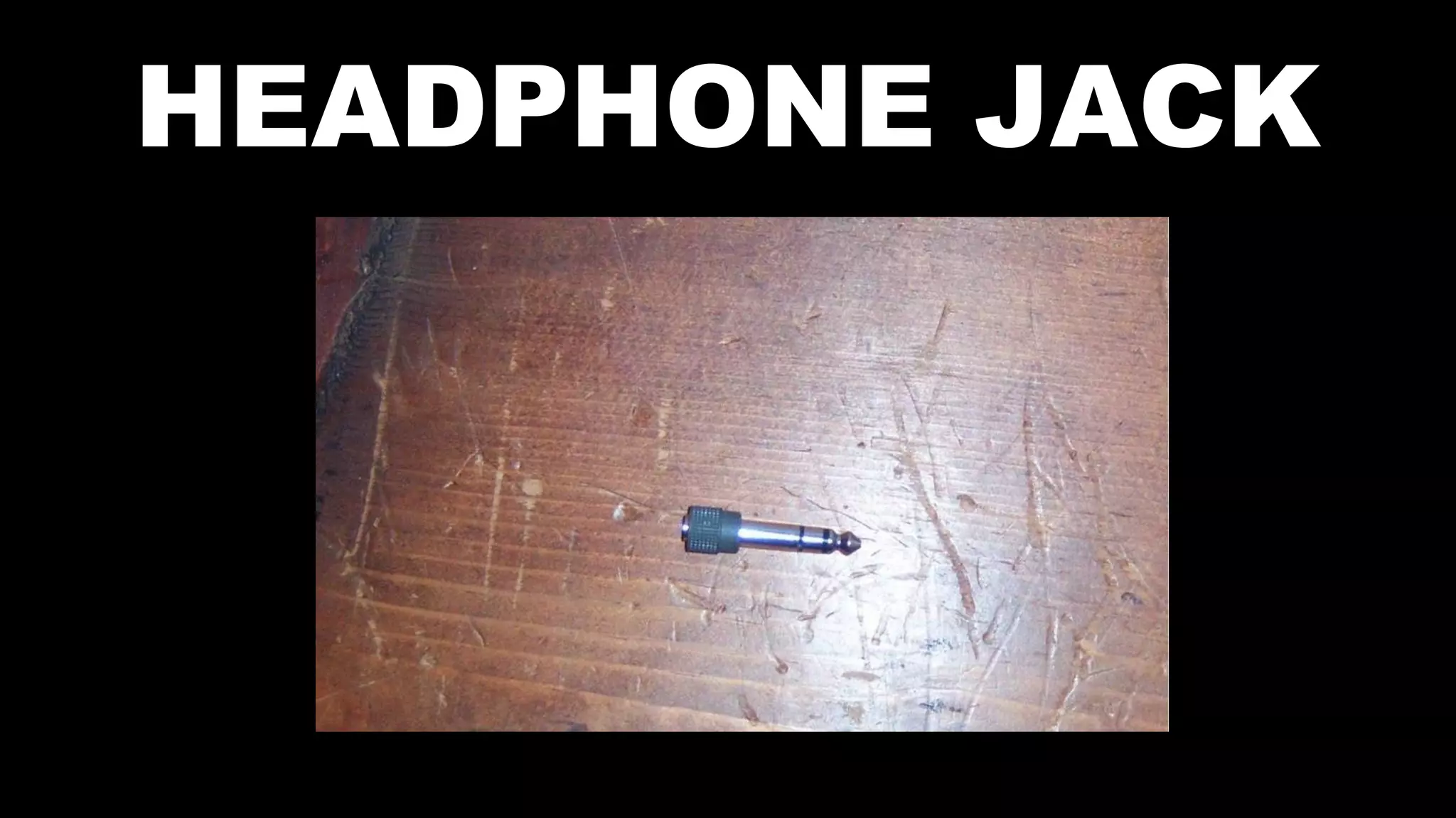
HEADPHONE JACK
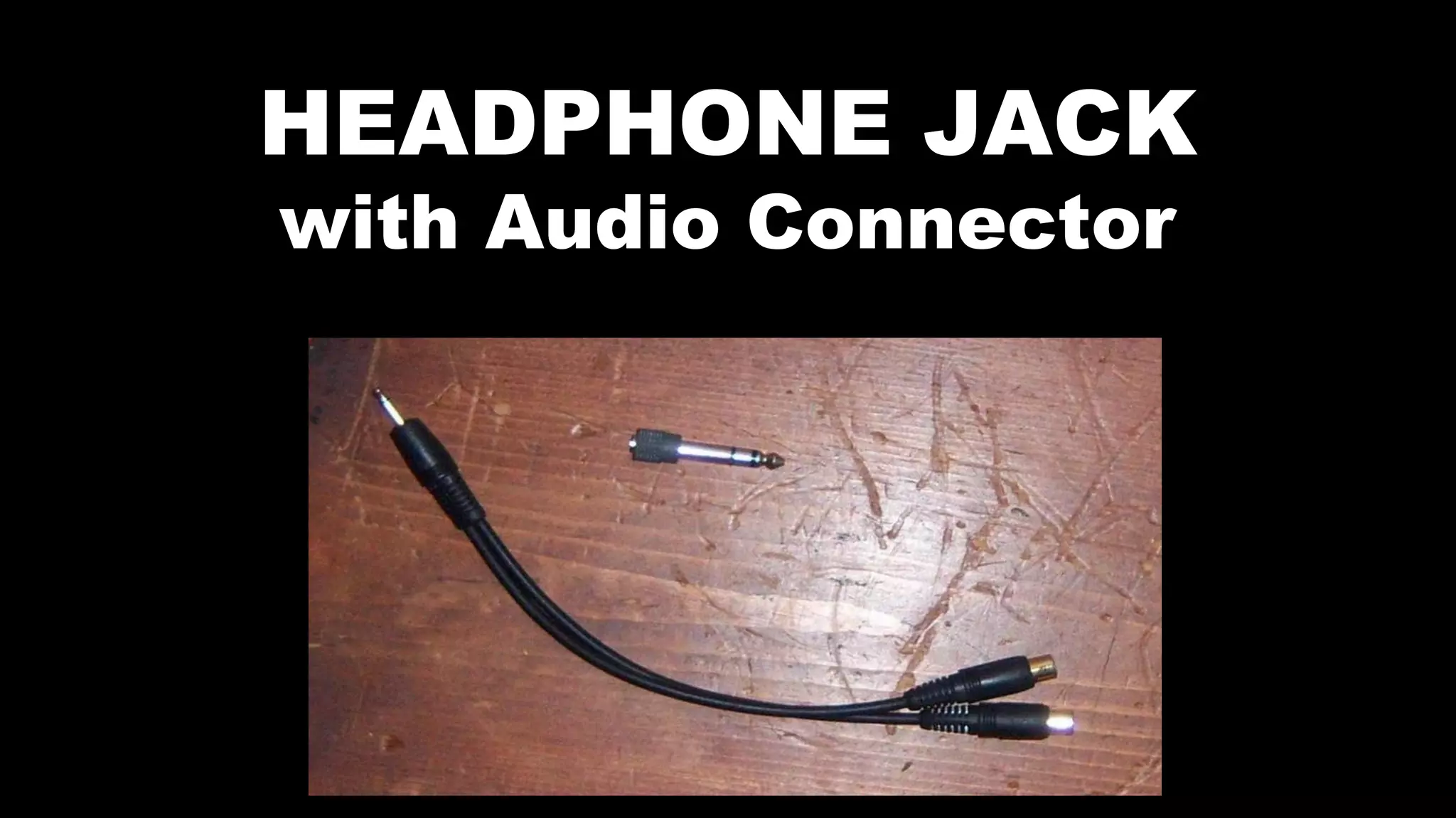
HEADPHONE JACK
with Audio Connector
Watch out
• Big headphone jack may not work on Home
Entertainment System on the front side
Watch out
• Big headphone jack may not work on Home
Entertainment System on the front side
• I think it may mostly work on Tape recorded if is
so
Watch out
• Big headphone jack may not work on Home
Entertainment System on the front side
• I think it may mostly work on Tape recorded if is
so
• Just Try it if is interesting to you
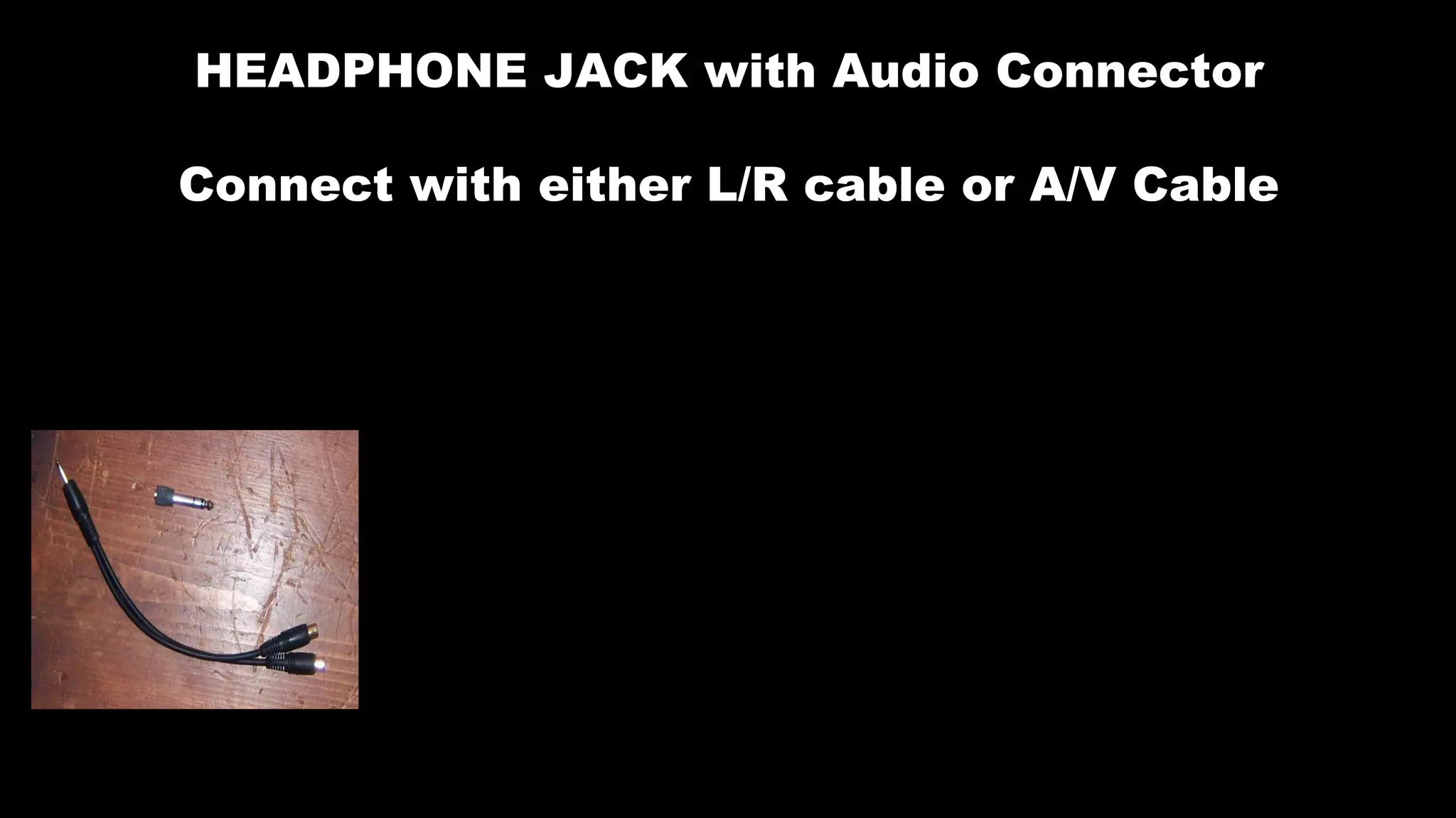
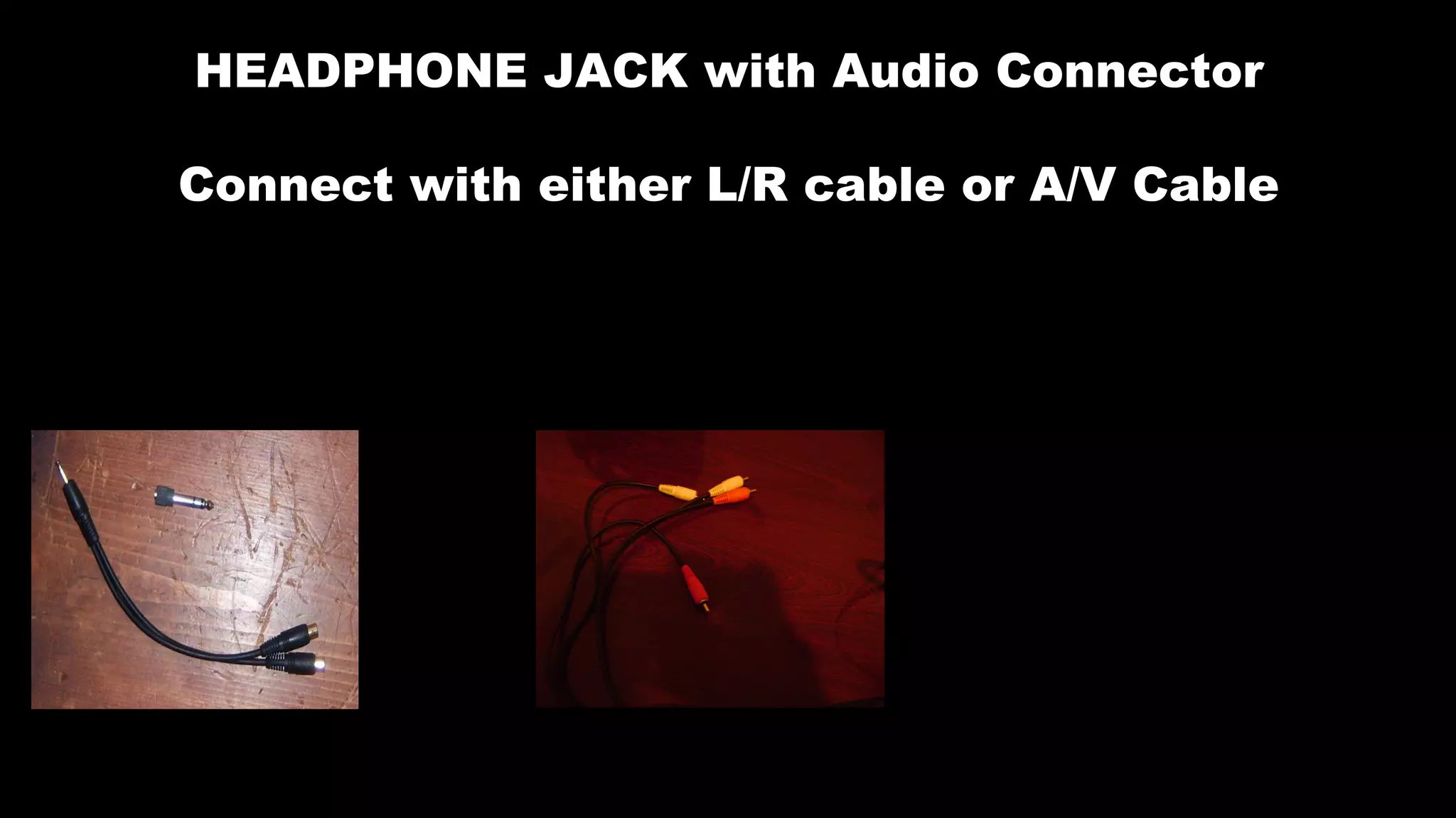
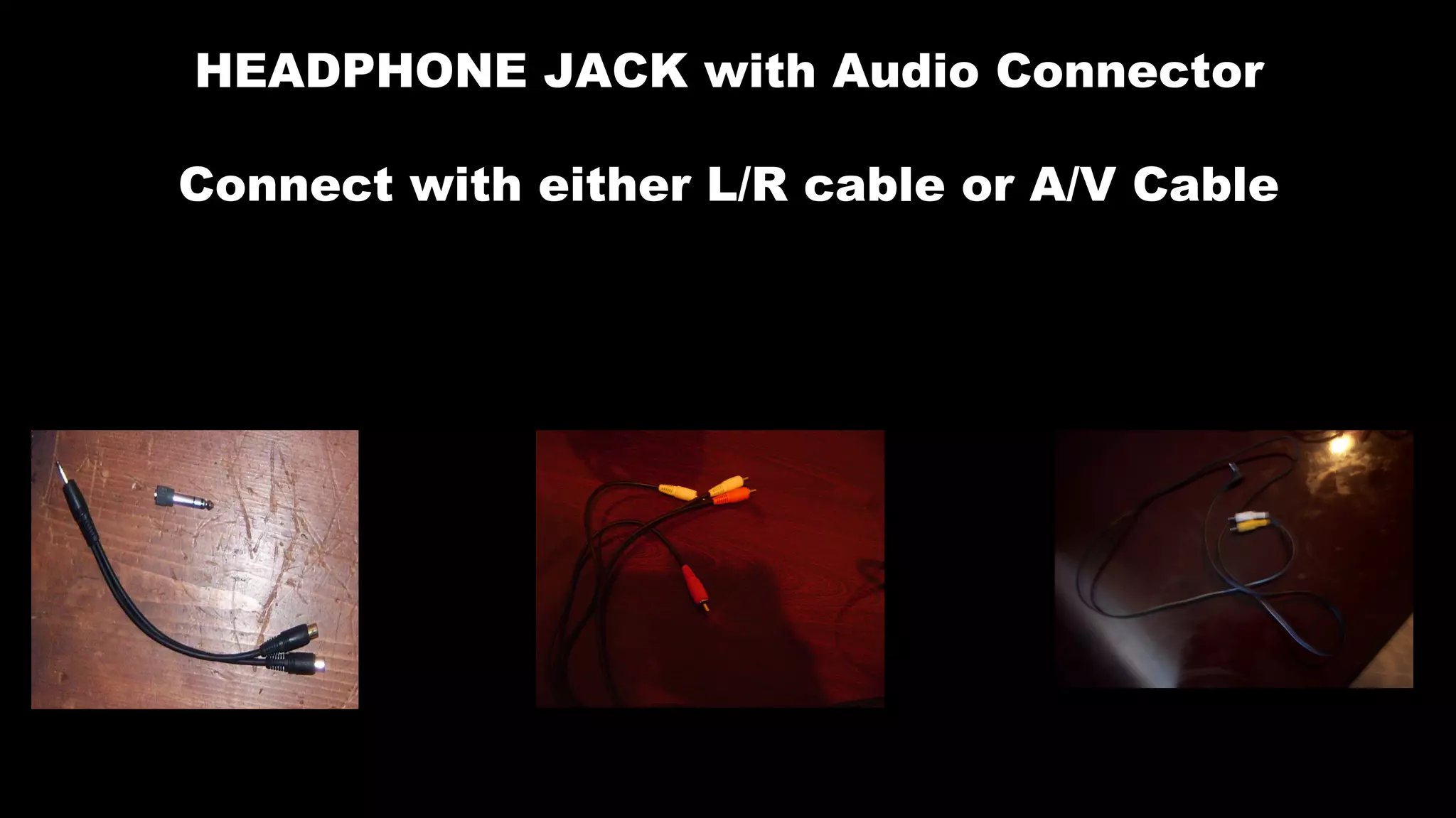
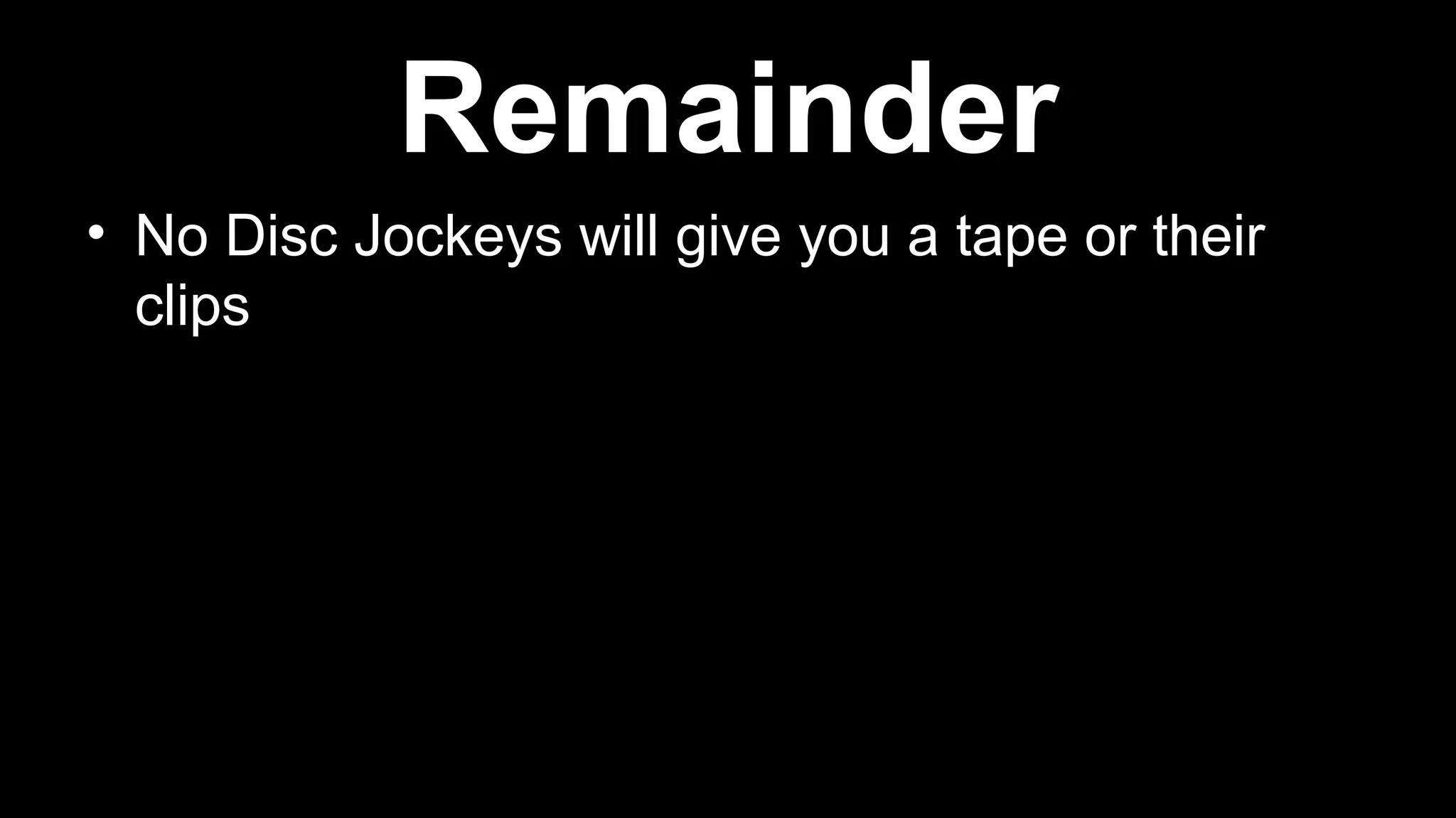
HEADPHONE JACK with Audio Connector
Connect with either L/R cable or A/V Cable
HEADPHONE JACK with Audio Connector
Connect with either L/R cable or A/V Cable
HEADPHONE JACK with Audio Connector
Connect with either L/R cable or A/V Cable
• No Disc Jockeys will give you a tape or their
clips
Remainder
• No Disc Jockeys will give you a tape or their
clips
• You have to record it from your radio with your
tape, but your can connect your stereo with
your audio cables (Mp3 cable, and other audio
cable to your computer to record it
Remainder

Logic audio ideas - Introduction

  • 2.
  • 3.
    MP3 CABLE • IsEasy to Plug in to your Computer, Laptop, Notebook
  • 4.
    MP3 CABLE • IsEasy to Plug in to your Computer, Laptop, Notebook • It’s simple to test it out with Sound Recorder, first
  • 5.
    MP3 CABLE • IsEasy to Plug in to your Computer, Laptop, Notebook • It’s simple to test it out with Sound Recorder, first • Plays a role in connect in any media in many sizes from Portable Cassette/radio, Boom Box, Portable CD Player, E.T.C
  • 6.
    MP3 CABLE • IsEasy to Plug in to your Computer, Laptop, Notebook • It’s simple to test it out with Sound Recorder, first • Plays a role in connect in any media in many sizes from Portable Cassette/radio, Boom Box, Portable CD Player, E.T.C • Easy to Copy to anywhere in Colleges
  • 7.
    A/V CABLE aka Audio/ Video cable (Yellow / White cap)
  • 8.
    A/V CABLE • IsSimple to Plug in to Deck Tape Player at the backside
  • 9.
    A/V CABLE • IsSimple to Plug in to Deck Tape Player at the backside • Plug the boom box (deck player like) at the backside
  • 10.
    A/V CABLE • IsSimple to Plug in to Deck Tape Player at the backside • Plug the boom box (deck player like) at the backside • Connect it with your stereo (home entertainment stereo or deck player like)
  • 11.
    A/V CABLE • Justlike Mp3 on the Backside test it with your sound recorder on the computer
  • 12.
    L/R CABLE Left/Right audioCable: Red / White Cap
  • 13.
    L/R CABLE • I’mmostly sure that L/R Cable can work like Mp3 Cable on your Power Macintosh Computer, not on Microsoft Computer
  • 14.
    L/R CABLE • I’mmostly sure that L/R Cable can work like Mp3 Cable on your Power Macintosh Computer, not on Microsoft Computer • If there is sound recorder on Macintosh then try it like it is Microsoft Computer
  • 15.
  • 16.
    AUDIO CONNECTOR • AudioConnector help with L/R cable and A/V Cable, separately like Mp3 cable
  • 17.
    AUDIO CONNECTOR • AudioConnector help with L/R cable and A/V Cable, separately like Mp3 cable • Audio Connector helps when it is missed
  • 18.
  • 19.
    AUDIO TAPES • AudioTapes are always available to you to try them, anytime
  • 20.
    AUDIO TAPES • AudioTapes are always available to you to try them, anytime • Please, Please, Please!! Do not throw audio cassette tapes away because this item is important and your Legacy.
  • 21.
    AUDIO TAPES • AudioTapes are always available to you to try them, anytime • Please, Please, Please!! Do not throw audio cassette tapes away because this item is important and your Legacy. • Audio Tapes can be use to record a little or full.
  • 22.
    AUDIO TAPES • AudioTapes are always available to you to try them, anytime • Please, Please, Please!! Do not throw audio cassette tapes away because this item is important and your Legacy. • Audio Tapes can be use to record a little or full. • As a Matter of fact both sides to record
  • 23.
    AUDIO TAPES • AudioTapes are always available to you to try them, anytime • Please, Please, Please!! Do not throw audio cassette tapes away because this item is important and your Legacy. • Audio Tapes can be use to record a little or full. • As a Matter of fact both sides to record • Save all your project before it is lost.
  • 24.
  • 25.
    STEREO WITH TAPEPLAYER • Tapes are Limited
  • 26.
    STEREO WITH TAPEPLAYER • Tapes are Limited • Radio in live clips are Unlimited
  • 27.
    STEREO WITH TAPEPLAYER • Tapes are Limited • Radio in live clips are Unlimited • Record them on the computer in audio recorder
  • 28.
    STEREO WITH TAPEPLAYER • Tapes are Limited • Radio in live clips are Unlimited • Record them on the computer in audio recorder • As many tapes you record is still limited
  • 29.
    STEREO WITH TAPEPLAYER • Tapes are Limited • Radio in live clips are Unlimited • Record them on the computer in audio recorder • As many tapes your record is still limited • Save them, it does not matter how much time your record.
  • 30.
  • 31.
    STEREO WITHOUT TAPEPLAYER • Radios are unlimited
  • 32.
    STEREO WITHOUT TAPEPLAYER • Radios are unlimited • Record as much as you please
  • 33.
    STEREO WITHOUT TAPEPLAYER • Radios are unlimited • Record as much as you please • Sure your big project so it like tape but many times longer
  • 34.
  • 35.
    L/R CABLE withaudio connector • L/R Cable with audio connector like only A/V Cable
  • 36.
    L/R CABLE withaudio connector • L/R Cable with audio connector like only A/V Cable • Use that and connect to your Deck Tape Player, Boom Box, Stereo, E.T.C.
  • 37.
    L/R CABLE withaudio connector • L/R Cable with audio connector like only A/V Cable • Use that and connect to your Deck Tape Player, Boom Box, Stereo, E.T.C. • Test it on your sound recorder
  • 38.
    L/R CABLE withaudio connector • L/R Cable with audio connector like only A/V Cable • Use that and connect to your Deck Tape Player, Boom Box, Stereo, E.T.C. • Test it on your sound recorder • This should work successfully like other connections
  • 39.
  • 40.
    A/V CABLE withaudio connector • L/R Cable with audio connector like only Mp3 Cable
  • 41.
    A/V CABLE withaudio connector • L/R Cable with audio connector like only Mp3 Cable • Simple connect this one with your boom box, Portable Cassette Tape Player , Portable CD Player
  • 42.
    A/V CABLE withaudio connector • A/V Cable with audio connector like only Mp3 Cable • Simple connect this one with your boom box, Portable Cassette Tape Player , Portable CD Player • Test this with your sound recorder
  • 43.
  • 44.
  • 45.
    Watch out • Bigheadphone jack may not work on Home Entertainment System on the front side
  • 46.
    Watch out • Bigheadphone jack may not work on Home Entertainment System on the front side • I think it may mostly work on Tape recorded if is so
  • 47.
    Watch out • Bigheadphone jack may not work on Home Entertainment System on the front side • I think it may mostly work on Tape recorded if is so • Just Try it if is interesting to you
  • 48.
    HEADPHONE JACK withAudio Connector Connect with either L/R cable or A/V Cable
  • 49.
    HEADPHONE JACK withAudio Connector Connect with either L/R cable or A/V Cable
  • 50.
    HEADPHONE JACK withAudio Connector Connect with either L/R cable or A/V Cable
  • 51.
    • No DiscJockeys will give you a tape or their clips Remainder
  • 52.
    • No DiscJockeys will give you a tape or their clips • You have to record it from your radio with your tape, but your can connect your stereo with your audio cables (Mp3 cable, and other audio cable to your computer to record it Remainder