Production Reflection
Hyde
Process
• I have used Photoshop to
create my first pixel
character which was fun
and creative as I use a
Pokémon character as
reference for dimensions
and shape and size of head
in proportion to the body
and in doing so left
opportunity for my own
design and adjustments
such as outline and
colouring in relation to his
cloths skin and shading I
enjoyed this part of the
process
Process
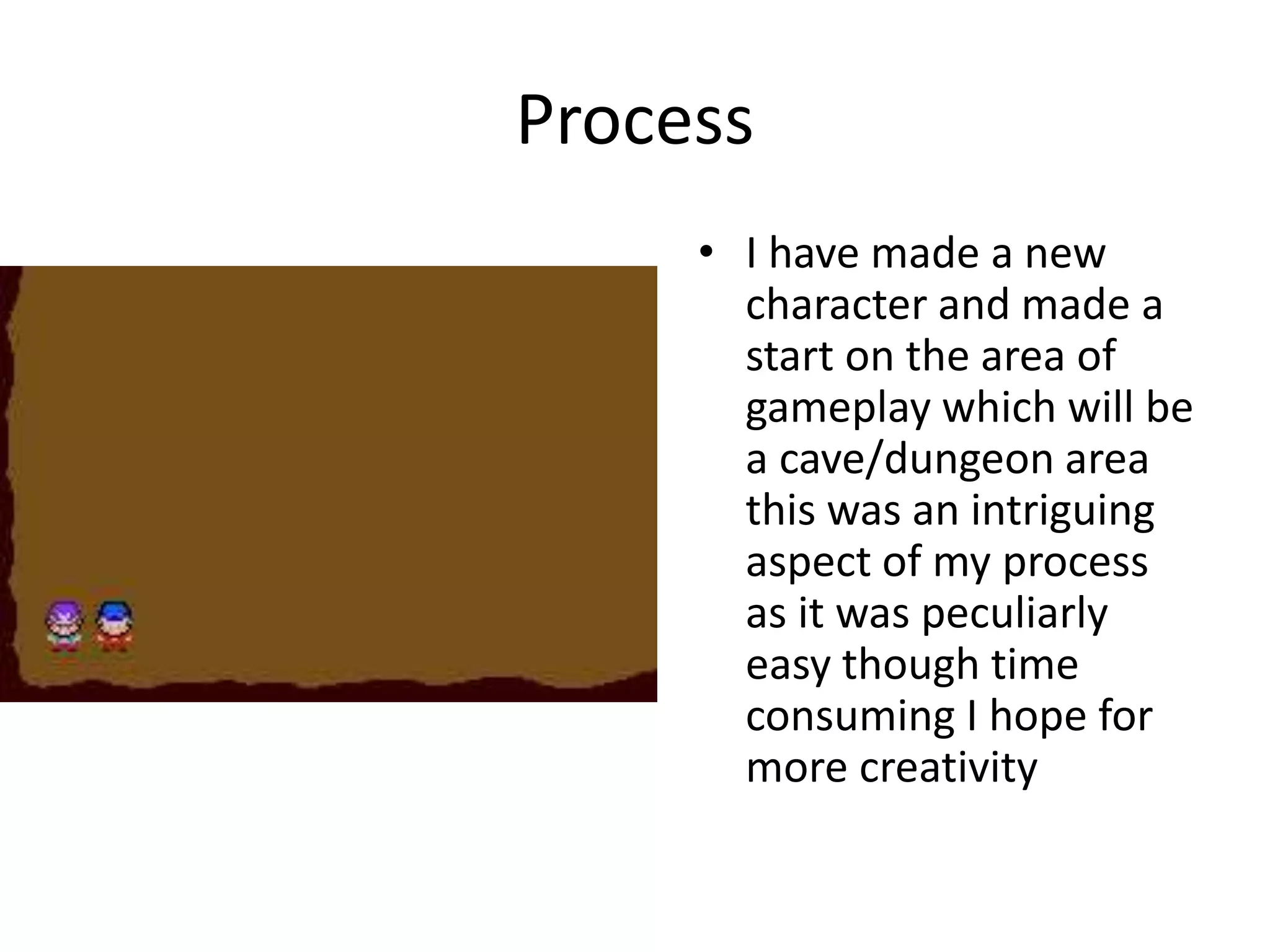
• I have made a new
character and made a
start on the area of
gameplay which will be
a cave/dungeon area
this was an intriguing
aspect of my process
as it was peculiarly
easy though time
consuming I hope for
more creativity
Process
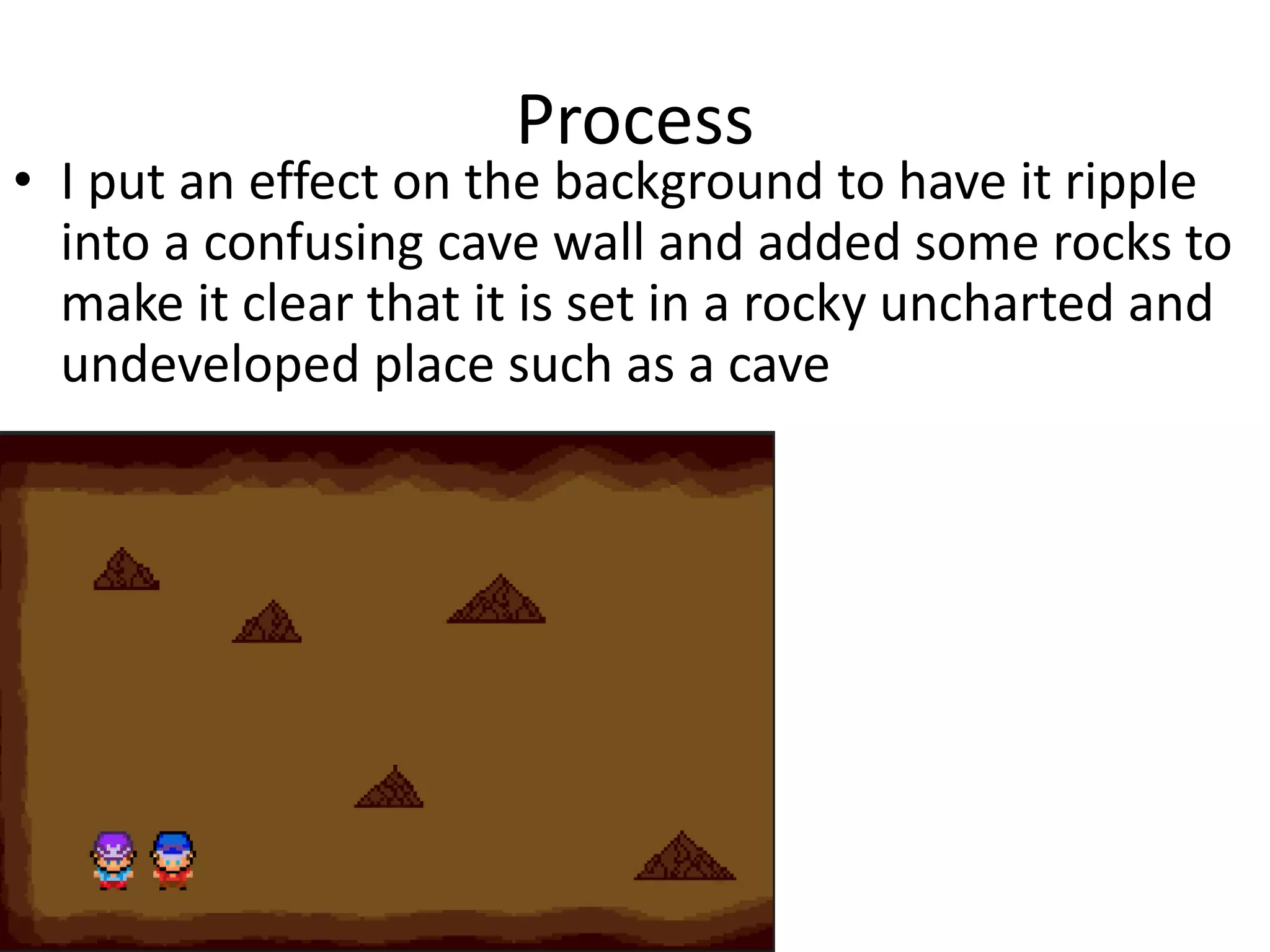
• I put an effect on the background to have it ripple
into a confusing cave wall and added some rocks to
make it clear that it is set in a rocky uncharted and
undeveloped place such as a cave
Process
• Using the pencil tool also added in a path and an
objective giving the game purpose and progression
and I also added a ladder to show have the
characters got into the level
Process
• Finally I edited in some animate obstacles, the
ghosts, which serve as enemies to the protagonists
and so began the animation…
Process
• I used the “timeline” and nudge tool to move the
characters and create a stop motion scene whereby
the characters edge towards the chest but the
ghosts approach slowly
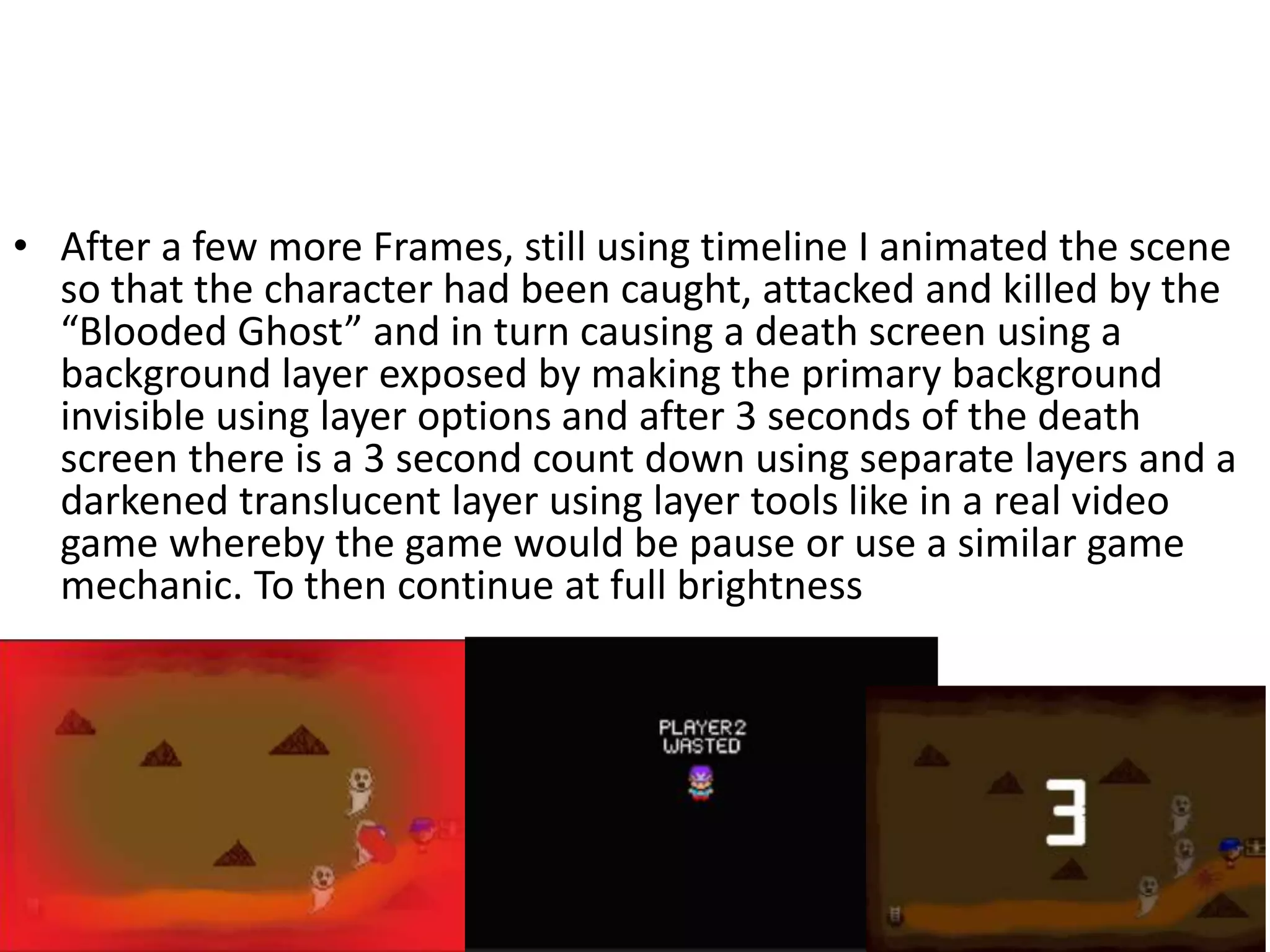
• After a few more Frames, still using timeline I animated the scene
so that the character had been caught, attacked and killed by the
“Blooded Ghost” and in turn causing a death screen using a
background layer exposed by making the primary background
invisible using layer options and after 3 seconds of the death
screen there is a 3 second count down using separate layers and a
darkened translucent layer using layer tools like in a real video
game whereby the game would be pause or use a similar game
mechanic. To then continue at full brightness
Process
• After the death of “Player 2” a blood spatter appears in his place and the
game continues as still using timeline the individual frames show “Player
1” approaching the chest for it to open, using layer grouping and the
pencil tool, and in a Legend of Zelda fashion the sword floats above the
chest before being obtained by the protagonist and having him face off
against the ghosts with means to defend himself.
Process
• Using stop motion using timeline and reducing the time
between frames I developed a smooth animation of the
swipe of the sword destroying two of the ghosts leaving
one left
6. Interactive Production Reflection

6. Interactive Production Reflection

  • 1.
  • 2.
    Process • I haveused Photoshop to create my first pixel character which was fun and creative as I use a Pokémon character as reference for dimensions and shape and size of head in proportion to the body and in doing so left opportunity for my own design and adjustments such as outline and colouring in relation to his cloths skin and shading I enjoyed this part of the process
  • 3.
    Process • I havemade a new character and made a start on the area of gameplay which will be a cave/dungeon area this was an intriguing aspect of my process as it was peculiarly easy though time consuming I hope for more creativity
  • 4.
    Process • I putan effect on the background to have it ripple into a confusing cave wall and added some rocks to make it clear that it is set in a rocky uncharted and undeveloped place such as a cave
  • 5.
    Process • Using thepencil tool also added in a path and an objective giving the game purpose and progression and I also added a ladder to show have the characters got into the level
  • 6.
    Process • Finally Iedited in some animate obstacles, the ghosts, which serve as enemies to the protagonists and so began the animation…
  • 7.
    Process • I usedthe “timeline” and nudge tool to move the characters and create a stop motion scene whereby the characters edge towards the chest but the ghosts approach slowly
  • 8.
    • After afew more Frames, still using timeline I animated the scene so that the character had been caught, attacked and killed by the “Blooded Ghost” and in turn causing a death screen using a background layer exposed by making the primary background invisible using layer options and after 3 seconds of the death screen there is a 3 second count down using separate layers and a darkened translucent layer using layer tools like in a real video game whereby the game would be pause or use a similar game mechanic. To then continue at full brightness
  • 9.
    Process • After thedeath of “Player 2” a blood spatter appears in his place and the game continues as still using timeline the individual frames show “Player 1” approaching the chest for it to open, using layer grouping and the pencil tool, and in a Legend of Zelda fashion the sword floats above the chest before being obtained by the protagonist and having him face off against the ghosts with means to defend himself.
  • 10.
    Process • Using stopmotion using timeline and reducing the time between frames I developed a smooth animation of the swipe of the sword destroying two of the ghosts leaving one left

Editor's Notes

  • #3 Discuss the tools and processes used in your production. Log your thoughts and feelings about your work.
  • #4 Discuss the tools and processes used in your production. Log your thoughts and feelings about your work.
  • #5 Discuss the tools and processes used in your production. Log your thoughts and feelings about your work.
  • #6 Discuss the tools and processes used in your production. Log your thoughts and feelings about your work.
  • #7 Discuss the tools and processes used in your production. Log your thoughts and feelings about your work.