DISTRIBUTED FILE SYSTEMS 
(DFS)
DISTRIBUTED FILE SYSTEMS 
• Including 
1.Introduction 
2.File Service Architecture 
3.Case Study: Sun NFS
1. Introduction 
1. Characteristics of file system 
2. Distributed File system requirements
2. File service architecture 
 providing access to files is obtained by structuring 
the file service as three components: 
1. Flat file service 
2. Directory service 
3. Client module. 
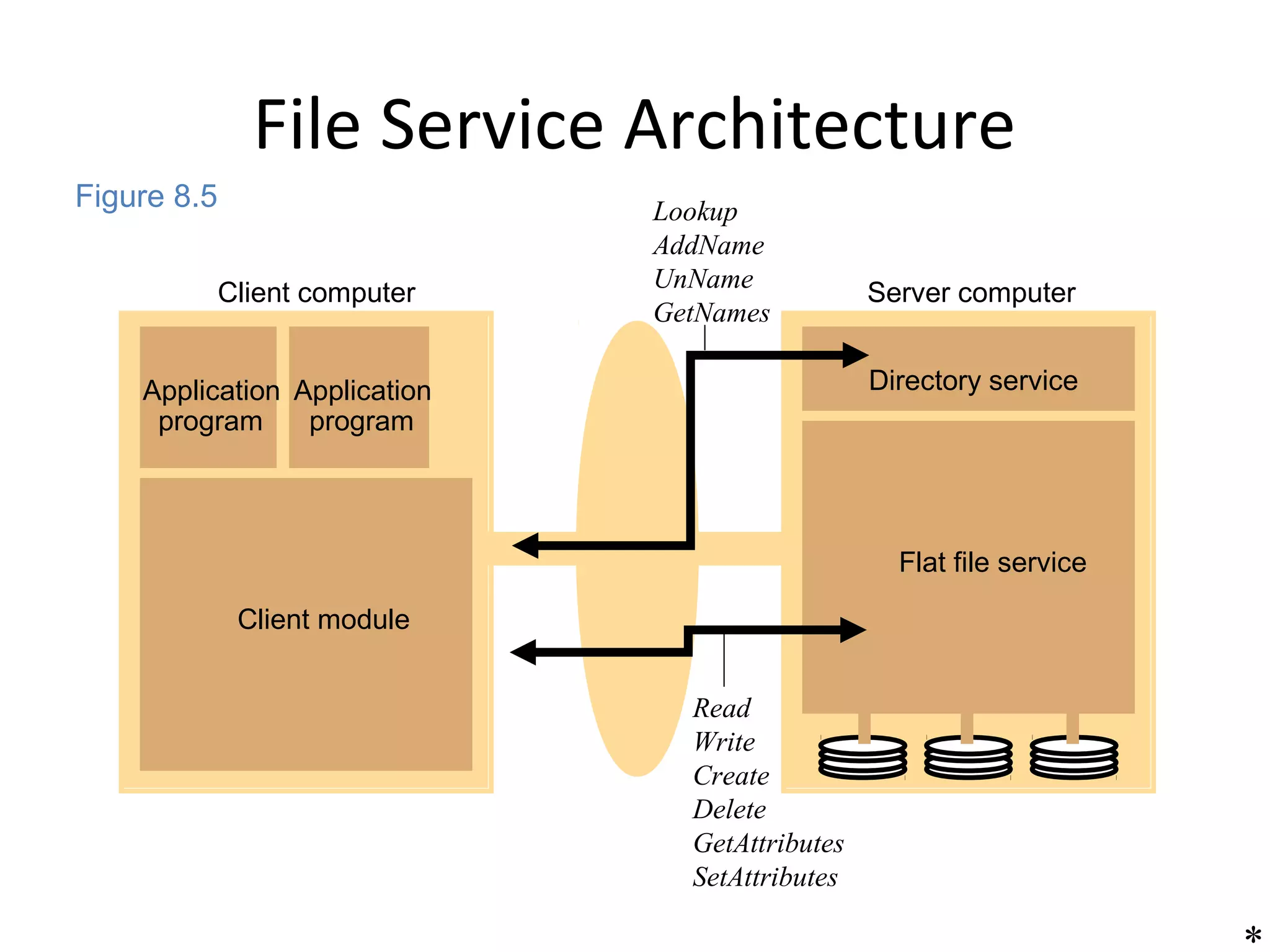
 The relevant modules and their relationship is 
shown in Figure
File Service Architecture 
Client computer Server computer 
Application 
program 
Application 
program 
Client module 
Directory service 
Flat file service 
Lookup 
AddName 
UnName 
GetNames 
Read 
Write 
Create 
Delete 
GetAttributes 
SetAttributes 
* 
Figure 8.5
• Responsibilities of various modules can 
be defined as follows:
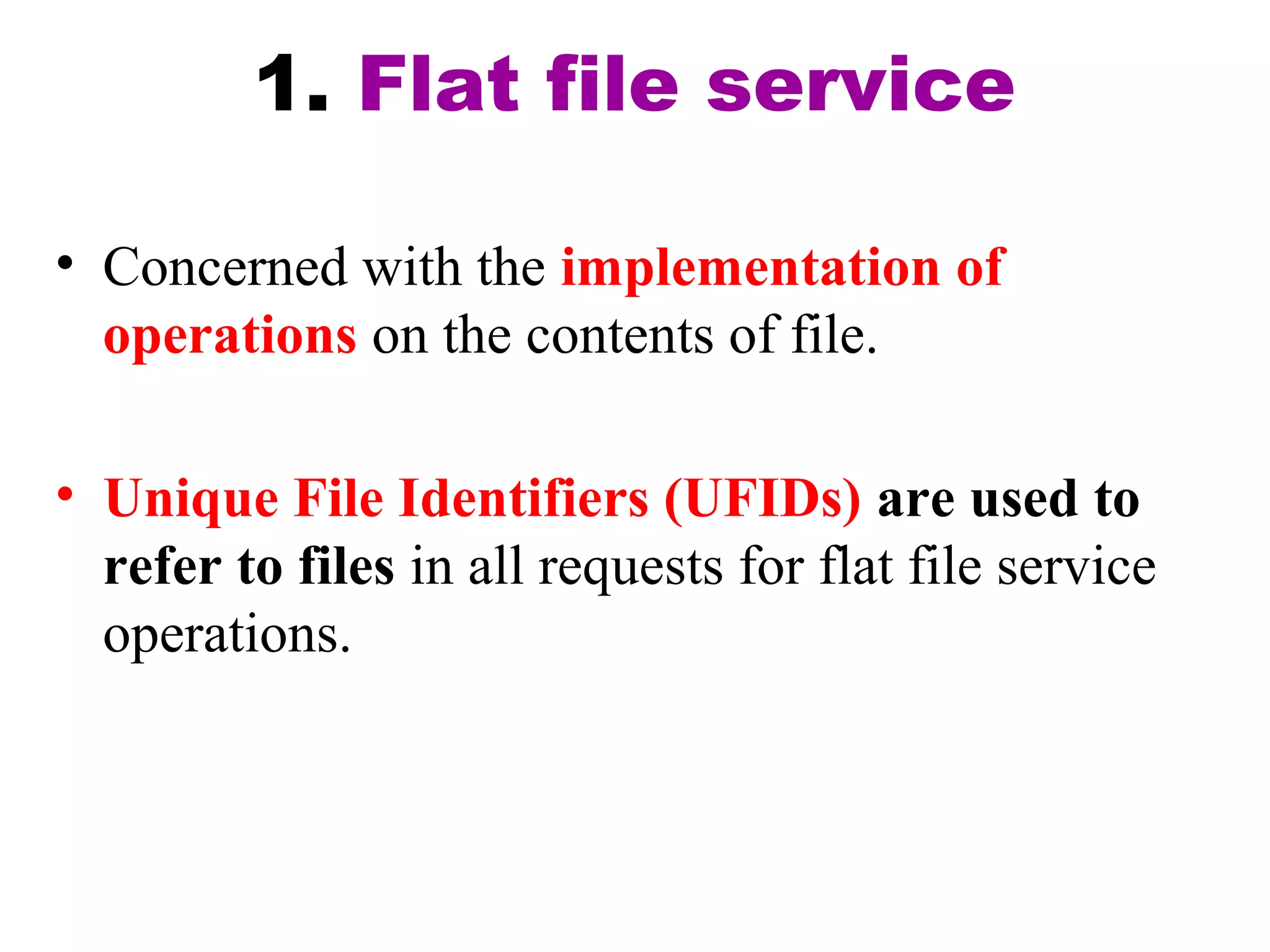
1. Flat file service 
• Concerned with the implementation of 
operations on the contents of file. 
• Unique File Identifiers (UFIDs) are used to 
refer to files in all requests for flat file service 
operations.
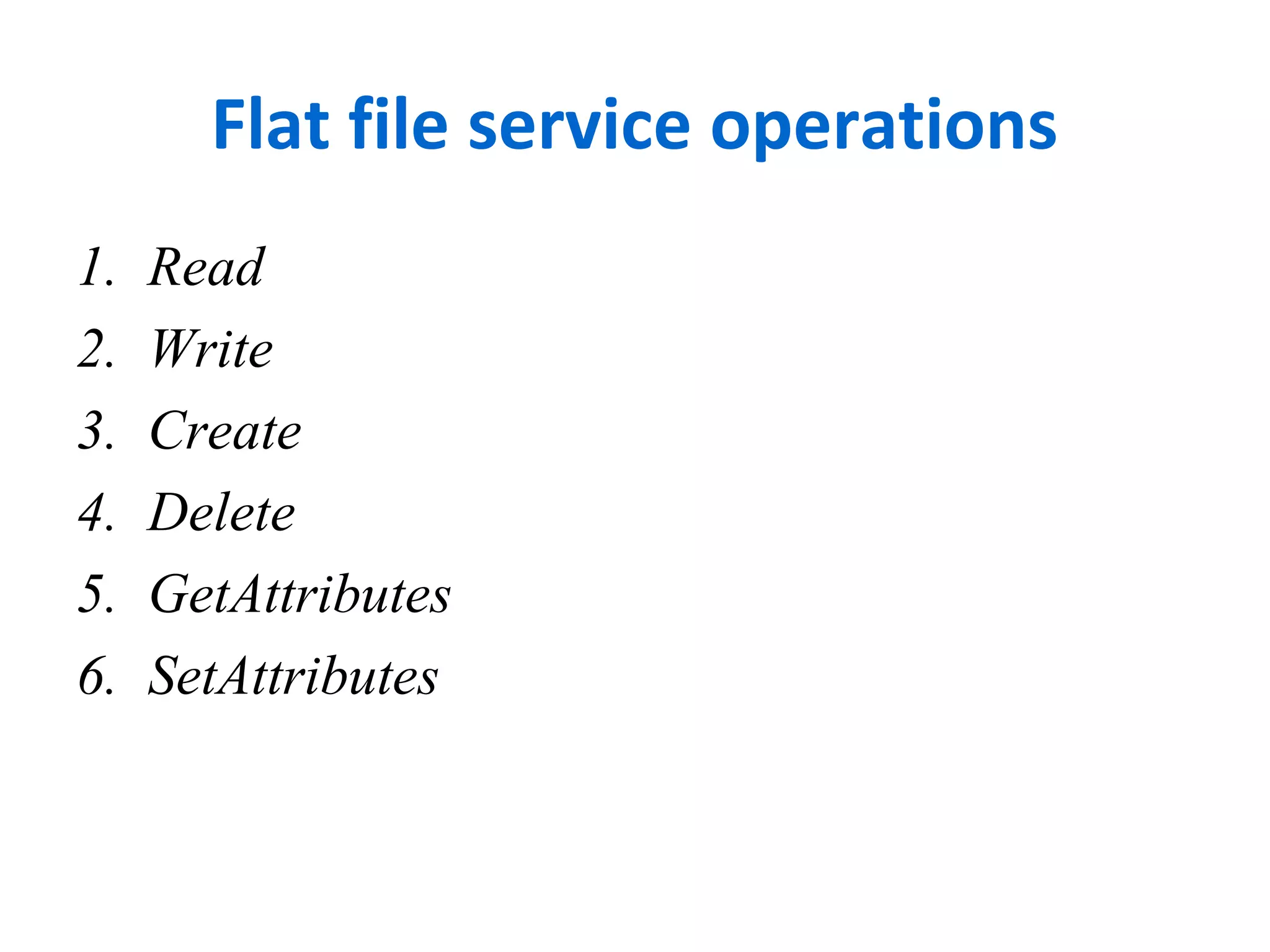
Flat file service operations 
1. Read 
2. Write 
3. Create 
4. Delete 
5. GetAttributes 
6. SetAttributes
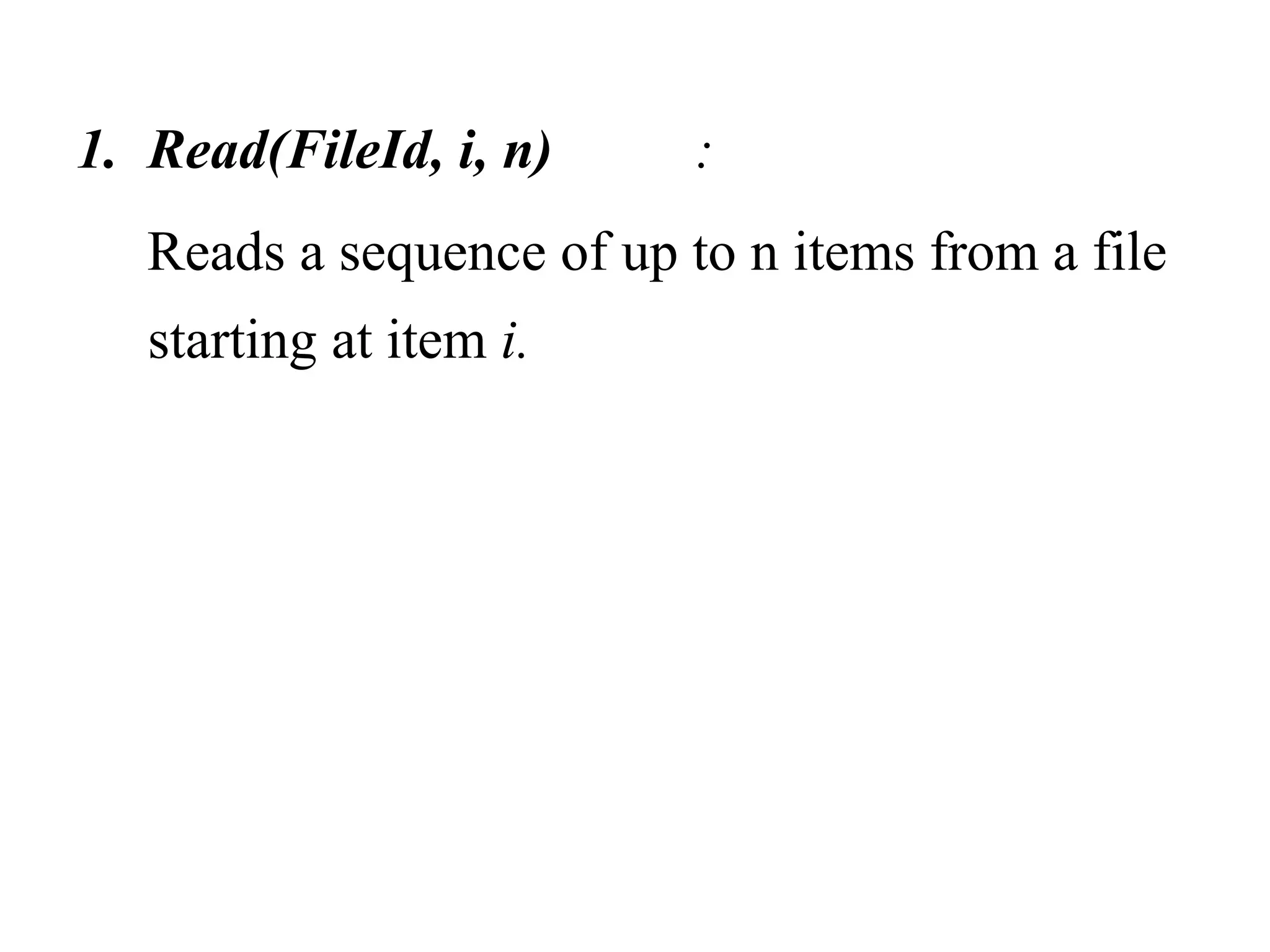
1. Read(FileId, i, n) : 
Reads a sequence of up to n items from a file 
starting at item i.
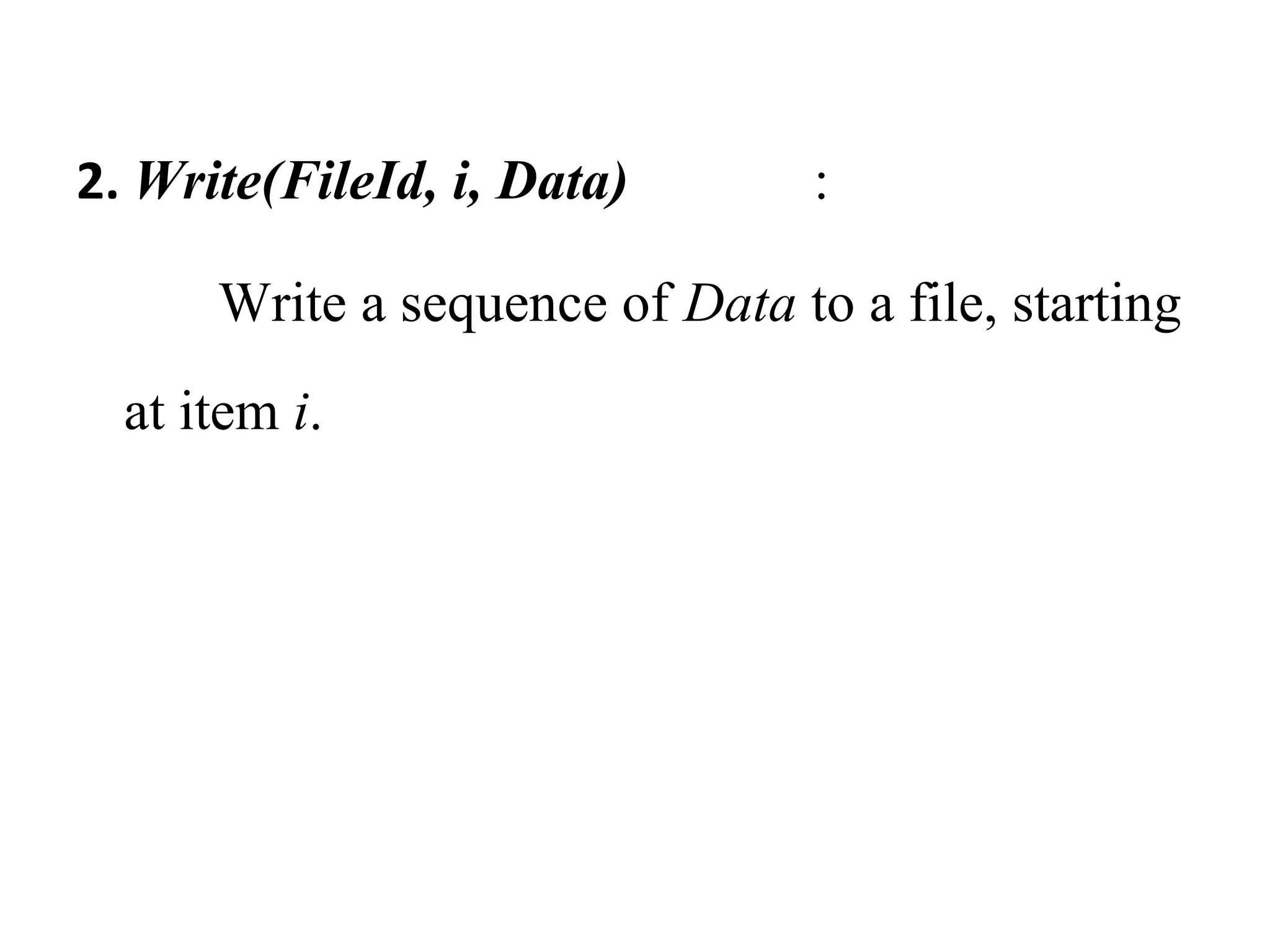
2. Write(FileId, i, Data) : 
Write a sequence of Data to a file, starting 
at item i.
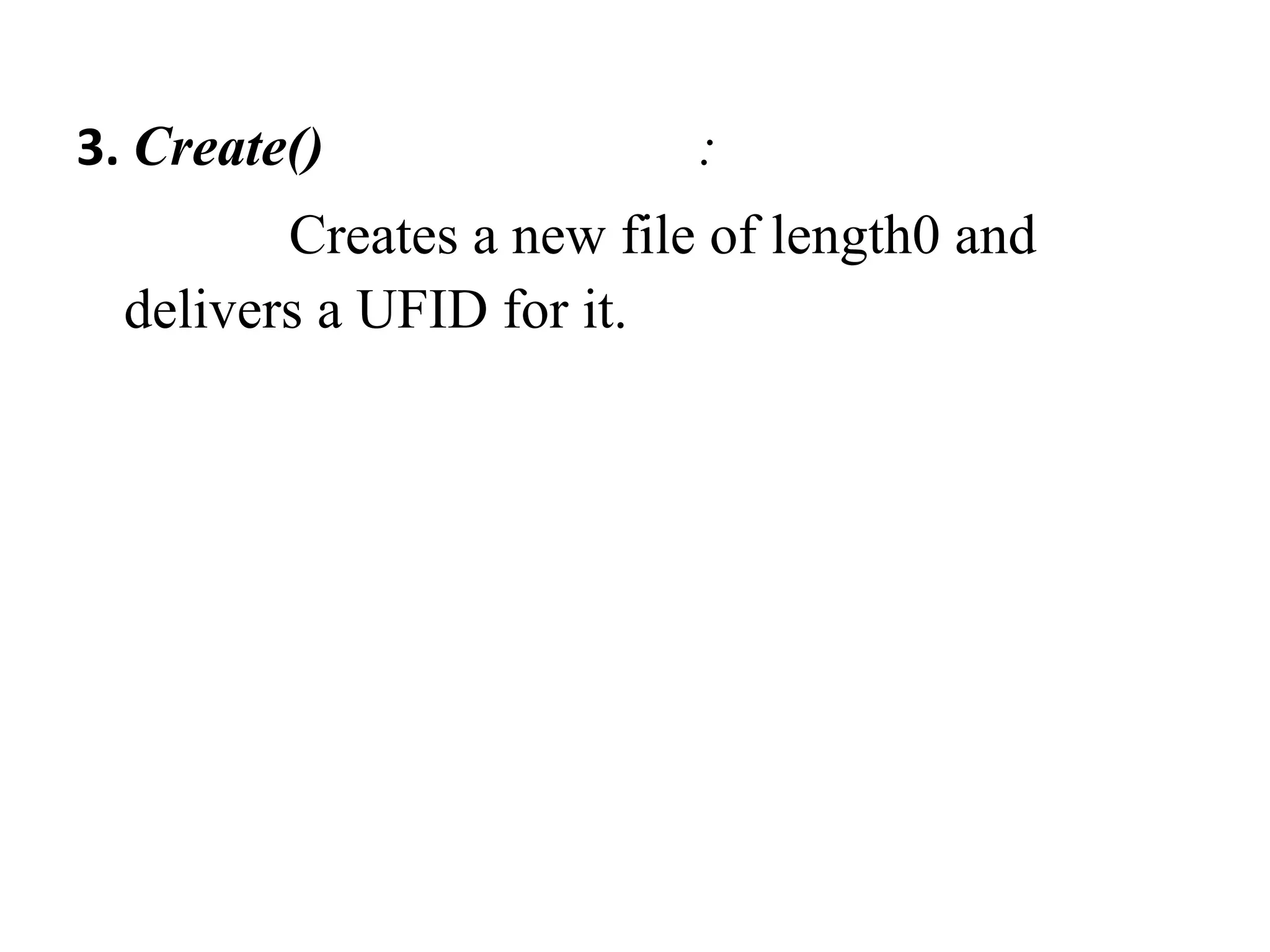
3. Create() : 
Creates a new file of length0 and 
delivers a UFID for it.
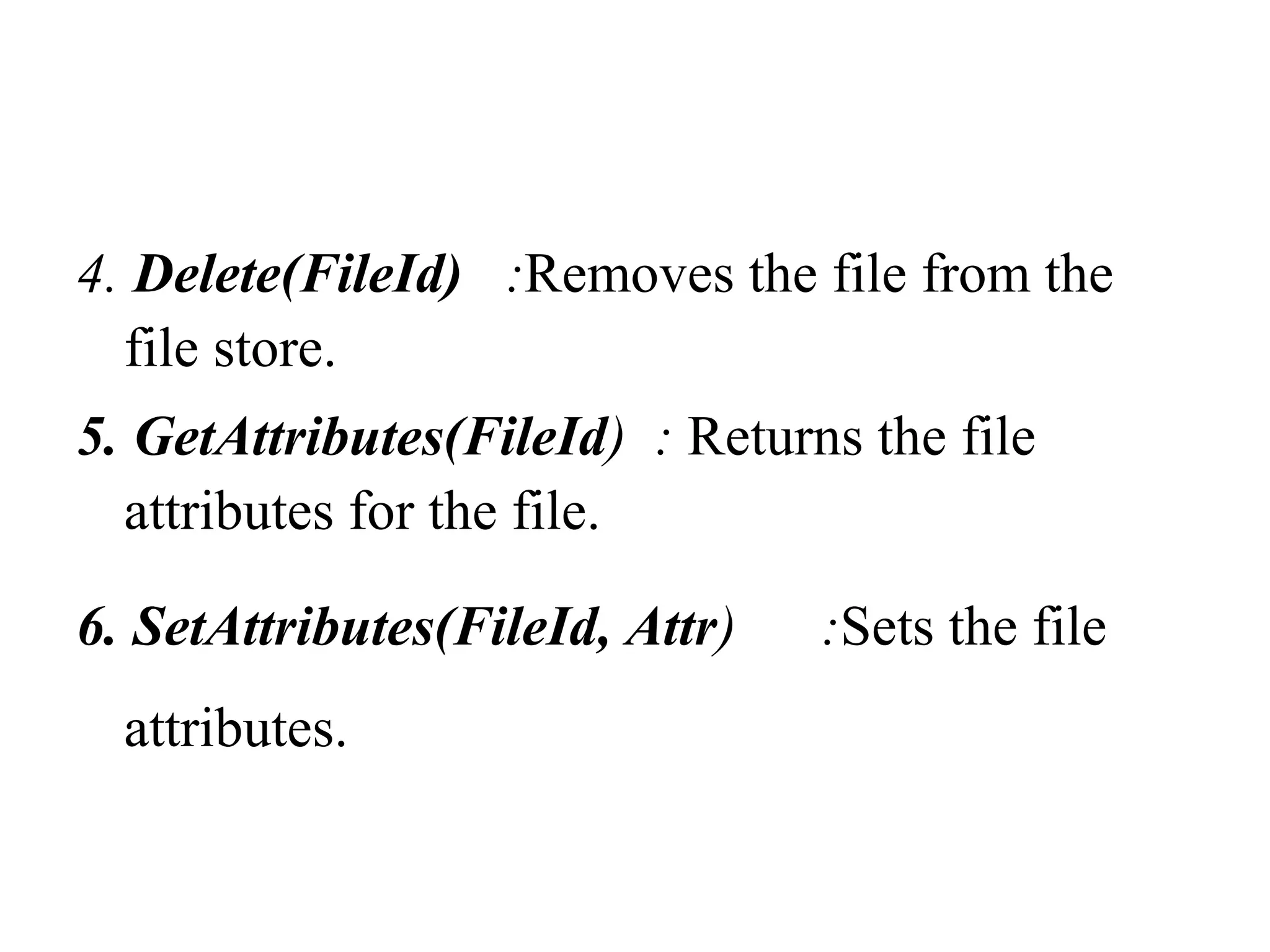
4. Delete(FileId) :Removes the file from the 
file store. 
5. GetAttributes(FileId) : Returns the file 
attributes for the file. 
6. SetAttributes(FileId, Attr) :Sets the file 
attributes.
2. Directory service 
• Provides mapping between text names 
for the files and their UFIDs. 
• Clients may obtain the UFID of a file by 
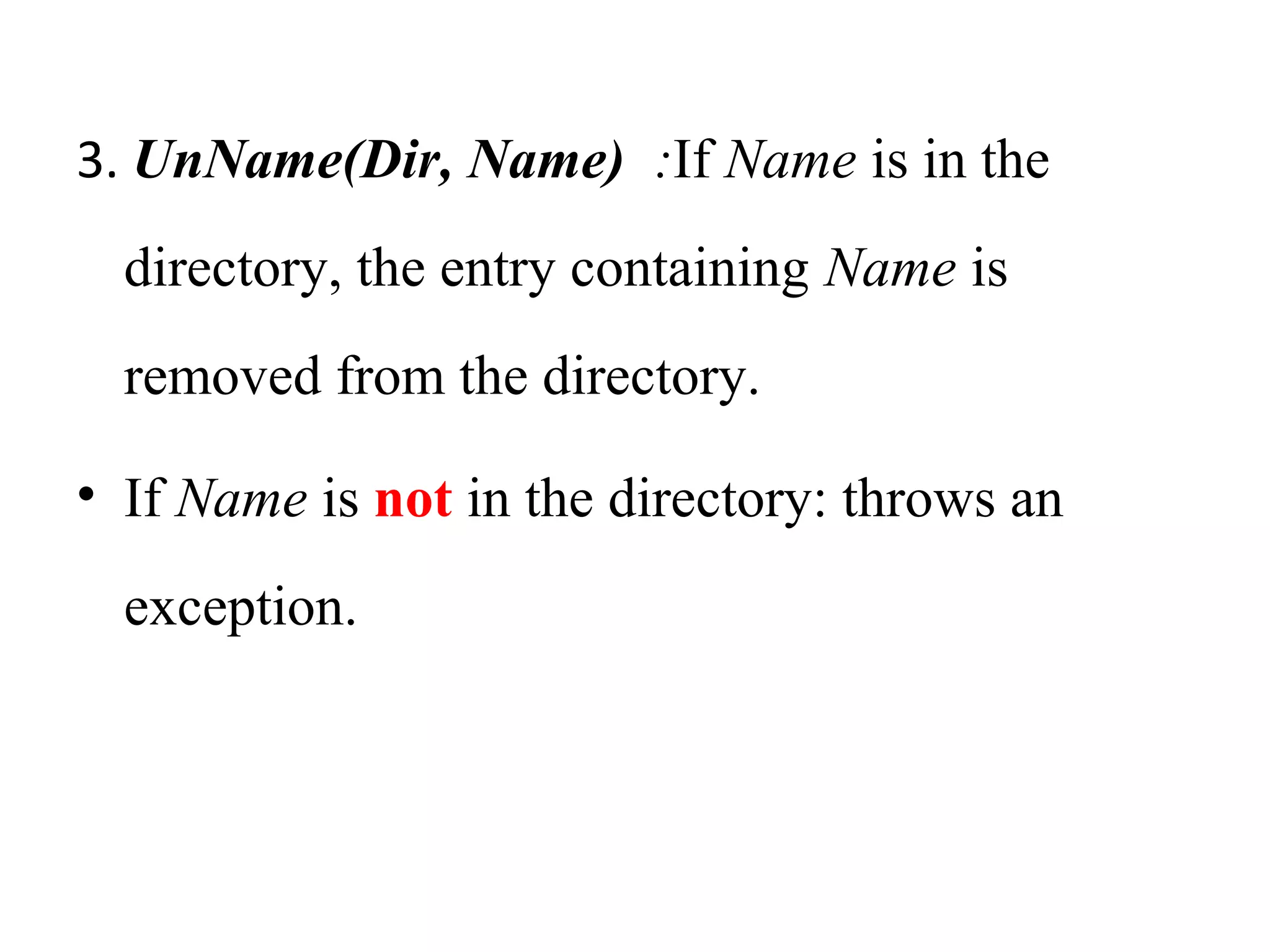
quoting its text name to directory service. 
• Directory service supports functions to 
add new files to directories.
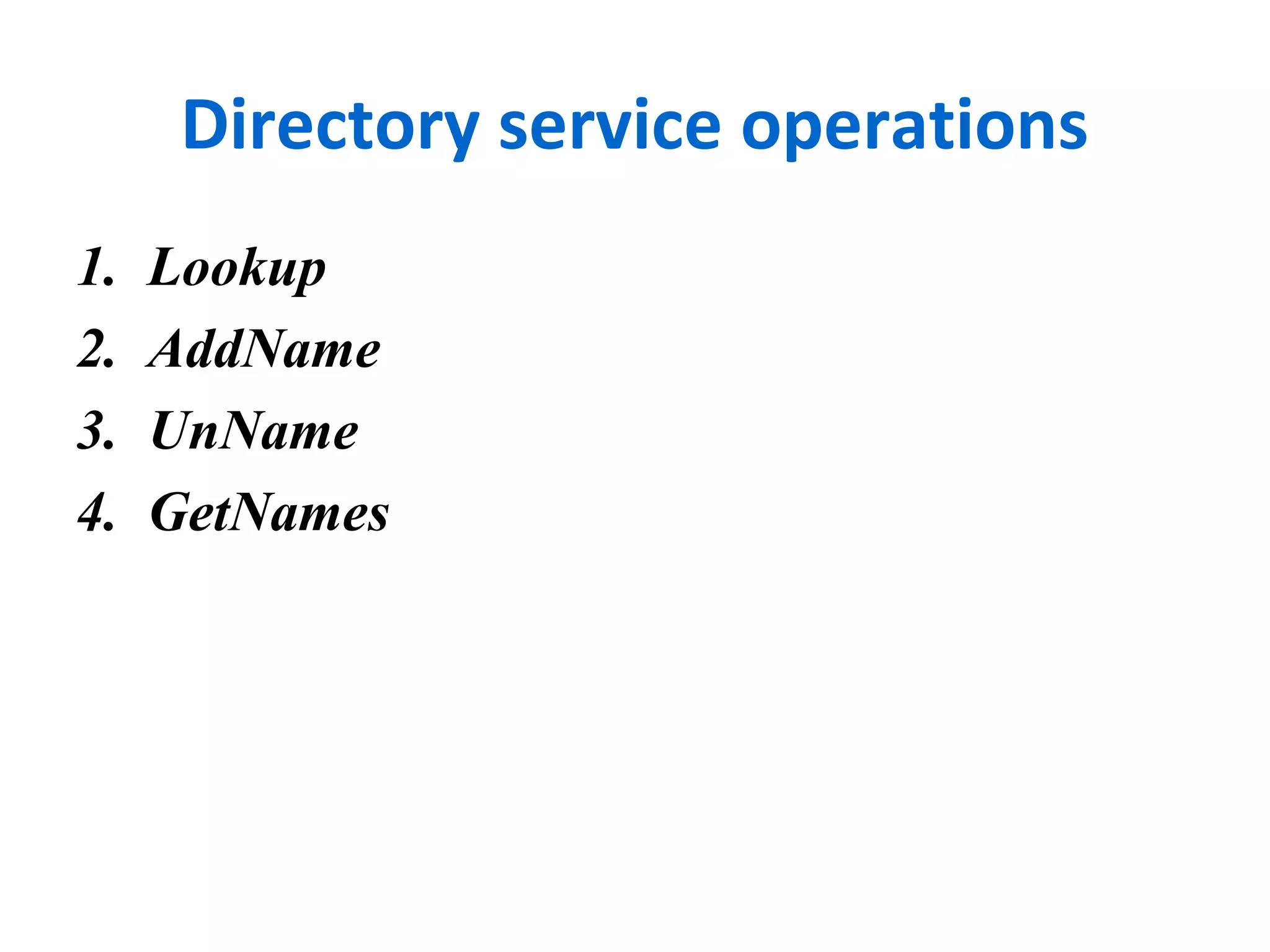
Directory service operations 
1. Lookup 
2. AddName 
3. UnName 
4. GetNames
Directory service operations 
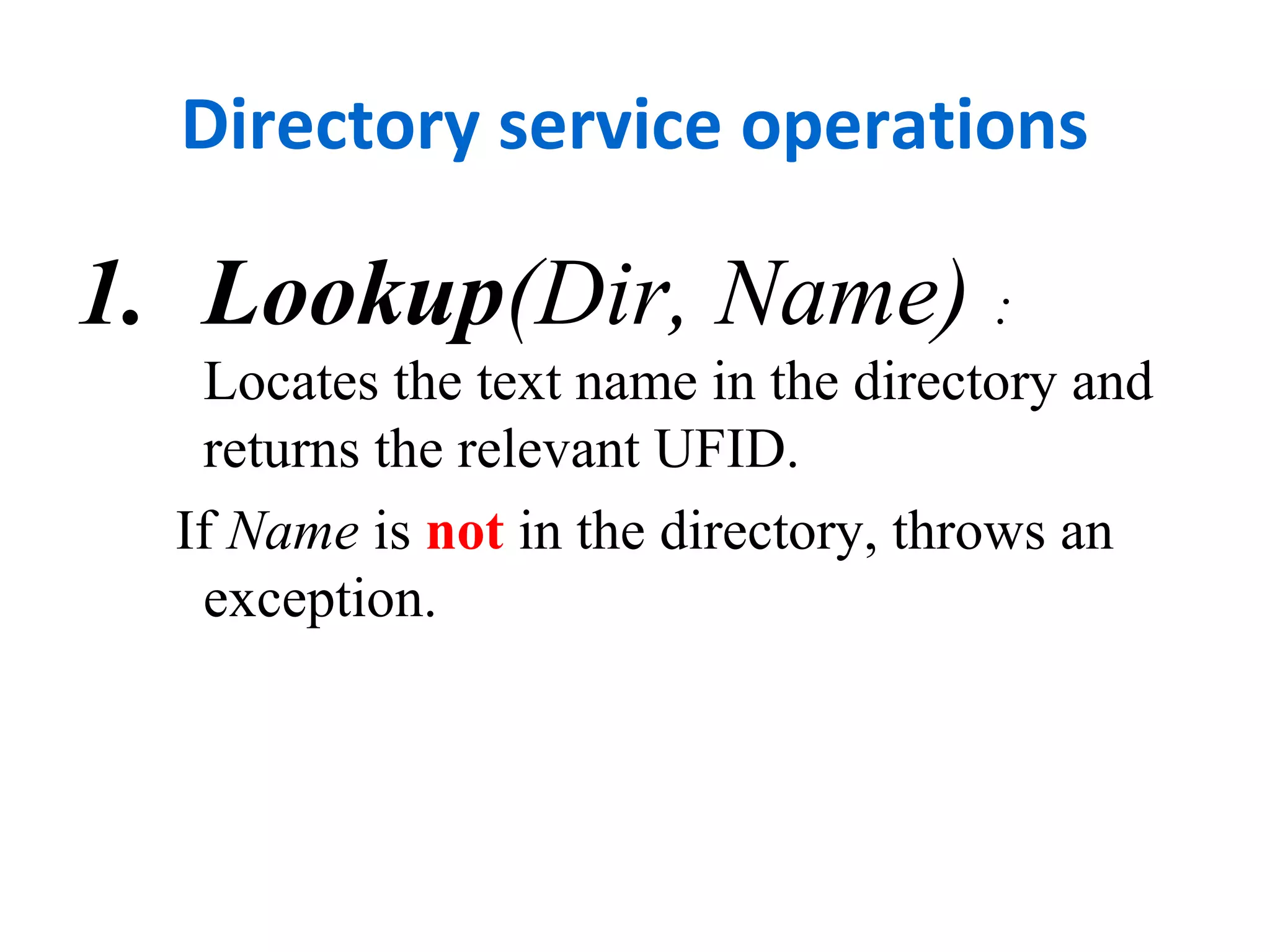
1. Lookup(Dir, Name) : 
Locates the text name in the directory and 
returns the relevant UFID. 
If Name is not in the directory, throws an 
exception.
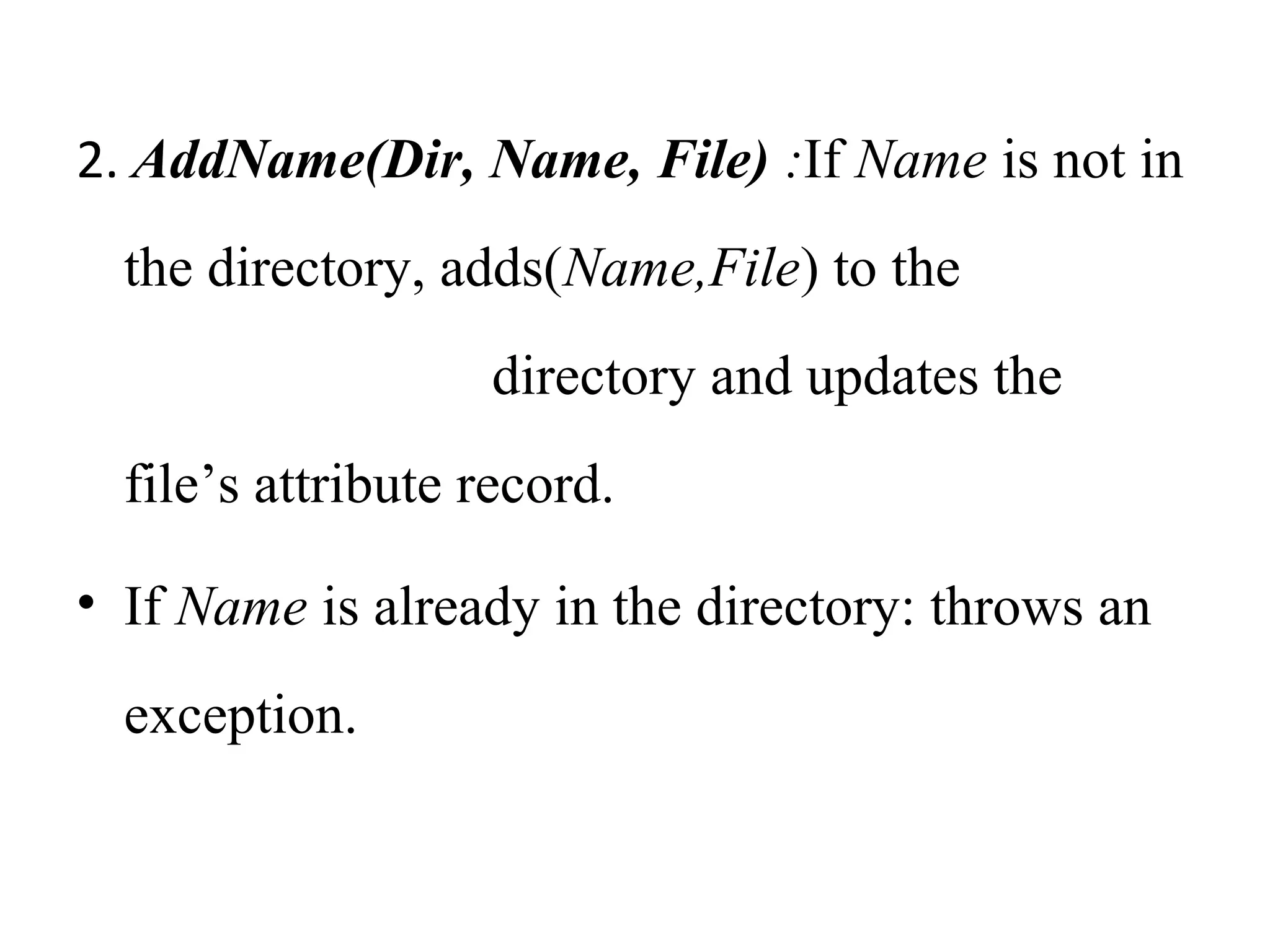
2. AddName(Dir, Name, File) :If Name is not in 
the directory, adds(Name,File) to the 
directory and updates the 
file’s attribute record. 
• If Name is already in the directory: throws an 
exception.
3. UnName(Dir, Name) :If Name is in the 
directory, the entry containing Name is 
removed from the directory. 
• If Name is not in the directory: throws an 
exception.
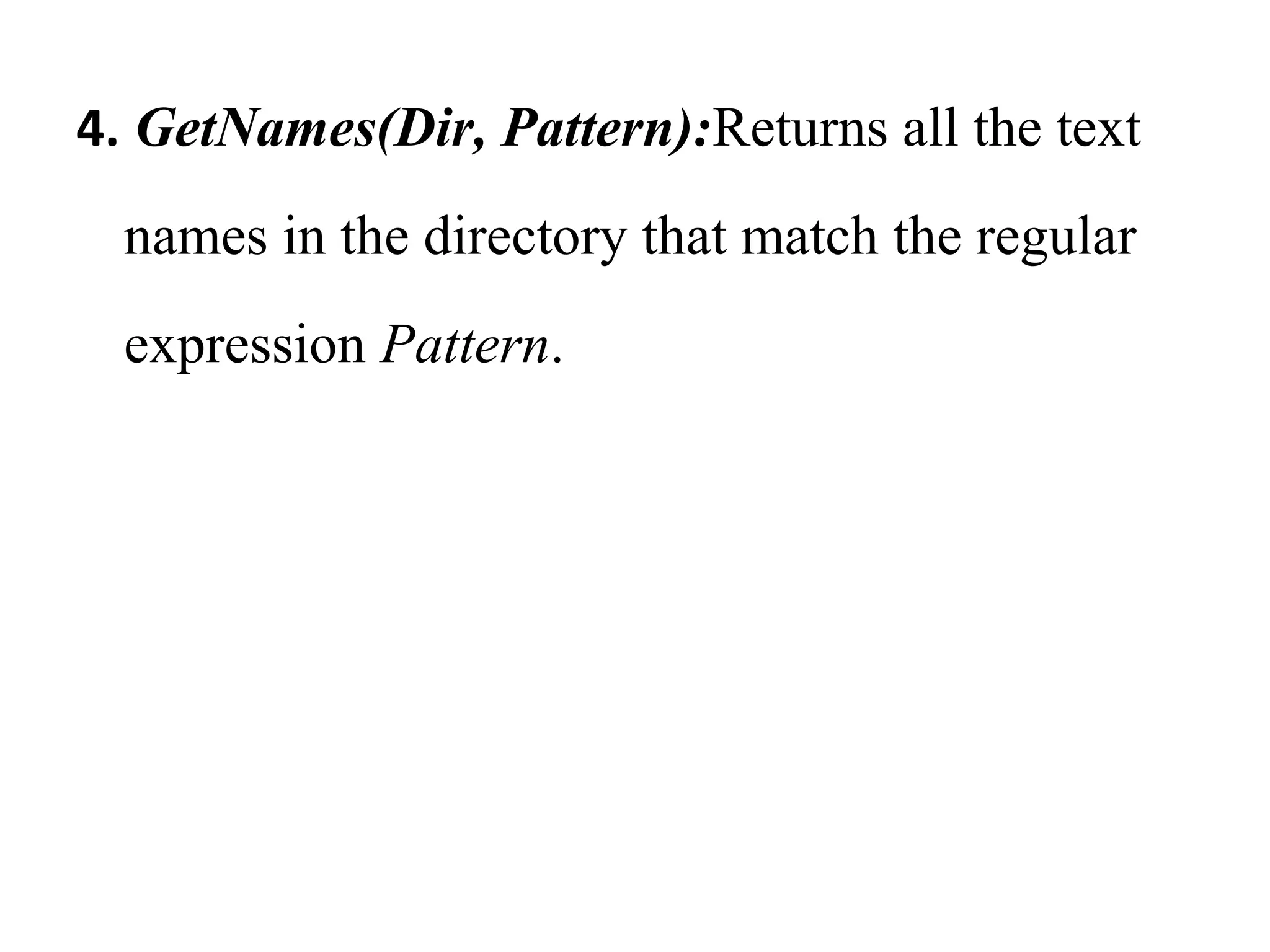
4. GetNames(Dir, Pattern):Returns all the text 
names in the directory that match the regular 
expression Pattern.
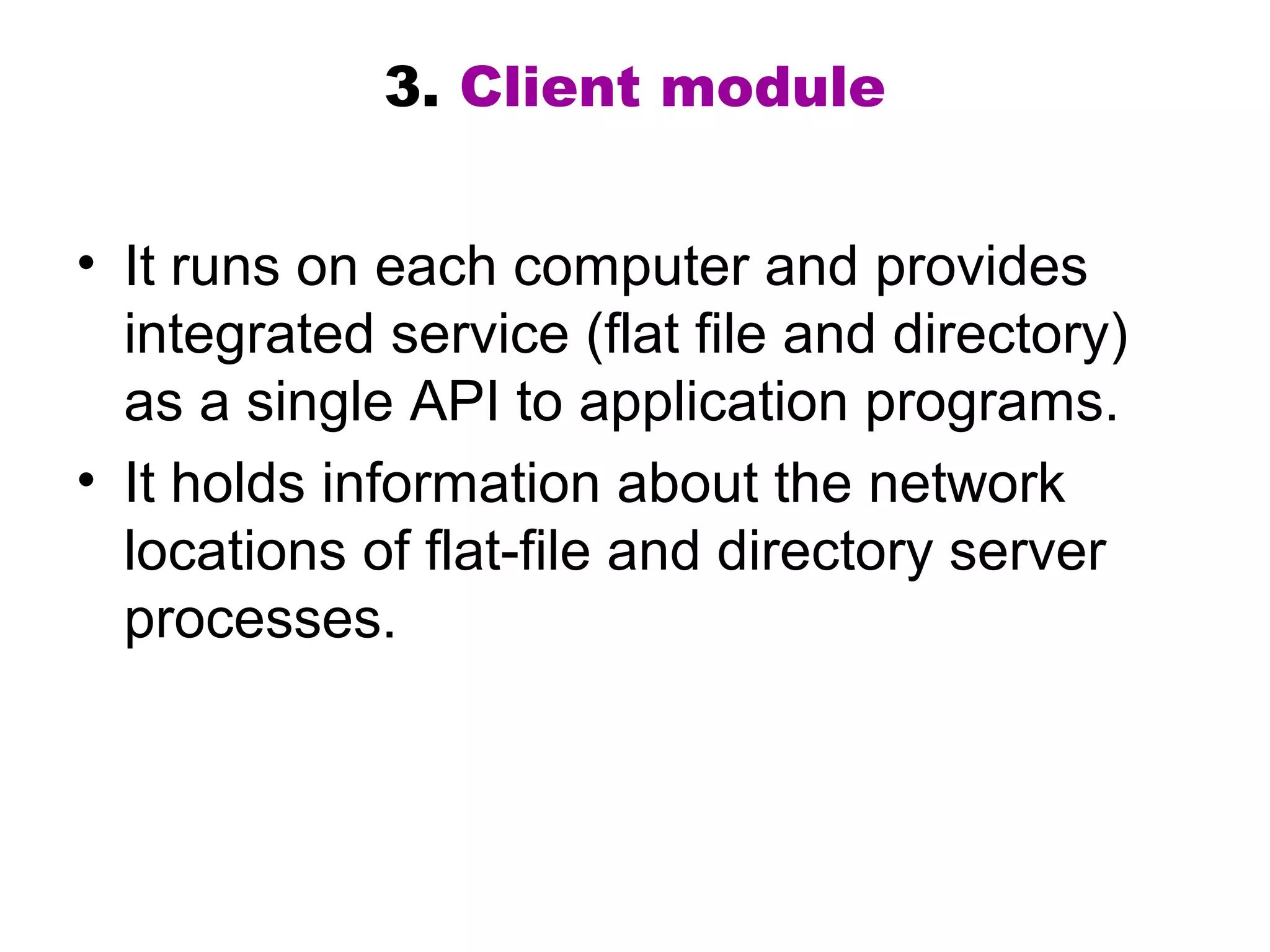
3. Client module 
• It runs on each computer and provides 
integrated service (flat file and directory) 
as a single API to application programs. 
• It holds information about the network 
locations of flat-file and directory server 
processes.
Access control 
• In distributed implementations, access rights 
checks have to be performed at the server .
Hierarchic file system 
• A hierarchic file system consists of a 
number of directories arranged in a tree 
structure.
File Group 
• A file group is a collection of files that can 
be located on any server.
Thank You

4.file service architecture

  • 1.
  • 2.
    DISTRIBUTED FILE SYSTEMS • Including 1.Introduction 2.File Service Architecture 3.Case Study: Sun NFS
  • 3.
    1. Introduction 1.Characteristics of file system 2. Distributed File system requirements
  • 4.
    2. File servicearchitecture  providing access to files is obtained by structuring the file service as three components: 1. Flat file service 2. Directory service 3. Client module.  The relevant modules and their relationship is shown in Figure
  • 5.
    File Service Architecture Client computer Server computer Application program Application program Client module Directory service Flat file service Lookup AddName UnName GetNames Read Write Create Delete GetAttributes SetAttributes * Figure 8.5
  • 6.
    • Responsibilities ofvarious modules can be defined as follows:
  • 7.
    1. Flat fileservice • Concerned with the implementation of operations on the contents of file. • Unique File Identifiers (UFIDs) are used to refer to files in all requests for flat file service operations.
  • 8.
    Flat file serviceoperations 1. Read 2. Write 3. Create 4. Delete 5. GetAttributes 6. SetAttributes
  • 9.
    1. Read(FileId, i,n) : Reads a sequence of up to n items from a file starting at item i.
  • 10.
    2. Write(FileId, i,Data) : Write a sequence of Data to a file, starting at item i.
  • 11.
    3. Create() : Creates a new file of length0 and delivers a UFID for it.
  • 12.
    4. Delete(FileId) :Removesthe file from the file store. 5. GetAttributes(FileId) : Returns the file attributes for the file. 6. SetAttributes(FileId, Attr) :Sets the file attributes.
  • 13.
    2. Directory service • Provides mapping between text names for the files and their UFIDs. • Clients may obtain the UFID of a file by quoting its text name to directory service. • Directory service supports functions to add new files to directories.
  • 14.
    Directory service operations 1. Lookup 2. AddName 3. UnName 4. GetNames
  • 15.
    Directory service operations 1. Lookup(Dir, Name) : Locates the text name in the directory and returns the relevant UFID. If Name is not in the directory, throws an exception.
  • 16.
    2. AddName(Dir, Name,File) :If Name is not in the directory, adds(Name,File) to the directory and updates the file’s attribute record. • If Name is already in the directory: throws an exception.
  • 17.
    3. UnName(Dir, Name):If Name is in the directory, the entry containing Name is removed from the directory. • If Name is not in the directory: throws an exception.
  • 18.
    4. GetNames(Dir, Pattern):Returnsall the text names in the directory that match the regular expression Pattern.
  • 19.
    3. Client module • It runs on each computer and provides integrated service (flat file and directory) as a single API to application programs. • It holds information about the network locations of flat-file and directory server processes.
  • 20.
    Access control •In distributed implementations, access rights checks have to be performed at the server .
  • 21.
    Hierarchic file system • A hierarchic file system consists of a number of directories arranged in a tree structure.
  • 22.
    File Group •A file group is a collection of files that can be located on any server.
  • 23.

Editor's Notes

  • #6 Popup shows names of the file and directory operations. If the Unix file primitives are mapped directly onto file server operations, it is impossible to support many of the requirements outlined on the previous slide. Instead, the file service is implemented in part by a module that runs in the the client computer. The Client module implements nearly all of the state-dependent funtionality (open files, position of read-write pointer, etc.)- supporting fault tolerance - and it maintains a cache of recently-used file data - efficiency, limited replication and scalability. It also translates the file operations performed by applications into the API of the file server - transparency and heterogeneity. It supplies authentication information and performs encryption when necessary, but access control checks must be made by the server.