.NET
Operators,
Functions ,Option
Shyam N. Chawda +91 7874391191 1
Operators
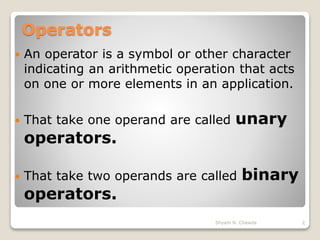
 An operator is a symbol or other character
indicating an arithmetic operation that acts
on one or more elements in an application.
 That take one operand are called unary
operators.
 That take two operands are called binary
operators.
2Shyam N. Chawda
Operators
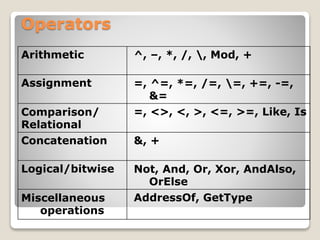
Arithmetic ^, –, *, /, , Mod, +
Assignment =, ^=, *=, /=, =, +=, -=,
&=
Comparison/
Relational
=, <>, <, >, <=, >=, Like, Is
Concatenation &, +
Logical/bitwise Not, And, Or, Xor, AndAlso,
OrElse
Miscellaneous
operations
AddressOf, GetType
Arithmetic
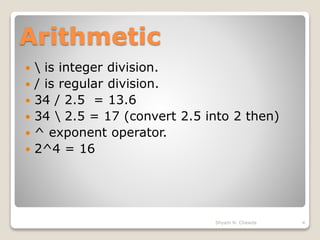
  is integer division.
 / is regular division.
 34 / 2.5 = 13.6
 34  2.5 = 17 (convert 2.5 into 2 then)
 ^ exponent operator.
 2^4 = 16
4Shyam N. Chawda
Assignment
=
5Shyam N. Chawda
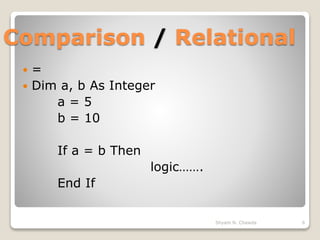
Comparison / Relational
 =
 Dim a, b As Integer
a = 5
b = 10
If a = b Then
logic…….
End If
6Shyam N. Chawda
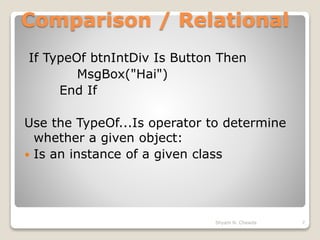
Comparison / Relational
If TypeOf btnIntDiv Is Button Then
MsgBox("Hai")
End If
Use the TypeOf...Is operator to determine
whether a given object:
 Is an instance of a given class
7Shyam N. Chawda
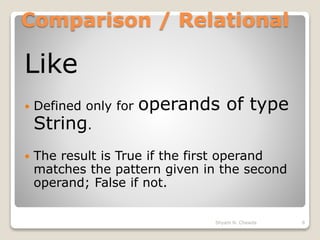
Comparison / Relational
Like
 Defined only for operands of type
String.
 The result is True if the first operand
matches the pattern given in the second
operand; False if not.
8Shyam N. Chawda
Comparison / Relational
Dim ans As Boolean
ans = "F" Like "F"
ans = "F" Like "f"
ans = "F" Like "FFF"
ans = "aBBBa" Like "a*a"
ans = "F" Like "[A-Z]"
ans = "F" Like "[!A-Z]"
ans = "a2a" Like "a#a"
ans = "aM5b" Like "a[L-P]#[!c-e]"
9Shyam N. Chawda
Comparison / Relational
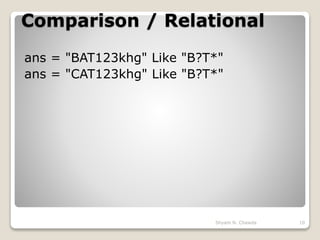
ans = "BAT123khg" Like "B?T*"
ans = "CAT123khg" Like "B?T*"
10Shyam N. Chawda
Logical /bitwise
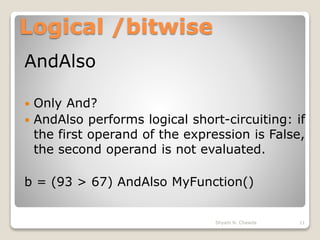
AndAlso
 Only And?
 AndAlso performs logical short-circuiting: if
the first operand of the expression is False,
the second operand is not evaluated.
b = (93 > 67) AndAlso MyFunction()
11Shyam N. Chawda
Logical /bitwise
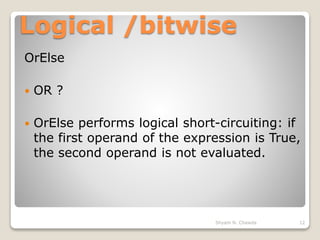
OrElse
 OR ?
 OrElse performs logical short-circuiting: if
the first operand of the expression is True,
the second operand is not evaluated.
12Shyam N. Chawda
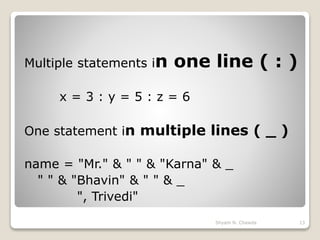
Multiple statements in one line ( : )
x = 3 : y = 5 : z = 6
One statement in multiple lines ( _ )
name = "Mr." & " " & "Karna" & _
" " & "Bhavin" & " " & _
", Trivedi"
13Shyam N. Chawda
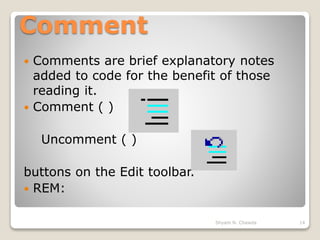
Comment
 Comments are brief explanatory notes
added to code for the benefit of those
reading it.
 Comment ( )
Uncomment ( )
buttons on the Edit toolbar.
 REM:
14Shyam N. Chawda
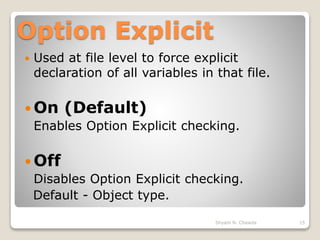
Option Explicit
 Used at file level to force explicit
declaration of all variables in that file.
 On (Default)
Enables Option Explicit checking.
 Off
Disables Option Explicit checking.
Default - Object type.
15Shyam N. Chawda
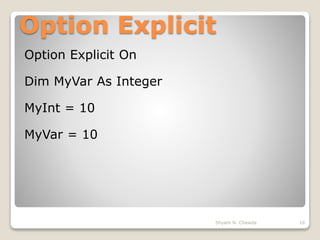
Option Explicit
Option Explicit On
Dim MyVar As Integer
MyInt = 10
MyVar = 10
16Shyam N. Chawda
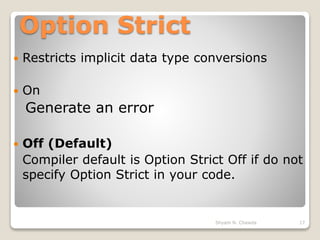
Option Strict
 Restricts implicit data type conversions
 On
Generate an error
 Off (Default)
Compiler default is Option Strict Off if do not
specify Option Strict in your code.
17Shyam N. Chawda
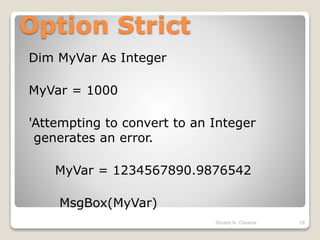
Option Strict
Dim MyVar As Integer
MyVar = 1000
'Attempting to convert to an Integer
generates an error.
MyVar = 1234567890.9876542
MsgBox(MyVar)
18Shyam N. Chawda
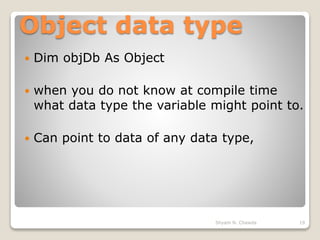
Object data type
 Dim objDb As Object
 when you do not know at compile time
what data type the variable might point to.
 Can point to data of any data type,
19Shyam N. Chawda
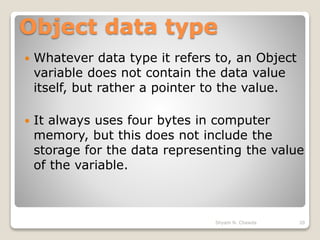
Object data type
 Whatever data type it refers to, an Object
variable does not contain the data value
itself, but rather a pointer to the value.
 It always uses four bytes in computer
memory, but this does not include the
storage for the data representing the value
of the variable.
20Shyam N. Chawda
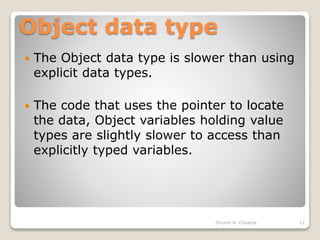
Object data type
 The Object data type is slower than using
explicit data types.
 The code that uses the pointer to locate
the data, Object variables holding value
types are slightly slower to access than
explicitly typed variables.
21Shyam N. Chawda
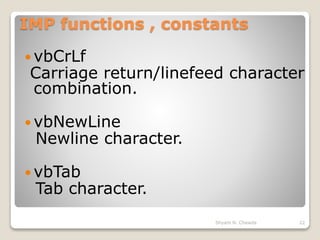
IMP functions , constants
 vbCrLf
Carriage return/linefeed character
combination.
 vbNewLine
Newline character.
 vbTab
Tab character.
22Shyam N. Chawda
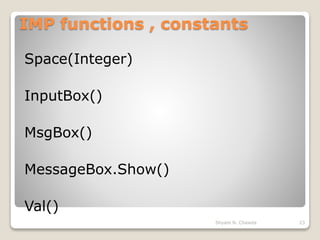
IMP functions , constants
Space(Integer)
InputBox()
MsgBox()
MessageBox.Show()
Val()
23Shyam N. Chawda
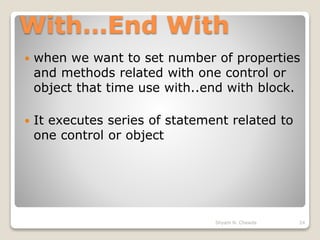
With…End With
 when we want to set number of properties
and methods related with one control or
object that time use with..end with block.
 It executes series of statement related to
one control or object
24Shyam N. Chawda
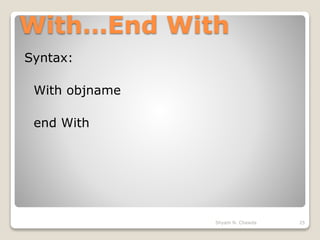
With…End With
Syntax:
With objname
end With
25Shyam N. Chawda
With…End With
26Shyam N. Chawda
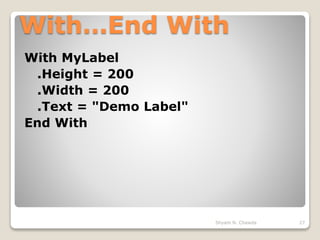
With…End With
With MyLabel
.Height = 200
.Width = 200
.Text = "Demo Label"
End With
27Shyam N. Chawda
Thanks
Any questions?
www.shyamsir.com
Shyam N. Chawda 28

Operators , Functions and Options in VB.NET

  • 1.
  • 2.
    Operators  An operatoris a symbol or other character indicating an arithmetic operation that acts on one or more elements in an application.  That take one operand are called unary operators.  That take two operands are called binary operators. 2Shyam N. Chawda
  • 3.
    Operators Arithmetic ^, –,*, /, , Mod, + Assignment =, ^=, *=, /=, =, +=, -=, &= Comparison/ Relational =, <>, <, >, <=, >=, Like, Is Concatenation &, + Logical/bitwise Not, And, Or, Xor, AndAlso, OrElse Miscellaneous operations AddressOf, GetType
  • 4.
    Arithmetic  isinteger division.  / is regular division.  34 / 2.5 = 13.6  34 2.5 = 17 (convert 2.5 into 2 then)  ^ exponent operator.  2^4 = 16 4Shyam N. Chawda
  • 5.
  • 6.
    Comparison / Relational =  Dim a, b As Integer a = 5 b = 10 If a = b Then logic……. End If 6Shyam N. Chawda
  • 7.
    Comparison / Relational IfTypeOf btnIntDiv Is Button Then MsgBox("Hai") End If Use the TypeOf...Is operator to determine whether a given object:  Is an instance of a given class 7Shyam N. Chawda
  • 8.
    Comparison / Relational Like Defined only for operands of type String.  The result is True if the first operand matches the pattern given in the second operand; False if not. 8Shyam N. Chawda
  • 9.
    Comparison / Relational Dimans As Boolean ans = "F" Like "F" ans = "F" Like "f" ans = "F" Like "FFF" ans = "aBBBa" Like "a*a" ans = "F" Like "[A-Z]" ans = "F" Like "[!A-Z]" ans = "a2a" Like "a#a" ans = "aM5b" Like "a[L-P]#[!c-e]" 9Shyam N. Chawda
  • 10.
    Comparison / Relational ans= "BAT123khg" Like "B?T*" ans = "CAT123khg" Like "B?T*" 10Shyam N. Chawda
  • 11.
    Logical /bitwise AndAlso  OnlyAnd?  AndAlso performs logical short-circuiting: if the first operand of the expression is False, the second operand is not evaluated. b = (93 > 67) AndAlso MyFunction() 11Shyam N. Chawda
  • 12.
    Logical /bitwise OrElse  OR?  OrElse performs logical short-circuiting: if the first operand of the expression is True, the second operand is not evaluated. 12Shyam N. Chawda
  • 13.
    Multiple statements inone line ( : ) x = 3 : y = 5 : z = 6 One statement in multiple lines ( _ ) name = "Mr." & " " & "Karna" & _ " " & "Bhavin" & " " & _ ", Trivedi" 13Shyam N. Chawda
  • 14.
    Comment  Comments arebrief explanatory notes added to code for the benefit of those reading it.  Comment ( ) Uncomment ( ) buttons on the Edit toolbar.  REM: 14Shyam N. Chawda
  • 15.
    Option Explicit  Usedat file level to force explicit declaration of all variables in that file.  On (Default) Enables Option Explicit checking.  Off Disables Option Explicit checking. Default - Object type. 15Shyam N. Chawda
  • 16.
    Option Explicit Option ExplicitOn Dim MyVar As Integer MyInt = 10 MyVar = 10 16Shyam N. Chawda
  • 17.
    Option Strict  Restrictsimplicit data type conversions  On Generate an error  Off (Default) Compiler default is Option Strict Off if do not specify Option Strict in your code. 17Shyam N. Chawda
  • 18.
    Option Strict Dim MyVarAs Integer MyVar = 1000 'Attempting to convert to an Integer generates an error. MyVar = 1234567890.9876542 MsgBox(MyVar) 18Shyam N. Chawda
  • 19.
    Object data type Dim objDb As Object  when you do not know at compile time what data type the variable might point to.  Can point to data of any data type, 19Shyam N. Chawda
  • 20.
    Object data type Whatever data type it refers to, an Object variable does not contain the data value itself, but rather a pointer to the value.  It always uses four bytes in computer memory, but this does not include the storage for the data representing the value of the variable. 20Shyam N. Chawda
  • 21.
    Object data type The Object data type is slower than using explicit data types.  The code that uses the pointer to locate the data, Object variables holding value types are slightly slower to access than explicitly typed variables. 21Shyam N. Chawda
  • 22.
    IMP functions ,constants  vbCrLf Carriage return/linefeed character combination.  vbNewLine Newline character.  vbTab Tab character. 22Shyam N. Chawda
  • 23.
    IMP functions ,constants Space(Integer) InputBox() MsgBox() MessageBox.Show() Val() 23Shyam N. Chawda
  • 24.
    With…End With  whenwe want to set number of properties and methods related with one control or object that time use with..end with block.  It executes series of statement related to one control or object 24Shyam N. Chawda
  • 25.
  • 26.
  • 27.
    With…End With With MyLabel .Height= 200 .Width = 200 .Text = "Demo Label" End With 27Shyam N. Chawda
  • 28.