Deepak H B
Full-Stack Developer
Gmail: deepakhb2@gmail.com
Linkedin: http://in.linkedin.com/in/deepakhb
GitHub: https://github.com/deepakhb2
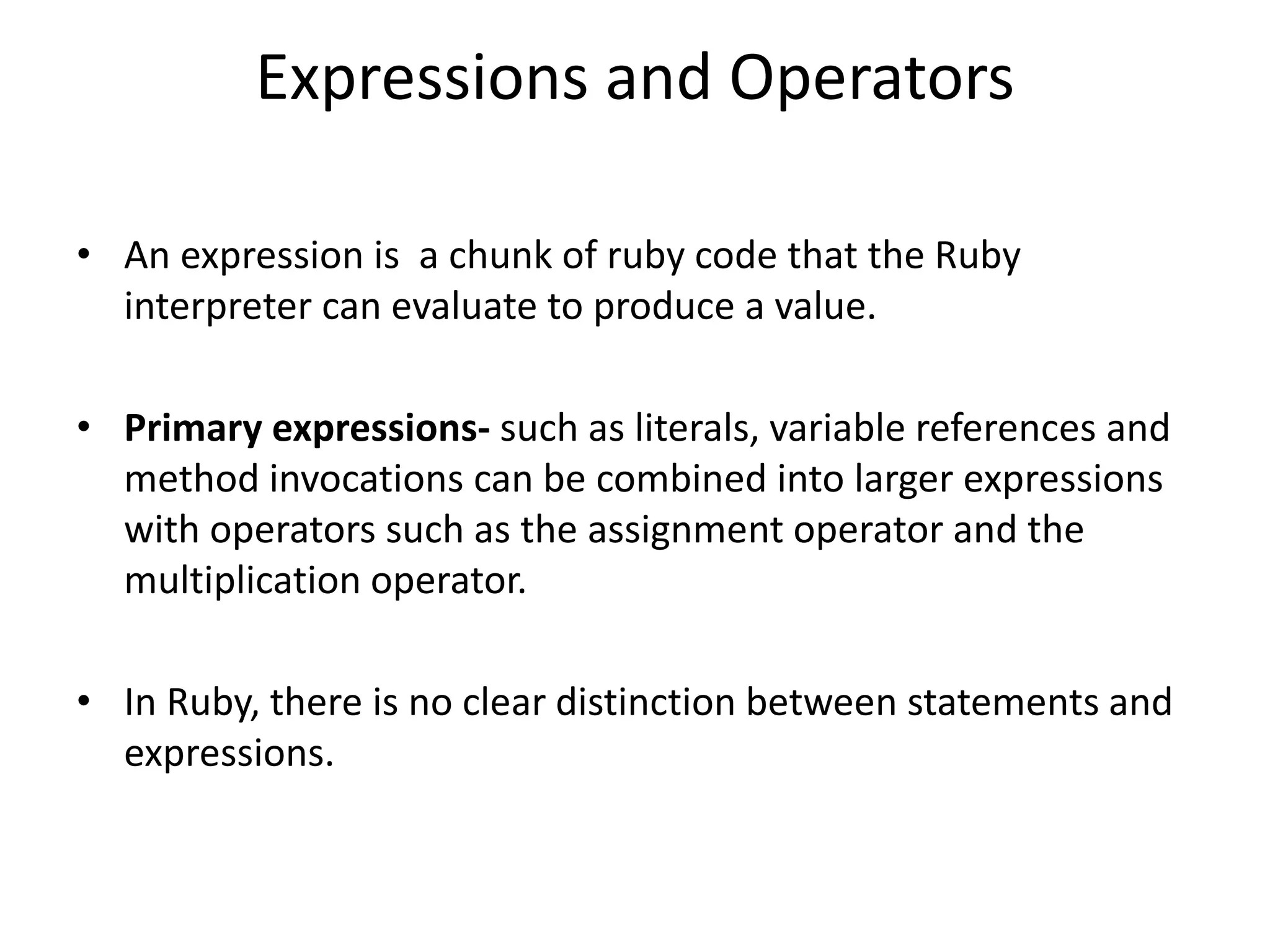
Expressions and Operators
• An expression is a chunk of ruby code that the Ruby
interpreter can evaluate to produce a value.
• Primary expressions- such as literals, variable references and
method invocations can be combined into larger expressions
with operators such as the assignment operator and the
multiplication operator.
• In Ruby, there is no clear distinction between statements and
expressions.
Literals and Keyword Literals
• Literals are values such as 1.0, ‘hello world’ and [] that are
embedded directly into your program text.
• Certain Ruby keywords are primary expressions and can be
considered keyword literal or specialized forms of variable
reference.
Nil Evaluates to nil value of class NilClass.
True Evaluates singleton instance of class TrueClass.
False Evaluates singleton instance of class FalseClass.
Self Evaluates to the current object.
__FILE__ Evaluates the file name that the ruby interpreter is
executing.
__LINE__ Evaluates to an integer that specifies the line number.
__ENCODING__ Evaluates to an encoding object specifies the
encoding.
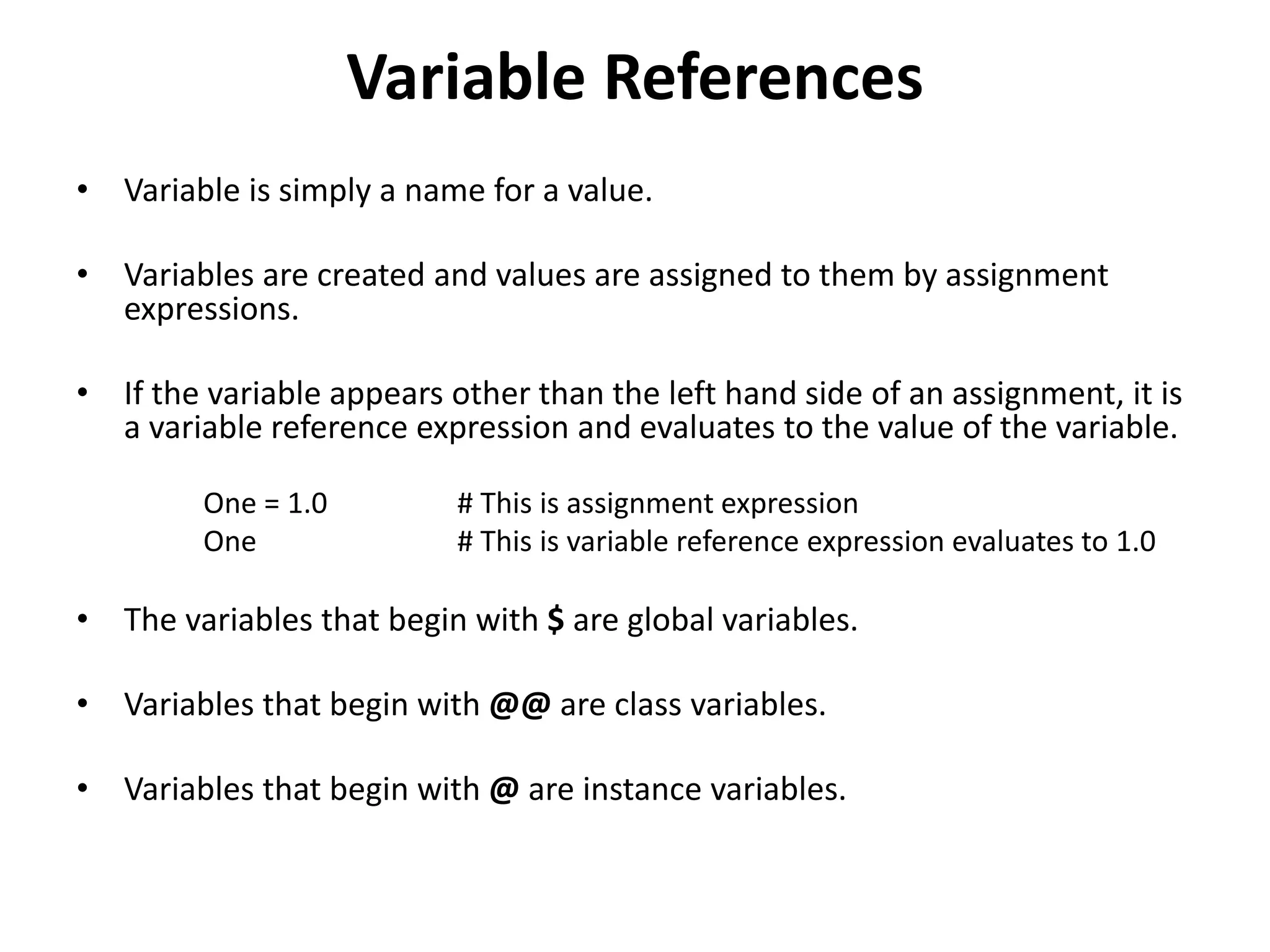
Variable References
• Variable is simply a name for a value.
• Variables are created and values are assigned to them by assignment
expressions.
• If the variable appears other than the left hand side of an assignment, it is
a variable reference expression and evaluates to the value of the variable.
One = 1.0 # This is assignment expression
One # This is variable reference expression evaluates to 1.0
• The variables that begin with $ are global variables.
• Variables that begin with @@ are class variables.
• Variables that begin with @ are instance variables.
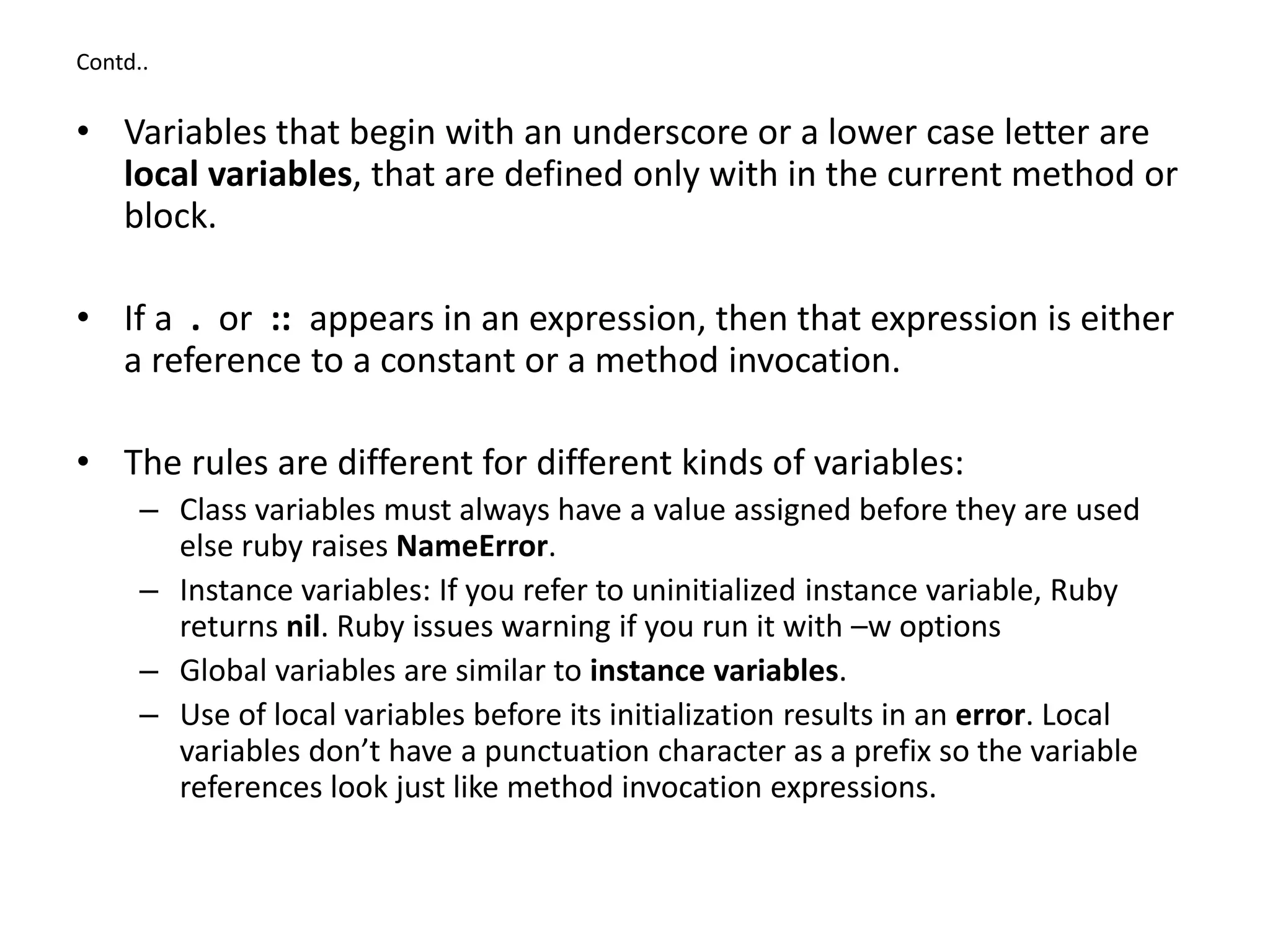
Contd..
• Variables that begin with an underscore or a lower case letter are
local variables, that are defined only with in the current method or
block.
• If a . or :: appears in an expression, then that expression is either
a reference to a constant or a method invocation.
• The rules are different for different kinds of variables:
– Class variables must always have a value assigned before they are used
else ruby raises NameError.
– Instance variables: If you refer to uninitialized instance variable, Ruby
returns nil. Ruby issues warning if you run it with –w options
– Global variables are similar to instance variables.
– Use of local variables before its initialization results in an error. Local
variables don’t have a punctuation character as a prefix so the variable
references look just like method invocation expressions.
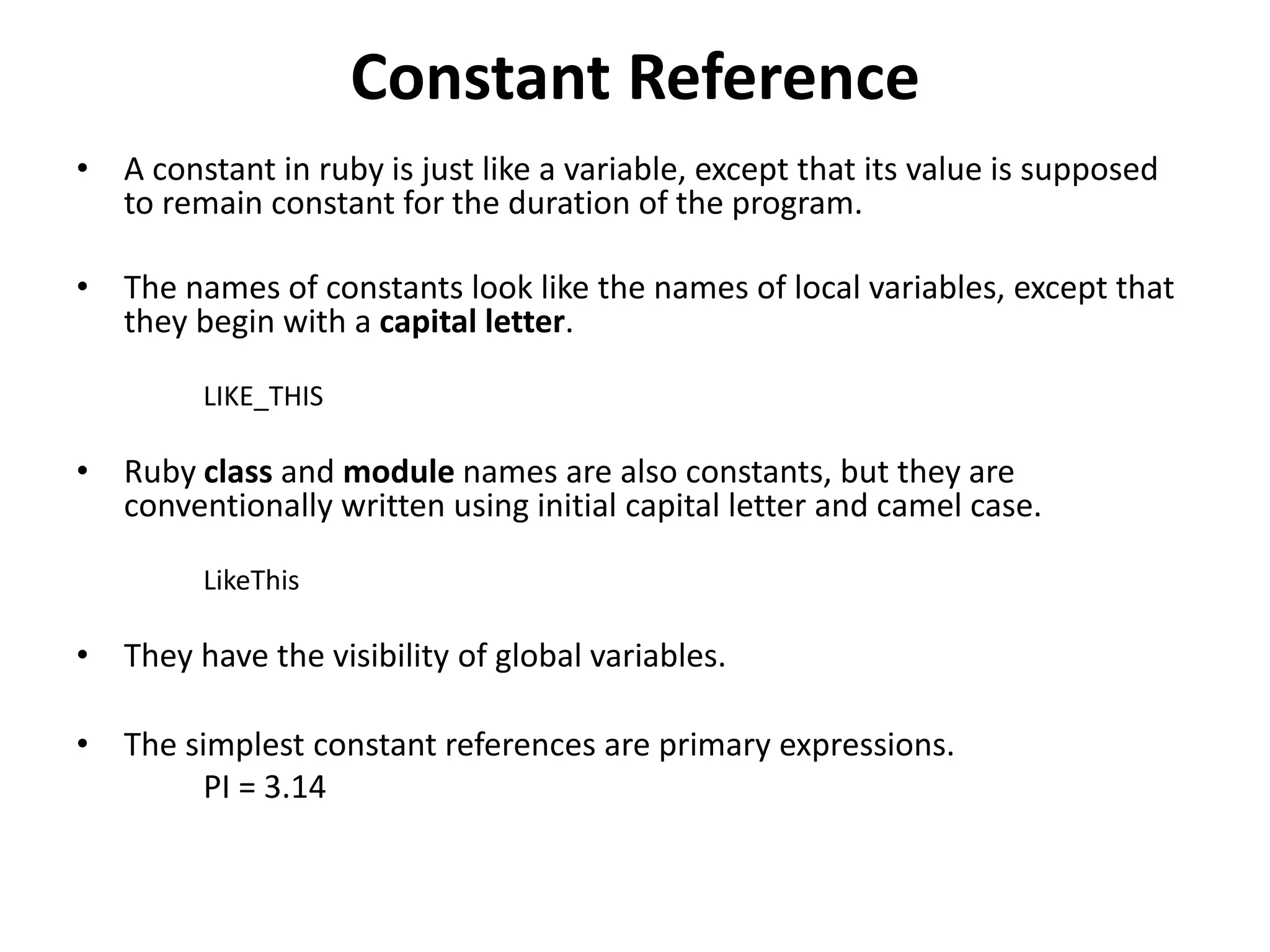
Constant Reference
• A constant in ruby is just like a variable, except that its value is supposed
to remain constant for the duration of the program.
• The names of constants look like the names of local variables, except that
they begin with a capital letter.
LIKE_THIS
• Ruby class and module names are also constants, but they are
conventionally written using initial capital letter and camel case.
LikeThis
• They have the visibility of global variables.
• The simplest constant references are primary expressions.
PI = 3.14
Contd..
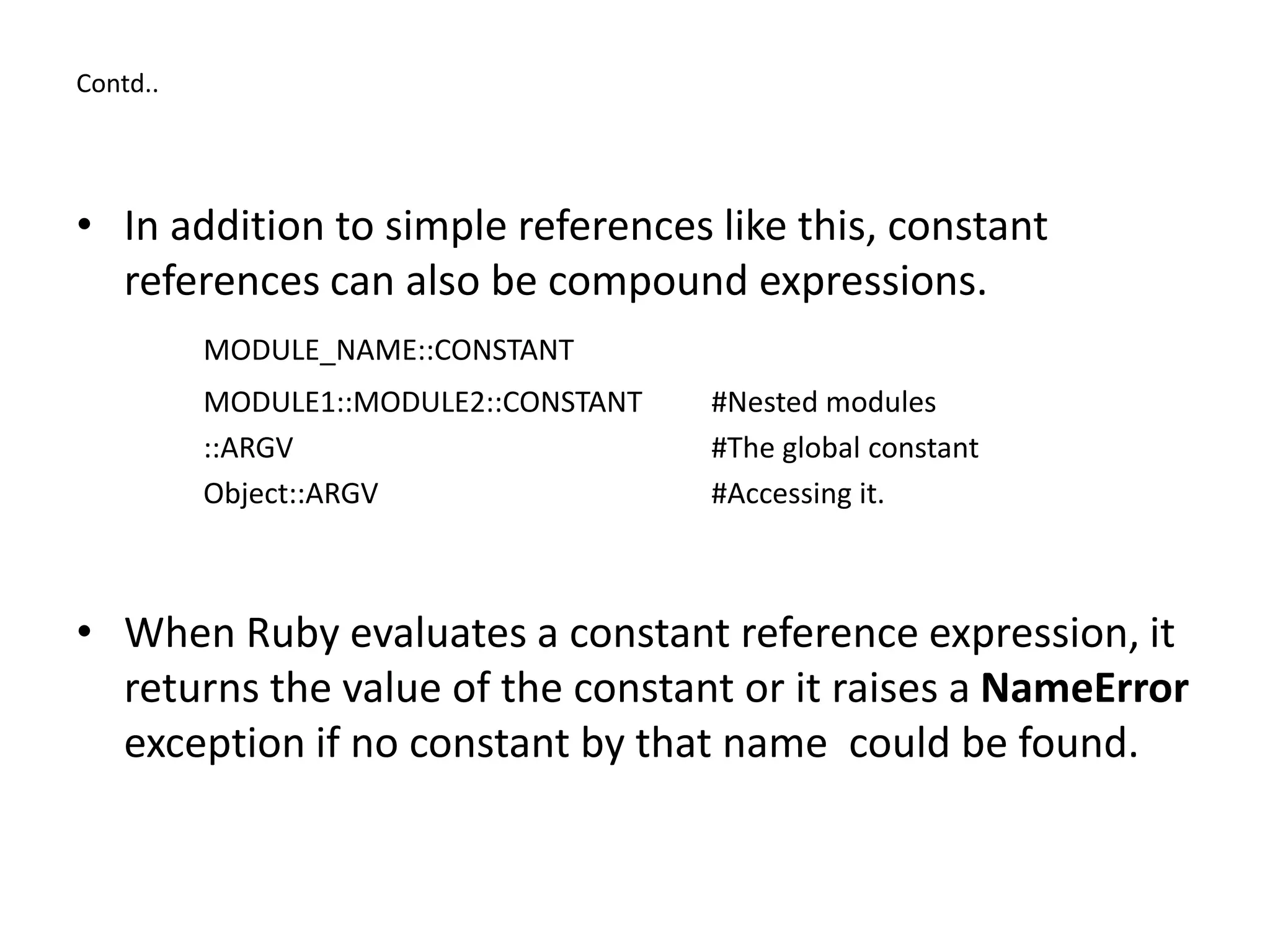
• In addition to simple references like this, constant
references can also be compound expressions.
MODULE_NAME::CONSTANT
MODULE1::MODULE2::CONSTANT #Nested modules
::ARGV #The global constant
Object::ARGV #Accessing it.
• When Ruby evaluates a constant reference expression, it
returns the value of the constant or it raises a NameError
exception if no constant by that name could be found.
Method Invocations
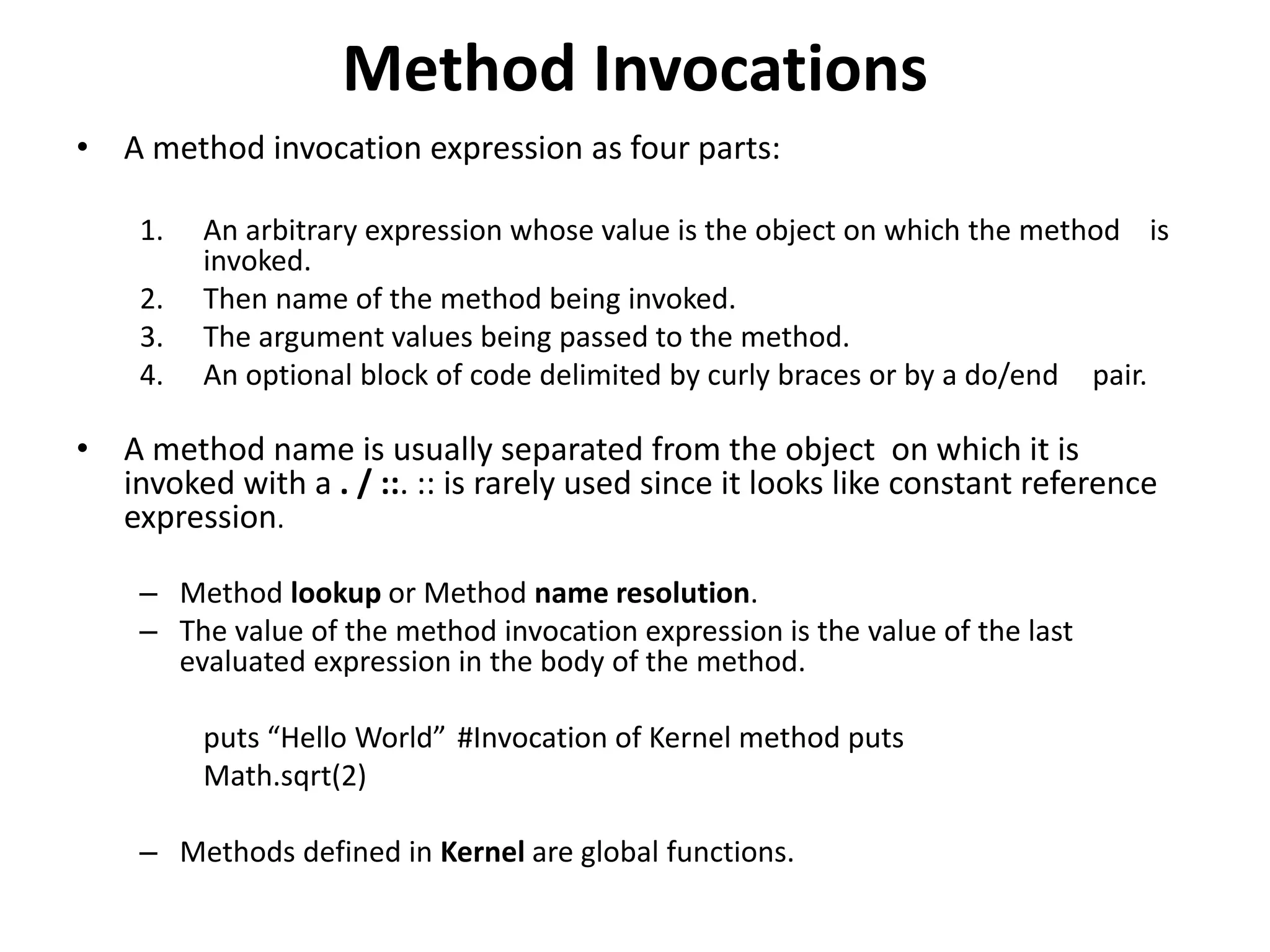
• A method invocation expression as four parts:
1. An arbitrary expression whose value is the object on which the method is
invoked.
2. Then name of the method being invoked.
3. The argument values being passed to the method.
4. An optional block of code delimited by curly braces or by a do/end pair.
• A method name is usually separated from the object on which it is
invoked with a . / ::. :: is rarely used since it looks like constant reference
expression.
– Method lookup or Method name resolution.
– The value of the method invocation expression is the value of the last
evaluated expression in the body of the method.
puts “Hello World” #Invocation of Kernel method puts
Math.sqrt(2)
– Methods defined in Kernel are global functions.
Assignments
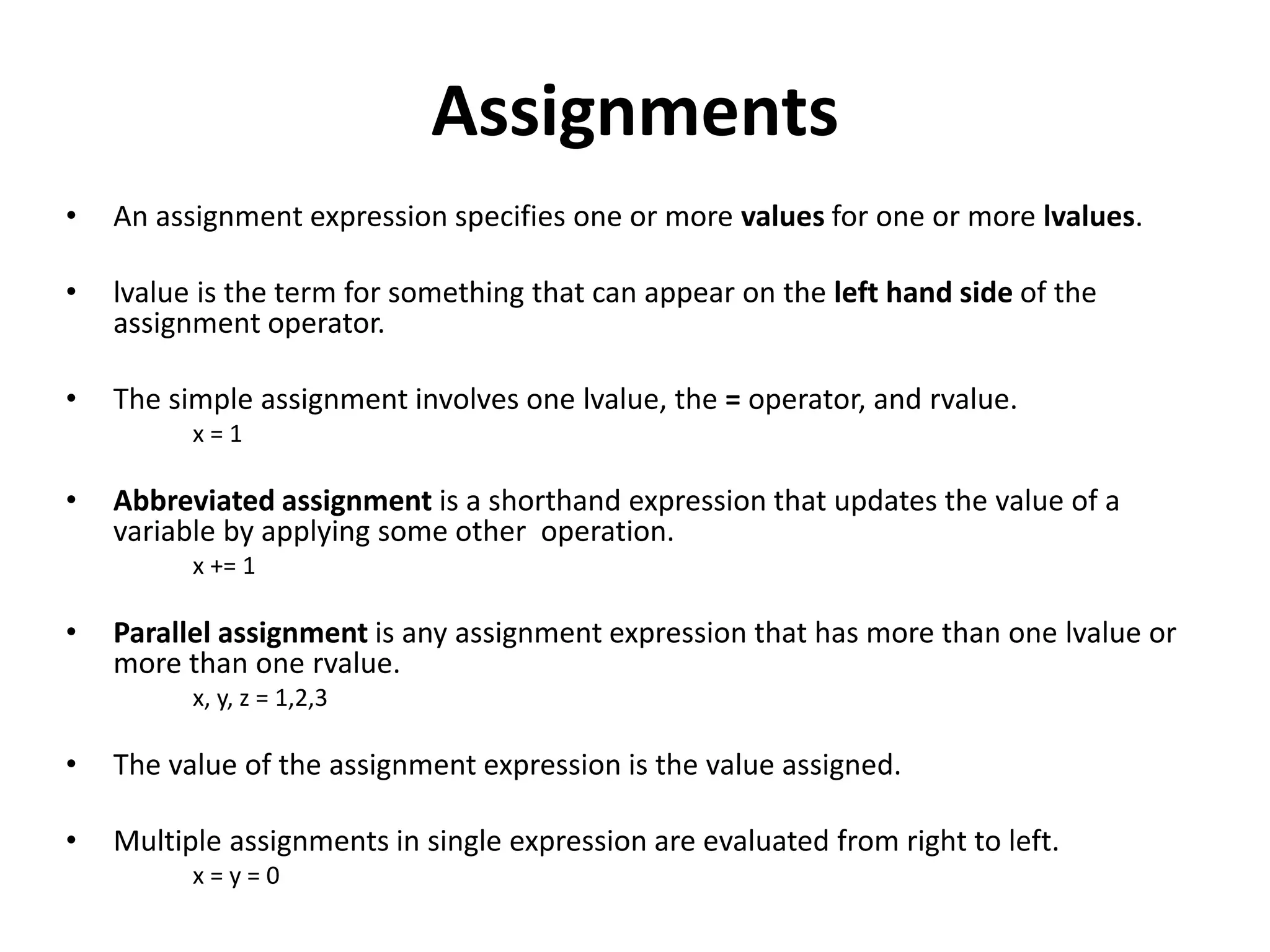
• An assignment expression specifies one or more values for one or more lvalues.
• lvalue is the term for something that can appear on the left hand side of the
assignment operator.
• The simple assignment involves one lvalue, the = operator, and rvalue.
x = 1
• Abbreviated assignment is a shorthand expression that updates the value of a
variable by applying some other operation.
x += 1
• Parallel assignment is any assignment expression that has more than one lvalue or
more than one rvalue.
x, y, z = 1,2,3
• The value of the assignment expression is the value assigned.
• Multiple assignments in single expression are evaluated from right to left.
x = y = 0
Assigning to Variables
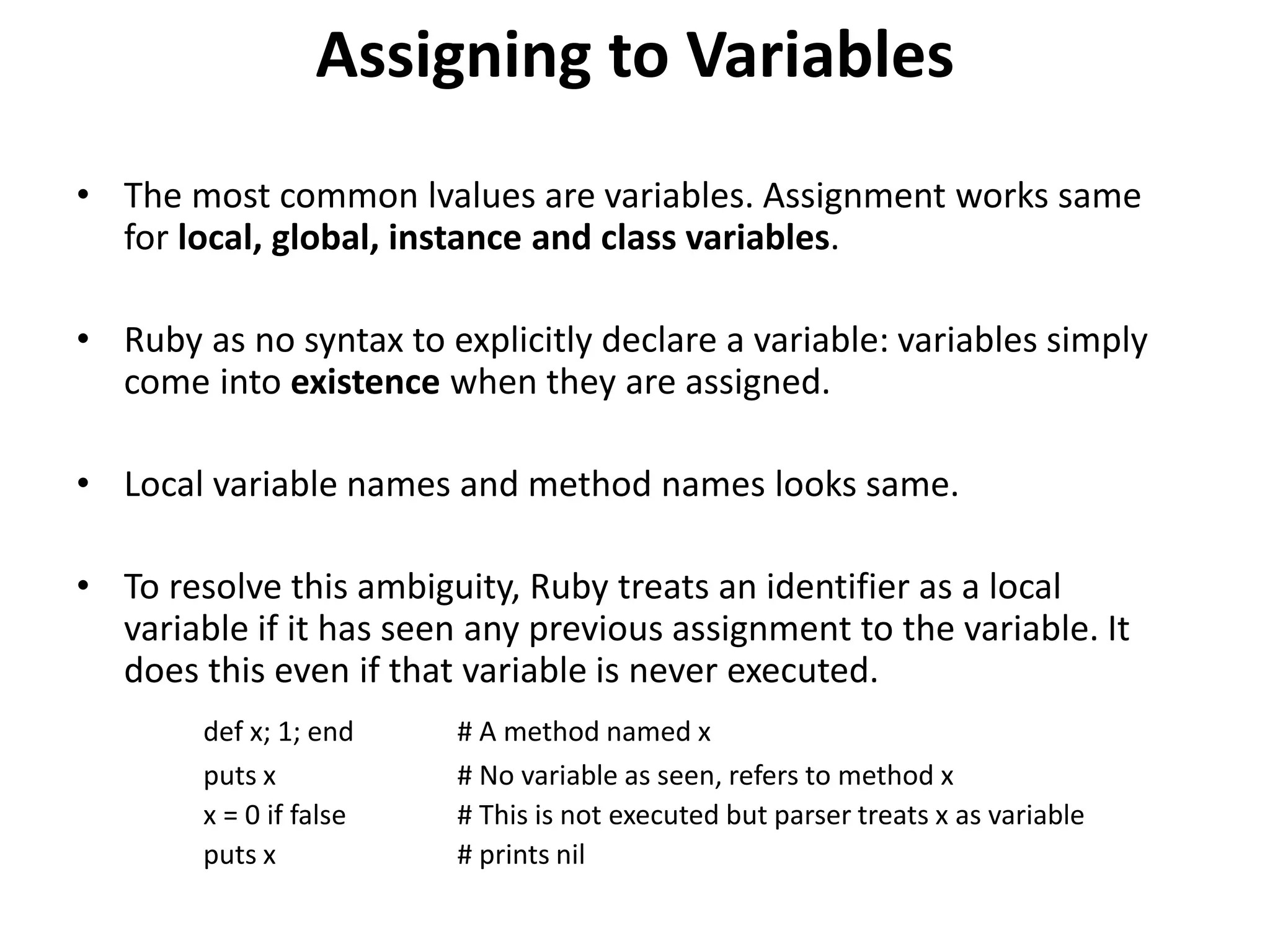
• The most common lvalues are variables. Assignment works same
for local, global, instance and class variables.
• Ruby as no syntax to explicitly declare a variable: variables simply
come into existence when they are assigned.
• Local variable names and method names looks same.
• To resolve this ambiguity, Ruby treats an identifier as a local
variable if it has seen any previous assignment to the variable. It
does this even if that variable is never executed.
def x; 1; end # A method named x
puts x # No variable as seen, refers to method x
x = 0 if false # This is not executed but parser treats x as variable
puts x # prints nil
Assigning to Constants
• Constant values are intended to remain constant throughout the
execution of the program.
• Assignment to constant that already exists causes Ruby to issue a
warning.
• Assignment to constant is not allowed within the body of a method.
• Unlike variables, constants do not come into existence until the
Ruby interpreter actually executes the assignment expression.
• Constant will have value nil if that is actually the value it was given.
Assigning to Attributes and Array
elements
• Is the ruby’s short hand for method invocation.
• An object o as a method named m=, the method name as an equals as its
last character.
o.m = v
• The Ruby interpreter converts this assignment to the following method
invocation
o.m=(v)
• Usually m= is the setter method and m is the getter method.
• Assigning values to array elements is also done by method invocation.
o[x] = y
o.[] = (x,y)
• The ||= idiom is used to assign a value to the variable if the value is not
assigned.
Parallel Assignments
• Assignment expression that has more than one lvalue and more than one rvalue
or both.
• Multiple lvalues and multiple rvalues are separated each other by commas.
• lvalues and rvalues may be prefixed with *, which is sometimes called as splat
operator.
• The return value of parallel assignment expression is the array of rvalues.
Same number of lvalues and rvalues
• Parallel assignment is simplest when there are same number of lvalues and
rvalues.
x, y, z = 1, 2, 3
• These assignments are effectively performed in parallel, not sequentially.
Contd..
One lvalue , multiple rvalues
• When there is a single lvalue and more rvalues, Ruby creates an array to
hold rvalues and assigns that to the lvalue.
x = 1,2,3 #x=[1,2,3]
• To prevent the multiple rvalues from being combined into single array,
follow the lvalue with a comma
x, = 1,2,3 # x=1; other values are discarded
Multiple lvalues, single array value
• If the rvalue is a array, Ruby expands the array so that each element
becomes its own rvalue.
x,y,z = [1,2,3]
• Trailing comma trick described above to transform an ordinary non
parallel assignment into a parallel assignment.
x = [1,2,3]
x, = [1,2,3] # becomes x = 1
Contd..
The splat operator
• When an rvalue is preceded by an asterisk, it means that
value is an array and that elements each should be rvalue.
x, y, z = 1, *[2,3] # same as x,y,z=1,2,3
x, *y = 1,2,3 # x=1; y=[2,3]
x, *y = 1,2 # x=1; y=[2]
x, *y = 1 # x=1; y=[]
• In ruby 1.9 only
*x, y = 1,2,3 # x=[1,2]; y = 3
*x, y = 1,2 # x=[1]; y=2
*x, y = 1 # x=[]; y=1
• Splats may appear on both sides of a parallel assignment
expression.
x, y, *z = 1, *[2,3,4] # x=1; y=2; z=[3,4]
Contd..
Different number of lvalues and rvalues
• If there are more lvalues than rvalues, and no splat operator is
involved, then the first rvalue is assigned to first lvalue and second
rvalue is assigned to second rvalue and so on, until all the rvalues
are assigned.
x, y ,z = 1,2 #x=1; y=2 and z=nil
x,y = 1,2,3 #x=1; y=2 and 3 is ignored
Contd..
Parenthesis in parallel assignment
• Parallel assignment is that the left hand side can use
parentheses for “subassignment”.
• If a group of two or more lvalues is enclosed in parentheses,
than it is initially treated as a single lvalue. Once the
corresponding rvalue is determined, the rules of parallel
assignment are applied recursively.
x, (y, z) = 1, 2 # x=1; y,z = 2
x, y, z = 1, [2,3] # x=1; y=[2,3]; z=nil
x,(y,z) = 1, [2,3] # x=1; y=2; z=3
a,b,c,d = [1,[2,[3,4]]] # a=1, b=[2,[3,4]], c=d=nil
a,(b,(c,d)) = [1,[2,[3,4]] #a=1; b=2; c=3; d=4

4 Expressions and Operators

  • 1.
    Deepak H B Full-StackDeveloper Gmail: deepakhb2@gmail.com Linkedin: http://in.linkedin.com/in/deepakhb GitHub: https://github.com/deepakhb2
  • 2.
    Expressions and Operators •An expression is a chunk of ruby code that the Ruby interpreter can evaluate to produce a value. • Primary expressions- such as literals, variable references and method invocations can be combined into larger expressions with operators such as the assignment operator and the multiplication operator. • In Ruby, there is no clear distinction between statements and expressions.
  • 3.
    Literals and KeywordLiterals • Literals are values such as 1.0, ‘hello world’ and [] that are embedded directly into your program text. • Certain Ruby keywords are primary expressions and can be considered keyword literal or specialized forms of variable reference. Nil Evaluates to nil value of class NilClass. True Evaluates singleton instance of class TrueClass. False Evaluates singleton instance of class FalseClass. Self Evaluates to the current object. __FILE__ Evaluates the file name that the ruby interpreter is executing. __LINE__ Evaluates to an integer that specifies the line number. __ENCODING__ Evaluates to an encoding object specifies the encoding.
  • 4.
    Variable References • Variableis simply a name for a value. • Variables are created and values are assigned to them by assignment expressions. • If the variable appears other than the left hand side of an assignment, it is a variable reference expression and evaluates to the value of the variable. One = 1.0 # This is assignment expression One # This is variable reference expression evaluates to 1.0 • The variables that begin with $ are global variables. • Variables that begin with @@ are class variables. • Variables that begin with @ are instance variables.
  • 5.
    Contd.. • Variables thatbegin with an underscore or a lower case letter are local variables, that are defined only with in the current method or block. • If a . or :: appears in an expression, then that expression is either a reference to a constant or a method invocation. • The rules are different for different kinds of variables: – Class variables must always have a value assigned before they are used else ruby raises NameError. – Instance variables: If you refer to uninitialized instance variable, Ruby returns nil. Ruby issues warning if you run it with –w options – Global variables are similar to instance variables. – Use of local variables before its initialization results in an error. Local variables don’t have a punctuation character as a prefix so the variable references look just like method invocation expressions.
  • 6.
    Constant Reference • Aconstant in ruby is just like a variable, except that its value is supposed to remain constant for the duration of the program. • The names of constants look like the names of local variables, except that they begin with a capital letter. LIKE_THIS • Ruby class and module names are also constants, but they are conventionally written using initial capital letter and camel case. LikeThis • They have the visibility of global variables. • The simplest constant references are primary expressions. PI = 3.14
  • 7.
    Contd.. • In additionto simple references like this, constant references can also be compound expressions. MODULE_NAME::CONSTANT MODULE1::MODULE2::CONSTANT #Nested modules ::ARGV #The global constant Object::ARGV #Accessing it. • When Ruby evaluates a constant reference expression, it returns the value of the constant or it raises a NameError exception if no constant by that name could be found.
  • 8.
    Method Invocations • Amethod invocation expression as four parts: 1. An arbitrary expression whose value is the object on which the method is invoked. 2. Then name of the method being invoked. 3. The argument values being passed to the method. 4. An optional block of code delimited by curly braces or by a do/end pair. • A method name is usually separated from the object on which it is invoked with a . / ::. :: is rarely used since it looks like constant reference expression. – Method lookup or Method name resolution. – The value of the method invocation expression is the value of the last evaluated expression in the body of the method. puts “Hello World” #Invocation of Kernel method puts Math.sqrt(2) – Methods defined in Kernel are global functions.
  • 9.
    Assignments • An assignmentexpression specifies one or more values for one or more lvalues. • lvalue is the term for something that can appear on the left hand side of the assignment operator. • The simple assignment involves one lvalue, the = operator, and rvalue. x = 1 • Abbreviated assignment is a shorthand expression that updates the value of a variable by applying some other operation. x += 1 • Parallel assignment is any assignment expression that has more than one lvalue or more than one rvalue. x, y, z = 1,2,3 • The value of the assignment expression is the value assigned. • Multiple assignments in single expression are evaluated from right to left. x = y = 0
  • 10.
    Assigning to Variables •The most common lvalues are variables. Assignment works same for local, global, instance and class variables. • Ruby as no syntax to explicitly declare a variable: variables simply come into existence when they are assigned. • Local variable names and method names looks same. • To resolve this ambiguity, Ruby treats an identifier as a local variable if it has seen any previous assignment to the variable. It does this even if that variable is never executed. def x; 1; end # A method named x puts x # No variable as seen, refers to method x x = 0 if false # This is not executed but parser treats x as variable puts x # prints nil
  • 11.
    Assigning to Constants •Constant values are intended to remain constant throughout the execution of the program. • Assignment to constant that already exists causes Ruby to issue a warning. • Assignment to constant is not allowed within the body of a method. • Unlike variables, constants do not come into existence until the Ruby interpreter actually executes the assignment expression. • Constant will have value nil if that is actually the value it was given.
  • 12.
    Assigning to Attributesand Array elements • Is the ruby’s short hand for method invocation. • An object o as a method named m=, the method name as an equals as its last character. o.m = v • The Ruby interpreter converts this assignment to the following method invocation o.m=(v) • Usually m= is the setter method and m is the getter method. • Assigning values to array elements is also done by method invocation. o[x] = y o.[] = (x,y) • The ||= idiom is used to assign a value to the variable if the value is not assigned.
  • 13.
    Parallel Assignments • Assignmentexpression that has more than one lvalue and more than one rvalue or both. • Multiple lvalues and multiple rvalues are separated each other by commas. • lvalues and rvalues may be prefixed with *, which is sometimes called as splat operator. • The return value of parallel assignment expression is the array of rvalues. Same number of lvalues and rvalues • Parallel assignment is simplest when there are same number of lvalues and rvalues. x, y, z = 1, 2, 3 • These assignments are effectively performed in parallel, not sequentially.
  • 14.
    Contd.. One lvalue ,multiple rvalues • When there is a single lvalue and more rvalues, Ruby creates an array to hold rvalues and assigns that to the lvalue. x = 1,2,3 #x=[1,2,3] • To prevent the multiple rvalues from being combined into single array, follow the lvalue with a comma x, = 1,2,3 # x=1; other values are discarded Multiple lvalues, single array value • If the rvalue is a array, Ruby expands the array so that each element becomes its own rvalue. x,y,z = [1,2,3] • Trailing comma trick described above to transform an ordinary non parallel assignment into a parallel assignment. x = [1,2,3] x, = [1,2,3] # becomes x = 1
  • 15.
    Contd.. The splat operator •When an rvalue is preceded by an asterisk, it means that value is an array and that elements each should be rvalue. x, y, z = 1, *[2,3] # same as x,y,z=1,2,3 x, *y = 1,2,3 # x=1; y=[2,3] x, *y = 1,2 # x=1; y=[2] x, *y = 1 # x=1; y=[] • In ruby 1.9 only *x, y = 1,2,3 # x=[1,2]; y = 3 *x, y = 1,2 # x=[1]; y=2 *x, y = 1 # x=[]; y=1 • Splats may appear on both sides of a parallel assignment expression. x, y, *z = 1, *[2,3,4] # x=1; y=2; z=[3,4]
  • 16.
    Contd.. Different number oflvalues and rvalues • If there are more lvalues than rvalues, and no splat operator is involved, then the first rvalue is assigned to first lvalue and second rvalue is assigned to second rvalue and so on, until all the rvalues are assigned. x, y ,z = 1,2 #x=1; y=2 and z=nil x,y = 1,2,3 #x=1; y=2 and 3 is ignored
  • 17.
    Contd.. Parenthesis in parallelassignment • Parallel assignment is that the left hand side can use parentheses for “subassignment”. • If a group of two or more lvalues is enclosed in parentheses, than it is initially treated as a single lvalue. Once the corresponding rvalue is determined, the rules of parallel assignment are applied recursively. x, (y, z) = 1, 2 # x=1; y,z = 2 x, y, z = 1, [2,3] # x=1; y=[2,3]; z=nil x,(y,z) = 1, [2,3] # x=1; y=2; z=3 a,b,c,d = [1,[2,[3,4]]] # a=1, b=[2,[3,4]], c=d=nil a,(b,(c,d)) = [1,[2,[3,4]] #a=1; b=2; c=3; d=4