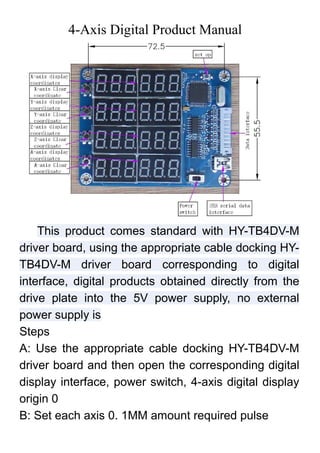
This document provides instructions for setting up and using a 4-axis digital product. It includes the following steps:
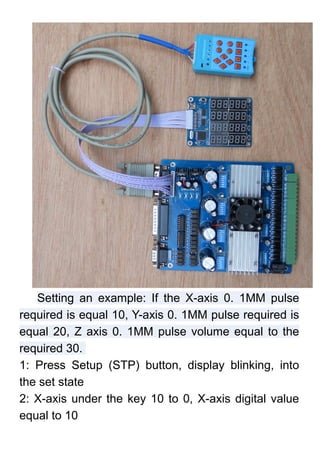
1. Connect the HY-TB4DV-M driver board to the digital display interface and power on the device.
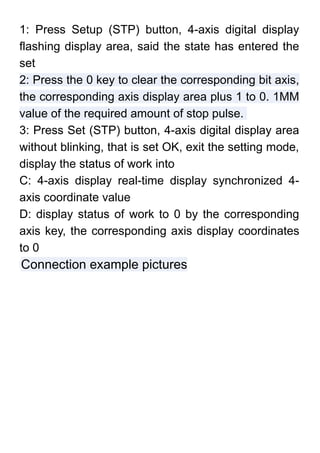
2. Enter setup mode and use the numeric keys to set the pulse value for each axis that corresponds to 0.1mm of movement.
3. The digital display will then show real-time coordinates for the 4 axes based on the settings.


![5G Explained! A High Level Overview [Introduction]](https://cdn.slidesharecdn.com/ss_thumbnails/5gexplainedahighleveloverview-260119165306-cc137a3e-thumbnail.jpg?width=640&height=640&fit=bounds)

