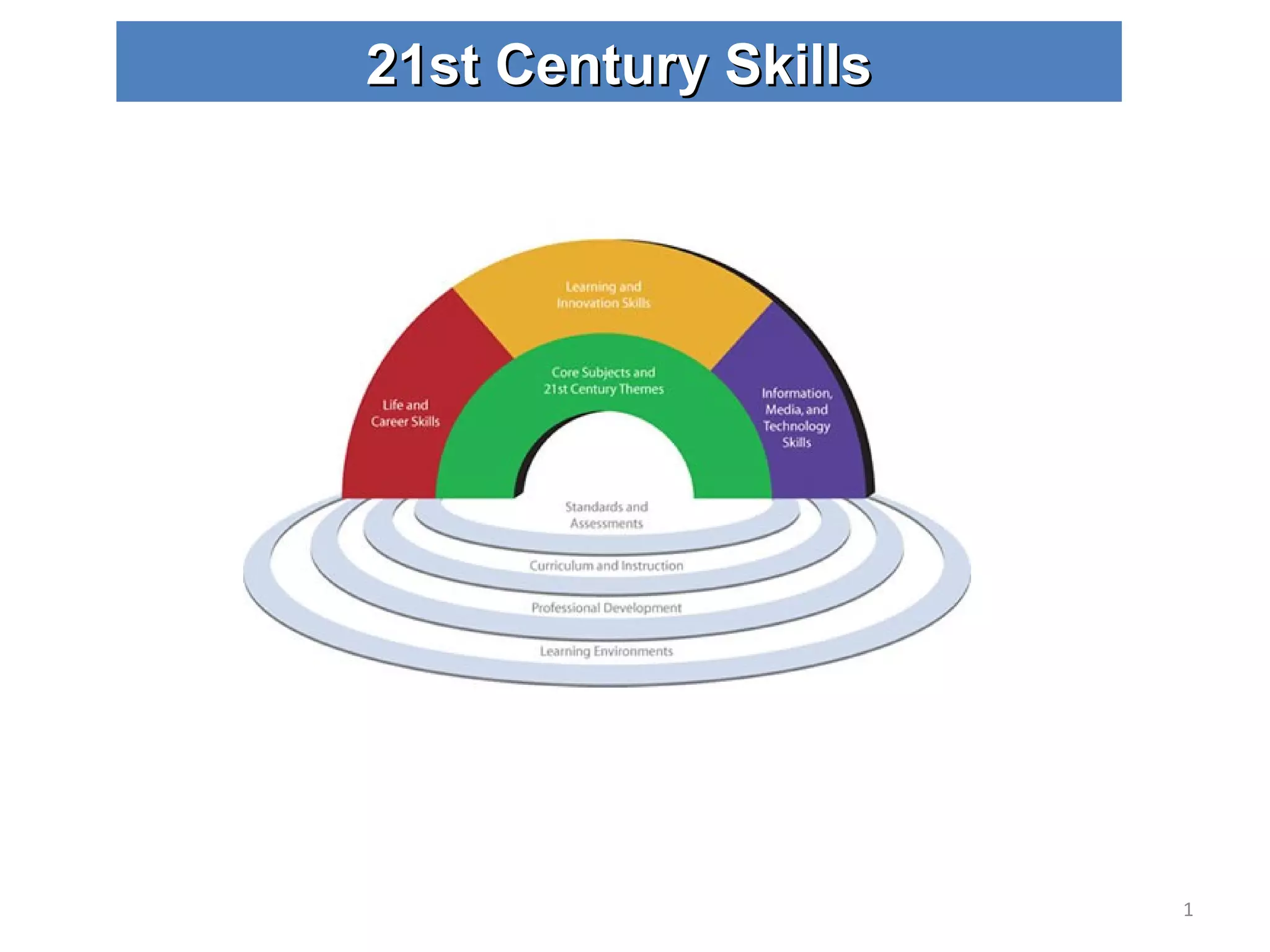
21st Century Skills
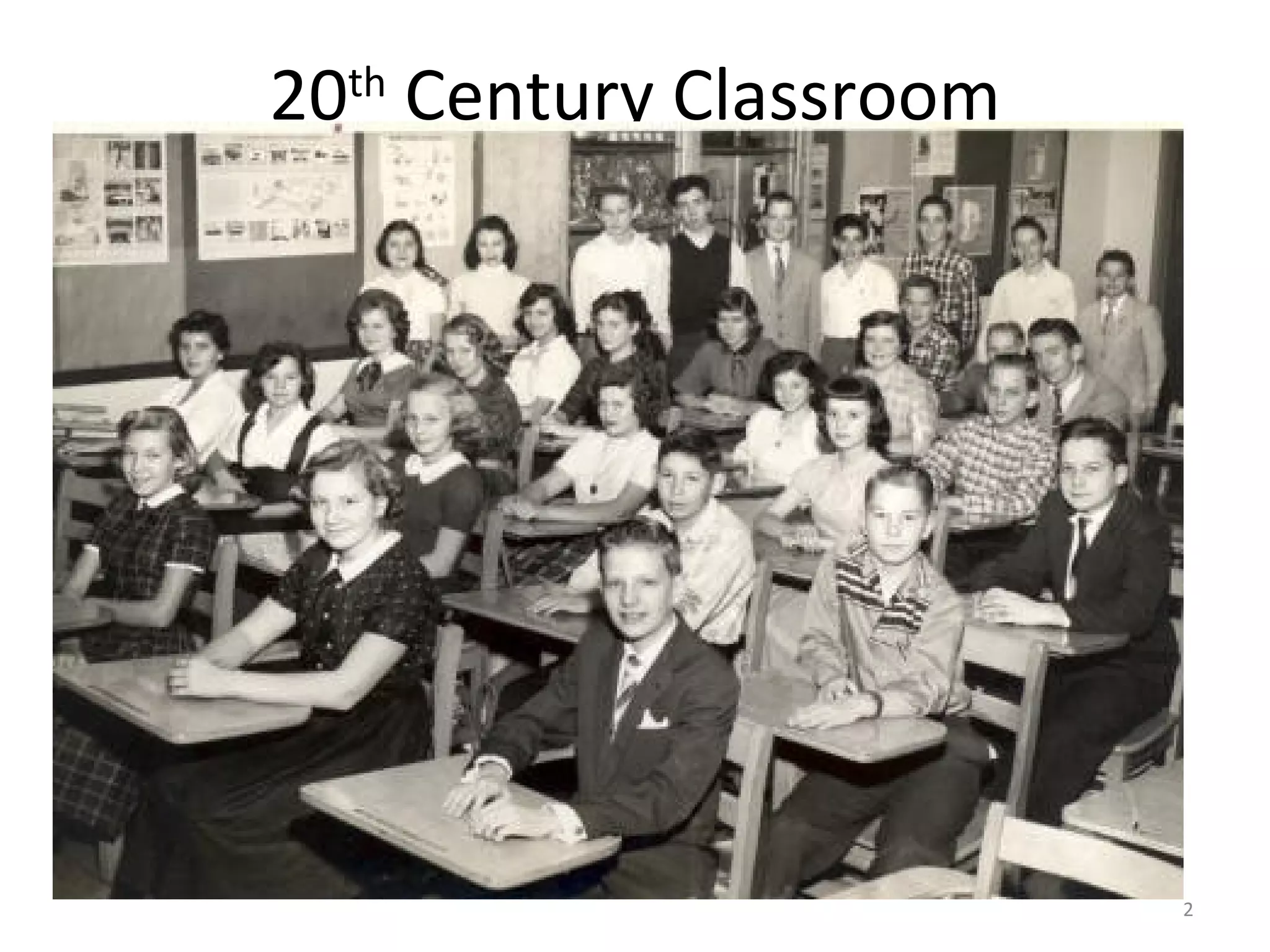
20 th  Century Classroom
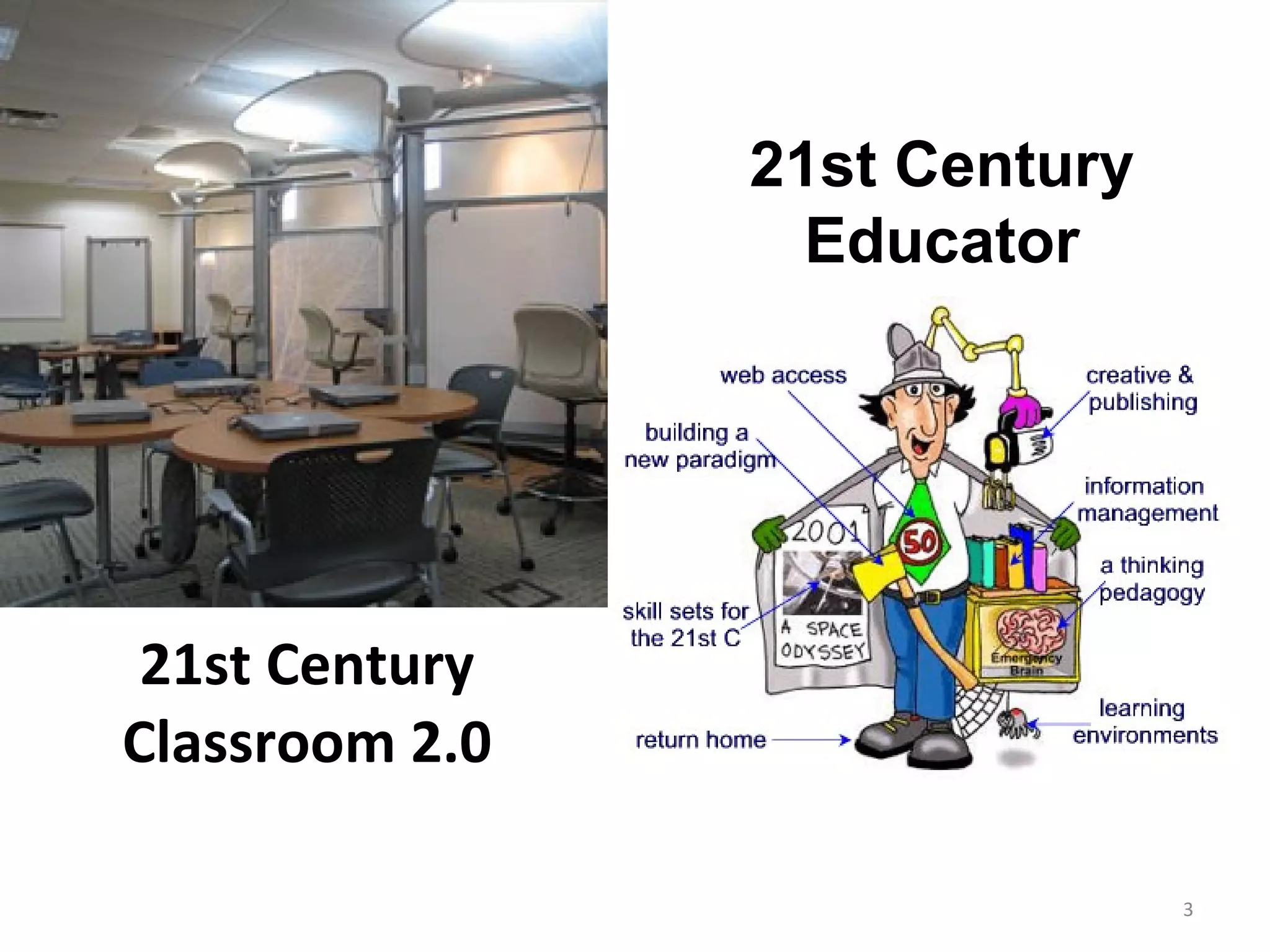
21st Century Classroom 2.0 21st Century Educator
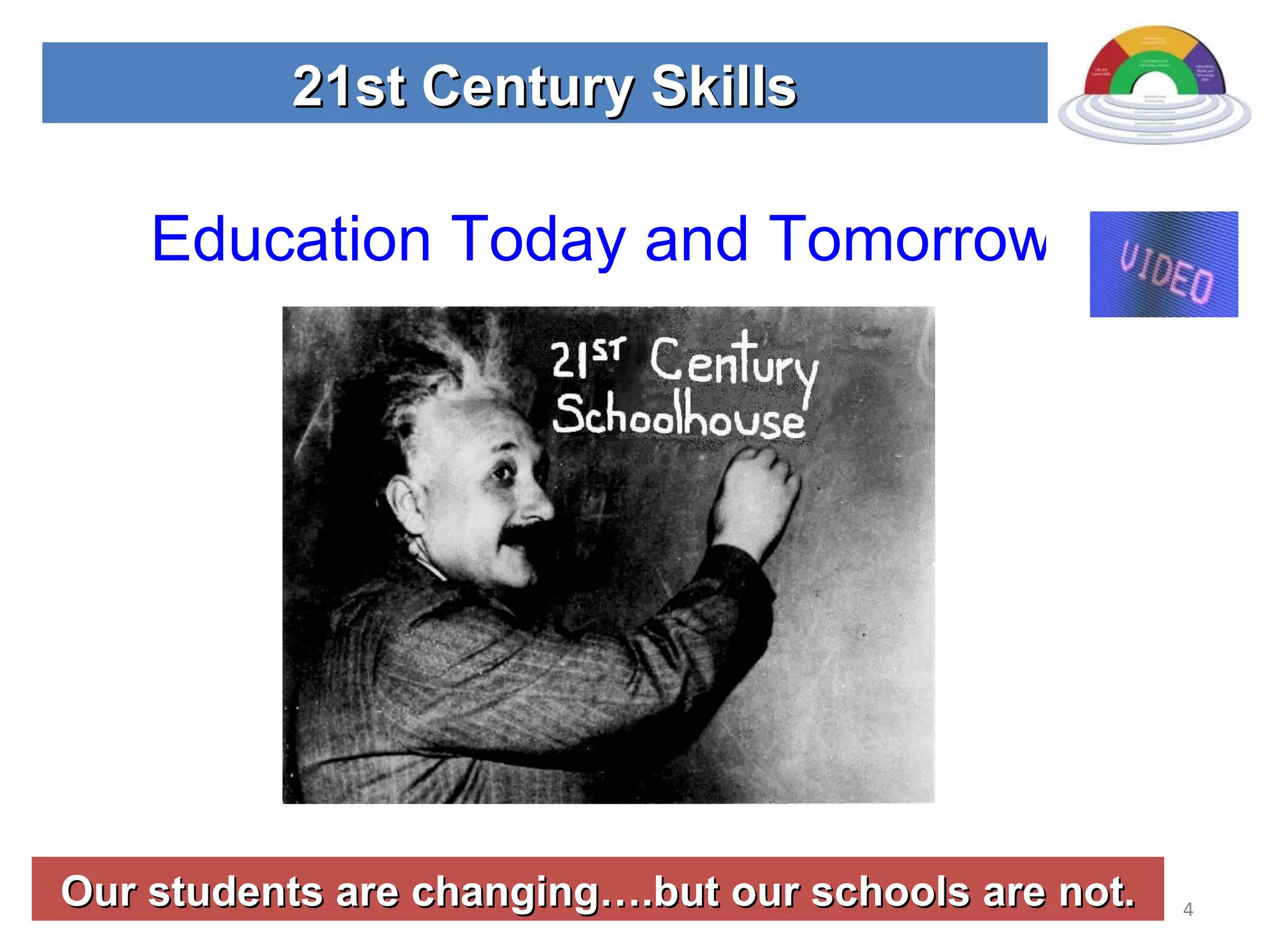
Our students are changing….but our schools are not. 21st Century Skills Education Today and Tomorrow
Engage…….Empower……..Excite AGENDA: Conduct seminar as a 21st  Century Classroom Examine 21st Century Skills Content vs. Context Skills Tools Assessments Application of new knowledge. 21st Century Skills
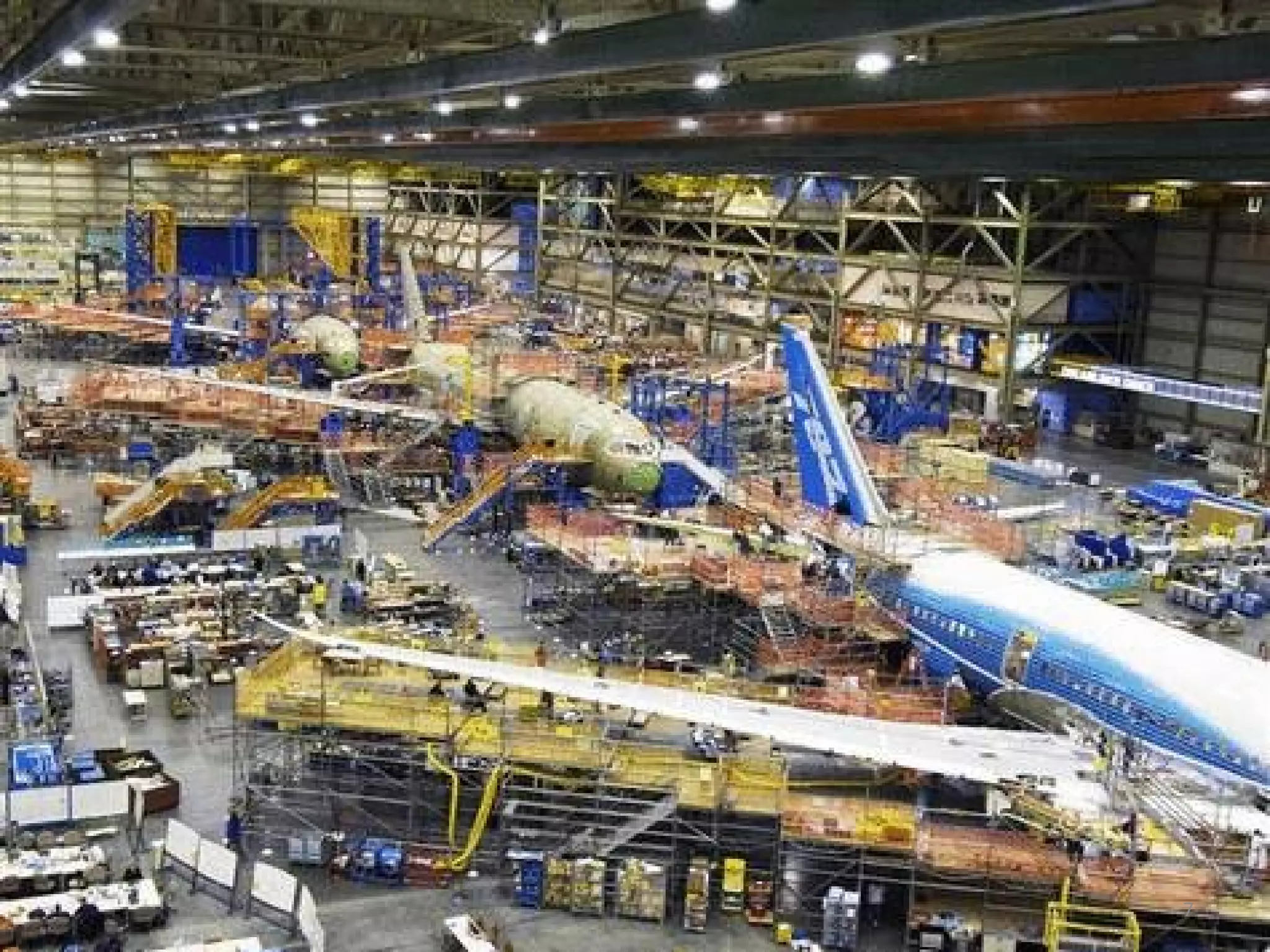
Engage…….Empower……..Excite Teach oneself new knowledge and skills Group collaboration Successfully operate individually…… and in a group 21st Century Skills Move the student from the classroom to a real world simulation!
Engage…….Empower……..Excite 21st Century Skills Simulation Consultants Service Educate surrounding school districts about 21st Century skills. Team 21
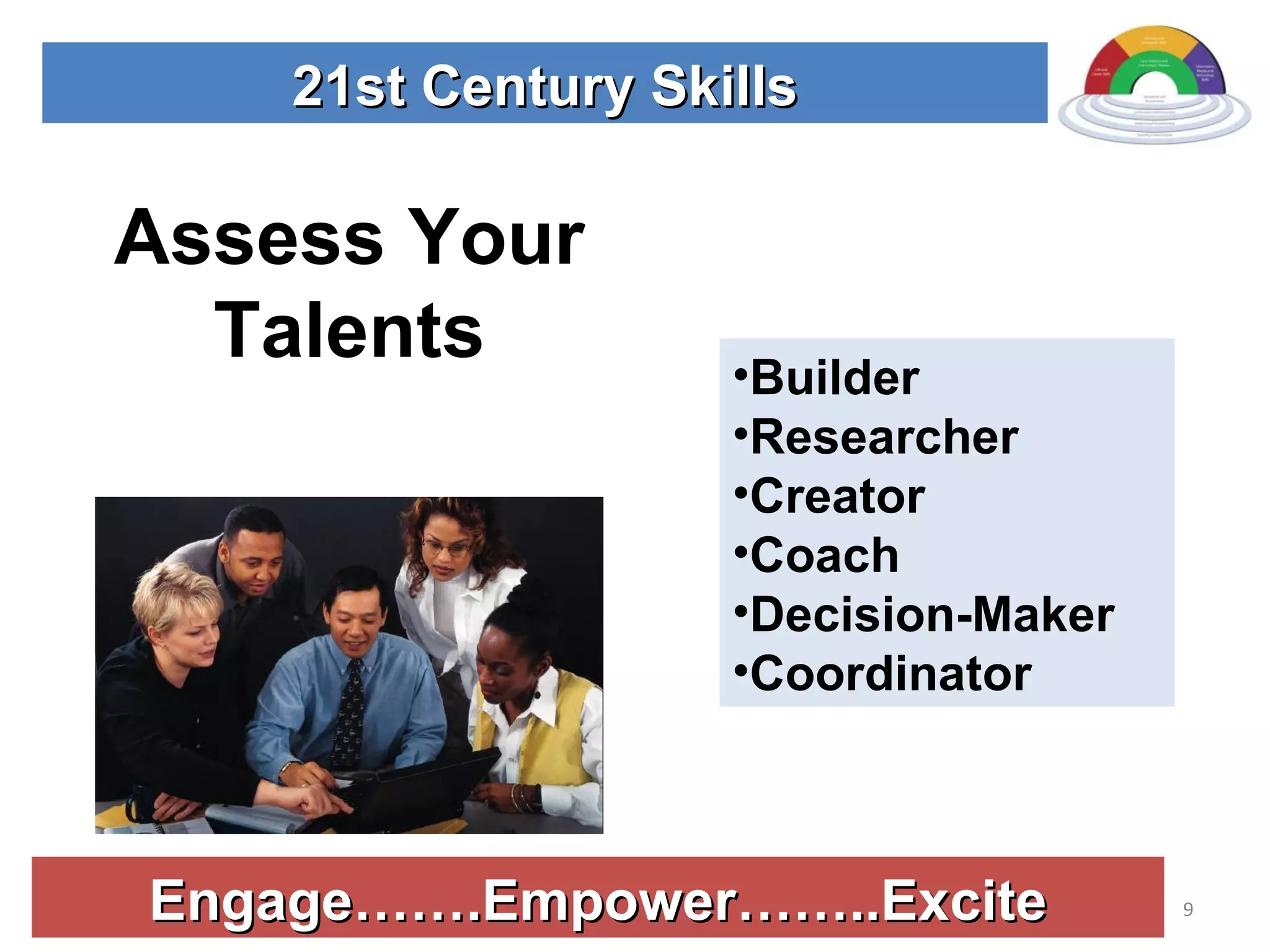
Engage…….Empower……..Excite 21st Century Skills Assess Your Talents Builder Researcher Creator Coach Decision-Maker Coordinator
Engage…….Empower……..Excite 21st Century Skills (E)  Leader – Decision Maker (I)  Information seeker – Researcher (R)  Equipment/technology – Builder (A)  Sign makers, layout – creator (S)  Helpers – coach (C)  Task master - Coordinators Team Roles
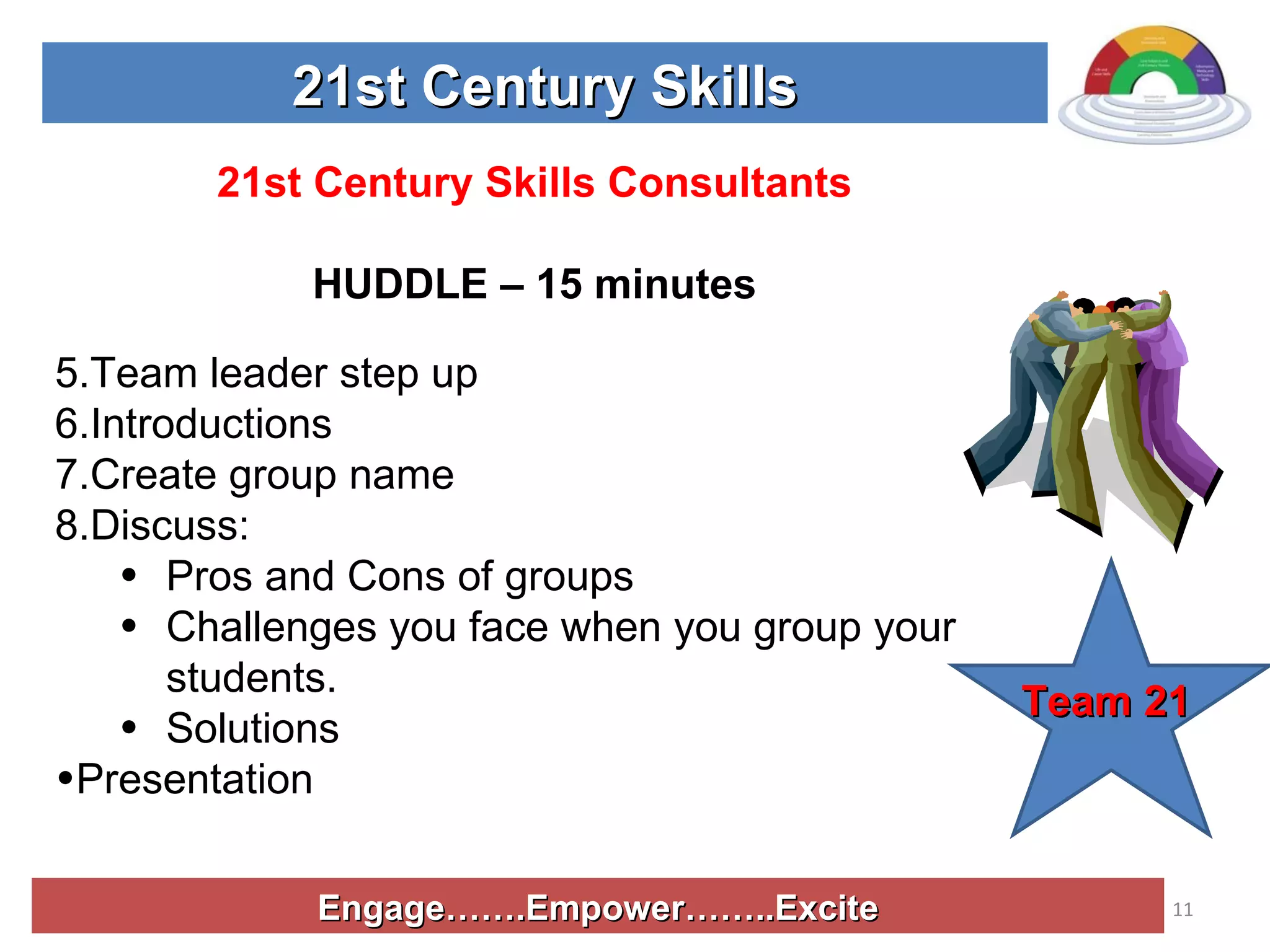
Engage…….Empower……..Excite 21st Century Skills 21st Century Skills Consultants HUDDLE – 15 minutes Team leader step up Introductions Create group name Discuss: Pros and Cons of groups Challenges you face when you group your students. Solutions Presentation  Team 21
Engage…….Empower……..Excite 21st Century Skills View Route 21 Video     www.21stcenturyskills.org
Engage…….Empower……..Excite 21st Century Skills HUDDLE Why are the 21st Century skills important? What are the 21st Century skills? How do educators and employers differ when they talk about skills for the future? How does the traditional classroom differ from the classroom 2.0? Team 21
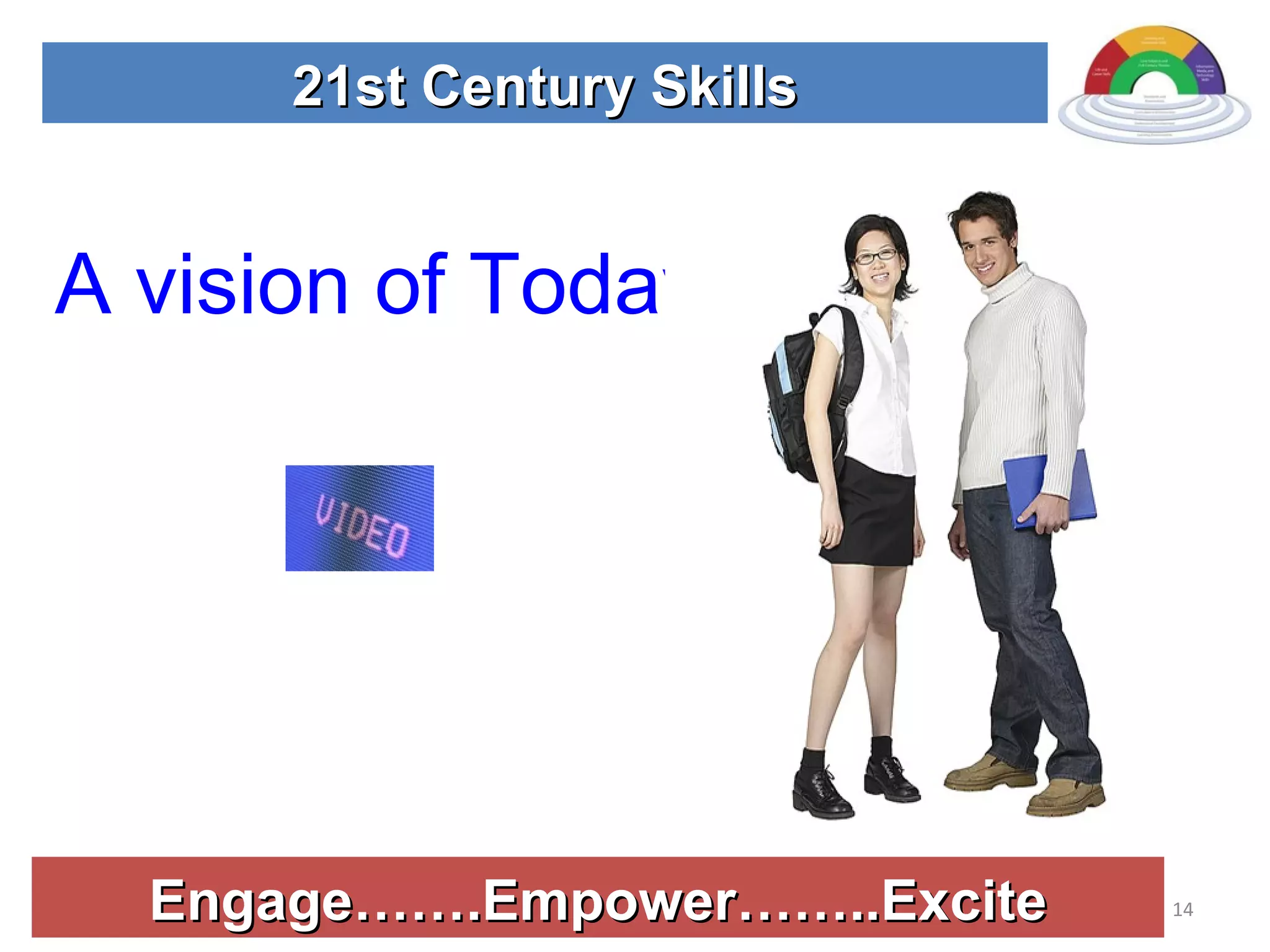
Engage…….Empower……..Excite 21st Century Skills A vision of Today’s Student
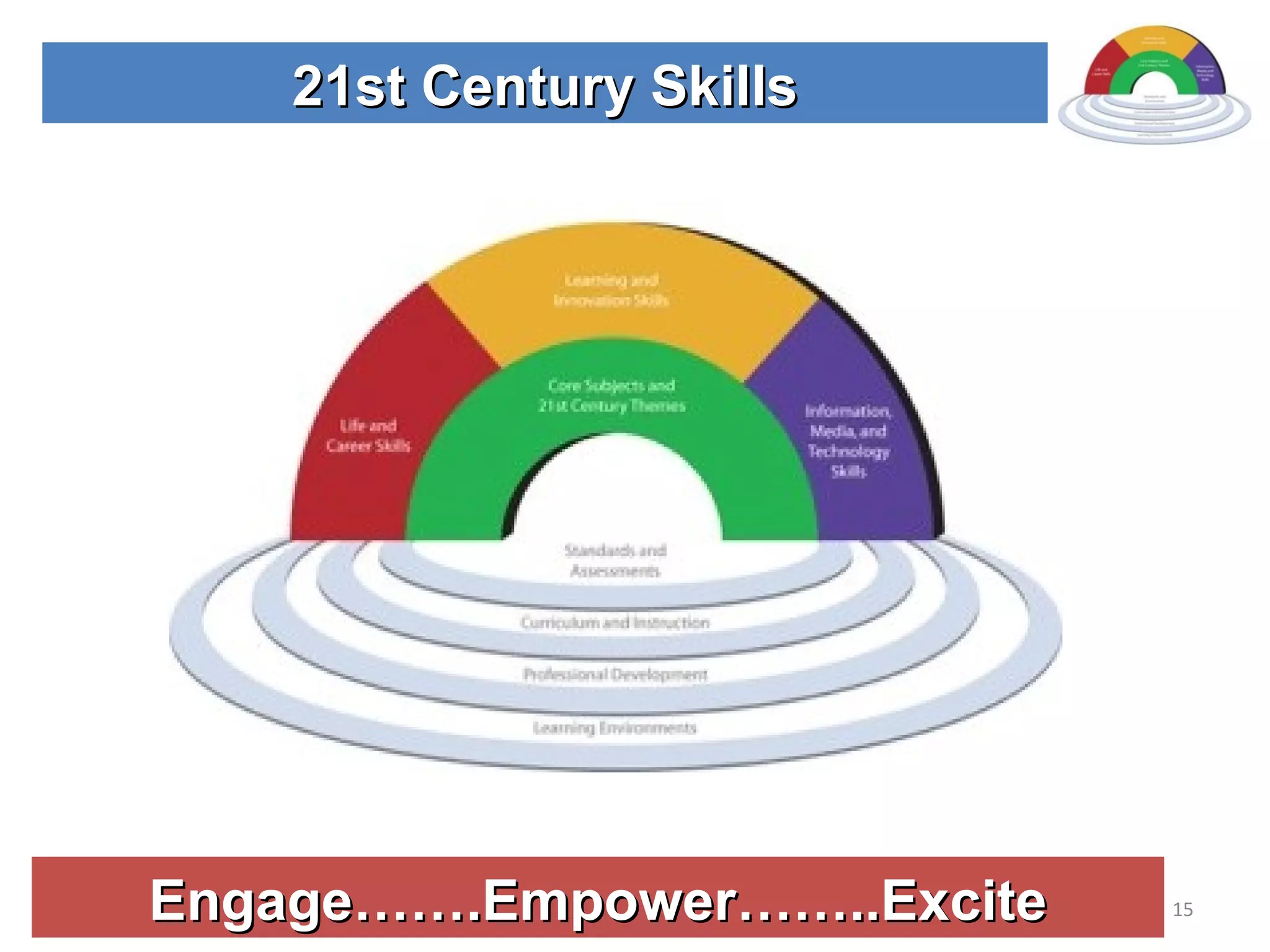
Engage…….Empower……..Excite 21st Century Skills
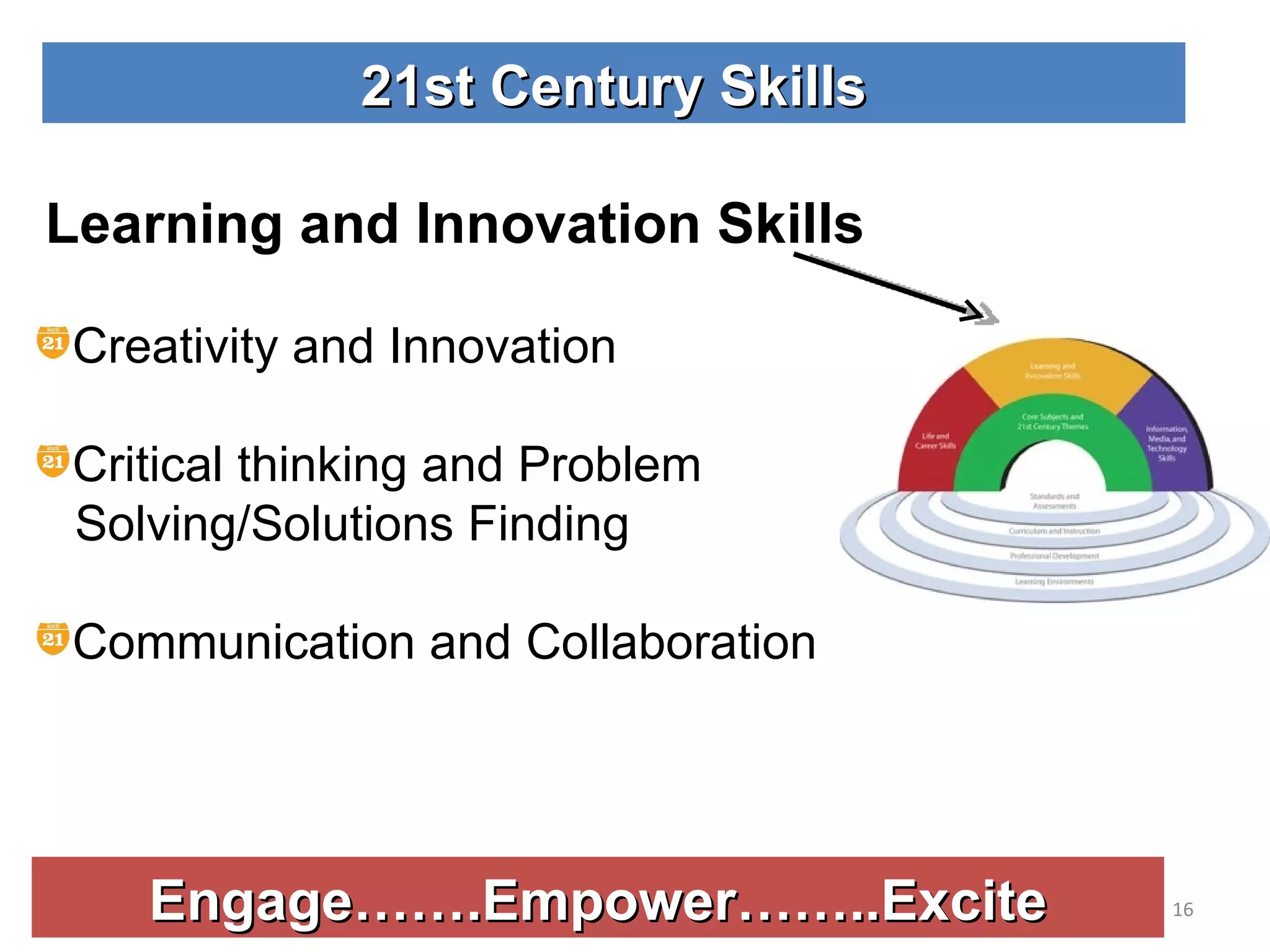
Engage…….Empower……..Excite 21st Century Skills Learning and Innovation Skills Creativity and Innovation Critical thinking and Problem  Solving/Solutions Finding Communication and Collaboration
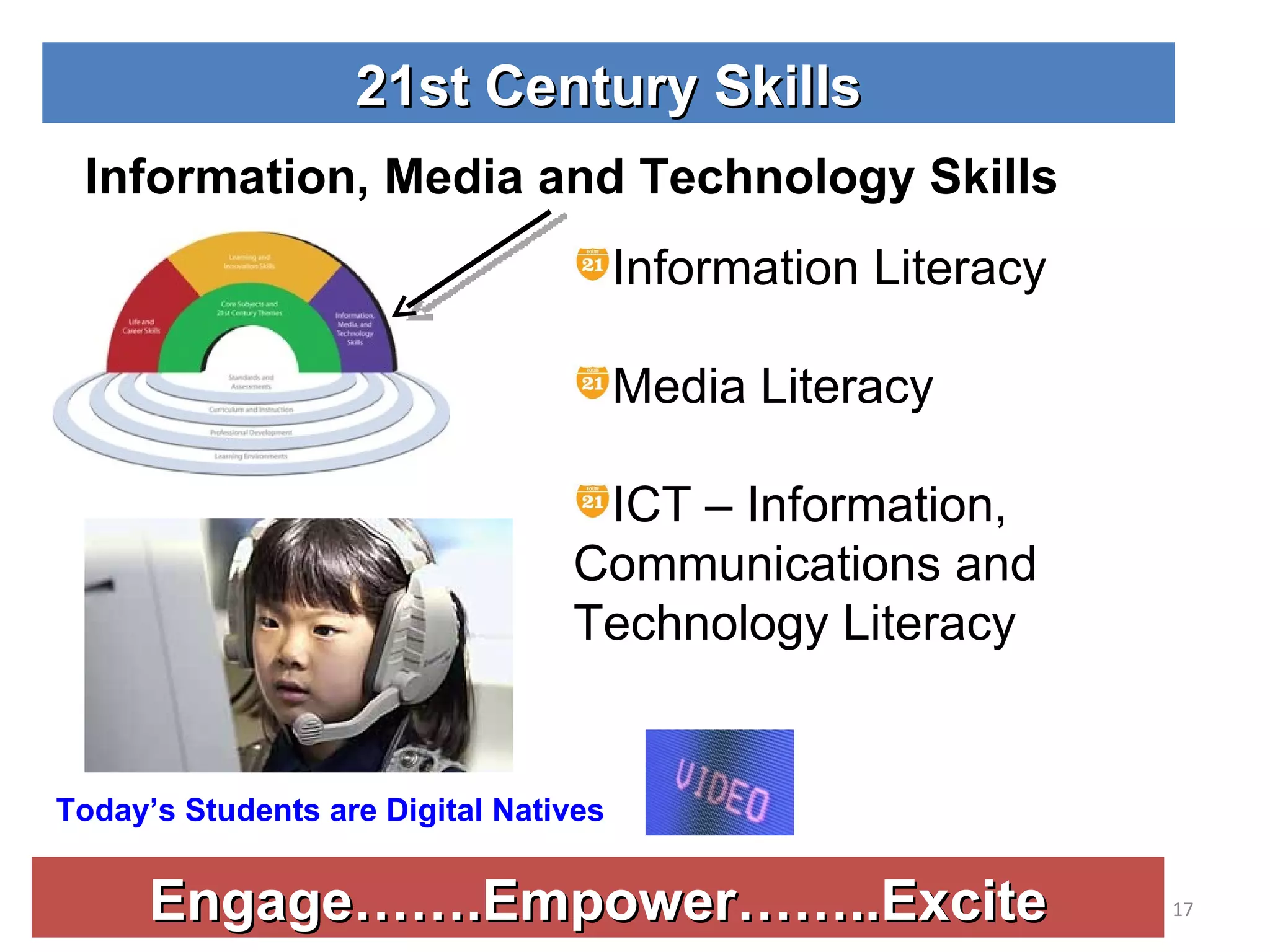
Engage…….Empower……..Excite 21st Century Skills Information, Media and Technology Skills Information Literacy Media Literacy ICT – Information, Communications and Technology Literacy Today’s Students are Digital Natives
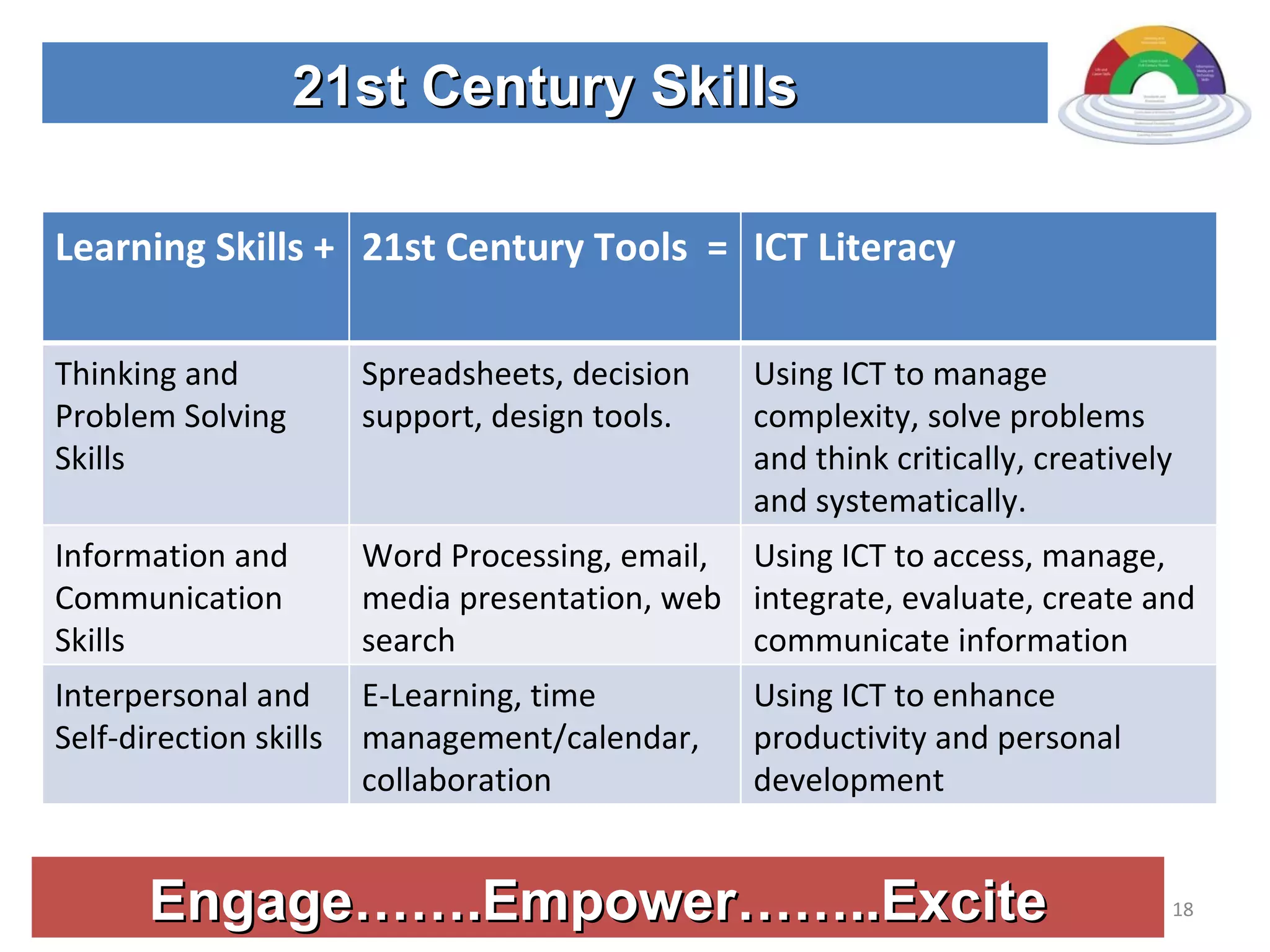
Engage…….Empower……..Excite 21st Century Skills Learning Skills + 21st Century Tools  = ICT Literacy Thinking and Problem Solving Skills Spreadsheets, decision support, design tools. Using ICT to manage complexity, solve problems and think critically, creatively and systematically. Information and Communication Skills Word Processing, email, media presentation, web search  Using ICT to access, manage, integrate, evaluate, create and communicate information Interpersonal and Self-direction skills E-Learning, time management/calendar, collaboration Using ICT to enhance productivity and personal development
Engage…….Empower……..Excite 21st Century Skills Light an Educational Fire
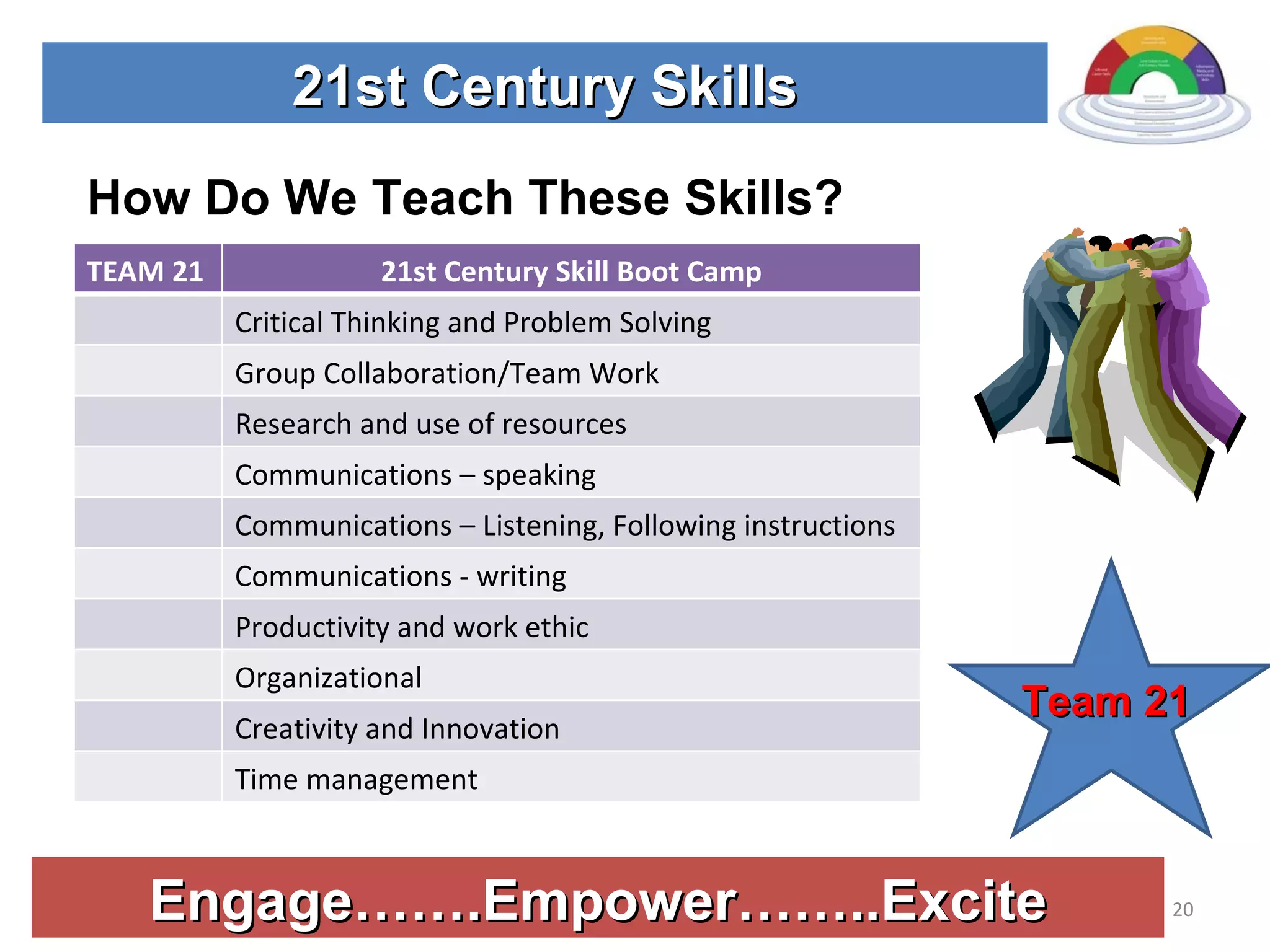
Engage…….Empower……..Excite 21st Century Skills How Do We Teach These Skills? Team 21 TEAM 21 21st Century Skill Boot Camp Critical Thinking and Problem Solving Group Collaboration/Team Work Research and use of resources Communications – speaking  Communications – Listening, Following instructions  Communications - writing Productivity and work ethic Organizational Creativity and Innovation Time management
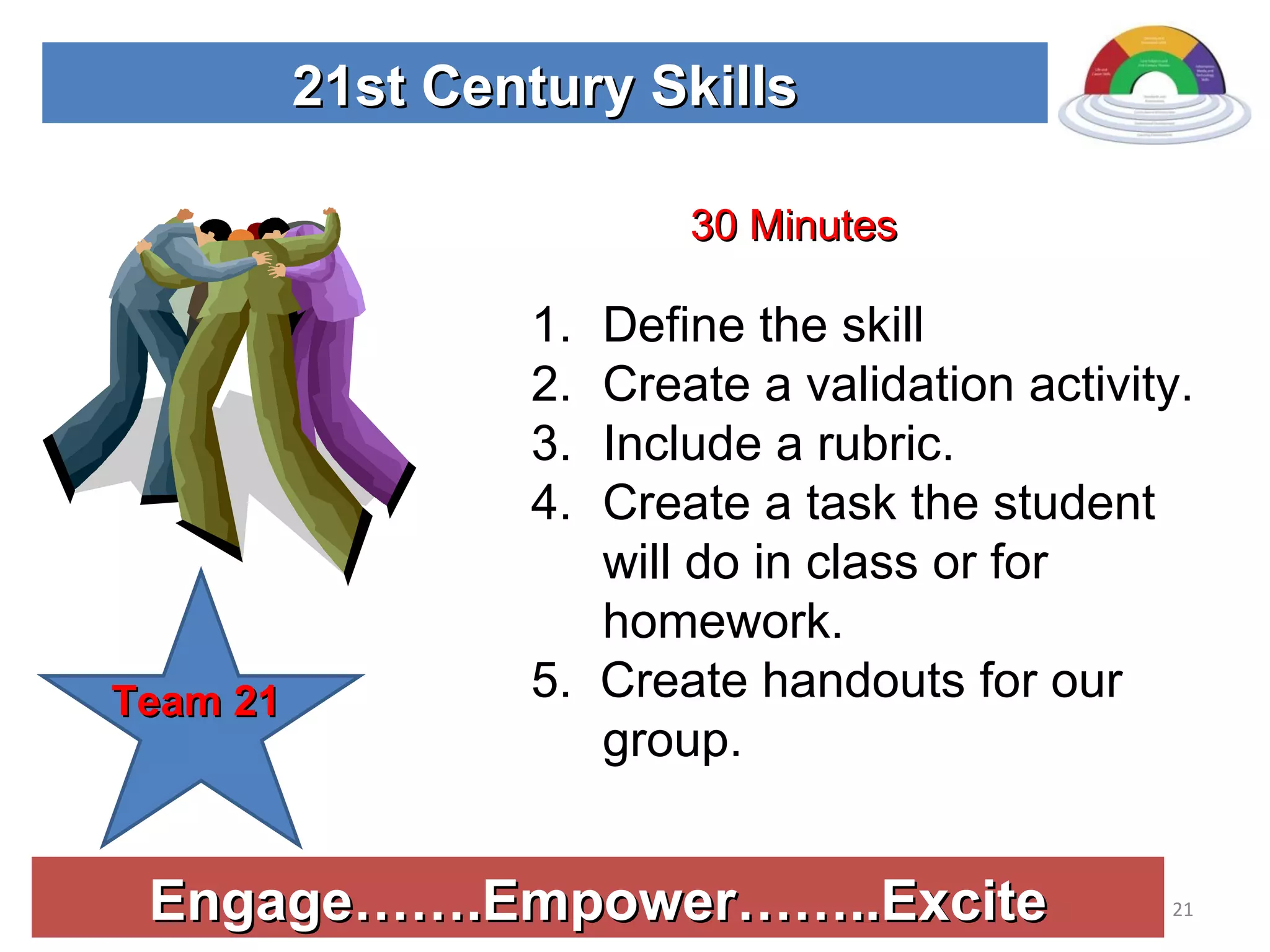
Engage…….Empower……..Excite 21st Century Skills Define the skill Create a validation activity. Include a rubric. Create a task the student will do in class or for homework. 5.  Create handouts for our group. Team 21 30 Minutes
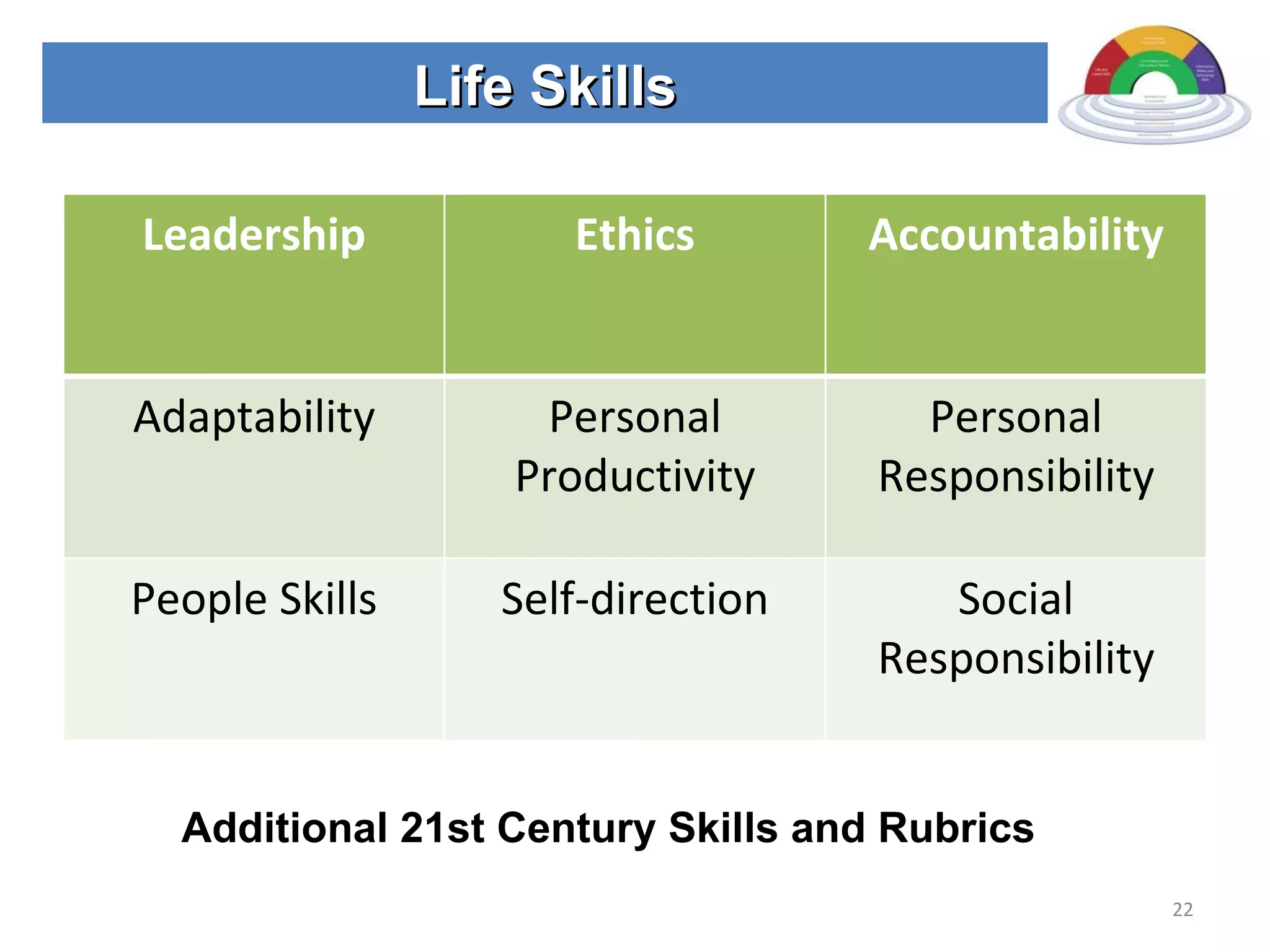
Life Skills Additional 21st Century Skills and Rubrics Leadership Ethics Accountability Adaptability Personal Productivity Personal Responsibility People Skills Self-direction Social Responsibility
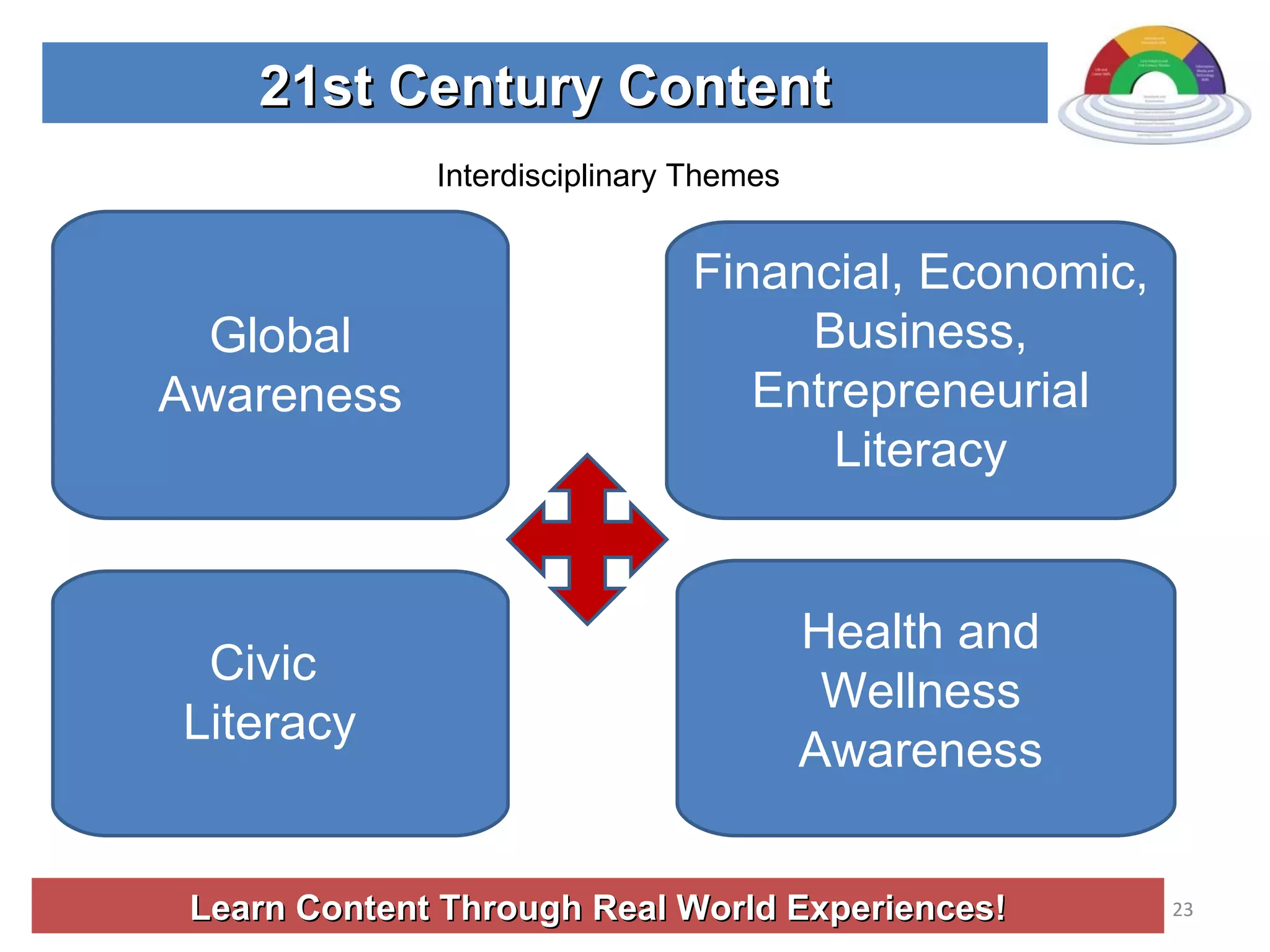
Learn Content Through Real World Experiences! 21st Century Content Interdisciplinary Themes Global Awareness Financial, Economic, Business, Entrepreneurial Literacy Civic  Literacy Health and Wellness Awareness
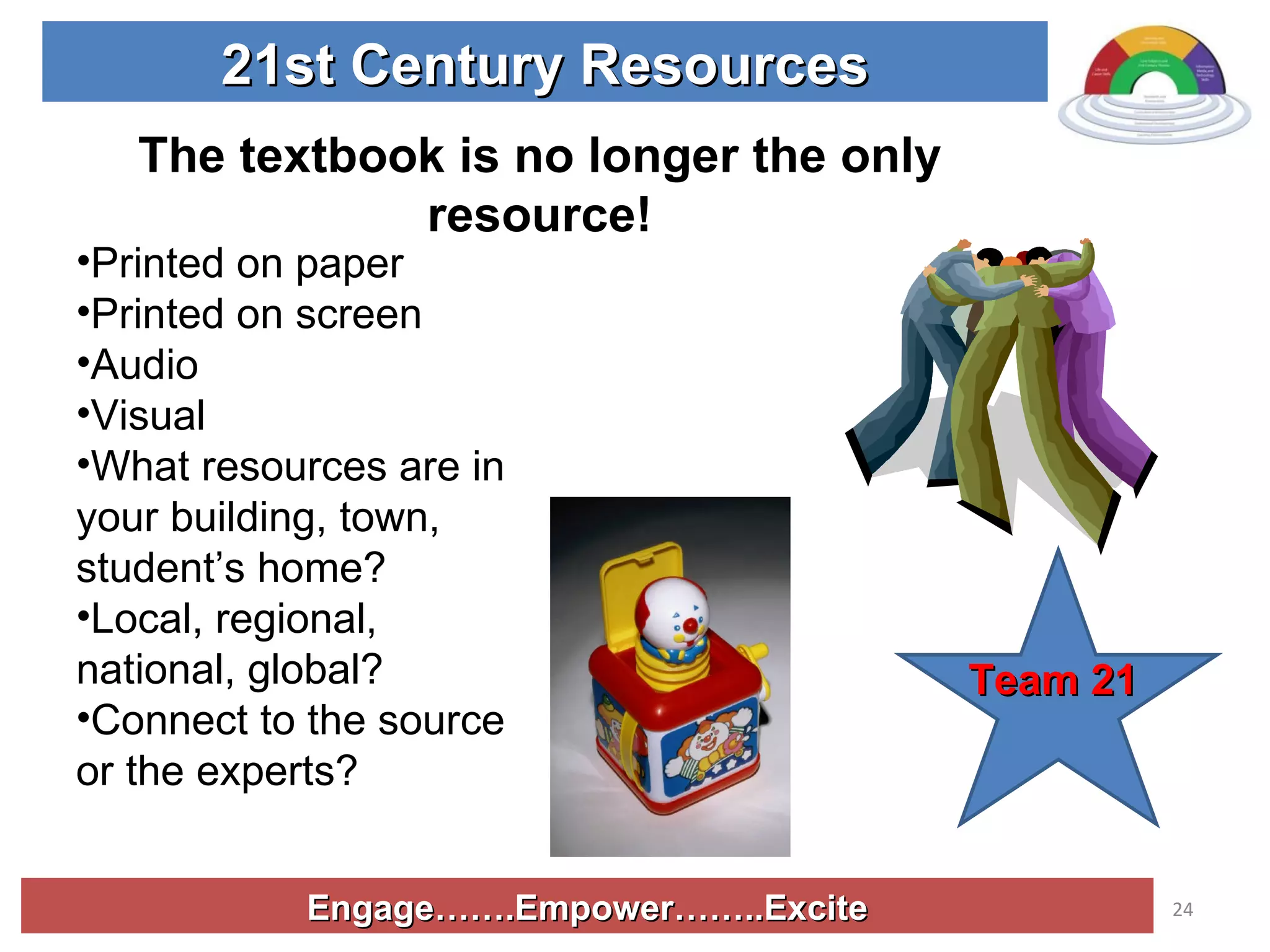
Engage…….Empower……..Excite 21st Century Resources Printed on paper Printed on screen Audio Visual What resources are in your building, town, student’s home? Local, regional, national, global? Connect to the source or the experts? Team 21 The textbook is no longer the only resource!
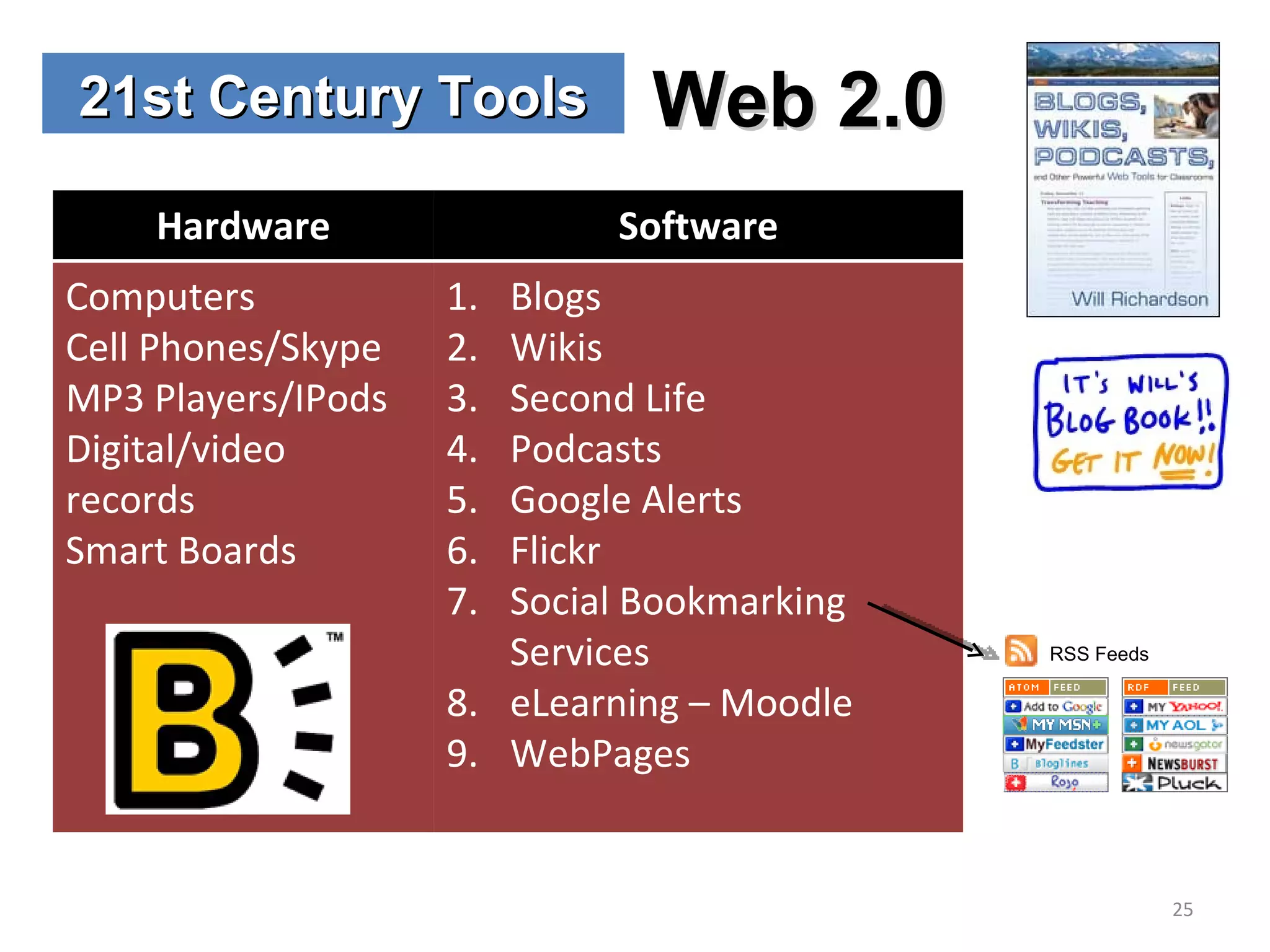
21st Century Tools Web 2.0 RSS Feeds Hardware Software Computers Cell Phones/Skype MP3 Players/IPods Digital/video records Smart Boards Blogs Wikis Second Life Podcasts Google Alerts Flickr Social Bookmarking Services eLearning – Moodle WebPages
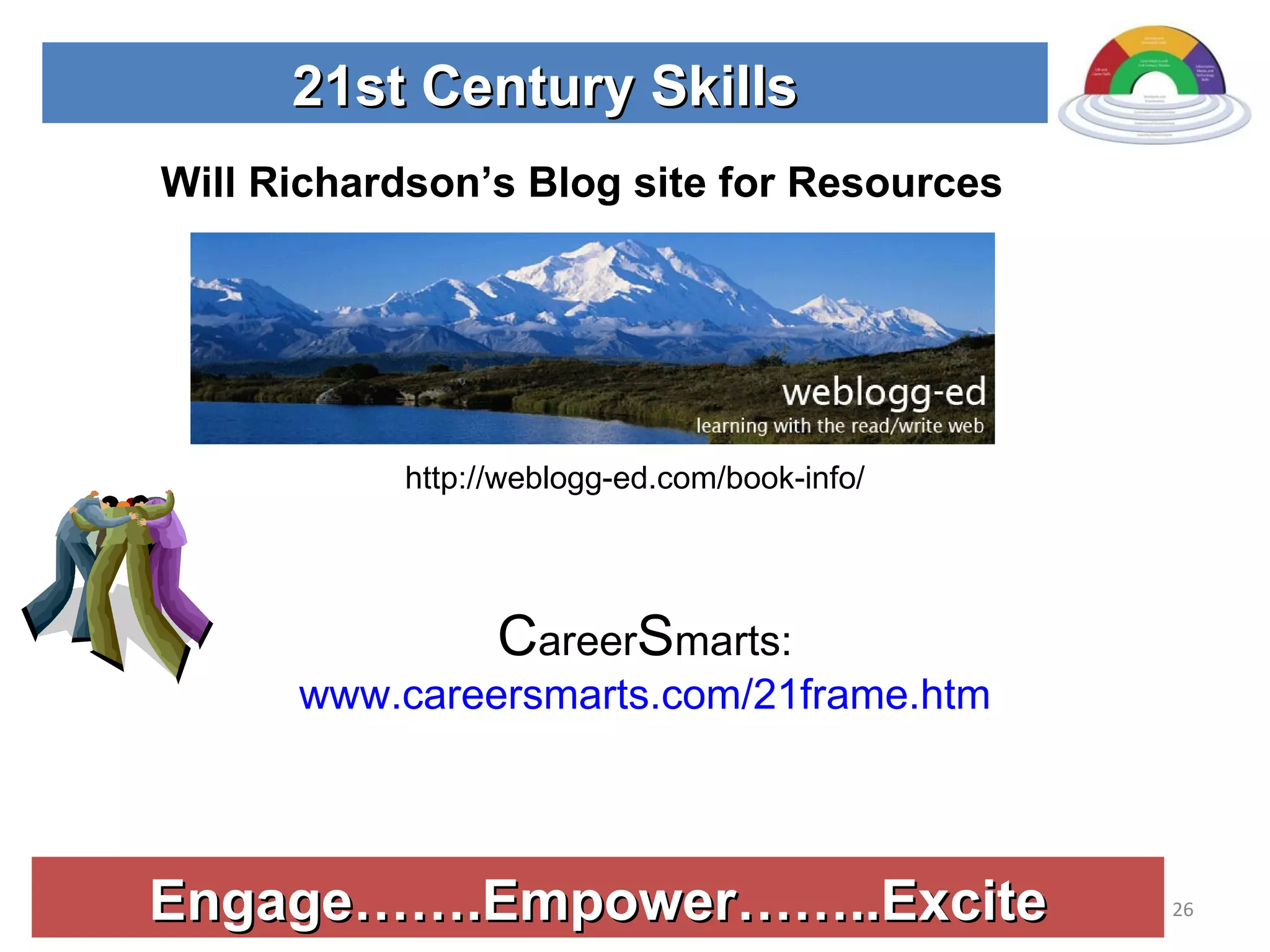
Engage…….Empower……..Excite 21st Century Skills http://weblogg-ed.com/book-info/ Will Richardson’s Blog site for Resources C areer S marts:  www.careersmarts.com/21frame.htm
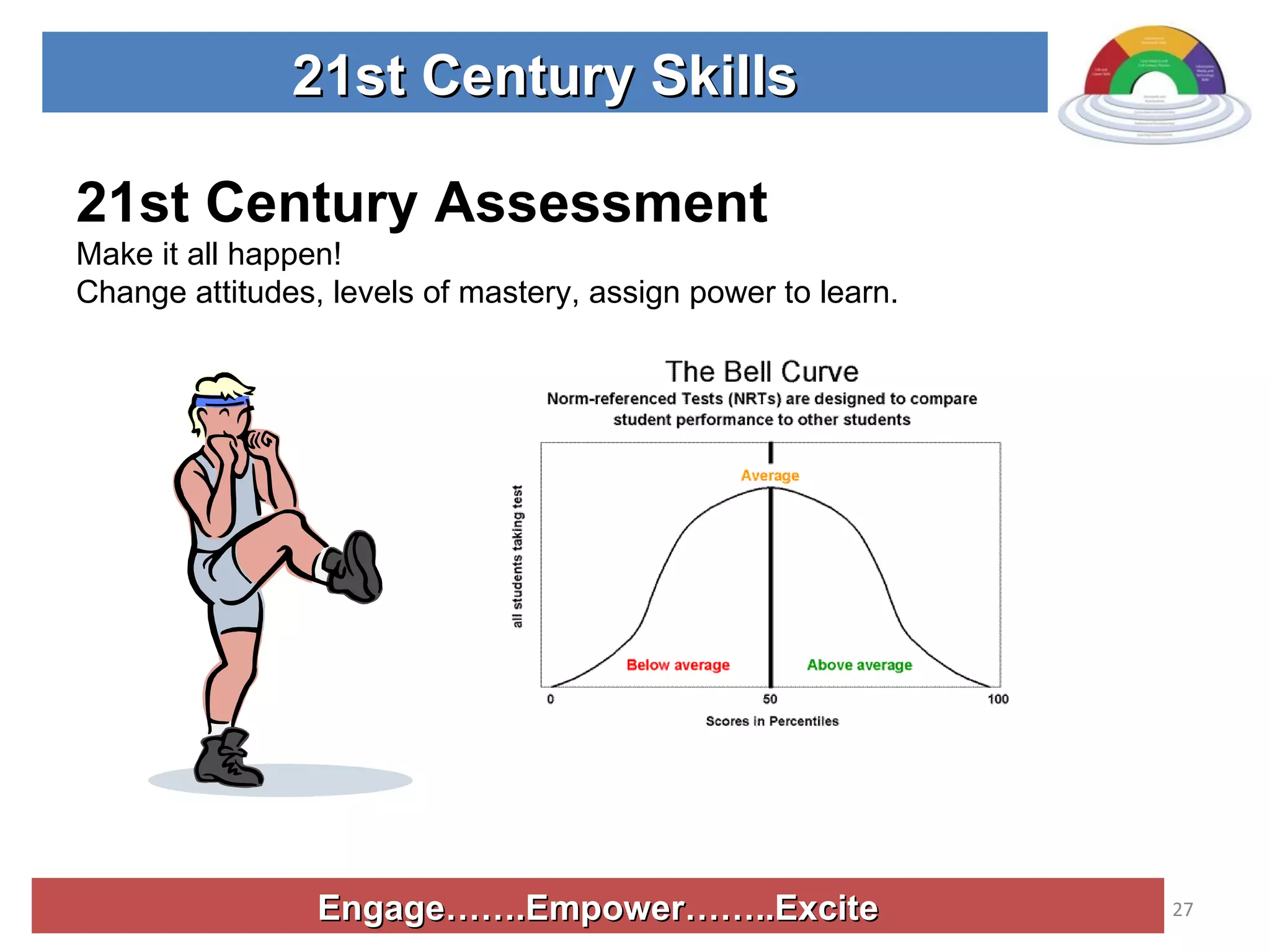
Engage…….Empower……..Excite 21st Century Skills 21st Century Assessment Make it all happen!  Change attitudes, levels of mastery, assign power to learn.
Engage…….Empower……..Excite 21st Century Skills Team 21 Pros and Cons of Points Assessment System
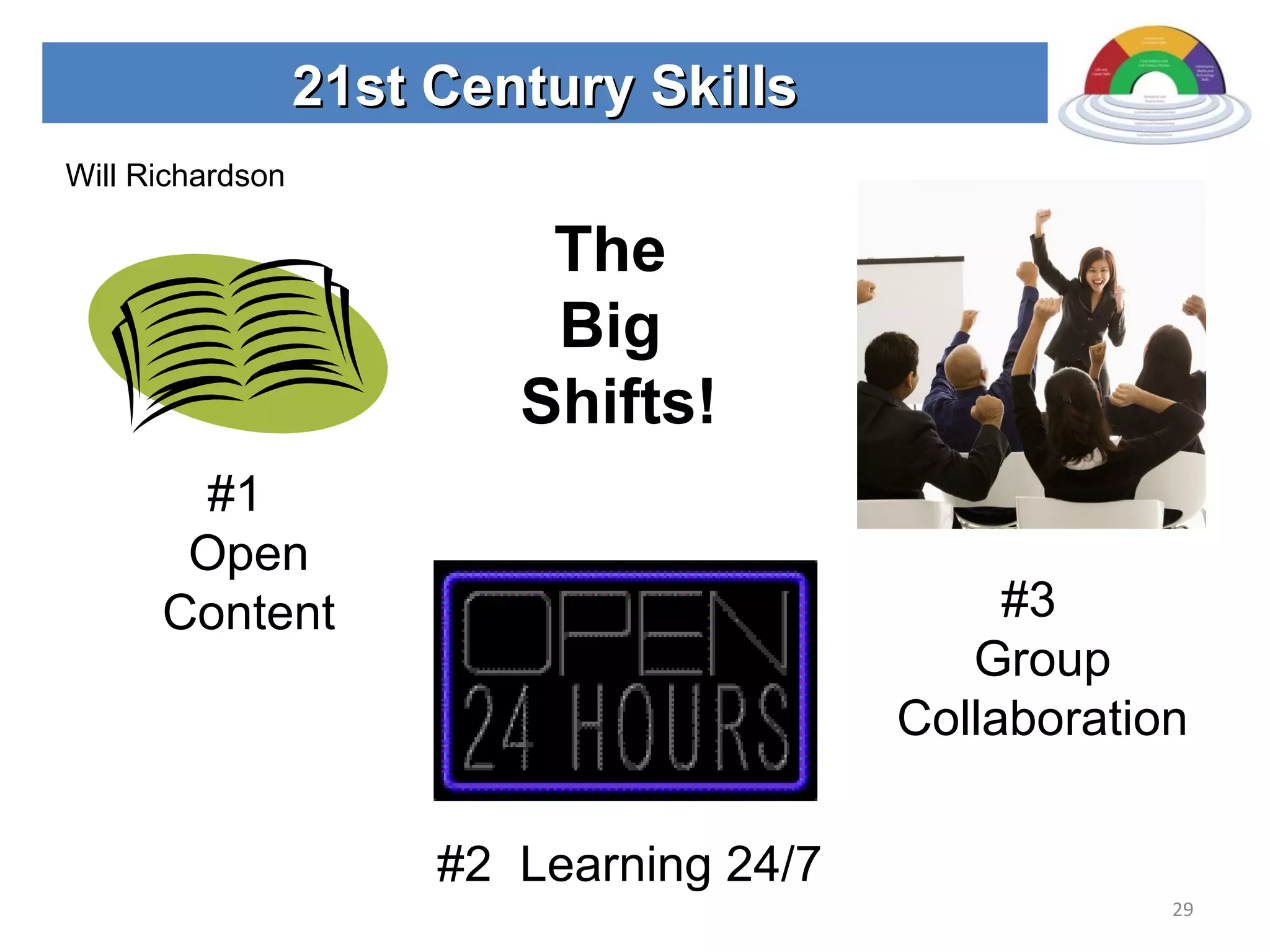
21st Century Skills The  Big  Shifts! #1  Open Content #2  Learning 24/7 #3  Group Collaboration Will Richardson
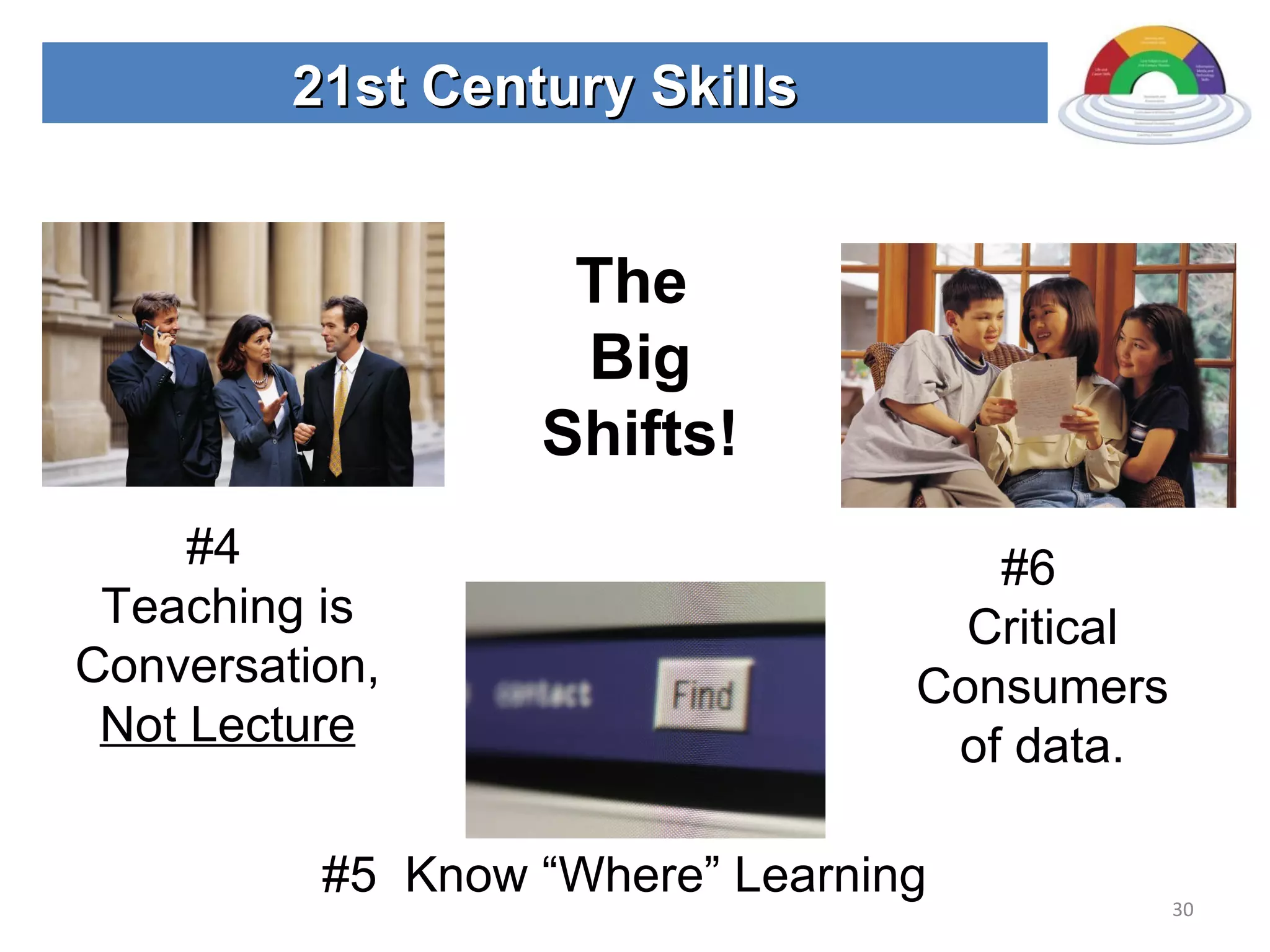
21st Century Skills The  Big Shifts! #4  Teaching is Conversation,  Not Lecture #5  Know “Where” Learning #6  Critical Consumers of data.
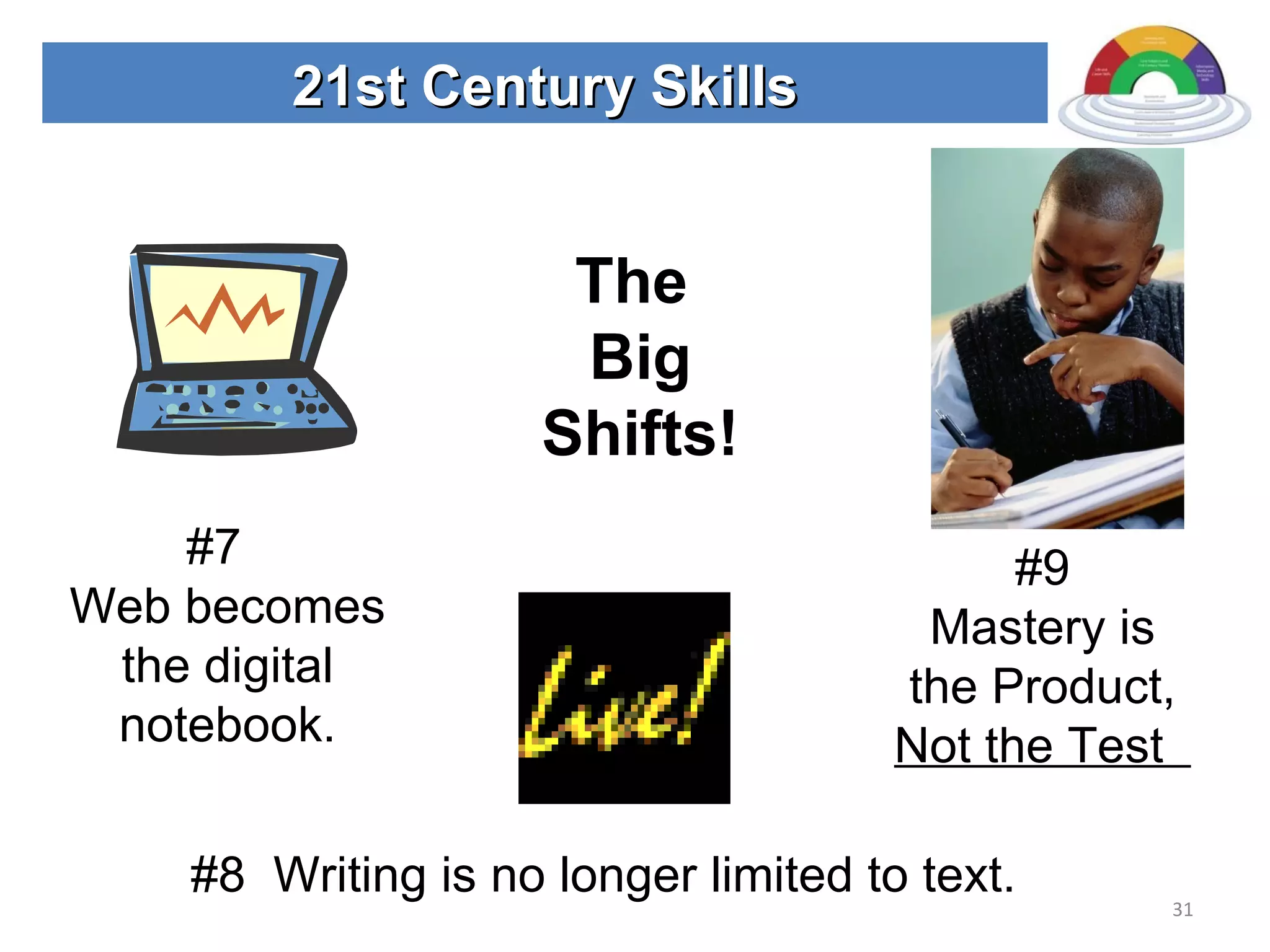
21st Century Skills The  Big Shifts! #7  Web becomes the digital notebook. #8  Writing is no longer limited to text. #9 Mastery is the Product,  Not the Test
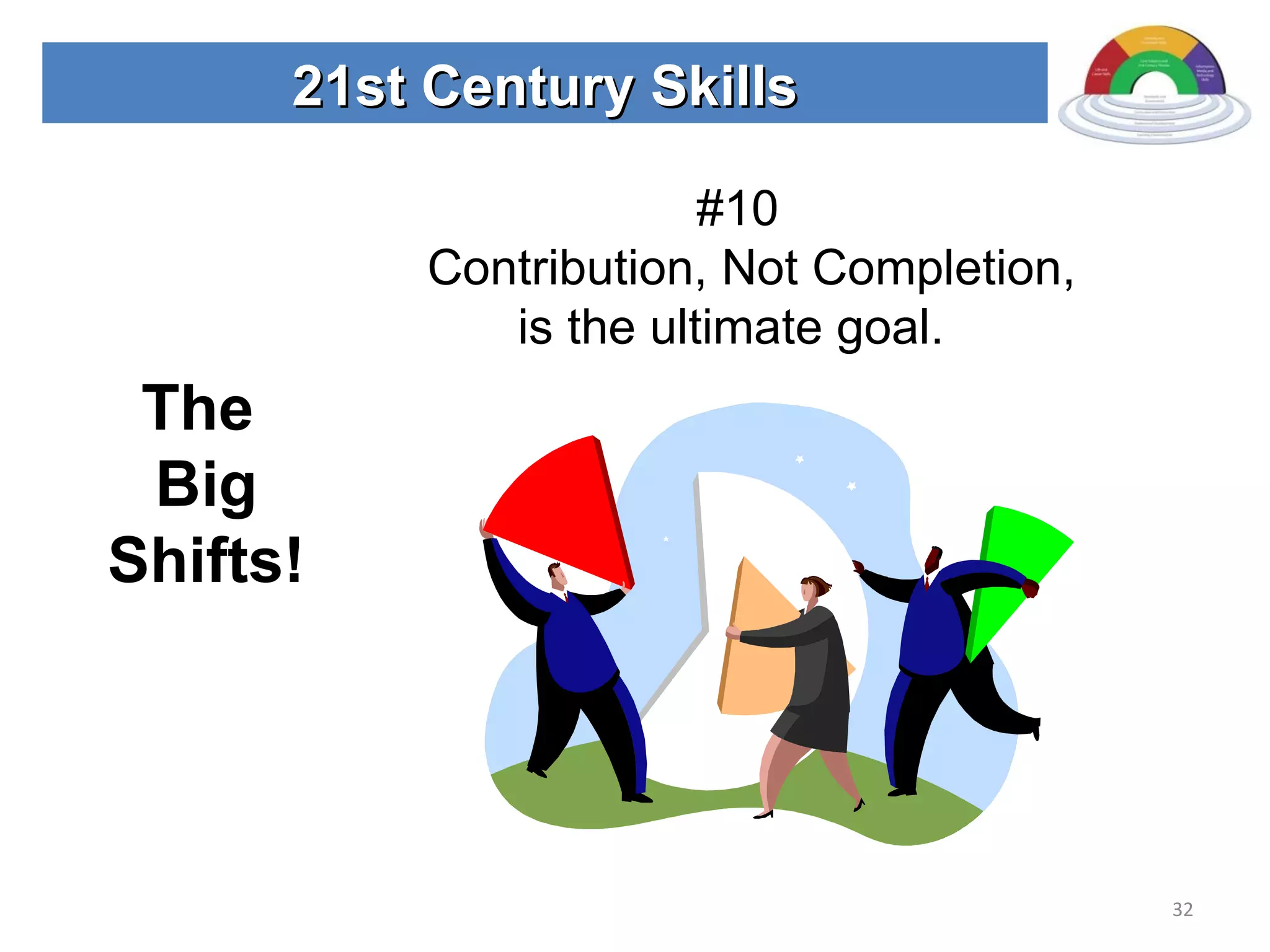
21st Century Skills The  Big Shifts! #10  Contribution, Not Completion, is the ultimate goal.
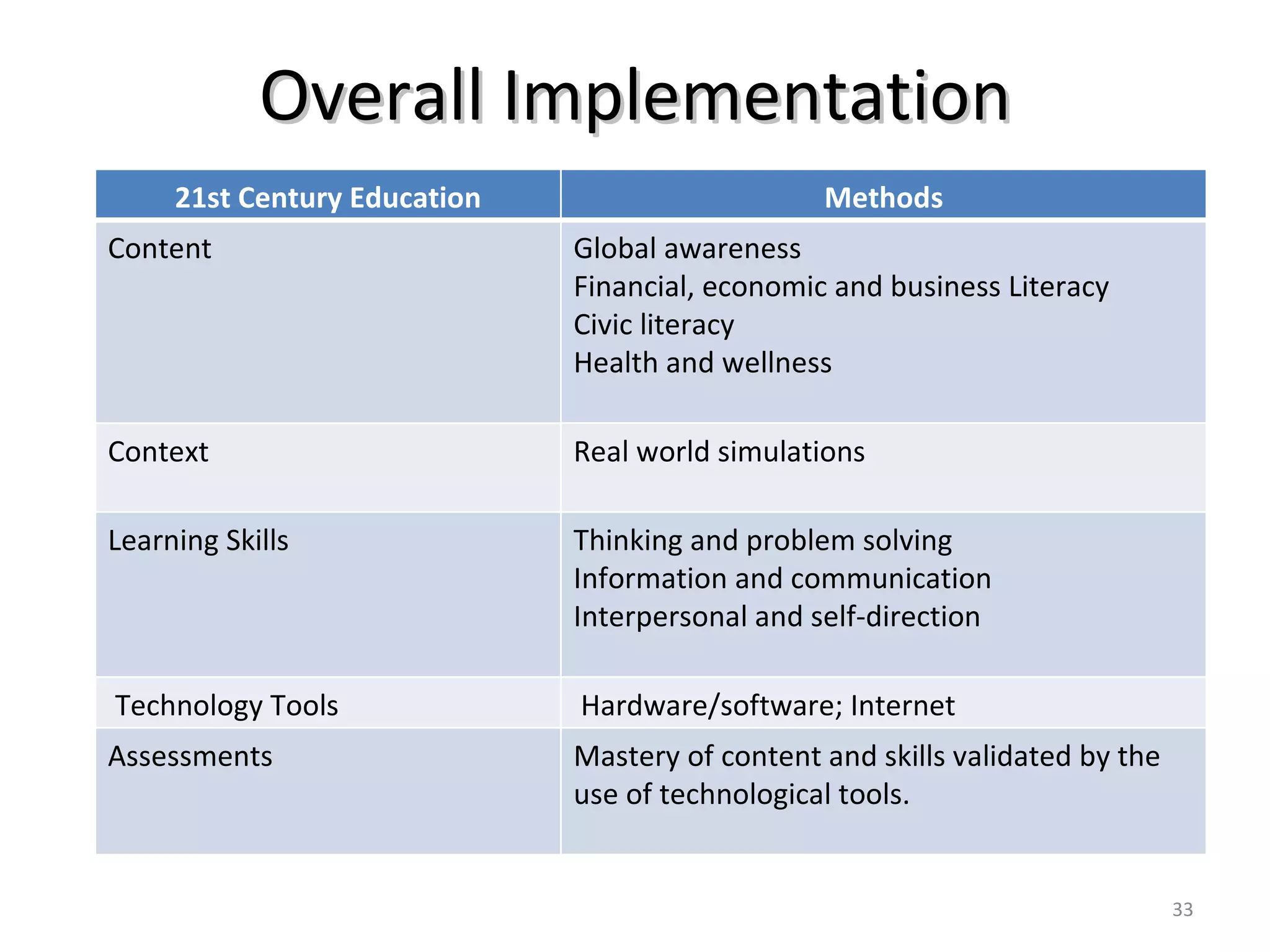
Overall Implementation 21st Century Education Methods Content Global awareness Financial, economic and business Literacy Civic literacy Health and wellness Context Real world simulations Learning Skills Thinking and problem solving Information and communication Interpersonal and self-direction Technology Tools Hardware/software; Internet Assessments Mastery of content and skills validated by the use of technological tools.
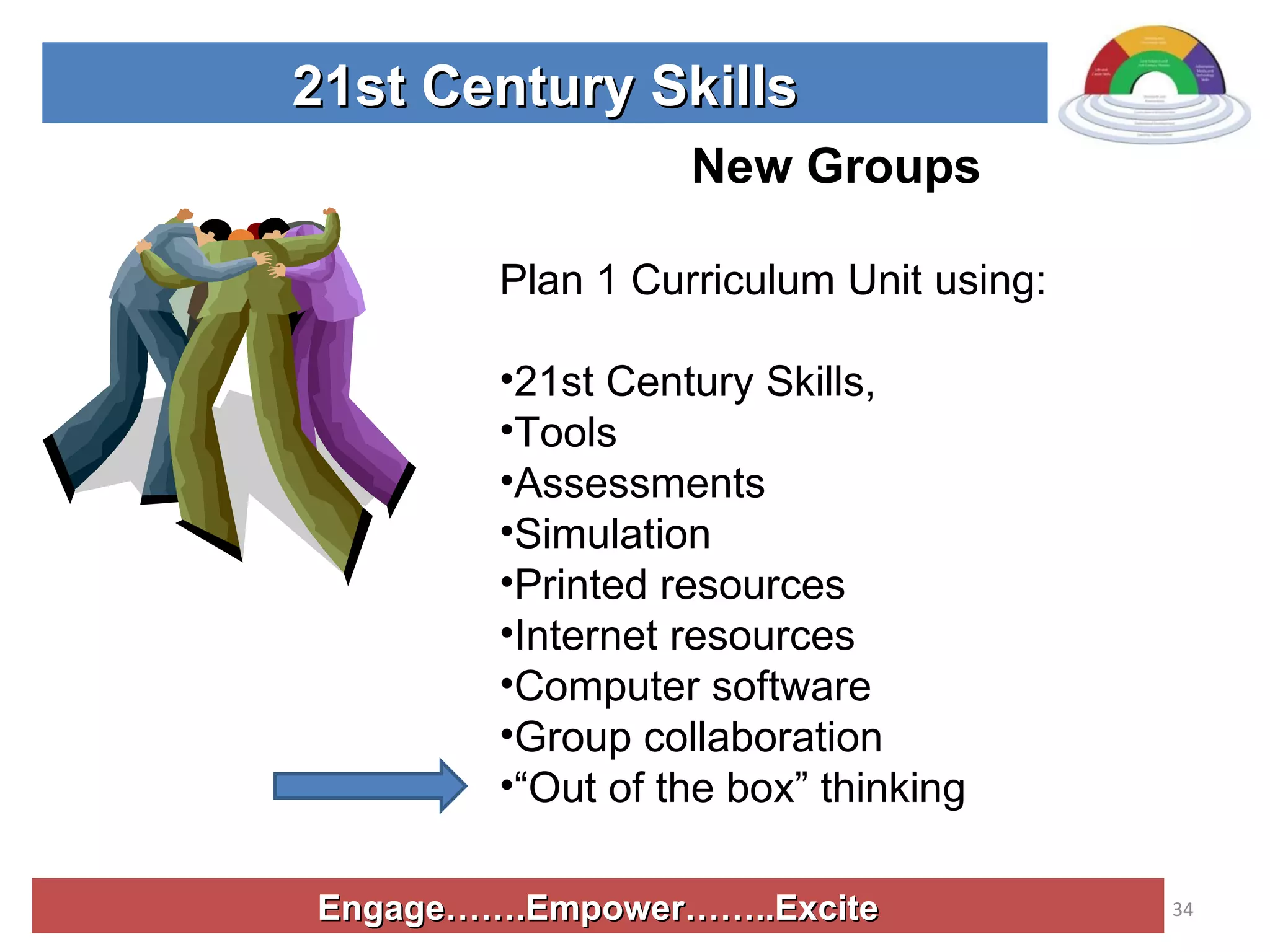
Engage…….Empower……..Excite 21st Century Skills New Groups Plan 1 Curriculum Unit using: 21st Century Skills,  Tools  Assessments Simulation  Printed resources Internet resources Computer software Group collaboration “ Out of the box” thinking
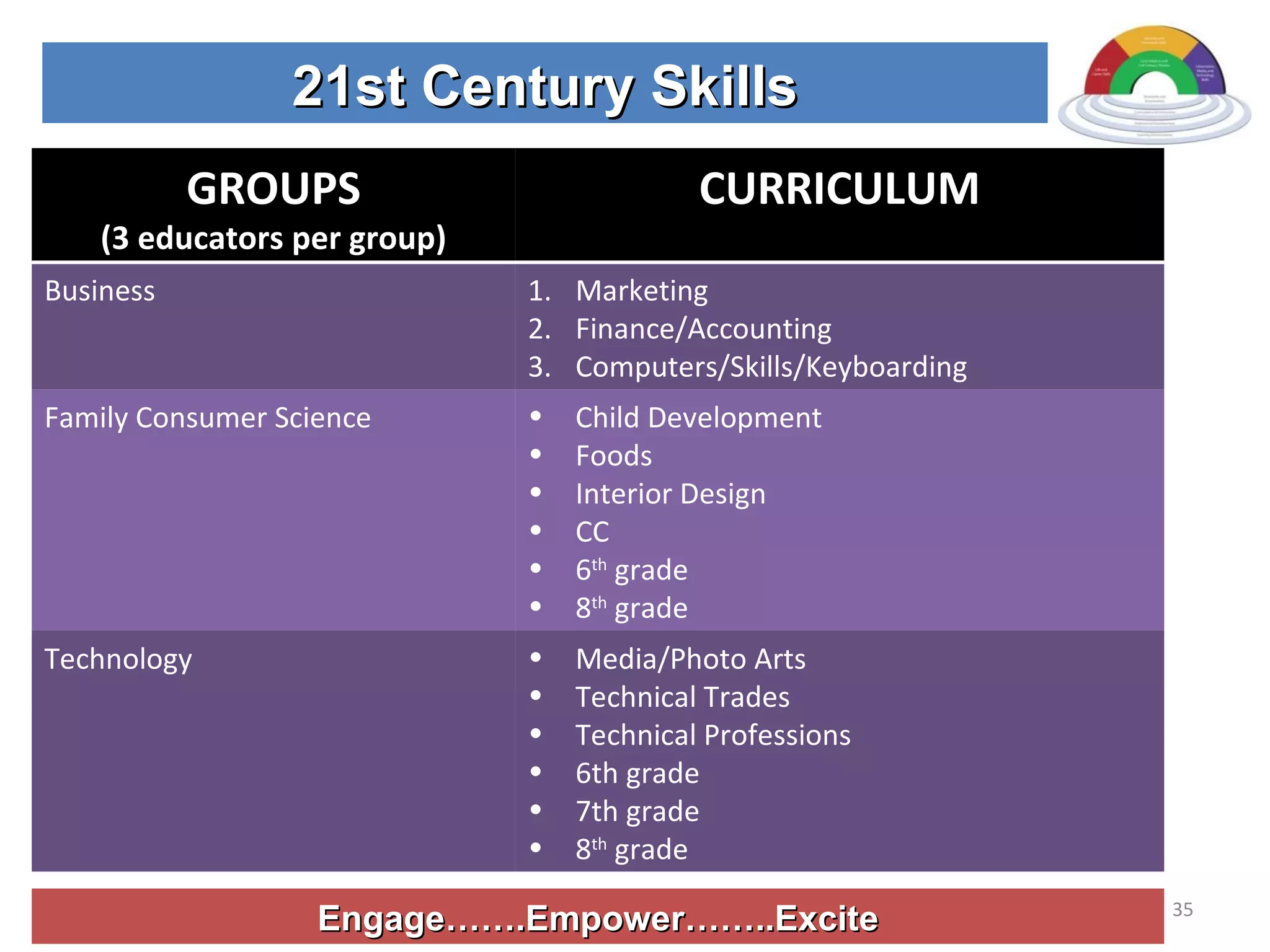
Engage…….Empower……..Excite 21st Century Skills GROUPS (3 educators per group) CURRICULUM Business Marketing Finance/Accounting Computers/Skills/Keyboarding Family Consumer Science Child Development Foods Interior Design CC  6 th  grade 8 th  grade Technology Media/Photo Arts Technical Trades  Technical Professions 6th grade 7th grade 8 th  grade
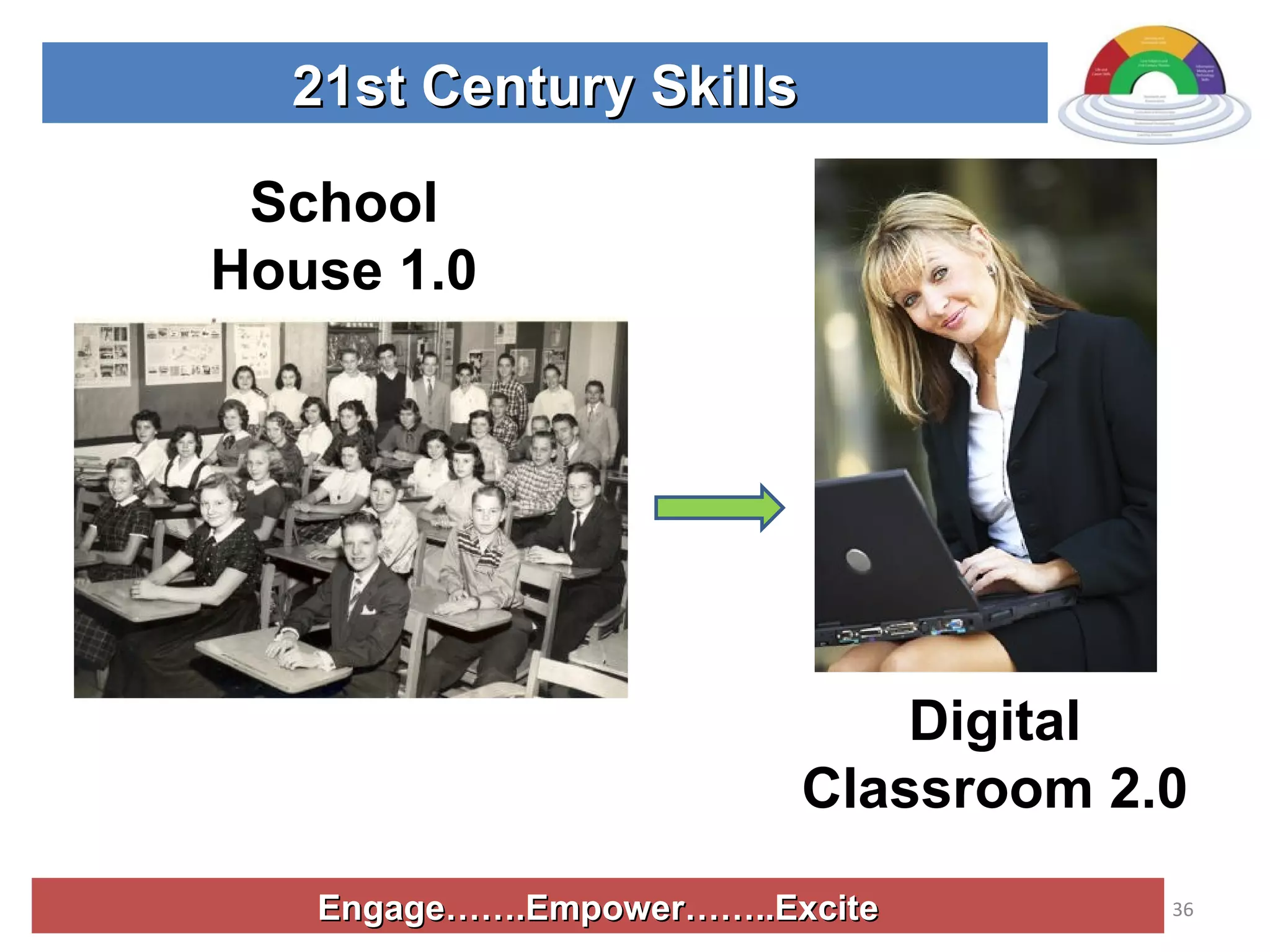
Engage…….Empower……..Excite 21st Century Skills School House 1.0 Digital Classroom 2.0
Engage…….Empower……..Excite 21st Century Skills Thank you! Go Forth and do Great Things! [email_address]

21st Century Learning

  • 1.
  • 2.
    20 th Century Classroom
  • 3.
    21st Century Classroom2.0 21st Century Educator
  • 4.
    Our students arechanging….but our schools are not. 21st Century Skills Education Today and Tomorrow
  • 5.
    Engage…….Empower……..Excite AGENDA: Conductseminar as a 21st Century Classroom Examine 21st Century Skills Content vs. Context Skills Tools Assessments Application of new knowledge. 21st Century Skills
  • 6.
    Engage…….Empower……..Excite Teach oneselfnew knowledge and skills Group collaboration Successfully operate individually…… and in a group 21st Century Skills Move the student from the classroom to a real world simulation!
  • 8.
    Engage…….Empower……..Excite 21st CenturySkills Simulation Consultants Service Educate surrounding school districts about 21st Century skills. Team 21
  • 9.
    Engage…….Empower……..Excite 21st CenturySkills Assess Your Talents Builder Researcher Creator Coach Decision-Maker Coordinator
  • 10.
    Engage…….Empower……..Excite 21st CenturySkills (E) Leader – Decision Maker (I) Information seeker – Researcher (R) Equipment/technology – Builder (A) Sign makers, layout – creator (S) Helpers – coach (C) Task master - Coordinators Team Roles
  • 11.
    Engage…….Empower……..Excite 21st CenturySkills 21st Century Skills Consultants HUDDLE – 15 minutes Team leader step up Introductions Create group name Discuss: Pros and Cons of groups Challenges you face when you group your students. Solutions Presentation Team 21
  • 12.
    Engage…….Empower……..Excite 21st CenturySkills View Route 21 Video   www.21stcenturyskills.org
  • 13.
    Engage…….Empower……..Excite 21st CenturySkills HUDDLE Why are the 21st Century skills important? What are the 21st Century skills? How do educators and employers differ when they talk about skills for the future? How does the traditional classroom differ from the classroom 2.0? Team 21
  • 14.
    Engage…….Empower……..Excite 21st CenturySkills A vision of Today’s Student
  • 15.
  • 16.
    Engage…….Empower……..Excite 21st CenturySkills Learning and Innovation Skills Creativity and Innovation Critical thinking and Problem Solving/Solutions Finding Communication and Collaboration
  • 17.
    Engage…….Empower……..Excite 21st CenturySkills Information, Media and Technology Skills Information Literacy Media Literacy ICT – Information, Communications and Technology Literacy Today’s Students are Digital Natives
  • 18.
    Engage…….Empower……..Excite 21st CenturySkills Learning Skills + 21st Century Tools = ICT Literacy Thinking and Problem Solving Skills Spreadsheets, decision support, design tools. Using ICT to manage complexity, solve problems and think critically, creatively and systematically. Information and Communication Skills Word Processing, email, media presentation, web search Using ICT to access, manage, integrate, evaluate, create and communicate information Interpersonal and Self-direction skills E-Learning, time management/calendar, collaboration Using ICT to enhance productivity and personal development
  • 19.
    Engage…….Empower……..Excite 21st CenturySkills Light an Educational Fire
  • 20.
    Engage…….Empower……..Excite 21st CenturySkills How Do We Teach These Skills? Team 21 TEAM 21 21st Century Skill Boot Camp Critical Thinking and Problem Solving Group Collaboration/Team Work Research and use of resources Communications – speaking Communications – Listening, Following instructions Communications - writing Productivity and work ethic Organizational Creativity and Innovation Time management
  • 21.
    Engage…….Empower……..Excite 21st CenturySkills Define the skill Create a validation activity. Include a rubric. Create a task the student will do in class or for homework. 5. Create handouts for our group. Team 21 30 Minutes
  • 22.
    Life Skills Additional21st Century Skills and Rubrics Leadership Ethics Accountability Adaptability Personal Productivity Personal Responsibility People Skills Self-direction Social Responsibility
  • 23.
    Learn Content ThroughReal World Experiences! 21st Century Content Interdisciplinary Themes Global Awareness Financial, Economic, Business, Entrepreneurial Literacy Civic Literacy Health and Wellness Awareness
  • 24.
    Engage…….Empower……..Excite 21st CenturyResources Printed on paper Printed on screen Audio Visual What resources are in your building, town, student’s home? Local, regional, national, global? Connect to the source or the experts? Team 21 The textbook is no longer the only resource!
  • 25.
    21st Century ToolsWeb 2.0 RSS Feeds Hardware Software Computers Cell Phones/Skype MP3 Players/IPods Digital/video records Smart Boards Blogs Wikis Second Life Podcasts Google Alerts Flickr Social Bookmarking Services eLearning – Moodle WebPages
  • 26.
    Engage…….Empower……..Excite 21st CenturySkills http://weblogg-ed.com/book-info/ Will Richardson’s Blog site for Resources C areer S marts: www.careersmarts.com/21frame.htm
  • 27.
    Engage…….Empower……..Excite 21st CenturySkills 21st Century Assessment Make it all happen! Change attitudes, levels of mastery, assign power to learn.
  • 28.
    Engage…….Empower……..Excite 21st CenturySkills Team 21 Pros and Cons of Points Assessment System
  • 29.
    21st Century SkillsThe Big Shifts! #1 Open Content #2 Learning 24/7 #3 Group Collaboration Will Richardson
  • 30.
    21st Century SkillsThe Big Shifts! #4 Teaching is Conversation, Not Lecture #5 Know “Where” Learning #6 Critical Consumers of data.
  • 31.
    21st Century SkillsThe Big Shifts! #7 Web becomes the digital notebook. #8 Writing is no longer limited to text. #9 Mastery is the Product, Not the Test
  • 32.
    21st Century SkillsThe Big Shifts! #10 Contribution, Not Completion, is the ultimate goal.
  • 33.
    Overall Implementation 21stCentury Education Methods Content Global awareness Financial, economic and business Literacy Civic literacy Health and wellness Context Real world simulations Learning Skills Thinking and problem solving Information and communication Interpersonal and self-direction Technology Tools Hardware/software; Internet Assessments Mastery of content and skills validated by the use of technological tools.
  • 34.
    Engage…….Empower……..Excite 21st CenturySkills New Groups Plan 1 Curriculum Unit using: 21st Century Skills, Tools Assessments Simulation Printed resources Internet resources Computer software Group collaboration “ Out of the box” thinking
  • 35.
    Engage…….Empower……..Excite 21st CenturySkills GROUPS (3 educators per group) CURRICULUM Business Marketing Finance/Accounting Computers/Skills/Keyboarding Family Consumer Science Child Development Foods Interior Design CC 6 th grade 8 th grade Technology Media/Photo Arts Technical Trades Technical Professions 6th grade 7th grade 8 th grade
  • 36.
    Engage…….Empower……..Excite 21st CenturySkills School House 1.0 Digital Classroom 2.0
  • 37.
    Engage…….Empower……..Excite 21st CenturySkills Thank you! Go Forth and do Great Things! [email_address]