+


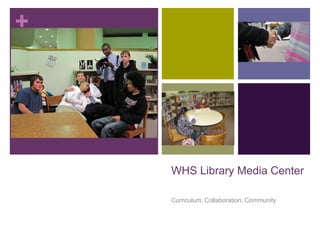
    WHS Library Media Center

    Curriculum, Collaboration, Community
+
    Vision

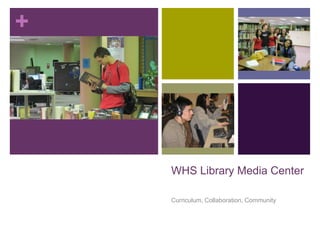
       The library media center is a dynamic space that supports a
        culture of reading, learning, and inquiry. Students often visit
        the media center to:
           Work on projects or homework
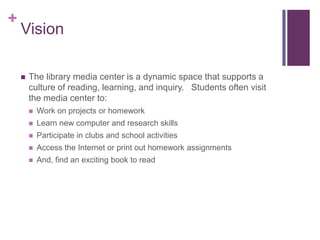
           Learn new computer and research skills
           Participate in clubs and school activities
           Access the Internet or print out homework assignments
           And, find an exciting book to read
+
    Curriculum, Collaboration,
    Community
       Goals of Library Media Center (LMC)
           Engage students in the process of inquiry and critical thinking;
           Utilize technology to increase student access to and effective use of
            information across the curriculum;
           Focus on literacy as a critical component of academic success and
            prerequisite to building skills of inquiry and critical thinking;
           Collaborate with teachers to integrate information literacy and 21st
            Century Skills© across the curriculum;
           Build and maintain a collection that is current and that meets the
            needs of the school as a learning community; and,
           Promote reading through book clubs, book talks, book lists, book
            reviews, blogging, book displays, storytelling, and more!
           Cultivate a culture and community of active learning and reflection.
+
    Curriculum, Collaboration,
    Community
       LMC Tech Services
           Provide opportunities for professional development
           Coordinate the installation of new equipment, including projectors,
            speakers, document cameras.
           Coordinate setups in auditorium and commons
           Coordinate copier repair and maintenance
           Coordinate checkout of tech equipment, including:
               digital cameras
               flip cameras
               multi-media head sets
               laptop and projector
+
    Collaboration

       Provide opportunities for integrating technology in current
        curriculum.

       Work with teachers to design and implement integrated lessons
        that meet state standards.

       Assist teachers in the instruction of lessons that integrate
        technology.

       Collaborate on developing assessment of integrated projects
        and assignments.
+
    Community

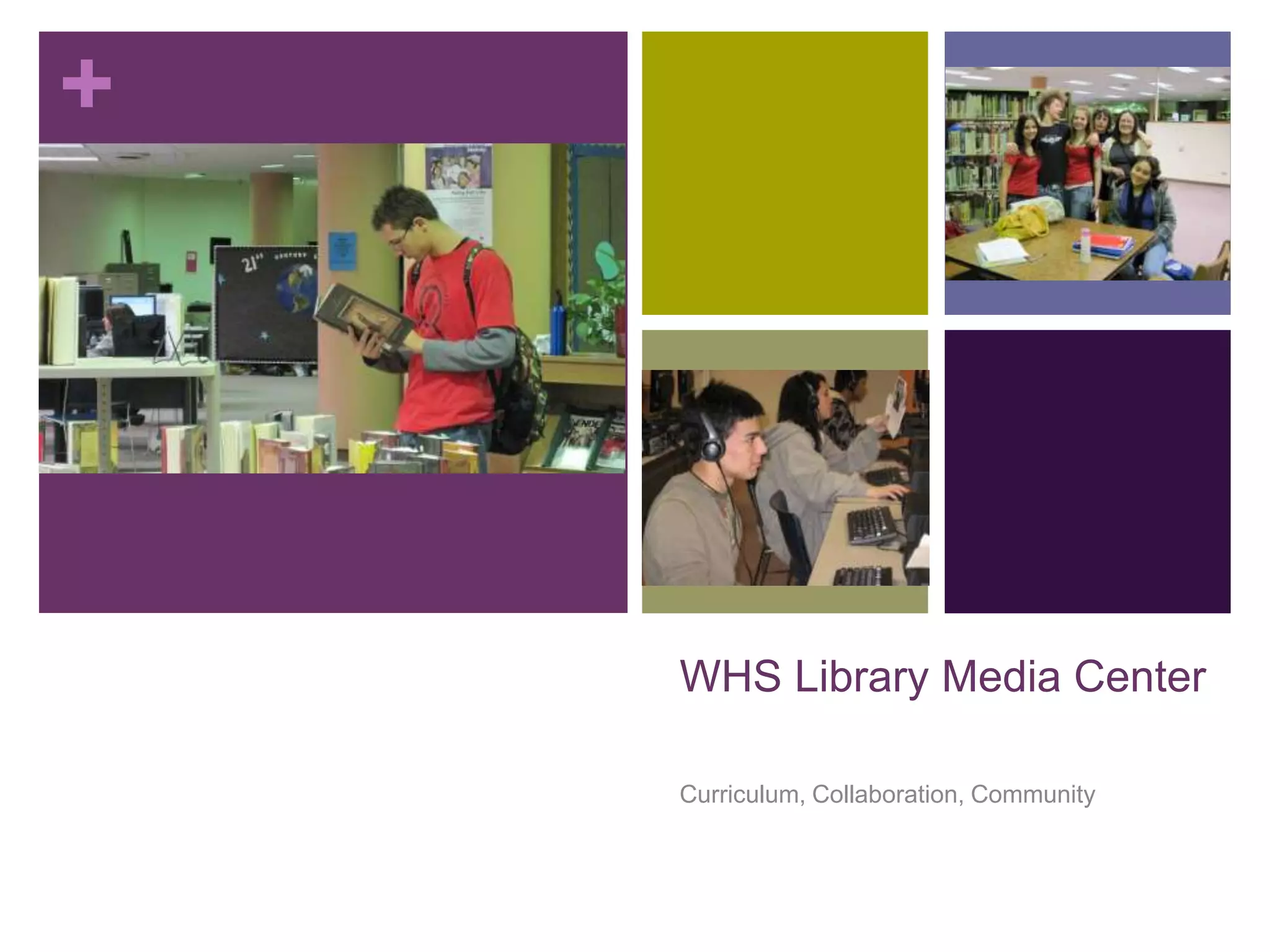
       The library media center is a community space where the
        academic and social climates of WHS meet.

       Activities of all disciplines take place in the media center.

       Students are encouraged to use the space for social
        interaction, intellectual discourse, and scholarly endeavors.

       Technology and literacy drive media center activities—as
        defined by 21st Century Skills and multiple-literacies.

       Student expectations are the same before school, during lunch
        hour, and after school.
+
    As members of a learning
    community, students will
       Follow school policies in the library media center. For example, eat
        lunch in the commons, keep cell phones and ipods in lockers, and request
        a pass to leave class.

       Act in a scholarly manner. For example, be respectful of others, show
        openness to learning new concepts and ideas, and have tolerance for
        differences in opinions and thought.

       Use the media center as a resource to support personal and
        academic growth. For example, read a YA novel, find information on a
        hobby or sport, do research for a paper.

       Use technology and online resources ethically and responsibly, in
        and out of school. For example, use Internet to seek information, access
        online databases, create a photo storybook report.

       Take time to be reflective of your behavior, learn from your mistakes,
        and remain open to “starting over.”
+
    How do students use the media
    center
       Students visit the media to:
           Use the computers
           Print an assignment
           Study for a test
           Check out a book
           Attend a club meetings
           Relax and recharge
           Talk with the media center staff
+
    Acceptable activities before school
    and during lunch
       Homework               Google Earth             Read online news
                                                          or magazines
       Drawing                Social discourse
                                                         Watch online sport
       Internet Research      Assigned projects         videos
       Reading                Club meetings

       Email                  Multi-media
                                projects
       Chess or Mancalla
                               Edit digital photos
       Coloring
+
    Study Hall Guidelines

       Students may use the media center to work on assigned
        projects during their study hall period.

       Students must get a pass from their teacher prior to the study
        hall period.

       Passes must be official and include the date/time and project
        student should be working on.

       Students must check in with their study hall teacher before
        going to the media center.

       Students are expected to stay on task.
+
    Study Hall Guidelines

       Students may be sent back to study hall with warning if they
        are:
           Playing computer games
           Disruptive or distracted
           Texting or talking on a cell phone
           Not working as instructed

       Students may be sent back to study hall without warning if they
        (are/have):
           Damaging property
           Using proxy site to access blocked sites
           No Pass
           Left w/o permission
+


    WHS Library Media Center

    Curriculum, Collaboration, Community

2010-2011 Media Center Orientation

  • 1.
    + WHS Library Media Center Curriculum, Collaboration, Community
  • 2.
    + Vision  The library media center is a dynamic space that supports a culture of reading, learning, and inquiry. Students often visit the media center to:  Work on projects or homework  Learn new computer and research skills  Participate in clubs and school activities  Access the Internet or print out homework assignments  And, find an exciting book to read
  • 3.
    + Curriculum, Collaboration, Community  Goals of Library Media Center (LMC)  Engage students in the process of inquiry and critical thinking;  Utilize technology to increase student access to and effective use of information across the curriculum;  Focus on literacy as a critical component of academic success and prerequisite to building skills of inquiry and critical thinking;  Collaborate with teachers to integrate information literacy and 21st Century Skills© across the curriculum;  Build and maintain a collection that is current and that meets the needs of the school as a learning community; and,  Promote reading through book clubs, book talks, book lists, book reviews, blogging, book displays, storytelling, and more!  Cultivate a culture and community of active learning and reflection.
  • 4.
    + Curriculum, Collaboration, Community  LMC Tech Services  Provide opportunities for professional development  Coordinate the installation of new equipment, including projectors, speakers, document cameras.  Coordinate setups in auditorium and commons  Coordinate copier repair and maintenance  Coordinate checkout of tech equipment, including:  digital cameras  flip cameras  multi-media head sets  laptop and projector
  • 5.
    + Collaboration  Provide opportunities for integrating technology in current curriculum.  Work with teachers to design and implement integrated lessons that meet state standards.  Assist teachers in the instruction of lessons that integrate technology.  Collaborate on developing assessment of integrated projects and assignments.
  • 6.
    + Community  The library media center is a community space where the academic and social climates of WHS meet.  Activities of all disciplines take place in the media center.  Students are encouraged to use the space for social interaction, intellectual discourse, and scholarly endeavors.  Technology and literacy drive media center activities—as defined by 21st Century Skills and multiple-literacies.  Student expectations are the same before school, during lunch hour, and after school.
  • 7.
    + As members of a learning community, students will  Follow school policies in the library media center. For example, eat lunch in the commons, keep cell phones and ipods in lockers, and request a pass to leave class.  Act in a scholarly manner. For example, be respectful of others, show openness to learning new concepts and ideas, and have tolerance for differences in opinions and thought.  Use the media center as a resource to support personal and academic growth. For example, read a YA novel, find information on a hobby or sport, do research for a paper.  Use technology and online resources ethically and responsibly, in and out of school. For example, use Internet to seek information, access online databases, create a photo storybook report.  Take time to be reflective of your behavior, learn from your mistakes, and remain open to “starting over.”
  • 8.
    + How do students use the media center  Students visit the media to:  Use the computers  Print an assignment  Study for a test  Check out a book  Attend a club meetings  Relax and recharge  Talk with the media center staff
  • 9.
    + Acceptable activities before school and during lunch  Homework  Google Earth  Read online news or magazines  Drawing  Social discourse  Watch online sport  Internet Research  Assigned projects videos  Reading  Club meetings  Email  Multi-media projects  Chess or Mancalla  Edit digital photos  Coloring
  • 10.
    + Study Hall Guidelines  Students may use the media center to work on assigned projects during their study hall period.  Students must get a pass from their teacher prior to the study hall period.  Passes must be official and include the date/time and project student should be working on.  Students must check in with their study hall teacher before going to the media center.  Students are expected to stay on task.
  • 11.
    + Study Hall Guidelines  Students may be sent back to study hall with warning if they are:  Playing computer games  Disruptive or distracted  Texting or talking on a cell phone  Not working as instructed  Students may be sent back to study hall without warning if they (are/have):  Damaging property  Using proxy site to access blocked sites  No Pass  Left w/o permission
  • 12.
    + WHS Library Media Center Curriculum, Collaboration, Community