Prof. Neeraj Bhargava
Pramod Singh Rathore
Department of Computer Science
School of Engineering & System Sciences,
MDS University Ajmer, Rajasthan, India
1
June 1999
Tom Siep, Texas InstrumentsSlide 13
doc.: IEEE 802.15-99/014r8
Submission
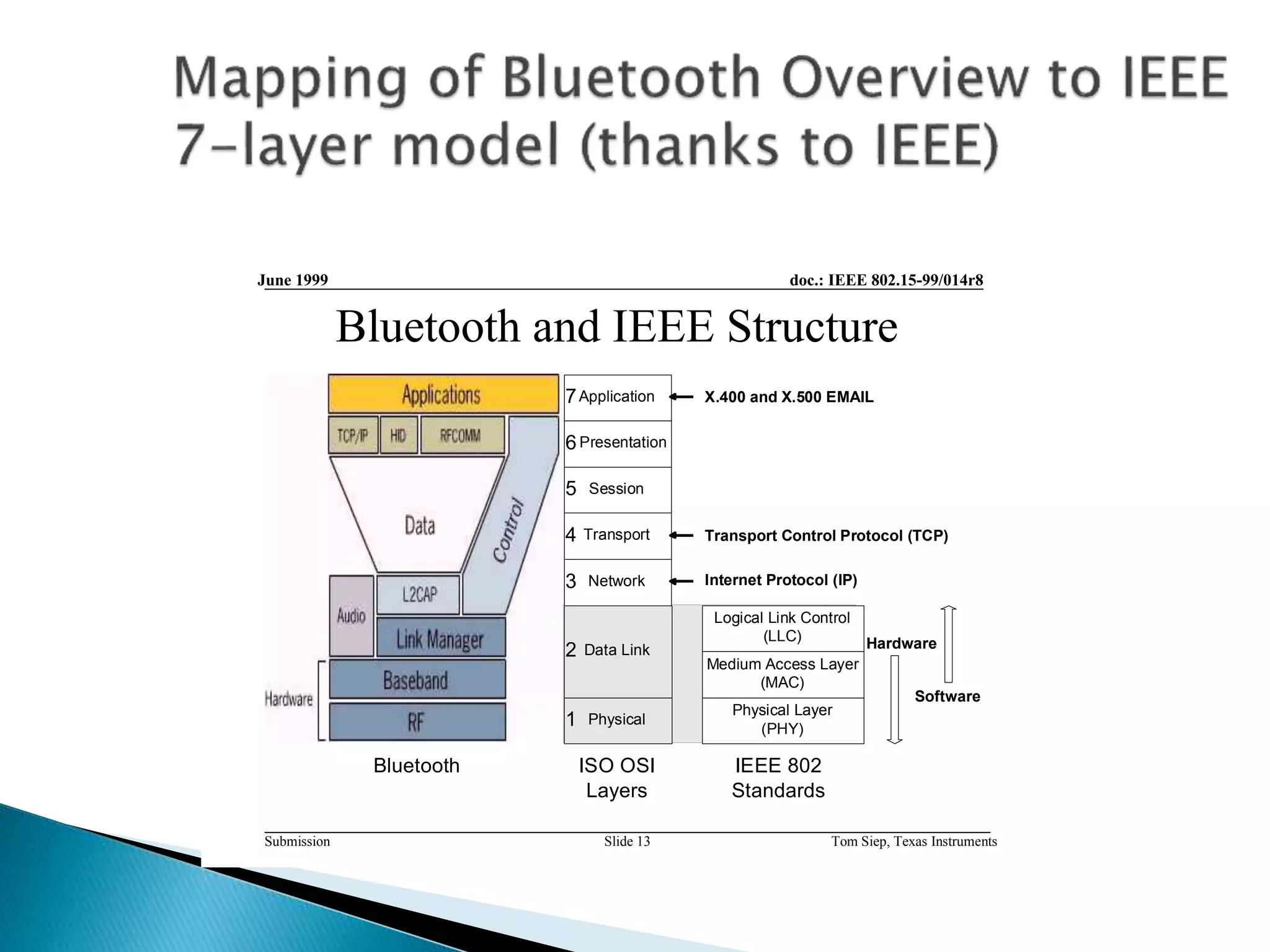
Bluetooth and IEEE Structure
Bluetooth
Physical Layer
(PHY)
Medium Access Layer
(MAC)
Logical Link Control
(LLC)
Physical
Data Link
Network
Transport
Session
Presentation
Application7
6
5
4
3
2
1
ISO OSI
Layers
IEEE 802
Standards
Hardware
Software
Transport Control Protocol (TCP)
Internet Protocol (IP)
X.400 and X.500 EMAIL
 Link Manager’s involvement with security
depends on Bluetooth security mode: only the
strictest setting requires that data link
implement security.
 Security for pairing, authentication and
encryption is implemented by both software
and hardware at this layer.
 We will later look at the specifics.
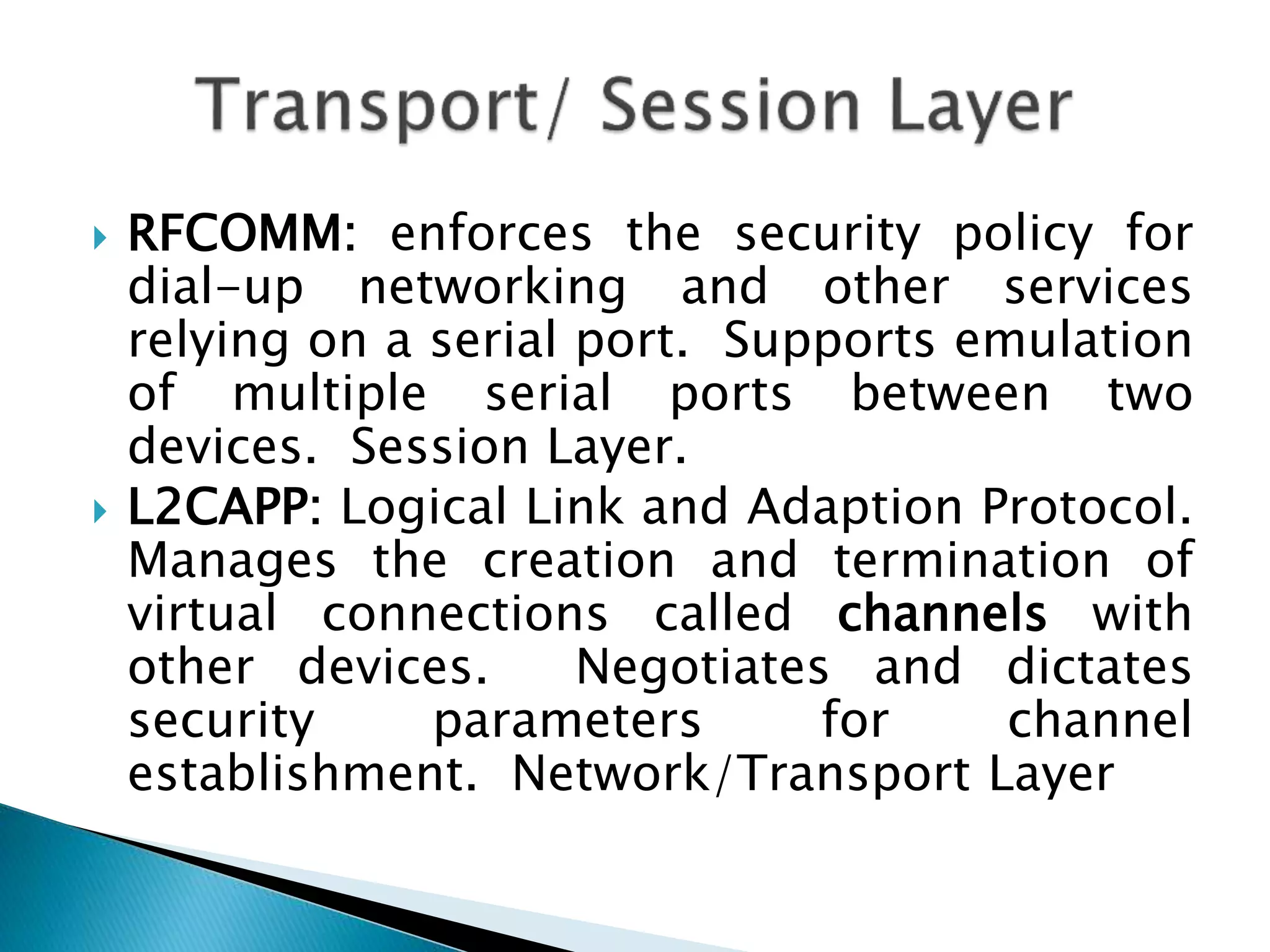
 RFCOMM: enforces the security policy for
dial-up networking and other services
relying on a serial port. Supports emulation
of multiple serial ports between two
devices. Session Layer.
 L2CAPP: Logical Link and Adaption Protocol.
Manages the creation and termination of
virtual connections called channels with
other devices. Negotiates and dictates
security parameters for channel
establishment. Network/Transport Layer
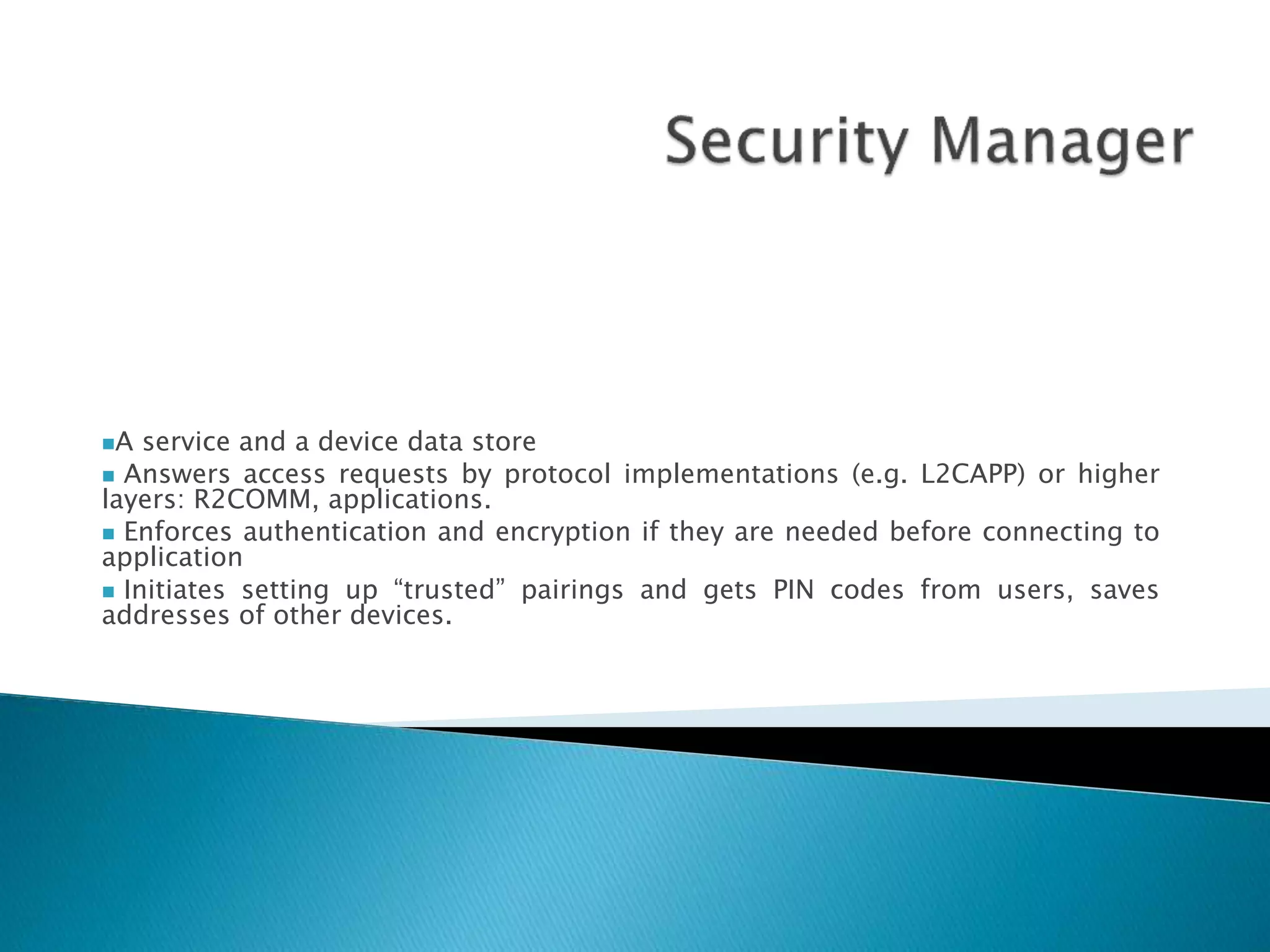
A service and a device data store
 Answers access requests by protocol implementations (e.g. L2CAPP) or higher
layers: R2COMM, applications.
 Enforces authentication and encryption if they are needed before connecting to
application
 Initiates setting up “trusted” pairings and gets PIN codes from users, saves
addresses of other devices.
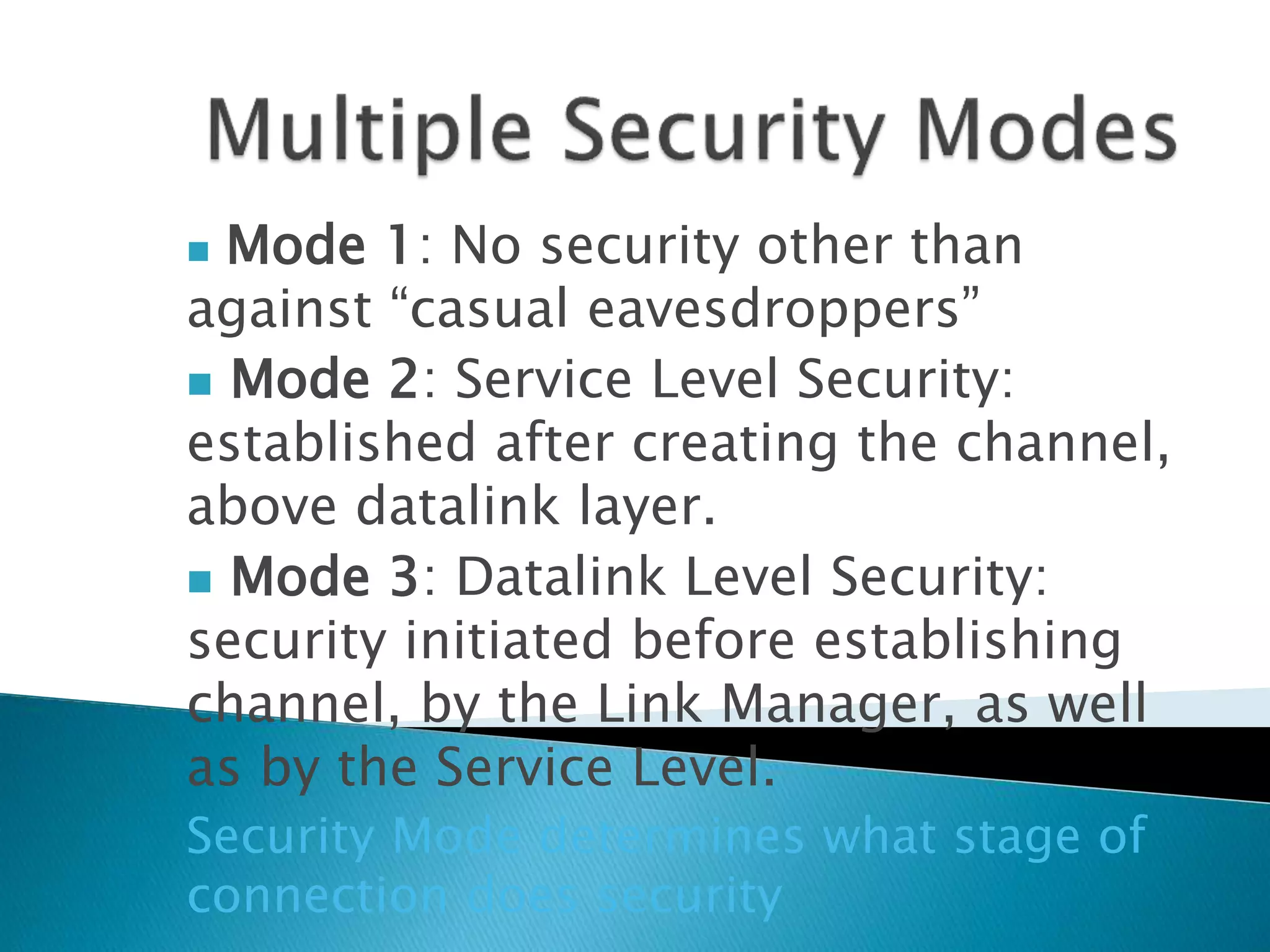
 Mode 1: No security other than
against “casual eavesdroppers”
 Mode 2: Service Level Security:
established after creating the channel,
above datalink layer.
 Mode 3: Datalink Level Security:
security initiated before establishing
channel, by the Link Manager, as well
as by the Service Level.
Security Mode determines what stage of
connection does security
1.) Inquiry: A device in a new environment will
automatically initiate an inquiry to discover
what access points are within its range. This
will result in the following events:
i.) All nearby access points respond with their
addresses.
ii.) The device picks one out the responding
devices.
2.) Paging: a baseband procedure invoked by a
device which results in synchronization of the
device with the access point, in terms of its
clock offset and phase in the frequency hop,
among other required initializations. (see spec
for details—master/slave issues here).
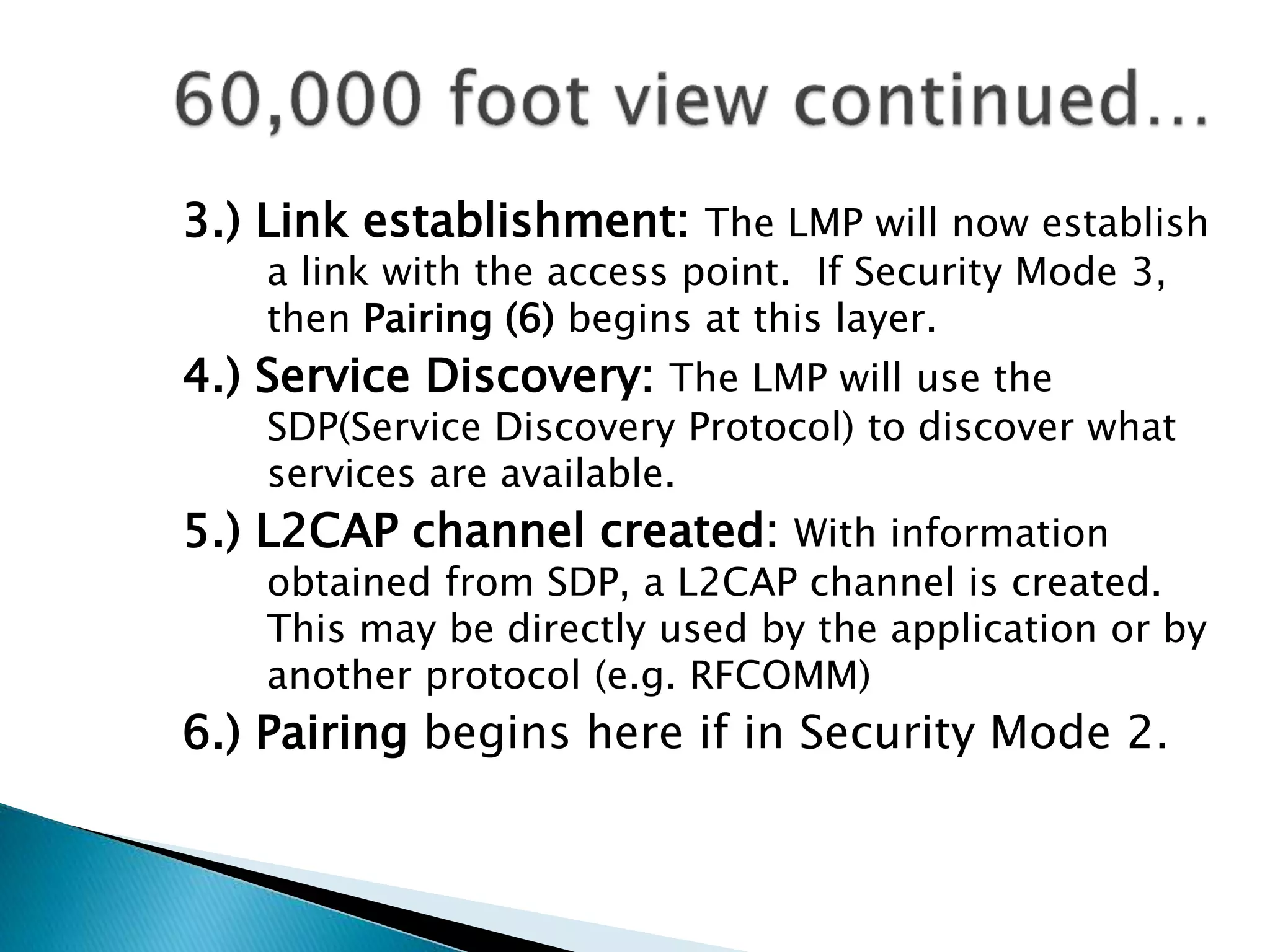
3.) Link establishment: The LMP will now establish
a link with the access point. If Security Mode 3,
then Pairing (6) begins at this layer.
4.) Service Discovery: The LMP will use the
SDP(Service Discovery Protocol) to discover what
services are available.
5.) L2CAP channel created: With information
obtained from SDP, a L2CAP channel is created.
This may be directly used by the application or by
another protocol (e.g. RFCOMM)
6.) Pairing begins here if in Security Mode 2.
Security Manager of access point is consulted:
--checks security mode and service security
policy, if security is required, the access
point transmits a security request for
“pairing”
--pairing is only successful if the user knows
the pin of the access point
--the PIN is not transmitted over the wireless
channel but another key generated from it is
used, so that the PIN is not compromised.
--Encryption will be invoked if secure mode is
used.
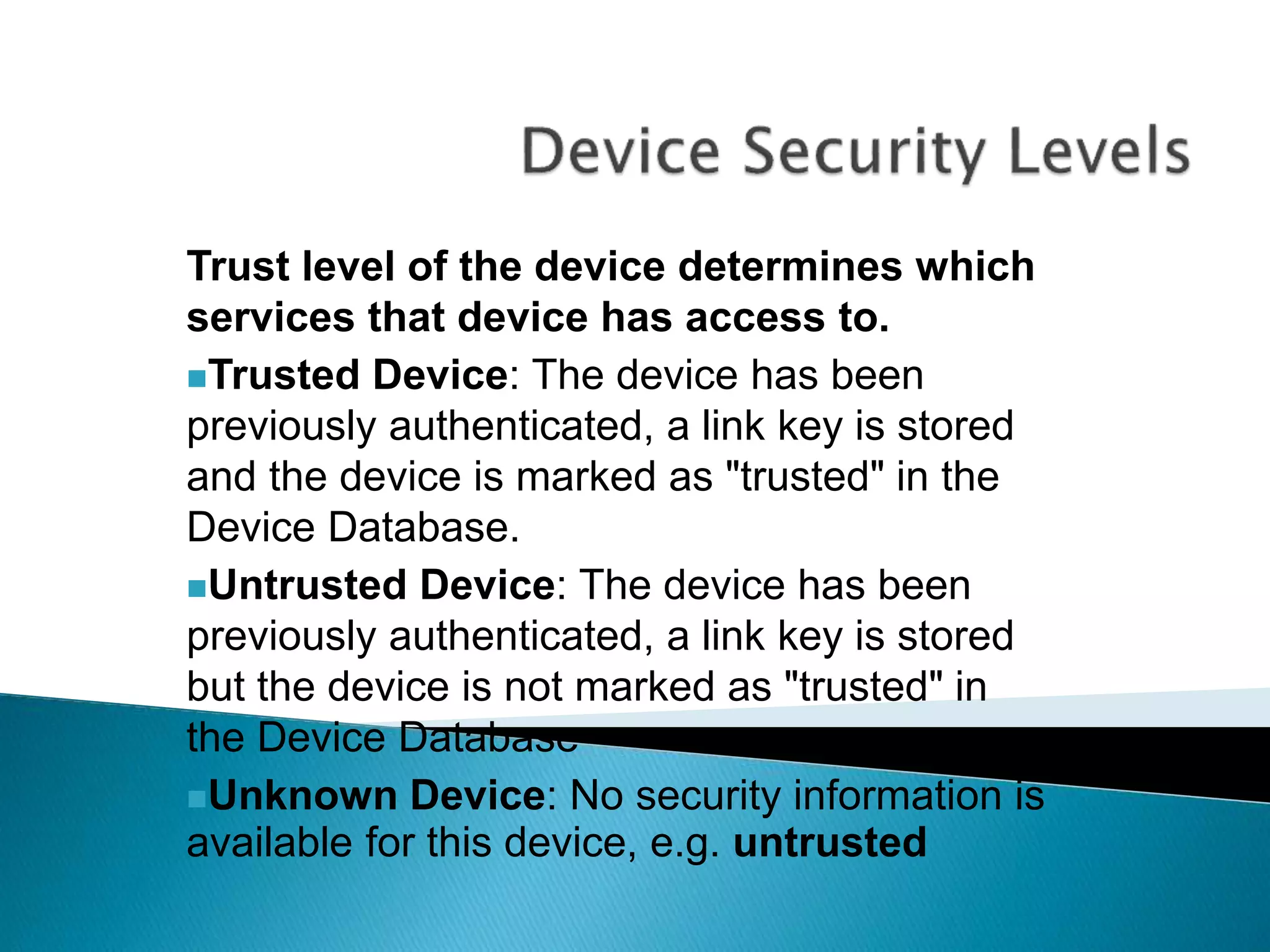
Trust level of the device determines which
services that device has access to.
Trusted Device: The device has been
previously authenticated, a link key is stored
and the device is marked as "trusted" in the
Device Database.
Untrusted Device: The device has been
previously authenticated, a link key is stored
but the device is not marked as "trusted" in
the Device Database
Unknown Device: No security information is
available for this device, e.g. untrusted
 Only security at this level is by the nature of the
connection: data-hopping and short-distance
 Bluetooth devices transmit over the unlicensed
2.45GHz radio band, the same band used by
microwave ovens and cordless phones.(FHSS)
 All Bluetooth devices employ “data-hopping”,
which entails skipping around the radio band up to
1600 times per second, at 1MHz intervals (79
different frequencies)
 Most connections are less than 10 meters, so there
is a limit as to eavesdropping possibilities
 Service Access depends on device:
1. Trusted devices have unrestricted access
to all services, fixed relationship to other
devices
2. Untrusted devices generally have no
permanent relationship and services that it
has access to are limited.
 Unfortunately, all services on a device are
given the same security policy, other than
application layer add-ons.
 Services can have one of 3
security levels:
Level 3: Requires Authentication and
Authorization. PIN number must be
entered.
Level 2: Authentication only, fixed PIN ok.
Level 1: Open to all devices, the default
level. Security for legacy applications, for
example.
 Security is implemented by symmetric keys
in a challenge-response system.
 Security implementations in Bluetooth
units are all the same, and are publicly
available:
http://www.bluetooth.com/pdf/Bluetooth_1
1_Specifications_Book.pdf
 Critical ingredients:PIN,
BD_ADDR, RAND(), Link and
Encryption Keys
 PIN: up to 128 bit number, can be fixed
(entered in only one device), or can be
entered in both devices. If fixed, much lower
security.
 BD_ADDR: Bluetooth device address, unique
48 bit sequence. (IEEE). Devices must know
the address of devices it wants to
communicate with. Addresses are publicly
available via Bluetooth inquiries.
 Private Authentication Keys, or Link Keys:
128-bit random numbers used for
authentication purposes. Paired devices
share a link key.
 Private Encryption Key: varying length key
(8-128 bits), regenerated for each
transmission from link key
 RAND: frequently changing 128-bit random
number generated by the device (in
software). Common input for key
generation.
 All Bluetooth devices have this random
number generator.
Needed before two secure devices can
communicate. 5 parts:
1) Generation of initialization key
2) Authentication
3) Generation of link key
4) Link key exchange
5) Generation of encryption key in both
devices.
Conclusion: link is either built or aborted
Pairing
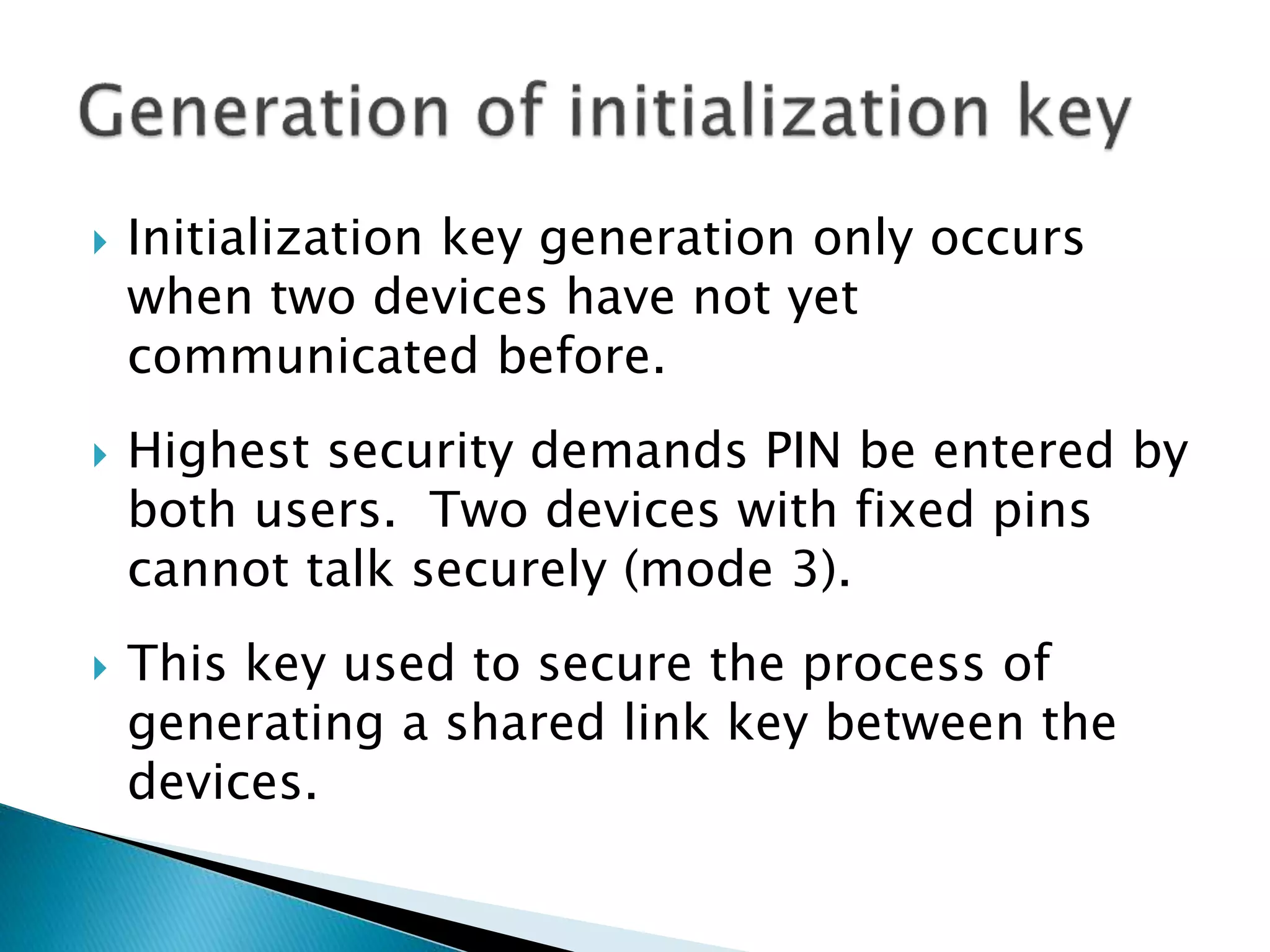
 Initialization key generation only occurs
when two devices have not yet
communicated before.
 Highest security demands PIN be entered by
both users. Two devices with fixed pins
cannot talk securely (mode 3).
 This key used to secure the process of
generating a shared link key between the
devices.
 F( PIN, sizeof( PIN), RAND, BD_ADDR)
produces 128 bit initialization key via
shifting and xors (Linear feedback shift
registers, whose output is combined by a
state machine)
 Device A and B now share the
initialization key, which they use as their
temporary link key while deciding on
what kind of link key they will use for
data transmission.
 This key is discarded once they agree on
a link key.
Does not always need to be mutual, specified
by app
If it is mutual, then both act as verifiers, one
after the other
Device A: verifier
Device B: claimant
Basically determines if both have same shared
key (ACO generated at this time as well for
encryption)
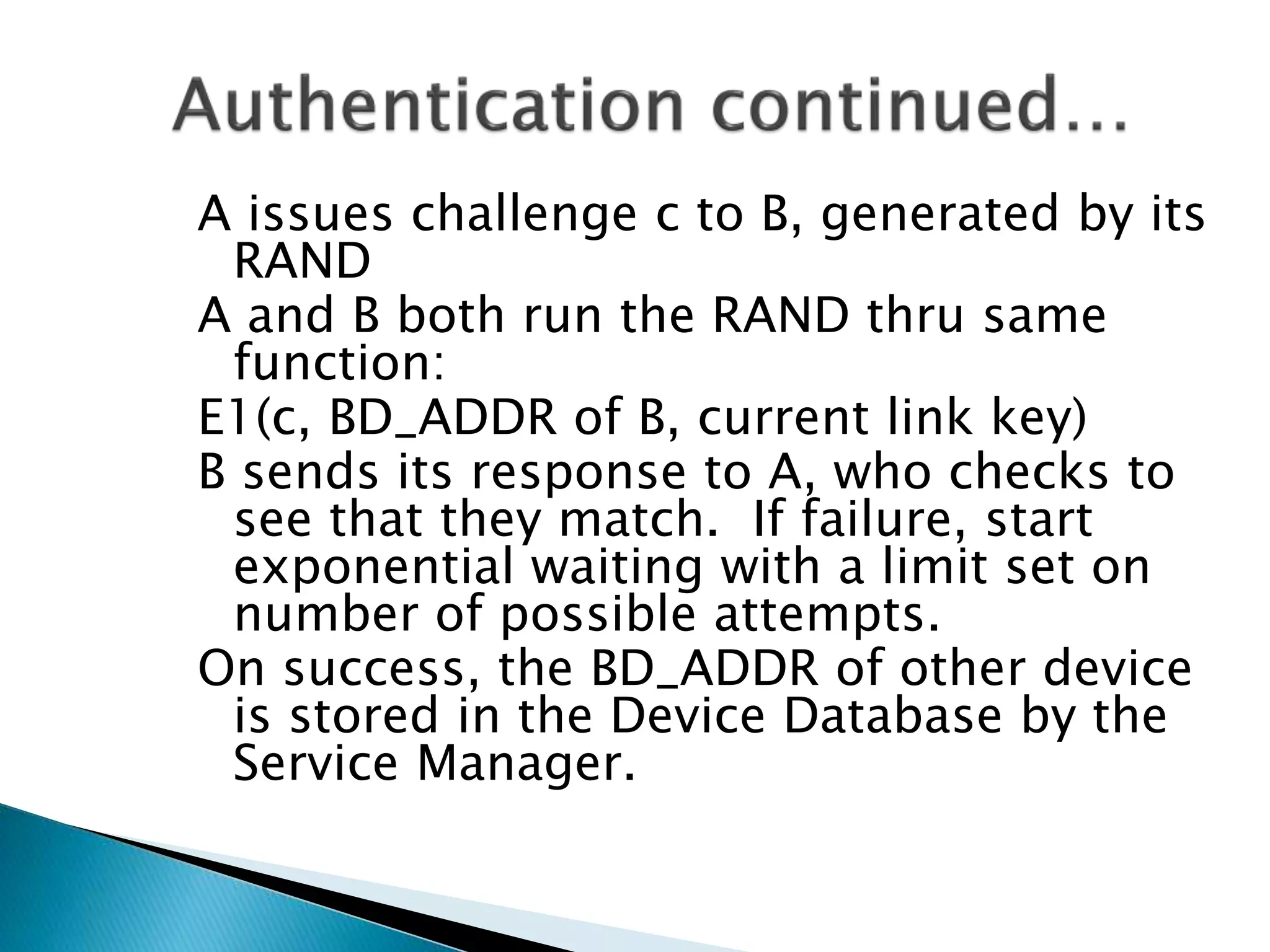
A issues challenge c to B, generated by its
RAND
A and B both run the RAND thru same
function:
E1(c, BD_ADDR of B, current link key)
B sends its response to A, who checks to
see that they match. If failure, start
exponential waiting with a limit set on
number of possible attempts.
On success, the BD_ADDR of other device
is stored in the Device Database by the
Service Manager.
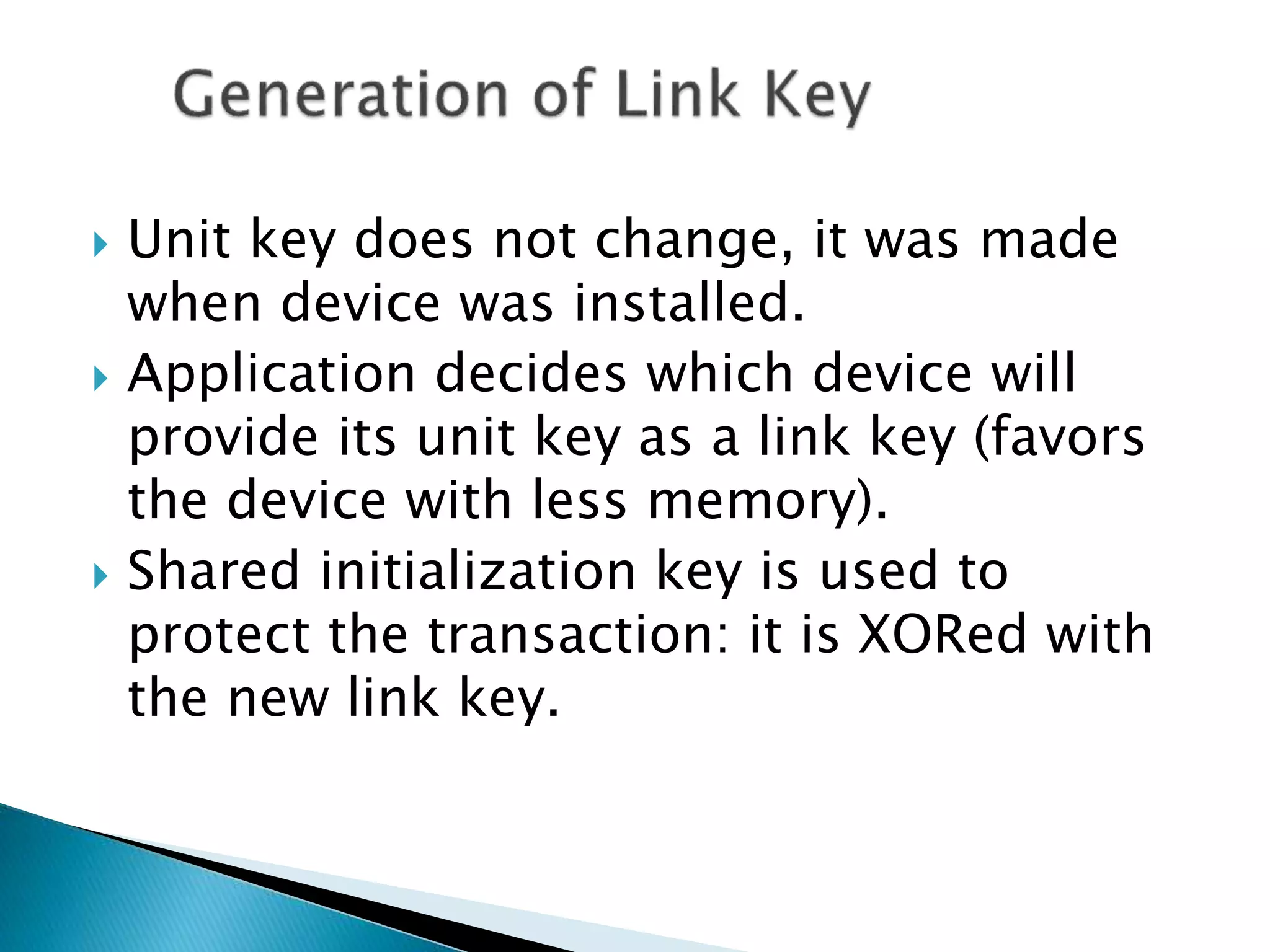
 Unit key does not change, it was made
when device was installed.
 Application decides which device will
provide its unit key as a link key (favors
the device with less memory).
 Shared initialization key is used to
protect the transaction: it is XORed with
the new link key.
 After the unit key is stored on the other
device, the initialization key is discarded.
 Higher security: combination key is used
rather than the unit key, and this is formed
by F( unit key, RAND, BD_ADDR) on both A
and B.
 Master-slave communications use Master
link key. A slave gets a master link key
when first connected to Master and then
changes it when prompted by Master
 Encryption requires an authenticated link with
an established link key
 Devices must agree on an encryption key to
communicate.
 Packet payloads are encrypted (not the packet
headers or access codes).
 Devices negotiate on what size Encryption
key they need, typically around 64 bits.
Range is 1-16 bytes.
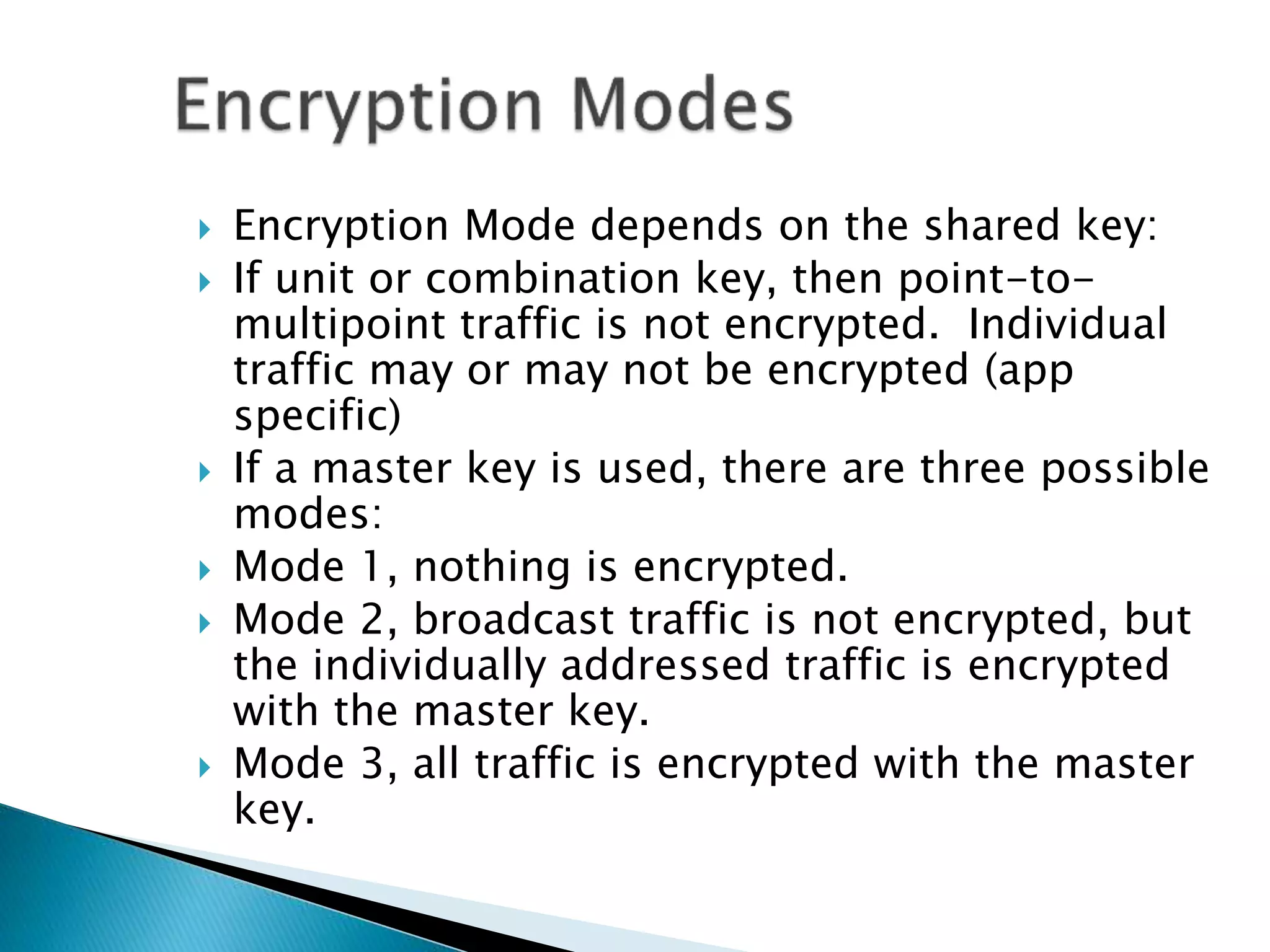
 Encryption Mode depends on the shared key:
 If unit or combination key, then point-to-
multipoint traffic is not encrypted. Individual
traffic may or may not be encrypted (app
specific)
 If a master key is used, there are three possible
modes:
 Mode 1, nothing is encrypted.
 Mode 2, broadcast traffic is not encrypted, but
the individually addressed traffic is encrypted
with the master key.
 Mode 3, all traffic is encrypted with the master
key.
 Encryption of payloads is effected with a
stream cipher called E0 that is
resynchronized for every payload
 A Software implementation is linked from
references section.
 E0 consists of three parts:
◦ The initializer (generates the payload key)
◦ The key stream bits generator
◦ The encryption or decryption circuit
 Legacy applications do not use the Service
Manager (need adapter kits).
 Cannot enforce unidirectional traffic
 Once connection established, assumed
permanently secure. (unless called by Master
to renegotiate, which rarely occurs in most
implementations.)
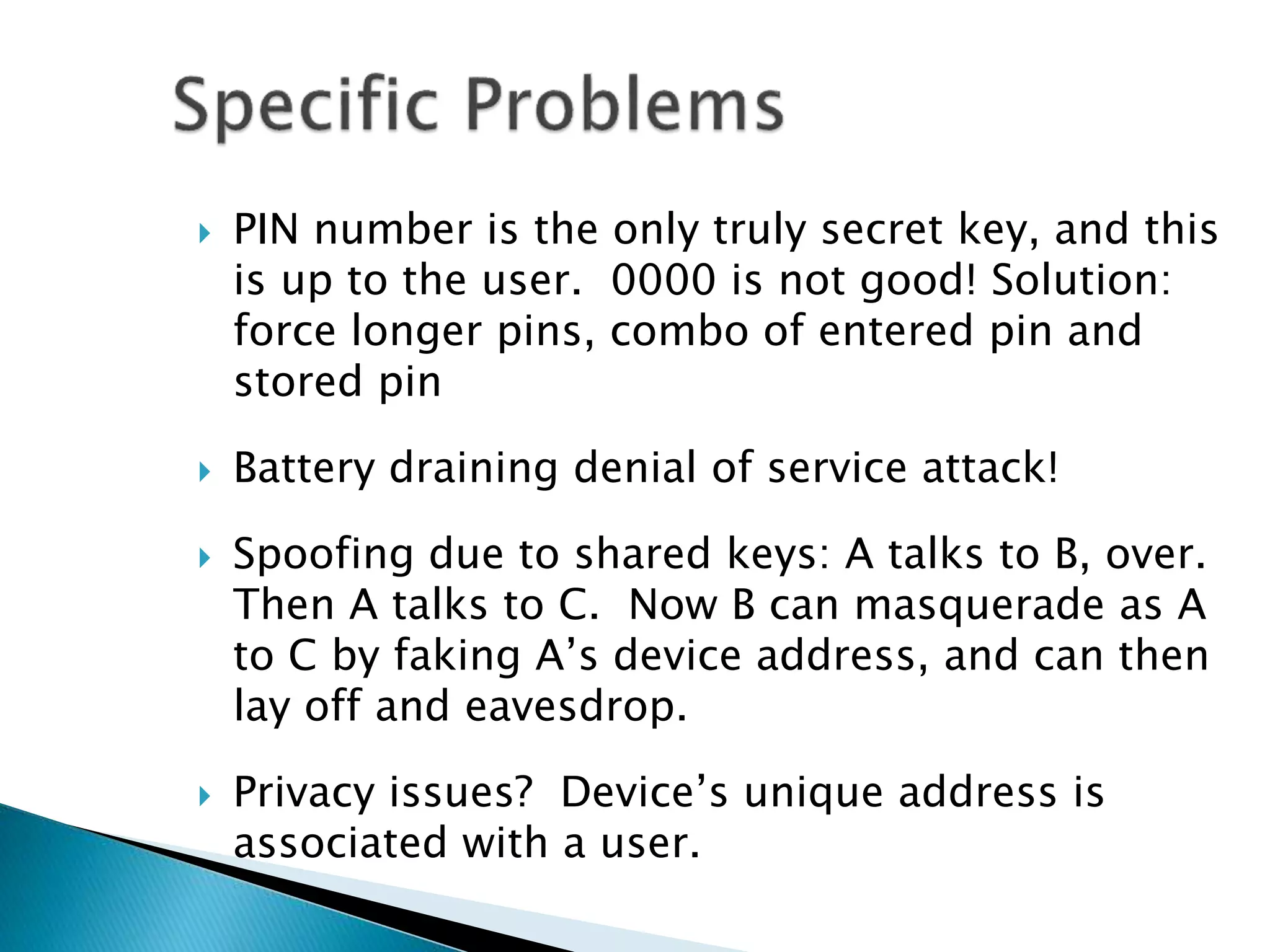
 PIN number is the only truly secret key, and this
is up to the user. 0000 is not good! Solution:
force longer pins, combo of entered pin and
stored pin
 Battery draining denial of service attack!
 Spoofing due to shared keys: A talks to B, over.
Then A talks to C. Now B can masquerade as A
to C by faking A’s device address, and can then
lay off and eavesdrop.
 Privacy issues? Device’s unique address is
associated with a user.
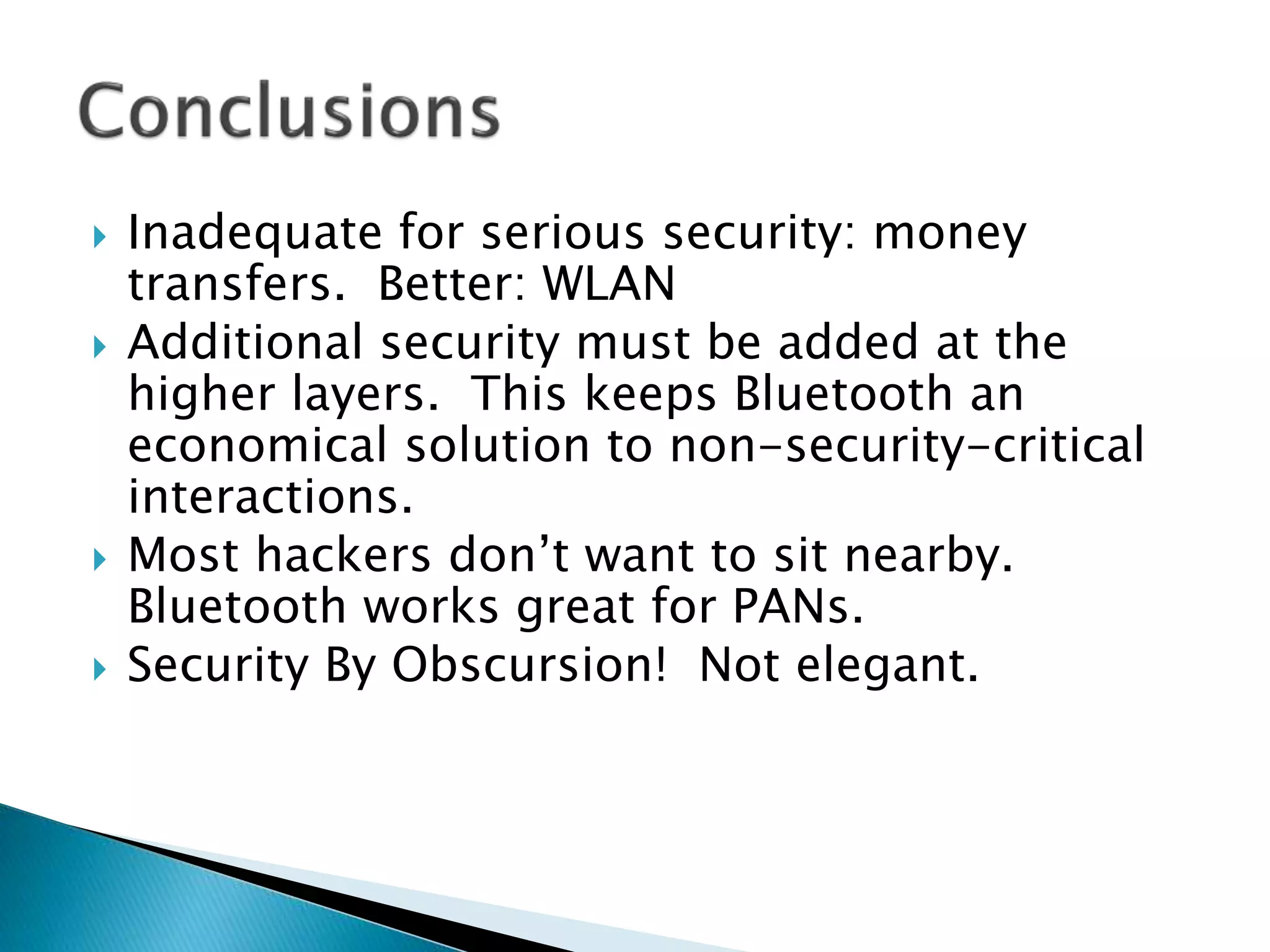
 Inadequate for serious security: money
transfers. Better: WLAN
 Additional security must be added at the
higher layers. This keeps Bluetooth an
economical solution to non-security-critical
interactions.
 Most hackers don’t want to sit nearby.
Bluetooth works great for PANs.
 Security By Obscursion! Not elegant.
THE SPEC:
http://www.bluetooth.com/pdf/Bluetooth_11_Specification
s_Book.pdf
Träskbäck M, Security in Bluetooth: An overview of
Bluetooth security, 2000-11-2
http://www.cs.hut.fi/Opinnot/Tik86.174/Bluetooth_Securit
y.pdf
Vainio J., Bluetooth Security, 2000-05-25
http://www.niksula.cs.hut.fi/~jiitv/bluesec.html
Knowledge Base on Bluetooth:
http://www.palowireless.com/infotooth/knowbase.asp
Cathal McDaid:
http://www.palowireless.com/bluearticles/cc1_security1.asp
http://www.palowireless.com/bluearticles/cc2_security2.asp
http://www.palowireless.com/bluearticles/cc2_security3.asp
Saarinen M-J, A Software Implementation of the BlueTooth
Encryption Algorithm E0; http://www.cc.jyu.fi/~mjos/e0.c
www.xilinx.com tutorials on both Bluetooth Overview and Close
up on Bluetooth Security
www.bluetooth.com
Other bluetooth links:
http://www.practicallynetworked.com/tools/wireless_articles.
htm#Bluetooth
http://www.geocities.com has links to bluetooth tutorials
32
33

17.security level of services

  • 1.
    Prof. Neeraj Bhargava PramodSingh Rathore Department of Computer Science School of Engineering & System Sciences, MDS University Ajmer, Rajasthan, India 1
  • 2.
    June 1999 Tom Siep,Texas InstrumentsSlide 13 doc.: IEEE 802.15-99/014r8 Submission Bluetooth and IEEE Structure Bluetooth Physical Layer (PHY) Medium Access Layer (MAC) Logical Link Control (LLC) Physical Data Link Network Transport Session Presentation Application7 6 5 4 3 2 1 ISO OSI Layers IEEE 802 Standards Hardware Software Transport Control Protocol (TCP) Internet Protocol (IP) X.400 and X.500 EMAIL
  • 3.
     Link Manager’sinvolvement with security depends on Bluetooth security mode: only the strictest setting requires that data link implement security.  Security for pairing, authentication and encryption is implemented by both software and hardware at this layer.  We will later look at the specifics.
  • 4.
     RFCOMM: enforcesthe security policy for dial-up networking and other services relying on a serial port. Supports emulation of multiple serial ports between two devices. Session Layer.  L2CAPP: Logical Link and Adaption Protocol. Manages the creation and termination of virtual connections called channels with other devices. Negotiates and dictates security parameters for channel establishment. Network/Transport Layer
  • 5.
    A service anda device data store  Answers access requests by protocol implementations (e.g. L2CAPP) or higher layers: R2COMM, applications.  Enforces authentication and encryption if they are needed before connecting to application  Initiates setting up “trusted” pairings and gets PIN codes from users, saves addresses of other devices.
  • 6.
     Mode 1:No security other than against “casual eavesdroppers”  Mode 2: Service Level Security: established after creating the channel, above datalink layer.  Mode 3: Datalink Level Security: security initiated before establishing channel, by the Link Manager, as well as by the Service Level. Security Mode determines what stage of connection does security
  • 7.
    1.) Inquiry: Adevice in a new environment will automatically initiate an inquiry to discover what access points are within its range. This will result in the following events: i.) All nearby access points respond with their addresses. ii.) The device picks one out the responding devices. 2.) Paging: a baseband procedure invoked by a device which results in synchronization of the device with the access point, in terms of its clock offset and phase in the frequency hop, among other required initializations. (see spec for details—master/slave issues here).
  • 8.
    3.) Link establishment:The LMP will now establish a link with the access point. If Security Mode 3, then Pairing (6) begins at this layer. 4.) Service Discovery: The LMP will use the SDP(Service Discovery Protocol) to discover what services are available. 5.) L2CAP channel created: With information obtained from SDP, a L2CAP channel is created. This may be directly used by the application or by another protocol (e.g. RFCOMM) 6.) Pairing begins here if in Security Mode 2.
  • 9.
    Security Manager ofaccess point is consulted: --checks security mode and service security policy, if security is required, the access point transmits a security request for “pairing” --pairing is only successful if the user knows the pin of the access point --the PIN is not transmitted over the wireless channel but another key generated from it is used, so that the PIN is not compromised. --Encryption will be invoked if secure mode is used.
  • 10.
    Trust level ofthe device determines which services that device has access to. Trusted Device: The device has been previously authenticated, a link key is stored and the device is marked as "trusted" in the Device Database. Untrusted Device: The device has been previously authenticated, a link key is stored but the device is not marked as "trusted" in the Device Database Unknown Device: No security information is available for this device, e.g. untrusted
  • 11.
     Only securityat this level is by the nature of the connection: data-hopping and short-distance  Bluetooth devices transmit over the unlicensed 2.45GHz radio band, the same band used by microwave ovens and cordless phones.(FHSS)  All Bluetooth devices employ “data-hopping”, which entails skipping around the radio band up to 1600 times per second, at 1MHz intervals (79 different frequencies)  Most connections are less than 10 meters, so there is a limit as to eavesdropping possibilities
  • 12.
     Service Accessdepends on device: 1. Trusted devices have unrestricted access to all services, fixed relationship to other devices 2. Untrusted devices generally have no permanent relationship and services that it has access to are limited.  Unfortunately, all services on a device are given the same security policy, other than application layer add-ons.
  • 13.
     Services canhave one of 3 security levels: Level 3: Requires Authentication and Authorization. PIN number must be entered. Level 2: Authentication only, fixed PIN ok. Level 1: Open to all devices, the default level. Security for legacy applications, for example.
  • 14.
     Security isimplemented by symmetric keys in a challenge-response system.  Security implementations in Bluetooth units are all the same, and are publicly available: http://www.bluetooth.com/pdf/Bluetooth_1 1_Specifications_Book.pdf  Critical ingredients:PIN, BD_ADDR, RAND(), Link and Encryption Keys
  • 15.
     PIN: upto 128 bit number, can be fixed (entered in only one device), or can be entered in both devices. If fixed, much lower security.  BD_ADDR: Bluetooth device address, unique 48 bit sequence. (IEEE). Devices must know the address of devices it wants to communicate with. Addresses are publicly available via Bluetooth inquiries.

  • 16.
     Private AuthenticationKeys, or Link Keys: 128-bit random numbers used for authentication purposes. Paired devices share a link key.  Private Encryption Key: varying length key (8-128 bits), regenerated for each transmission from link key  RAND: frequently changing 128-bit random number generated by the device (in software). Common input for key generation.  All Bluetooth devices have this random number generator.
  • 17.
    Needed before twosecure devices can communicate. 5 parts: 1) Generation of initialization key 2) Authentication 3) Generation of link key 4) Link key exchange 5) Generation of encryption key in both devices. Conclusion: link is either built or aborted Pairing
  • 18.
     Initialization keygeneration only occurs when two devices have not yet communicated before.  Highest security demands PIN be entered by both users. Two devices with fixed pins cannot talk securely (mode 3).  This key used to secure the process of generating a shared link key between the devices.
  • 19.
     F( PIN,sizeof( PIN), RAND, BD_ADDR) produces 128 bit initialization key via shifting and xors (Linear feedback shift registers, whose output is combined by a state machine)  Device A and B now share the initialization key, which they use as their temporary link key while deciding on what kind of link key they will use for data transmission.  This key is discarded once they agree on a link key.
  • 20.
    Does not alwaysneed to be mutual, specified by app If it is mutual, then both act as verifiers, one after the other Device A: verifier Device B: claimant Basically determines if both have same shared key (ACO generated at this time as well for encryption)
  • 21.
    A issues challengec to B, generated by its RAND A and B both run the RAND thru same function: E1(c, BD_ADDR of B, current link key) B sends its response to A, who checks to see that they match. If failure, start exponential waiting with a limit set on number of possible attempts. On success, the BD_ADDR of other device is stored in the Device Database by the Service Manager.
  • 22.
     Unit keydoes not change, it was made when device was installed.  Application decides which device will provide its unit key as a link key (favors the device with less memory).  Shared initialization key is used to protect the transaction: it is XORed with the new link key.
  • 23.
     After theunit key is stored on the other device, the initialization key is discarded.  Higher security: combination key is used rather than the unit key, and this is formed by F( unit key, RAND, BD_ADDR) on both A and B.  Master-slave communications use Master link key. A slave gets a master link key when first connected to Master and then changes it when prompted by Master
  • 24.
     Encryption requiresan authenticated link with an established link key  Devices must agree on an encryption key to communicate.  Packet payloads are encrypted (not the packet headers or access codes).  Devices negotiate on what size Encryption key they need, typically around 64 bits. Range is 1-16 bytes.
  • 25.
     Encryption Modedepends on the shared key:  If unit or combination key, then point-to- multipoint traffic is not encrypted. Individual traffic may or may not be encrypted (app specific)  If a master key is used, there are three possible modes:  Mode 1, nothing is encrypted.  Mode 2, broadcast traffic is not encrypted, but the individually addressed traffic is encrypted with the master key.  Mode 3, all traffic is encrypted with the master key.
  • 26.
     Encryption ofpayloads is effected with a stream cipher called E0 that is resynchronized for every payload  A Software implementation is linked from references section.  E0 consists of three parts: ◦ The initializer (generates the payload key) ◦ The key stream bits generator ◦ The encryption or decryption circuit
  • 27.
     Legacy applicationsdo not use the Service Manager (need adapter kits).  Cannot enforce unidirectional traffic  Once connection established, assumed permanently secure. (unless called by Master to renegotiate, which rarely occurs in most implementations.)
  • 28.
     PIN numberis the only truly secret key, and this is up to the user. 0000 is not good! Solution: force longer pins, combo of entered pin and stored pin  Battery draining denial of service attack!  Spoofing due to shared keys: A talks to B, over. Then A talks to C. Now B can masquerade as A to C by faking A’s device address, and can then lay off and eavesdrop.  Privacy issues? Device’s unique address is associated with a user.
  • 29.
     Inadequate forserious security: money transfers. Better: WLAN  Additional security must be added at the higher layers. This keeps Bluetooth an economical solution to non-security-critical interactions.  Most hackers don’t want to sit nearby. Bluetooth works great for PANs.  Security By Obscursion! Not elegant.
  • 30.
    THE SPEC: http://www.bluetooth.com/pdf/Bluetooth_11_Specification s_Book.pdf Träskbäck M,Security in Bluetooth: An overview of Bluetooth security, 2000-11-2 http://www.cs.hut.fi/Opinnot/Tik86.174/Bluetooth_Securit y.pdf Vainio J., Bluetooth Security, 2000-05-25 http://www.niksula.cs.hut.fi/~jiitv/bluesec.html Knowledge Base on Bluetooth: http://www.palowireless.com/infotooth/knowbase.asp
  • 31.
    Cathal McDaid: http://www.palowireless.com/bluearticles/cc1_security1.asp http://www.palowireless.com/bluearticles/cc2_security2.asp http://www.palowireless.com/bluearticles/cc2_security3.asp Saarinen M-J,A Software Implementation of the BlueTooth Encryption Algorithm E0; http://www.cc.jyu.fi/~mjos/e0.c www.xilinx.com tutorials on both Bluetooth Overview and Close up on Bluetooth Security www.bluetooth.com Other bluetooth links: http://www.practicallynetworked.com/tools/wireless_articles. htm#Bluetooth http://www.geocities.com has links to bluetooth tutorials
  • 32.
  • 33.