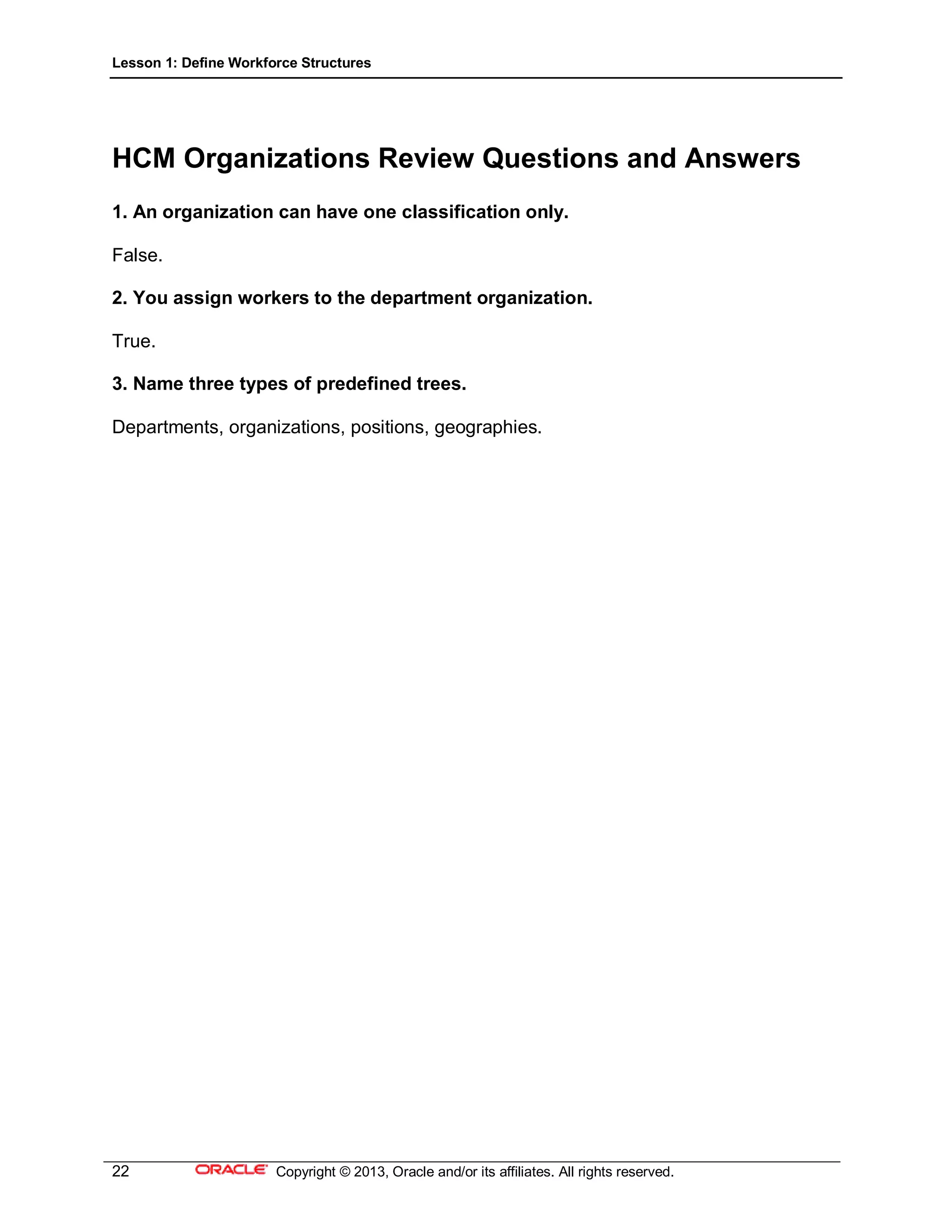
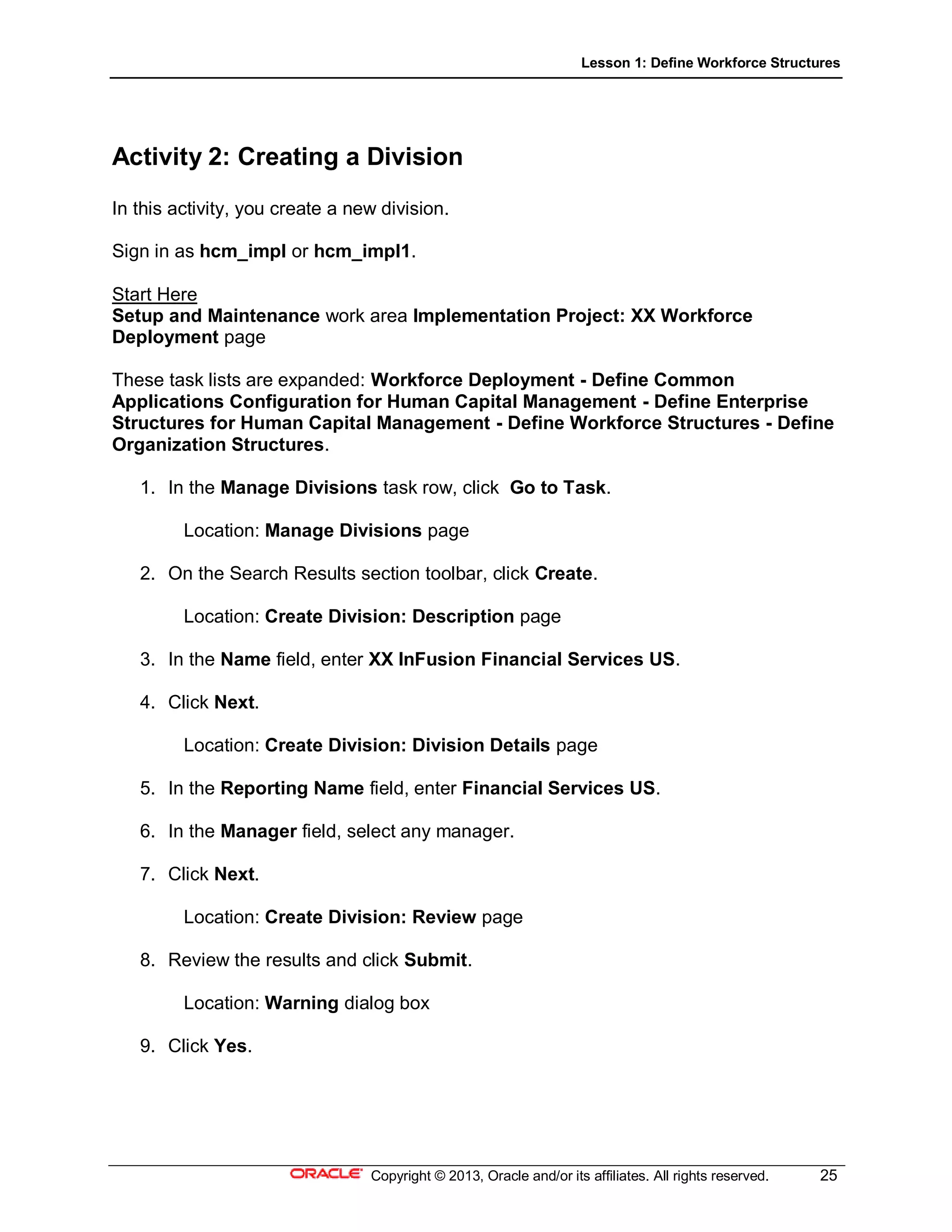
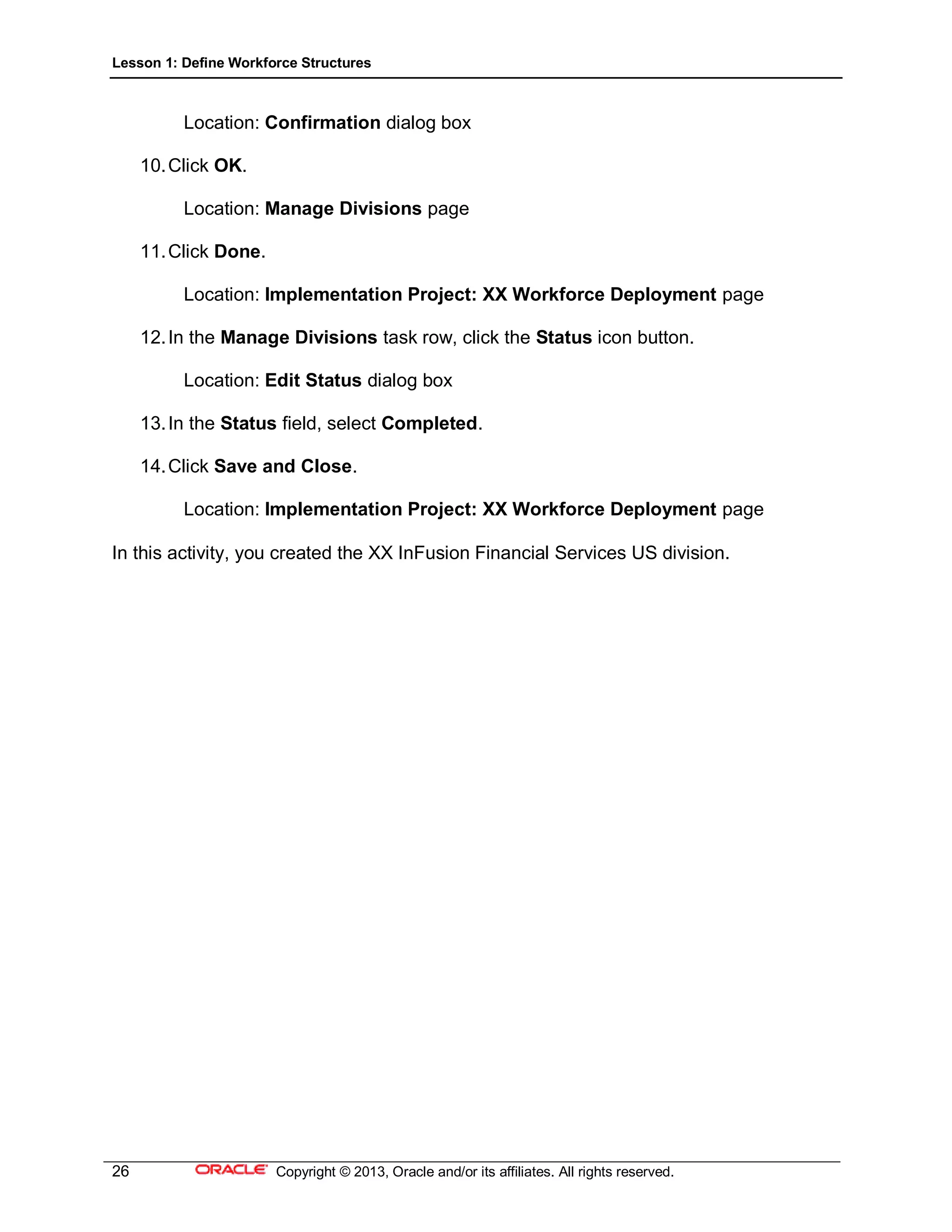
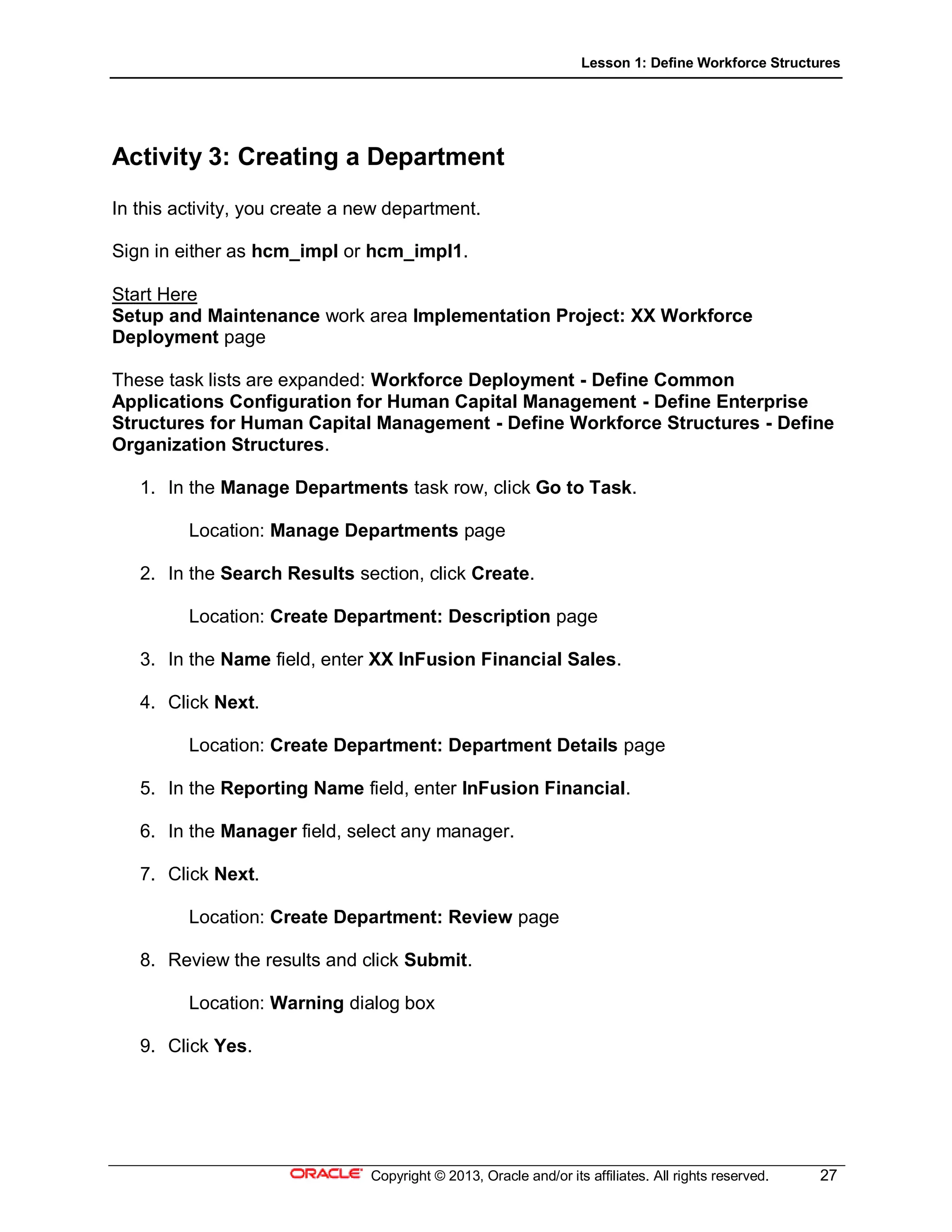
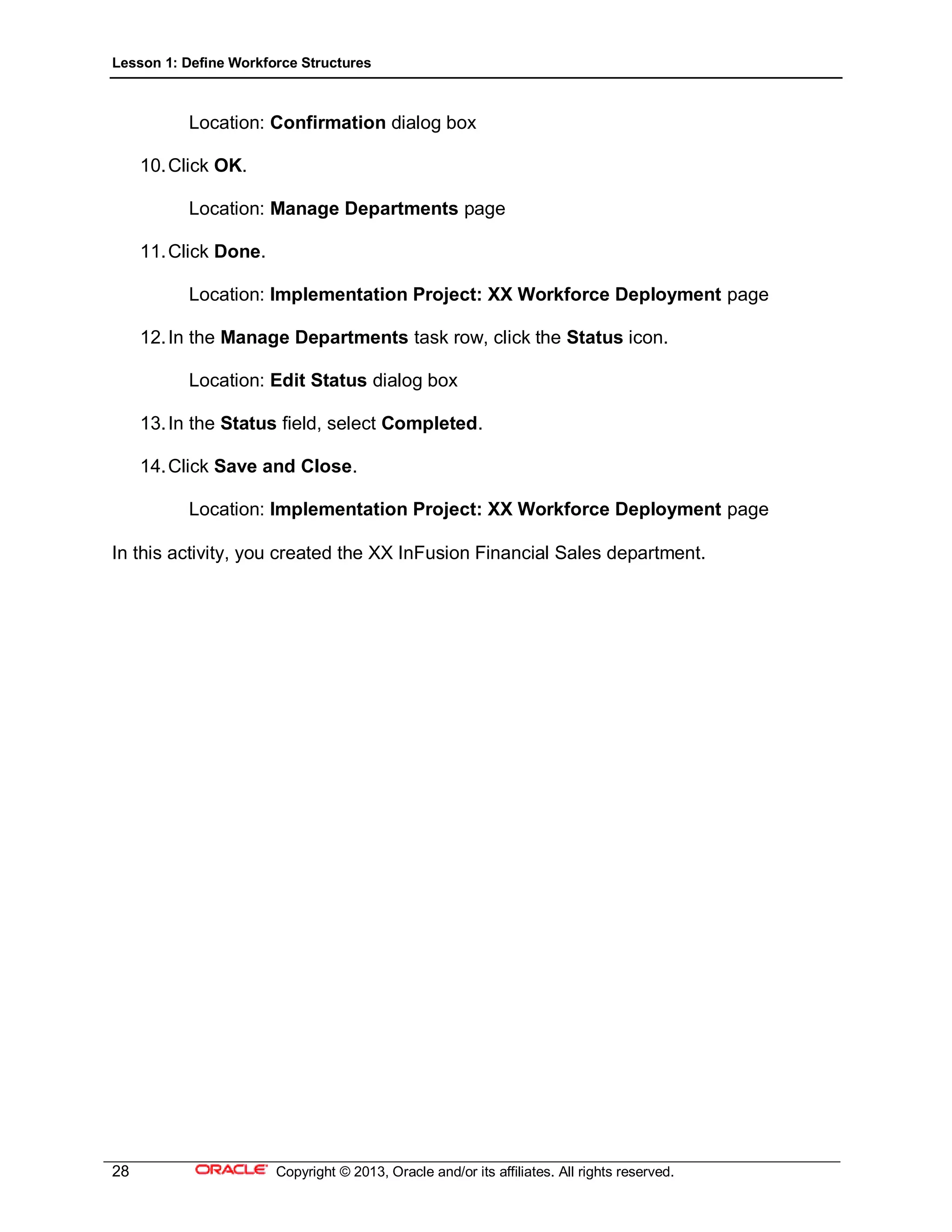
Here are the steps to create a new division:
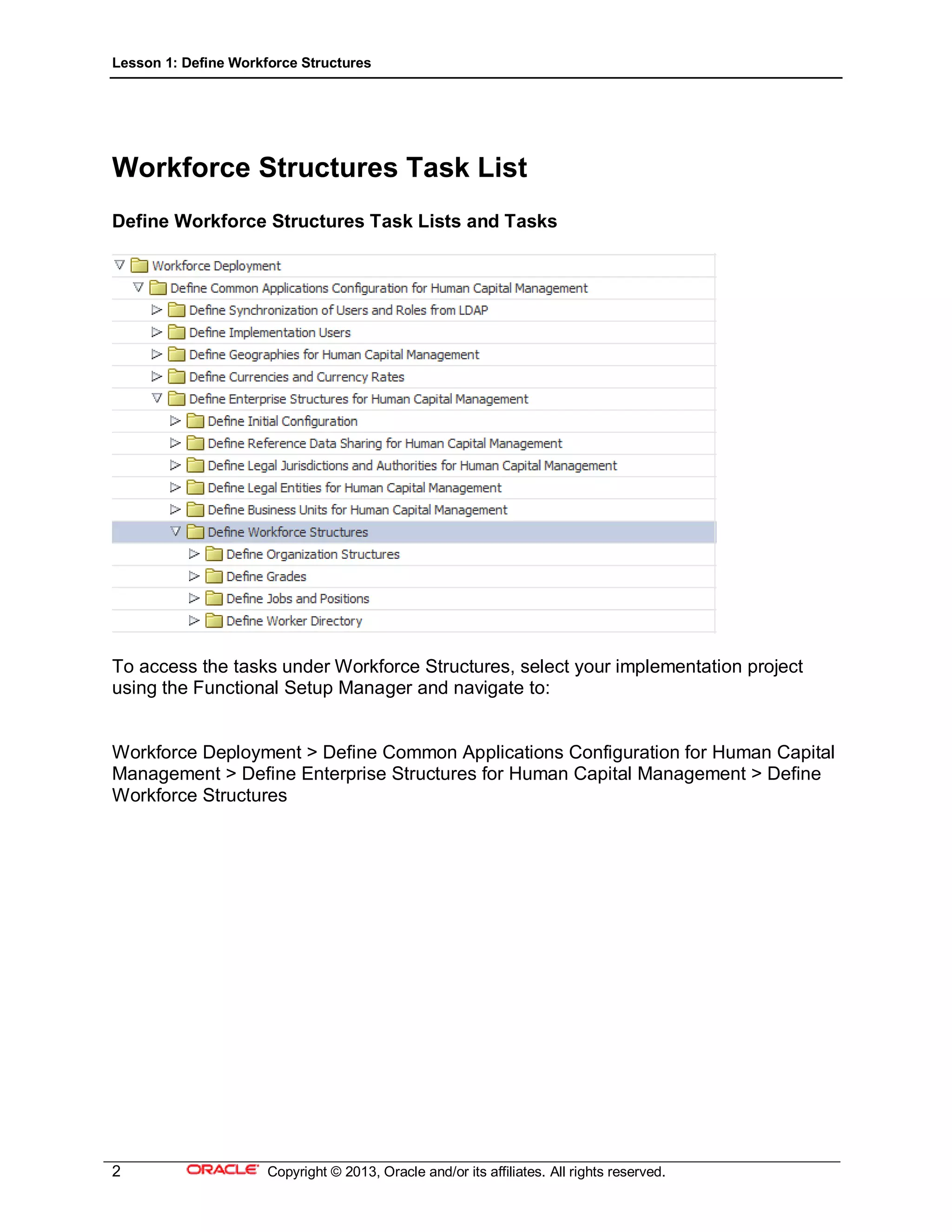
1. Click Go to Task under Manage Divisions in the task list
2. Click Create on the toolbar
3. Enter "XX InFusion Financial Services US" in the Name field
4. Click Next
5. Enter "Financial Services" in the Reporting Name field
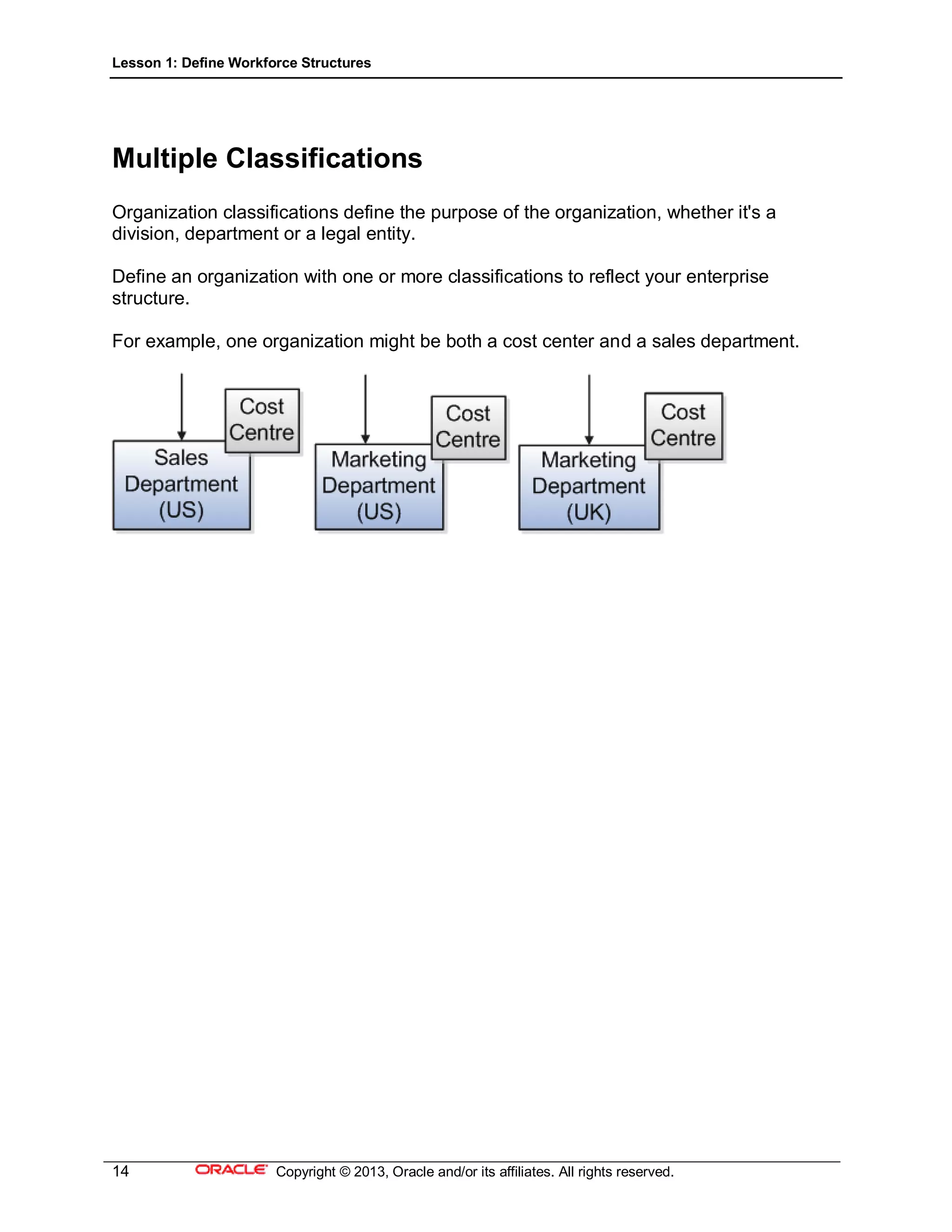
6. Select a classification such as "Division"
7. Click Submit
This will create the new division. Let me know if you have any other questions!