Windows 7 for Developers ILynn Langithttp://blogs.msdn.com/SoCalDevGalMicrosoft – Developer Evangelist
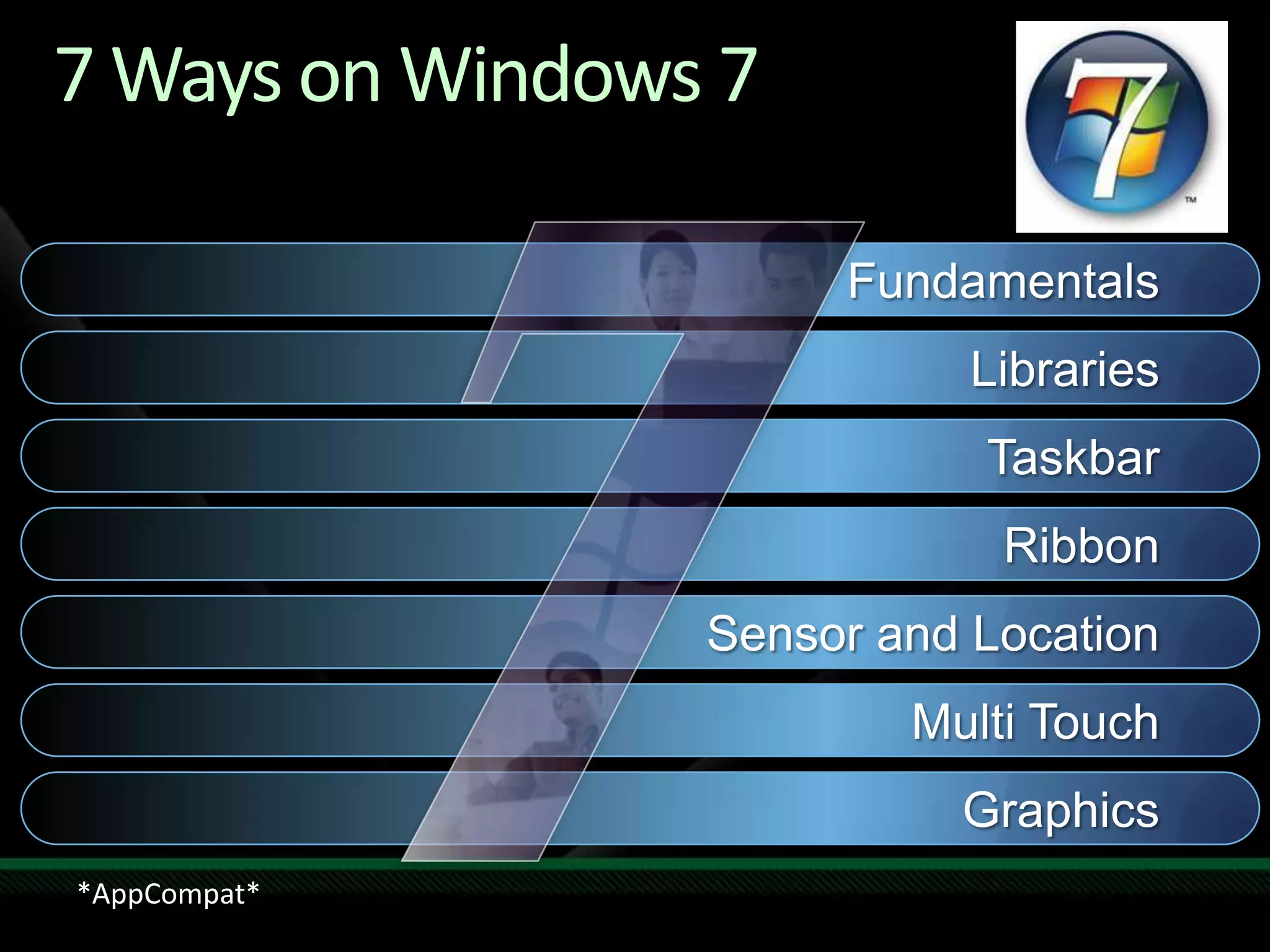
7 Ways on Windows 7FundamentalsLibrariesTaskbarRibbonSensor and LocationMulti TouchGraphics*AppCompat*
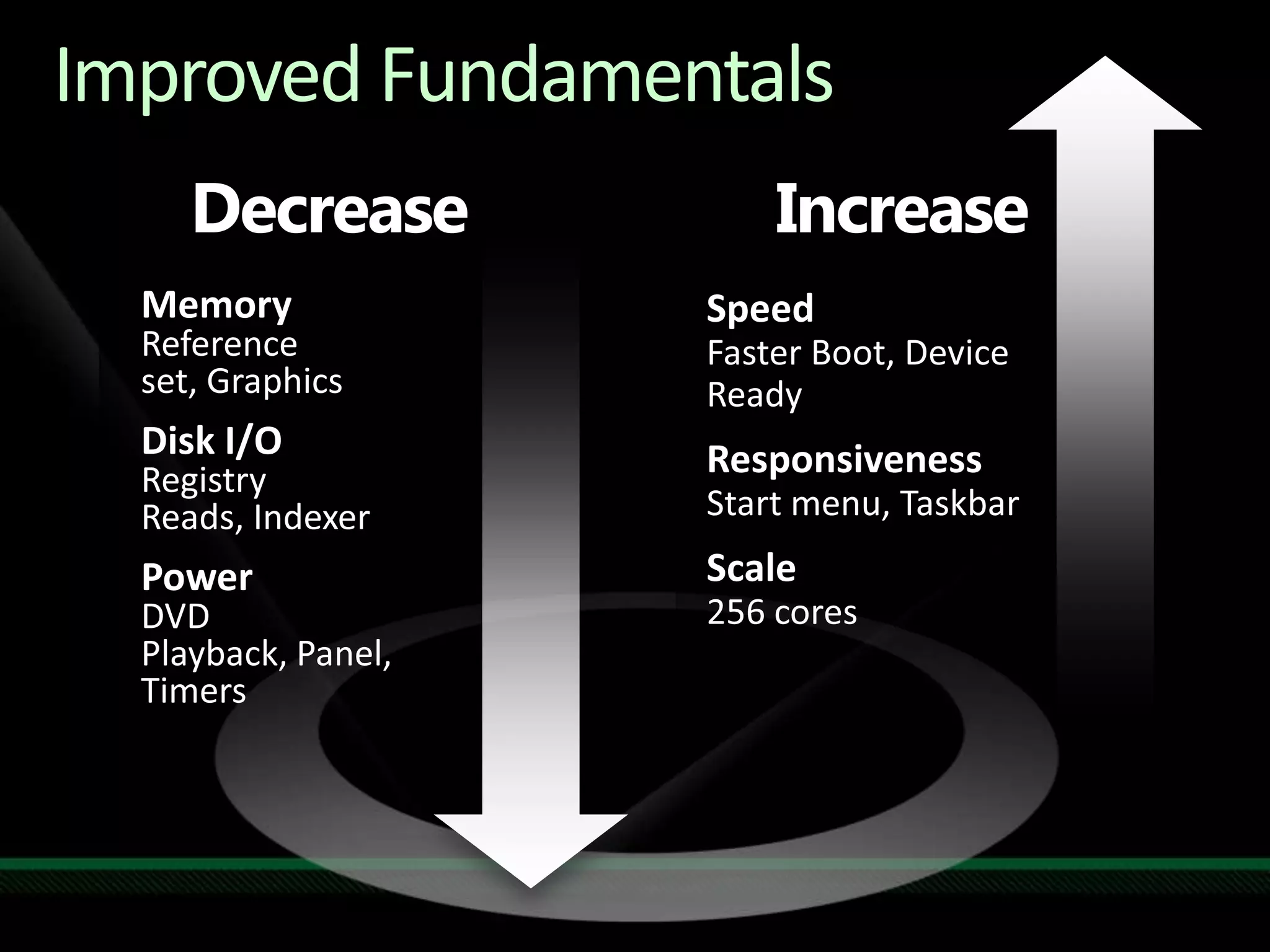
Improved FundamentalsIncreaseDecreaseMemoryReference set, GraphicsDisk I/ORegistry Reads, IndexerPowerDVD Playback, Panel, TimersSpeedFasterBoot, Device ReadyResponsivenessStart menu, TaskbarScale256 cores
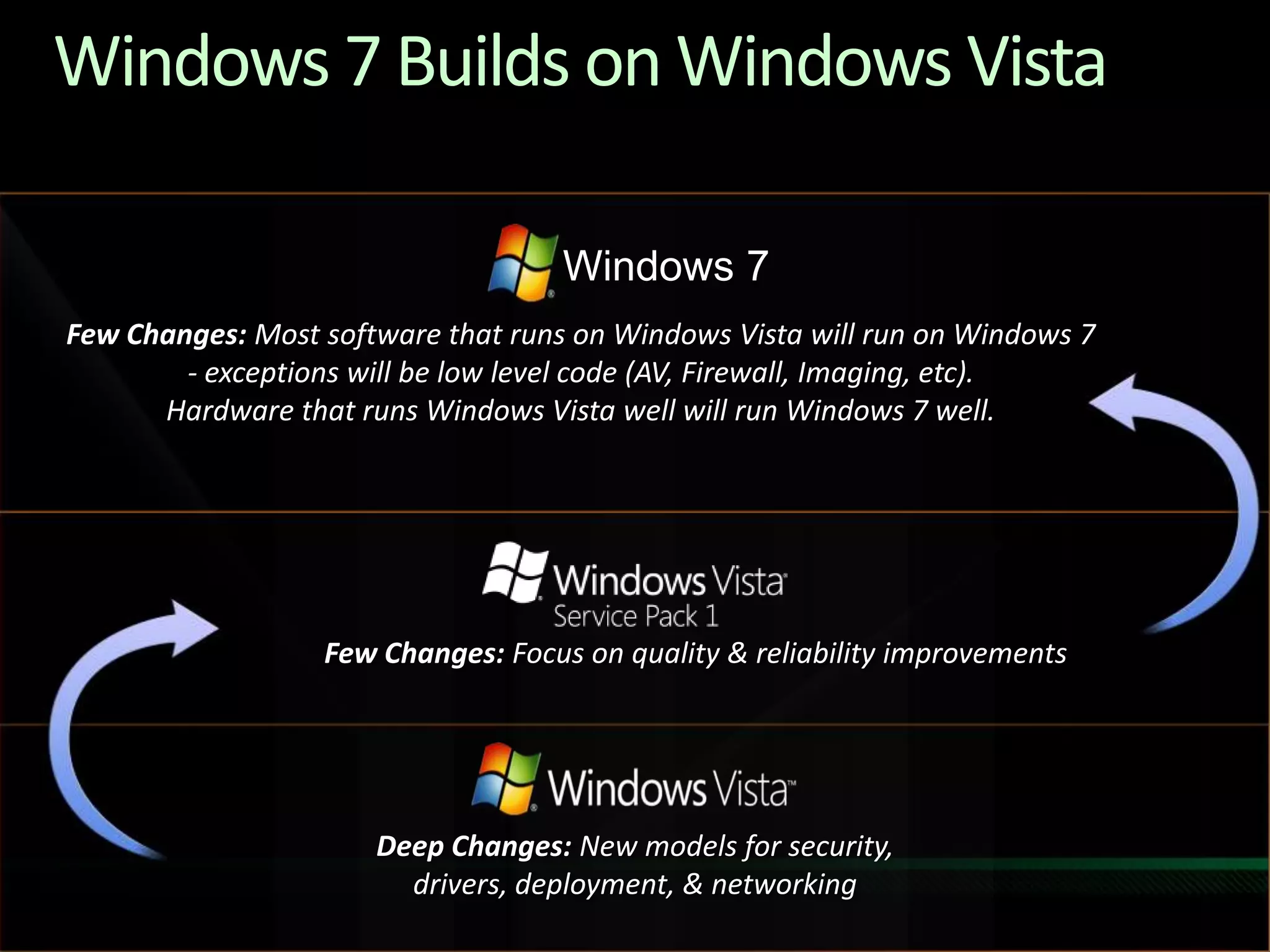
Windows 7 Builds on Windows VistaFew Changes: Most software that runs on Windows Vista will run on Windows 7 - exceptions will be low level code (AV, Firewall, Imaging, etc).  Hardware that runs Windows Vista well will run Windows 7 well.Windows 7Few Changes: Focus on quality & reliability improvementsDeep Changes: New models for security, drivers, deployment, & networking
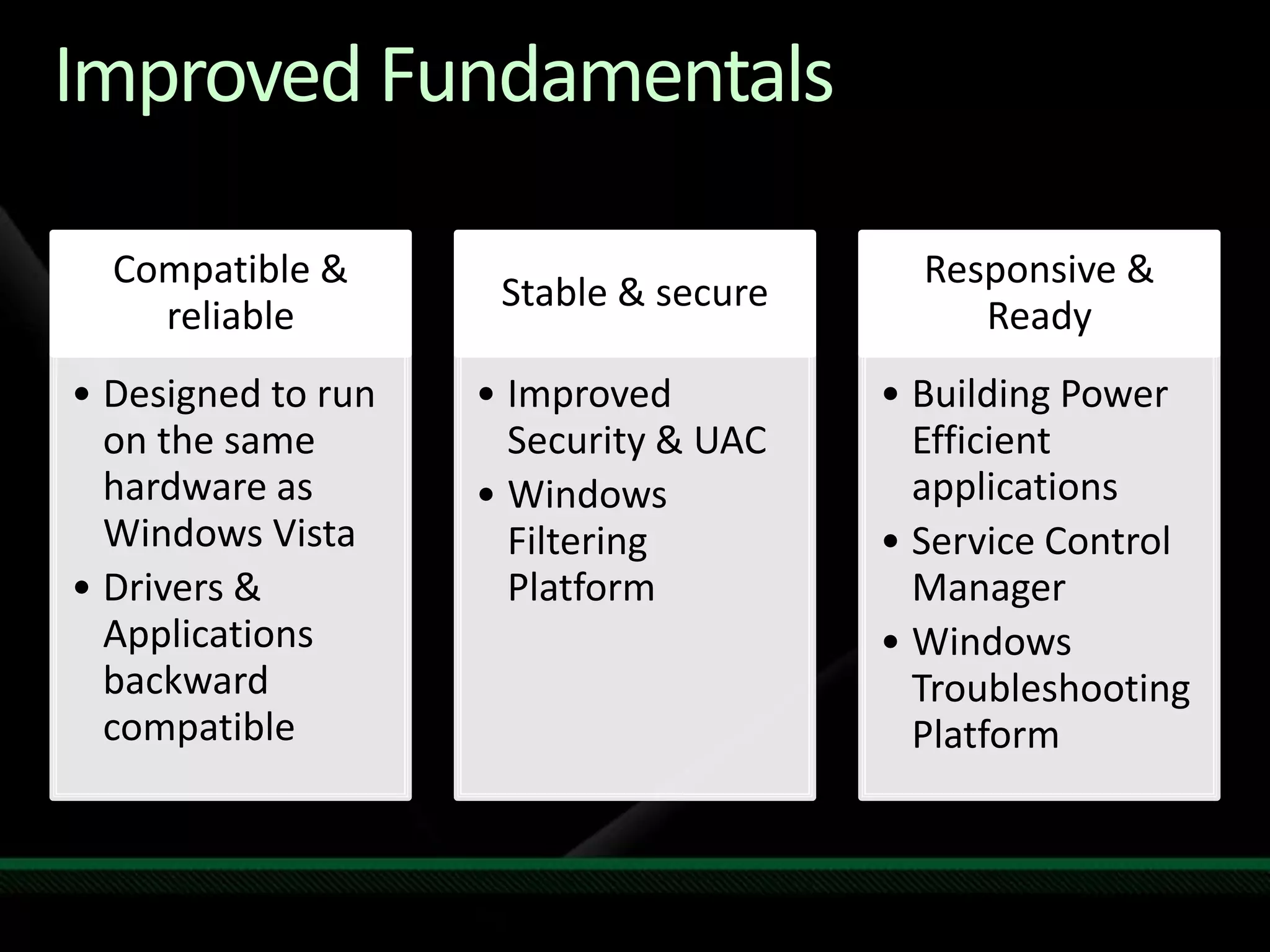
Improved Fundamentals
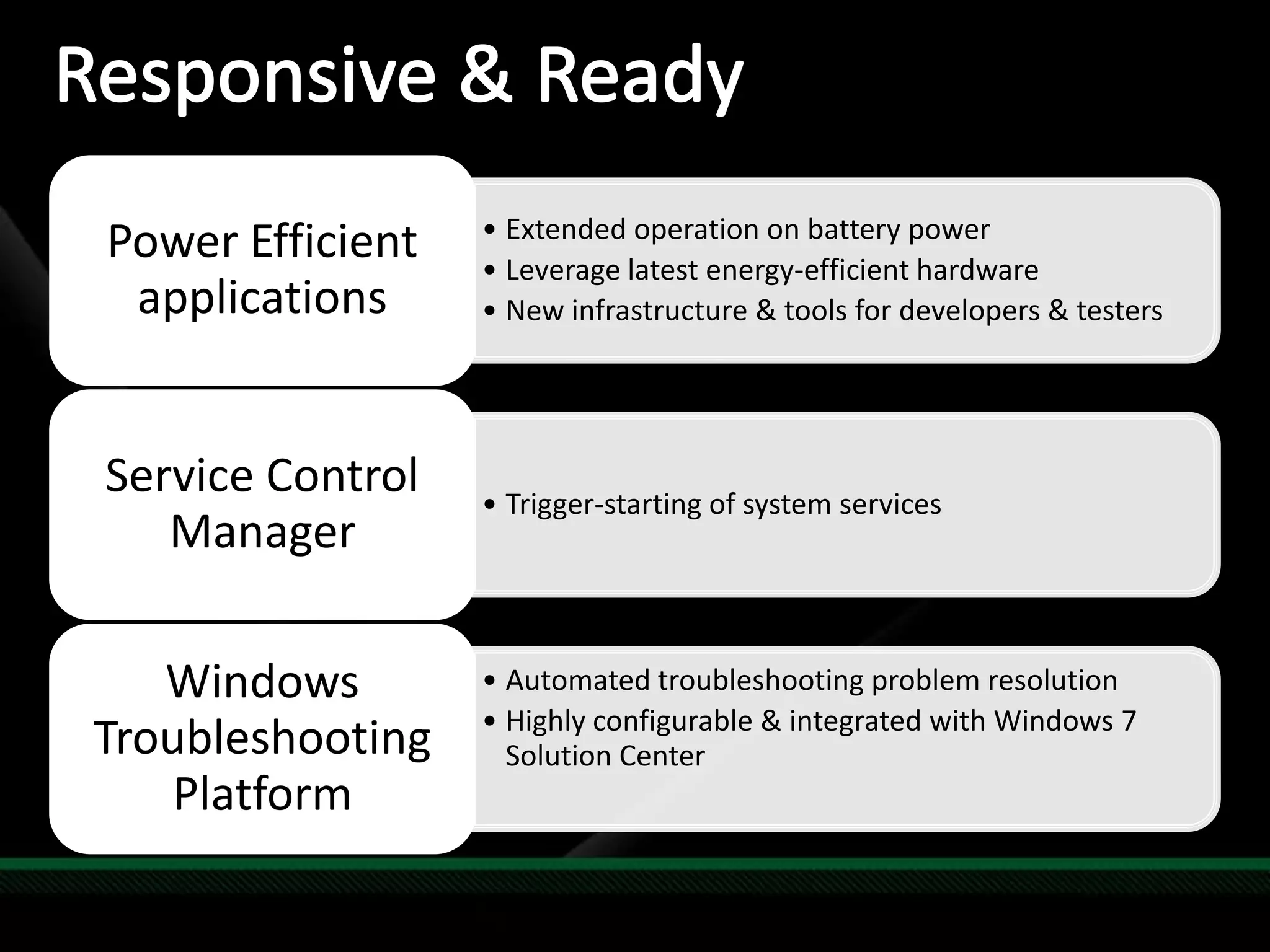
Responsive & Ready
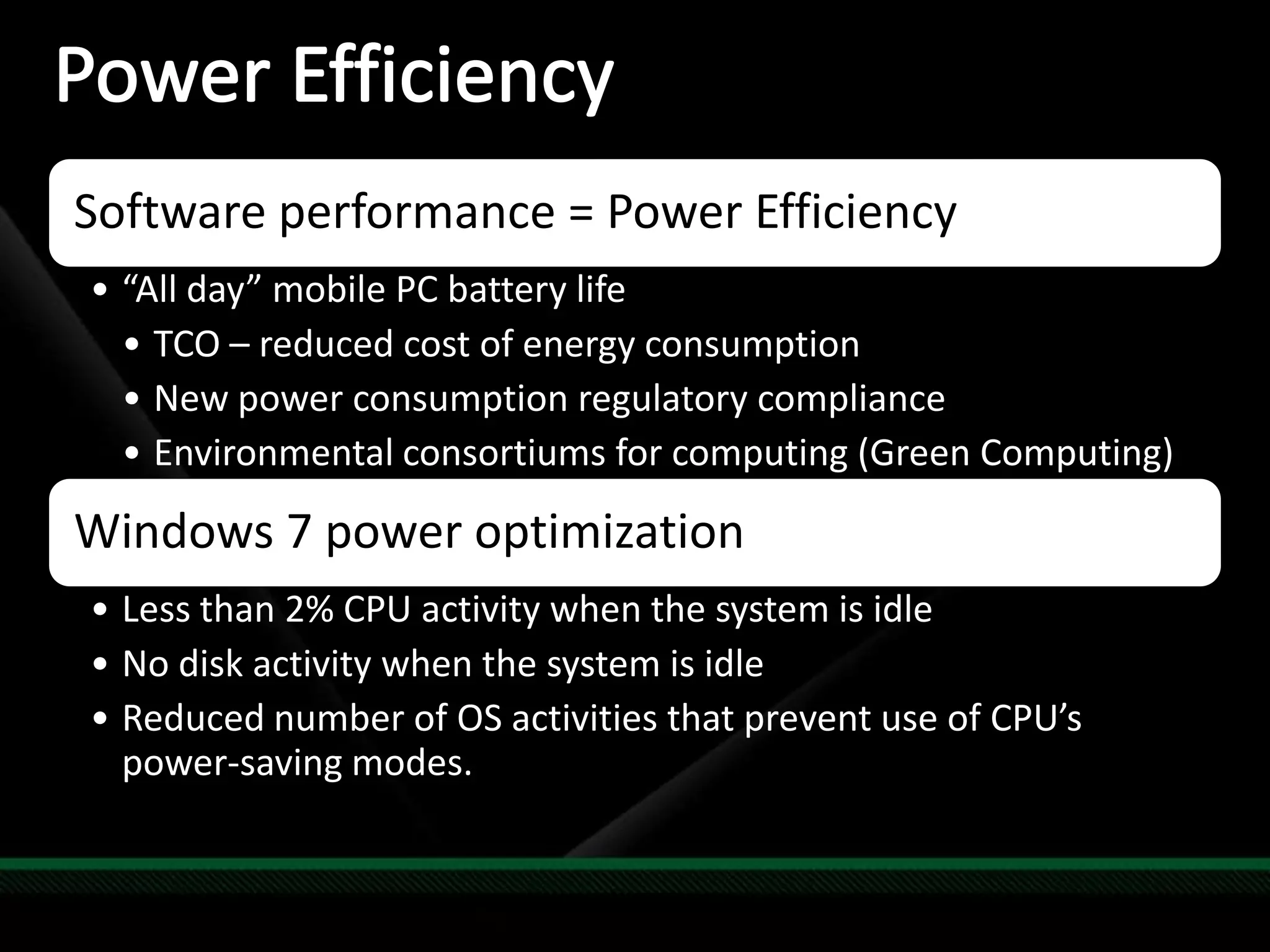
Power Efficiency
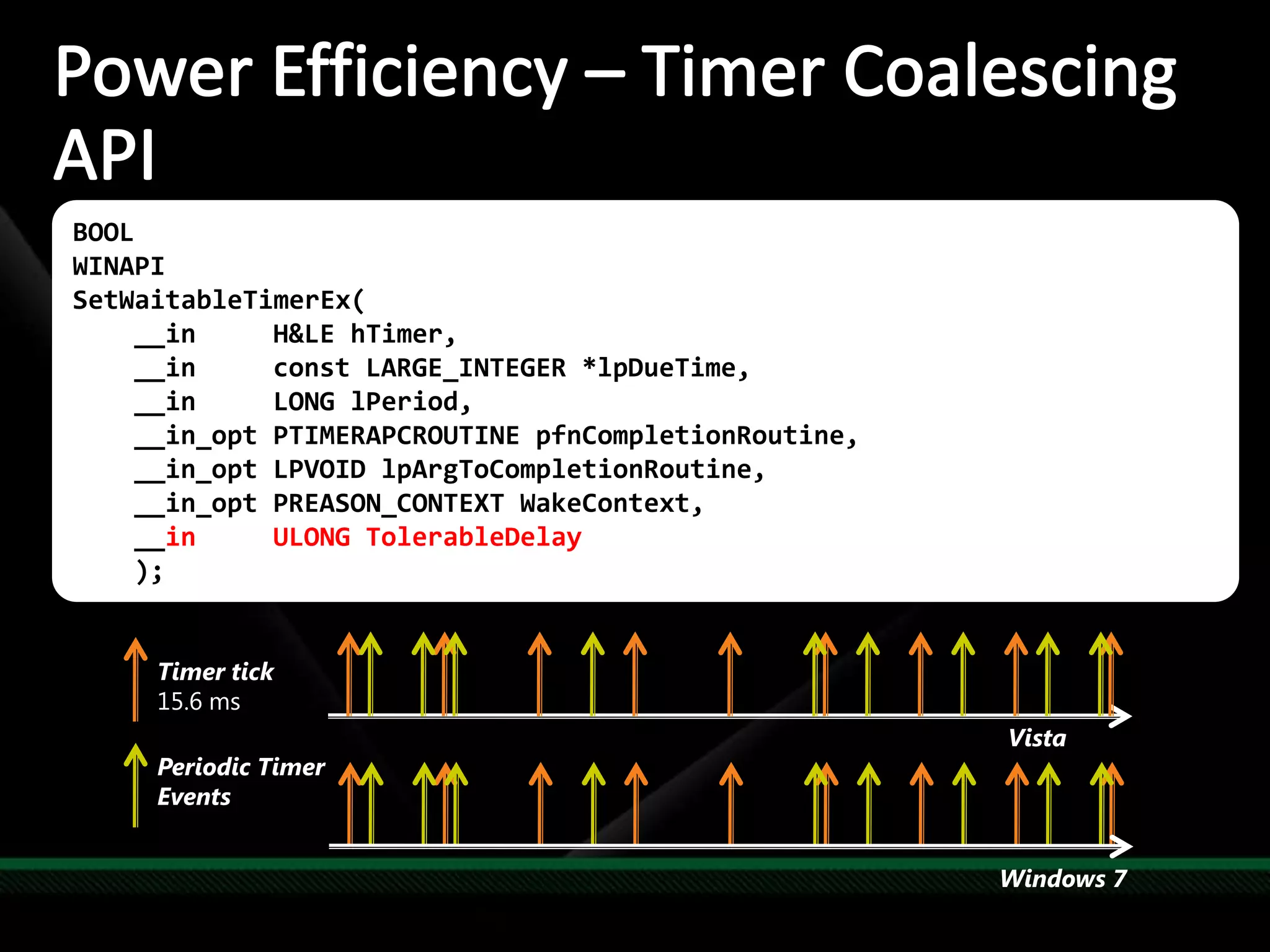
Power Efficiency– Timer Coalescing APIPlatform energy efficiency can be improved by extending idle periodsNew timer coalescing API enables callers to specify a tolerance for due timeEnables the kernel to expire multiple timers at the same timeBOOLWINAPISetWaitableTimerEx(    __in     H&LE hTimer,    __in     const LARGE_INTEGER *lpDueTime,    __in     LONG lPeriod,    __in_opt PTIMERAPCROUTINE pfnCompletionRoutine,    __in_opt LPVOID lpArgToCompletionRoutine,    __in_opt PREASON_CONTEXT WakeContext,__in     ULONG TolerableDelay    );Timer tick15.6 msVistaPeriodic Timer EventsWindows 7
Improved FundamentalsPower Management DemoDemo
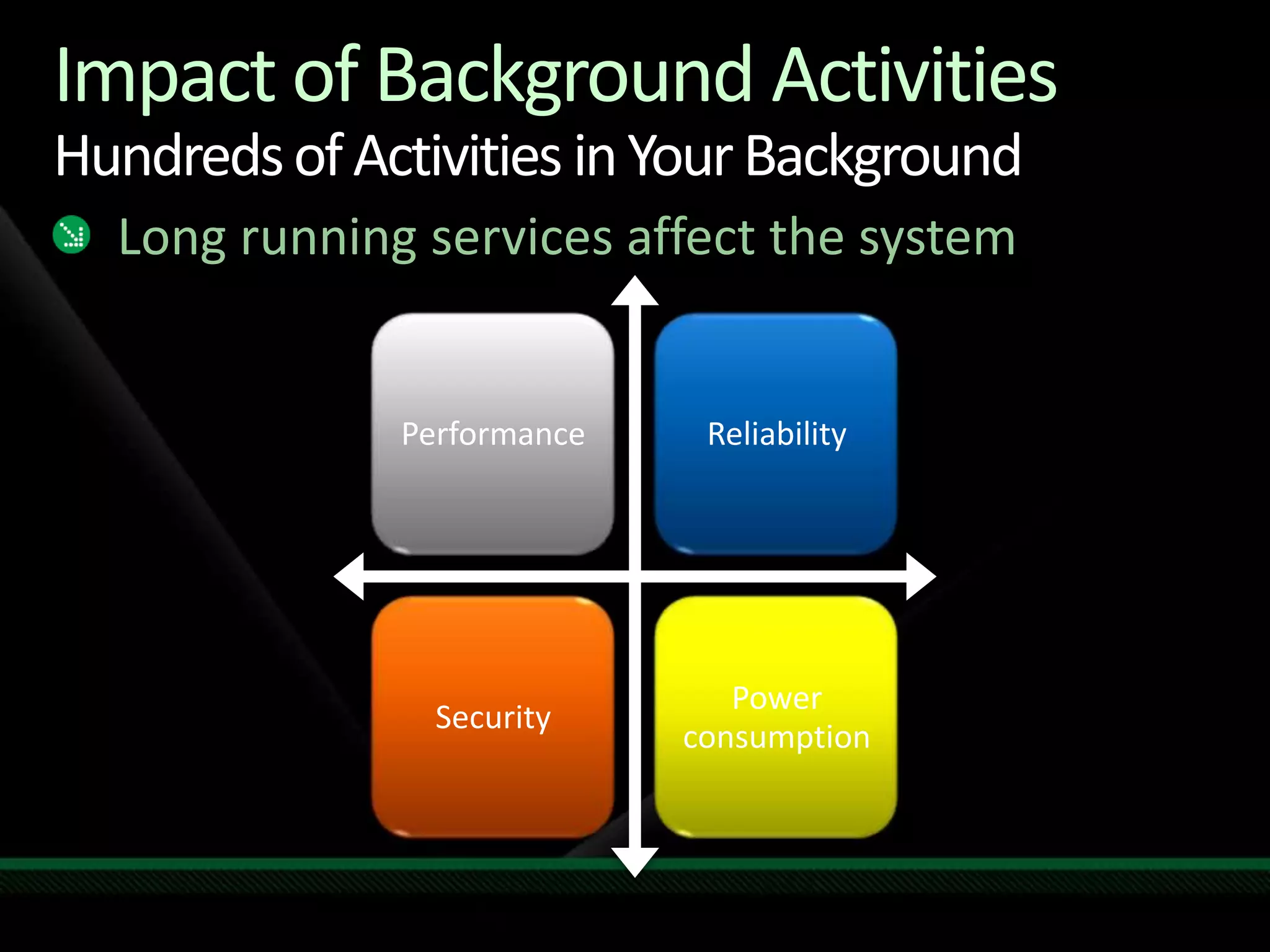
Impact of Background ActivitiesHundreds of Activities in Your BackgroundLong running services affect the system
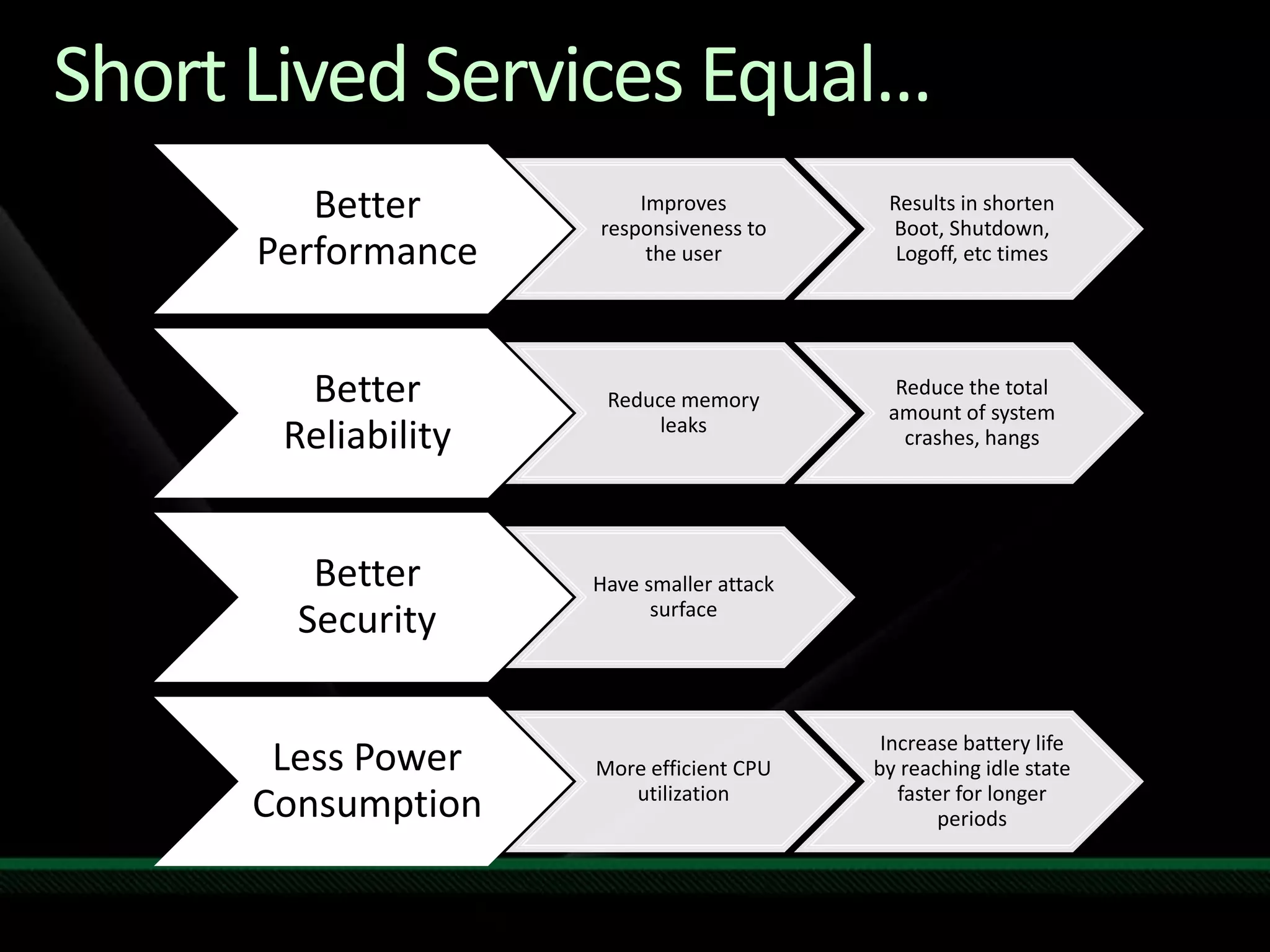
Short Lived Services Equal…
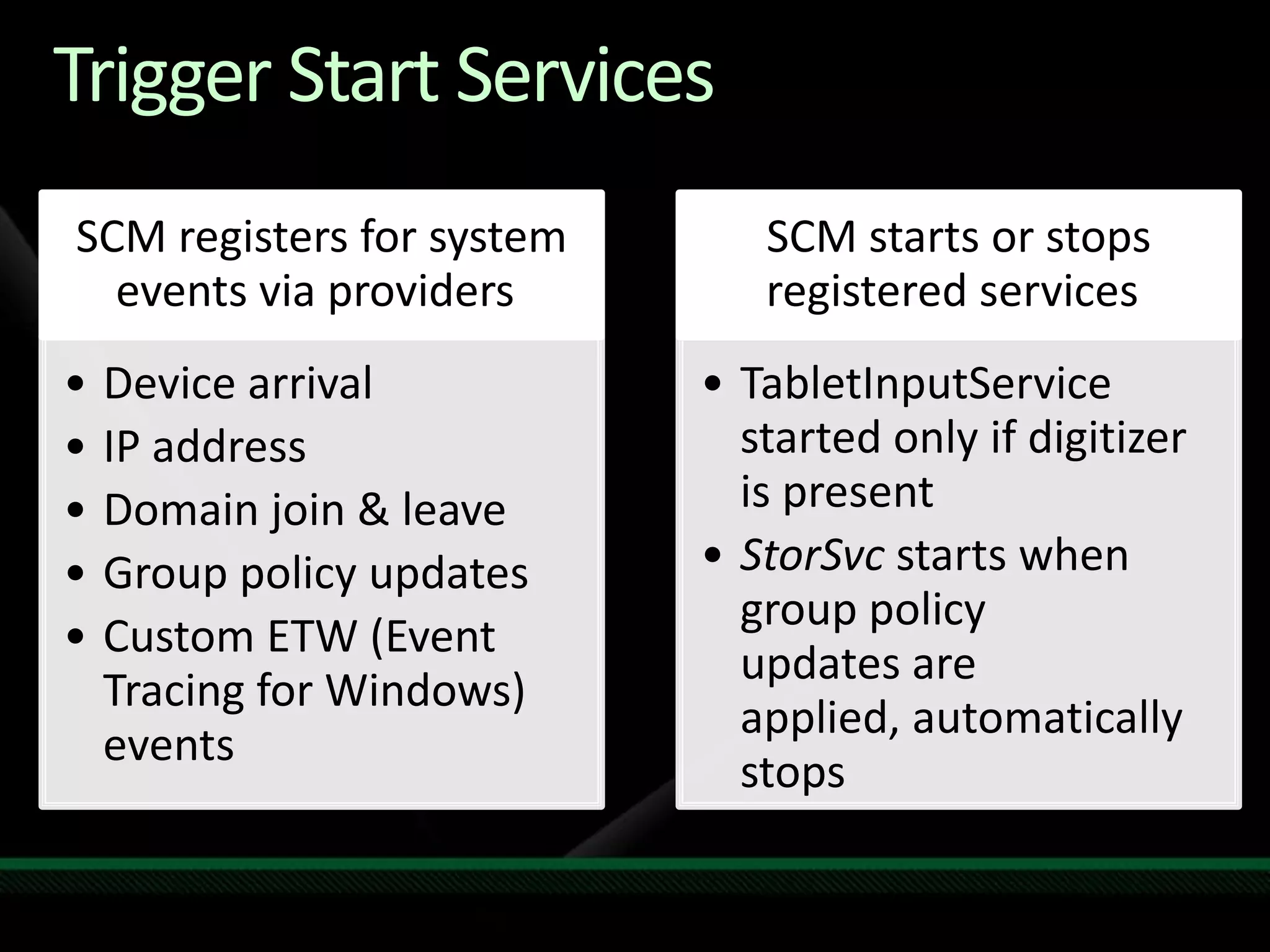
Trigger Start Services
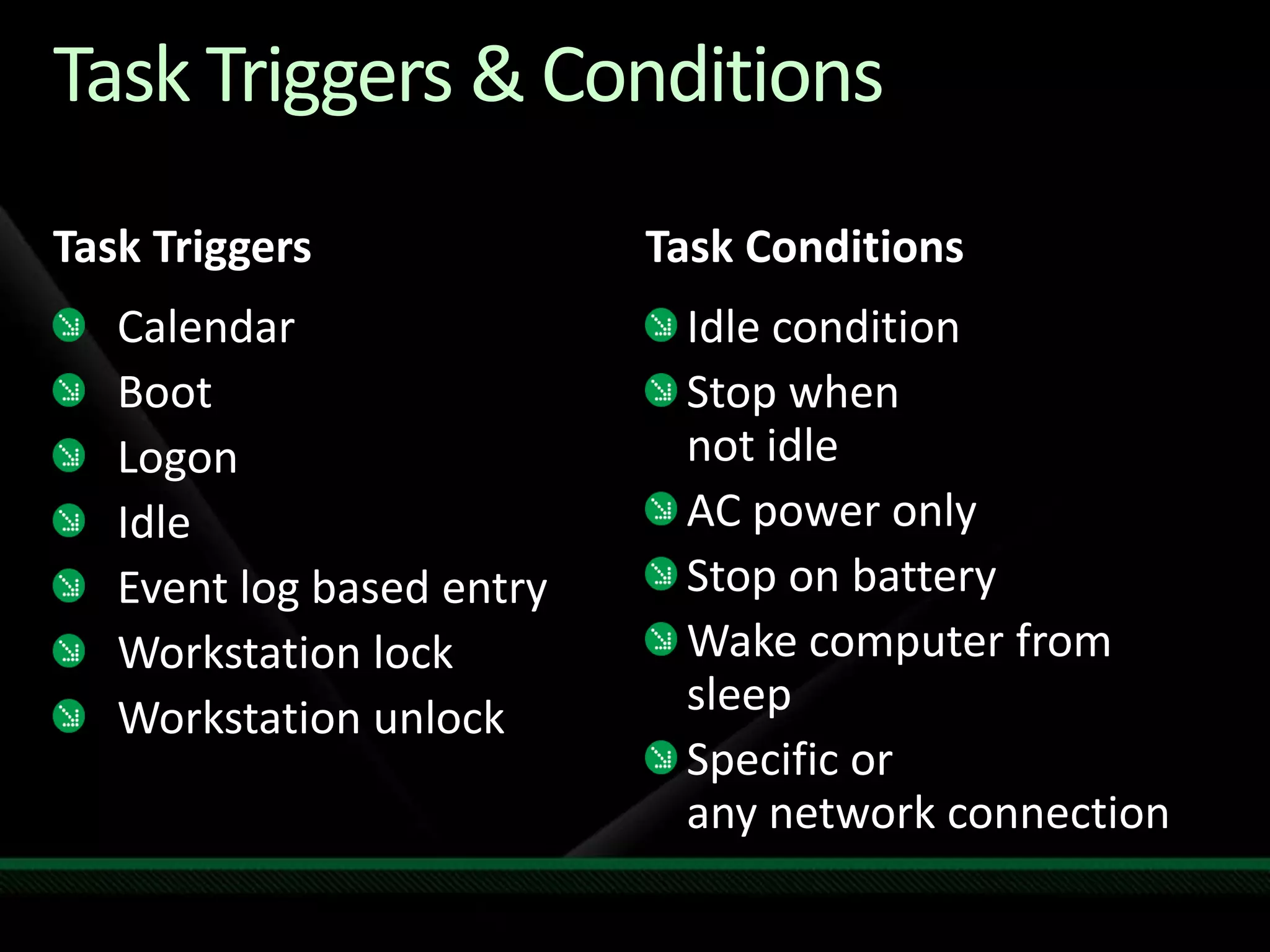
Task Triggers & ConditionsTaskTriggersTask ConditionsCalendarBootLogonIdleEvent log based entryWorkstation lockWorkstation unlockIdle conditionStop when not idleAC power onlyStop on batteryWake computer from sleepSpecific or any network connection
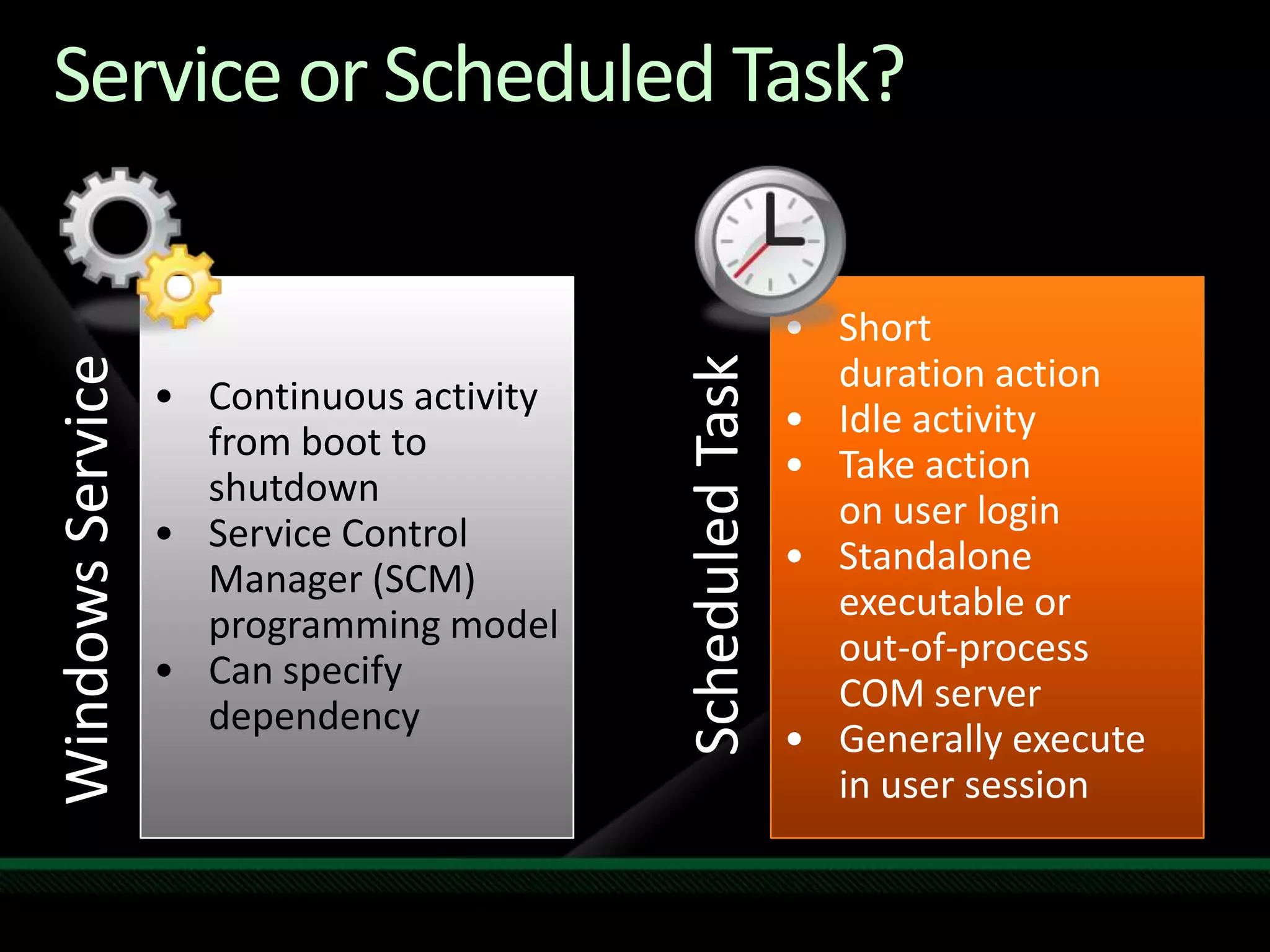
Service or Scheduled Task?Continuous activity from boot to shutdown
Service Control Manager (SCM) programming model
Can specify dependency
Short duration action
Idle activity
Take action on user login
Standalone executable or out-of-process COM server
Generally execute in user sessionWindows ServiceScheduled Task
Improved FundamentalsConverting a Service to Trigger-Start ServiceDemo
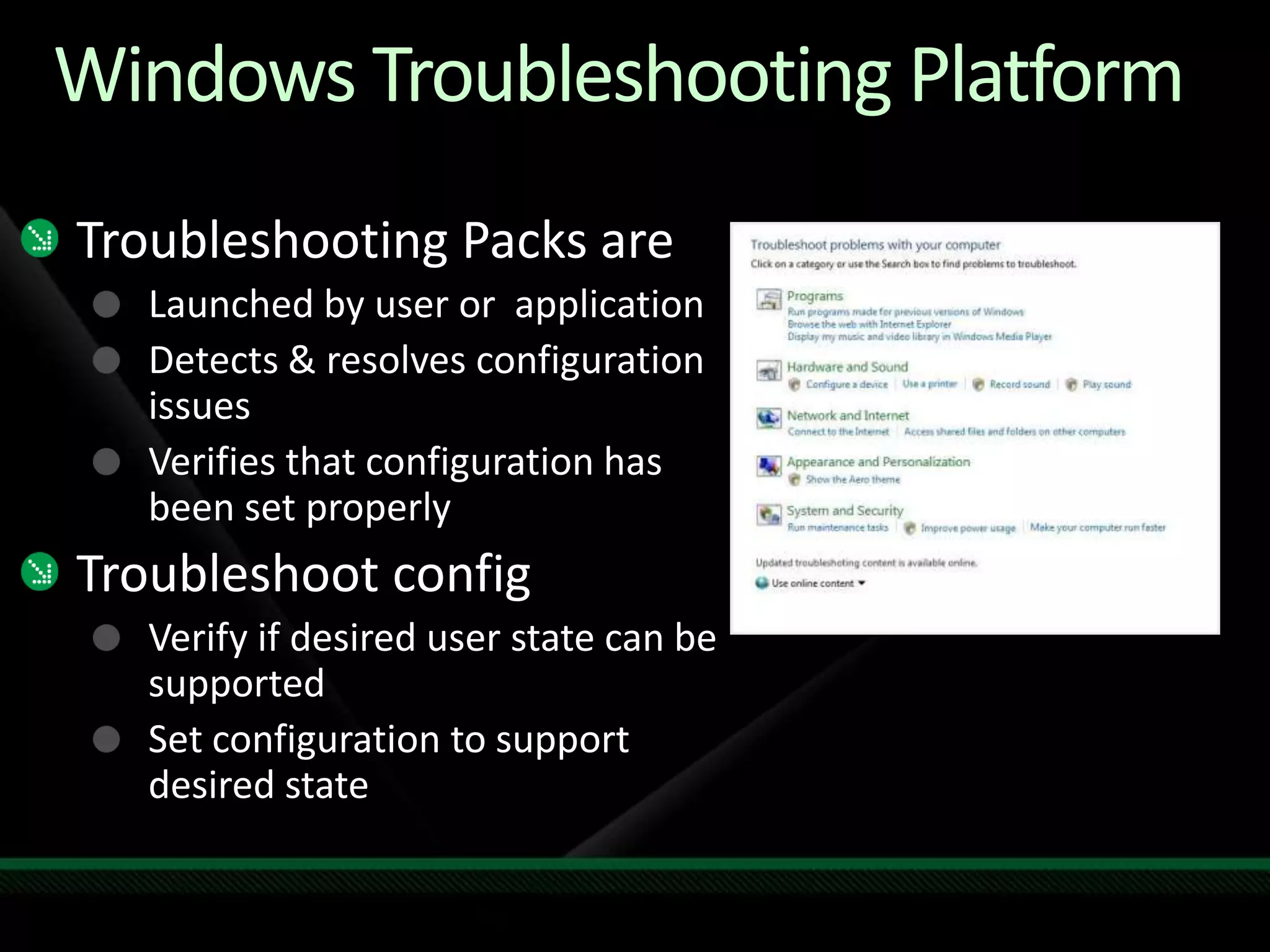
Windows Troubleshooting PlatformTroubleshooting Packs areLaunched by user or  applicationDetects & resolves configuration issuesVerifies that configuration has been set properlyTroubleshoot configVerify if desired user state can be supportedSet configuration to support desired state
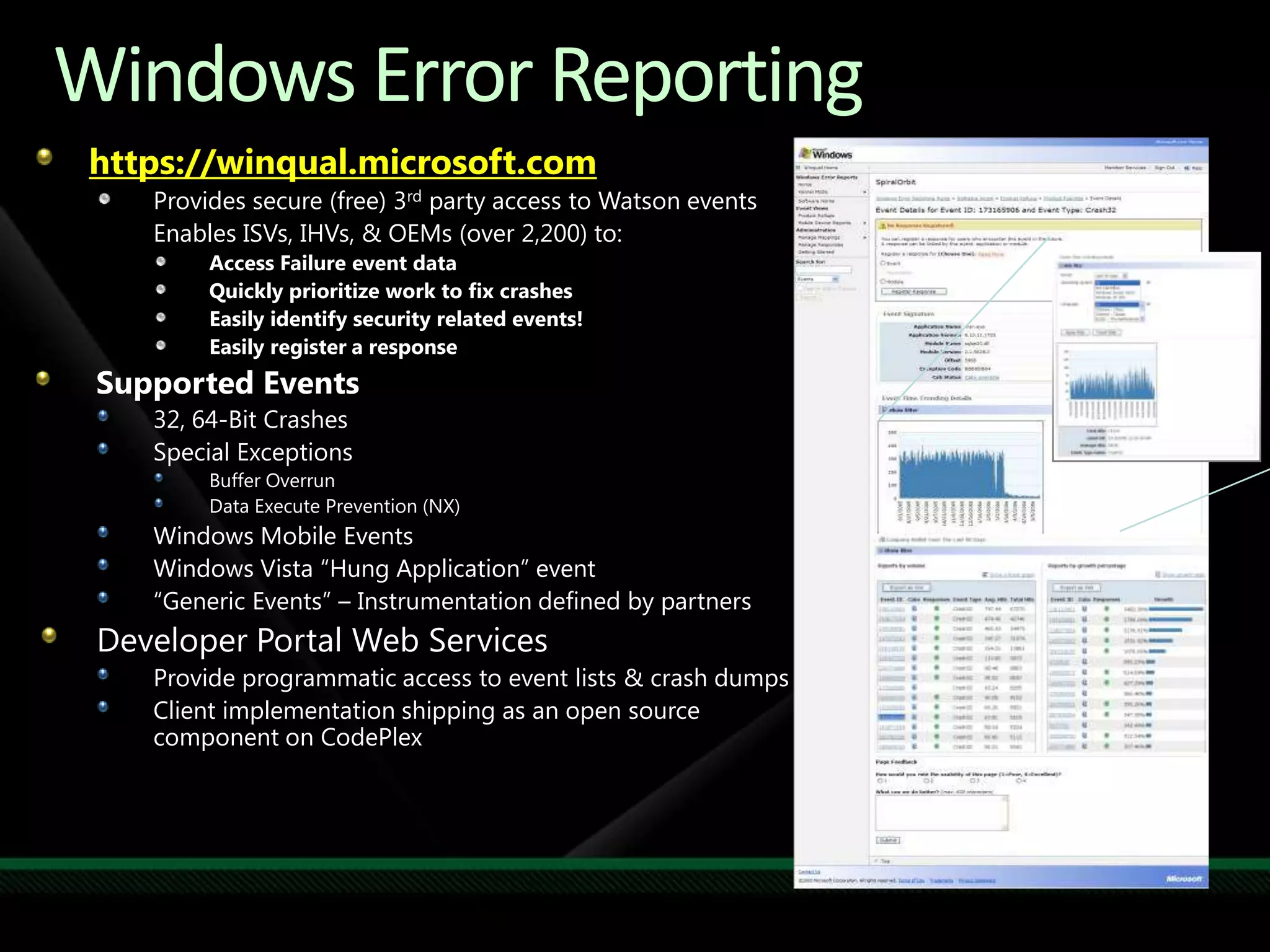
https://winqual.microsoft.comProvides secure (free) 3rd party access to Watson events	Enables ISVs, IHVs, & OEMs (over 2,200) to:Access Failure event data Quickly prioritize work to fix crashesEasily identify security related events!Easily register a responseSupported Events32, 64-Bit Crashes Special ExceptionsBuffer OverrunData Execute Prevention (NX)Windows Mobile EventsWindows Vista “Hung Application” event“Generic Events” – Instrumentation defined by partnersDeveloper Portal Web ServicesProvide programmatic access to event lists & crash dumpsClient implementation shipping as an open source component on CodePlexWindows Error Reporting
Call to Action: FundamentalsRead the application quality cookbookMake your application Windows 7 compatibleUAC aware, Support x64, Sign files & drivers, no OS version checking, support multi user sessions…. Install to correct folders / transactional uninstallSelf Certified with new Logo automatic toolWindows 7 resources optimizationPower awareRetire old “XP” services to Windows 7 tasks Use triggered ServicesProvide troubleshooting pack & WER
Windows 7 Readiness Programs
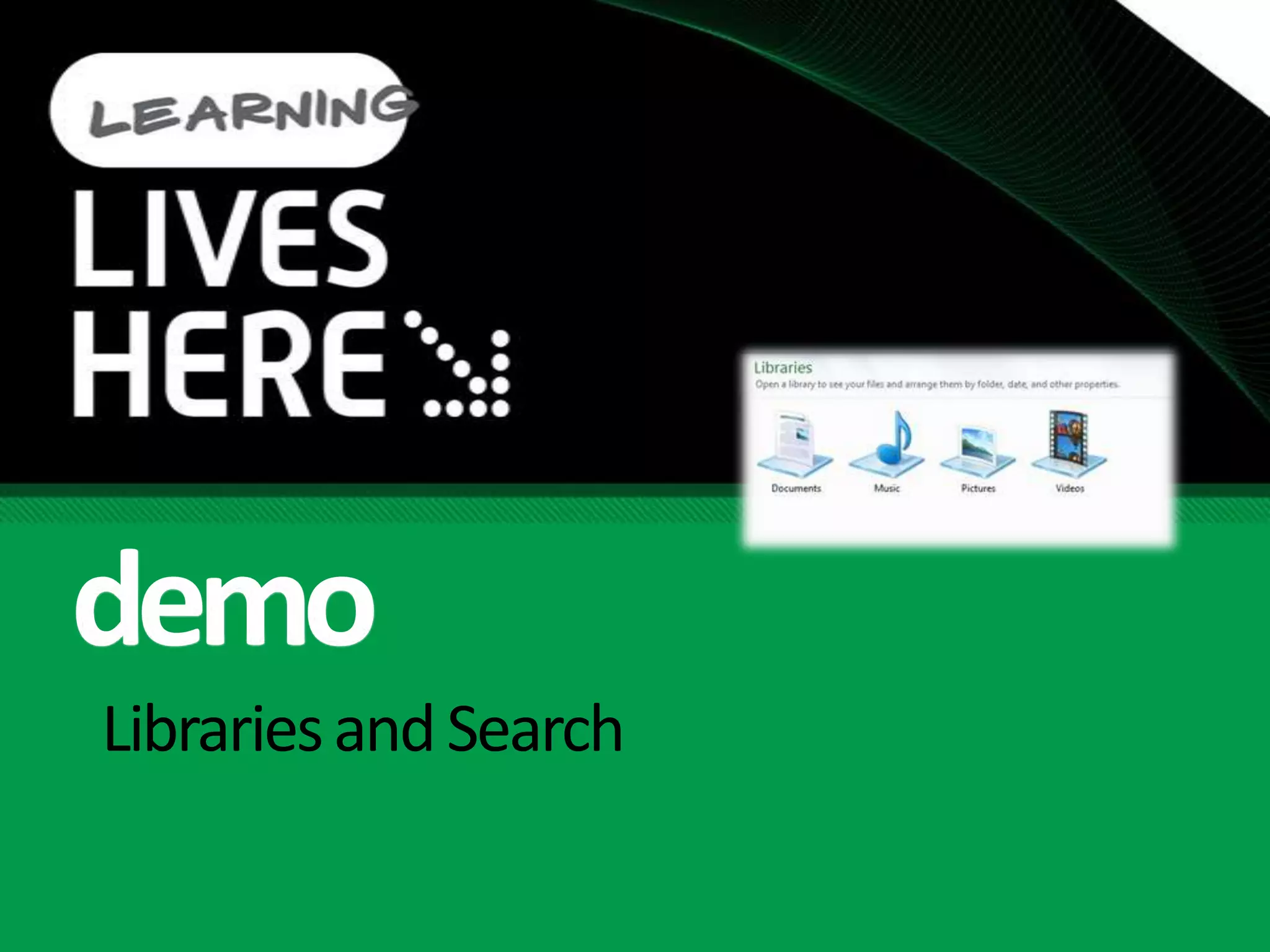
Libraries and Searchdemo
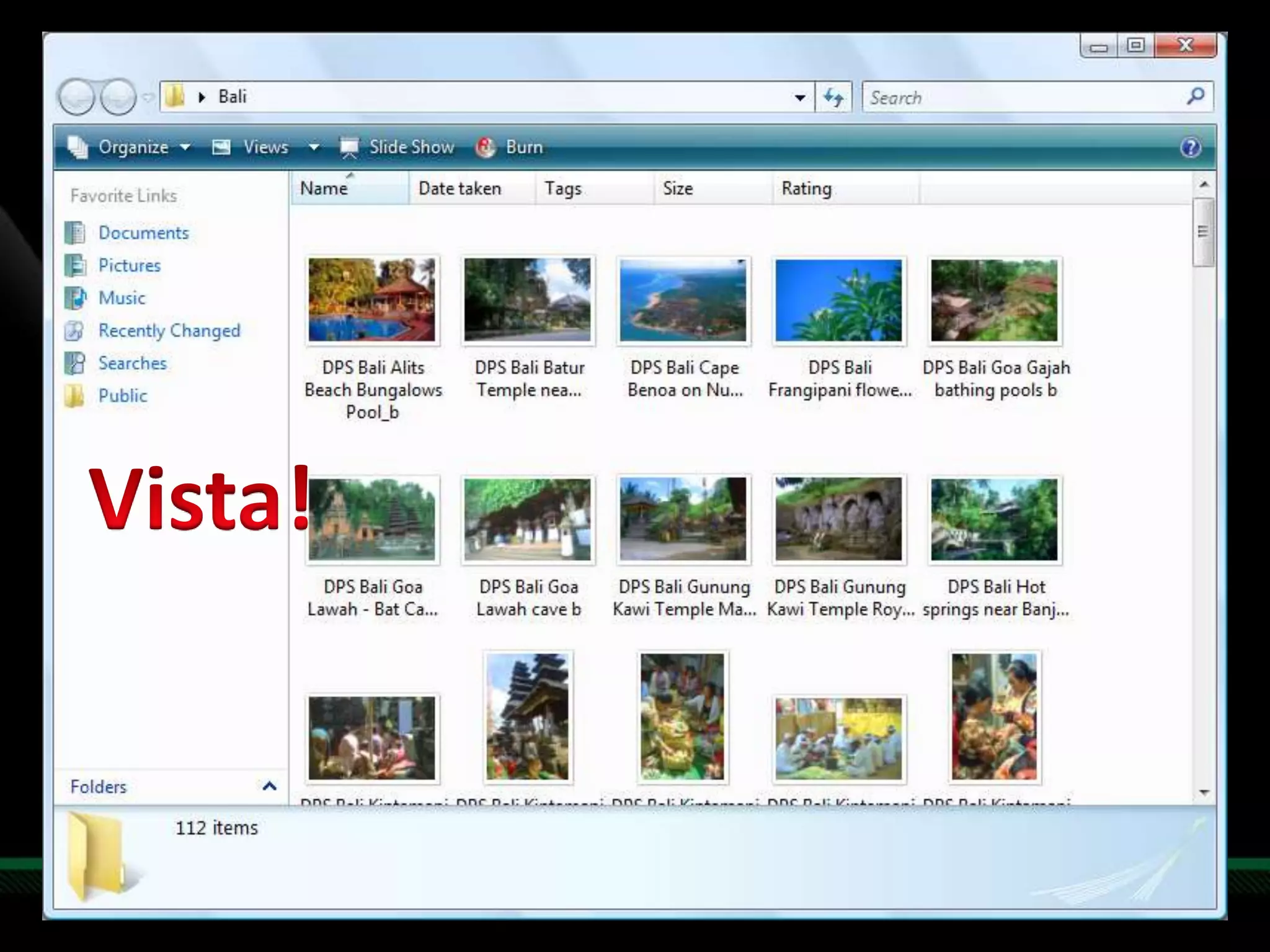
Vista!
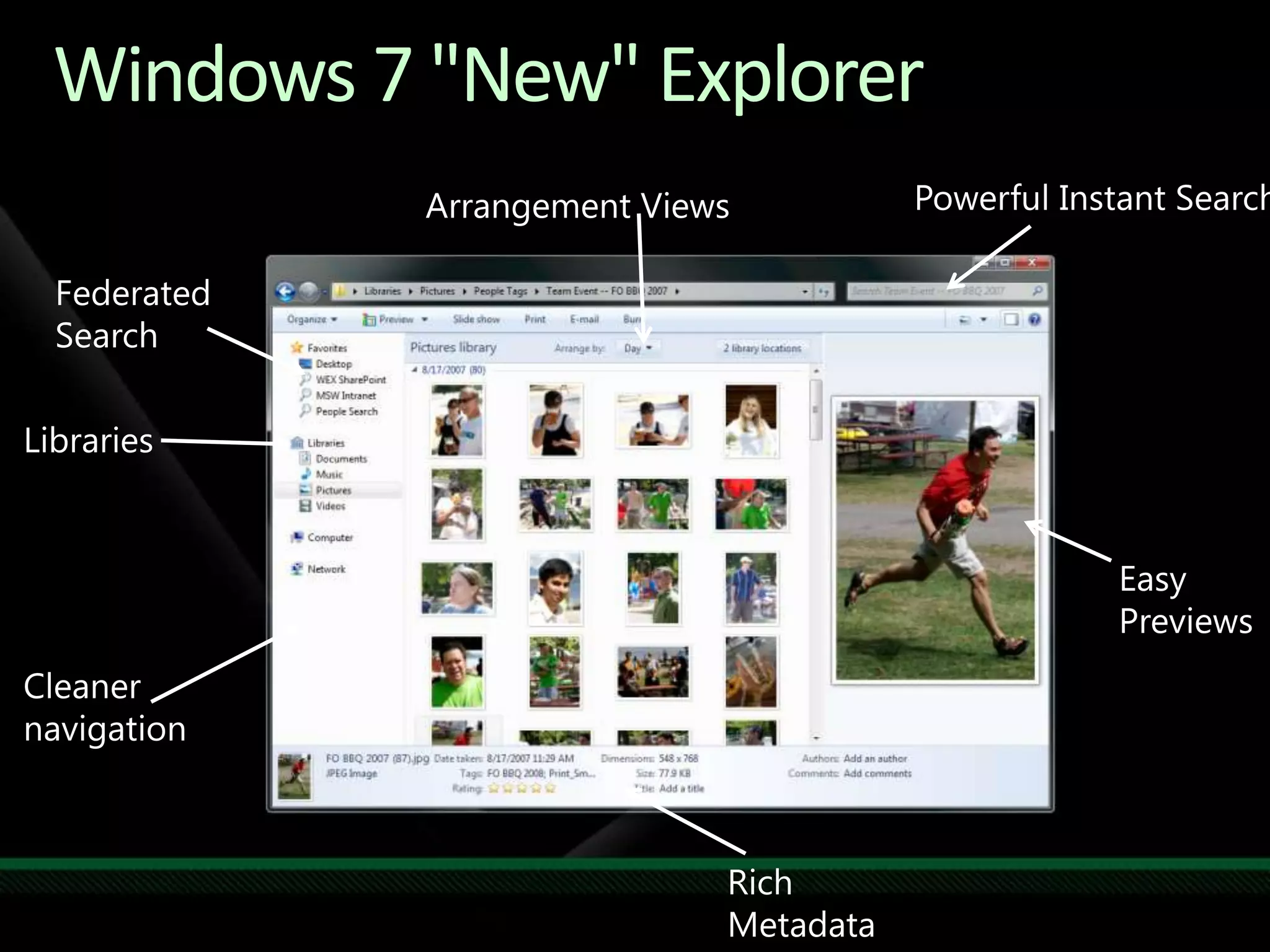
Powerful Instant SearchArrangement ViewsFederated SearchLibrariesEasy PreviewsCleanernavigationRich MetadataWindows 7 "New" Explorer
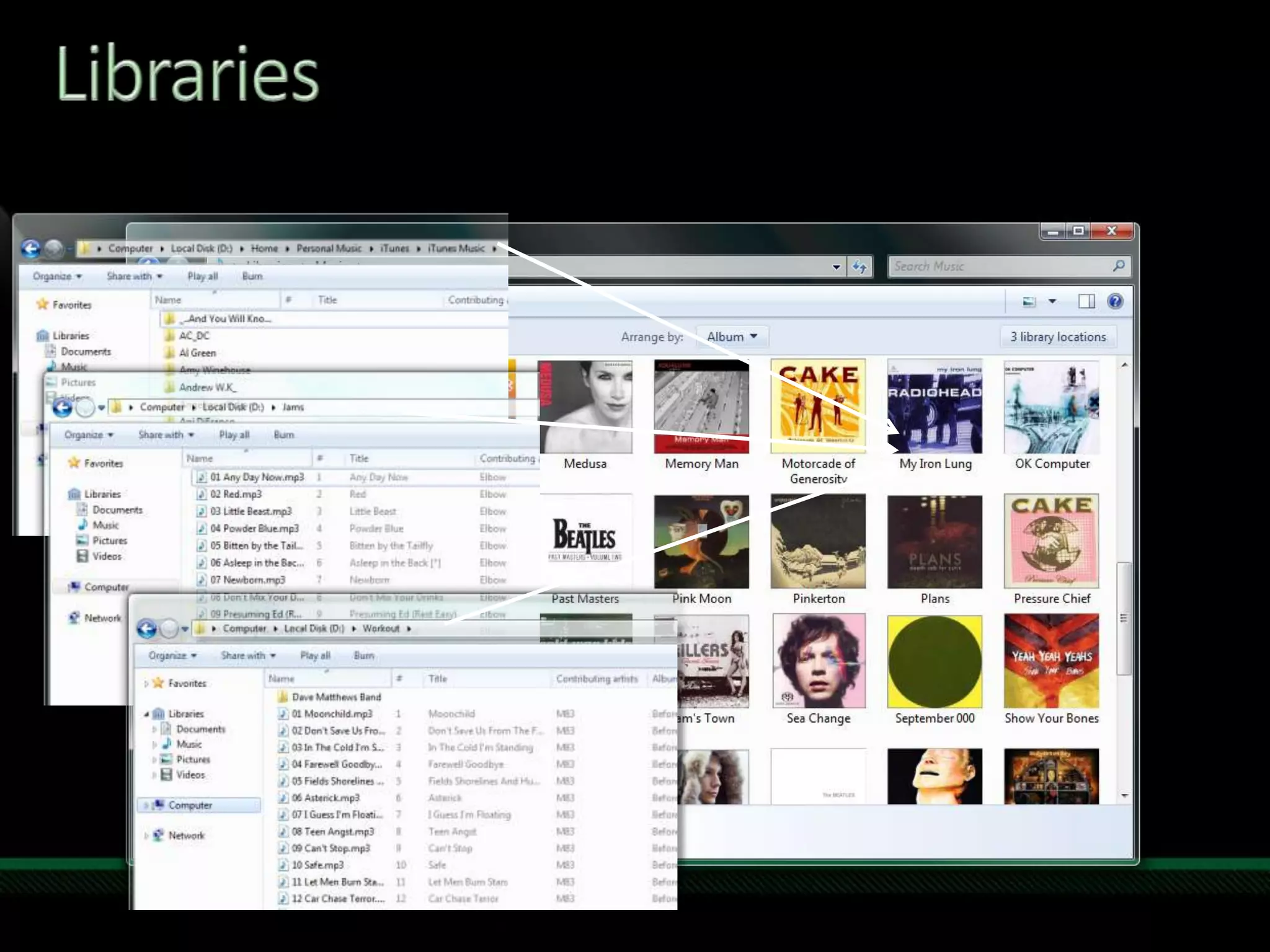
Libraries
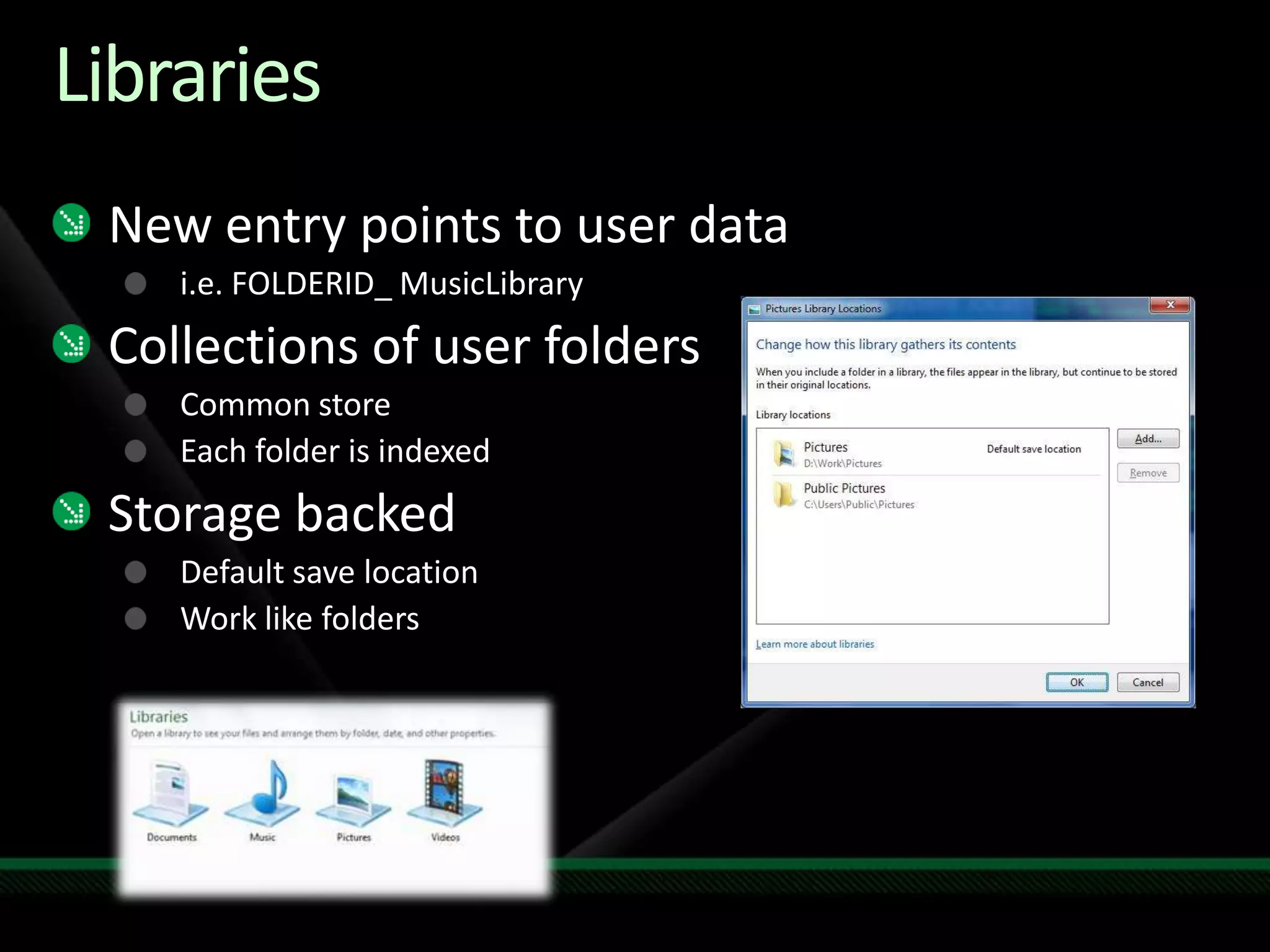
LibrariesNew entry points to user datai.e. FOLDERID_ MusicLibraryCollections of user foldersCommon storeEach folder is indexedStorage backedDefault save locationWork like folders
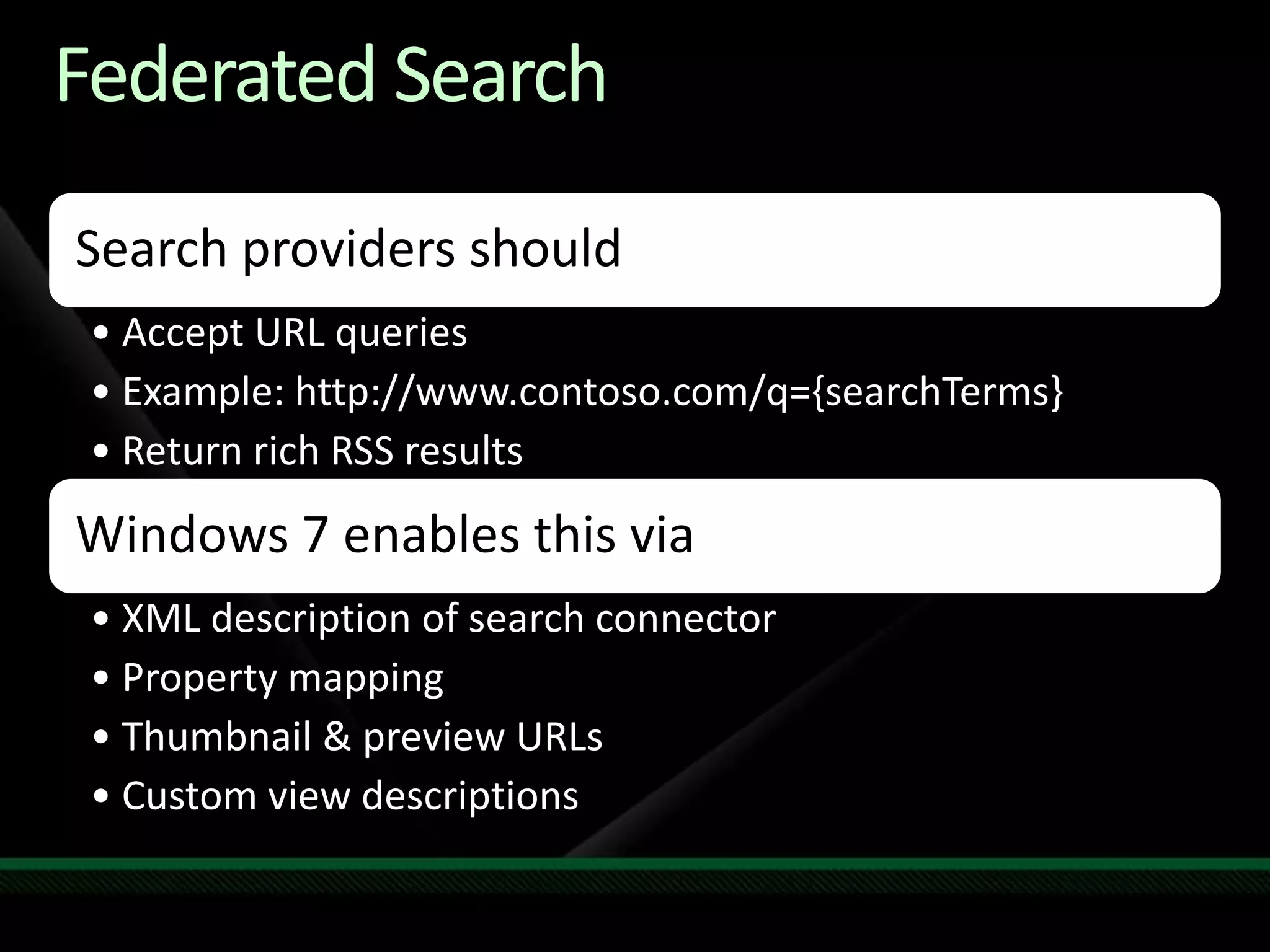
LibrariesYour application shouldSupport open & save in librariesSelect & consume library contentsStay in sync with library locationse.g., Windows Media PlayerWindows 7 enables this viaCommon File DialogNative:   IFileDialogManaged:   System.Windows.Forms.FileDialogShell abstractions (i.e., IShellFolder)New Library API to manage libraries
Windows API Code Pack for the .NET LibraryManaged class library to access to Win 7 featuresWindows Shell namespace  Windows Vista and Windows 7 Task Dialogs. Support for Shell property system. Taskbar Jumplists, Icon Overlay and Progress bar. Common file dialogsSupport for Direct3D 11.0 and DXGI 1.0/1.1 APIs. Sensor Platform APIs Extended Linguistic Services APIs http://code.msdn.com/windowsAPICodePack
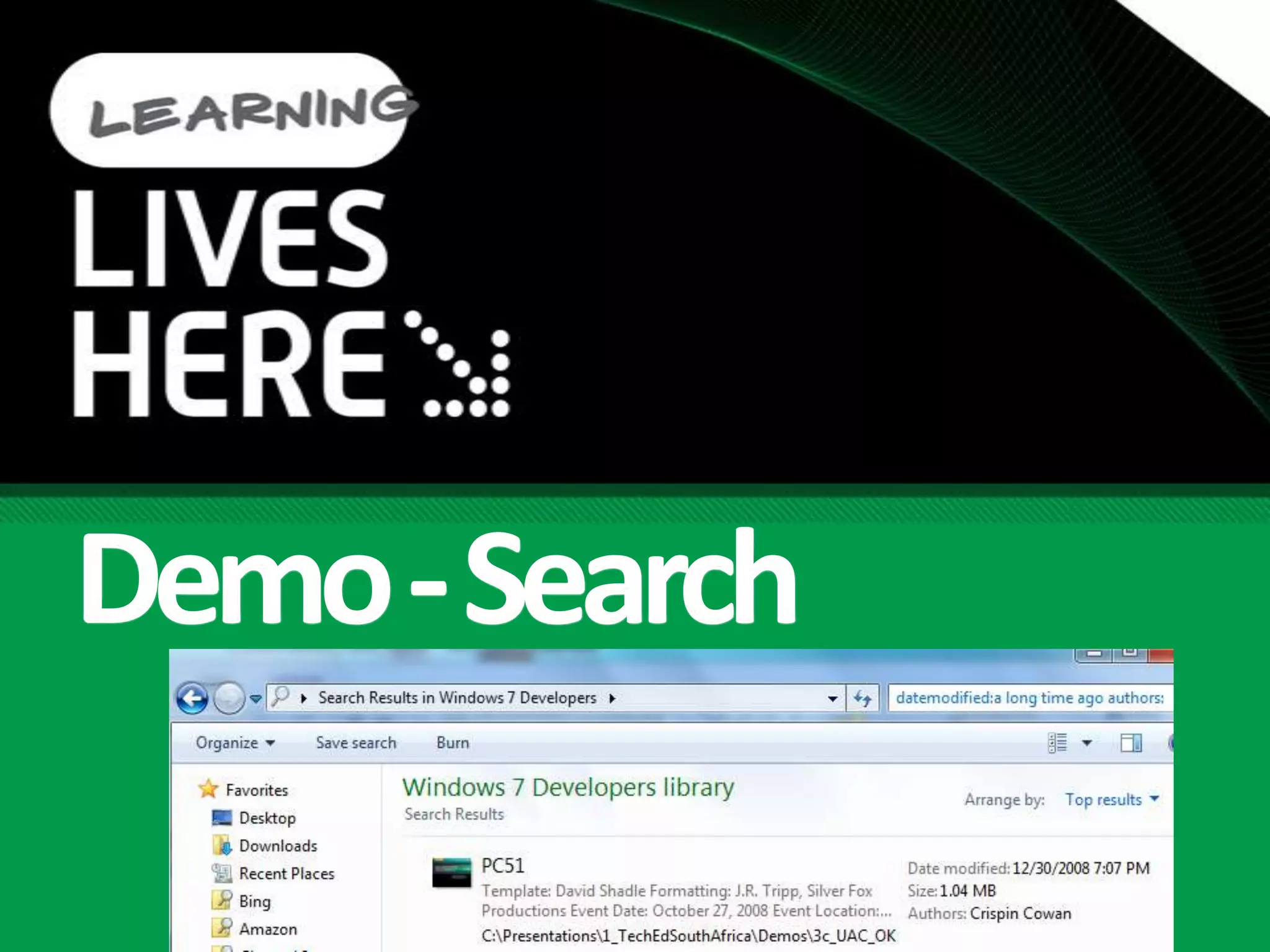
Demo - Search
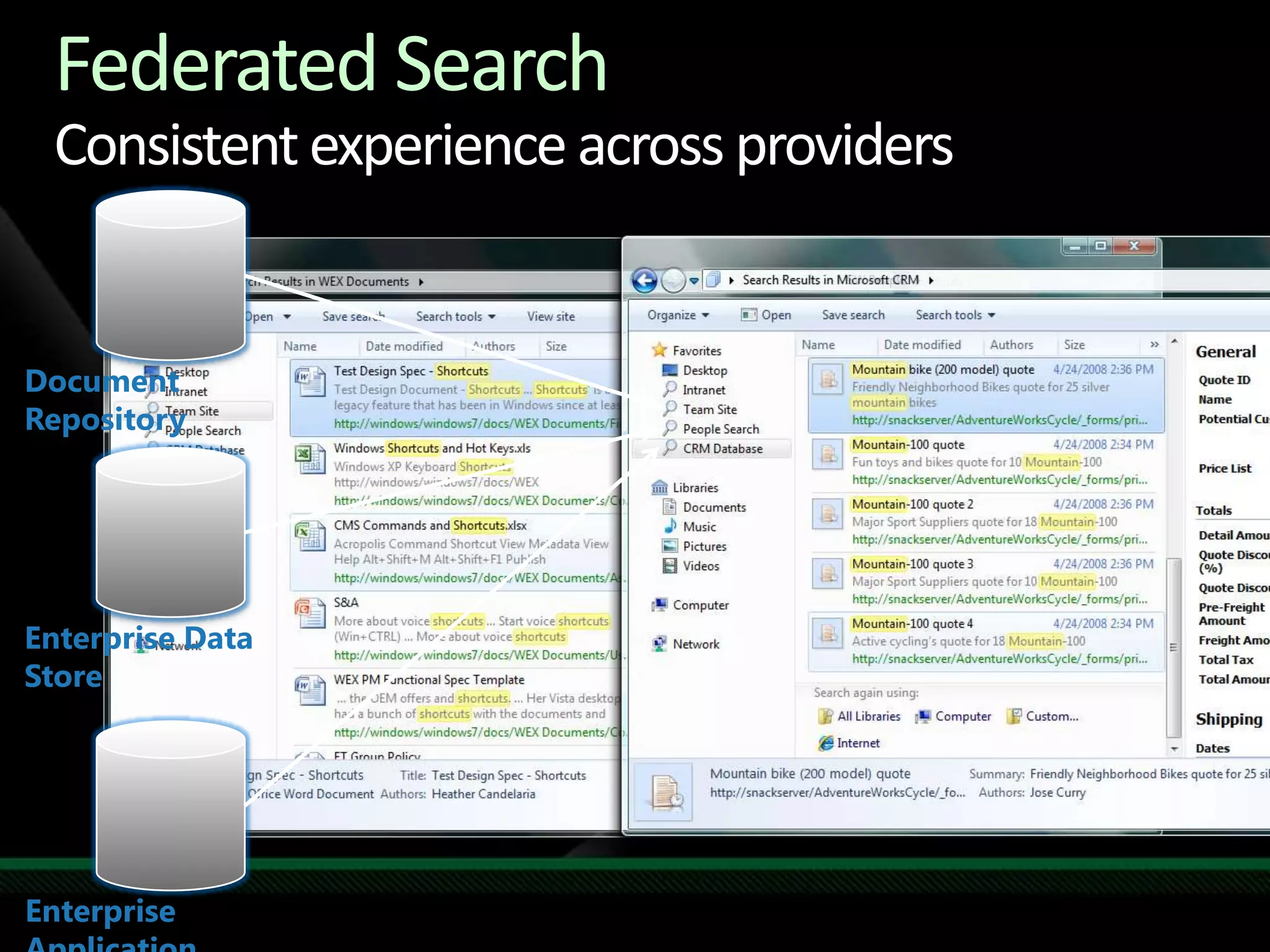
Federated SearchConsistent experience across providersDocument RepositoryEnterprise Data StoreEnterprise Application
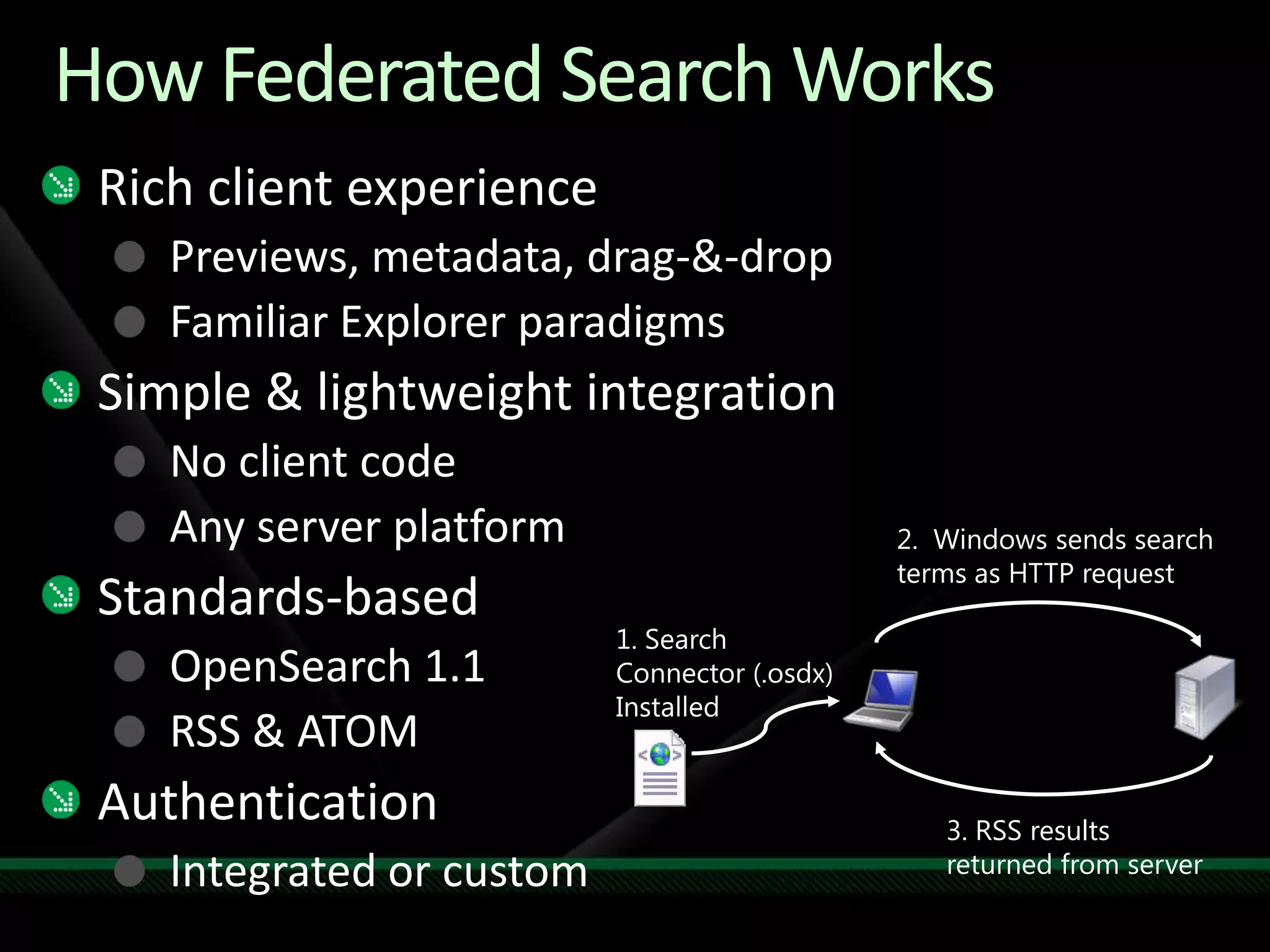
How Federated Search WorksRich client experiencePreviews, metadata, drag-&-dropFamiliar Explorer paradigmsSimple & lightweight integrationNo client codeAny server platformStandards-basedOpenSearch 1.1RSS & ATOMAuthenticationIntegrated or custom2.  Windows sends search terms as HTTP request1. Search Connector (.osdx) Installed3. RSS results returned from server
Federated Search
IE8 ConsiderationsMore…
Page Load Times
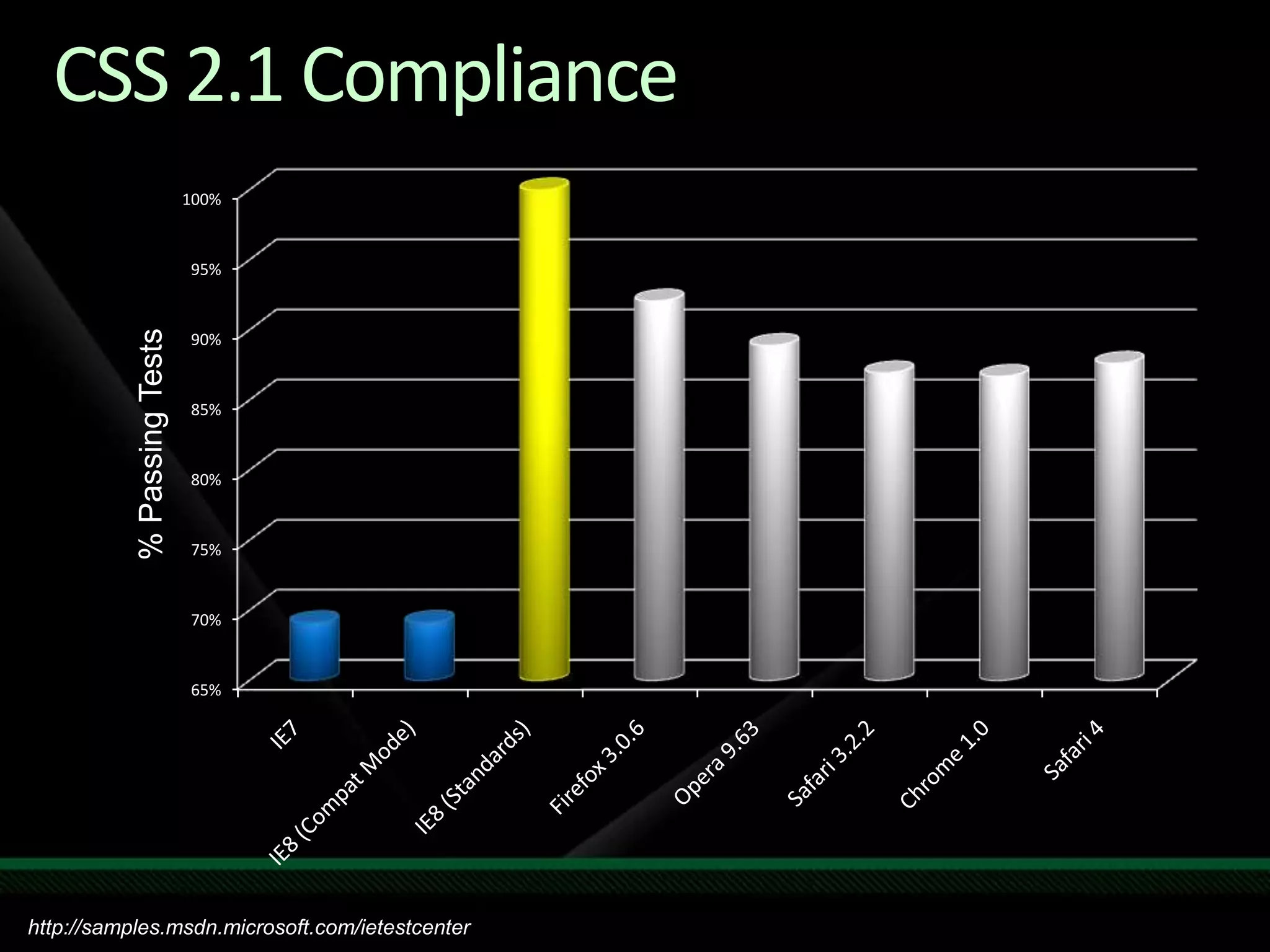
CSS 2.1 Compliancehttp://samples.msdn.microsoft.com/ietestcenter

1 Win7 For Devs Fund Search

  • 1.
    Windows 7 forDevelopers ILynn Langithttp://blogs.msdn.com/SoCalDevGalMicrosoft – Developer Evangelist
  • 2.
    7 Ways onWindows 7FundamentalsLibrariesTaskbarRibbonSensor and LocationMulti TouchGraphics*AppCompat*
  • 3.
    Improved FundamentalsIncreaseDecreaseMemoryReference set,GraphicsDisk I/ORegistry Reads, IndexerPowerDVD Playback, Panel, TimersSpeedFasterBoot, Device ReadyResponsivenessStart menu, TaskbarScale256 cores
  • 4.
    Windows 7 Buildson Windows VistaFew Changes: Most software that runs on Windows Vista will run on Windows 7 - exceptions will be low level code (AV, Firewall, Imaging, etc). Hardware that runs Windows Vista well will run Windows 7 well.Windows 7Few Changes: Focus on quality & reliability improvementsDeep Changes: New models for security, drivers, deployment, & networking
  • 5.
  • 6.
  • 7.
  • 8.
    Power Efficiency– TimerCoalescing APIPlatform energy efficiency can be improved by extending idle periodsNew timer coalescing API enables callers to specify a tolerance for due timeEnables the kernel to expire multiple timers at the same timeBOOLWINAPISetWaitableTimerEx( __in H&LE hTimer, __in const LARGE_INTEGER *lpDueTime, __in LONG lPeriod, __in_opt PTIMERAPCROUTINE pfnCompletionRoutine, __in_opt LPVOID lpArgToCompletionRoutine, __in_opt PREASON_CONTEXT WakeContext,__in ULONG TolerableDelay );Timer tick15.6 msVistaPeriodic Timer EventsWindows 7
  • 9.
  • 10.
    Impact of BackgroundActivitiesHundreds of Activities in Your BackgroundLong running services affect the system
  • 11.
  • 12.
  • 13.
    Task Triggers &ConditionsTaskTriggersTask ConditionsCalendarBootLogonIdleEvent log based entryWorkstation lockWorkstation unlockIdle conditionStop when not idleAC power onlyStop on batteryWake computer from sleepSpecific or any network connection
  • 14.
    Service or ScheduledTask?Continuous activity from boot to shutdown
  • 15.
    Service Control Manager(SCM) programming model
  • 16.
  • 17.
  • 18.
  • 19.
    Take action onuser login
  • 20.
    Standalone executable orout-of-process COM server
  • 21.
    Generally execute inuser sessionWindows ServiceScheduled Task
  • 22.
    Improved FundamentalsConverting aService to Trigger-Start ServiceDemo
  • 23.
    Windows Troubleshooting PlatformTroubleshootingPacks areLaunched by user or applicationDetects & resolves configuration issuesVerifies that configuration has been set properlyTroubleshoot configVerify if desired user state can be supportedSet configuration to support desired state
  • 24.
    https://winqual.microsoft.comProvides secure (free)3rd party access to Watson events Enables ISVs, IHVs, & OEMs (over 2,200) to:Access Failure event data Quickly prioritize work to fix crashesEasily identify security related events!Easily register a responseSupported Events32, 64-Bit Crashes Special ExceptionsBuffer OverrunData Execute Prevention (NX)Windows Mobile EventsWindows Vista “Hung Application” event“Generic Events” – Instrumentation defined by partnersDeveloper Portal Web ServicesProvide programmatic access to event lists & crash dumpsClient implementation shipping as an open source component on CodePlexWindows Error Reporting
  • 25.
    Call to Action:FundamentalsRead the application quality cookbookMake your application Windows 7 compatibleUAC aware, Support x64, Sign files & drivers, no OS version checking, support multi user sessions…. Install to correct folders / transactional uninstallSelf Certified with new Logo automatic toolWindows 7 resources optimizationPower awareRetire old “XP” services to Windows 7 tasks Use triggered ServicesProvide troubleshooting pack & WER
  • 26.
  • 27.
  • 28.
  • 29.
    Powerful Instant SearchArrangementViewsFederated SearchLibrariesEasy PreviewsCleanernavigationRich MetadataWindows 7 "New" Explorer
  • 30.
  • 31.
    LibrariesNew entry pointsto user datai.e. FOLDERID_ MusicLibraryCollections of user foldersCommon storeEach folder is indexedStorage backedDefault save locationWork like folders
  • 32.
    LibrariesYour application shouldSupportopen & save in librariesSelect & consume library contentsStay in sync with library locationse.g., Windows Media PlayerWindows 7 enables this viaCommon File DialogNative: IFileDialogManaged: System.Windows.Forms.FileDialogShell abstractions (i.e., IShellFolder)New Library API to manage libraries
  • 33.
    Windows API CodePack for the .NET LibraryManaged class library to access to Win 7 featuresWindows Shell namespace Windows Vista and Windows 7 Task Dialogs. Support for Shell property system. Taskbar Jumplists, Icon Overlay and Progress bar. Common file dialogsSupport for Direct3D 11.0 and DXGI 1.0/1.1 APIs. Sensor Platform APIs Extended Linguistic Services APIs http://code.msdn.com/windowsAPICodePack
  • 34.
  • 35.
    Federated SearchConsistent experienceacross providersDocument RepositoryEnterprise Data StoreEnterprise Application
  • 36.
    How Federated SearchWorksRich client experiencePreviews, metadata, drag-&-dropFamiliar Explorer paradigmsSimple & lightweight integrationNo client codeAny server platformStandards-basedOpenSearch 1.1RSS & ATOMAuthenticationIntegrated or custom2. Windows sends search terms as HTTP request1. Search Connector (.osdx) Installed3. RSS results returned from server
  • 37.
  • 38.
  • 39.
  • 40.
  • 41.
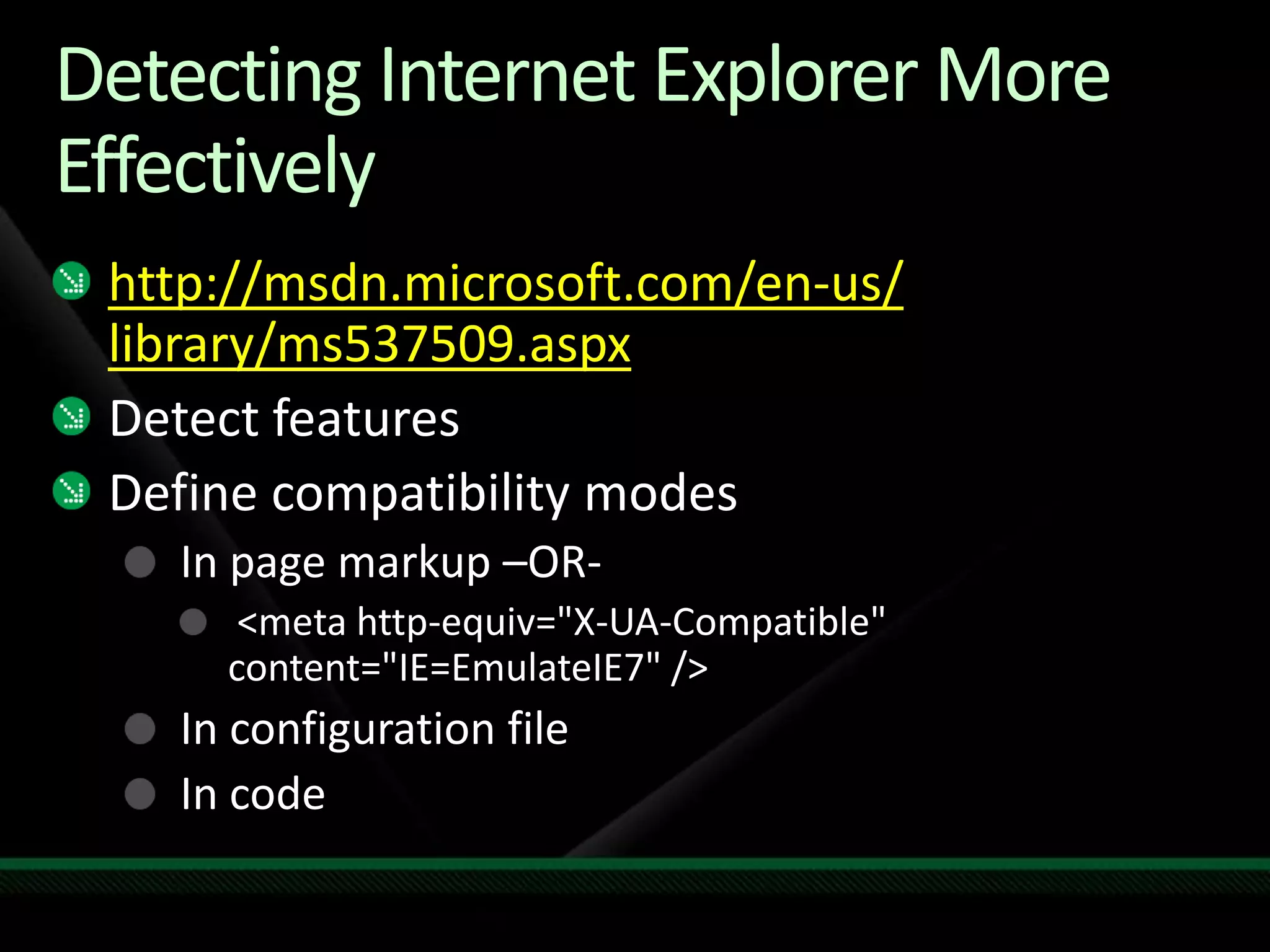
    Detecting Internet ExplorerMore Effectivelyhttp://msdn.microsoft.com/en-us/ library/ms537509.aspxDetect featuresDefine compatibility modesIn page markup –OR- <meta http-equiv="X-UA-Compatible" content="IE=EmulateIE7" />In configuration fileIn code
  • 42.
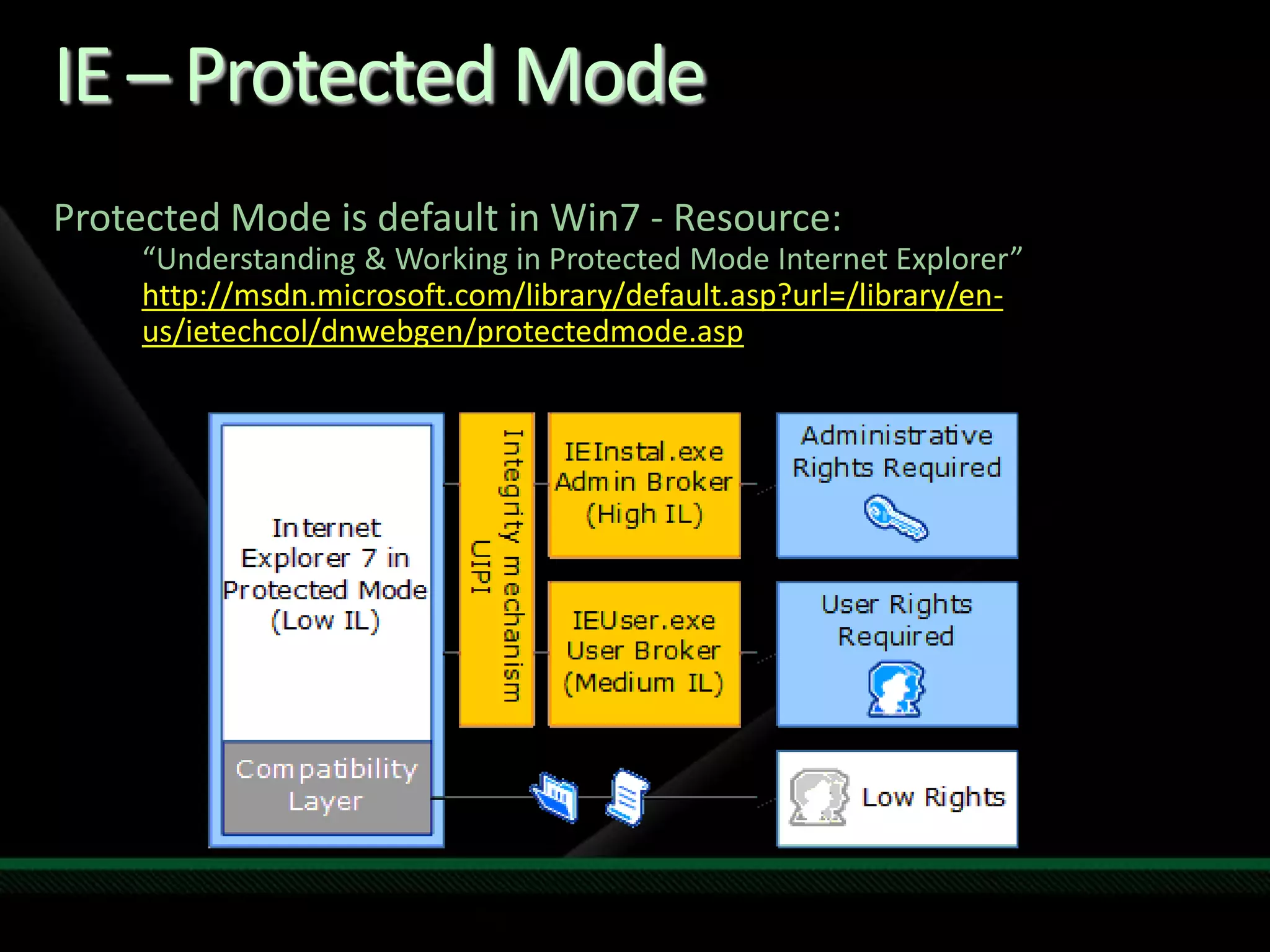
    IE – ProtectedModeProtected Mode is default in Win7 - Resource: “Understanding & Working in Protected Mode Internet Explorer”http://msdn.microsoft.com/library/default.asp?url=/library/en-us/ietechcol/dnwebgen/protectedmode.asp
  • 43.
    Track ResourcesWindows 7RC Training for DevelopersWindows content on Channel 9  Windows 7 Developer Center on MSDNWindows Application Compatibility RoadmapWindows 7 Blog for DevelopersMy blog series – http://blogs.msdn.com/SoCalDevGal#Win7DevSeriesMy MSDN show – MSDN geekSpeakMy Facebook group ‘Windows 7 Developers’Links, Video & Screencasts
  • 44.
    Related ContentBreakout SessionsWCL201 Developing for Windows 7 WCL301 Windows Application Readiness for Developers WCL302 Optimizing Your Application for the Windows 7 User ExperienceWhiteboard SessionWTB215 Windows Client Development DiscussionHands-on LabWCL08-HOL Windows 7: Mitigating Application Issues Using Shims
  • 45.
    Tech·Ed Africa 2009sessions will be made available for download the week after the event from: www.tech-ed.co.zawww.microsoft.com/techedInternational Content & Communitywww.microsoft.com/learningMicrosoft Certification & Training Resourceshttp://microsoft.com/technetResources for IT Professionalshttp://microsoft.com/msdnResources for DevelopersResources
  • 46.
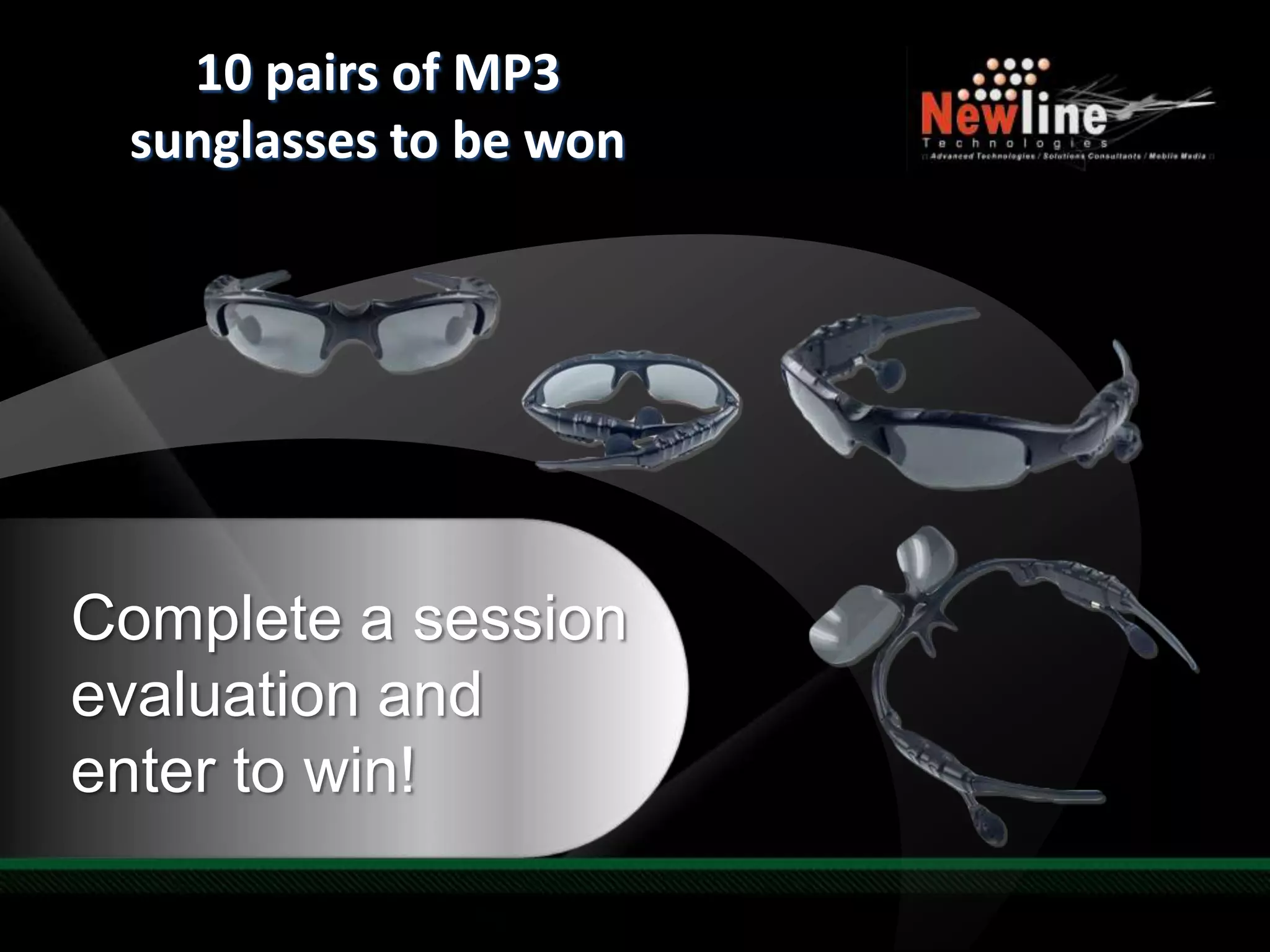
    Required Slide10 pairsof MP3 sunglasses to be wonComplete a session evaluation and enter to win!
  • 47.
    © 2007 MicrosoftCorporation. All rights reserved. Microsoft, Windows, Windows Vista & other product names are or may be registered trademarks &/or trademarks in the U.S. &/or other countries.The information herein is for informational purposes only & represents the current view of Microsoft Corporation as of the date of this presentation. Because Microsoft must respond to changing market conditions, it should not be interpreted to be a commitment on the part of Microsoft, & Microsoft cannot guarantee the accuracy of any information provided after the date of this presentation. MICROSOFT MAKES NO WARRANTIES, EXPRESS, IMPLIED OR STATUTORY, AS TO THE INFORMATION IN THIS PRESENTATION.
Editor's Notes

  • #4 [TDM. DEV][High level overview of the Windows 7 improve performance & main talking points]Windows 7 maximizes hardware energy efficiency & scalability while maintaining high performance. Energy efficiency is improved through reduced background activity & new support for the trigger starting of system services. Windows 7 also offers improvements in the Windows kernel that enable applications & services to scale efficiently between platforms. Performance of many features & APIs is improved in Windows 7 versus Windows Vista. For example, driver performance on servers is optimized by new user-mode & kernel-mode topology APIs. Graphics rendering is considerably smoother & faster. Accessibility performance is also significantly faster than before.
  • #5 KEY TAKEAWAYS: We are not going to cause the same level of pain as we did with Windows Vista. The changes we made in WV caused problems, but the benefits are here now. The path to Windows 7 should be as smooth as the shift from RTM to SP1.Any software that run on Windows Vista Should run on Windows 7In Windows 7 we are building on the advances we made in Windows Vista to help address emerging trends & technologies & meet the needs we’ve heard from our customers. The most important thing we’ve learned is that there is no one-size-fits all solution that’s best for every business. If anything, businesses are becoming more diverse. Some have a large number of mobile workers, some have workers distributed in branch offices around the world. Windows 7 Enterprise, part of the Microsoft Optimized Desktop, gives you the flexibility to support the diverse needs of your unique business by enabling users to Access Information Anywhere, providing greater levels of Security & Control, & Streamlining PC Management. We will be building these new capabilities without making significant architectural changes to the Windows platform. We want to make this clear so businesses can have confidence that investments they make to optimize their infrastructure with Windows Vista & MDOP today will put them in the best position to deploy Windows 7 when it‘s available.Windows 7 will be built on the Windows Vista foundation & will inherit the quality improvements we’ve made in Windows Vista Service Pack 1 & Windows Server 2008.Compatibility with Windows Vista software, hardware & tools is an important goal of this release. We are not able to make specific statement at this time about system requirements or compatibility levels—but we know that we have engaged with the ecosystem much earlier & are not making the broad types of changes to the kernel, driver, or graphics subsystems that we made in Windows Vista. In building Windows Vista we made some significant changes to the platform that had an impact on compatibility. Those changes were important & had a measurable improvement on security. Windows Vista is the most secure client version of Windows to date & experienced fewer than half the number of security vulnerabilities that Windows XP experienced in its first year, & fewer than one-fifth the number of security vulnerabilities as the nearest competitive operating system on the market. Windows 7 also benefits from these important changes, since we are not undoing the changes we made in Windows Vista that resulted in significant security improvements. This also means that customers still using Windows XP when Windows 7 comes out should expect a similar level of compatibility between Windows XP & Windows 7 as there is between Windows XP & Windows Vista. However, the upgrade from Windows Vista to Windows 7 should be easier, given compatibility between these two products. We recommend customers upgrade to Windows Vista now, then move to Windows 7 because the investments required to test & remediate applications, update deployment tools & processes, upgrade hardware will be similar—& you get the benefits of a more secure, modern operating system for a longer time. In Windows 7 we are not making significant changes to the componentization, setup model, or kernel. There will of course be limited changes made to fix bugs & additional features in those areas, but these are not the places we are making significant investments in this release. The client release of Windows 7 will be available in 32 & 64-bit versions.
  • #6 [TDM, DEV] – High level summary of Windows 7 Fundamentals – a solid foundation for new possibilities.Use this slide only for high level overviewCompatibility & ReliabilityWindows 7 is designed to run on the same hardware as Windows Vista, & to be compatible with applications & device drivers that work with Windows Vista. Windows 7 is the most reliable version of Windows yet. Designed on an improved technology foundation, Windows 7 allows users to reliably start up, shut down, or hibernate their computers without having to worry about losing valuable work. Furthermore, Windows 7 makes it easier than ever to back up & restore data to network drives or DVDs. Windows 7 also improves upon print reliability & performance.Stable & secureWindows 7 includes new & improved security features that make it easier for developers to improve, use, & manage the security of their applications. It comes with a variety of new security features that not only help protect against threats but also limit the damage that attackers can do if they gain access to a computer. Enhancements to the Windows Filtering Platform allow developers to create applications that interact with the packet processing in the networking stack of the operating system. Network data can be filtered & also modified before it reaches its destination.Also, due to changes to the Windows privilege model, system security is more manageable by both developers & their end users. New improvements make it easy to identify critical prompts to ensure that users can access the applications & features they need without compromising their systems. Responsive & ReadyWindows 7 maximizes hardware energy efficiency & scalability while maintaining high performance. Energy efficiency is improved through reduced background activity & new support for the trigger starting of system services. Windows 7 also offers improvements in the Windows kernel that enable applications & services to scale efficiently between platforms. Performance of many features & APIs is improved in Windows 7 versus Windows Vista. For example, driver performance on servers is optimized by new user-mode & kernel-mode topology APIs. Graphics rendering is considerably smoother & faster. Accessibility performance is also significantly faster than before
  • #7 [TDM, DEV][High level overview of Responsive & Ready]Building Power-Efficient Applications Building energy efficient applications that take advantage of the latest power management technologies is a significant challenge developers are facing today. Typically, processor & device manufacturers get all of the attention as their latest offerings are measured & benchmarked. However, a single application can easily prevent the latest generation of hardware from realizing its energy-efficiency potential. For example, a single application that increases the platform timer resolution can decrease battery life by 10 percent.
  • #8 [TDM, DEV][Power Efficiency High level overview]Building Power-Efficient Applications Building energy efficient applications that take advantage of the latest power management technologies is a significant challenge developers are facing today. Typically, processor & device manufacturers get all of the attention as their latest offerings are measured & benchmarked. However, a single application can easily prevent the latest generation of hardware from realizing its energy-efficiency potential. For example, a single application that increases the platform timer resolution can decrease battery life by 10 percent.Extended operation on battery power & the use of energy efficient technologies are key requirements for today’s developers. Windows 7 greatly reduces the number of activities that the operating system performs that prevent use of power-saving modes. It also supports the trigger-starting of system services to enable processors to become idle more often & stay idle longer, which decreases power consumption. In addition, Windows 7 takes advantage of the latest energy-efficient hardware, including network adapters, storage devices, & graphics cards.Windows 7 provides the infrastructure & tools that make it easy for developers to determine the energy impact of their applications. A set of event callbacks enable applications to reduce their activity when the system is on battery power & automatically scale up when the system is on AC power. For applications that involve a background process or service, Windows 7 features new infrastructure to automatically enable background tasks when most appropriate in order to maximize energy efficiency
  • #9 [DEV][Power Drilldown - a setup slide for the power demo]Timer Resolution15.6ms is system default for platform timerLower intervals can impact battery life by 20%Lower then 10ms rarely requiredUser Powercfg to ensure your application is not increasing timer resolutionAvoid Periodic Disk activity8% of power usedRegistry Activity == Disk ActivityUse Animations only when appropriateAdjust to power environment
  • #10 DEMO 1 is Power management (AC vs. battery)Optional (Network enumeration)DEMO 2 is [See powercfg demo script]Talking point:Speed of test & tools (reduce dev cycles)Power & services are tied togetherReduce power consumption techniques
  • #11 [TDM, DEV][SCM High level overview – background for Service Control Manager (i.e. SCM)]After power, the services & long running background activities have very large impact on performance. The Impact of long running background activities:Performance: Responsiveness of the system as a whole, boot latency, shutdown latency, consumes resources (CPU, disk, network…) while the system is running.Reliability: Services are long-running, more prone to crashes, leaks, hang, dependency issues.Security: Long-running attack surface, some services require very high security privileges (run as LocalSystem).Power consumption: Background work prevents idling, resource utilization = power consumption.
  • #12 [TDM, DEV][SCM High level overview – background for Service Control Manager (i.e. SCM)]Performance: Responsiveness of the system as a whole, boot latency, shutdown latency, consumes resources (CPU, disk, network…) while the system is running.Reliability: Services are long-running, more prone to crashes, leaks, hang, dependency issues.Security: Long-running attack surface, some services require very high security privileges (run as LocalSystem).Power consumption: Background work prevents idling, resource utilization = power consumption.
  • #13 [TDM, DEV][SCM details]Practical examples: Wpddevenum started when USB storage devices arrive; TabletInputService starts if digitizer is present; BTHSERV etc.Service Control Manager The Windows 7 Service Control Manager has been extended so that a service can be automatically started & stopped when a specific system event, or trigger, occurs on the system. Trigger-start capabilities remove the need for services to start up automatically at computer startup & then poll or wait for an event to occur, such as device arrival. Common trigger events for services include:Device-class interface arrival: Start a service only when a certain type of device is present or attached on the system.Domain join: Start a service only if the system is joined to a Windows domain.Group policy change: Start a service automatically when group policies are refreshed on the system.IP address arrival: Start a service only when the system is connected to the network.Software developers can use the predefined trigger types for Windows 7 & the configuration options to enable trigger-start capability. The Windows 7 Service Control Manager exposes a new set of APIs that enable a service to register for specific custom trigger events
  • #14 [DEV] – Optional for additional compression between Services & Tasks Which user to use for launching the task?What triggers the task?Schedule (calendar), delay, repeat, auto-expireAt log-on, start-up, lock, unlockOn an event log entryStart only if:Computer is idle, on AC power, connected to a specific network connectionDo what?Run program, send email, show message
  • #16 [TDM, DEV][See attached demo script (content soon to tome)]Converting a Service to Trigger-StartTalk about service new mode – triggered,Configure trigger Show trigger in actionRecap trigger key take away & go do
  • #17 [TDM, DEV][Troubleshooting High level overview]Windows Troubleshooting PlatformWindows 7 delivers a comprehensive & extensible Troubleshooting Platform that uses a PowerShell-based mechanism to troubleshoot & resolve problems. The key components of the Troubleshooting Platform include a troubleshooting package, troubleshooting engine, & troubleshooting wizard. The troubleshooting pack is a collection of PowerShell scripts & relevant metadata. The troubleshooting engine launches a PowerShell runtime to execute a troubleshooting pack, & exposes a set of interfaces to control troubleshooting pack execution. The troubleshooting wizard provides a consistent experience across troubleshooting packs, communicating with the troubleshooting engine to troubleshoot & resolve problems that are specified in a troubleshooting pack. Execution of a troubleshooting pack can also be controlled through a set of PowerShellcomm&lets.The Troubleshooting Platform seamlessly integrates with the Windows 7 PC Solution Center, enabling other applications to execute diagnostics in a similar manner as part of their PC management regimen. The Troubleshooting Platform is configurable by IT professionals through Group Policy for use within the enterprise, & a Windows Troubleshooting Toolkit that allows developers to author troubleshooting packs is also available.
  • #19 [TDM, DEV]The main take away on the Fundamentals it to make sure developer are using Windows 7 as their main dev machine. By running Windows 7 on their machines, they will want to make sure their applications are properly running on Windows 7.
  • #20 Windows 7 & Windows Server 2008 R2 Ecosystem Readiness Program The Windows Ecosystem includes hardware, software, & services partners.  In addition to providing partners with access to the software & tools they need to build & test solutions for Windows 7 & Windows Server 2008 R2, the Ecosystem Readiness Program also facilitates testing multiple components of the ecosystem together to improve the overall user experience. Rather than just focusing on getting a specific OEM product, software application, or hardware device certified, we will be bringing multiple components together to verify a rich user experience that delivers quality, reliability, & performance as well as innovation through new feature adoption. To join the Windows 7 & Windows Server 2008 R2 Ecosystem Readiness Program click here if you are a software developer & here if you develop hardware.herehere
  • #21 2 demos at least, maybe more
  • #23 [TDM, DEV][Why - Windows 7 explorer overview] - The new windows explorerOver 400M people use Windows Explorer to find & organize their digital content the explorer is more focused around storage..navigation only shows locations that you care about…its cleaner we’ve improved search relevance algorithms, added tools like search tips & one-click previews that make it easier to find that file…no matter where you put it we’ve made major investments in new powerful features…libraries & federated search…without making you learn a new UI. This is seamess.Cleaner – Navigation is intuitive & optimized around storage; less overall clutterEasier – Improved relevance, search tips & easy previews make searching & browsing easierSeamless – Libraries & federated search offer incredible power without learning a new UI we’ll get to this in more detail in the demos show the power & flexibility that we’ve added same familiar explorer rather than redesigning the whole explorer…we’ve focused on performance & the basics…it’s just better