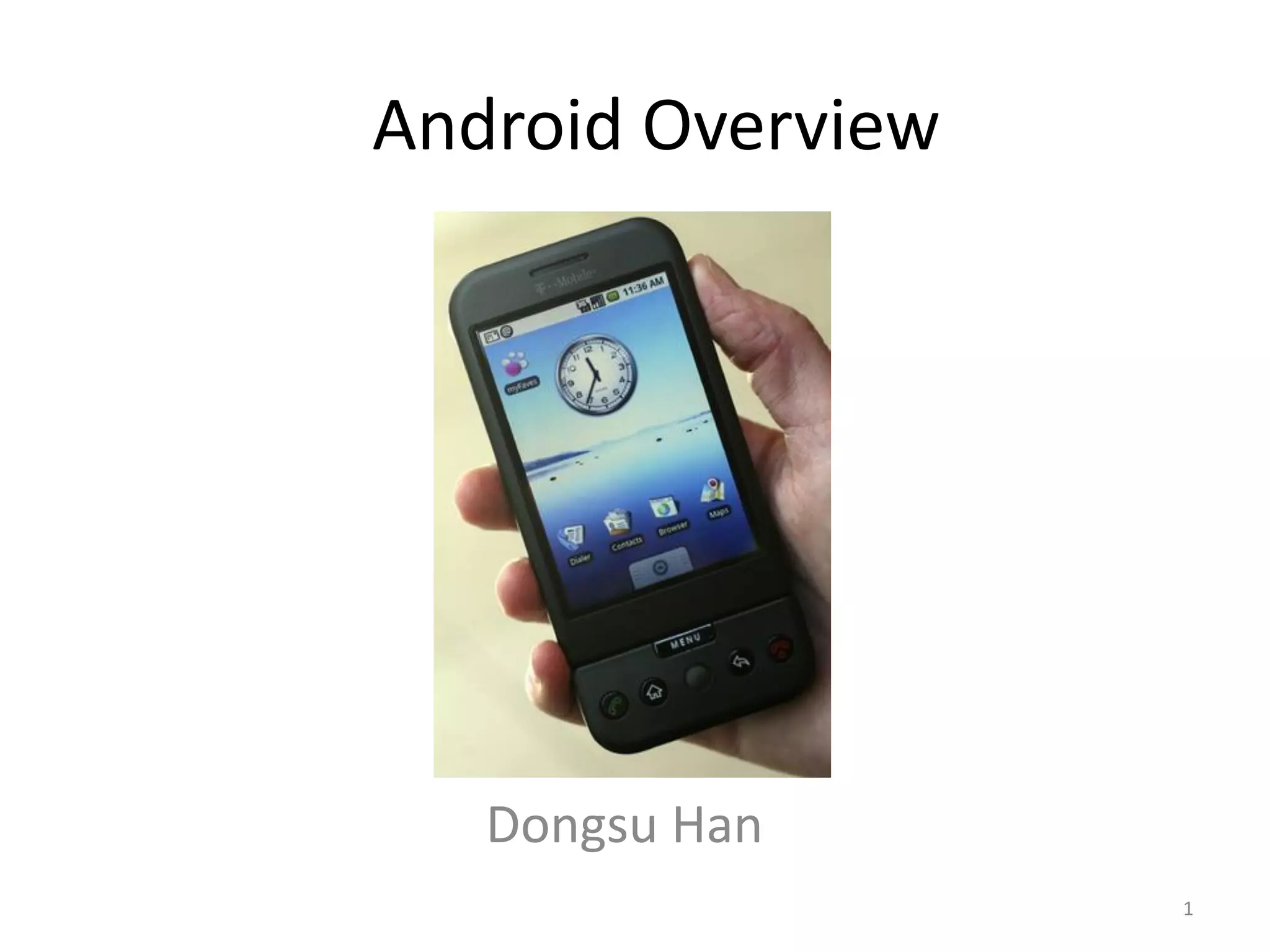
Android Overview


   Dongsu Han
                   1
Outline
•   Java network programming overview
•   Android Overview
•   Android Emulator Overview
•   Project Overview
•   Getting Started


                                        2
Java Network Programming
• Java.net.* programming model
  – Blocking model, you wait until work is done, maybe
    forever
  – One thread required per connection
  – Socket exposes input and output stream
• Java.nio.* programming model
  – Introduced in Java 1.4, non-blocking IO
  – New Interface: SocketChannel (in java.nio.channels)
  – Reading/writing via Buffer objects rather than
    input/output streams
  – Select() implemented
                                                          3
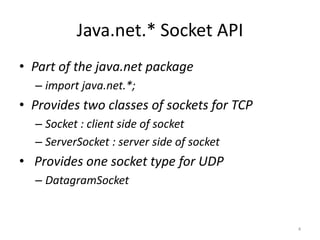
Java.net.* Socket API
• Part of the java.net package
  – import java.net.*;
• Provides two classes of sockets for TCP
  – Socket : client side of socket
  – ServerSocket : server side of socket
• Provides one socket type for UDP
  – DatagramSocket


                                            4
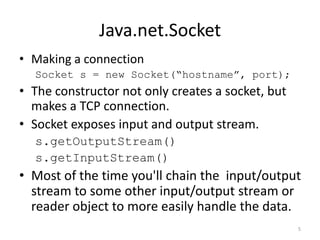
Java.net.Socket
• Making a connection
  Socket s = new Socket(“hostname”, port);
• The constructor not only creates a socket, but
  makes a TCP connection.
• Socket exposes input and output stream.
  s.getOutputStream()
  s.getInputStream()
• Most of the time you'll chain the input/output
  stream to some other input/output stream or
  reader object to more easily handle the data.
                                                   5
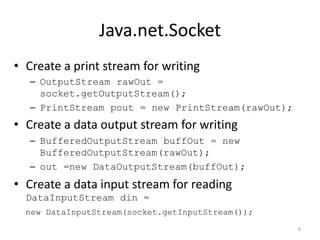
Java.net.Socket
• Create a print stream for writing
   – OutputStream rawOut =
     socket.getOutputStream();
   – PrintStream pout = new PrintStream(rawOut);
• Create a data output stream for writing
   – BufferedOutputStream buffOut = new
     BufferedOutputStream(rawOut);
   – out =new DataOutputStream(buffOut);
• Create a data input stream for reading
  DataInputStream din =
  new DataInputStream(socket.getInputStream());
                                                   6
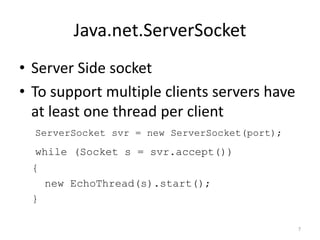
Java.net.ServerSocket
• Server Side socket
• To support multiple clients servers have
  at least one thread per client
  ServerSocket svr = new ServerSocket(port);
  while (Socket s = svr.accept())
 {
     new EchoThread(s).start();
 }

                                               7
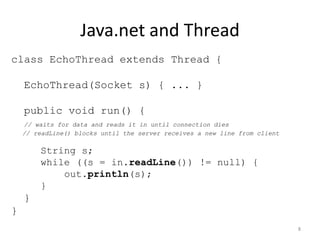
Java.net and Thread
class EchoThread extends Thread {

    EchoThread(Socket s) { ... }

    public void run() {
    // waits for data and reads it in until connection dies
    // readLine() blocks until the server receives a new line from client

        String s;
        while ((s = in.readLine()) != null) {
            out.println(s);
        }
    }
}
                                                                            8
Reference for Java Network
           Programming

• http://java.sun.com/docs/books/tutorial/net
  working/sockets/index.html


                                                9
Android
• Software platform on mobile device by Open
  Handset Alliance (Google)
• Developing language is Java
• Linux kernel (Open Source)
• Provides a development kit (SDK)
• Emulator support with some limitation


                                               10
Developing Android Application
• There are four building blocks to an Android
  application:
  – Activity
  – Service
  – Broadcast Intent Receiver
  – Content Provider


• http://code.google.com/android/intro/anatomy.html

                                                  11
Developing Android Application
• Activity
   – Controls a single screen
   – Usually starts up with an app, multiple Activity(screen) is
     associated to an app
   – Intent is used to move from screen to screen
• Service
   – A Service is code that is long-lived and runs without a UI
   – E.g. Network I/O, playback of media files
• Not using these components correctly can result in the system killing
  the application's process while it is doing important work.
                                                                     12
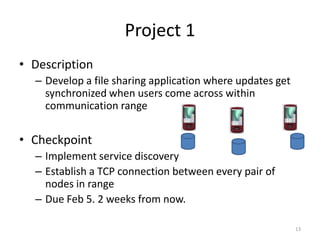
Project 1
• Description
  – Develop a file sharing application where updates get
    synchronized when users come across within
    communication range


• Checkpoint
  – Implement service discovery
  – Establish a TCP connection between every pair of
    nodes in range
  – Due Feb 5. 2 weeks from now.

                                                           13
Getting Started
• Setting up the environment (Installation)
  – Section 3.1 of the project document
  – Use the pre-installed binaries on AFS
  – Copy the binaries from AFS
  – Install yourself
• Need eclipse, Java SDK 1.5/1.6, android SDK,
  eclipse plug-in


                                                 14
Getting Started
• Starting the project on Eclipse
   – Download project file
   – Open the project in Eclipse (read the documentation)
• Running the local server
   – Local server controls the connection between Android
     emulators
   – Implemented in Ruby binds port 10001 ~ 10010
   – Need eventmachine Ruby lib
   – setenv RUBYLIB
     /afs/cs.cmu.edu/project/cmcl-srini-4/15-
     446/android/eventmachine-0.12.2/lib

                                                            15
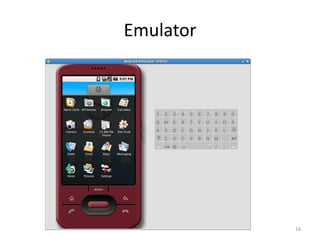
Emulator


           16
Emulator
• Running the emulator
  – Stand-alone (./emulator)
  – Eclipse Plug-in (Just ‘Run’ it as Android application)
• Binds to port 5554~5580
  – Don’t run on shared machines
• adb (Android Debugging Bridge)
  – Using adb, we can connect to android’s shell
  – Logcat (demo)

                                                        17
Running multiple emulators
• Manual mode will let you do this
  – Menu: Run  Run Configurations
  – Go to Android Applications on the left tab and
    select FileSharerActivityProject
  – Click on Target tab and select “maunal” mode
  – When you run you can specify to launch a new
    emulator or use existing ones to run the app
• To use adb you have to specify the emulator
  device name if there are multiple emulators
• #adb –s emulator-5554 shell
                                                     18
Configurations
• XML file defines a connectivity
<?xml version="1.0" encoding="UTF-8" ?>
<connectivity time="2" nodes="2">
   <connect node1="0" node2="1" at="1" />
</connectivity>


                                            19
Project API
• Broadcast Interface
  – BroadcastReceiveCallBack
  – CS446Bcast
• Socket API (blocking IO)
  – CS446ServerSocket
  – CS446Socket
• Util
  – getMyID() returns the ID of the emulator

                                               20
Broadcast Interface
• BroadcastReceiveCallBack
  – BcastMsgReceived(byte []msg, int srcID) gets
    called when a broadcast message is received from
    srcID. Msg is the byte array of the content.
• CS446Bcast
  – open() : returns CS446Bcast
  – send(byte [] msg): sends a broadcast message


                                                   21
Socket
• CS446ServerSocket
  – There can be only one server socket. ServerSocket
    always binds to port 0.
  – open(): returns a CS446ServerSocket
  – accept(): Listens for a incoming connection and
    returns a CS446Socket when a connection is
    established
  – close(): closes the socket
  – isClosed(): returns boolean

                                                    22
Socket
• CS446Socket
  – CS446Socket(int peerID): opens a socket and makes a
    connection to peerID, always use local port 1 remote
    port 0 when making a active connection
  – void close()
  – int getLocalPort()
  – int getPort()
  – int getPeerID()
  – int getLocalID()
  – OutputStream getOutputStream()
  – InputStream getInputStream()
                                                           23
2nd part of project 1
• You will be given a workload of users updating
  file.
• You will need to keep a version vector and
  synchronize the content.
• Details will be posted soon


                                               24

04 android

  • 1.
    Android Overview Dongsu Han 1
  • 2.
    Outline • Java network programming overview • Android Overview • Android Emulator Overview • Project Overview • Getting Started 2
  • 3.
    Java Network Programming •Java.net.* programming model – Blocking model, you wait until work is done, maybe forever – One thread required per connection – Socket exposes input and output stream • Java.nio.* programming model – Introduced in Java 1.4, non-blocking IO – New Interface: SocketChannel (in java.nio.channels) – Reading/writing via Buffer objects rather than input/output streams – Select() implemented 3
  • 4.
    Java.net.* Socket API •Part of the java.net package – import java.net.*; • Provides two classes of sockets for TCP – Socket : client side of socket – ServerSocket : server side of socket • Provides one socket type for UDP – DatagramSocket 4
  • 5.
    Java.net.Socket • Making aconnection Socket s = new Socket(“hostname”, port); • The constructor not only creates a socket, but makes a TCP connection. • Socket exposes input and output stream. s.getOutputStream() s.getInputStream() • Most of the time you'll chain the input/output stream to some other input/output stream or reader object to more easily handle the data. 5
  • 6.
    Java.net.Socket • Create aprint stream for writing – OutputStream rawOut = socket.getOutputStream(); – PrintStream pout = new PrintStream(rawOut); • Create a data output stream for writing – BufferedOutputStream buffOut = new BufferedOutputStream(rawOut); – out =new DataOutputStream(buffOut); • Create a data input stream for reading DataInputStream din = new DataInputStream(socket.getInputStream()); 6
  • 7.
    Java.net.ServerSocket • Server Sidesocket • To support multiple clients servers have at least one thread per client ServerSocket svr = new ServerSocket(port); while (Socket s = svr.accept()) { new EchoThread(s).start(); } 7
  • 8.
    Java.net and Thread classEchoThread extends Thread { EchoThread(Socket s) { ... } public void run() { // waits for data and reads it in until connection dies // readLine() blocks until the server receives a new line from client String s; while ((s = in.readLine()) != null) { out.println(s); } } } 8
  • 9.
    Reference for JavaNetwork Programming • http://java.sun.com/docs/books/tutorial/net working/sockets/index.html 9
  • 10.
    Android • Software platformon mobile device by Open Handset Alliance (Google) • Developing language is Java • Linux kernel (Open Source) • Provides a development kit (SDK) • Emulator support with some limitation 10
  • 11.
    Developing Android Application •There are four building blocks to an Android application: – Activity – Service – Broadcast Intent Receiver – Content Provider • http://code.google.com/android/intro/anatomy.html 11
  • 12.
    Developing Android Application •Activity – Controls a single screen – Usually starts up with an app, multiple Activity(screen) is associated to an app – Intent is used to move from screen to screen • Service – A Service is code that is long-lived and runs without a UI – E.g. Network I/O, playback of media files • Not using these components correctly can result in the system killing the application's process while it is doing important work. 12
  • 13.
    Project 1 • Description – Develop a file sharing application where updates get synchronized when users come across within communication range • Checkpoint – Implement service discovery – Establish a TCP connection between every pair of nodes in range – Due Feb 5. 2 weeks from now. 13
  • 14.
    Getting Started • Settingup the environment (Installation) – Section 3.1 of the project document – Use the pre-installed binaries on AFS – Copy the binaries from AFS – Install yourself • Need eclipse, Java SDK 1.5/1.6, android SDK, eclipse plug-in 14
  • 15.
    Getting Started • Startingthe project on Eclipse – Download project file – Open the project in Eclipse (read the documentation) • Running the local server – Local server controls the connection between Android emulators – Implemented in Ruby binds port 10001 ~ 10010 – Need eventmachine Ruby lib – setenv RUBYLIB /afs/cs.cmu.edu/project/cmcl-srini-4/15- 446/android/eventmachine-0.12.2/lib 15
  • 16.
  • 17.
    Emulator • Running theemulator – Stand-alone (./emulator) – Eclipse Plug-in (Just ‘Run’ it as Android application) • Binds to port 5554~5580 – Don’t run on shared machines • adb (Android Debugging Bridge) – Using adb, we can connect to android’s shell – Logcat (demo) 17
  • 18.
    Running multiple emulators •Manual mode will let you do this – Menu: Run  Run Configurations – Go to Android Applications on the left tab and select FileSharerActivityProject – Click on Target tab and select “maunal” mode – When you run you can specify to launch a new emulator or use existing ones to run the app • To use adb you have to specify the emulator device name if there are multiple emulators • #adb –s emulator-5554 shell 18
  • 19.
    Configurations • XML filedefines a connectivity <?xml version="1.0" encoding="UTF-8" ?> <connectivity time="2" nodes="2"> <connect node1="0" node2="1" at="1" /> </connectivity> 19
  • 20.
    Project API • BroadcastInterface – BroadcastReceiveCallBack – CS446Bcast • Socket API (blocking IO) – CS446ServerSocket – CS446Socket • Util – getMyID() returns the ID of the emulator 20
  • 21.
    Broadcast Interface • BroadcastReceiveCallBack – BcastMsgReceived(byte []msg, int srcID) gets called when a broadcast message is received from srcID. Msg is the byte array of the content. • CS446Bcast – open() : returns CS446Bcast – send(byte [] msg): sends a broadcast message 21
  • 22.
    Socket • CS446ServerSocket – There can be only one server socket. ServerSocket always binds to port 0. – open(): returns a CS446ServerSocket – accept(): Listens for a incoming connection and returns a CS446Socket when a connection is established – close(): closes the socket – isClosed(): returns boolean 22
  • 23.
    Socket • CS446Socket – CS446Socket(int peerID): opens a socket and makes a connection to peerID, always use local port 1 remote port 0 when making a active connection – void close() – int getLocalPort() – int getPort() – int getPeerID() – int getLocalID() – OutputStream getOutputStream() – InputStream getInputStream() 23
  • 24.
    2nd part ofproject 1 • You will be given a workload of users updating file. • You will need to keep a version vector and synchronize the content. • Details will be posted soon 24