Rami Sayar - @ramisayar
Technical Evangelist
Microsoft Canada
• Node.js Basics and Environment
• Node Package Manager Overview
• Web Framework Express Basics
• WebSockets and Socket.io basics
• Building a Chatroom using Node.js
• Working knowledge of JavaScript and HTML5.
Note: Slides will be made available.
• It was created by Ryan Dahl in 2009.
• Still considered in beta phase.
• Latest version is v0.10.31.
• Open-source!
• Supports Windows, Linux, Mac OSX
Node.js is a runtime environment and library for running
JavaScript applications outside the browser.
Node.js is mostly used to run real-time server applications and
shines through its performance using non-blocking I/O and
asynchronous events.
• Node is great for streaming or event-based real-time
applications like:
• Chat Applications
• Dashboards
• Game Servers
• Ad Servers
• Streaming Servers
• Online games, collaboration tools or anything meant to be real-time.
• Node is great for when you need high levels of concurrency but
little dedicated CPU time.
• Great for writing JavaScript code everywhere!
• Microsoft
• Yahoo!
• LinkedIn
• eBay
• Dow Jones
• Cloud9
• The New York Times, etc…
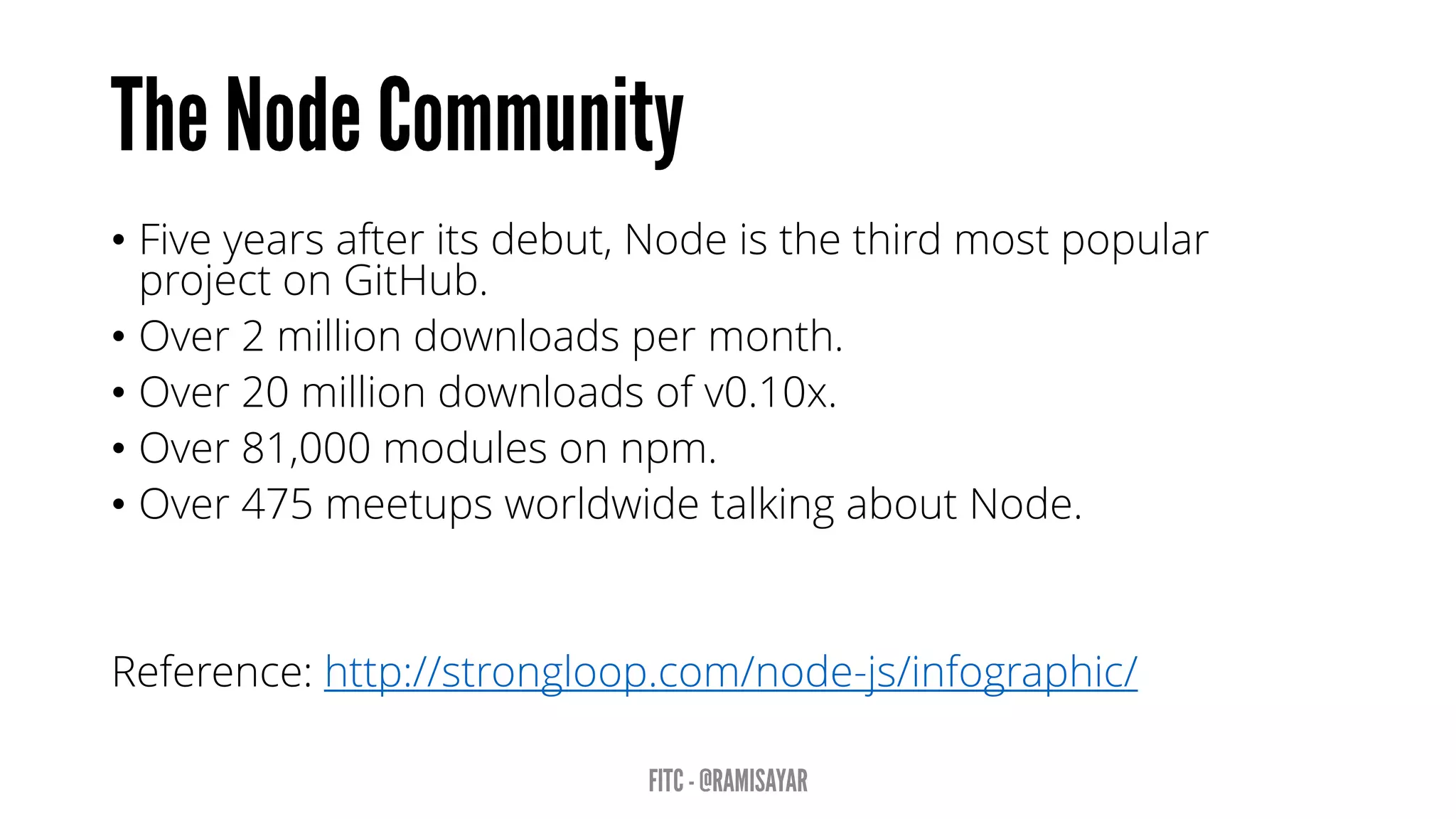
• Five years after its debut, Node is the third most popular
project on GitHub.
• Over 2 million downloads per month.
• Over 20 million downloads of v0.10x.
• Over 81,000 modules on npm.
• Over 475 meetups worldwide talking about Node.
Reference: http://strongloop.com/node-js/infographic/
aka.ms/node-101
“A programming paradigm in which the flow of the program is
determined by events such as user actions (mouse clicks, key
presses) or messages from other programs.” – Wikipedia
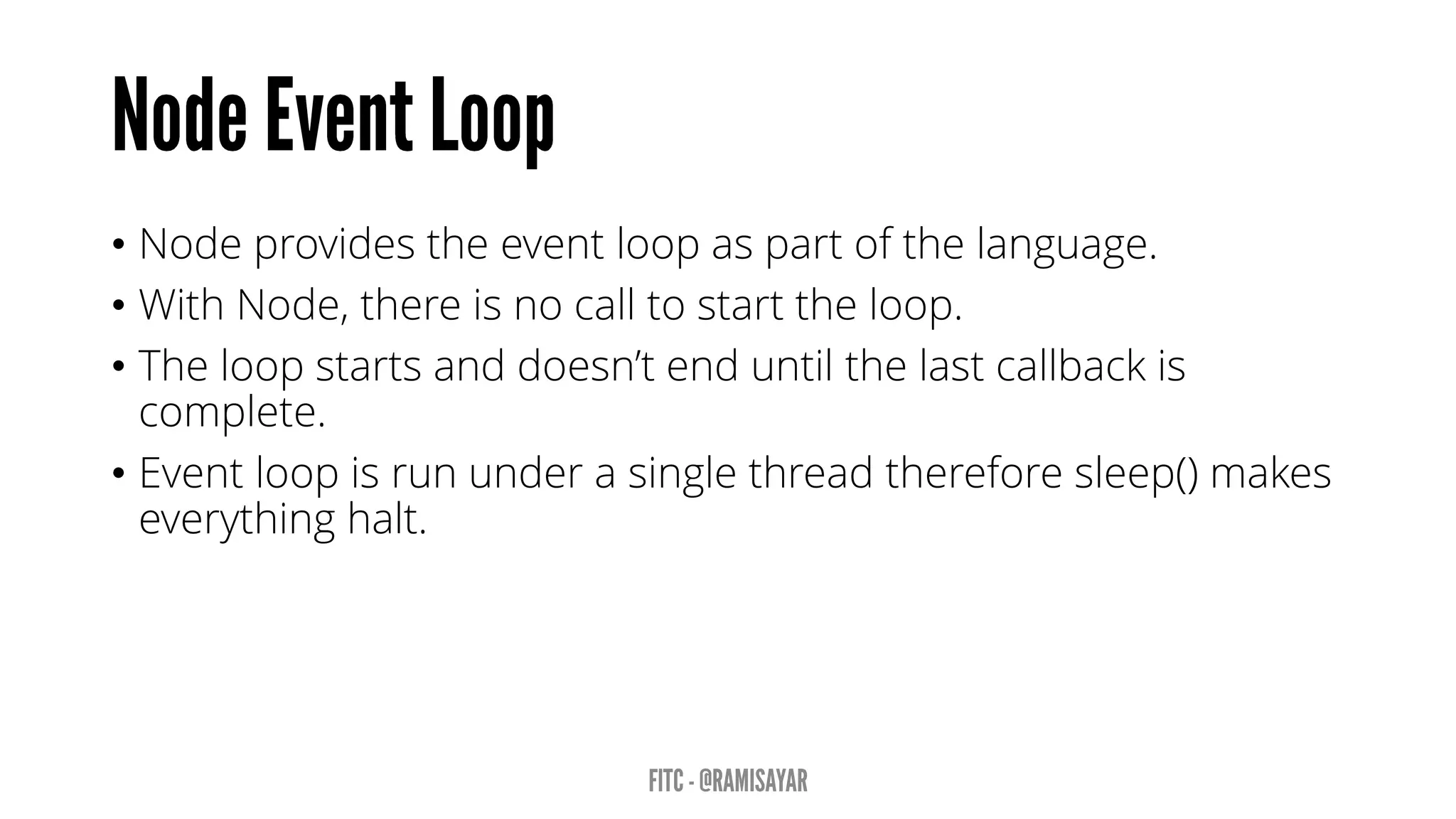
• Node provides the event loop as part of the language.
• With Node, there is no call to start the loop.
• The loop starts and doesn’t end until the last callback is
complete.
• Event loop is run under a single thread therefore sleep() makes
everything halt.
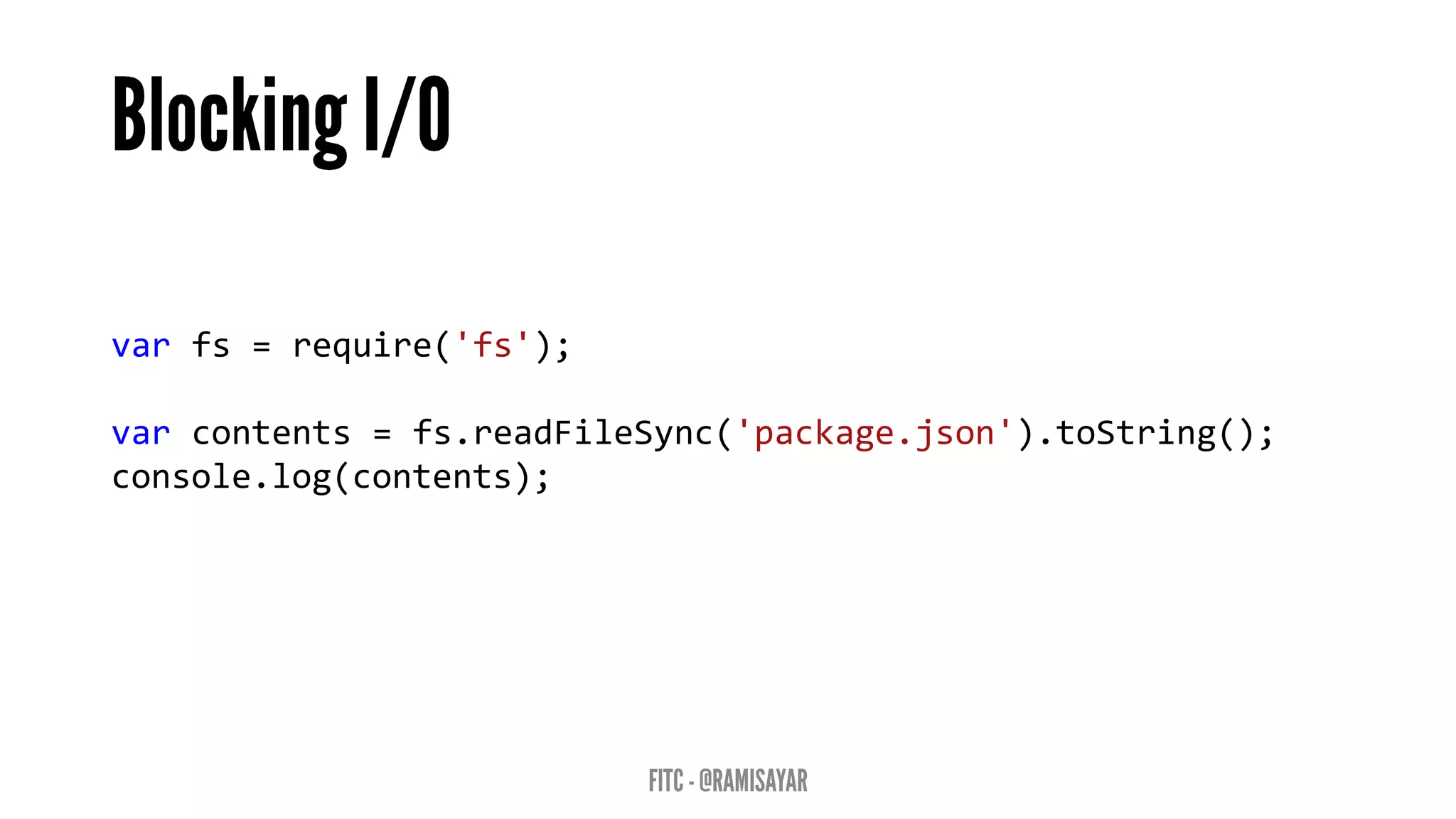
var fs = require('fs');
var contents = fs.readFileSync('package.json').toString();
console.log(contents);
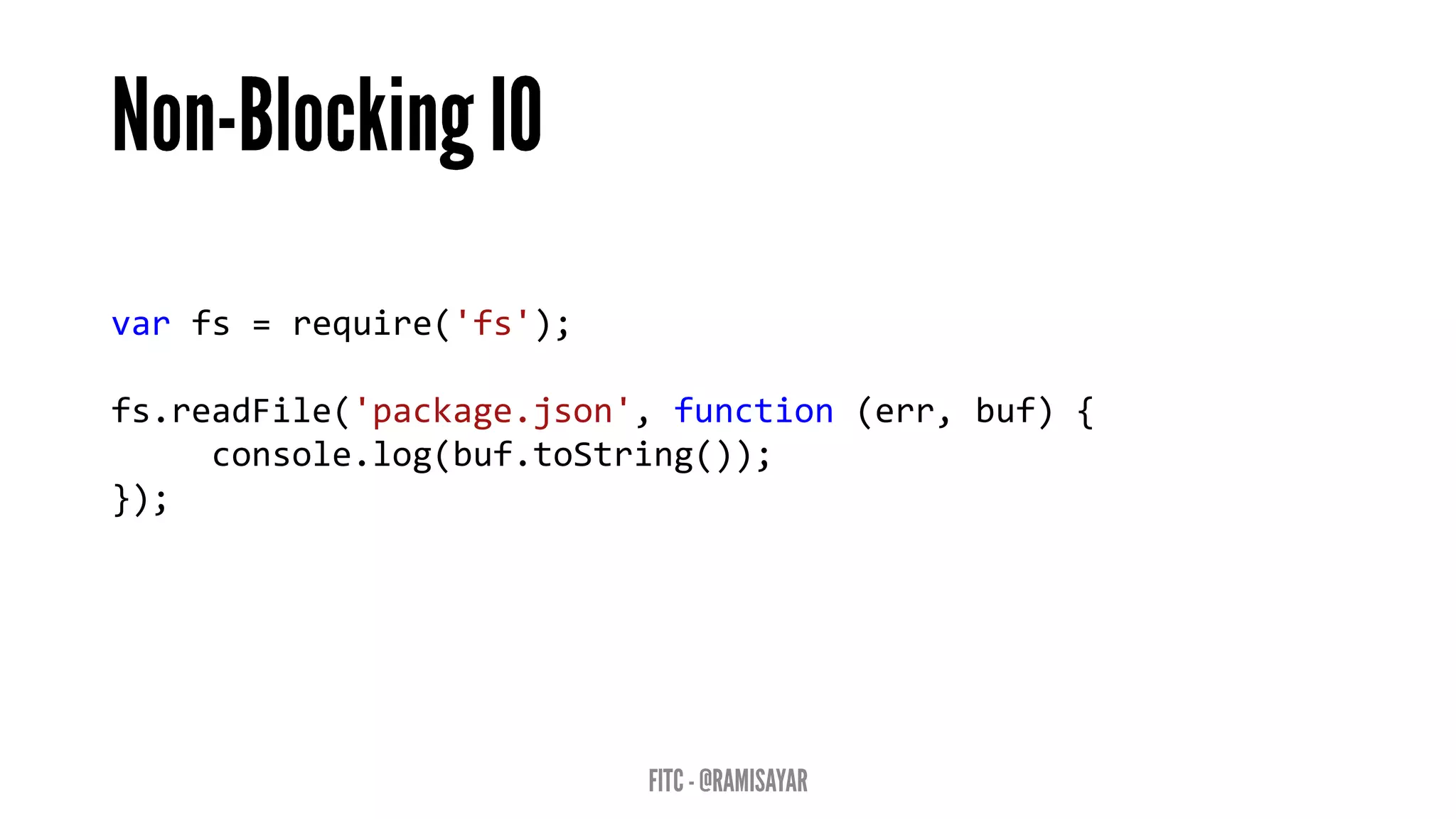
var fs = require('fs');
fs.readFile('package.json', function (err, buf) {
console.log(buf.toString());
});
• Event loops result in callback-style programming where you
break apart a program into its underlying data flow.
• In other words, you end up splitting your program into smaller
and smaller chunks until each chuck is mapped to operation
with data.
• Why? So that you don’t freeze the event loop on long-running
operations (such as disk or network I/O).
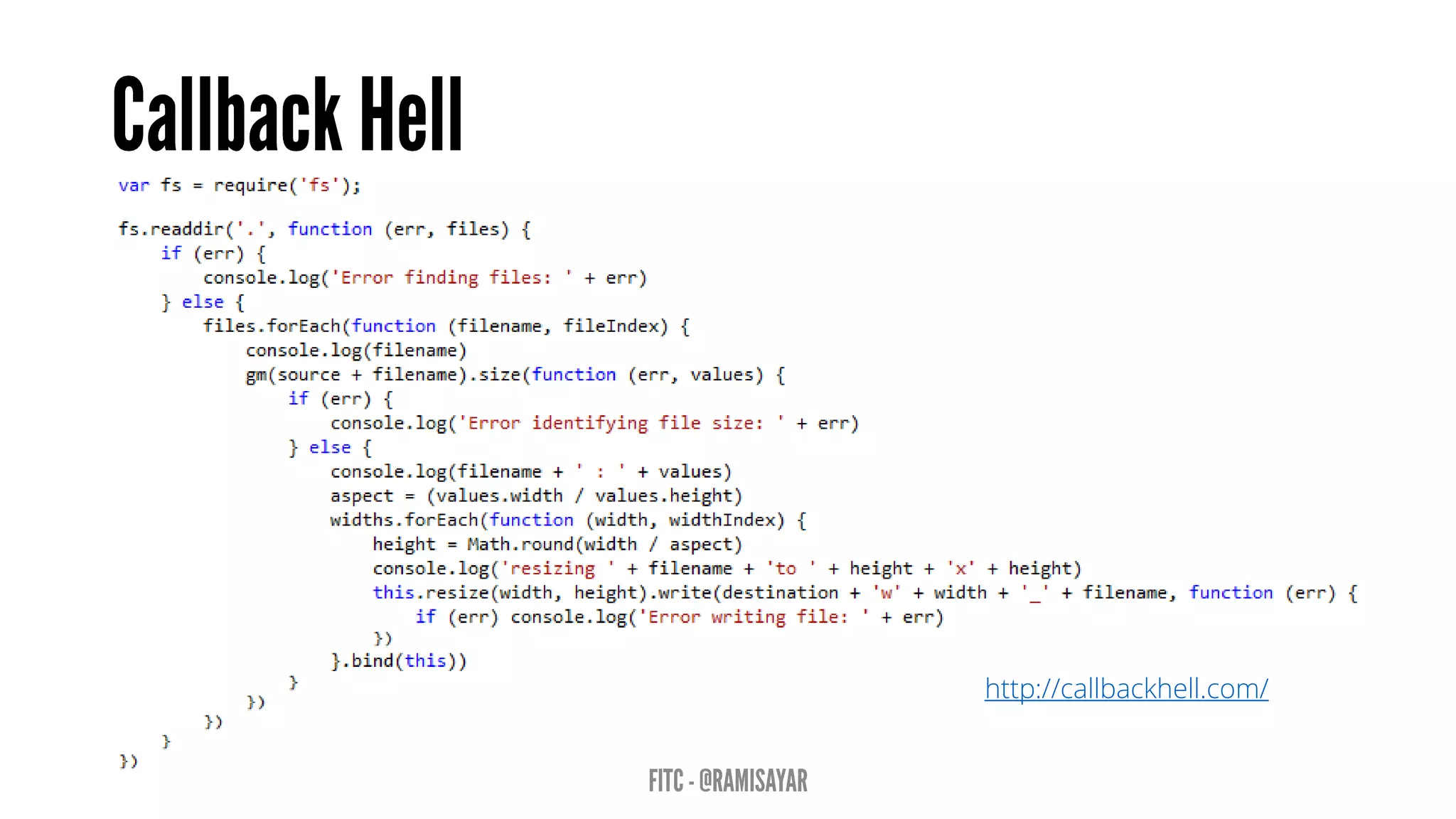
http://callbackhell.com/
• A function will return a promise for an object in the future.
• Promises can be chained together.
• Simplify programming of async systems.
Read More: http://spin.atomicobject.com/2012/03/14/nodejs-
and-asynchronous-programming-with-promises/
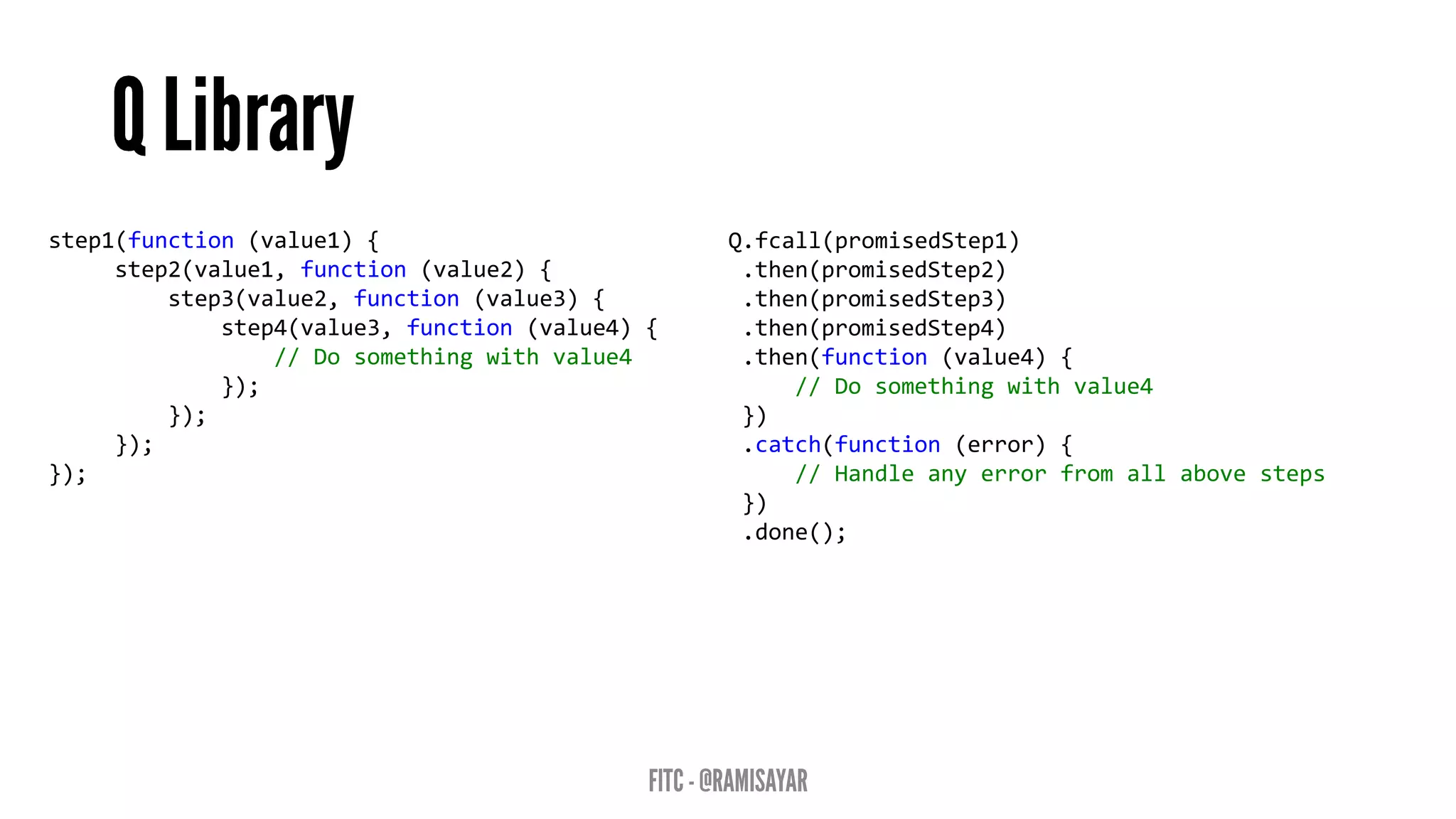
step1(function (value1) {
step2(value1, function (value2) {
step3(value2, function (value3) {
step4(value3, function (value4) {
// Do something with value4
});
});
});
});
Q.fcall(promisedStep1)
.then(promisedStep2)
.then(promisedStep3)
.then(promisedStep4)
.then(function (value4) {
// Do something with value4
})
.catch(function (error) {
// Handle any error from all above steps
})
.done();
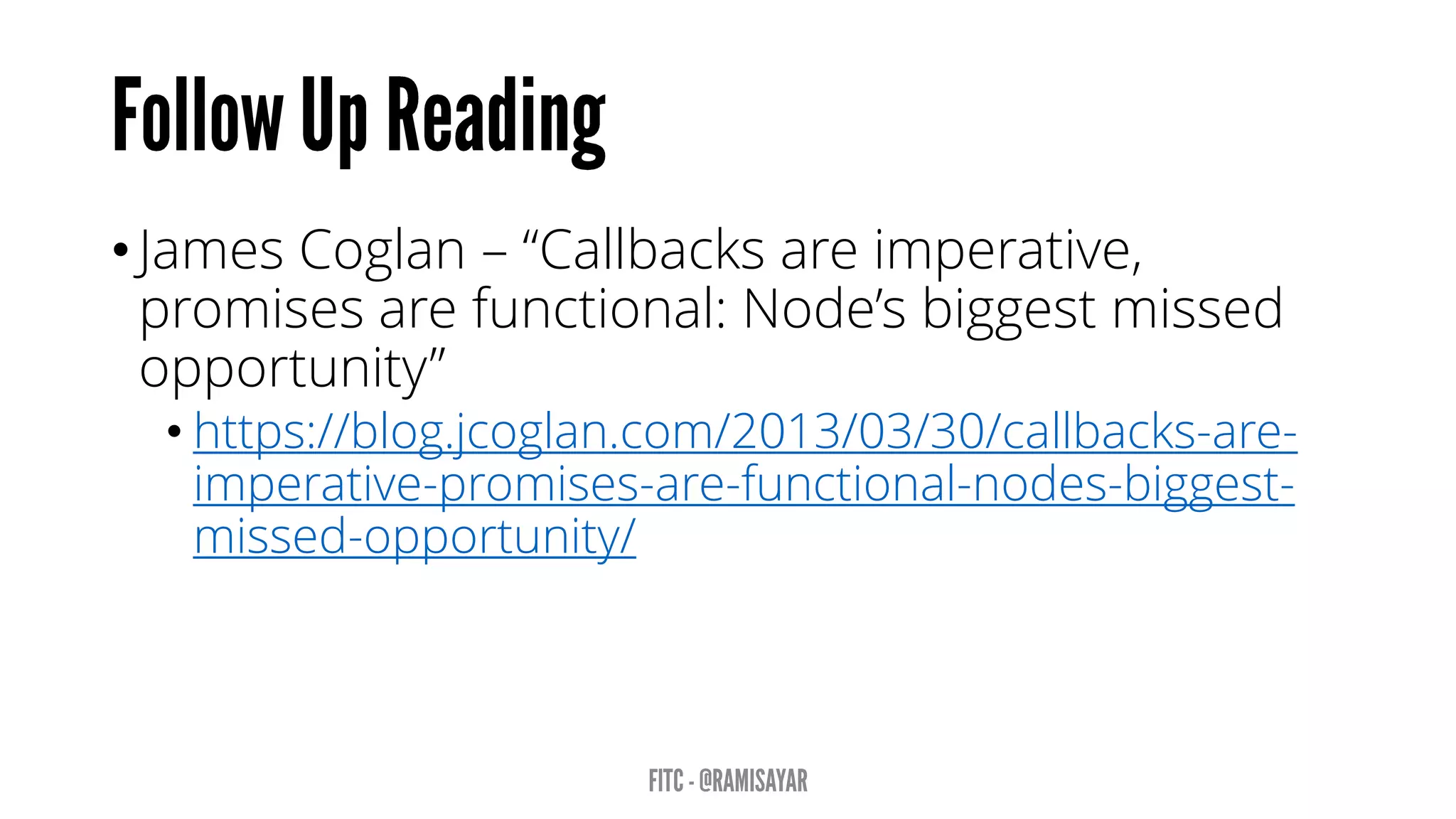
• James Coglan – “Callbacks are imperative,
promises are functional: Node’s biggest missed
opportunity”
• https://blog.jcoglan.com/2013/03/30/callbacks-are-
imperative-promises-are-functional-nodes-biggest-
missed-opportunity/
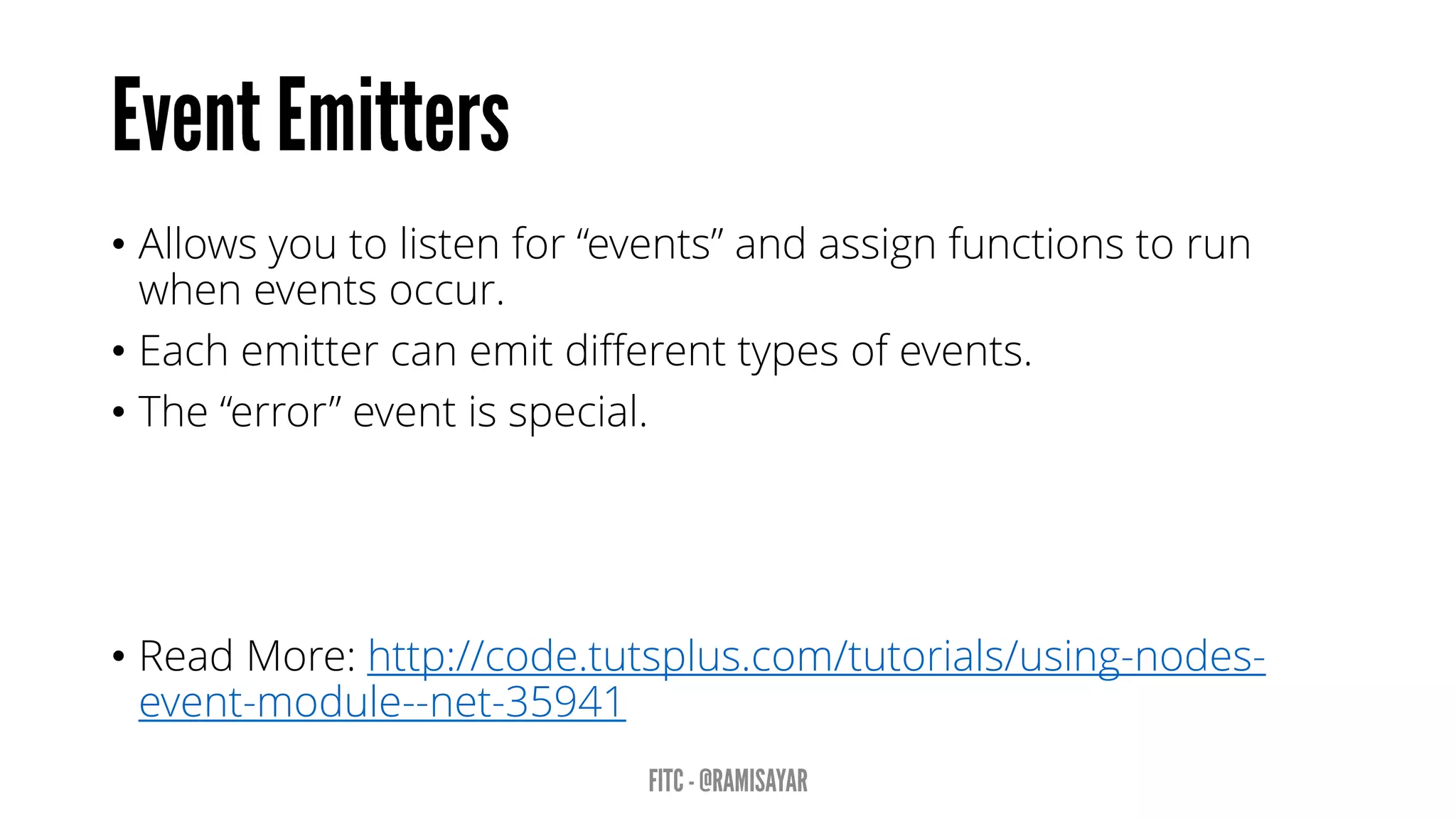
• Allows you to listen for “events” and assign functions to run
when events occur.
• Each emitter can emit different types of events.
• The “error” event is special.
• Read More: http://code.tutsplus.com/tutorials/using-nodes-
event-module--net-35941
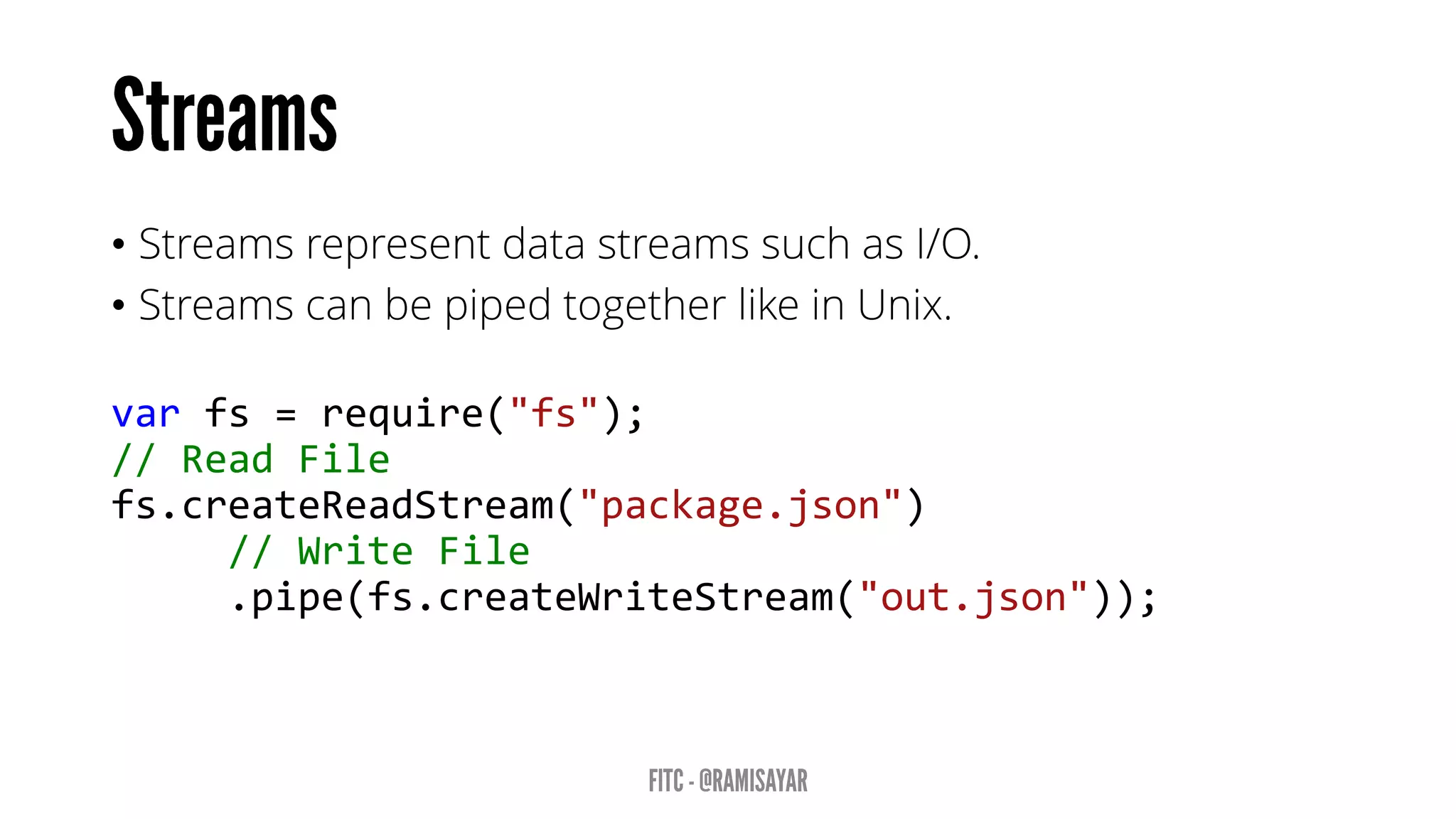
• Streams represent data streams such as I/O.
• Streams can be piped together like in Unix.
var fs = require("fs");
// Read File
fs.createReadStream("package.json")
// Write File
.pipe(fs.createWriteStream("out.json"));
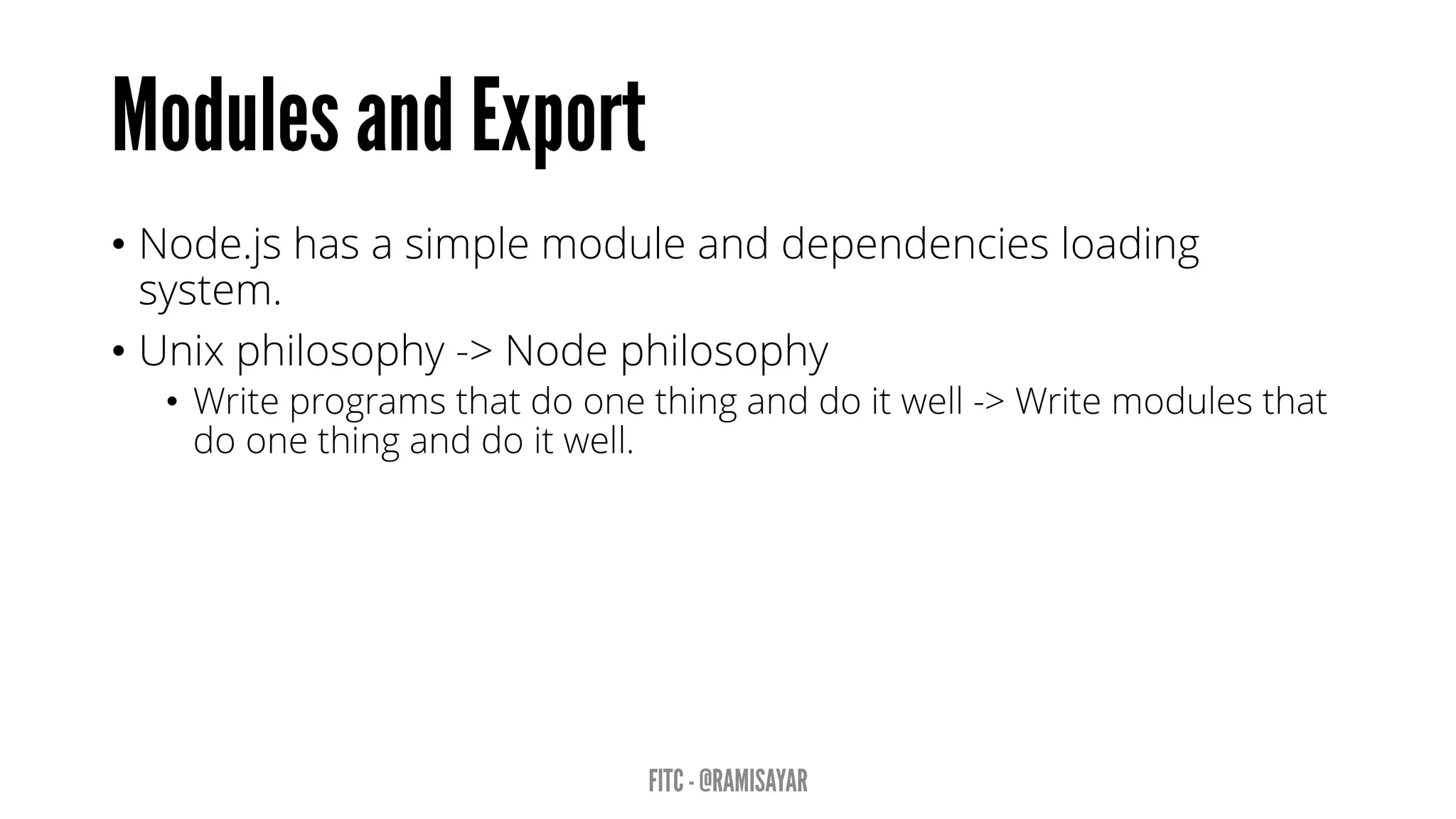
• Node.js has a simple module and dependencies loading
system.
• Unix philosophy -> Node philosophy
• Write programs that do one thing and do it well -> Write modules that
do one thing and do it well.
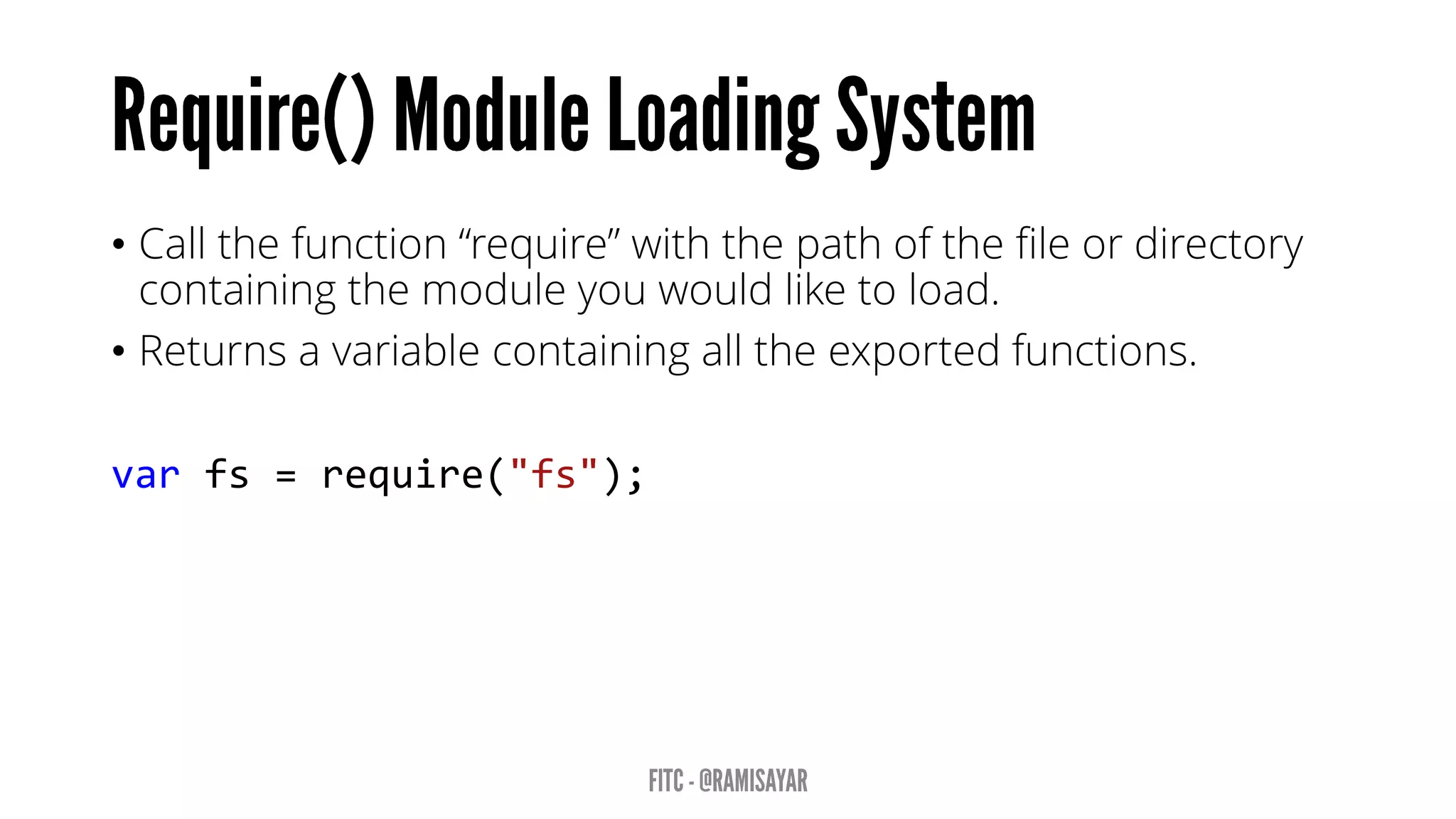
• Call the function “require” with the path of the file or directory
containing the module you would like to load.
• Returns a variable containing all the exported functions.
var fs = require("fs");
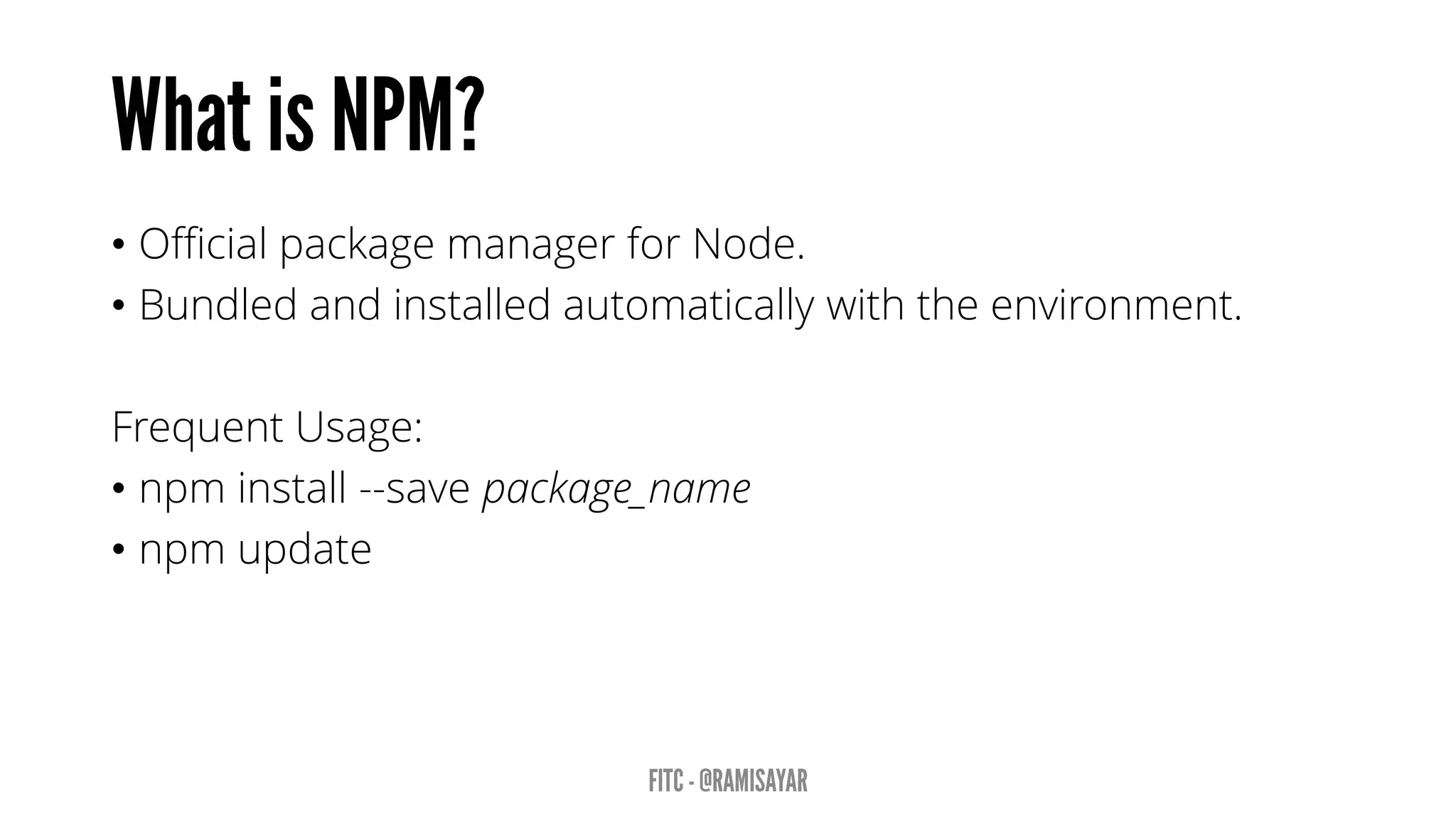
• Official package manager for Node.
• Bundled and installed automatically with the environment.
Frequent Usage:
• npm install --save package_name
• npm update
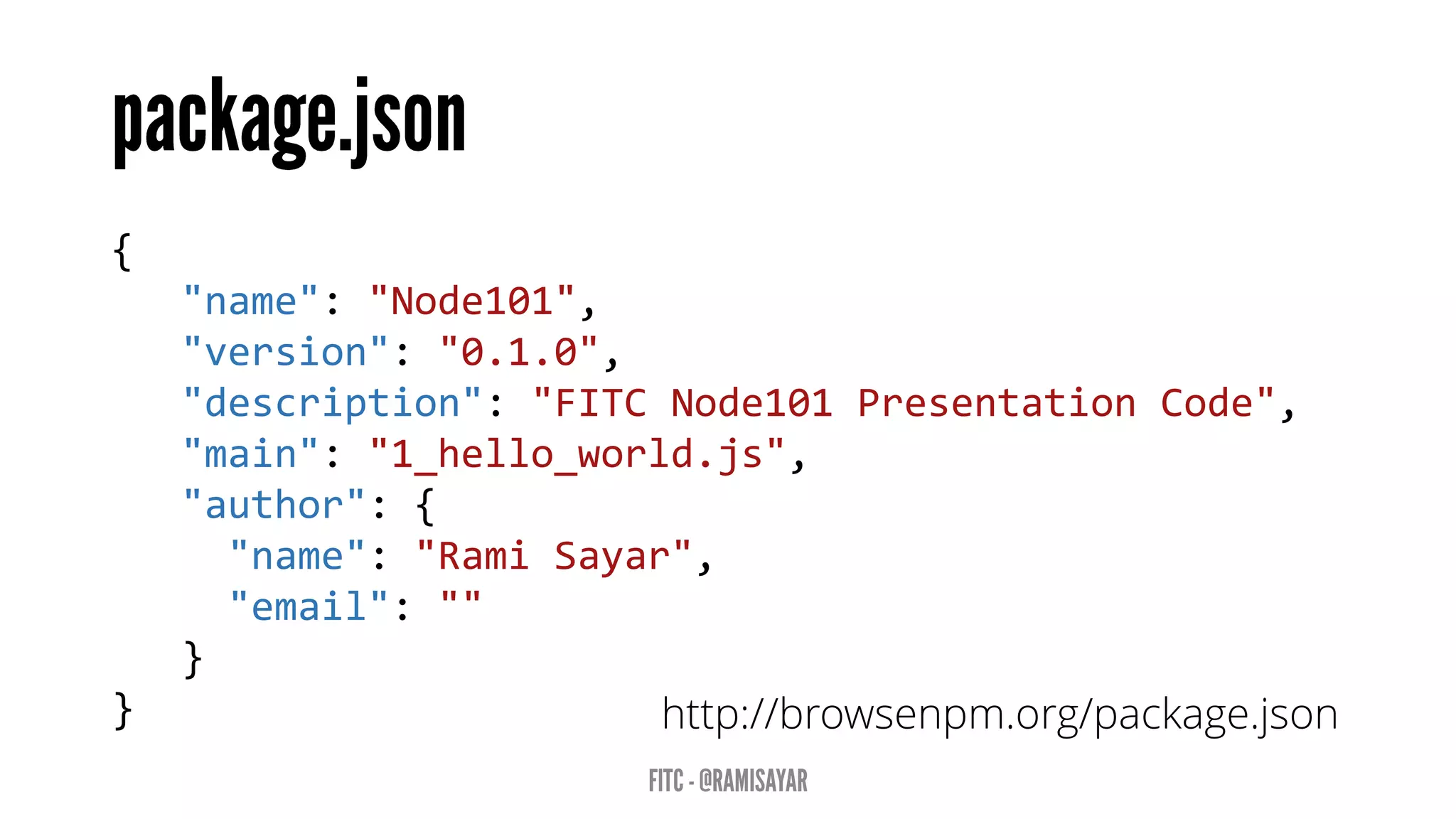
{
"name": "Node101",
"version": "0.1.0",
"description": "FITC Node101 Presentation Code",
"main": "1_hello_world.js",
"author": {
"name": "Rami Sayar",
"email": ""
}
} http://browsenpm.org/package.json
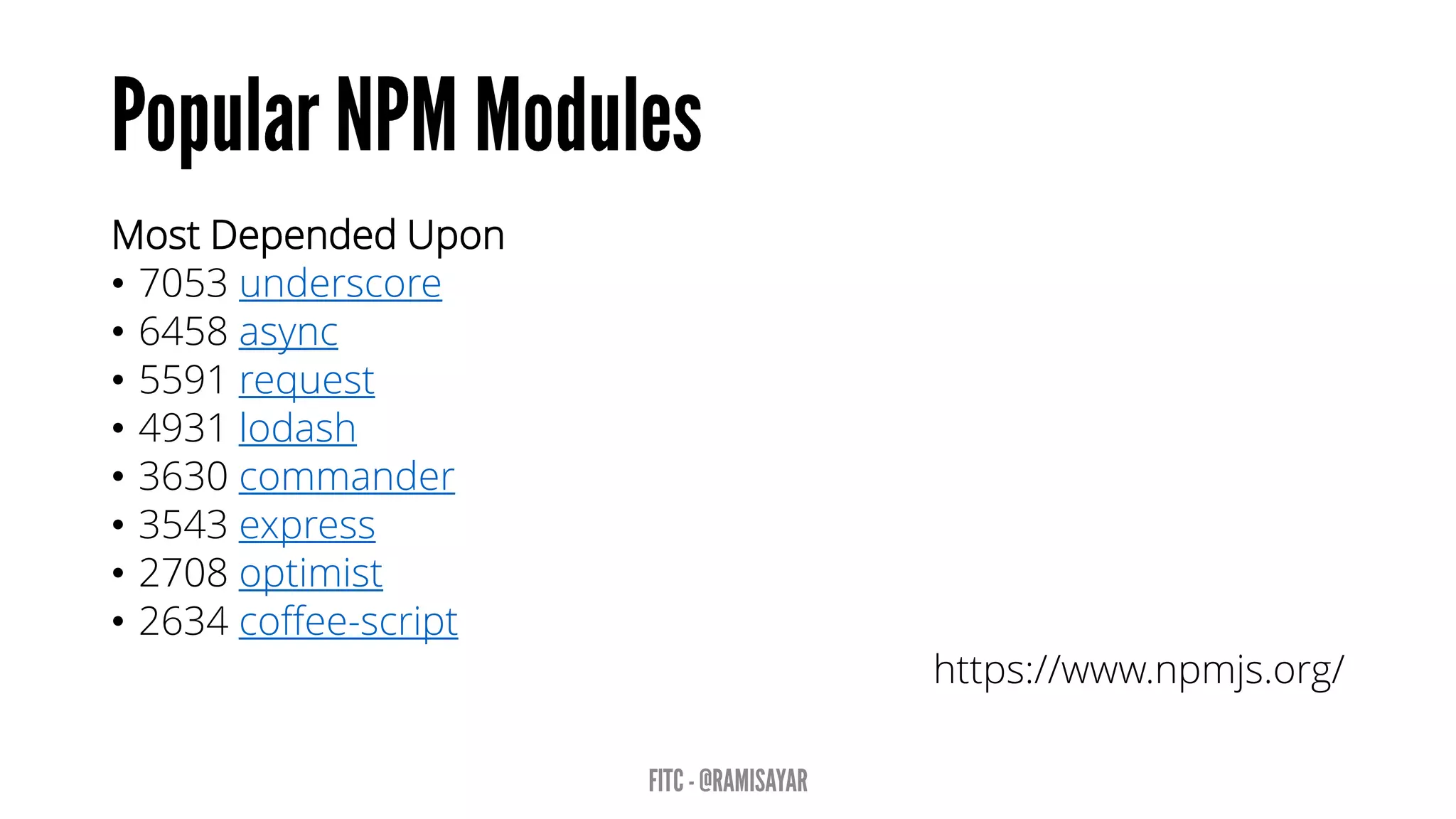
Most Depended Upon
• 7053 underscore
• 6458 async
• 5591 request
• 4931 lodash
• 3630 commander
• 3543 express
• 2708 optimist
• 2634 coffee-script
https://www.npmjs.org/
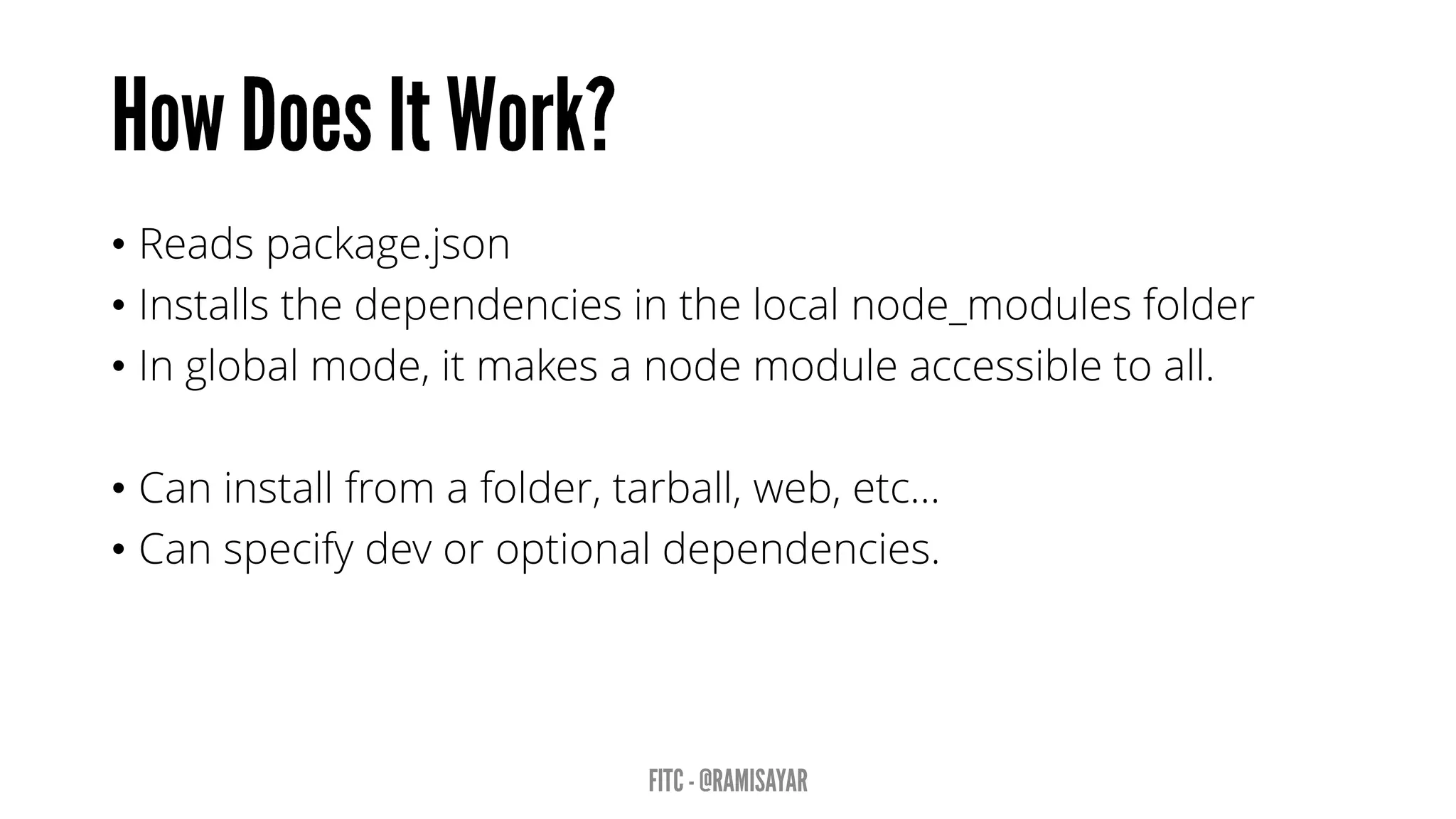
• Reads package.json
• Installs the dependencies in the local node_modules folder
• In global mode, it makes a node module accessible to all.
• Can install from a folder, tarball, web, etc…
• Can specify dev or optional dependencies.
Async is a utility module which provides straight-forward, powerful
functions for working with asynchronous JavaScript.
async.map(['file1','file2','file3'], fs.stat, function (err, results) {
// results is now an array of stats for each file
});
async.filter(['file1','file2','file3'], fs.exists, function (results) {
// results now equals an array of the existing files
});
async.parallel([
function () { },
function () { }
], callback);
async.series([
function () { },
function () { }
]);
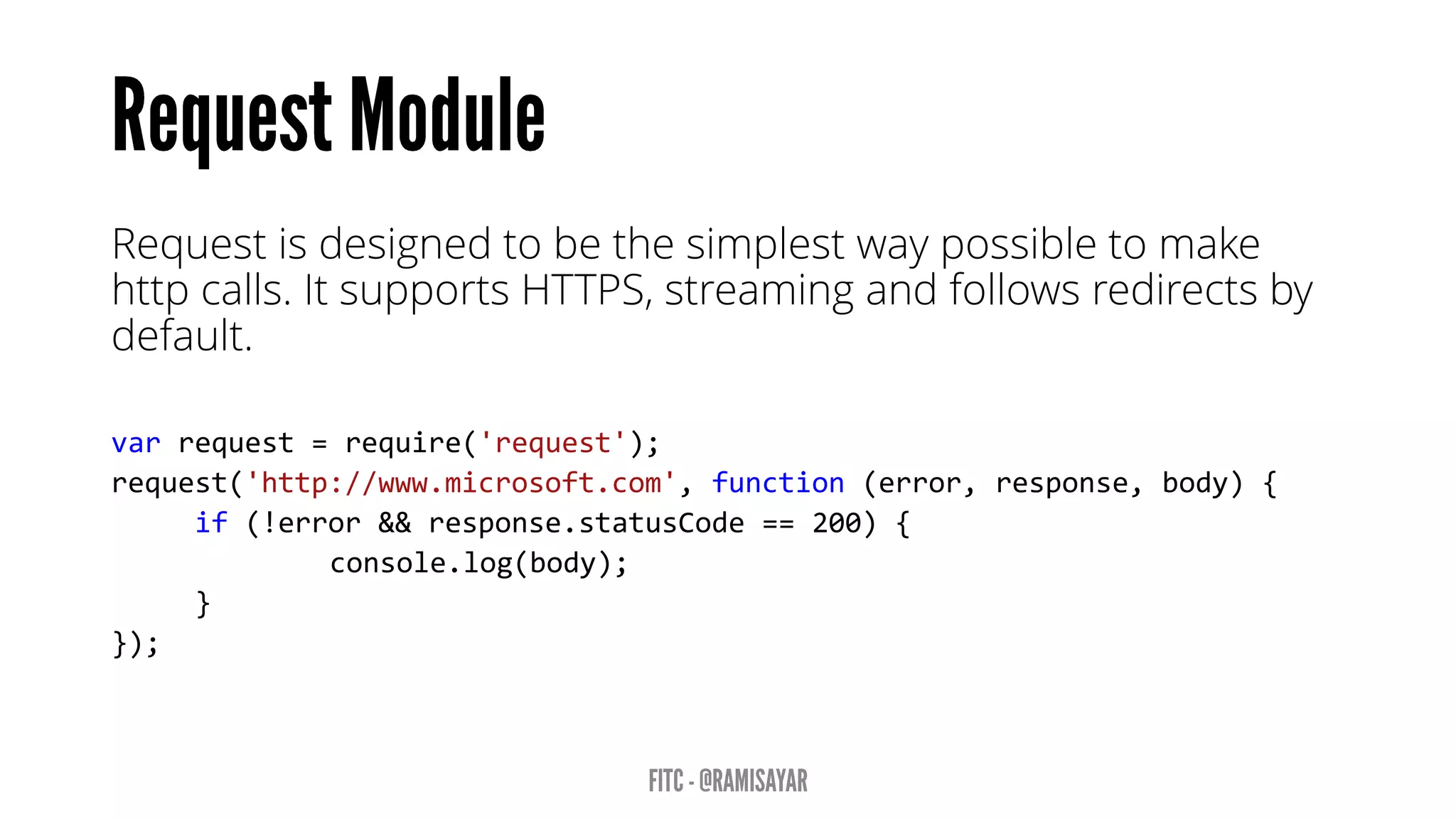
Request is designed to be the simplest way possible to make
http calls. It supports HTTPS, streaming and follows redirects by
default.
var request = require('request');
request('http://www.microsoft.com', function (error, response, body) {
if (!error && response.statusCode == 200) {
console.log(body);
}
});
• Socket.IO enables real-time bidirectional event-based
communication using WebSockets.
• Requires HTTP module.
• Can broadcast to other sockets.
• Express is a minimal, open source and flexible node.js web app
framework designed to make developing websites, web apps
and APIs much easier.
• Express helps you respond to requests with route support so
that you may write responses to specific URLs. Express allows
you to support multiple templating engines to simplify
generating HTML.
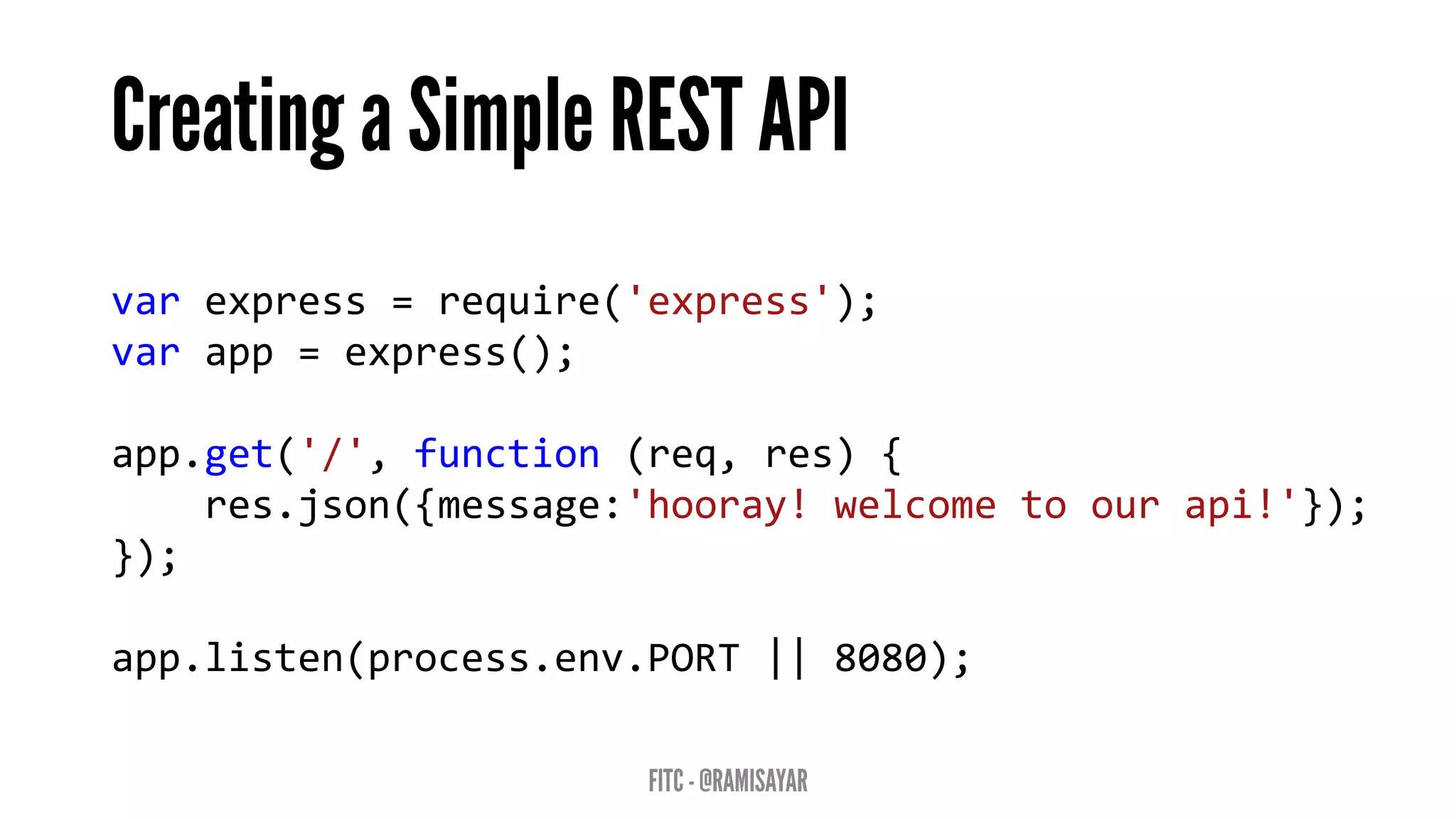
var express = require('express');
var app = express();
app.get('/', function (req, res) {
res.json({message:'hooray! welcome to our api!'});
});
app.listen(process.env.PORT || 8080);
• Node.js Basics and Environment
• Node Package Manager Overview
• Web Framework Express Basics
• WebSockets and Socket.io basics
• Building a Chatroom using Node.js
Follow @ramisayar
A chatroom for all! articles: aka.ms/node-101
©2013 Microsoft Corporation. All rights reserved. Microsoft, Windows, Office, Azure, System Center, Dynamics and other product names are or may be registered trademarks and/or trademarks in the
U.S. and/or other countries. The information herein is for informational purposes only and represents the current view of Microsoft Corporation as of the date of this presentation. Because Microsoft
must respond to changing market conditions, it should not be interpreted to be a commitment on the part of Microsoft, and Microsoft cannot guarantee the accuracy of any information provided after
the date of this presentation. MICROSOFT MAKES NO WARRANTIES, EXPRESS, IMPLIED OR STATUTORY, AS TO THE INFORMATION IN THIS PRESENTATION.

FITC - Node.js 101

  • 1.
    Rami Sayar -@ramisayar Technical Evangelist Microsoft Canada
  • 2.
    • Node.js Basicsand Environment • Node Package Manager Overview • Web Framework Express Basics • WebSockets and Socket.io basics • Building a Chatroom using Node.js
  • 3.
    • Working knowledgeof JavaScript and HTML5. Note: Slides will be made available.
  • 10.
    • It wascreated by Ryan Dahl in 2009. • Still considered in beta phase. • Latest version is v0.10.31. • Open-source! • Supports Windows, Linux, Mac OSX
  • 11.
    Node.js is aruntime environment and library for running JavaScript applications outside the browser. Node.js is mostly used to run real-time server applications and shines through its performance using non-blocking I/O and asynchronous events.
  • 12.
    • Node isgreat for streaming or event-based real-time applications like: • Chat Applications • Dashboards • Game Servers • Ad Servers • Streaming Servers • Online games, collaboration tools or anything meant to be real-time. • Node is great for when you need high levels of concurrency but little dedicated CPU time. • Great for writing JavaScript code everywhere!
  • 13.
    • Microsoft • Yahoo! •LinkedIn • eBay • Dow Jones • Cloud9 • The New York Times, etc…
  • 14.
    • Five yearsafter its debut, Node is the third most popular project on GitHub. • Over 2 million downloads per month. • Over 20 million downloads of v0.10x. • Over 81,000 modules on npm. • Over 475 meetups worldwide talking about Node. Reference: http://strongloop.com/node-js/infographic/
  • 15.
  • 18.
    “A programming paradigmin which the flow of the program is determined by events such as user actions (mouse clicks, key presses) or messages from other programs.” – Wikipedia
  • 19.
    • Node providesthe event loop as part of the language. • With Node, there is no call to start the loop. • The loop starts and doesn’t end until the last callback is complete. • Event loop is run under a single thread therefore sleep() makes everything halt.
  • 20.
    var fs =require('fs'); var contents = fs.readFileSync('package.json').toString(); console.log(contents);
  • 21.
    var fs =require('fs'); fs.readFile('package.json', function (err, buf) { console.log(buf.toString()); });
  • 22.
    • Event loopsresult in callback-style programming where you break apart a program into its underlying data flow. • In other words, you end up splitting your program into smaller and smaller chunks until each chuck is mapped to operation with data. • Why? So that you don’t freeze the event loop on long-running operations (such as disk or network I/O).
  • 23.
  • 24.
    • A functionwill return a promise for an object in the future. • Promises can be chained together. • Simplify programming of async systems. Read More: http://spin.atomicobject.com/2012/03/14/nodejs- and-asynchronous-programming-with-promises/
  • 25.
    step1(function (value1) { step2(value1,function (value2) { step3(value2, function (value3) { step4(value3, function (value4) { // Do something with value4 }); }); }); }); Q.fcall(promisedStep1) .then(promisedStep2) .then(promisedStep3) .then(promisedStep4) .then(function (value4) { // Do something with value4 }) .catch(function (error) { // Handle any error from all above steps }) .done();
  • 26.
    • James Coglan– “Callbacks are imperative, promises are functional: Node’s biggest missed opportunity” • https://blog.jcoglan.com/2013/03/30/callbacks-are- imperative-promises-are-functional-nodes-biggest- missed-opportunity/
  • 28.
    • Allows youto listen for “events” and assign functions to run when events occur. • Each emitter can emit different types of events. • The “error” event is special. • Read More: http://code.tutsplus.com/tutorials/using-nodes- event-module--net-35941
  • 29.
    • Streams representdata streams such as I/O. • Streams can be piped together like in Unix. var fs = require("fs"); // Read File fs.createReadStream("package.json") // Write File .pipe(fs.createWriteStream("out.json"));
  • 30.
    • Node.js hasa simple module and dependencies loading system. • Unix philosophy -> Node philosophy • Write programs that do one thing and do it well -> Write modules that do one thing and do it well.
  • 31.
    • Call thefunction “require” with the path of the file or directory containing the module you would like to load. • Returns a variable containing all the exported functions. var fs = require("fs");
  • 32.
    • Official packagemanager for Node. • Bundled and installed automatically with the environment. Frequent Usage: • npm install --save package_name • npm update
  • 33.
    { "name": "Node101", "version": "0.1.0", "description":"FITC Node101 Presentation Code", "main": "1_hello_world.js", "author": { "name": "Rami Sayar", "email": "" } } http://browsenpm.org/package.json
  • 34.
    Most Depended Upon •7053 underscore • 6458 async • 5591 request • 4931 lodash • 3630 commander • 3543 express • 2708 optimist • 2634 coffee-script https://www.npmjs.org/
  • 35.
    • Reads package.json •Installs the dependencies in the local node_modules folder • In global mode, it makes a node module accessible to all. • Can install from a folder, tarball, web, etc… • Can specify dev or optional dependencies.
  • 36.
    Async is autility module which provides straight-forward, powerful functions for working with asynchronous JavaScript. async.map(['file1','file2','file3'], fs.stat, function (err, results) { // results is now an array of stats for each file }); async.filter(['file1','file2','file3'], fs.exists, function (results) { // results now equals an array of the existing files }); async.parallel([ function () { }, function () { } ], callback); async.series([ function () { }, function () { } ]);
  • 37.
    Request is designedto be the simplest way possible to make http calls. It supports HTTPS, streaming and follows redirects by default. var request = require('request'); request('http://www.microsoft.com', function (error, response, body) { if (!error && response.statusCode == 200) { console.log(body); } });
  • 38.
    • Socket.IO enablesreal-time bidirectional event-based communication using WebSockets. • Requires HTTP module. • Can broadcast to other sockets.
  • 39.
    • Express isa minimal, open source and flexible node.js web app framework designed to make developing websites, web apps and APIs much easier. • Express helps you respond to requests with route support so that you may write responses to specific URLs. Express allows you to support multiple templating engines to simplify generating HTML.
  • 40.
    var express =require('express'); var app = express(); app.get('/', function (req, res) { res.json({message:'hooray! welcome to our api!'}); }); app.listen(process.env.PORT || 8080);
  • 43.
    • Node.js Basicsand Environment • Node Package Manager Overview • Web Framework Express Basics • WebSockets and Socket.io basics • Building a Chatroom using Node.js
  • 44.
    Follow @ramisayar A chatroomfor all! articles: aka.ms/node-101
  • 45.
    ©2013 Microsoft Corporation.All rights reserved. Microsoft, Windows, Office, Azure, System Center, Dynamics and other product names are or may be registered trademarks and/or trademarks in the U.S. and/or other countries. The information herein is for informational purposes only and represents the current view of Microsoft Corporation as of the date of this presentation. Because Microsoft must respond to changing market conditions, it should not be interpreted to be a commitment on the part of Microsoft, and Microsoft cannot guarantee the accuracy of any information provided after the date of this presentation. MICROSOFT MAKES NO WARRANTIES, EXPRESS, IMPLIED OR STATUTORY, AS TO THE INFORMATION IN THIS PRESENTATION.

Editor's Notes

  • #7 JavaScript is an extremely popular language and is credited with being one of the driving forces that turned the web into the dynamic wonderland that it is today. What you can do in a browser nowadays, rivals all others.
  • #8 Node.js lets you unify the programming language used by your app - no longer do you need a different language for your backend, you can use JavaScript throughout. If your background is in building and design websites and web app frontends in HTML, CSS and JavaScript, you don’t need to pick up another language to develop complex data-driven back-ends for your apps.
  • #10 V8 is an open source JavaScript engine developed by Google. V8 is written in C++ and is embedded in Google Chrome. Node.js runs on V8.
  • #20 http://strongloop.com/strongblog/node-js-event-loop/
  • #25 The idea behind Promise-based APIs is that a function will return a promise for an object in the future. Promises can be chained together and as each promise is fulfilled the next promise in line is executed. If a promise can’t be fulfilled it raises an error which can be handled, otherwise the chain of promises stops execution.