Basic Computer Network

WeeSan Lee weesan@cs.ucr.edu
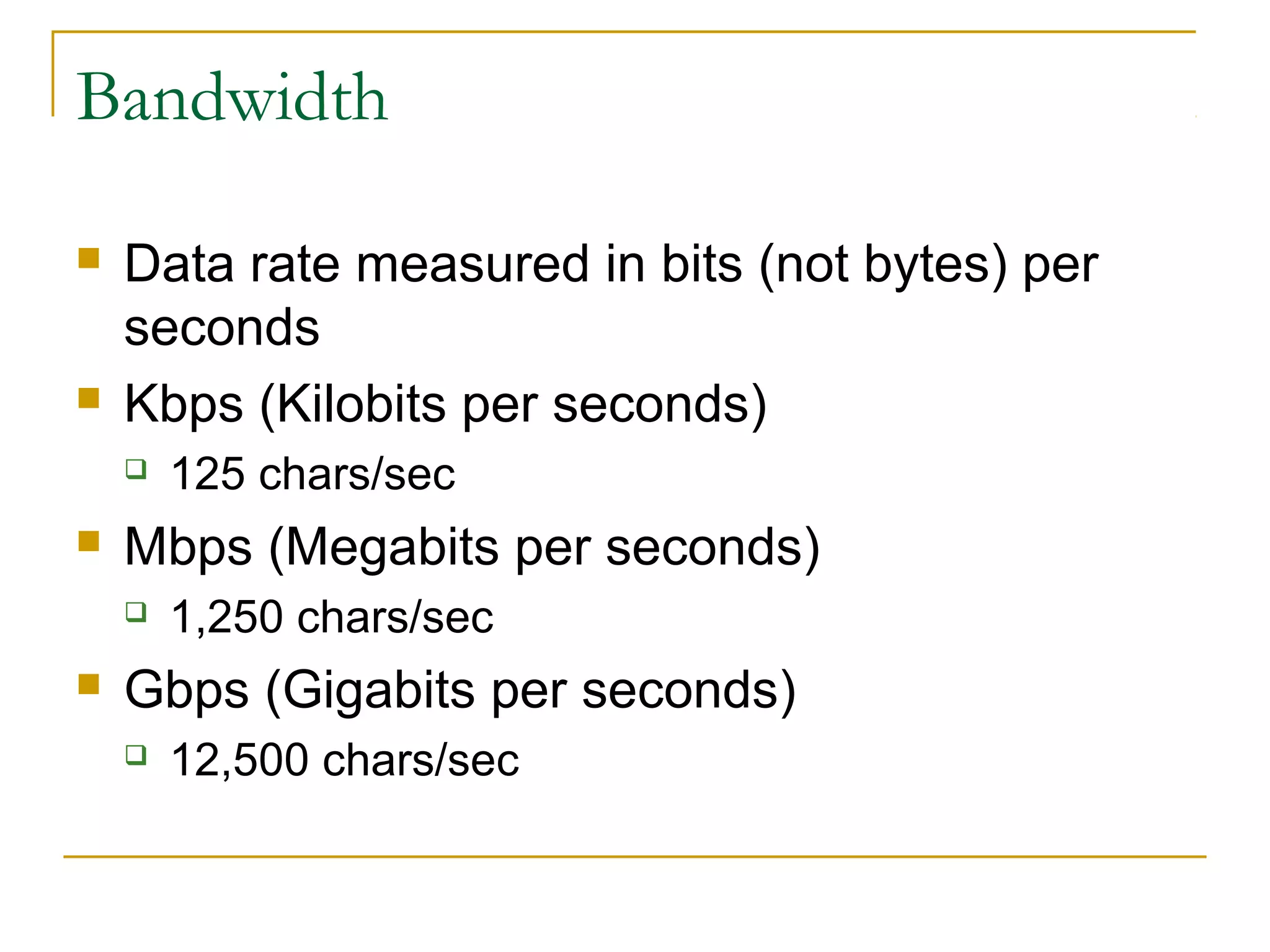
Bandwidth




Data rate measured in bits (not bytes) per
seconds
Kbps (Kilobits per seconds)




Mbps (Megabits per seconds)




125 chars/sec
1,250 chars/sec

Gbps (Gigabits per seconds)


12,500 chars/sec
Connecting to the Internet


Requirement




A computer or PDA or cell phone
An account with an ISP (Internet Service Provider)
A modem (modulator/demodulator) for dial-up
services or a NIC (Network Interface Card) for
DSL/Cable services
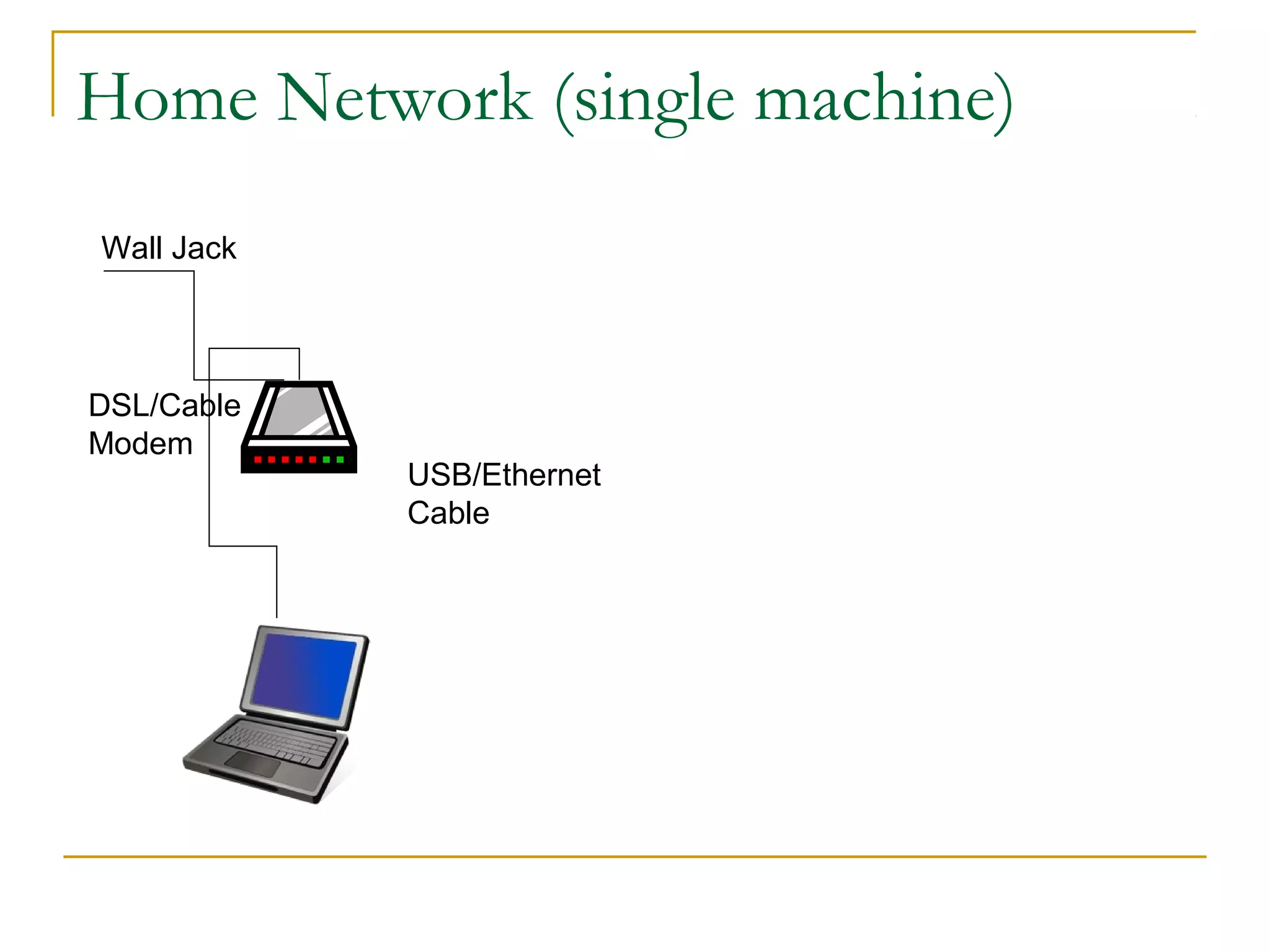
Home Network (single machine)
Wall Jack

DSL/Cable
Modem

USB/Ethernet
Cable
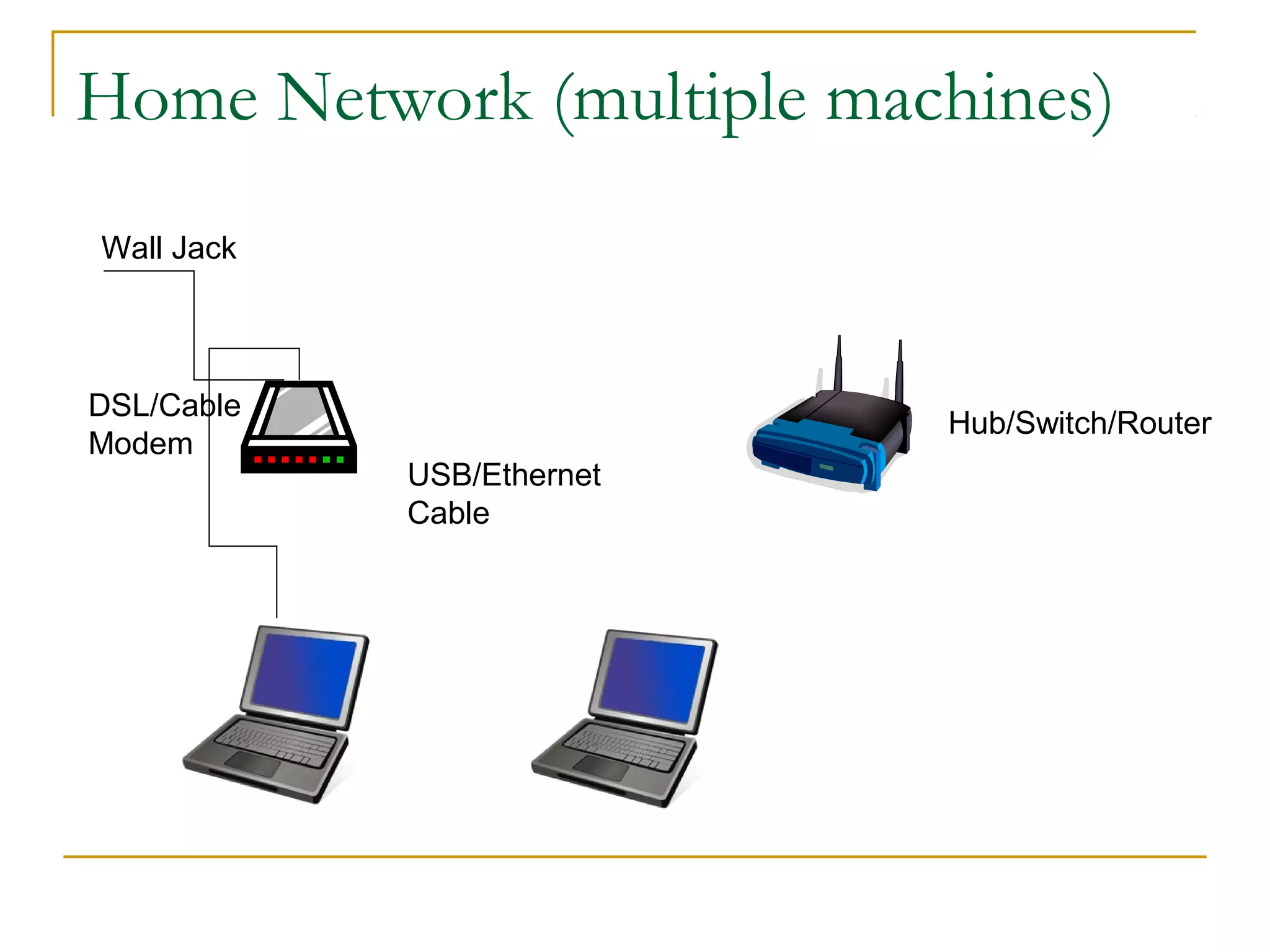
Home Network (multiple machines)
Wall Jack

DSL/Cable
Modem

Hub/Switch/Router
USB/Ethernet
Cable
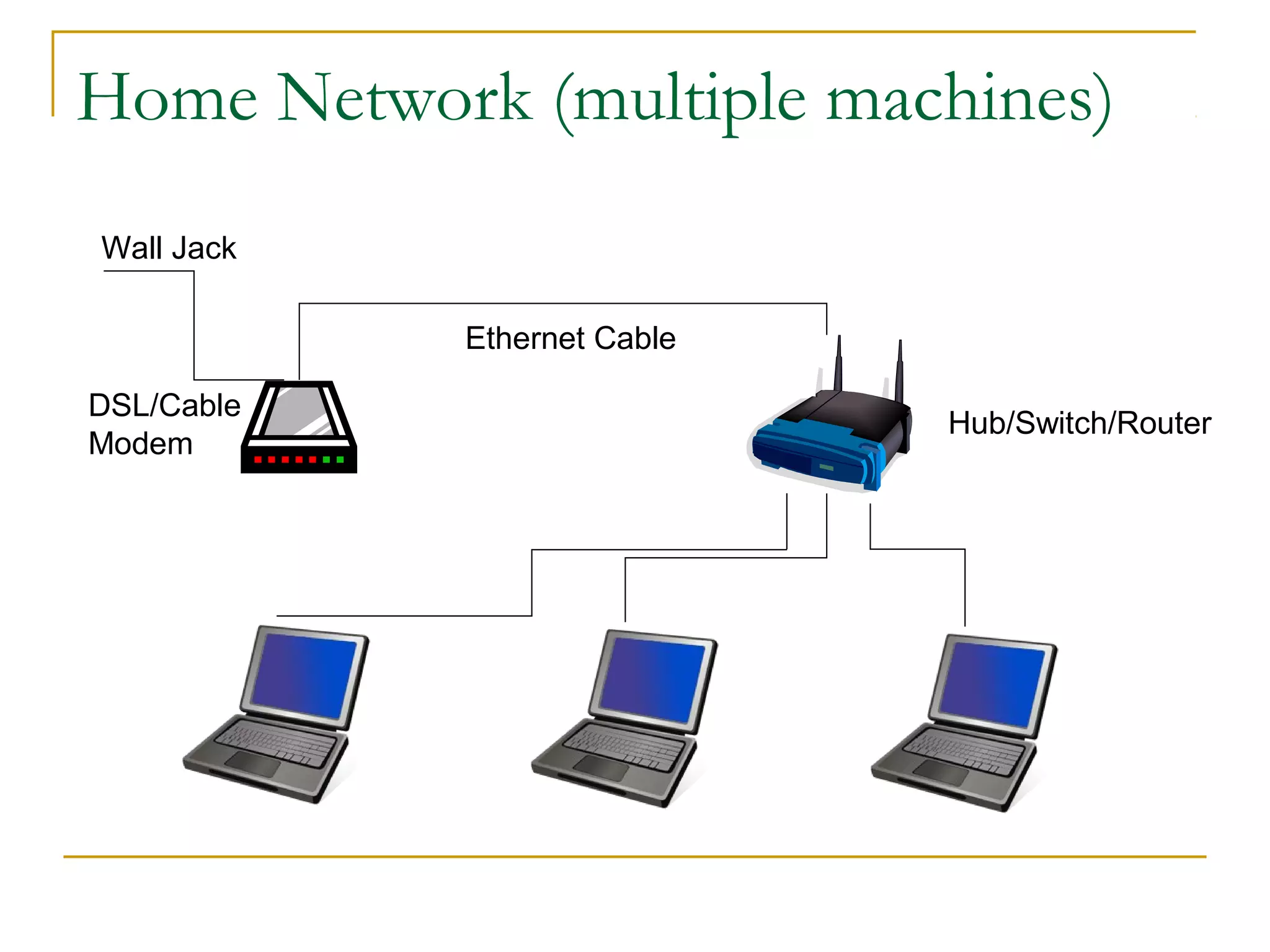
Home Network (multiple machines)
Wall Jack
Ethernet Cable
DSL/Cable
Modem

Hub/Switch/Router
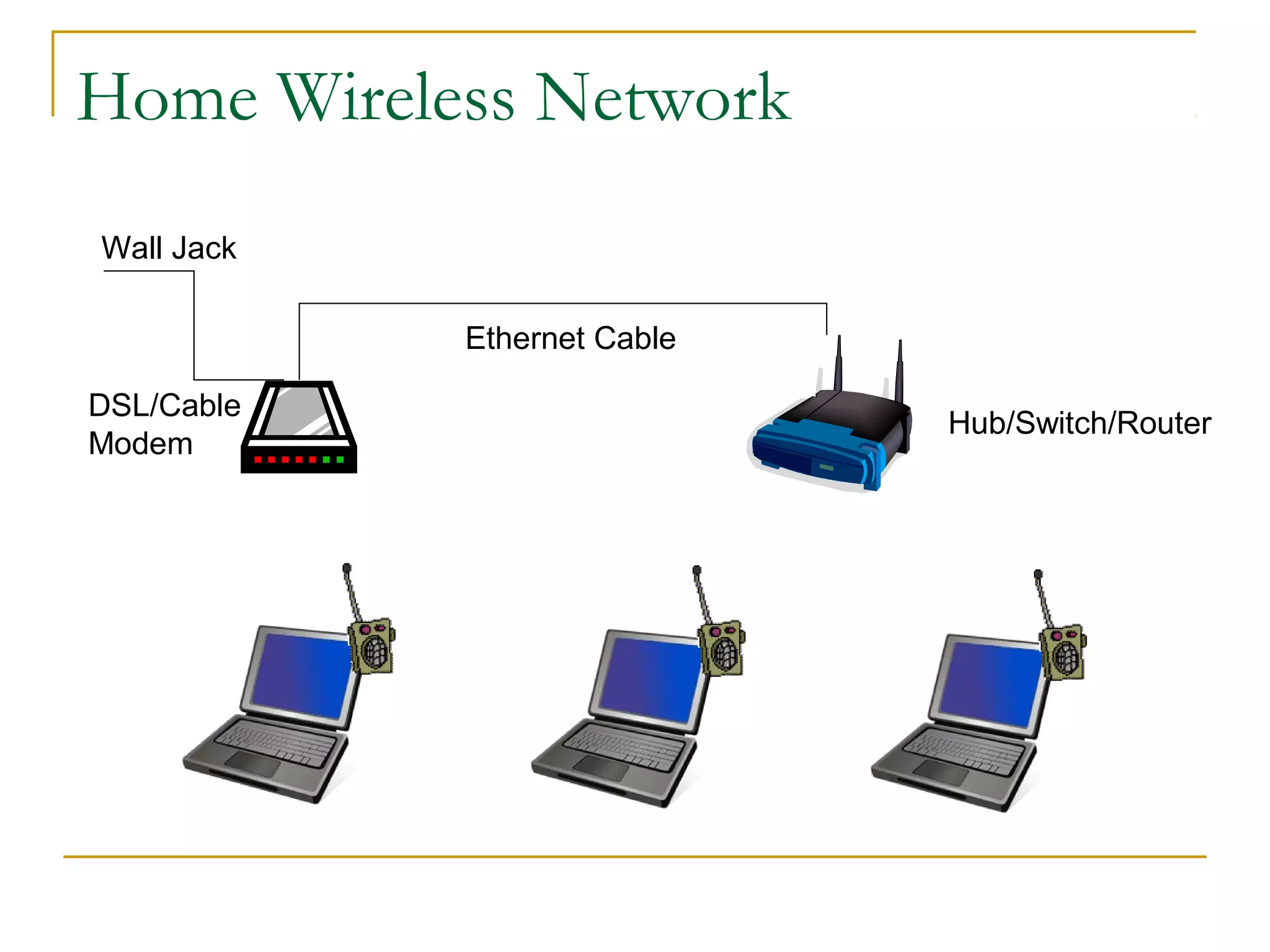
Home Wireless Network
Wall Jack
Ethernet Cable
DSL/Cable
Modem

Hub/Switch/Router
Connection Types






LAN
WLAN
Dial-up Services
Broadband Services
WAN
LAN (Local Area Network)




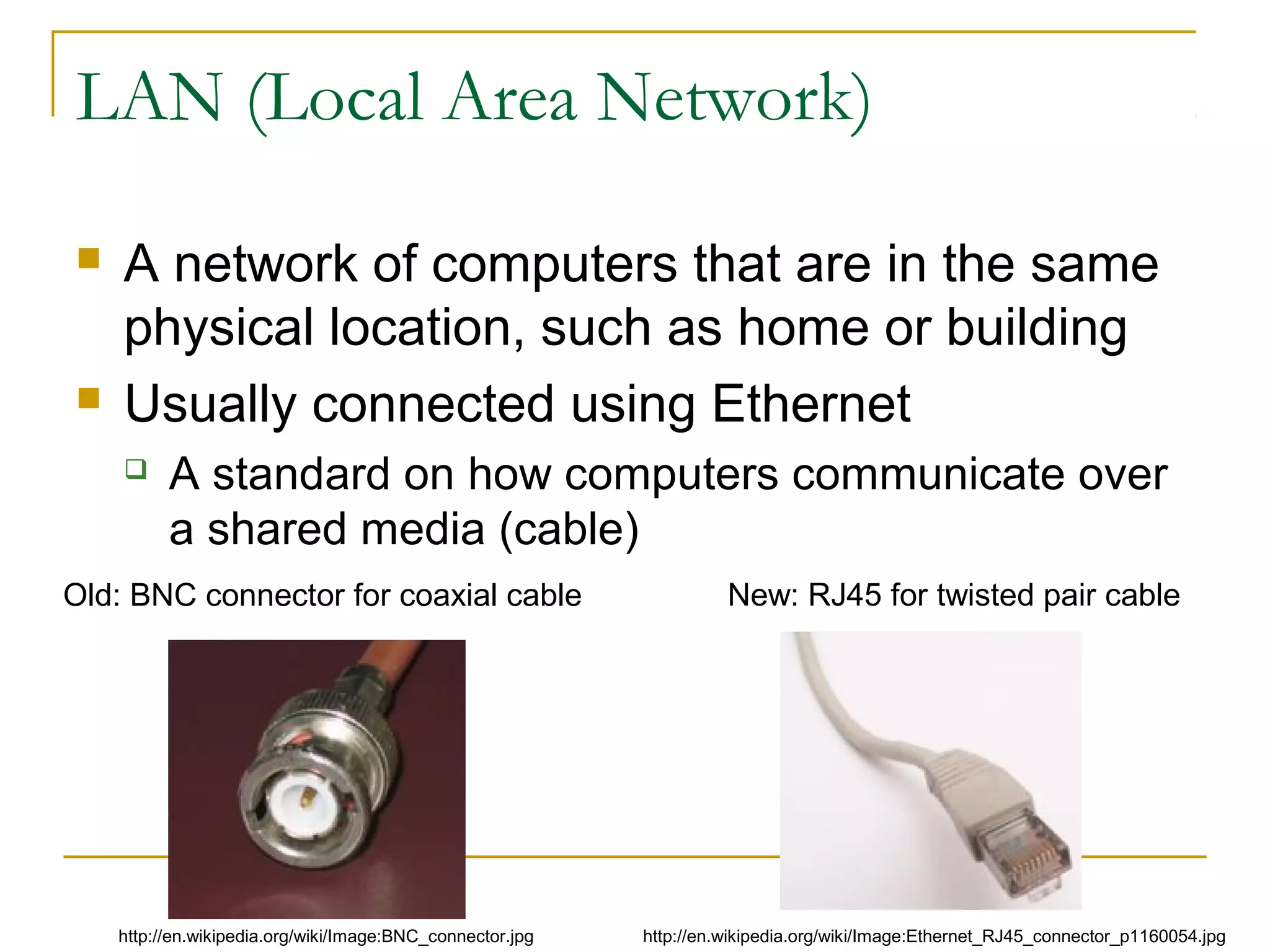
A network of computers that are in the same
physical location, such as home or building
Usually connected using Ethernet


A standard on how computers communicate over
a shared media (cable)

Old: BNC connector for coaxial cable

http://en.wikipedia.org/wiki/Image:BNC_connector.jpg

New: RJ45 for twisted pair cable

http://en.wikipedia.org/wiki/Image:Ethernet_RJ45_connector_p1160054.jpg
LAN (Local Area Network)


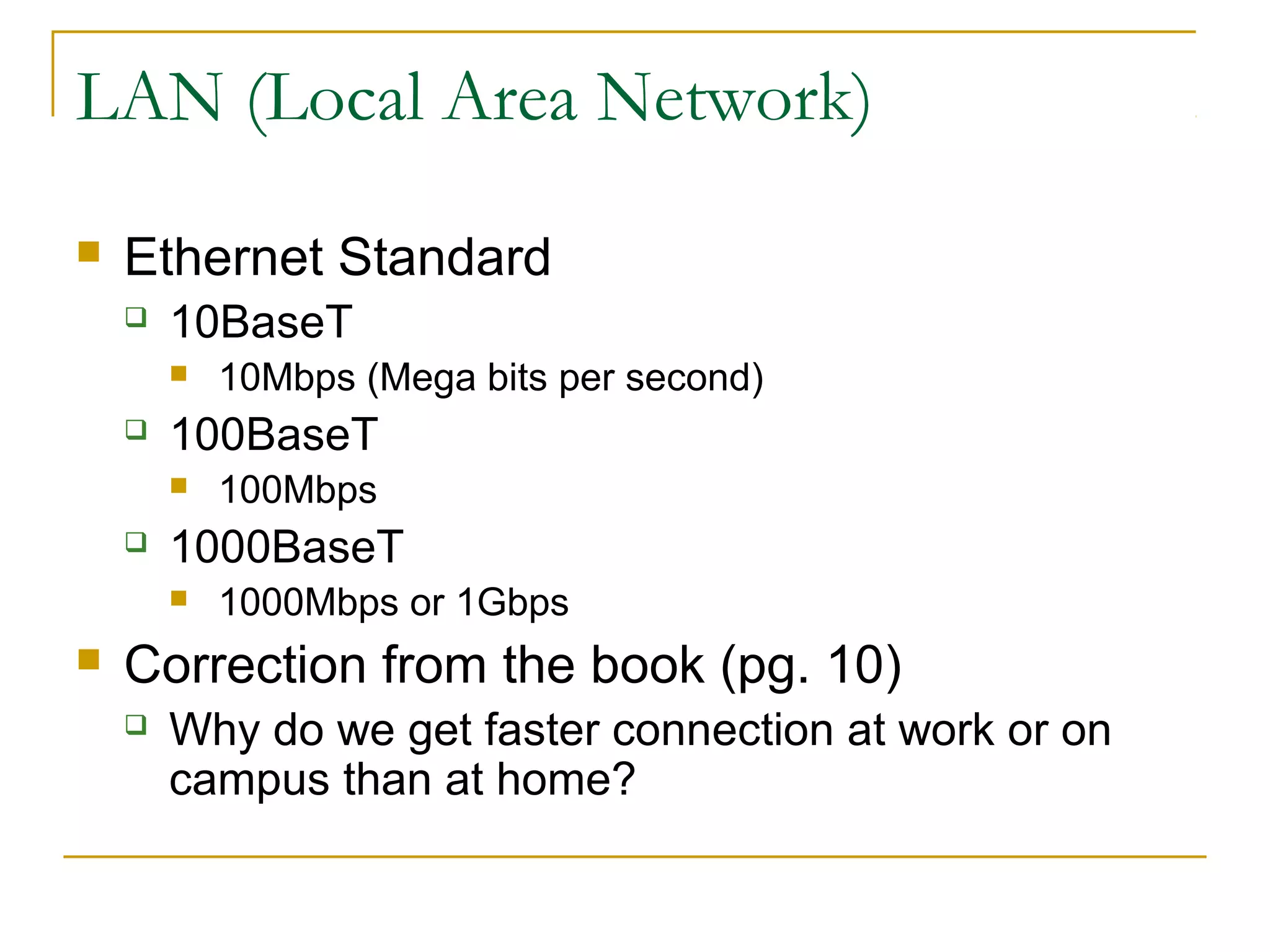
Ethernet Standard


10BaseT




100BaseT




100Mbps

1000BaseT




10Mbps (Mega bits per second)

1000Mbps or 1Gbps

Correction from the book (pg. 10)


Why do we get faster connection at work or on
campus than at home?
LAN (Local Area Network)


Question: Can 2 computers communicate by
connecting each other using an Ethernet
cable back-to-back?
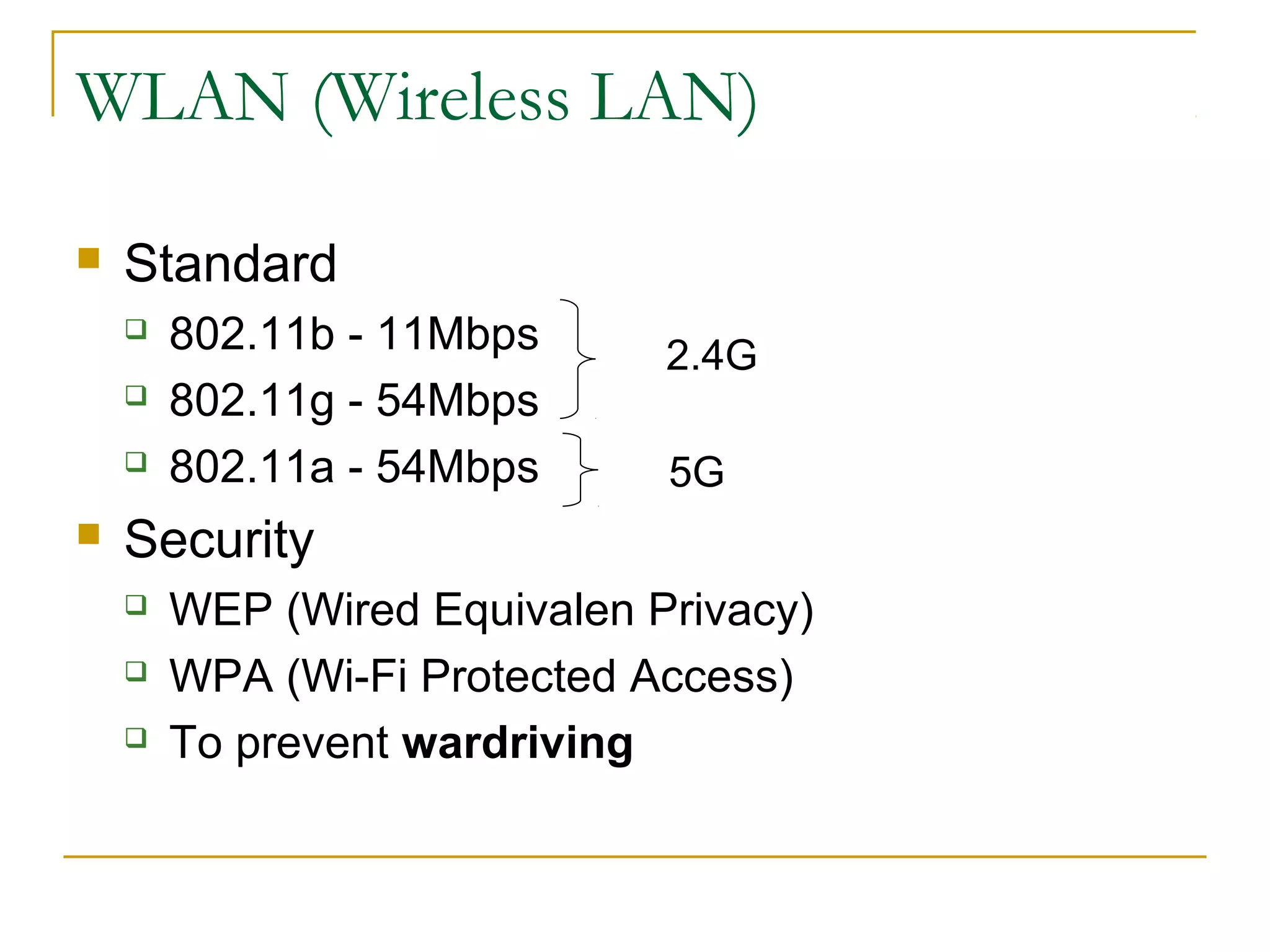
WLAN (Wireless LAN)


Wi-Fi (Wireless Fidelity)




Access Point (AP)






A device (base station) that connects wireless devices
together
Usually connected to a wired-network

ESSID (Extended Service Set ID)




A wireless technology that connects computers without
cables

A “name” for the AP, eg. mobilenet

Hotspot


The area covered by wireless access points
WLAN (Wireless LAN)


Standard






802.11b - 11Mbps
802.11g - 54Mbps
802.11a - 54Mbps

2.4G
5G

Security




WEP (Wired Equivalen Privacy)
WPA (Wi-Fi Protected Access)
To prevent wardriving
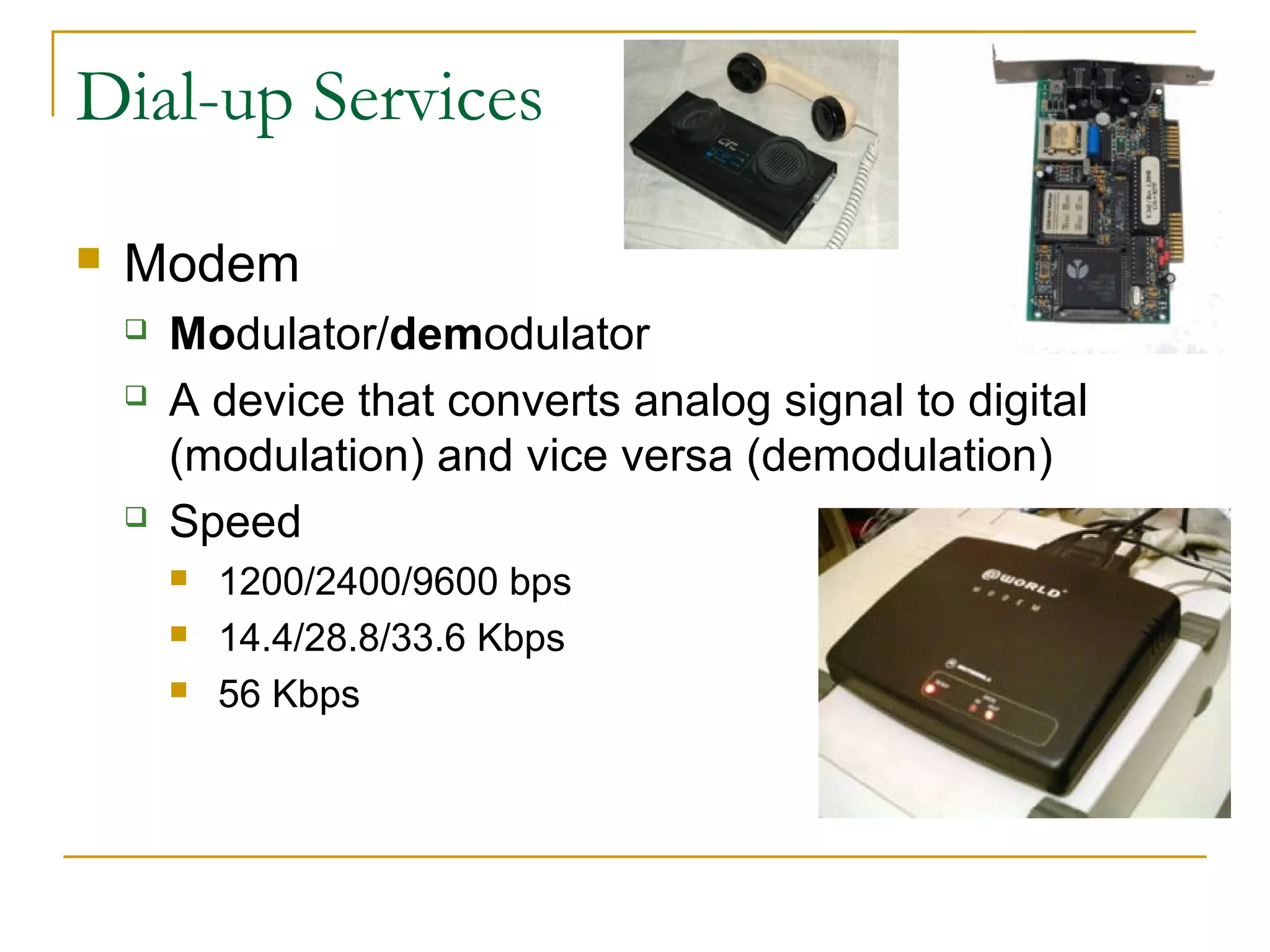
Dial-up Services


Modem





Modulator/demodulator
A device that converts analog signal to digital
(modulation) and vice versa (demodulation)
Speed




1200/2400/9600 bps
14.4/28.8/33.6 Kbps
56 Kbps
Dial-up Services


ISDN




Integrated Services Digital Network
2 data channel (56K each)
1 voice channel
Broadband Services


xDSL (Digital Subscriber Line)






A technology that provides digital data transmission over
unused frequencies on traditional telephone lines
For example, ADSL (Asymmetric DSL): DL > UL

Speed


Downlink




Uplink





128Kbps - 4Mbps
64Kbps - 800Kbps

Need a DSL modem
Splitters are needed to separate the voice and data
signal
Broadband Services


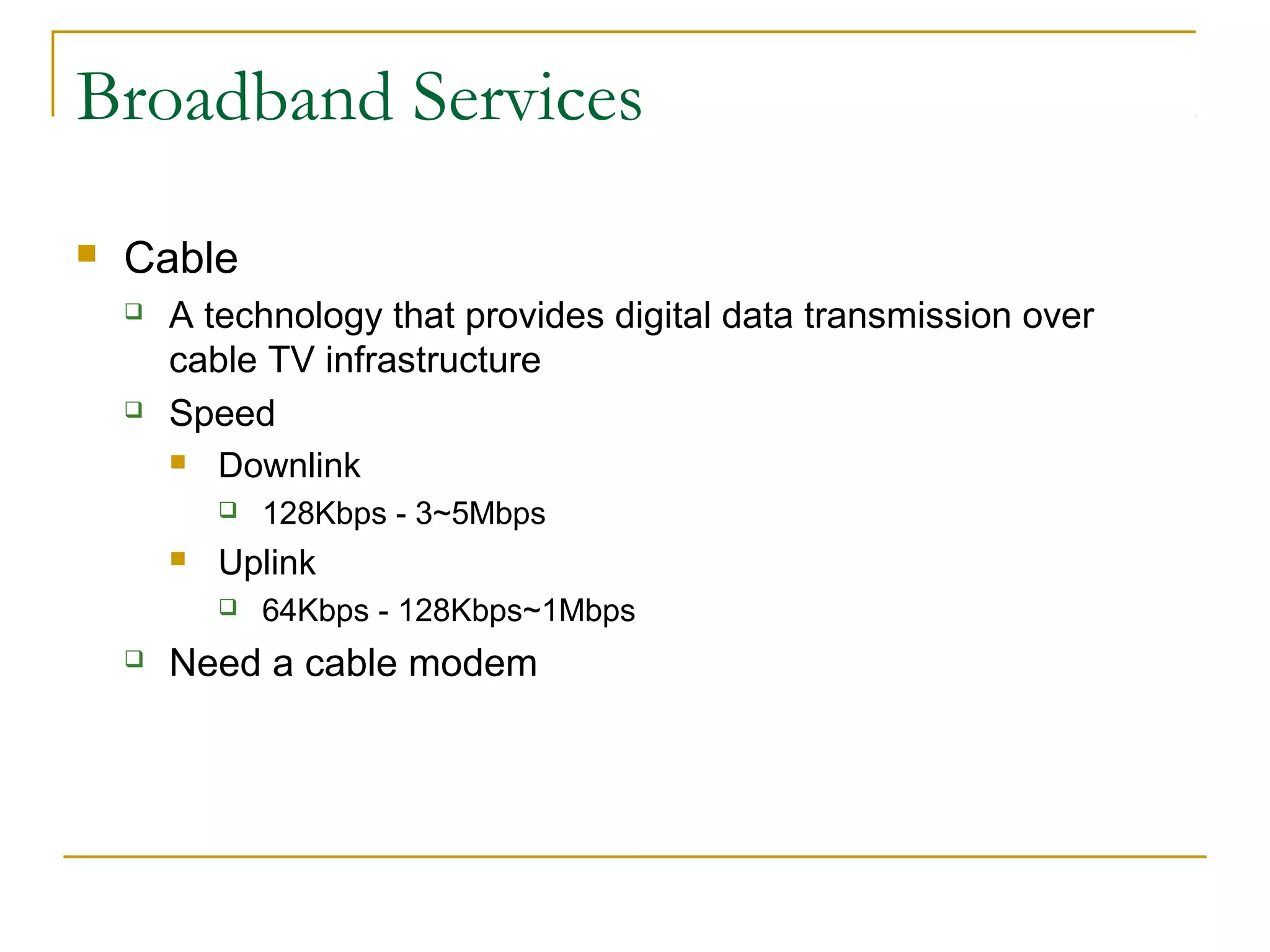
Cable




A technology that provides digital data transmission over
cable TV infrastructure
Speed
 Downlink




Uplink




128Kbps - 3~5Mbps
64Kbps - 128Kbps~1Mbps

Need a cable modem
Broadband Services


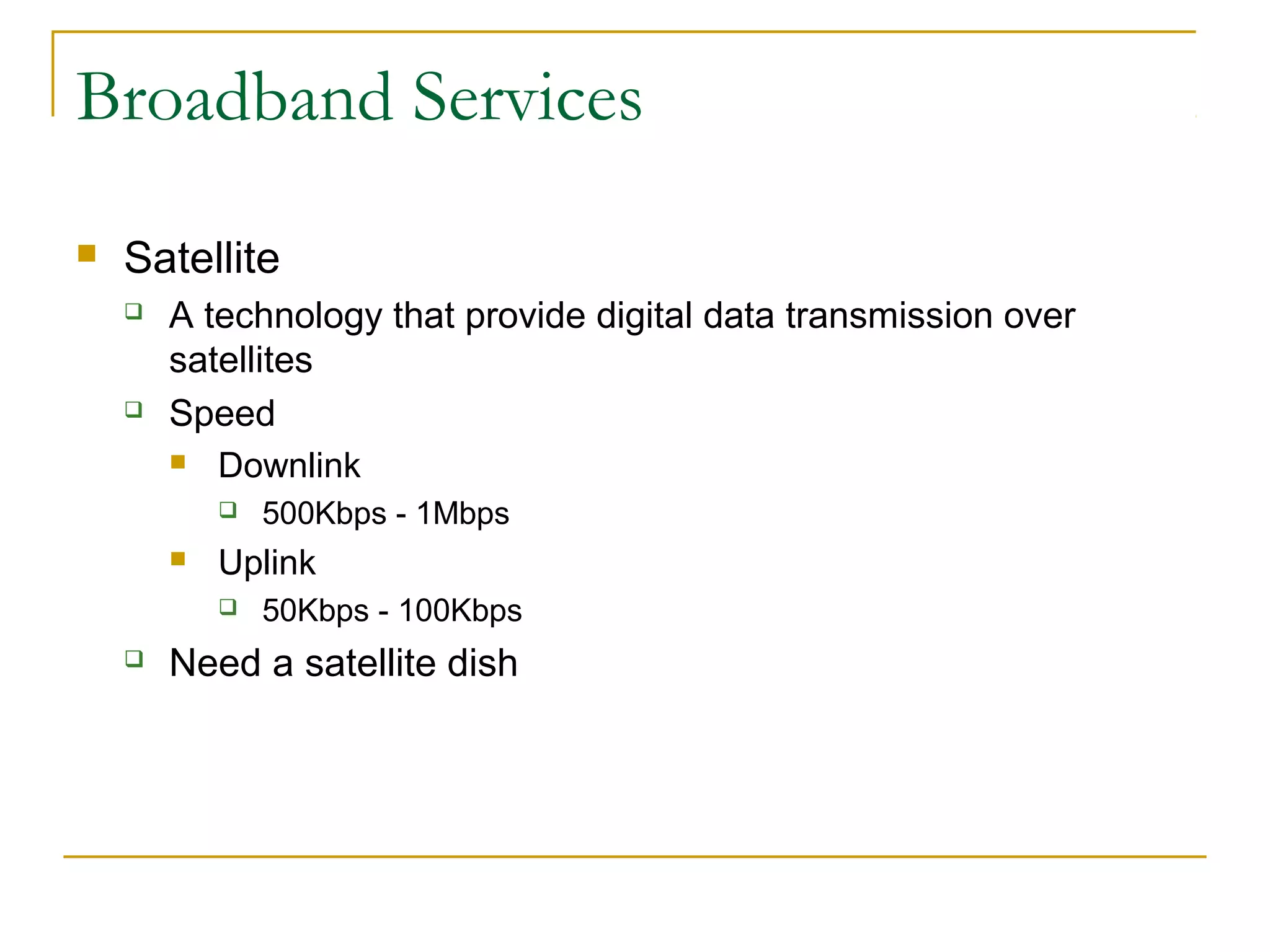
Satellite




A technology that provide digital data transmission over
satellites
Speed
 Downlink




Uplink




500Kbps - 1Mbps
50Kbps - 100Kbps

Need a satellite dish
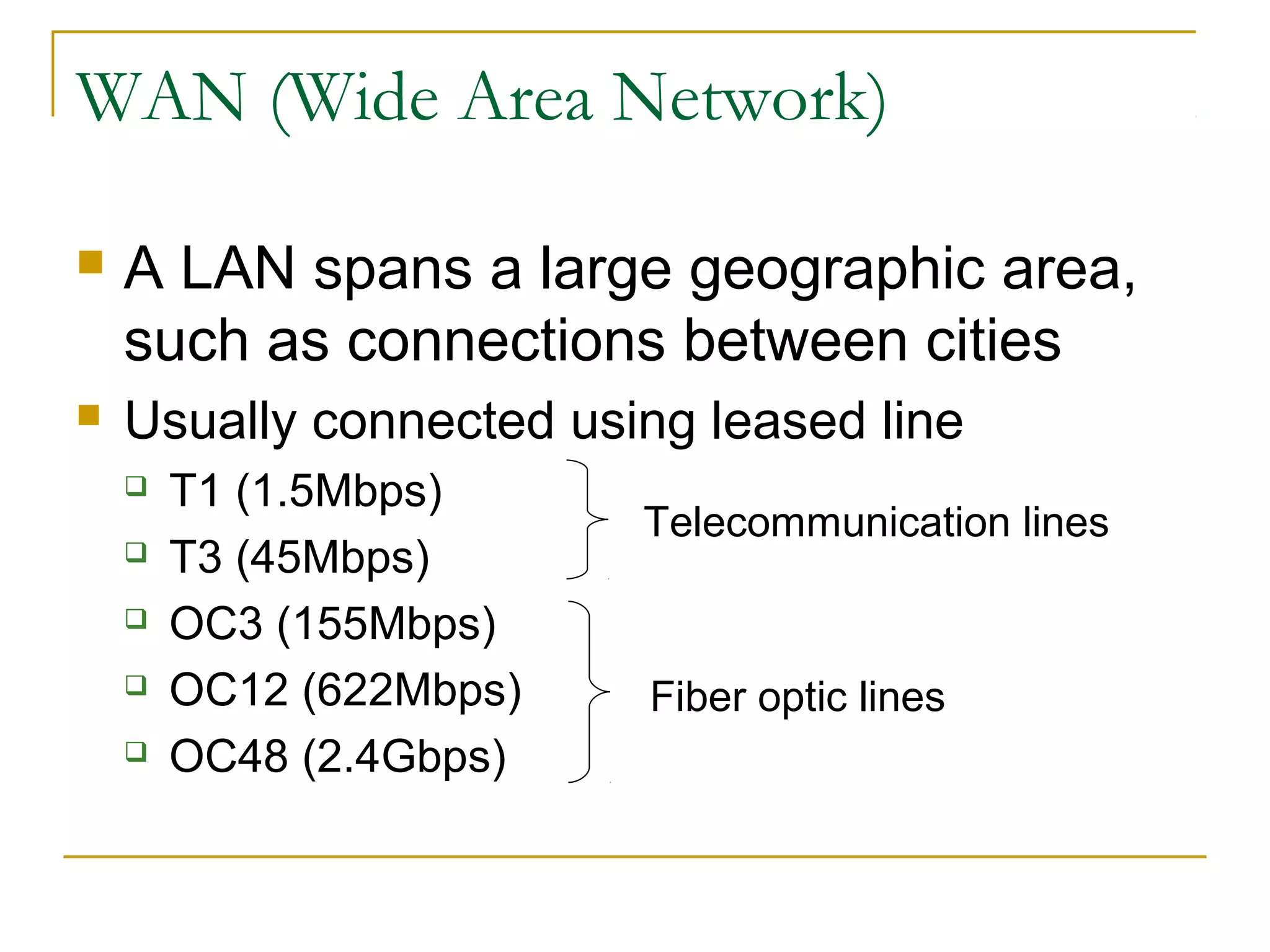
WAN (Wide Area Network)


A LAN spans a large geographic area,
such as connections between cities



Usually connected using leased line






T1 (1.5Mbps)
T3 (45Mbps)
OC3 (155Mbps)
OC12 (622Mbps)
OC48 (2.4Gbps)

Telecommunication lines

Fiber optic lines
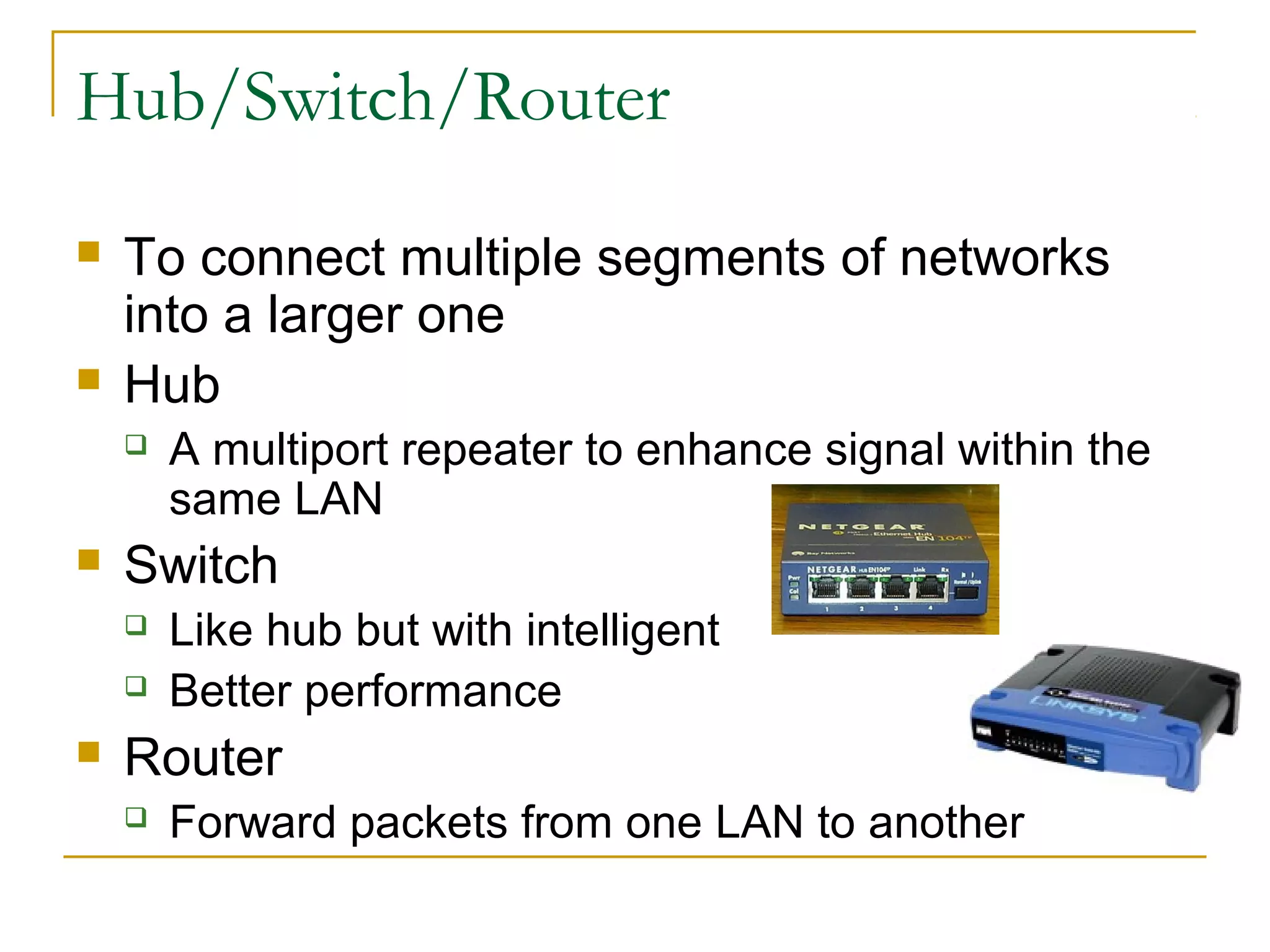
Hub/Switch/Router




To connect multiple segments of networks
into a larger one
Hub




Switch





A multiport repeater to enhance signal within the
same LAN
Like hub but with intelligent
Better performance

Router


Forward packets from one LAN to another
Intranet vs. Internet


Intranet






Internet




A private network that is contained within an
enterprise
Could be LANs and WANs
A public network of networks

Both are using TCP/IP
TCP/IP




A family of protocols that makes the Internet
works
The Robustness Principle


“Be liberal in what you accept, and conservative in
what you send” - Jon Postel
TCP/IP (cont)
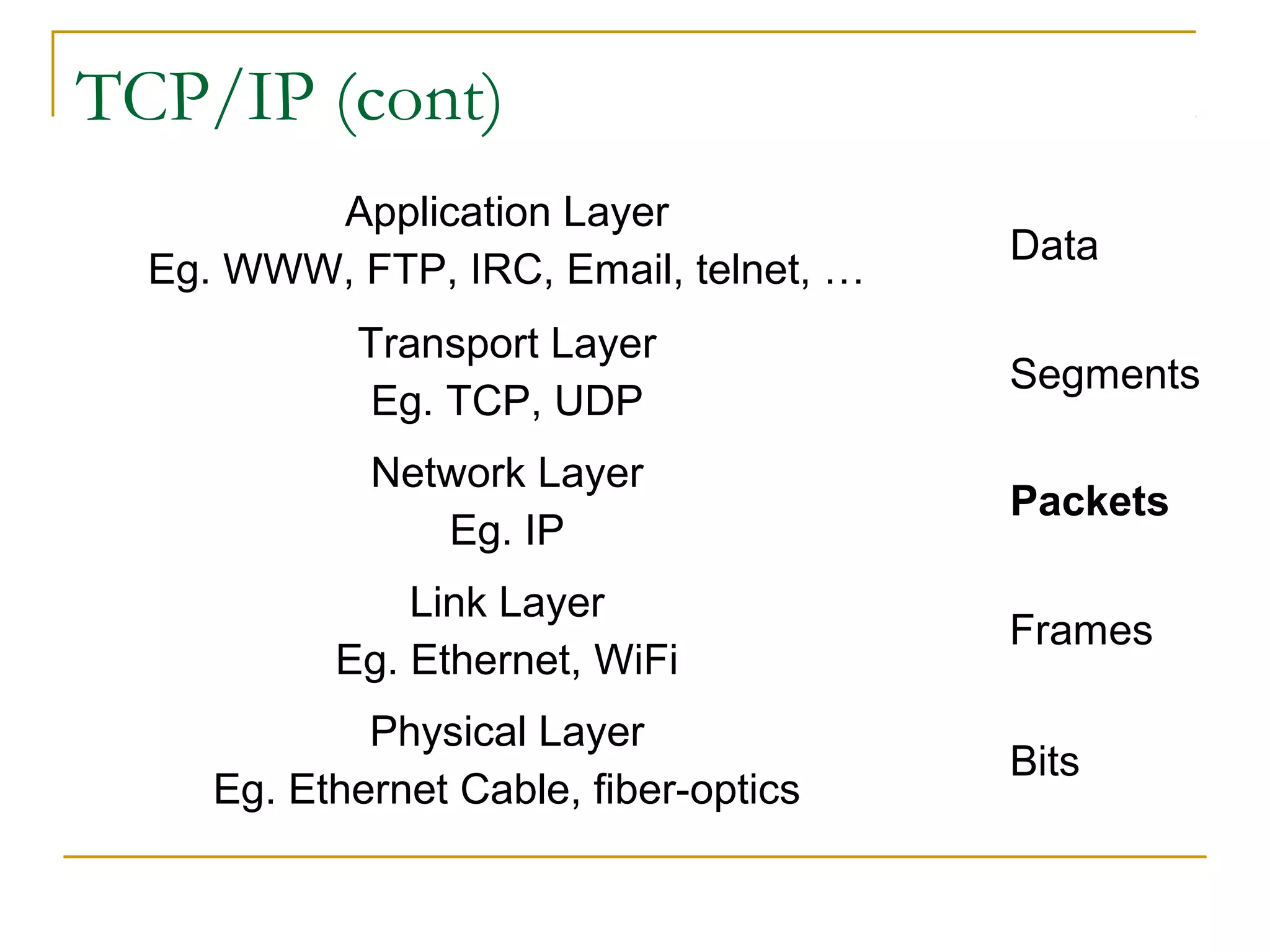
Application Layer
Eg. WWW, FTP, IRC, Email, telnet, …
Transport Layer
Eg. TCP, UDP

Data
Segments

Network Layer
Eg. IP

Packets

Link Layer
Eg. Ethernet, WiFi

Frames

Physical Layer
Eg. Ethernet Cable, fiber-optics

Bits
Packets


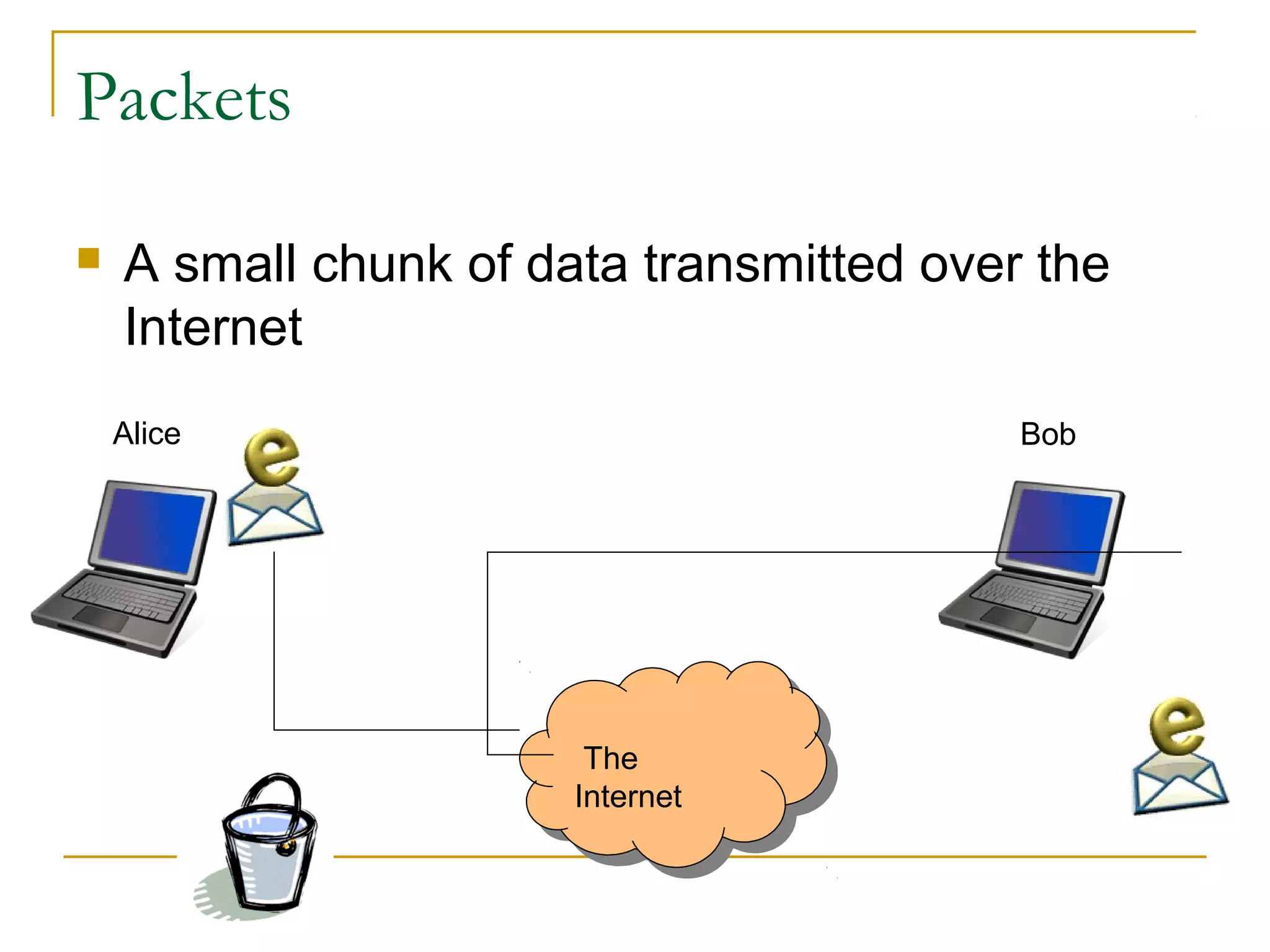
A small chunk of data transmitted over the
Internet
Alice

Bob

The
The
Internet
Internet
VPN (Virtual Private Network)






A secure tunnel to a private network through
a public network
Once established, local node appears to be a
node in the private network in a secure
manner
Correction from the book (pg. 11):


VPN does not mean using telephone line
connection!!!
Host & IP Address


Correction from the book:





“A host is a computer connected directly to the
Internet”
“You home computer is not a host”

Each host needs an IP address
IP address




A 32-bit number, arranged in 4 numbers
seperated by “.”
Eg. 74.125.19.147
DNS (Domain Name System)


Domain name to IP address conversion




Eg. www.google.com → ??.???.??.??

Domain name or IP address lookup


http://cqcounter.com/whois/
Top-level Domains


gTLDs (generic TLDs)





.com, .edu, .net, .org, .gov, .mil
.aero, .biz, .coop, .info, .museum, .name, .pro

ccTLDs (country code TLDs)



.au, .ca, .br, .de, .fi, .fr, .jp, .hk, .cn, .tw, .my, …
.us
Second-level Domains



Domains that are directly below a TLD
Eg.






ucr.edu
google.com
sony.co.jp

Must apply to a registrar for the appropriate
TLD
Domain Names & Registrars


Profitable domain names








CreditCards.com - $2.75M
Loans.com – $3M
Business.com - $7.5M

Network Solutions, Inc used to monopolize
the name registration
Now, ~500 registrars
How To Register A Domain Name?






Come up a new name
2 name servers’ IP addresses
1 administrative contact
1 technical contact
Register the name to an Internet domain
registrar


Eg. www.netsol.com, www.godaddy.com

Used to be done via email or fax, now all web-based!
Policies


AUP (Acceptable Use Policies)




A legal document, written to protect the ISP from
unlawful use of its service, and outlines prohibited
uses of the service and possible consequences of
misuse

Privacy Policies


A document describes an ISP’s policy for
protecting users’ information
Conclusion




Described how to get connected to the
Internet
Talked about the related network
technologies and components
References



Internet Effectively (Ch 1-2)
Modem



http://en.wikipedia.org/wiki/Modem
DSL
 http://en.wikipedia.org/wiki/Digital_subscriber_line



How DSL works?







http://electronics.howstuffworks.com/dsl.htm

VPN


http://en.wikipedia.org/wiki/Vpn
References (cont)


RFC1122: Requirements for Internet Hosts




ftp://ftp.rfc-editor.org/in-notes/rfc1122.txt

Domain Names




http://www.icann.org/topics/new-gtld-strategyfaq.htm
http://www.iana.org/root-whois/index.html
Homework 2


Read “Stealing your neighbor's Net”




Read “Is stealing wireless wrong?”






http://money.cnn.com/2005/08/08/technology/personaltech/
internet_piracy/index.htm
http://news.bbc.co.uk/2/hi/uk_news/magazine/6960304.stm

Post your own comment in 100-150 words to
“Homework 2 Forum” by next Mon (10/8) @
23:55pm
Reply one of the comments from others by next Tue
(10/9) @ 23:55pm.

03 basic computer_network

  • 1.
    Basic Computer Network WeeSanLee weesan@cs.ucr.edu
  • 2.
    Bandwidth   Data rate measuredin bits (not bytes) per seconds Kbps (Kilobits per seconds)   Mbps (Megabits per seconds)   125 chars/sec 1,250 chars/sec Gbps (Gigabits per seconds)  12,500 chars/sec
  • 3.
    Connecting to theInternet  Requirement    A computer or PDA or cell phone An account with an ISP (Internet Service Provider) A modem (modulator/demodulator) for dial-up services or a NIC (Network Interface Card) for DSL/Cable services
  • 4.
    Home Network (singlemachine) Wall Jack DSL/Cable Modem USB/Ethernet Cable
  • 5.
    Home Network (multiplemachines) Wall Jack DSL/Cable Modem Hub/Switch/Router USB/Ethernet Cable
  • 6.
    Home Network (multiplemachines) Wall Jack Ethernet Cable DSL/Cable Modem Hub/Switch/Router
  • 7.
    Home Wireless Network WallJack Ethernet Cable DSL/Cable Modem Hub/Switch/Router
  • 8.
  • 9.
    LAN (Local AreaNetwork)   A network of computers that are in the same physical location, such as home or building Usually connected using Ethernet  A standard on how computers communicate over a shared media (cable) Old: BNC connector for coaxial cable http://en.wikipedia.org/wiki/Image:BNC_connector.jpg New: RJ45 for twisted pair cable http://en.wikipedia.org/wiki/Image:Ethernet_RJ45_connector_p1160054.jpg
  • 10.
    LAN (Local AreaNetwork)  Ethernet Standard  10BaseT   100BaseT   100Mbps 1000BaseT   10Mbps (Mega bits per second) 1000Mbps or 1Gbps Correction from the book (pg. 10)  Why do we get faster connection at work or on campus than at home?
  • 11.
    LAN (Local AreaNetwork)  Question: Can 2 computers communicate by connecting each other using an Ethernet cable back-to-back?
  • 12.
    WLAN (Wireless LAN)  Wi-Fi(Wireless Fidelity)   Access Point (AP)    A device (base station) that connects wireless devices together Usually connected to a wired-network ESSID (Extended Service Set ID)   A wireless technology that connects computers without cables A “name” for the AP, eg. mobilenet Hotspot  The area covered by wireless access points
  • 13.
    WLAN (Wireless LAN)  Standard     802.11b- 11Mbps 802.11g - 54Mbps 802.11a - 54Mbps 2.4G 5G Security    WEP (Wired Equivalen Privacy) WPA (Wi-Fi Protected Access) To prevent wardriving
  • 14.
    Dial-up Services  Modem    Modulator/demodulator A devicethat converts analog signal to digital (modulation) and vice versa (demodulation) Speed    1200/2400/9600 bps 14.4/28.8/33.6 Kbps 56 Kbps
  • 15.
    Dial-up Services  ISDN    Integrated ServicesDigital Network 2 data channel (56K each) 1 voice channel
  • 16.
    Broadband Services  xDSL (DigitalSubscriber Line)    A technology that provides digital data transmission over unused frequencies on traditional telephone lines For example, ADSL (Asymmetric DSL): DL > UL Speed  Downlink   Uplink    128Kbps - 4Mbps 64Kbps - 800Kbps Need a DSL modem Splitters are needed to separate the voice and data signal
  • 17.
    Broadband Services  Cable   A technologythat provides digital data transmission over cable TV infrastructure Speed  Downlink   Uplink   128Kbps - 3~5Mbps 64Kbps - 128Kbps~1Mbps Need a cable modem
  • 18.
    Broadband Services  Satellite   A technologythat provide digital data transmission over satellites Speed  Downlink   Uplink   500Kbps - 1Mbps 50Kbps - 100Kbps Need a satellite dish
  • 19.
    WAN (Wide AreaNetwork)  A LAN spans a large geographic area, such as connections between cities  Usually connected using leased line      T1 (1.5Mbps) T3 (45Mbps) OC3 (155Mbps) OC12 (622Mbps) OC48 (2.4Gbps) Telecommunication lines Fiber optic lines
  • 20.
    Hub/Switch/Router   To connect multiplesegments of networks into a larger one Hub   Switch    A multiport repeater to enhance signal within the same LAN Like hub but with intelligent Better performance Router  Forward packets from one LAN to another
  • 21.
    Intranet vs. Internet  Intranet    Internet   Aprivate network that is contained within an enterprise Could be LANs and WANs A public network of networks Both are using TCP/IP
  • 22.
    TCP/IP   A family ofprotocols that makes the Internet works The Robustness Principle  “Be liberal in what you accept, and conservative in what you send” - Jon Postel
  • 23.
    TCP/IP (cont) Application Layer Eg.WWW, FTP, IRC, Email, telnet, … Transport Layer Eg. TCP, UDP Data Segments Network Layer Eg. IP Packets Link Layer Eg. Ethernet, WiFi Frames Physical Layer Eg. Ethernet Cable, fiber-optics Bits
  • 24.
    Packets  A small chunkof data transmitted over the Internet Alice Bob The The Internet Internet
  • 25.
    VPN (Virtual PrivateNetwork)    A secure tunnel to a private network through a public network Once established, local node appears to be a node in the private network in a secure manner Correction from the book (pg. 11):  VPN does not mean using telephone line connection!!!
  • 26.
    Host & IPAddress  Correction from the book:    “A host is a computer connected directly to the Internet” “You home computer is not a host” Each host needs an IP address IP address   A 32-bit number, arranged in 4 numbers seperated by “.” Eg. 74.125.19.147
  • 27.
    DNS (Domain NameSystem)  Domain name to IP address conversion   Eg. www.google.com → ??.???.??.?? Domain name or IP address lookup  http://cqcounter.com/whois/
  • 28.
    Top-level Domains  gTLDs (genericTLDs)    .com, .edu, .net, .org, .gov, .mil .aero, .biz, .coop, .info, .museum, .name, .pro ccTLDs (country code TLDs)   .au, .ca, .br, .de, .fi, .fr, .jp, .hk, .cn, .tw, .my, … .us
  • 29.
    Second-level Domains   Domains thatare directly below a TLD Eg.     ucr.edu google.com sony.co.jp Must apply to a registrar for the appropriate TLD
  • 30.
    Domain Names &Registrars  Profitable domain names      CreditCards.com - $2.75M Loans.com – $3M Business.com - $7.5M Network Solutions, Inc used to monopolize the name registration Now, ~500 registrars
  • 31.
    How To RegisterA Domain Name?      Come up a new name 2 name servers’ IP addresses 1 administrative contact 1 technical contact Register the name to an Internet domain registrar  Eg. www.netsol.com, www.godaddy.com Used to be done via email or fax, now all web-based!
  • 32.
    Policies  AUP (Acceptable UsePolicies)   A legal document, written to protect the ISP from unlawful use of its service, and outlines prohibited uses of the service and possible consequences of misuse Privacy Policies  A document describes an ISP’s policy for protecting users’ information
  • 33.
    Conclusion   Described how toget connected to the Internet Talked about the related network technologies and components
  • 34.
    References   Internet Effectively (Ch1-2) Modem  http://en.wikipedia.org/wiki/Modem DSL  http://en.wikipedia.org/wiki/Digital_subscriber_line  How DSL works?    http://electronics.howstuffworks.com/dsl.htm VPN  http://en.wikipedia.org/wiki/Vpn
  • 35.
    References (cont)  RFC1122: Requirementsfor Internet Hosts   ftp://ftp.rfc-editor.org/in-notes/rfc1122.txt Domain Names   http://www.icann.org/topics/new-gtld-strategyfaq.htm http://www.iana.org/root-whois/index.html
  • 36.
    Homework 2  Read “Stealingyour neighbor's Net”   Read “Is stealing wireless wrong?”    http://money.cnn.com/2005/08/08/technology/personaltech/ internet_piracy/index.htm http://news.bbc.co.uk/2/hi/uk_news/magazine/6960304.stm Post your own comment in 100-150 words to “Homework 2 Forum” by next Mon (10/8) @ 23:55pm Reply one of the comments from others by next Tue (10/9) @ 23:55pm.