Compilation Process in C
R RAJ KUMAR

2/4/2014

RAJ KUMAR RAMPELLI
Compilation process in C
• Compilation process ?
– Constructing an executable image for an application
– FOUR stages
– Command:
gcc <options> <source_file.c>

• Compiler Tool
– gcc
• man gcc (on Linux m/c)

2/4/2014

RAJ KUMAR RAMPELLI
4 stages of compilation process
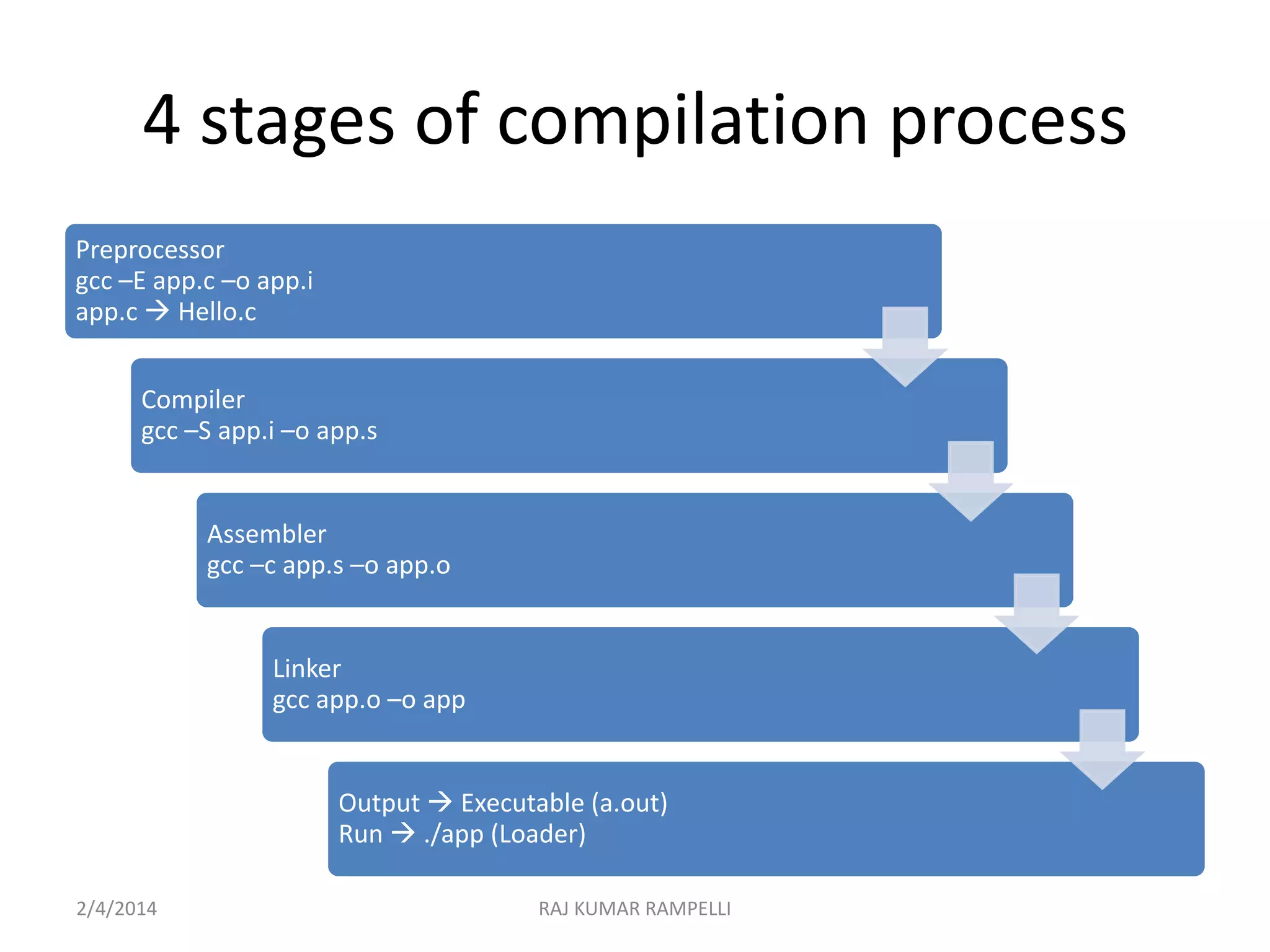
Preprocessor
gcc –E app.c –o app.i
app.c  Hello.c
Compiler
gcc –S app.i –o app.s

Assembler
gcc –c app.s –o app.o

Linker
gcc app.o –o app

Output  Executable (a.out)
Run  ./app (Loader)
2/4/2014

RAJ KUMAR RAMPELLI
4 stages of compilation process
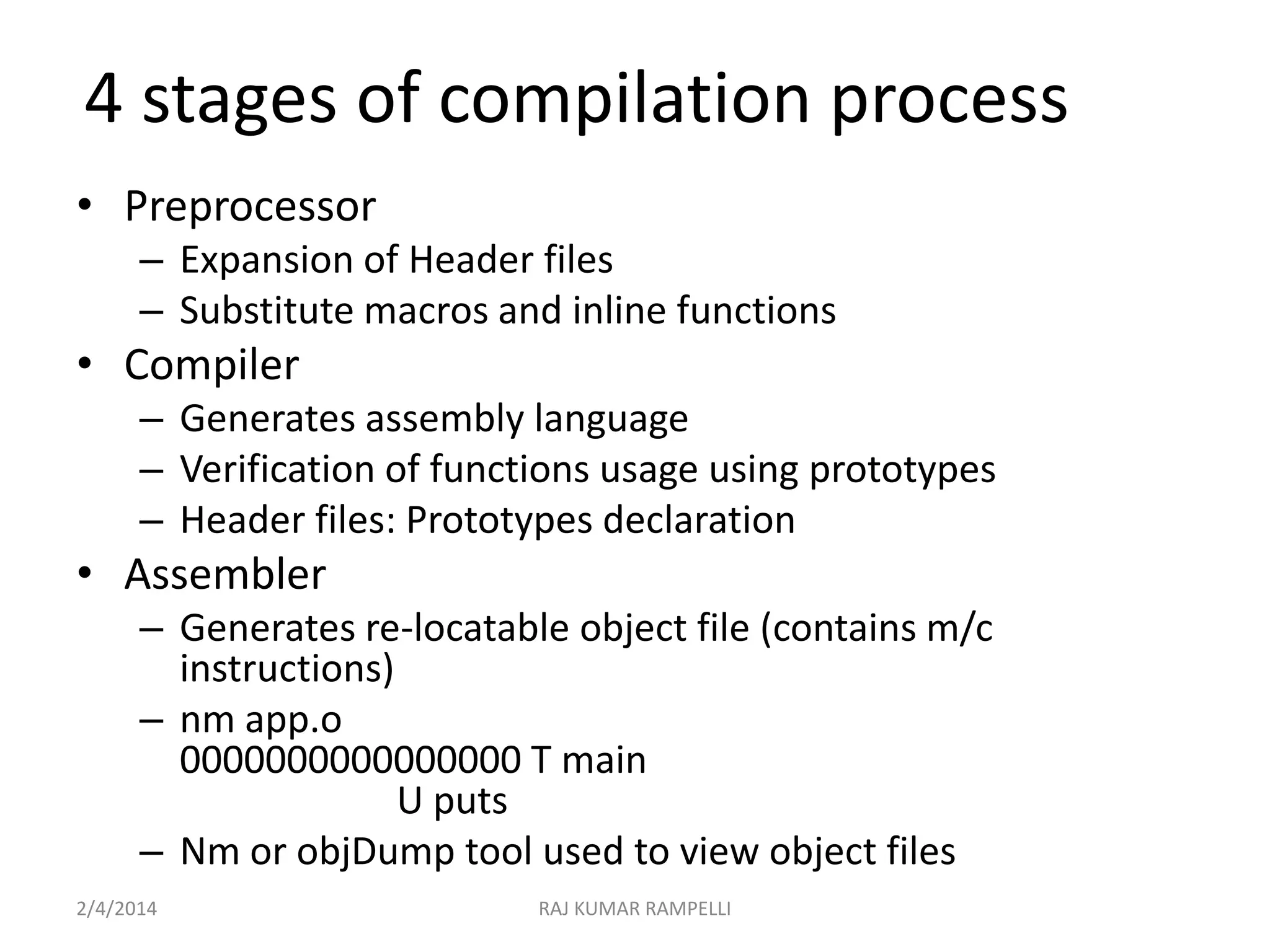
• Preprocessor
– Expansion of Header files
– Substitute macros and inline functions

• Compiler
– Generates assembly language
– Verification of functions usage using prototypes
– Header files: Prototypes declaration

• Assembler
– Generates re-locatable object file (contains m/c
instructions)
– nm app.o
0000000000000000 T main
U puts
– Nm or objDump tool used to view object files
2/4/2014

RAJ KUMAR RAMPELLI
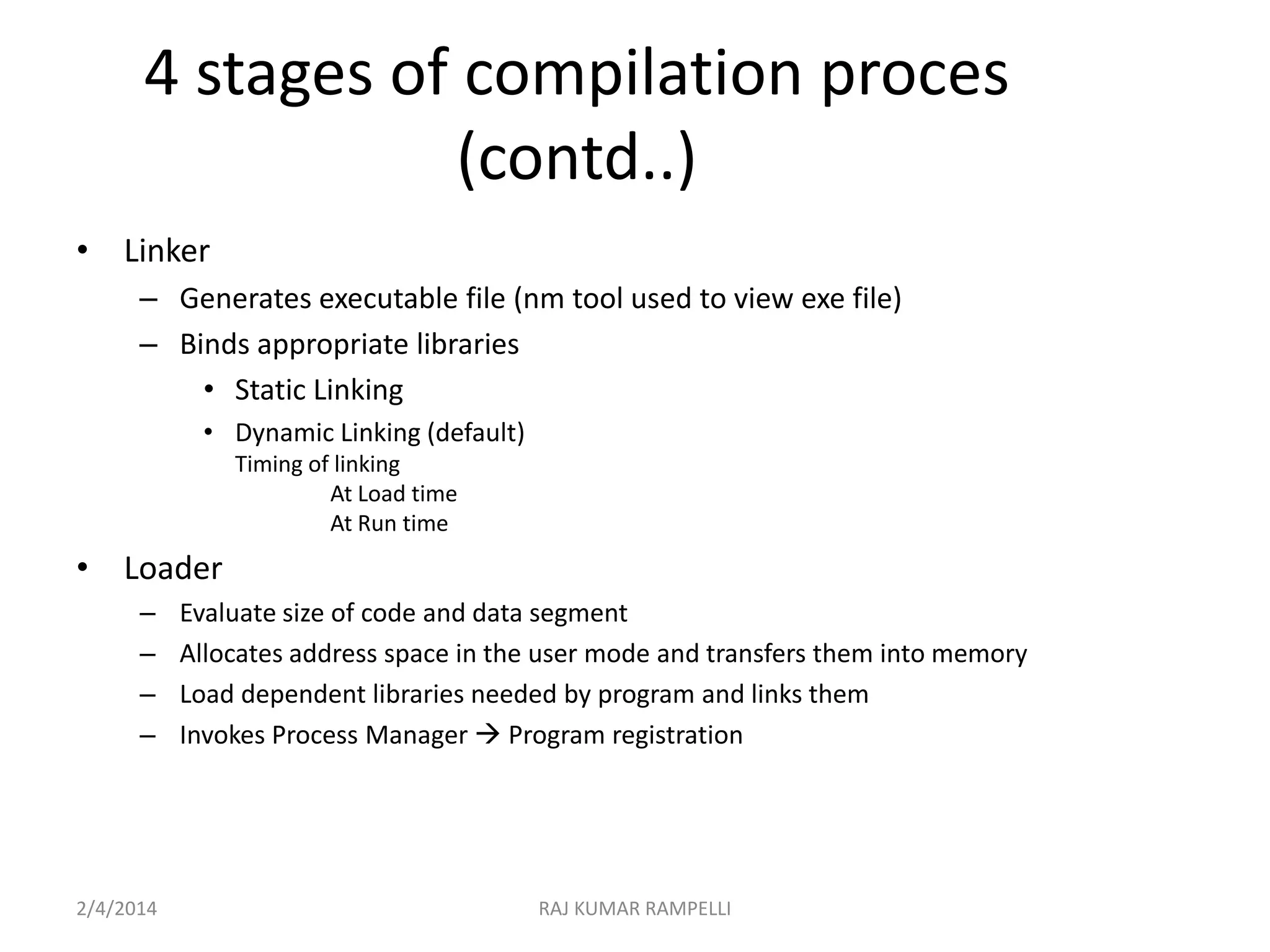
4 stages of compilation proces
(contd..)
• Linker
– Generates executable file (nm tool used to view exe file)
– Binds appropriate libraries
• Static Linking
• Dynamic Linking (default)
Timing of linking
At Load time
At Run time

• Loader
–
–
–
–

2/4/2014

Evaluate size of code and data segment
Allocates address space in the user mode and transfers them into memory
Load dependent libraries needed by program and links them
Invokes Process Manager  Program registration

RAJ KUMAR RAMPELLI
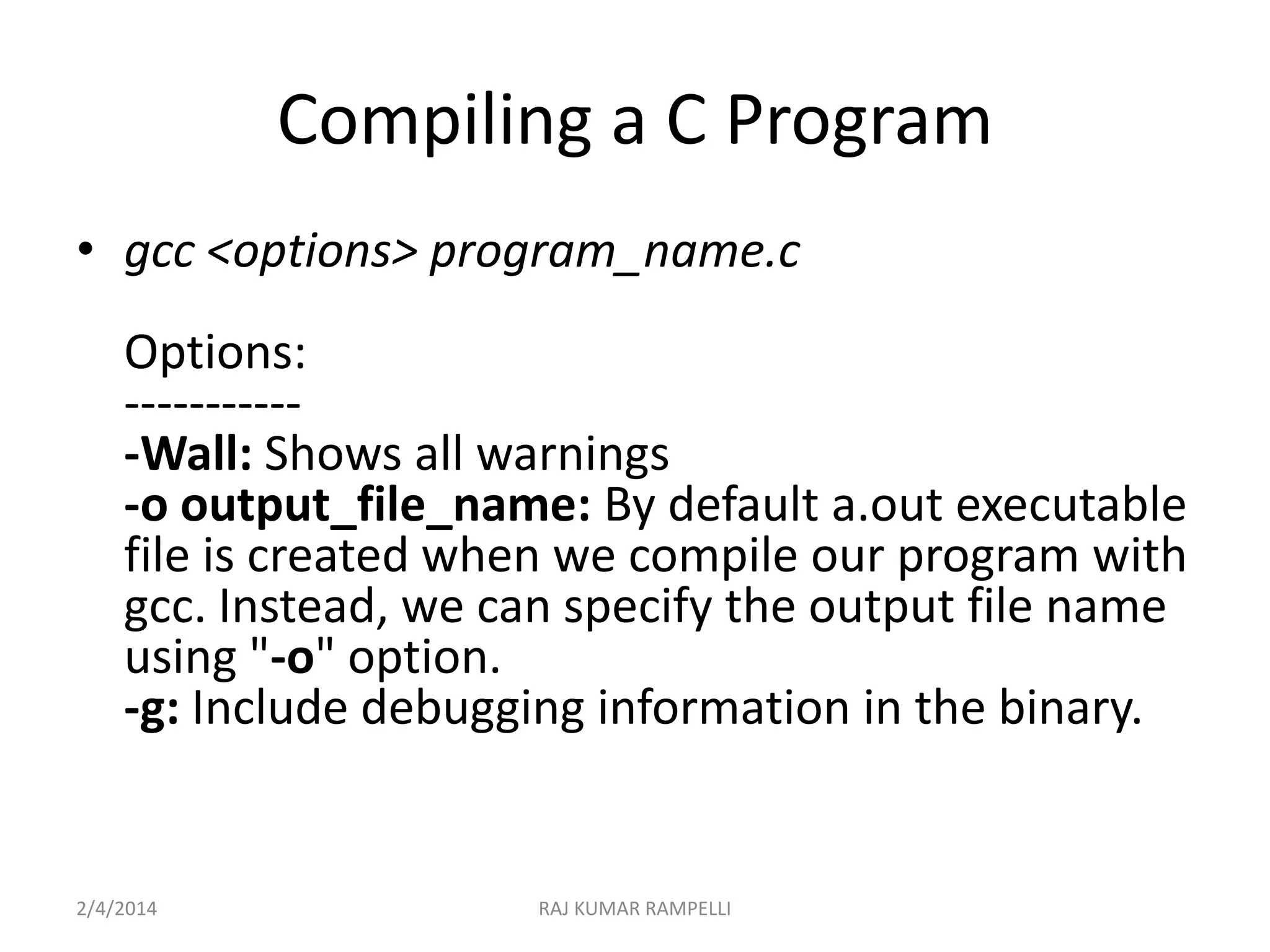
Compiling a C Program
• gcc <options> program_name.c
Options:
-----------Wall: Shows all warnings
-o output_file_name: By default a.out executable
file is created when we compile our program with
gcc. Instead, we can specify the output file name
using "-o" option.
-g: Include debugging information in the binary.

2/4/2014

RAJ KUMAR RAMPELLI
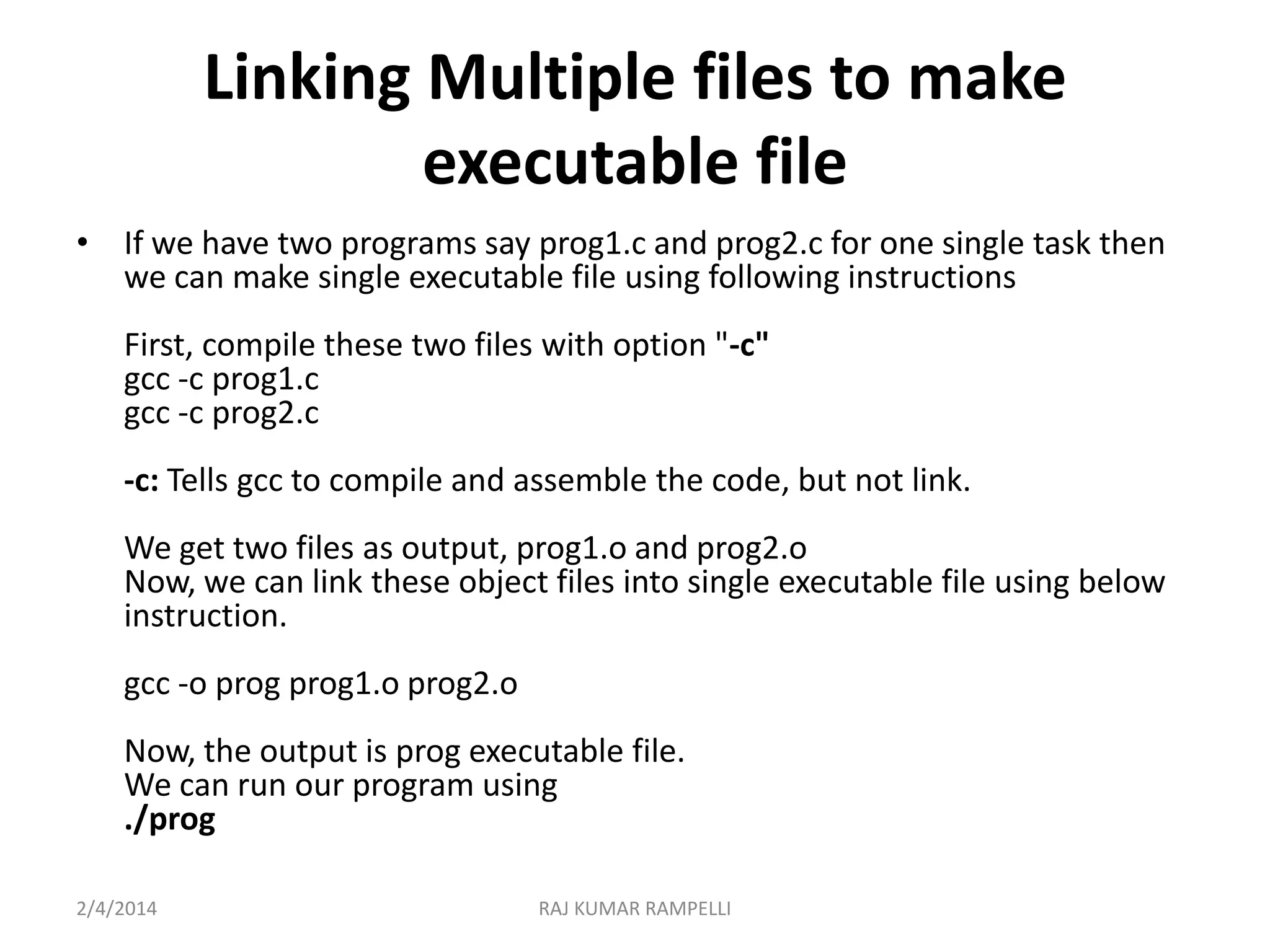
Linking Multiple files to make
executable file
• If we have two programs say prog1.c and prog2.c for one single task then
we can make single executable file using following instructions
First, compile these two files with option "-c"
gcc -c prog1.c
gcc -c prog2.c
-c: Tells gcc to compile and assemble the code, but not link.
We get two files as output, prog1.o and prog2.o
Now, we can link these object files into single executable file using below
instruction.
gcc -o prog prog1.o prog2.o

Now, the output is prog executable file.
We can run our program using
./prog
2/4/2014

RAJ KUMAR RAMPELLI
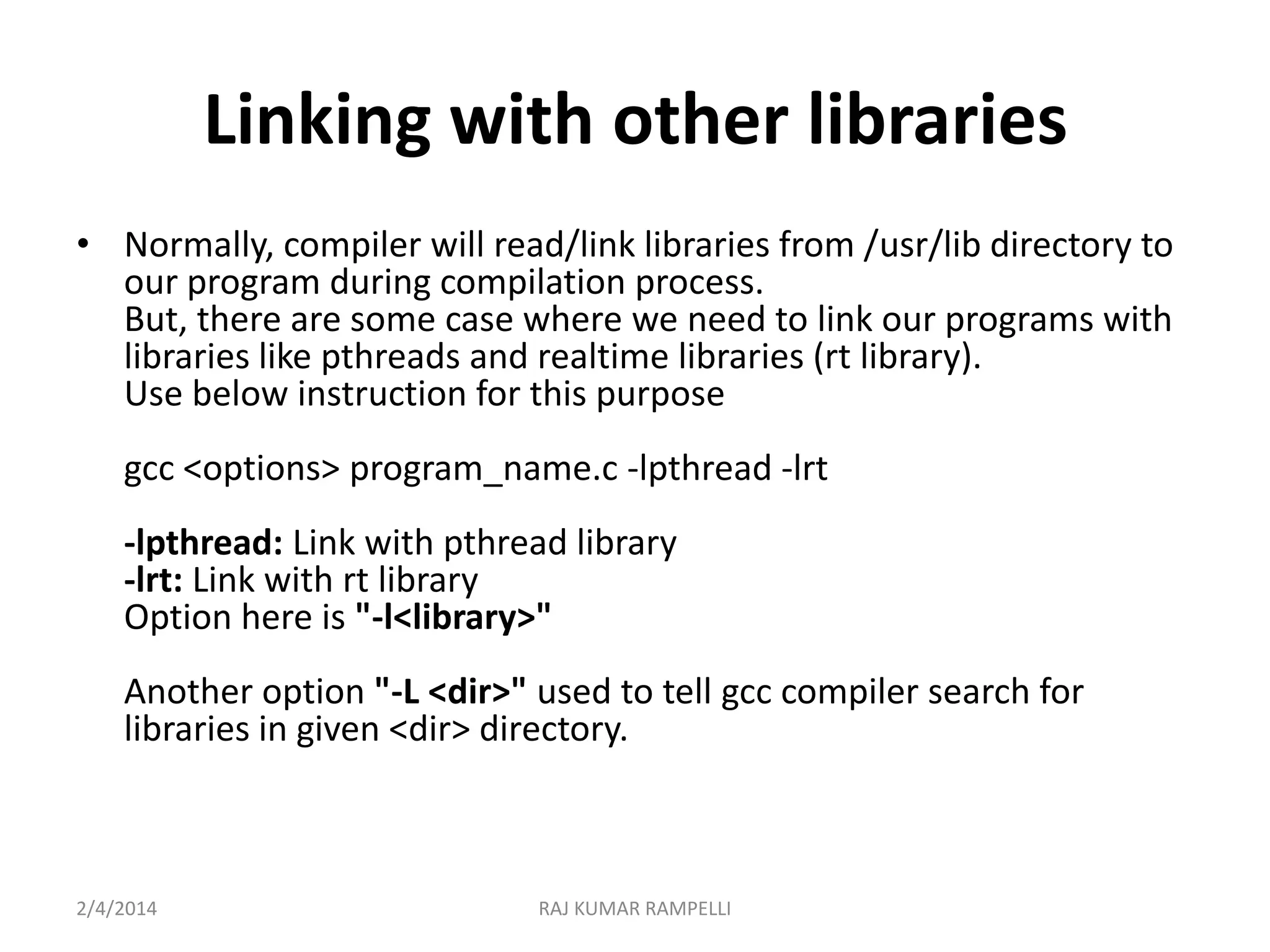
Linking with other libraries
• Normally, compiler will read/link libraries from /usr/lib directory to
our program during compilation process.
But, there are some case where we need to link our programs with
libraries like pthreads and realtime libraries (rt library).
Use below instruction for this purpose
gcc <options> program_name.c -lpthread -lrt

-lpthread: Link with pthread library
-lrt: Link with rt library
Option here is "-l<library>"
Another option "-L <dir>" used to tell gcc compiler search for
libraries in given <dir> directory.

2/4/2014

RAJ KUMAR RAMPELLI
Thank You

2/4/2014

RAJ KUMAR RAMPELLI

C compilation process

  • 1.
    Compilation Process inC R RAJ KUMAR 2/4/2014 RAJ KUMAR RAMPELLI
  • 2.
    Compilation process inC • Compilation process ? – Constructing an executable image for an application – FOUR stages – Command: gcc <options> <source_file.c> • Compiler Tool – gcc • man gcc (on Linux m/c) 2/4/2014 RAJ KUMAR RAMPELLI
  • 3.
    4 stages ofcompilation process Preprocessor gcc –E app.c –o app.i app.c  Hello.c Compiler gcc –S app.i –o app.s Assembler gcc –c app.s –o app.o Linker gcc app.o –o app Output  Executable (a.out) Run  ./app (Loader) 2/4/2014 RAJ KUMAR RAMPELLI
  • 4.
    4 stages ofcompilation process • Preprocessor – Expansion of Header files – Substitute macros and inline functions • Compiler – Generates assembly language – Verification of functions usage using prototypes – Header files: Prototypes declaration • Assembler – Generates re-locatable object file (contains m/c instructions) – nm app.o 0000000000000000 T main U puts – Nm or objDump tool used to view object files 2/4/2014 RAJ KUMAR RAMPELLI
  • 5.
    4 stages ofcompilation proces (contd..) • Linker – Generates executable file (nm tool used to view exe file) – Binds appropriate libraries • Static Linking • Dynamic Linking (default) Timing of linking At Load time At Run time • Loader – – – – 2/4/2014 Evaluate size of code and data segment Allocates address space in the user mode and transfers them into memory Load dependent libraries needed by program and links them Invokes Process Manager  Program registration RAJ KUMAR RAMPELLI
  • 6.
    Compiling a CProgram • gcc <options> program_name.c Options: -----------Wall: Shows all warnings -o output_file_name: By default a.out executable file is created when we compile our program with gcc. Instead, we can specify the output file name using "-o" option. -g: Include debugging information in the binary. 2/4/2014 RAJ KUMAR RAMPELLI
  • 7.
    Linking Multiple filesto make executable file • If we have two programs say prog1.c and prog2.c for one single task then we can make single executable file using following instructions First, compile these two files with option "-c" gcc -c prog1.c gcc -c prog2.c -c: Tells gcc to compile and assemble the code, but not link. We get two files as output, prog1.o and prog2.o Now, we can link these object files into single executable file using below instruction. gcc -o prog prog1.o prog2.o Now, the output is prog executable file. We can run our program using ./prog 2/4/2014 RAJ KUMAR RAMPELLI
  • 8.
    Linking with otherlibraries • Normally, compiler will read/link libraries from /usr/lib directory to our program during compilation process. But, there are some case where we need to link our programs with libraries like pthreads and realtime libraries (rt library). Use below instruction for this purpose gcc <options> program_name.c -lpthread -lrt -lpthread: Link with pthread library -lrt: Link with rt library Option here is "-l<library>" Another option "-L <dir>" used to tell gcc compiler search for libraries in given <dir> directory. 2/4/2014 RAJ KUMAR RAMPELLI
  • 9.

Editor's Notes

  • #5 Library: Set of reusable functions
  • #6 nm Hello0000000000600e40 d _DYNAMIC0000000000600fe8 d _GLOBAL_OFFSET_TABLE_0000000000400628 R _IO_stdin_used w _Jv_RegisterClasses0000000000600e20 d __CTOR_END__0000000000600e18 d __CTOR_LIST__0000000000600e30 D __DTOR_END__0000000000600e28 d __DTOR_LIST__00000000004006d8 r __FRAME_END__0000000000600e38 d __JCR_END__0000000000600e38 d __JCR_LIST__0000000000601020 A __bss_start0000000000601010 D __data_start00000000004005e0 t __do_global_ctors_aux0000000000400490 t __do_global_dtors_aux0000000000601018 D __dso_handle w __gmon_start__0000000000600e14 d __init_array_end0000000000600e14 d __init_array_start0000000000400540 T __libc_csu_fini0000000000400550 T __libc_csu_init U __libc_start_main@@GLIBC_2.2.50000000000601020 A _edata0000000000601030 A _end0000000000400618 T _fini00000000004003f0 T _init0000000000400440 T _start000000000040046c t call_gmon_start0000000000601020 b completed.73820000000000601010 W data_start0000000000601028 b dtor_idx.73840000000000400500 t frame_dummy0000000000400524 T main U puts@@GLIBC_2.2.5