# 
Christoph Leithner, Founder at celix
# 
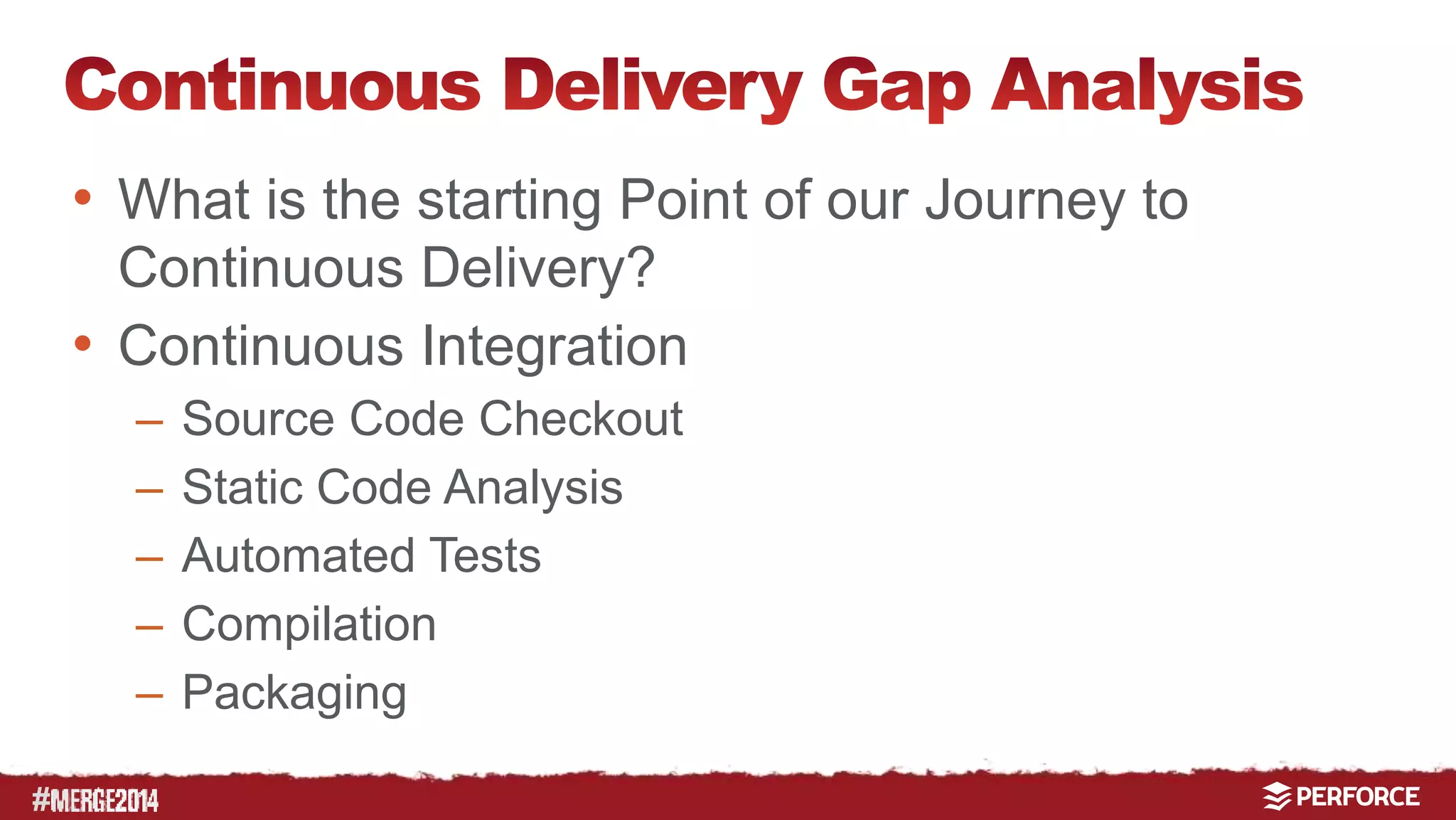
• What is the starting Point of our Journey to 
Continuous Delivery? 
• Continuous Integration 
– Source Code Checkout 
– Static Code Analysis 
– Automated Tests 
– Compilation 
– Packaging
# 
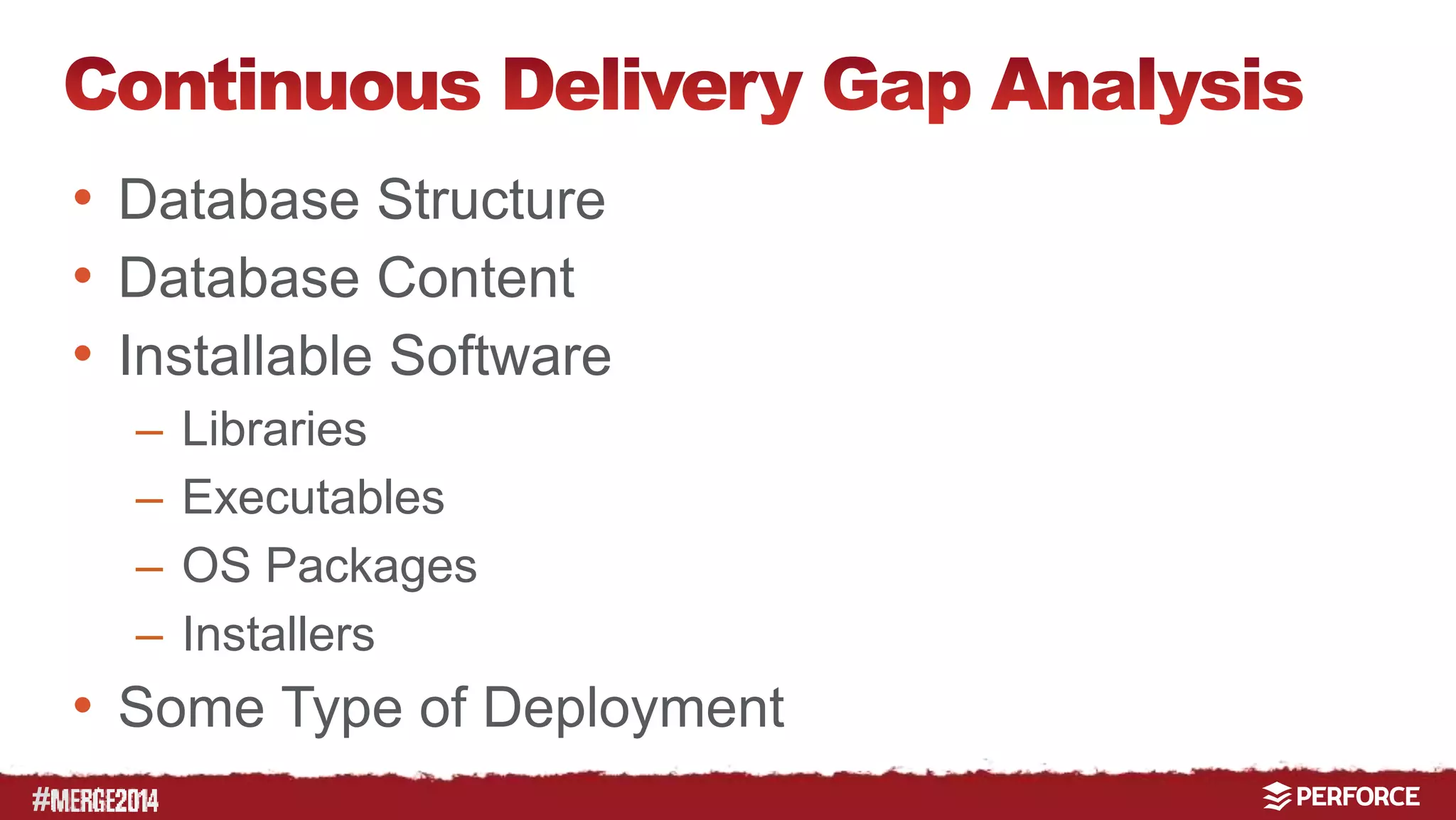
• Database Structure 
• Database Content 
• Installable Software 
– Libraries 
– Executables 
– OS Packages 
– Installers 
• Some Type of Deployment
# 
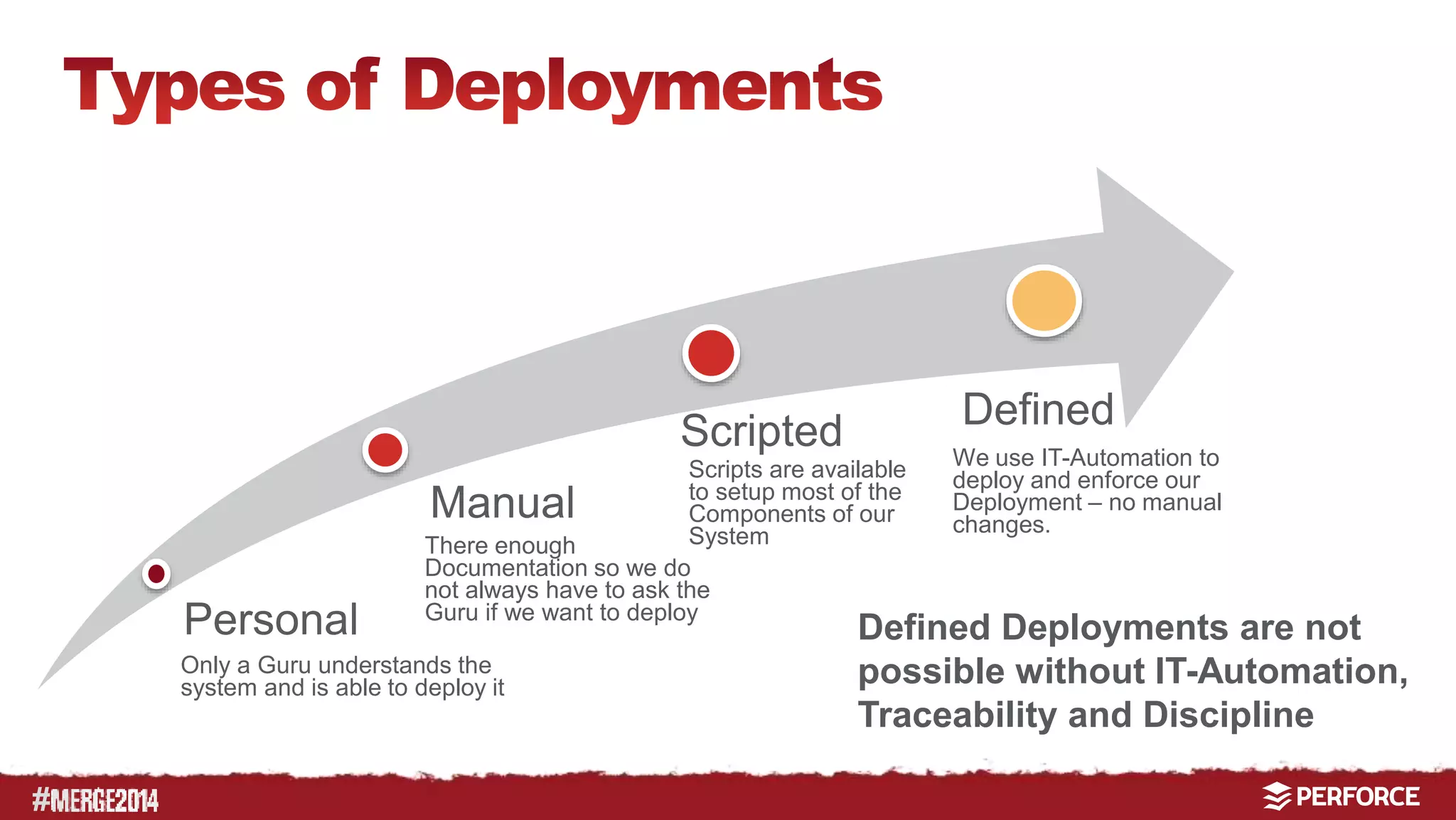
Manual 
Personal 
Only a Guru understands the 
system and is able to deploy it 
Defined 
Scripted 
Scripts are available 
to setup most of the 
Components of our 
System 
There enough 
Documentation so we do 
not always have to ask the 
Guru if we want to deploy 
We use IT-Automation to 
deploy and enforce our 
Deployment – no manual 
changes. 
Defined Deployments are not 
possible without IT-Automation, 
Traceability and Discipline
# 
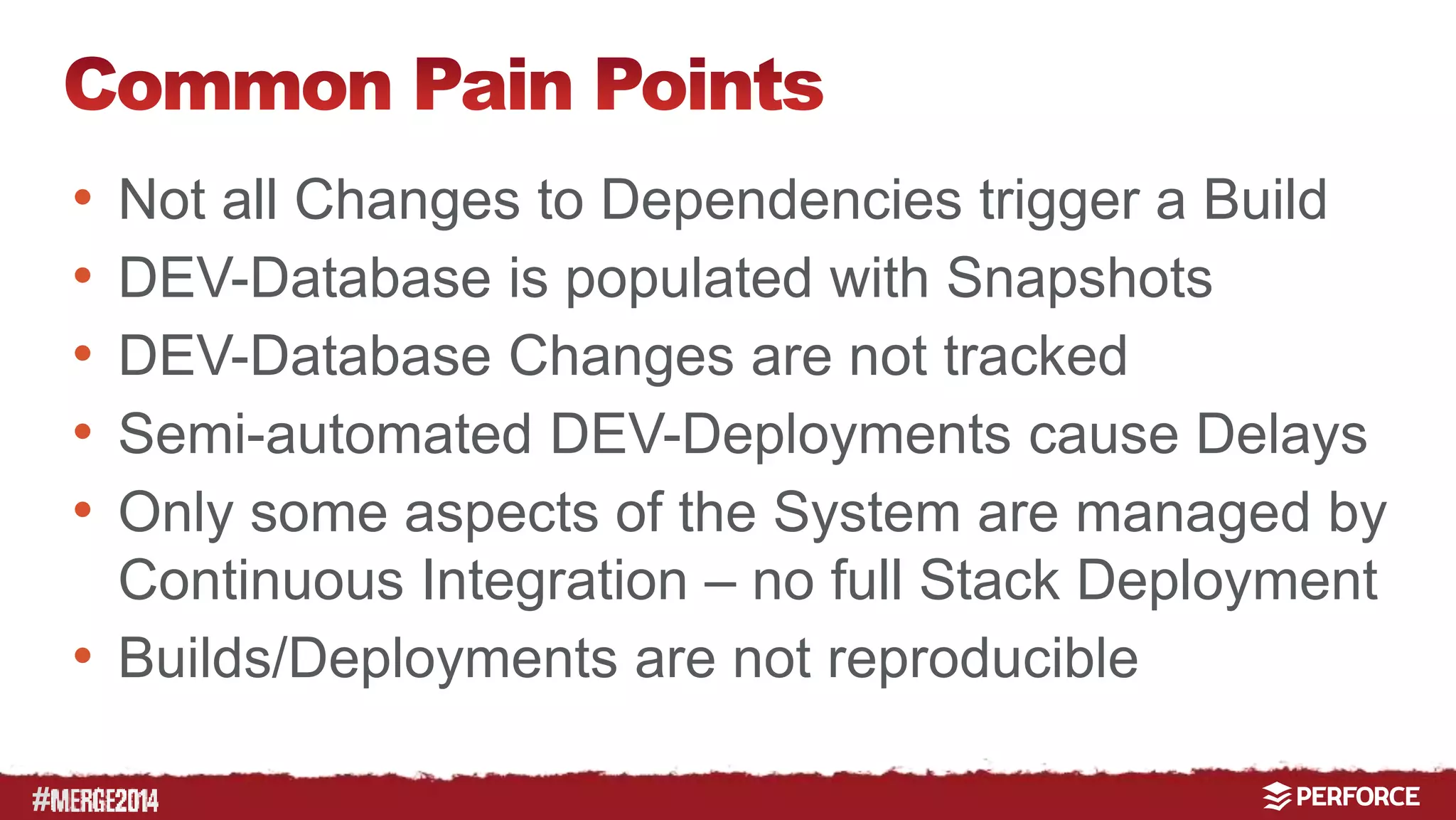
• Not all Changes to Dependencies trigger a Build 
• DEV-Database is populated with Snapshots 
• DEV-Database Changes are not tracked 
• Semi-automated DEV-Deployments cause Delays 
• Only some aspects of the System are managed by 
Continuous Integration – no full Stack Deployment 
• Builds/Deployments are not reproducible
#
# 
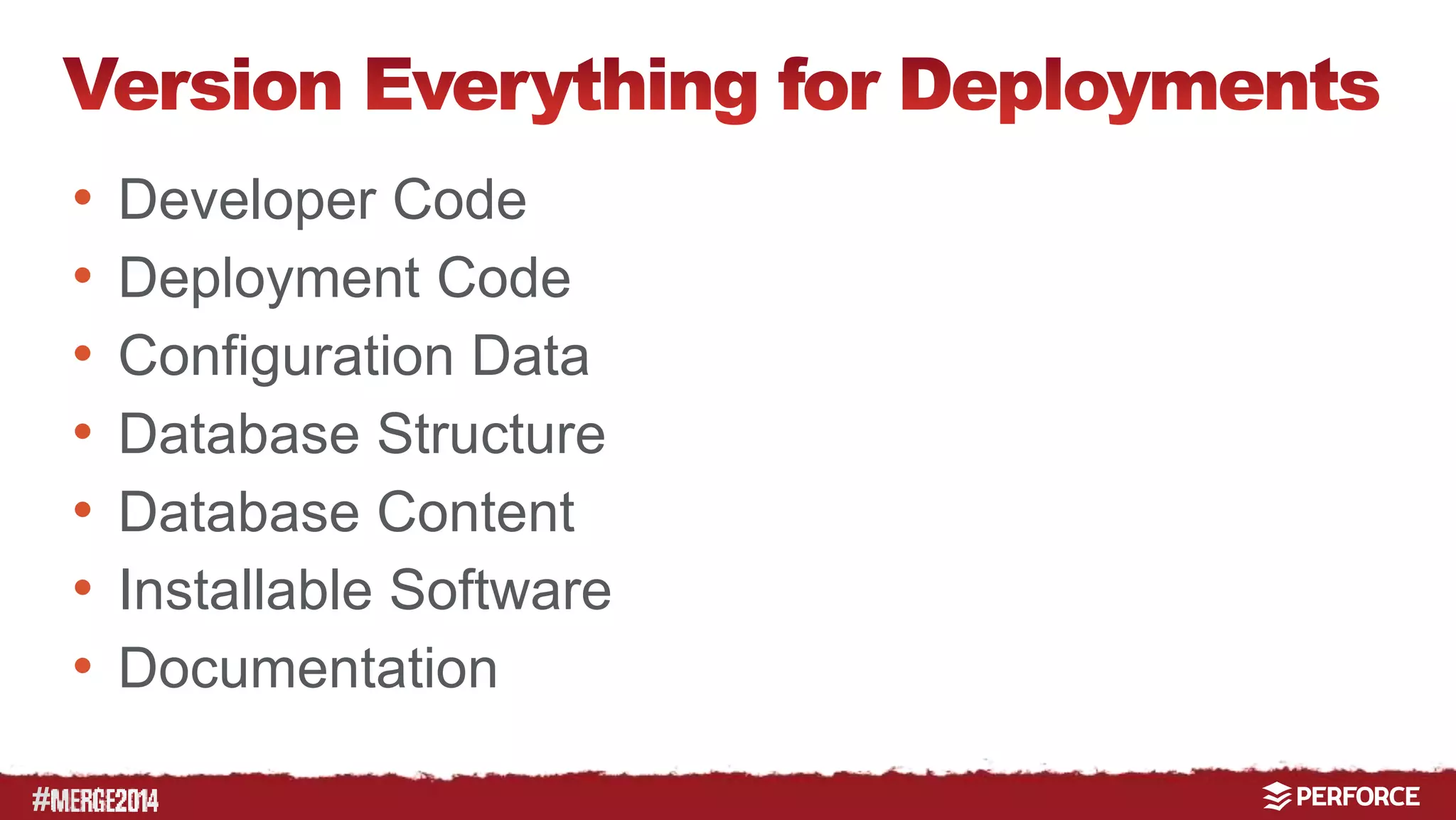
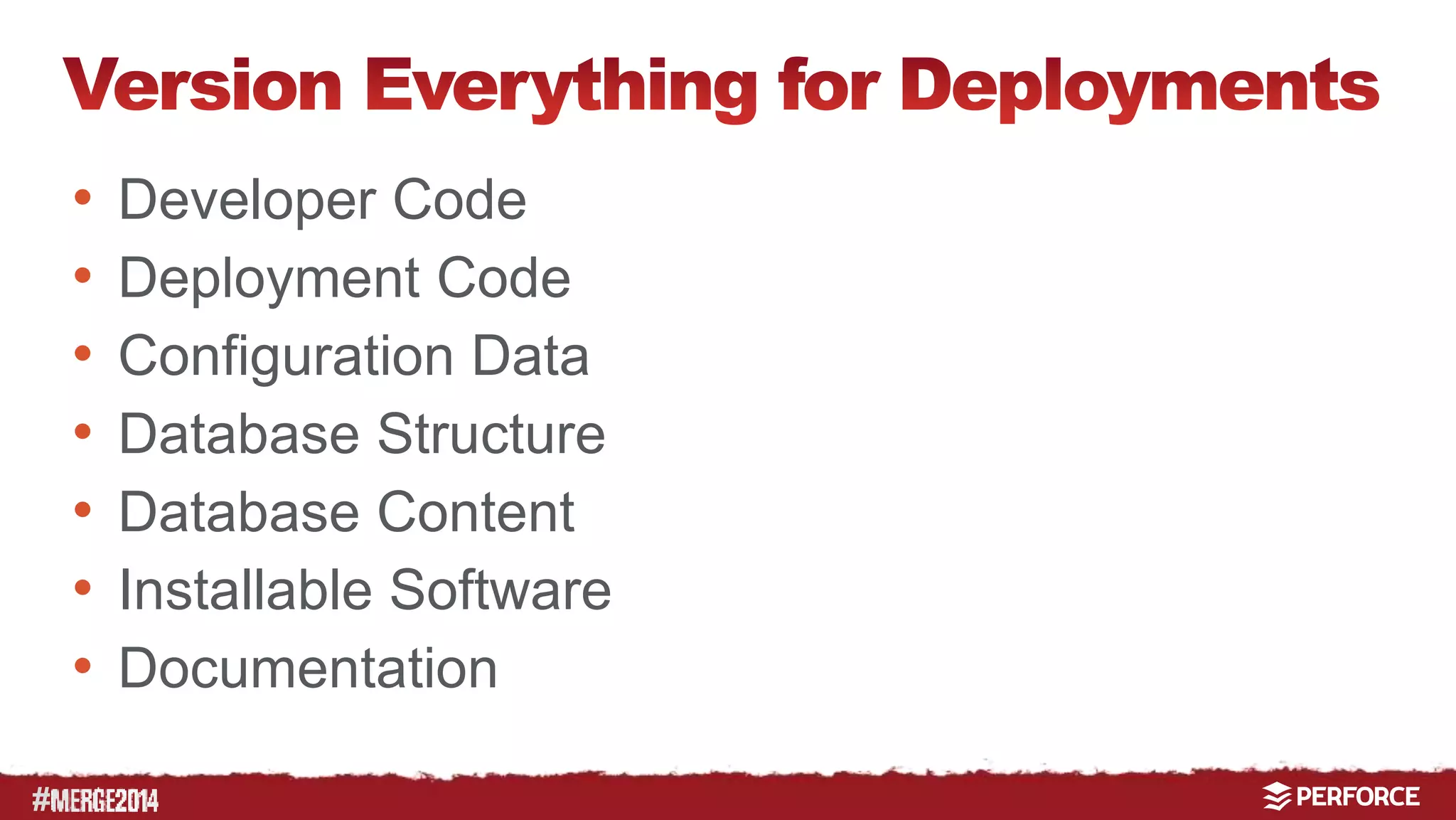
• Developer Code 
• Deployment Code 
• Configuration Data 
• Database Structure 
• Database Content 
• Installable Software 
• Documentation
#
# 
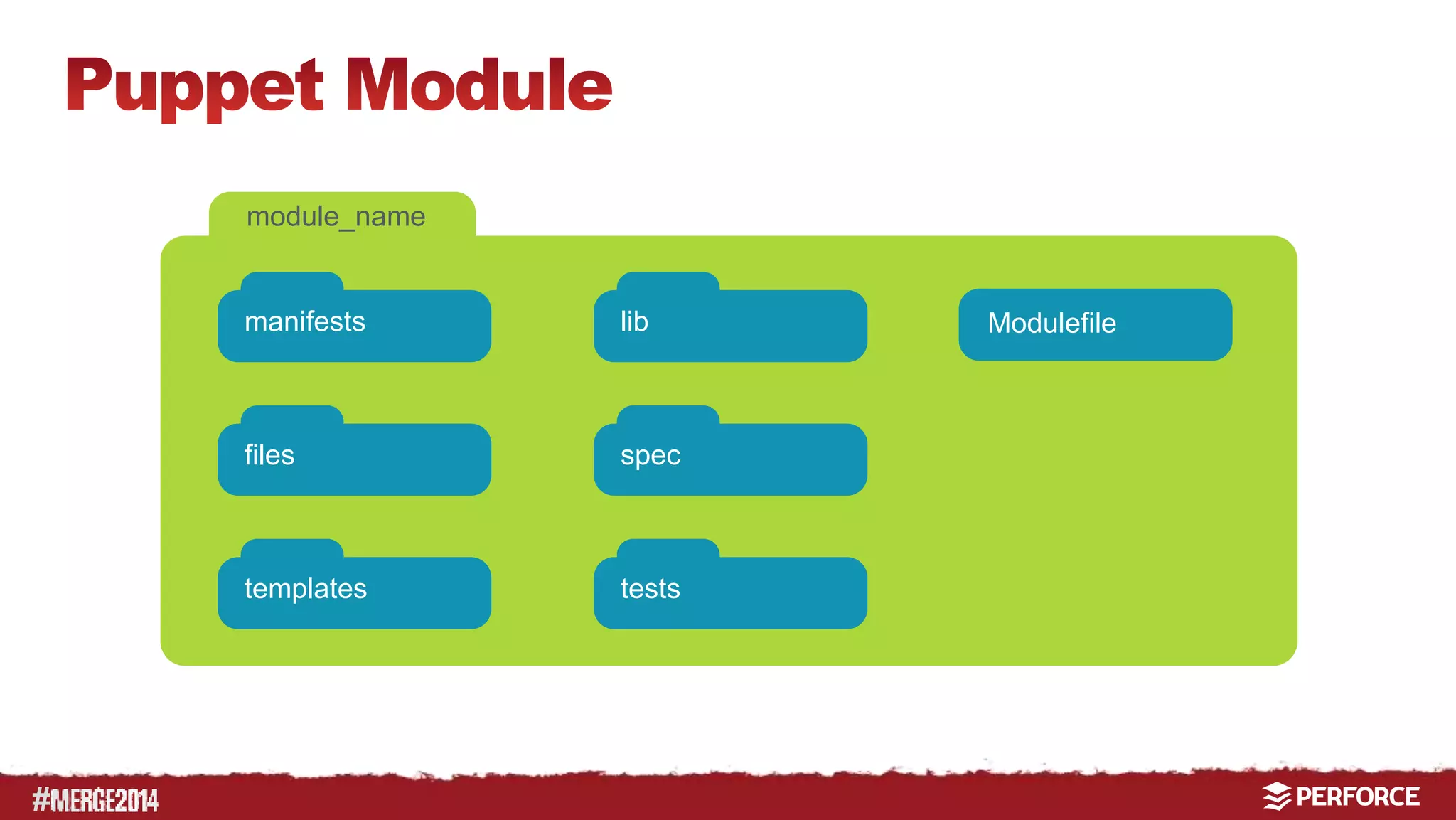
module_name 
manifests 
files 
templates 
lib 
spec 
tests 
Modulefile
# 
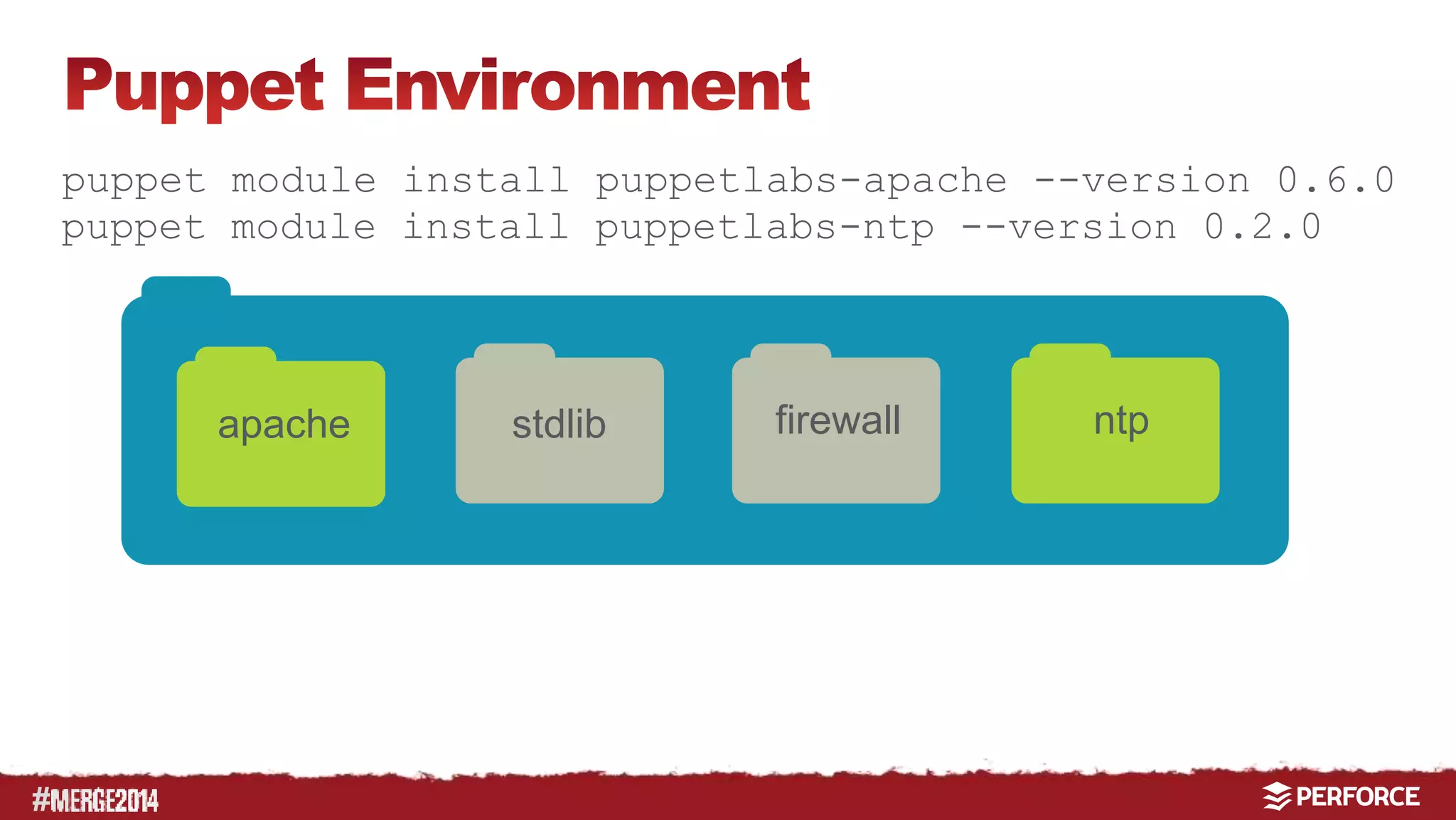
puppet module install puppetlabs-apache --version 0.6.0 
puppet module install puppetlabs-ntp --version 0.2.0 
apache stdlib firewall ntp
# 
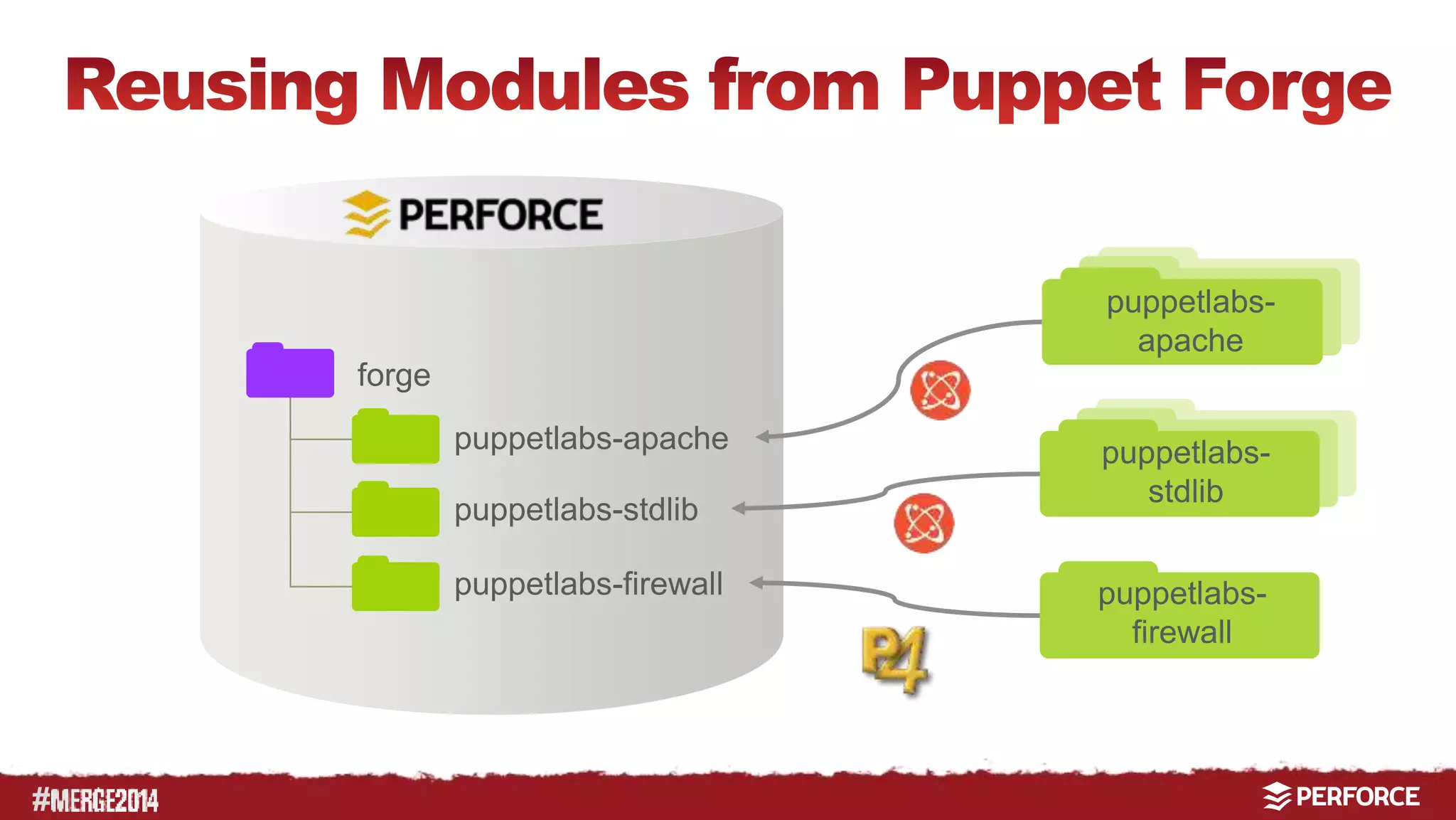
forge 
puppetlabs-apache 
puppetlabs-stdlib 
puppetlabs-firewall 
puppetlabs-apache 
puppetlabs-stdlib 
puppetlabs-firewall
# 
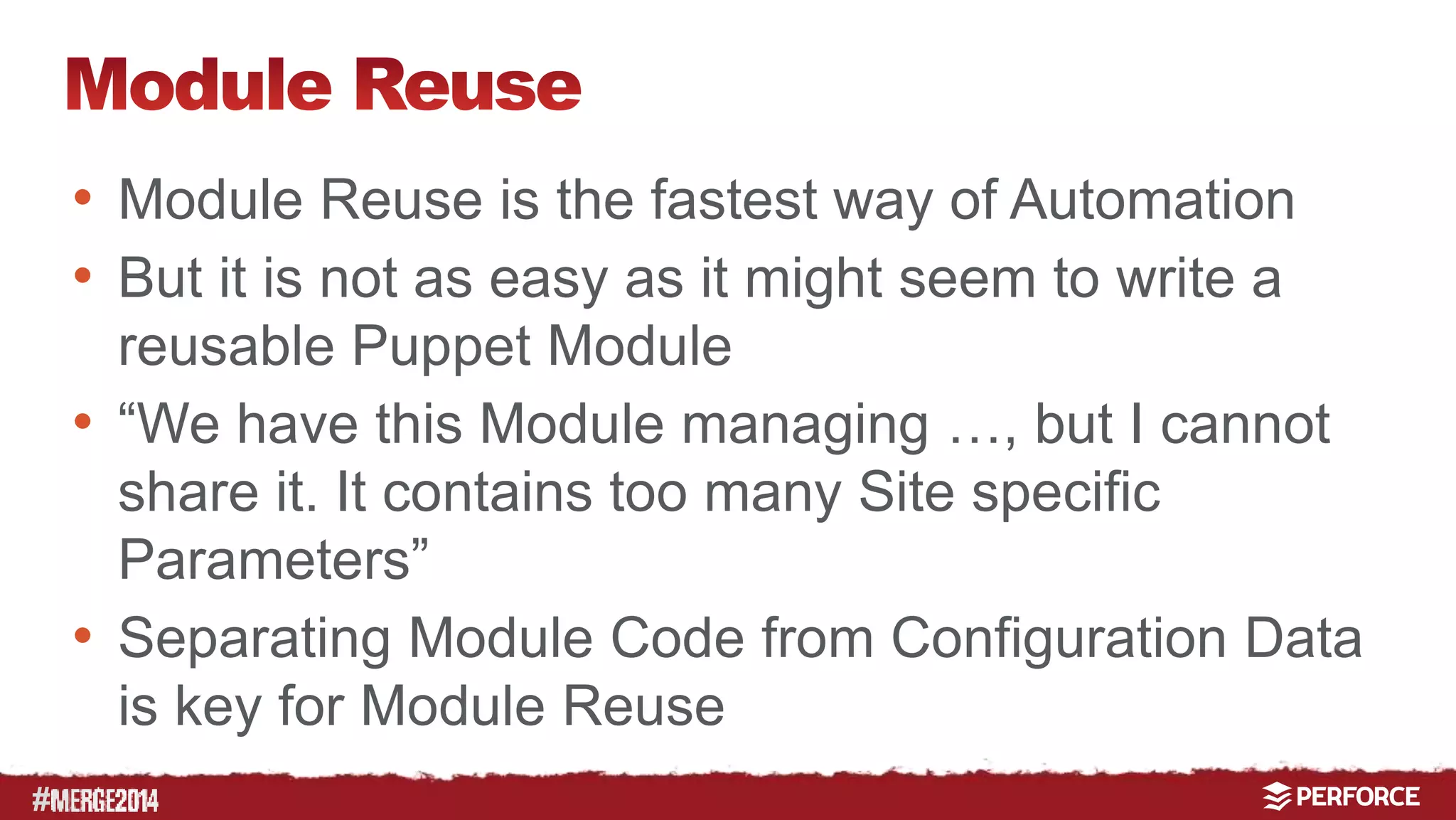
• Module Reuse is the fastest way of Automation 
• But it is not as easy as it might seem to write a 
reusable Puppet Module 
• “We have this Module managing …, but I cannot 
share it. It contains too many Site specific 
Parameters” 
• Separating Module Code from Configuration Data 
is key for Module Reuse
# 
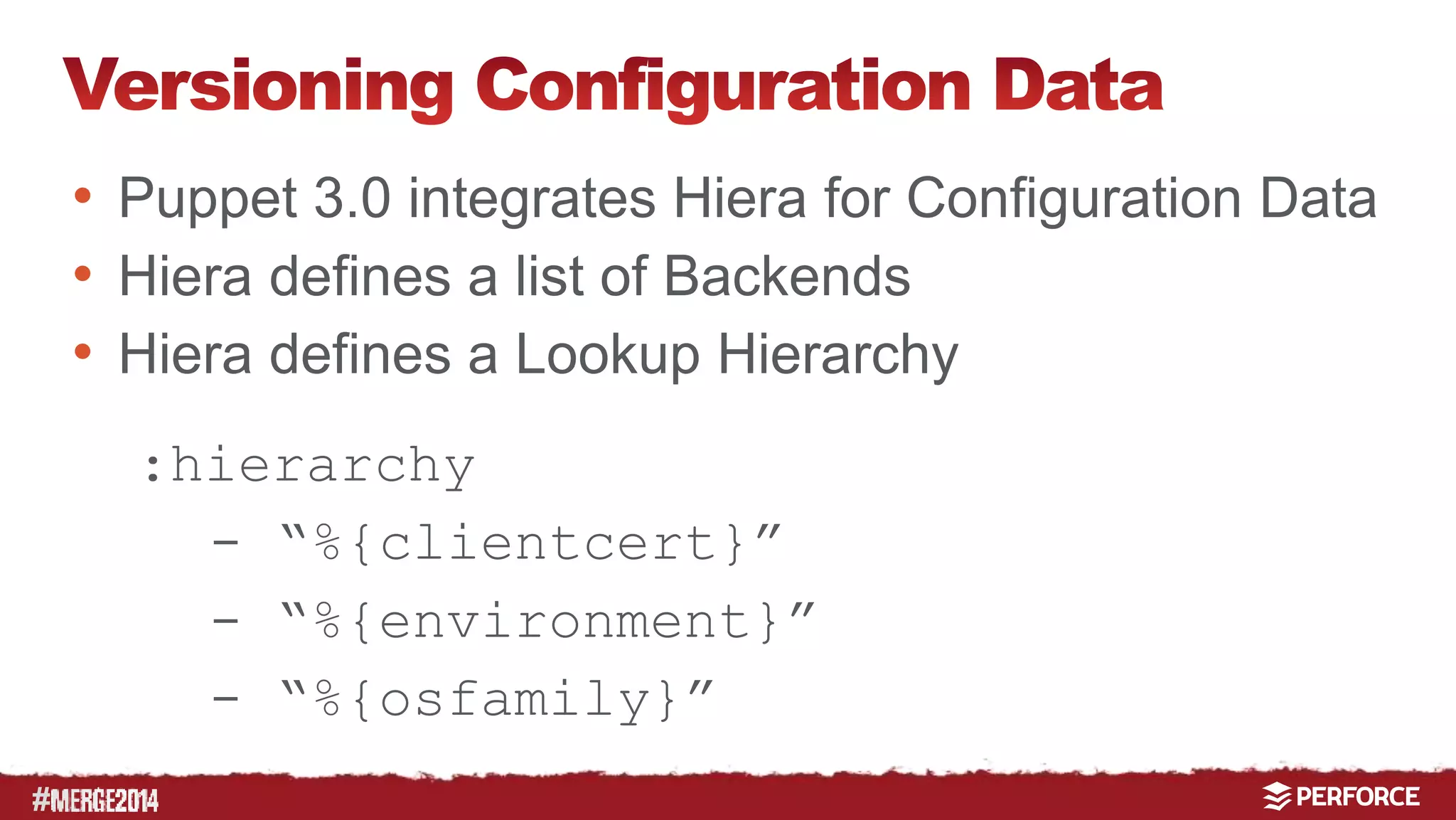
• Puppet 3.0 integrates Hiera for Configuration Data 
• Hiera defines a list of Backends 
• Hiera defines a Lookup Hierarchy 
:hierarchy 
- “%{clientcert}” 
- “%{environment}” 
- “%{osfamily}”
# 
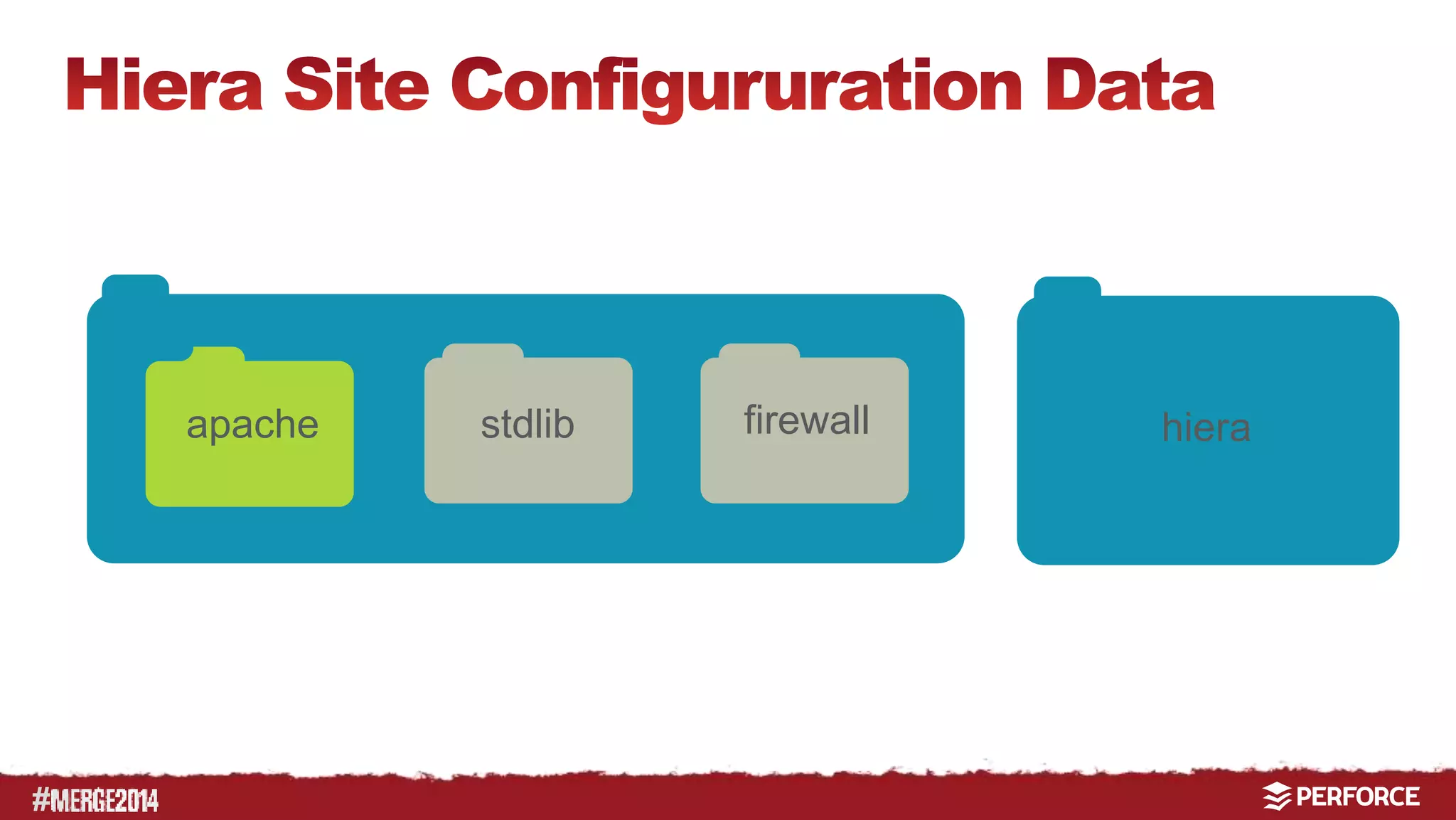
apache stdlib firewall hiera
# 
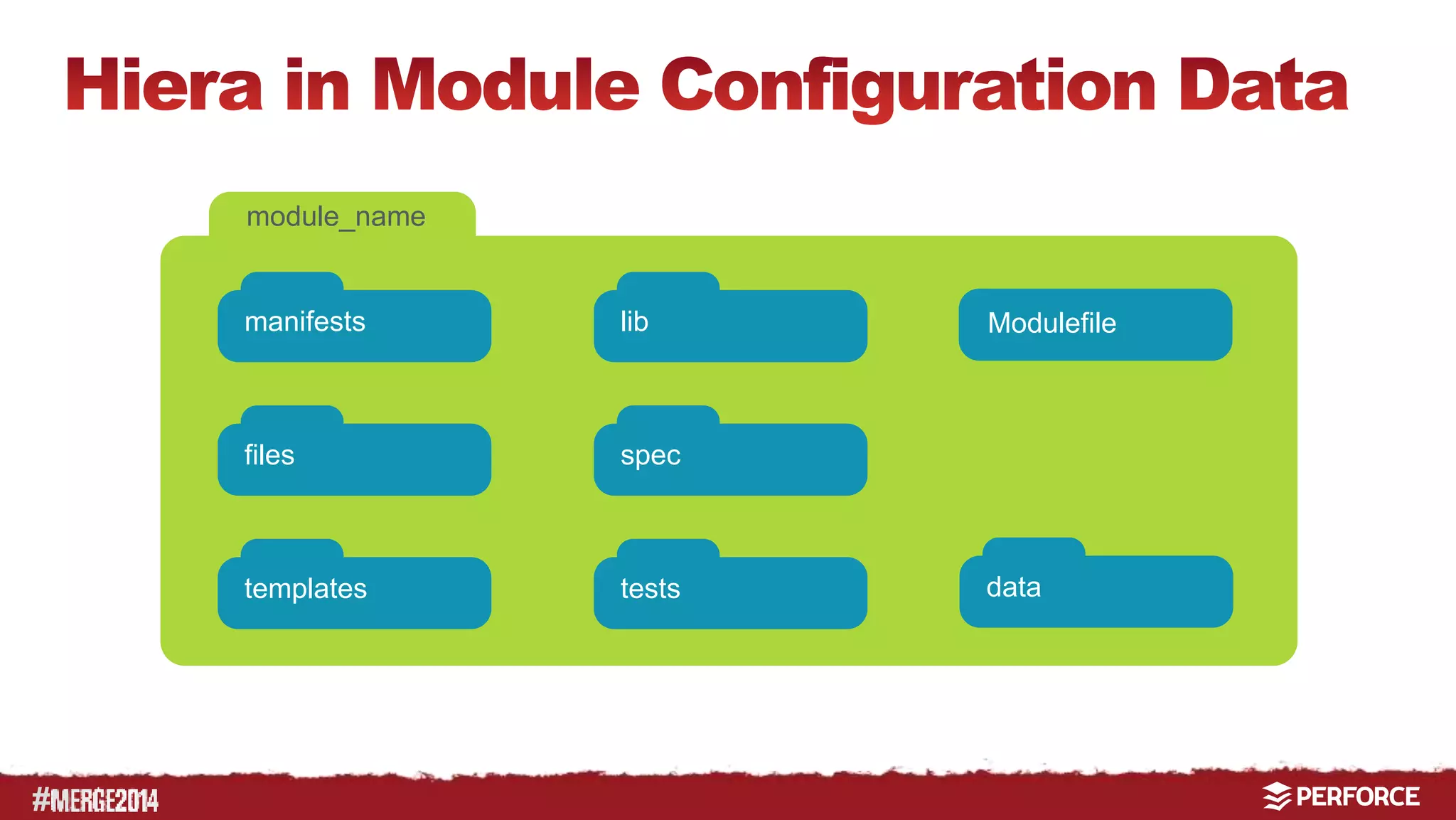
module_name 
manifests 
files 
templates 
lib 
spec 
tests 
Modulefile 
data
#
# 
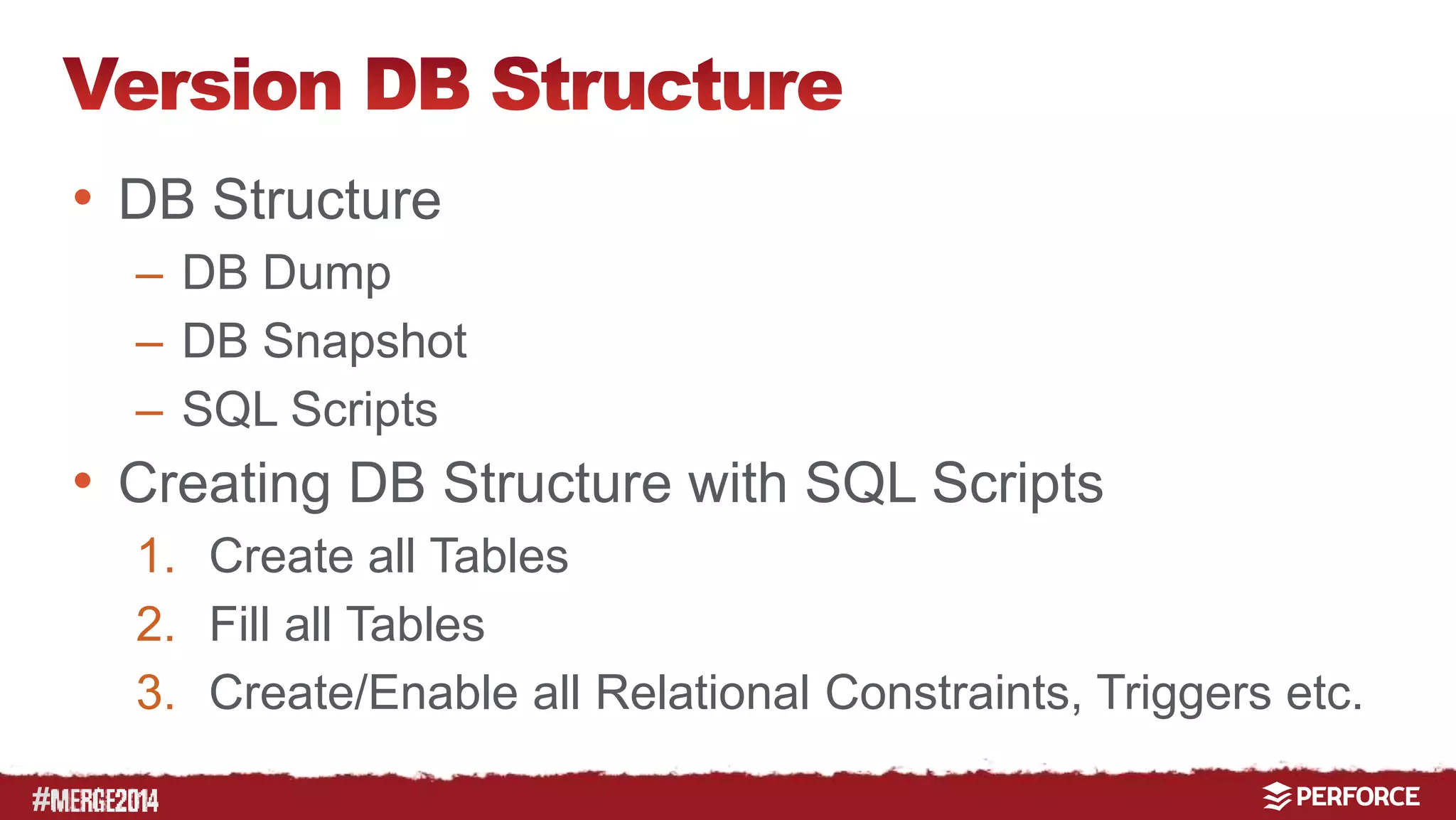
• DB Structure 
– DB Dump 
– DB Snapshot 
– SQL Scripts 
• Creating DB Structure with SQL Scripts 
1. Create all Tables 
2. Fill all Tables 
3. Create/Enable all Relational Constraints, Triggers etc.
# 
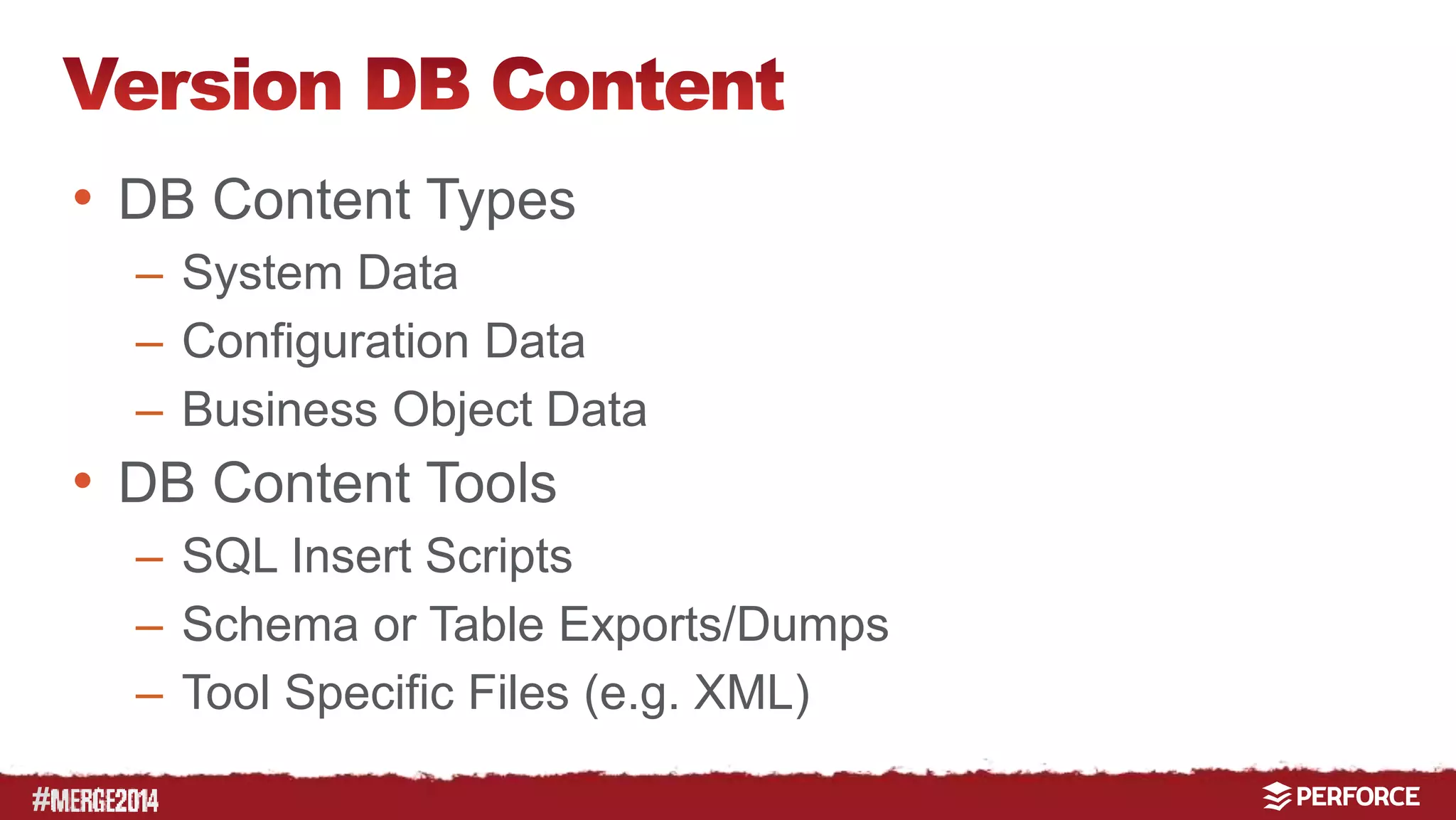
• DB Content Types 
– System Data 
– Configuration Data 
– Business Object Data 
• DB Content Tools 
– SQL Insert Scripts 
– Schema or Table Exports/Dumps 
– Tool Specific Files (e.g. XML)
# 
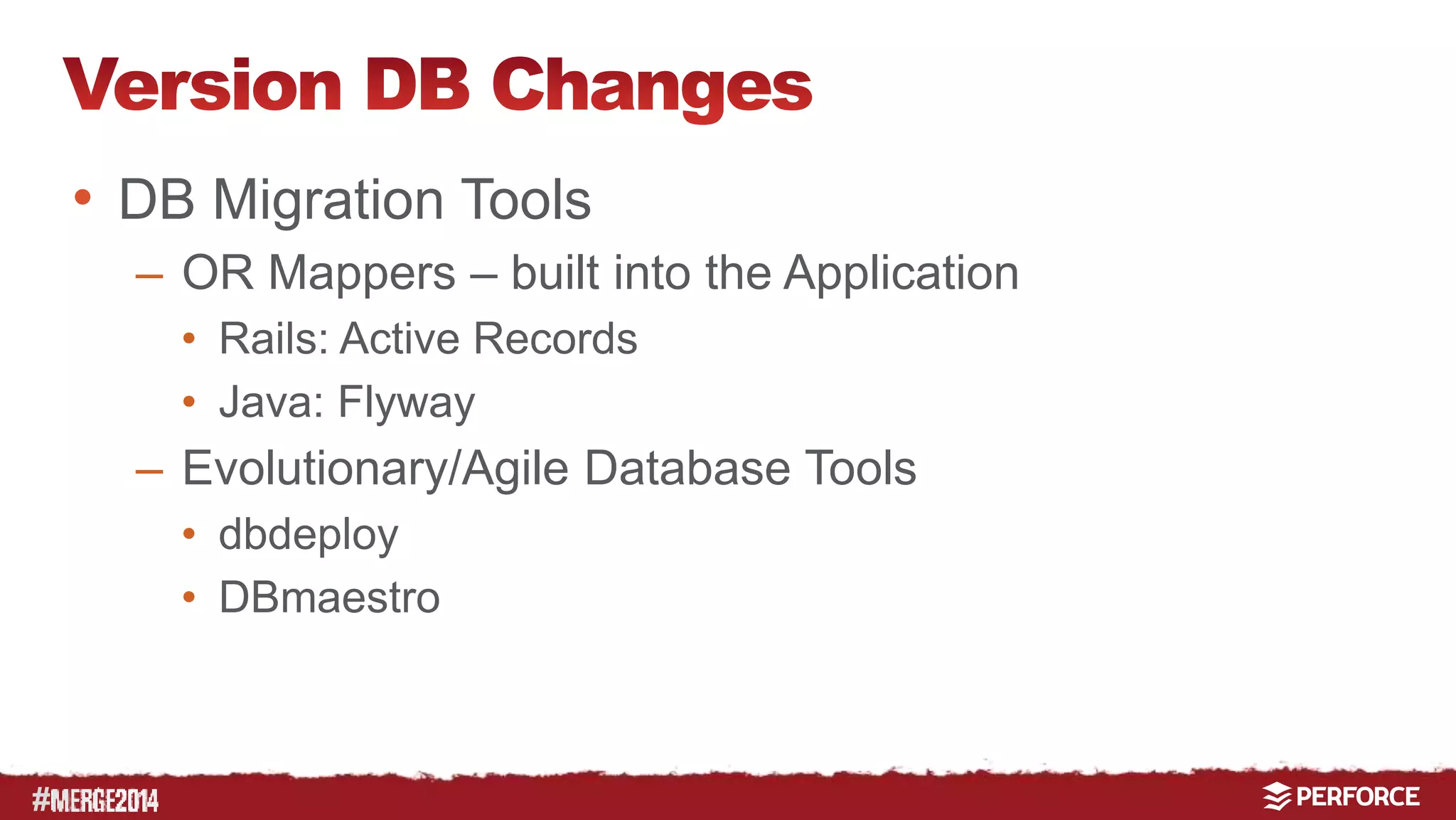
• DB Migration Tools 
– OR Mappers – built into the Application 
• Rails: Active Records 
• Java: Flyway 
– Evolutionary/Agile Database Tools 
• dbdeploy 
• DBmaestro
# 
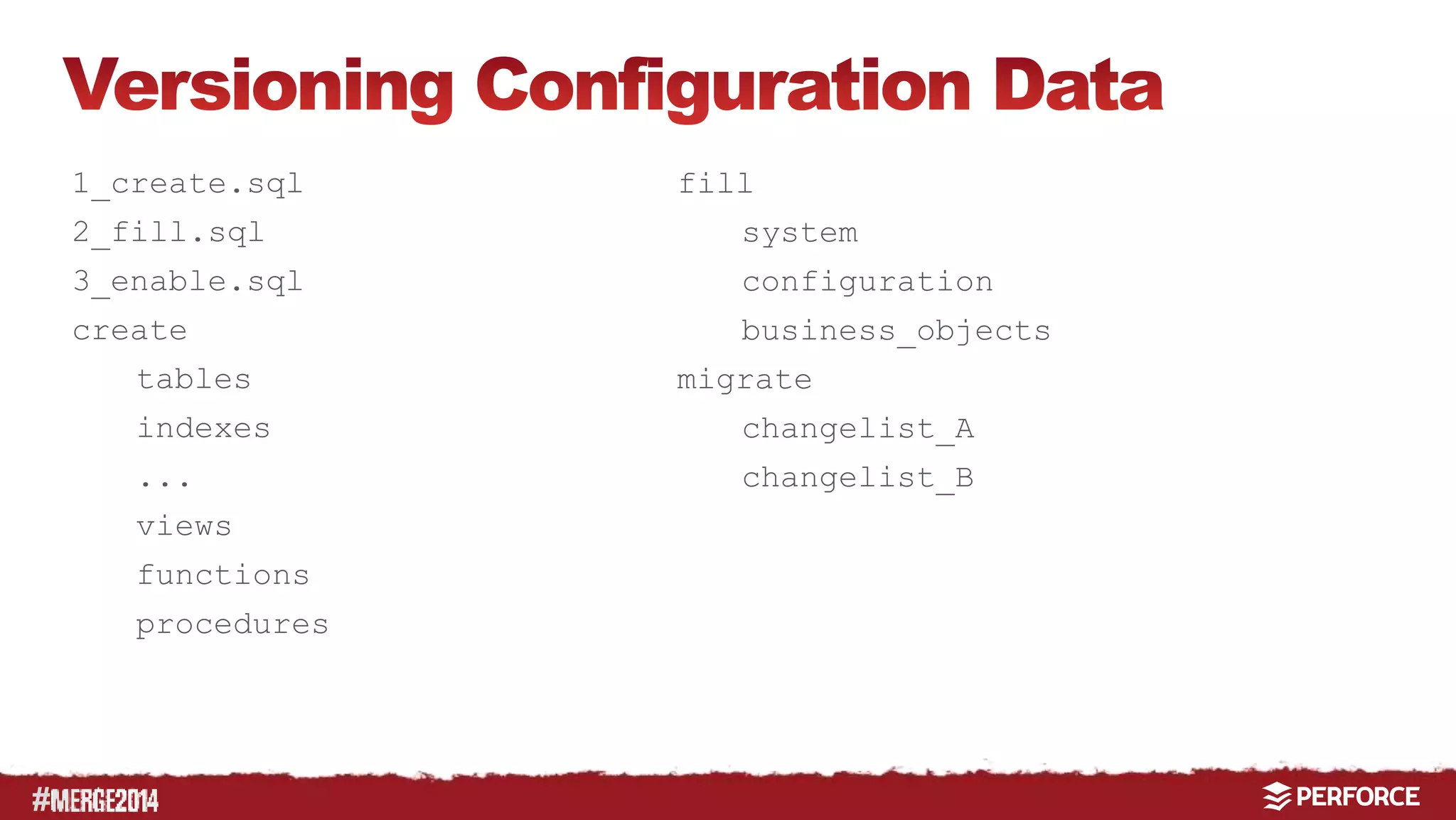
1_create.sql 
2_fill.sql 
3_enable.sql 
create 
tables 
indexes 
... 
views 
functions 
procedures 
fill 
system 
configuration 
business_objects 
migrate 
changelist_A 
changelist_B
#
# 
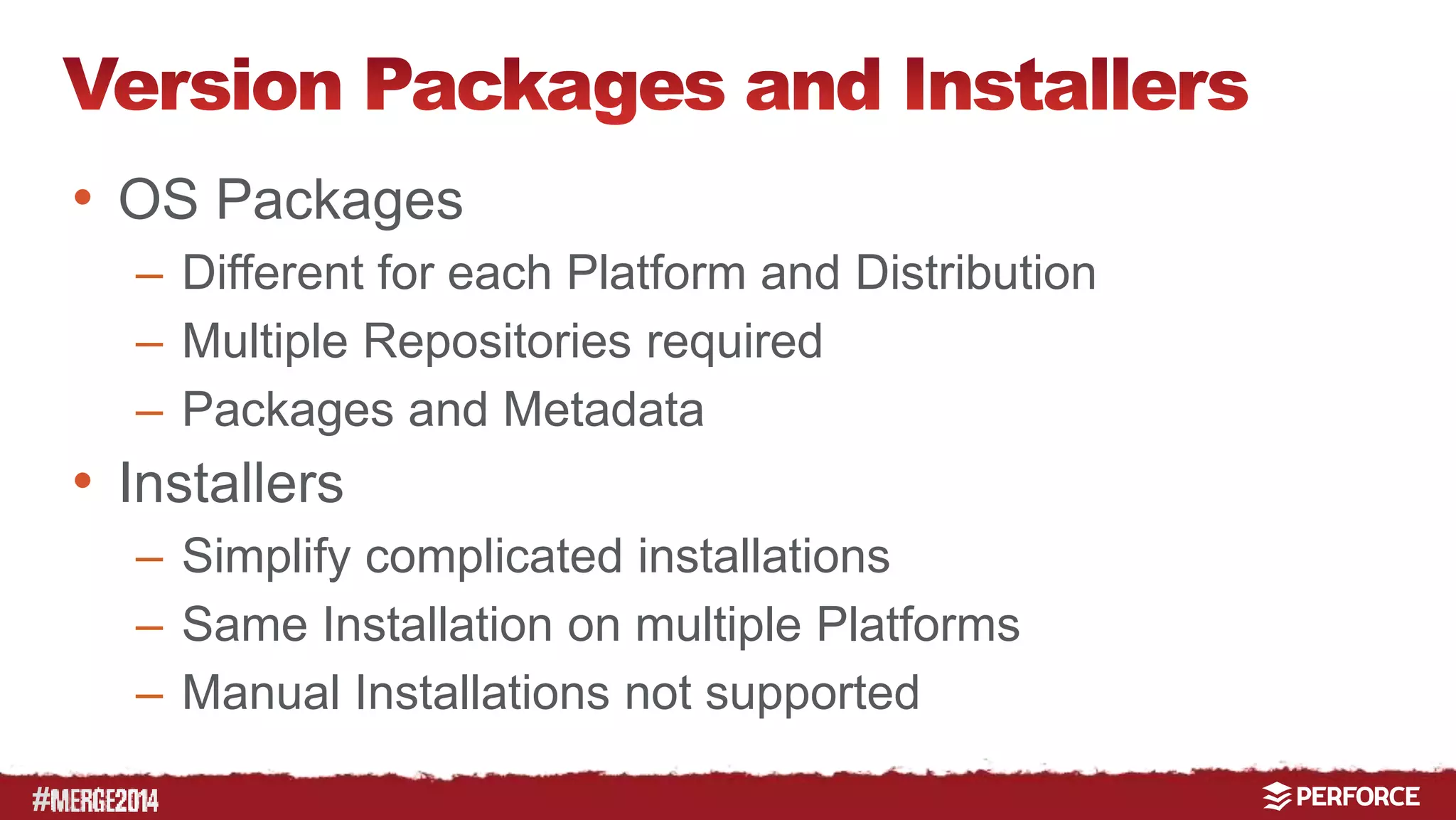
• OS Packages 
– Different for each Platform and Distribution 
– Multiple Repositories required 
– Packages and Metadata 
• Installers 
– Simplify complicated installations 
– Same Installation on multiple Platforms 
– Manual Installations not supported
# 
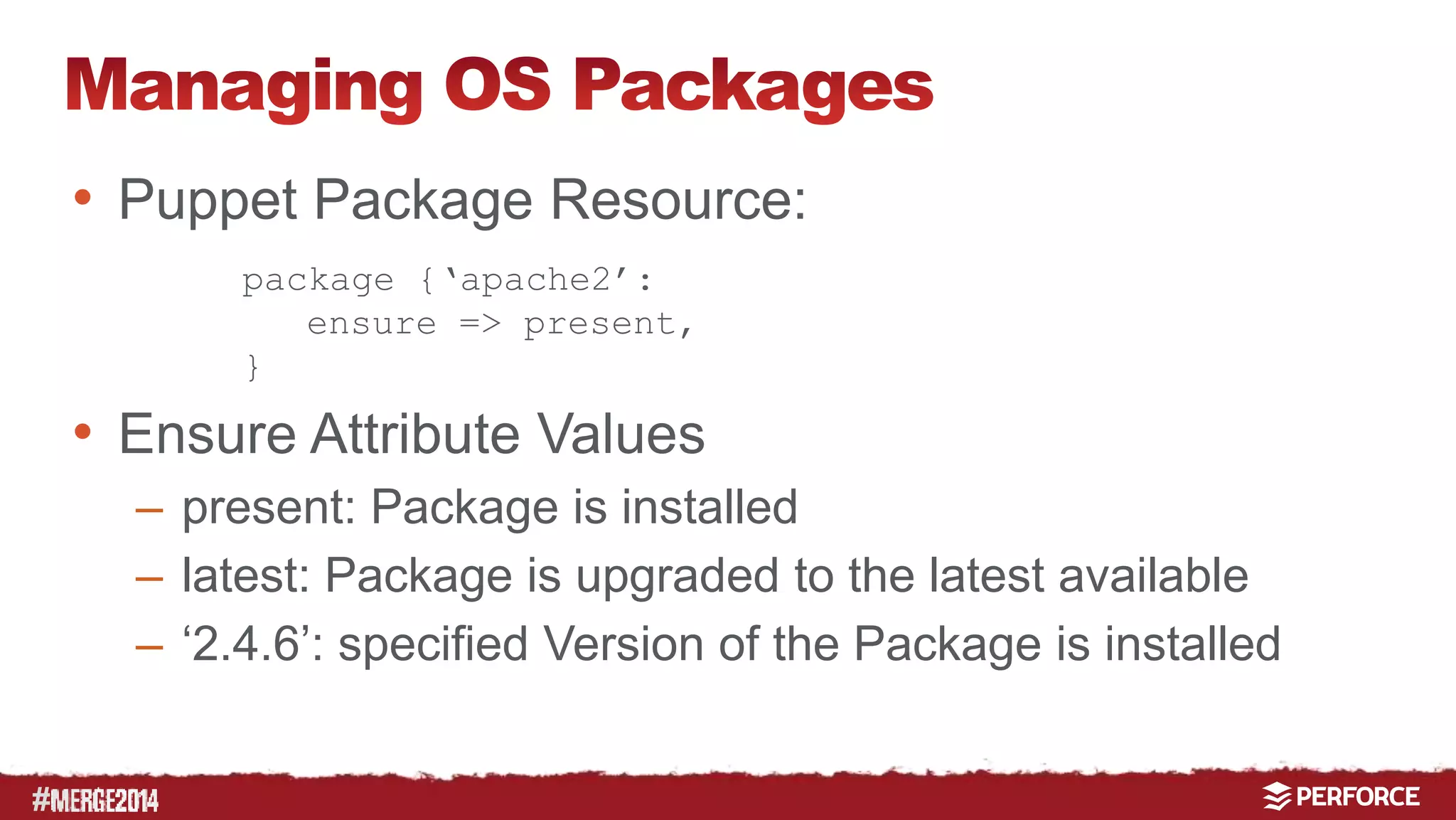
• Puppet Package Resource: 
package {‘apache2’: 
ensure => present, 
} 
• Ensure Attribute Values 
– present: Package is installed 
– latest: Package is upgraded to the latest available 
– ‘2.4.6’: specified Version of the Package is installed
# 
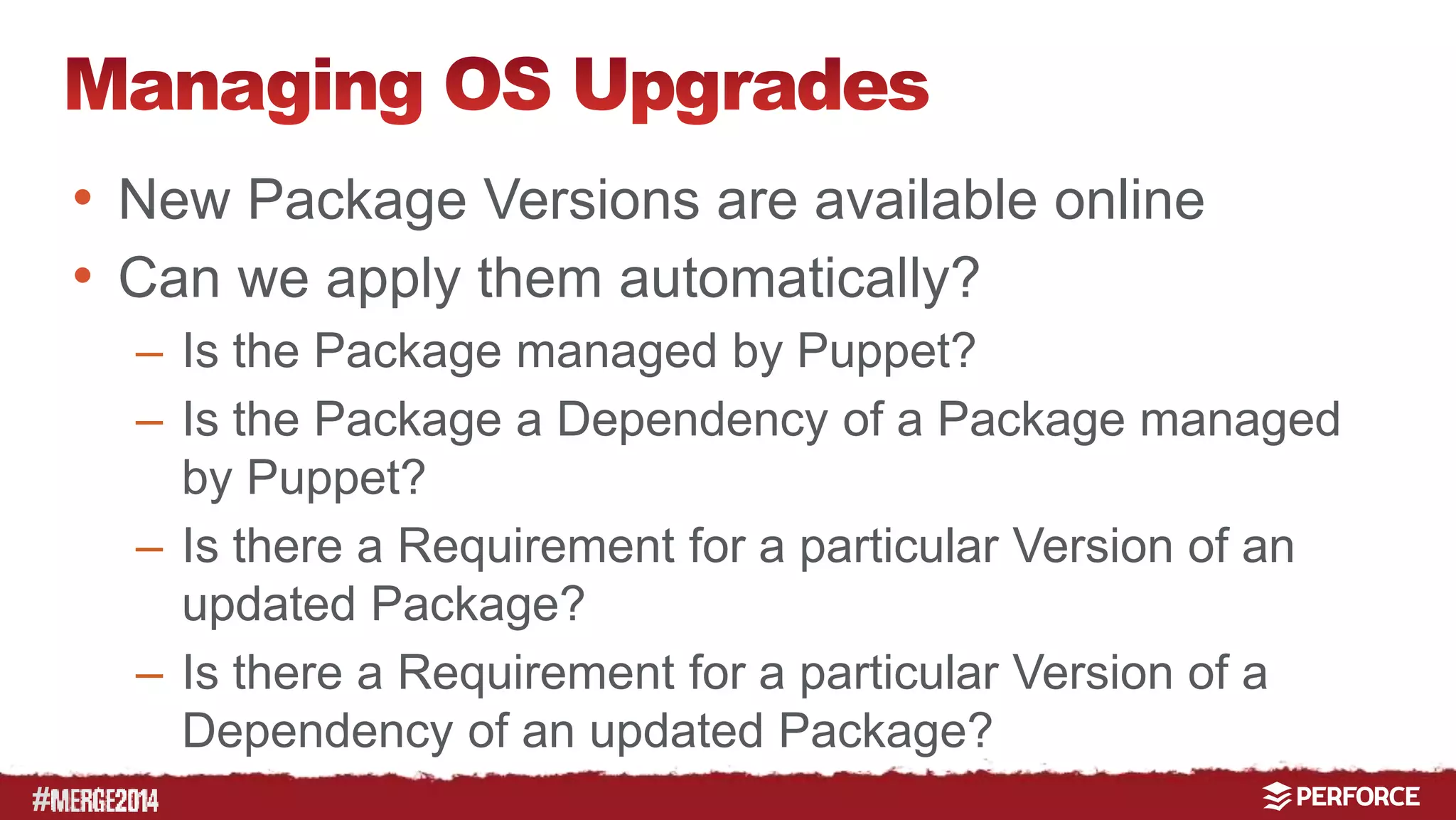
• New Package Versions are available online 
• Can we apply them automatically? 
– Is the Package managed by Puppet? 
– Is the Package a Dependency of a Package managed 
by Puppet? 
– Is there a Requirement for a particular Version of an 
updated Package? 
– Is there a Requirement for a particular Version of a 
Dependency of an updated Package?
# 
• We need to know which is the latest Version of a 
Package in a certain Environment 
• We need to create a local Repository and manage 
all Changes to it. 
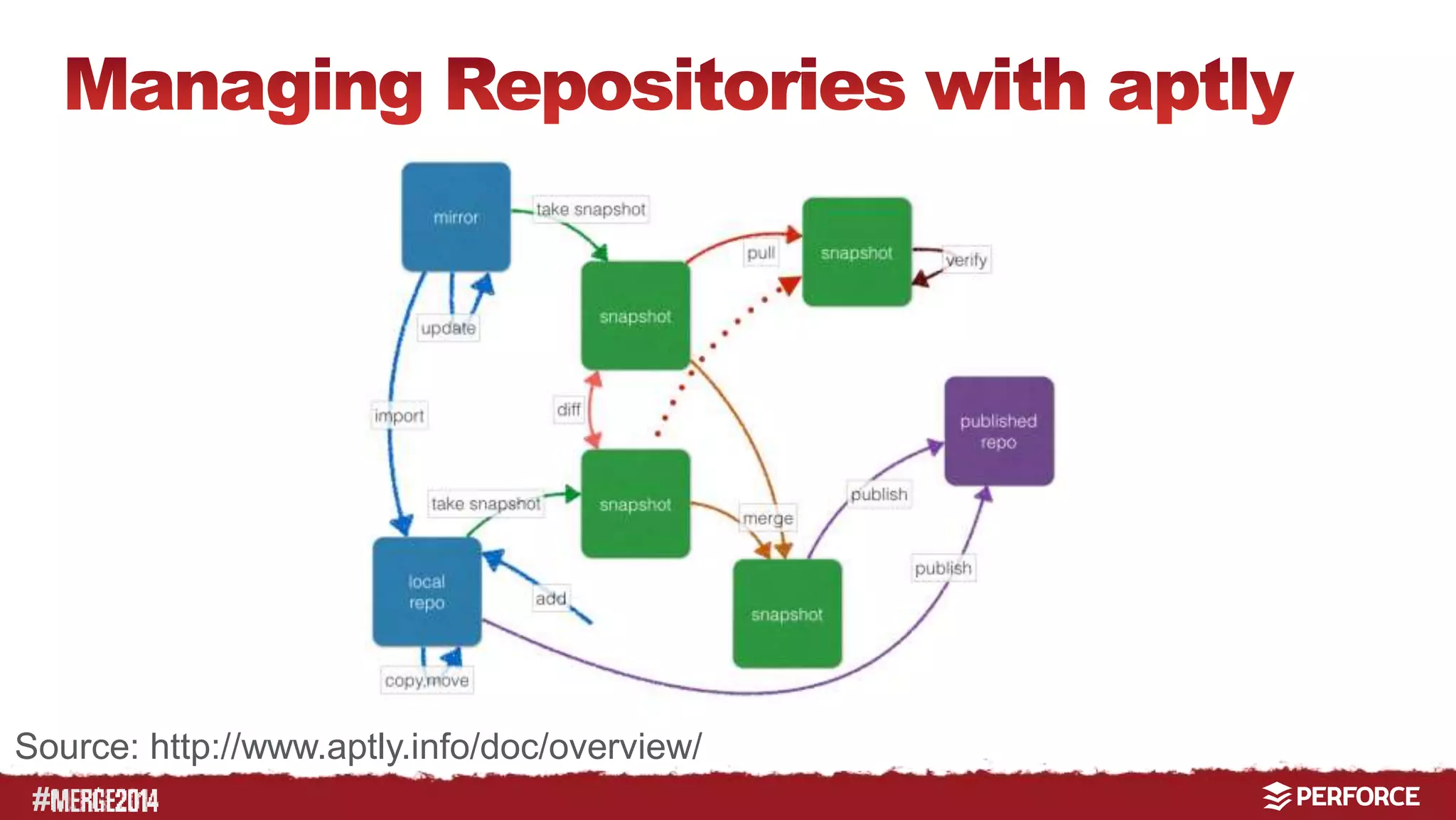
• On Ubuntu we use aptly to manage our local 
Repositories
Source: http://www.aptly.info/doc/overview/ 
#
#
# 
• We check in the published Repository into 
Perforce to get full Traceability 
• We can use Perforce to propagate Changes 
between Environments 
• What do we use for Puppet ensure: 
• latest: Puppet actively tries to upgrade 
• present: Puppet trusts the Package Manger 
• ´2.4.6´: if we need to pin an older Version 
(apt::pin)
# 
• We use a Perforce Stream to track the Work of an 
Installer in particular Directory 
• This way can use a Task Stream to track the work 
of the Installer on each machine 
• Currently we only use this Feature when we 
automate deployments 
• The same concept can be used to tack changes of 
Directories on managed nodes
# 
• Developer Code 
• Deployment Code 
• Configuration Data 
• Database Structure 
• Database Content 
• Installable Software 
• Documentation
# 
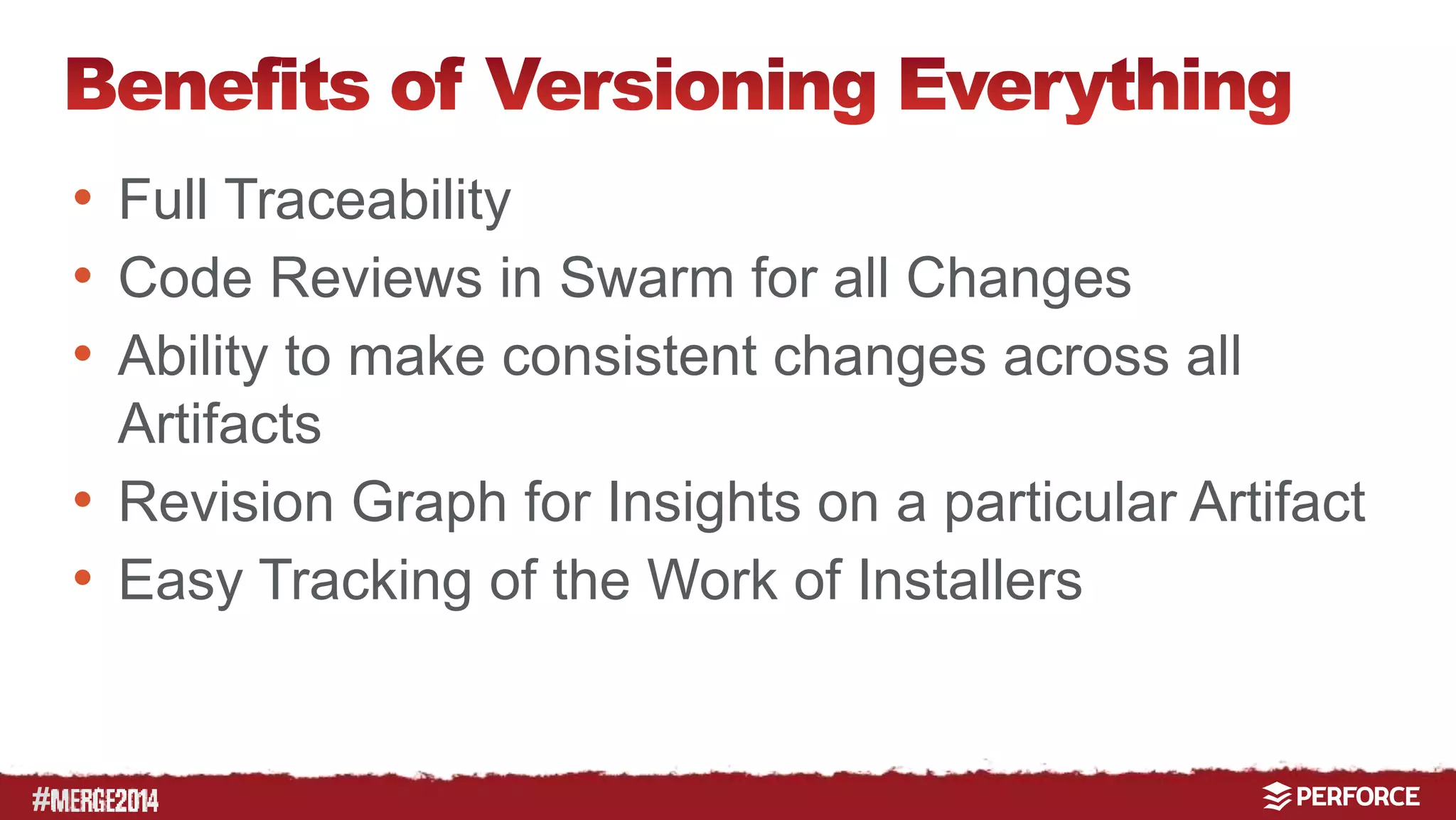
• Full Traceability 
• Code Reviews in Swarm for all Changes 
• Ability to make consistent changes across all 
Artifacts 
• Revision Graph for Insights on a particular Artifact 
• Easy Tracking of the Work of Installers
# 
Christoph Leithner 
c.leithner@celix.at

Puppet & Perforce: Versioning Everything for Deployments

  • 1.
    # Christoph Leithner,Founder at celix
  • 2.
    # • Whatis the starting Point of our Journey to Continuous Delivery? • Continuous Integration – Source Code Checkout – Static Code Analysis – Automated Tests – Compilation – Packaging
  • 3.
    # • DatabaseStructure • Database Content • Installable Software – Libraries – Executables – OS Packages – Installers • Some Type of Deployment
  • 4.
    # Manual Personal Only a Guru understands the system and is able to deploy it Defined Scripted Scripts are available to setup most of the Components of our System There enough Documentation so we do not always have to ask the Guru if we want to deploy We use IT-Automation to deploy and enforce our Deployment – no manual changes. Defined Deployments are not possible without IT-Automation, Traceability and Discipline
  • 5.
    # • Notall Changes to Dependencies trigger a Build • DEV-Database is populated with Snapshots • DEV-Database Changes are not tracked • Semi-automated DEV-Deployments cause Delays • Only some aspects of the System are managed by Continuous Integration – no full Stack Deployment • Builds/Deployments are not reproducible
  • 6.
  • 7.
    # • DeveloperCode • Deployment Code • Configuration Data • Database Structure • Database Content • Installable Software • Documentation
  • 8.
  • 9.
    # module_name manifests files templates lib spec tests Modulefile
  • 10.
    # puppet moduleinstall puppetlabs-apache --version 0.6.0 puppet module install puppetlabs-ntp --version 0.2.0 apache stdlib firewall ntp
  • 11.
    # forge puppetlabs-apache puppetlabs-stdlib puppetlabs-firewall puppetlabs-apache puppetlabs-stdlib puppetlabs-firewall
  • 12.
    # • ModuleReuse is the fastest way of Automation • But it is not as easy as it might seem to write a reusable Puppet Module • “We have this Module managing …, but I cannot share it. It contains too many Site specific Parameters” • Separating Module Code from Configuration Data is key for Module Reuse
  • 13.
    # • Puppet3.0 integrates Hiera for Configuration Data • Hiera defines a list of Backends • Hiera defines a Lookup Hierarchy :hierarchy - “%{clientcert}” - “%{environment}” - “%{osfamily}”
  • 14.
    # apache stdlibfirewall hiera
  • 15.
    # module_name manifests files templates lib spec tests Modulefile data
  • 16.
  • 17.
    # • DBStructure – DB Dump – DB Snapshot – SQL Scripts • Creating DB Structure with SQL Scripts 1. Create all Tables 2. Fill all Tables 3. Create/Enable all Relational Constraints, Triggers etc.
  • 18.
    # • DBContent Types – System Data – Configuration Data – Business Object Data • DB Content Tools – SQL Insert Scripts – Schema or Table Exports/Dumps – Tool Specific Files (e.g. XML)
  • 19.
    # • DBMigration Tools – OR Mappers – built into the Application • Rails: Active Records • Java: Flyway – Evolutionary/Agile Database Tools • dbdeploy • DBmaestro
  • 20.
    # 1_create.sql 2_fill.sql 3_enable.sql create tables indexes ... views functions procedures fill system configuration business_objects migrate changelist_A changelist_B
  • 21.
  • 22.
    # • OSPackages – Different for each Platform and Distribution – Multiple Repositories required – Packages and Metadata • Installers – Simplify complicated installations – Same Installation on multiple Platforms – Manual Installations not supported
  • 23.
    # • PuppetPackage Resource: package {‘apache2’: ensure => present, } • Ensure Attribute Values – present: Package is installed – latest: Package is upgraded to the latest available – ‘2.4.6’: specified Version of the Package is installed
  • 24.
    # • NewPackage Versions are available online • Can we apply them automatically? – Is the Package managed by Puppet? – Is the Package a Dependency of a Package managed by Puppet? – Is there a Requirement for a particular Version of an updated Package? – Is there a Requirement for a particular Version of a Dependency of an updated Package?
  • 25.
    # • Weneed to know which is the latest Version of a Package in a certain Environment • We need to create a local Repository and manage all Changes to it. • On Ubuntu we use aptly to manage our local Repositories
  • 26.
  • 27.
  • 28.
    # • Wecheck in the published Repository into Perforce to get full Traceability • We can use Perforce to propagate Changes between Environments • What do we use for Puppet ensure: • latest: Puppet actively tries to upgrade • present: Puppet trusts the Package Manger • ´2.4.6´: if we need to pin an older Version (apt::pin)
  • 29.
    # • Weuse a Perforce Stream to track the Work of an Installer in particular Directory • This way can use a Task Stream to track the work of the Installer on each machine • Currently we only use this Feature when we automate deployments • The same concept can be used to tack changes of Directories on managed nodes
  • 30.
    # • DeveloperCode • Deployment Code • Configuration Data • Database Structure • Database Content • Installable Software • Documentation
  • 31.
    # • FullTraceability • Code Reviews in Swarm for all Changes • Ability to make consistent changes across all Artifacts • Revision Graph for Insights on a particular Artifact • Easy Tracking of the Work of Installers
  • 32.
    # Christoph Leithner c.leithner@celix.at

Editor's Notes

  • #3 Not all Changes Trigger a Build – not all dependencies are in the monitored Repository
  • #5 Scripted – we have had to set up the system often enough, so we have created some scripts Personal There is this Guru in our Company who understands the system and is able to deploy it. Systems are unique Snowflakes Manual There is some documentation available so we do not have to ask the Guru each time we have to deploy. at least some documentation is available, but is it up to date Scripted There are these Scripts that we have used to deploy (most of) the Components of our System. we have had to set up the system often enough, so we have created some scripts Defined There is this Puppet Module from Puppet Forge, that we use to set up all our Apache Servers. We run Puppet every hour on each Webserver to check and/or enforce the defined Configuration We do not make any manual changes on top of the Configuration defined in our Puppet Modules
  • #8 TODO Graphics It has helped us a lot in projects to put all existing artifacts into Perforce and go from there. Main Benefit: Traceability of every step on our journey to CD.
  • #10 TODO Graphics Puppet Code comes in Modules You can Reuse Modules from the Puppet Forge – more than 2.500 available Create Site specific Modules Extend Puppet and Facter with Ruby
  • #11 TODO Animation We assemble Environments from Modules One way to get modules from the Puppet Forge is the puppet module Command
  • #12 TODO Graphics Every Puppet Forge Module is available as a Git Repository With Git Fusion we can assemble our Puppet Environment/Codeline directly in Perforce. This way we can stay away from Git Submodules With Git Fusion we can also export the whole environment as a Git repositoy if required More datail – MERGE 2013 presentation
  • #14 TODO: Slide with Code Example before – after Hiera
  • #15 TODO Graphic We assemble Environments from Modules One way to get modules from the Puppet Forge is the puppet module Command
  • #16 TODO Graphic colors With the https://forge.puppetlabs.com/ripienaar/module_data Puppet Module Hiera can be used inside Puppet Modules
  • #20 OR Mappers – hard to use DB specific tuning capabilities like Oracle Btree- and Hash-Clusters or Index Organized Tables
  • #21 TODO – Codeline Grafik
  • #25 Usually we do not manage packages installed on a system with Puppet. And we could ask some even more complicated questions – So do we want to apply them automatically - NO
  • #26 Usually we do not manage packages installed on a system with Puppet. And we could ask some even more complicated questions – So do we want to apply them automatically - NO
  • #27 Source: http://www.aptly.info/doc/overview/ TODO create simpler graphic
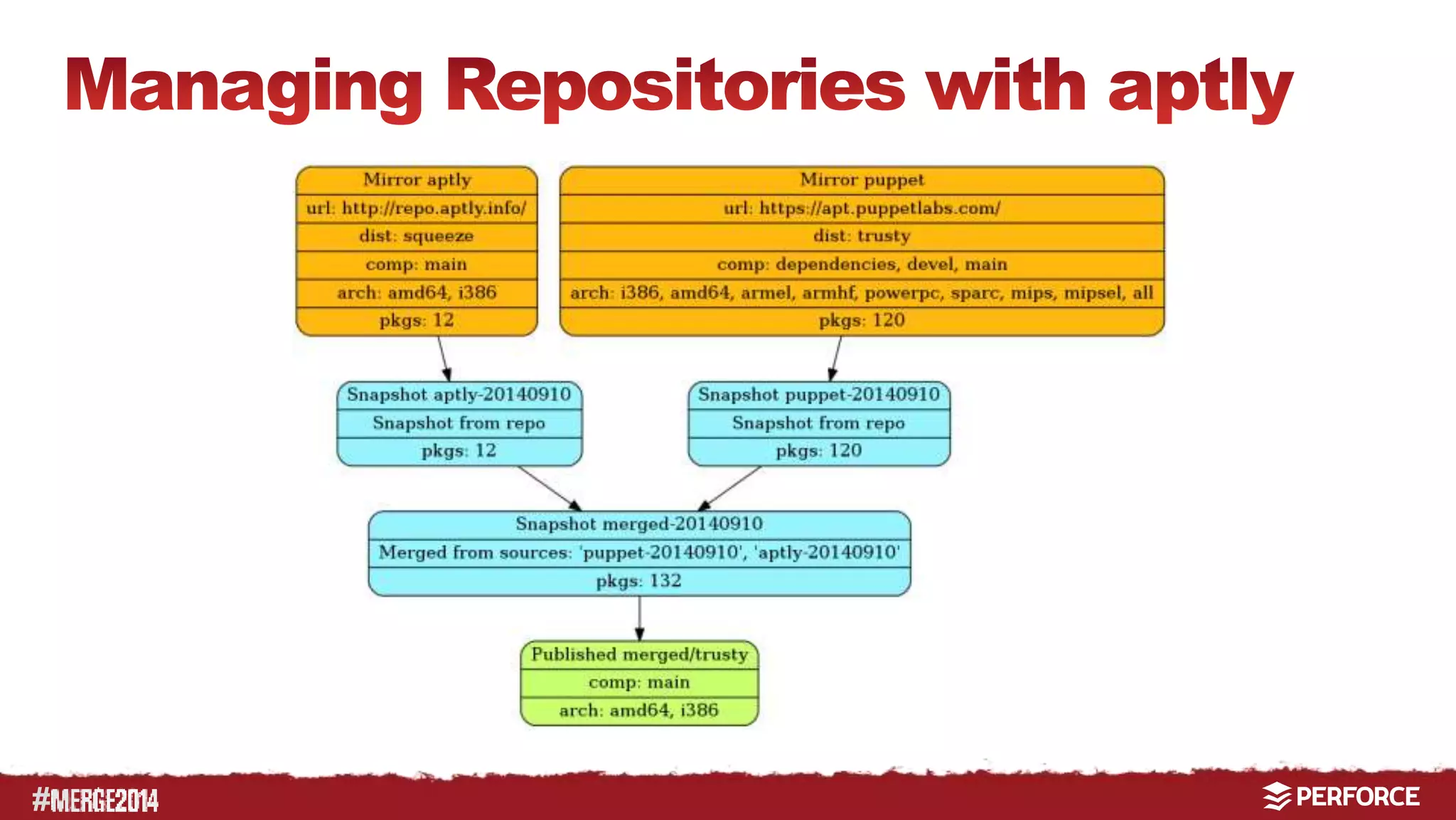
  • #28 Example creating one local form two remote repositories
  • #29 Usually we do not manage packages installed on a system with Puppet. And we could ask some even more complicated questions – So do we want to apply them automatically - NO
  • #30 TODO Graphics – Codeline Perforce is a tremendous help to identify the result of different parameters.
  • #31 TODO Graphics – final Codeline It has helped us a lot in projects to put all existing artifacts into Perforce and go from there. Main Benefit: Traceability of every step on our journey to CD.
  • #32 TODO Graphics – final Codeline It has helped us a lot in projects to put all existing artifacts into Perforce and go from there. Main Benefit: Traceability of every step on our journey to CD.