YES, THERE’S A FREE OR
LOW-COST TOOL FOR THAT!
Public Sector Social Media 2018 | Ottawa
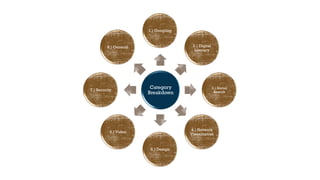
Category
Breakdown
1.) Googling
2.) Digital
Literacy
3.) Social
Search
4.) Network
Visualization
5.) Design
6.) Video
7.) Security
8.) General
1 - GOOGLING
lmgtfy.com
Purpose: Reminding people
that the internet can be used
to search for that ridiculously
basic question they just asked
you via email.
goo.gl/4XfNU8
Purpose: Become faster at
finding what you are looking
for.
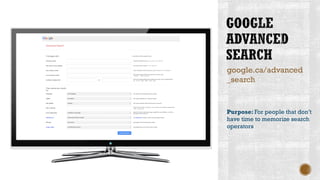
google.ca/advanced
_search
Purpose: For people that don’t
have time to memorize search
operators
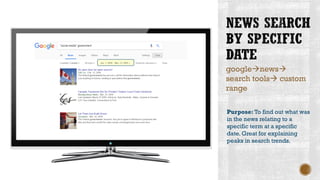
google→news→
search tools→ custom
range
Purpose: To find out what was
in the news relating to a
specific term at a specific
date. Great for explaining
peaks in search trends.
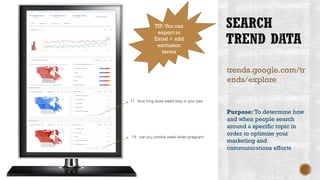
trends.google.com/tr
ends/explore
Purpose: To determine how
and when people search
around a specific topic in
order to optimize your
marketing and
communications efforts
TIP:You can
export to
Excel + add
exclusion
terms
2 - DIGITAL
LITERACY
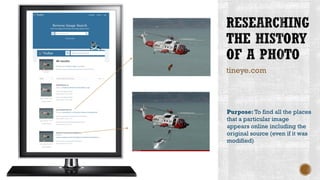
tineye.com
Purpose: To find all the places
that a particular image
appears online including the
original source (even if it was
modified)
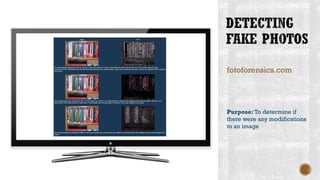
fotoforensics.com
Purpose: To determine if
there were any modifications
to an image
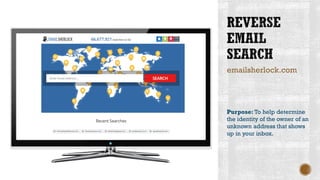
emailsherlock.com
Purpose: To help determine
the identity of the owner of an
unknown address that shows
up in your inbox.
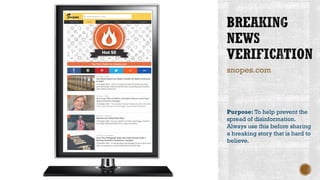
snopes.com
Purpose: To help prevent the
spread of disinformation.
Always use this before sharing
a breaking story that is hard to
believe.
3 - SOCIAL
SEARCH
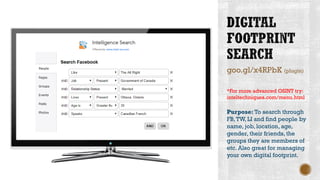
goo.gl/x4RPbK (plugin)
*For more advanced OSINT try:
inteltechniques.com/menu.html
Purpose: To search through
FB,TW, LI and find people by
name, job, location, age,
gender, their friends, the
groups they are members of
etc. Also great for managing
your own digital footprint.
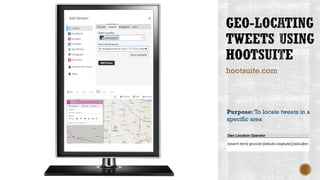
hootsuite.com
Purpose: To locate tweets in a
specific area
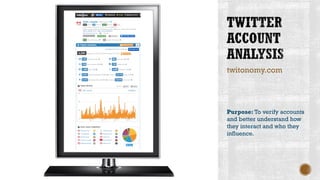
twitonomy.com
Purpose: To verify accounts
and better understand how
they interact and who they
influence.
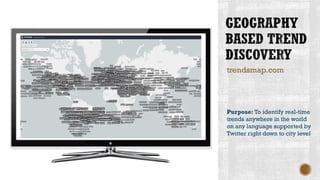
trendsmap.com
Purpose: To identify real-time
trends anywhere in the world
on any language supported by
Twitter right down to city level
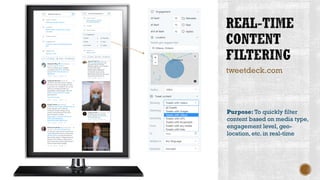
tweetdeck.com
Purpose: To quickly filter
content based on media type,
engagement level, geo-
location, etc. in real-time
4 - NETWORK
VISUALIZATION
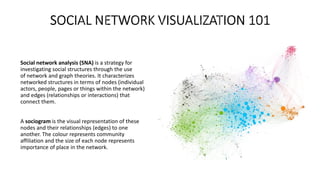
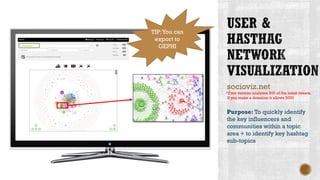
Social network analysis (SNA) is a strategy for
investigating social structures through the use
of network and graph theories. It characterizes
networked structures in terms of nodes (individual
actors, people, pages or things within the network)
and edges (relationships or interactions) that
connect them.
A sociogram is the visual representation of these
nodes and their relationships (edges) to one
another. The colour represents community
affiliation and the size of each node represents
importance of place in the network.
socioviz.net
Purpose: To quickly identify
the key influencers and
communities within a topic
area + to identify key hashtag
sub-topics
*Free version analyzes 500 of the latest tweets.
If you make a donation it allows 5000
TIP:You can
export to
GEPHI
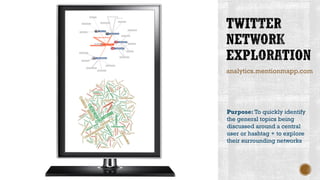
analytics.mentionmapp.com
Purpose: To quickly identify
the general topics being
discussed around a central
user or hashtag + to explore
their surrounding networks
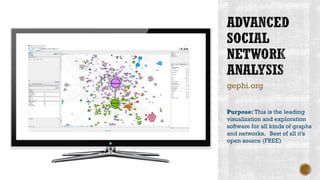
gephi.org
Purpose: This is the leading
visualization and exploration
software for all kinds of graphs
and networks. Best of all it’s
open source (FREE)
5 - DESIGN
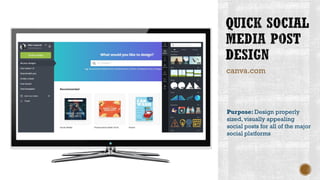
canva.com
Purpose: Design properly
sized, visually appealing
social posts for all of the major
social platforms
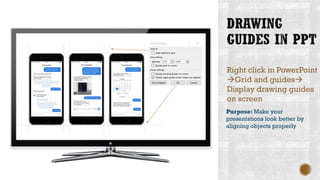
Right click in PowerPoint
→Grid and guides→
Display drawing guides
on screen
Purpose: Make your
presentations look better by
aligning objects properly
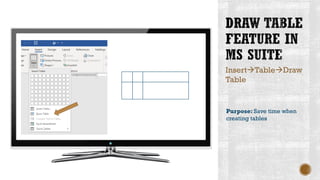
Insert→Table→Draw
Table
Purpose: Save time when
creating tables
colorzilla.com (plugin)
Purpose: Never get a colour
wrong again. Particularly
useful when trying to blend a
web based image into the
background of a presentation.
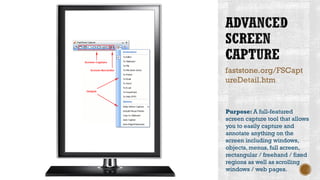
faststone.org/FSCapt
ureDetail.htm
Purpose: A full-featured
screen capture tool that allows
you to easily capture and
annotate anything on the
screen including windows,
objects, menus, full screen,
rectangular / freehand / fixed
regions as well as scrolling
windows / web pages.
Purpose: Stock photography
for use in your content. Plenty
of sorting capabilities
including by colour and style
*On-demand credit-based option. Usually
about 10 hi-res images for $50-$60
123rf.com
6 - VIDEO
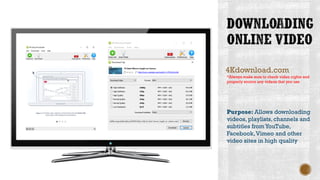
4Kdownload.com
Purpose: Allows downloading
videos, playlists, channels and
subtitles fromYouTube,
Facebook,Vimeo and other
video sites in high quality
*Always make sure to check video rights and
properly source any videos that you use
camtasia.com
Purpose: Makes it easy to
record your screen and create
polished, professional-looking
videos / tutorials.
*$99 once free trial ends.
7 - SECURITY
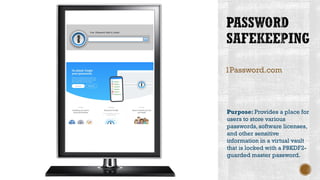
1Password.com
Purpose: Provides a place for
users to store various
passwords,software licenses,
and other sensitive
information in a virtual vault
that is locked with a PBKDF2-
guarded master password.
howsecureismypass
word.net
Purpose: A great way to see
how easy it would be for
someone to crack your
password.
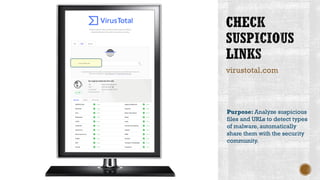
virustotal.com
Purpose: Analyze suspicious
files and URLs to detect types
of malware, automatically
share them with the security
community.
8 - GENERAL
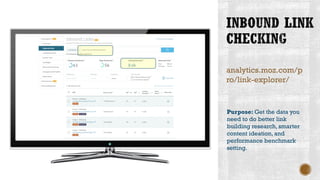
analytics.moz.com/p
ro/link-explorer/
Purpose: Get the data you
need to do better link
building research, smarter
content ideation, and
performance benchmark
setting.
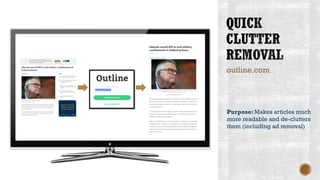
outline.com
Purpose: Makes articles much
more readable and de-clutters
them (including ad removal)
The slides for this presentation will be made available for download as of October 18th, 2018
Mike Kujawski
Mobile: 613.899.1348
E-mail: mikekujawski@cepsm.ca
Website: cepsm.ca
LinkedIn: “Mike Kujawski”
Twitter: @mikekujawski
Skype: mikekujawski
Blog: mikekujawski.ca

30 Tools and Tips to Speed Up Your Digital Workflow