Tap into the Crowd Resource List 
By Mandy Jenkins | @mjenkins 
Updated 9/2014 
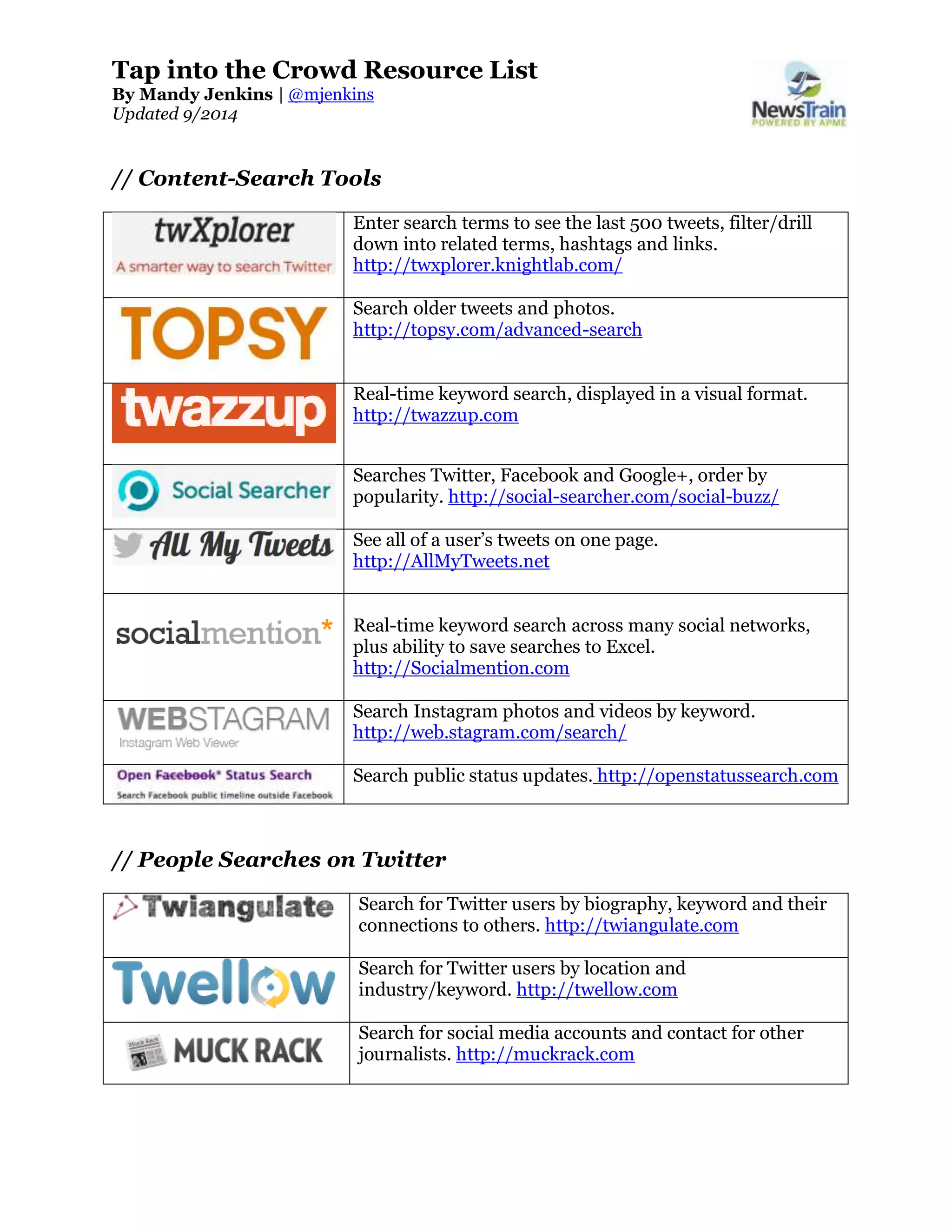
// Content-Search Tools 
Enter search terms to see the last 500 tweets, filter/drill 
down into related terms, hashtags and links. 
http://twxplorer.knightlab.com/ 
Search older tweets and photos. 
http://topsy.com/advanced-search 
Real-time keyword search, displayed in a visual format. 
http://twazzup.com 
Searches Twitter, Facebook and Google+, order by 
popularity. http://social-searcher.com/social-buzz/ 
See all of a user’s tweets on one page. 
http://AllMyTweets.net 
Real-time keyword search across many social networks, 
plus ability to save searches to Excel. 
http://Socialmention.com 
Search Instagram photos and videos by keyword. 
http://web.stagram.com/search/ 
Search public status updates. http://openstatussearch.com 
// People Searches on Twitter 
Search for Twitter users by biography, keyword and their 
connections to others. http://twiangulate.com 
Search for Twitter users by location and 
industry/keyword. http://twellow.com 
Search for social media accounts and contact for other 
journalists. http://muckrack.com
Page 2 of 4 
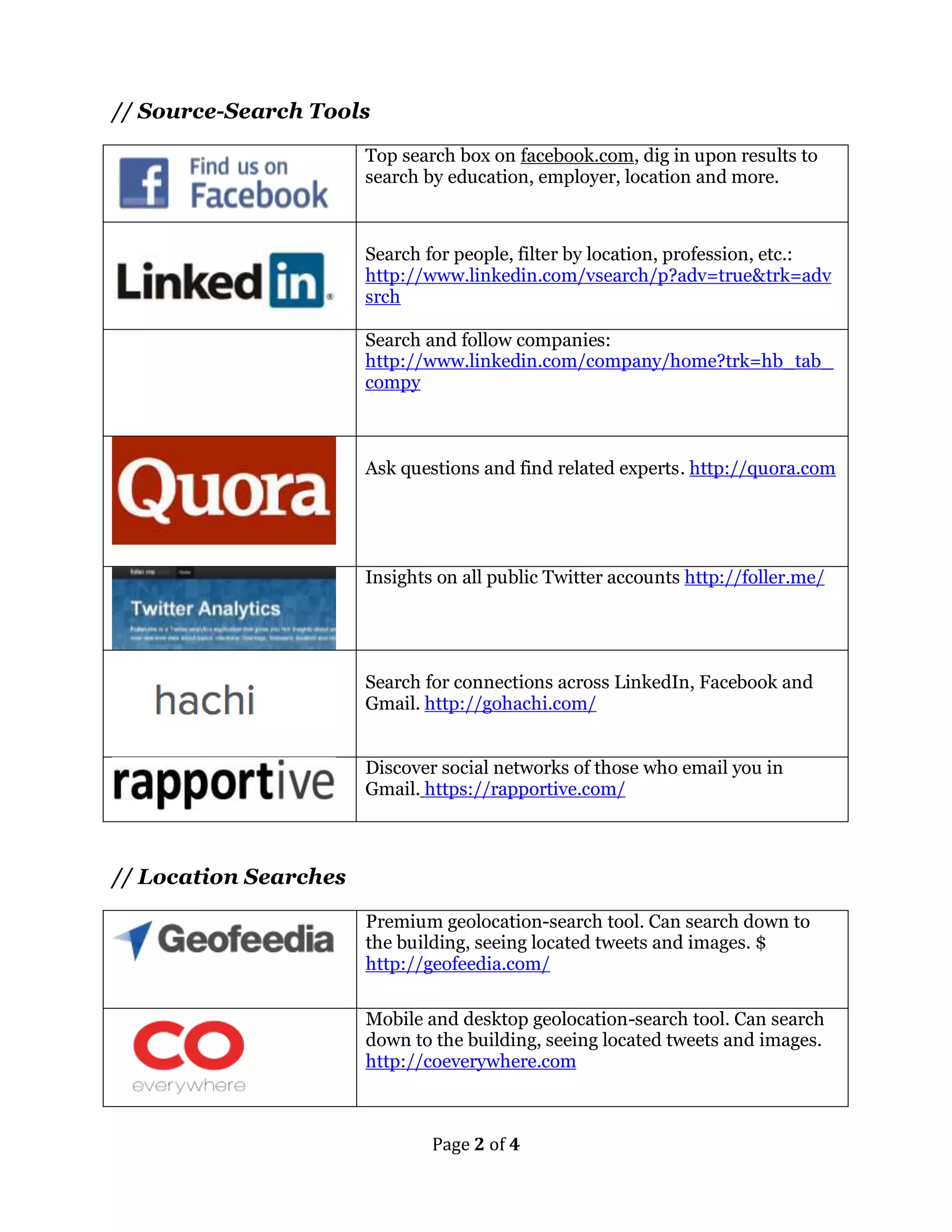
// Source-Search Tools 
Top search box on facebook.com, dig in upon results to 
search by education, employer, location and more. 
Search for people, filter by location, profession, etc.: 
http://www.linkedin.com/vsearch/p?adv=true&trk=adv 
srch 
Search and follow companies: 
http://www.linkedin.com/company/home?trk=hb_tab_ 
compy 
Ask questions and find related experts. http://quora.com 
Insights on all public Twitter accounts http://foller.me/ 
Search for connections across LinkedIn, Facebook and 
Gmail. http://gohachi.com/ 
Discover social networks of those who email you in 
Gmail. https://rapportive.com/ 
// Location Searches 
Premium geolocation-search tool. Can search down to 
the building, seeing located tweets and images. $ 
http://geofeedia.com/ 
Mobile and desktop geolocation-search tool. Can search 
down to the building, seeing located tweets and images. 
http://coeverywhere.com
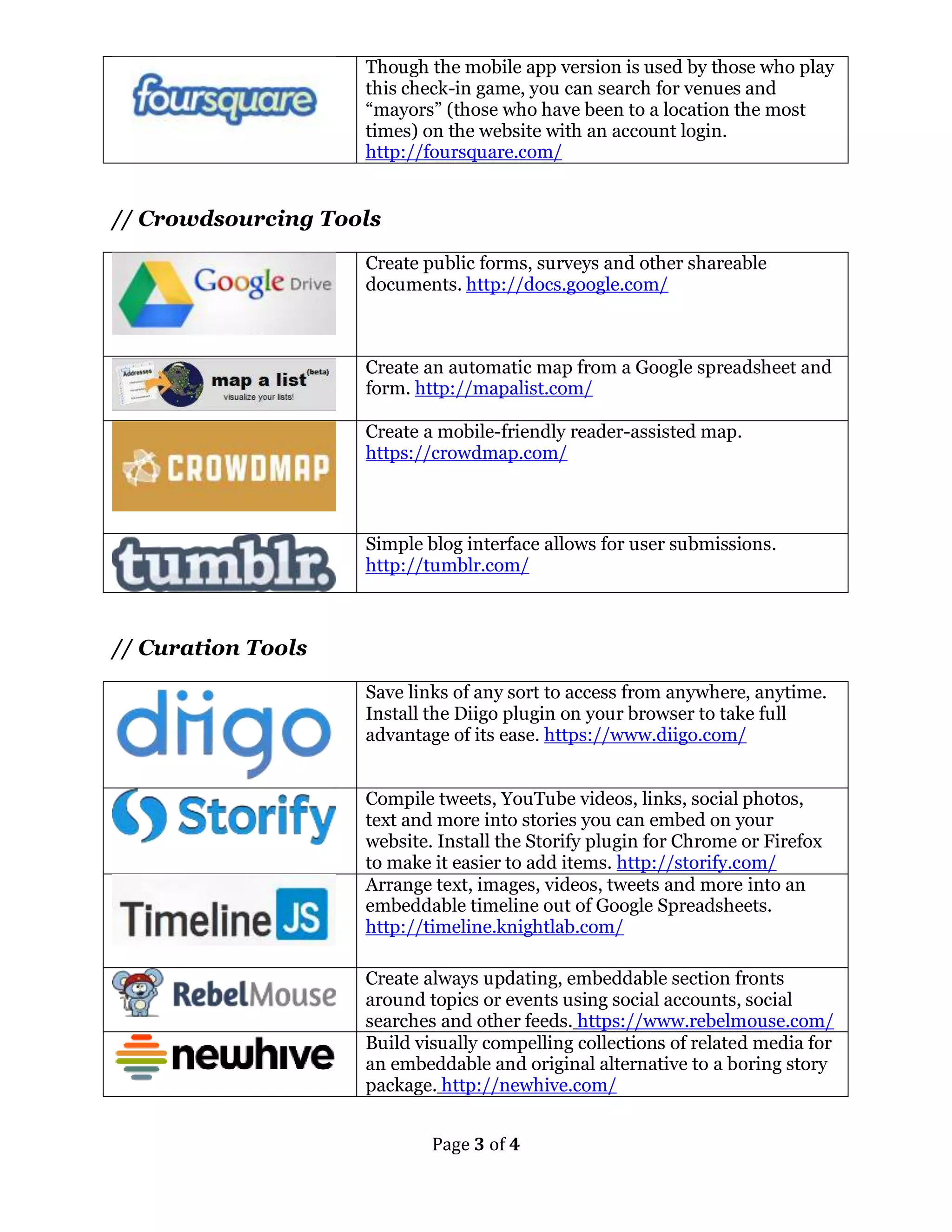
Though the mobile app version is used by those who play 
this check-in game, you can search for venues and 
“mayors” (those who have been to a location the most 
times) on the website with an account login. 
http://foursquare.com/ 
Page 3 of 4 
// Crowdsourcing Tools 
Create public forms, surveys and other shareable 
documents. http://docs.google.com/ 
Create an automatic map from a Google spreadsheet and 
form. http://mapalist.com/ 
Create a mobile-friendly reader-assisted map. 
https://crowdmap.com/ 
Simple blog interface allows for user submissions. 
http://tumblr.com/ 
// Curation Tools 
Save links of any sort to access from anywhere, anytime. 
Install the Diigo plugin on your browser to take full 
advantage of its ease. https://www.diigo.com/ 
Compile tweets, YouTube videos, links, social photos, 
text and more into stories you can embed on your 
website. Install the Storify plugin for Chrome or Firefox 
to make it easier to add items. http://storify.com/ 
Arrange text, images, videos, tweets and more into an 
embeddable timeline out of Google Spreadsheets. 
http://timeline.knightlab.com/ 
Create always updating, embeddable section fronts 
around topics or events using social accounts, social 
searches and other feeds. https://www.rebelmouse.com/ 
Build visually compelling collections of related media for 
an embeddable and original alternative to a boring story 
package. http://newhive.com/
Page 4 of 4 
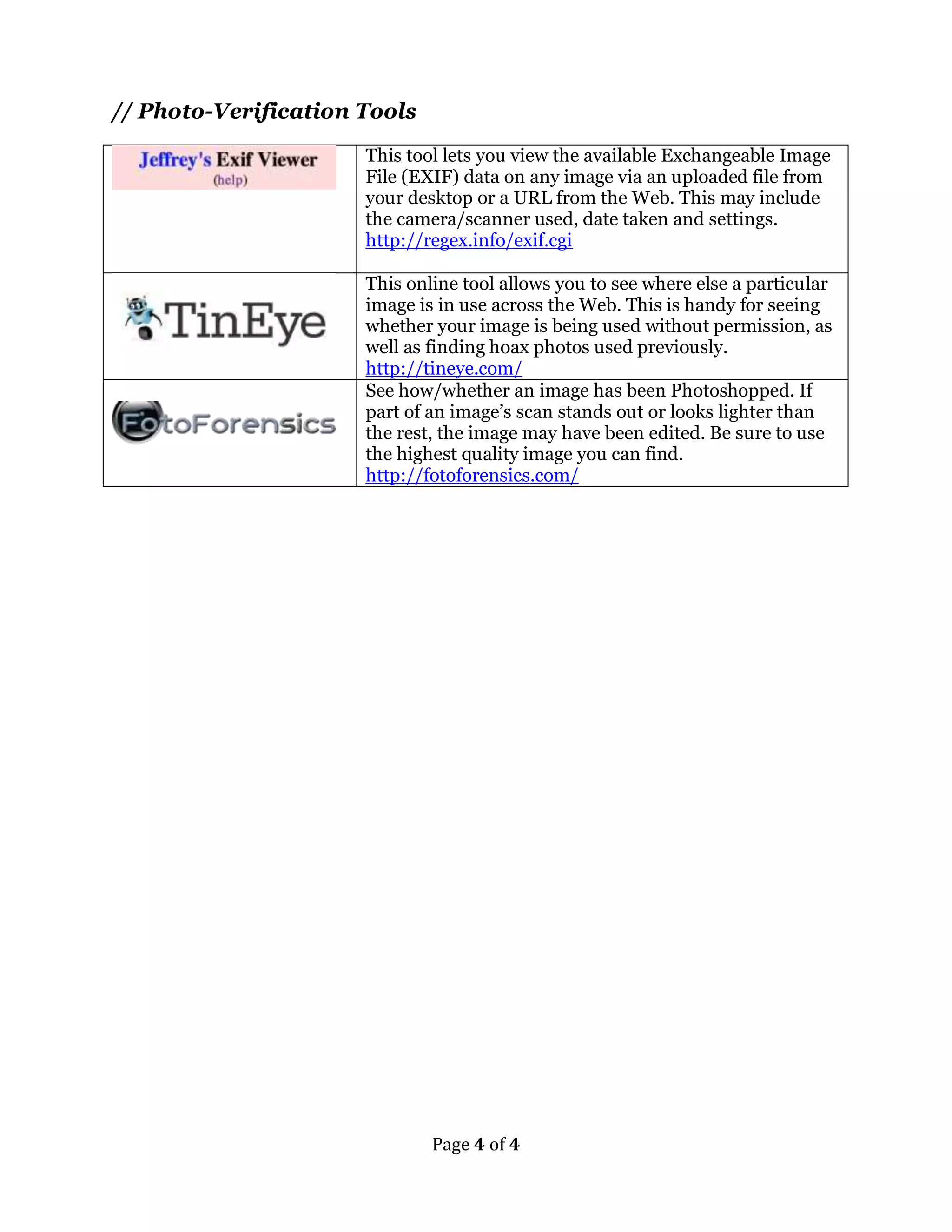
// Photo-Verification Tools 
This tool lets you view the available Exchangeable Image 
File (EXIF) data on any image via an uploaded file from 
your desktop or a URL from the Web. This may include 
the camera/scanner used, date taken and settings. 
http://regex.info/exif.cgi 
This online tool allows you to see where else a particular 
image is in use across the Web. This is handy for seeing 
whether your image is being used without permission, as 
well as finding hoax photos used previously. 
http://tineye.com/ 
See how/whether an image has been Photoshopped. If 
part of an image’s scan stands out or looks lighter than 
the rest, the image may have been edited. Be sure to use 
the highest quality image you can find. 
http://fotoforensics.com/

Using social media as a powerful reporting tool handout - mandy jenkins - columbus - sept. 20, 2014

  • 1.
    Tap into theCrowd Resource List By Mandy Jenkins | @mjenkins Updated 9/2014 // Content-Search Tools Enter search terms to see the last 500 tweets, filter/drill down into related terms, hashtags and links. http://twxplorer.knightlab.com/ Search older tweets and photos. http://topsy.com/advanced-search Real-time keyword search, displayed in a visual format. http://twazzup.com Searches Twitter, Facebook and Google+, order by popularity. http://social-searcher.com/social-buzz/ See all of a user’s tweets on one page. http://AllMyTweets.net Real-time keyword search across many social networks, plus ability to save searches to Excel. http://Socialmention.com Search Instagram photos and videos by keyword. http://web.stagram.com/search/ Search public status updates. http://openstatussearch.com // People Searches on Twitter Search for Twitter users by biography, keyword and their connections to others. http://twiangulate.com Search for Twitter users by location and industry/keyword. http://twellow.com Search for social media accounts and contact for other journalists. http://muckrack.com
  • 2.
    Page 2 of4 // Source-Search Tools Top search box on facebook.com, dig in upon results to search by education, employer, location and more. Search for people, filter by location, profession, etc.: http://www.linkedin.com/vsearch/p?adv=true&trk=adv srch Search and follow companies: http://www.linkedin.com/company/home?trk=hb_tab_ compy Ask questions and find related experts. http://quora.com Insights on all public Twitter accounts http://foller.me/ Search for connections across LinkedIn, Facebook and Gmail. http://gohachi.com/ Discover social networks of those who email you in Gmail. https://rapportive.com/ // Location Searches Premium geolocation-search tool. Can search down to the building, seeing located tweets and images. $ http://geofeedia.com/ Mobile and desktop geolocation-search tool. Can search down to the building, seeing located tweets and images. http://coeverywhere.com
  • 3.
    Though the mobileapp version is used by those who play this check-in game, you can search for venues and “mayors” (those who have been to a location the most times) on the website with an account login. http://foursquare.com/ Page 3 of 4 // Crowdsourcing Tools Create public forms, surveys and other shareable documents. http://docs.google.com/ Create an automatic map from a Google spreadsheet and form. http://mapalist.com/ Create a mobile-friendly reader-assisted map. https://crowdmap.com/ Simple blog interface allows for user submissions. http://tumblr.com/ // Curation Tools Save links of any sort to access from anywhere, anytime. Install the Diigo plugin on your browser to take full advantage of its ease. https://www.diigo.com/ Compile tweets, YouTube videos, links, social photos, text and more into stories you can embed on your website. Install the Storify plugin for Chrome or Firefox to make it easier to add items. http://storify.com/ Arrange text, images, videos, tweets and more into an embeddable timeline out of Google Spreadsheets. http://timeline.knightlab.com/ Create always updating, embeddable section fronts around topics or events using social accounts, social searches and other feeds. https://www.rebelmouse.com/ Build visually compelling collections of related media for an embeddable and original alternative to a boring story package. http://newhive.com/
  • 4.
    Page 4 of4 // Photo-Verification Tools This tool lets you view the available Exchangeable Image File (EXIF) data on any image via an uploaded file from your desktop or a URL from the Web. This may include the camera/scanner used, date taken and settings. http://regex.info/exif.cgi This online tool allows you to see where else a particular image is in use across the Web. This is handy for seeing whether your image is being used without permission, as well as finding hoax photos used previously. http://tineye.com/ See how/whether an image has been Photoshopped. If part of an image’s scan stands out or looks lighter than the rest, the image may have been edited. Be sure to use the highest quality image you can find. http://fotoforensics.com/