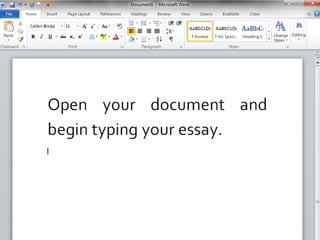
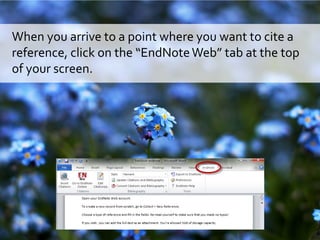
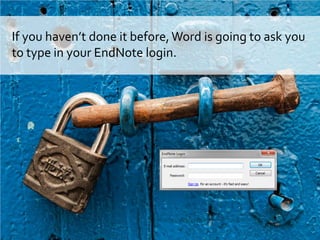
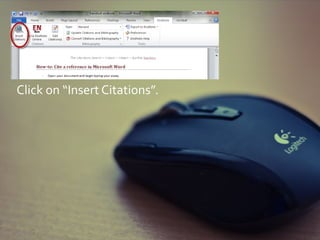
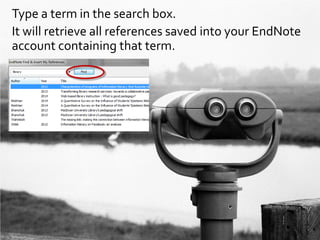
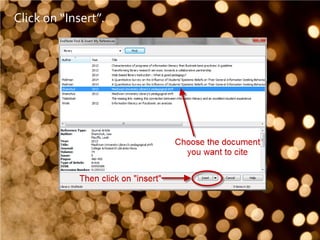
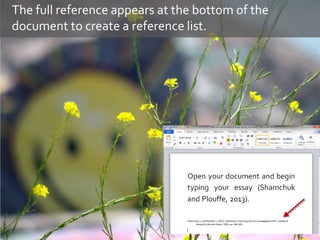
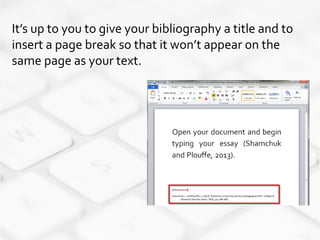
To cite a reference in Microsoft Word using EndNote, click the EndNoteWeb tab and log into your EndNote account if prompted. Type a search term to retrieve matching references, then click Insert to add the citation where your cursor is located. This will also add the full reference to the document bibliography. You need to add a title and page break to the bibliography for it to appear correctly. Contact the library for help if needed.