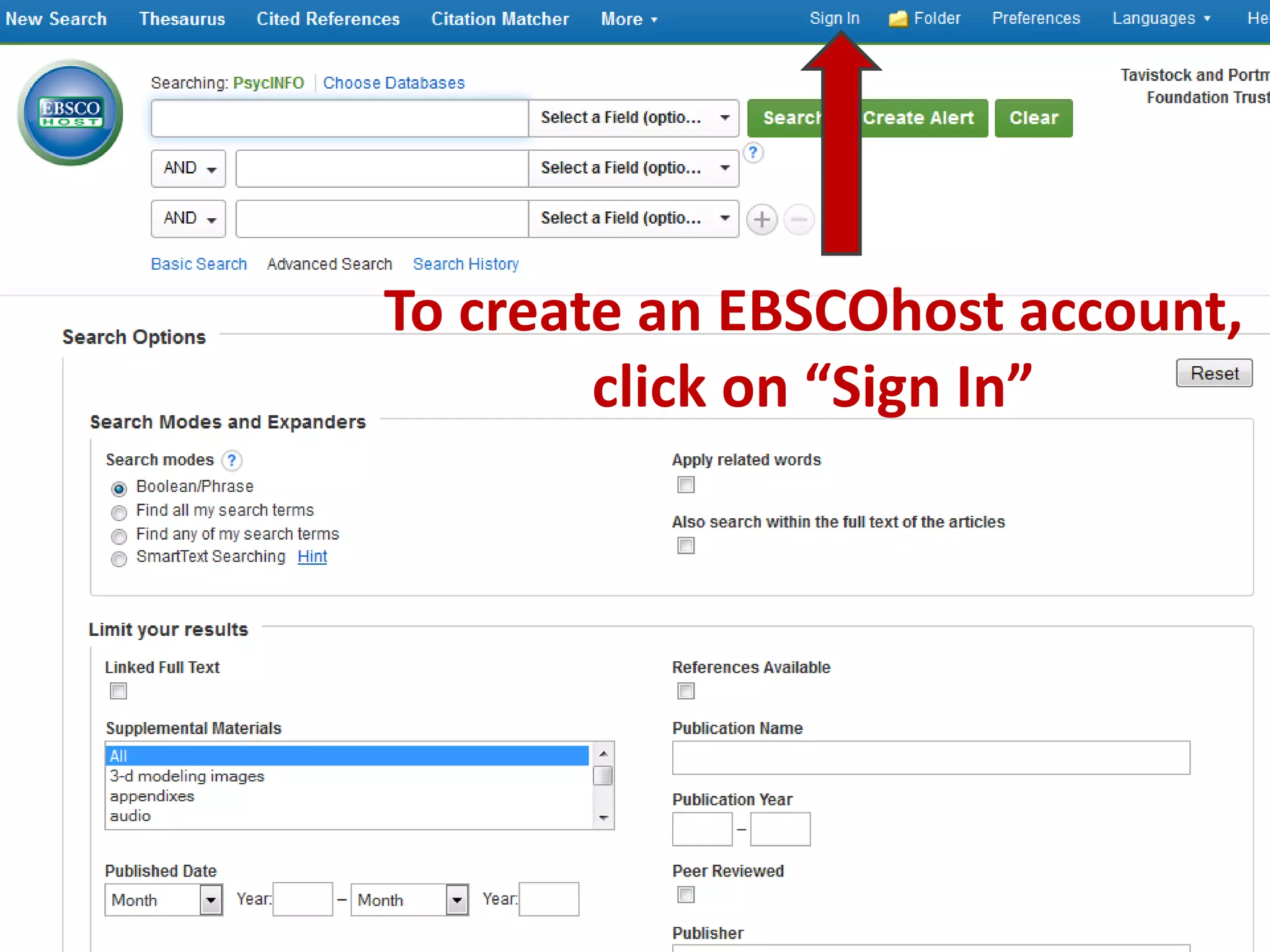
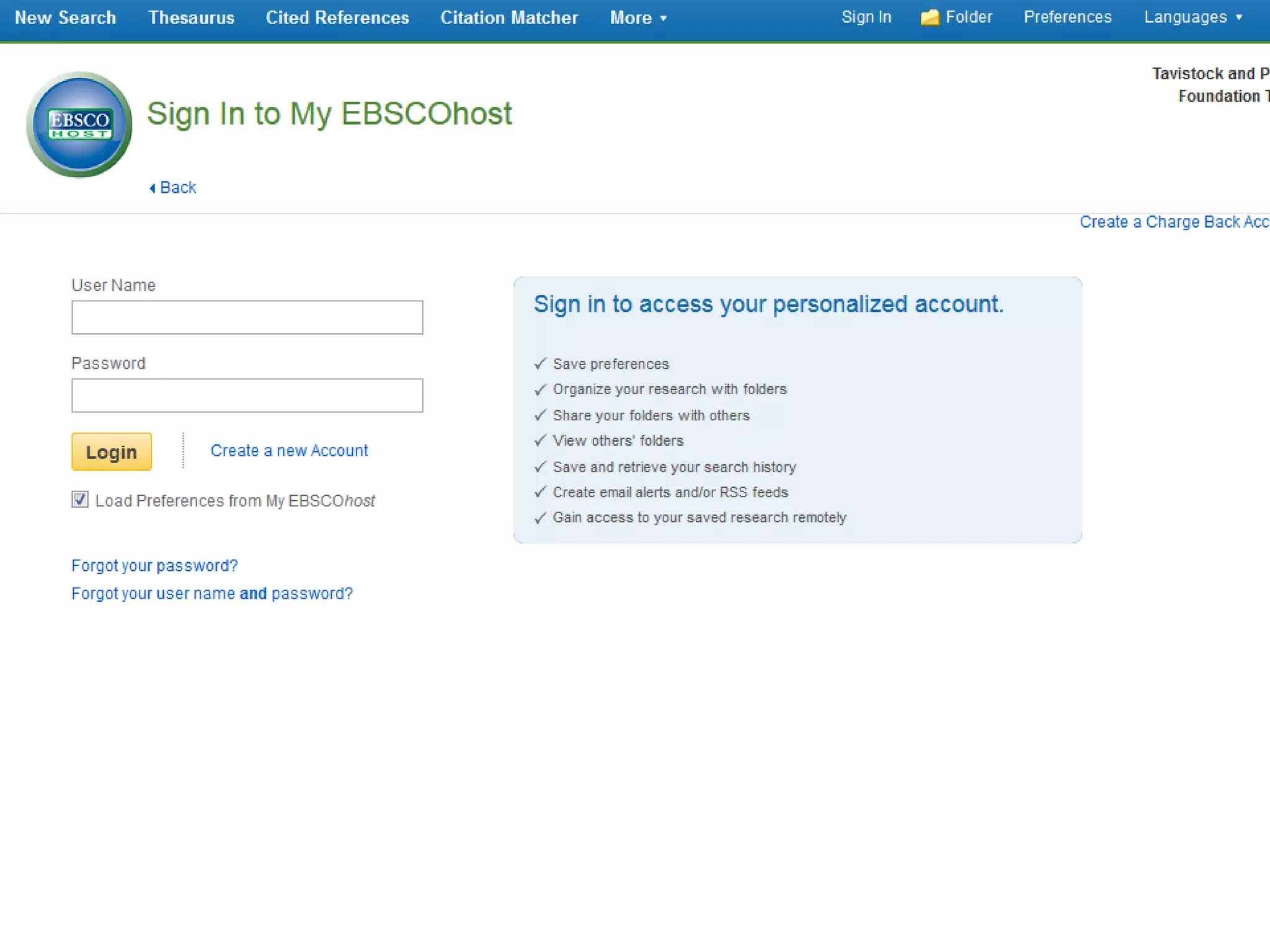
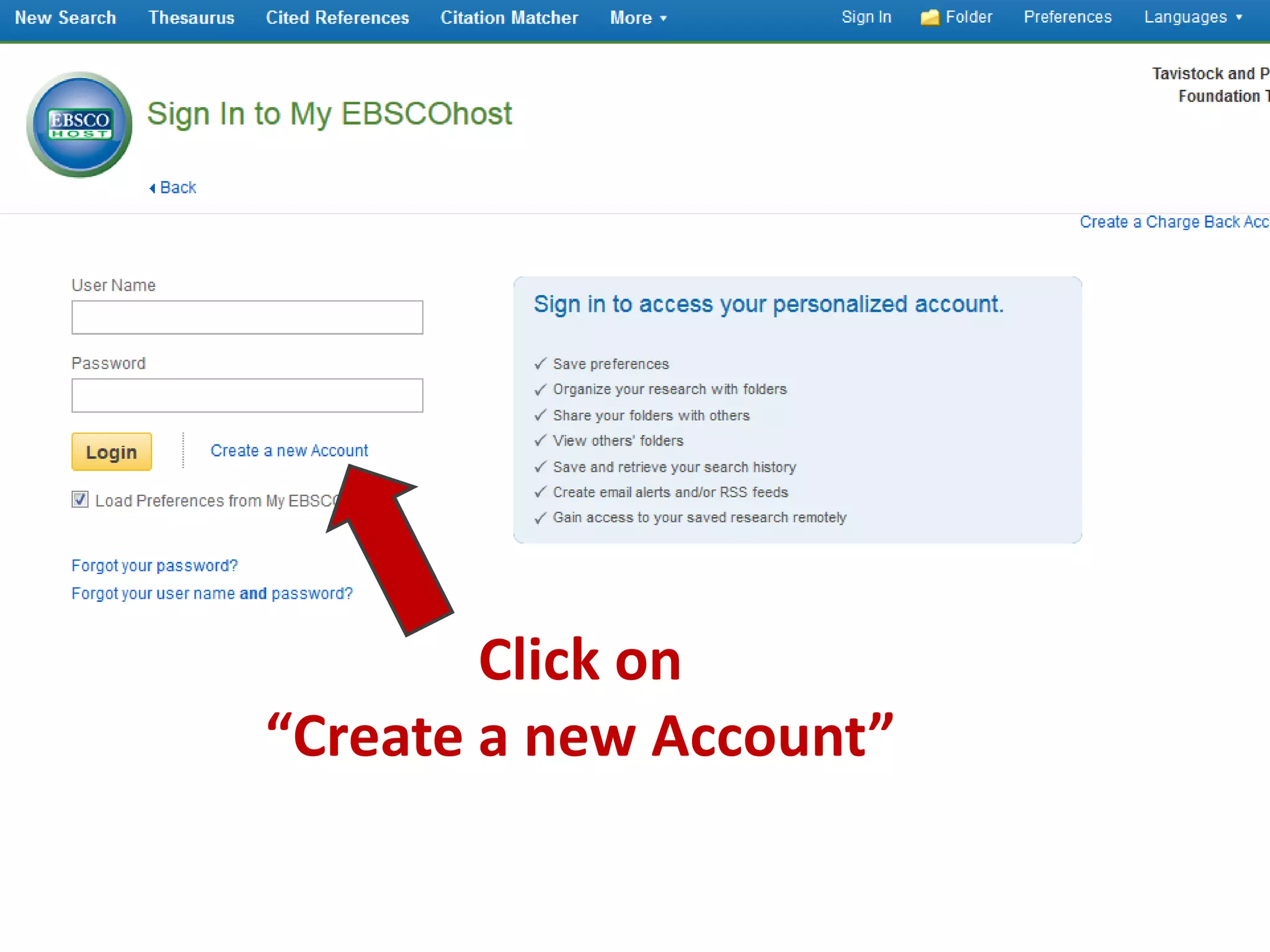
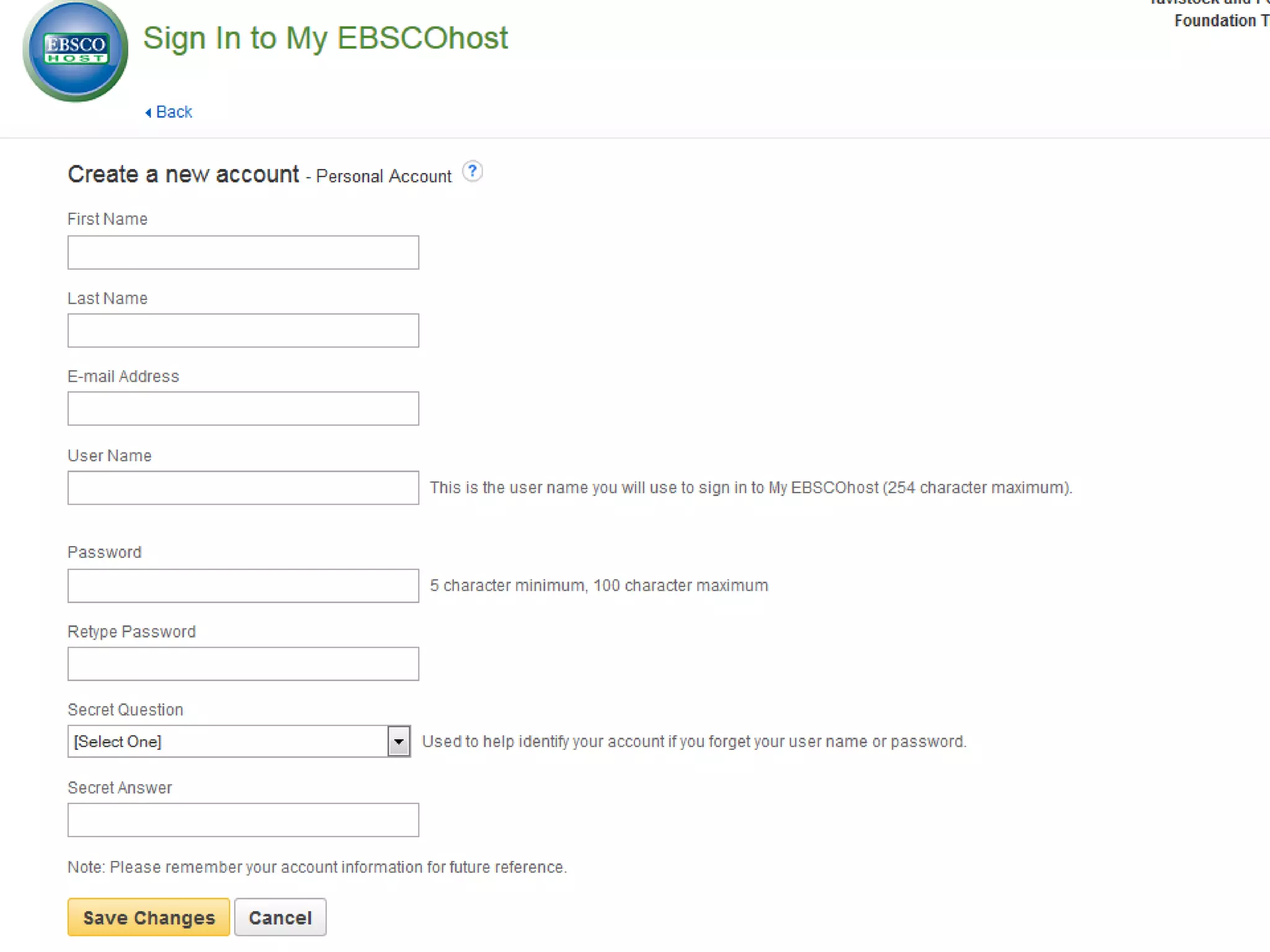
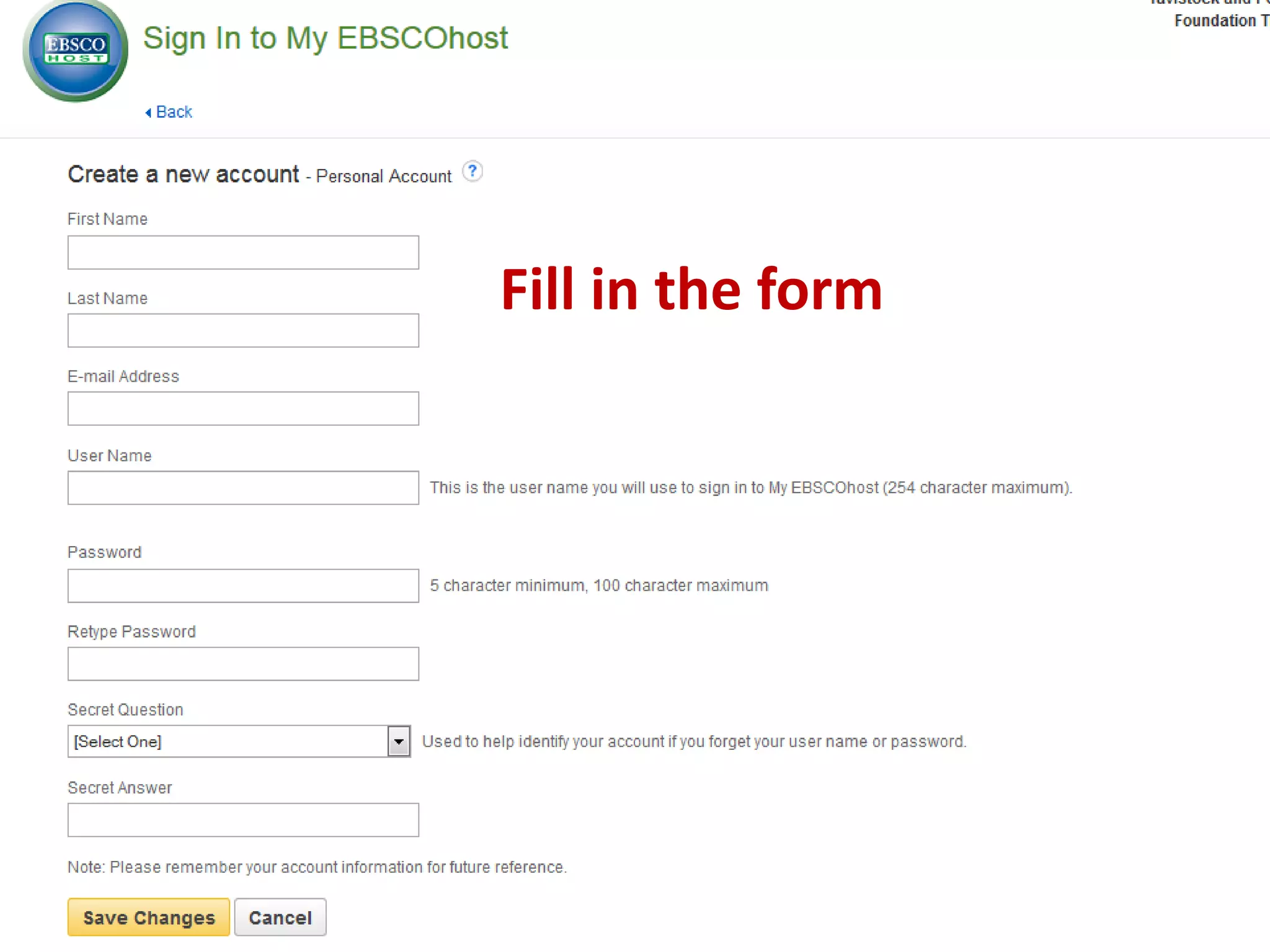
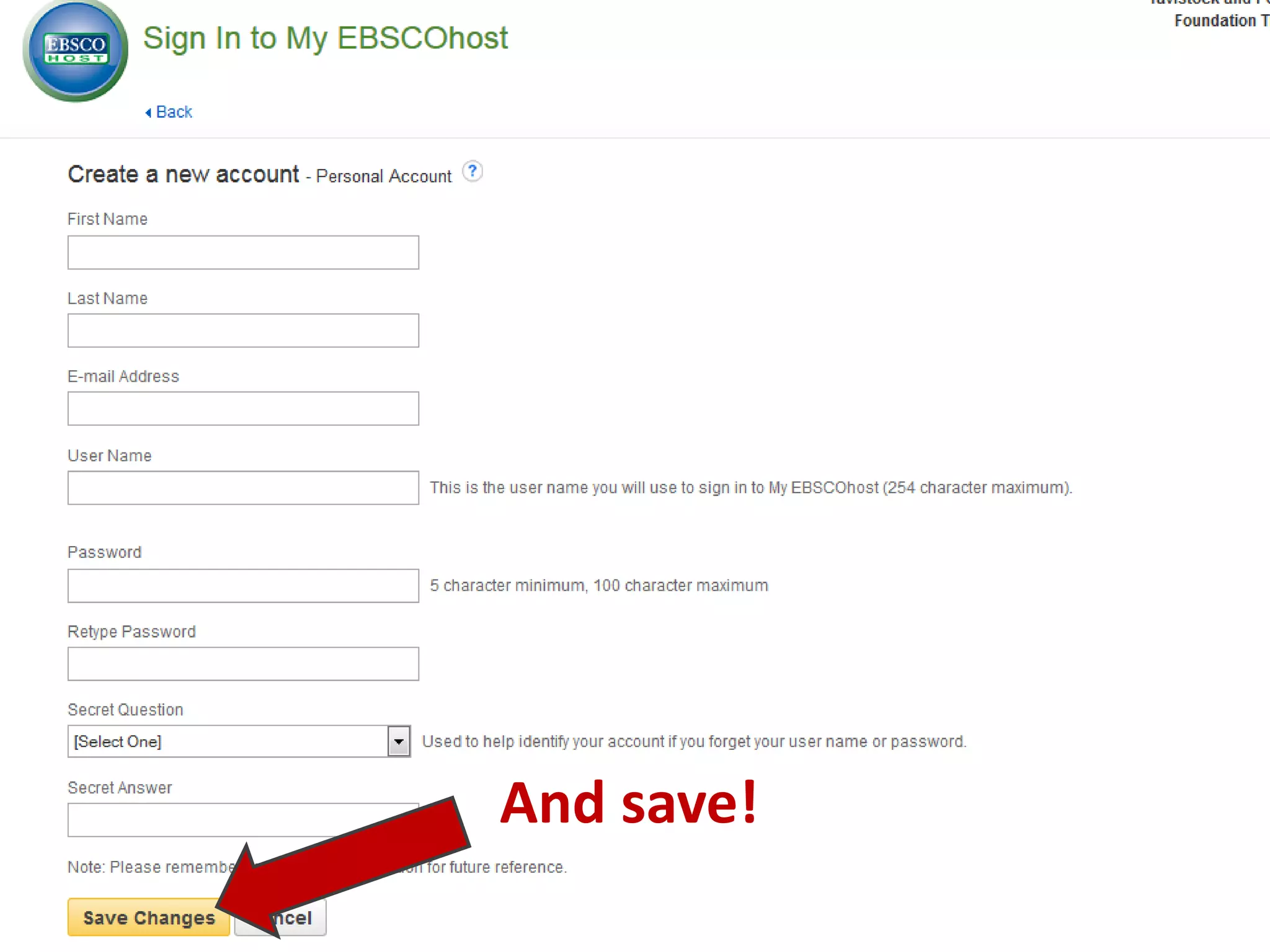
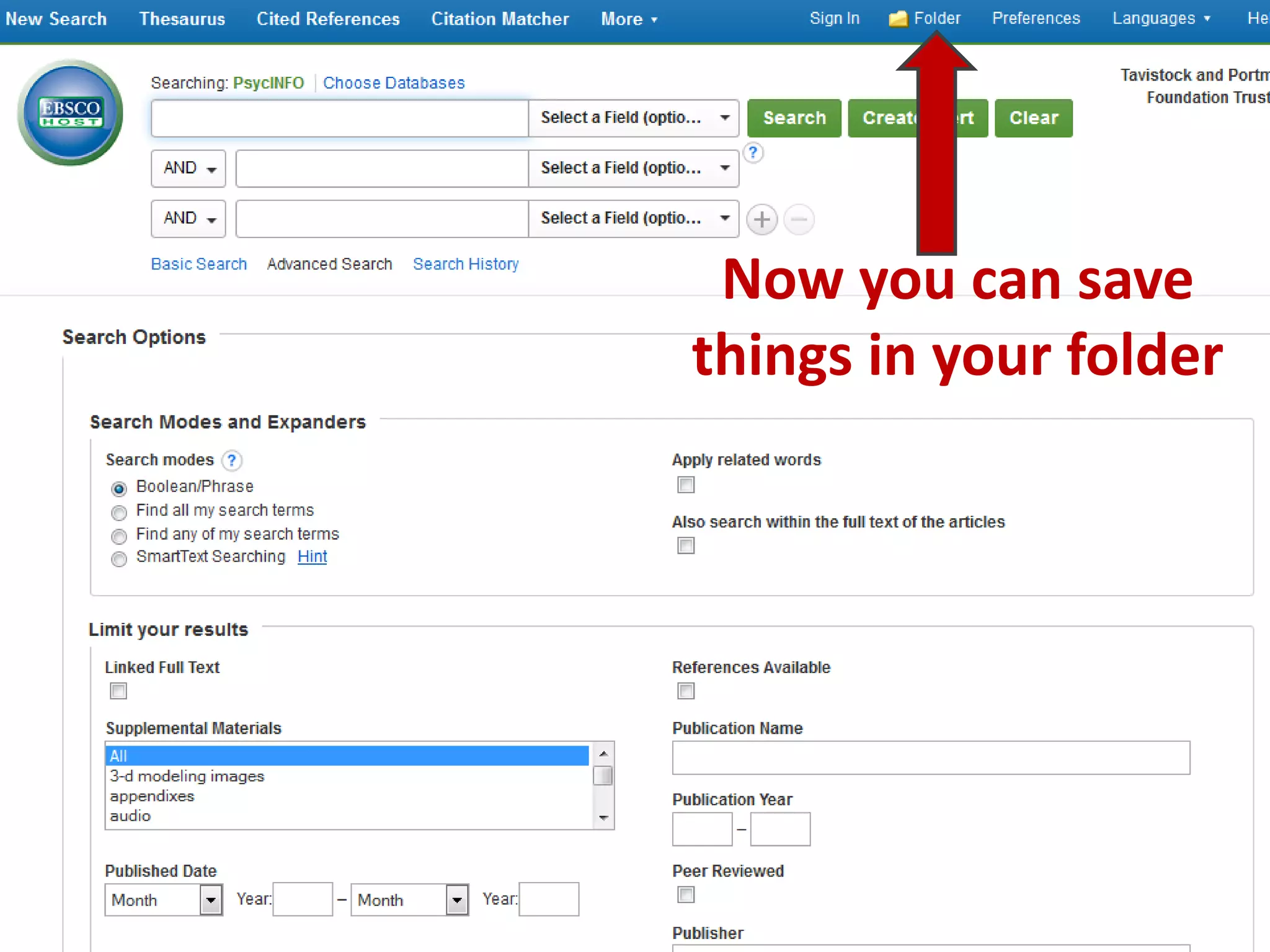
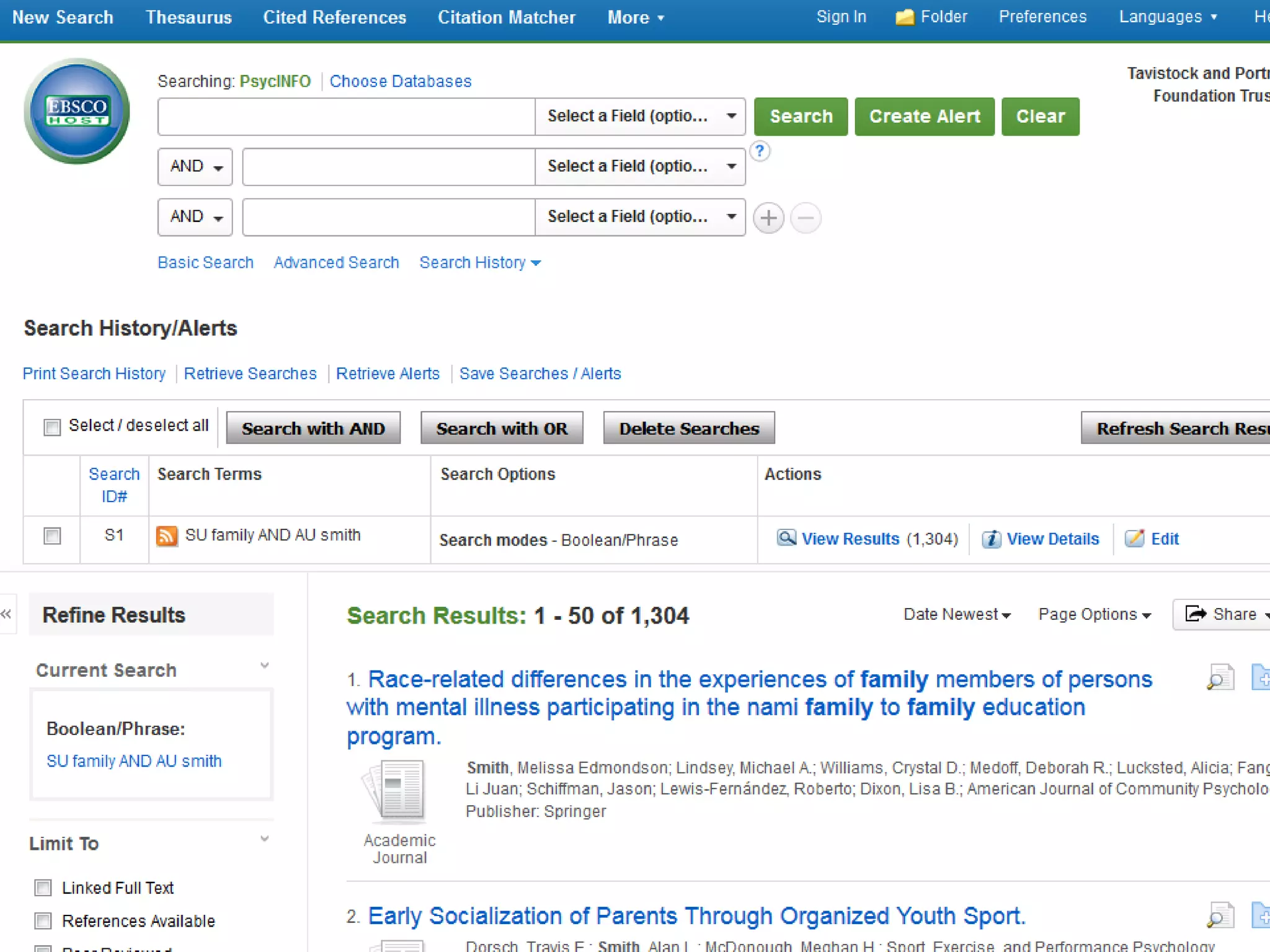
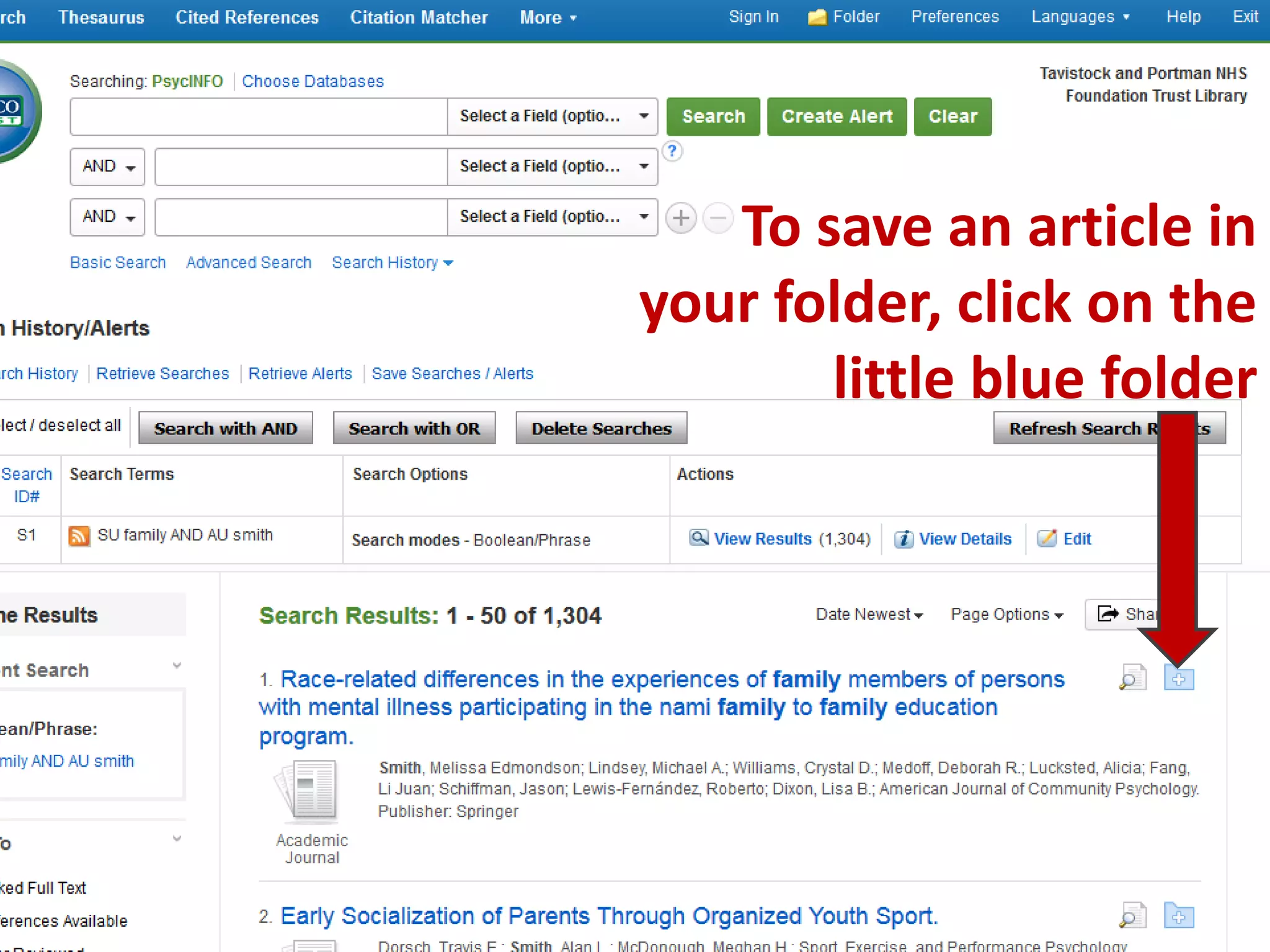
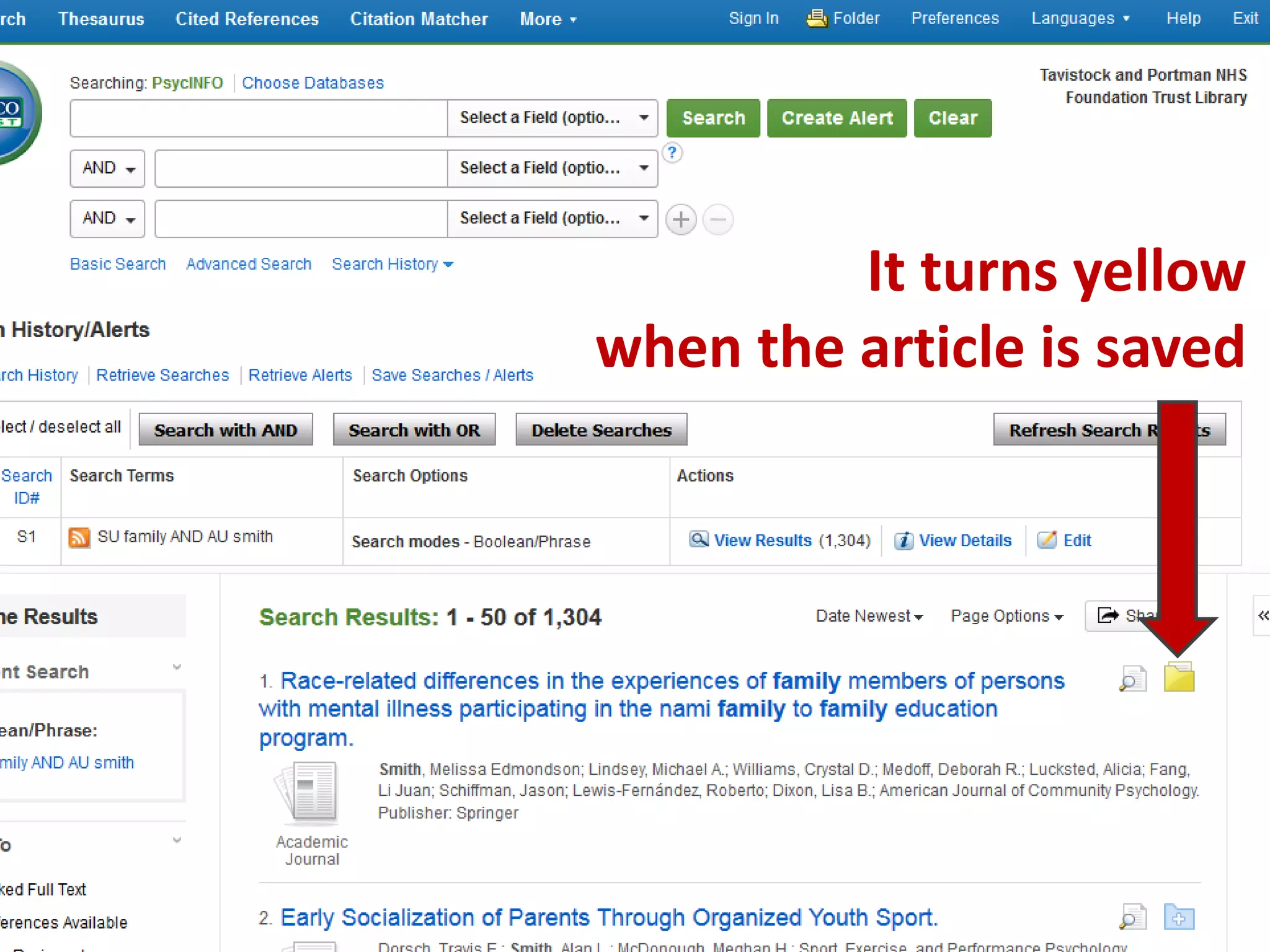
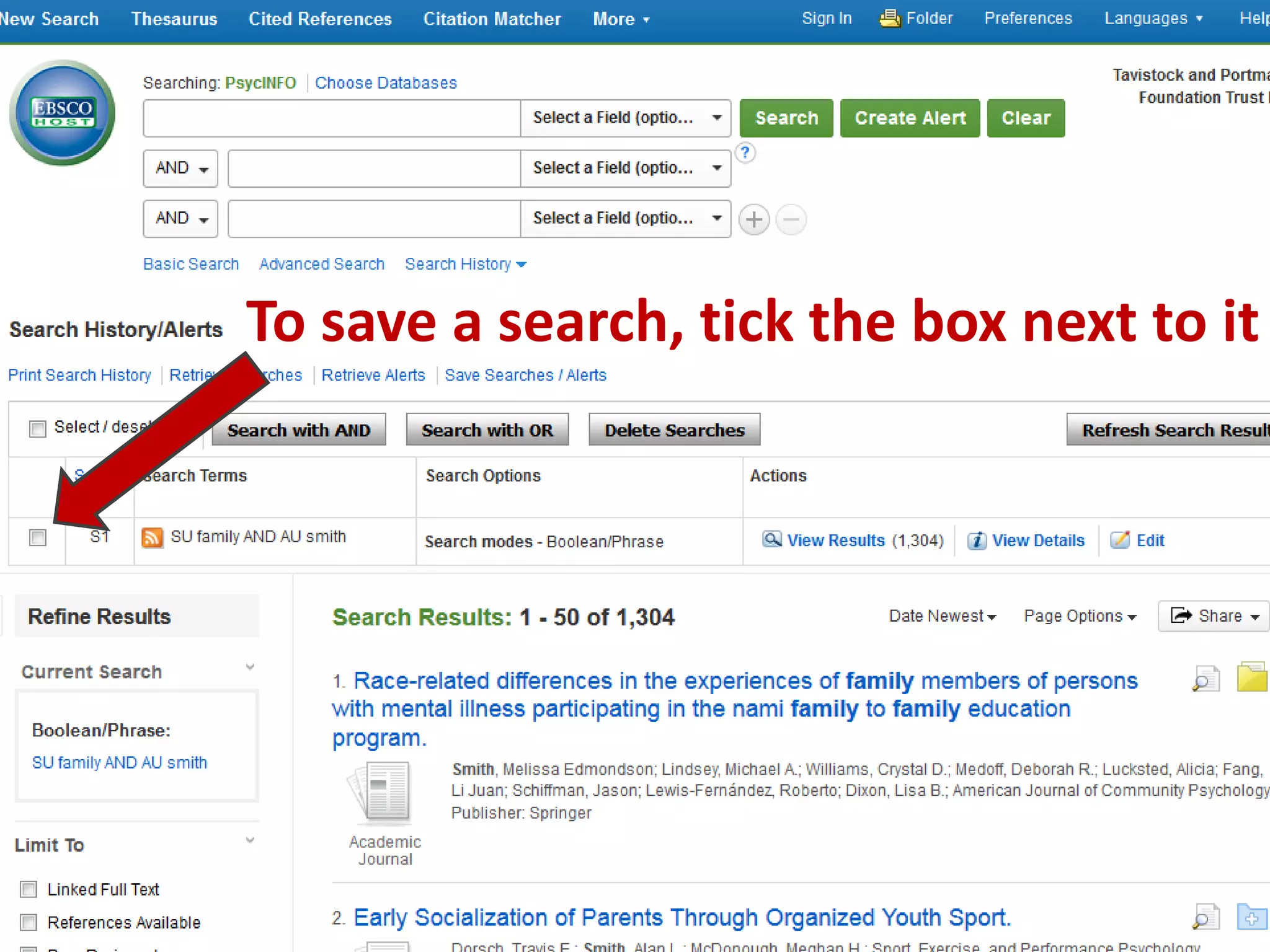
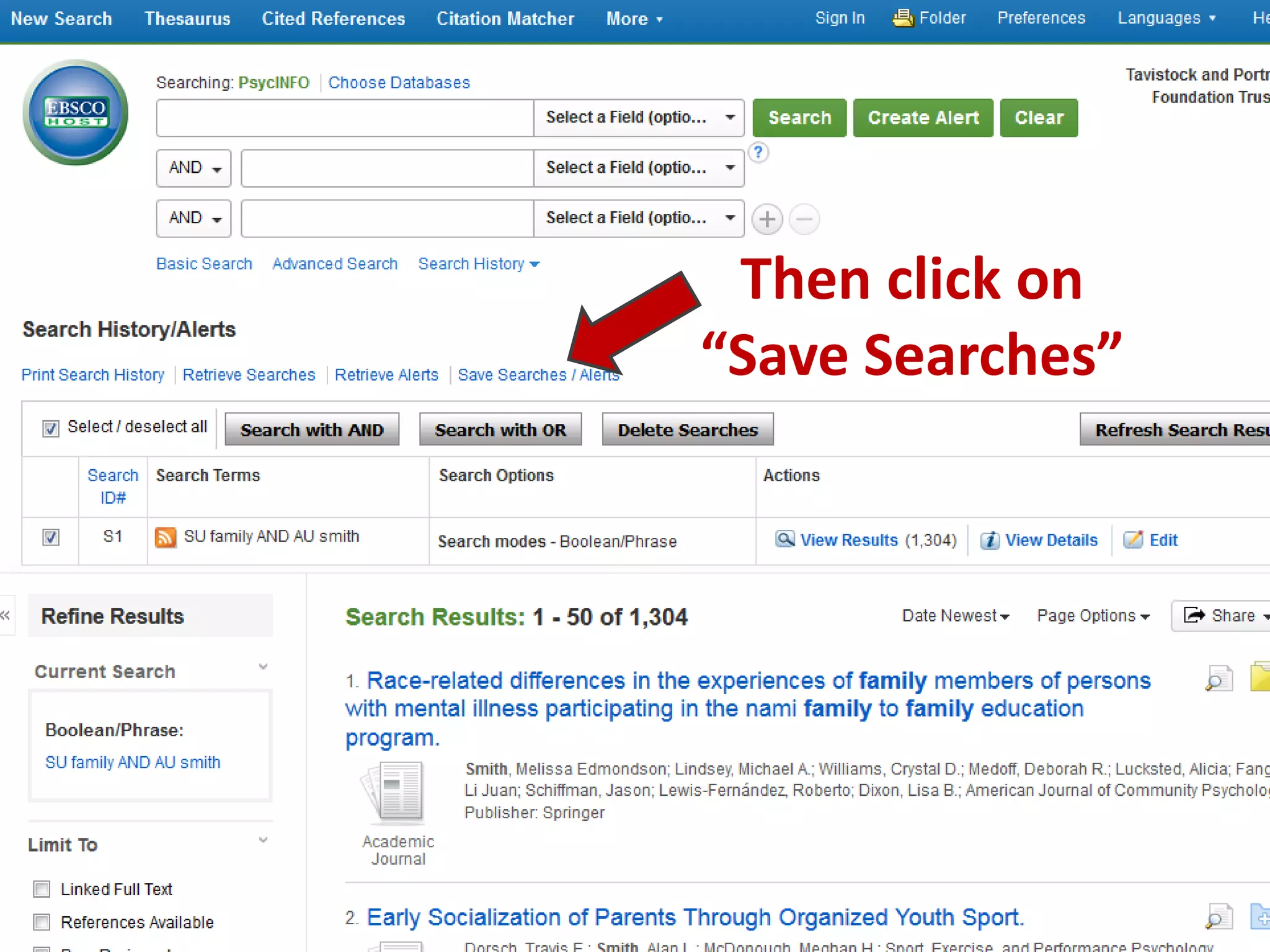
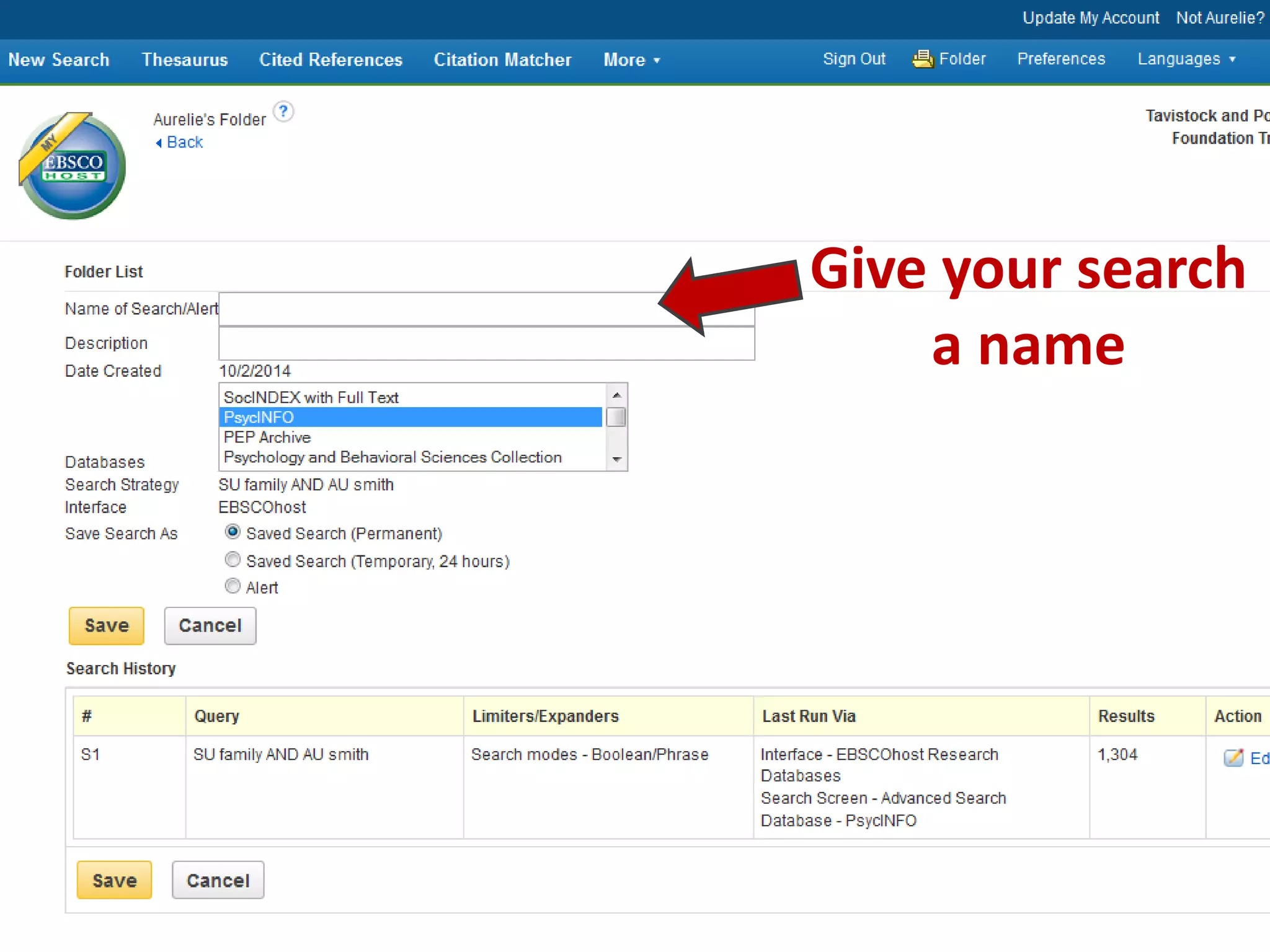
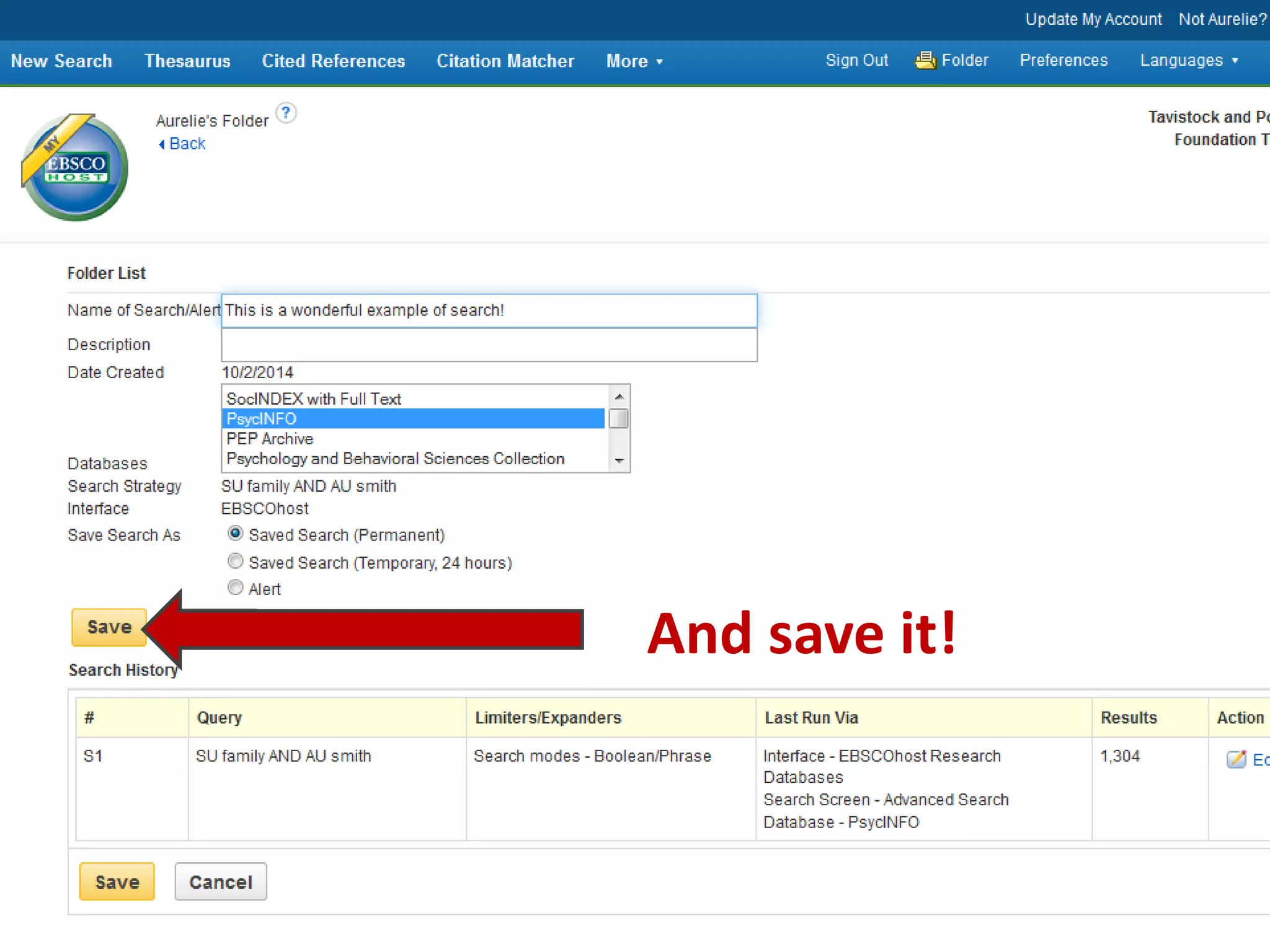
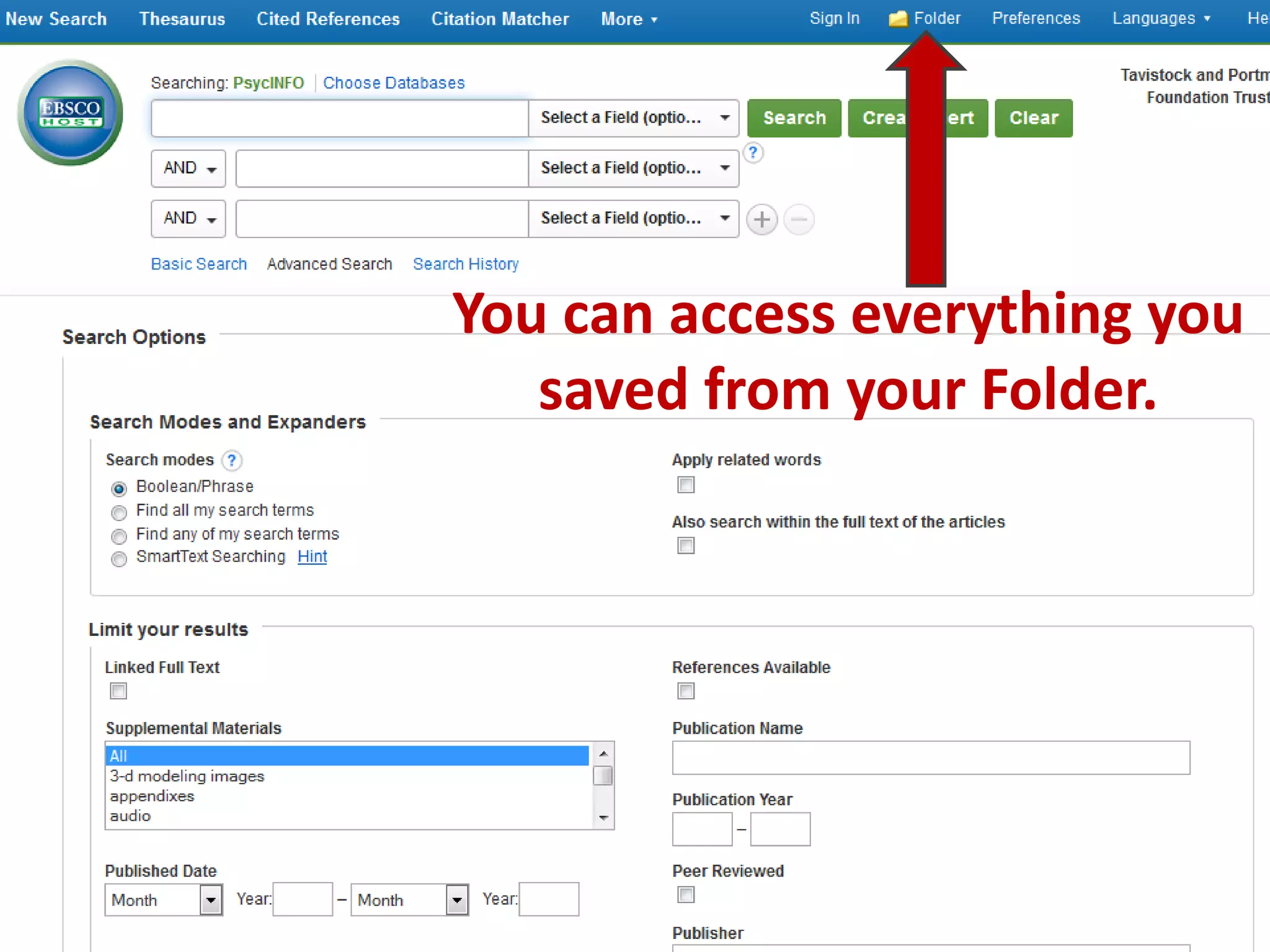
To create an EBSCOhost account, click the "Sign In" button and then select "Create a new Account", filling out the registration form to save. This allows users to save articles and searches by clicking the blue folder icon next to articles to save them or checking the box next to searches and clicking "Save Searches" while providing a name. Saved items can be accessed through the user's folder as long as they are logged into their account to avoid losing any unsaved work.