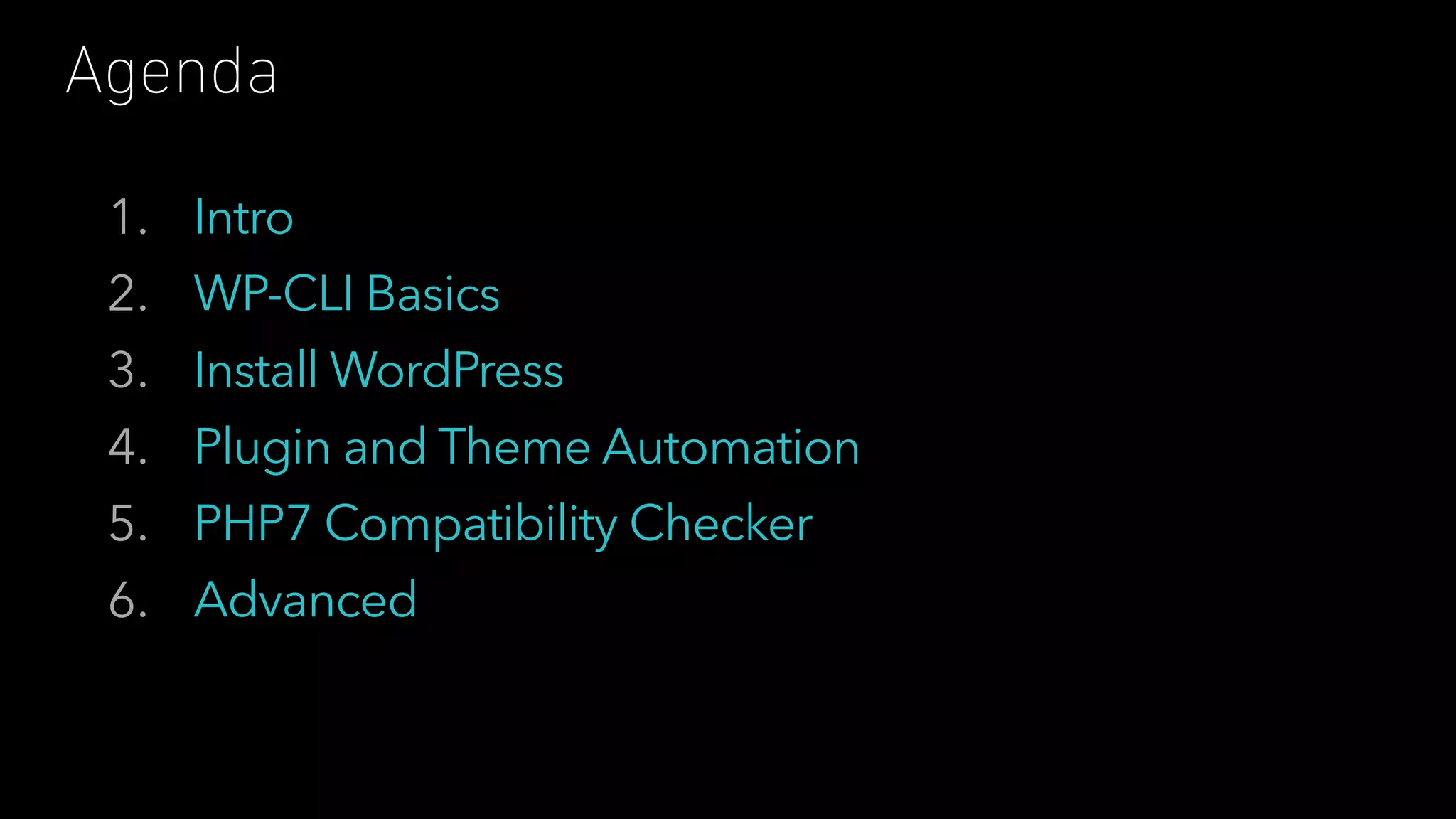
1. Intro
2. WP-CLI Basics
3. Install WordPress
4. Plugin and Theme Automation
5. PHP7 Compatibility Checker
6. Advanced
Agenda
_____ _ _ _ _
|_ _| | | | | | | (_)
| | _ __ | |_ _ __ ___ __| |_ _ ___| |_ _ ___ _ __
| | | '_ | __| '__/ _  / _` | | | |/ __| __| |/ _ | '_ 
_| |_| | | | |_| | | (_) | (_| | |_| | (__| |_| | (_) | | | |
|_____|_| |_|__|_| ___/ __,_|__,_|___|__|_|___/|_| |_|
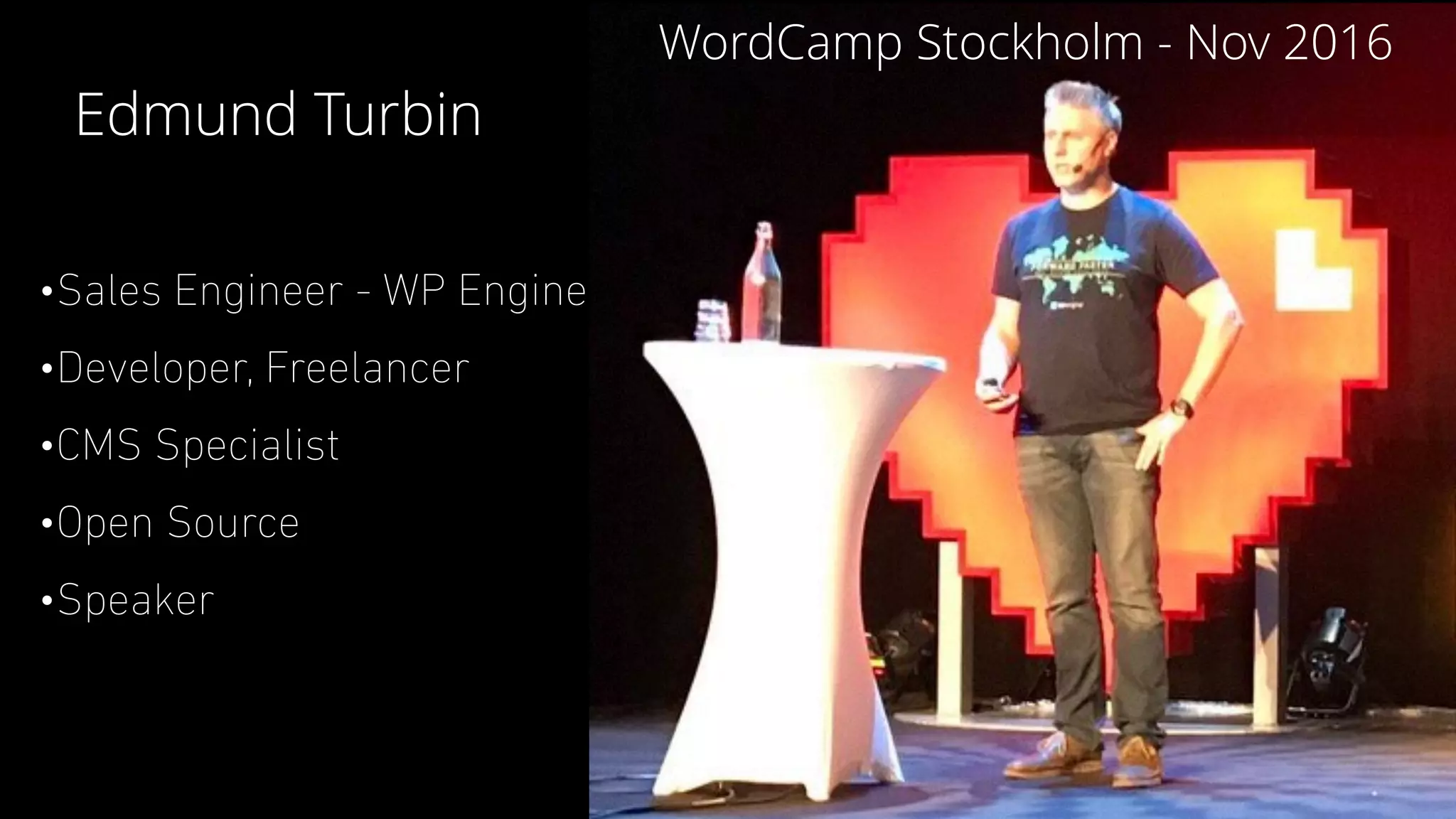
•Sales Engineer - WP Engine
•Developer, Freelancer
•CMS Specialist
•Open Source
•Speaker
Edmund Turbin
WordCamp Stockholm - Nov 2016
THERE ARE TWO TYPES OF PEOPLE IN THE WORLD
I ❤
WHY USE COMMANDS?
•Quickly execute a task
•Bundle many tasks together in scripts
•Avoid using the keyboard and mouse
•Simplify repetitive tasks
•and also…
WHY USE COMMANDS?SO WE CAN BE LAZY
____ _
| _  (_)
| |_) | __ _ ___ _ ___ ___
| _ < / _` | / __| | | / __| / __|
| |_) | | (_| | __  | | | (__ __ 
|____/ __,_| |___/ |_| ___| |___/
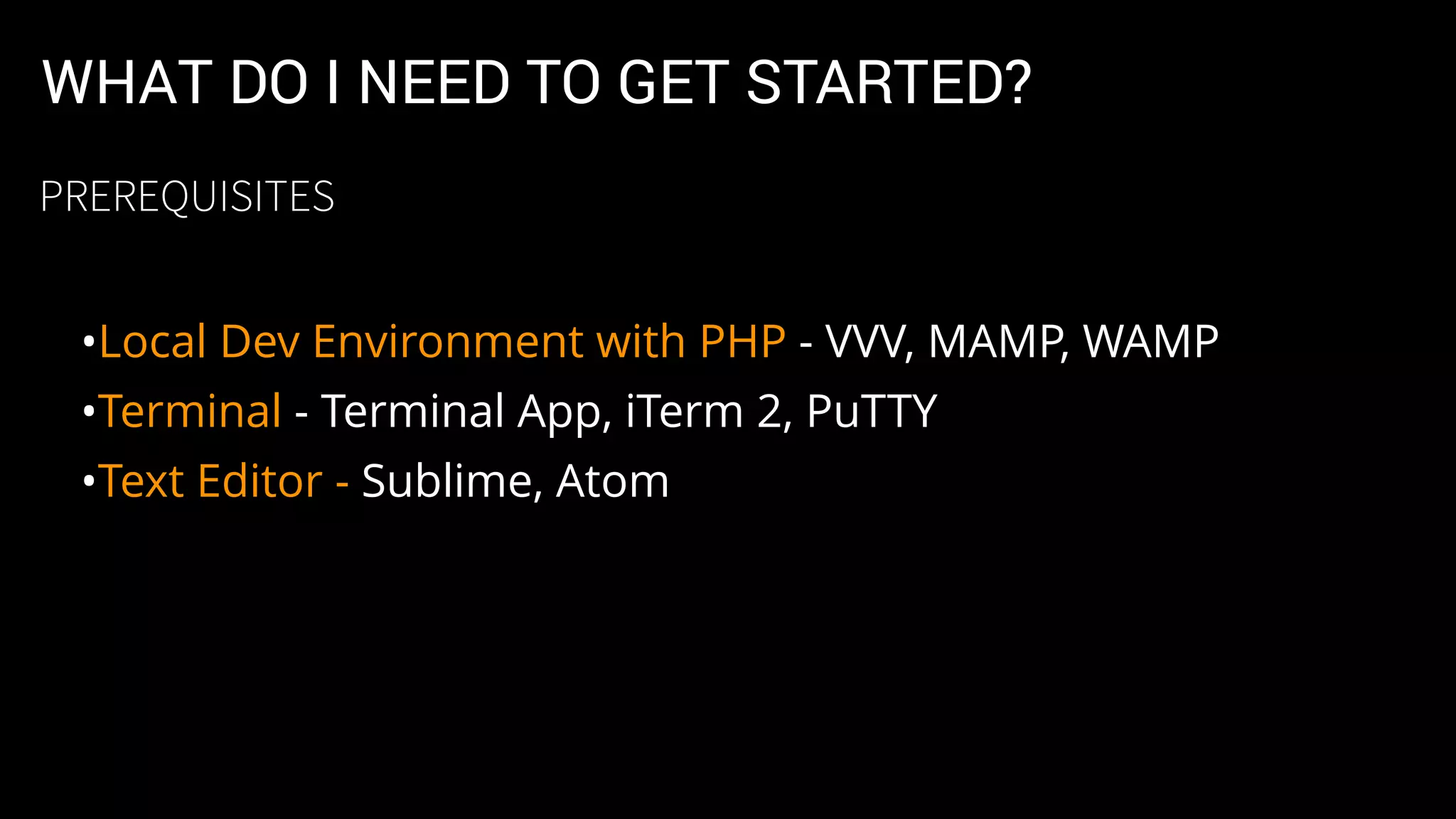
WHAT DO I NEED TO GET STARTED?
•Local Dev Environment with PHP - VVV, MAMP, WAMP
•Terminal - Terminal App, iTerm 2, PuTTY
•Text Editor - Sublime, Atom
PREREQUISITES
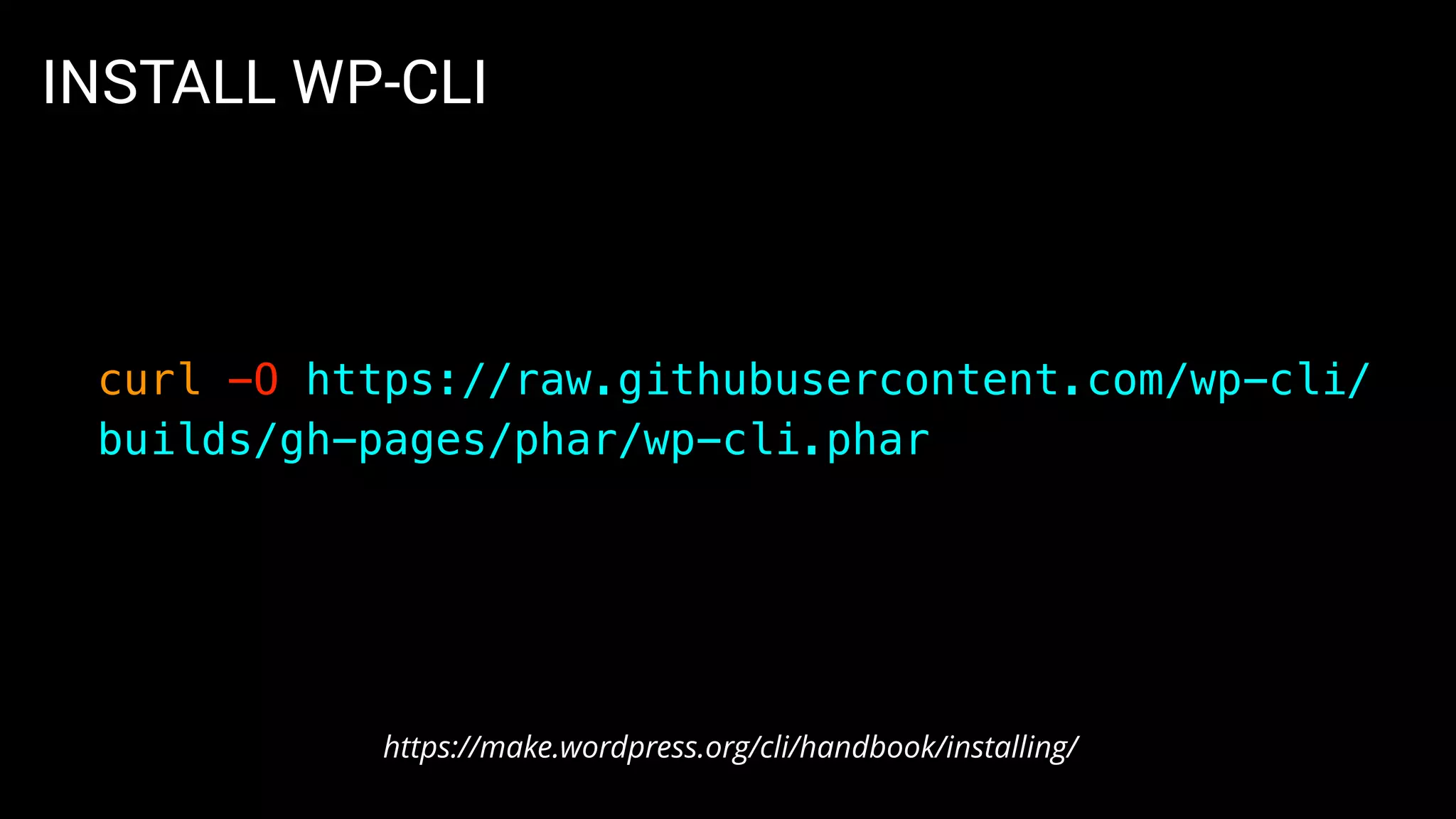
INSTALL WP-CLI
curl -O https://raw.githubusercontent.com/wp-cli/
builds/gh-pages/phar/wp-cli.phar
https://make.wordpress.org/cli/handbook/installing/
INSTALL WP-CLI
# Make file executable
chmod +x wp-cli.phar
# Move file to proper location
sudo mv wp-cli.phar /usr/local/bin/wp
https://make.wordpress.org/cli/handbook/installing/
INSTALL WP-CLI
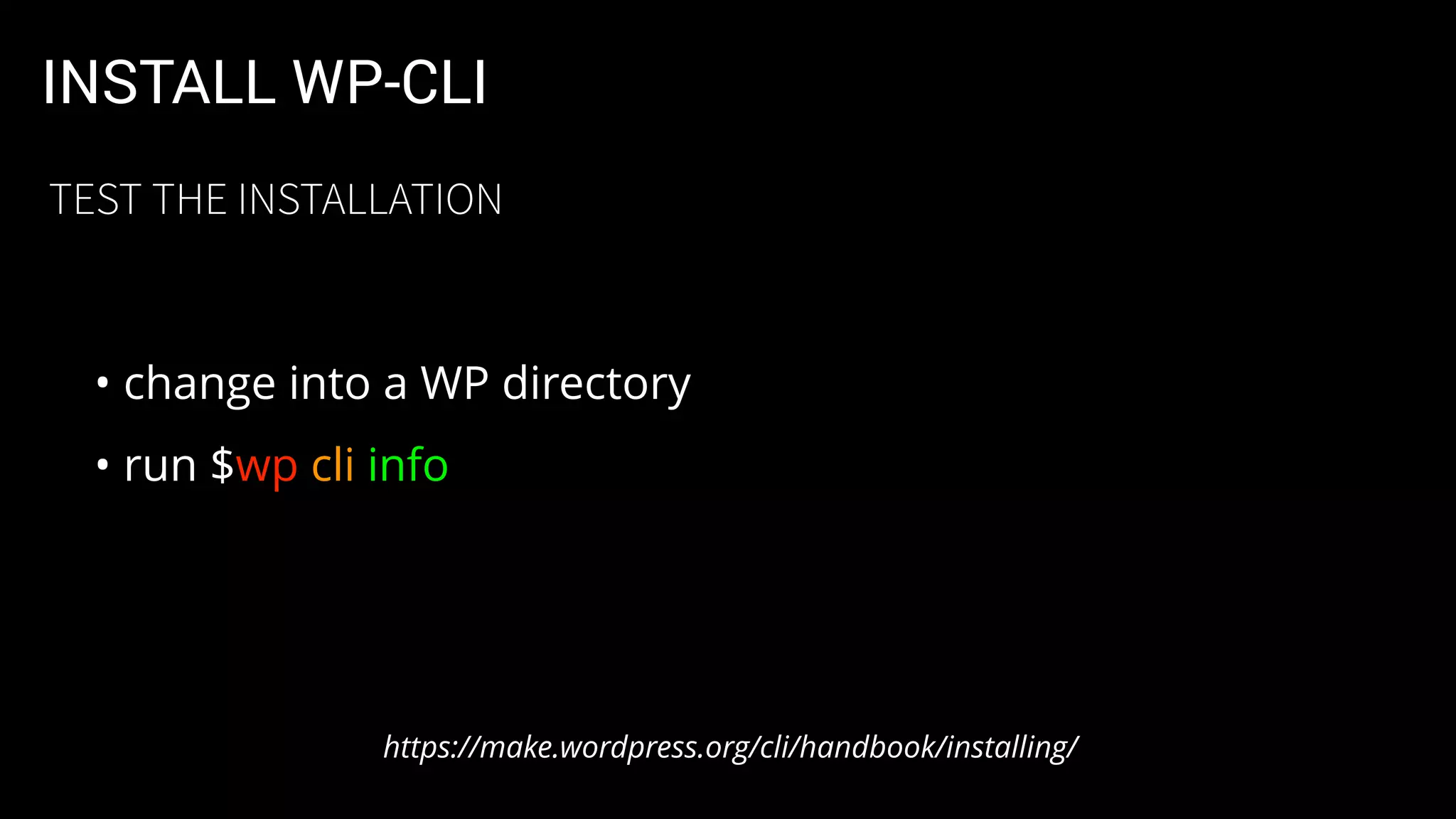
• change into a WP directory
• run $wp cli info
https://make.wordpress.org/cli/handbook/installing/
TEST THE INSTALLATION
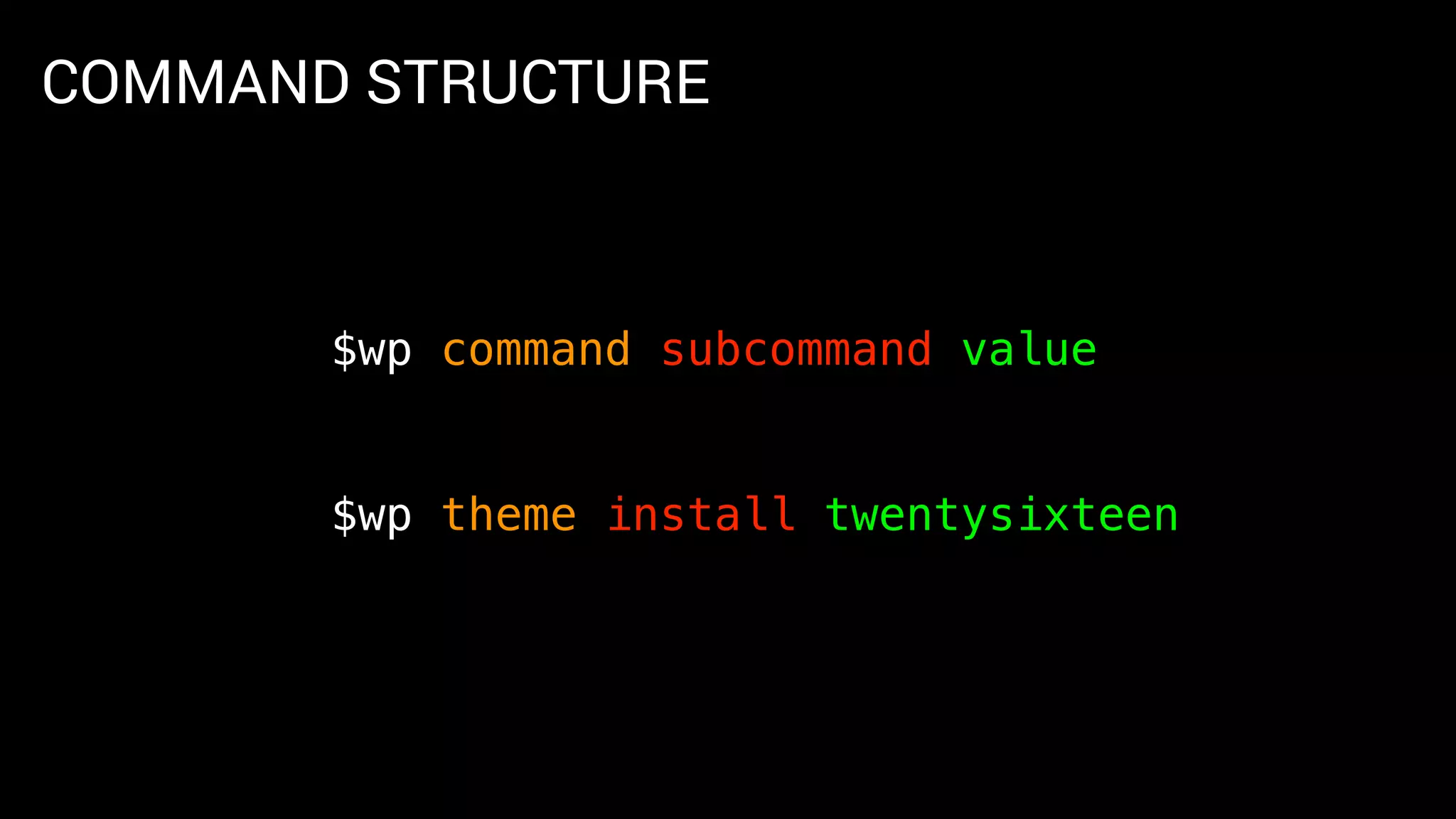
COMMAND STRUCTURE
$wp command subcommand value
$wp theme install twentysixteen
_____ __ _ _ _
/ ____| / _(_) | | (_)
| | ___ _ __ | |_ _ __ _ _ _ _ __ __ _| |_ _ ___ _ __
| | / _ | '_ | _| |/ _` | | | | '__/ _` | __| |/ _ | '_ 
| |___| (_) | | | | | | | (_| | |_| | | | (_| | |_| | (_) | | | |
________/|_| |_|_| |_|__, |__,_|_| __,_|__|_|___/|_| |_|
__/ |
|___/
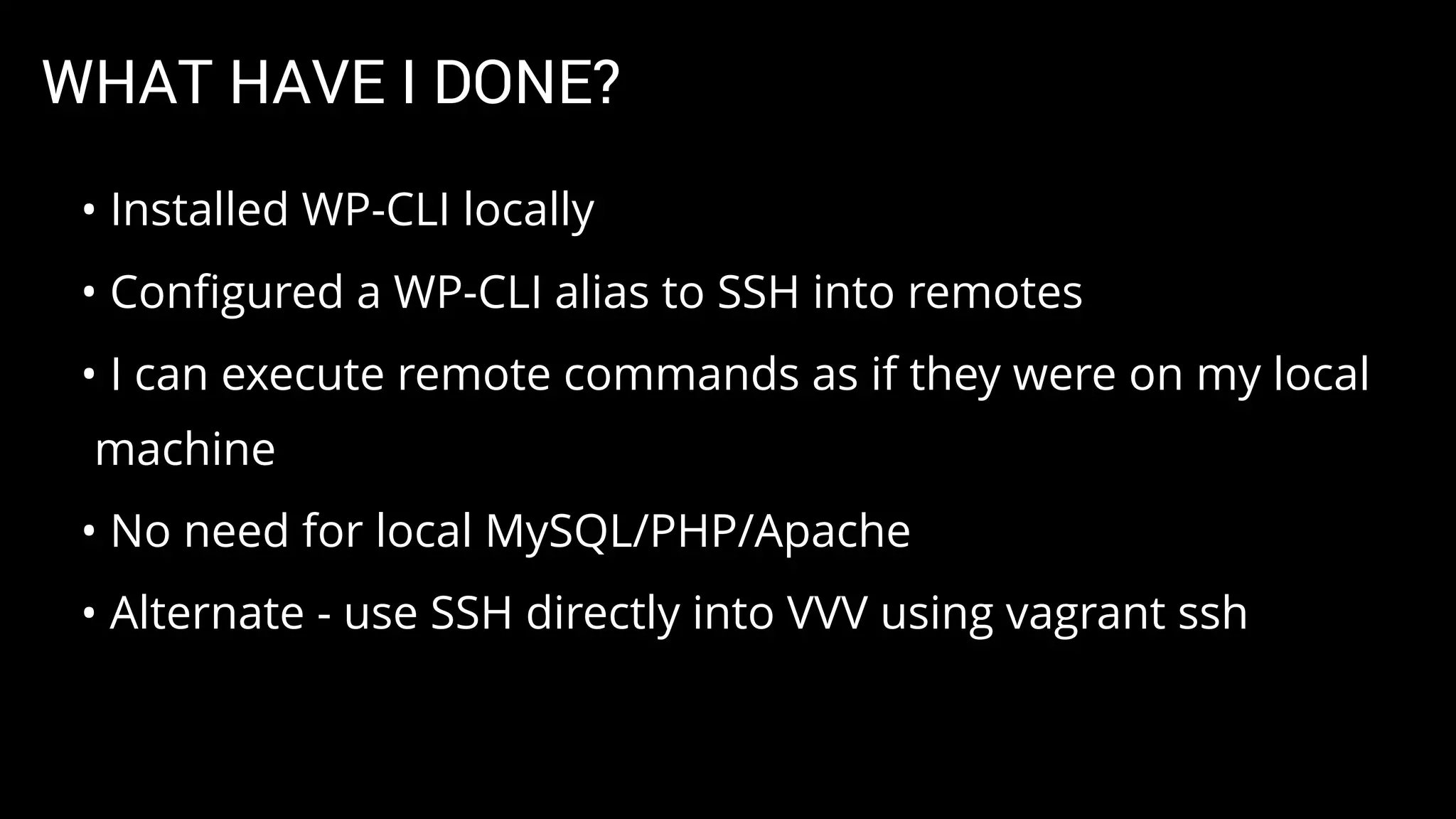
WHAT HAVE I DONE?
• Installed WP-CLI locally
• Configured a WP-CLI alias to SSH into remotes
• I can execute remote commands as if they were on my local
machine
• No need for local MySQL/PHP/Apache
• Alternate - use SSH directly into VVV using vagrant ssh
CONFIGURATION
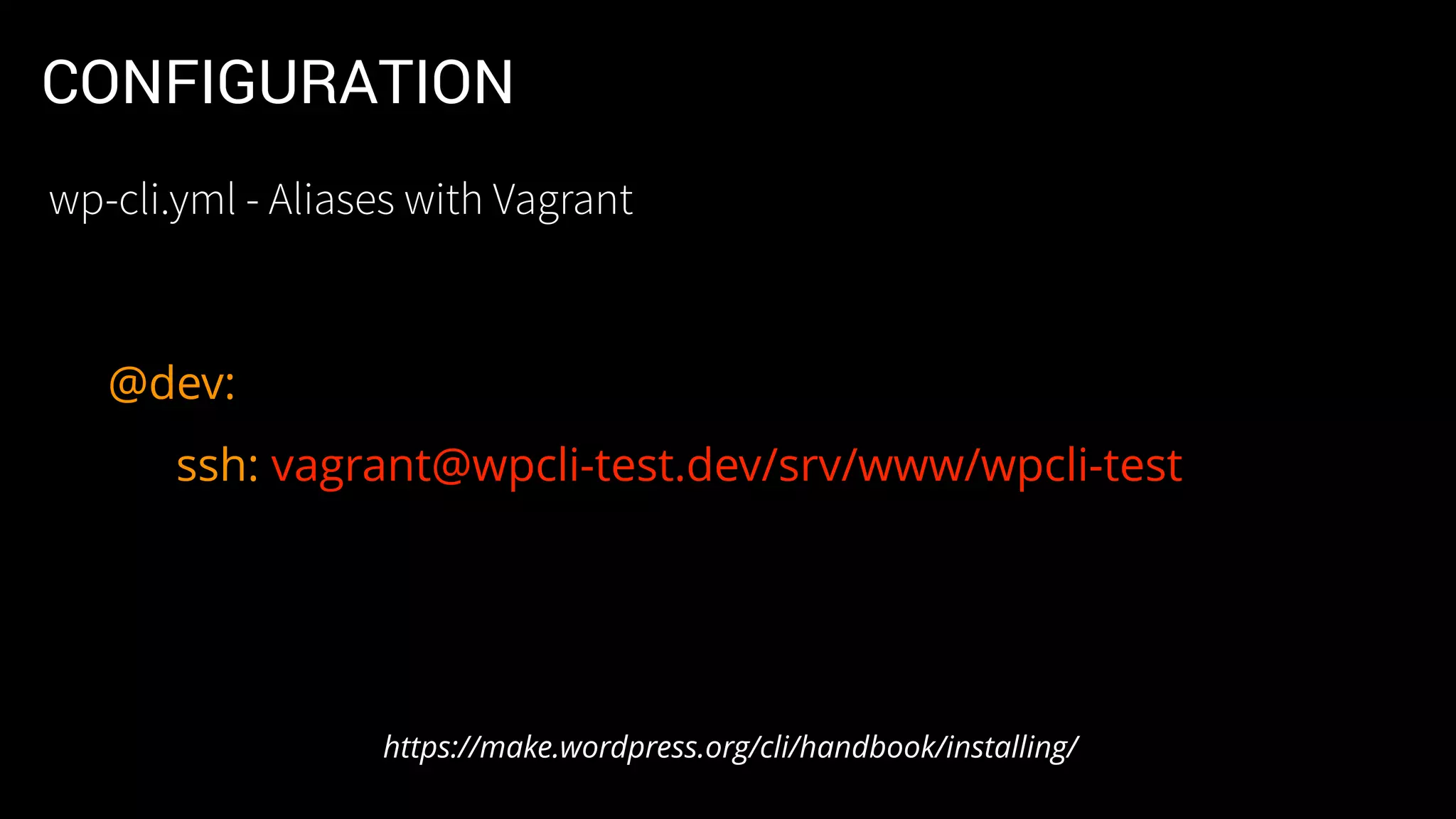
•Alias called @dev allows me to run remote commands
• $wp @dev cli info is different than $wp cli info
• @dev connects via SSH and runs on Vagrant box
https://make.wordpress.org/cli/handbook/config/
wp-cli.yml - Aliases with Vagrant
CONFIGURATION
•Allows you to configure WP-CLI variables
•File can be at the Global, Project and Local levels
•e.g.: Local overrides Global
•Allows you to set up Aliases per site
https://make.wordpress.org/cli/handbook/config/
wp-cli.yml
CONFIGURATION
@dev:
ssh: vagrant@wpcli-test.dev/srv/www/wpcli-test
https://make.wordpress.org/cli/handbook/installing/
wp-cli.yml - Aliases with Vagrant
_____ _
/ ____| | |
| | ___ _ __ ___ _ __ ___ __ _ _ __ __| | ___
| | / _  | '_ ` _  | '_ ` _  / _` | | '_  / _` | / __|
| |____ | (_) | | | | | | | | | | | | | | (_| | | | | | | (_| | __ 
_____| ___/ |_| |_| |_| |_| |_| |_| __,_| |_| |_| __,_| |___/
CORE OPERATIONS
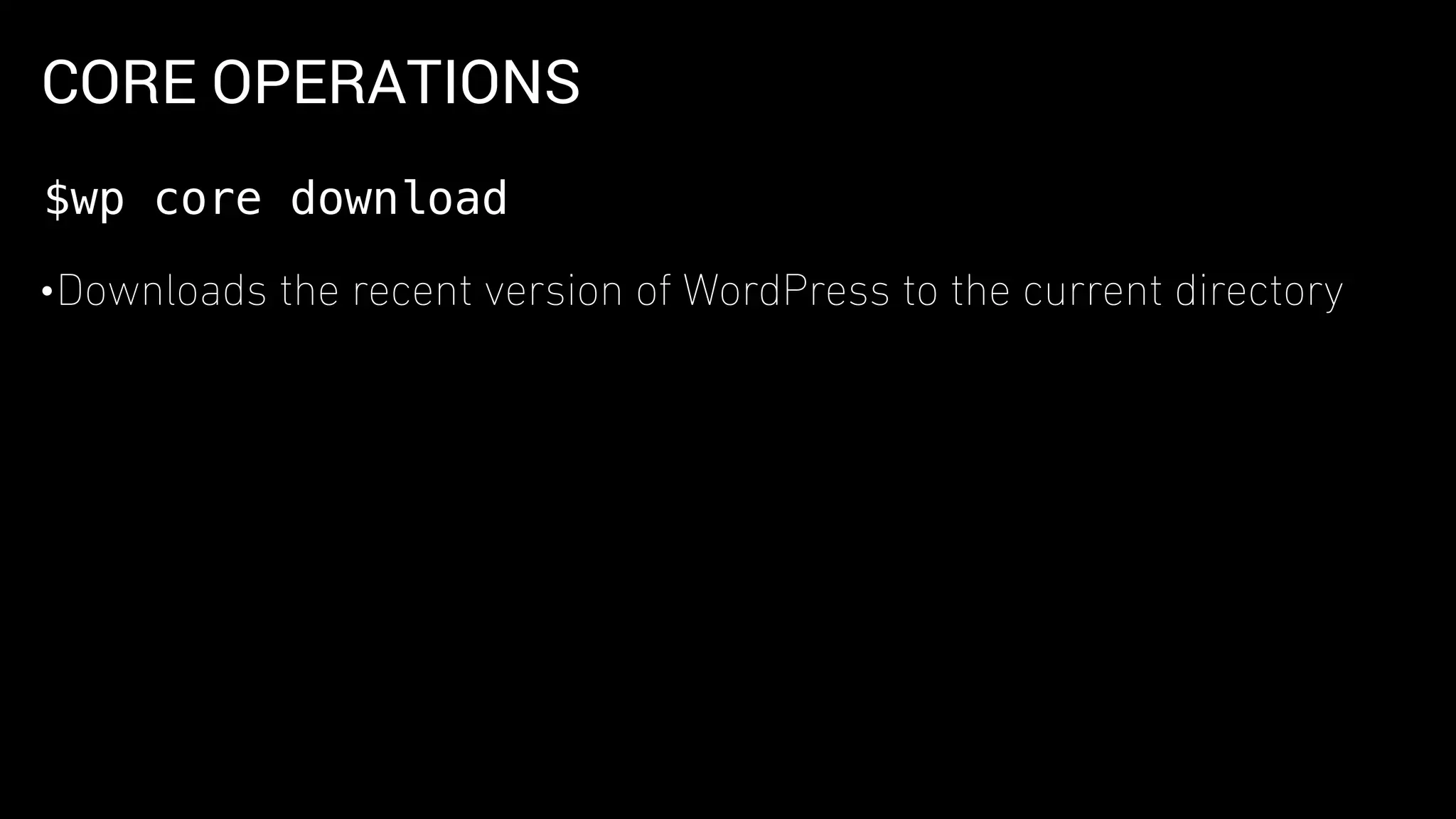
•Downloads the recent version of WordPress to the current directory
$wp core download
CORE OPERATIONS
•Creates WordPress configuration file.
•This file tells WP-CLI how connect to you’re site’s database
$wp core config
DATABASE OPERATIONS
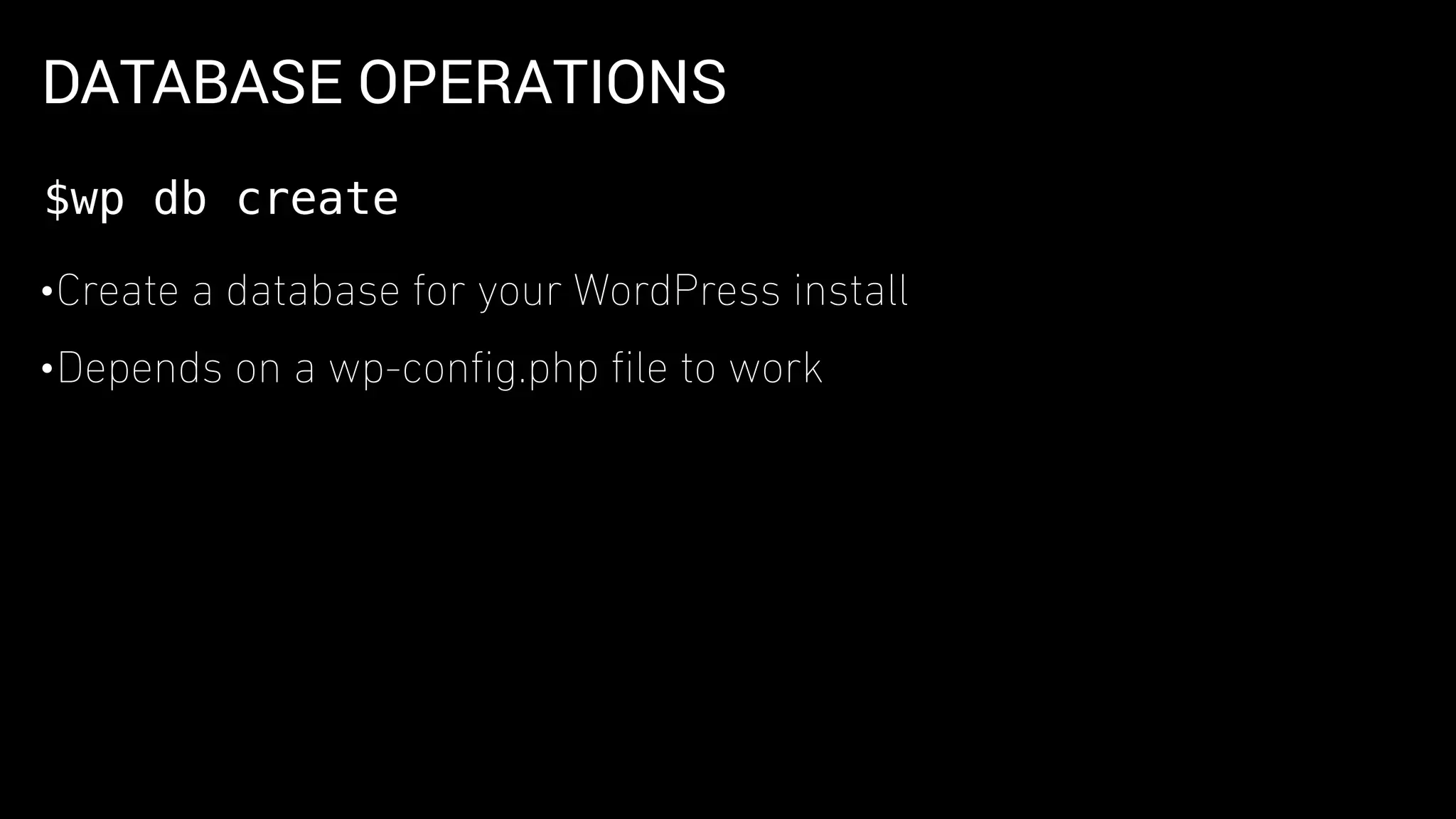
•Create a database for your WordPress install
•Depends on a wp-config.php file to work
$wp db create
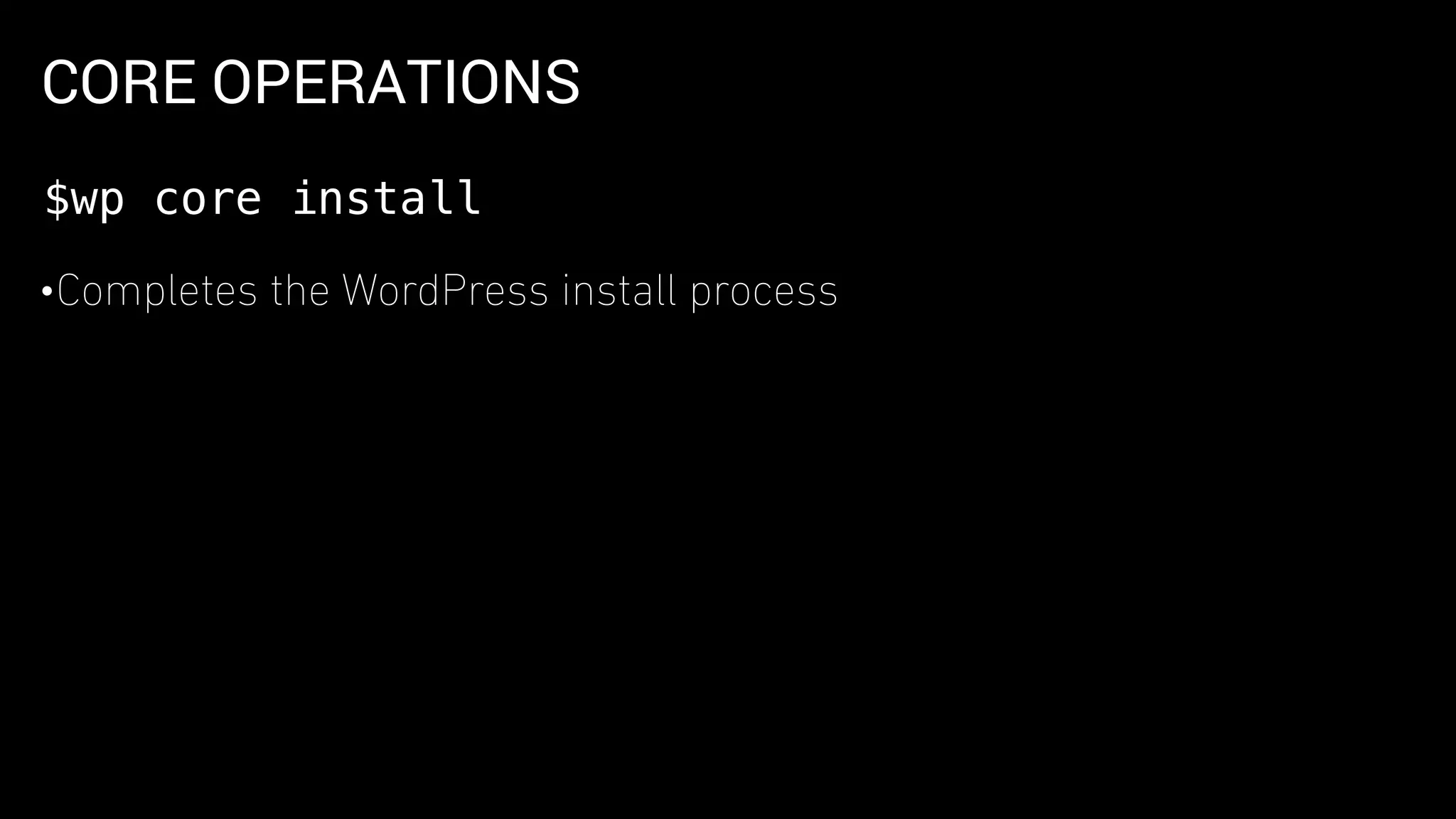
CORE OPERATIONS
•Completes the WordPress install process
$wp core install
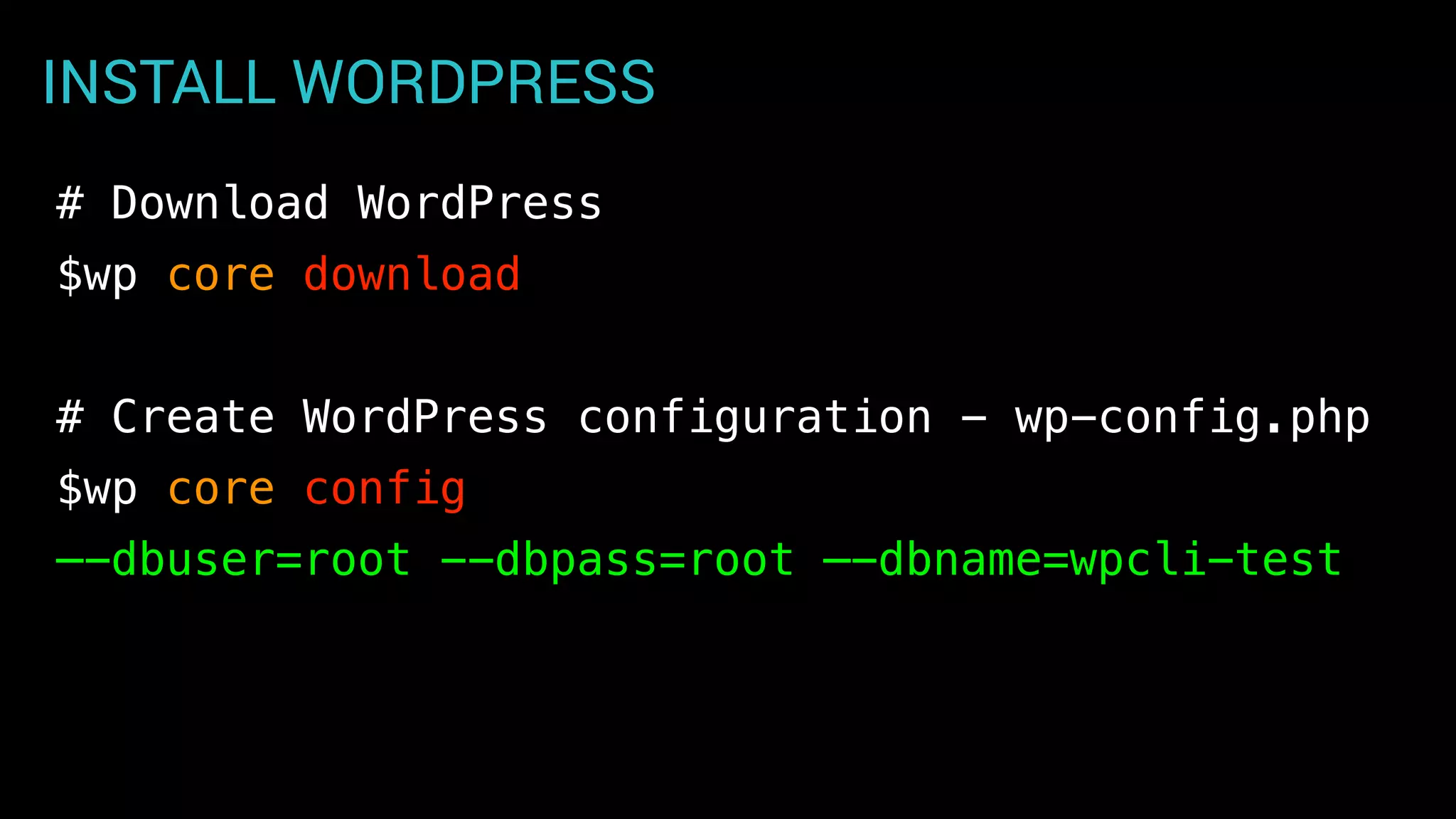
INSTALL WORDPRESS
# Download WordPress
$wp core download
# Create WordPress configuration - wp-config.php
$wp core config
—-dbuser=root --dbpass=root —-dbname=wpcli-test
INSTALL WORDPRESS
# Create Database for install
$wp db create wpcli-test
# Run the install process
$wp core install
—url=wpcli-test.dev —-title=“wpcli test”
—admin_user=admin --admin_password=password
--admin_email=info@example.com
INSTALL WORDPRESS
•Not needed if you’re using VVV
•WP installs can be created and provisioned via Vagrant
Note for VVV Users
https://varyingvagrantvagrants.org/
GETTING HELP
$wp help
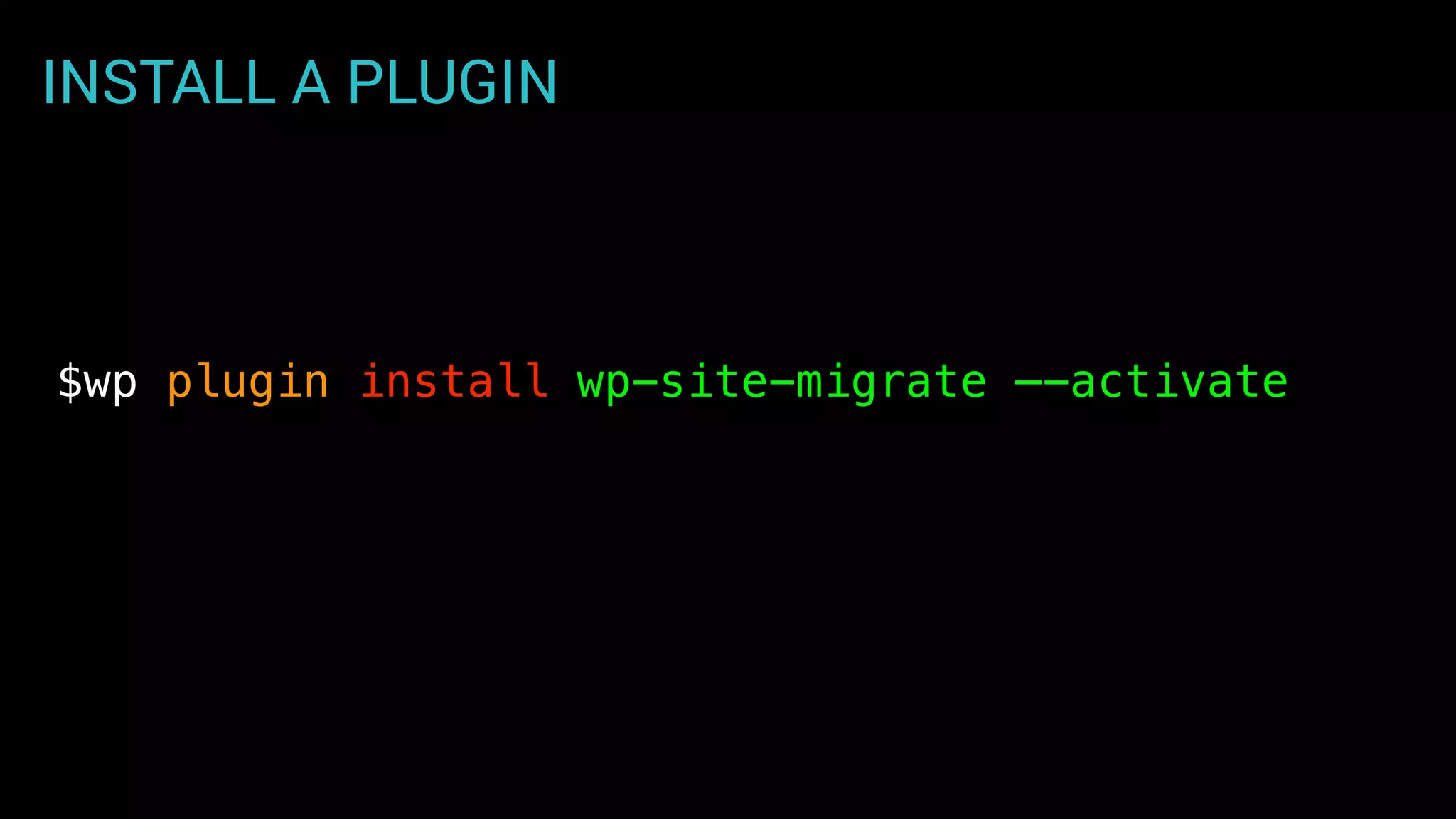
INSTALL A PLUGIN
$wp plugin install wp-site-migrate —-activate
_ _ _
/ | | | | (_)
/  _ _ | |_ ___ _ __ ___ __ _ | |_ _ ___ _ __
/ /  | | | | | __| / _  | '_ ` _  / _` | | __| | | / _  | '_ 
/ ____  | |_| | | |_ | (_) | | | | | | | | (_| | | |_ | | | (_) | | | | |
/_/ _ __,_| __| ___/ |_| |_| |_| __,_| __| |_| ___/ |_| |_|
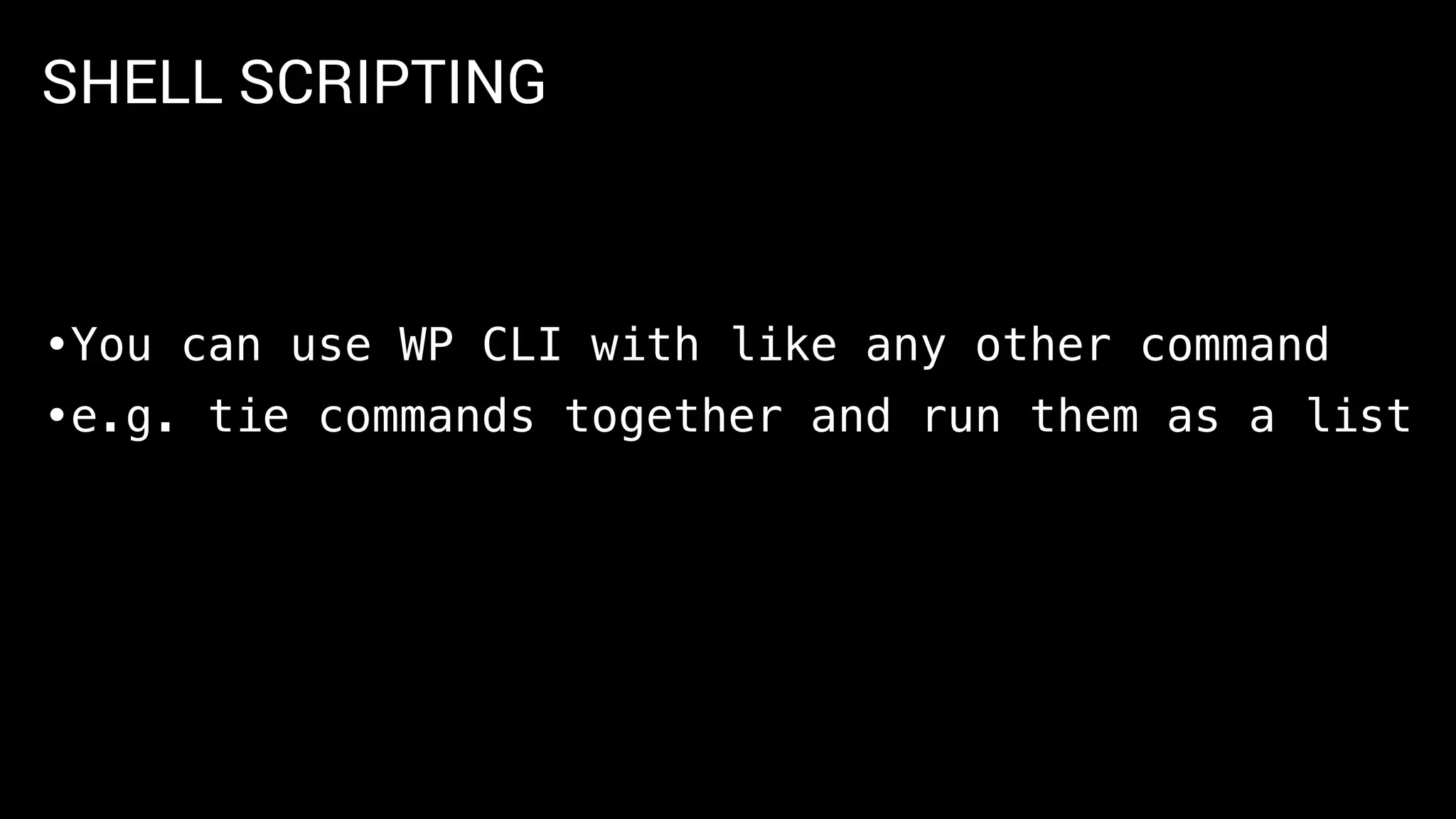
SHELL SCRIPTING
•You can use WP CLI with like any other command
•e.g. tie commands together and run them as a list
INSTALL WORDPRESS PLUGINS, THEME
#!/bin/bash
# list of plugins
plugins=("user-switching" "debug-objects""wp-cfm")
# loop through plugin list and install
for plugin in ${plugins[*]};
do
wp plugin install $plugin
wp plugin activate $plugin
done
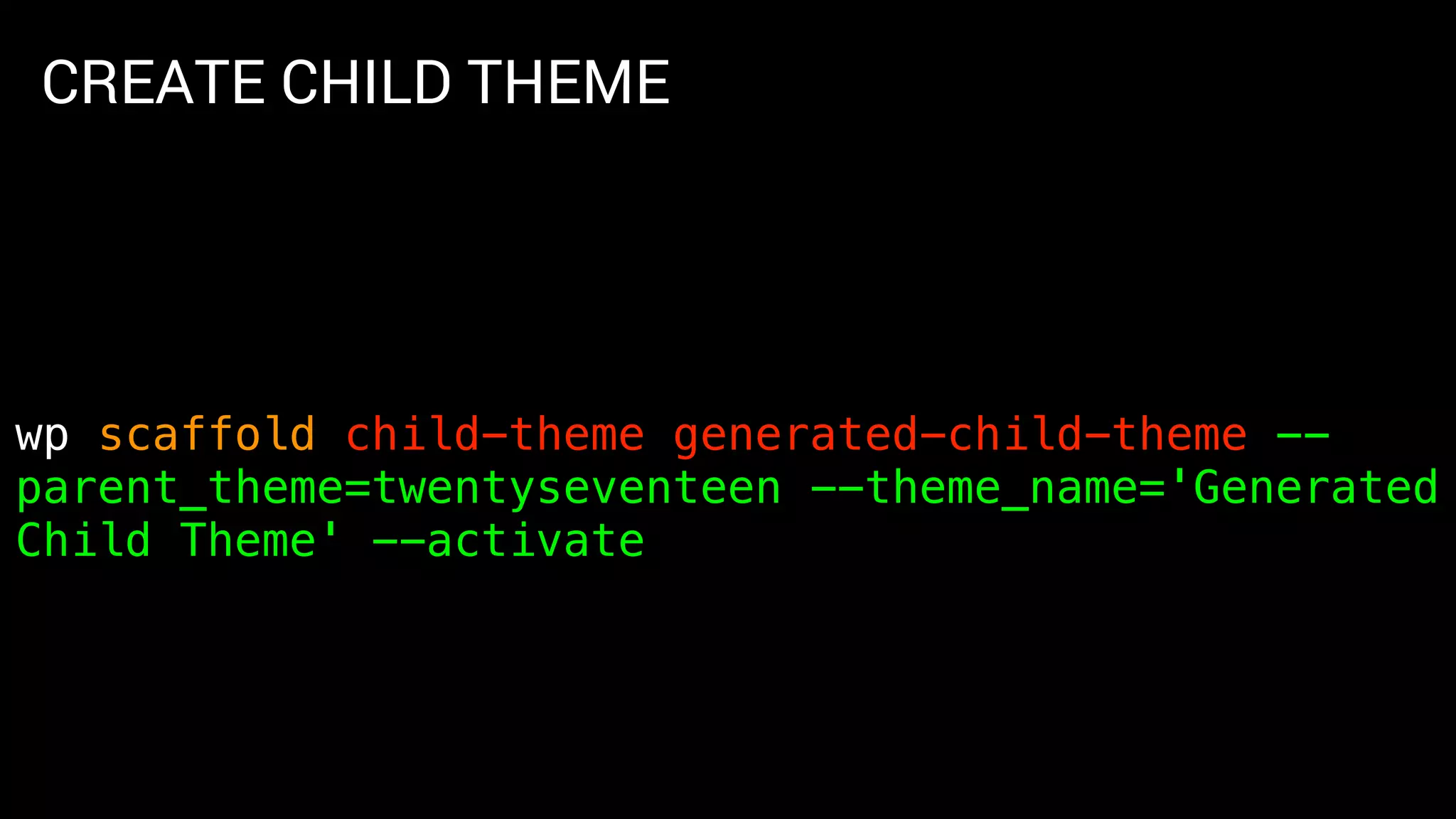
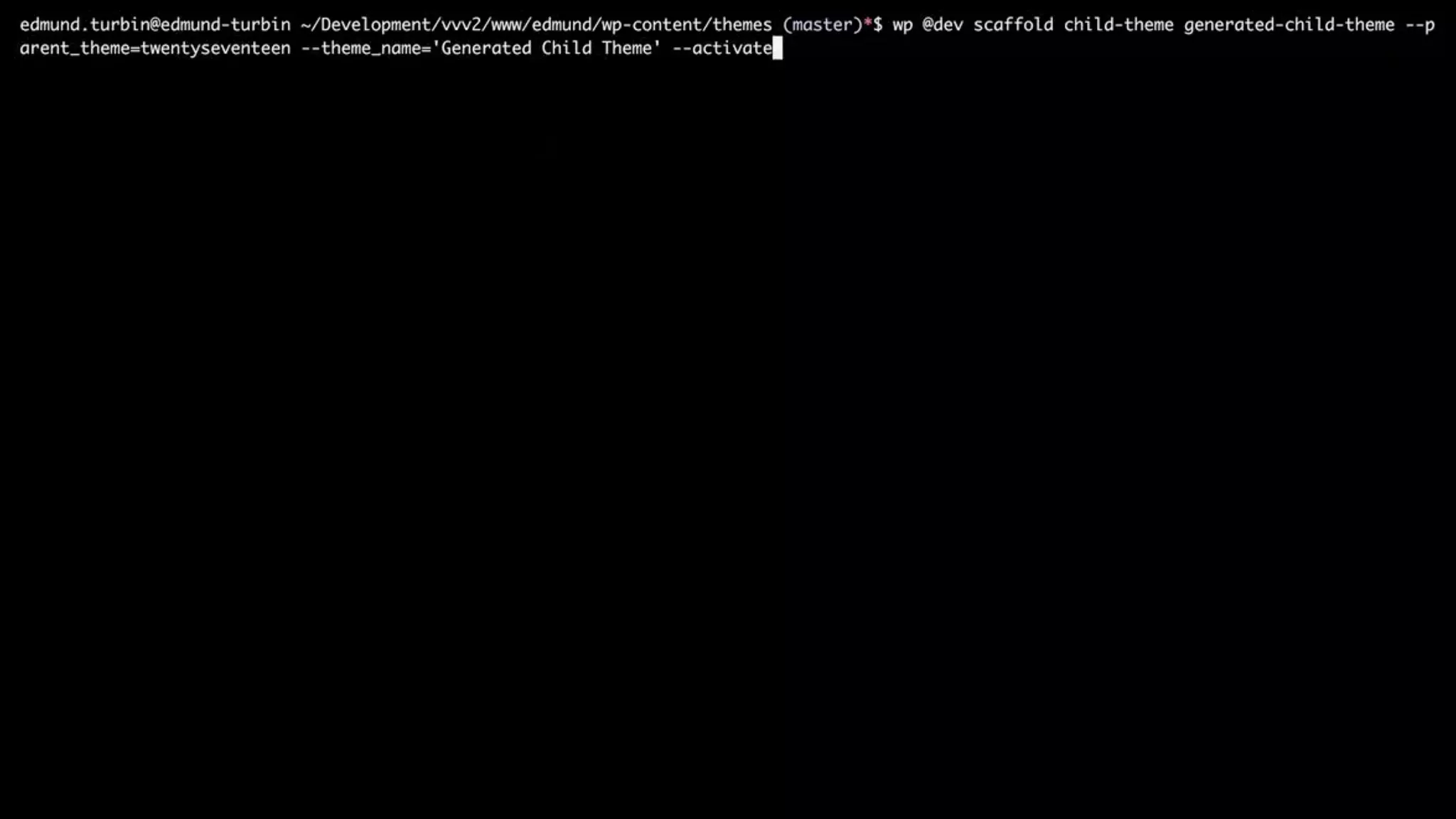
CREATE CHILD THEME
wp scaffold child-theme generated-child-theme --
parent_theme=twentyseventeen --theme_name='Generated
Child Theme' --activate
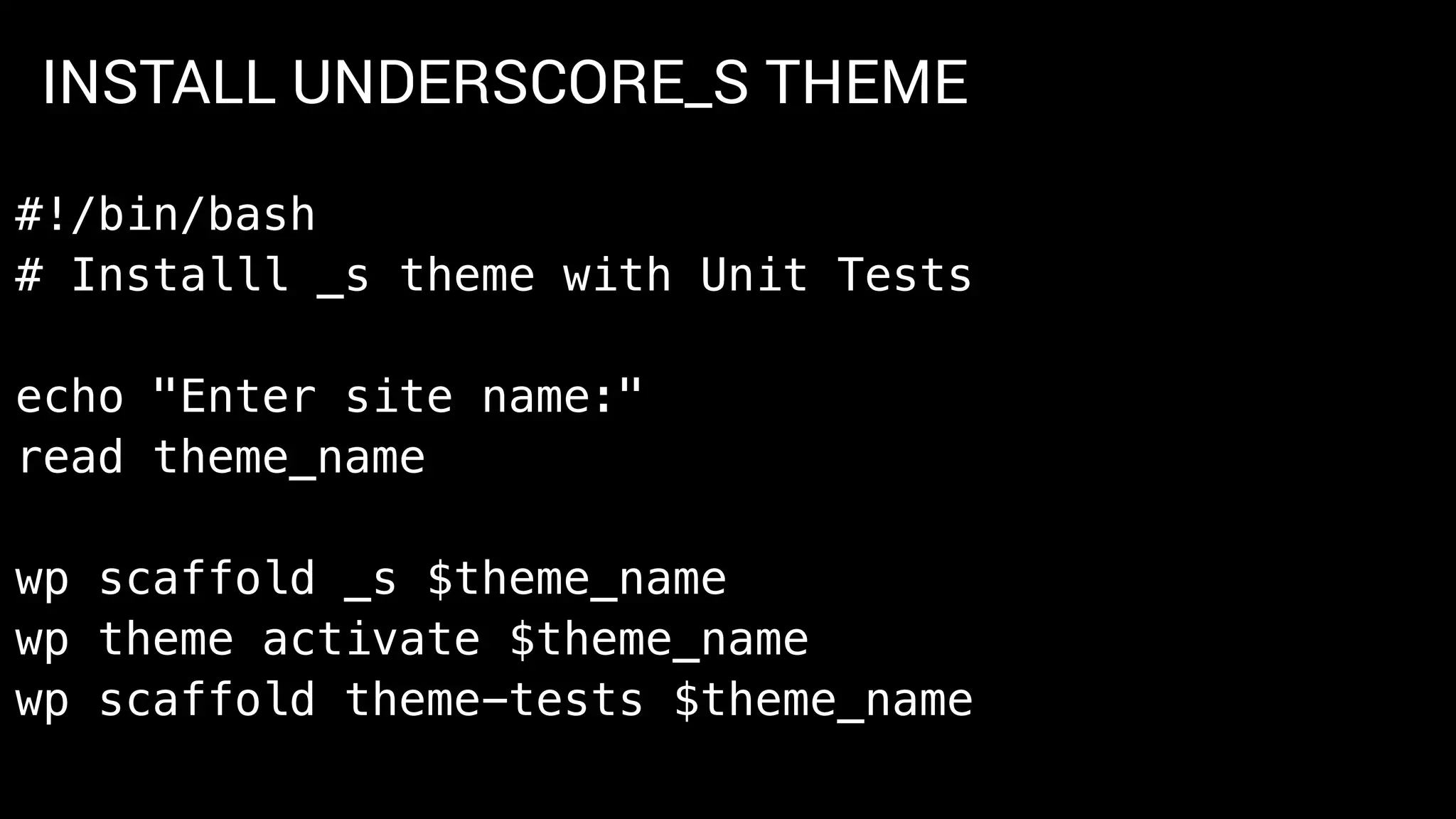
INSTALL UNDERSCORE_S THEME
#!/bin/bash
# Installl _s theme with Unit Tests
echo "Enter site name:"
read theme_name
wp scaffold _s $theme_name
wp theme activate $theme_name
wp scaffold theme-tests $theme_name
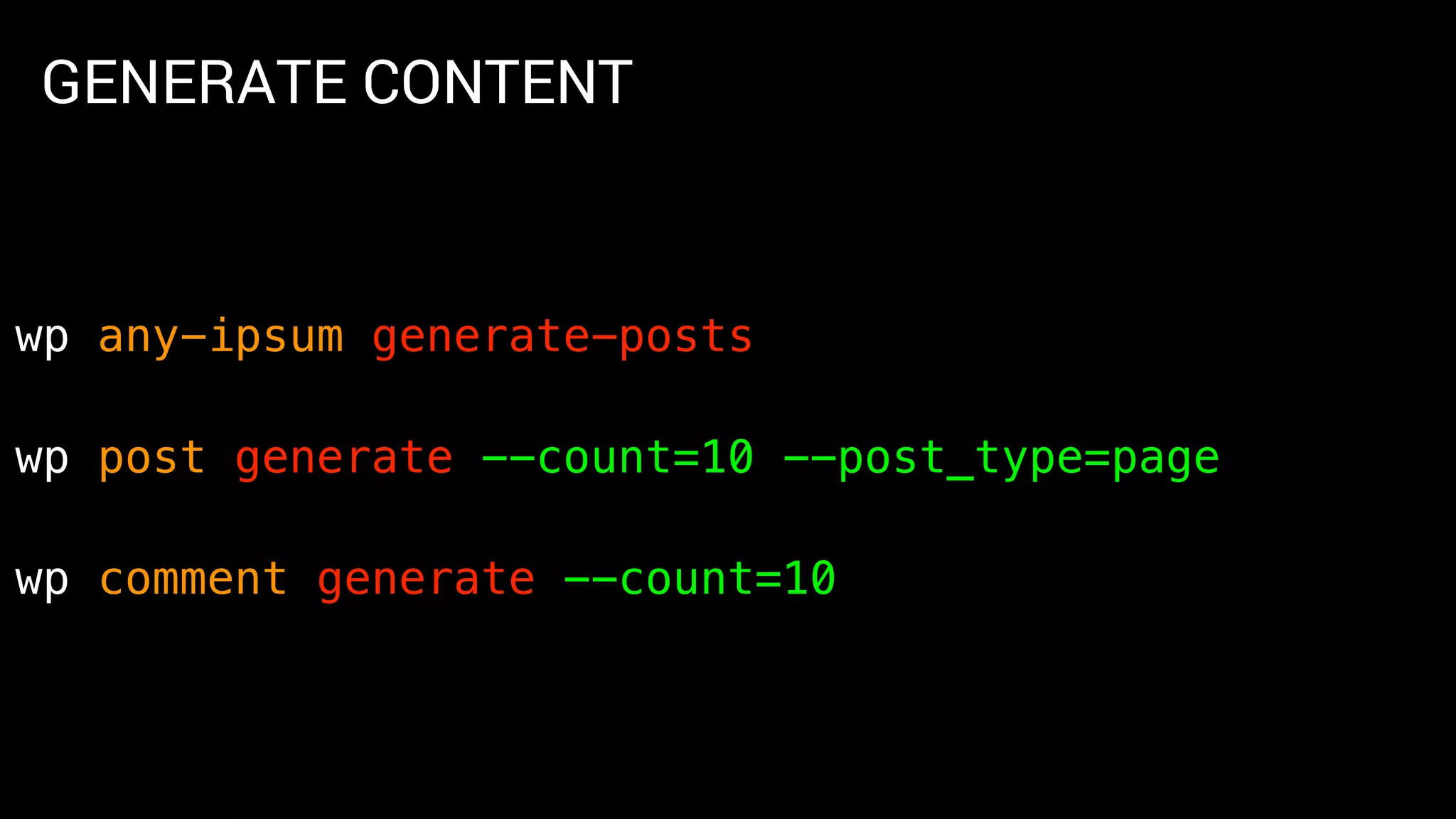
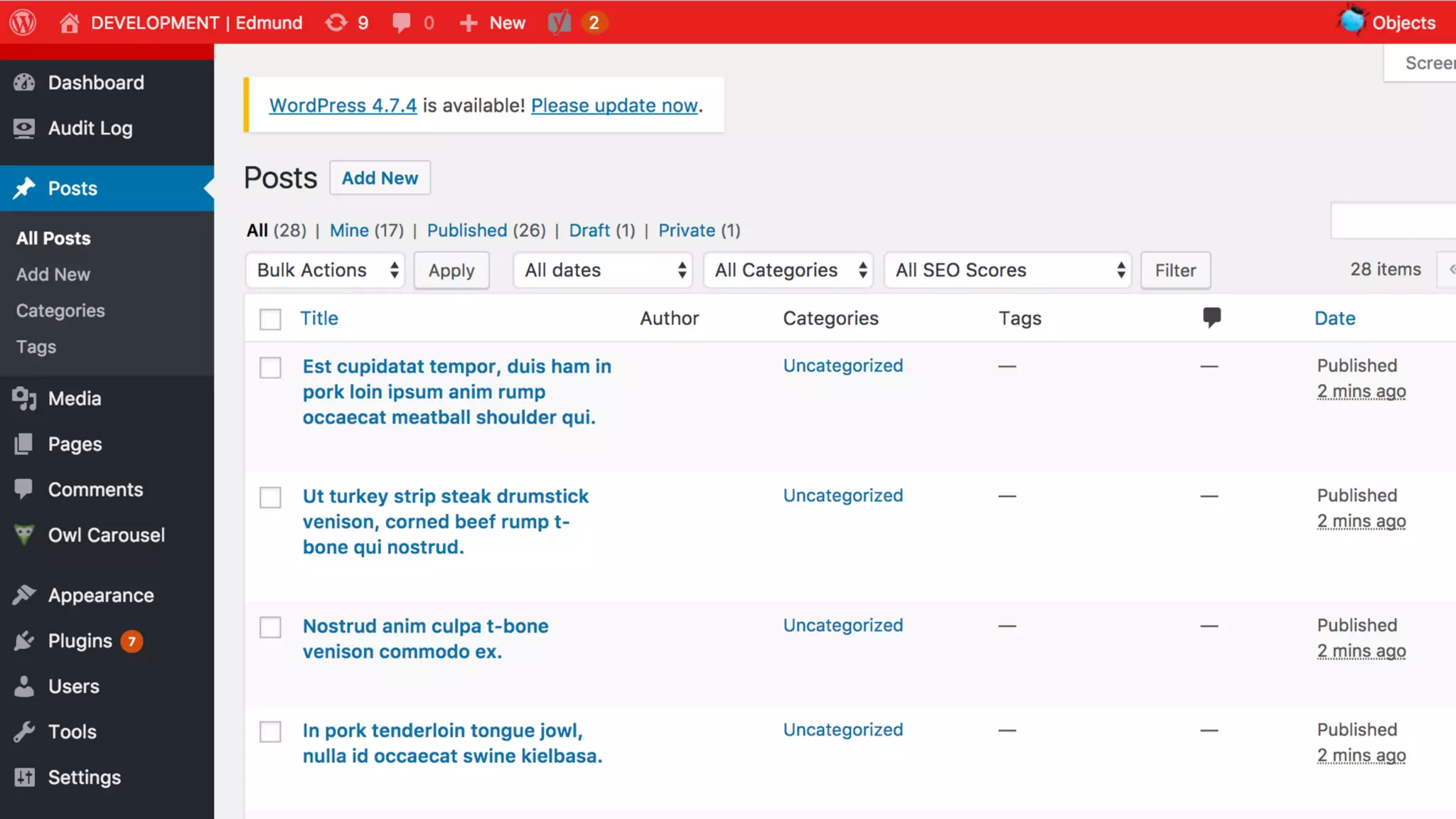
GENERATE CONTENT
wp any-ipsum generate-posts
wp post generate --count=10 --post_type=page
wp comment generate --count=10
_____ _ _ _____ ______ _____ _ _
| __  | | | | | __  |____ | / ____| | | | |
| |__) | | |__| | | |__) | / / | | | |__ ___ ___ | | __
| ___/ | __ | | ___/ / / | | | '_  / _  / __| | |/ /
| | | | | | | | / / | |____ | | | | | __/ | (__ | <
|_| |_| |_| |_| /_/ _____| |_| |_| ___| ___| |_|_
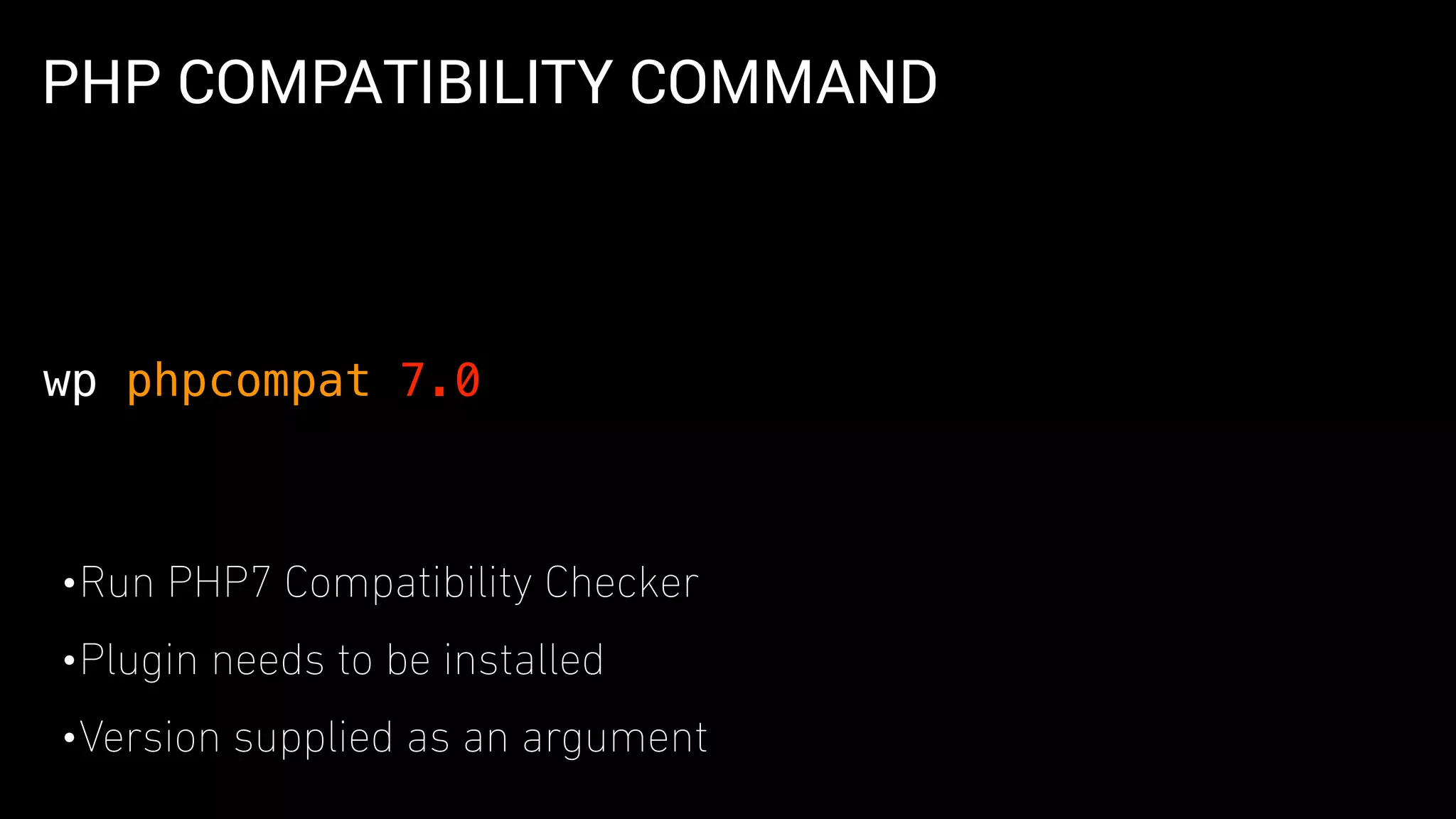
PHP COMPATIBILITY COMMAND
•Run PHP7 Compatibility Checker
•Plugin needs to be installed
•Version supplied as an argument
wp phpcompat 7.0
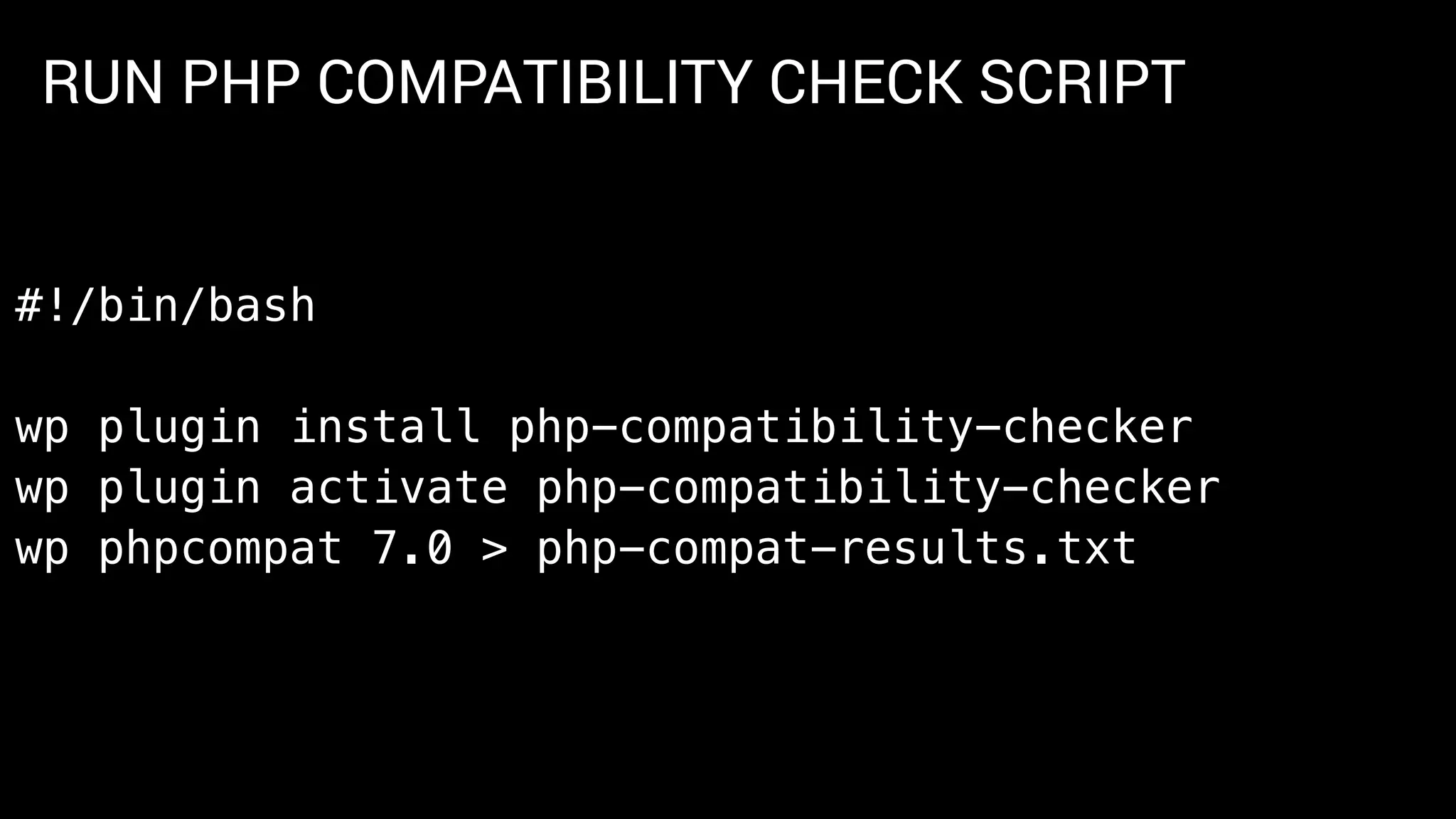
RUN PHP COMPATIBILITY CHECK SCRIPT
#!/bin/bash
wp plugin install php-compatibility-checker
wp plugin activate php-compatibility-checker
wp phpcompat 7.0 > php-compat-results.txt
PLUGINS WITH COMMANDS
•ACF
•Elastic press
•Migrate, migrated
•caching plugins
•PHP Compatibility
•Regen thumbs
•widget import/export
•developer
•wp-cfm
•backupwordpress
https://make.wordpress.org/cli/handbook/tools/
_ _
/ | | | |
/  __| | __ __ __ _ _ __ ___ ___ __| |
/ /  / _` |   / / / _` | | '_  / __| / _  / _` |
/ ____  | (_| |  V / | (_| | | | | | | (__ | __/ | (_| |
/_/ _ __,_| _/ __,_| |_| |_| ___| ___| __,_|
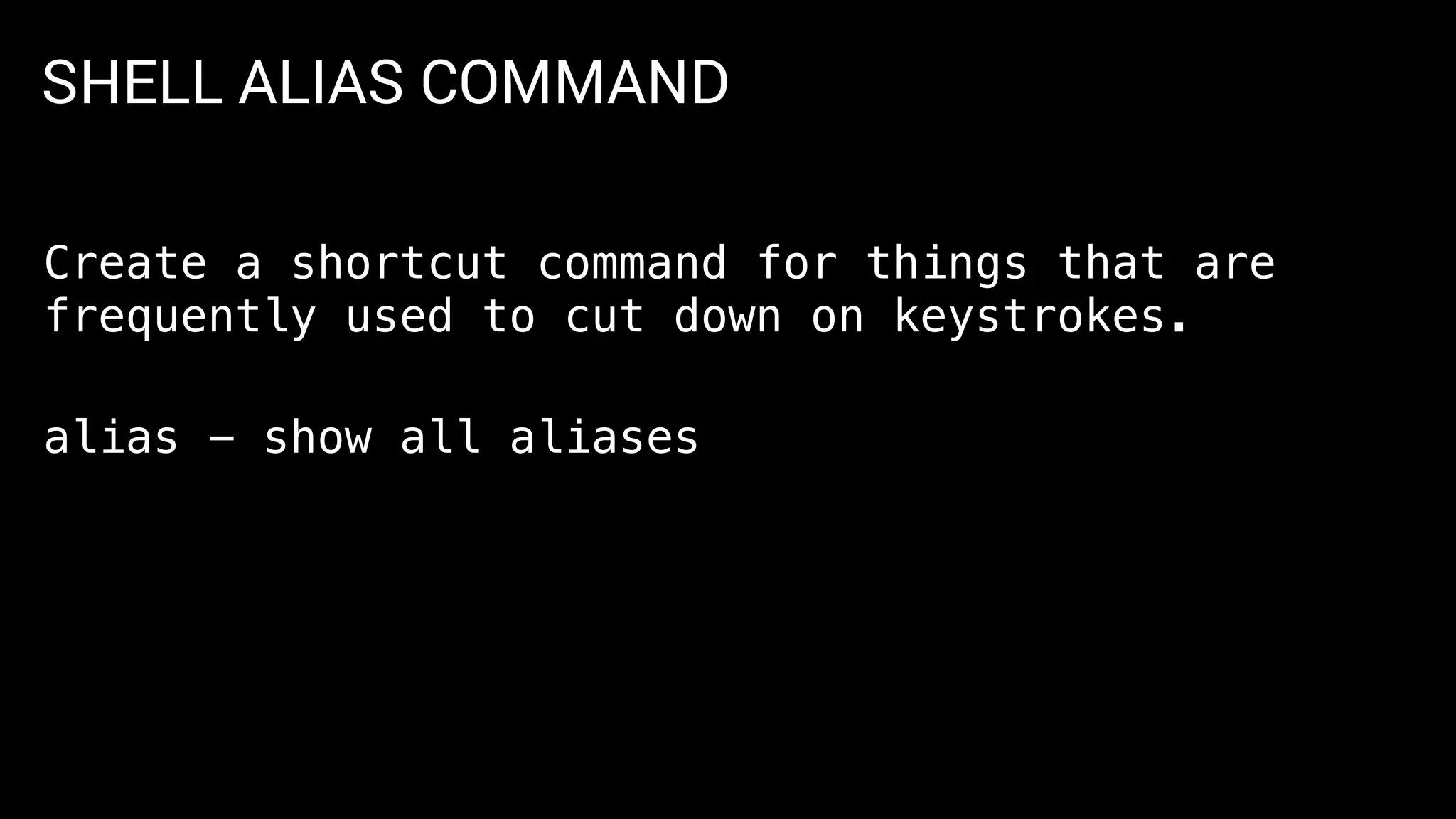
SHELL ALIAS COMMAND
Create a shortcut command for things that are
frequently used to cut down on keystrokes.
alias - show all aliases
SHELL ALIASES
Create an alias
alias pu=“wp plugin update --all”
SHELL ALIASES
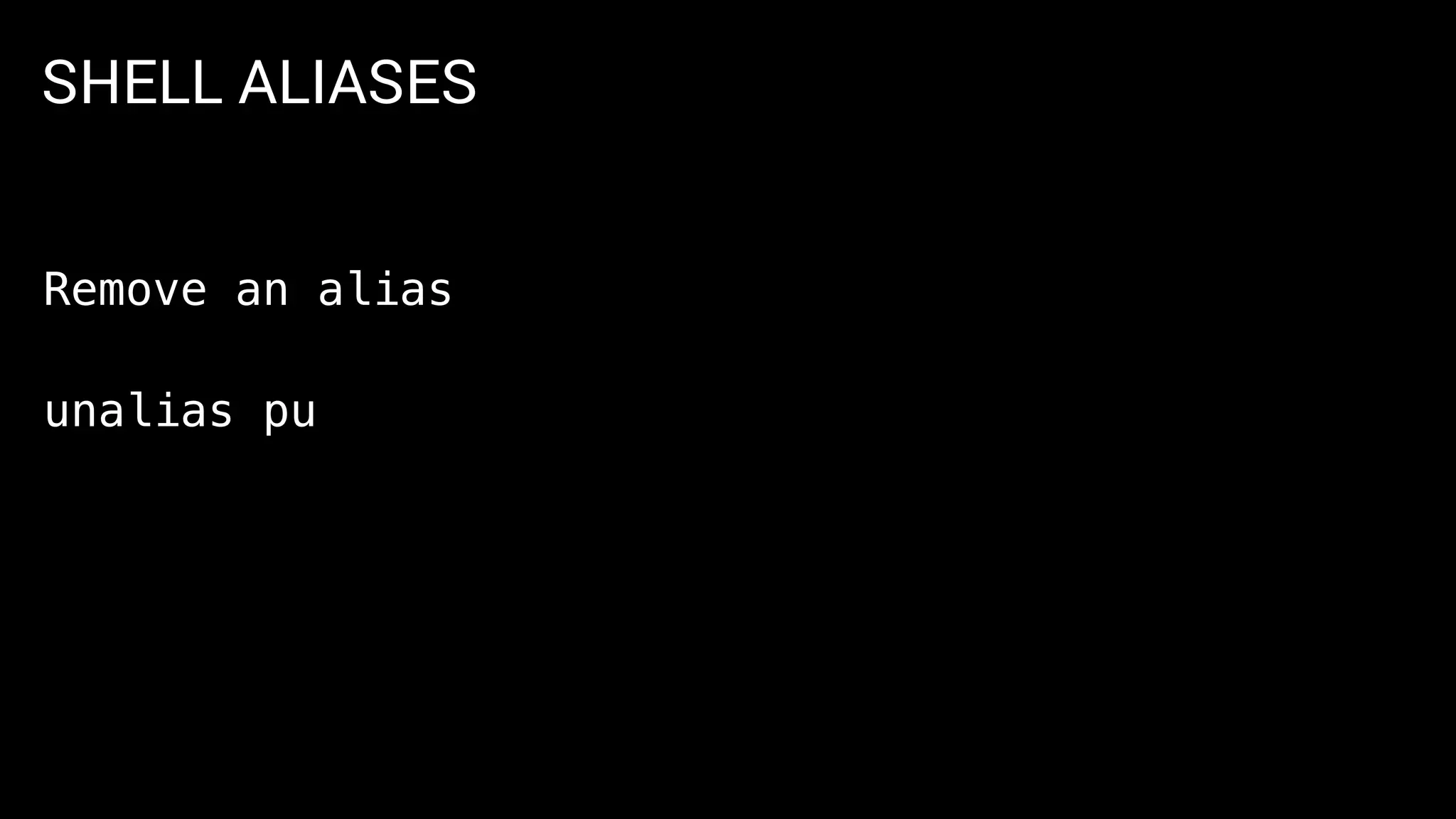
Remove an alias
unalias pu
SHELL ALIASES
Arguments
alias pi='wp plugin install’
pi wp-smushit
SHELL ALIASES
Aliases can be saved and managed from .bash_profile
CUSTOM SHELL COMMANDS
• functions can be created in your shell profile (.bash_profile) and
executed globaly
gen-content ()
{
wp any-ipsum generate-posts
wp comment generate --count=10
}
WP-CLI is a toolbox
Commands can be linked
together via scripts to
automate complex tasks
WP-CLI for Themeing
WP-CLI can be one of many tools
to get your development process
started quickly
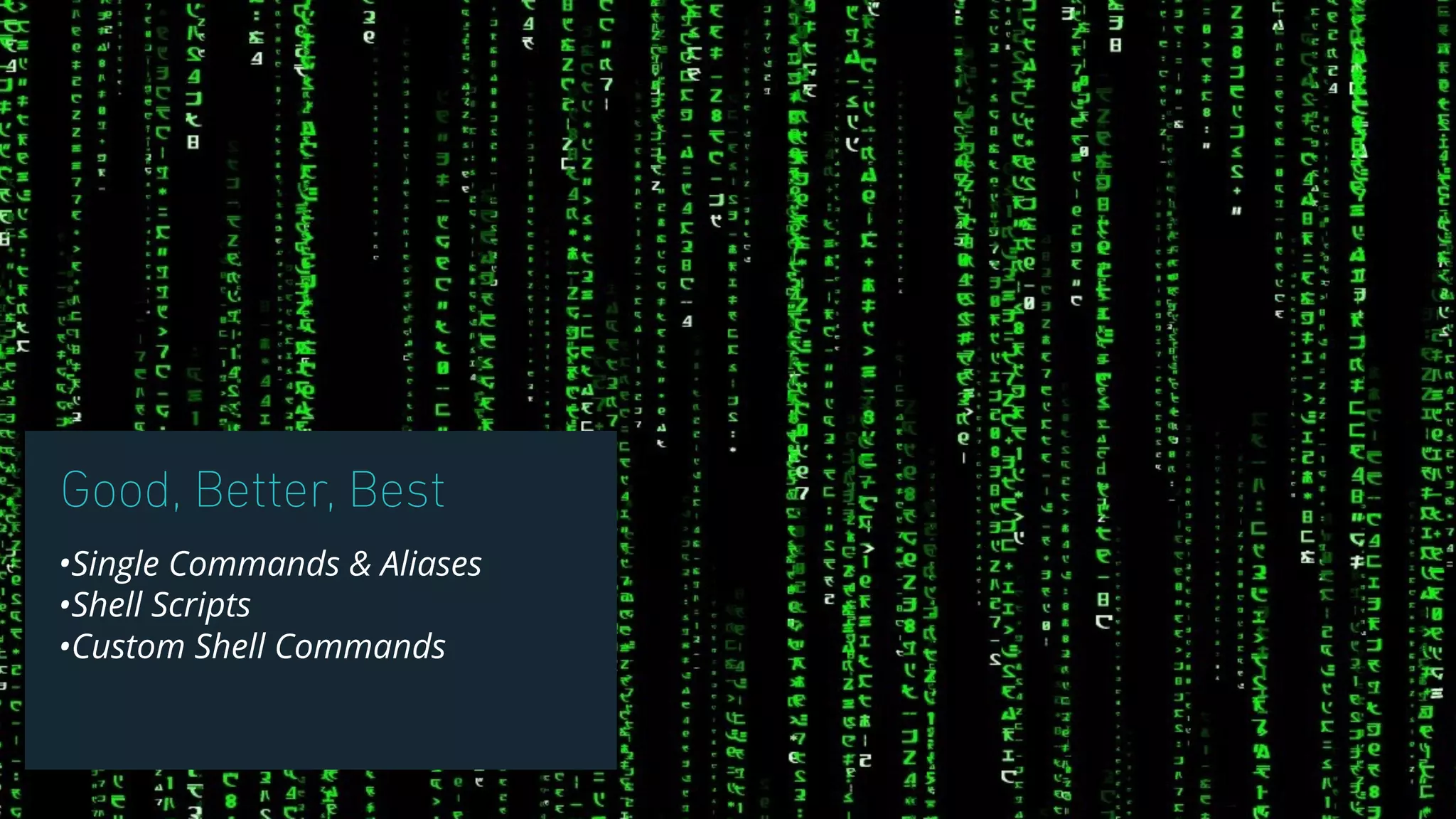
Good, Better, Best
•Single Commands & Aliases
•Shell Scripts
•Custom Shell Commands
Helpful Links
Command Cookbook
https://make.wordpress.org/cli/handbook/commands-cookbook/
Shell Friends
https://make.wordpress.org/cli/handbook/shell-friends/
Plugins that work with WP-CLI
https://make.wordpress.org/cli/handbook/tools/
WP-CLI Configuration
https://make.wordpress.org/cli/handbook/config/
Shell Scripting
https://www.shellscript.sh/
Advanced WordPress Management with WP-CLI
https://www.smashingmagazine.com/2015/09/wordpress-management-with-wp-cli/
Thank you!
@spicecadet
edmund.turbin@wpengine.com

The Themer's Guide to WP-CLI

  • 2.
    1. Intro 2. WP-CLIBasics 3. Install WordPress 4. Plugin and Theme Automation 5. PHP7 Compatibility Checker 6. Advanced Agenda
  • 3.
    _____ _ __ _ |_ _| | | | | | | (_) | | _ __ | |_ _ __ ___ __| |_ _ ___| |_ _ ___ _ __ | | | '_ | __| '__/ _ / _` | | | |/ __| __| |/ _ | '_ _| |_| | | | |_| | | (_) | (_| | |_| | (__| |_| | (_) | | | | |_____|_| |_|__|_| ___/ __,_|__,_|___|__|_|___/|_| |_|
  • 4.
    •Sales Engineer -WP Engine •Developer, Freelancer •CMS Specialist •Open Source •Speaker Edmund Turbin WordCamp Stockholm - Nov 2016
  • 5.
    THERE ARE TWOTYPES OF PEOPLE IN THE WORLD
  • 7.
  • 9.
    WHY USE COMMANDS? •Quicklyexecute a task •Bundle many tasks together in scripts •Avoid using the keyboard and mouse •Simplify repetitive tasks •and also…
  • 10.
    WHY USE COMMANDS?SOWE CAN BE LAZY
  • 11.
    ____ _ | _ (_) | |_) | __ _ ___ _ ___ ___ | _ < / _` | / __| | | / __| / __| | |_) | | (_| | __ | | | (__ __ |____/ __,_| |___/ |_| ___| |___/
  • 12.
    WHAT DO INEED TO GET STARTED? •Local Dev Environment with PHP - VVV, MAMP, WAMP •Terminal - Terminal App, iTerm 2, PuTTY •Text Editor - Sublime, Atom PREREQUISITES
  • 13.
    INSTALL WP-CLI curl -Ohttps://raw.githubusercontent.com/wp-cli/ builds/gh-pages/phar/wp-cli.phar https://make.wordpress.org/cli/handbook/installing/
  • 14.
    INSTALL WP-CLI # Makefile executable chmod +x wp-cli.phar # Move file to proper location sudo mv wp-cli.phar /usr/local/bin/wp https://make.wordpress.org/cli/handbook/installing/
  • 15.
    INSTALL WP-CLI • changeinto a WP directory • run $wp cli info https://make.wordpress.org/cli/handbook/installing/ TEST THE INSTALLATION
  • 16.
    COMMAND STRUCTURE $wp commandsubcommand value $wp theme install twentysixteen
  • 17.
    _____ __ __ _ / ____| / _(_) | | (_) | | ___ _ __ | |_ _ __ _ _ _ _ __ __ _| |_ _ ___ _ __ | | / _ | '_ | _| |/ _` | | | | '__/ _` | __| |/ _ | '_ | |___| (_) | | | | | | | (_| | |_| | | | (_| | |_| | (_) | | | | ________/|_| |_|_| |_|__, |__,_|_| __,_|__|_|___/|_| |_| __/ | |___/
  • 18.
    WHAT HAVE IDONE? • Installed WP-CLI locally • Configured a WP-CLI alias to SSH into remotes • I can execute remote commands as if they were on my local machine • No need for local MySQL/PHP/Apache • Alternate - use SSH directly into VVV using vagrant ssh
  • 19.
    CONFIGURATION •Alias called @devallows me to run remote commands • $wp @dev cli info is different than $wp cli info • @dev connects via SSH and runs on Vagrant box https://make.wordpress.org/cli/handbook/config/ wp-cli.yml - Aliases with Vagrant
  • 21.
    CONFIGURATION •Allows you toconfigure WP-CLI variables •File can be at the Global, Project and Local levels •e.g.: Local overrides Global •Allows you to set up Aliases per site https://make.wordpress.org/cli/handbook/config/ wp-cli.yml
  • 22.
  • 23.
    _____ _ / ____|| | | | ___ _ __ ___ _ __ ___ __ _ _ __ __| | ___ | | / _ | '_ ` _ | '_ ` _ / _` | | '_ / _` | / __| | |____ | (_) | | | | | | | | | | | | | | (_| | | | | | | (_| | __ _____| ___/ |_| |_| |_| |_| |_| |_| __,_| |_| |_| __,_| |___/
  • 24.
    CORE OPERATIONS •Downloads therecent version of WordPress to the current directory $wp core download
  • 25.
    CORE OPERATIONS •Creates WordPressconfiguration file. •This file tells WP-CLI how connect to you’re site’s database $wp core config
  • 26.
    DATABASE OPERATIONS •Create adatabase for your WordPress install •Depends on a wp-config.php file to work $wp db create
  • 27.
    CORE OPERATIONS •Completes theWordPress install process $wp core install
  • 28.
    INSTALL WORDPRESS # DownloadWordPress $wp core download # Create WordPress configuration - wp-config.php $wp core config —-dbuser=root --dbpass=root —-dbname=wpcli-test
  • 29.
    INSTALL WORDPRESS # CreateDatabase for install $wp db create wpcli-test # Run the install process $wp core install —url=wpcli-test.dev —-title=“wpcli test” —admin_user=admin --admin_password=password --admin_email=info@example.com
  • 30.
    INSTALL WORDPRESS •Not neededif you’re using VVV •WP installs can be created and provisioned via Vagrant Note for VVV Users https://varyingvagrantvagrants.org/
  • 31.
  • 33.
    INSTALL A PLUGIN $wpplugin install wp-site-migrate —-activate
  • 35.
    _ _ _ /| | | | (_) / _ _ | |_ ___ _ __ ___ __ _ | |_ _ ___ _ __ / / | | | | | __| / _ | '_ ` _ / _` | | __| | | / _ | '_ / ____ | |_| | | |_ | (_) | | | | | | | | (_| | | |_ | | | (_) | | | | | /_/ _ __,_| __| ___/ |_| |_| |_| __,_| __| |_| ___/ |_| |_|
  • 36.
    SHELL SCRIPTING •You canuse WP CLI with like any other command •e.g. tie commands together and run them as a list
  • 37.
    INSTALL WORDPRESS PLUGINS,THEME #!/bin/bash # list of plugins plugins=("user-switching" "debug-objects""wp-cfm") # loop through plugin list and install for plugin in ${plugins[*]}; do wp plugin install $plugin wp plugin activate $plugin done
  • 38.
    CREATE CHILD THEME wpscaffold child-theme generated-child-theme -- parent_theme=twentyseventeen --theme_name='Generated Child Theme' --activate
  • 40.
    INSTALL UNDERSCORE_S THEME #!/bin/bash #Installl _s theme with Unit Tests echo "Enter site name:" read theme_name wp scaffold _s $theme_name wp theme activate $theme_name wp scaffold theme-tests $theme_name
  • 41.
    GENERATE CONTENT wp any-ipsumgenerate-posts wp post generate --count=10 --post_type=page wp comment generate --count=10
  • 45.
    _____ _ ______ ______ _____ _ _ | __ | | | | | __ |____ | / ____| | | | | | |__) | | |__| | | |__) | / / | | | |__ ___ ___ | | __ | ___/ | __ | | ___/ / / | | | '_ / _ / __| | |/ / | | | | | | | | / / | |____ | | | | | __/ | (__ | < |_| |_| |_| |_| /_/ _____| |_| |_| ___| ___| |_|_
  • 47.
    PHP COMPATIBILITY COMMAND •RunPHP7 Compatibility Checker •Plugin needs to be installed •Version supplied as an argument wp phpcompat 7.0
  • 48.
    RUN PHP COMPATIBILITYCHECK SCRIPT #!/bin/bash wp plugin install php-compatibility-checker wp plugin activate php-compatibility-checker wp phpcompat 7.0 > php-compat-results.txt
  • 49.
    PLUGINS WITH COMMANDS •ACF •Elasticpress •Migrate, migrated •caching plugins •PHP Compatibility •Regen thumbs •widget import/export •developer •wp-cfm •backupwordpress https://make.wordpress.org/cli/handbook/tools/
  • 50.
    _ _ / || | | / __| | __ __ __ _ _ __ ___ ___ __| | / / / _` | / / / _` | | '_ / __| / _ / _` | / ____ | (_| | V / | (_| | | | | | | (__ | __/ | (_| | /_/ _ __,_| _/ __,_| |_| |_| ___| ___| __,_|
  • 51.
    SHELL ALIAS COMMAND Createa shortcut command for things that are frequently used to cut down on keystrokes. alias - show all aliases
  • 52.
    SHELL ALIASES Create analias alias pu=“wp plugin update --all”
  • 53.
    SHELL ALIASES Remove analias unalias pu
  • 54.
    SHELL ALIASES Arguments alias pi='wpplugin install’ pi wp-smushit
  • 55.
    SHELL ALIASES Aliases canbe saved and managed from .bash_profile
  • 56.
    CUSTOM SHELL COMMANDS •functions can be created in your shell profile (.bash_profile) and executed globaly gen-content () { wp any-ipsum generate-posts wp comment generate --count=10 }
  • 57.
    WP-CLI is atoolbox Commands can be linked together via scripts to automate complex tasks
  • 58.
    WP-CLI for Themeing WP-CLIcan be one of many tools to get your development process started quickly
  • 59.
    Good, Better, Best •SingleCommands & Aliases •Shell Scripts •Custom Shell Commands
  • 60.
    Helpful Links Command Cookbook https://make.wordpress.org/cli/handbook/commands-cookbook/ ShellFriends https://make.wordpress.org/cli/handbook/shell-friends/ Plugins that work with WP-CLI https://make.wordpress.org/cli/handbook/tools/ WP-CLI Configuration https://make.wordpress.org/cli/handbook/config/ Shell Scripting https://www.shellscript.sh/ Advanced WordPress Management with WP-CLI https://www.smashingmagazine.com/2015/09/wordpress-management-with-wp-cli/
  • 61.