@cwpnolen @emagineusa@WordCampRI #WCRI
WordCamp Rhode Island
WP-CLI
GETTING STARTED WITH
Who Am I?
Christian Nolen
Technical Director for emagine
@cwpnolen
@cwpnolen @emagineusa@WordCampRI #WCRI
http://www.emagine.com/careers/
We’re Hiring
@cwpnolen @emagineusa@WordCampRI #WCRI
What is WP-CLI?
@cwpnolen @emagineusa@WordCampRI #WCRI
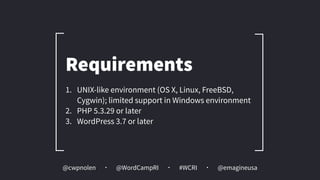
1. UNIX-like environment (OS X, Linux, FreeBSD,
Cygwin); limited support in Windows environment
2. PHP 5.3.29 or later
3. WordPress 3.7 or later
Requirements
@cwpnolen @emagineusa@WordCampRI #WCRI
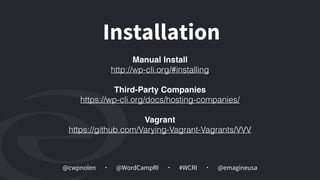
Installation
Manual Install
http://wp-cli.org/#installing
Third-Party Companies

https://wp-cli.org/docs/hosting-companies/
Vagrant
https://github.com/Varying-Vagrant-Vagrants/VVV
@cwpnolen @emagineusa@WordCampRI #WCRI
Why Bother
@cwpnolen @emagineusa@WordCampRI #WCRI
Improved productivity means less
human sweat, not more.
Henry Ford
@cwpnolen @emagineusa@WordCampRI #WCRI
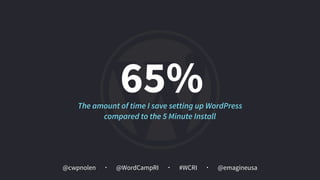
65%The amount of time I save setting up WordPress
compared to the 5 Minute Install
@cwpnolen @emagineusa@WordCampRI #WCRI
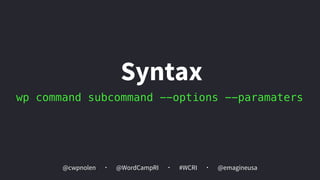
wp command subcommand --options --paramaters
Syntax
@cwpnolen @emagineusa@WordCampRI #WCRI
wp
wp-cli
@cwpnolen @emagineusa@WordCampRI #WCRI
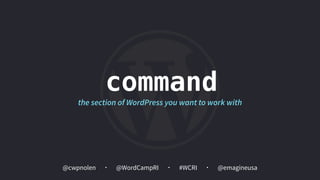
command
the section of WordPress you want to work with
@cwpnolen @emagineusa@WordCampRI #WCRI
subcommand
the action we want to take on the section
@cwpnolen @emagineusa@WordCampRI #WCRI
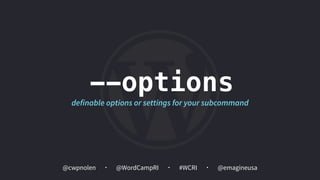
--options
definable options or settings for your subcommand
@cwpnolen @emagineusa@WordCampRI #WCRI
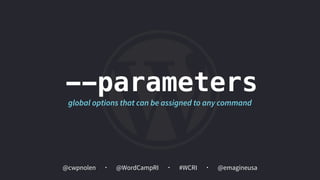
--parameters
global options that can be assigned to any command
@cwpnolen @emagineusa@WordCampRI #WCRI
Setup WordPress
@cwpnolen @emagineusa@WordCampRI #WCRI
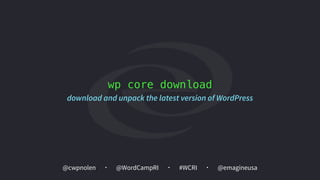
wp core download
download and unpack the latest version of WordPress
@cwpnolen @emagineusa@WordCampRI #WCRI
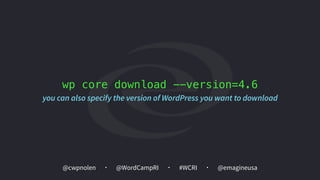
wp core download --version=4.6
you can also specify the version of WordPress you want to download
@cwpnolen @emagineusa@WordCampRI #WCRI
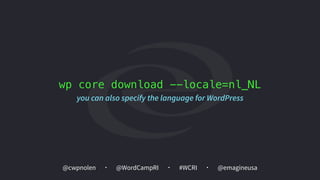
wp core download --locale=nl_NL
you can also specify the language for WordPress
@cwpnolen @emagineusa@WordCampRI #WCRI
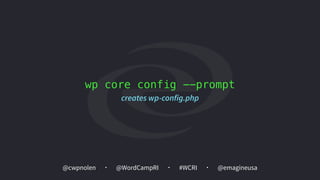
wp core config --prompt
creates wp-config.php
@cwpnolen @emagineusa@WordCampRI #WCRI
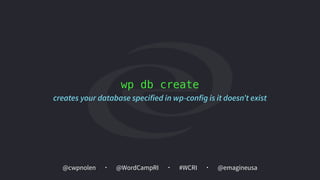
wp db create
creates your database specified in wp-config is it doesn’t exist
@cwpnolen @emagineusa@WordCampRI #WCRI
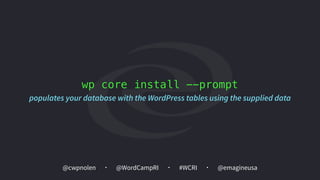
wp core install --prompt
populates your database with the WordPress tables using the supplied data
@cwpnolen @emagineusa@WordCampRI #WCRI
Working with Plugins
@cwpnolen @emagineusa@WordCampRI #WCRI
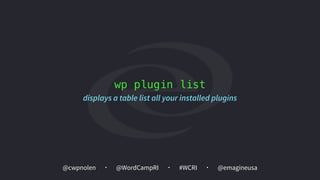
wp plugin list
displays a table list all your installed plugins
@cwpnolen @emagineusa@WordCampRI #WCRI
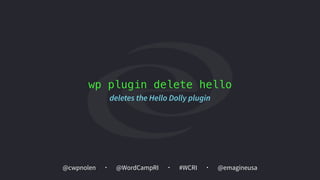
wp plugin delete hello
deletes the Hello Dolly plugin
@cwpnolen @emagineusa@WordCampRI #WCRI
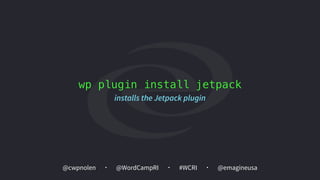
wp plugin install jetpack
installs the Jetpack plugin
@cwpnolen @emagineusa@WordCampRI #WCRI
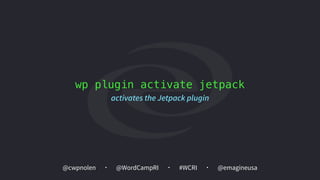
wp plugin activate jetpack
activates the Jetpack plugin
@cwpnolen @emagineusa@WordCampRI #WCRI
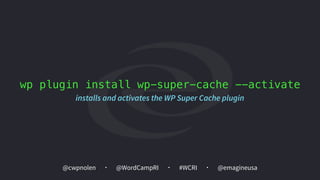
wp plugin install wp-super-cache --activate
installs and activates the WP Super Cache plugin
@cwpnolen @emagineusa@WordCampRI #WCRI
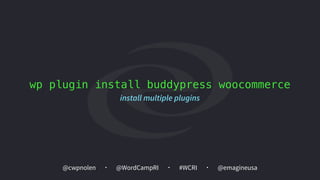
wp plugin install buddypress woocommerce
install multiple plugins
@cwpnolen @emagineusa@WordCampRI #WCRI
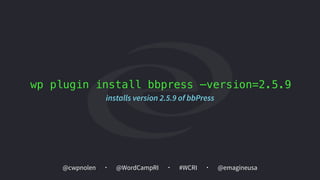
wp plugin install bbpress —version=2.5.9
installs version 2.5.9 of bbPress
@cwpnolen @emagineusa@WordCampRI #WCRI
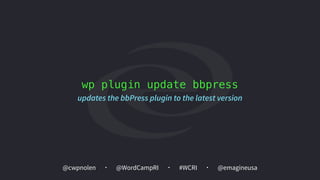
wp plugin update bbpress
updates the bbPress plugin to the latest version
@cwpnolen @emagineusa@WordCampRI #WCRI
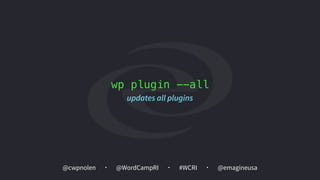
wp plugin --all
updates all plugins
@cwpnolen @emagineusa@WordCampRI #WCRI
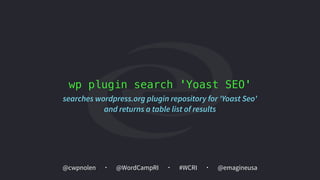
wp plugin search 'Yoast SEO'
searches wordpress.org plugin repository for 'Yoast Seo'
and returns a table list of results
@cwpnolen @emagineusa@WordCampRI #WCRI
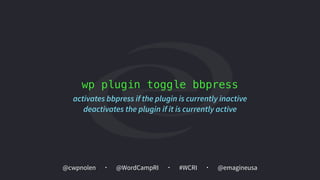
wp plugin toggle bbpress
activates bbpress if the plugin is currently inactive
deactivates the plugin if it is currently active
@cwpnolen @emagineusa@WordCampRI #WCRI
Working with Themes
@cwpnolen @emagineusa@WordCampRI #WCRI
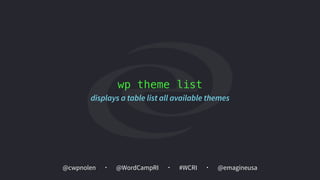
wp theme list
displays a table list all available themes
@cwpnolen @emagineusa@WordCampRI #WCRI
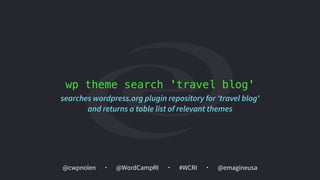
wp theme search 'travel blog'
searches wordpress.org plugin repository for 'travel blog'
and returns a table list of relevant themes
@cwpnolen @emagineusa@WordCampRI #WCRI
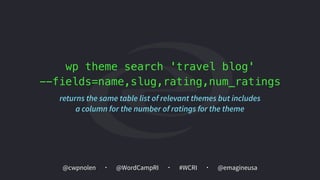
wp theme search 'travel blog' 

--fields=name,slug,rating,num_ratings
returns the same table list of relevant themes but includes
a column for the number of ratings for the theme
@cwpnolen @emagineusa@WordCampRI #WCRI
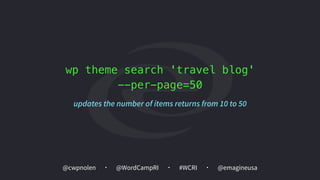
wp theme search 'travel blog' 

--per-page=50
updates the number of items returns from 10 to 50
@cwpnolen @emagineusa@WordCampRI #WCRI
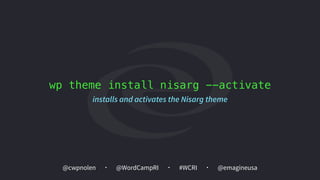
wp theme install nisarg --activate
installs and activates the Nisarg theme
@cwpnolen @emagineusa@WordCampRI #WCRI
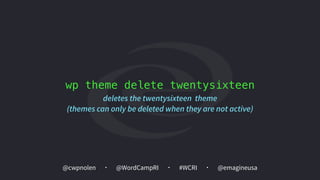
wp theme delete twentysixteen
deletes the twentysixteen theme
(themes can only be deleted when they are not active)
@cwpnolen @emagineusa@WordCampRI #WCRI
Working with Posts
@cwpnolen @emagineusa@WordCampRI #WCRI
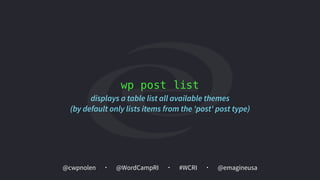
wp post list
displays a table list all available themes

(by default only lists items from the 'post' post type)
@cwpnolen @emagineusa@WordCampRI #WCRI
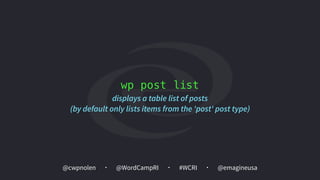
wp post list
displays a table list of posts

(by default only lists items from the 'post' post type)
@cwpnolen @emagineusa@WordCampRI #WCRI
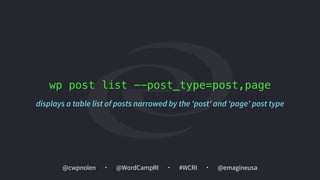
wp post list --post_type=post,page
displays a table list of posts narrowed by the 'post' and 'page' post type
@cwpnolen @emagineusa@WordCampRI #WCRI
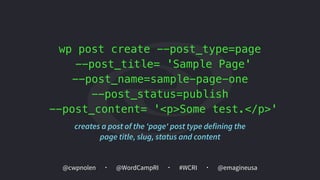
wp post create --post_type=page 

--post_title= 'Sample Page'
--post_name=sample-page-one
--post_status=publish
--post_content= '<p>Some test.</p>'
creates a post of the 'page' post type defining the 

page title, slug, status and content
@cwpnolen @emagineusa@WordCampRI #WCRI
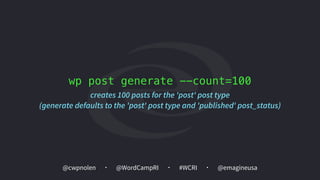
wp post generate --count=100
creates 100 posts for the 'post' post type

(generate defaults to the 'post' post type and 'published' post_status)
@cwpnolen @emagineusa@WordCampRI #WCRI
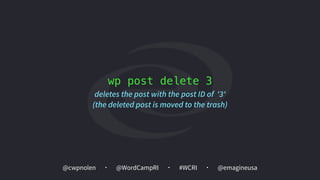
wp post delete 3
deletes the post with the post ID of '3'
(the deleted post is moved to the trash)
@cwpnolen @emagineusa@WordCampRI #WCRI
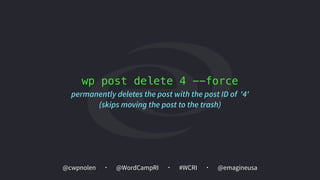
wp post delete 4 --force
permanently deletes the post with the post ID of '4'
(skips moving the post to the trash)
@cwpnolen @emagineusa@WordCampRI #WCRI
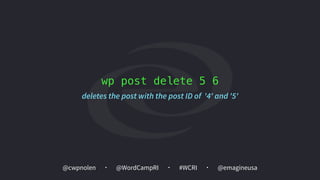
wp post delete 5 6
deletes the post with the post ID of '4' and '5'
@cwpnolen @emagineusa@WordCampRI #WCRI
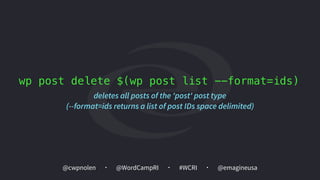
wp post delete $(wp post list --format=ids)
deletes all posts of the 'post' post type 

(--format=ids returns a list of post IDs space delimited)
@cwpnolen @emagineusa@WordCampRI #WCRI
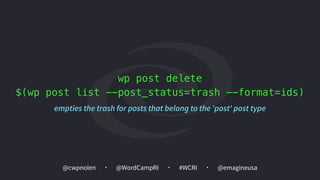
wp post delete 

$(wp post list --post_status=trash --format=ids)
empties the trash for posts that belong to the 'post' post type
@cwpnolen @emagineusa@WordCampRI #WCRI
Generate Post Content
@cwpnolen @emagineusa@WordCampRI #WCRI
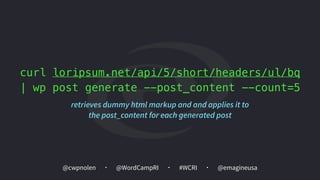
curl loripsum.net/api/5/short/headers/ul/bq
| wp post generate --post_content --count=5
retrieves dummy html markup and and applies it to
the post_content for each generated post
@cwpnolen @emagineusa@WordCampRI #WCRI
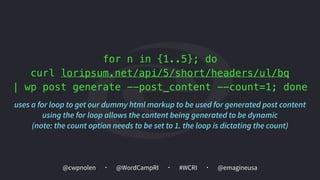
for n in {1..5}; do
curl loripsum.net/api/5/short/headers/ul/bq
| wp post generate --post_content --count=1; done
uses a for loop to get our dummy html markup to be used for generated post content

using the for loop allows the content being generated to be dynamic

(note: the count option needs to be set to 1. the loop is dictating the count)
@cwpnolen @emagineusa@WordCampRI #WCRI
Export / Import
@cwpnolen @emagineusa@WordCampRI #WCRI
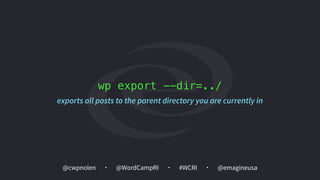
wp export --dir=../
exports all posts to the parent directory you are currently in
@cwpnolen @emagineusa@WordCampRI #WCRI
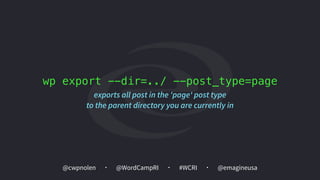
wp export --dir=../ --post_type=page
exports all post in the 'page' post type 

to the parent directory you are currently in
@cwpnolen @emagineusa@WordCampRI #WCRI
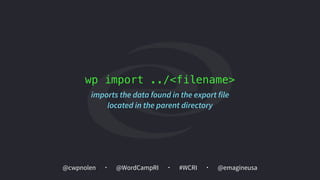
wp import ../<filename>
imports the data found in the export file 

located in the parent directory
@cwpnolen @emagineusa@WordCampRI #WCRI
The Database
@cwpnolen @emagineusa@WordCampRI #WCRI
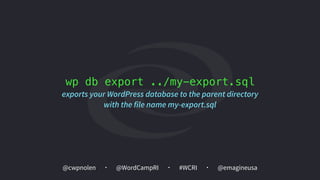
wp db export ../my-export.sql
exports your WordPress database to the parent directory
with the file name my-export.sql
@cwpnolen @emagineusa@WordCampRI #WCRI
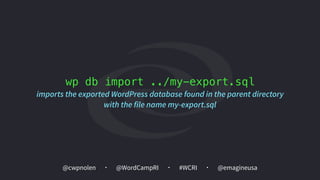
wp db import ../my-export.sql
imports the exported WordPress database found in the parent directory
with the file name my-export.sql
@cwpnolen @emagineusa@WordCampRI #WCRI
Search and Replace
@cwpnolen @emagineusa@WordCampRI #WCRI
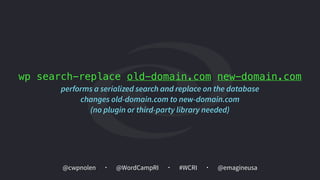
wp search-replace old-domain.com new-domain.com
performs a serialized search and replace on the database

changes old-domain.com to new-domain.com
(no plugin or third-party library needed)
@cwpnolen @emagineusa@WordCampRI #WCRI
Working with Media
@cwpnolen @emagineusa@WordCampRI #WCRI
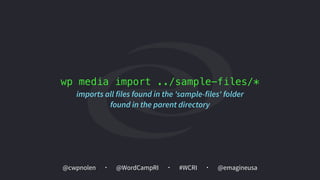
wp media import ../sample-files/*
imports all files found in the 'sample-files' folder
found in the parent directory
@cwpnolen @emagineusa@WordCampRI #WCRI
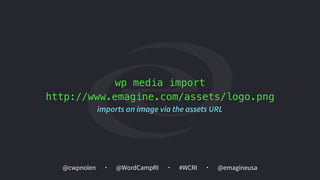
wp media import
http://www.emagine.com/assets/logo.png
imports an image via the assets URL
@cwpnolen @emagineusa@WordCampRI #WCRI
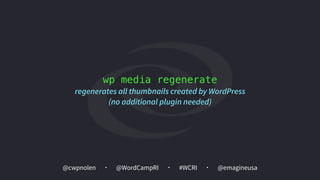
wp media regenerate
regenerates all thumbnails created by WordPress

(no additional plugin needed)
@cwpnolen @emagineusa@WordCampRI #WCRI
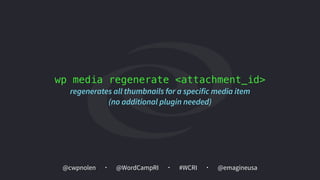
wp media regenerate <attachment_id>
regenerates all thumbnails for a specific media item

(no additional plugin needed)
@cwpnolen @emagineusa@WordCampRI #WCRI
Working with Core
@cwpnolen @emagineusa@WordCampRI #WCRI
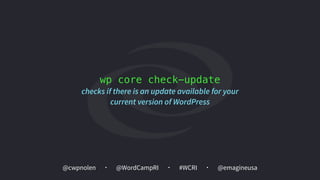
wp core check-update
checks if there is an update available for your
current version of WordPress
@cwpnolen @emagineusa@WordCampRI #WCRI
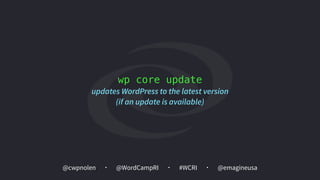
wp core update
updates WordPress to the latest version 

(if an update is available)
@cwpnolen @emagineusa@WordCampRI #WCRI
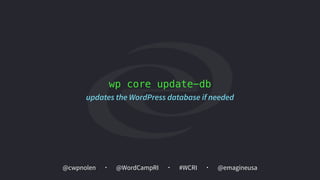
wp core update-db
updates the WordPress database if needed
@cwpnolen @emagineusa@WordCampRI #WCRI
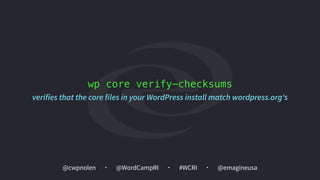
wp core verify-checksums
verifies that the core files in your WordPress install match wordpress.org's
@cwpnolen @emagineusa@WordCampRI #WCRI
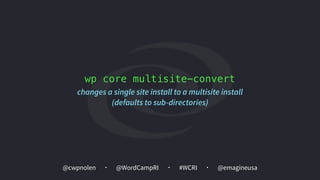
wp core multisite-convert
changes a single site install to a multisite install
(defaults to sub-directories)
@cwpnolen @emagineusa@WordCampRI #WCRI
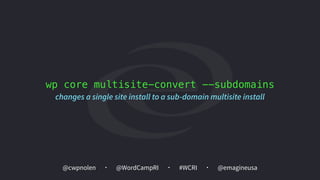
wp core multisite-convert --subdomains
changes a single site install to a sub-domain multisite install
@cwpnolen @emagineusa@WordCampRI #WCRI
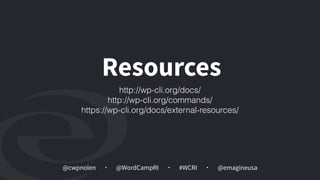
Resources
http://wp-cli.org/docs/
http://wp-cli.org/commands/
https://wp-cli.org/docs/external-resources/
@cwpnolen @emagineusa@WordCampRI #WCRI
Don’t Fear the 

Command Line
@cwpnolen @emagineusa@WordCampRI #WCRI
Whenever you are asked if you can do a job,
tell 'em, “Certainly I can!”
Then get busy and find out how to do it.
Theodore Roosevelt
@cwpnolen @emagineusa@WordCampRI #WCRI
Thank You

Getting Started with WP-CLI