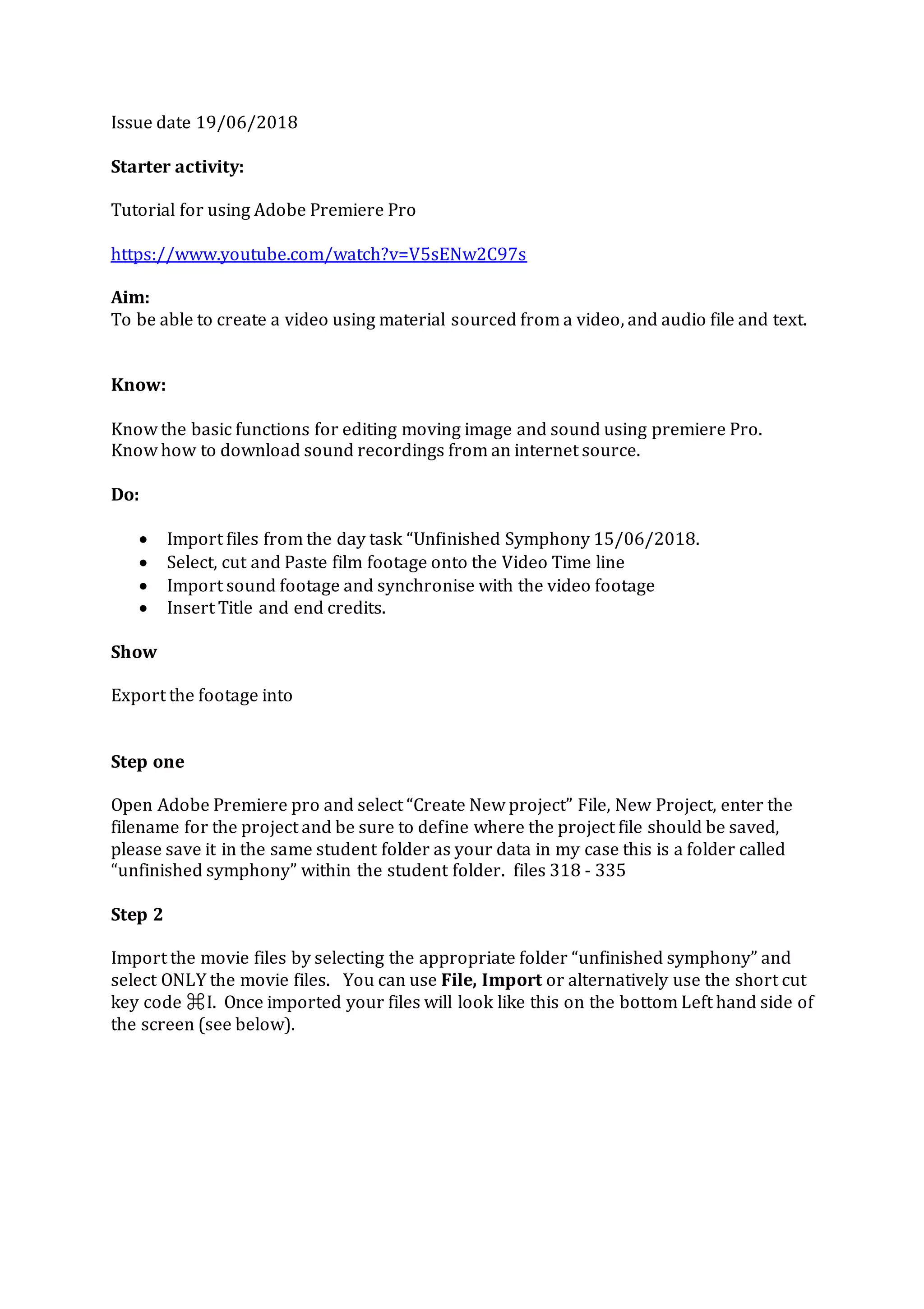
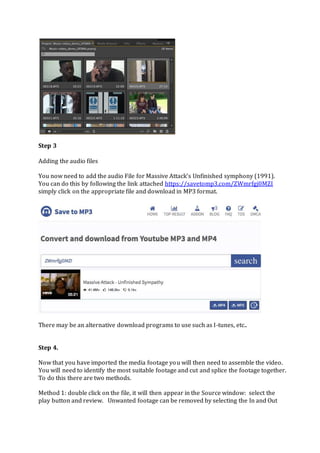
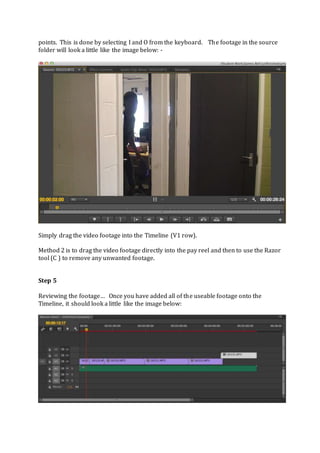
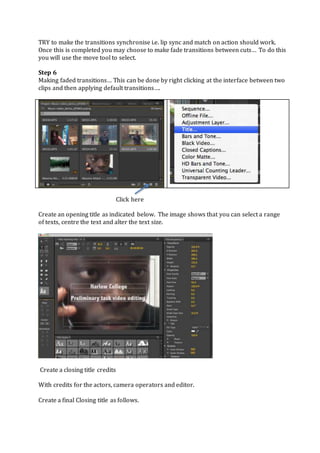
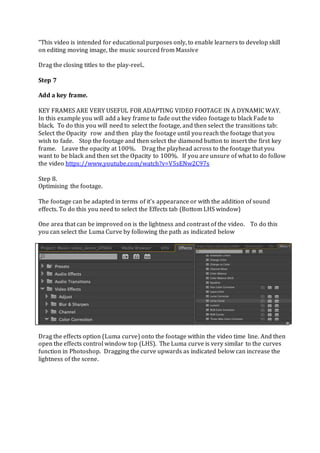
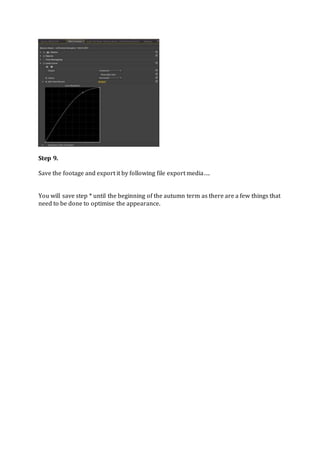
This document provides a 9 step tutorial for editing a video using Adobe Premiere Pro. The steps include: importing video and audio files, assembling video clips on the timeline, adding transitions, and exporting the finished video. Specifically, it guides editing together footage from the "Unfinished Symphony" files, adding the Massive Attack song, inserting opening and closing titles, fading clips, adjusting color/contrast, and exporting the final video.