Filtered Related Lists
Without Code
Nashville Salesforce Users Group
Doug Ayers
3/31/2016
Doug Ayers
• Senior Developer @ Virsys12
• Nashville Salesforce Developers Group
• 3+ years Salesforce Administration / Development
• 8+ years Java Enterprise Web Development
• @DouglasCAyers
• github.com/DouglasCAyers
• douglascayers.com
This is a story about User Experience (UX)
http://www.adminhero.com/adoption/
http://cloud4good.com/announcements/six-steps-to-improve-user-experience/
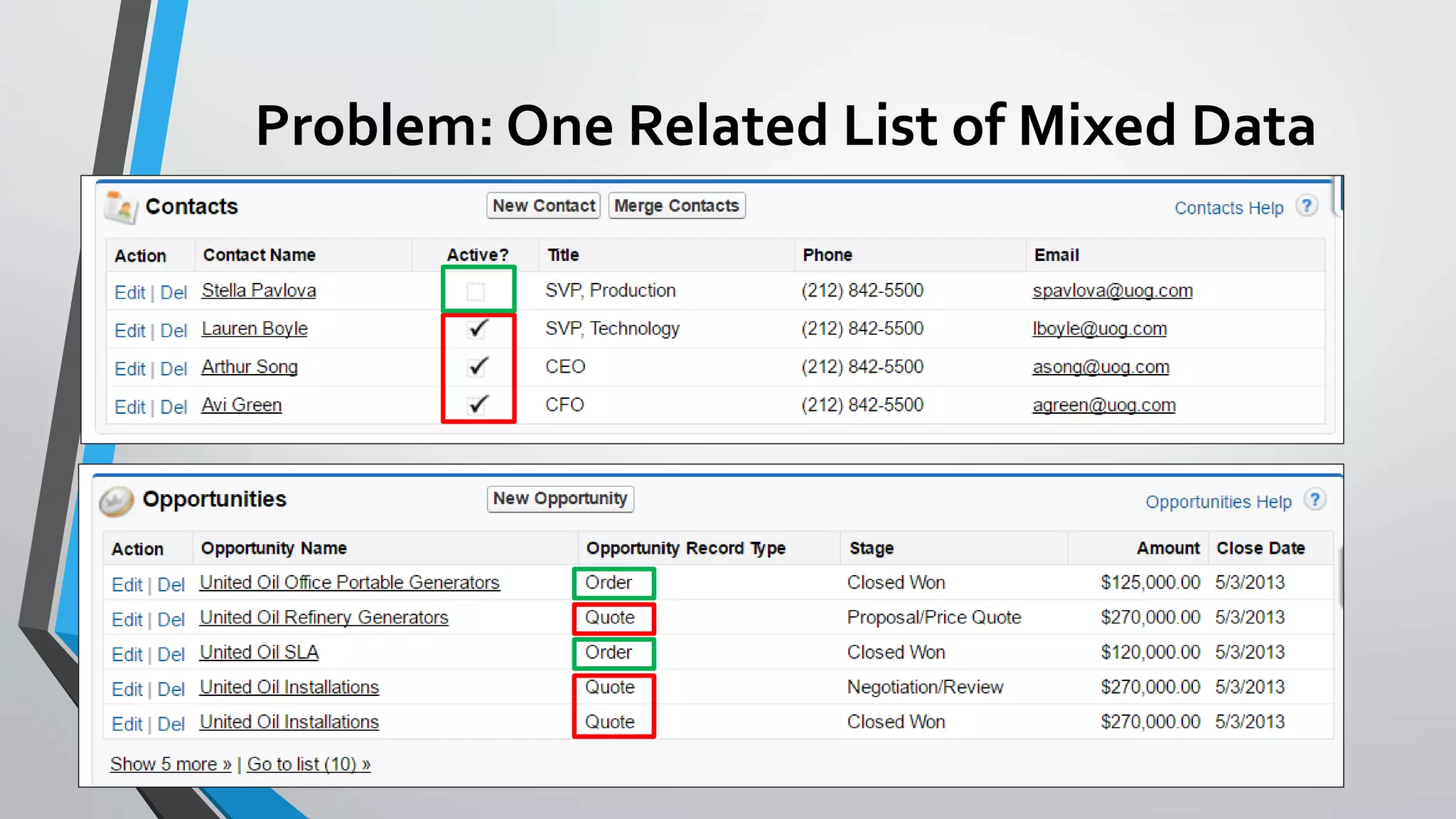
Problem: One Related List of Mixed Data
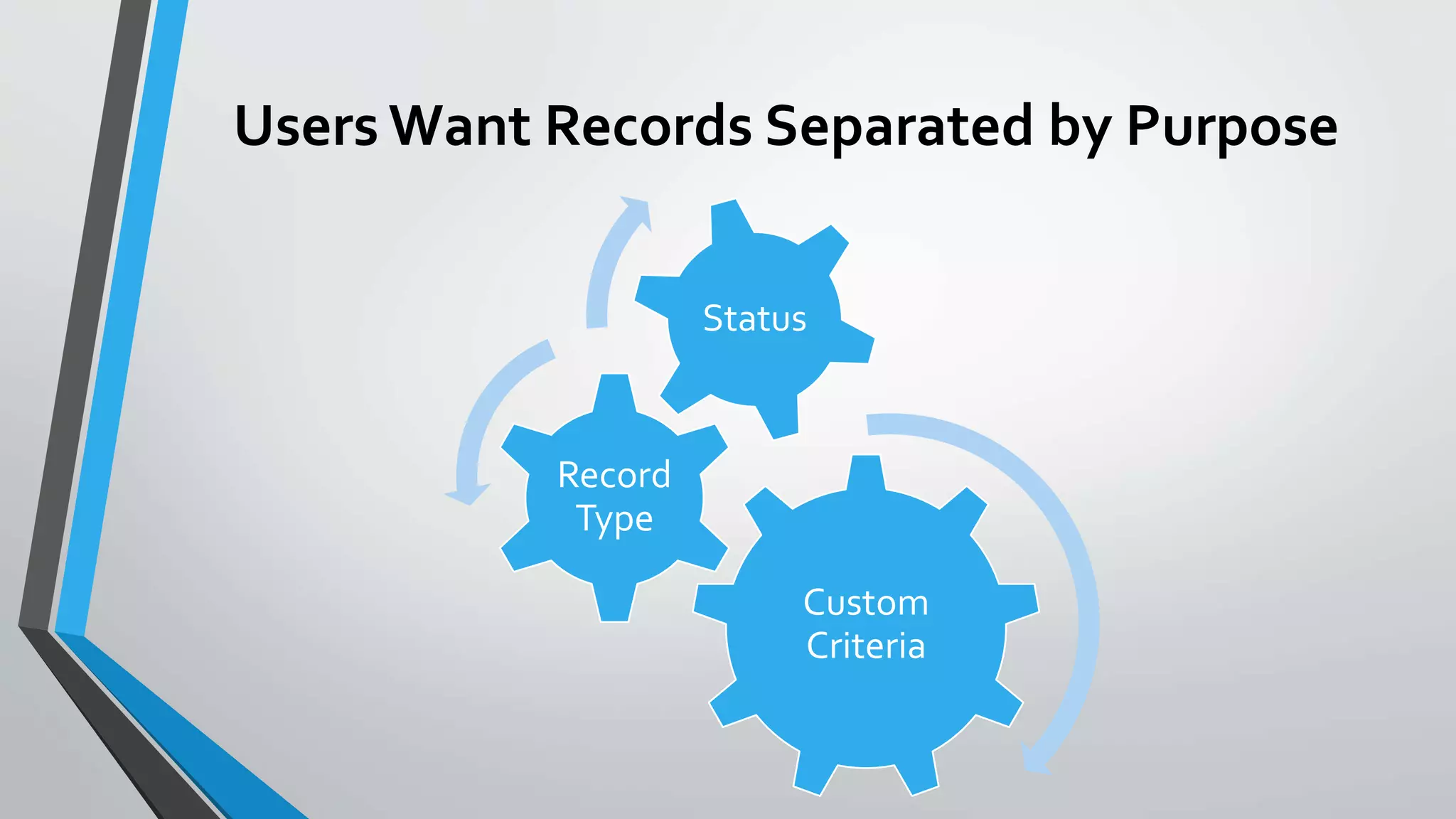
Users Want Records Separated by Purpose
Custom
Criteria
Record
Type
Status
We all want happy users, right?
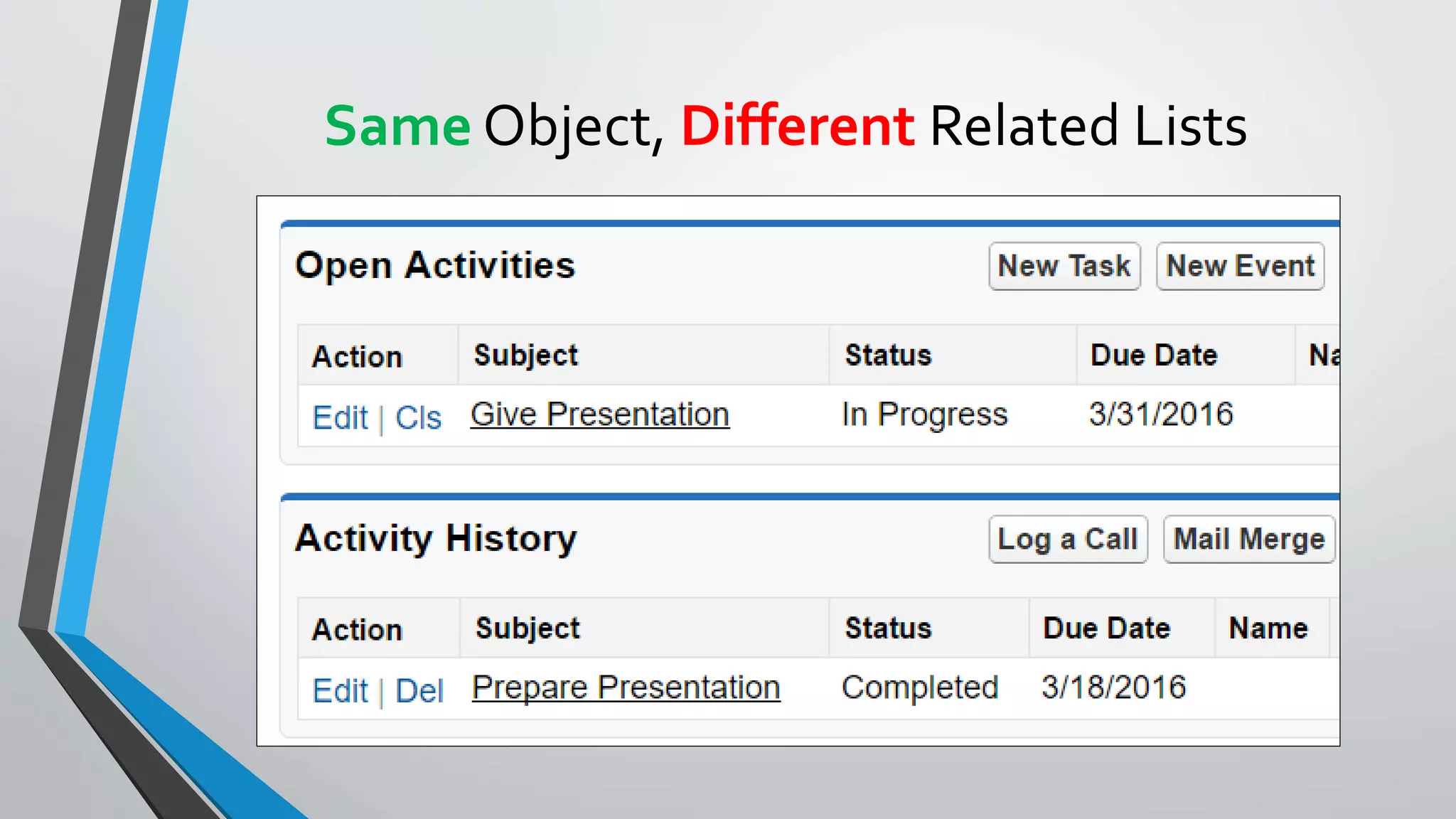
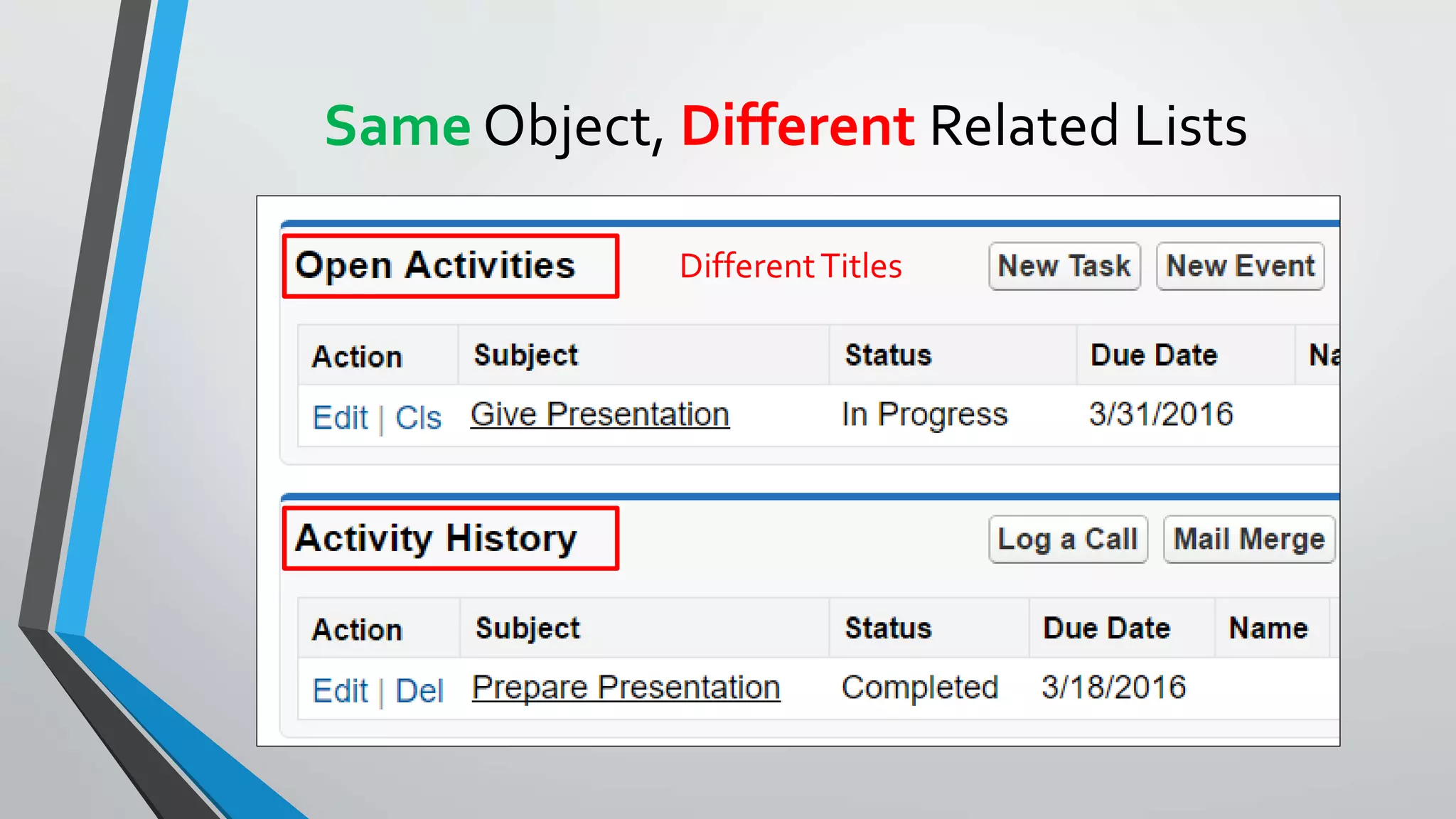
Same Object, Different Related Lists
DifferentTitles
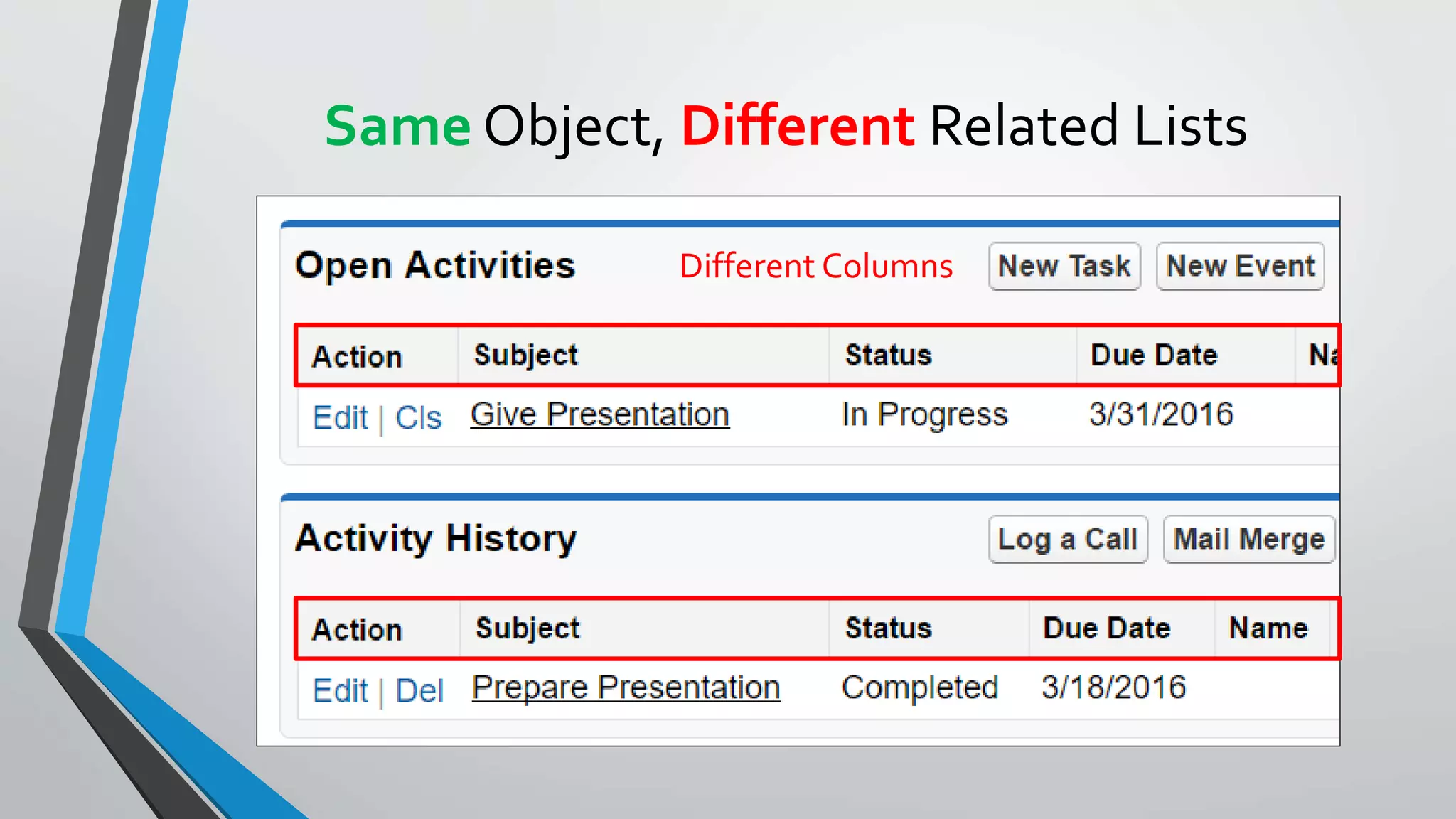
Same Object, Different Related Lists
Different Columns
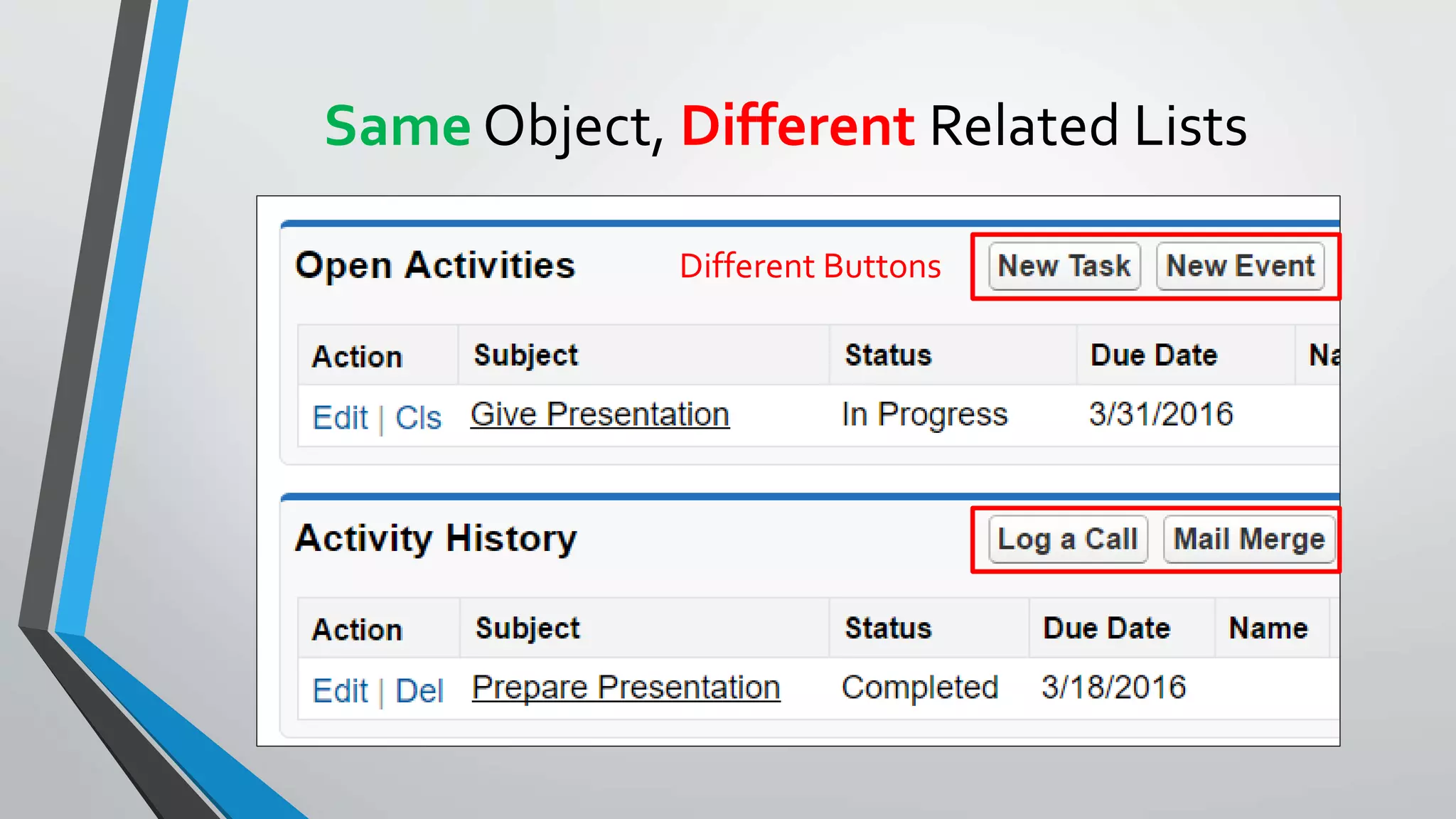
Same Object, Different Related Lists
Different Buttons
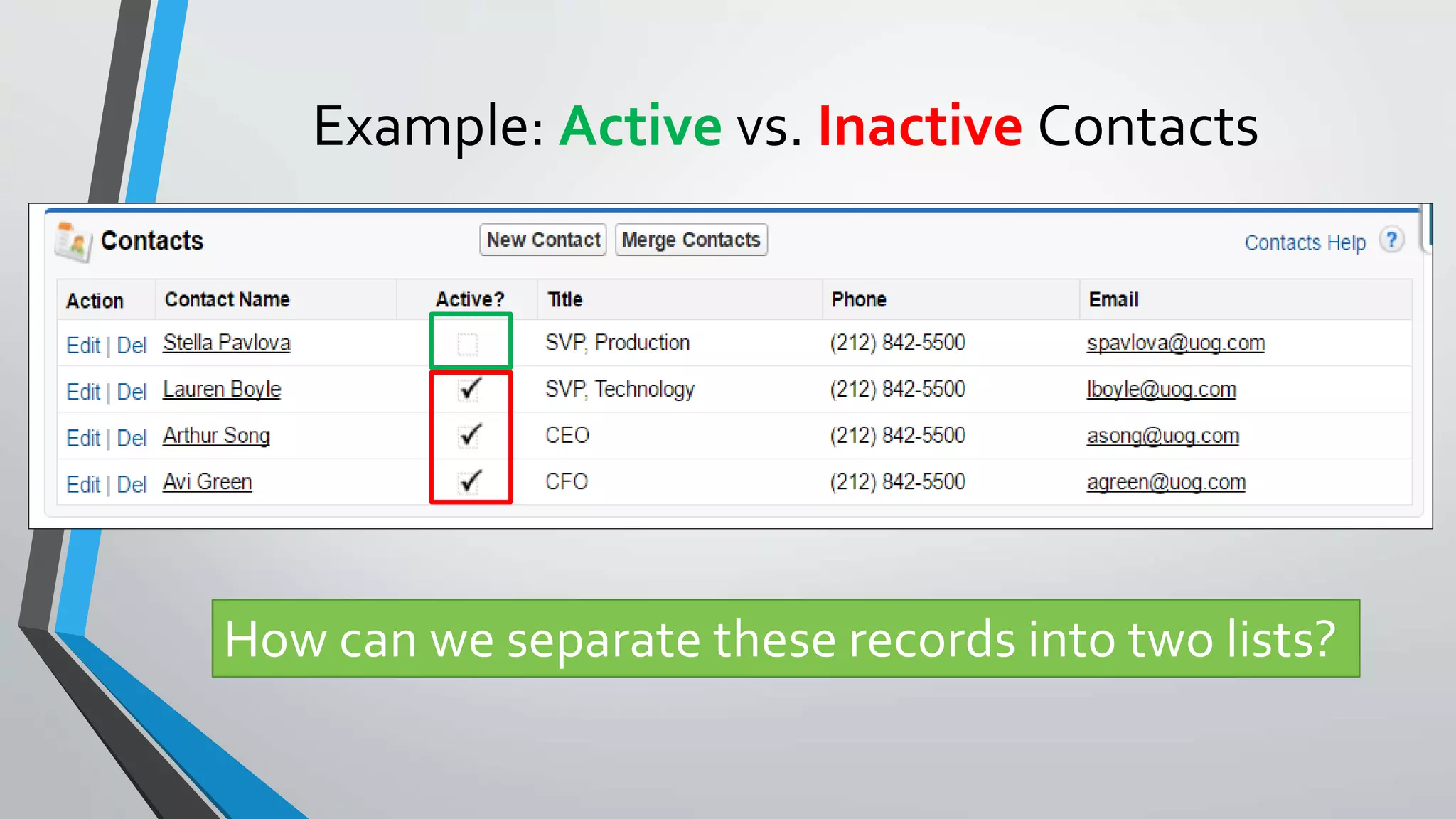
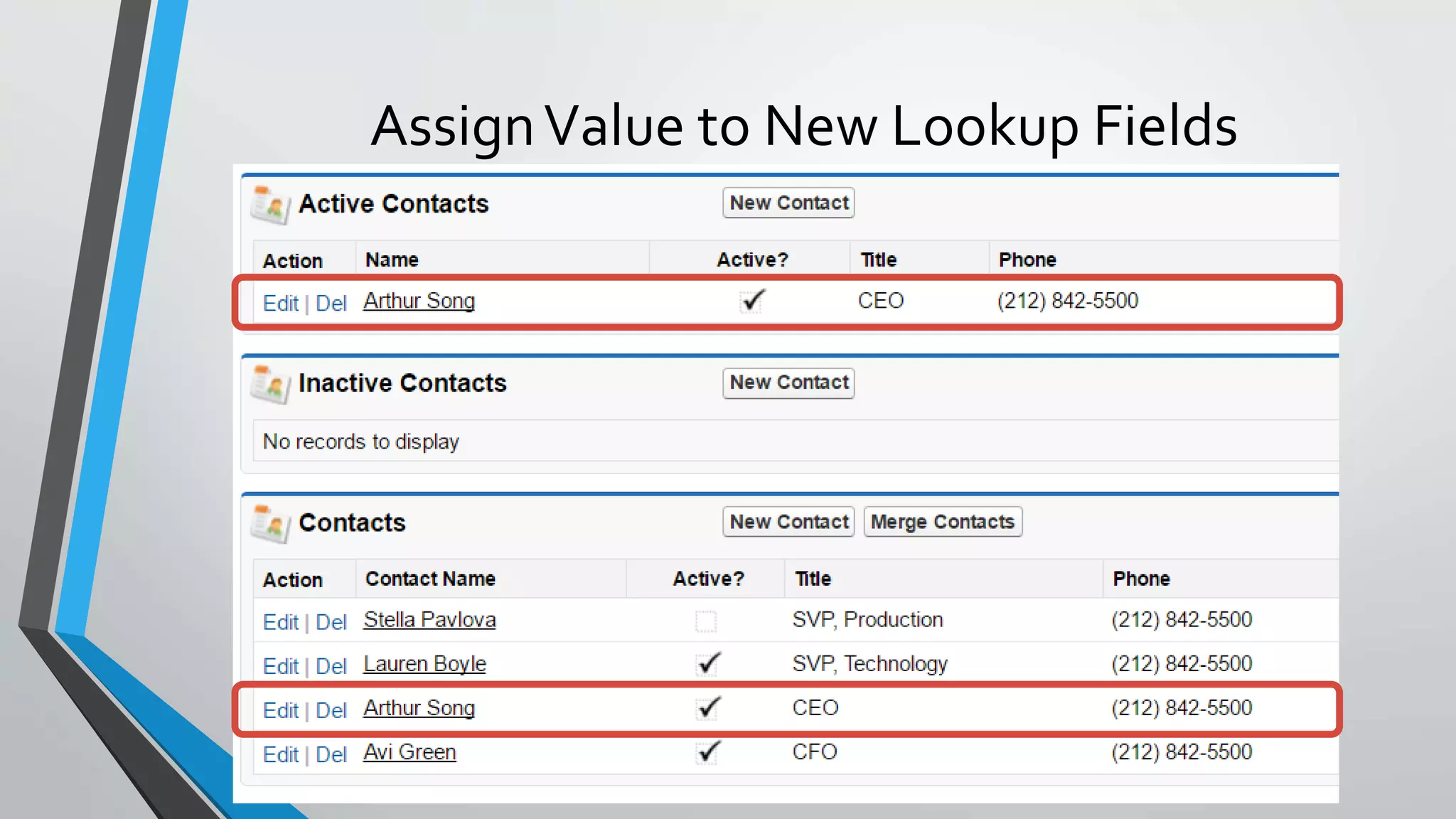
Example: Active vs. Inactive Contacts
How can we separate these records into two lists?
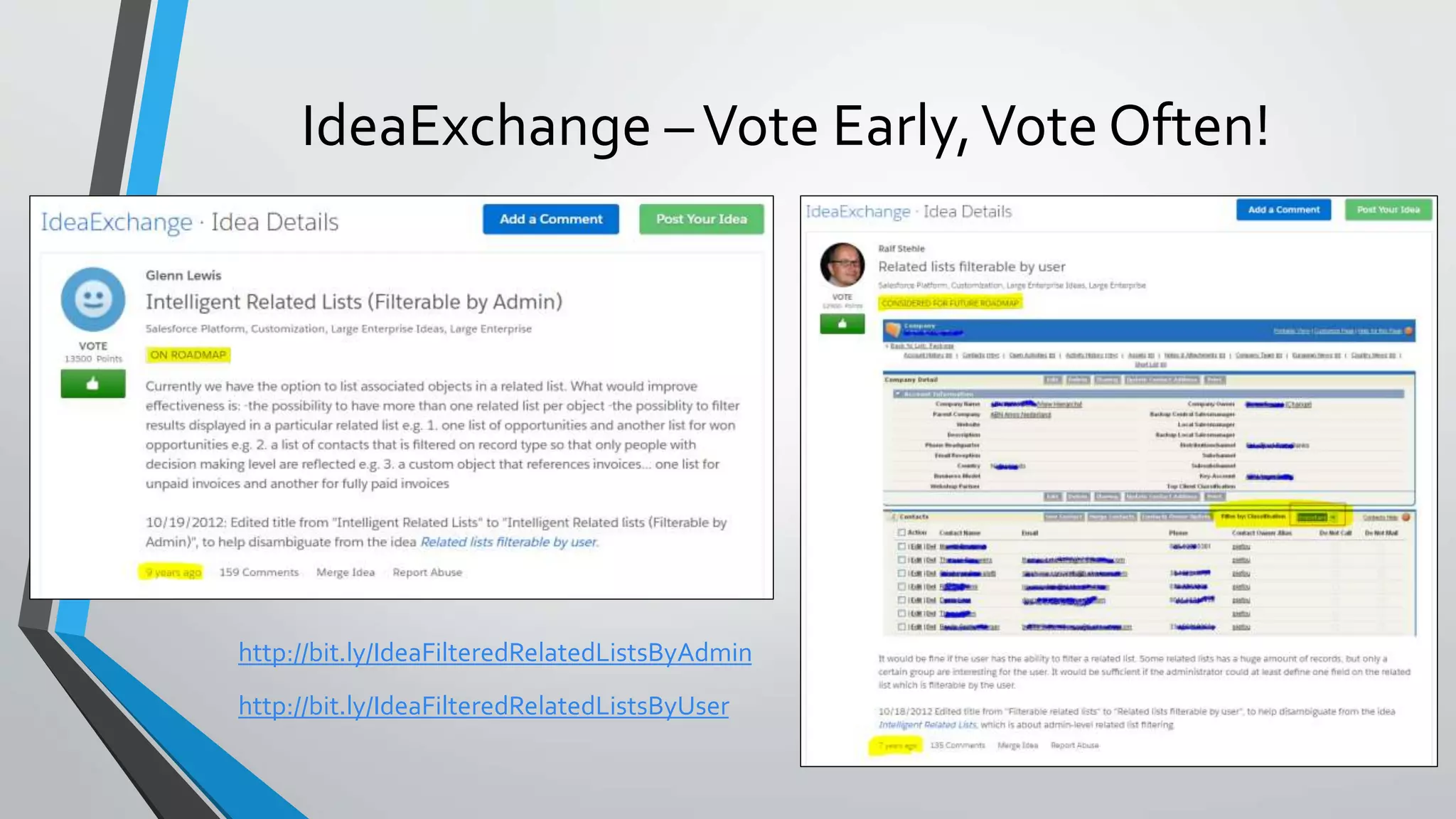
IdeaExchange –Vote Early,Vote Often!
http://bit.ly/IdeaFilteredRelatedListsByAdmin
http://bit.ly/IdeaFilteredRelatedListsByUser
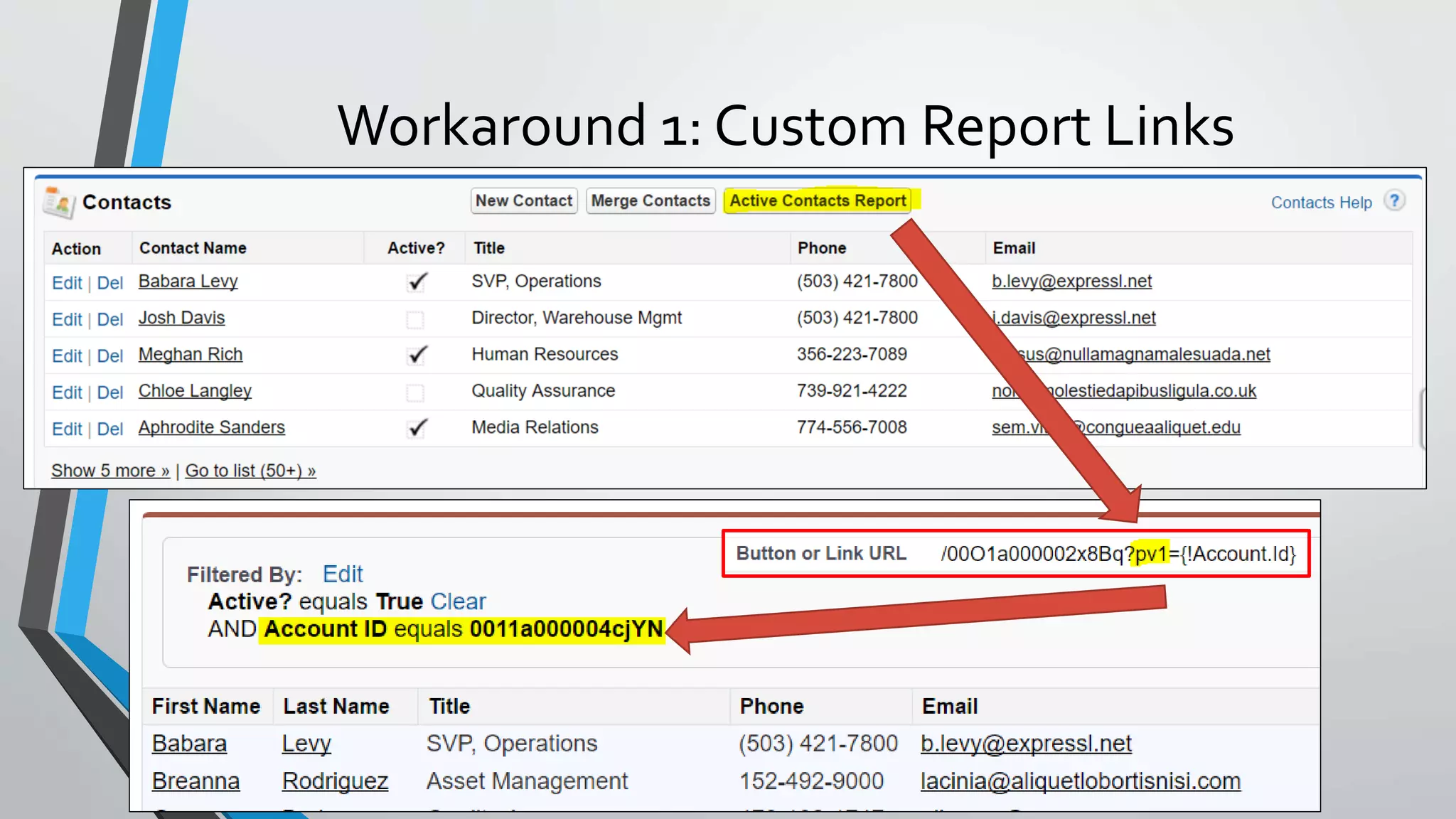
Workaround 1: Custom Report Links
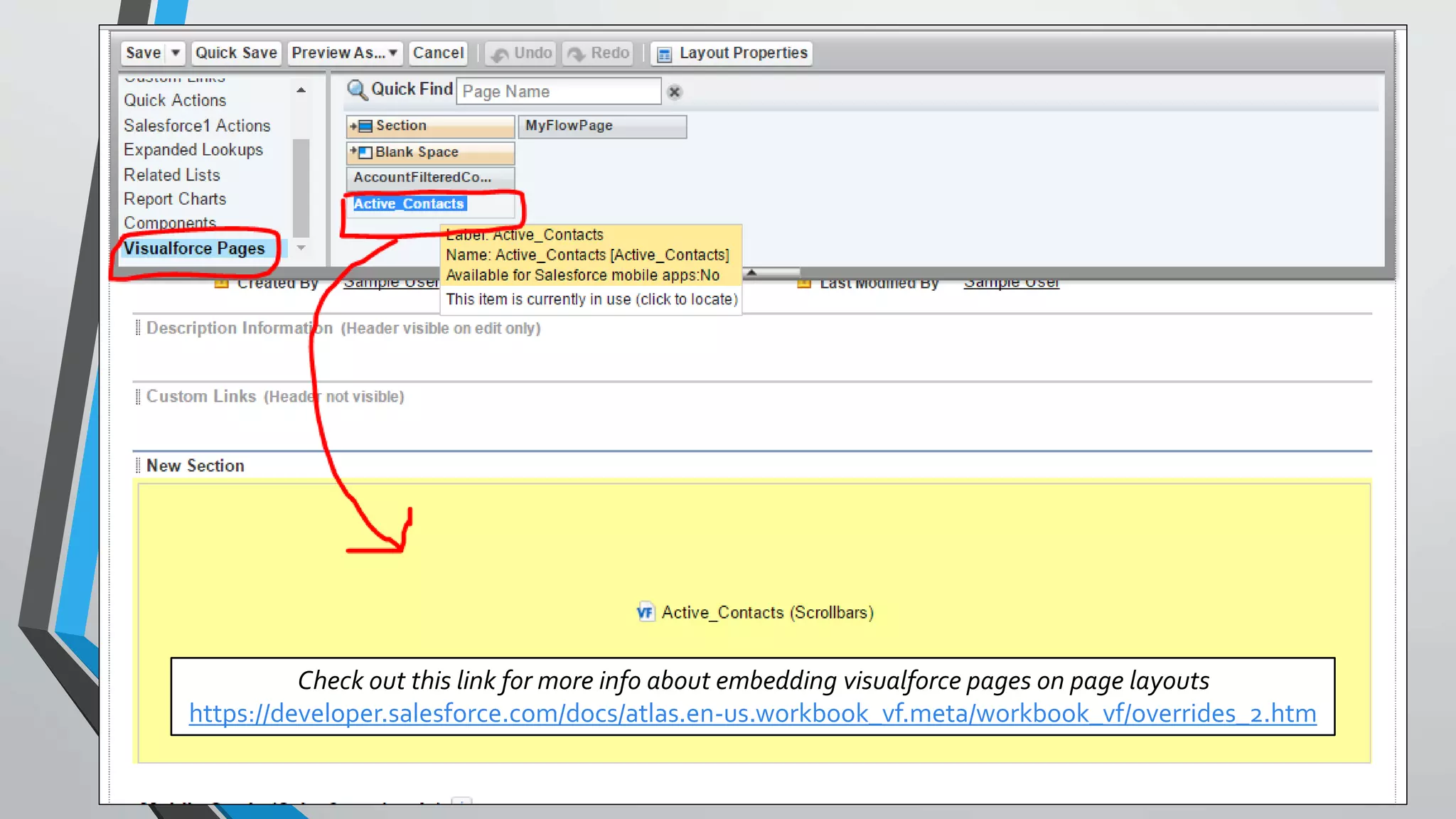
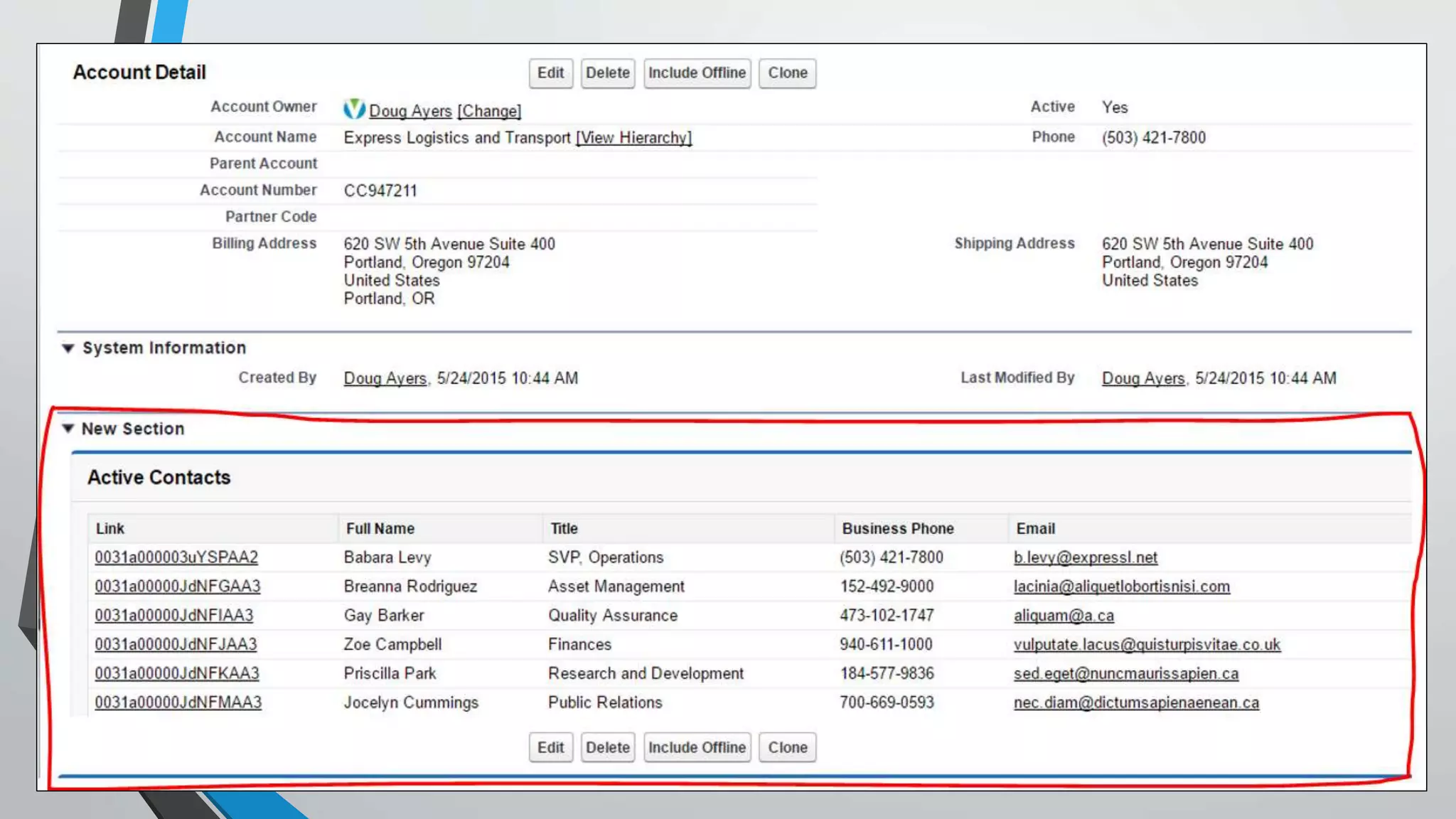
Workaround 2:Visualforce & Apex
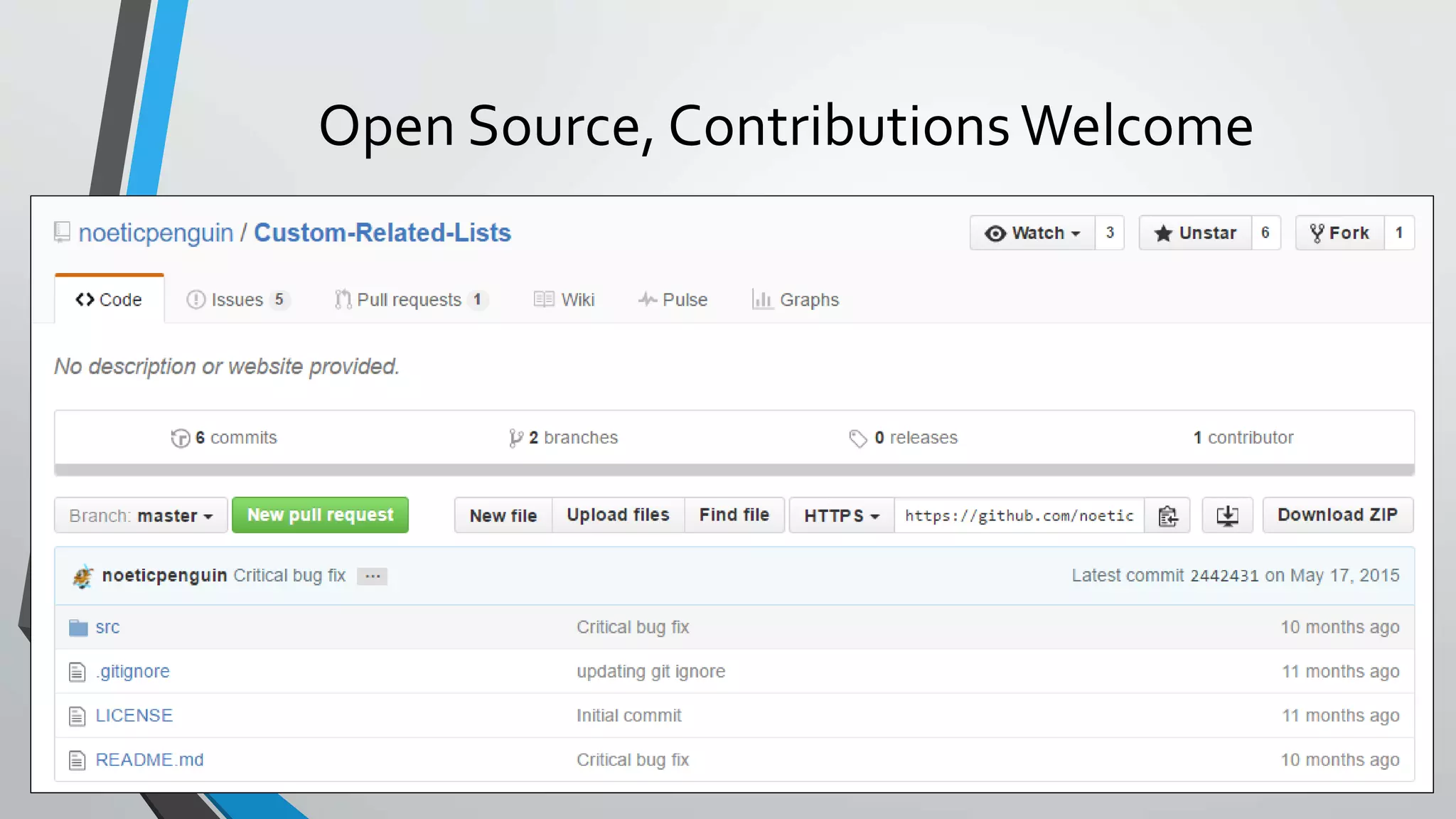
Custom Related Lists by Kevin Poorman (@CodeFriar)
http://noeticpenguin.github.io/Custom-Related-Lists/
• Free, Unmanaged Package
• Declarative Setup like Rollup Helper by Andy Fawcett
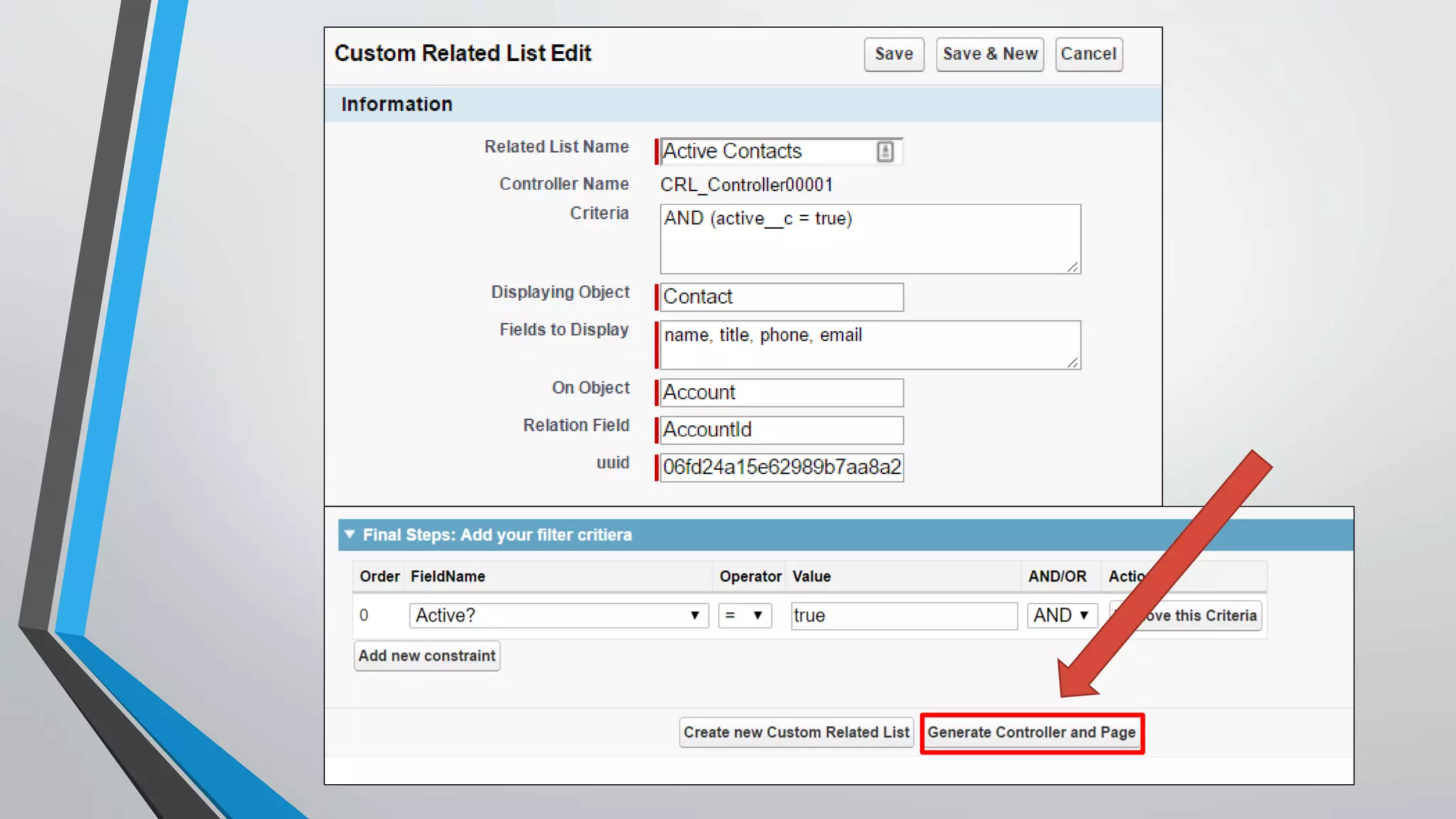
• Generates Apex Class /Visualforce Page for you
• You addVisualfoce page to your page layout
• Use Change Sets to deploy config to production
https://www.linkedin.com/in/kevinpoorman
Check out this link for more info about embedding visualforce pages on page layouts
https://developer.salesforce.com/docs/atlas.en-us.workbook_vf.meta/workbook_vf/overrides_2.htm
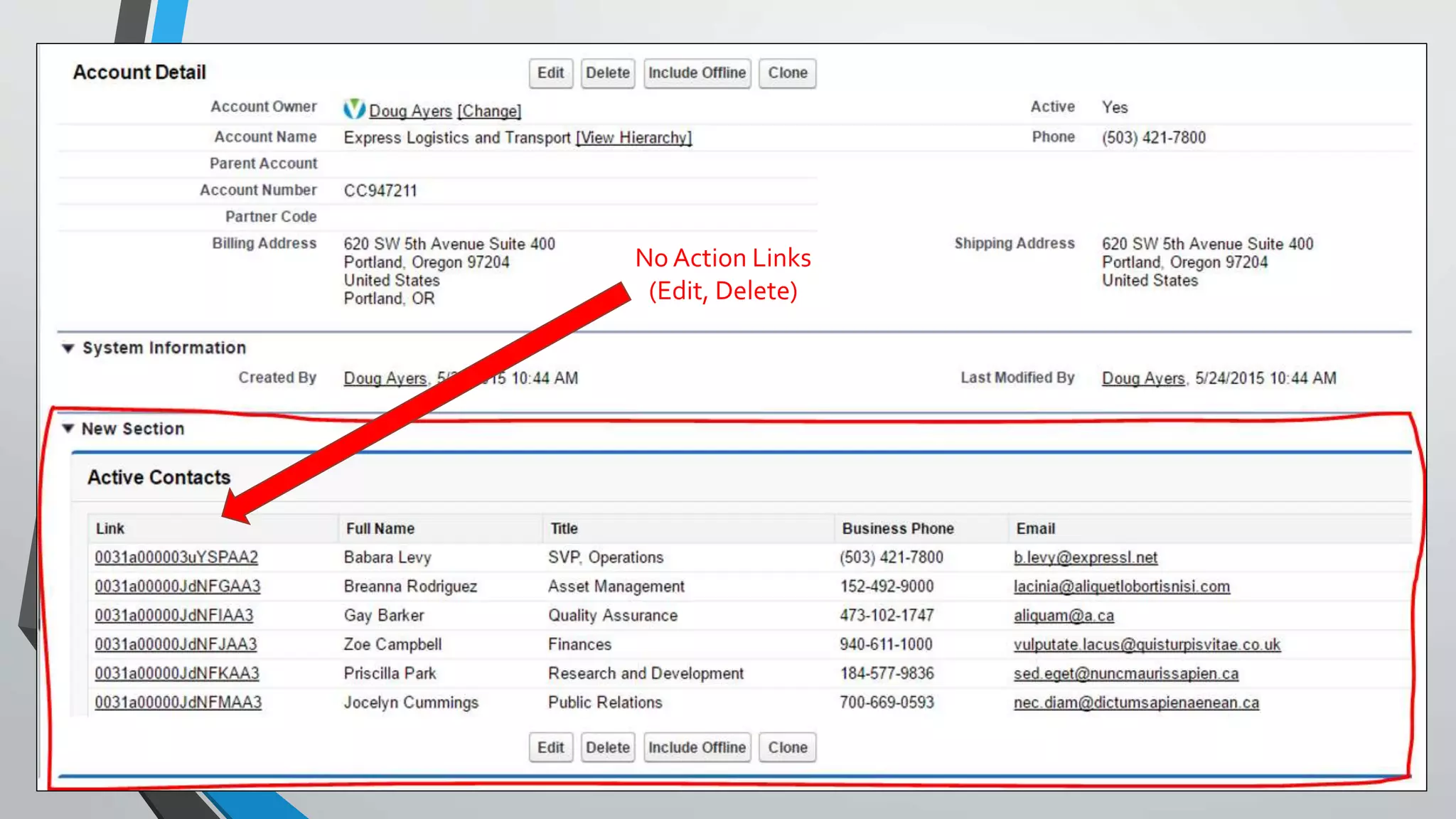
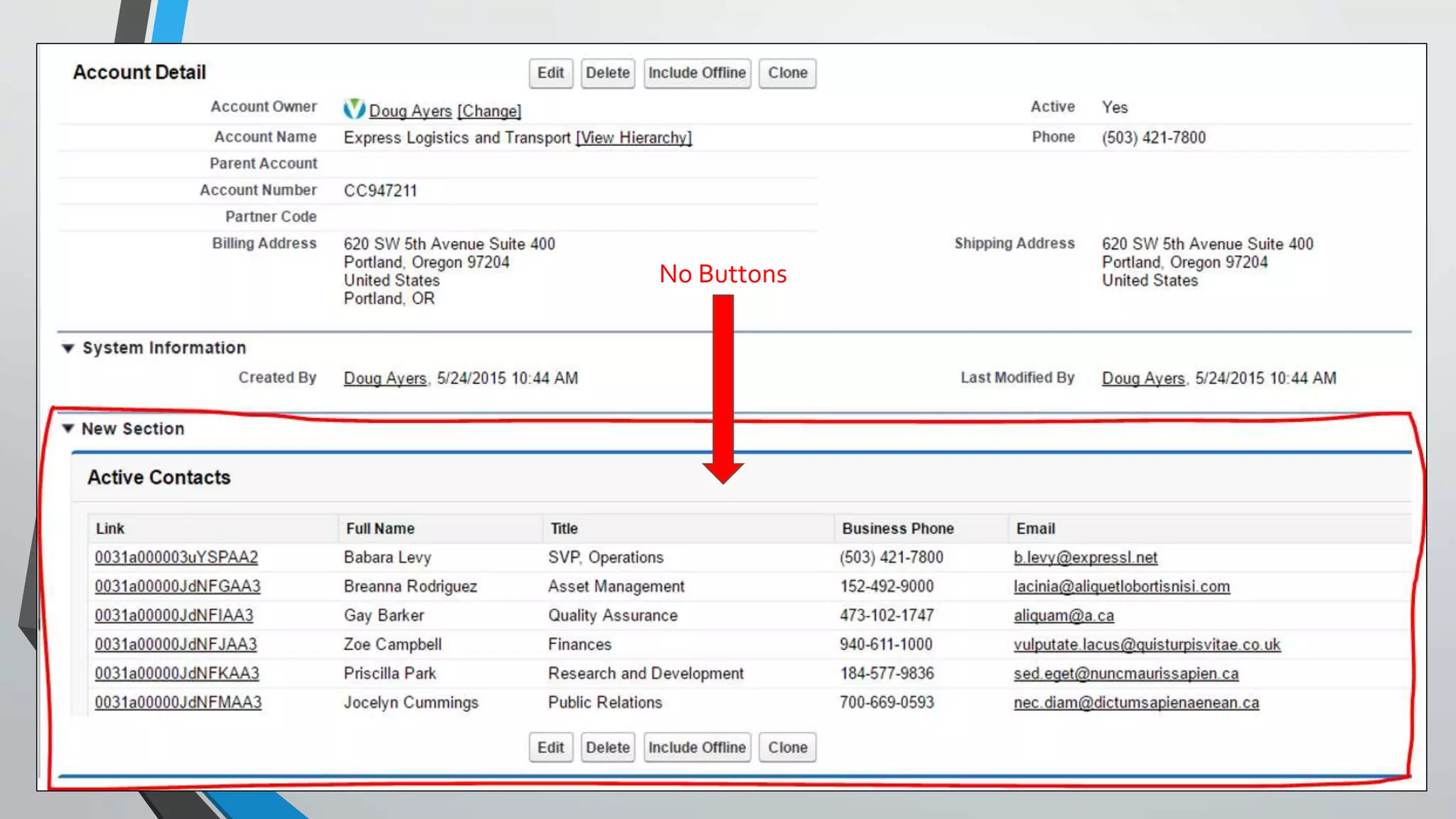
No Action Links
(Edit, Delete)
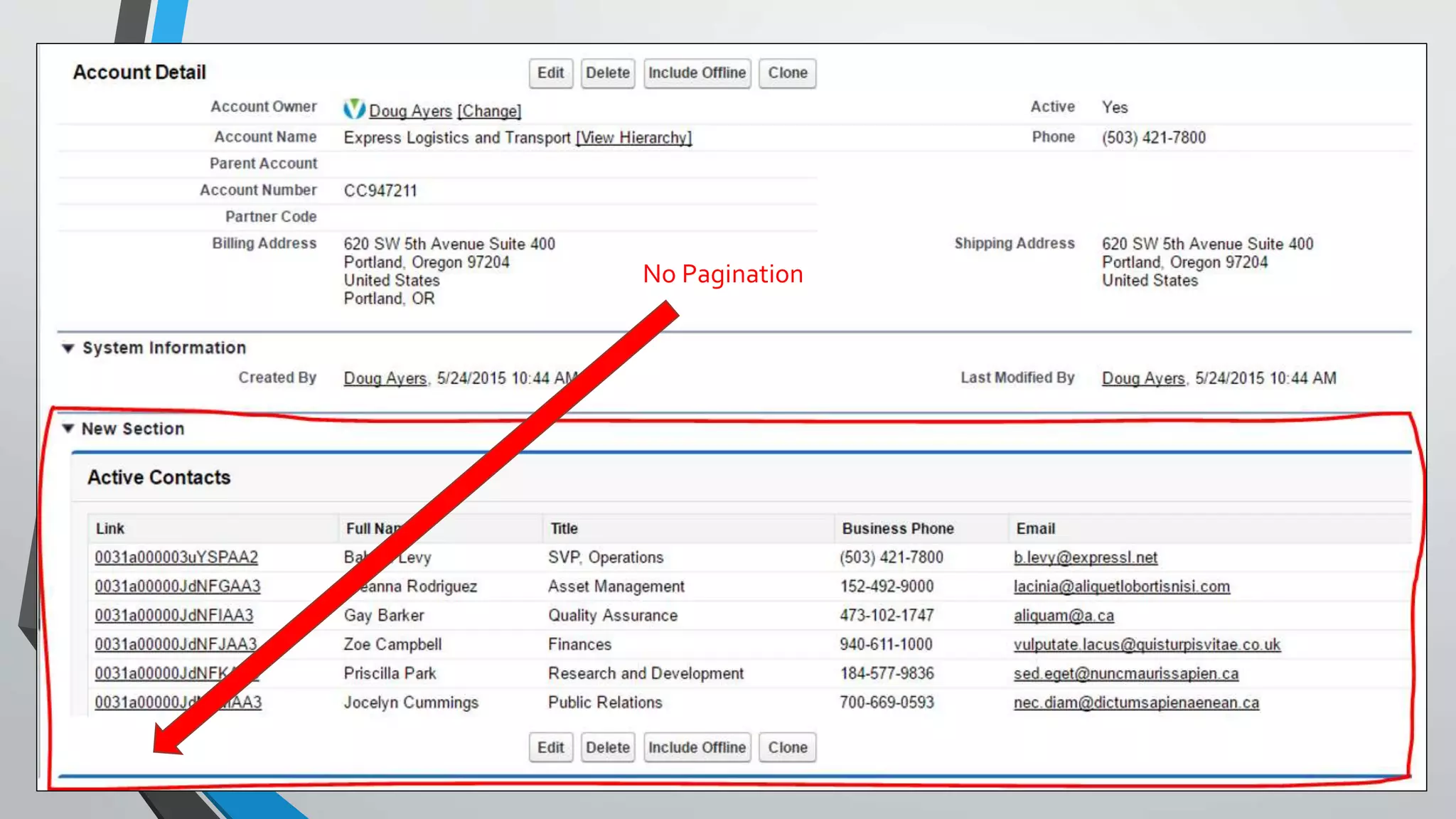
No Pagination
No Buttons
Open Source, ContributionsWelcome
Then, as my children say, “I have an idea!”
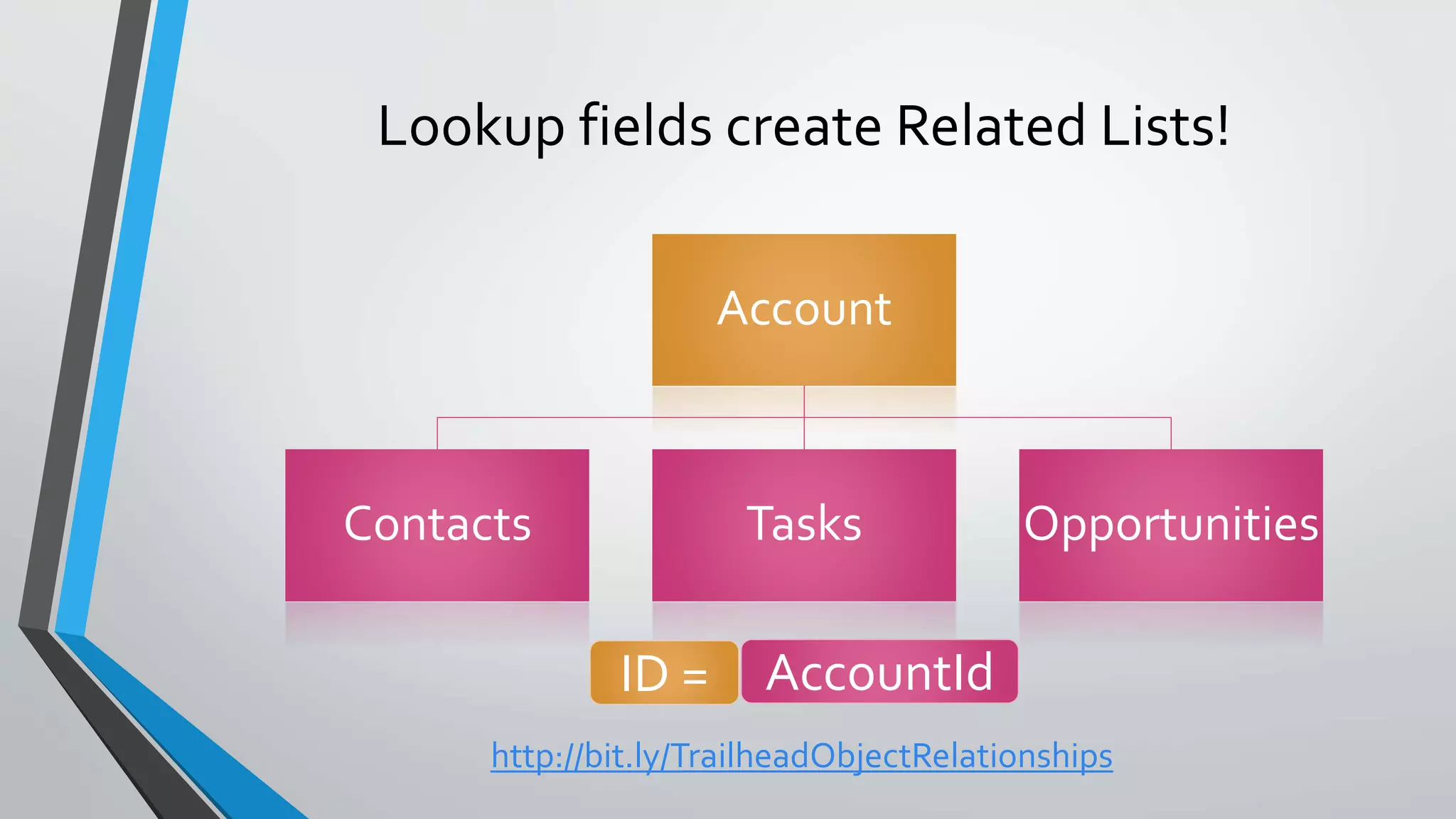
Lookup fields create Related Lists!
Account
Contacts Tasks Opportunities
ID = AccountId
http://bit.ly/TrailheadObjectRelationships
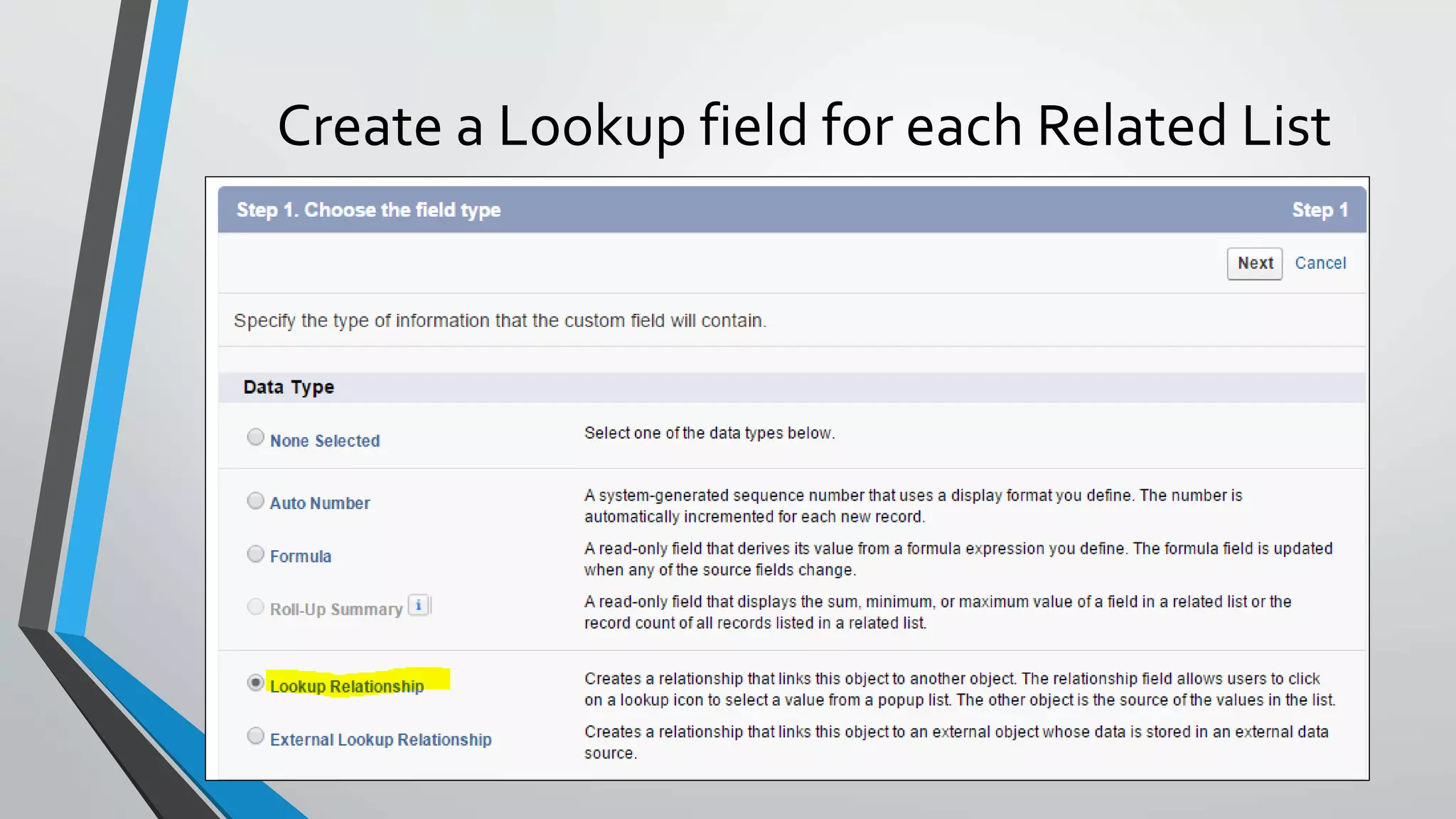
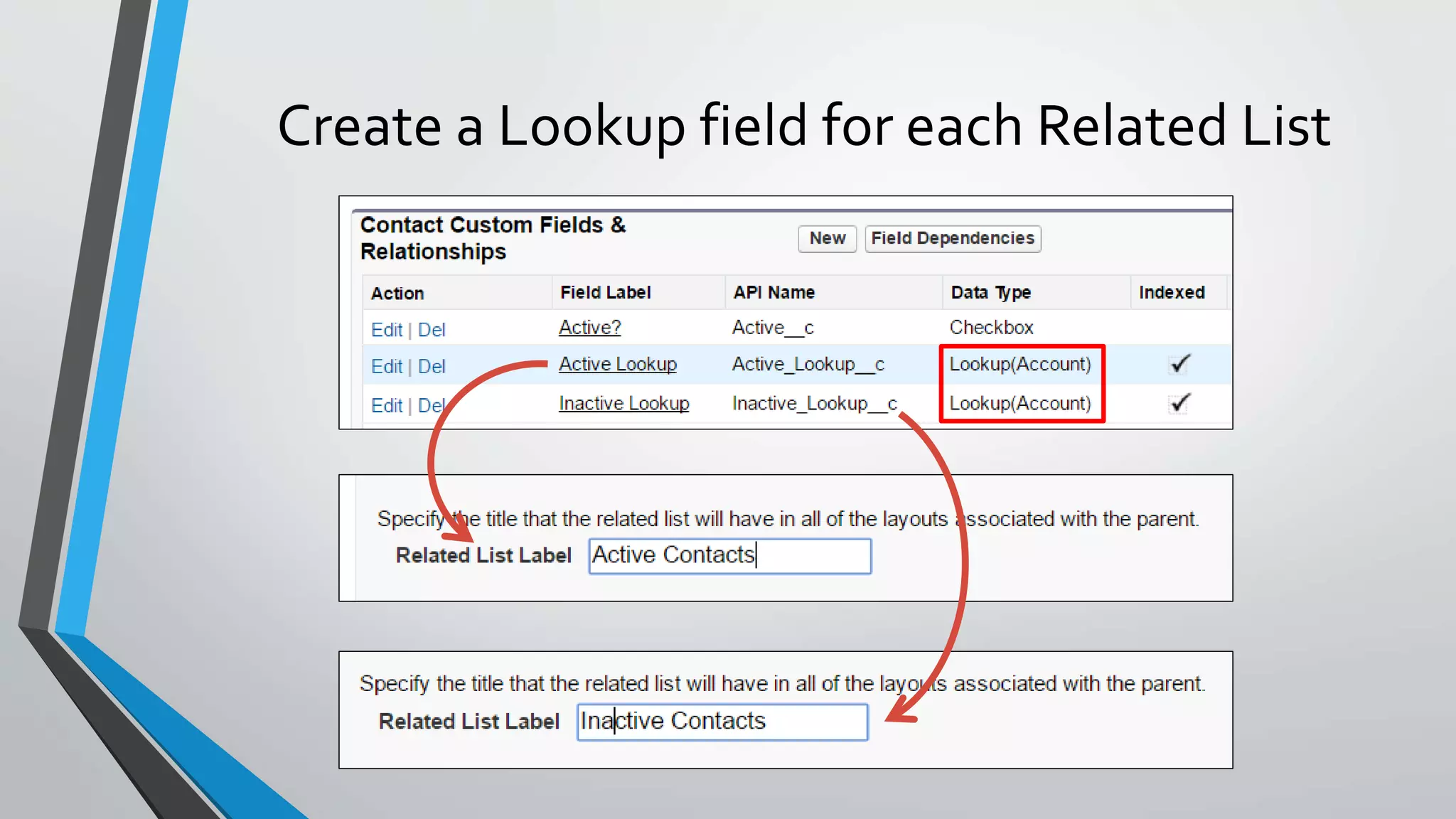
Create a Lookup field for each Related List
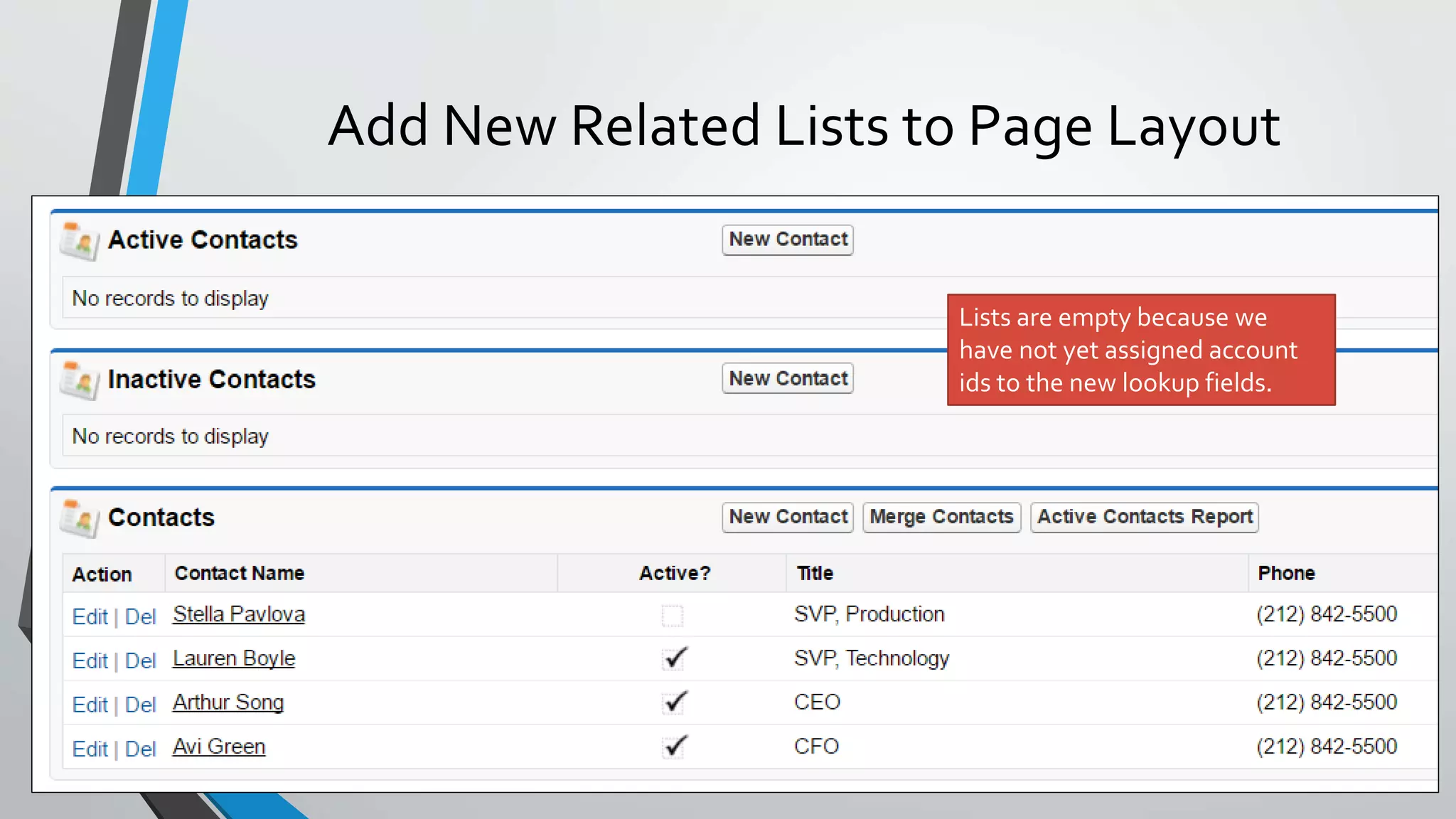
Add New Related Lists to Page Layout
Lists are empty because we
have not yet assigned account
ids to the new lookup fields.
Account
Contacts
Active
Contacts
Inactive
Contacts
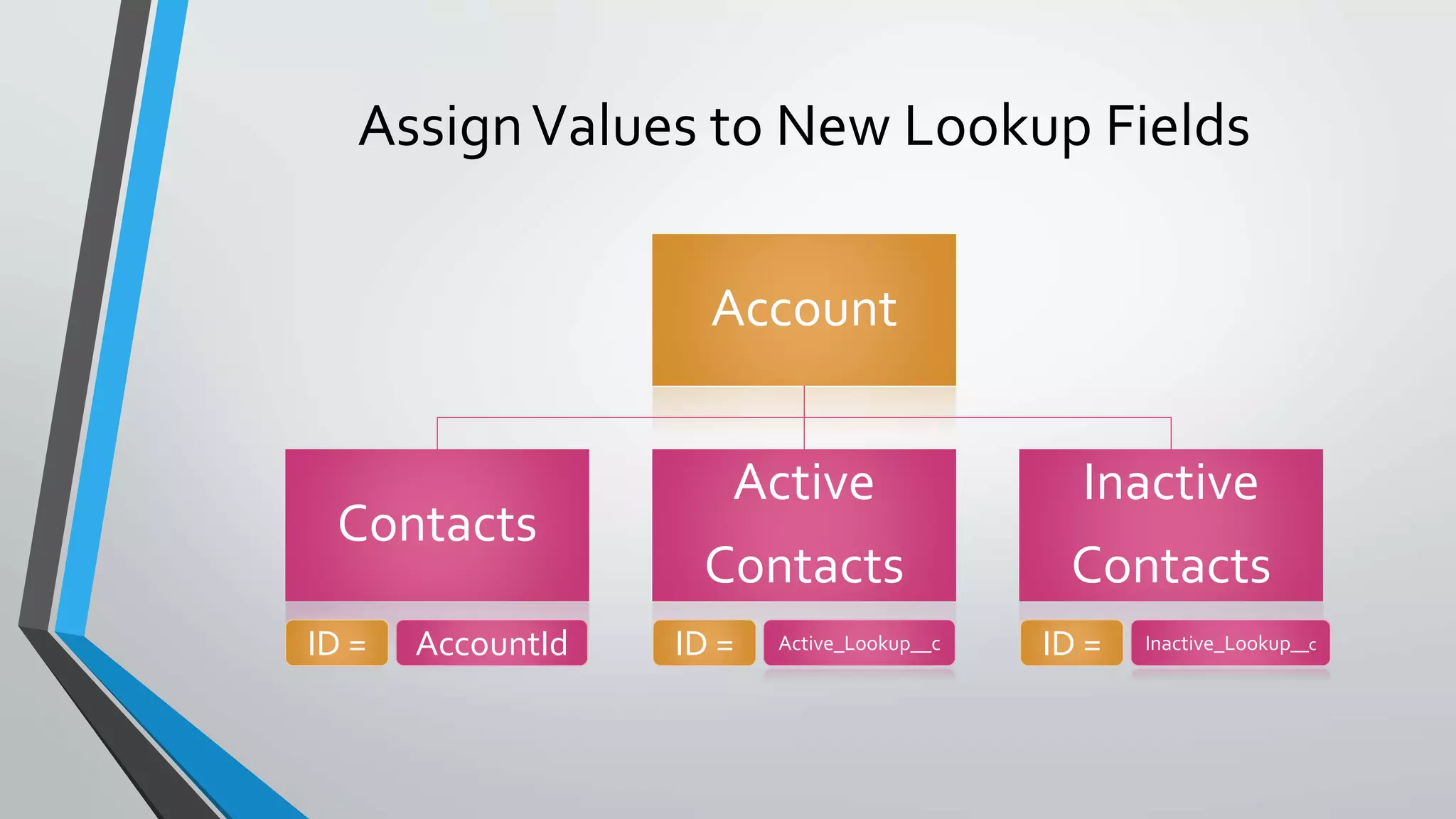
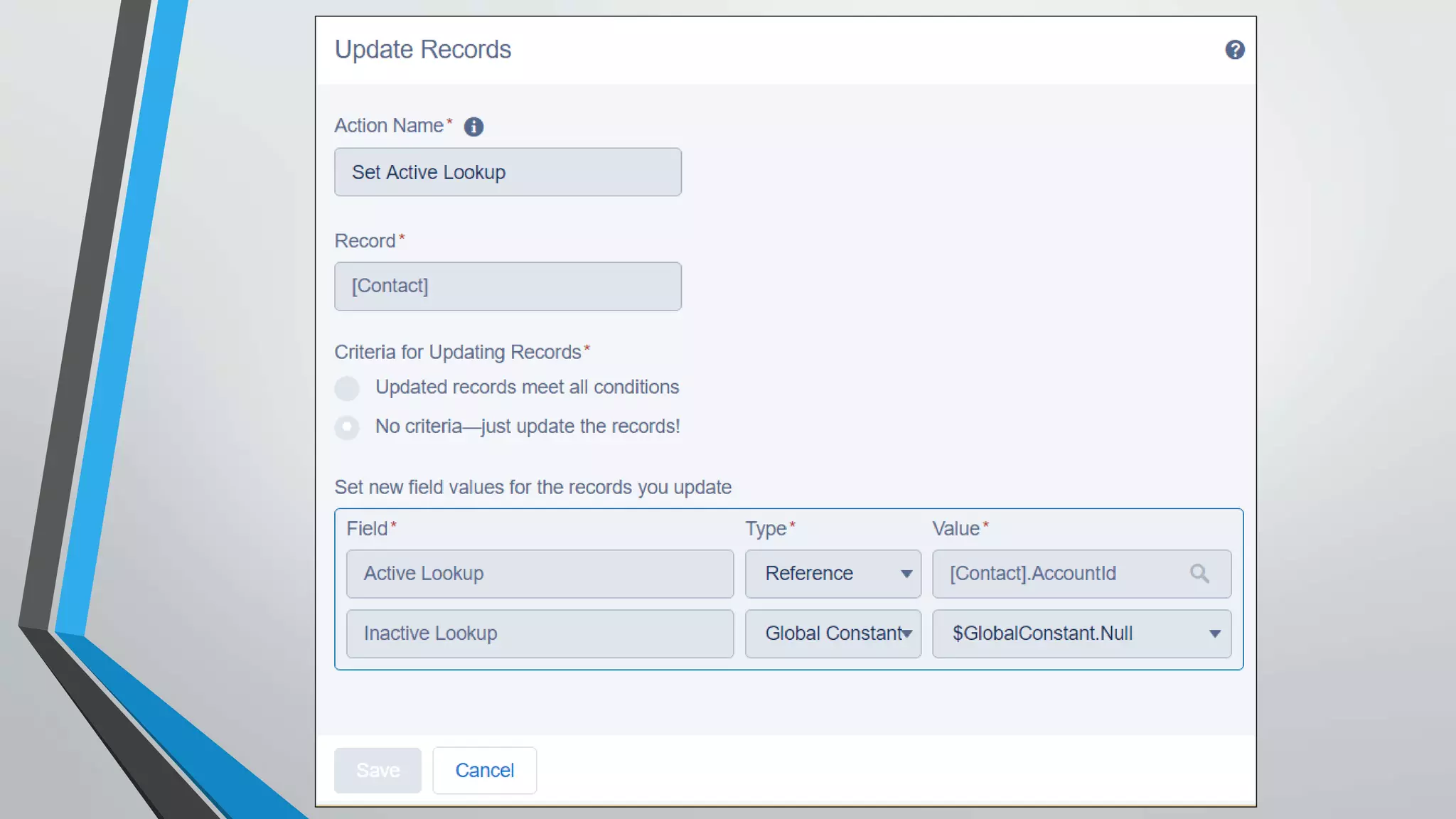
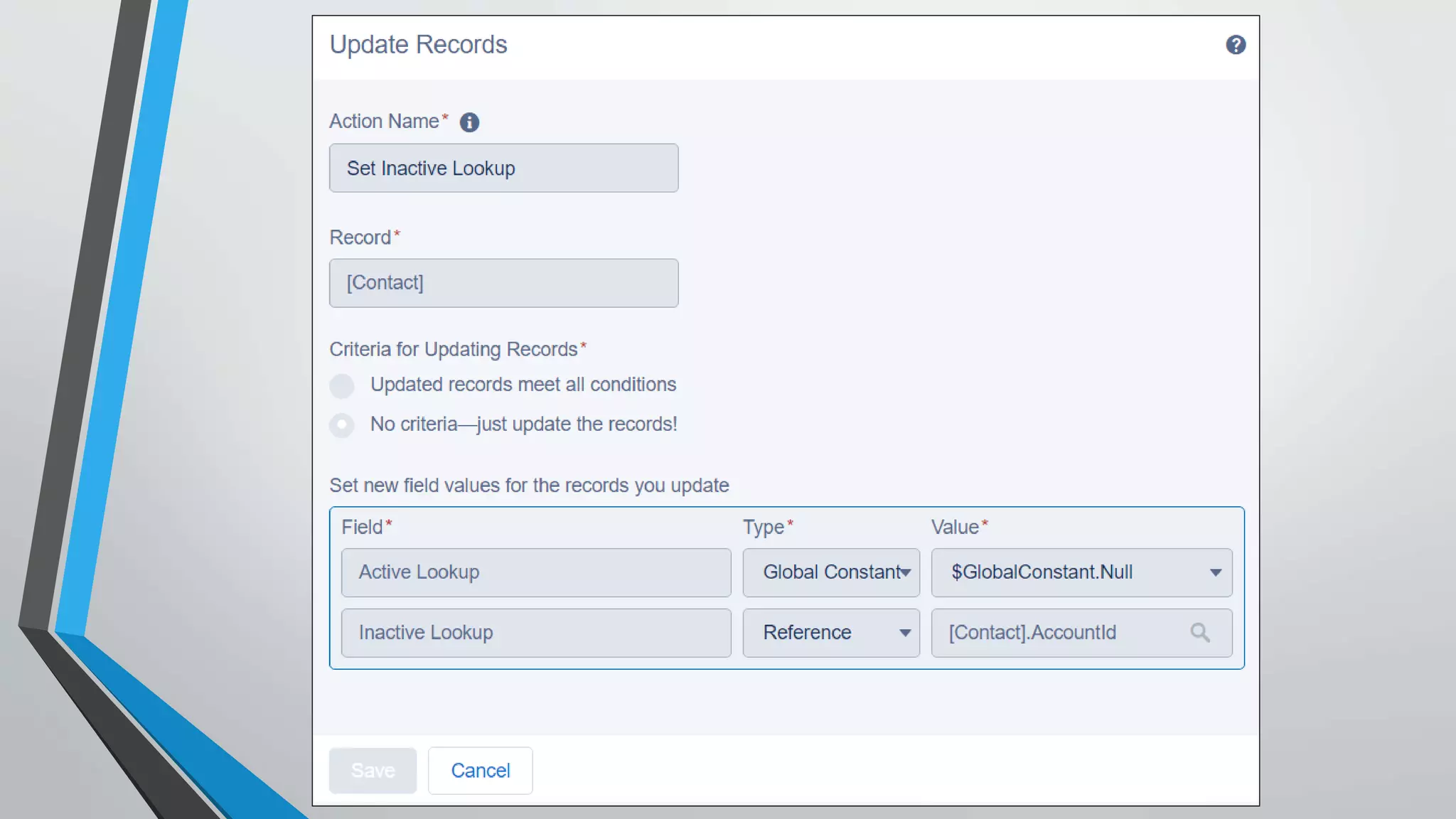
AssignValues to New Lookup Fields
ID = AccountId ID = Active_Lookup__c ID = Inactive_Lookup__c
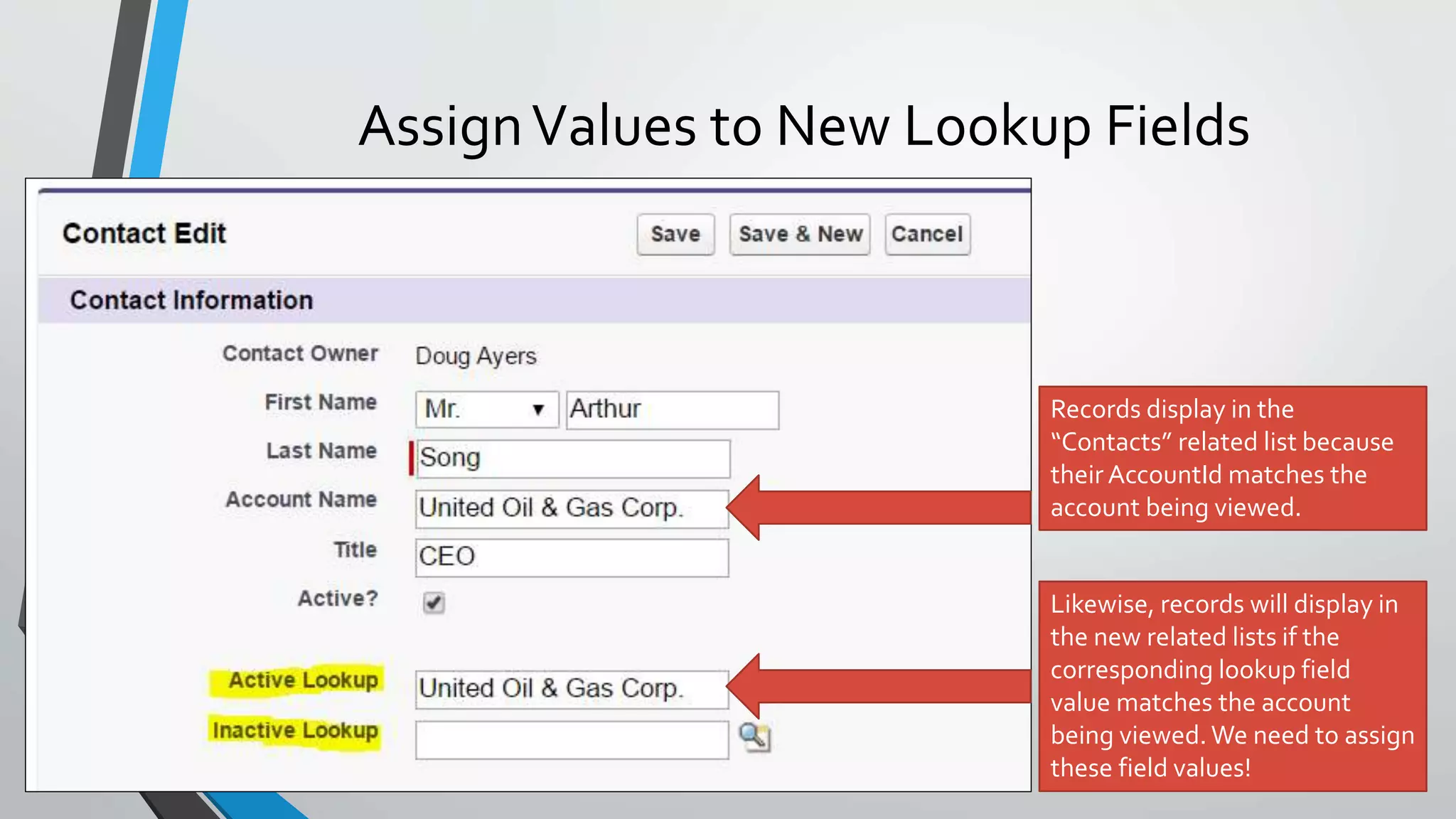
AssignValues to New Lookup Fields
Records display in the
“Contacts” related list because
their AccountId matches the
account being viewed.
Likewise, records will display in
the new related lists if the
corresponding lookup field
value matches the account
being viewed. We need to assign
these field values!
AssignValue to New Lookup Fields
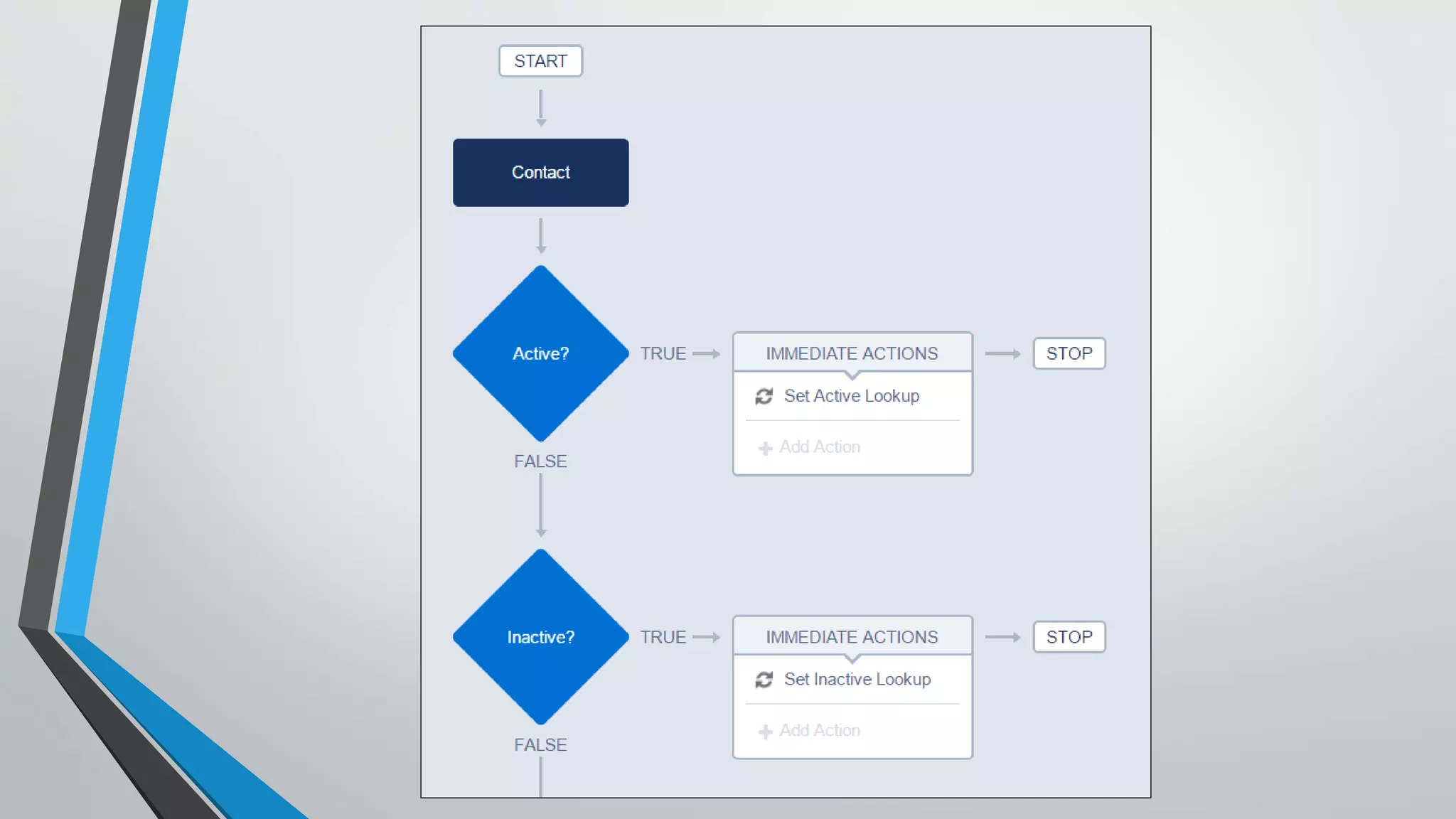
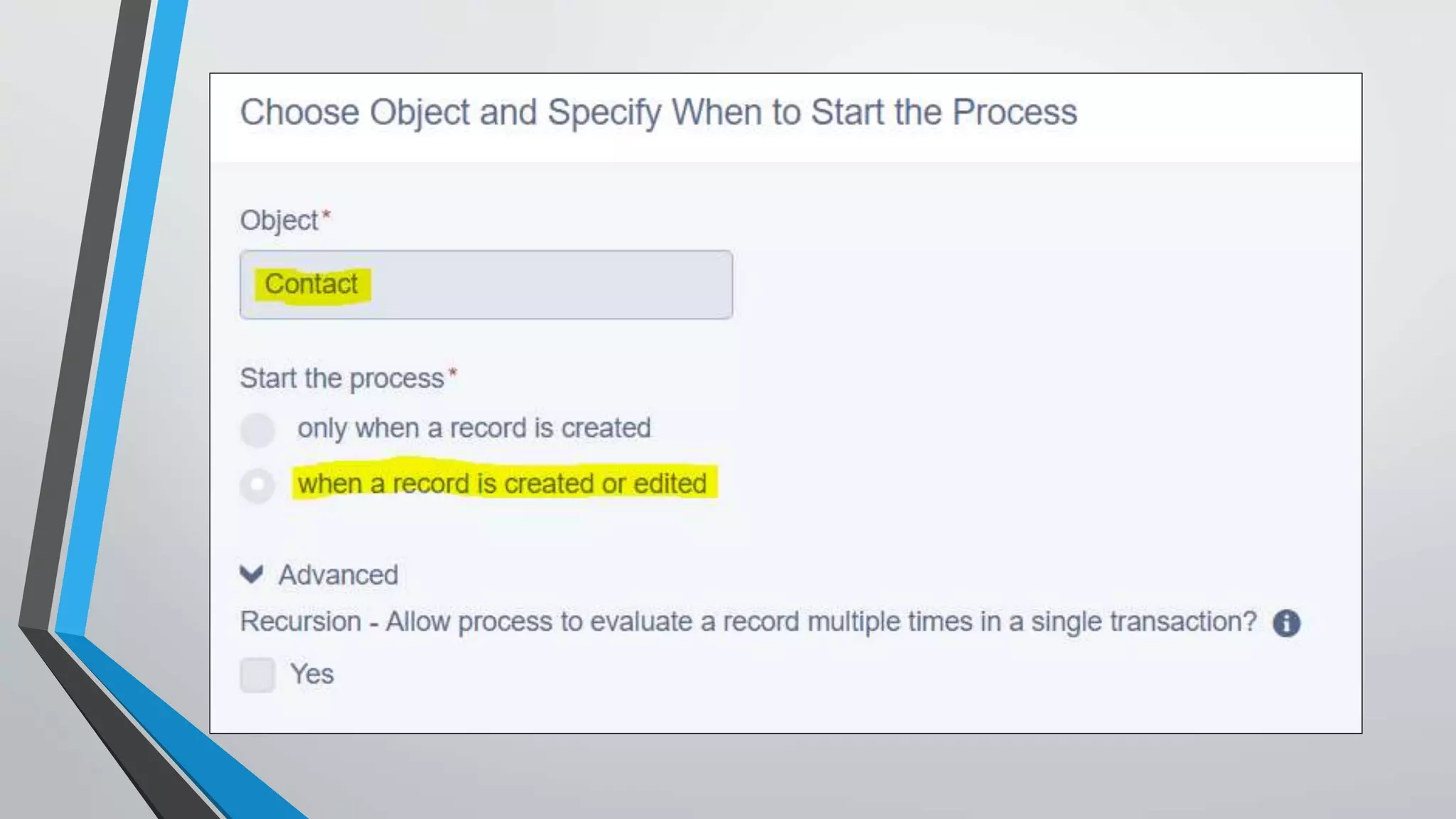
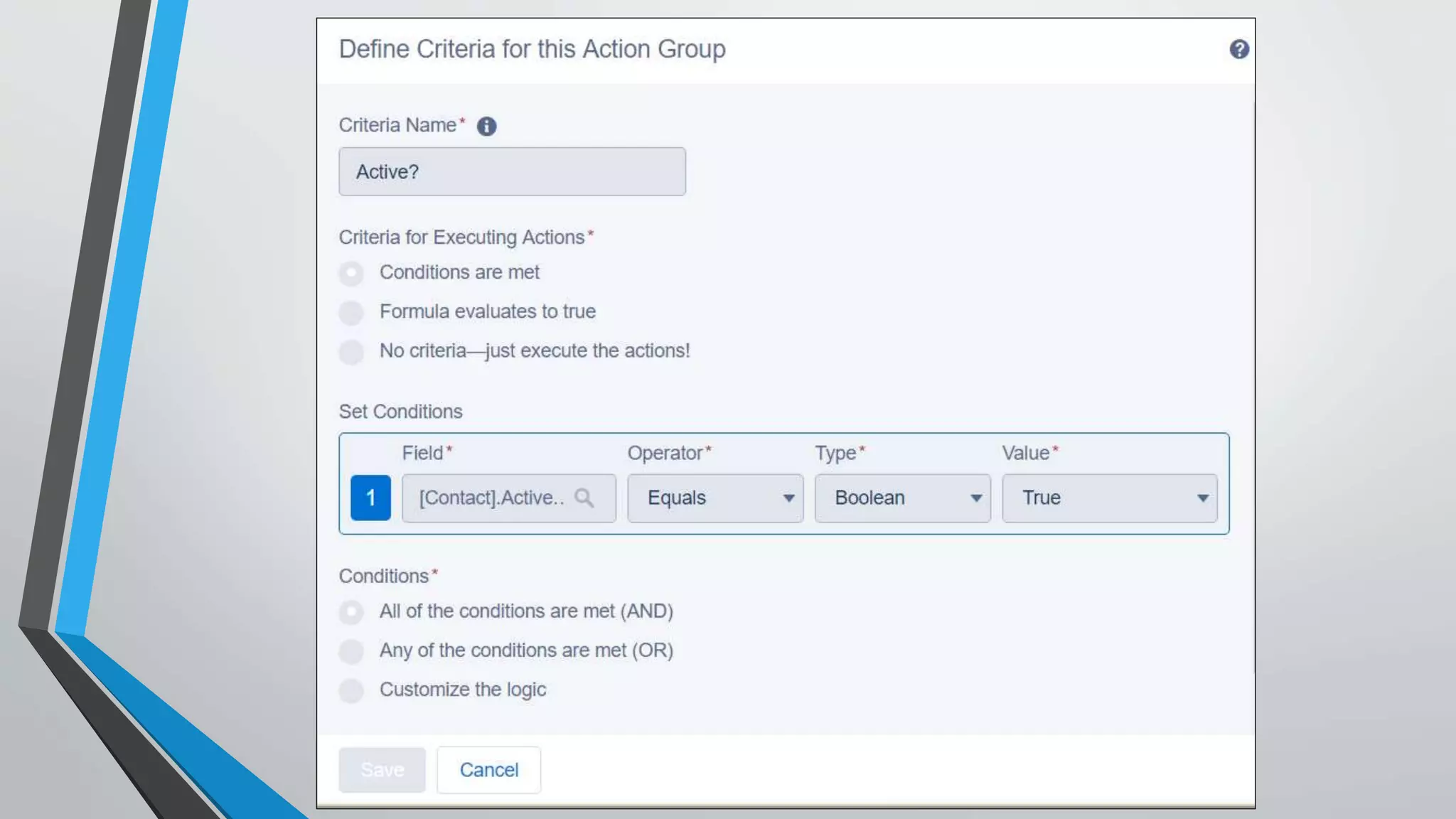
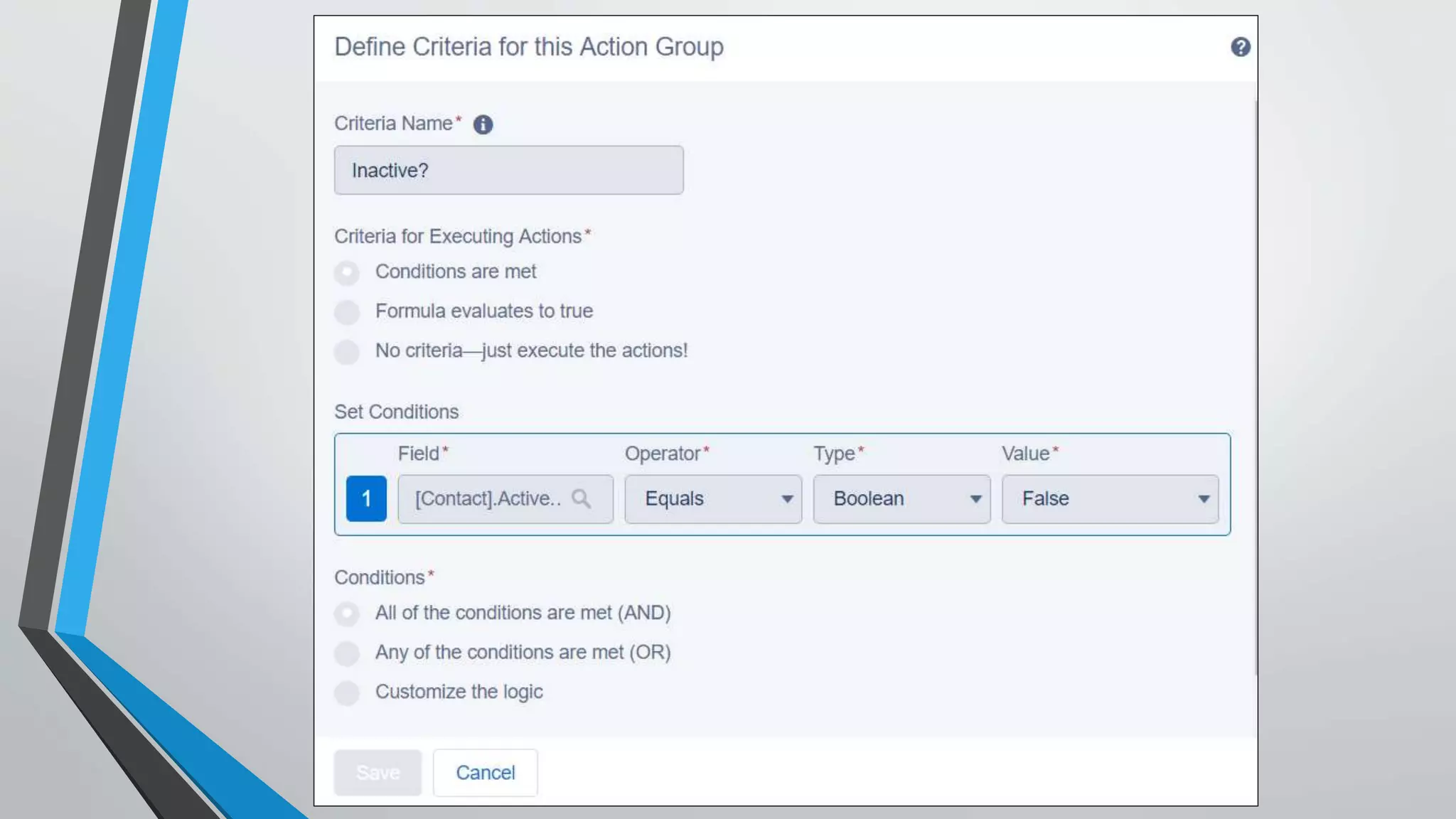
Automate with Process Builder
http://bit.ly/TrailheadProcessBuilder
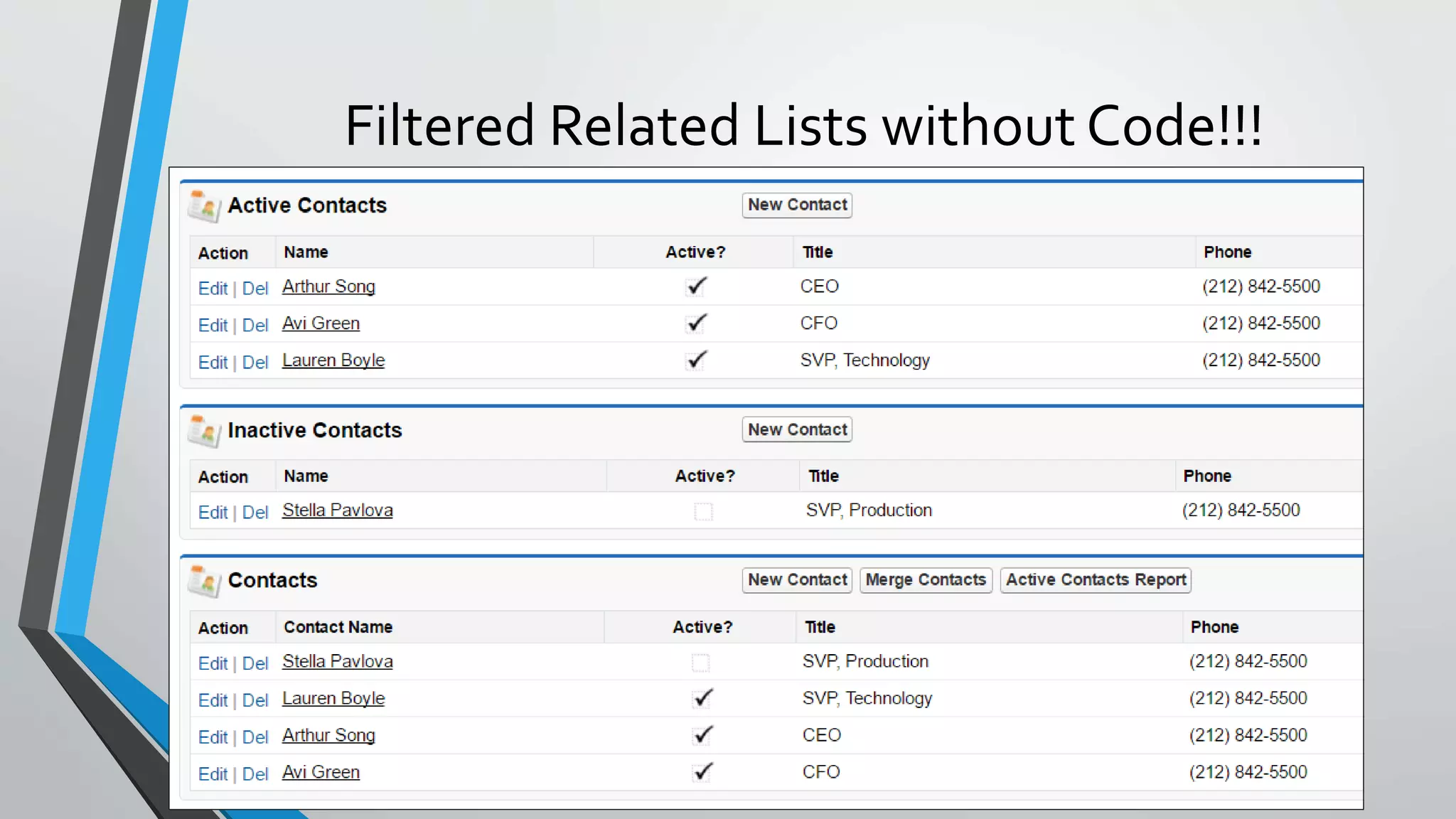
Filtered Related Lists without Code!!!
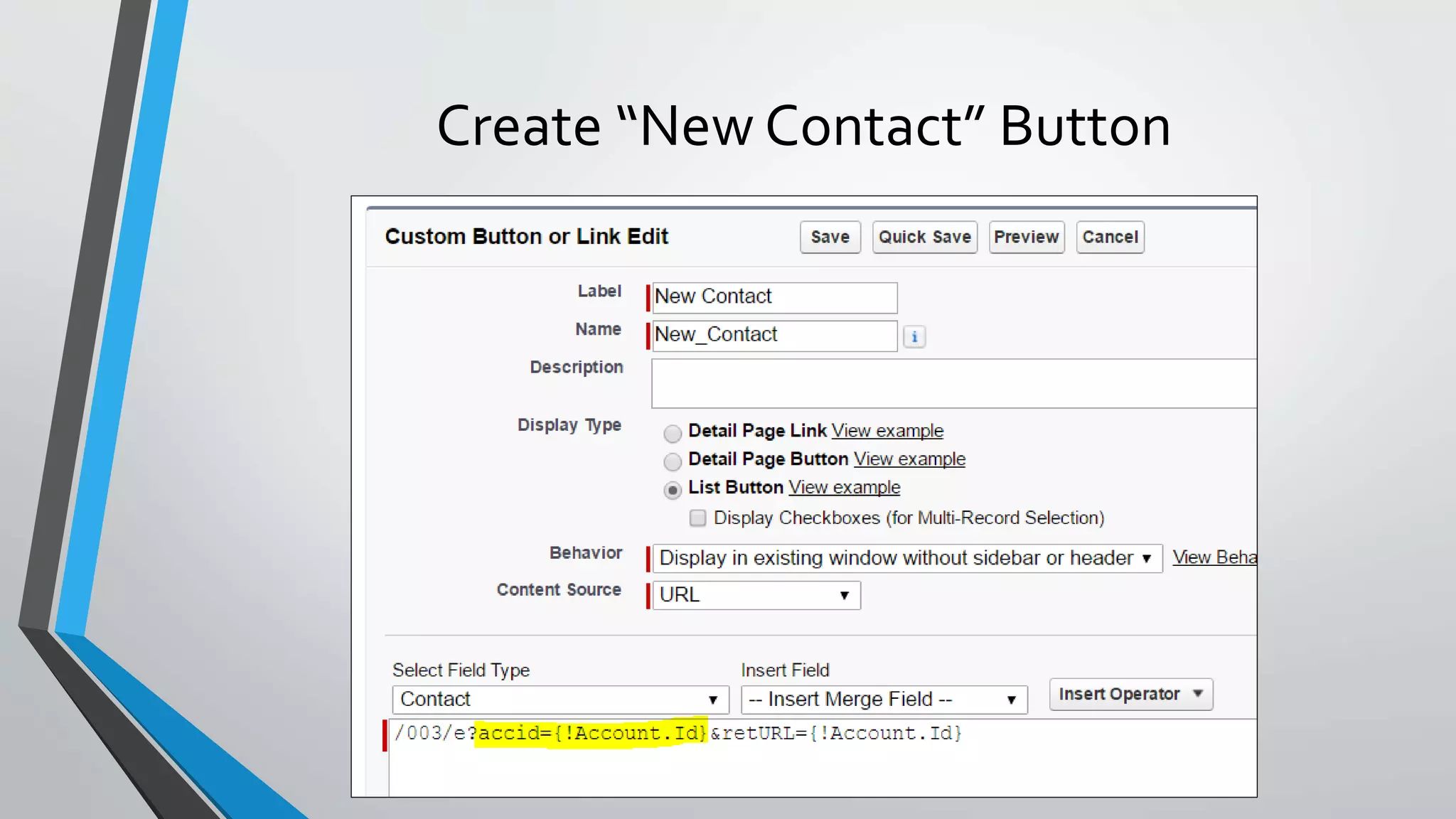
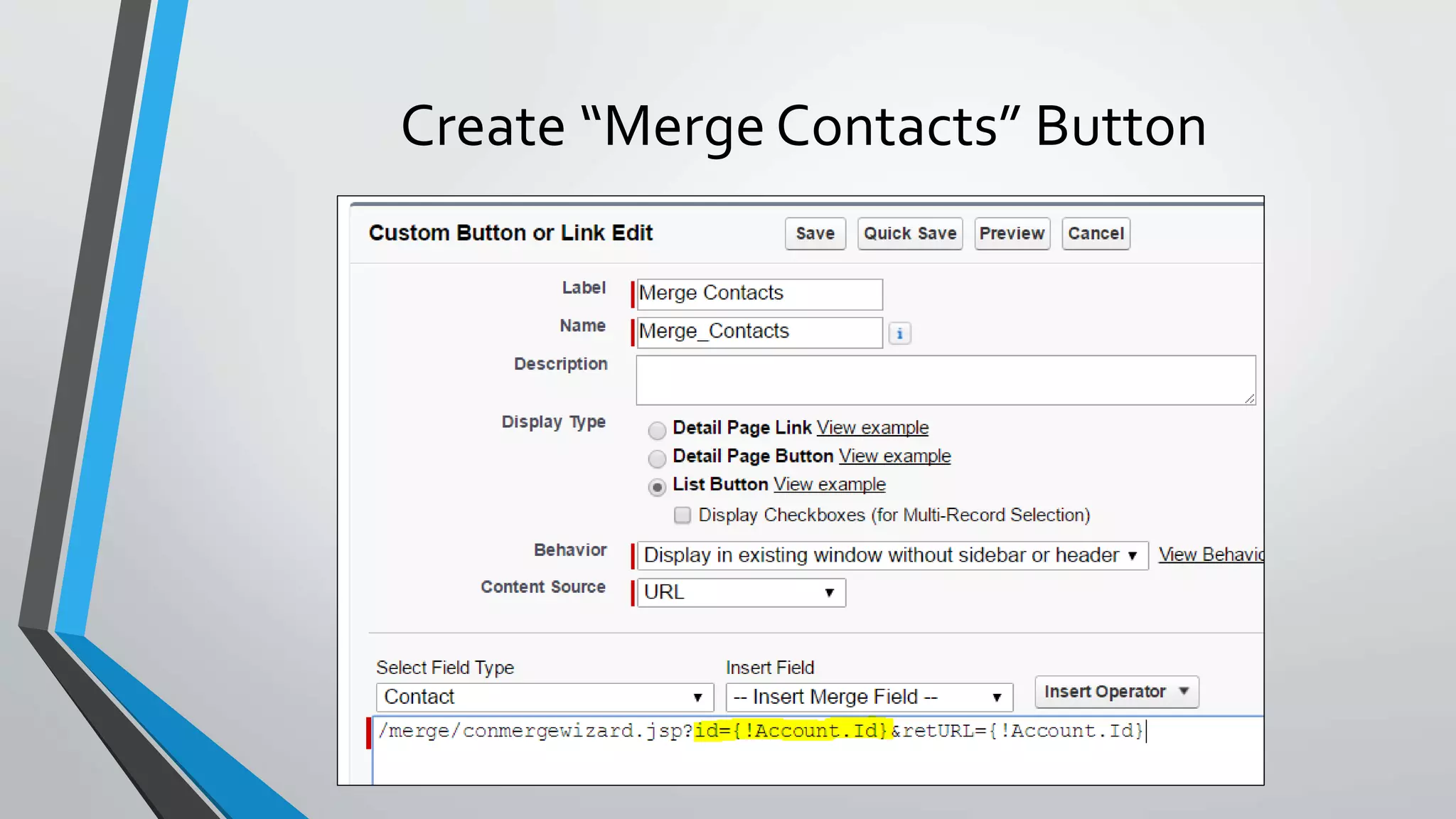
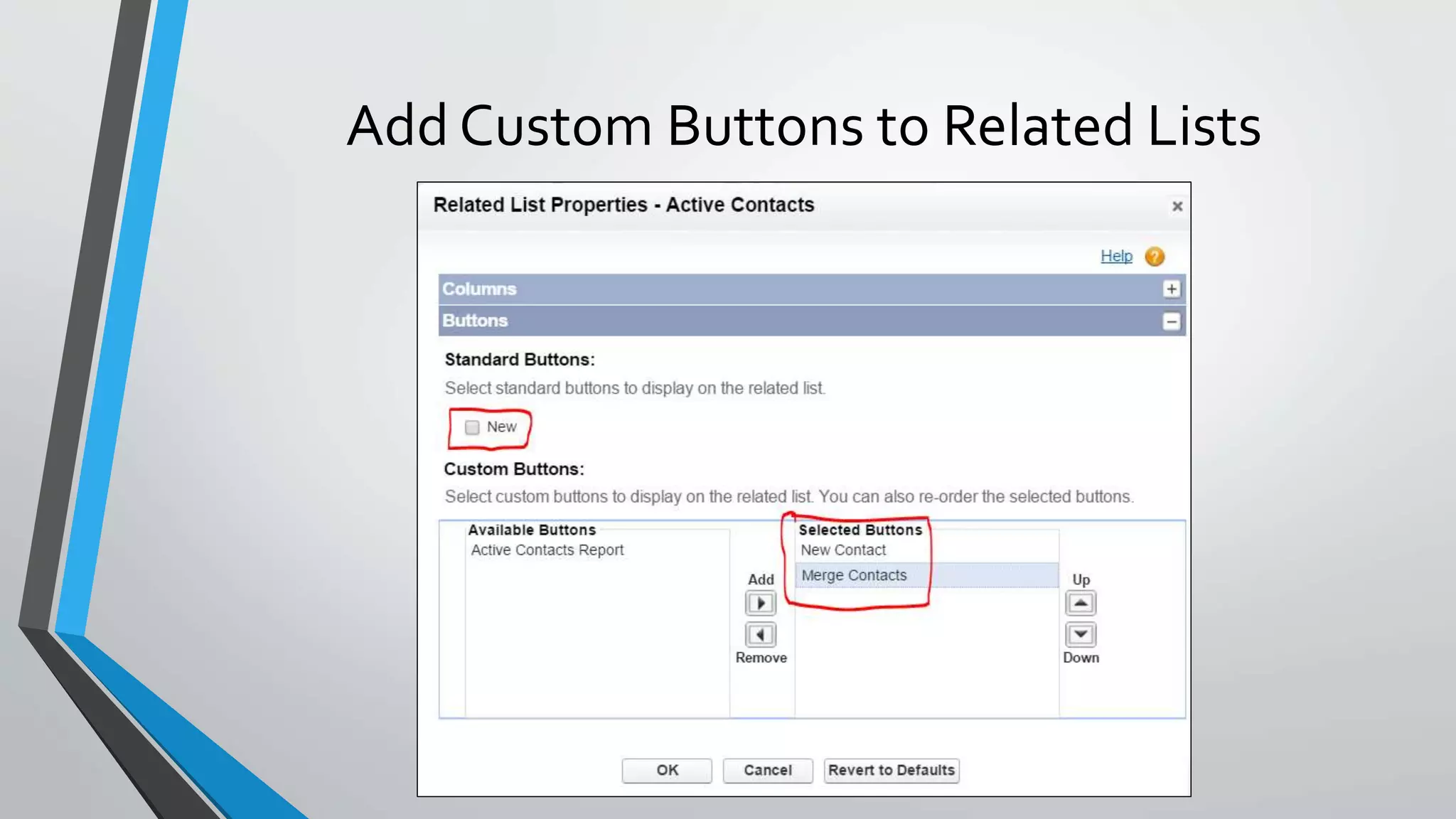
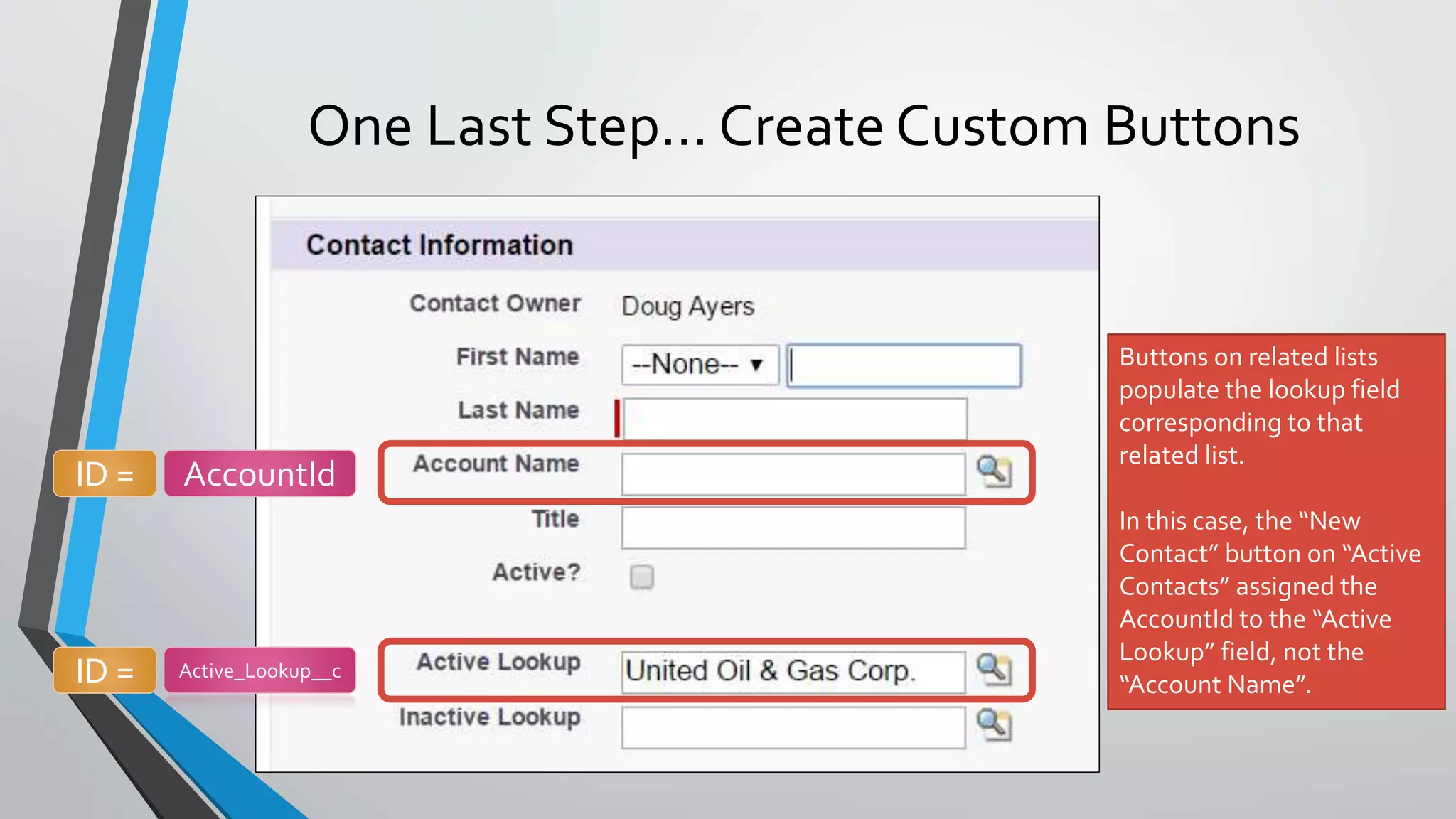
One Last Step… Create Custom Buttons
Buttons on related lists
populate the lookup field
corresponding to that
related list.
In this case, the “New
Contact” button on “Active
Contacts” assigned the
AccountId to the “Active
Lookup” field, not the
“Account Name”.
ID = AccountId
ID = Active_Lookup__c
Create “New Contact” Button
Create “Merge Contacts” Button
Add Custom Buttons to Related Lists
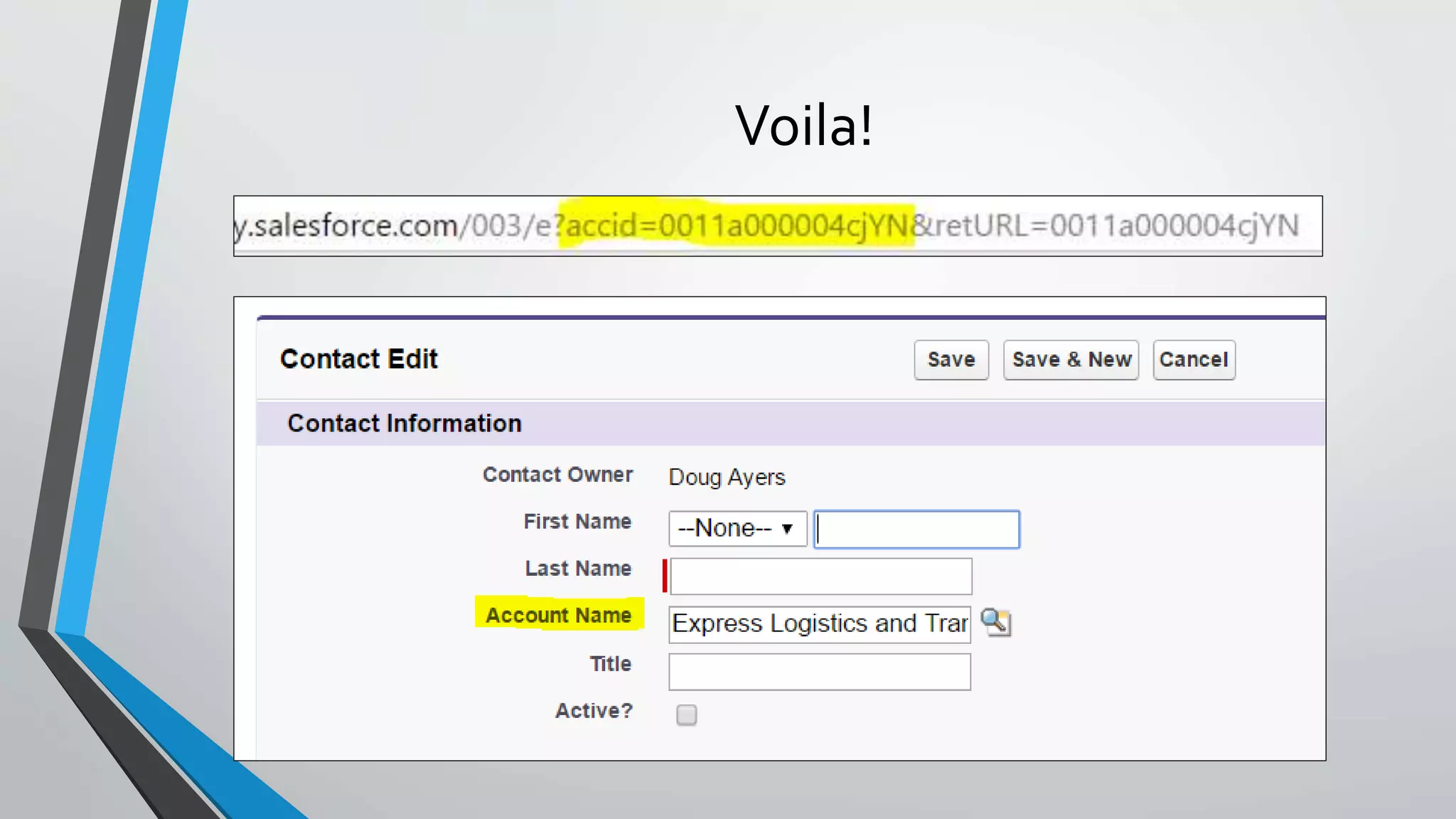
Voila!
Go Make Happy Users 
http://bit.ly/FilteredRelatedListsWithoutCode

Salesforce - Filtered Related Lists Without Code