A Shared Language
Through Design Systems
Nathalie Christmann-Cooper UXDX EMEA | October 2021
What 18 months experience has taught me
Design Systems are hard
01
Design Systems are hard
02
Design Systems are hard
03
I’m no expert
Design was my
first language.
Stuff happens...
I dream in code.
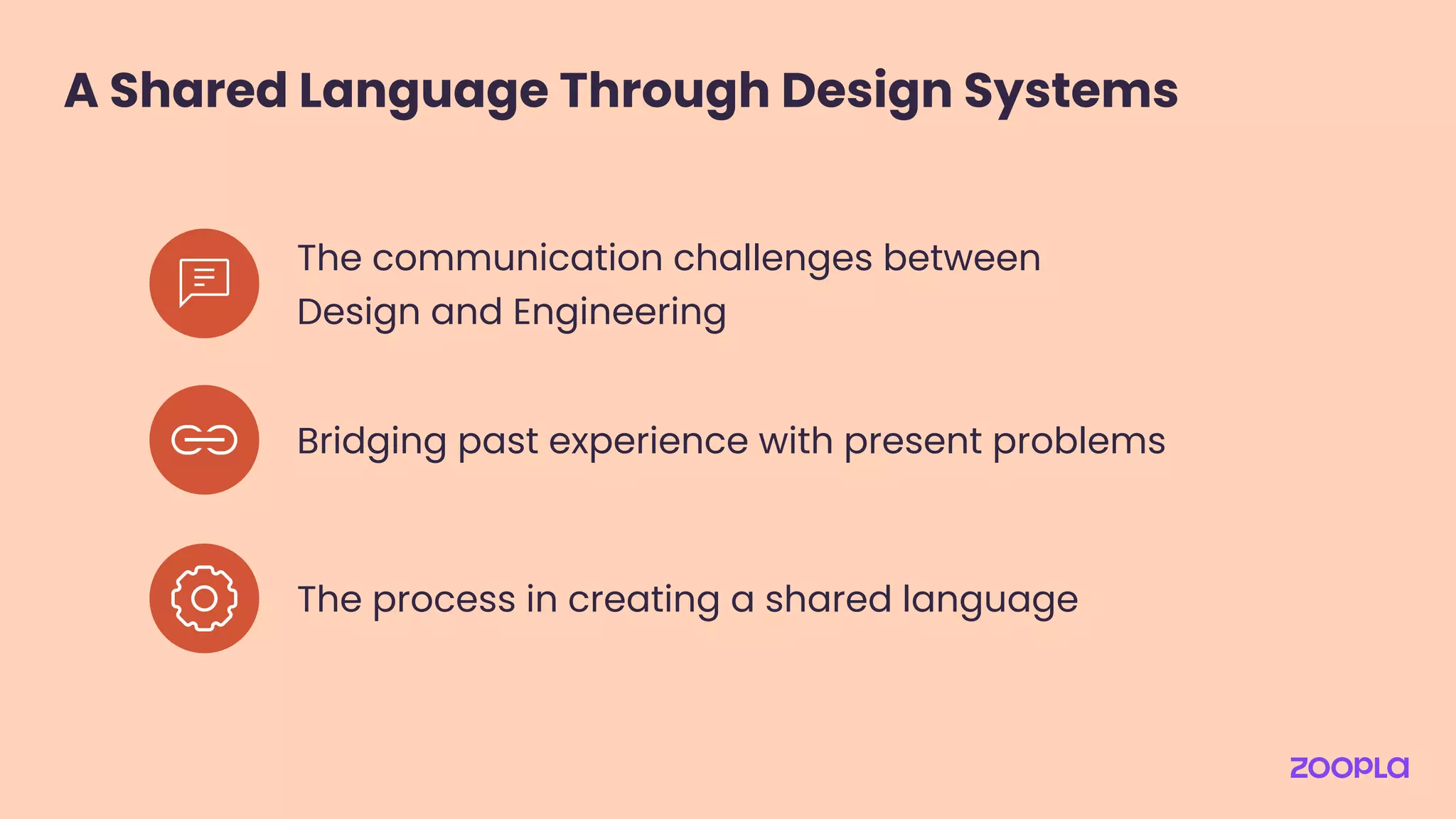
A Shared Language Through Design Systems
The communication challenges between
Design and Engineering
Bridging past experience with present problems
The process in creating a shared language
Design Tokens
The communication challenges between
Design and Engineering
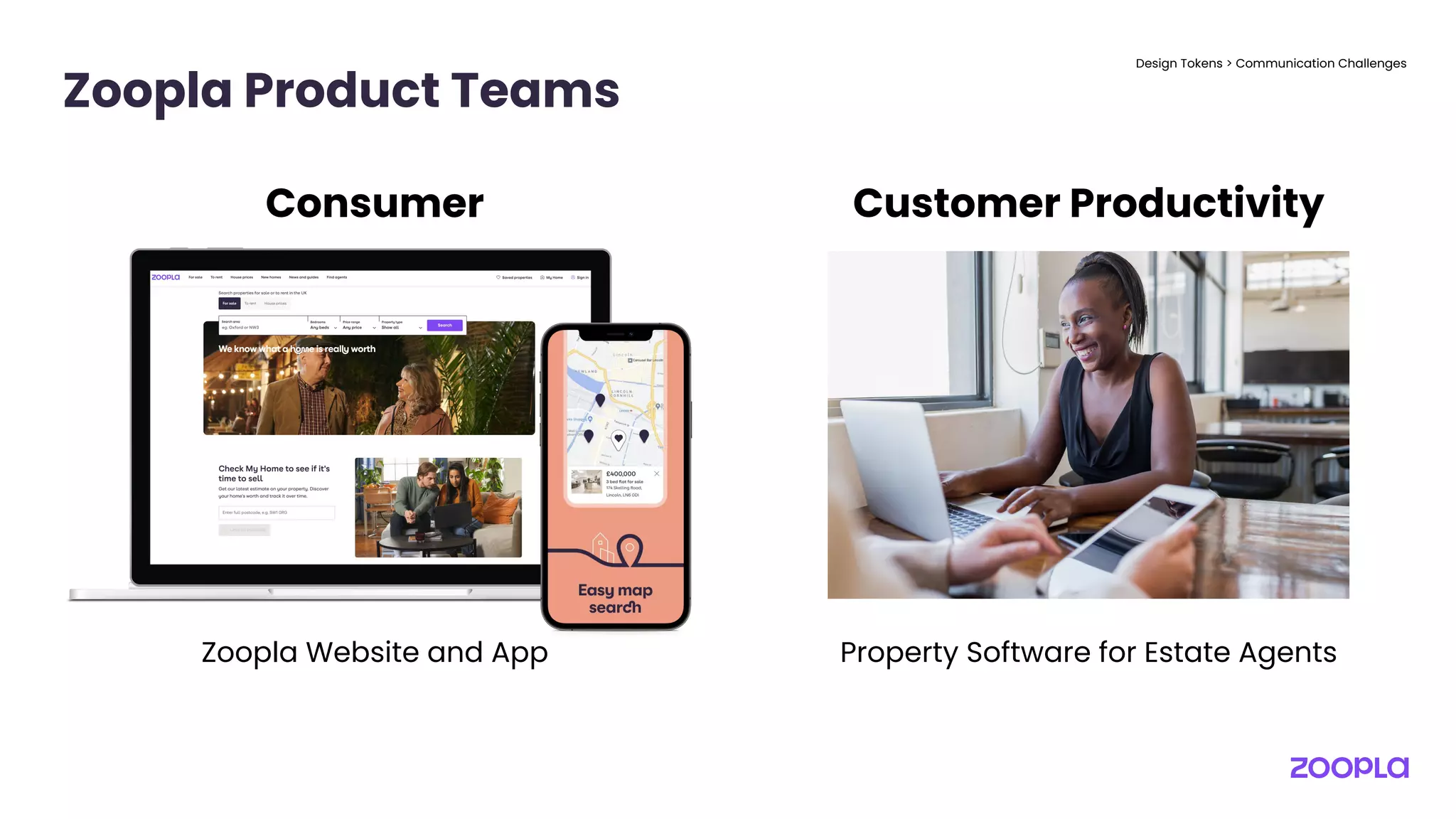
Zoopla Product Teams
Design Tokens > Communication Challenges
Consumer Customer Productivity
Zoopla Website and App Property Software for Estate Agents
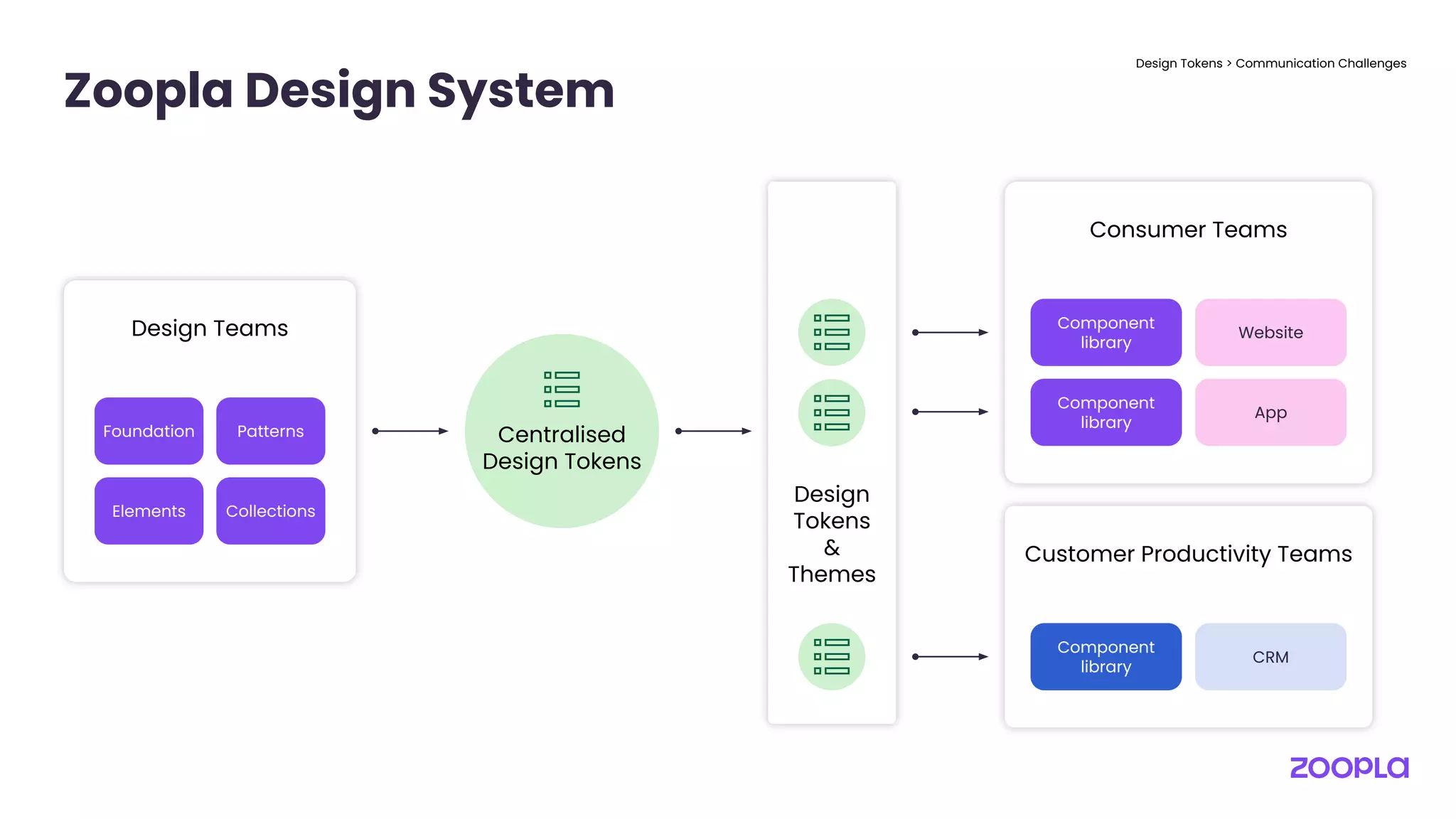
Zoopla Design System
Design Tokens > Communication Challenges
Foundation Patterns
Elements Collections
Design Teams
Consumer Teams
Component
library
Website
Component
library
App
Customer Productivity Teams
Component
library
CRM
Centralised
Design Tokens
Design
Tokens
&
Themes
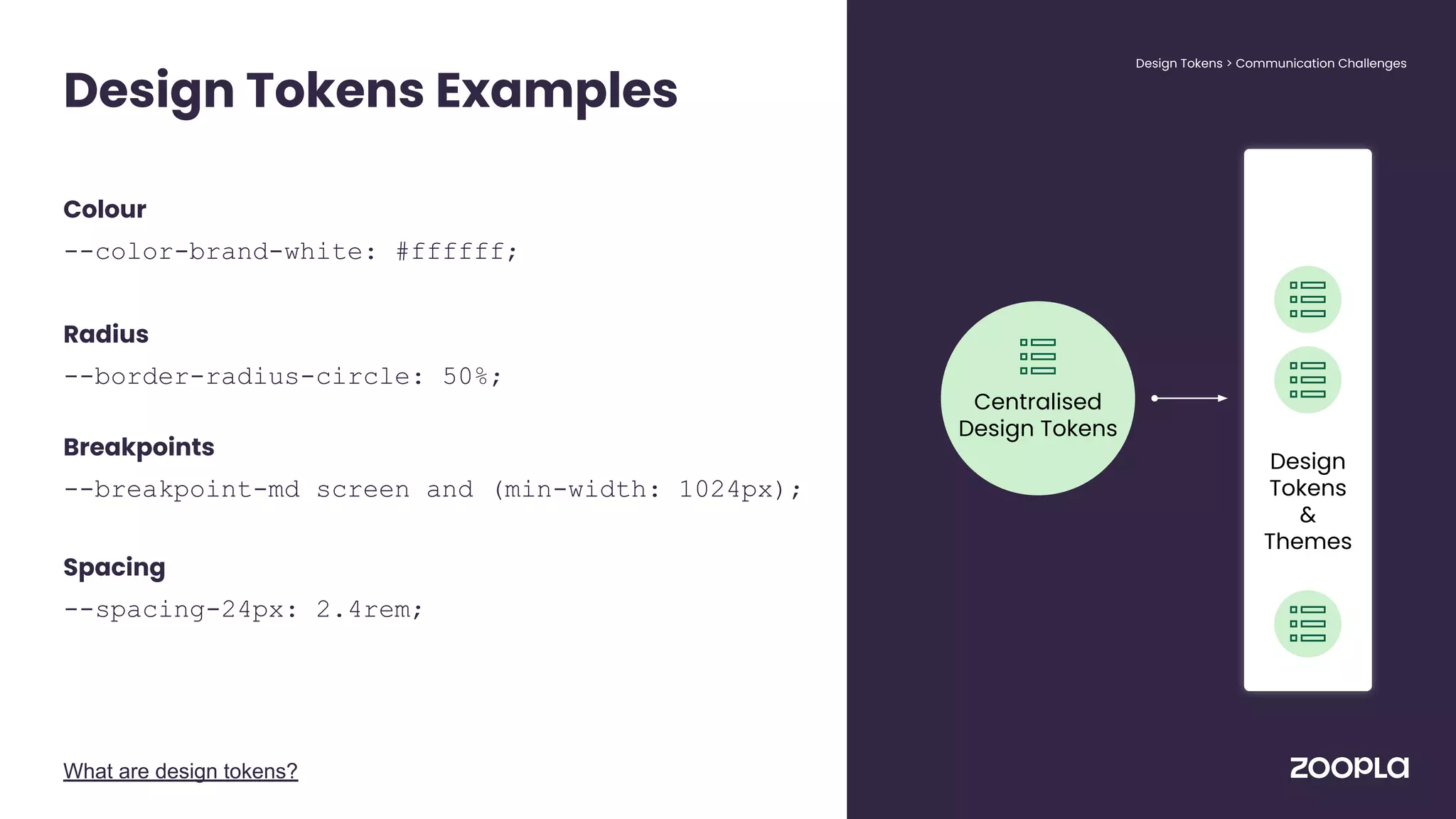
Colour
--color-brand-white: #ffffff;
Radius
--border-radius-circle: 50%;
Breakpoints
--breakpoint-md screen and (min-width: 1024px);
Spacing
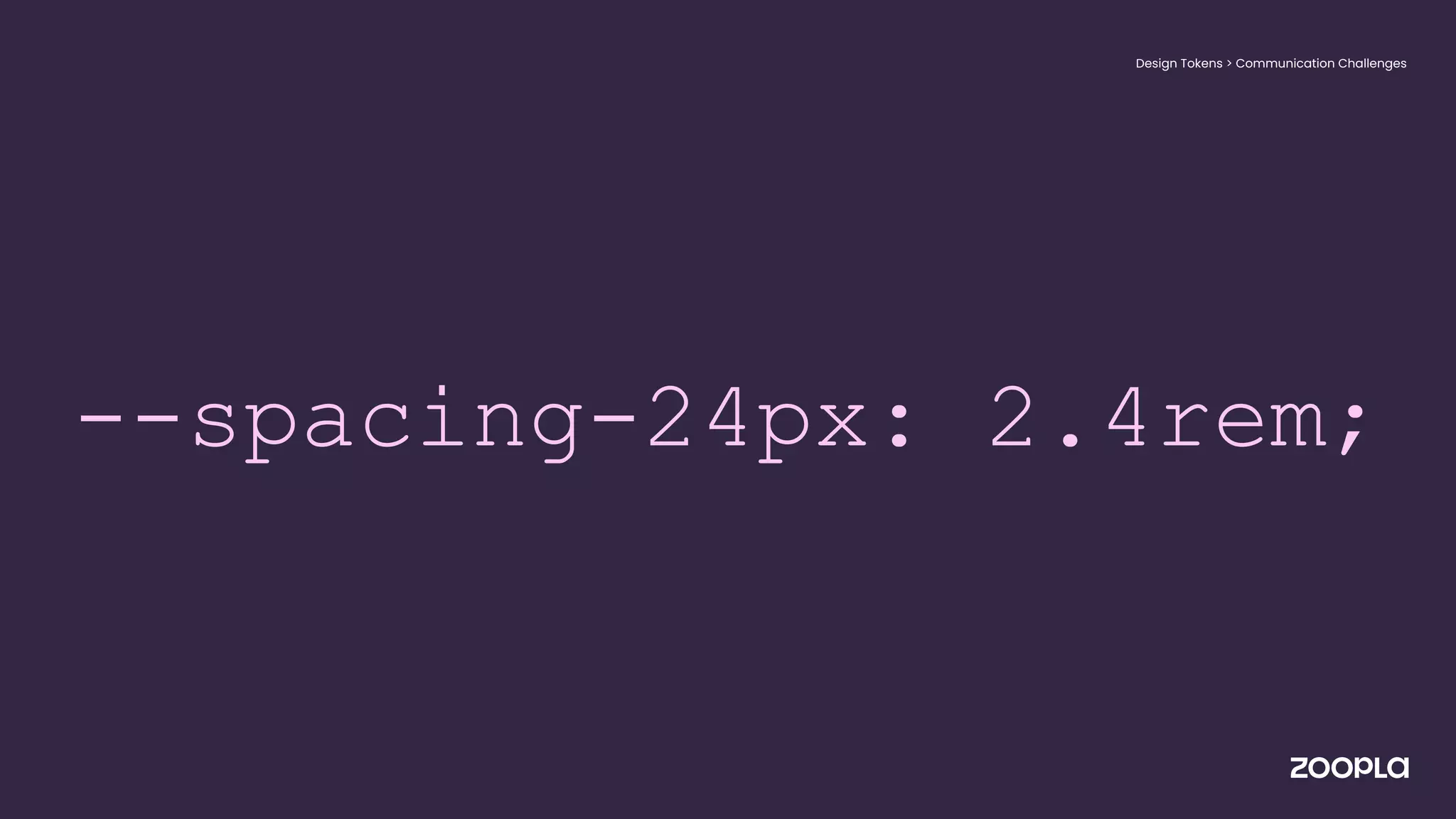
--spacing-24px: 2.4rem;
Design Tokens Examples
What are design tokens?
Design Tokens > Communication Challenges
Centralised
Design Tokens
Design
Tokens
&
Themes
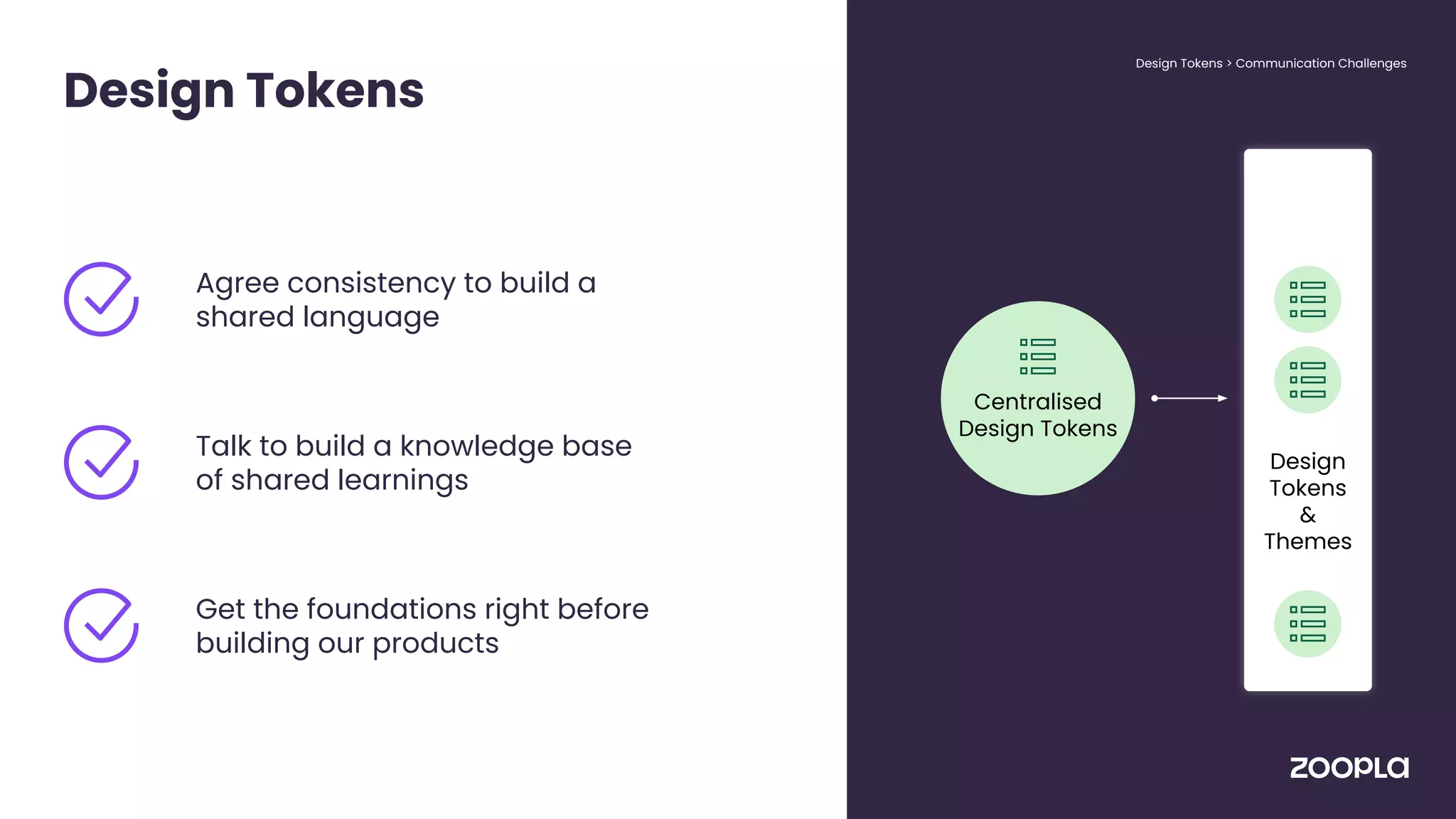
Design Tokens
Design Tokens > Communication Challenges
Agree consistency to build a
shared language
Talk to build a knowledge base
of shared learnings
Get the foundations right before
building our products
Centralised
Design Tokens
Design
Tokens
&
Themes
--spacing-24px: 1.5rem;
Design Tokens > Communication Challenges
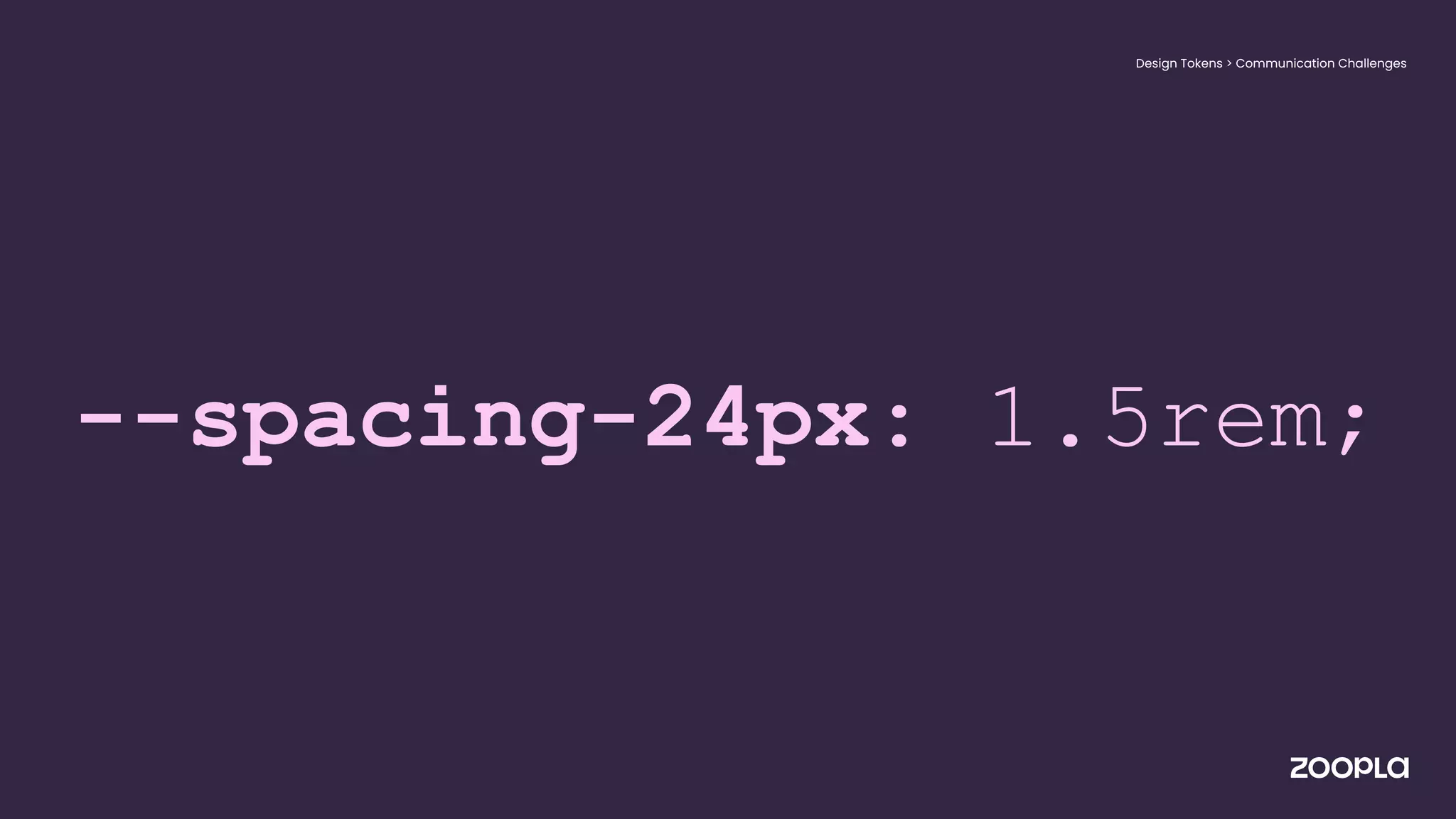
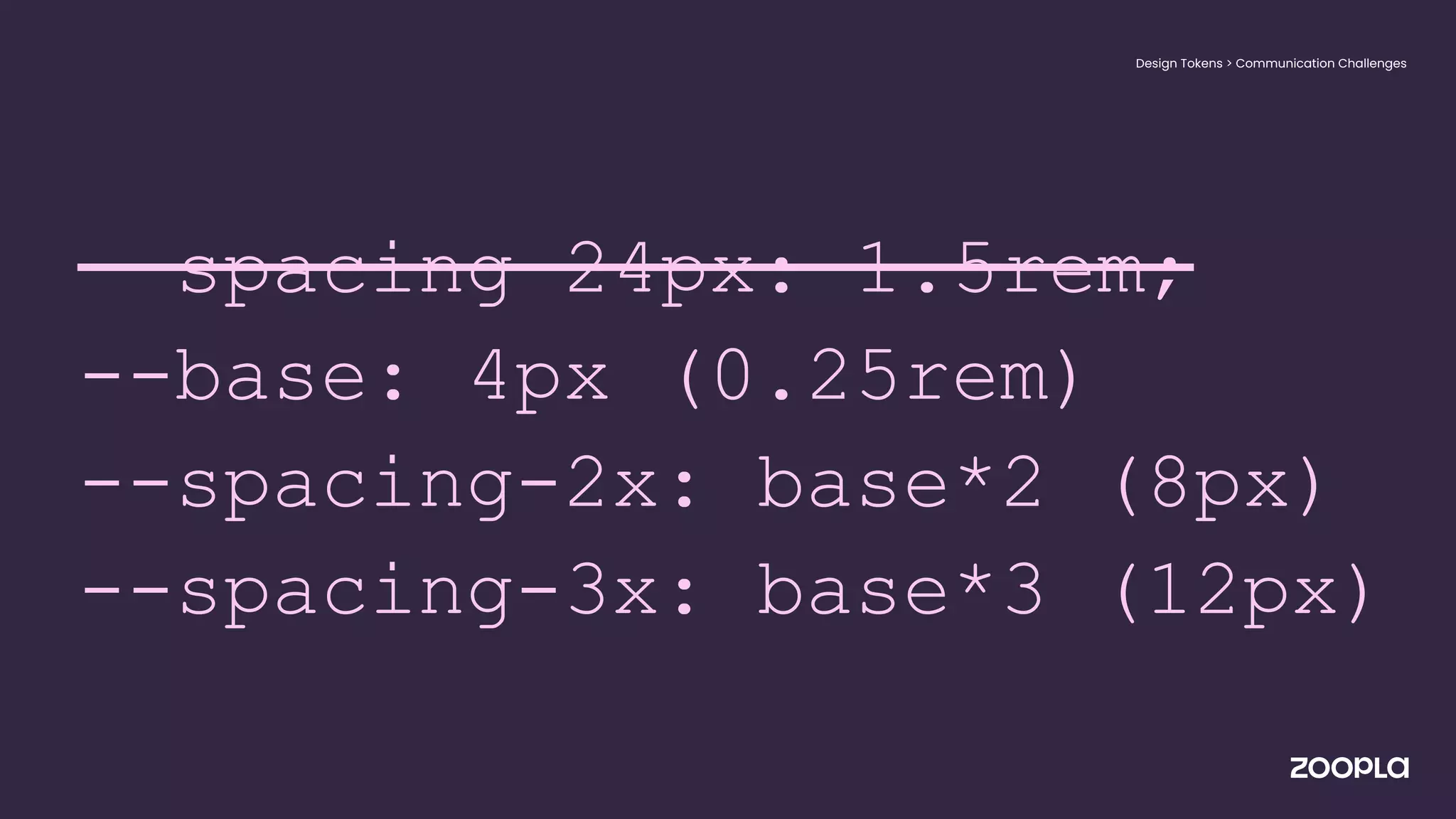
--spacing-24px: 1.5rem;
--base: 4px (0.25rem)
--spacing-2x: base*2 (8px)
--spacing-3x: base*3 (12px)
Design Tokens > Communication Challenges
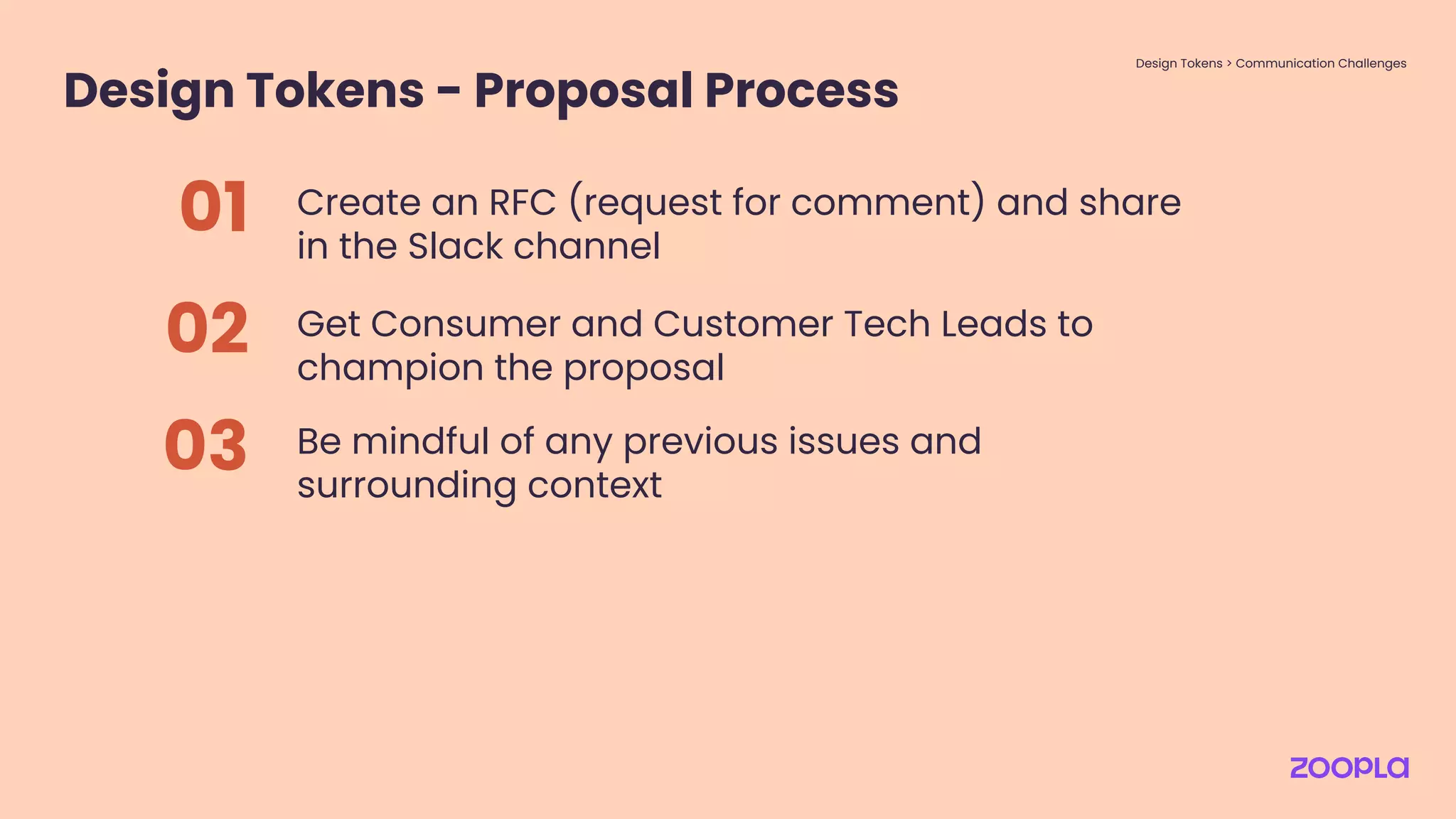
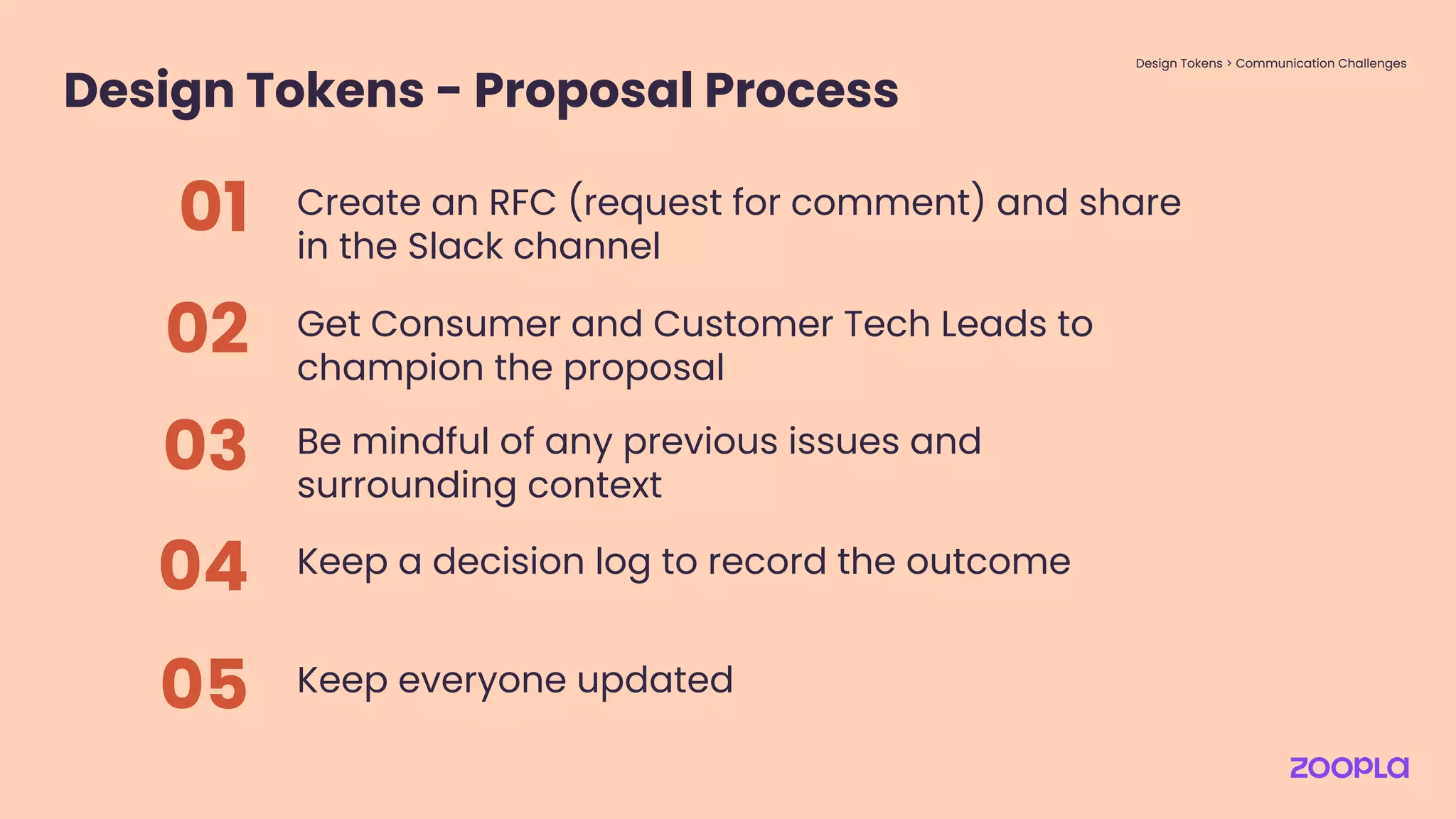
Design Tokens - Proposal Process
Create an RFC (request for comment) and share
in the Slack channel
01
Get Consumer and Customer Tech Leads to
champion the proposal
02
Be mindful of any previous issues and
surrounding context
03
Design Tokens > Communication Challenges
--spacing-5x is how many
pixels? And what even
is that in REMs?
No.
Figma won’t show the
token names.
It's not just for Engineering,
Designers need to understand
the token names too.
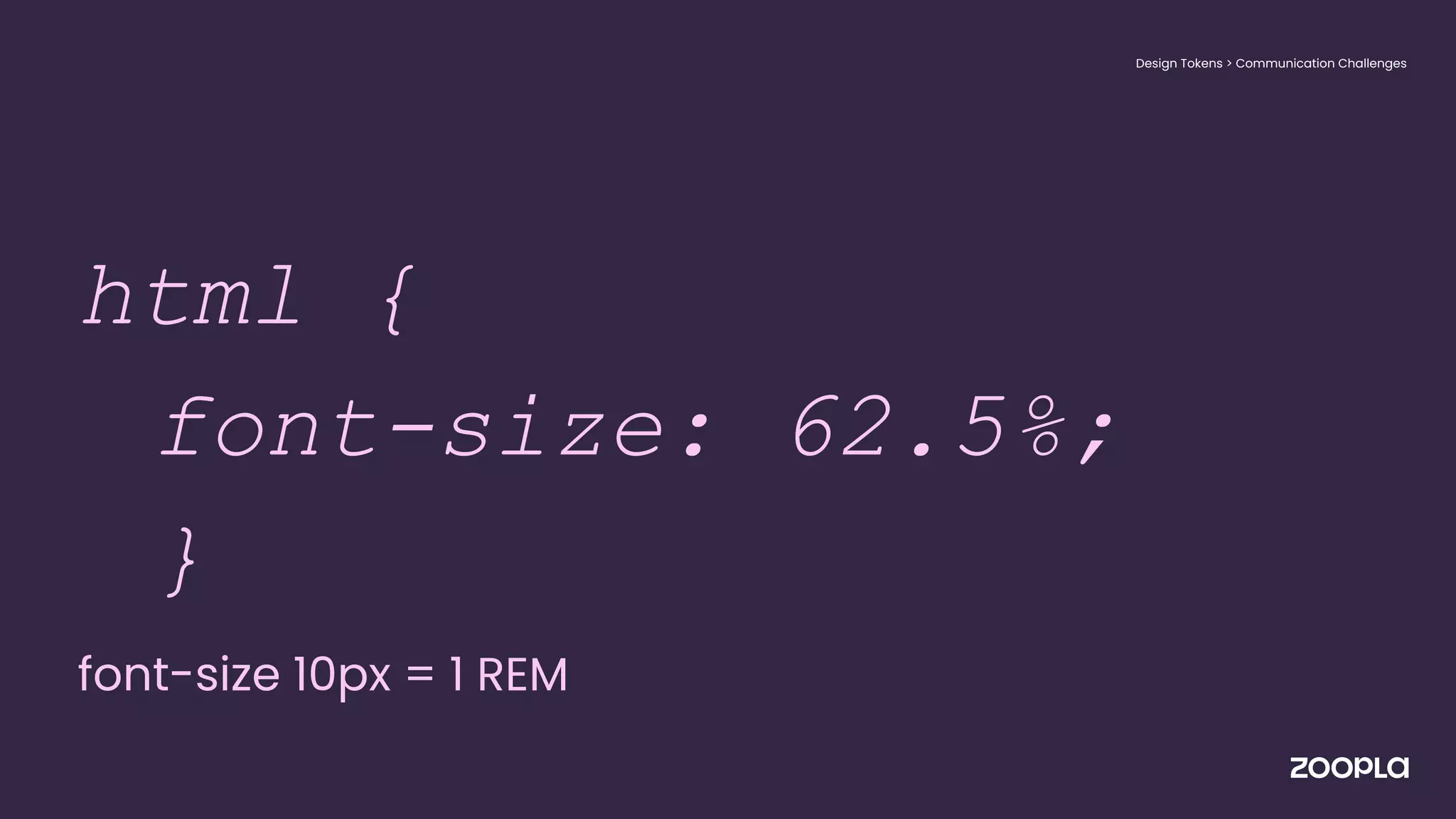
● html {
html {
font-size: 62.5%;
}
font-size 10px = 1 REM
● }
Design Tokens > Communication Challenges
--spacing-24px: 2.4rem;
Design Tokens > Communication Challenges
Design Tokens - Proposal Process
Create an RFC (request for comment) and share
in the Slack channel
01
Get Consumer and Customer Tech Leads to
champion the proposal
02
Be mindful of any previous issues and
surrounding context
03
Keep a decision log to record the outcome
04
Keep everyone updated
05
Design Tokens > Communication Challenges
Layout Components
Bridging past experience with present problems
Layout Components > Using Past Experience
The Problem Space
Layout Components > Using Past Experience
UI glue?
Layout is the most important
thing after design tokens,
that we need to get right for
a Zoopla Design System.
Craig Bilner, Principal Engineer
Layout Components > Using Past Experience
Layout Components
Improve standards and
consistency
Layout Components > Using Past Experience
Maintain
quality
Layout Components
Improve standards and
consistency
Layout Components > Using Past Experience
Increase
delivery
Speed up development
Layout Components
Improve standards and
consistency
Speed up development
Utilise deduping / code splitting
Layout Components > Using Past Experience
Reduce bloat
No pressure!
Setting constraints
Layout Components > Using Past Experience
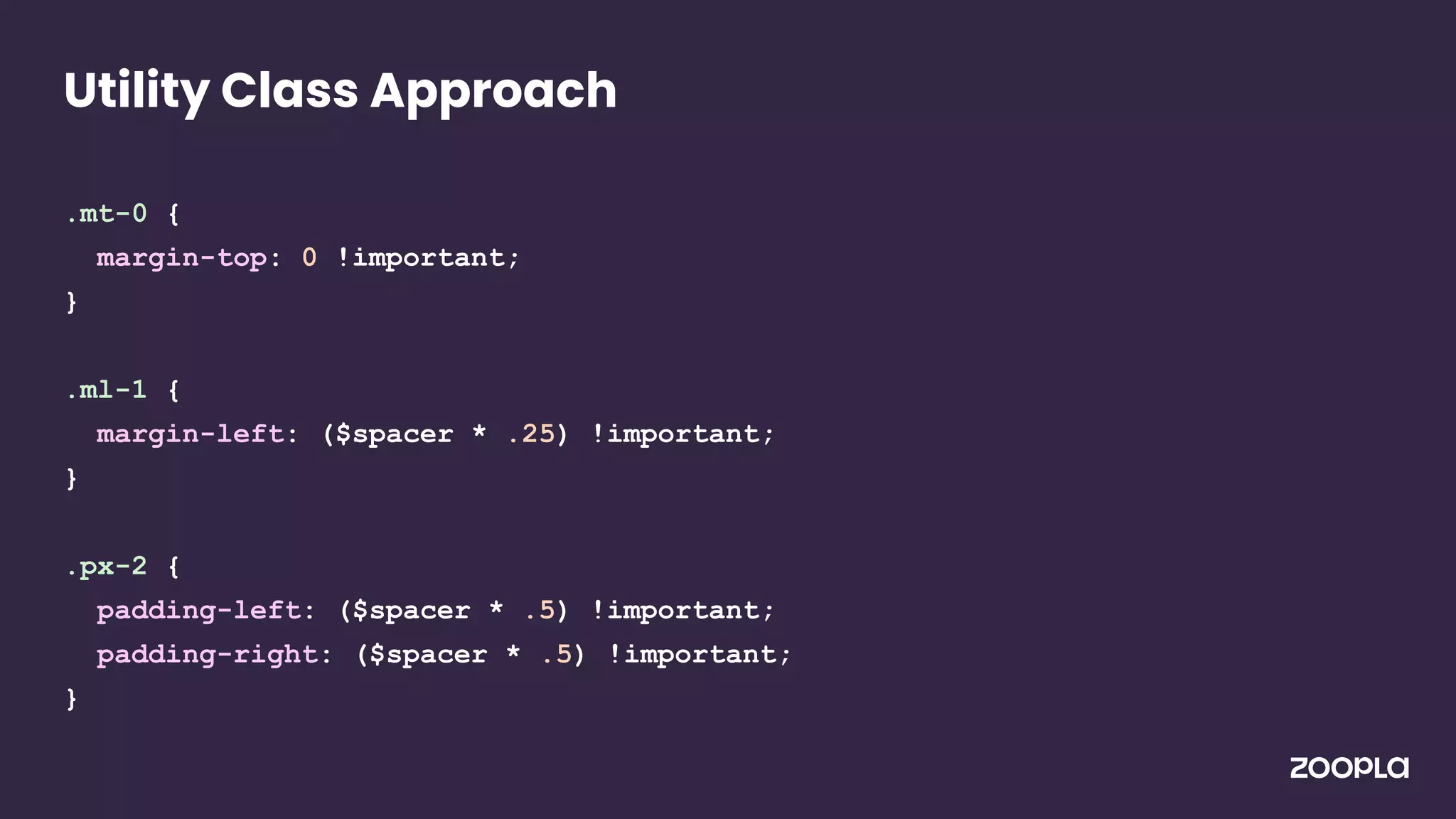
.mt-0 {
margin-top: 0 !important;
}
.ml-1 {
margin-left: ($spacer * .25) !important;
}
.px-2 {
padding-left: ($spacer * .5) !important;
padding-right: ($spacer * .5) !important;
}
Utility Class Approach
<Box className={[styles.firstClass, styles.secondClass,
styles.thirdClass]}>
...
</Box>
Utility Class Approach
<Box className={[styles.firstClass, styles.secondClass,
styles.thirdClass]}>
...
</Box>
Utility Class Approach
Setting constraints
Layout Components > Using Past Experience
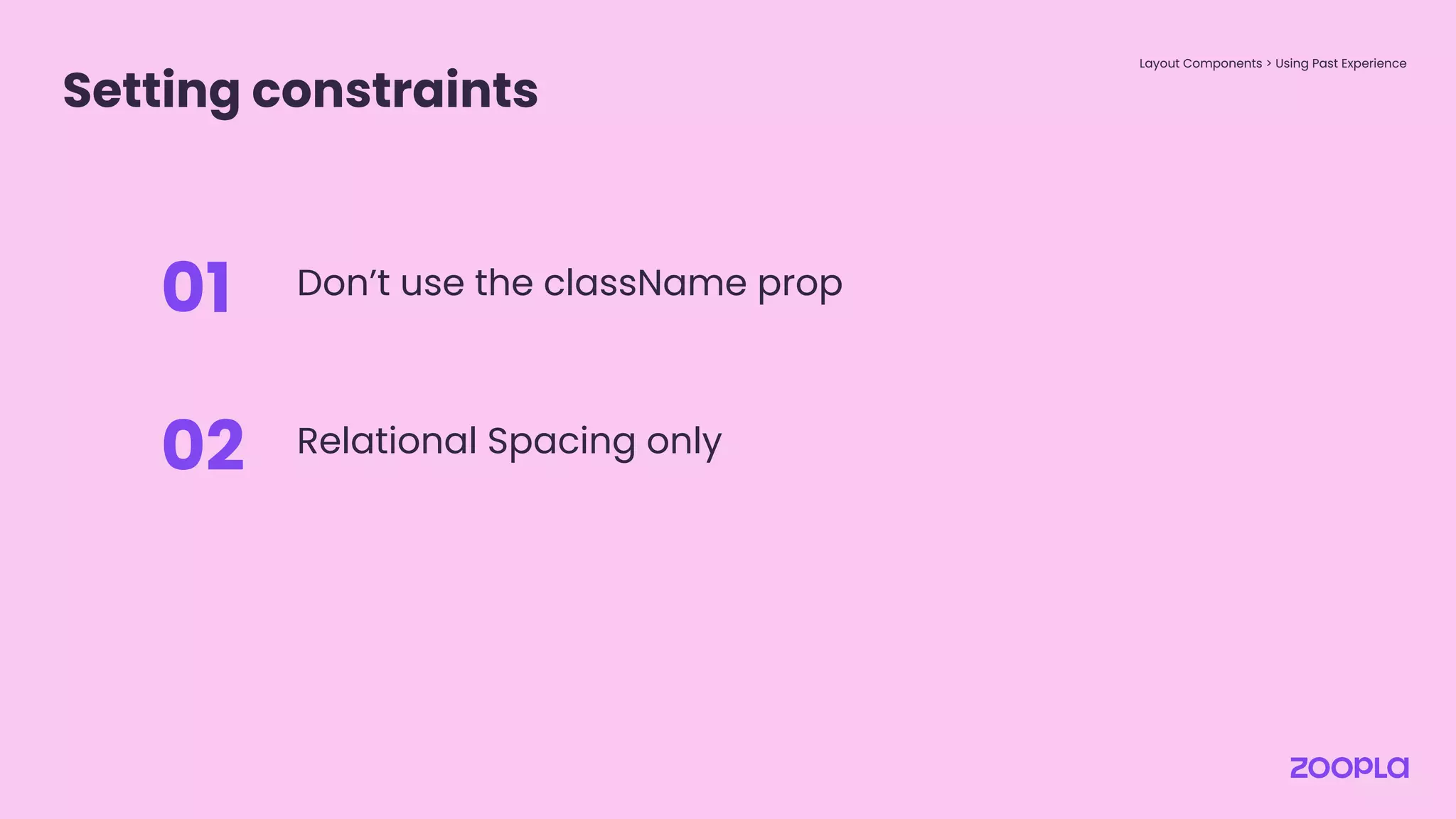
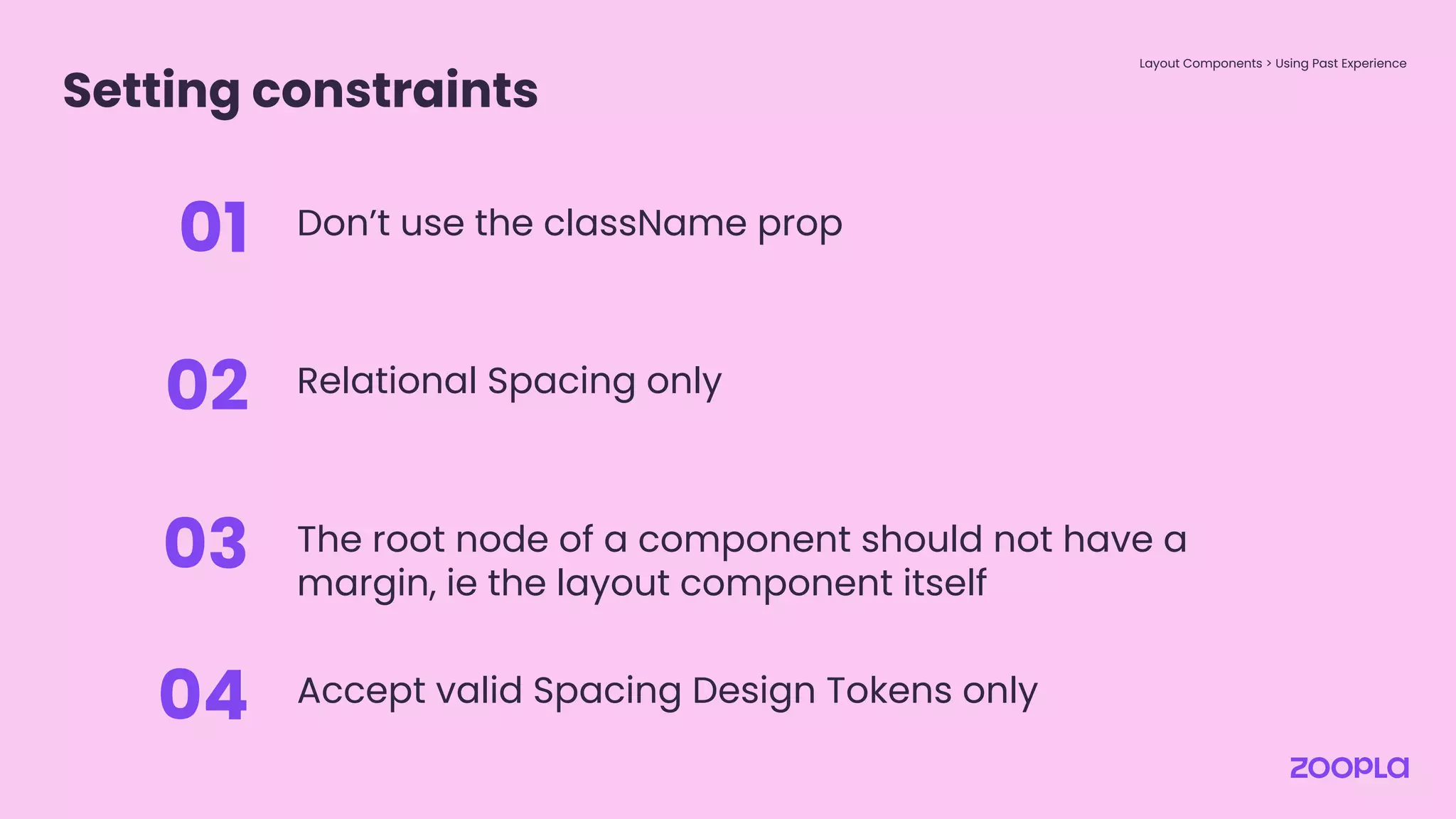
Don’t use the className prop
01
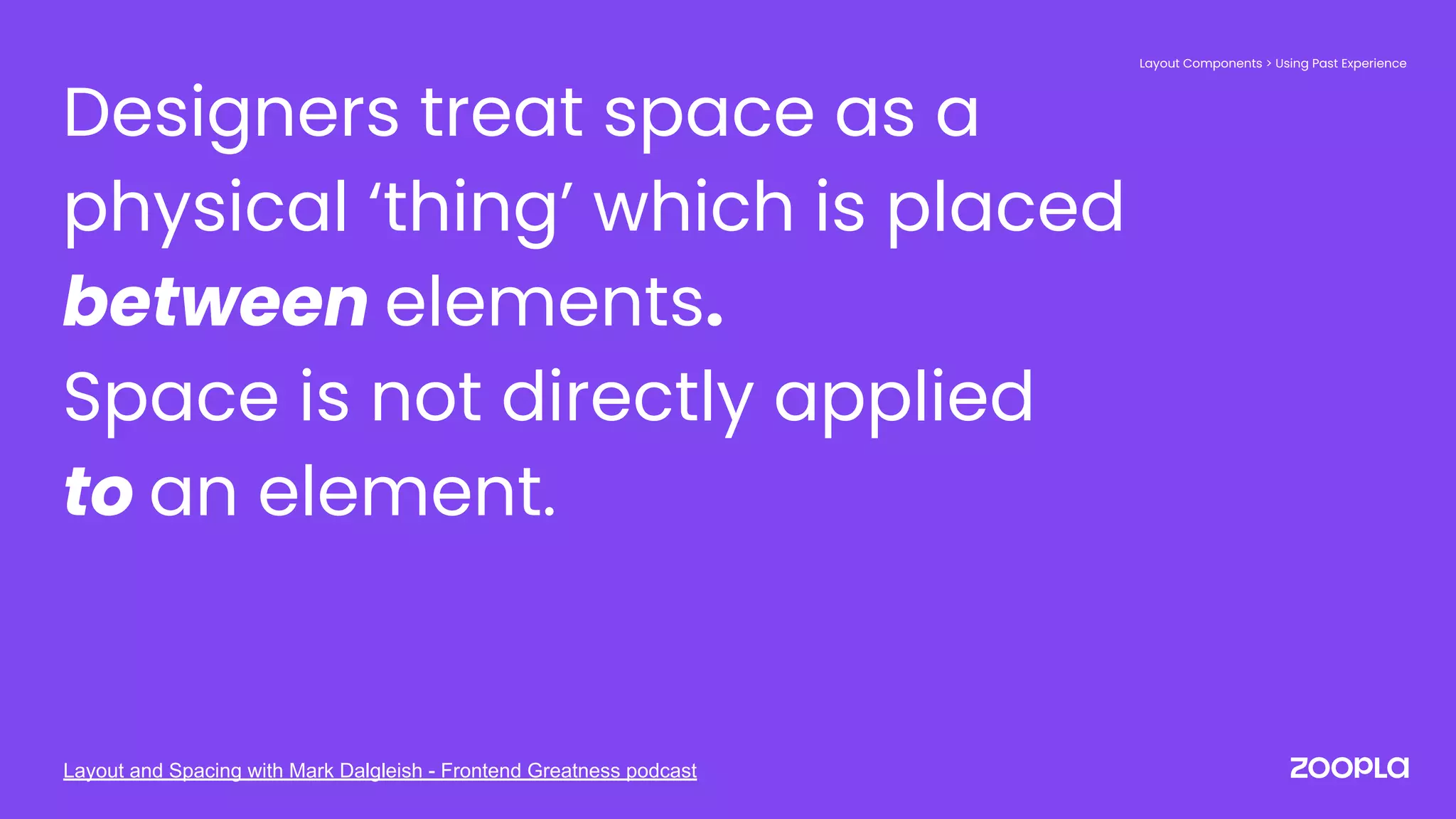
Designers treat space as a
physical ‘thing’ which is placed
between elements.
Space is not directly applied
to an element.
Layout Components > Using Past Experience
Layout and Spacing with Mark Dalgleish - Frontend Greatness podcast
Setting constraints
Layout Components > Using Past Experience
Don’t use the className prop
01
Relational Spacing only
02
Setting constraints
Layout Components > Using Past Experience
Don’t use the className prop
01
Relational Spacing only
02
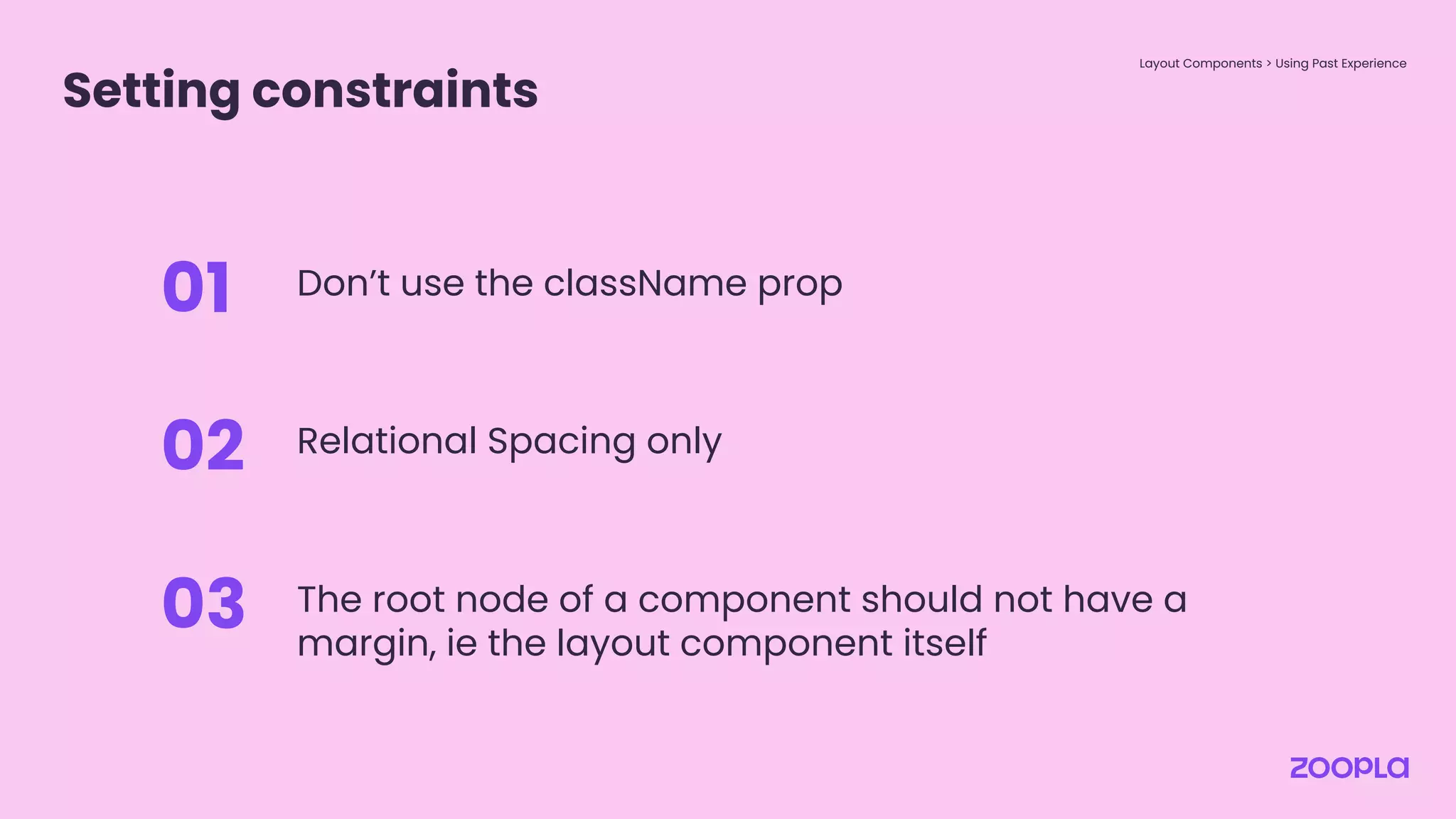
The root node of a component should not have a
margin, ie the layout component itself
03
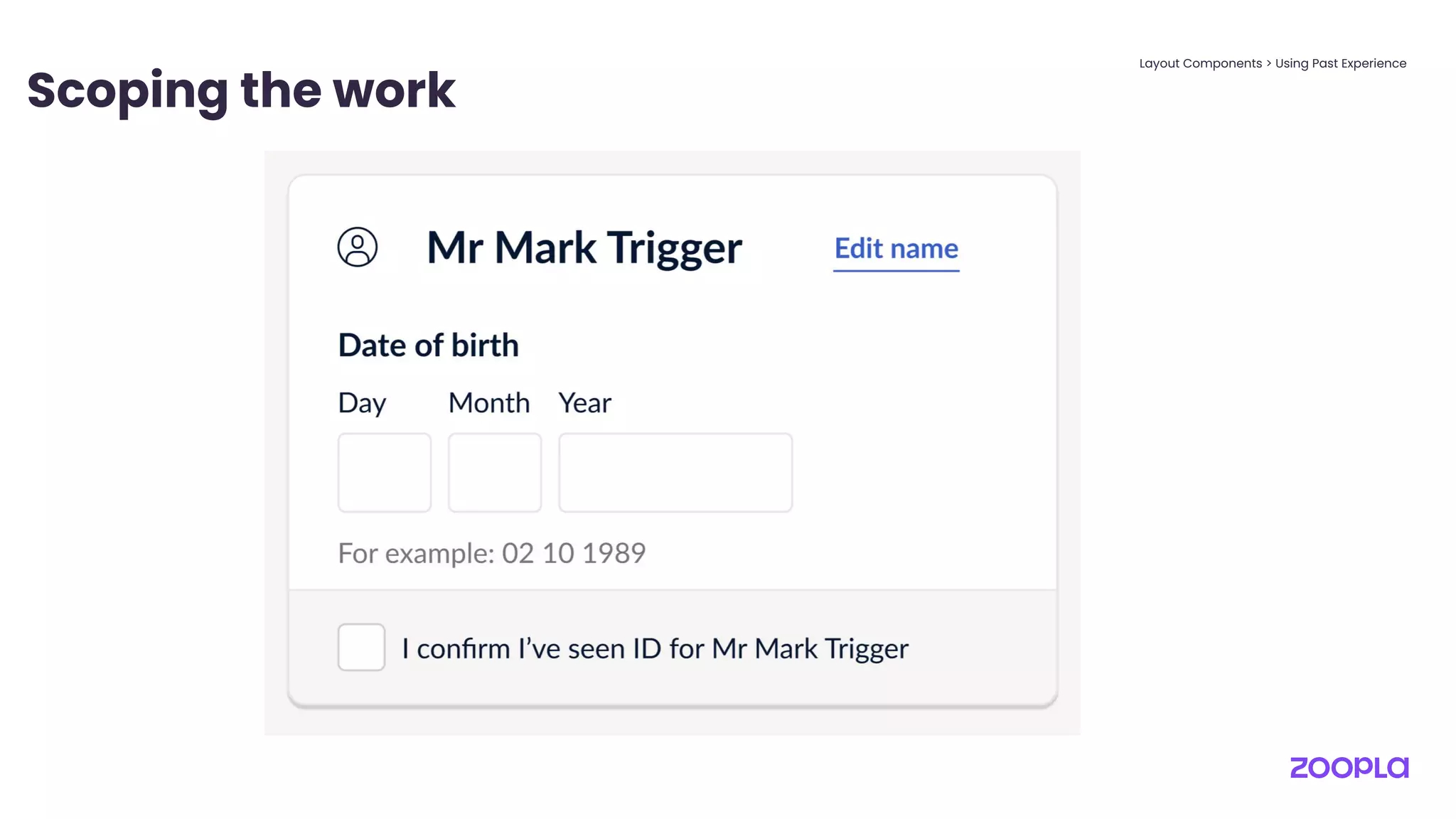
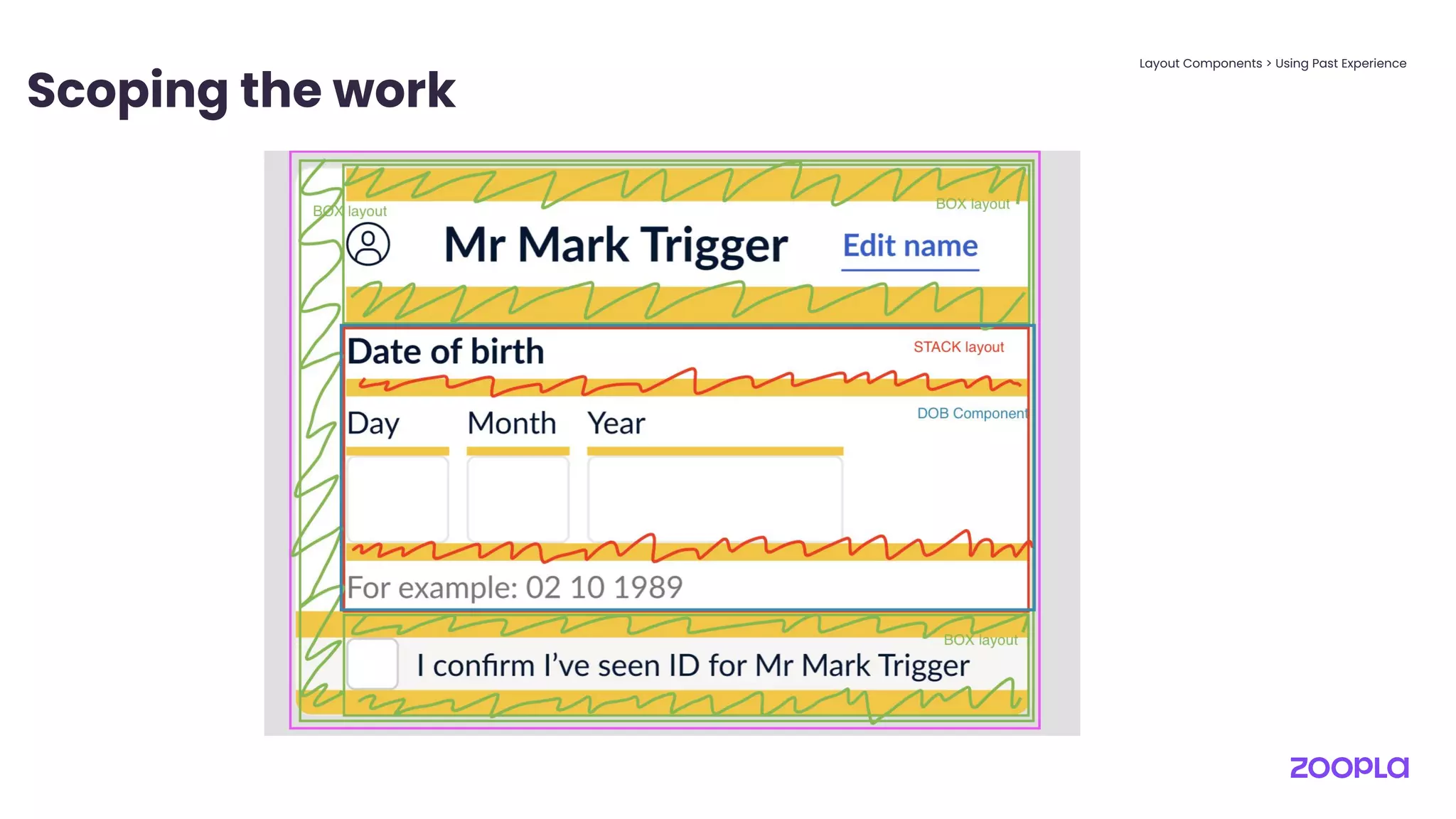
Scoping the work
Layout Components > Using Past Experience
Scoping the work
Layout Components > Using Past Experience
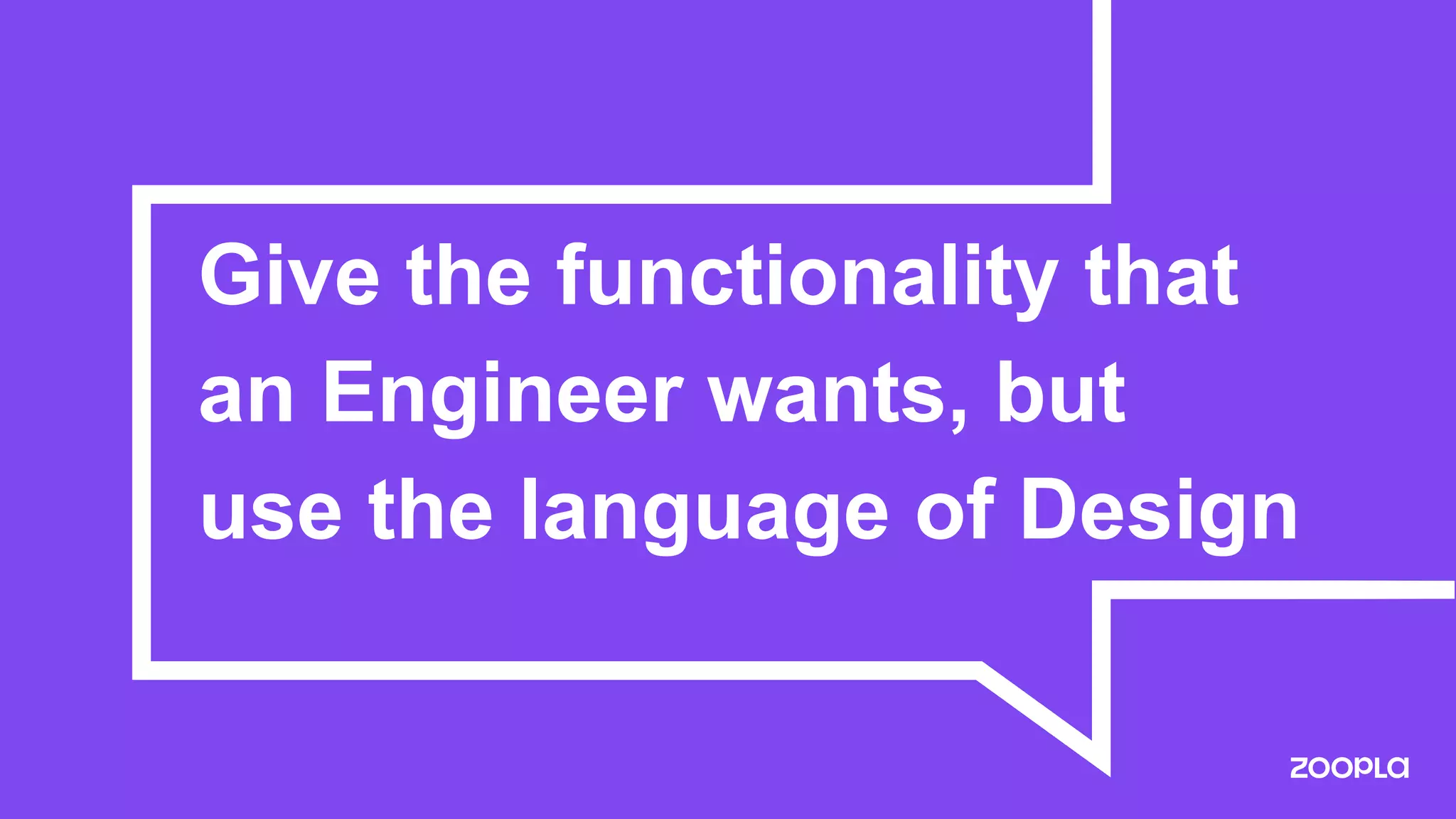
Give the functionality that
an Engineer wants, but
use the language of Design
Setting constraints
Layout Components > Using Past Experience
Don’t use the className prop
01
Relational Spacing only
02
The root node of a component should not have a
margin, ie the layout component itself
03
Accept valid Spacing Design Tokens only
04
The end?
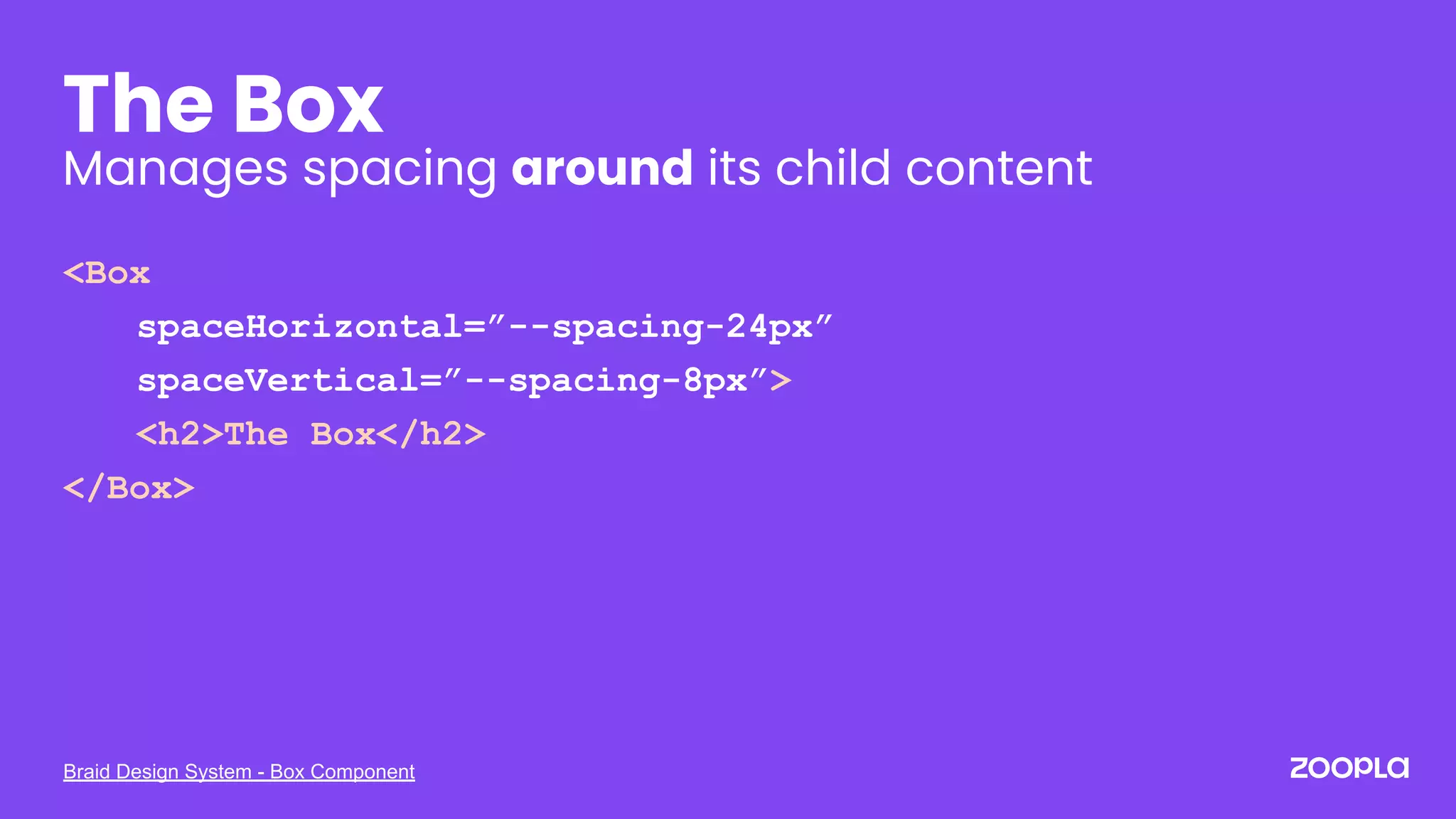
Braid Design System - Box Component
The Box
Manages spacing around its child content
<Box
spaceHorizontal=”--spacing-24px”
spaceVertical=”--spacing-8px”>
<h2>The Box</h2>
</Box>
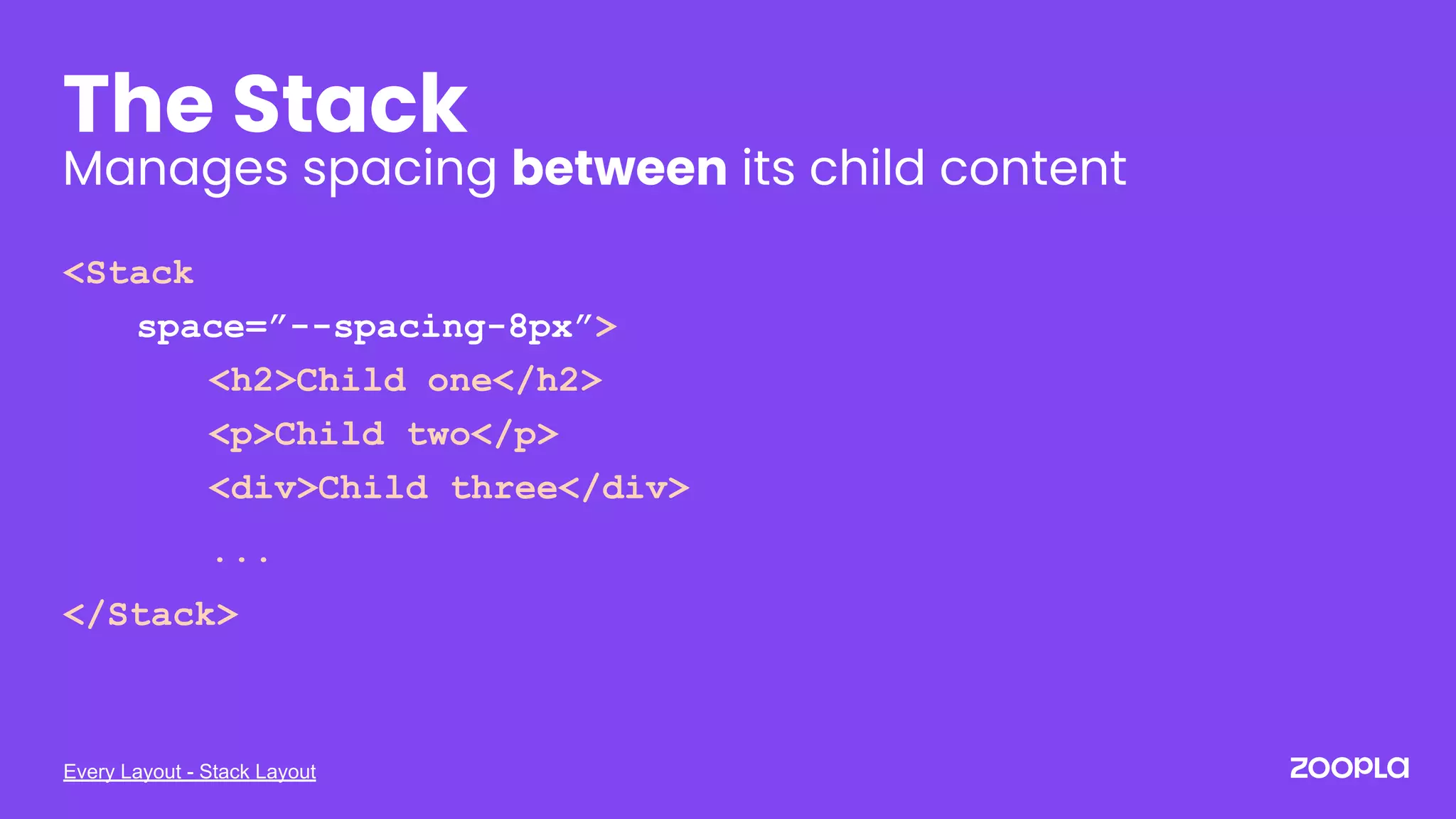
Every Layout - Stack Layout
The Stack
Manages spacing between its child content
<Stack
space=”--spacing-8px”>
<h2>Child one</h2>
<p>Child two</p>
<div>Child three</div>
...
</Stack>
The end?
Shared Language
Shared learnings
Stronger communication
Higher engagement
Greater understanding
Or is it how we translate
what a Design System is
that makes it hard for
everyone working with it to
understand?
Or is it how we translate
what a Design System is
that makes it hard for
everyone working with it
to understand?
Thank you.
@she_codes
Nathalie Christmann-Cooper
Frontend Software Engineer
UXDX EMEA | October 2021
Photos courtesy of Gratisography.com

A Shared Language Through Design Systems