The document describes a tool that provides a guided process for migrating an on-premises CRM implementation to Dynamics 365 Online. The tool automates platform transformations and identifies unsupported customizations. It stages the on-premises CRM in Azure infrastructure, upgrades it to a compatible version, and migrates it to the customer's Dynamics 365 Online organization. The tool handles database and solution migration but does not support selective data migration or fixing issues identified during upgrade or validation.
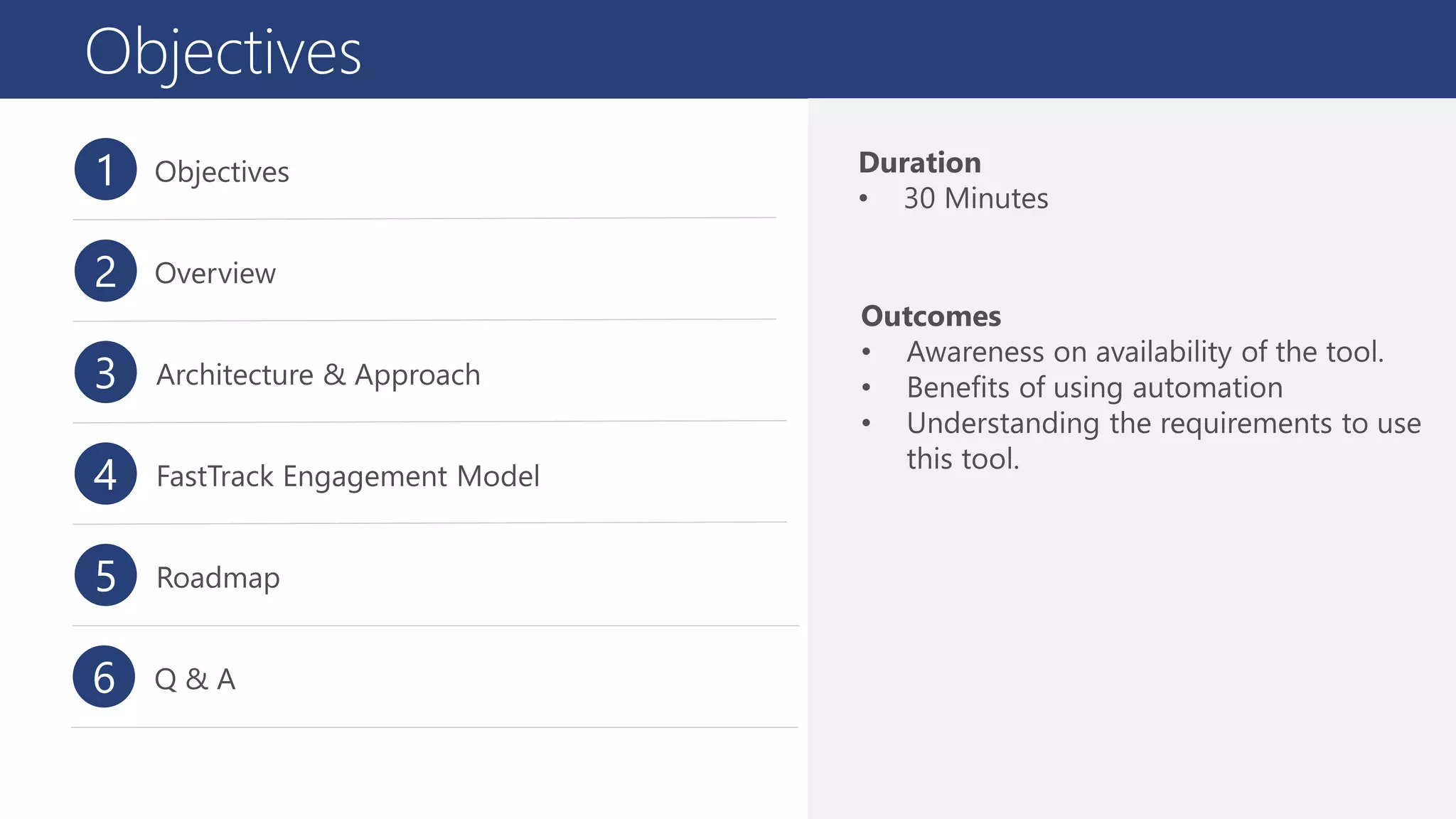
Objectives
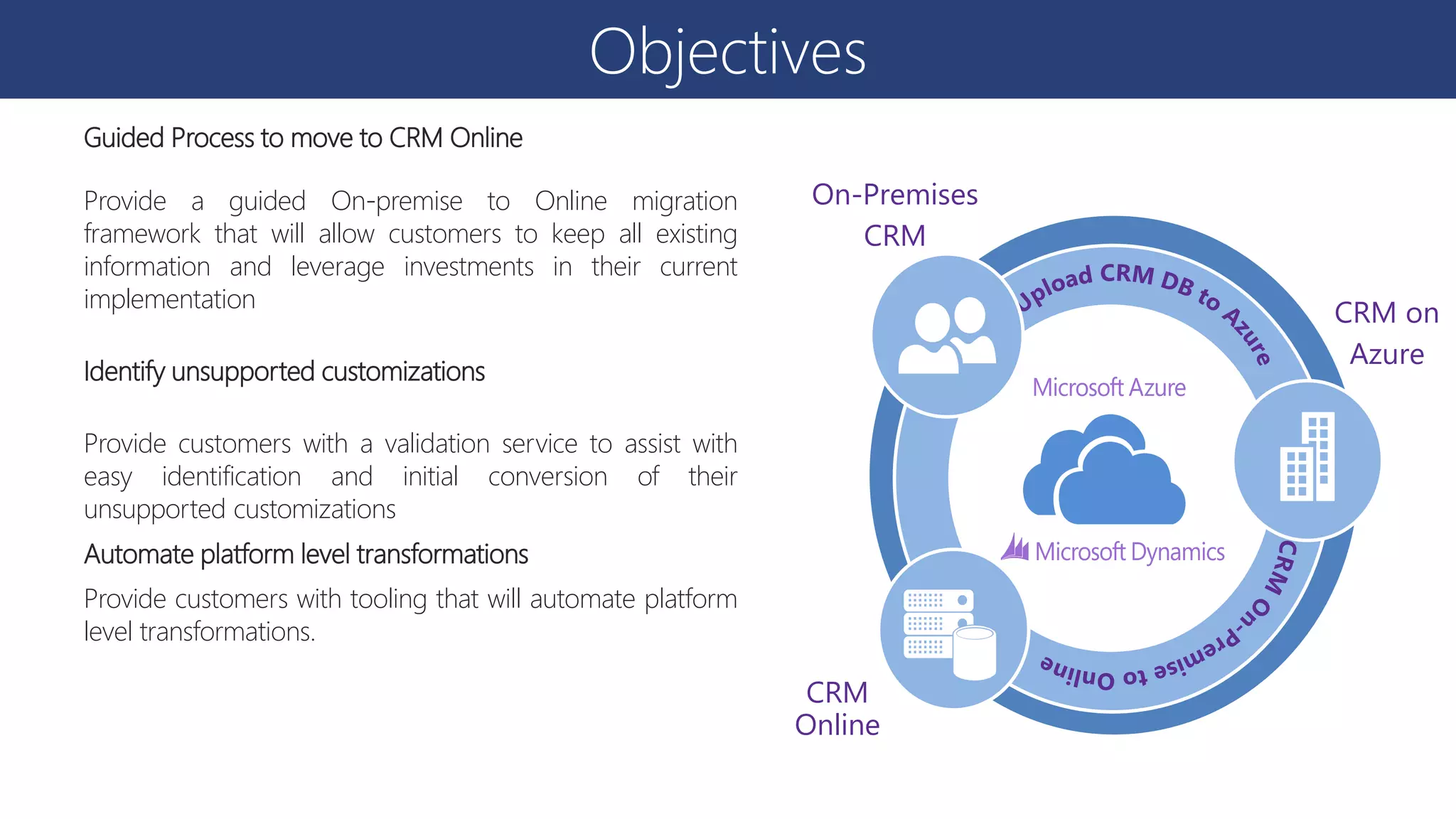
Guided Process tomove to CRM Online
Provide a guided On-premise to Online migration
framework that will allow customers to keep all existing
information and leverage investments in their current
implementation
Identify unsupported customizations
Provide customers with a validation service to assist with
easy identification and initial conversion of their
unsupported customizations
Automate platform level transformations
Provide customers with tooling that will automate platform
level transformations.
CRM
Online
CRM on
Azure
On-Premises
CRM
6.
CRM On-premises toD365 Migration Tool
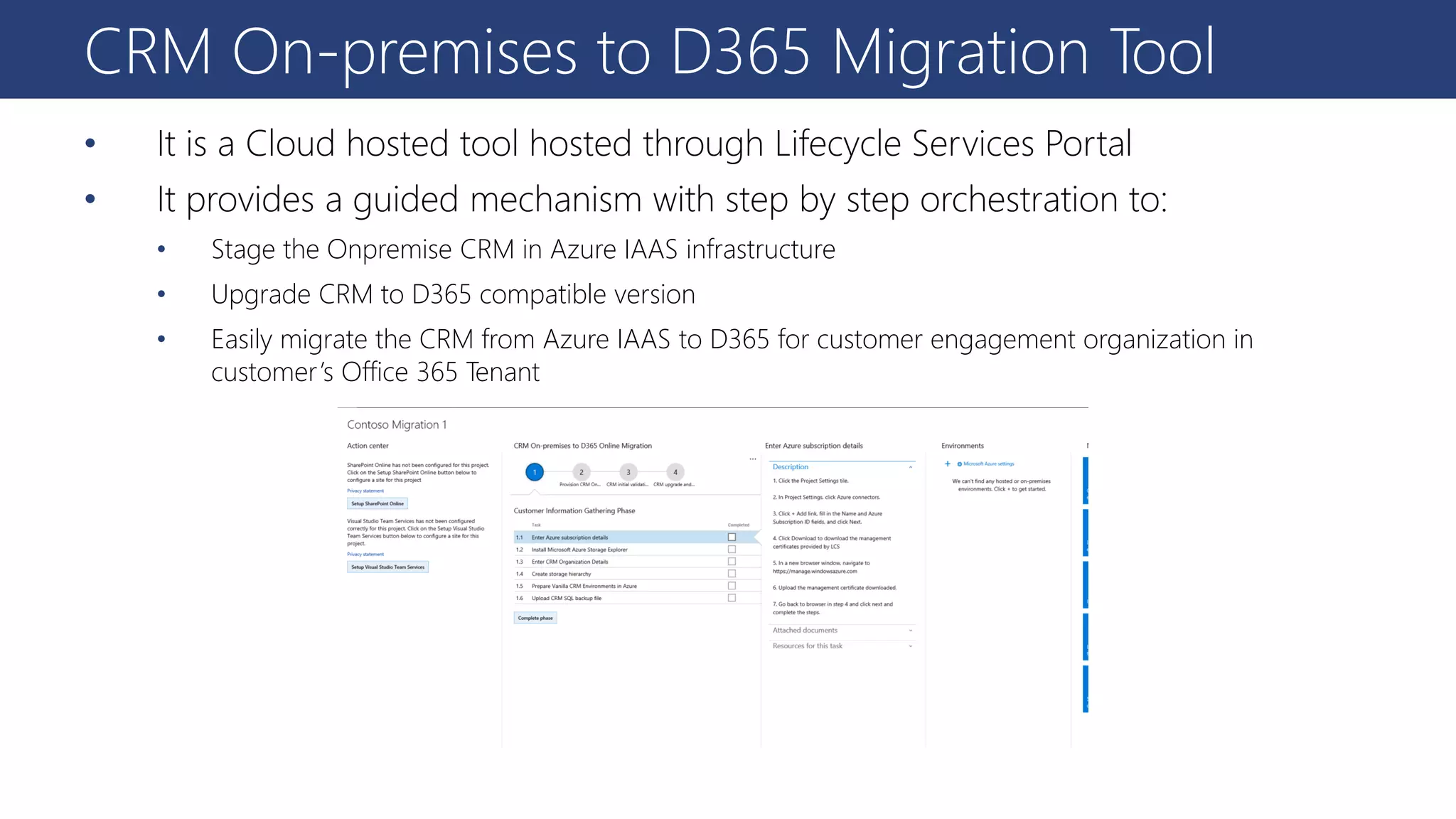
• It is a Cloud hosted tool hosted through Lifecycle Services Portal
• It provides a guided mechanism with step by step orchestration to:
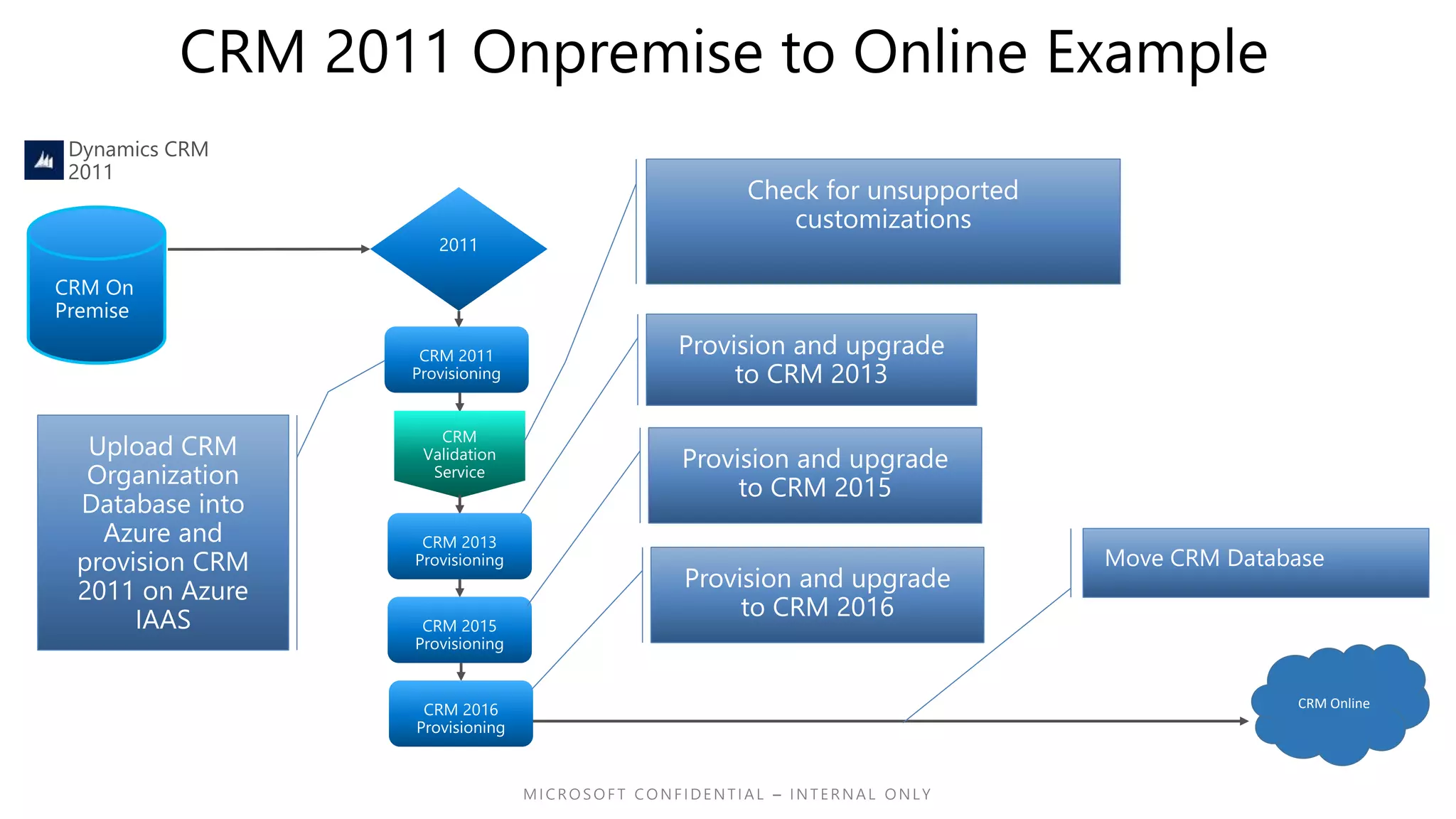
• Stage the Onpremise CRM in Azure IAAS infrastructure
• Upgrade CRM to D365 compatible version
• Easily migrate the CRM from Azure IAAS to D365 for customer engagement organization in
customer’s Office 365 Tenant
7.
Tool Overview
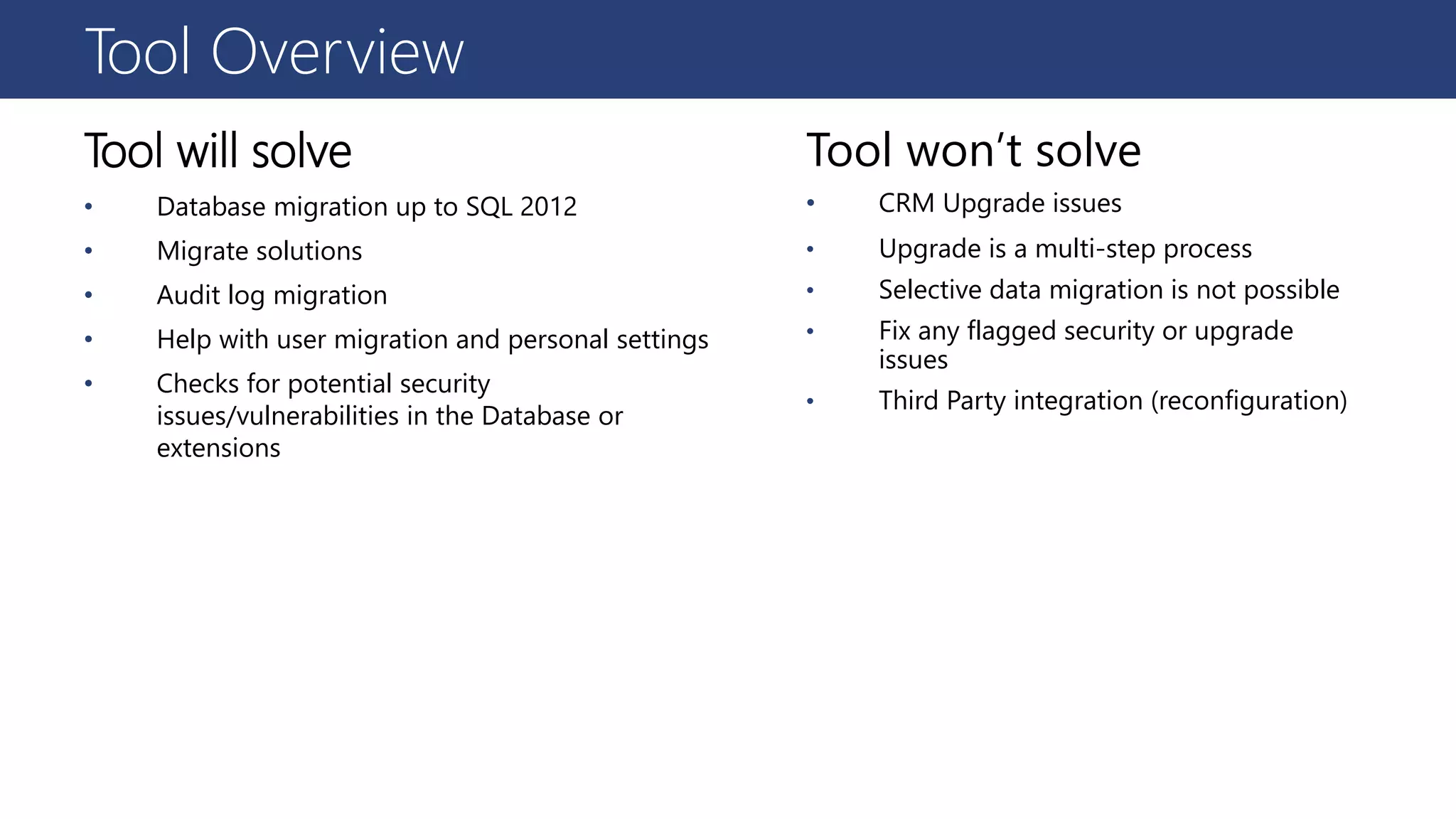
Tool willsolve
• Database migration up to SQL 2012
• Migrate solutions
• Audit log migration
• Help with user migration and personal settings
• Checks for potential security
issues/vulnerabilities in the Database or
extensions
Tool won’t solve
• CRM Upgrade issues
• Upgrade is a multi-step process
• Selective data migration is not possible
• Fix any flagged security or upgrade
issues
• Third Party integration (reconfiguration)
9.
High Level Architecture
LifecycleServices
Dynamics CRM Onpremise to Online Migration Orchestrator
CRM IAAS Provisioning Service CRM Validation Service
Exporting Customizations and
Data
Customer Azure Infrastructure
Azure Blob Storage Azure IAAS
CRM Online
CRM On-premise
Programmatic Approach
• Thiswill be a Managed process through FastTrack
CXP Teams
• Accepting nominations through FastTrack
Nomination portal
• FastTrack Team will triage and allocate FastTrack
Program Manager
• FastTrack Program Manager will engage with
customer end to end
• FastTrack will guide customer through the process
14.
Nomination
▪ Intake: Usingexisting FastTrack intake process to take the nomination from the field
▪ Nominator: MS Employee & Partner
https://microsoft.sharepoint.com/teams/ftdynamics/SitePages/Home.aspx OR
http://fasttrack.Microsoft.com
Intake Qualification Communication
15.
Nomination
▪ Qualification: Basedon the size of user license along with business justification
▪ Supporting TSP offering regarding this CRM On-premise to D365 migration program
Intake Qualification Communication
16.
Nomination
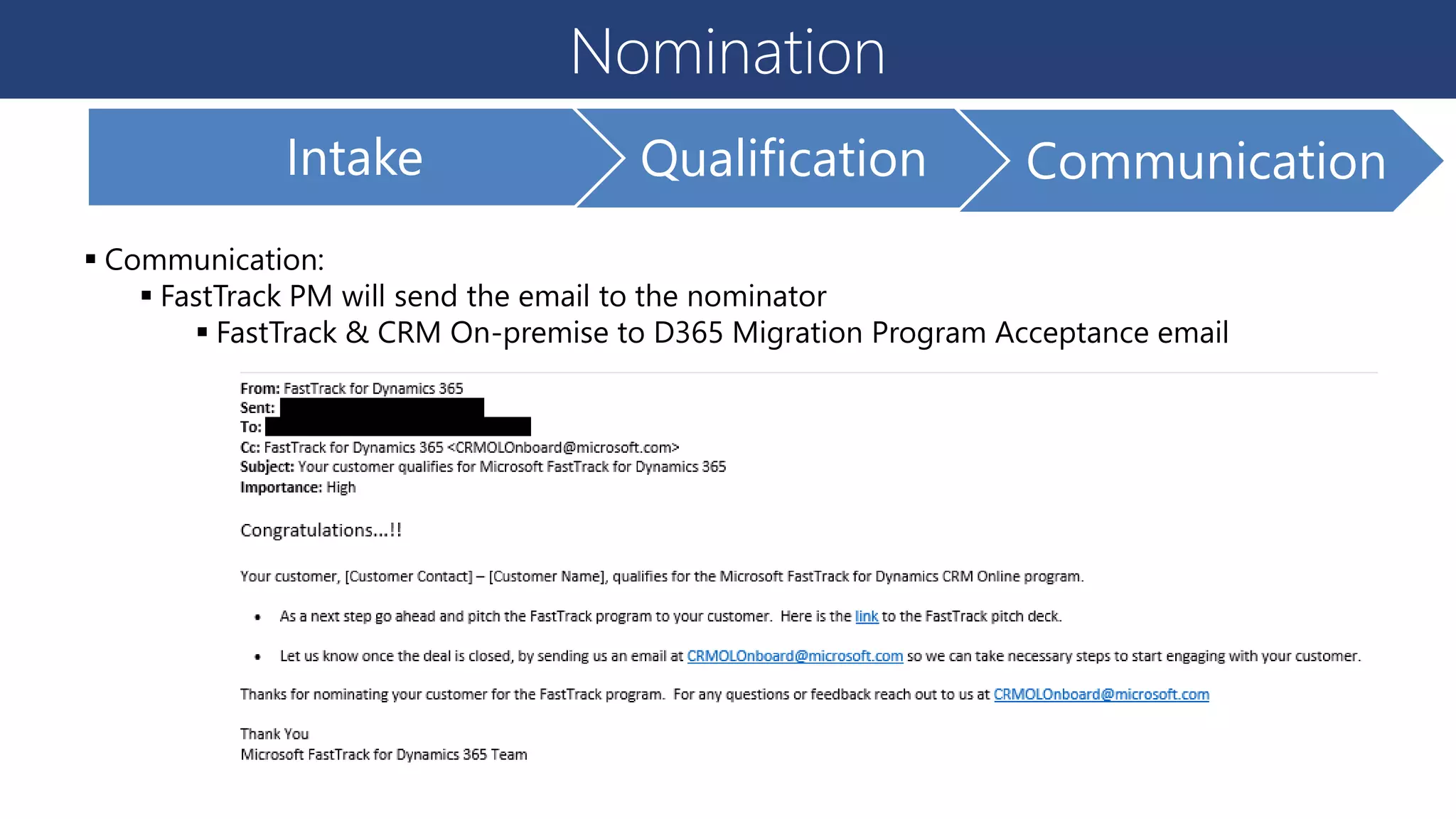
▪ Communication:
▪ FastTrackPM will send the email to the nominator
▪ FastTrack & CRM On-premise to D365 Migration Program Acceptance email
Intake Qualification Communication
17.
Implementation Process
FastTrack Service
▪Pre-requisite Setup
▪ CRM Onpremise to D365 Online Migration
• Develop integrations once Org’s have moved to Online Tenant
• Run tests & other validations
▪ Go Live
• FastTrack PM supports Pre and Post go-live activities
▪ Closure
• Work with FastTrack PM for additional Services for adoption and other assistance
Dynamics 365
Online with an
open slot
Setup Azure
Subscription
Setup the O365
User records
Setup user
Licenses
Get Solution Files
ready
Get Plugin Code
Ready
Get Activity
Workflows Ready
Get Custom
Application code
ready
Get User mapping
of all users in CRM
Onpremise with
Users in O365
Take DB backup
and upload to
Azure
Setup Staging
CRM Environment
in Azure
Run Upgrade
Analysis
Get Customer to
fix Customizations
Upgrade CRM
through the CRM
versions
Migrate CRM
Organization to
D365 Online
Pre-Requisite Setup CRM Test Migration Go Live Closure
18.
Roles & Responsibility
Customer
Understandingof the Migration Process
Understanding of all the technical pre-
requisites
Availability of required components for
successful upgrade in timely fashion
Licenses and Dynamics 365 setup completion
Planning the overall migration, go live & post
go live activities
Partner
Clear understanding of the tool & process
Enabling customer to have all the pre-
requisites ready
Working closely with FastTrack PM in
planning the overall migration & go-live
Working closely with customer on issues
found in validation step
Dedicated CRM on-premise develop/admin
to resolve issues found in validation stage
FastTrack PM
Providing support from end to end migration
Working with project team to remove
roadblocks on migration
Enabling the actual migration to Dynamics
365, post completion of all steps
Assisting in go-live activities
Supporting improving user adoption post go
live
Delivering other related FastTrack services
19.
Pre-requisites
Office 365
O365 Tenantuser with CRM Sandbox
creation privileges
Existing users in Office 365 azure for
mapping during the migration phase
Dynamics 365
An existing Dynamics 365 tenant (with
intended user licenses)
Microsoft Dynamics CRM 2011/2013/2015
solutions as a zip file
Plugin & Custom workflow source code
Dedicated CRM on-premise develop/admin
to resolve issues found in validation stage
All source code from visual Studio for custom
development with CRM on-premise
Azure
An azure subscription (Organization or
individual)
Azure storage explorer
Azure storage account in the region of
deployment
20.
Good to Know
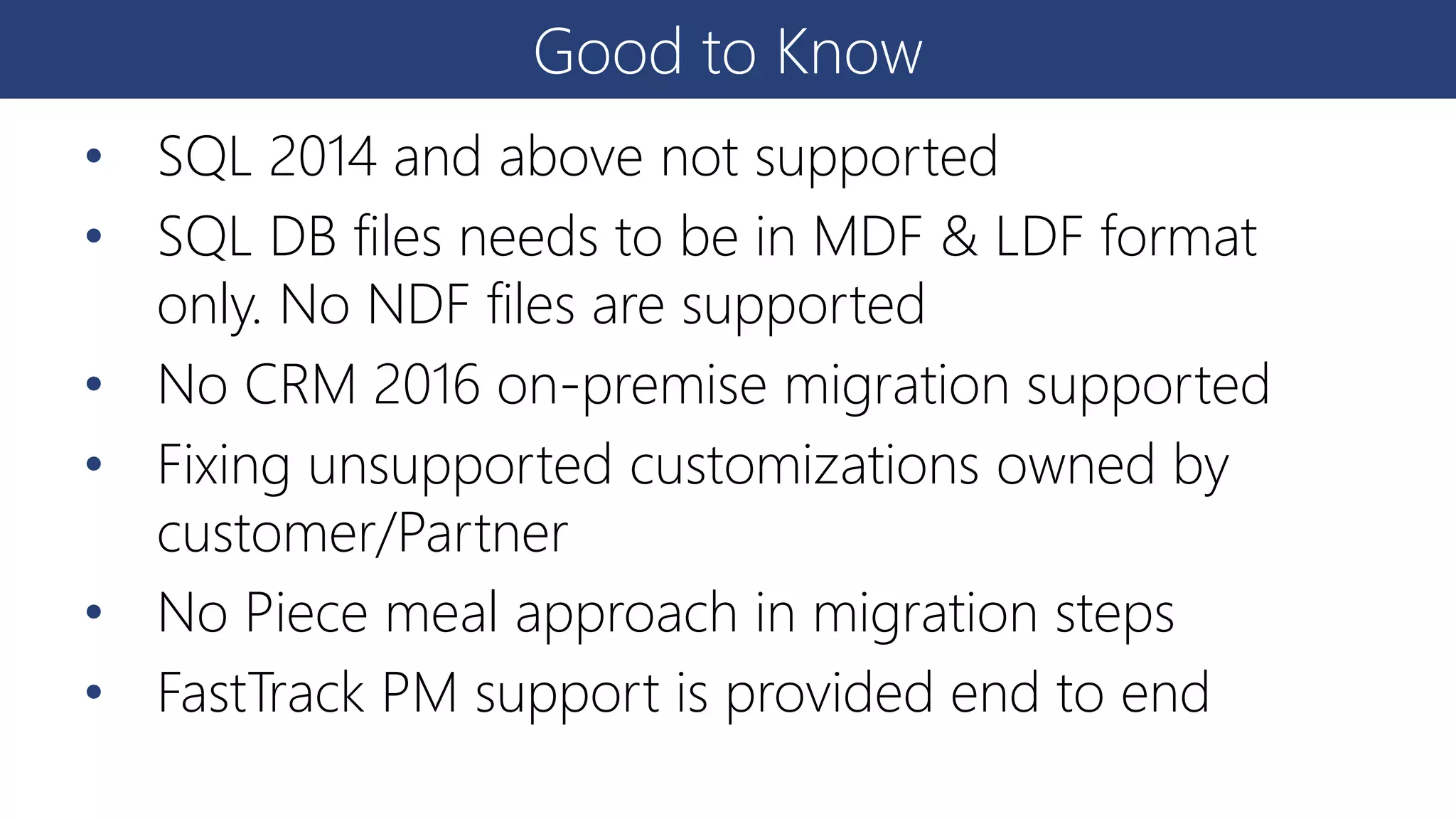
•SQL 2014 and above not supported
• SQL DB files needs to be in MDF & LDF format
only. No NDF files are supported
• No CRM 2016 on-premise migration supported
• Fixing unsupported customizations owned by
customer/Partner
• No Piece meal approach in migration steps
• FastTrack PM support is provided end to end
21.
FAQ
• Is thetool charged?
• It is free and any user who has CRM license can log into LCS using their Tenant Credentials
• Customer will need pay for Azure compute services consumed for the migration
• How is the Tool released?
• The Tool will be released as private preview and FastTrack PM will provide the access code
to customer
• Is FastTrack a charged service
• FastTrack is a free service for FastTrack sponsored customers. It is a consultative service
• What are the pre-requisites
• Customer will need to have their own Azure Subscription
• Customer will need a Sandbox CRM org license with enough data purchased
• Users will need to be present and licensed in O365