Rose Business SolutionsCRM 2011 LaunchKen FarmerSteve Chapman11512 El Camino Real, Suite 310 – San Diego, CA 92130(858) 794-9401 – www.rosebizinc.com
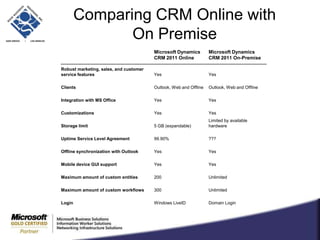
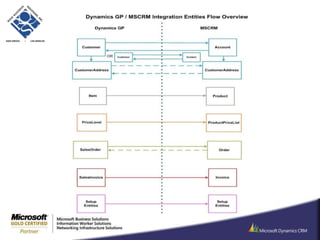
CRM 2011 LaunchSee live CRM 2011 demonstrations with opportunities to ask questionsSee the newest enhancements in actionLearn what’s available in the CRM MarketplaceLearn about extending CRM functionality in your organizationDiscuss the merits of on-premise versus online deploymentsLearn about connecting CRM to GPDiscuss CRM alternatives
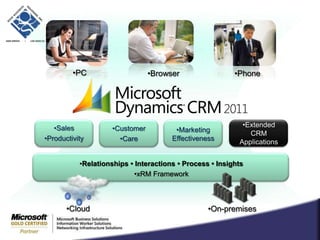
PCBrowserPhoneSales ProductivityMarketing EffectivenessExtended CRM ApplicationsCustomer CareRelationships • Interactions • Process • InsightsxRMFrameworkCloudOn-premises
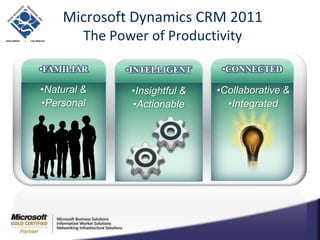
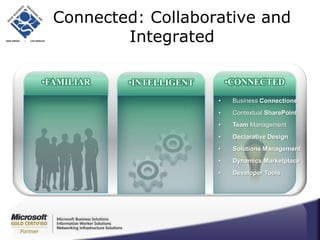
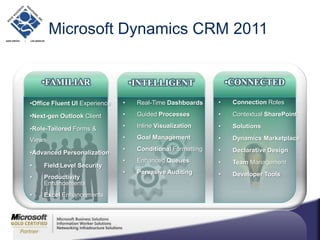
Microsoft Dynamics CRM 2011The Power of ProductivityFAMILIARCONNECTEDINTELLIGENTNatural &PersonalCollaborative &IntegratedInsightful &Actionable
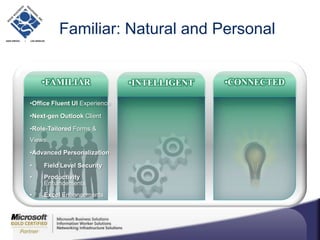
Familiar: Natural and PersonalFAMILIARCONNECTEDINTELLIGENTOffice Fluent UI ExperienceNext-gen Outlook ClientRole-Tailored Forms & ViewsAdvancedPersonalizationField Level SecurityProductivityEnhancementsExcel Enhancements
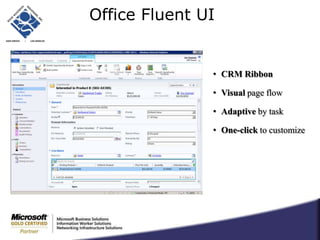
Office Fluent UICRM Ribbon
Visual page flow
Adaptive by task
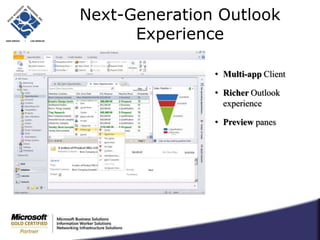
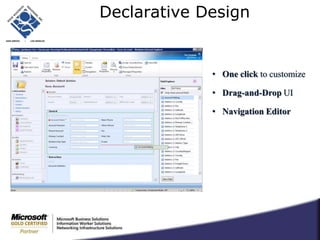
One-click to customizeNext-Generation Outlook ExperienceMulti-app Client
Richer Outlook experience
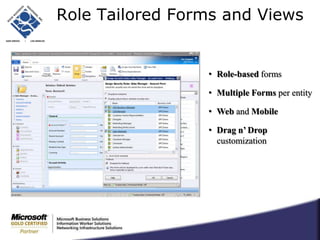
Preview panesRole Tailored Forms and ViewsRole-based forms
Multiple Forms per entity
Web and Mobile
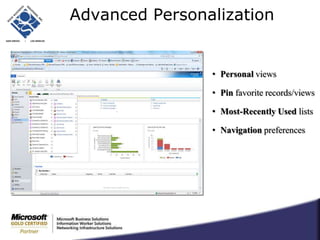
Drag n’ Drop customizationAdvanced PersonalizationPersonal views
Pin favorite records/views
Most-Recently Used lists
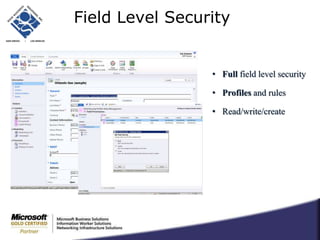
Navigation preferencesField Level SecurityFull field level security
Profiles and rules
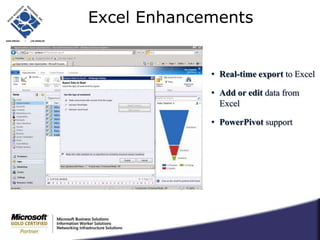
Read/write/createExcel EnhancementsReal-time export to Excel
Add or edit data from Excel
PowerPivot supportCRM 2011 LaunchDemo…
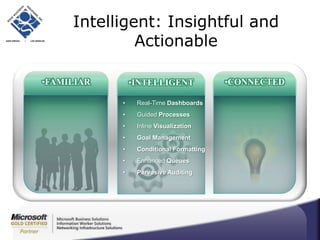
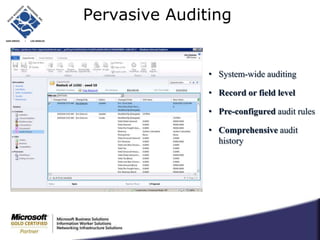
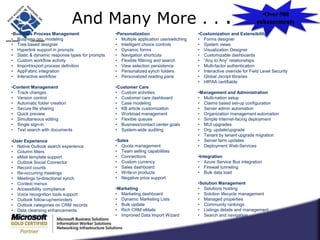
Intelligent: Insightful and ActionableFAMILIARCONNECTEDINTELLIGENTReal-Time DashboardsGuided ProcessesInlineVisualizationGoal ManagementConditional FormattingEnhanced Queues Pervasive Auditing
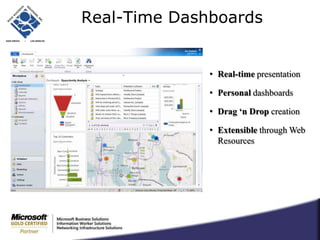
Real-Time DashboardsReal-time presentation
Personal dashboards
Drag ‘n Drop creation
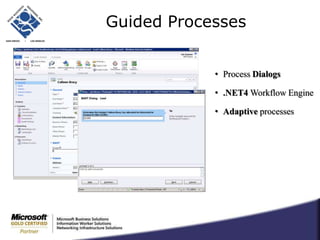
Extensible through Web ResourcesGuided ProcessesProcess Dialogs
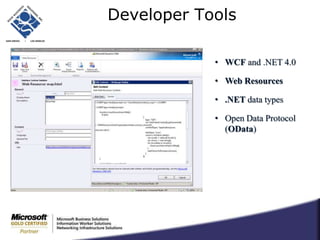
.NET4 Workflow Engine
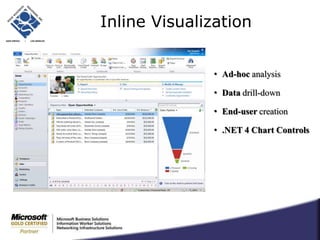
Adaptive processesInline VisualizationAd-hoc analysis
Data drill-down
End-user creation
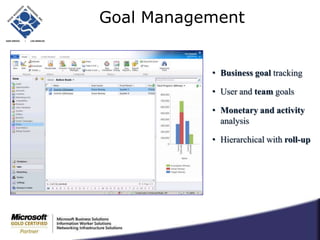
.NET 4 Chart ControlsGoal ManagementBusiness goal tracking
User and team goals
Monetary and activity analysis
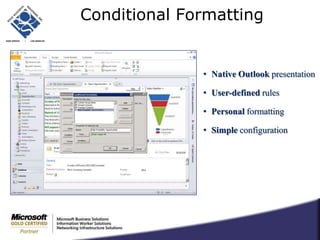
Hierarchical with roll-upConditional FormattingNative Outlook presentation
User-defined rules

CRM 2011 launch

Editor's Notes

  • #9 Different roles within your organization can be presented with different forms,e.g customer service vs. sales
  • #10 Can personalize the home page.Recently Visited list allows you to easily access the records of various types you just viewed.
  • #11 Allows you to hide or protect from edit any filed on any form based on profiles and rules.
  • #16 Processes include: Workflow Dialogs Wizard like interface, requiring user action
  • #18 Business Goal – Not just sales, any metric can be tracked e.g. The number of activities a salesperson ha to complete in a quarter, the number of new customers that need to be signed up in a period
  • #19 Layouts on forms and columns in grids can be modified or created using web-based editors, requiring no programming.
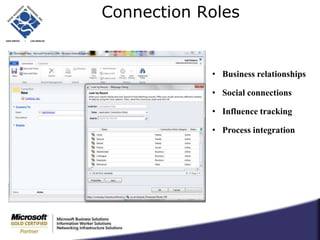
  • #23 A contact can be linked to multiple accounts so you can track the various places a specific individual might have worked.
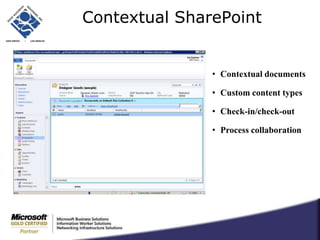
  • #24 Use the power of SharePoint with CRM, e.g. you have a number of documents that need to be executed before an opportunity can be closed; use workflow, and store documents in SharePoint
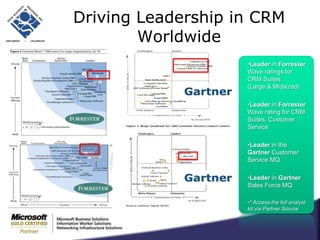
  • #33 3 years ago, Microsoft Dynamics CRM was discussed in 20% of analyst inquiries. Now due to the work that has been done, Microsoft Dynamics CRM is being discussed virtually 100% of the time (either directly from customer inquiry or analyst suggesting the customers look at Dynamics CRM).