Highlights:
 100% Job Assistance
 60% Theory & 40% Practical’s
 Work on Live Projects
 Notes provided in the form of
Softcopy & Hardcopy
 Unlimited calls till you get placed0
I. Module: Search Engine Optimization (SEO)
II. Module: Content Marketing
III. Module: Web Analytics
IV. Module: Social Media Optimization (SMO)
V. Module: Search Engine Marketing (SEM)
VI. Module: Conversion Optimizer
VII. Module: E-Mail Marketing (E-marketing) & Mobile SEO
I. Module : Search Engine Optimization (SEO)
1. What are Search Engines and Basics?
2. How Search Engines works?
3. What is Website?
4. How to register Site?
5. Hosting of site?
6. Domain Extensions
7. What is Keyword?
8. What is Keyword Density?
9. Google Trends
10. Keyword Proximity
11. Content Writing Ethics
12. Keywords Research & Analysis
13. Google Sandbox effect
14. HTML Basics / Schema.org
On Page Optimization
1. Meta Tag Optimization
2. Image optimization
9. 404 Error Redirects
10. 301 / 302 redirection
Digital Marketing
Complete Course Details
Contact: +91-8698606666 E-Mail: Rohitshelwante@gmail.com/ info@schoolofdigitalmarketing.co.in
School of Digital Marketingwww.SchoolofDigitalMarketing.co.in
www.SeoTrainingInstitutesPune.co.in
Google Certified Professional
Certification (GCP) would be
covered without any extra charges
 More than 1500+ Students
Trained & Placed
 Training would be provided by
 Industry Experts
 Wi-Fi Connectivity
3. Creating/uploading Robots file
4. Creating/uploading HTML & XML Sitemap
5. Creating/uploading Google webmaster code
6. Creating/uploading Google Analytics code
7. Bold & Italic Tag
8. What is Page Rank?
11. Competitor analysis
12. Pre/post-website analysis
13. Alexa report
14. Some Common SEO tools & plug-ins
15. Anchor Text
16. Heading tag
Off Page Optimization
1. Blog Creation & Posting
2. Article Submission
3. Social book-marking
4. Free Classifieds
5. Press Releases submission
Advanced SEO Course Content
1. Names of the Search Engine Spiders
2. Google Analytics Cookies
3. Email Tracking in Google Analytics
4. Conversion Tracking in Google Analytics
5. E-commerce Tracking in Google Analytics
6. What are Annotations in Google Analytics?
7. Goals & Funnels in Google Analytics
8. Custom Reporting in Google Analytics
9. Multi-Channel Funnels in Analytics
10. Attribution Modeling in Analytics
11. Admin Section in Google Analytics
12. What is Google Panda?
13. What is Google Penguin?
14. Google Rank Brain
15. Google Humming Bird
16. Query Deserve Freshness Algorithm
17. Canonical Links
18. What are Site Links?
19. Introduction to AdSense & Double Click Platforms
II. Module: Social Media Optimization (SMO)
1. What is social media?
2. How can social media help my business?
3. Social Media Training: The Big Picture
4. Conversations, relationships, word of mouth and
transparency
5. The key Social Media tools and networks
6. Why should you blog and what should you to blog about
7. The main types of blog post
8. Research methods for writing quality, timely content
9. Social Media Tools (Hootsuite & Klout.com)
Making best use of specific Social Media platforms
Face book
1. How can Facebook be used to aid my business?
2. Developing a useful fan-page
3. Facebook apps to share content
Twitter
1. How does Twitter work?
2. Setting up a Twitter account
3. Re-tweets, hash tags and lists
4. Managing and enhancing Twitter with apps
5. Tweeting rich media
LinkedIn
1. Your profile
2. Building quality connections and getting recommendations
from others
3. How to use groups – drive traffic with news & discussions
4. Social Media Training: Pulling all the Social Media Platforms
Together
5. Working efficiently, this can be done by connecting the
Social Media platforms and networks
6. Working consistently
7. View what people are saying about you. Use tools to see
your analytics and stats. Develop your strategy
III. Module: Search Engine Marketing (SEM)
Campaigns Covered:
 Google PPC Campaigns
 LinkedIn Campaigns
 Facebook Campaign
 YouTube Advertising
Google PPC Campaigns Course Content
1. Ad-Words Account Setup
2. Creating Ad-Words Account
3. Ad-Words Dash Board
4. Billing in Ad-Words
5. Creating First Campaign
6. Understanding purpose of Campaign
7. Account Limits in Ad-Words
8. Location and Language Settings
9. Networks and Devices
10. Bidding and Budget
11. Schedule: Start date, end date, ad scheduling
12. Ad delivery: Ad rotation, frequency capping
13. Demographic bidding (Display Only)
14. Ad groups and Keywords
15. Keyword Types (Broad, Phrase, Exact and Negative)
16. Remarketing
17. Ad-Words Keyword Tool
18. Text Ad Format
19. Quality Score and Its Importance
20. Columns Customization &Filters
21. Text Ads and Guidelines
22. Image Ad Formats and Guidelines
23. Video Ads Format
24. Light Box Ads
25. Contextual Targeting Tool
26. CPC, CPM, ECPC, CPA Bidding
27. Conversion Tracking
28. A/B Testing
29. Conversion Tracking
30. Adwords Editor
31. Google My Client Center
YouTube Video Campaigns Course Content
1. An introduction to YouTube
2. How to optimize your YouTube channel
3. How to gain more YouTube views & subscribers
successful
4. How to optimize & leverage YouTube videos
5. How to work with your YouTube audience
6. YouTube Ad Formats Supported
7. YouTube Analytics & Insights
8. YouTube Video Dashboard
9. Video Bidding C.P.V (Cost Per View)
10. How it works – the basics
11. Content – what, why and when to publish it on YouTube
12. Building your brand on YouTube
13. The important of the written word to promote video
14. Driving visitors to your website through YouTube
Facebook Campaigns Course Content
1. An introduction to Social Media and Facebook in
particular
2. What is Facebook and why do so many people use it?
3. What are the business benefits of a Facebook profile?
4. Power Editor
5. How it works – the basics
6. How it works – the advanced and little known features
7. Getting your message across on Facebook
8. Building your brand on Facebook
9. Connecting and research with Facebook
10. Creating new customers and keeping them
11. Driving visitors to your website through Facebook
12. Your company on Facebook
13. Your competitors on Facebook
14. Achieving your company/organization goals on Facebook
LinkedIn Campaigns Course Content
1. Introduction to LinkedIn
2. Why LinkedIn is Key and its place in the social media
and business worlds
3. Setting your LinkedIn strategy
4. Getting your Settings right for you
5. How it works – the basics
6. Getting your message across on LinkedIn
7. Building your brand on LinkedIn
8. Creating the right profile: the cornerstone of your
LinkedIn activity
9. Developing your network to increase your reach and
visibility
10. Methods and approaches to extend your network
11. Using the advanced search facilities to find new potential
prospects and target new business
12. Raising your profile and marketing yourself, your company
and services
13. Recommendations, messaging, endorsements and other
on-site tools
14. LinkedIn for General business and marketing use
IV. E-Mail Marketing(E-marketing)
1. The Top 5 things you can do with email
2. Permission and E-permission marketing
3. Defining your goals
4. HTML v/s text emails
5. E-marketing strategies
6. Understanding conversion and performance metrics
7. Tracking landing pages
8. Choosing your metrics
9. Analyzing test results
10. Setting your budgets

Digital Marketing Course Syllabus

  • 1.
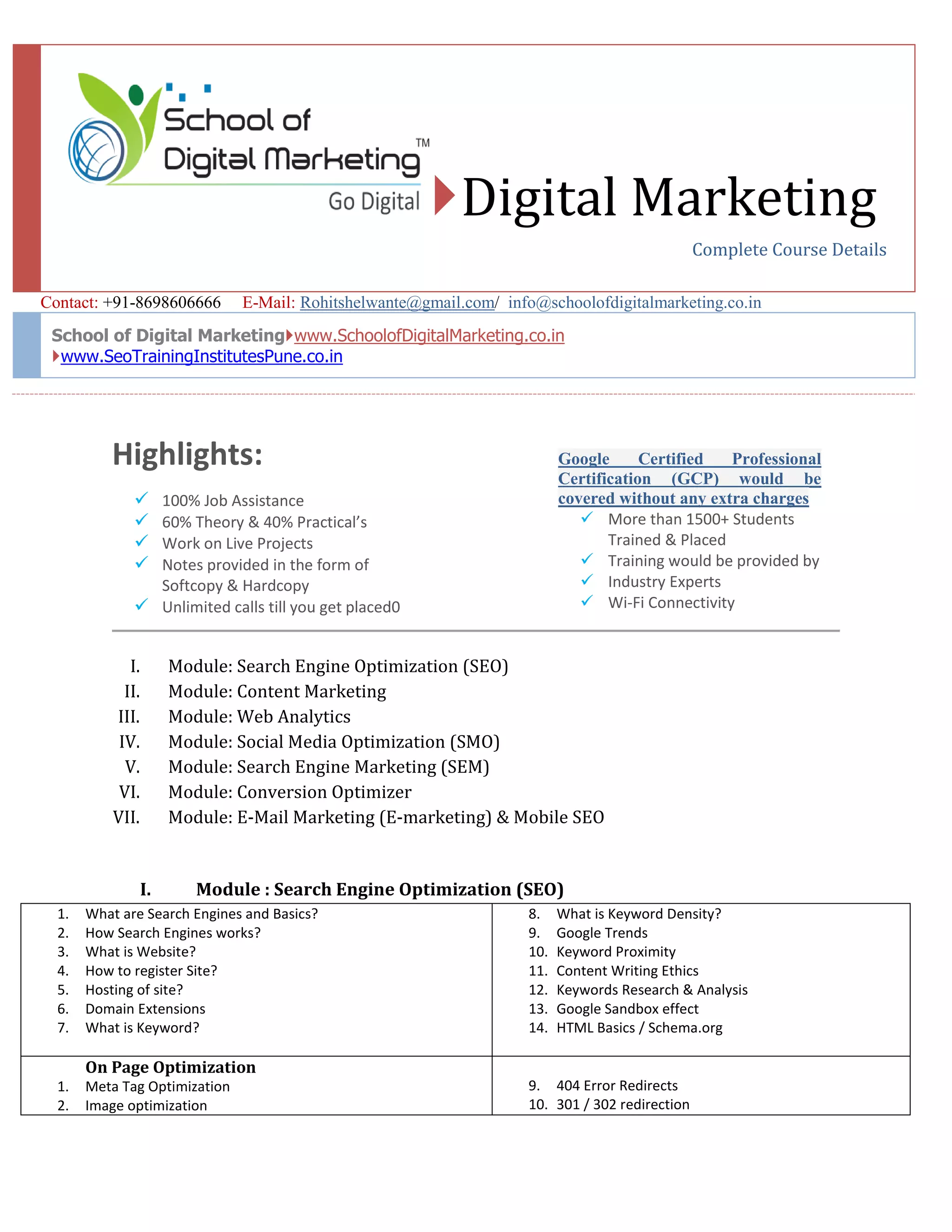
    Highlights:  100% JobAssistance  60% Theory & 40% Practical’s  Work on Live Projects  Notes provided in the form of Softcopy & Hardcopy  Unlimited calls till you get placed0 I. Module: Search Engine Optimization (SEO) II. Module: Content Marketing III. Module: Web Analytics IV. Module: Social Media Optimization (SMO) V. Module: Search Engine Marketing (SEM) VI. Module: Conversion Optimizer VII. Module: E-Mail Marketing (E-marketing) & Mobile SEO I. Module : Search Engine Optimization (SEO) 1. What are Search Engines and Basics? 2. How Search Engines works? 3. What is Website? 4. How to register Site? 5. Hosting of site? 6. Domain Extensions 7. What is Keyword? 8. What is Keyword Density? 9. Google Trends 10. Keyword Proximity 11. Content Writing Ethics 12. Keywords Research & Analysis 13. Google Sandbox effect 14. HTML Basics / Schema.org On Page Optimization 1. Meta Tag Optimization 2. Image optimization 9. 404 Error Redirects 10. 301 / 302 redirection Digital Marketing Complete Course Details Contact: +91-8698606666 E-Mail: Rohitshelwante@gmail.com/ info@schoolofdigitalmarketing.co.in School of Digital Marketingwww.SchoolofDigitalMarketing.co.in www.SeoTrainingInstitutesPune.co.in Google Certified Professional Certification (GCP) would be covered without any extra charges  More than 1500+ Students Trained & Placed  Training would be provided by  Industry Experts  Wi-Fi Connectivity
  • 2.
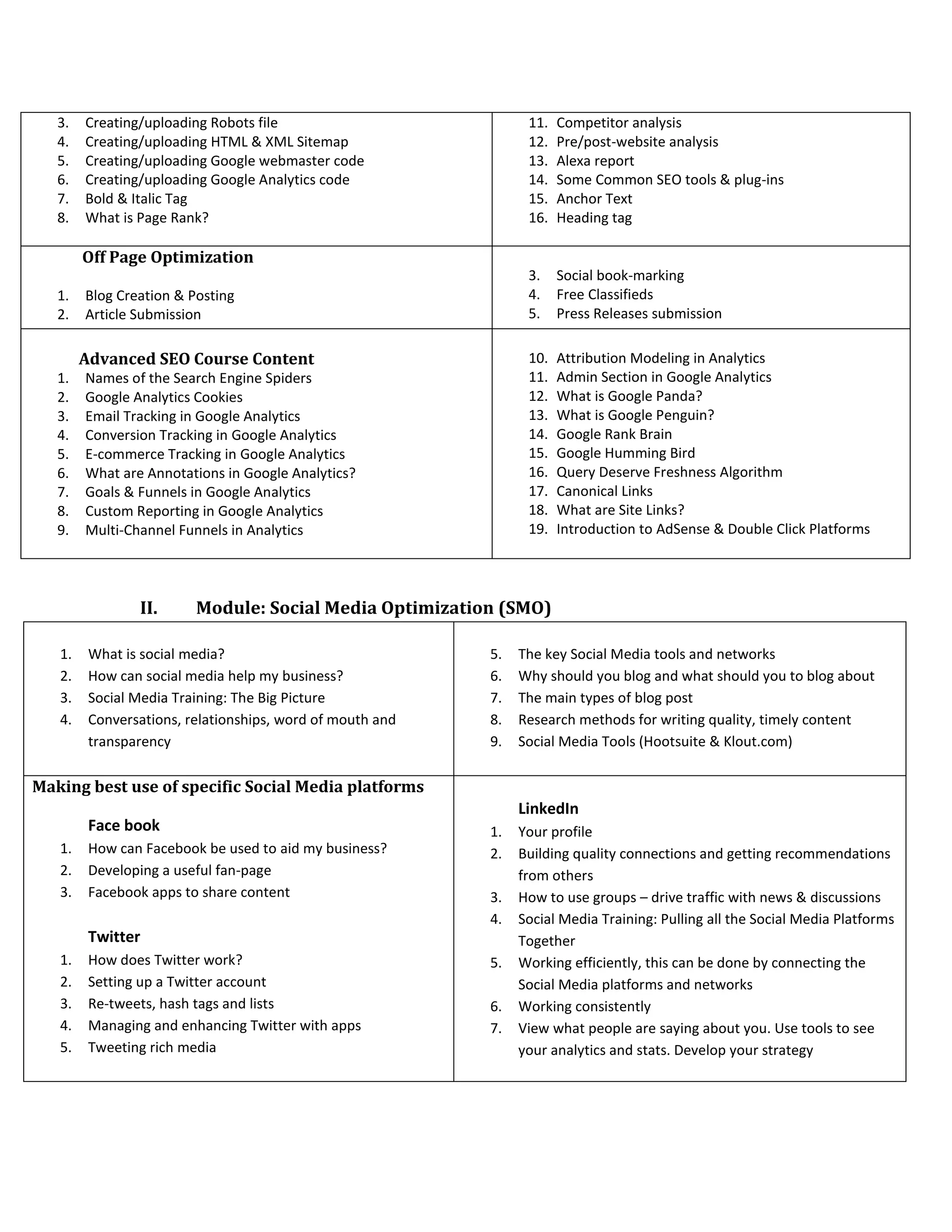
    3. Creating/uploading Robotsfile 4. Creating/uploading HTML & XML Sitemap 5. Creating/uploading Google webmaster code 6. Creating/uploading Google Analytics code 7. Bold & Italic Tag 8. What is Page Rank? 11. Competitor analysis 12. Pre/post-website analysis 13. Alexa report 14. Some Common SEO tools & plug-ins 15. Anchor Text 16. Heading tag Off Page Optimization 1. Blog Creation & Posting 2. Article Submission 3. Social book-marking 4. Free Classifieds 5. Press Releases submission Advanced SEO Course Content 1. Names of the Search Engine Spiders 2. Google Analytics Cookies 3. Email Tracking in Google Analytics 4. Conversion Tracking in Google Analytics 5. E-commerce Tracking in Google Analytics 6. What are Annotations in Google Analytics? 7. Goals & Funnels in Google Analytics 8. Custom Reporting in Google Analytics 9. Multi-Channel Funnels in Analytics 10. Attribution Modeling in Analytics 11. Admin Section in Google Analytics 12. What is Google Panda? 13. What is Google Penguin? 14. Google Rank Brain 15. Google Humming Bird 16. Query Deserve Freshness Algorithm 17. Canonical Links 18. What are Site Links? 19. Introduction to AdSense & Double Click Platforms II. Module: Social Media Optimization (SMO) 1. What is social media? 2. How can social media help my business? 3. Social Media Training: The Big Picture 4. Conversations, relationships, word of mouth and transparency 5. The key Social Media tools and networks 6. Why should you blog and what should you to blog about 7. The main types of blog post 8. Research methods for writing quality, timely content 9. Social Media Tools (Hootsuite & Klout.com) Making best use of specific Social Media platforms Face book 1. How can Facebook be used to aid my business? 2. Developing a useful fan-page 3. Facebook apps to share content Twitter 1. How does Twitter work? 2. Setting up a Twitter account 3. Re-tweets, hash tags and lists 4. Managing and enhancing Twitter with apps 5. Tweeting rich media LinkedIn 1. Your profile 2. Building quality connections and getting recommendations from others 3. How to use groups – drive traffic with news & discussions 4. Social Media Training: Pulling all the Social Media Platforms Together 5. Working efficiently, this can be done by connecting the Social Media platforms and networks 6. Working consistently 7. View what people are saying about you. Use tools to see your analytics and stats. Develop your strategy
  • 3.
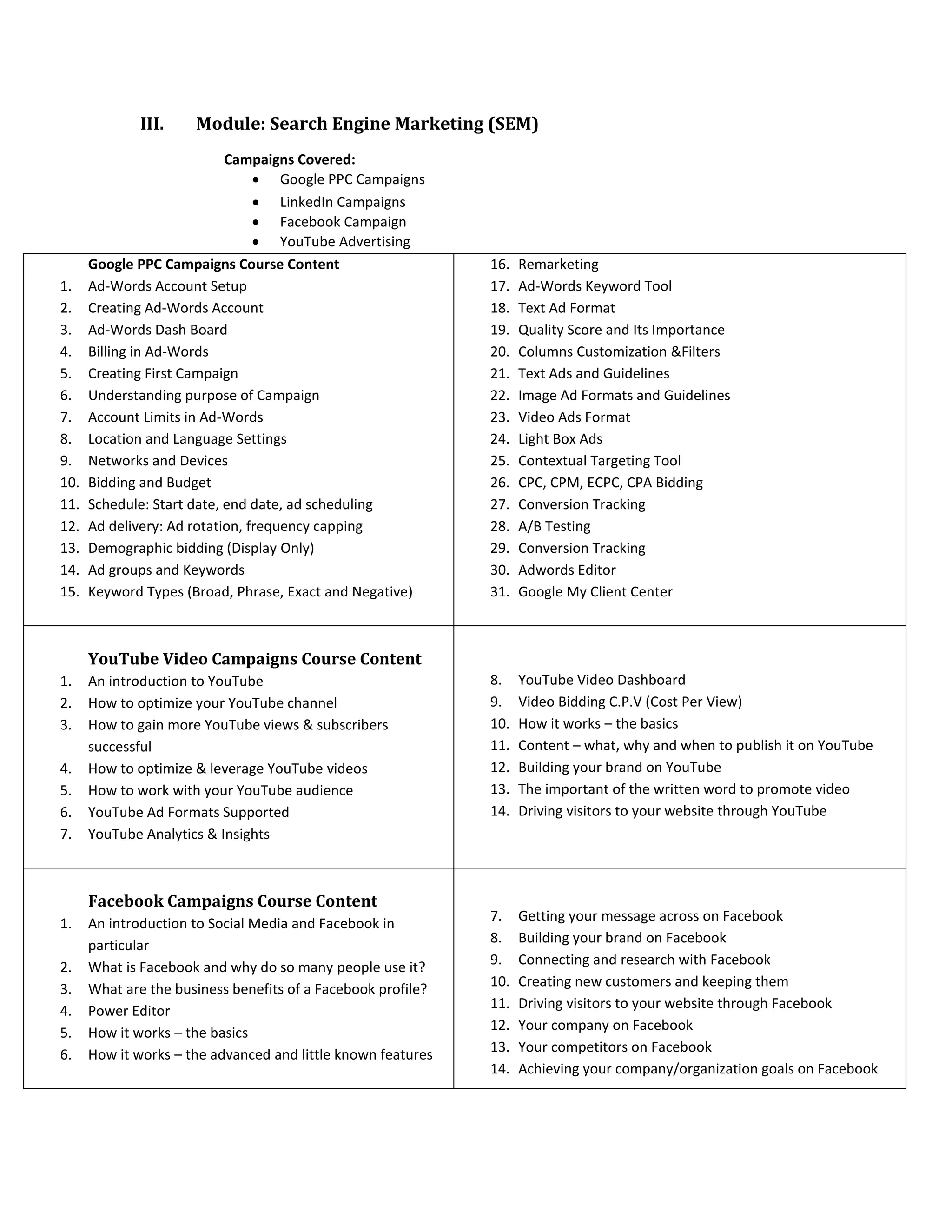
    III. Module: SearchEngine Marketing (SEM) Campaigns Covered:  Google PPC Campaigns  LinkedIn Campaigns  Facebook Campaign  YouTube Advertising Google PPC Campaigns Course Content 1. Ad-Words Account Setup 2. Creating Ad-Words Account 3. Ad-Words Dash Board 4. Billing in Ad-Words 5. Creating First Campaign 6. Understanding purpose of Campaign 7. Account Limits in Ad-Words 8. Location and Language Settings 9. Networks and Devices 10. Bidding and Budget 11. Schedule: Start date, end date, ad scheduling 12. Ad delivery: Ad rotation, frequency capping 13. Demographic bidding (Display Only) 14. Ad groups and Keywords 15. Keyword Types (Broad, Phrase, Exact and Negative) 16. Remarketing 17. Ad-Words Keyword Tool 18. Text Ad Format 19. Quality Score and Its Importance 20. Columns Customization &Filters 21. Text Ads and Guidelines 22. Image Ad Formats and Guidelines 23. Video Ads Format 24. Light Box Ads 25. Contextual Targeting Tool 26. CPC, CPM, ECPC, CPA Bidding 27. Conversion Tracking 28. A/B Testing 29. Conversion Tracking 30. Adwords Editor 31. Google My Client Center YouTube Video Campaigns Course Content 1. An introduction to YouTube 2. How to optimize your YouTube channel 3. How to gain more YouTube views & subscribers successful 4. How to optimize & leverage YouTube videos 5. How to work with your YouTube audience 6. YouTube Ad Formats Supported 7. YouTube Analytics & Insights 8. YouTube Video Dashboard 9. Video Bidding C.P.V (Cost Per View) 10. How it works – the basics 11. Content – what, why and when to publish it on YouTube 12. Building your brand on YouTube 13. The important of the written word to promote video 14. Driving visitors to your website through YouTube Facebook Campaigns Course Content 1. An introduction to Social Media and Facebook in particular 2. What is Facebook and why do so many people use it? 3. What are the business benefits of a Facebook profile? 4. Power Editor 5. How it works – the basics 6. How it works – the advanced and little known features 7. Getting your message across on Facebook 8. Building your brand on Facebook 9. Connecting and research with Facebook 10. Creating new customers and keeping them 11. Driving visitors to your website through Facebook 12. Your company on Facebook 13. Your competitors on Facebook 14. Achieving your company/organization goals on Facebook
  • 4.
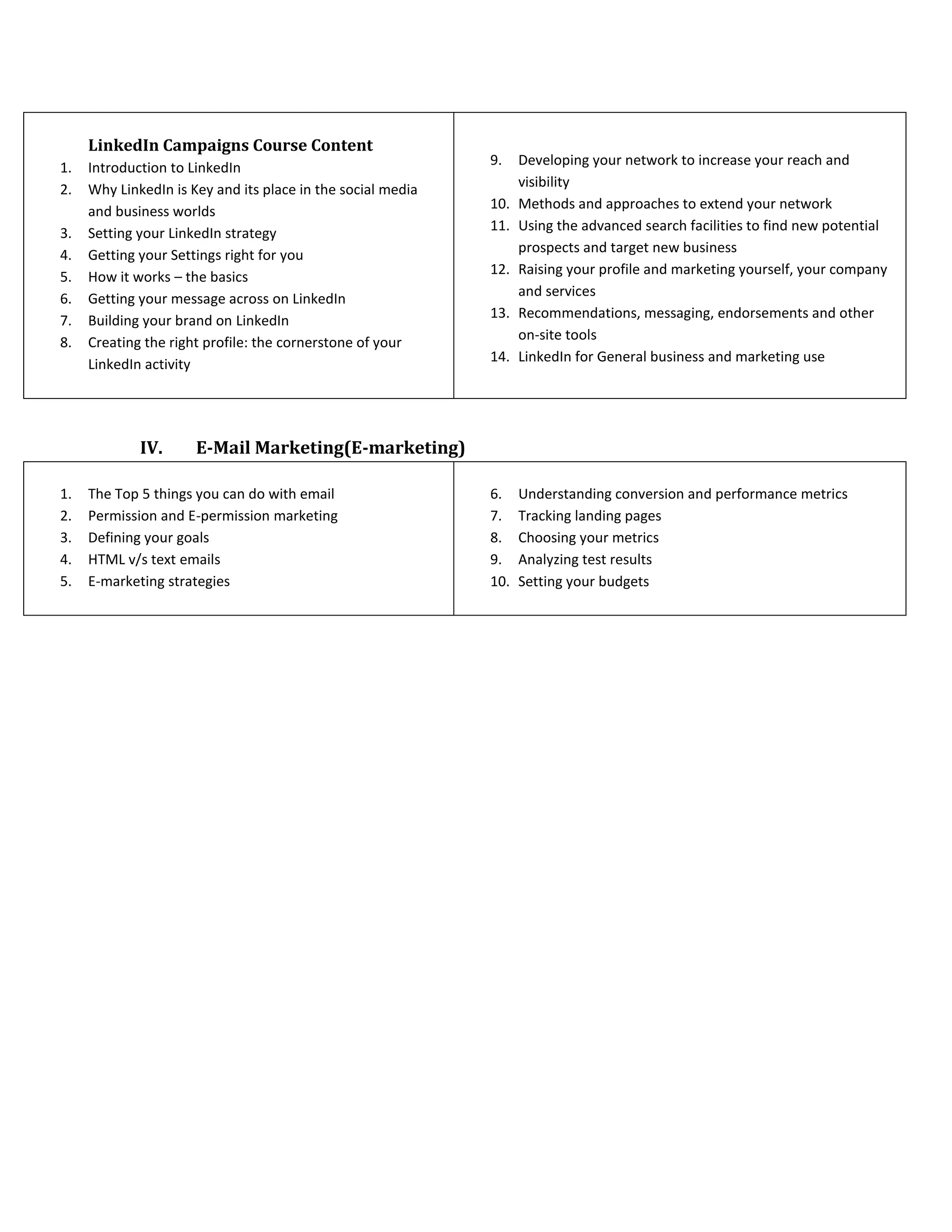
    LinkedIn Campaigns CourseContent 1. Introduction to LinkedIn 2. Why LinkedIn is Key and its place in the social media and business worlds 3. Setting your LinkedIn strategy 4. Getting your Settings right for you 5. How it works – the basics 6. Getting your message across on LinkedIn 7. Building your brand on LinkedIn 8. Creating the right profile: the cornerstone of your LinkedIn activity 9. Developing your network to increase your reach and visibility 10. Methods and approaches to extend your network 11. Using the advanced search facilities to find new potential prospects and target new business 12. Raising your profile and marketing yourself, your company and services 13. Recommendations, messaging, endorsements and other on-site tools 14. LinkedIn for General business and marketing use IV. E-Mail Marketing(E-marketing) 1. The Top 5 things you can do with email 2. Permission and E-permission marketing 3. Defining your goals 4. HTML v/s text emails 5. E-marketing strategies 6. Understanding conversion and performance metrics 7. Tracking landing pages 8. Choosing your metrics 9. Analyzing test results 10. Setting your budgets