David Lawrence
Sr. Security Engineer
Docker
Ying Li
Security Engineer
Docker
Building a Secure Docker App
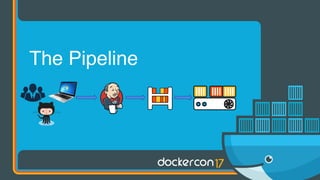
The Pipeline
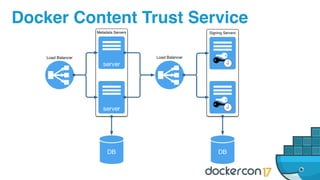
Docker Content Trust Service
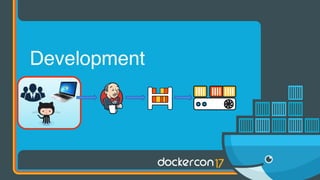
Development
“... tech giant Juniper Networks
revealed in a startling announcement
that it had found “unauthorized” code
embedded in an operating system
running on some of its firewalls.”
- wired.com
Where did it come
from?
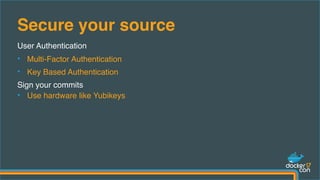
User Authentication
• Multi-Factor Authentication
• Key Based Authentication
Sign your commits
• Use hardware like Yubikeys
Secure your source
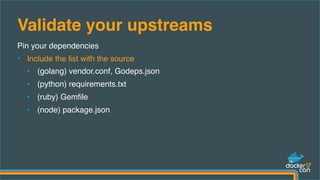
Pin your dependencies
• Include the list with the source
• (golang) vendor.conf, Godeps.json
• (python) requirements.txt
• (ruby) Gemfile
• (node) package.json
Validate your upstreams
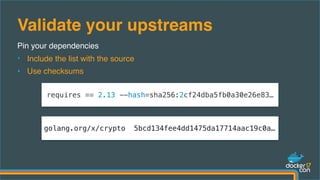
Pin your dependencies
• Include the list with the source
• Use checksums
Validate your upstreams
requires == 2.13 --hash=sha256:2cf24dba5fb0a30e26e83…
golang.org/x/crypto 5bcd134fee4dd1475da17714aac19c0a…
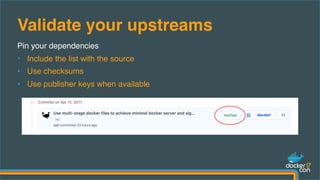
Pin your dependencies
• Include the list with the source
• Use checksums
• Use publisher keys when available
Validate your upstreams
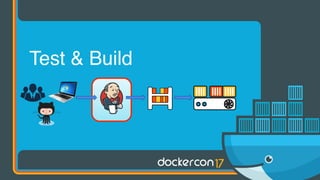
Test & Build
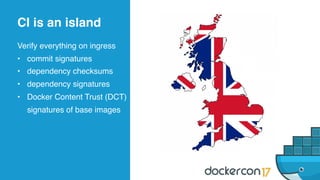
Verify everything on ingress
• commit signatures
• dependency checksums
• dependency signatures
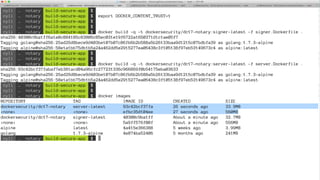
• Docker Content Trust (DCT)
signatures of base images
CI is an island
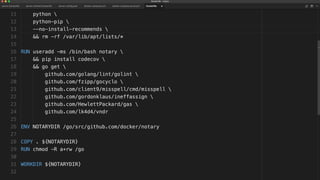
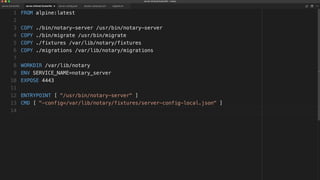
Be minimal, be disciplined
• do build minimal images
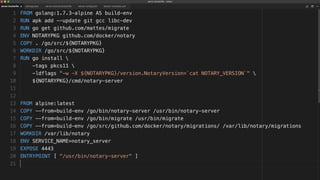
• do not embed secret/
sensitive data in images
• do sign built images with
Docker Content Trust (DCT)
CI is ascetic
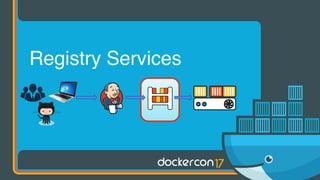
Registry Services
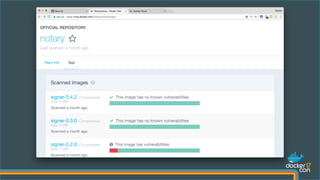
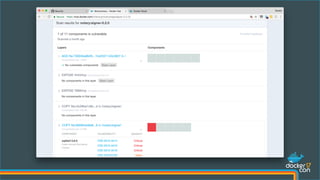
Find Common Vulnerabilities and Exposures (CVEs)
• stop being reactive, get proactive
• make compliance easier
Get notified about new CVEs
• automate the auditing of existing applications
Docker Security Scanning (DSS)
Docker Trusted Registry (DTR) and Docker Hub/Cloud come with DCT metadata
hosting
• you can start signing now
• provides trust from publisher to consumer
• no need to trust the middleman
Docker Content Trust (DCT)
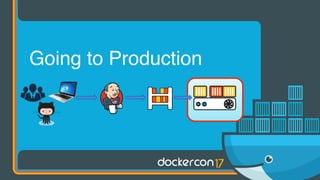
Going to Production
• use Docker Content Trust to only deploy signed artifacts
• use Docker EE Signing Policies to guarantee applications meet your
acceptance criteria
What are you deploying?
Use the absolute minimum privilege set necessary!
Don’t:
docker run --privileged ...
Do:
docker run --cap-drop=ALL --cap-add=CAP_NET_ADMIN ...
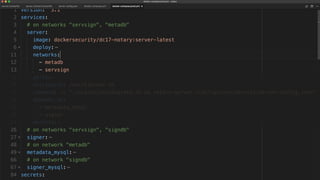
Least Privileged Microservices
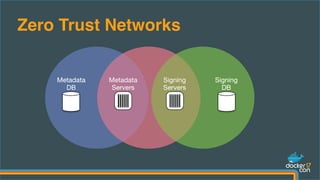
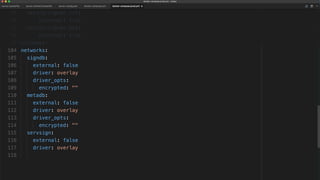
Zero Trust Networks
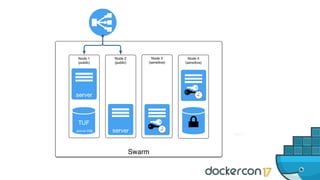
Defense in Depth
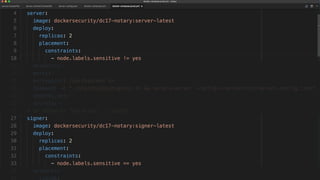
• isolate sensitive workloads to their own nodes
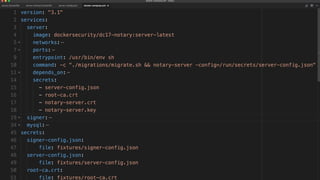
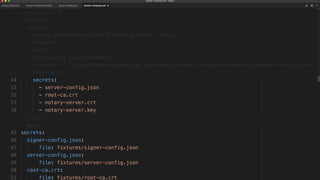
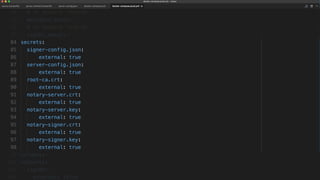
• use docker secrets
Least Privileged Nodes
Mitigate entire classes of compromise
• run read-only containers
• use Docker Editions for <your platform here>
Immutable Infrastructure
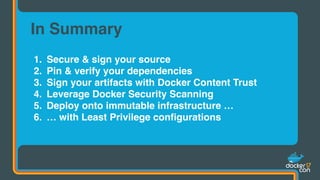
1. Secure & sign your source
2. Pin & verify your dependencies
3. Sign your artifacts with Docker Content Trust
4. Leverage Docker Security Scanning
5. Deploy onto immutable infrastructure …
6. … with Least Privilege configurations
In Summary
Thank You!
Questions?
@docker
#dockercon

Building a Secure App with Docker - Ying Li and David Lawrence, Docker

  • 1.
    David Lawrence Sr. SecurityEngineer Docker Ying Li Security Engineer Docker Building a Secure Docker App
  • 2.
  • 3.
  • 4.
  • 5.
    “... tech giantJuniper Networks revealed in a startling announcement that it had found “unauthorized” code embedded in an operating system running on some of its firewalls.” - wired.com
  • 6.
    Where did itcome from?
  • 7.
    User Authentication • Multi-FactorAuthentication • Key Based Authentication Sign your commits • Use hardware like Yubikeys Secure your source
  • 9.
    Pin your dependencies •Include the list with the source • (golang) vendor.conf, Godeps.json • (python) requirements.txt • (ruby) Gemfile • (node) package.json Validate your upstreams
  • 10.
    Pin your dependencies •Include the list with the source • Use checksums Validate your upstreams requires == 2.13 --hash=sha256:2cf24dba5fb0a30e26e83… golang.org/x/crypto 5bcd134fee4dd1475da17714aac19c0a…
  • 11.
    Pin your dependencies •Include the list with the source • Use checksums • Use publisher keys when available Validate your upstreams
  • 12.
  • 13.
    Verify everything oningress • commit signatures • dependency checksums • dependency signatures • Docker Content Trust (DCT) signatures of base images CI is an island
  • 14.
    Be minimal, bedisciplined • do build minimal images • do not embed secret/ sensitive data in images • do sign built images with Docker Content Trust (DCT) CI is ascetic
  • 21.
  • 22.
    Find Common Vulnerabilitiesand Exposures (CVEs) • stop being reactive, get proactive • make compliance easier Get notified about new CVEs • automate the auditing of existing applications Docker Security Scanning (DSS)
  • 25.
    Docker Trusted Registry(DTR) and Docker Hub/Cloud come with DCT metadata hosting • you can start signing now • provides trust from publisher to consumer • no need to trust the middleman Docker Content Trust (DCT)
  • 26.
  • 27.
    • use DockerContent Trust to only deploy signed artifacts • use Docker EE Signing Policies to guarantee applications meet your acceptance criteria What are you deploying?
  • 28.
    Use the absoluteminimum privilege set necessary! Don’t: docker run --privileged ... Do: docker run --cap-drop=ALL --cap-add=CAP_NET_ADMIN ... Least Privileged Microservices
  • 29.
  • 30.
    Defense in Depth •isolate sensitive workloads to their own nodes • use docker secrets Least Privileged Nodes
  • 31.
    Mitigate entire classesof compromise • run read-only containers • use Docker Editions for <your platform here> Immutable Infrastructure
  • 37.
    1. Secure &sign your source 2. Pin & verify your dependencies 3. Sign your artifacts with Docker Content Trust 4. Leverage Docker Security Scanning 5. Deploy onto immutable infrastructure … 6. … with Least Privilege configurations In Summary
  • 38.