Damian Zbrożek
Introduction to React Native
Requirements
● JavaScript
○ React
○ ES6
● CSS
● git
● npm
● phone with Android
React Native
React Native lets you build mobile apps using only JavaScript. It uses the same design as React,
letting you compose a rich mobile UI using declarative components.
Is anybody using it?
Why should I use it?
● It’s still React
● Easy migration path for web developers
● Faster speed of development
○ high code reuse between platforms
○ independent updates (OTA)
○ hot reloading
Why shouldn’t I use it?
● It’s still JS
● Worse performance
● Smaller community
● Lack of libraries for games, VR, AR
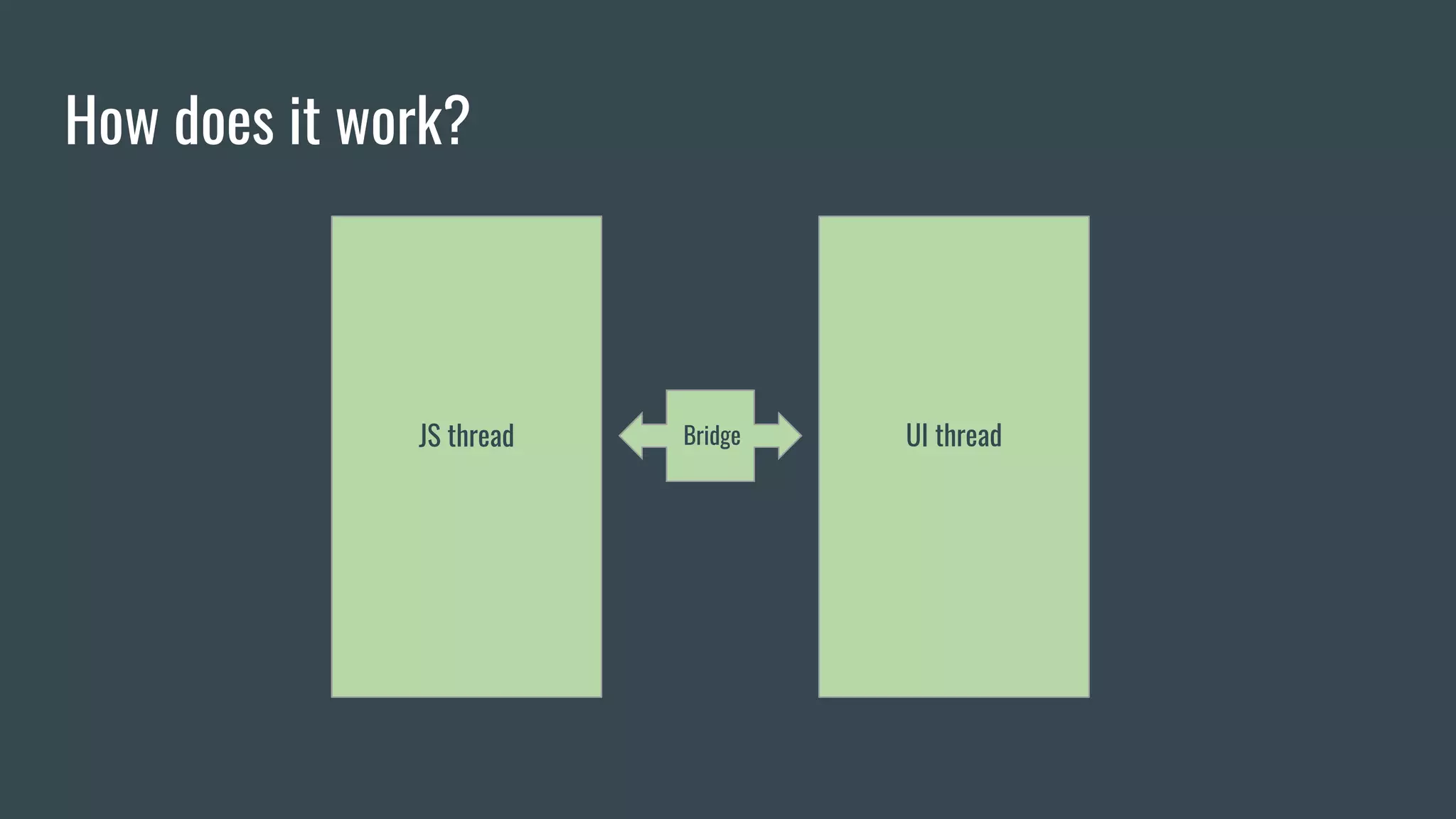
How does it work?
JS thread UI threadBridge
Components
● Text
● TextInput
● Button
● Image
● View
● *List
● Slider/Switch/Picker
● DatePickerIOS*
● TouchableNativeFeedback*
API
● AsyncStorage
● Animated
● Dimensions
● Geolocation
● CameraRoll
● StyleSheet
● Vibration
● NetInfo
● Keyboard
● PanResponder
React Native vs Web
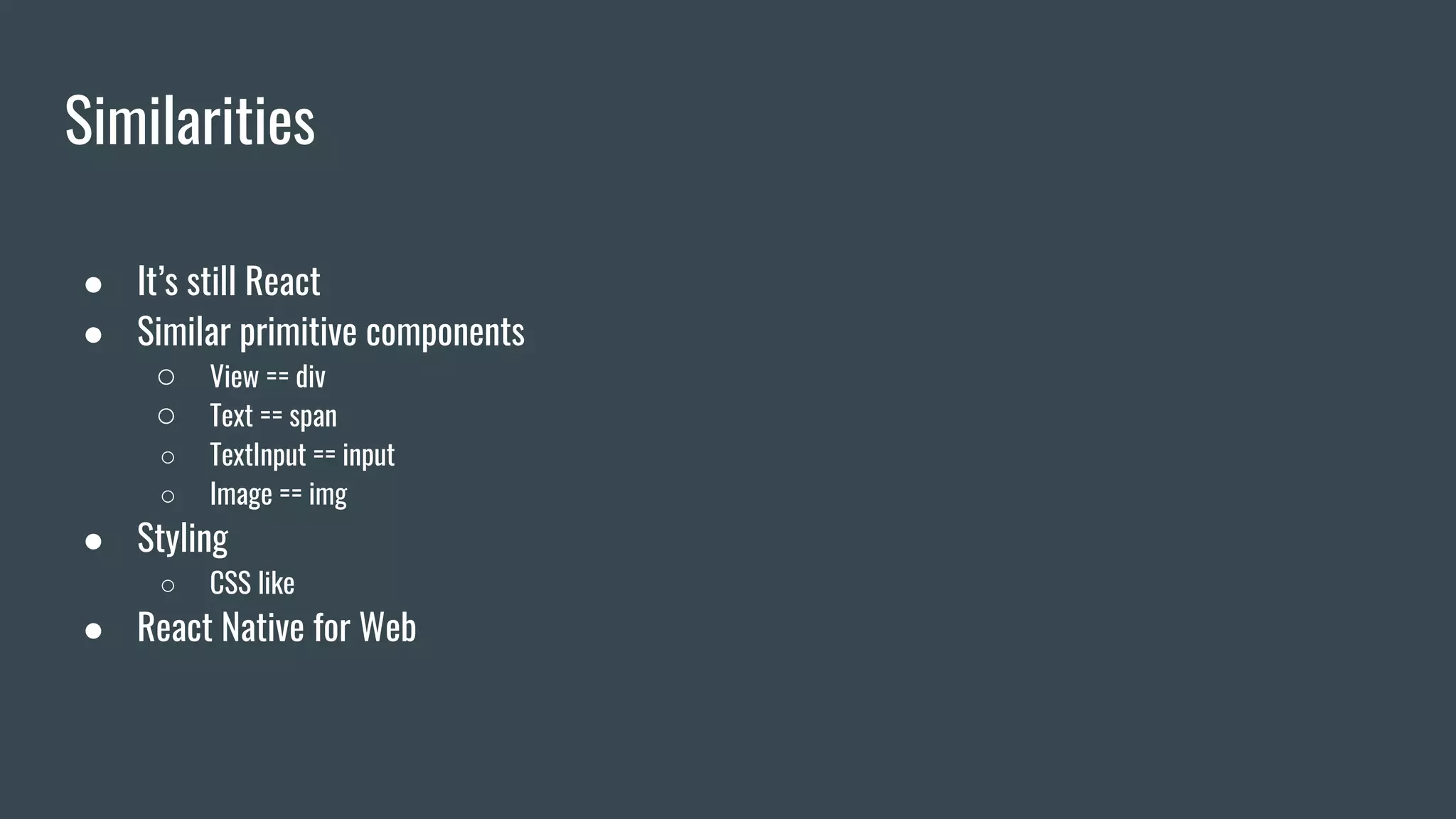
Similarities
● It’s still React
● Similar primitive components
○ View == div
○ Text == span
○ TextInput == input
○ Image == img
● Styling
○ CSS like
● React Native for Web
Creating a new project
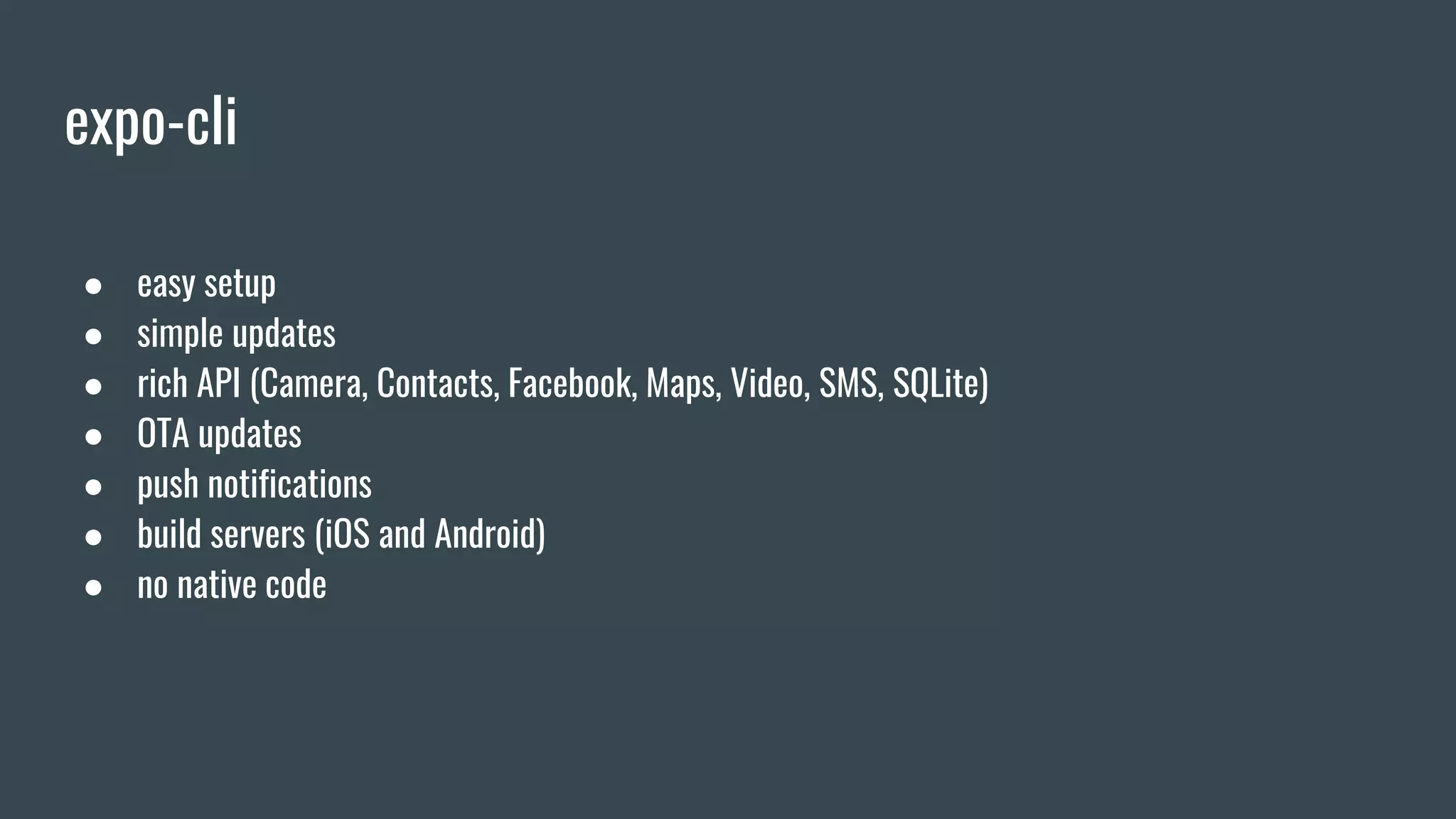
expo-cli
● easy setup
● simple updates
● rich API (Camera, Contacts, Facebook, Maps, Video, SMS, SQLite)
● OTA updates
● push notifications
● build servers (iOS and Android)
● no native code
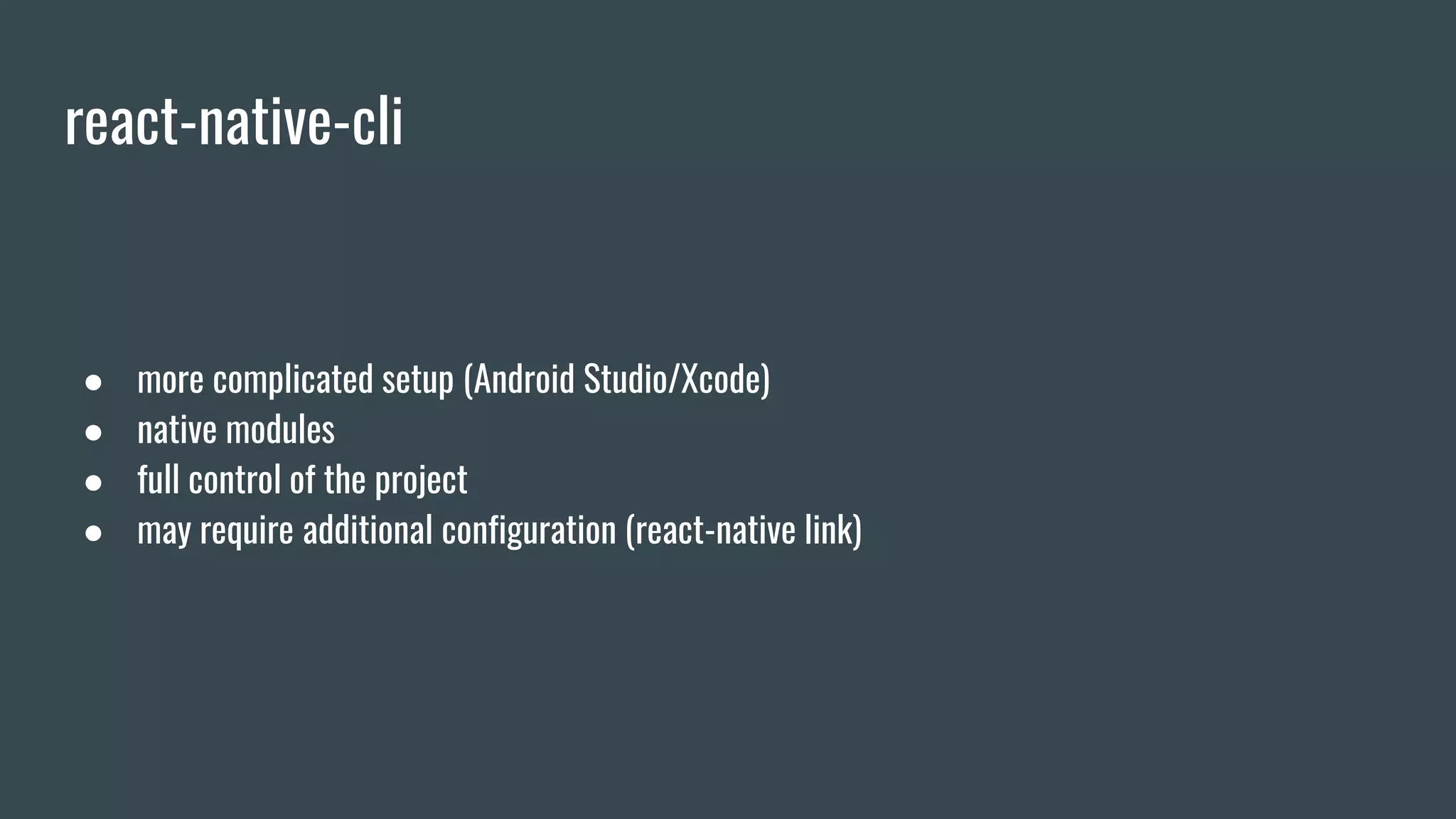
react-native-cli
● more complicated setup (Android Studio/Xcode)
● native modules
● full control of the project
● may require additional configuration (react-native link)
Setup
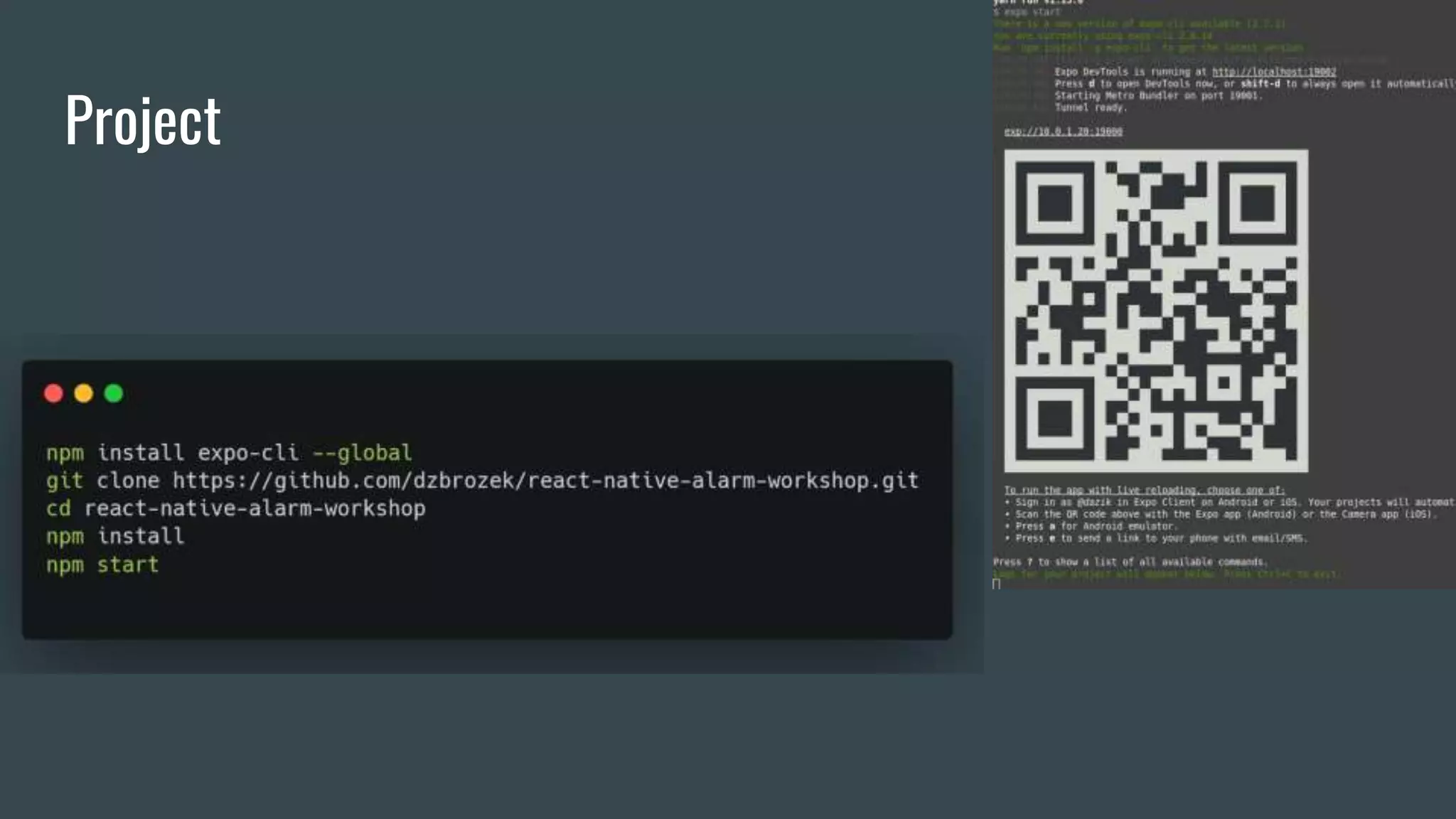
Project
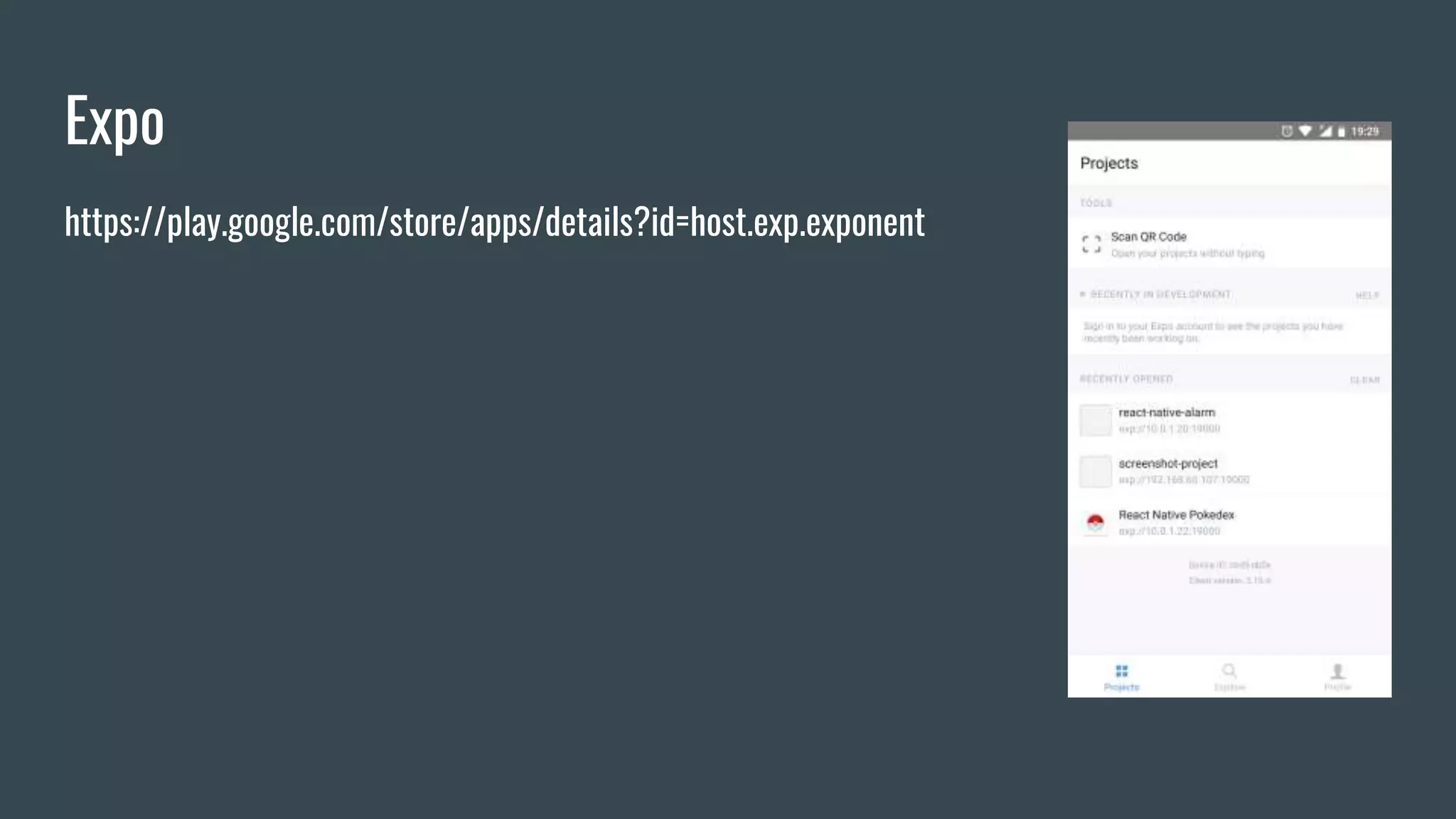
Expo
https://play.google.com/store/apps/details?id=host.exp.exponent
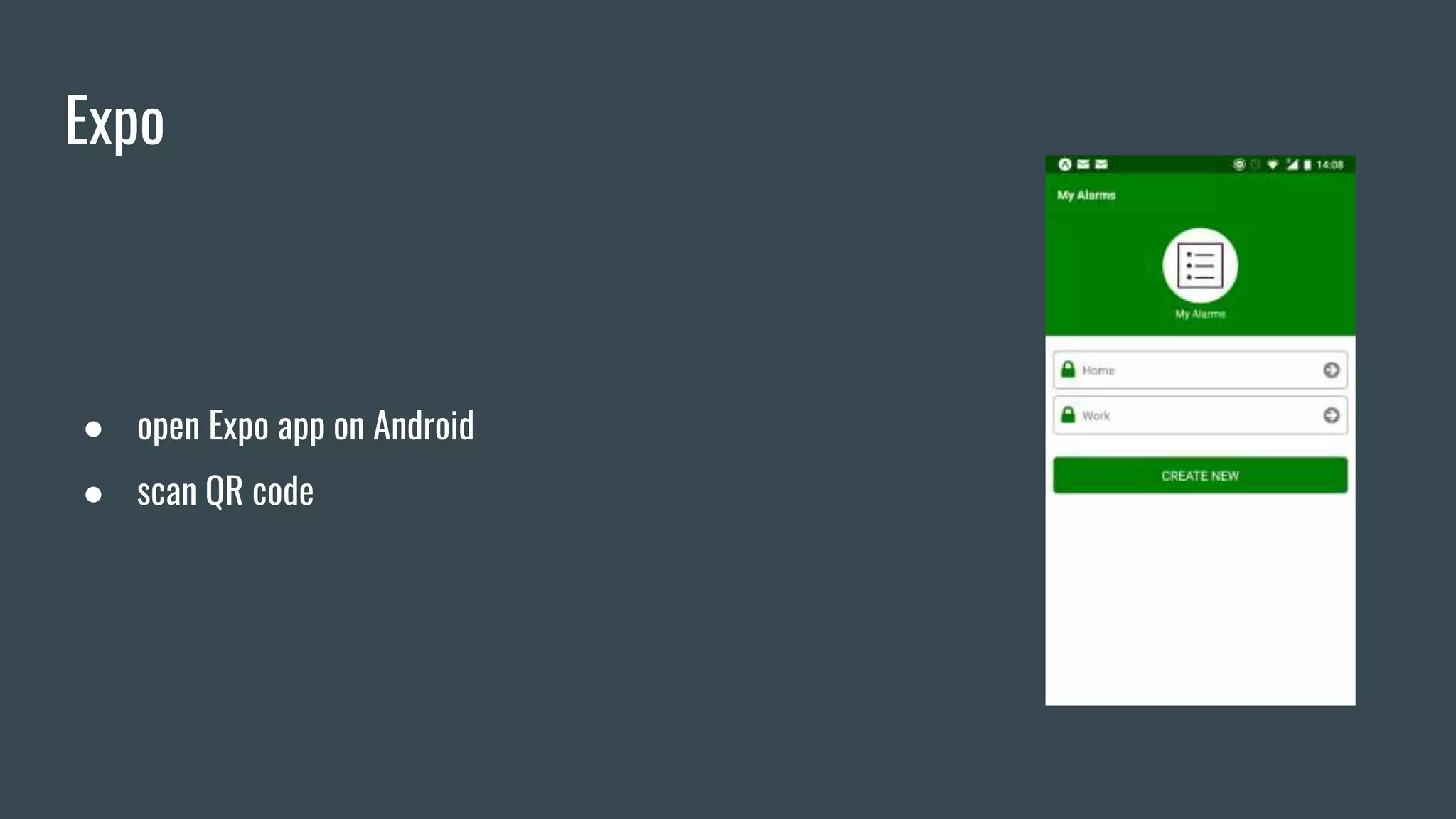
Expo
● open Expo app on Android
● scan QR code
Expo
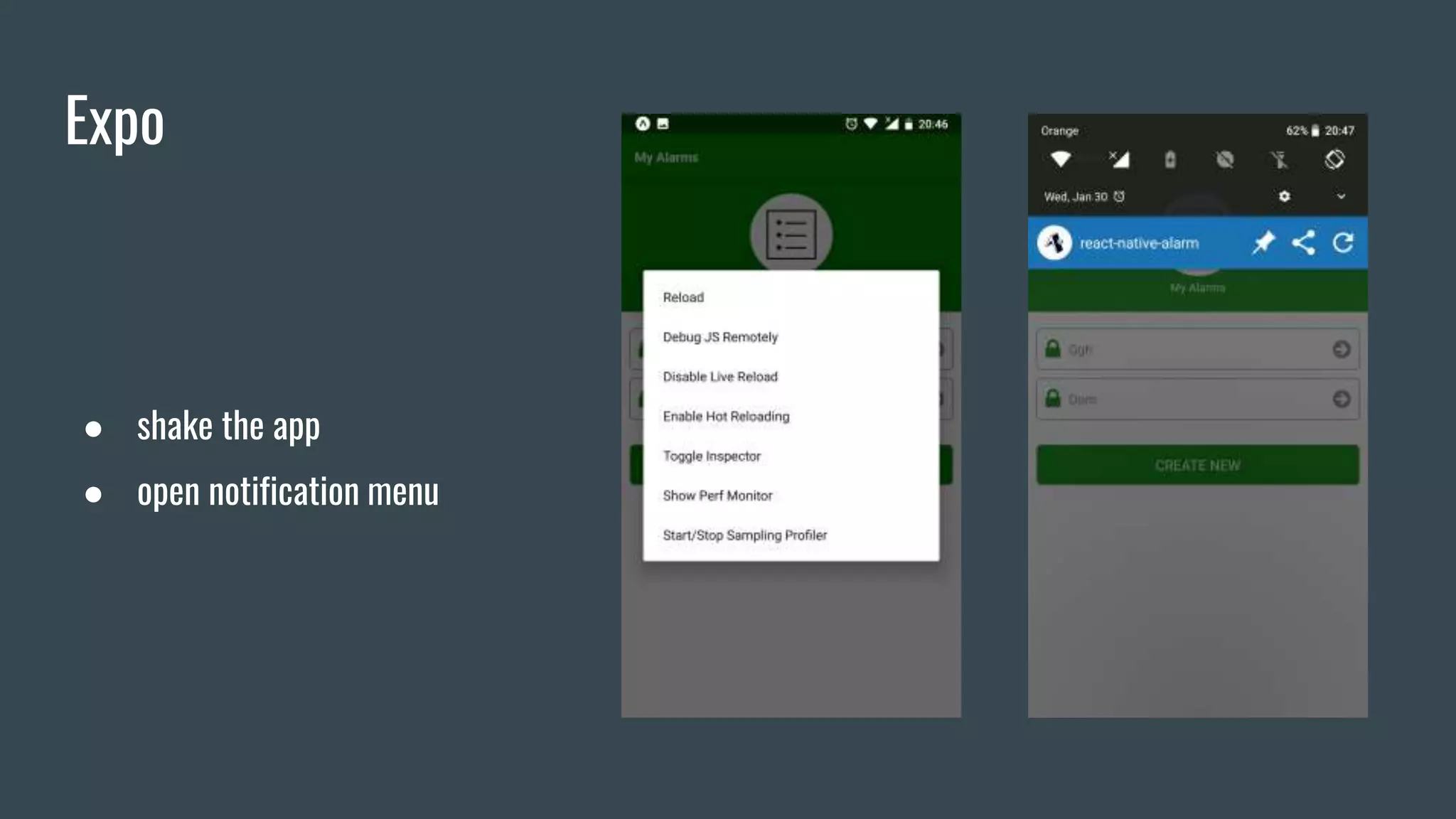
● shake the app
● open notification menu
Layout
Flex
● flex
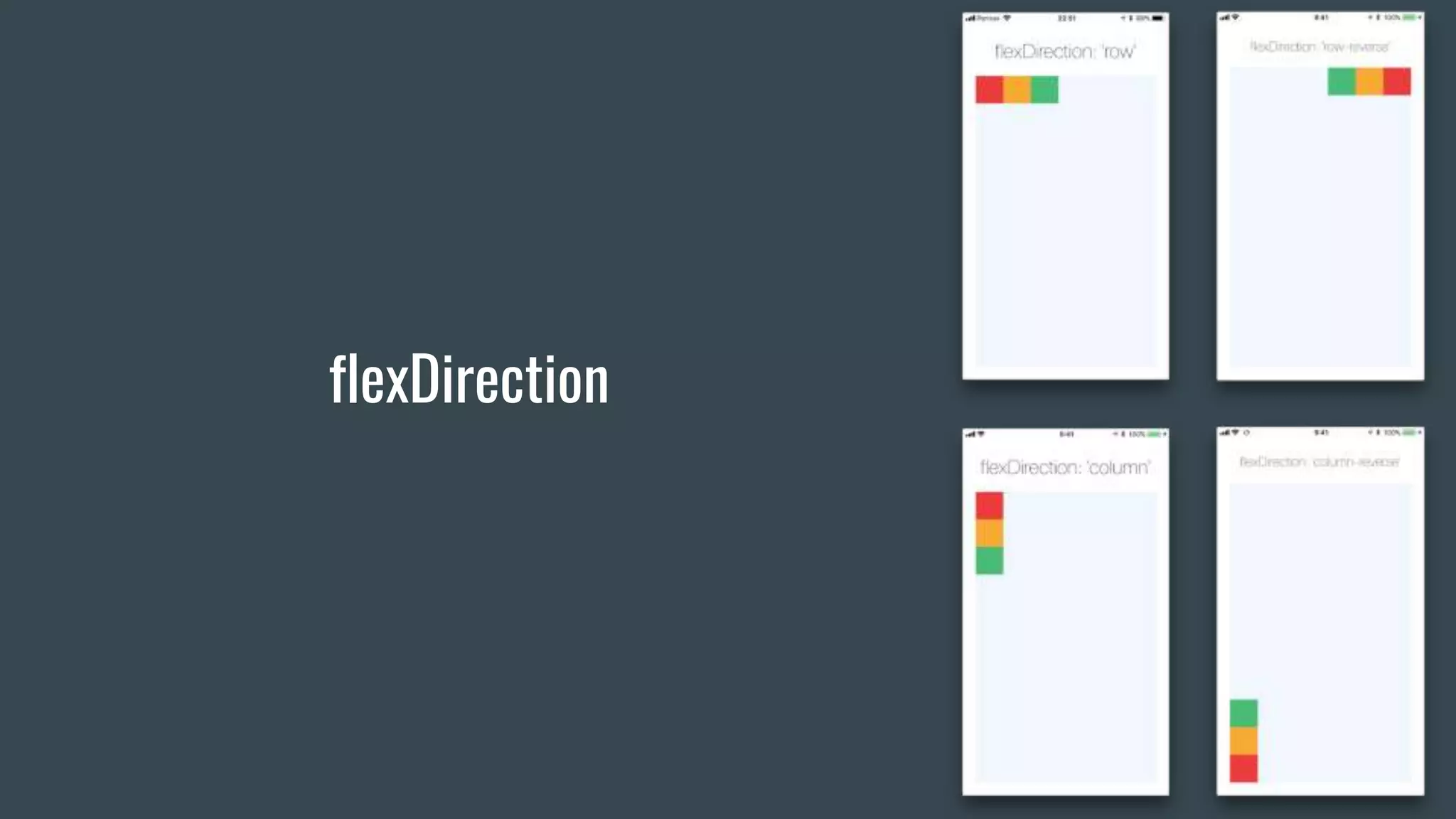
● flexDirection
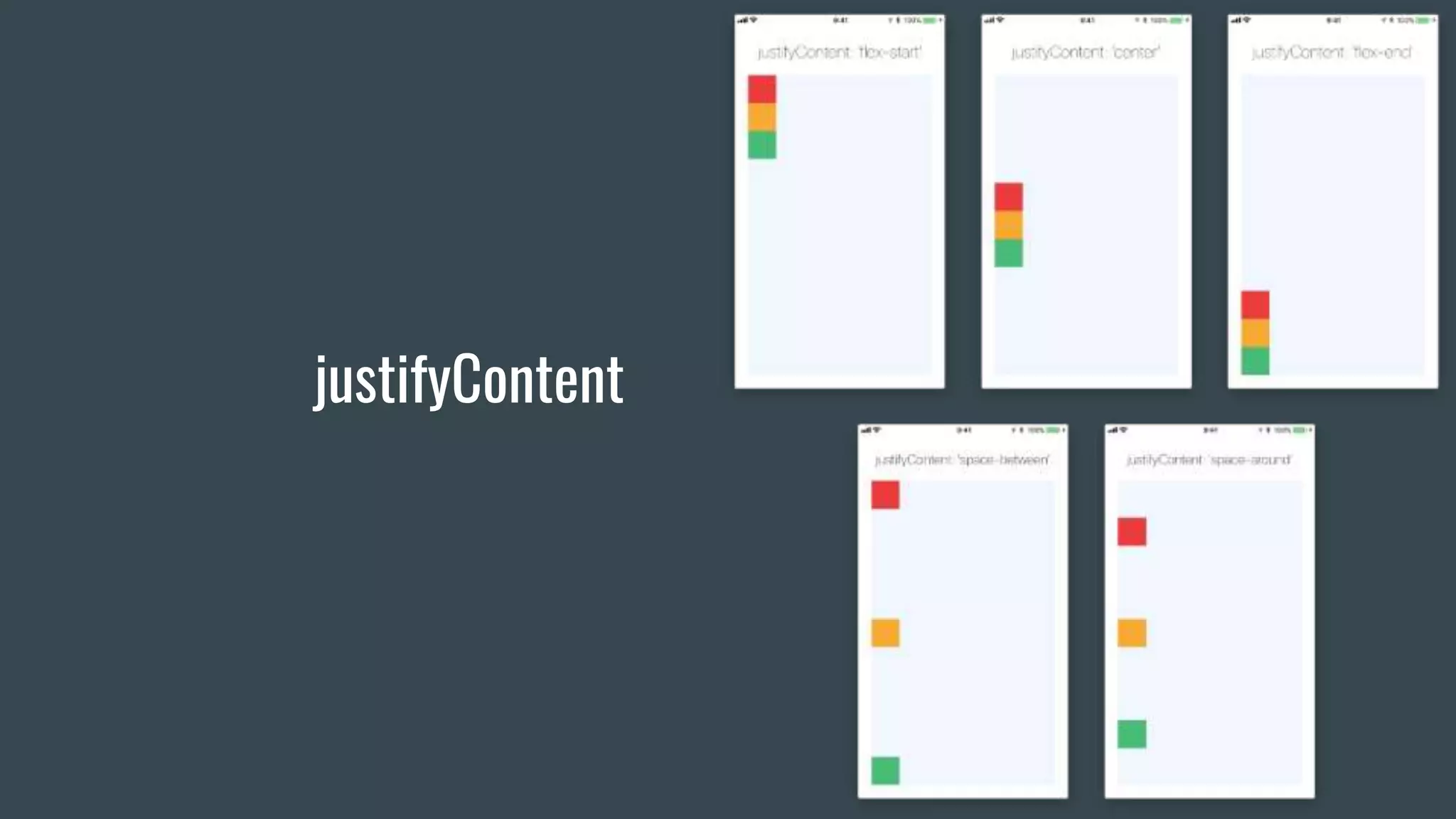
● justifyContent
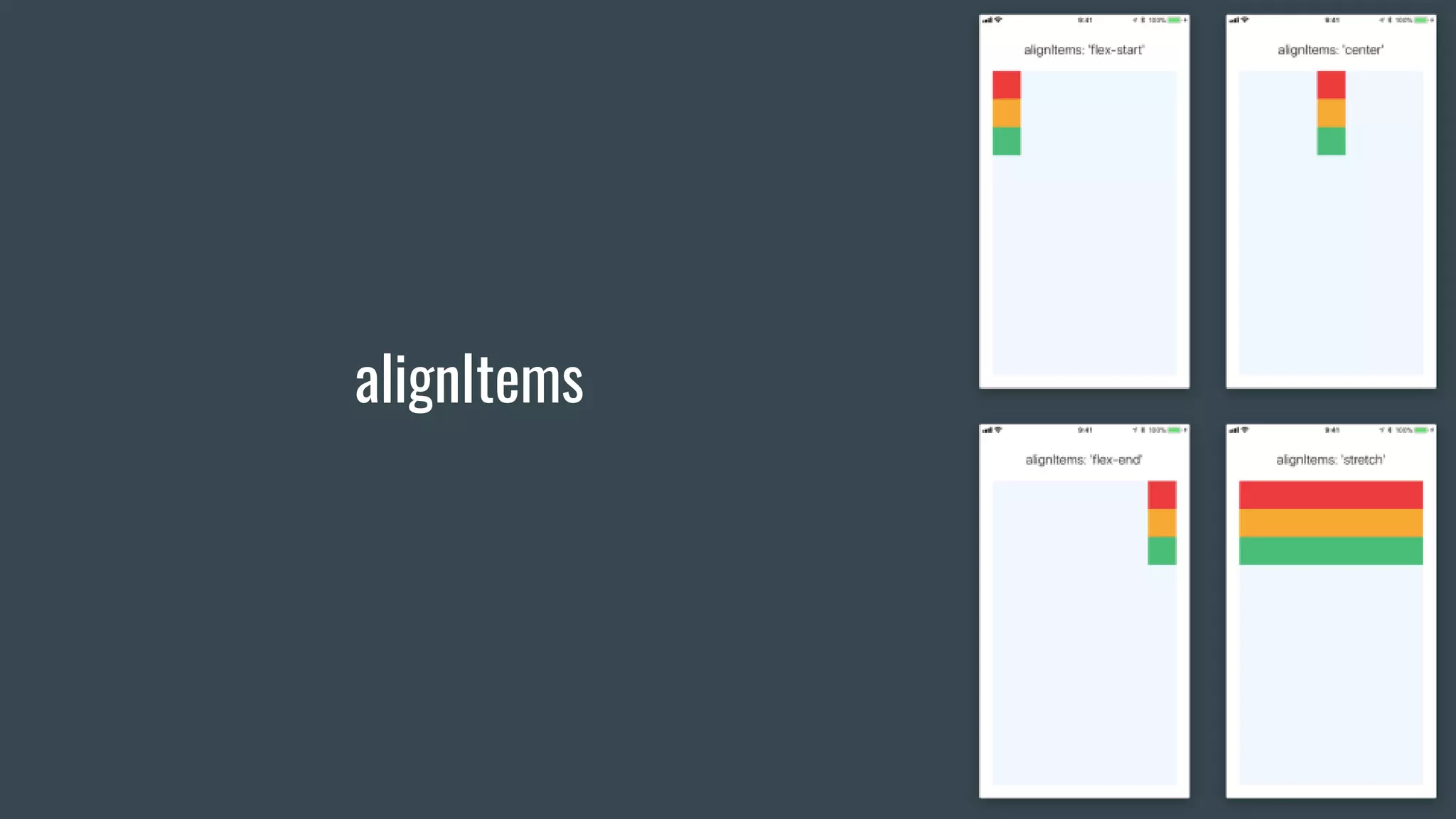
● alignItems
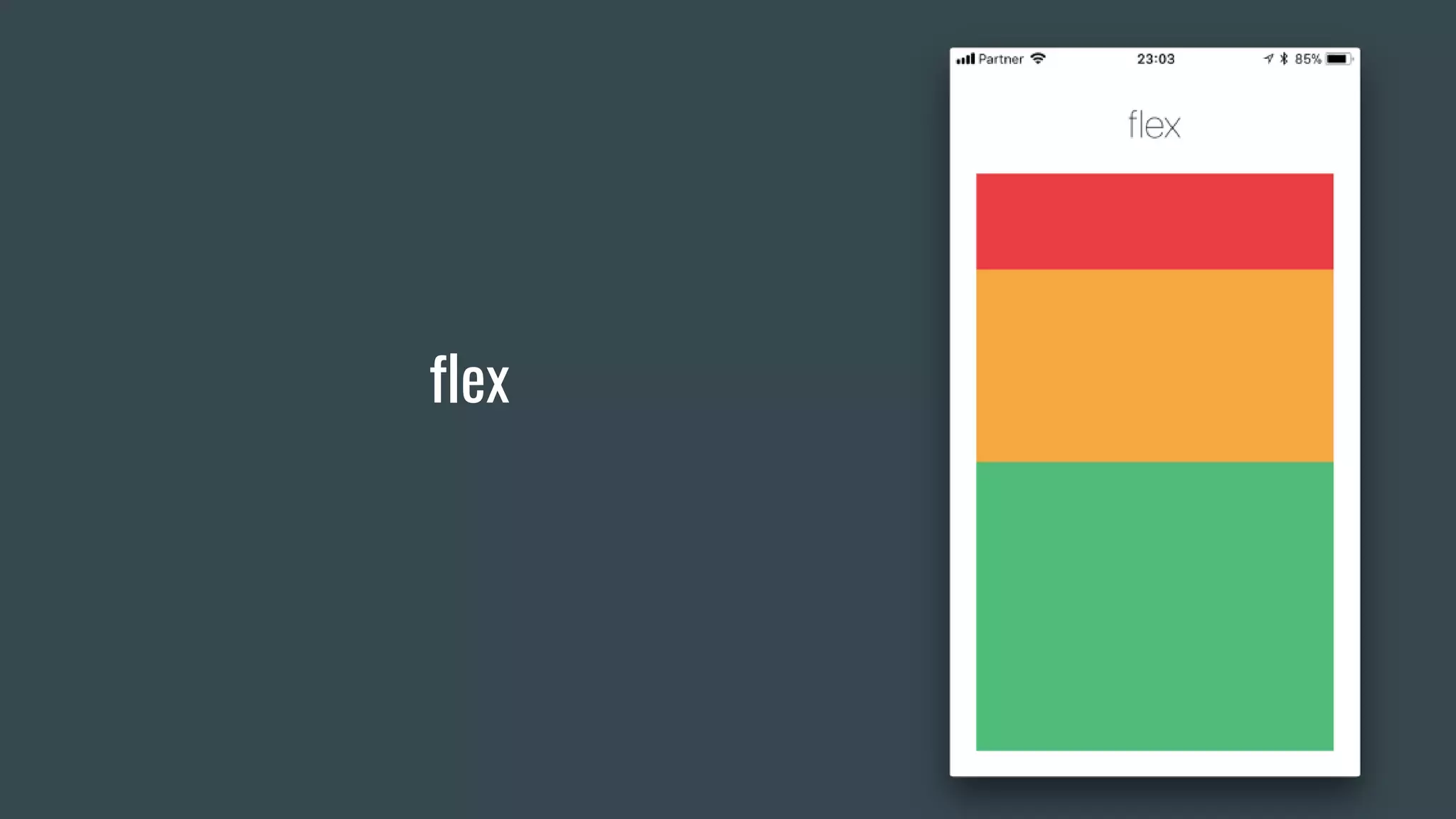
flex
flexDirection
justifyContent
alignItems
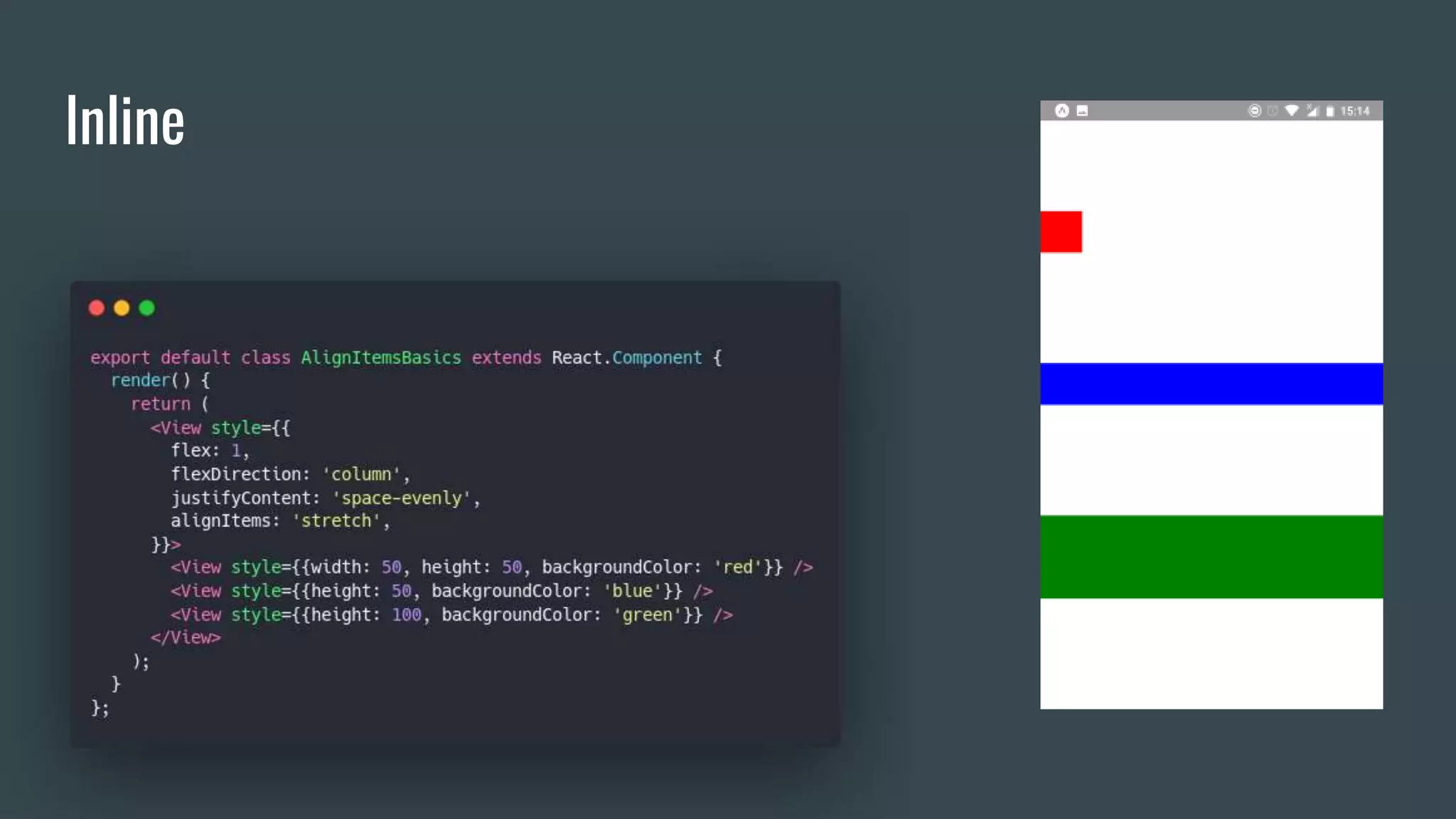
Styles
● inline
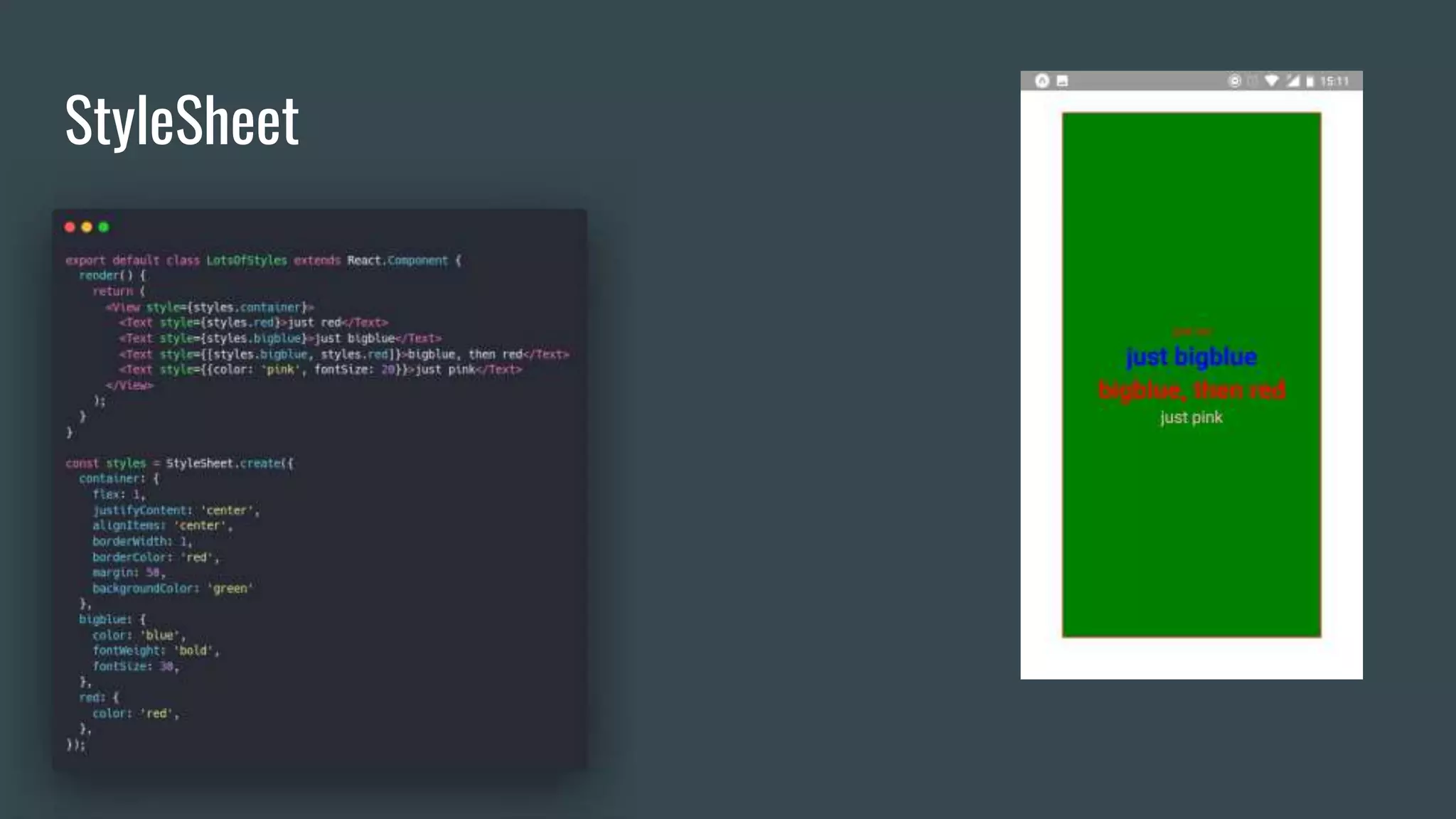
● StyleSheet
● Styled Components*
● React Native Extended StyleSheet*
Styles
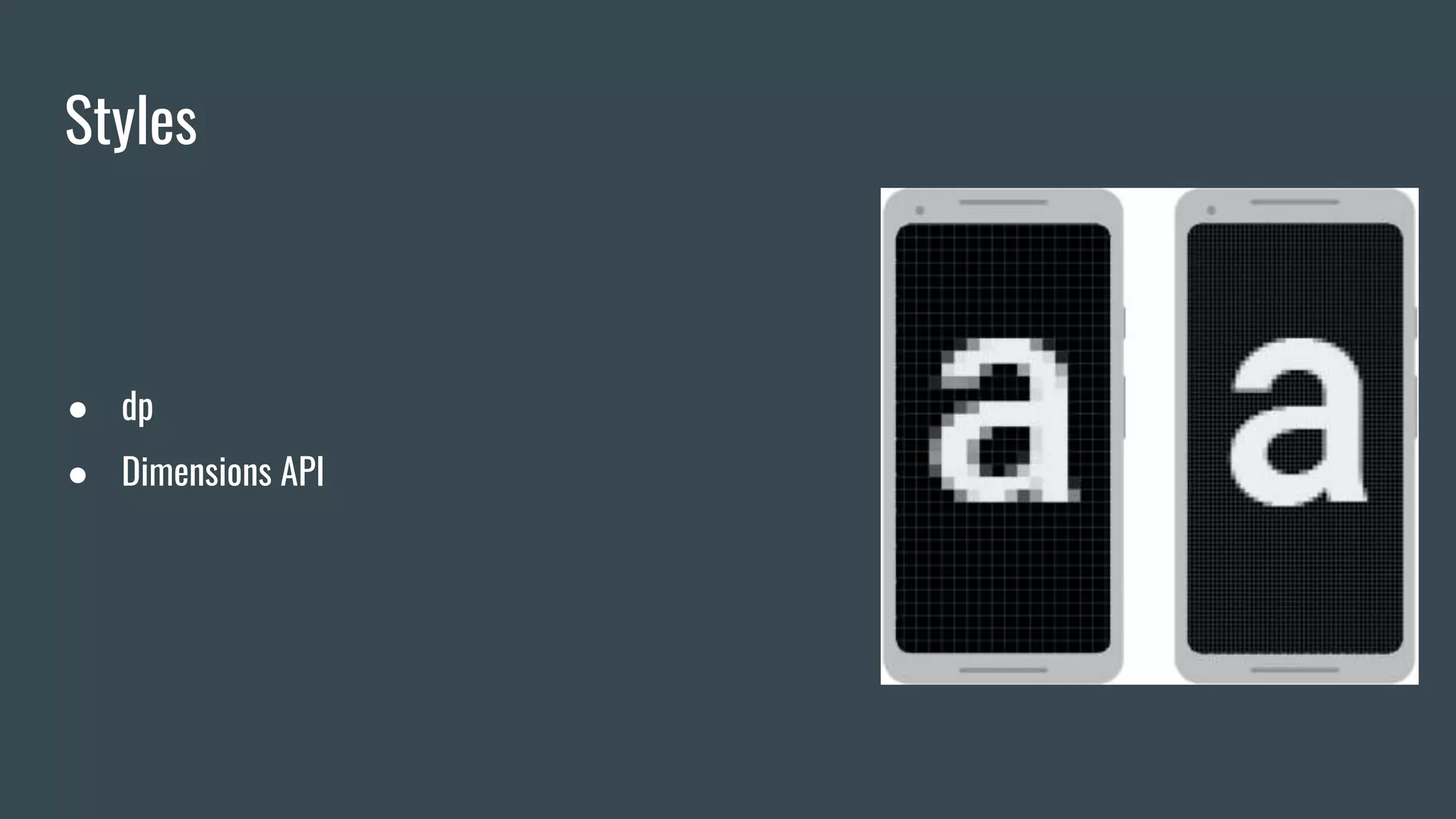
● dp
● Dimensions API
Inline
StyleSheet
Basic components
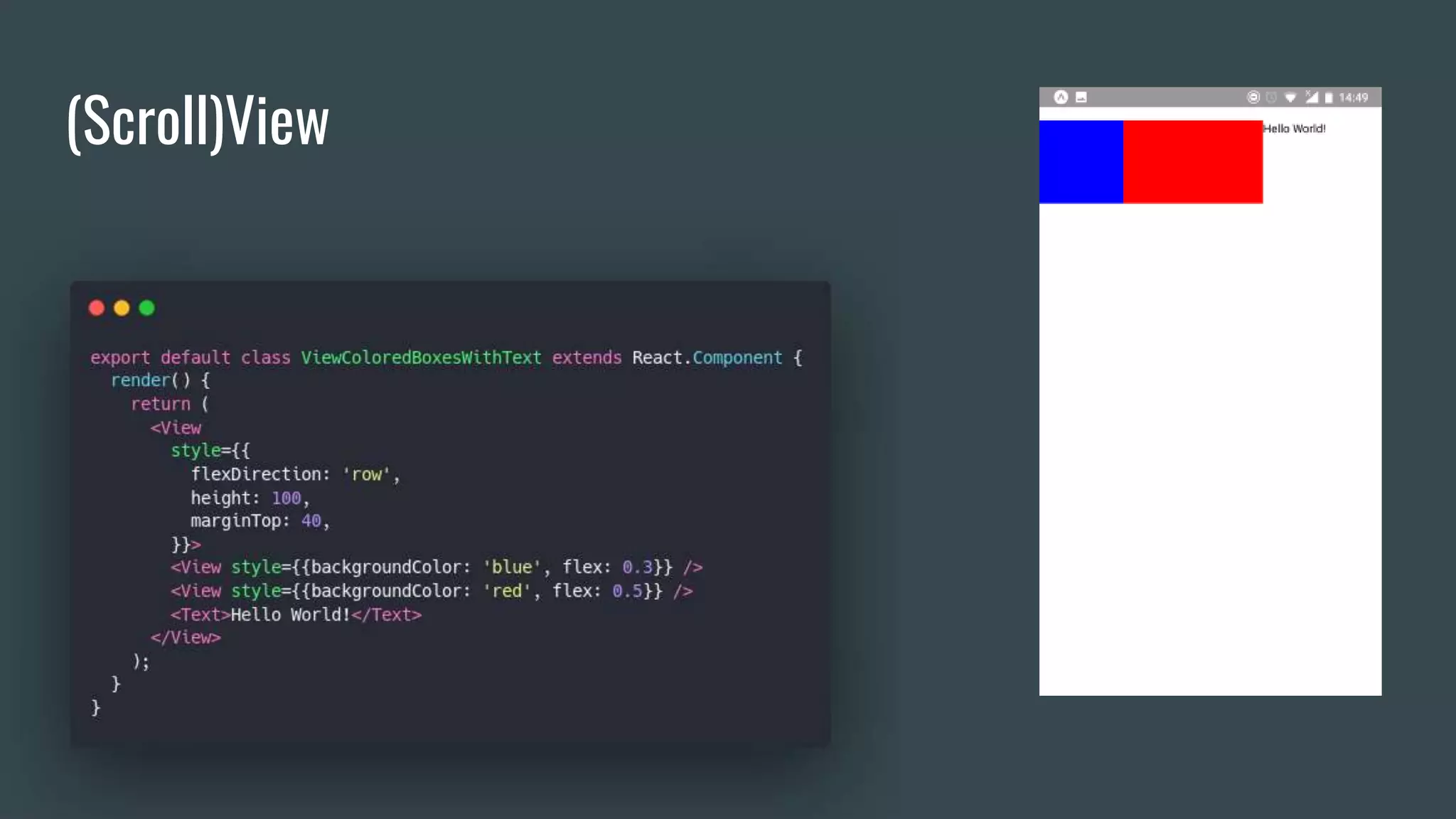
(Scroll)View
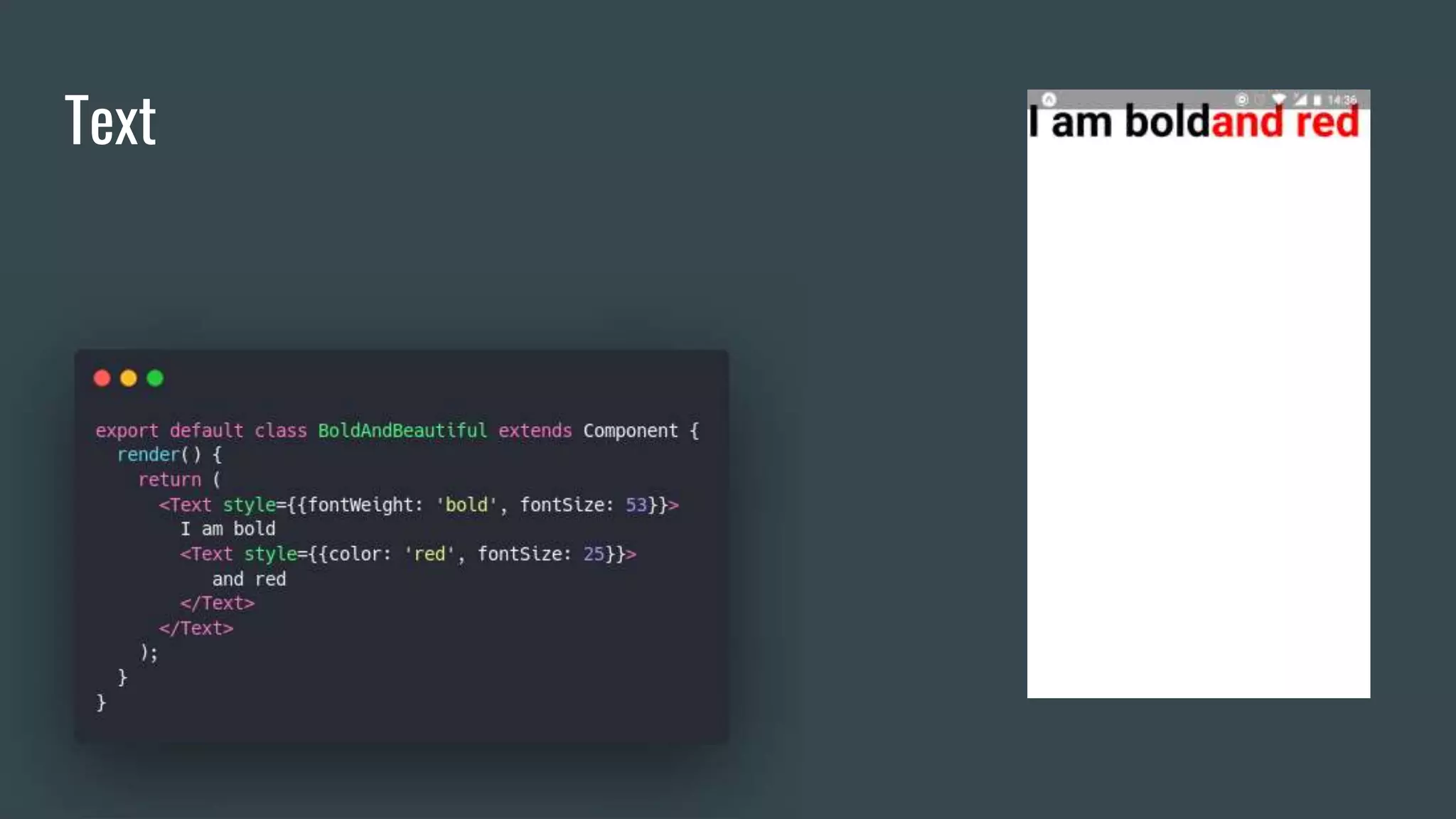
Text
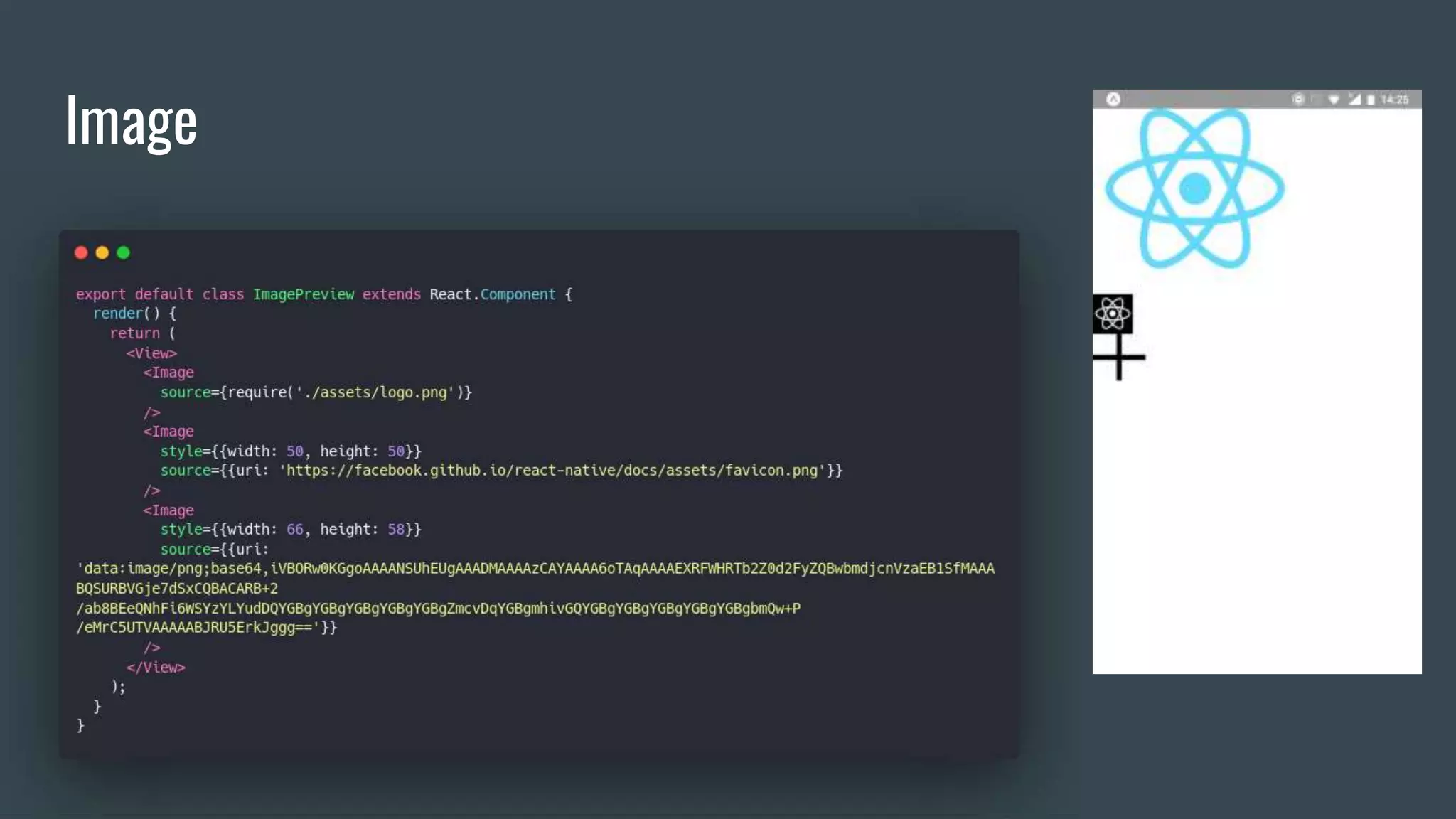
Image
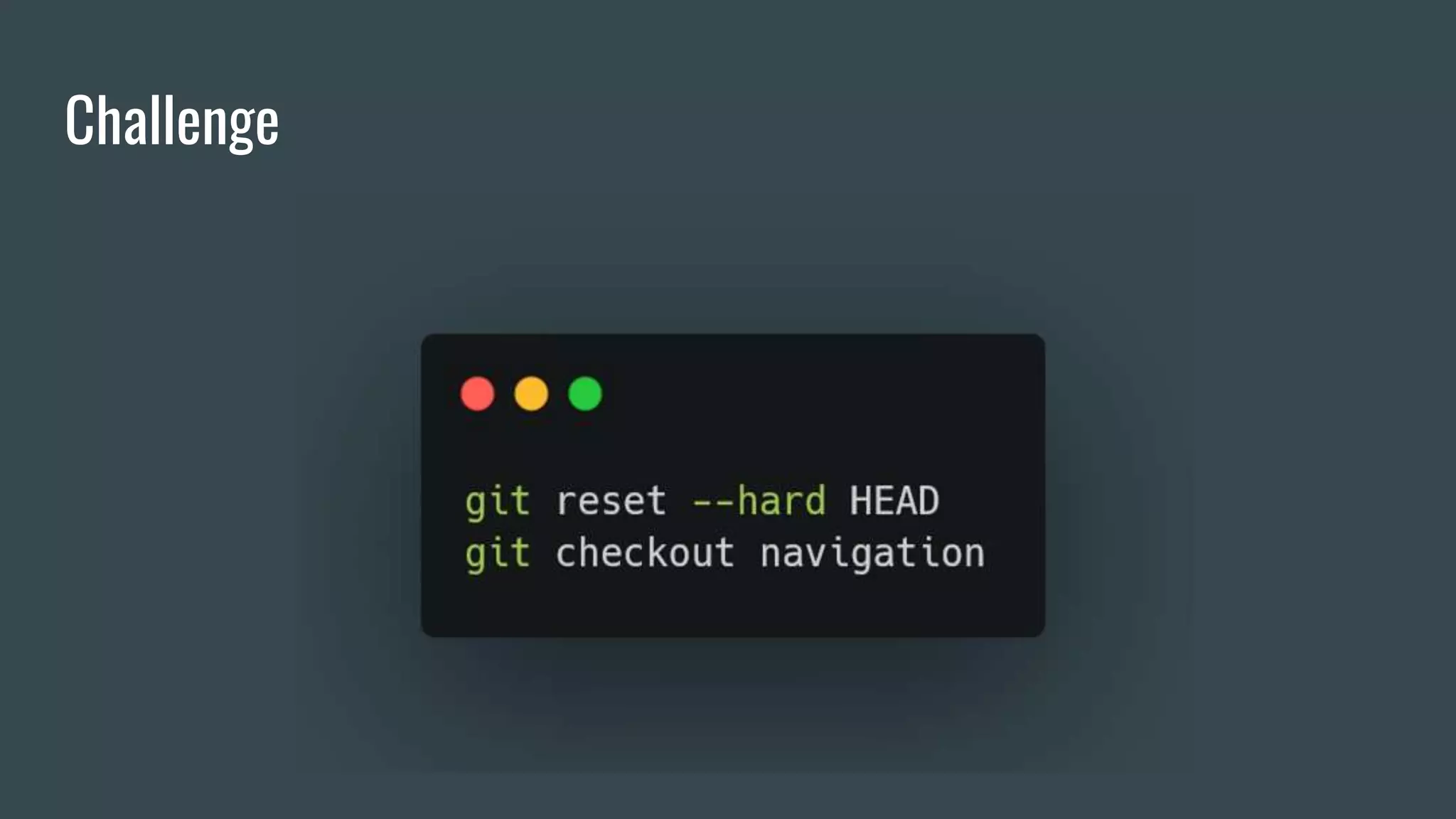
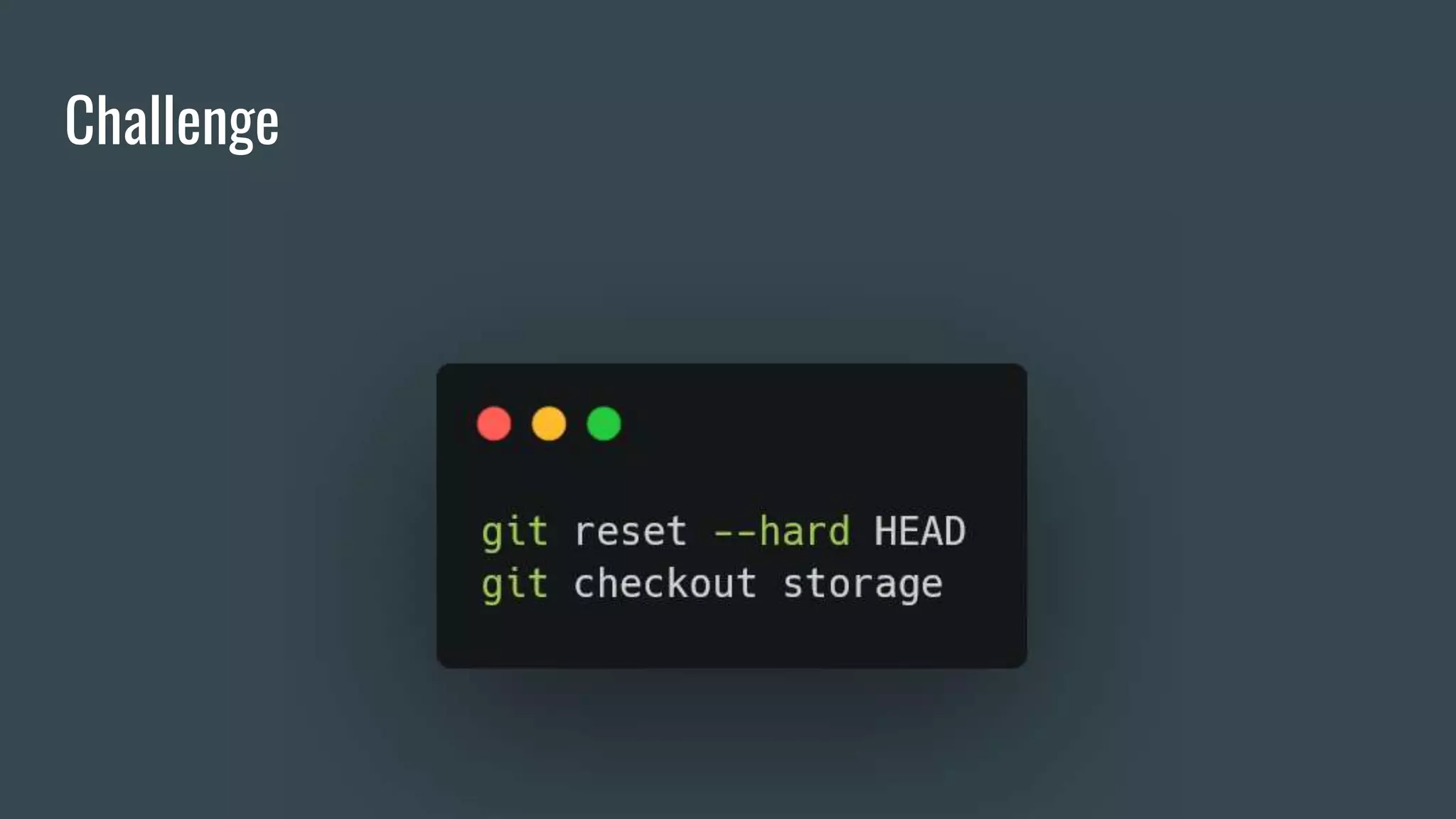
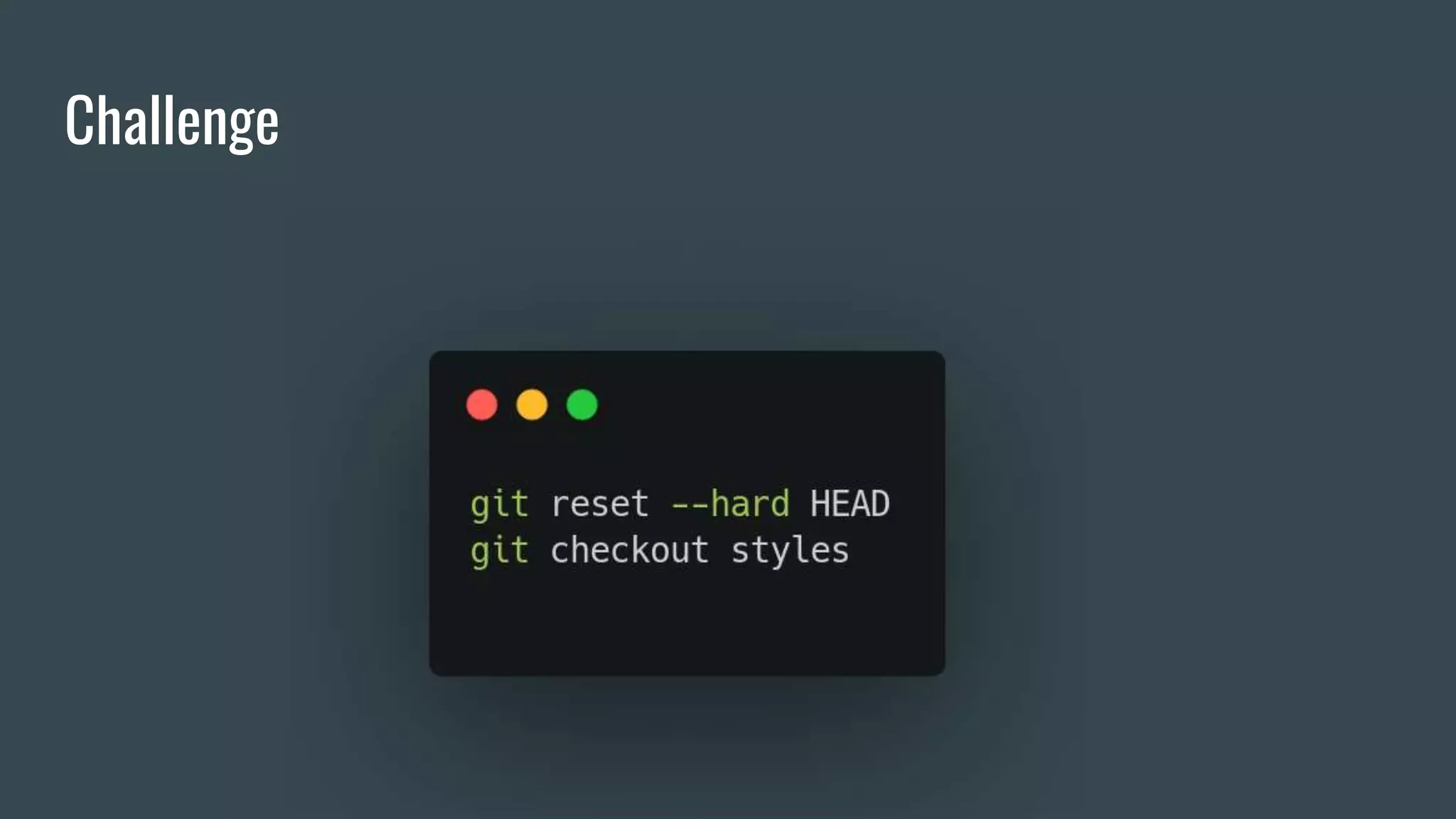
Challenge
Challenge
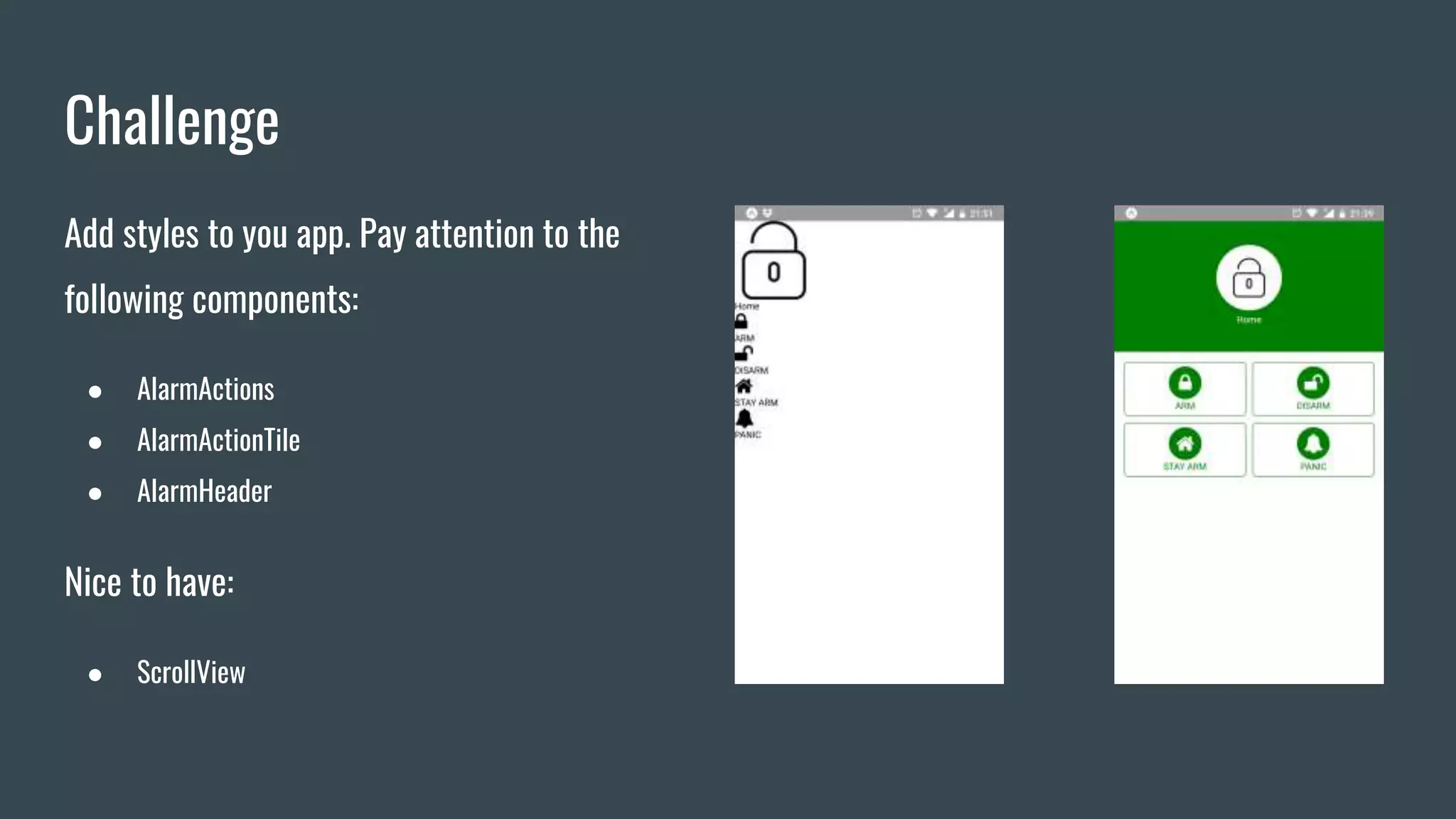
Add styles to you app. Pay attention to the
following components:
● AlarmActions
● AlarmActionTile
● AlarmHeader
Nice to have:
● ScrollView
Interaction
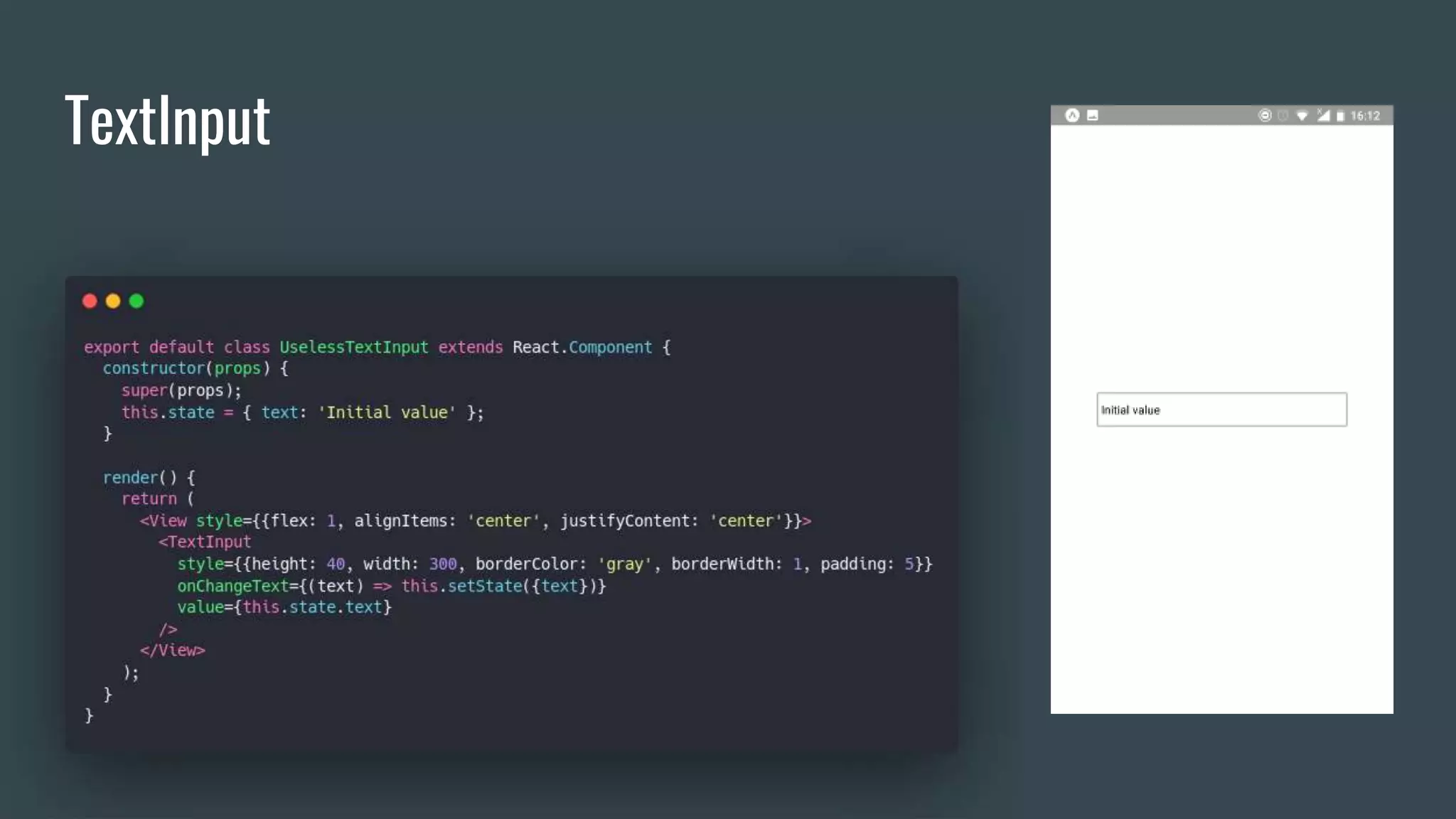
TextInput
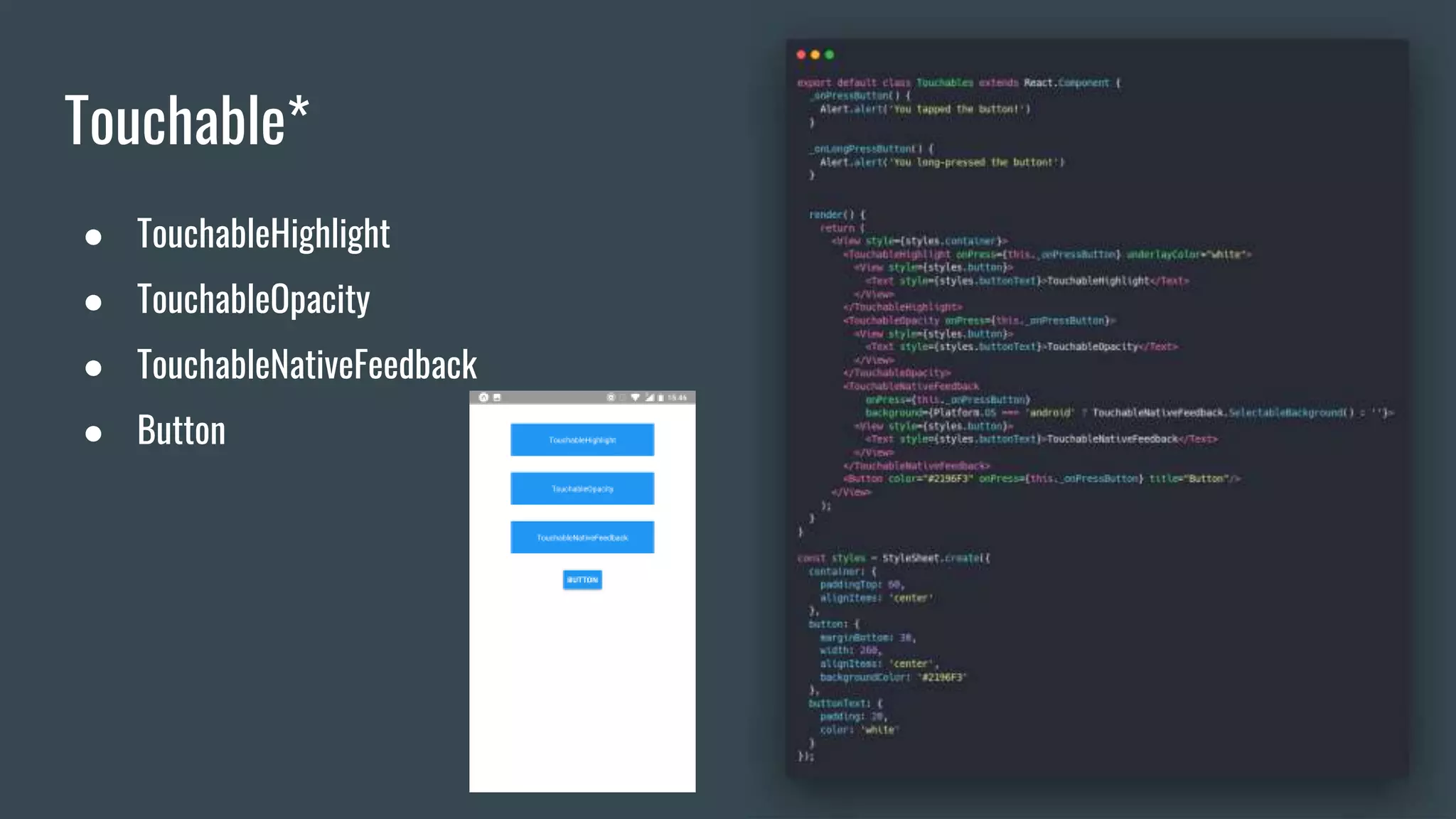
Touchable*
● TouchableHighlight
● TouchableOpacity
● TouchableNativeFeedback
● Button
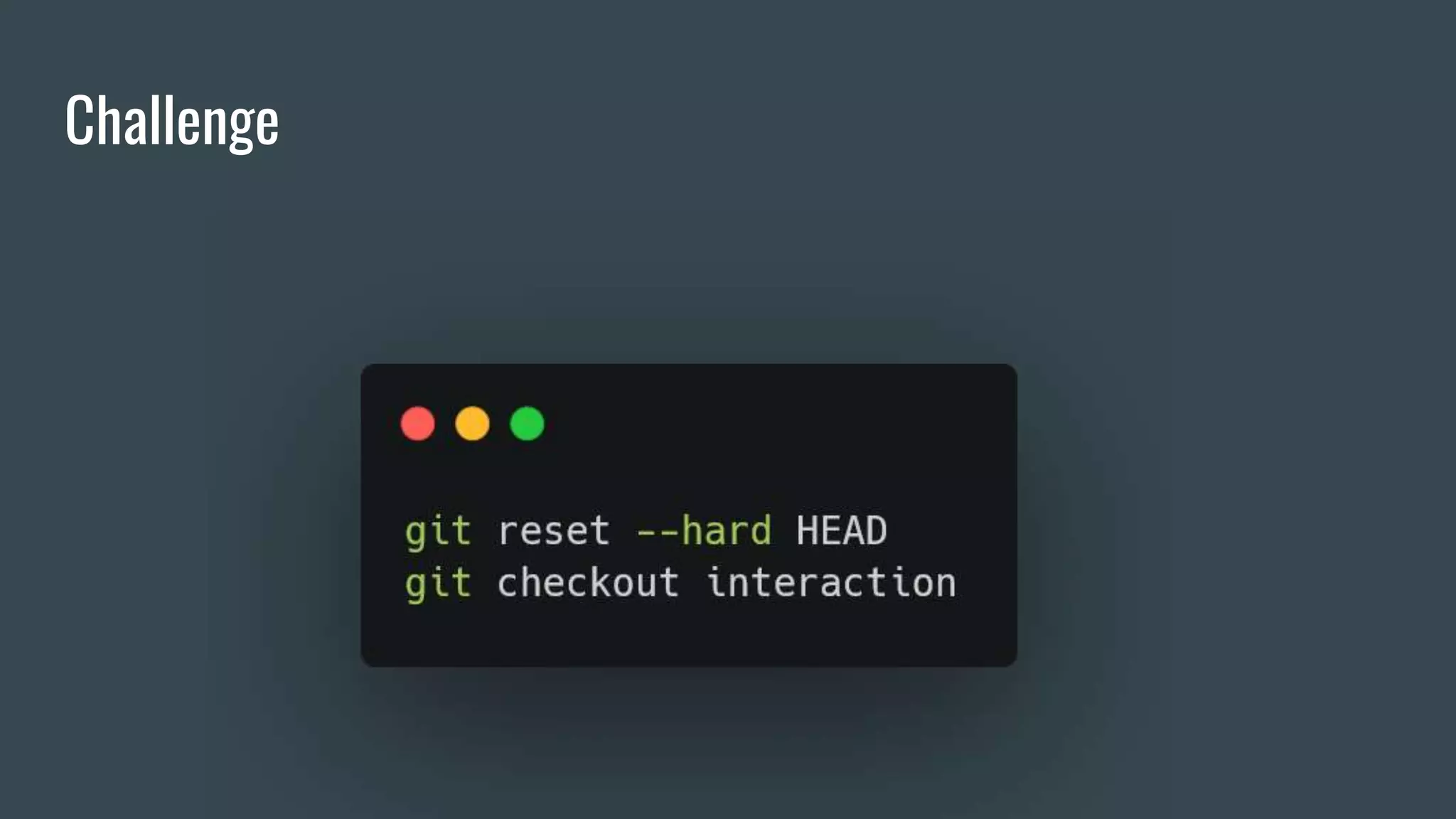
Challenge
Challenge
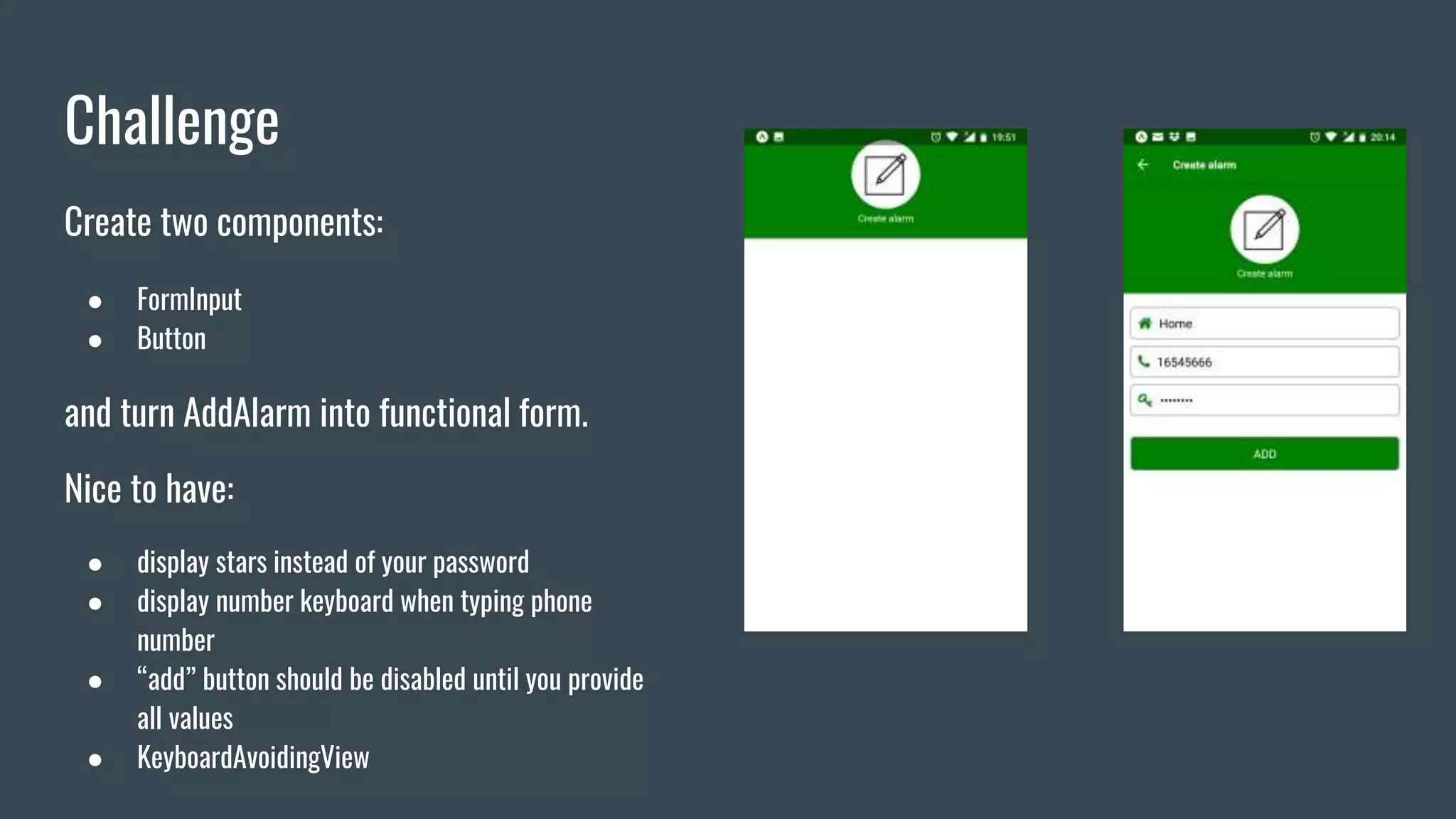
Create two components:
● FormInput
● Button
and turn AddAlarm into functional form.
Nice to have:
● display stars instead of your password
● display number keyboard when typing phone
number
● “add” button should be disabled until you provide
all values
● KeyboardAvoidingView
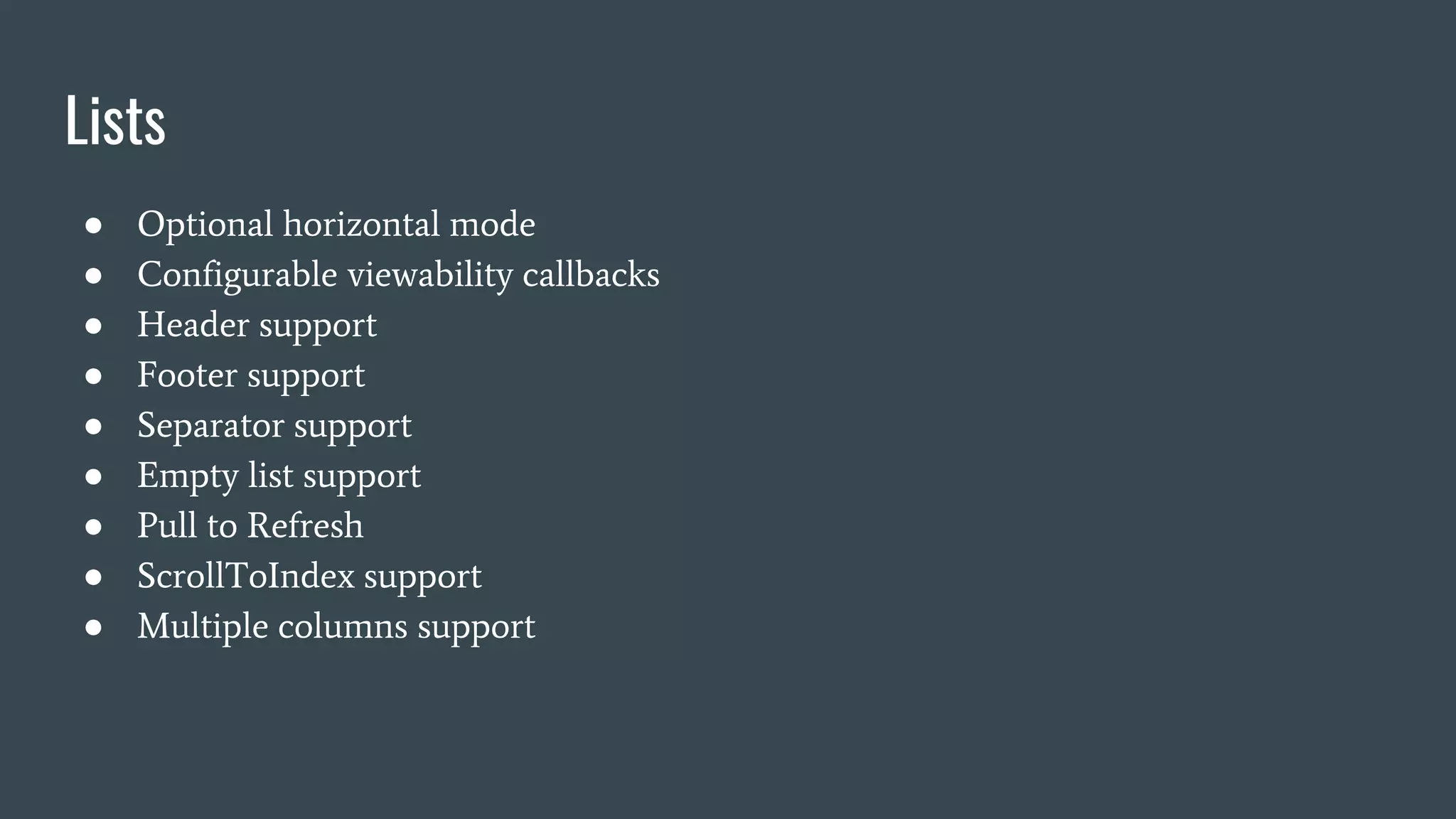
Lists
Lists
● Optional horizontal mode
● Configurable viewability callbacks
● Header support
● Footer support
● Separator support
● Empty list support
● Pull to Refresh
● ScrollToIndex support
● Multiple columns support
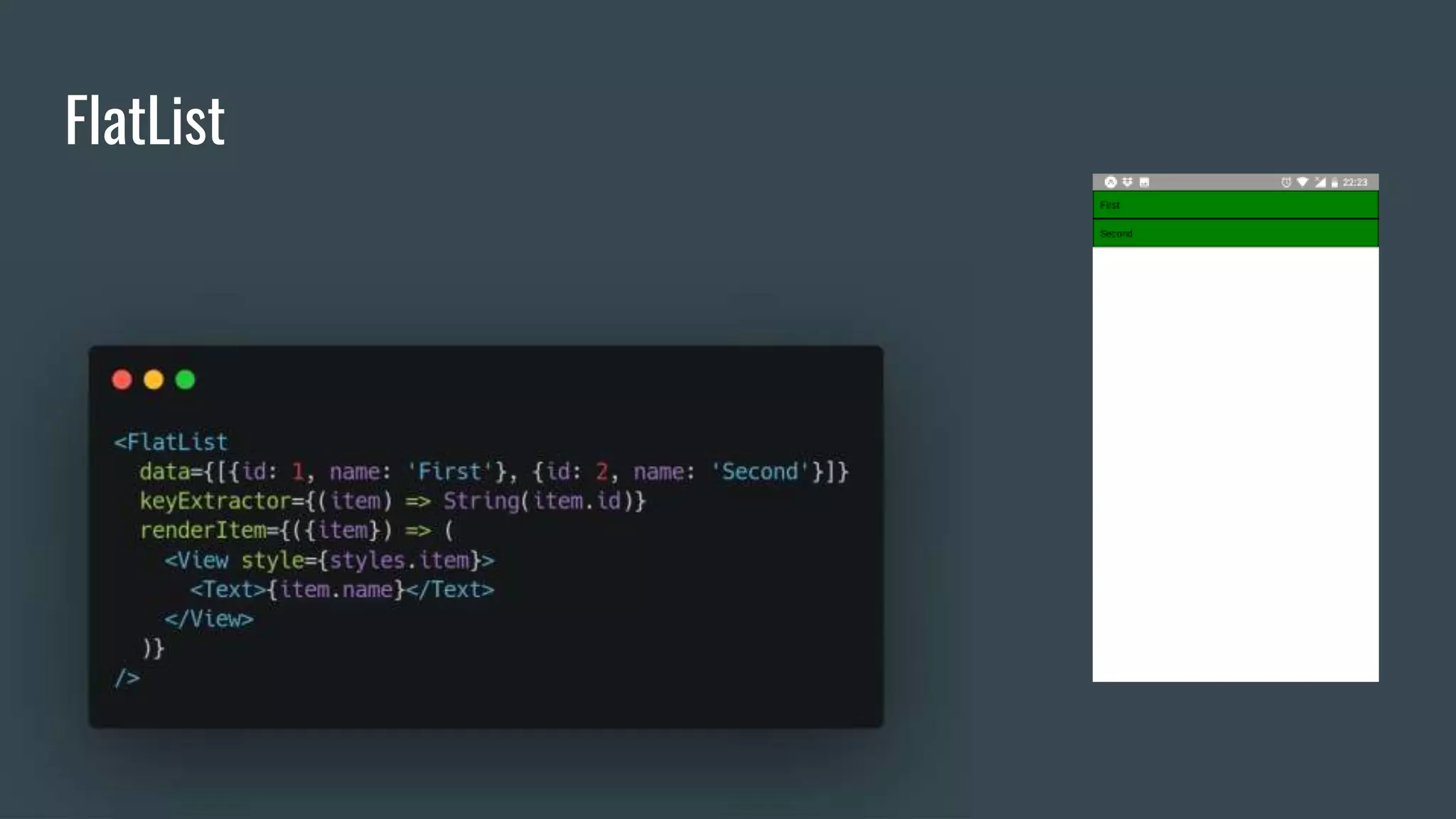
FlatList
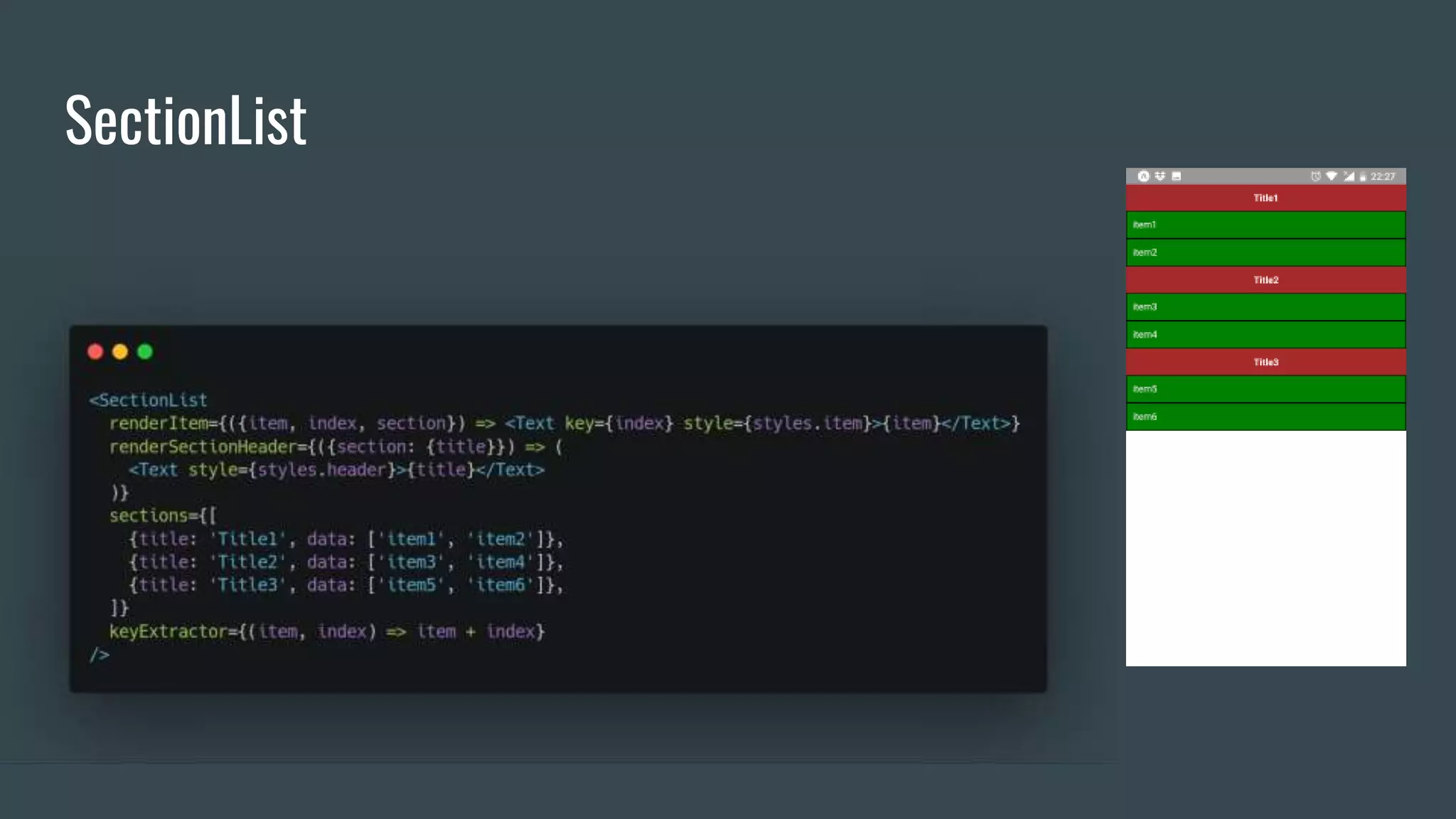
SectionList
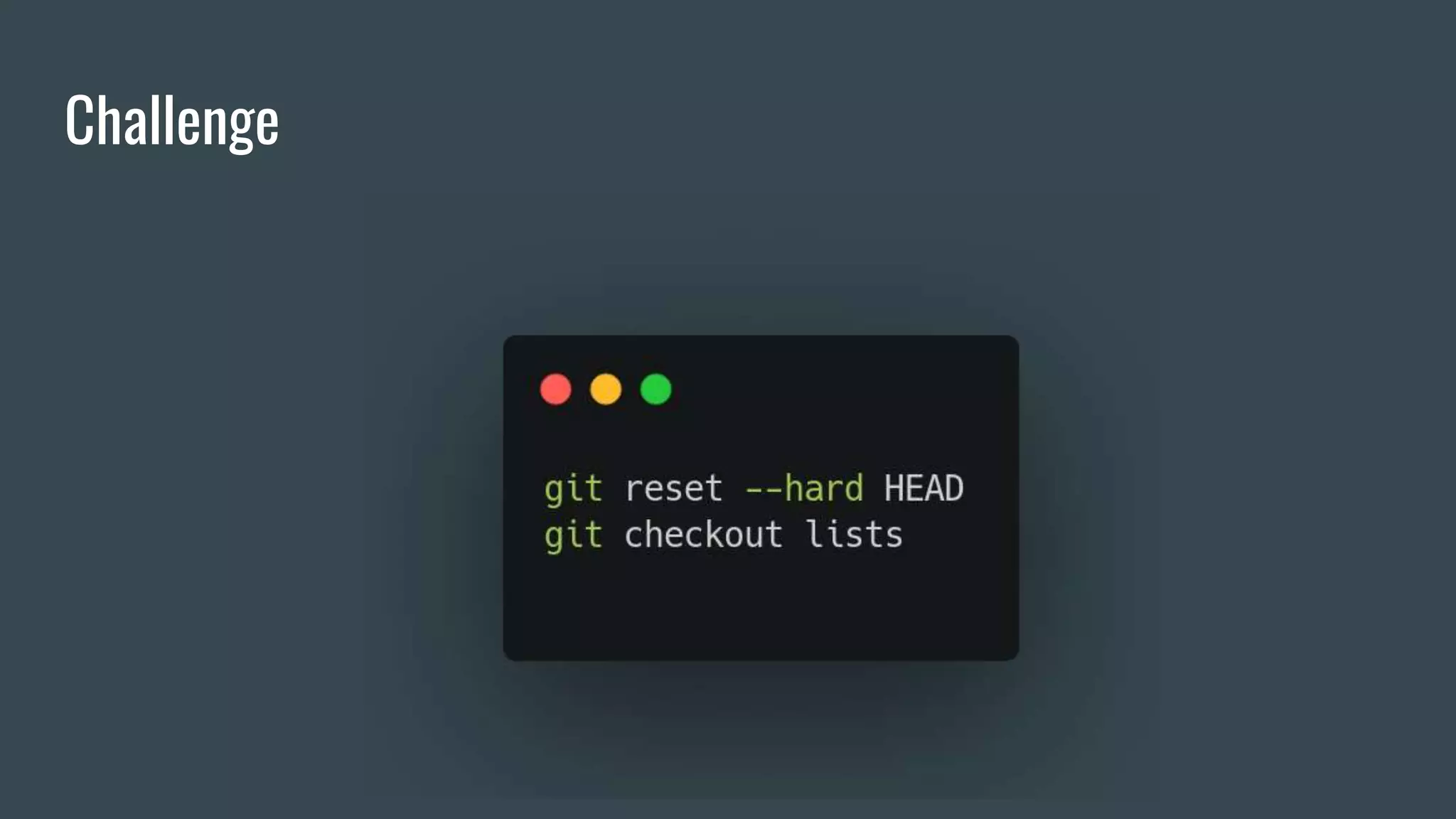
Challenge
Challenge
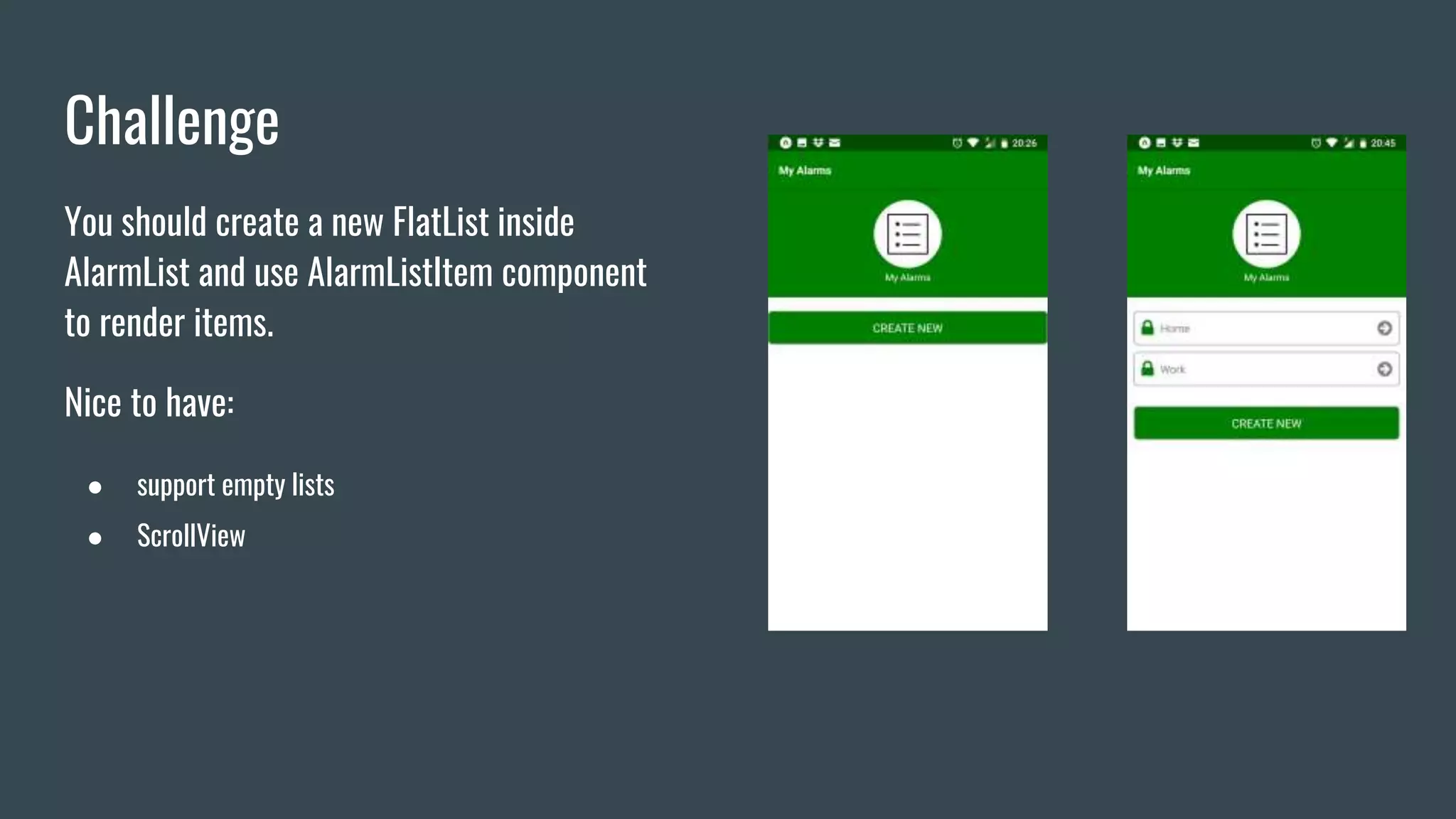
You should create a new FlatList inside
AlarmList and use AlarmListItem component
to render items.
Nice to have:
● support empty lists
● ScrollView
Routing
Routing
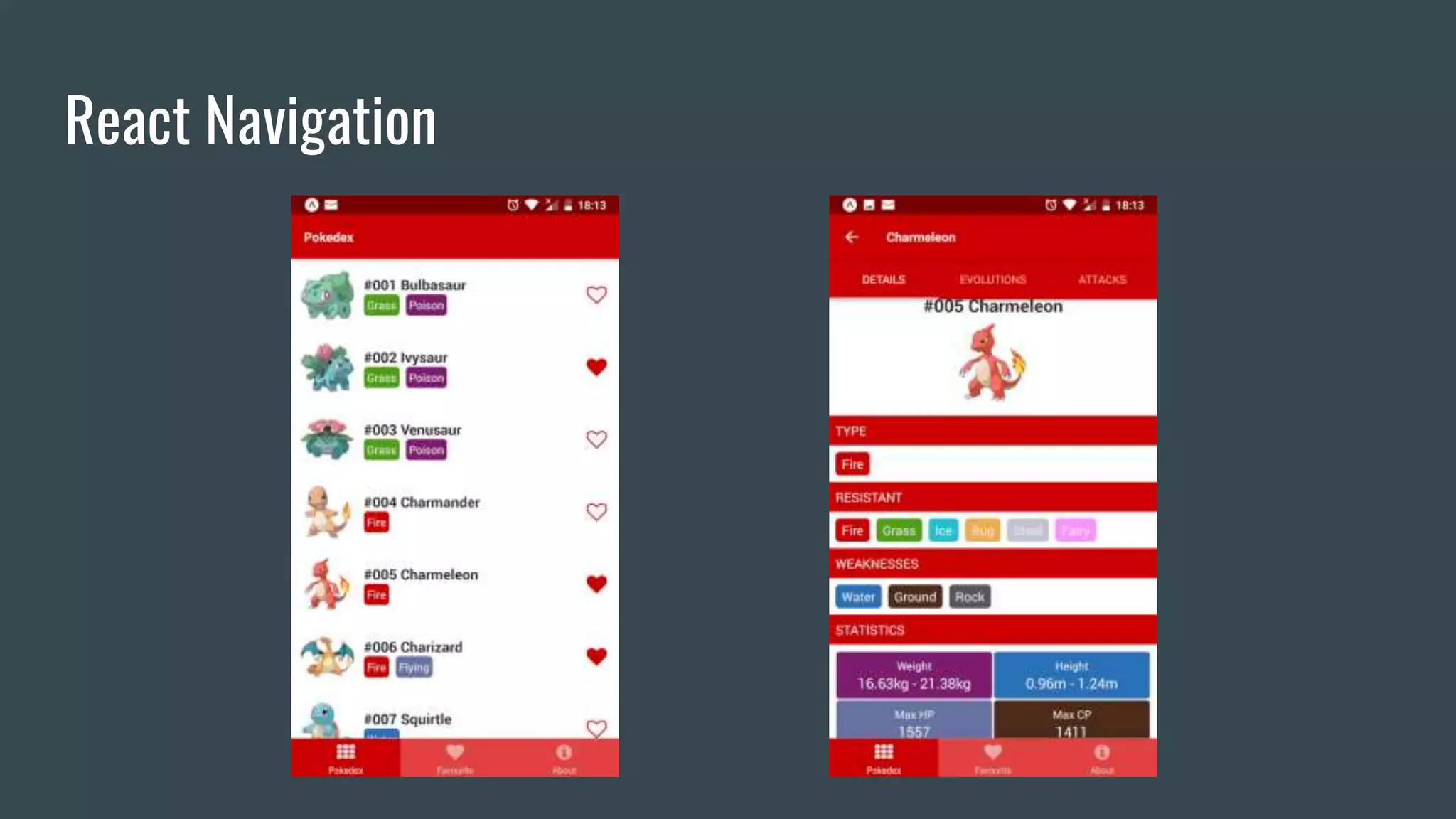
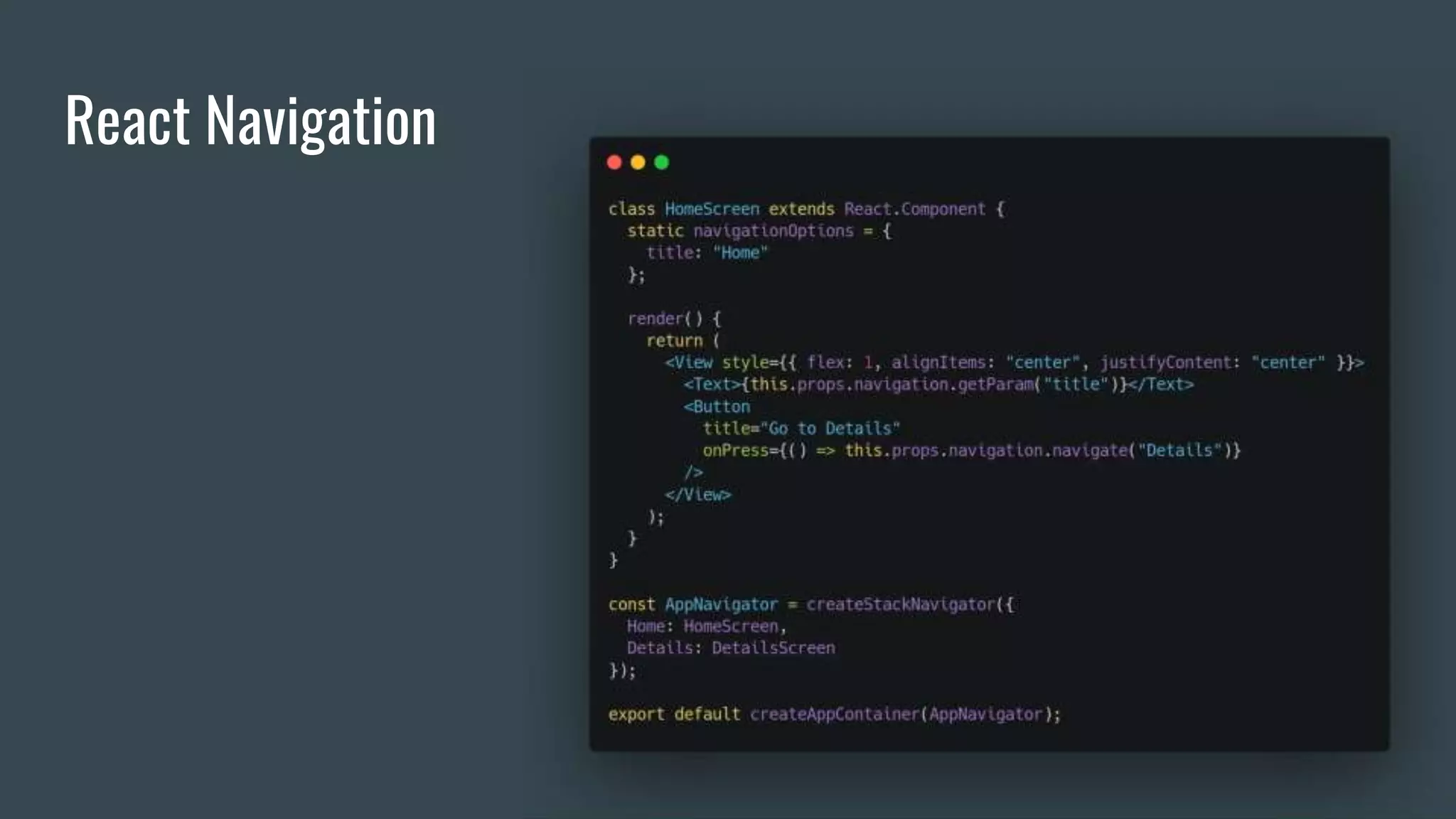
● React Navigation
● React Native Navigation
React Navigation
React Navigation
Challenge
Challenge
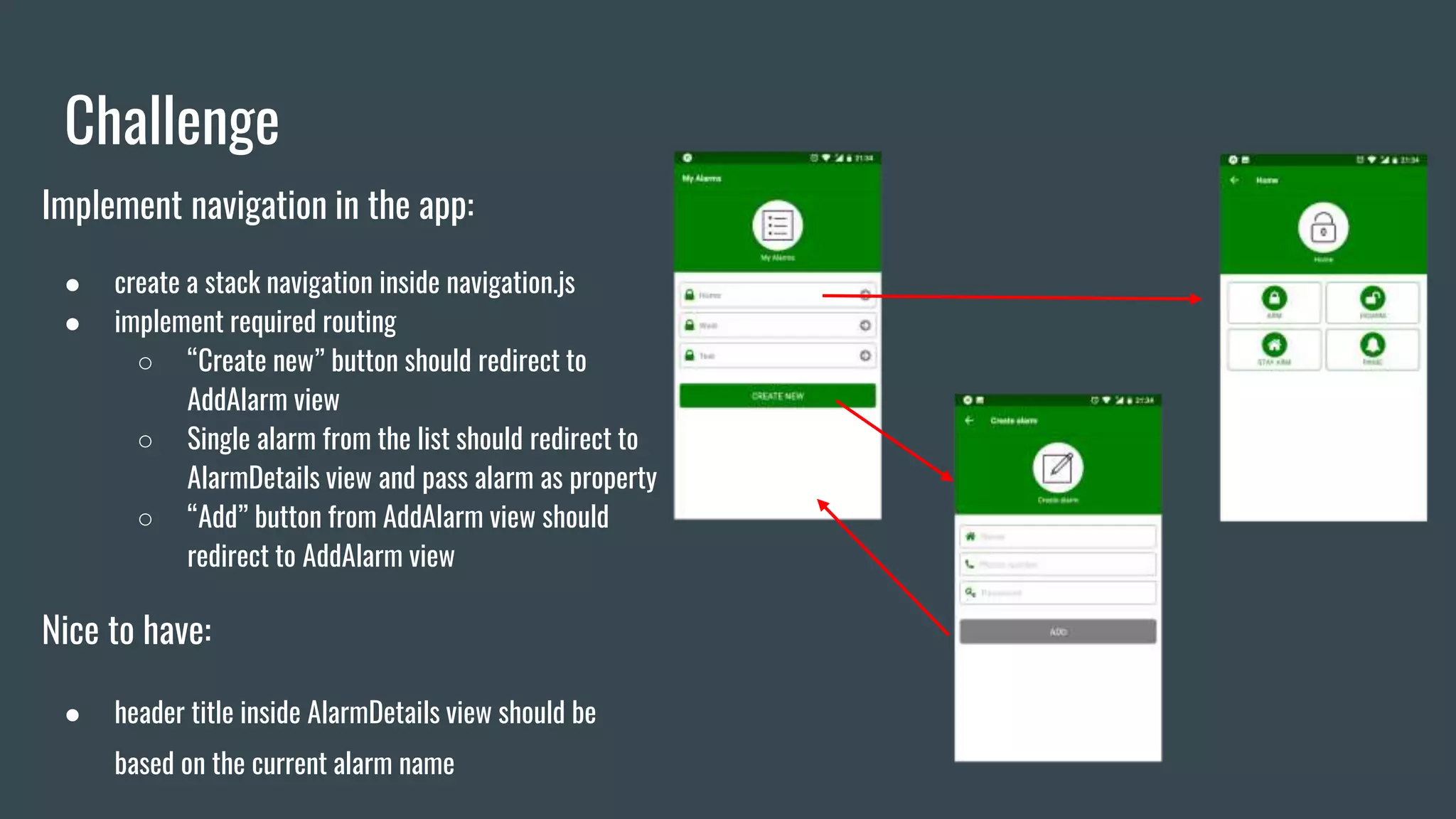
Implement navigation in the app:
● create a stack navigation inside navigation.js
● implement required routing
○ “Create new” button should redirect to
AddAlarm view
○ Single alarm from the list should redirect to
AlarmDetails view and pass alarm as property
○ “Add” button from AddAlarm view should
redirect to AddAlarm view
Nice to have:
● header title inside AlarmDetails view should be
based on the current alarm name
Storage
Storage
● AsyncStorage
● SQLite*
● Realm*
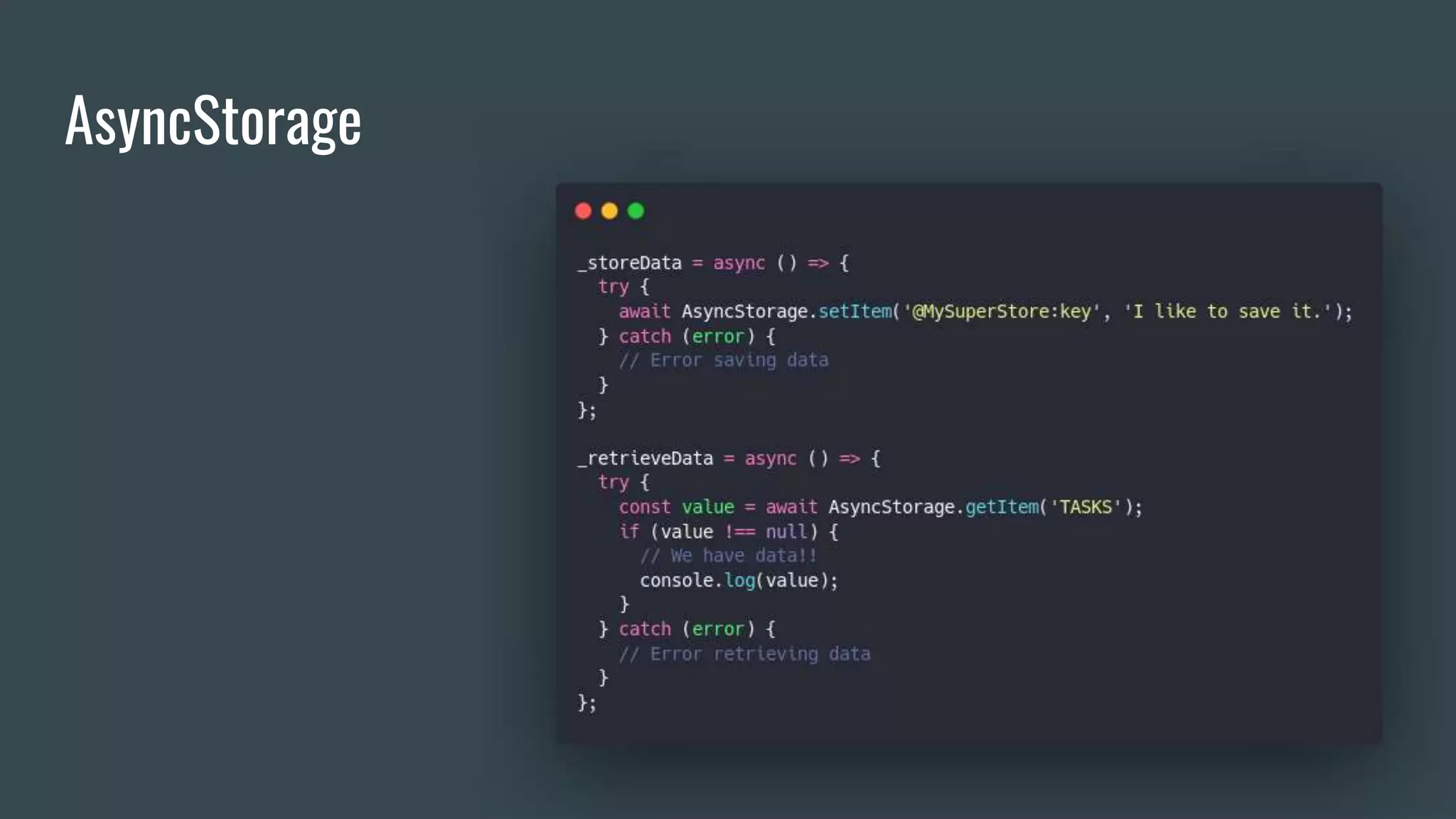
AsyncStorage
Challenge
Challenge
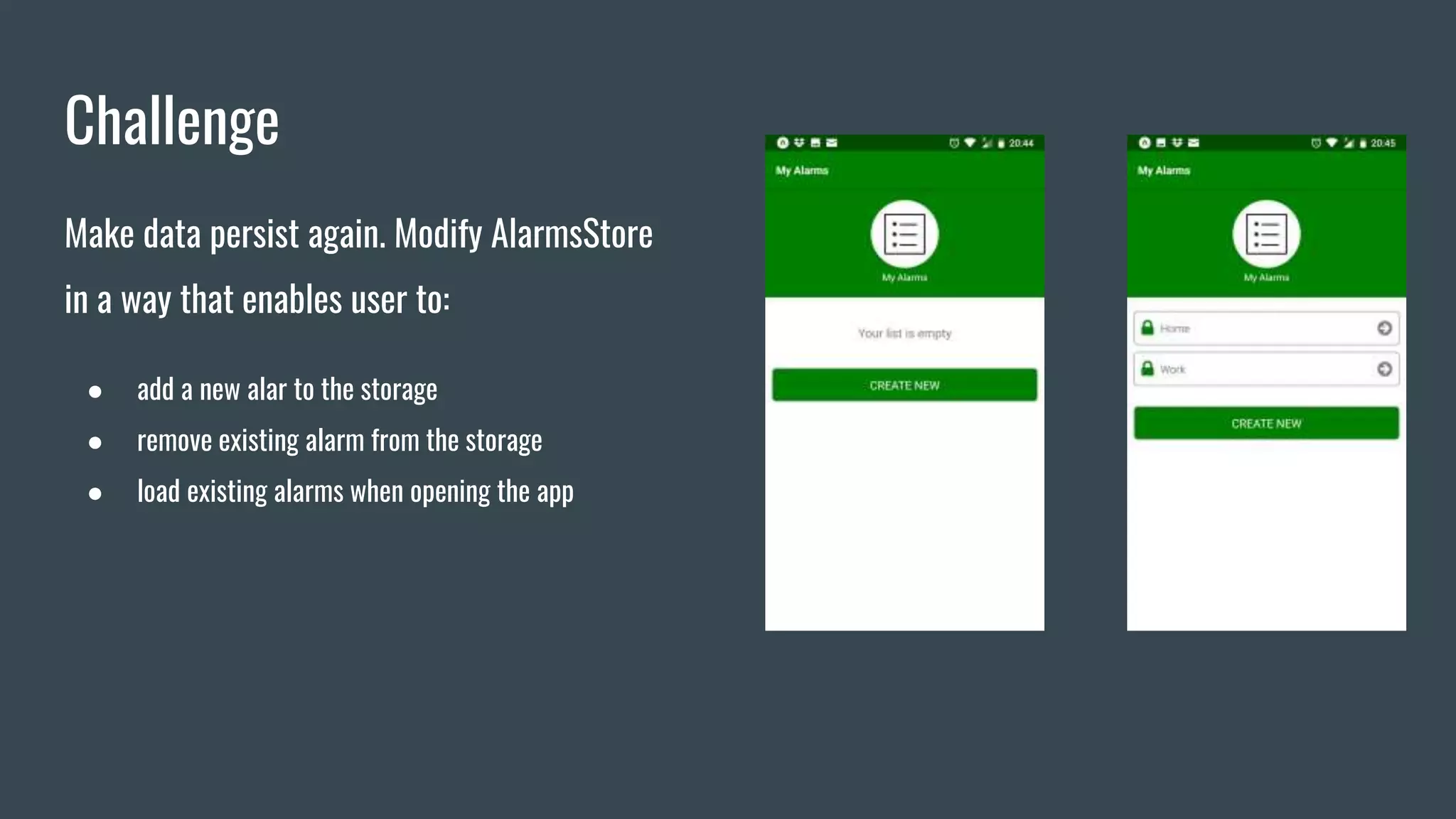
Make data persist again. Modify AlarmsStore
in a way that enables user to:
● add a new alar to the storage
● remove existing alarm from the storage
● load existing alarms when opening the app
SMS
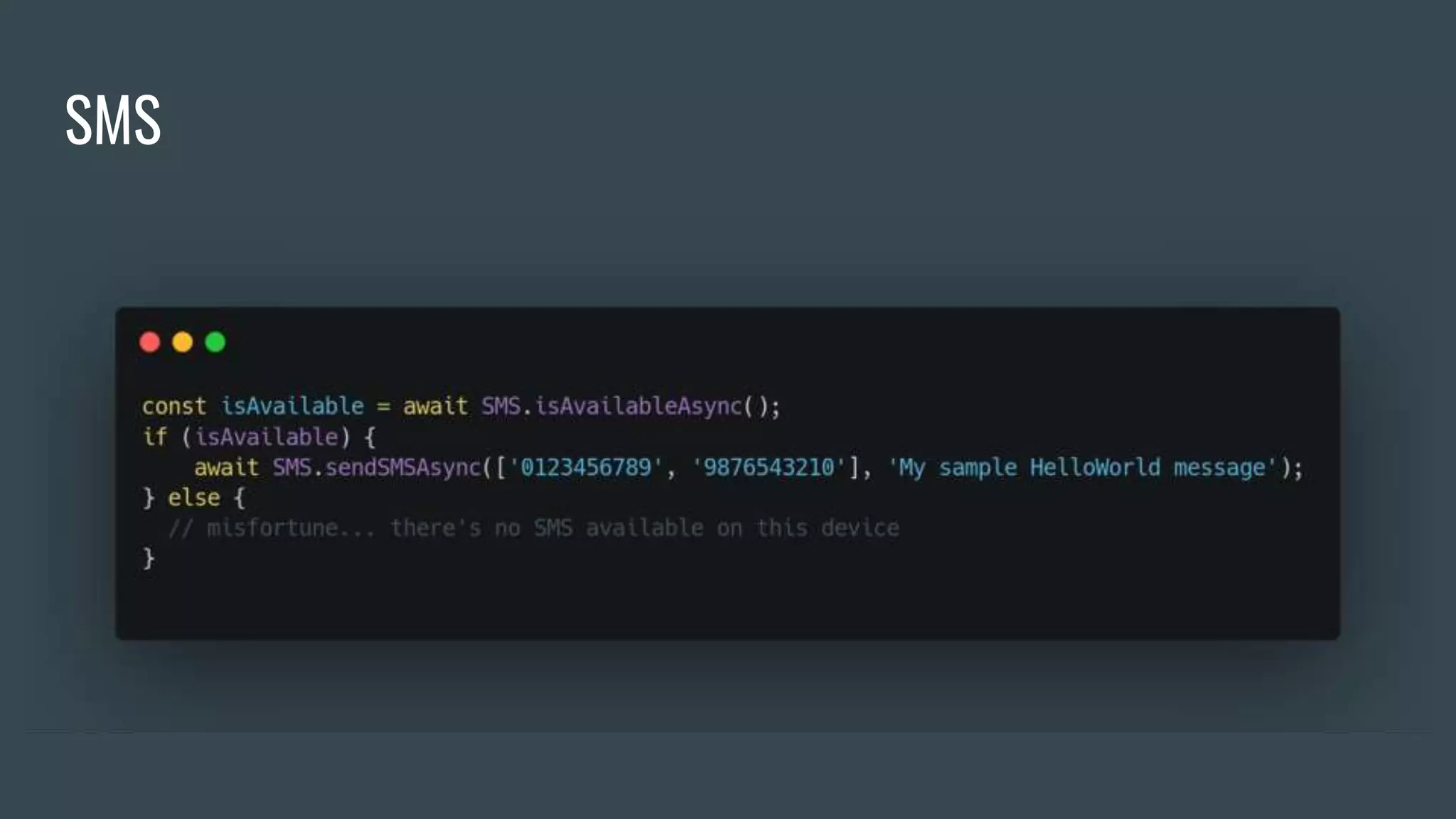
SMS
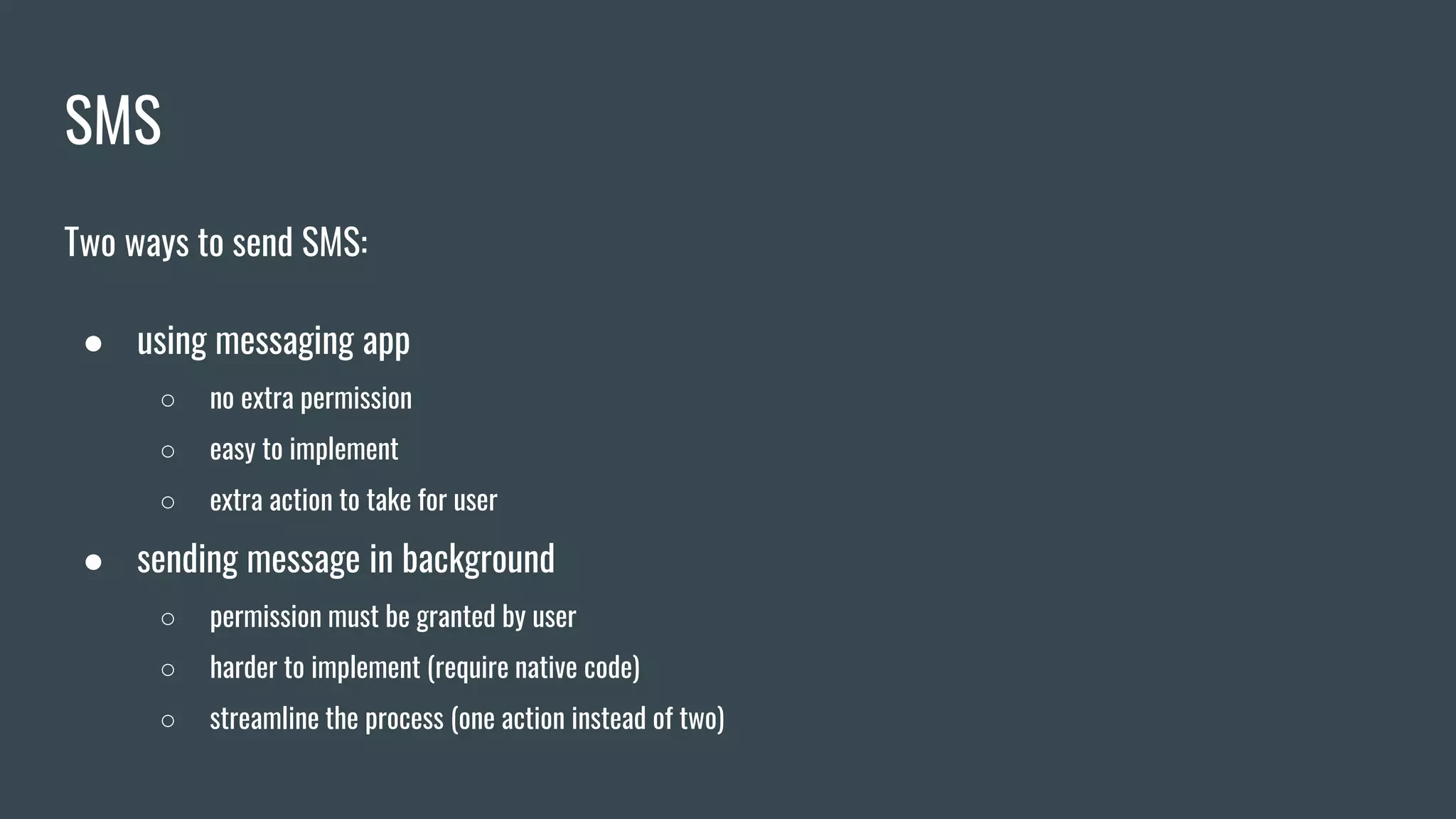
Two ways to send SMS:
● using messaging app
○ no extra permission
○ easy to implement
○ extra action to take for user
● sending message in background
○ permission must be granted by user
○ harder to implement (require native code)
○ streamline the process (one action instead of two)
SMS
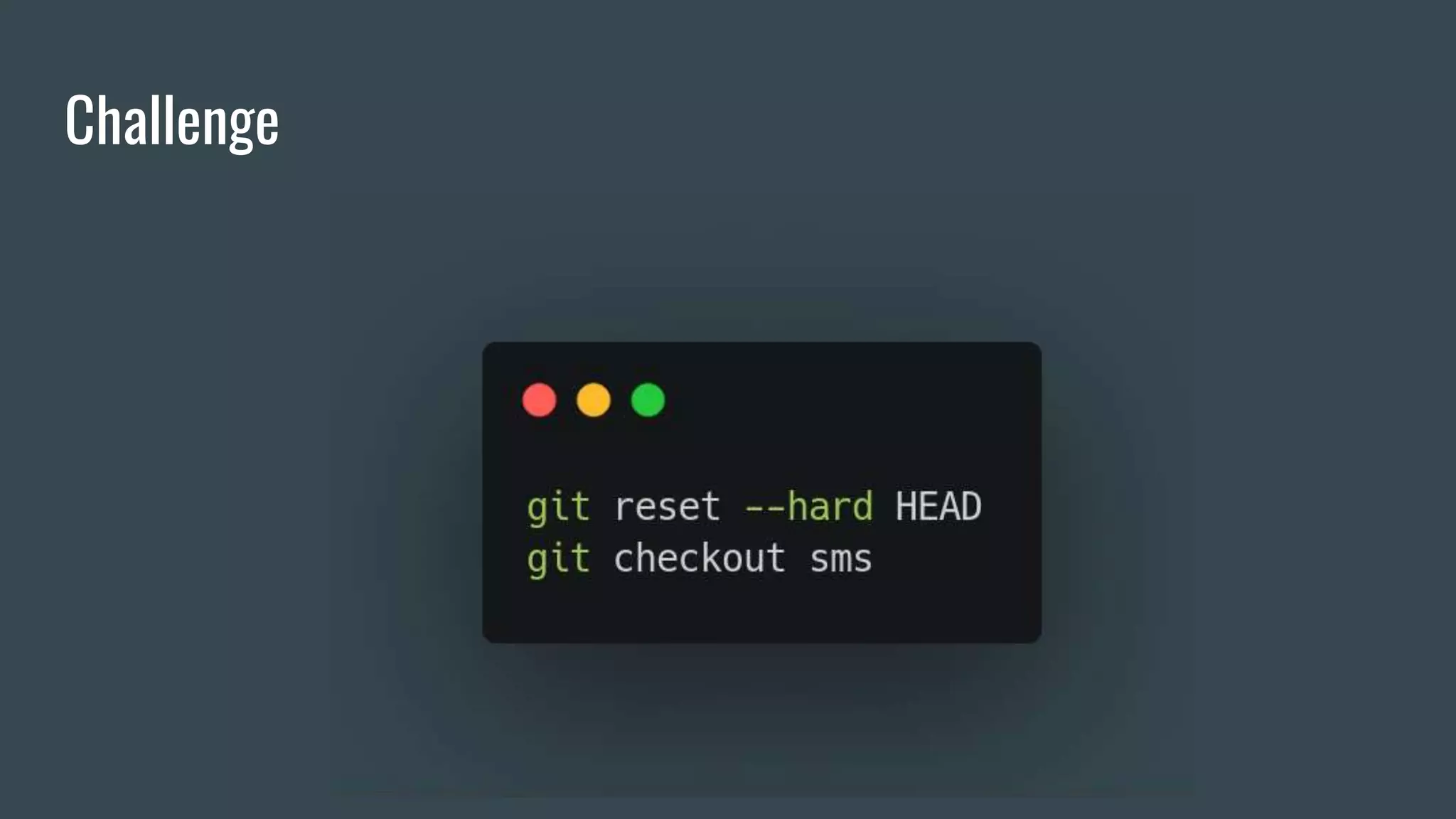
Challenge
Challenge
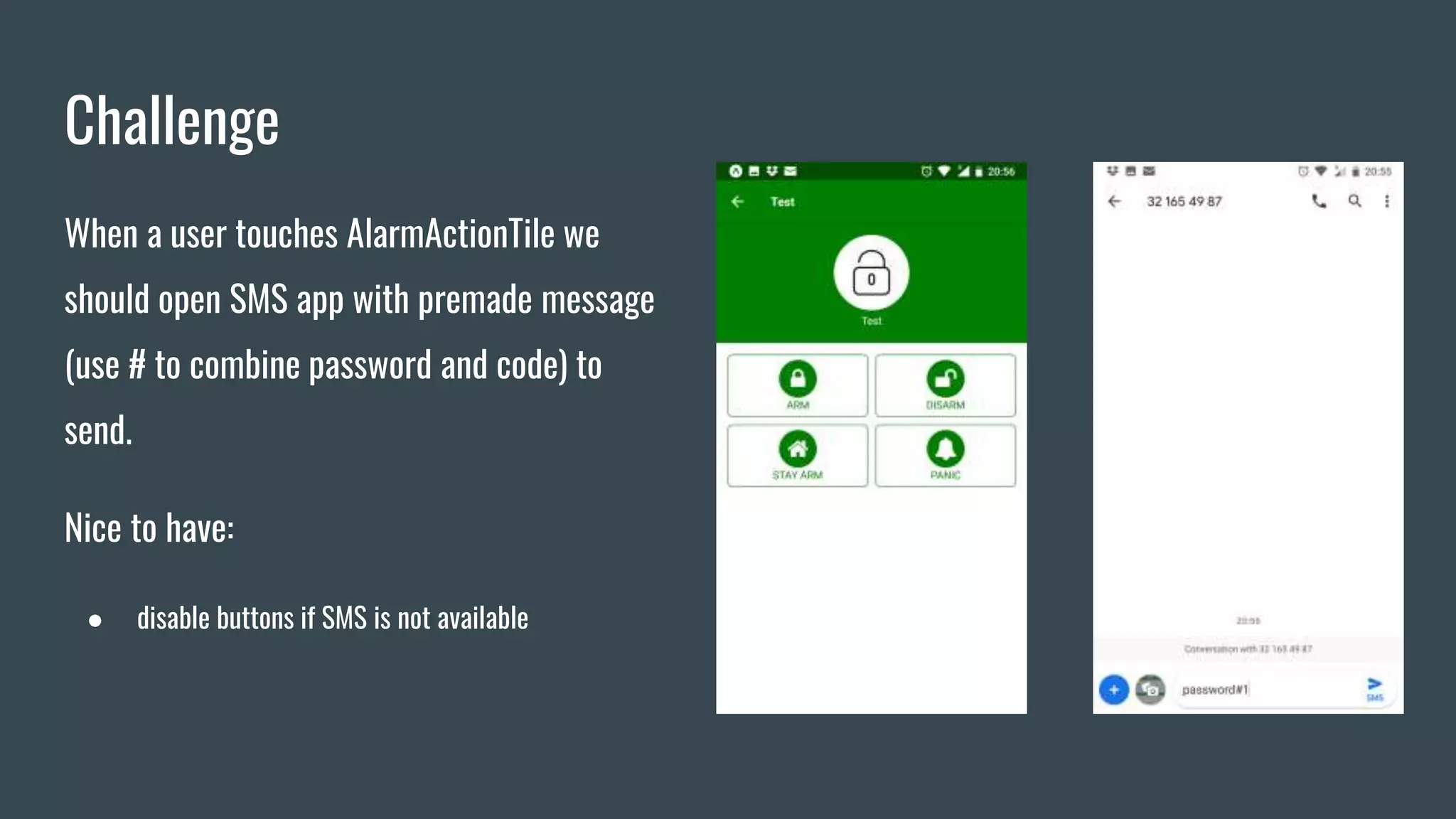
When a user touches AlarmActionTile we
should open SMS app with premade message
(use # to combine password and code) to
send.
Nice to have:
● disable buttons if SMS is not available
Deploy
Deploy
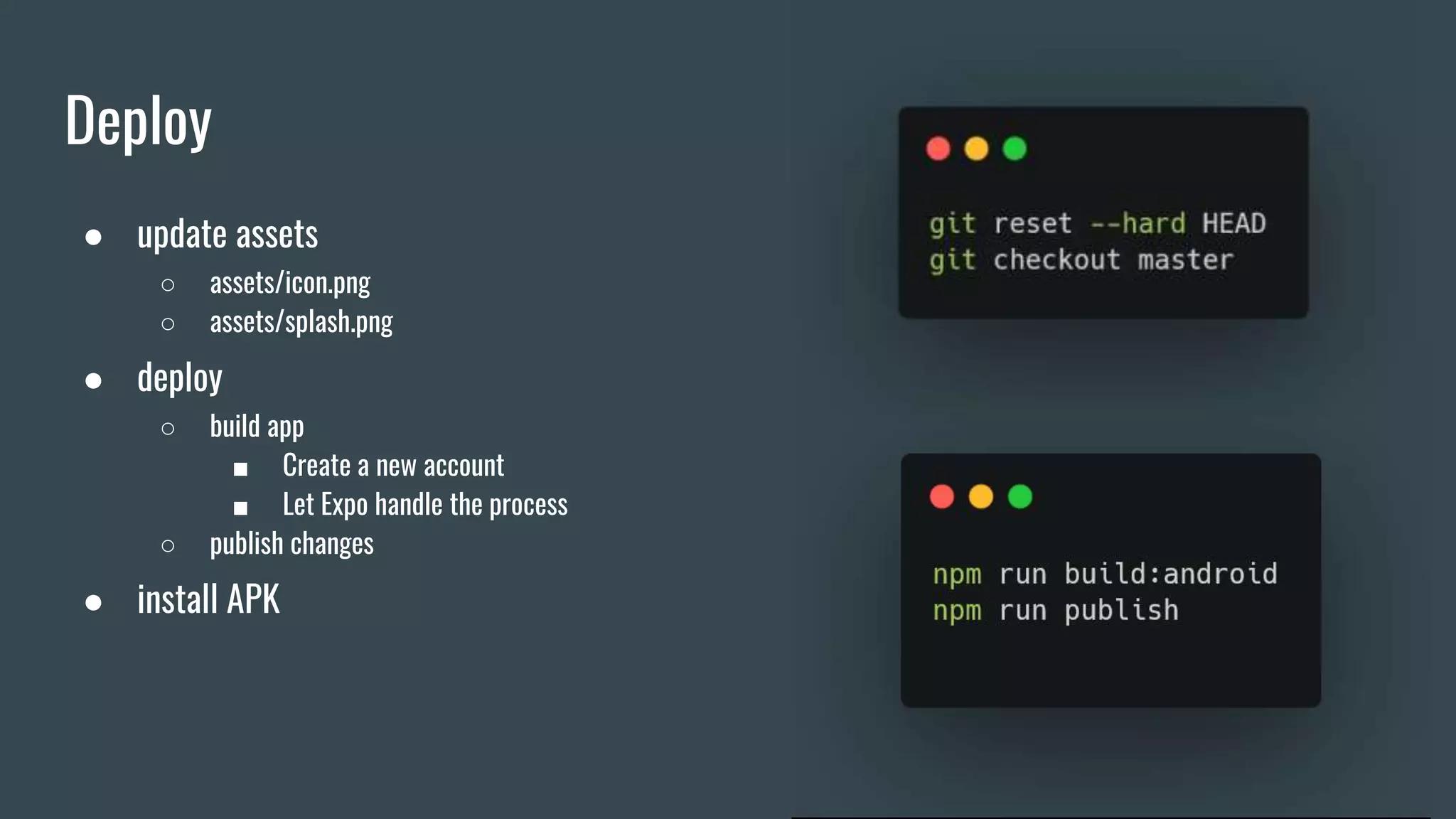
● update assets
○ assets/icon.png
○ assets/splash.png
● deploy
○ build app
■ Create a new account
■ Let Expo handle the process
○ publish changes
● install APK
Homework
Homework
Sending SMS in the background
● eject project
● install native module (e.g. react-native-sms-x)
● build APK (use Android Studio)
Questions?
Thank you

Introduction to React Native