
Writing great alt text 
Whitney Quesenbery 
Center for Civic Design 
@civicdesign | @whitneyq 
Environments for Humans 
Accessibility Summit 2014
The basics 
Alt means alternative
Alt text is... 
A principle of accessibility 
Web Content Accessibility Guidelines 2.0 
Principle 1: Perceivable 
Information and user interface components 
must be presentable to users in ways they 
can perceive.
Alt text is... 
A requirement for accessibility 
Web Content Accessibility Guidelines 2.0 
Guideline 1.1 Text Alternatives: Provide 
text alternatives for any non-text content 
so that it can be changed into other forms 
people need, such as large print, braille, 
speech, symbols or simpler language.
Alt text is... 
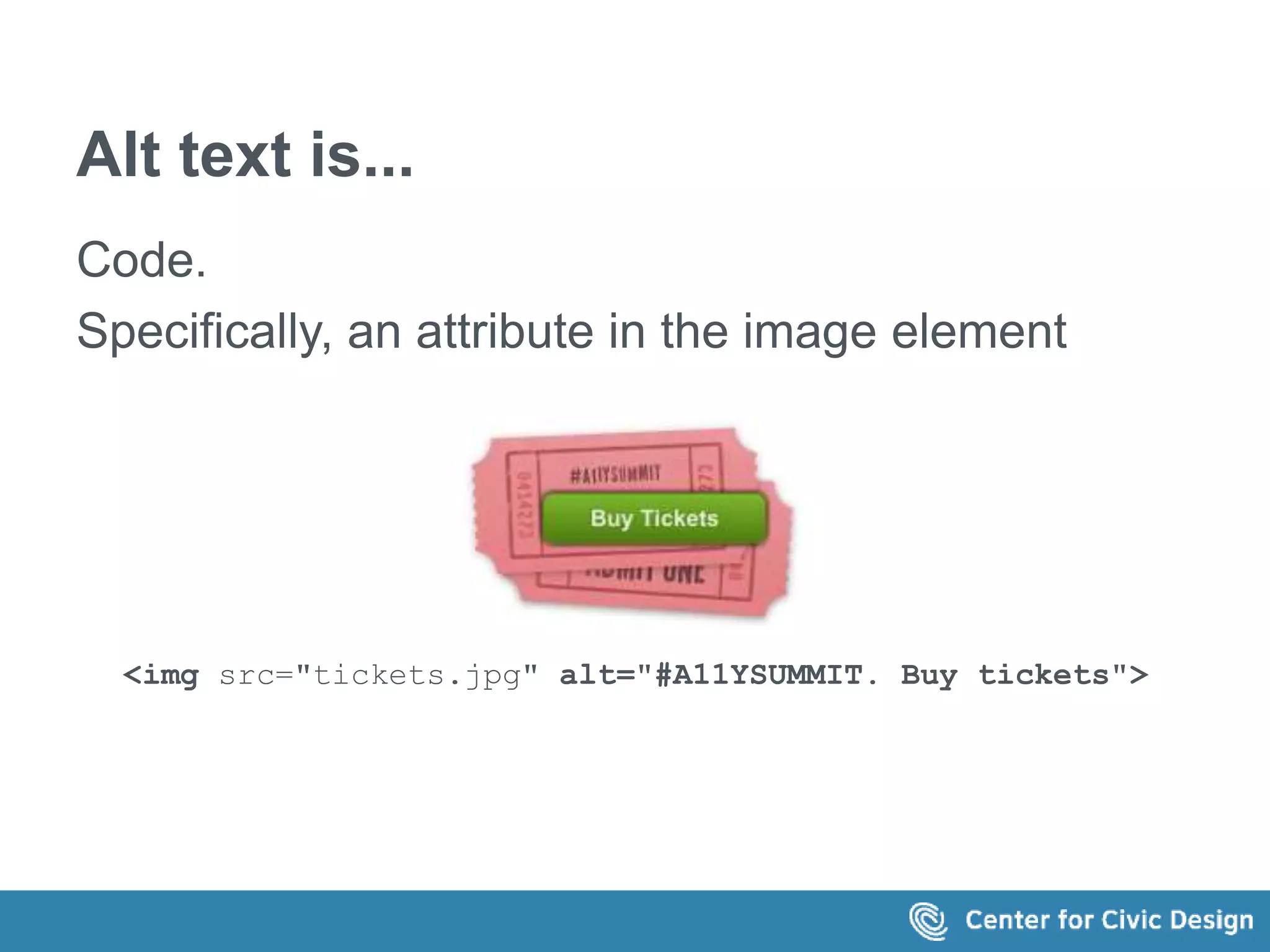
Code. 
Specifically, an attribute in the image element 
<img src="tickets.jpg" alt="#A11YSUMMIT. Buy tickets">
Alt text is... 
Part of appealing to all senses. 
 Images – alternative text 
 Video – captions and video descriptions action 
 Audio - transcripts 
An accessible UX principle: 
Accessible Media: Appeal to all Senses 
A Web for Everyone by Sarah Horton and Whitney Quesenbery 
http://rosenfeldmedia.com/books/a-web-for-everyone/
Because technology needs it 
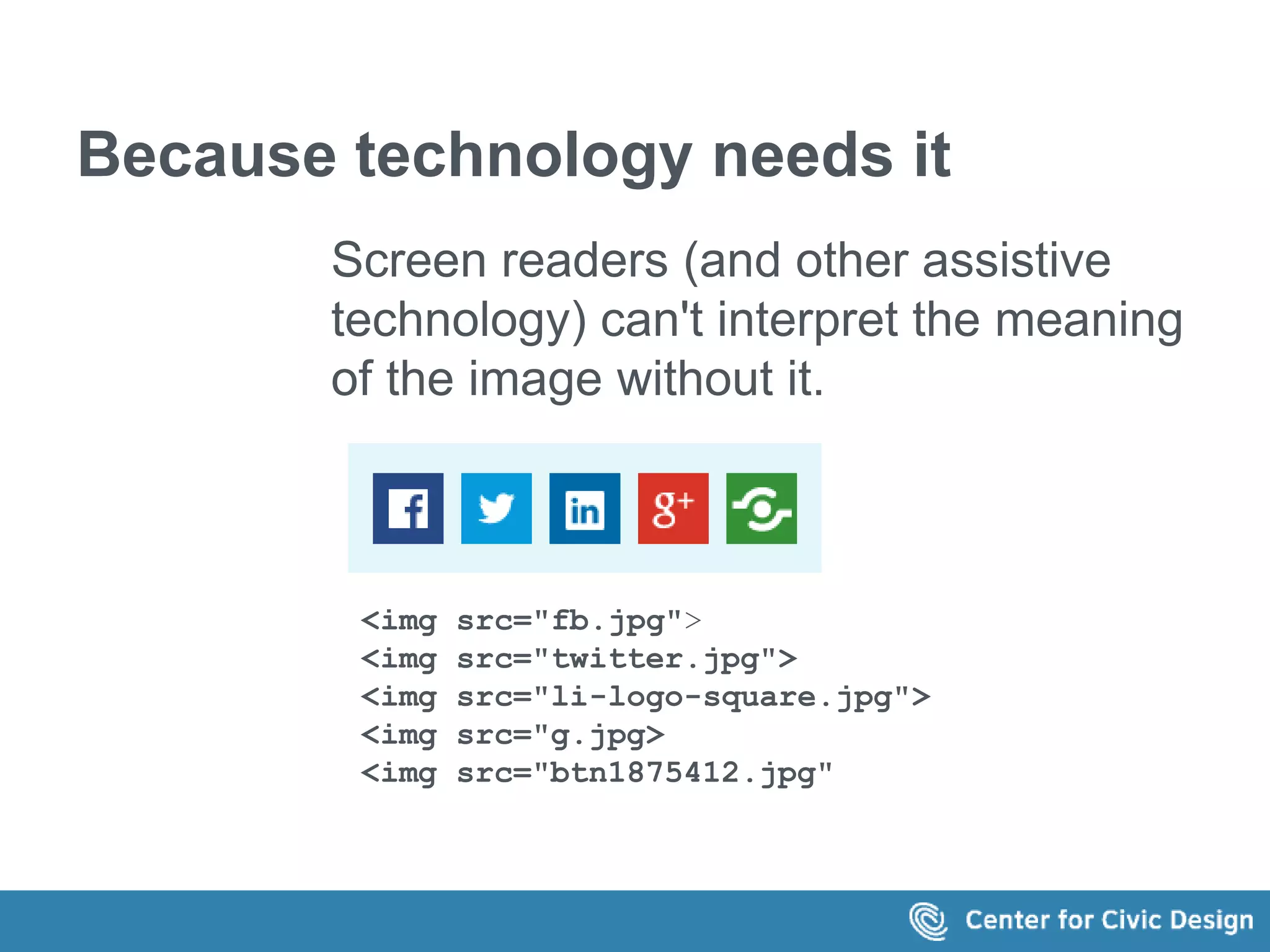
Screen readers (and other assistive 
technology) can't interpret the meaning 
of the image without it. 
<img src="fb.jpg"> 
<img src="twitter.jpg"> 
<img src="li-logo-square.jpg"> 
<img src="g.jpg> 
<img src="btn1875412.jpg"
Because people need it 
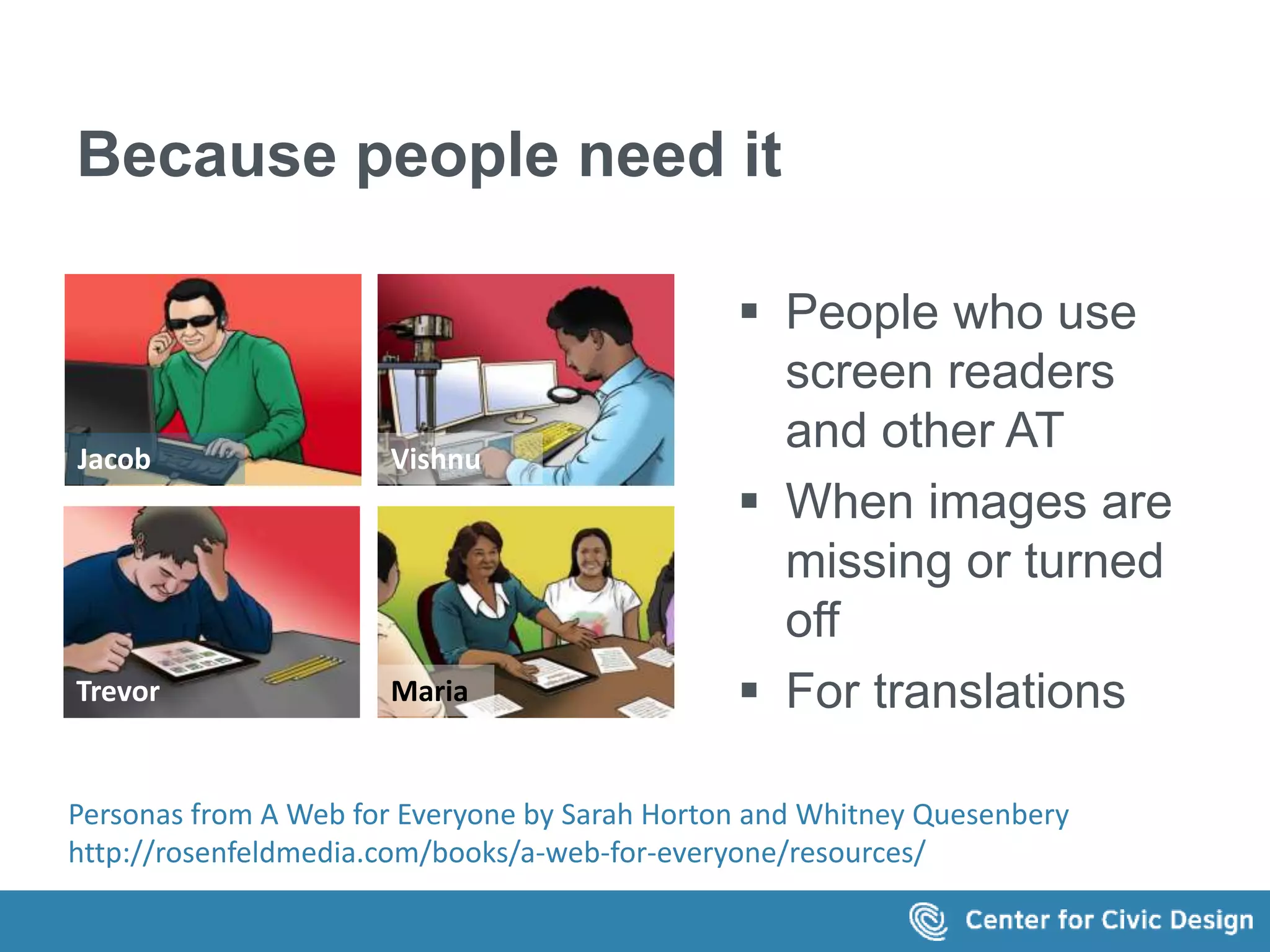
 People who use 
screen readers 
and other AT 
 When images are 
missing or turned 
off 
 For translations 
Jacob Vishnu 
Trevor Maria 
Personas from A Web for Everyone by Sarah Horton and Whitney Quesenbery 
http://rosenfeldmedia.com/books/a-web-for-everyone/resources/
The problem 
Why are we (still) talking 
about alt text?
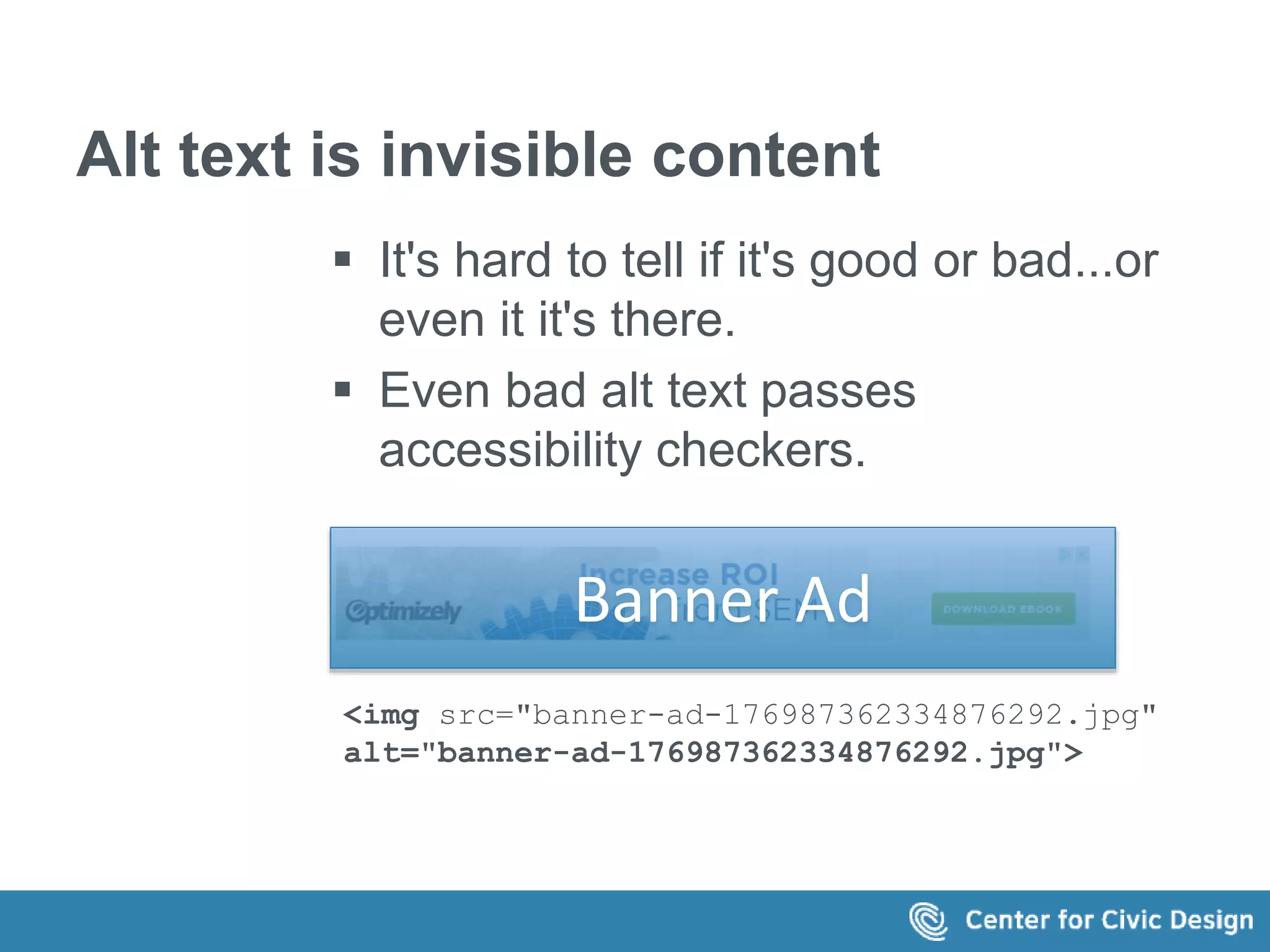
Alt text is invisible content 
 It's hard to tell if it's good or bad...or 
even it it's there. 
 Even bad alt text passes 
accessibility checkers. 
Banner Ad 
<img src="banner-ad-176987362334876292.jpg" 
alt="banner-ad-176987362334876292.jpg">
Is it code or content? 
Who "owns" the alt text? 
 Developers 
 Art directors 
 Authors
The tools don't help 
It's no fun to 
1. find each image 
2. click open the properties sheet 
3. navigate to the right page 
4. to enter the alt text 
over and over and over for each image
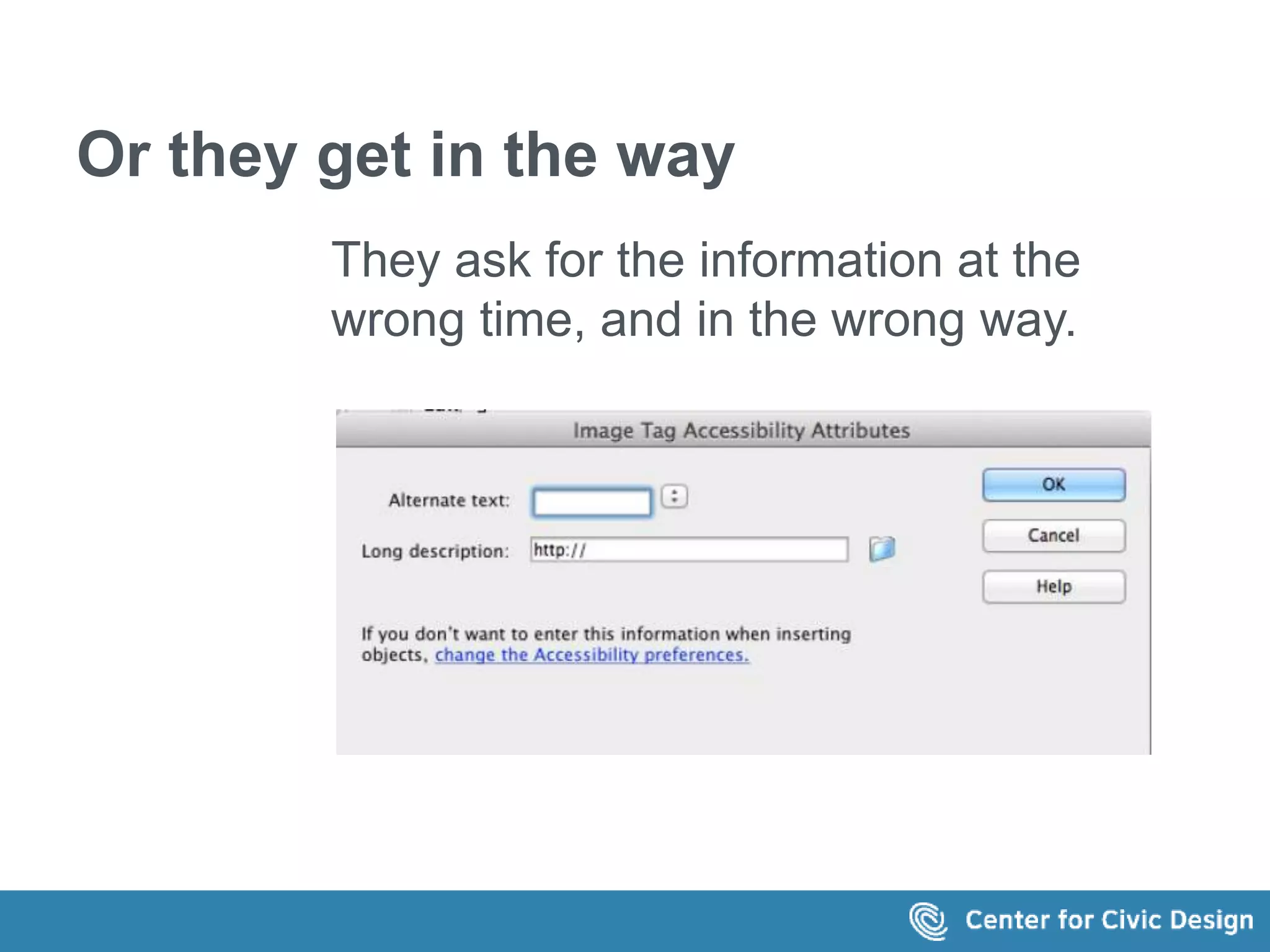
Or they get in the way 
They ask for the information at the 
wrong time, and in the wrong way.
The usual rules 
A simple way to decide how to 
write alt text
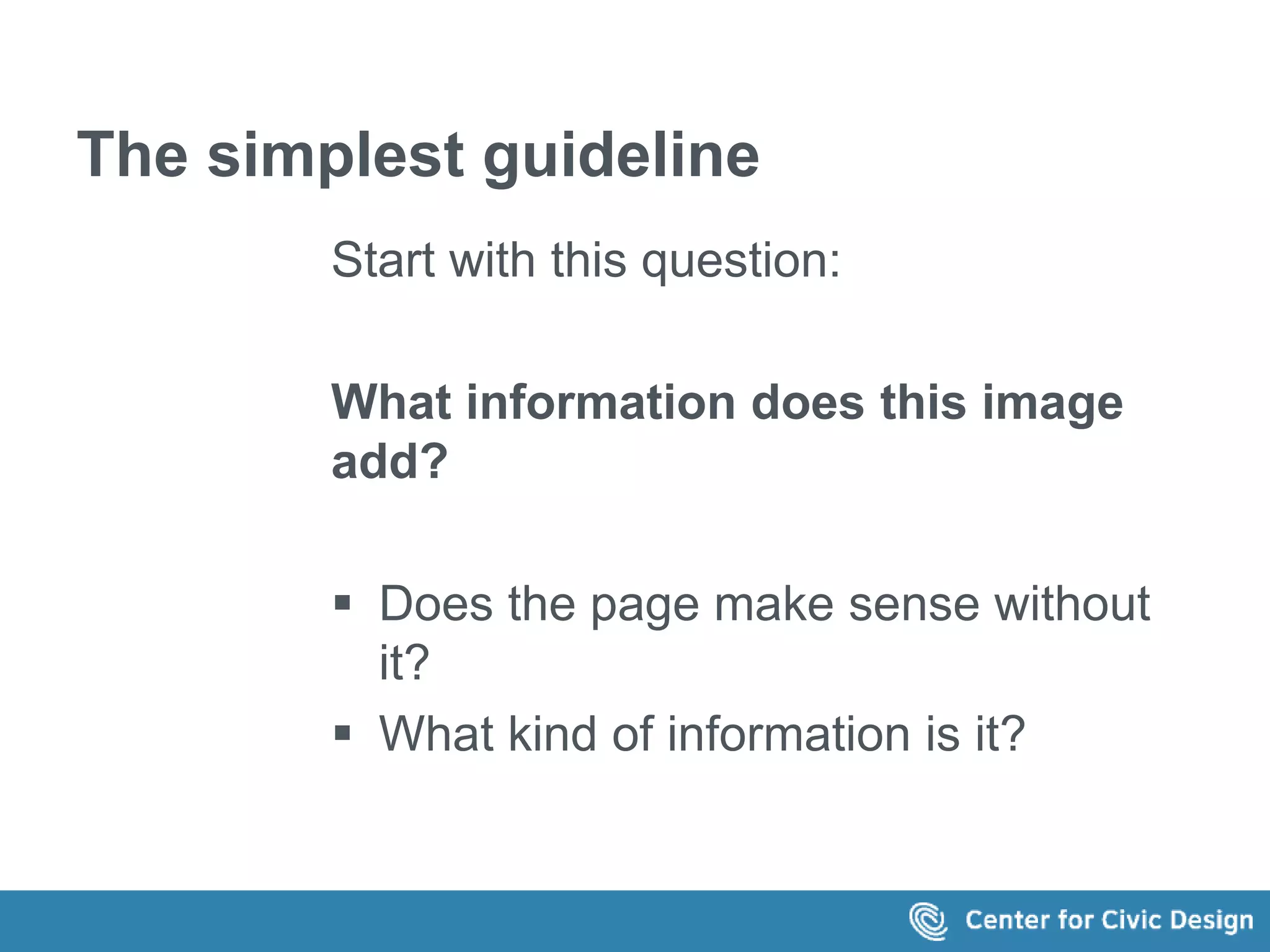
The simplest guideline 
Start with this question: 
What information does this image 
add? 
 Does the page make sense without 
it? 
 What kind of information is it?
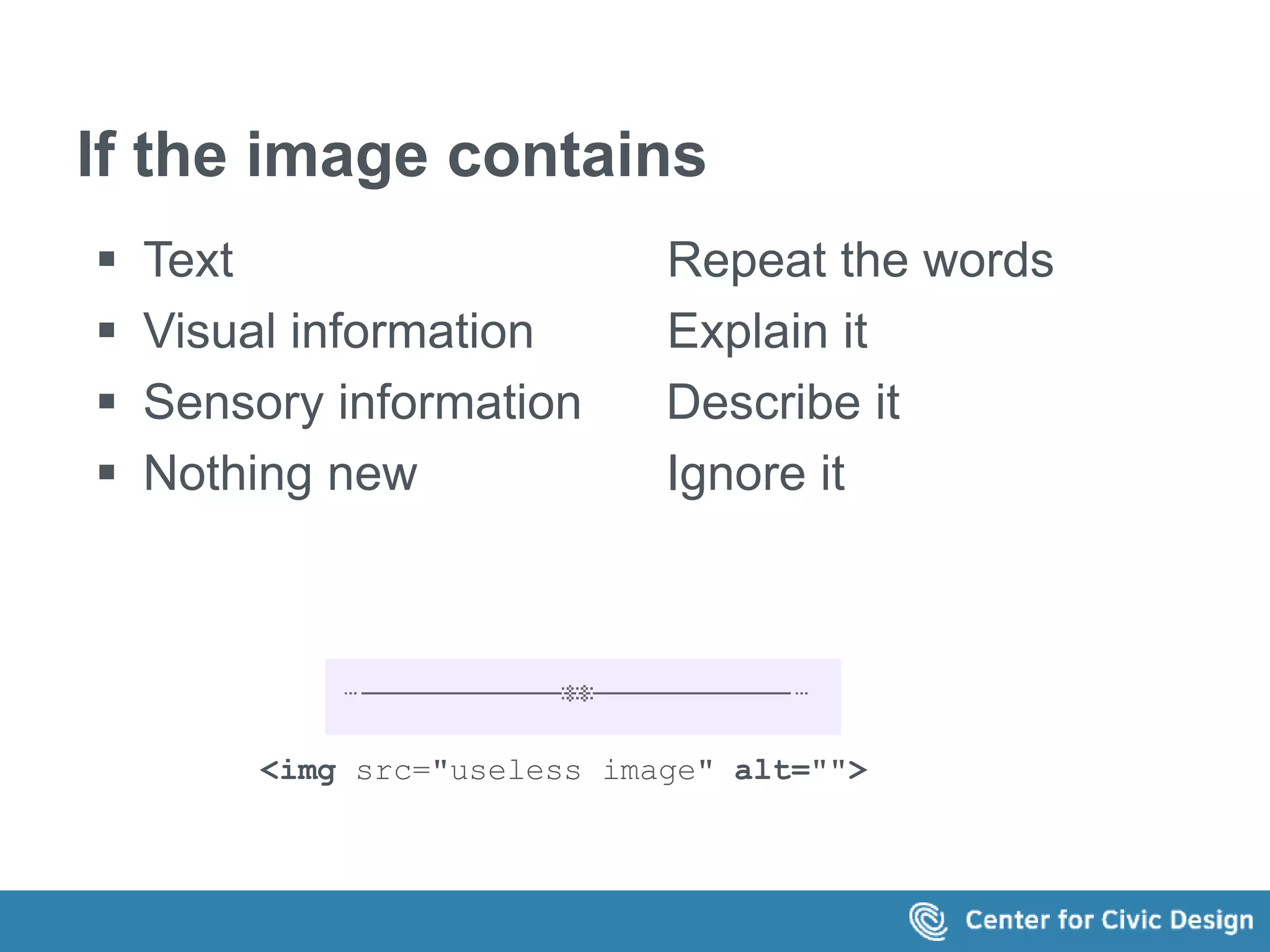
If the image contains 
 Text Repeat the words 
 Visual information Explain it 
 Sensory information Describe it 
 Nothing new Ignore it 
<img src="useless image" alt="">
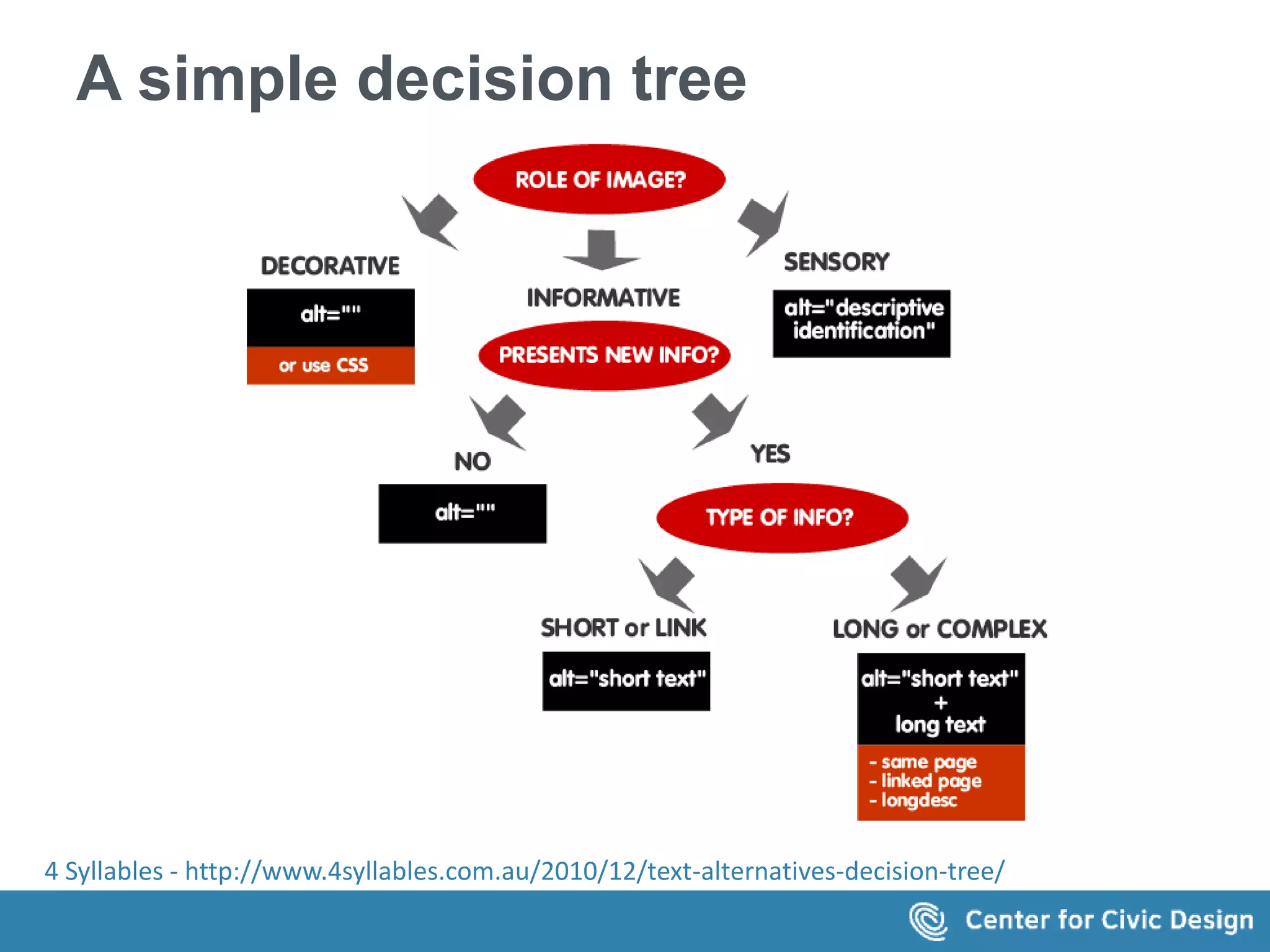
A simple decision tree 
 What is the role of the image? 
 Decorative? Use null alt text or CSS 
 Sensory? Write a descriptive identificaation 
 Informative? 
 No new info? Use null alt text 
 Simple or a link? Write short alt text 
 Complex image? Create long text 
 Section of the same page 
 Linked page 
 Longdesc 
4 Syllables - http://www.4syllables.com.au/2010/12/text-alternatives-decision-tree/
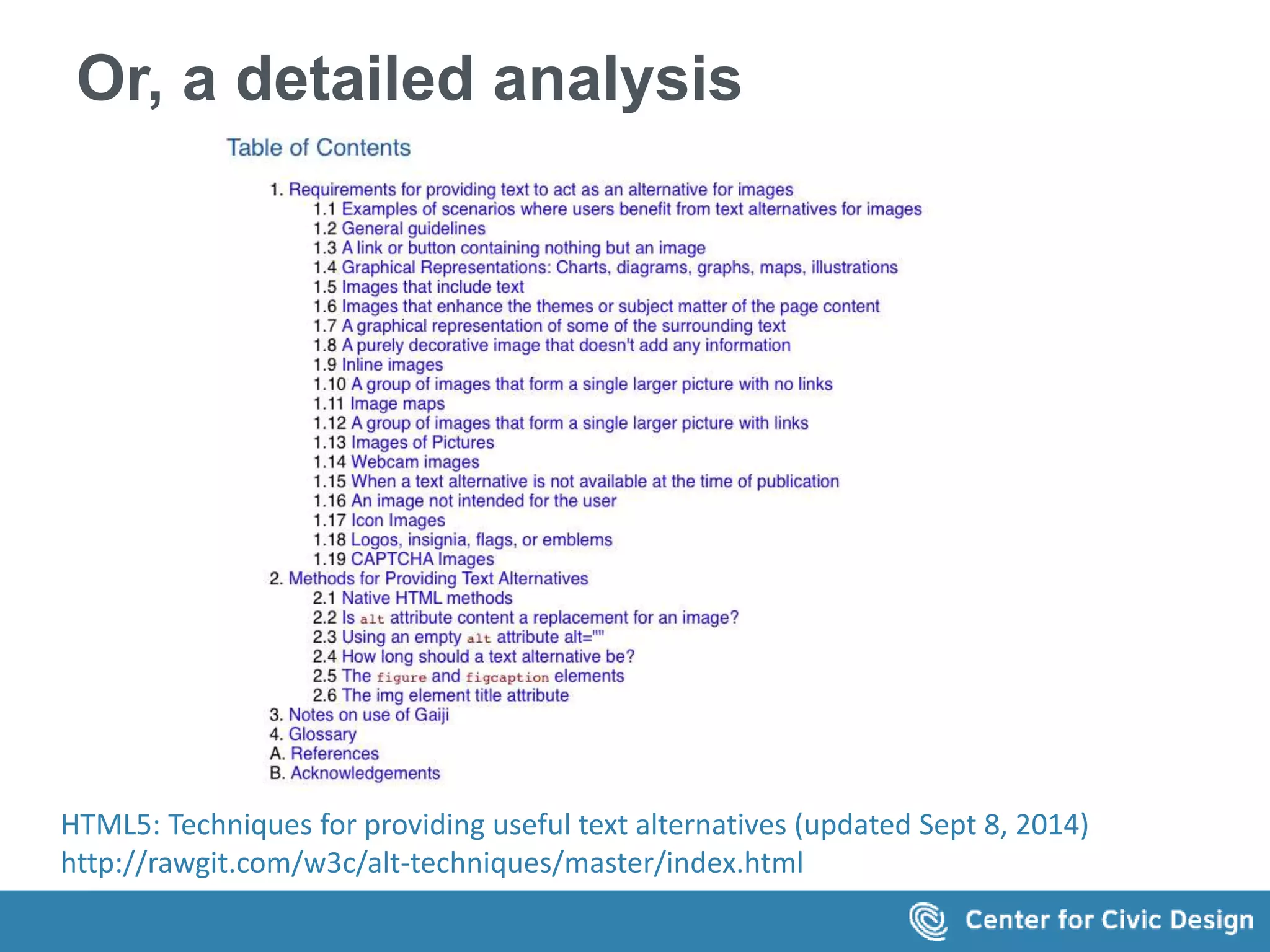
Or, a detailed analysis 
HTML5: Techniques for providing useful text alternatives (updated Sept 8, 2014) 
http://rawgit.com/w3c/alt-techniques/master/index.html
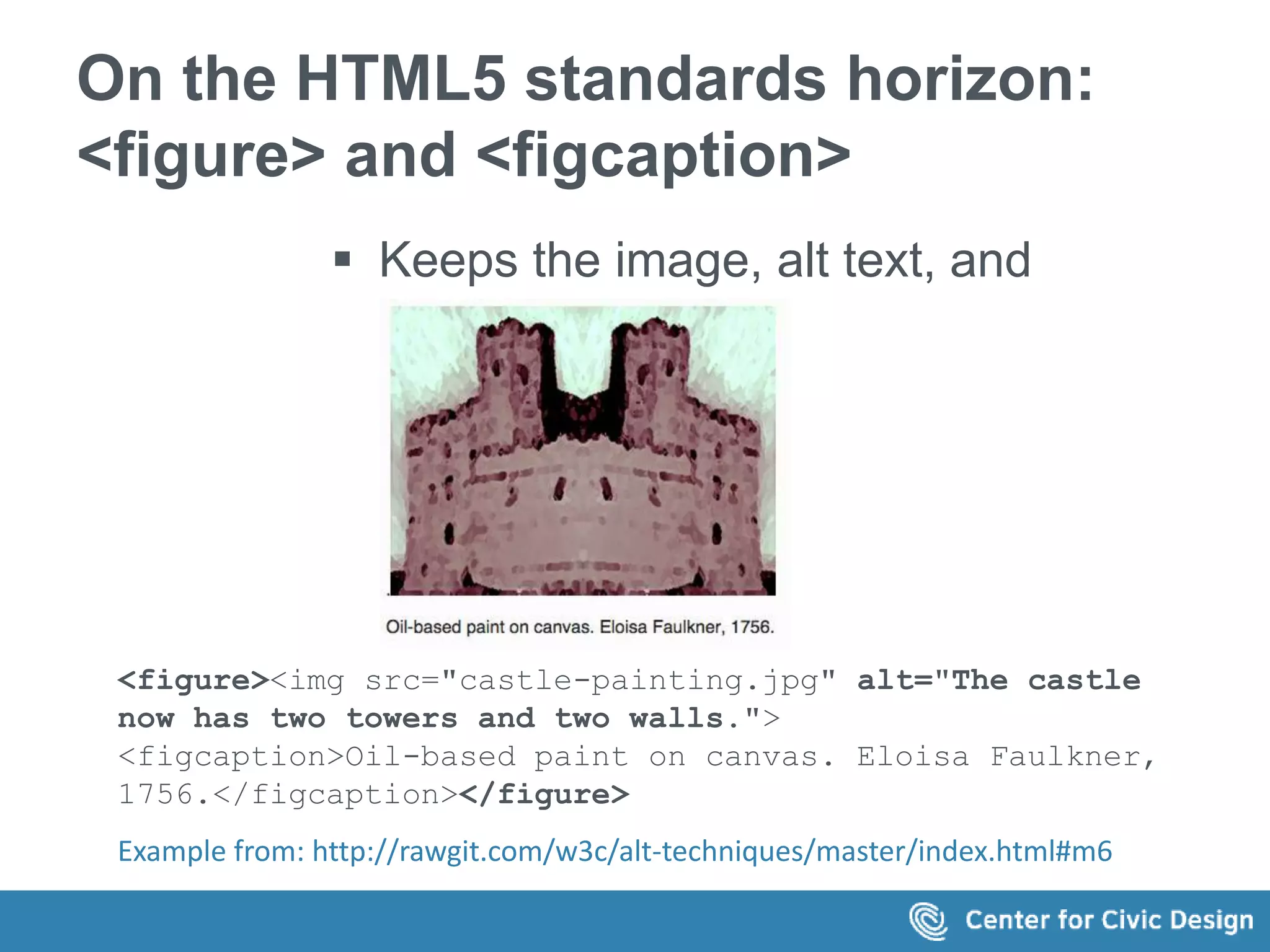
On the HTML5 standards horizon: 
<figure> and <figcaption> 
 Keeps the image, alt text, and 
caption together 
<figure><img src="castle-painting.jpg" alt="The castle 
now has two towers and two walls."> 
<figcaption>Oil-based paint on canvas. Eloisa Faulkner, 
1756.</figcaption></figure> 
Example from: http://rawgit.com/w3c/alt-techniques/master/index.html#m6
A writer's approach 
Start with a content strategy
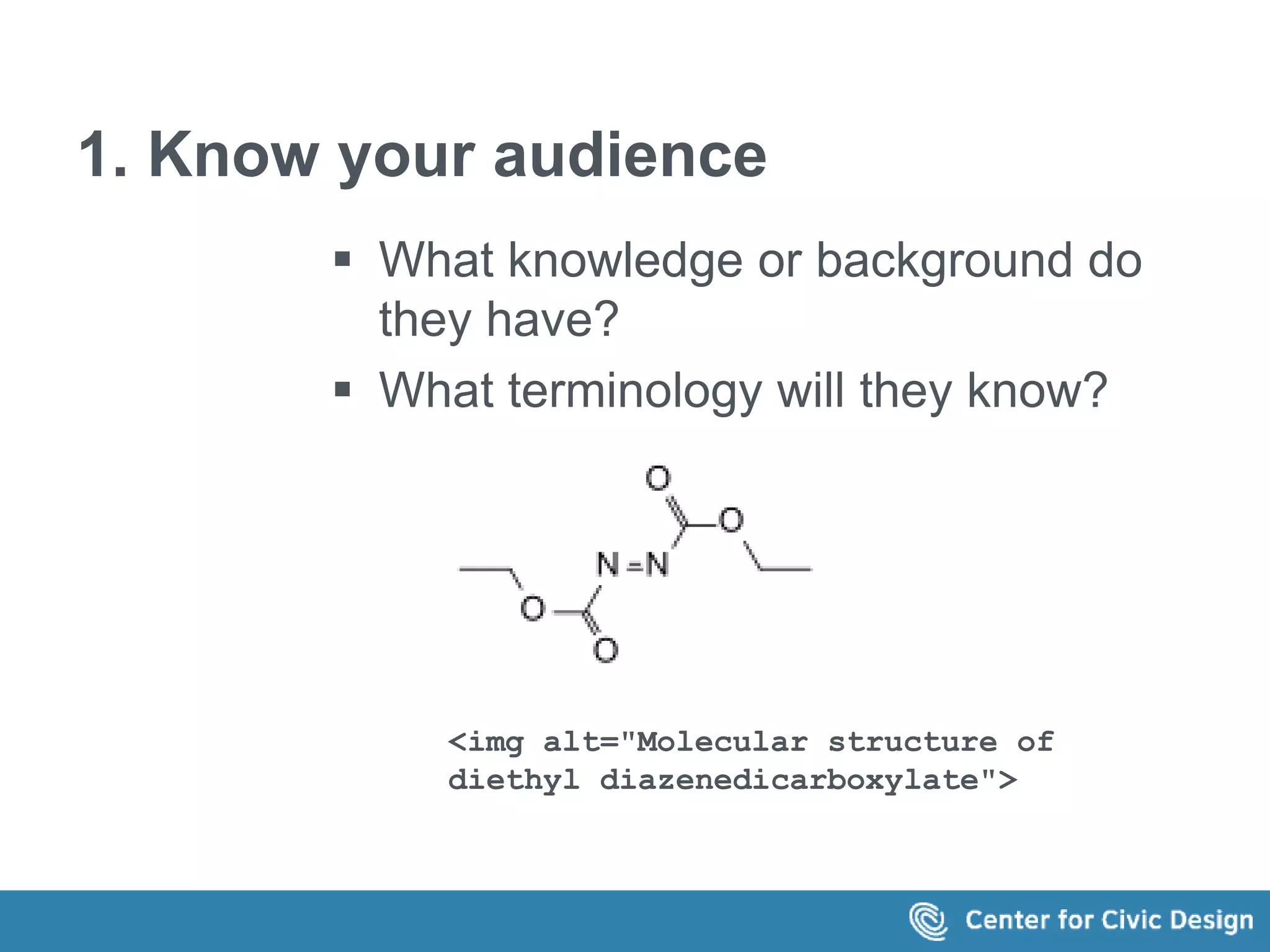
1. Know your audience 
 What knowledge or background do 
they have? 
 What terminology will they know? 
<img alt="Molecular structure of 
diethyl diazenedicarboxylate">
2. Context, not just rules 
 What is the reader's goal? 
 How does the image fit into the 
page? 
 What other information is around the 
image?
3. Create a consistent 'voice' 
Make the alt text part of the (stylistic) 
voice of the site, in how images are 
voiced (by assistive technology). 
Functional? 
Descriptive? 
Emotional?
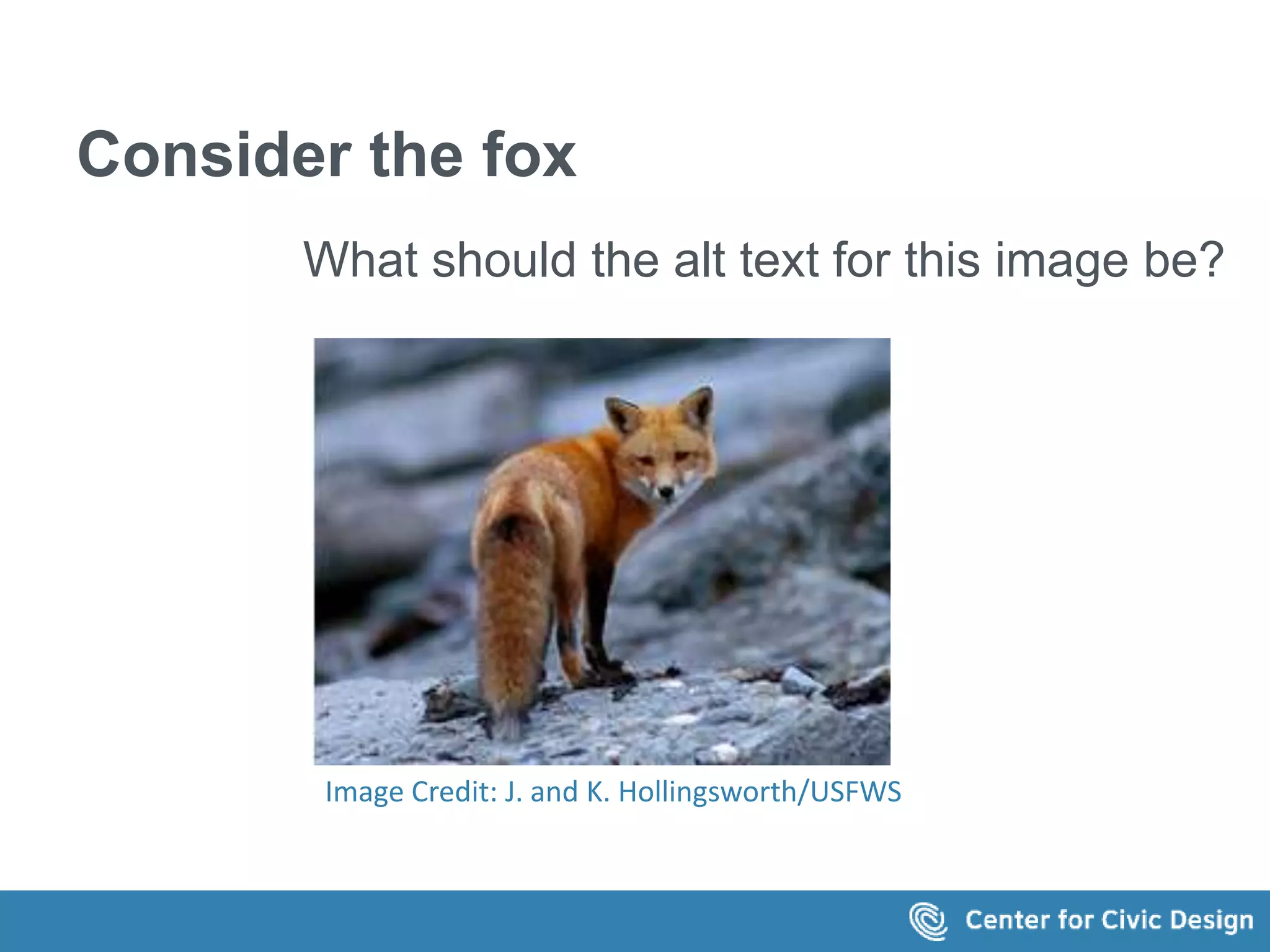
Consider the fox 
What should the alt text for this image be? 
Image Credit: J. and K. Hollingsworth/USFWS
What if we see it on this page? 
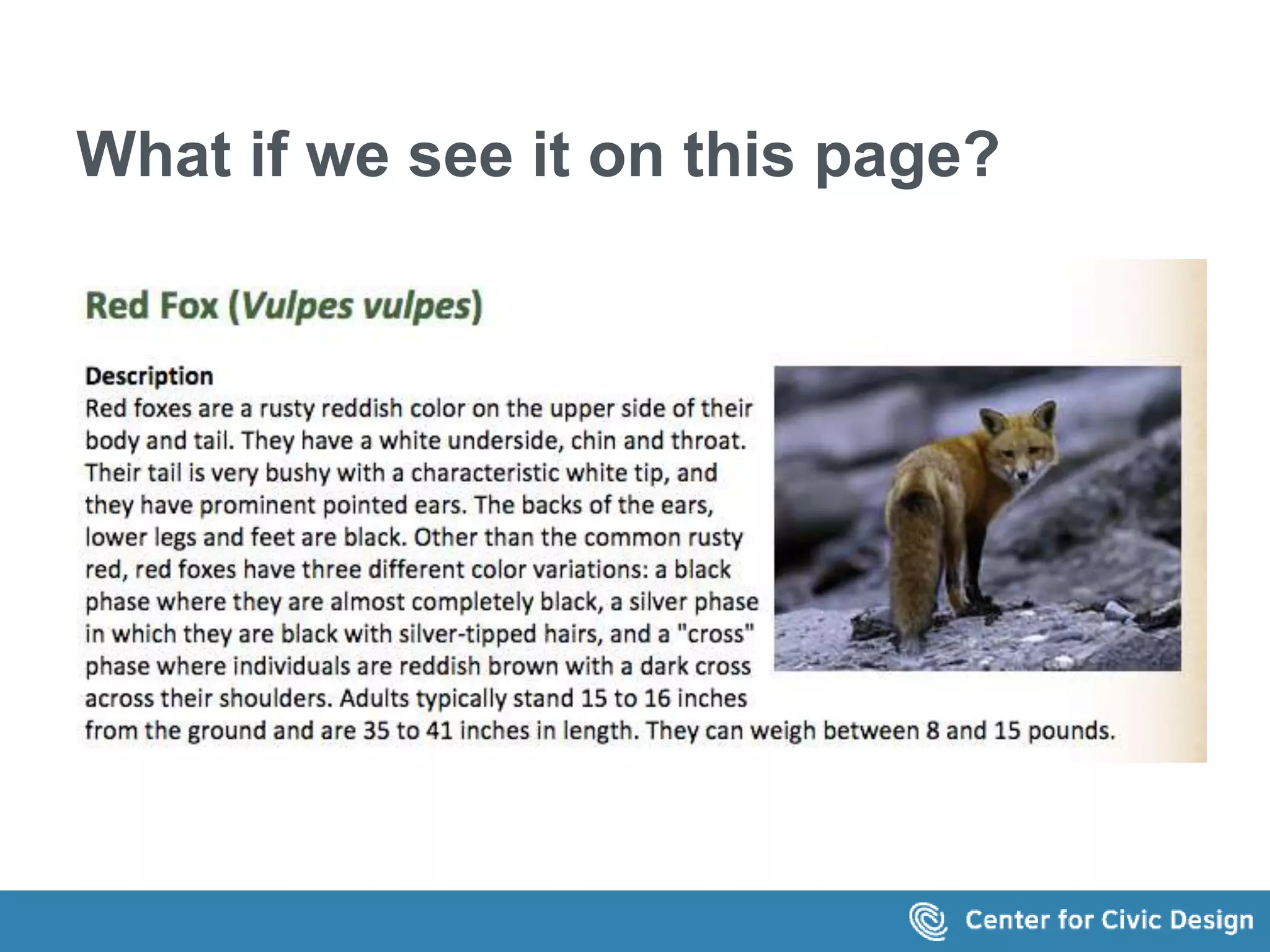
The text on page shown in the image says 
Red Fox (Vulpes vulpes) 
Description 
Red foxes are a rusty reddish color on the upper side of their body and tail. They have a white 
underside, chin and throat. Their tail is very bushy with a characteristic white tip, and they have 
prominent pointed ears. The backs of the ears, lower legs and feet are black. Other than the 
common rusty red, red foxes have three different color variations: a black phase where they are 
almost completely black, a silver phase in which they are black with silver-tipped hairs, and a 
"cross" phase where individuals are reddish brown with a dark cross across their shoulders. Adults 
typically stand 15 to 16 inches from the ground and are 35 to 41 inches in length. They can weigh 
between 8 and 15 pounds.
Or on this one 
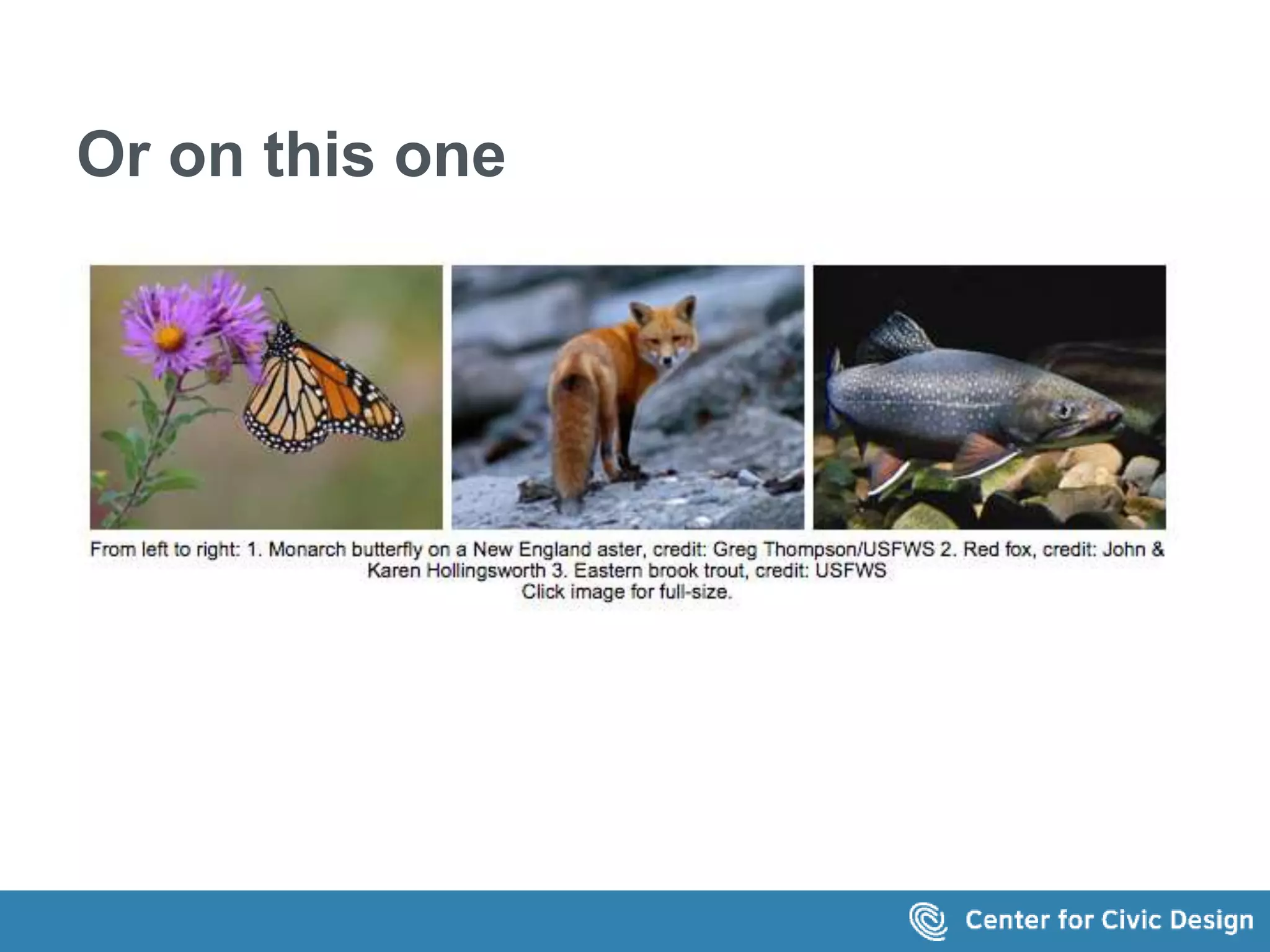
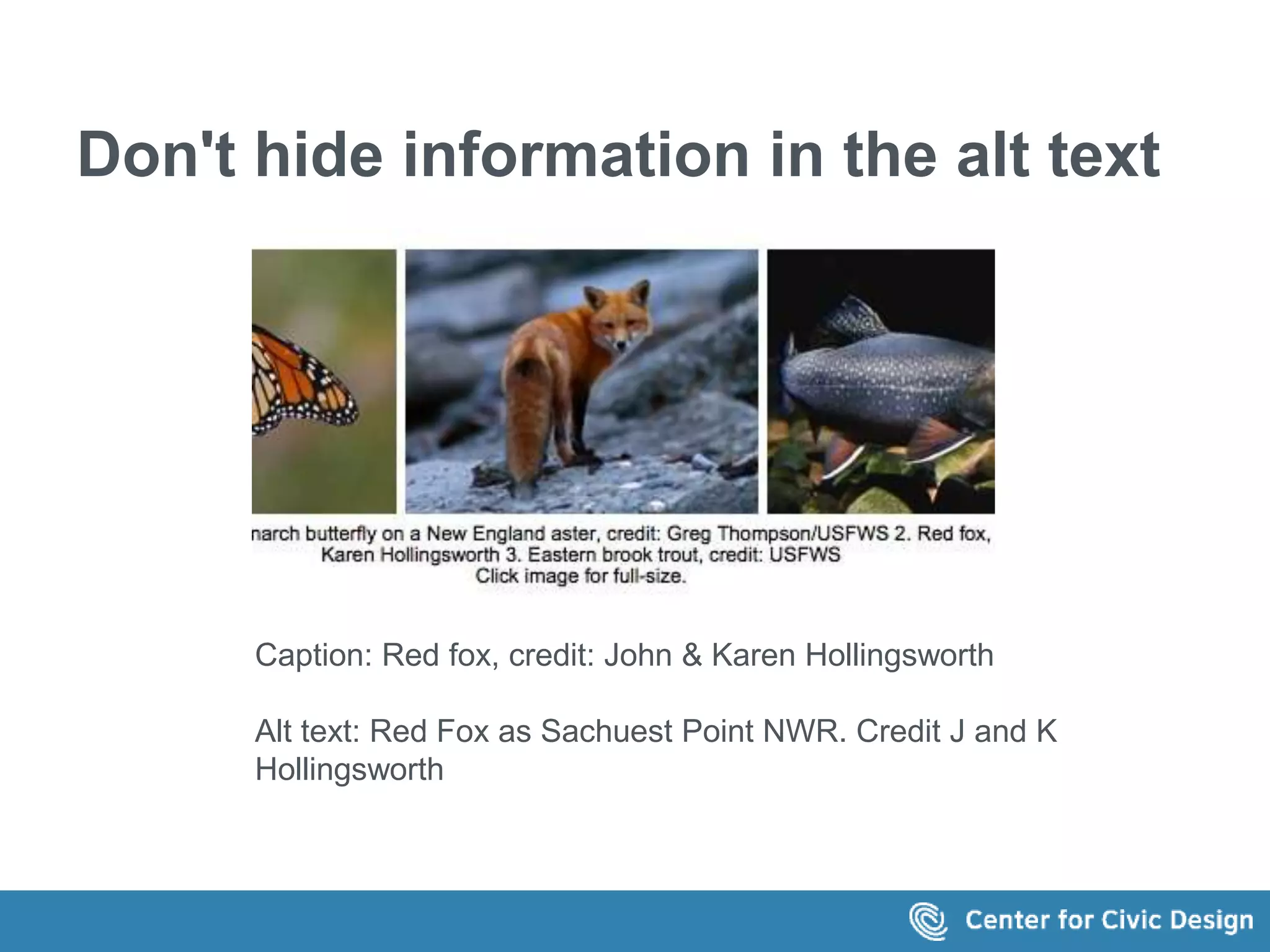
The screen shows 3 images with this caption: 
From left to right: 1. Monarch butterfly on a 
New England aster, credit: Greg 
Thompson/USFWS 2. Red fox, credit: John & 
Karen Hollingsworth 3. Eastern brook trout, 
credit: USFWS Click image for full-size.
Examples...examples.. 
.and more examples
Get the basics right 
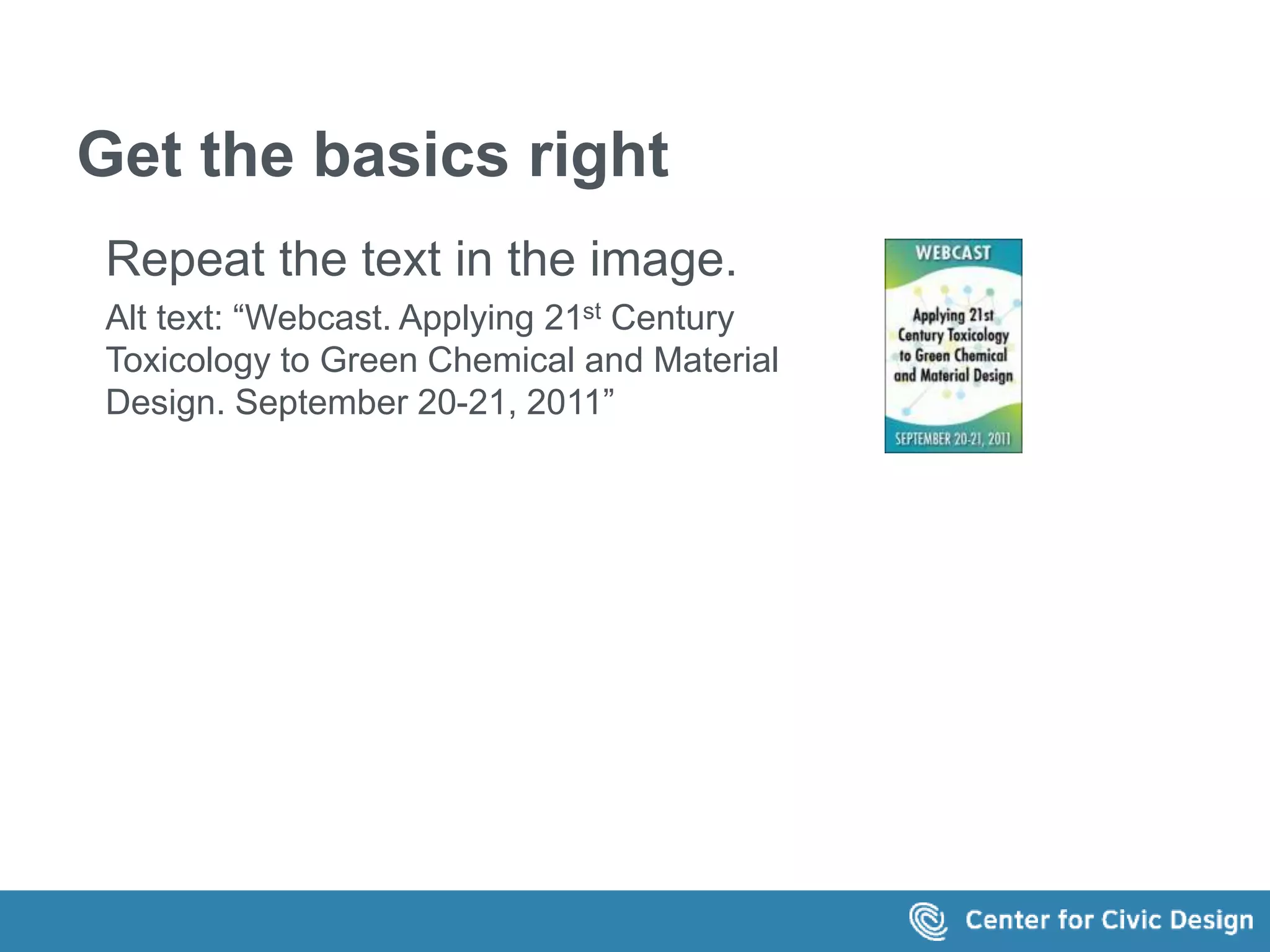
Repeat the text in the image. 
Alt text: “Webcast. Applying 21st Century 
Toxicology to Green Chemical and Material 
Design. September 20-21, 2011”
Get the basics right 
Identify the target of a link 
Alt text: 
“UXPA group on Facebook” 
"@UXPA_Int on Twitter" 
"UXPA's LinkedIN profile"
Don't create noise 
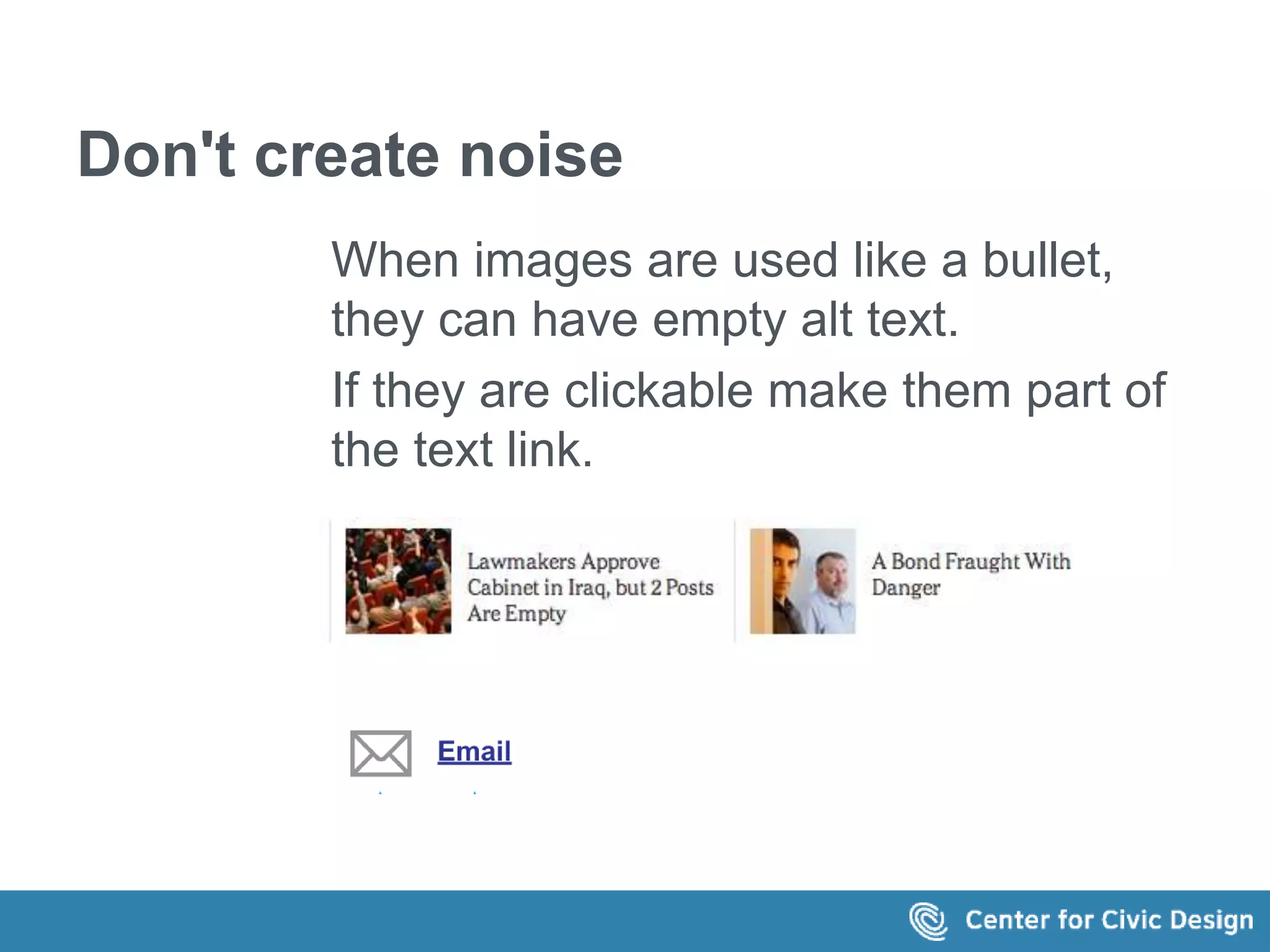
When images are used like a bullet, 
they can have empty alt text. 
If they are clickable make them part of 
the text link.
Don't hide meaningful images 
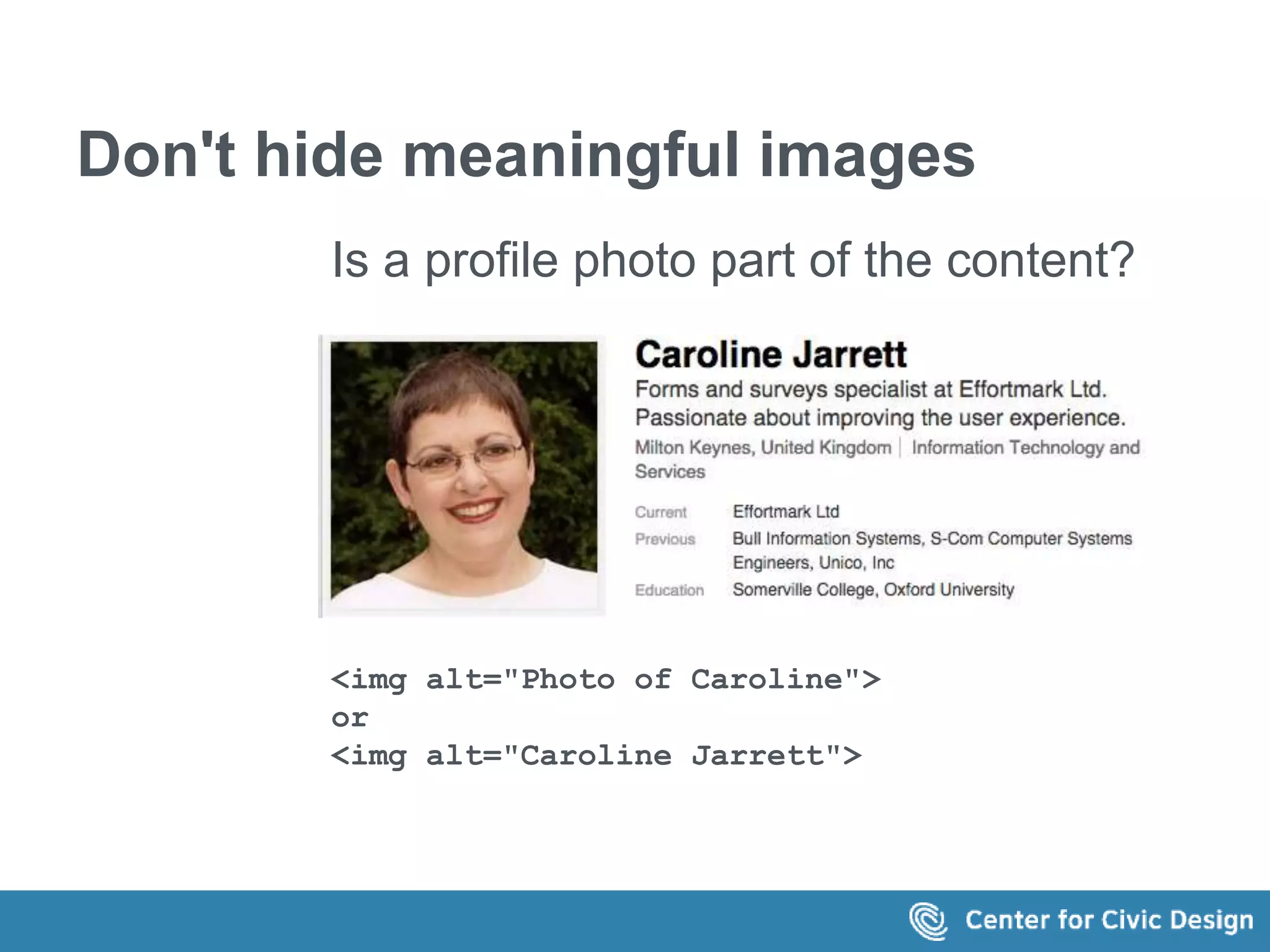
Is a profile photo part of the content? 
<img alt="Photo of Caroline"> 
or 
<img alt="Caroline Jarrett">
Make captions and alt text work 
together 
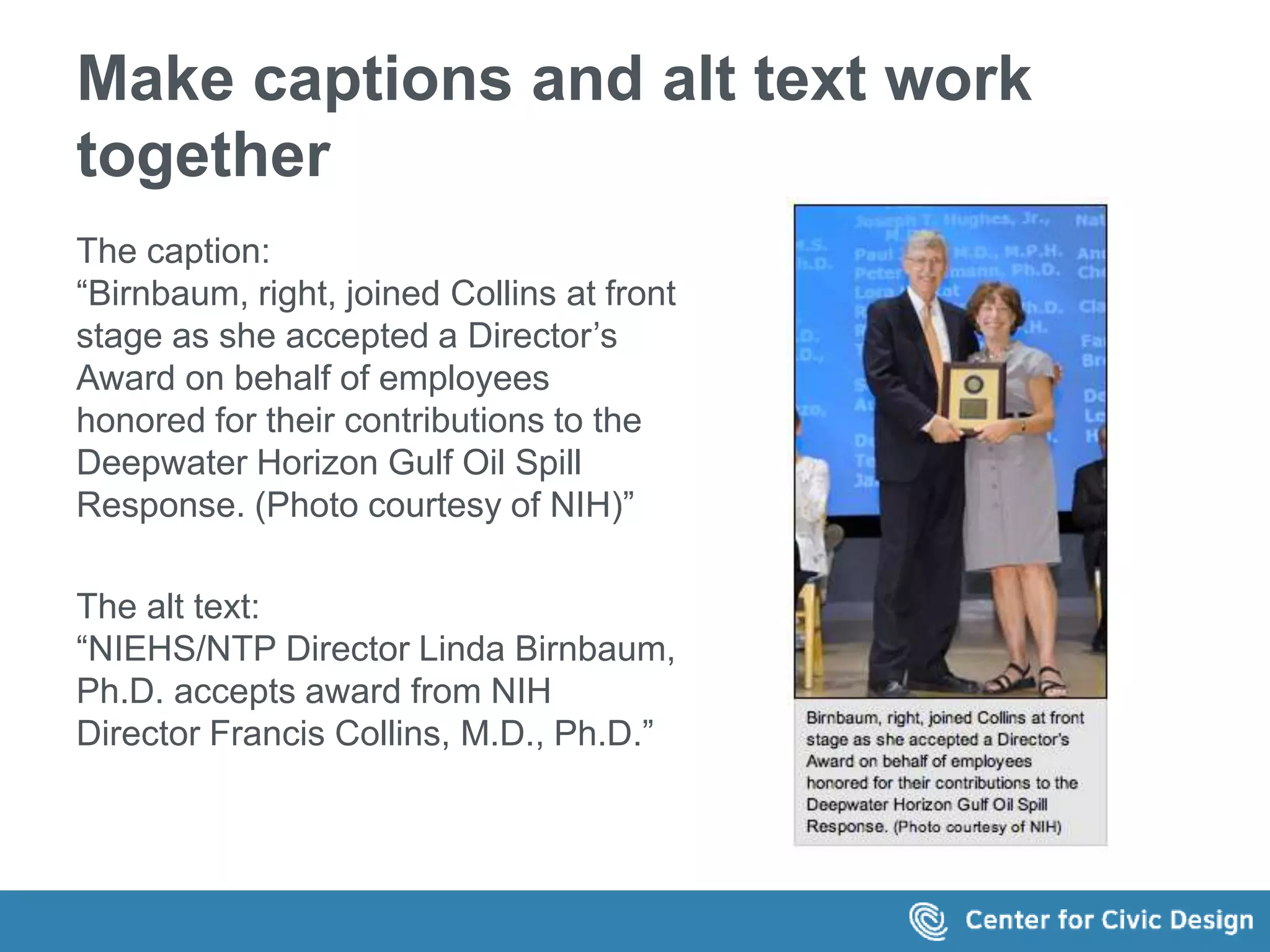
The caption: 
“Birnbaum, right, joined Collins at front 
stage as she accepted a Director’s 
Award on behalf of employees 
honored for their contributions to the 
Deepwater Horizon Gulf Oil Spill 
Response. (Photo courtesy of NIH)” 
The alt text: 
“NIEHS/NTP Director Linda Birnbaum, 
Ph.D. accepts award from NIH 
Director Francis Collins, M.D., Ph.D.”
Don't hide information in the alt text 
Caption: Red fox, credit: John & Karen Hollingsworth 
Alt text: Red Fox as Sachuest Point NWR. Credit J and K 
Hollingsworth
Don't just repeat the same text 
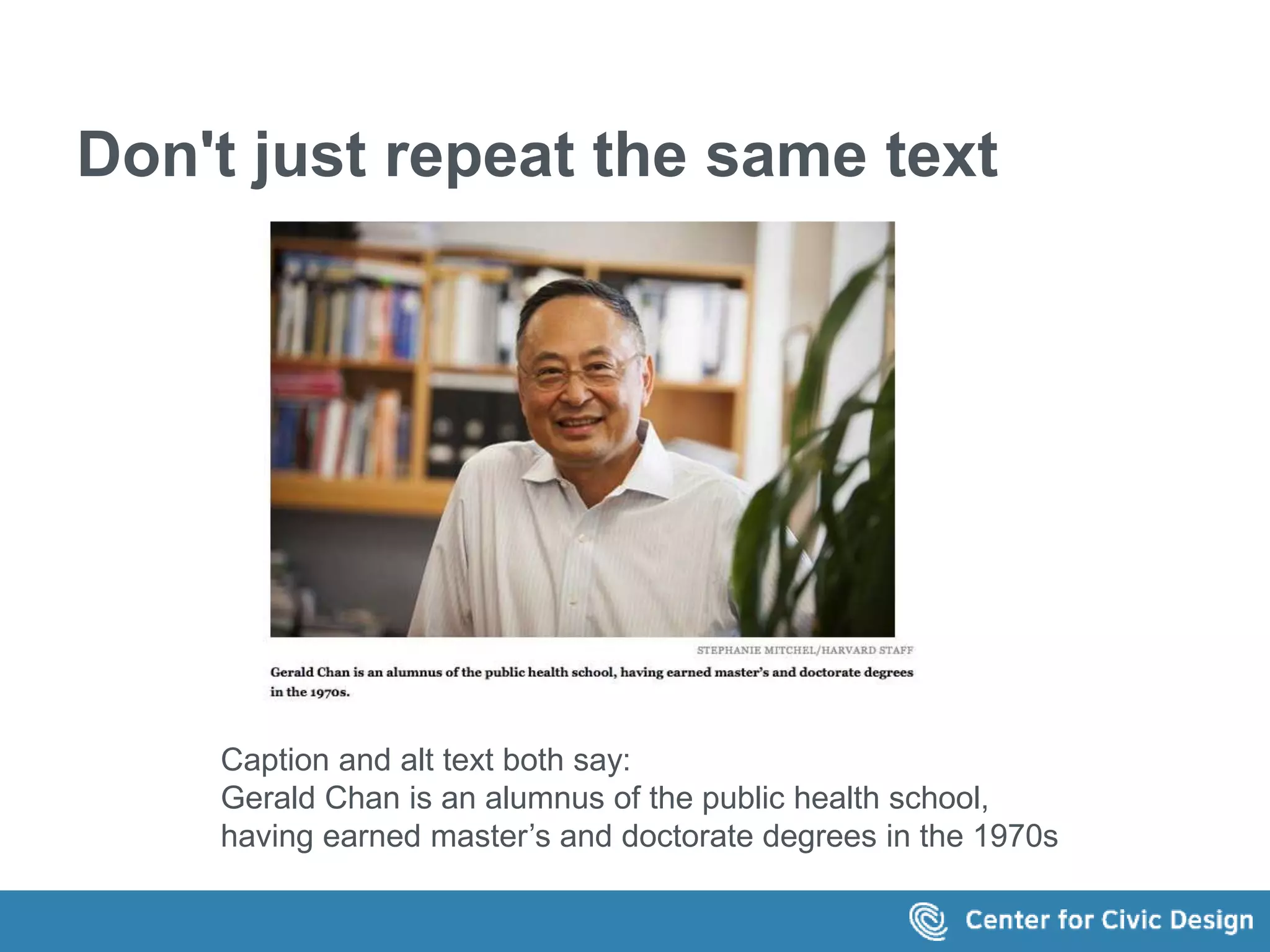
Caption and alt text both say: 
Gerald Chan is an alumnus of the public health school, 
having earned master’s and doctorate degrees in the 1970s
Consider the surrounding text 
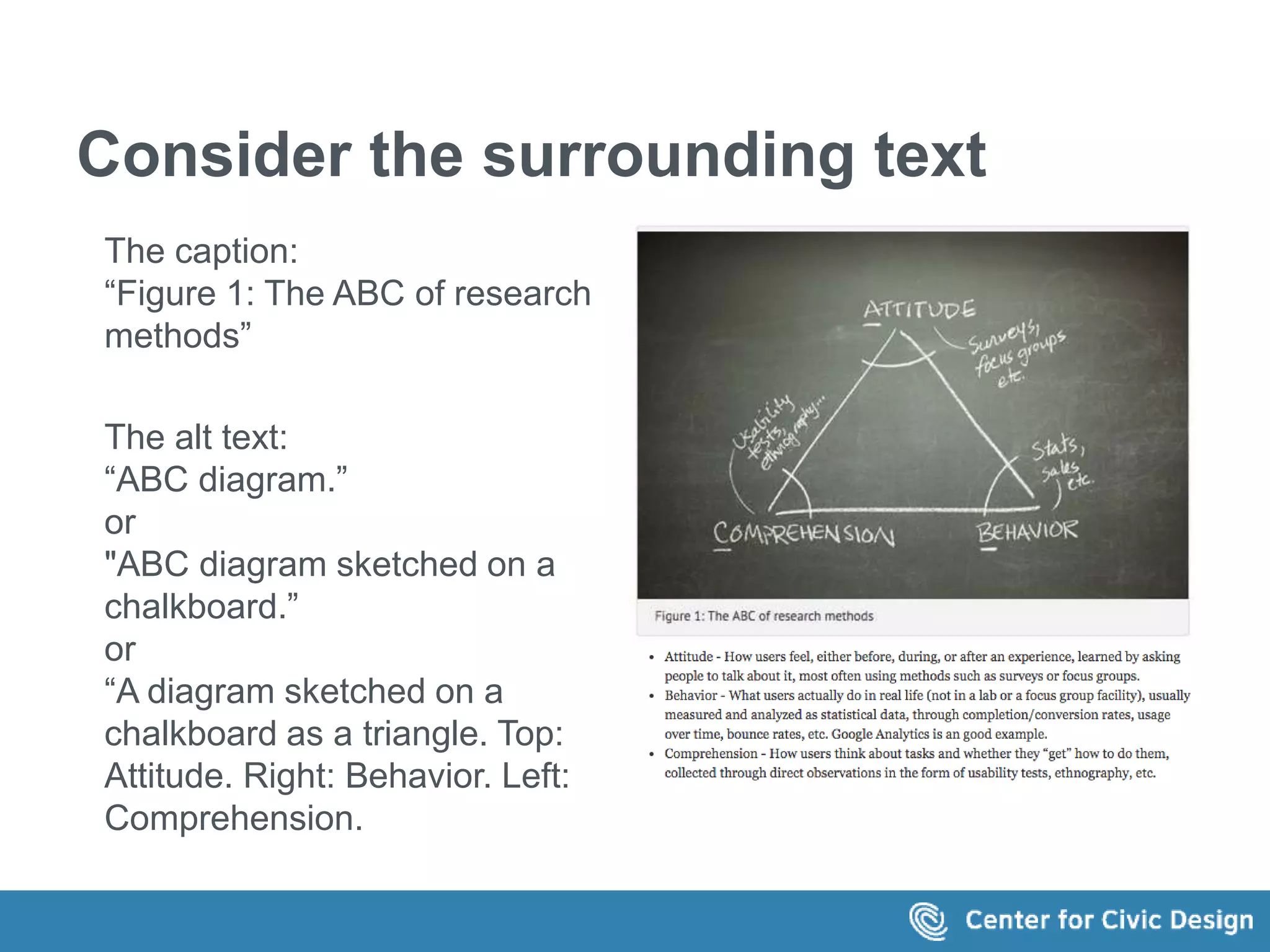
The caption: 
“Figure 1: The ABC of research 
methods” 
The alt text: 
“ABC diagram.” 
or 
"ABC diagram sketched on a 
chalkboard.” 
or 
“A diagram sketched on a 
chalkboard as a triangle. Top: 
Attitude. Right: Behavior. Left: 
Comprehension.
When the text is long... 
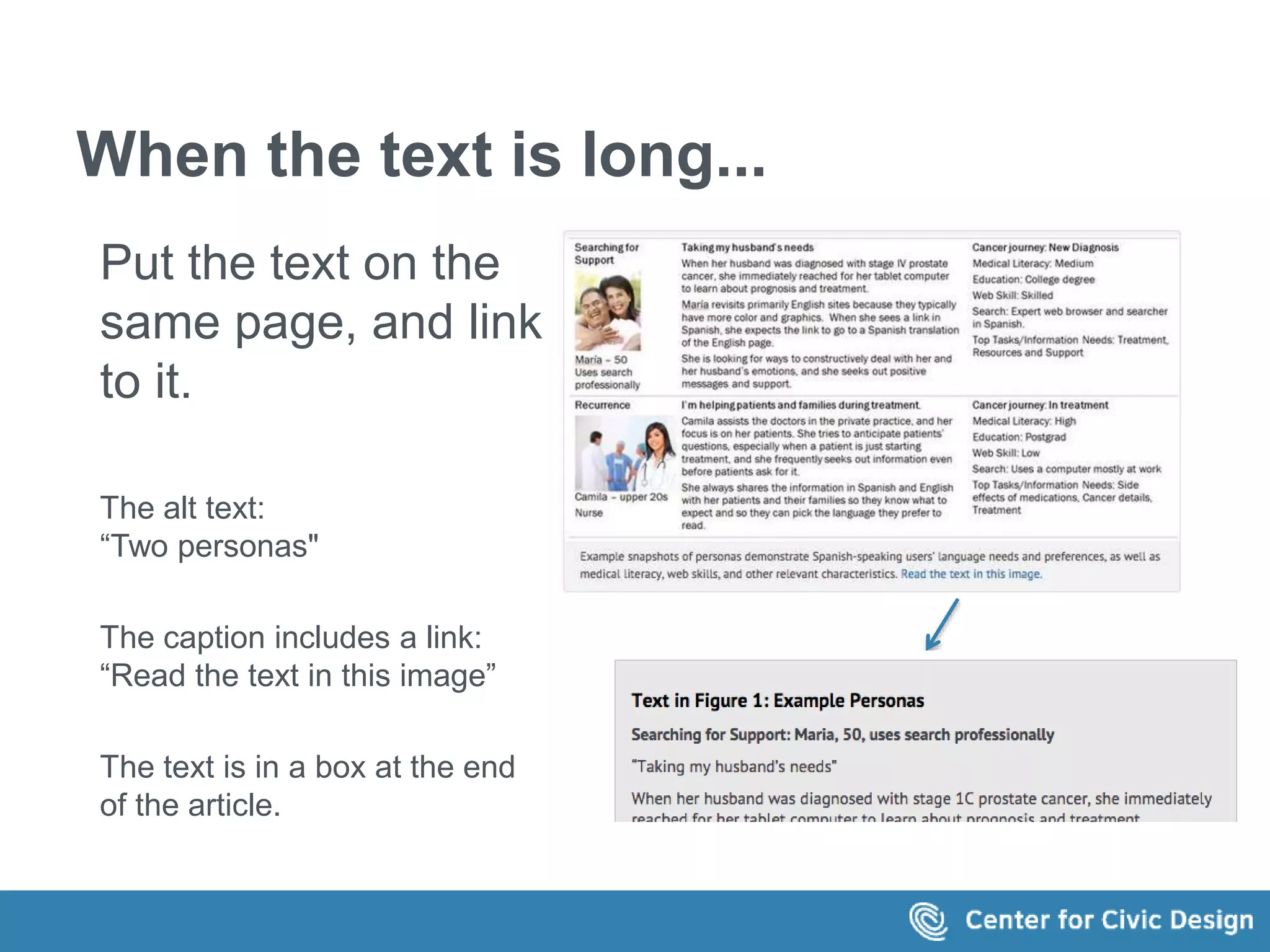
Put the text on the 
same page, and link 
to it. 
The alt text: 
“Two personas" 
The caption includes a link: 
“Read the text in this image” 
The text is in a box at the end 
of the article. 
The caption reads: Example snapshots of 
personas demonstrate Spanish-speaking 
users’ language needs and preferences, as 
well as medical literacy, web skills, and 
other relevant characteristics. Read the text 
in this image." 
The link points to a grey box below
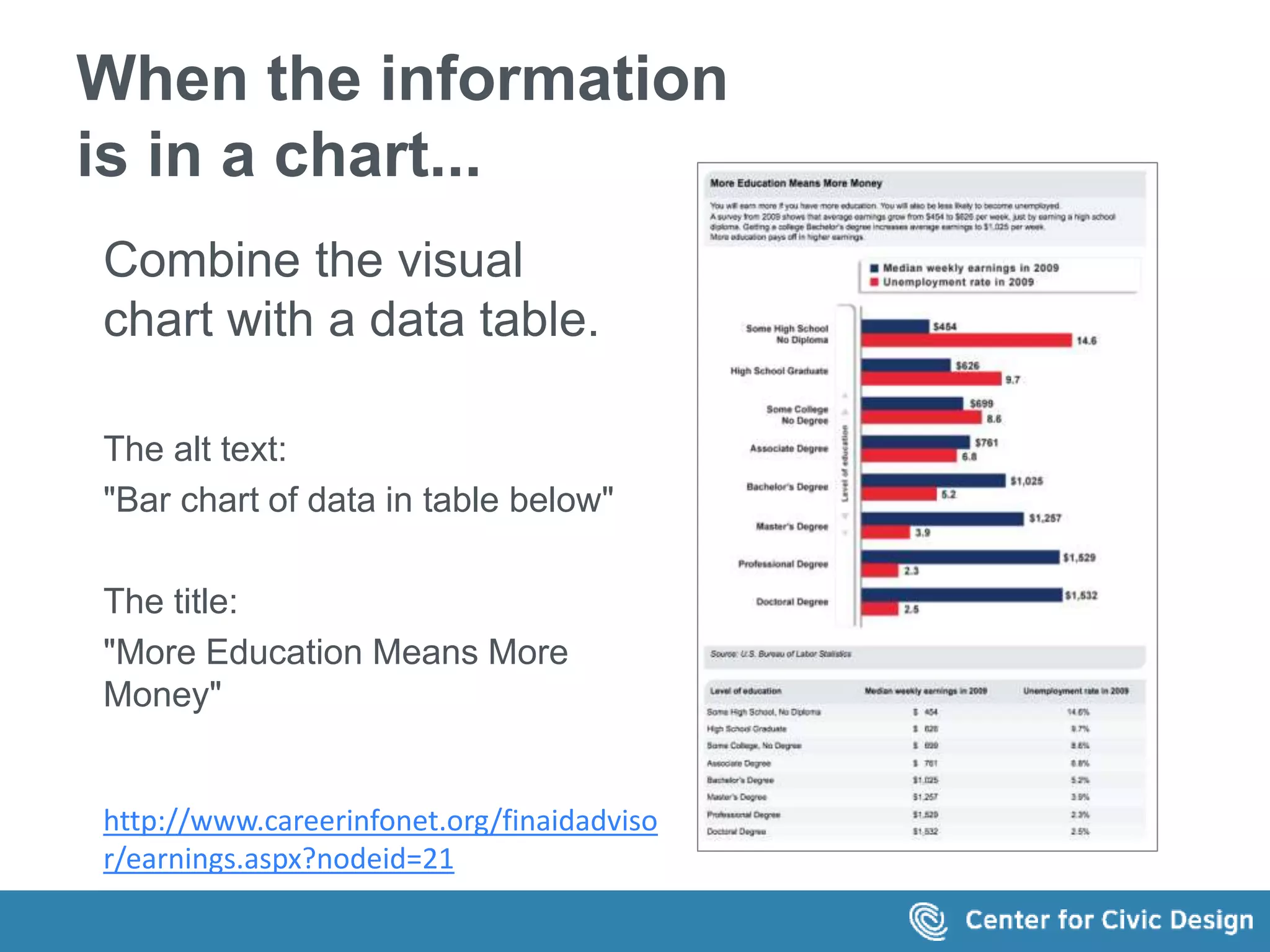
When the information 
is in a chart... 
Combine the visual 
chart with a data table. 
The alt text: 
"Bar chart of data in table below" 
The title: 
"More Education Means More 
Money" 
http://www.careerinfonet.org/finaidadviso 
r/earnings.aspx?nodeid=21
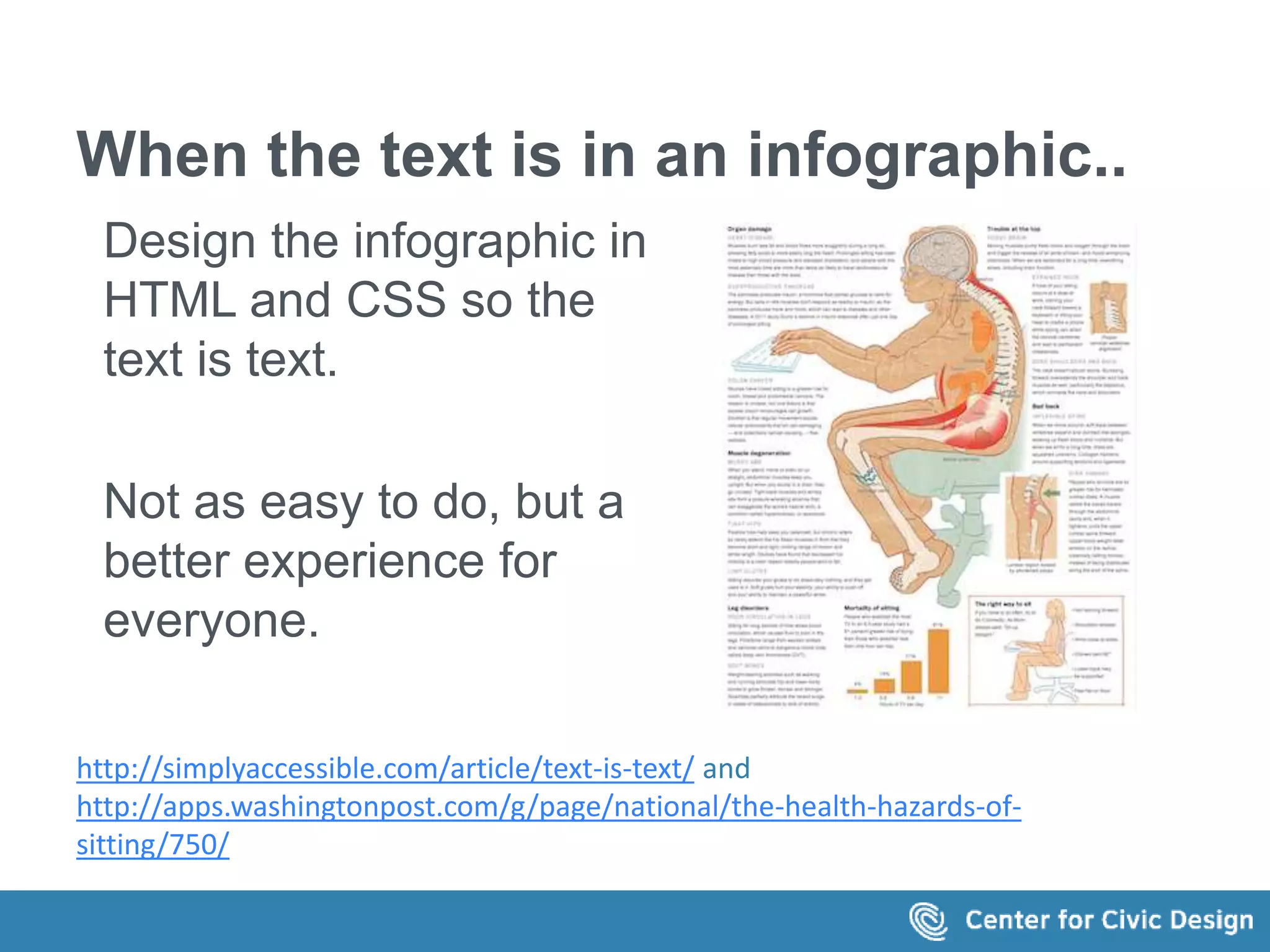
When the text is in an infographic.. 
Design the infographic in 
HTML and CSS so the 
text is text. 
Not as easy to do, but a 
better experience for 
everyone. 
http://simplyaccessible.com/article/text-is-text/ and 
http://apps.washingtonpost.com/g/page/national/the-health-hazards-of-sitting/ 
750/
Workflow 
Make alt text part of the writing 
process
How long should alt text be? 
 No more than a few words? 
(WebAIM) 
 5-15 words? 
(Many sources) 
 30-50 words (2-3 sentences)? 
(W3C Draft)
Keep it short 
Focus on the important words (no 
prizes for writing long prose). 
Avoid noise words 
 "Image of.. " 
 "This is a..."
Be consistent 
Each image, each page, each section 
is all part of your site or app. 
Use the same approach everywhere, 
especially for functional elements: 
 Providing additional text 
 Locating explanatory text or data 
 Identifying figures in the text
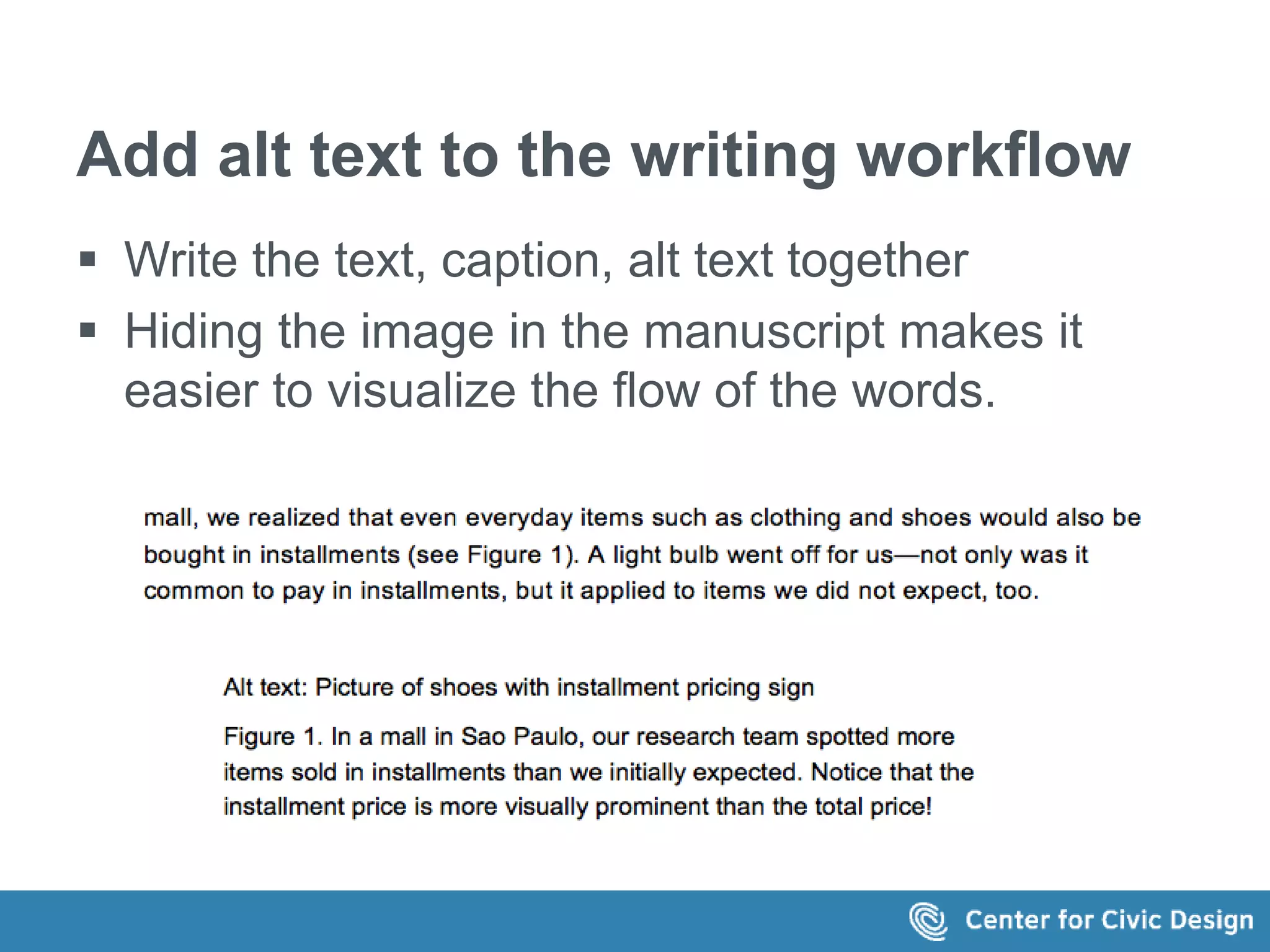
Add alt text to the writing workflow 
 Write the text, caption, alt text together 
 Hiding the image in the manuscript makes it 
easier to visualize the flow of the words. 
This is the text in the image: 
...mall, we realized that even everyday items such as clothing and shoes would 
also be bought in installments (see Figure 1). A light bulb went off for us—not 
only was it common to pay in installments, but it applied to items we did not 
expect, too. 
Alt text: Picture of shoes with installment pricing sign 
Figure 1. In a mall in Sao Paulo, our research team spotted more items sold in 
installments than we initially expected. Notice that the installment price is 
more visually prominent than the total price!
This is change! 
 Admit it 
 Embrace it 
 Set a reasonable pace 
Rome wasn't built in a day 
(but if you don't start, you never get there)
Make the web a better 
place. 
Write some (great) alt text today!
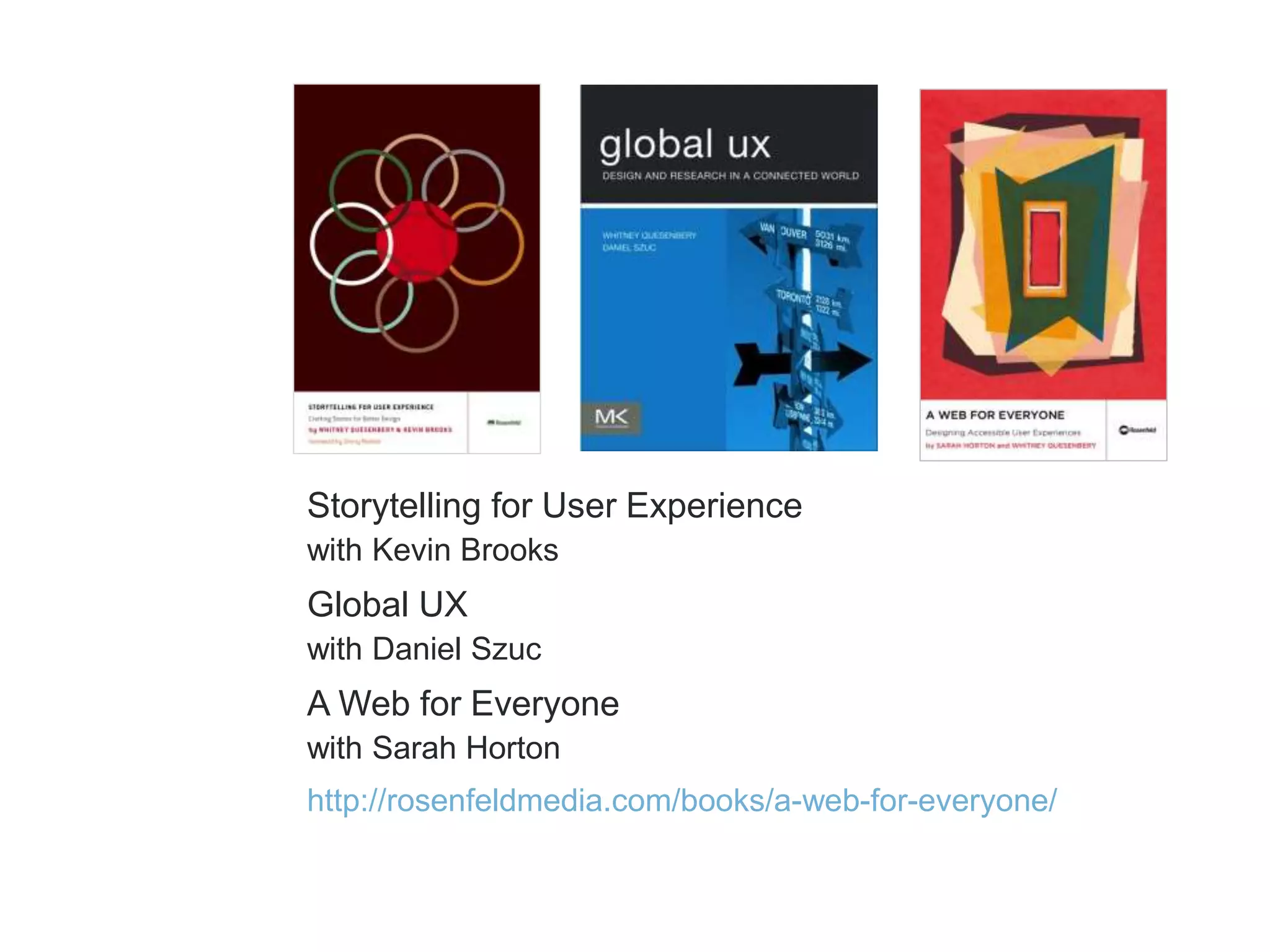
Storytelling for User Experience 
with Kevin Brooks 
Global UX 
with Daniel Szuc 
A Web for Everyone 
with Sarah Horton 
http://rosenfeldmedia.com/books/a-web-for-everyone/
Get in touch! 
Whitney Quesenbery 
whitneyq@civicdesign.org 
@whitneyq 
http://civicdesign.org 
@civicdesign
Thank you.

Writing Great Alt Text

  • 1.
    Writing great alttext Whitney Quesenbery Center for Civic Design @civicdesign | @whitneyq Environments for Humans Accessibility Summit 2014
  • 2.
    The basics Altmeans alternative
  • 3.
    Alt text is... A principle of accessibility Web Content Accessibility Guidelines 2.0 Principle 1: Perceivable Information and user interface components must be presentable to users in ways they can perceive.
  • 4.
    Alt text is... A requirement for accessibility Web Content Accessibility Guidelines 2.0 Guideline 1.1 Text Alternatives: Provide text alternatives for any non-text content so that it can be changed into other forms people need, such as large print, braille, speech, symbols or simpler language.
  • 5.
    Alt text is... Code. Specifically, an attribute in the image element <img src="tickets.jpg" alt="#A11YSUMMIT. Buy tickets">
  • 6.
    Alt text is... Part of appealing to all senses.  Images – alternative text  Video – captions and video descriptions action  Audio - transcripts An accessible UX principle: Accessible Media: Appeal to all Senses A Web for Everyone by Sarah Horton and Whitney Quesenbery http://rosenfeldmedia.com/books/a-web-for-everyone/
  • 7.
    Because technology needsit Screen readers (and other assistive technology) can't interpret the meaning of the image without it. <img src="fb.jpg"> <img src="twitter.jpg"> <img src="li-logo-square.jpg"> <img src="g.jpg> <img src="btn1875412.jpg"
  • 8.
    Because people needit  People who use screen readers and other AT  When images are missing or turned off  For translations Jacob Vishnu Trevor Maria Personas from A Web for Everyone by Sarah Horton and Whitney Quesenbery http://rosenfeldmedia.com/books/a-web-for-everyone/resources/
  • 9.
    The problem Whyare we (still) talking about alt text?
  • 10.
    Alt text isinvisible content  It's hard to tell if it's good or bad...or even it it's there.  Even bad alt text passes accessibility checkers. Banner Ad <img src="banner-ad-176987362334876292.jpg" alt="banner-ad-176987362334876292.jpg">
  • 11.
    Is it codeor content? Who "owns" the alt text?  Developers  Art directors  Authors
  • 12.
    The tools don'thelp It's no fun to 1. find each image 2. click open the properties sheet 3. navigate to the right page 4. to enter the alt text over and over and over for each image
  • 13.
    Or they getin the way They ask for the information at the wrong time, and in the wrong way.
  • 14.
    The usual rules A simple way to decide how to write alt text
  • 15.
    The simplest guideline Start with this question: What information does this image add?  Does the page make sense without it?  What kind of information is it?
  • 16.
    If the imagecontains  Text Repeat the words  Visual information Explain it  Sensory information Describe it  Nothing new Ignore it <img src="useless image" alt="">
  • 17.
    A simple decisiontree  What is the role of the image?  Decorative? Use null alt text or CSS  Sensory? Write a descriptive identificaation  Informative?  No new info? Use null alt text  Simple or a link? Write short alt text  Complex image? Create long text  Section of the same page  Linked page  Longdesc 4 Syllables - http://www.4syllables.com.au/2010/12/text-alternatives-decision-tree/
  • 18.
    Or, a detailedanalysis HTML5: Techniques for providing useful text alternatives (updated Sept 8, 2014) http://rawgit.com/w3c/alt-techniques/master/index.html
  • 19.
    On the HTML5standards horizon: <figure> and <figcaption>  Keeps the image, alt text, and caption together <figure><img src="castle-painting.jpg" alt="The castle now has two towers and two walls."> <figcaption>Oil-based paint on canvas. Eloisa Faulkner, 1756.</figcaption></figure> Example from: http://rawgit.com/w3c/alt-techniques/master/index.html#m6
  • 20.
    A writer's approach Start with a content strategy
  • 21.
    1. Know youraudience  What knowledge or background do they have?  What terminology will they know? <img alt="Molecular structure of diethyl diazenedicarboxylate">
  • 22.
    2. Context, notjust rules  What is the reader's goal?  How does the image fit into the page?  What other information is around the image?
  • 23.
    3. Create aconsistent 'voice' Make the alt text part of the (stylistic) voice of the site, in how images are voiced (by assistive technology). Functional? Descriptive? Emotional?
  • 24.
    Consider the fox What should the alt text for this image be? Image Credit: J. and K. Hollingsworth/USFWS
  • 25.
    What if wesee it on this page? The text on page shown in the image says Red Fox (Vulpes vulpes) Description Red foxes are a rusty reddish color on the upper side of their body and tail. They have a white underside, chin and throat. Their tail is very bushy with a characteristic white tip, and they have prominent pointed ears. The backs of the ears, lower legs and feet are black. Other than the common rusty red, red foxes have three different color variations: a black phase where they are almost completely black, a silver phase in which they are black with silver-tipped hairs, and a "cross" phase where individuals are reddish brown with a dark cross across their shoulders. Adults typically stand 15 to 16 inches from the ground and are 35 to 41 inches in length. They can weigh between 8 and 15 pounds.
  • 26.
    Or on thisone The screen shows 3 images with this caption: From left to right: 1. Monarch butterfly on a New England aster, credit: Greg Thompson/USFWS 2. Red fox, credit: John & Karen Hollingsworth 3. Eastern brook trout, credit: USFWS Click image for full-size.
  • 27.
  • 28.
    Get the basicsright Repeat the text in the image. Alt text: “Webcast. Applying 21st Century Toxicology to Green Chemical and Material Design. September 20-21, 2011”
  • 29.
    Get the basicsright Identify the target of a link Alt text: “UXPA group on Facebook” "@UXPA_Int on Twitter" "UXPA's LinkedIN profile"
  • 30.
    Don't create noise When images are used like a bullet, they can have empty alt text. If they are clickable make them part of the text link.
  • 31.
    Don't hide meaningfulimages Is a profile photo part of the content? <img alt="Photo of Caroline"> or <img alt="Caroline Jarrett">
  • 32.
    Make captions andalt text work together The caption: “Birnbaum, right, joined Collins at front stage as she accepted a Director’s Award on behalf of employees honored for their contributions to the Deepwater Horizon Gulf Oil Spill Response. (Photo courtesy of NIH)” The alt text: “NIEHS/NTP Director Linda Birnbaum, Ph.D. accepts award from NIH Director Francis Collins, M.D., Ph.D.”
  • 33.
    Don't hide informationin the alt text Caption: Red fox, credit: John & Karen Hollingsworth Alt text: Red Fox as Sachuest Point NWR. Credit J and K Hollingsworth
  • 34.
    Don't just repeatthe same text Caption and alt text both say: Gerald Chan is an alumnus of the public health school, having earned master’s and doctorate degrees in the 1970s
  • 35.
    Consider the surroundingtext The caption: “Figure 1: The ABC of research methods” The alt text: “ABC diagram.” or "ABC diagram sketched on a chalkboard.” or “A diagram sketched on a chalkboard as a triangle. Top: Attitude. Right: Behavior. Left: Comprehension.
  • 36.
    When the textis long... Put the text on the same page, and link to it. The alt text: “Two personas" The caption includes a link: “Read the text in this image” The text is in a box at the end of the article. The caption reads: Example snapshots of personas demonstrate Spanish-speaking users’ language needs and preferences, as well as medical literacy, web skills, and other relevant characteristics. Read the text in this image." The link points to a grey box below
  • 37.
    When the information is in a chart... Combine the visual chart with a data table. The alt text: "Bar chart of data in table below" The title: "More Education Means More Money" http://www.careerinfonet.org/finaidadviso r/earnings.aspx?nodeid=21
  • 38.
    When the textis in an infographic.. Design the infographic in HTML and CSS so the text is text. Not as easy to do, but a better experience for everyone. http://simplyaccessible.com/article/text-is-text/ and http://apps.washingtonpost.com/g/page/national/the-health-hazards-of-sitting/ 750/
  • 39.
    Workflow Make alttext part of the writing process
  • 40.
    How long shouldalt text be?  No more than a few words? (WebAIM)  5-15 words? (Many sources)  30-50 words (2-3 sentences)? (W3C Draft)
  • 41.
    Keep it short Focus on the important words (no prizes for writing long prose). Avoid noise words  "Image of.. "  "This is a..."
  • 42.
    Be consistent Eachimage, each page, each section is all part of your site or app. Use the same approach everywhere, especially for functional elements:  Providing additional text  Locating explanatory text or data  Identifying figures in the text
  • 43.
    Add alt textto the writing workflow  Write the text, caption, alt text together  Hiding the image in the manuscript makes it easier to visualize the flow of the words. This is the text in the image: ...mall, we realized that even everyday items such as clothing and shoes would also be bought in installments (see Figure 1). A light bulb went off for us—not only was it common to pay in installments, but it applied to items we did not expect, too. Alt text: Picture of shoes with installment pricing sign Figure 1. In a mall in Sao Paulo, our research team spotted more items sold in installments than we initially expected. Notice that the installment price is more visually prominent than the total price!
  • 44.
    This is change!  Admit it  Embrace it  Set a reasonable pace Rome wasn't built in a day (but if you don't start, you never get there)
  • 45.
    Make the weba better place. Write some (great) alt text today!
  • 46.
    Storytelling for UserExperience with Kevin Brooks Global UX with Daniel Szuc A Web for Everyone with Sarah Horton http://rosenfeldmedia.com/books/a-web-for-everyone/
  • 47.
    Get in touch! Whitney Quesenbery whitneyq@civicdesign.org @whitneyq http://civicdesign.org @civicdesign
  • 48.