User-Created Content
Maintaining accessibility and usability when you don't
control the content

Athena Yao
dreamwidth.org
What I'm not talking about

General Accessibility
What I'm not talking about

(things you write)
What I am talking about

Authoring Tools
What I am talking about
!

(things you write that let
other people write their own
things)
W3C Web Accessibility Initiative
Authoring Tool Accessibility
Guidelines (ATAG)
Principles
Principles
•

Make the right thing happen automatically
Principles
•

Make the right thing happen automatically

•

Teach the user as they create
Principles
•

Make the right thing happen automatically

•

Teach the user as they create

•

Help the user do the right thing
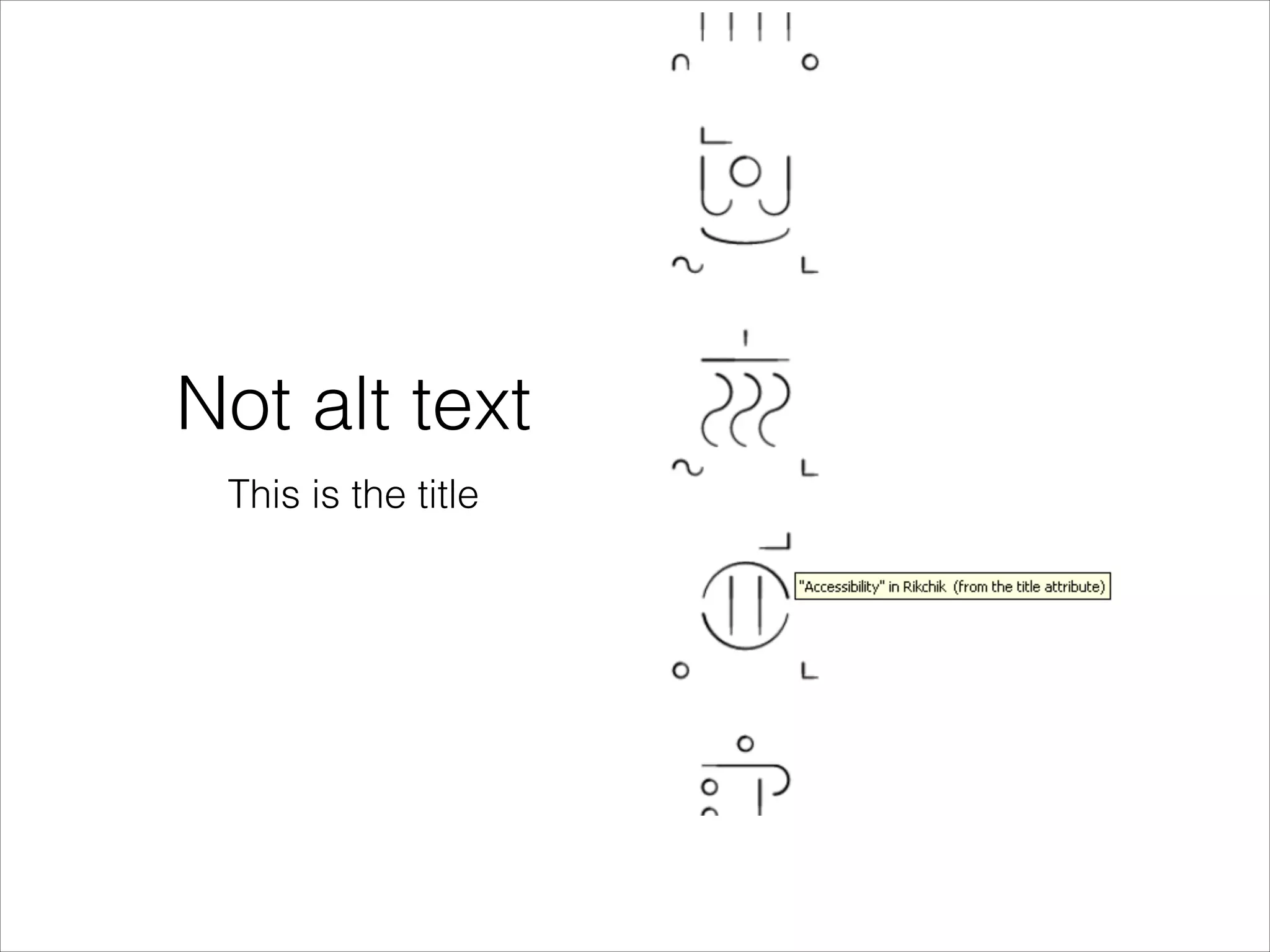
Not alt text
This is the title
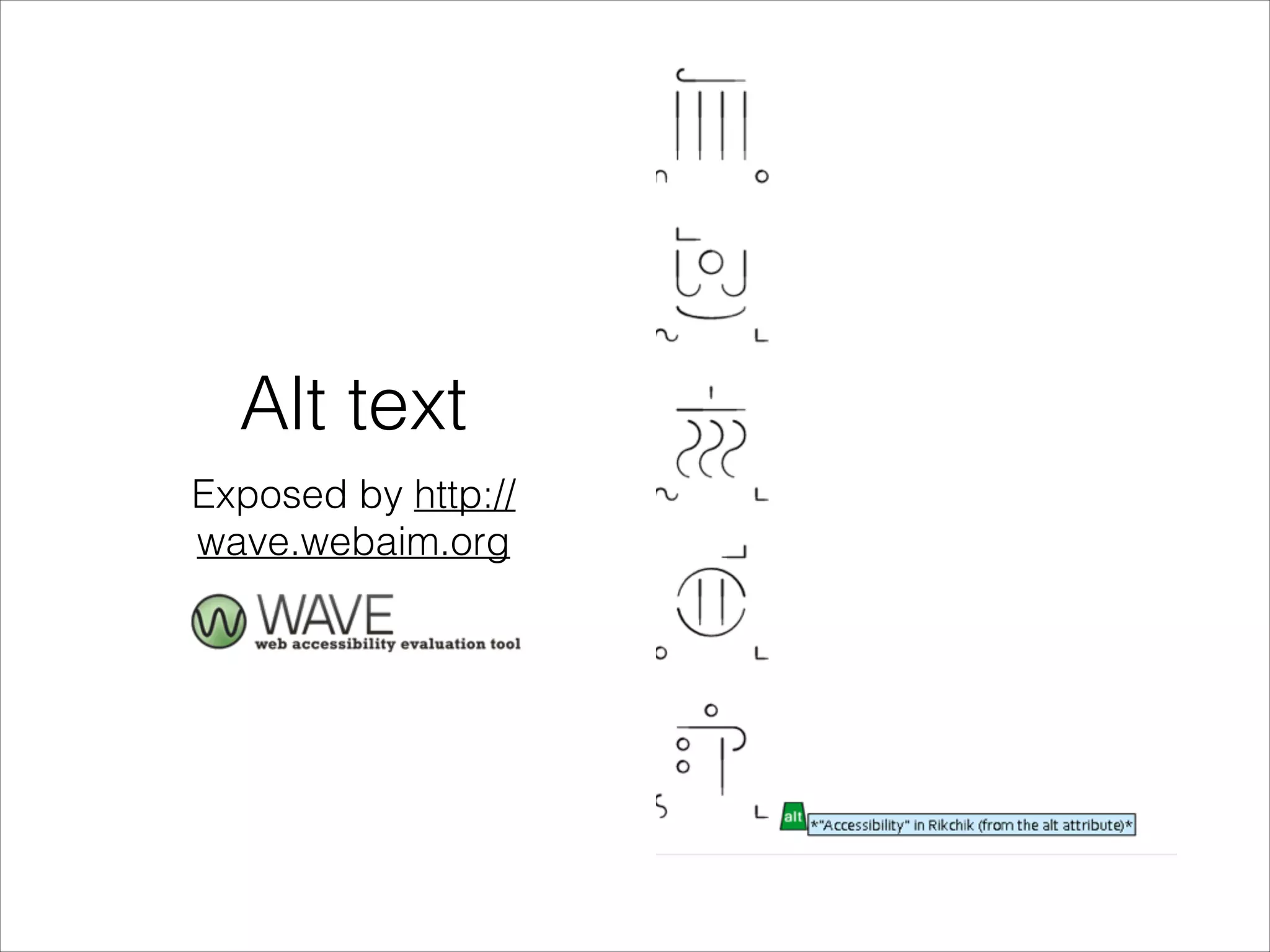
Alt text
Exposed by http://
wave.webaim.org
What not to do

Examples in the alt
attribute
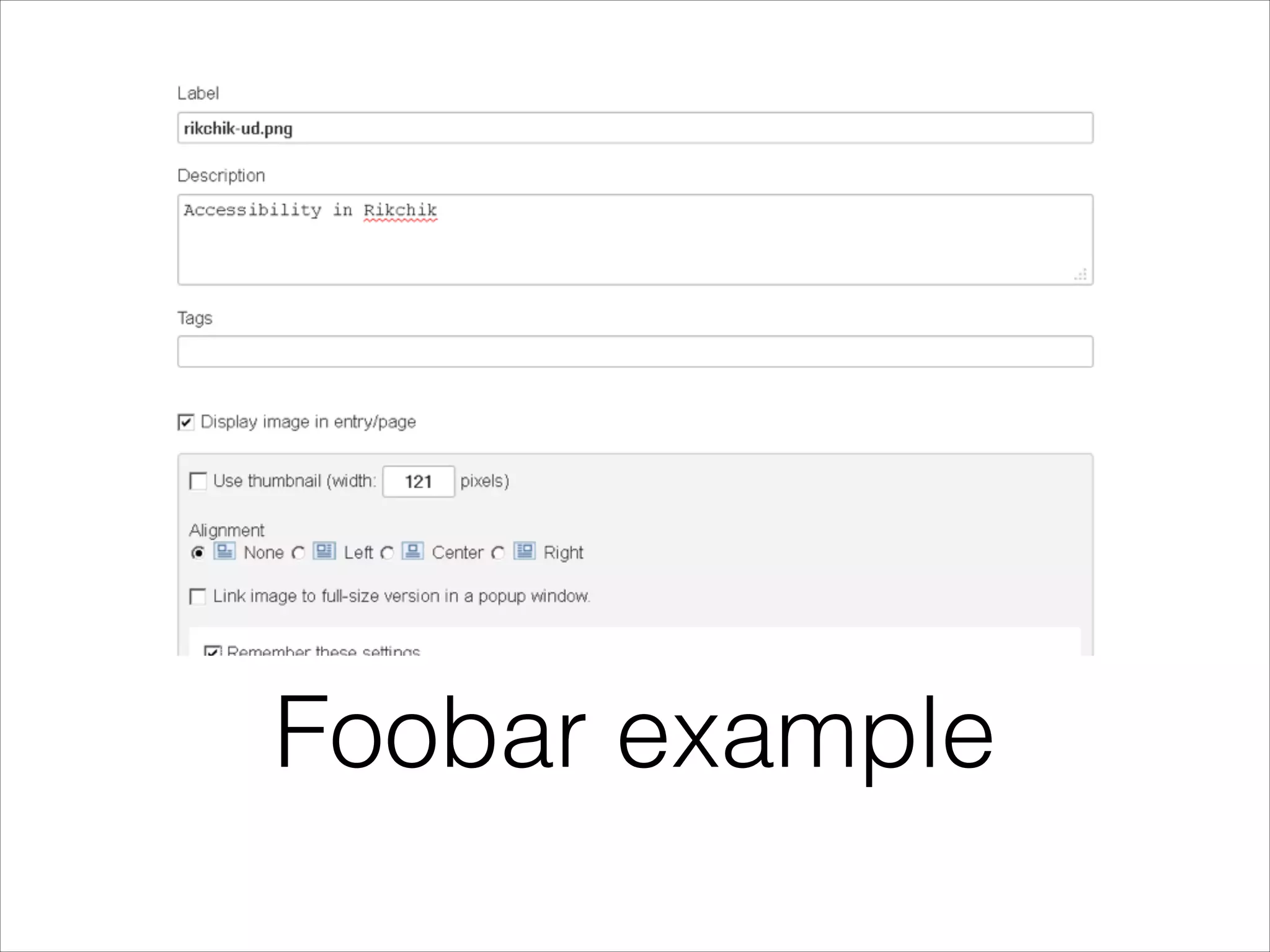
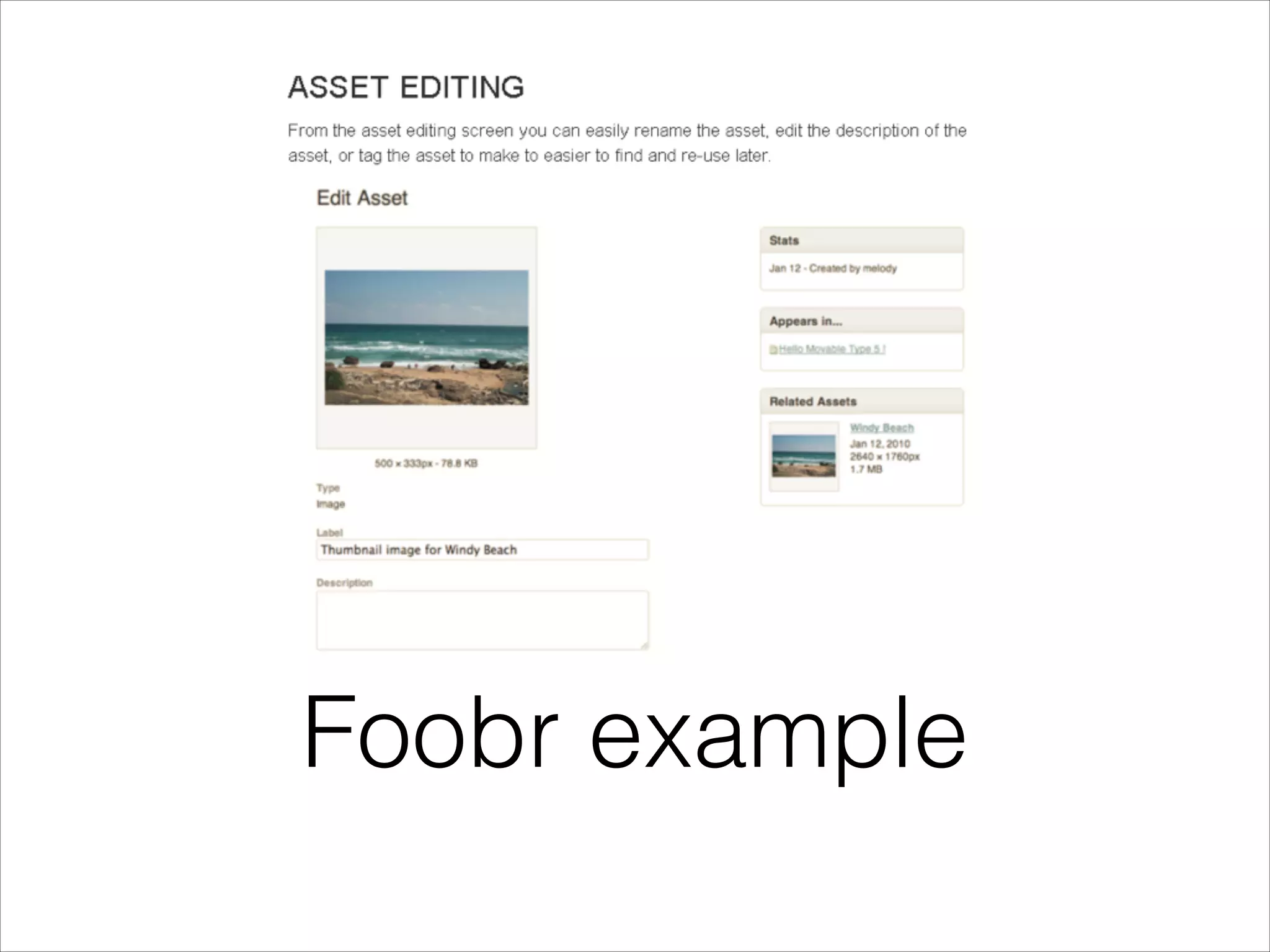
Foobar example
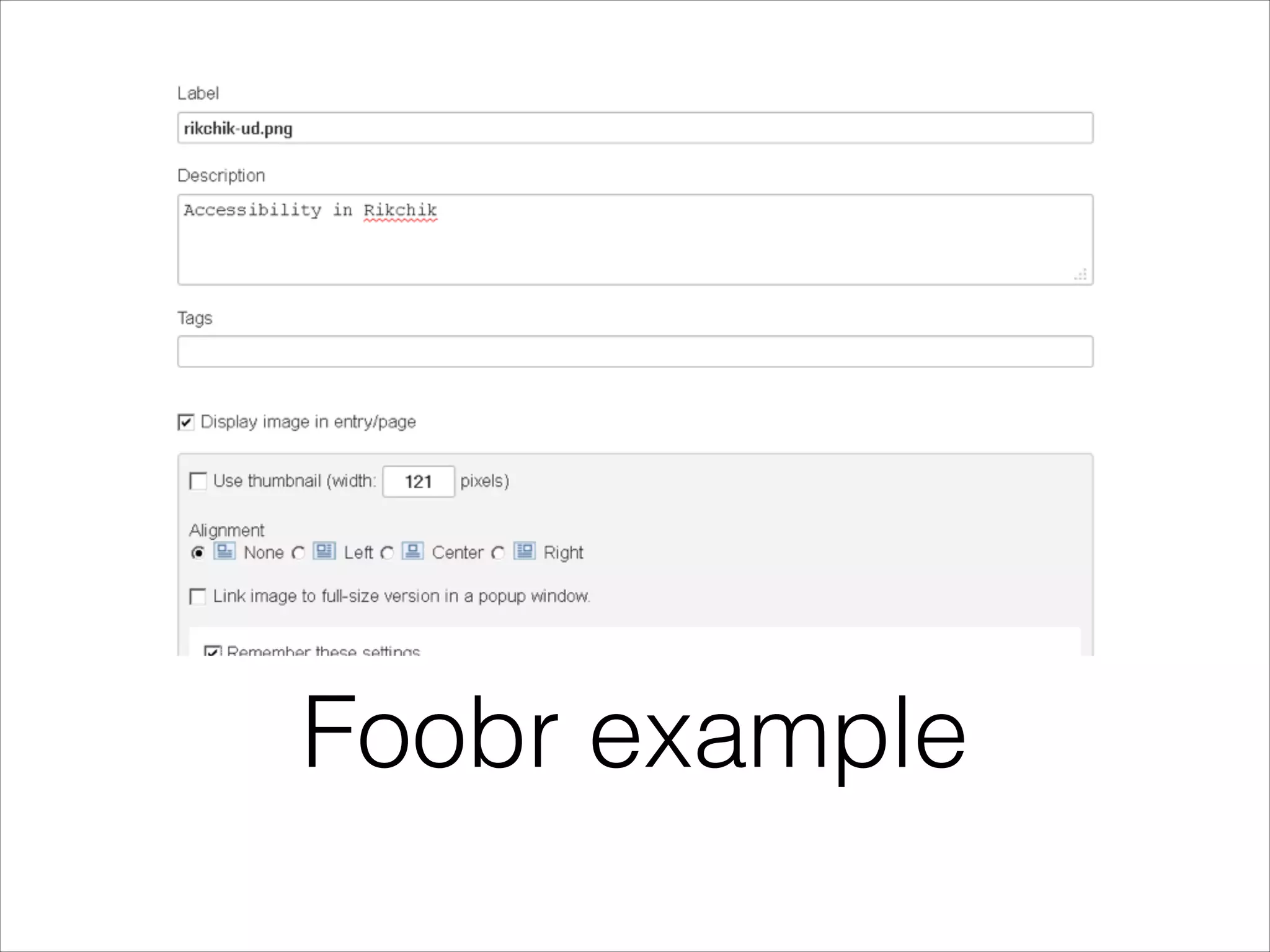
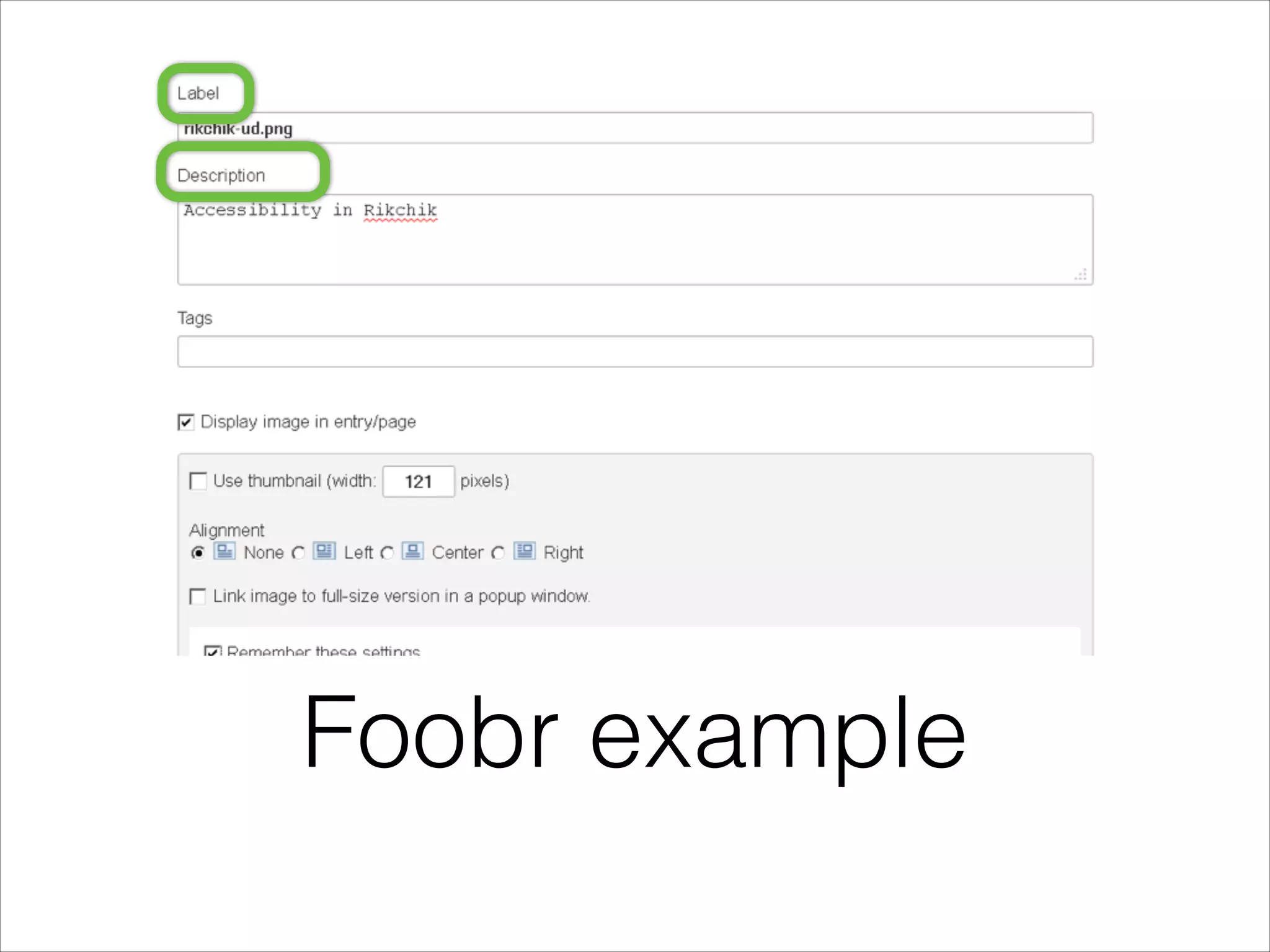
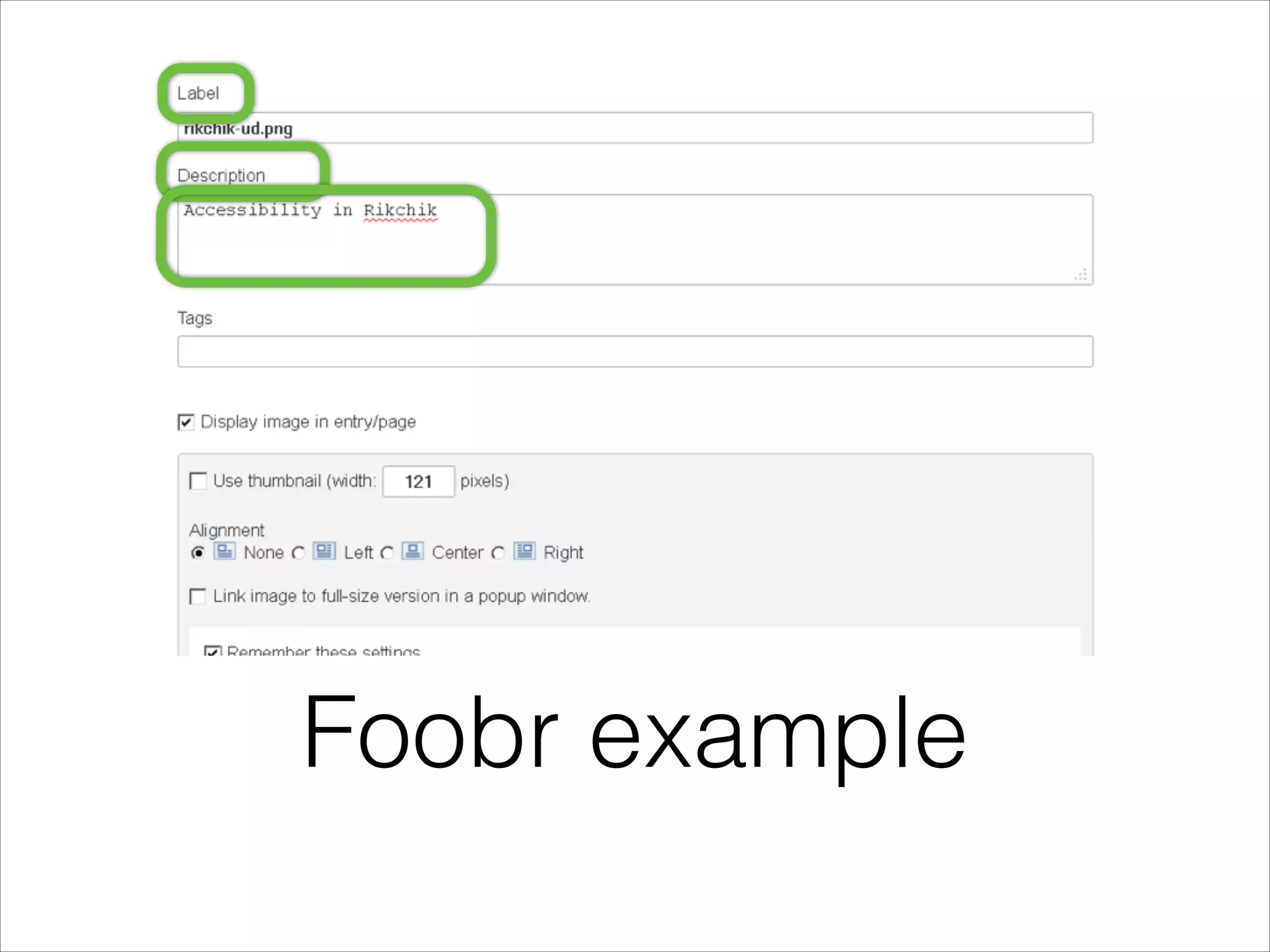
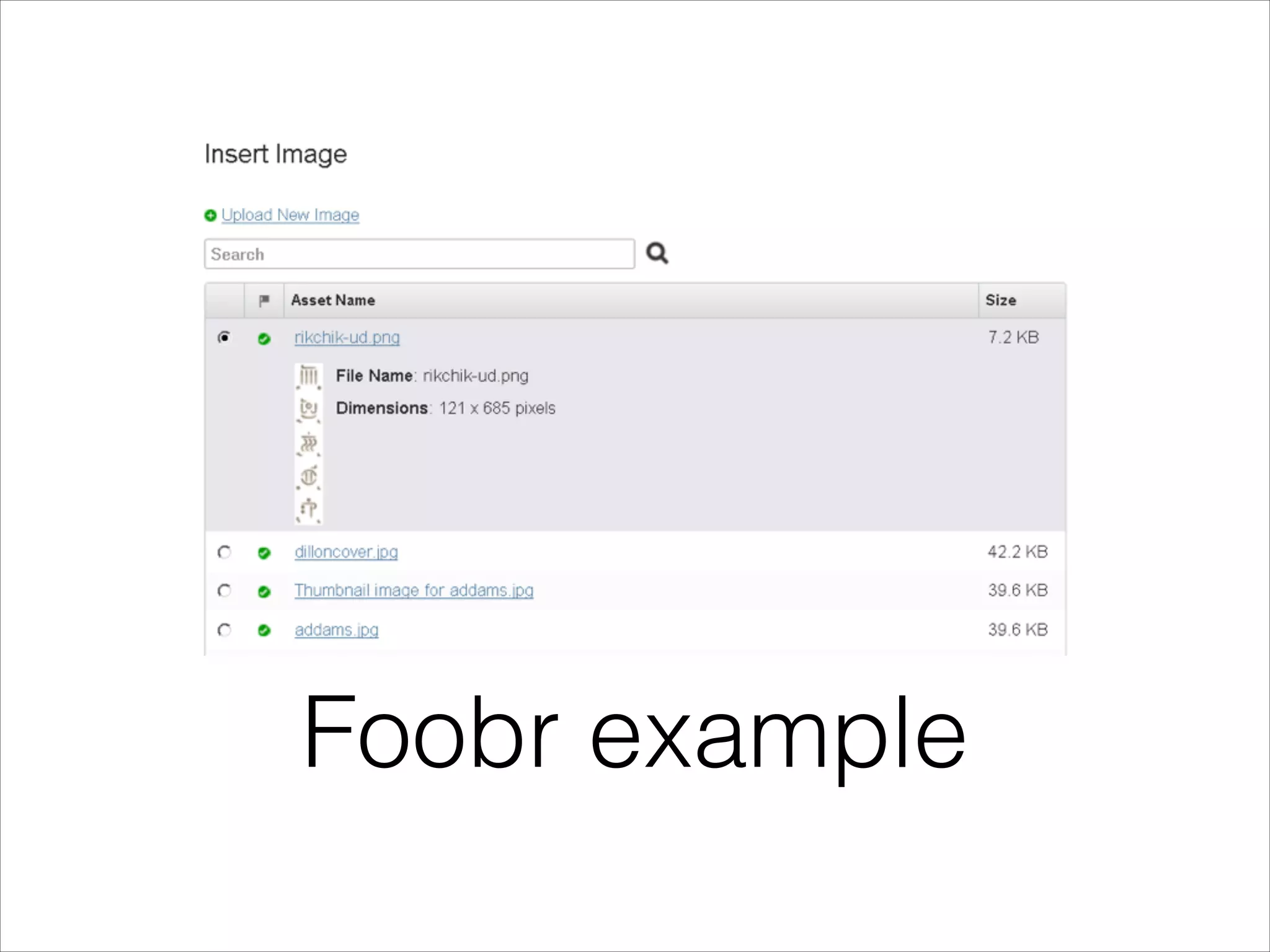
Foobr example
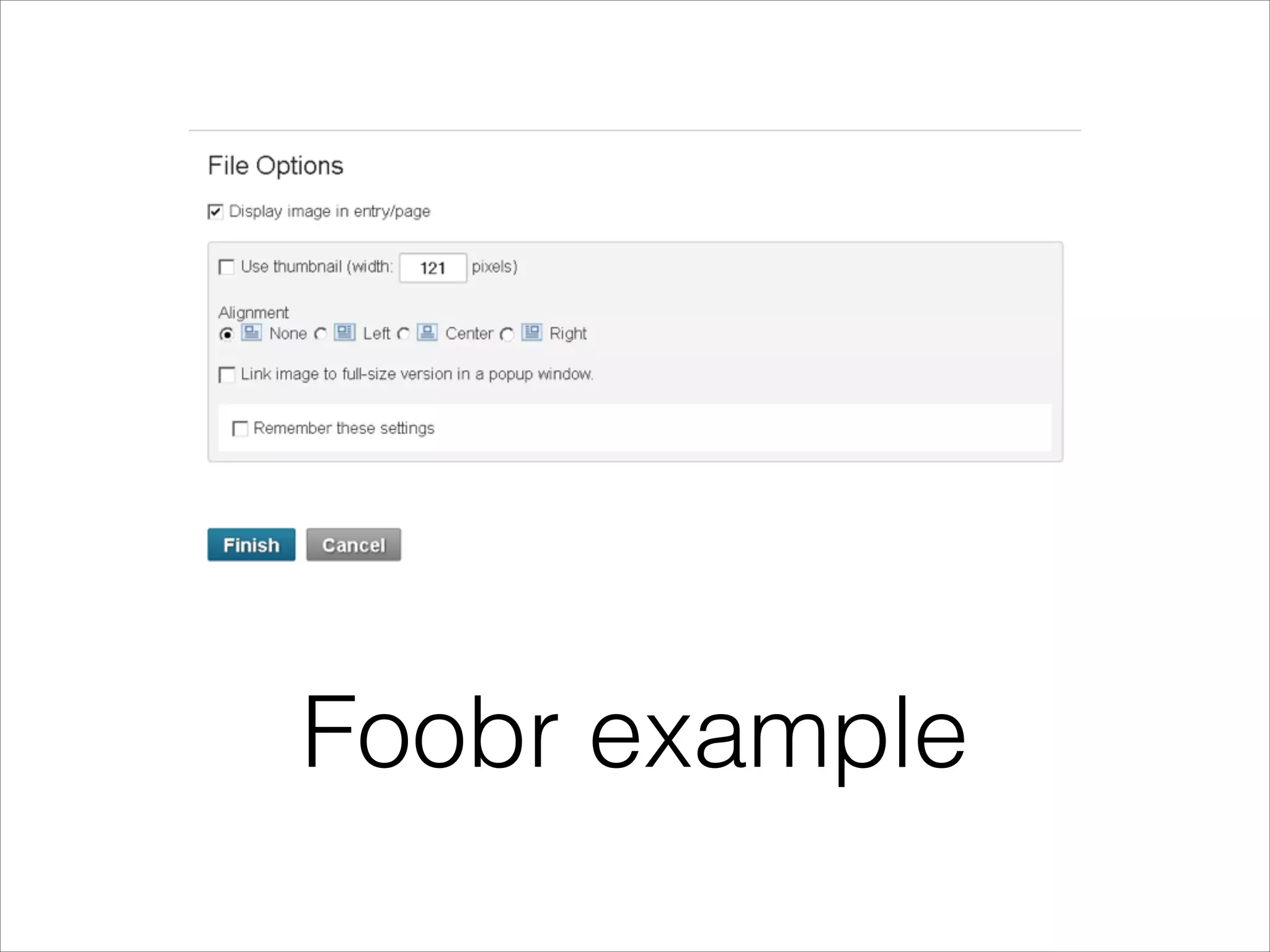
Foobr example
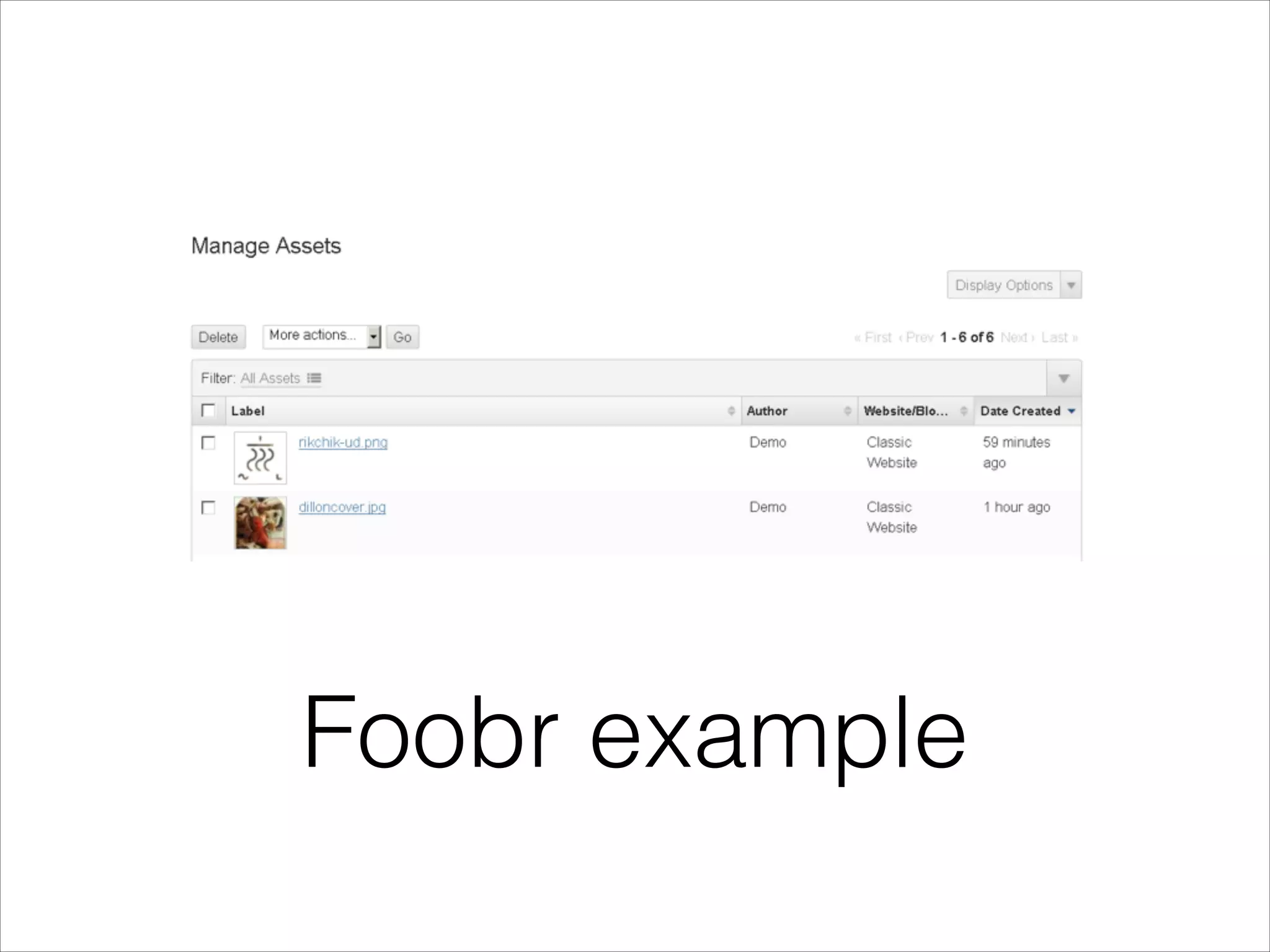
Foobr example
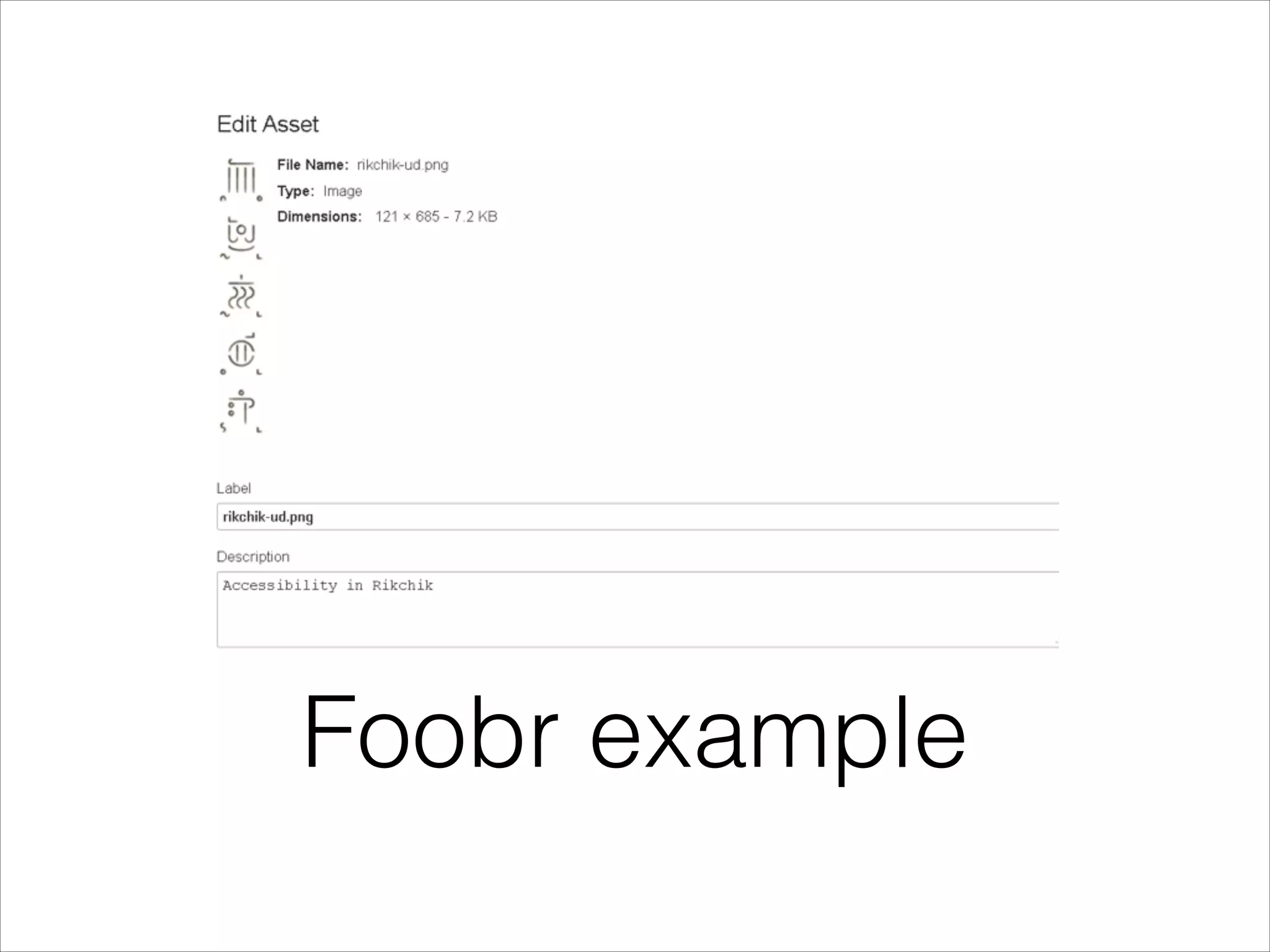
Foobr example
•

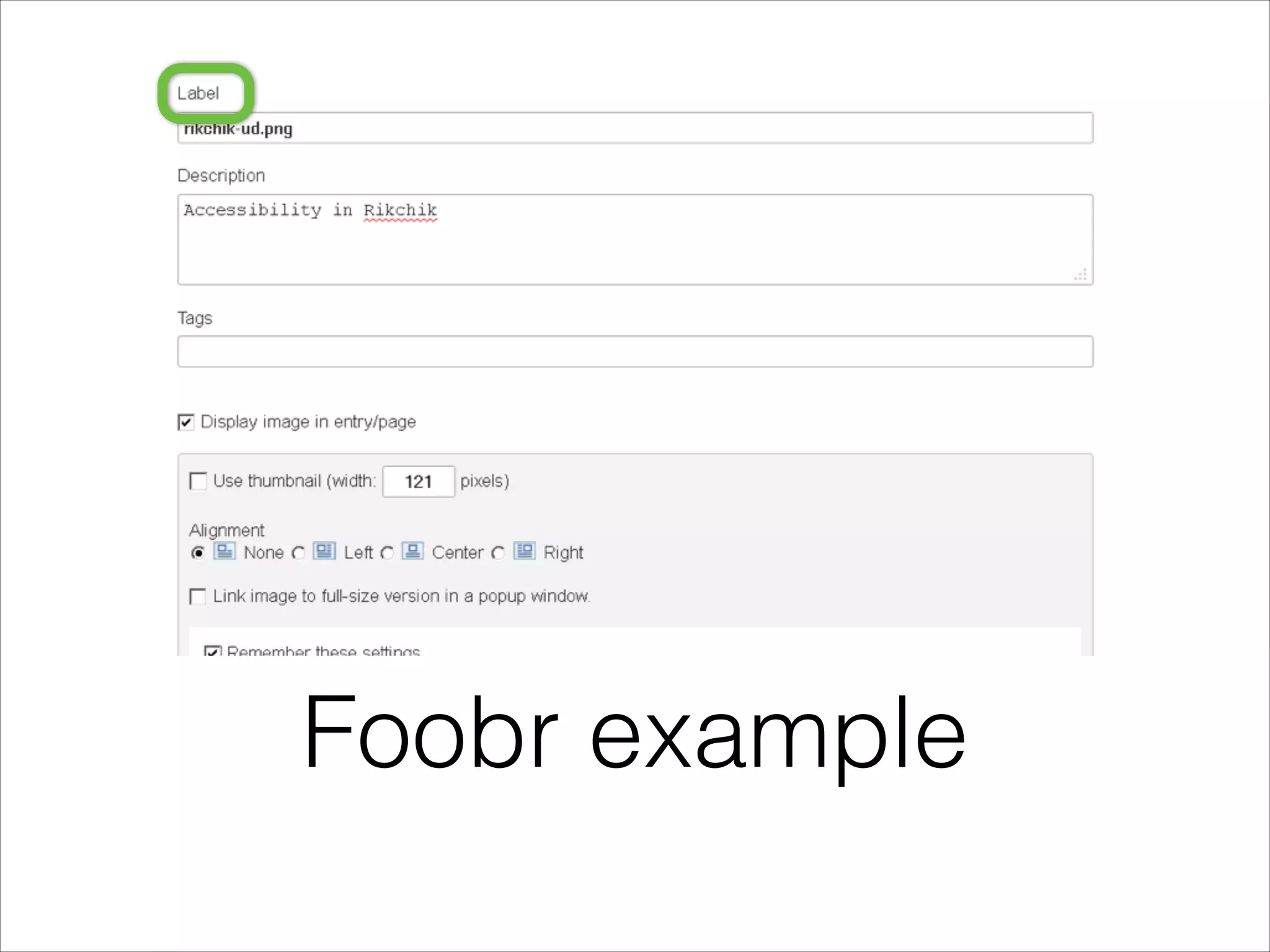
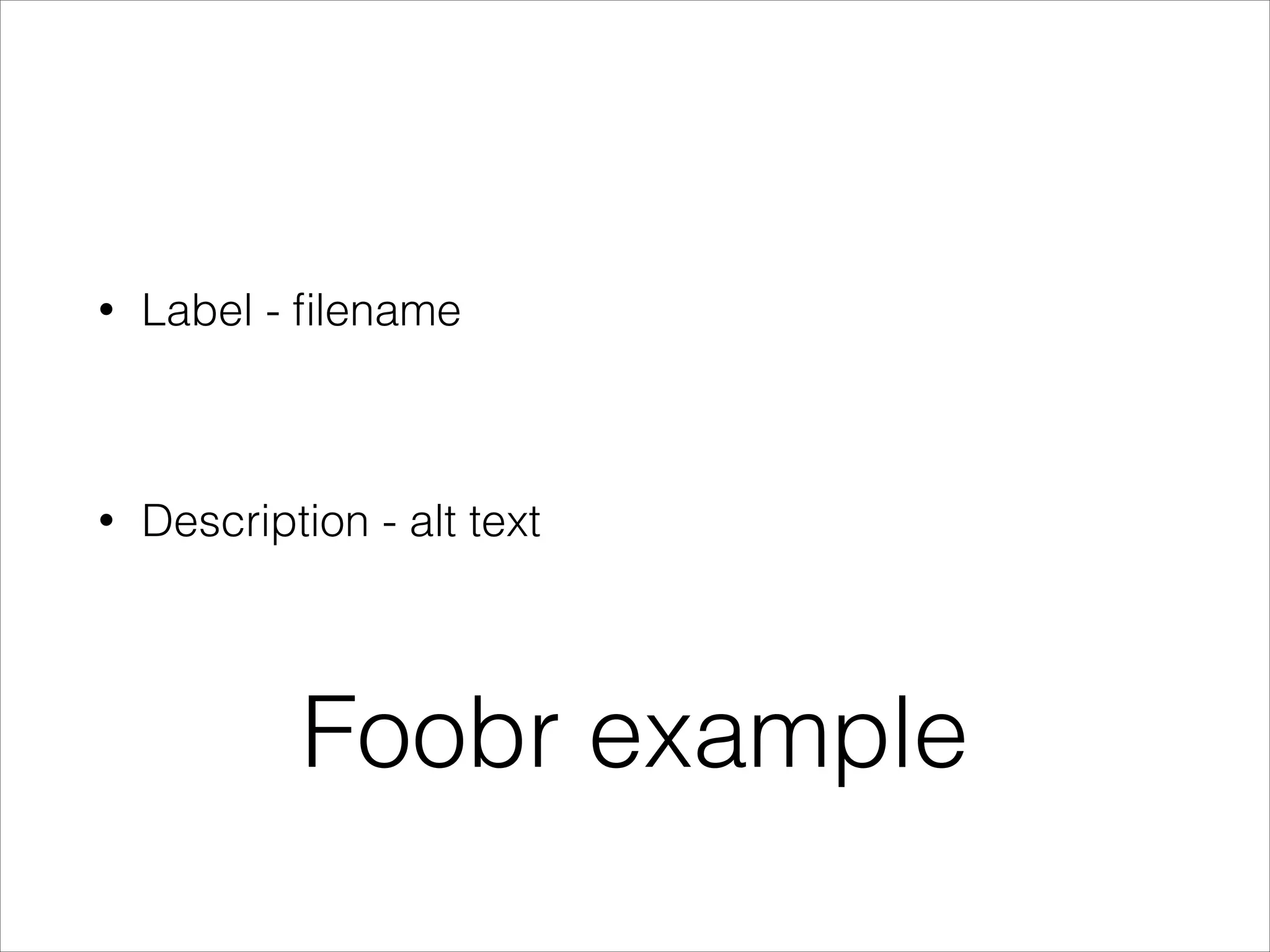
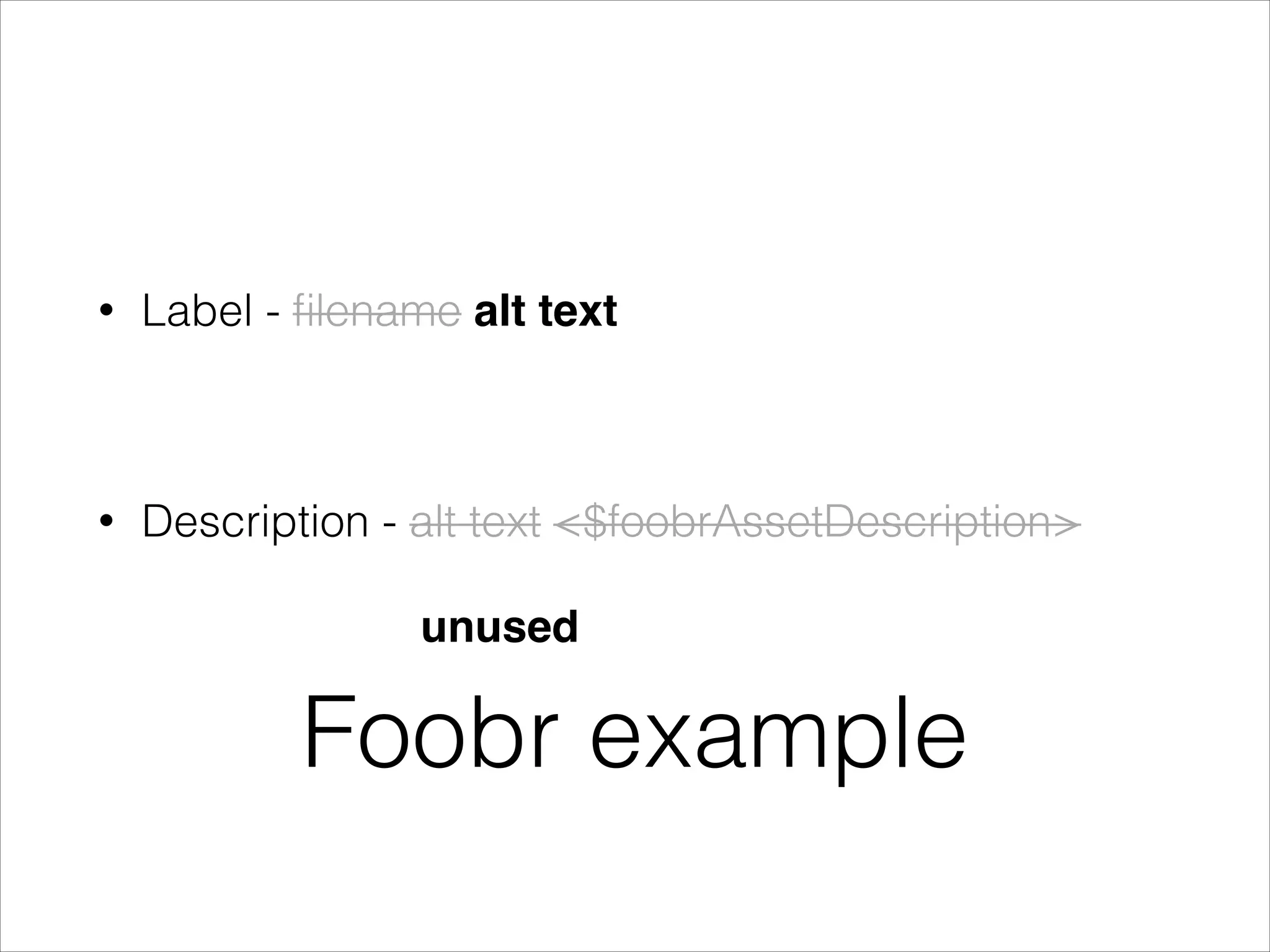
Label - filename

!

•

Description - alt text

Foobr example
Foobr example
Foobr example
Foobr example
Foobr example
Foobr example
Foobr example
•

Label - filename

!

•

Description - alt text

Foobr example
•

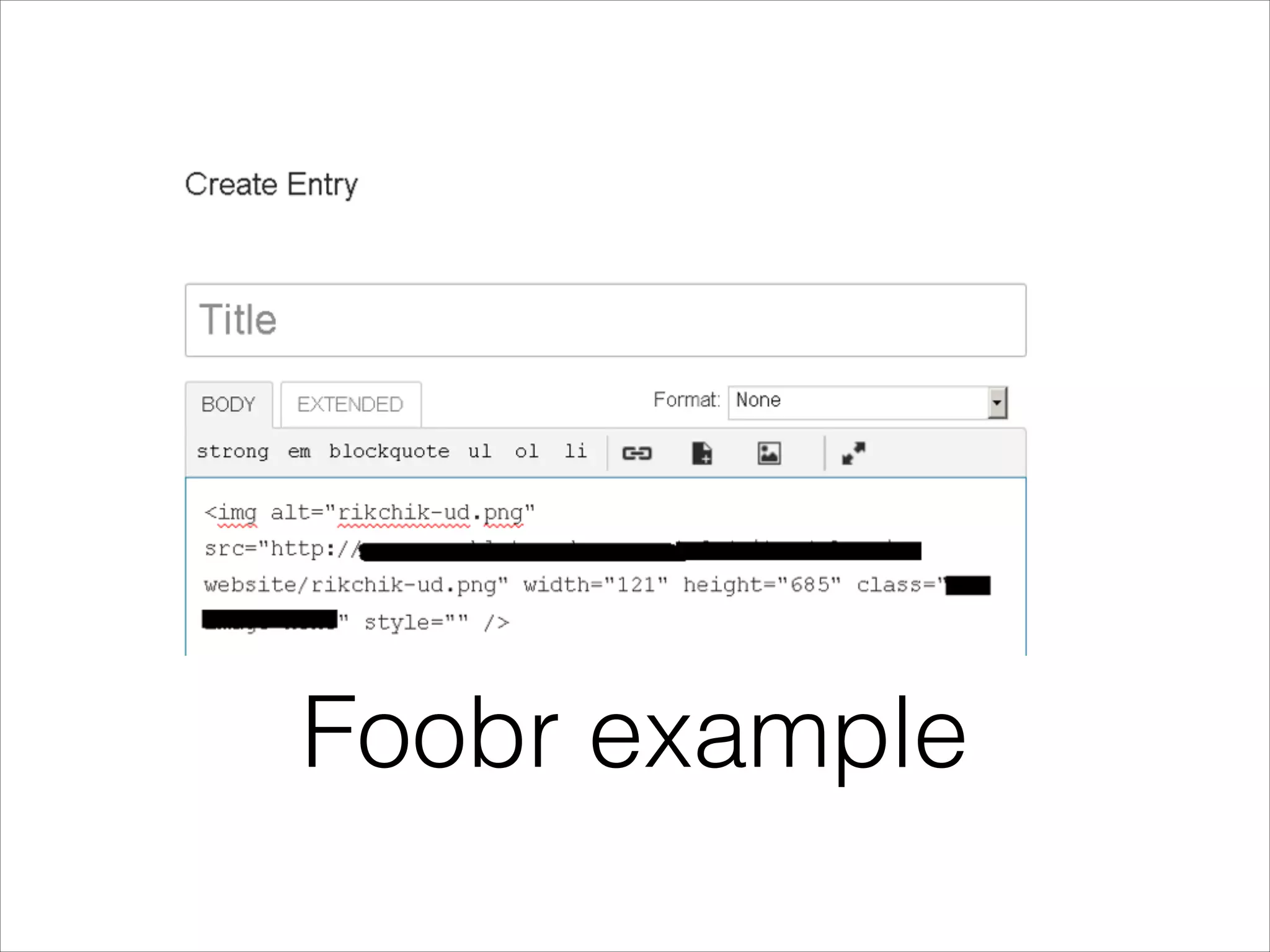
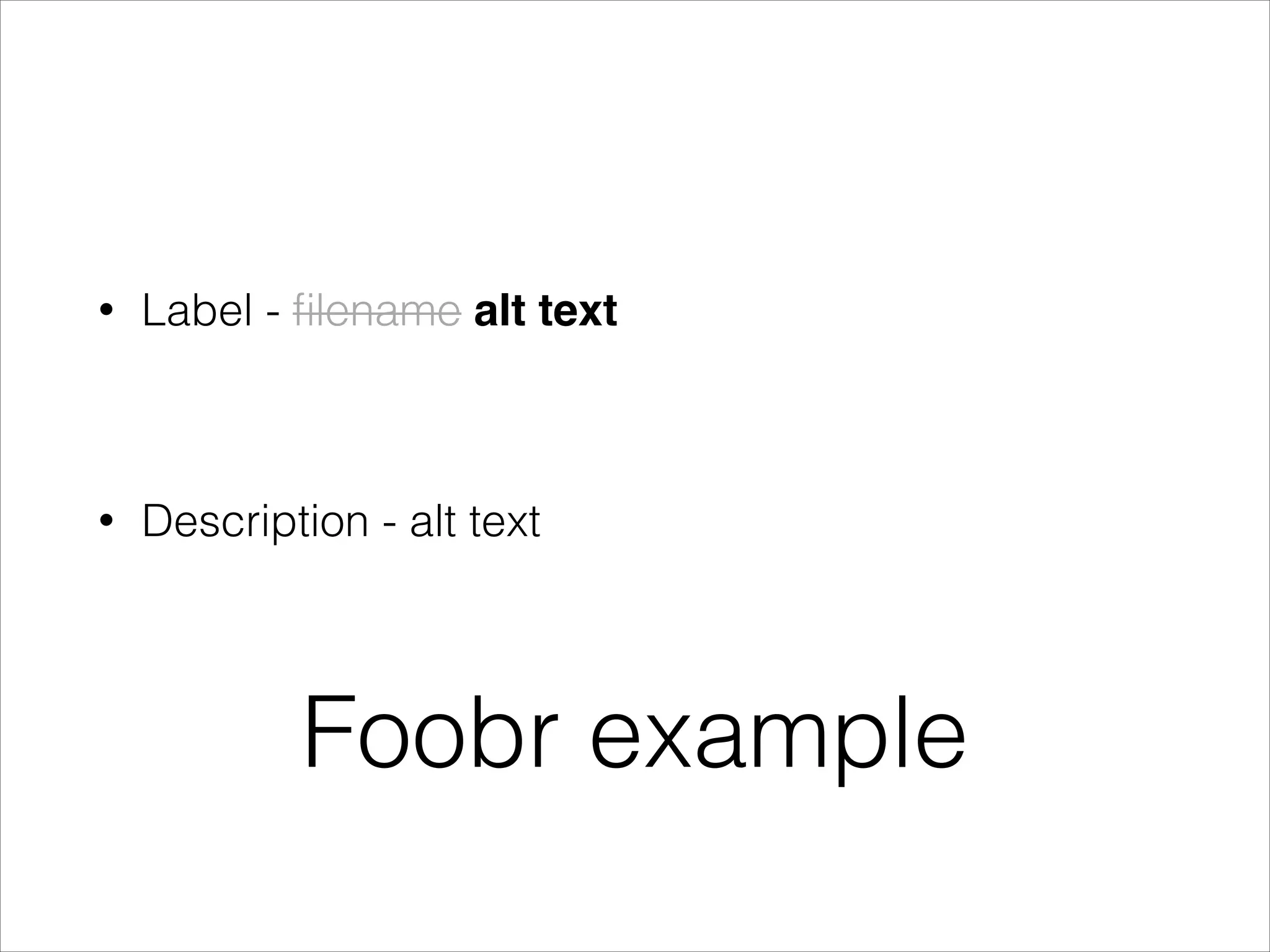
Label - filename alt text!

!

•

Description - alt text

Foobr example
•

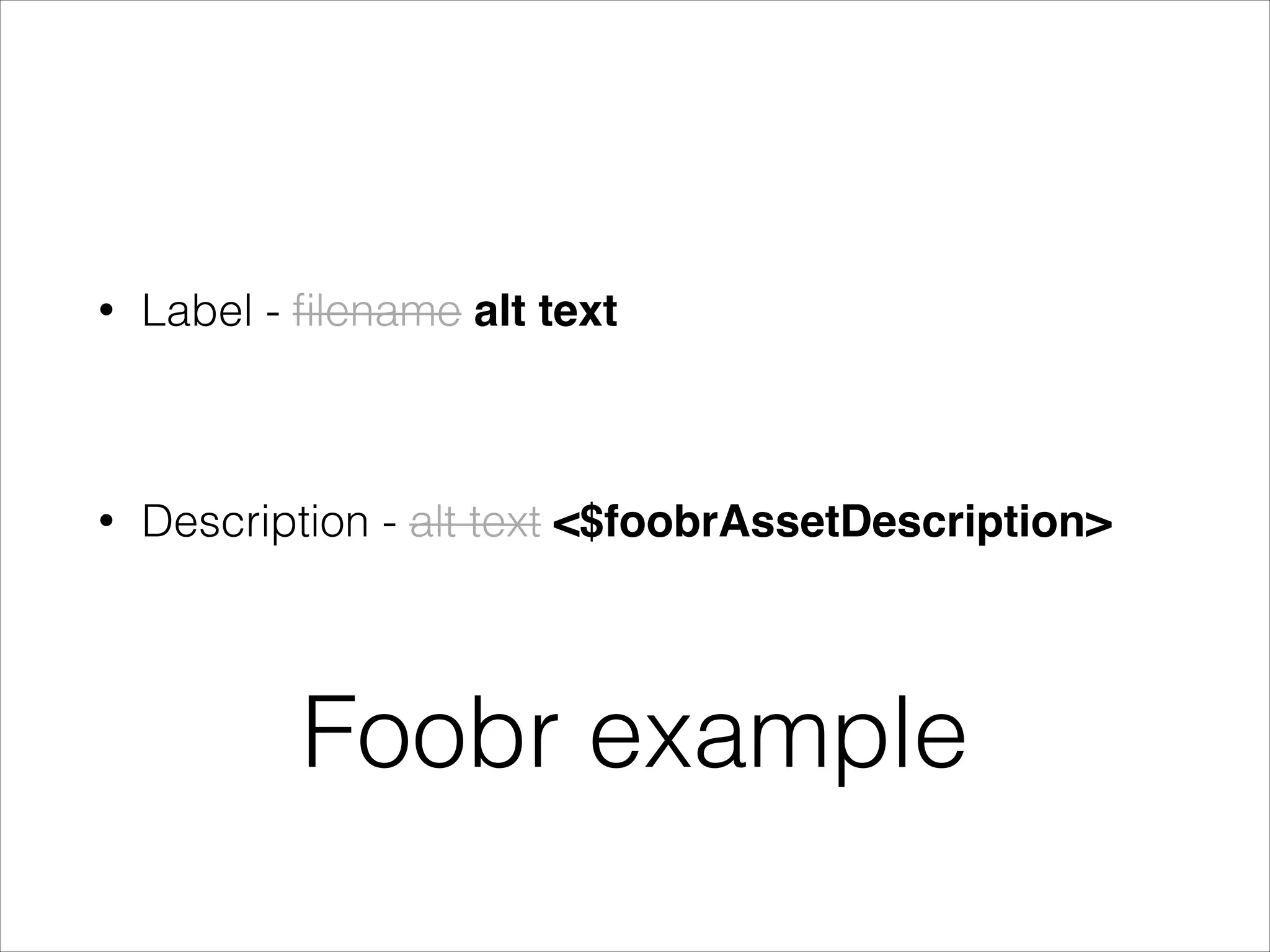
Label - filename alt text

!

•

Description - alt text <$foobrAssetDescription>

Foobr example
•

Label - filename alt text

!

•

Description - alt text <$foobrAssetDescription>
unused

Foobr example
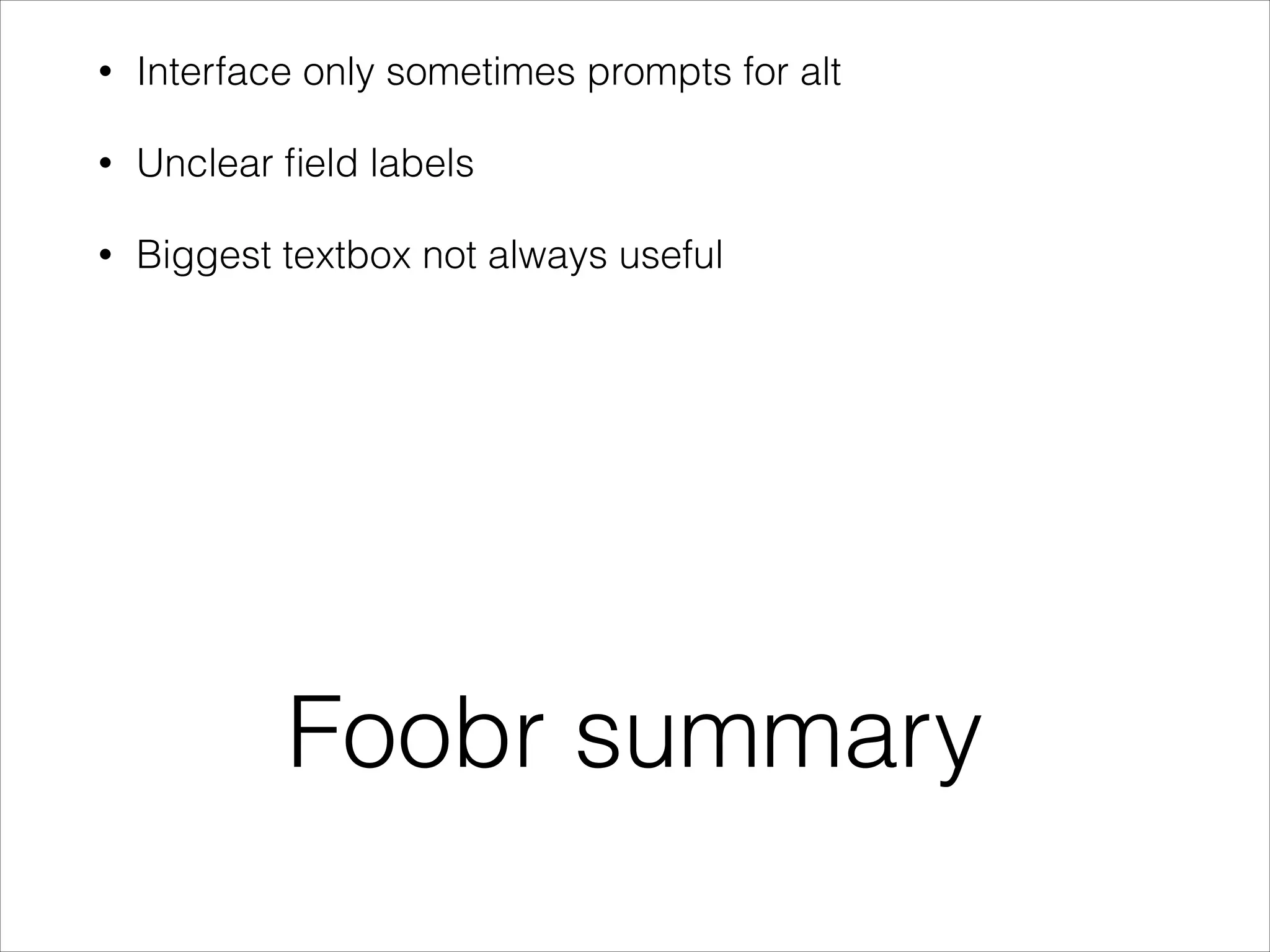
Foobr summary
•

Interface only sometimes prompts for alt

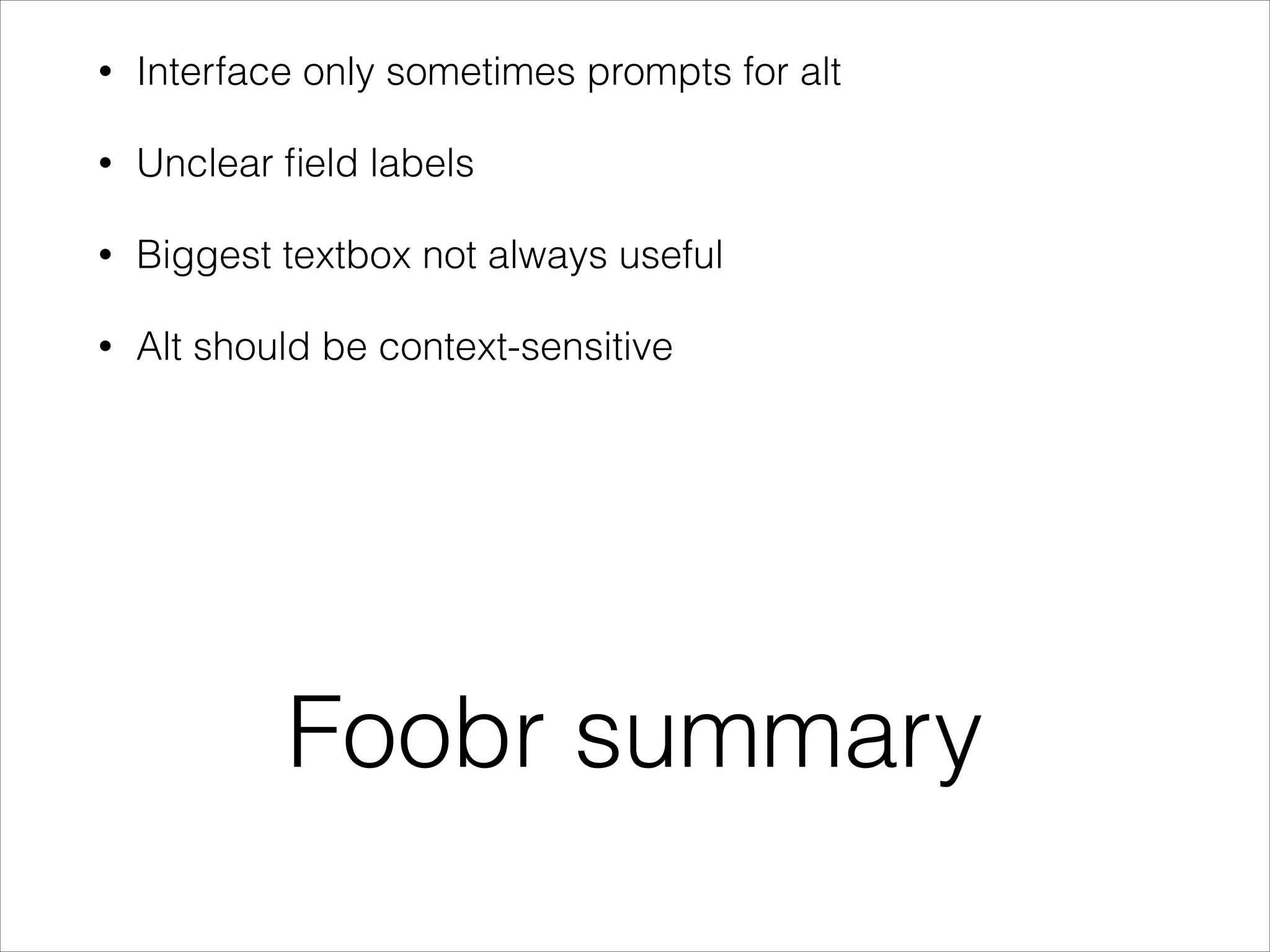
Foobr summary
•

Interface only sometimes prompts for alt

•

Unclear field labels

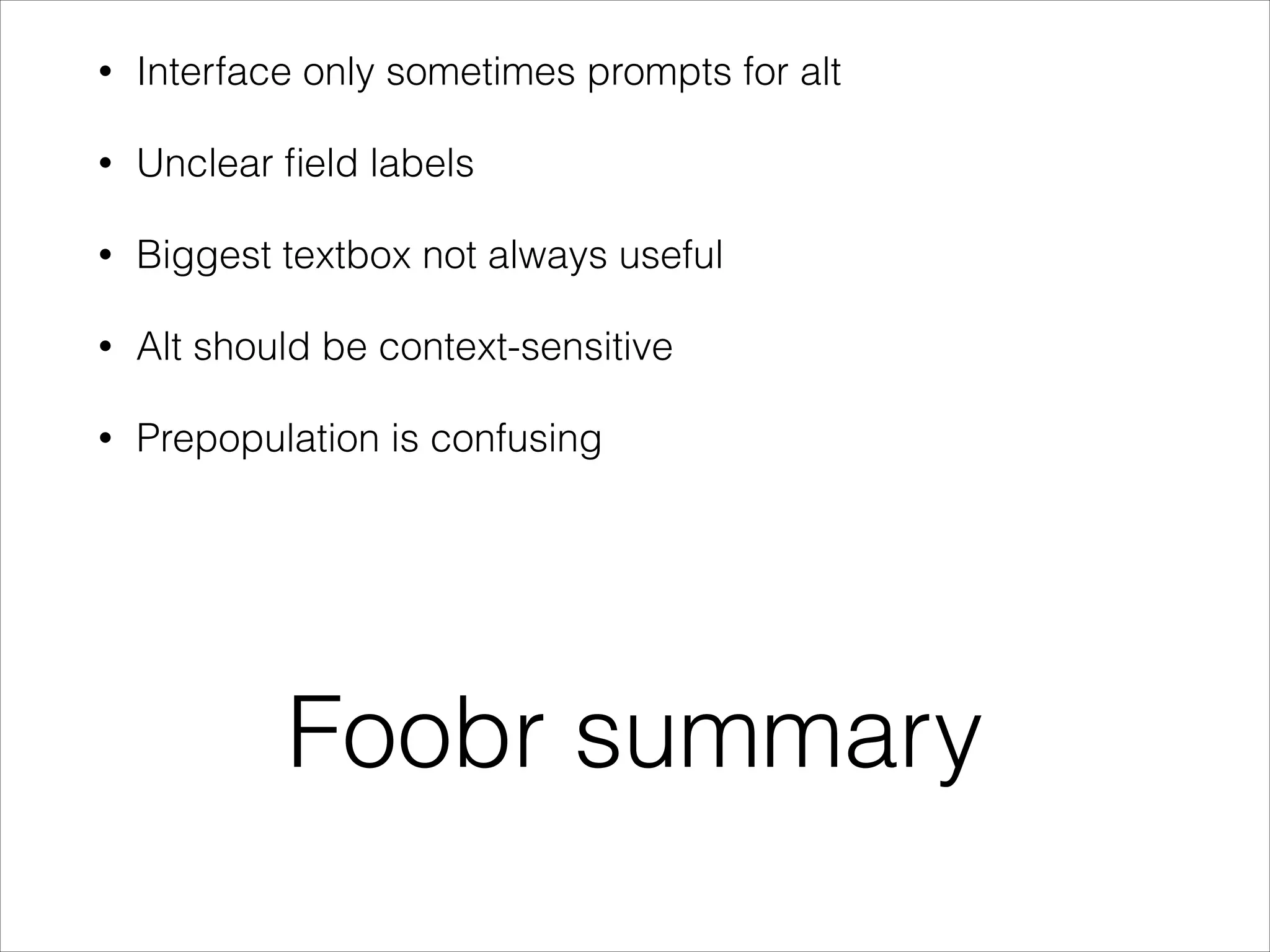
Foobr summary
•

Interface only sometimes prompts for alt

•

Unclear field labels

•

Biggest textbox not always useful

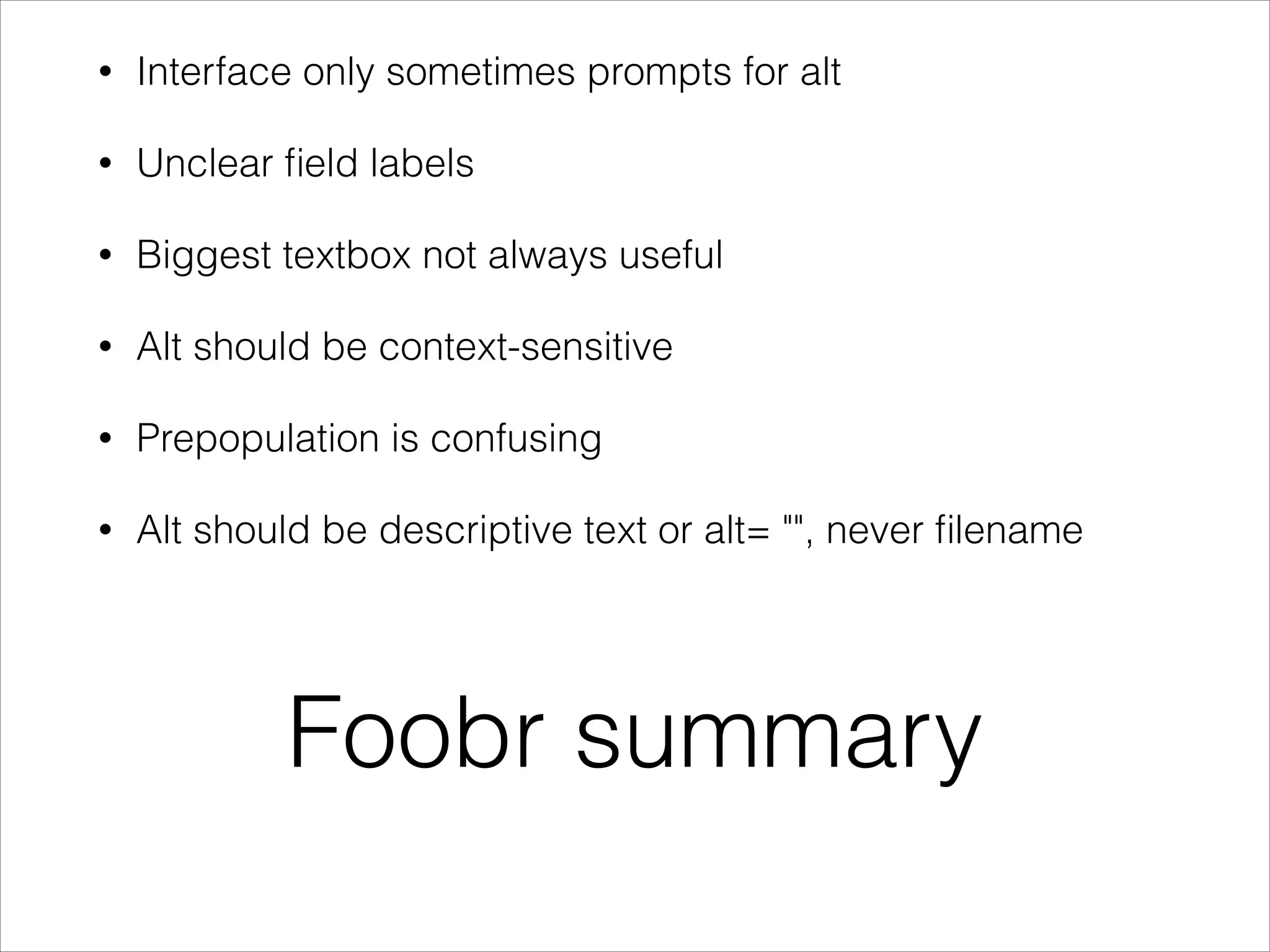
Foobr summary
•

Interface only sometimes prompts for alt

•

Unclear field labels

•

Biggest textbox not always useful

•

Alt should be context-sensitive

Foobr summary
•

Interface only sometimes prompts for alt

•

Unclear field labels

•

Biggest textbox not always useful

•

Alt should be context-sensitive

•

Prepopulation is confusing

Foobr summary
•

Interface only sometimes prompts for alt

•

Unclear field labels

•

Biggest textbox not always useful

•

Alt should be context-sensitive

•

Prepopulation is confusing

•

Alt should be descriptive text or alt= "", never filename

Foobr summary
•

Interface only sometimes prompts for alt

•

Unclear field labels

•

Biggest textbox not always useful

•

Alt should be context-sensitive

•

Prepopulation is confusing

•

Alt should be descriptive text or alt= "", never filename

•

No help!

Foobr summary
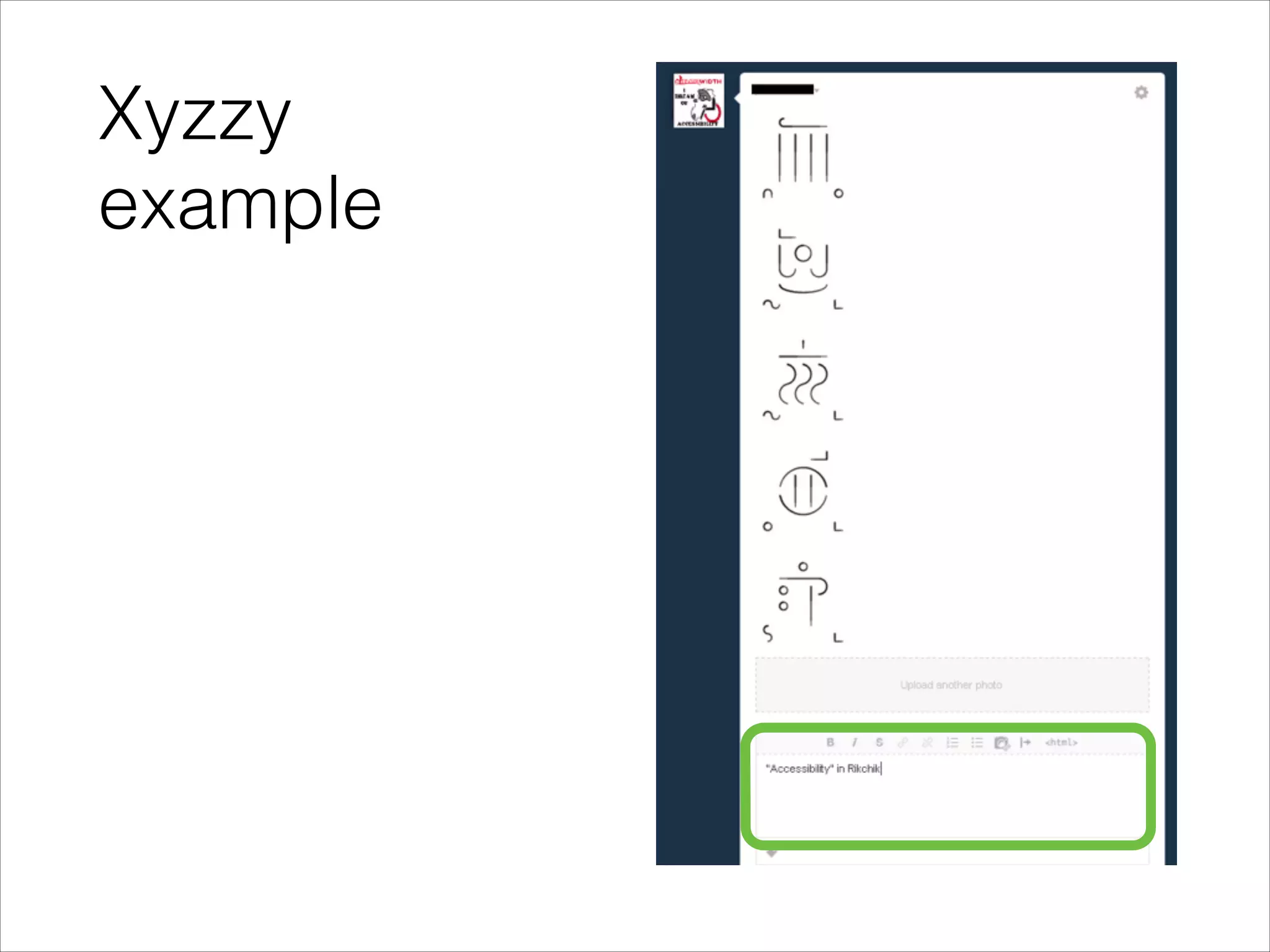
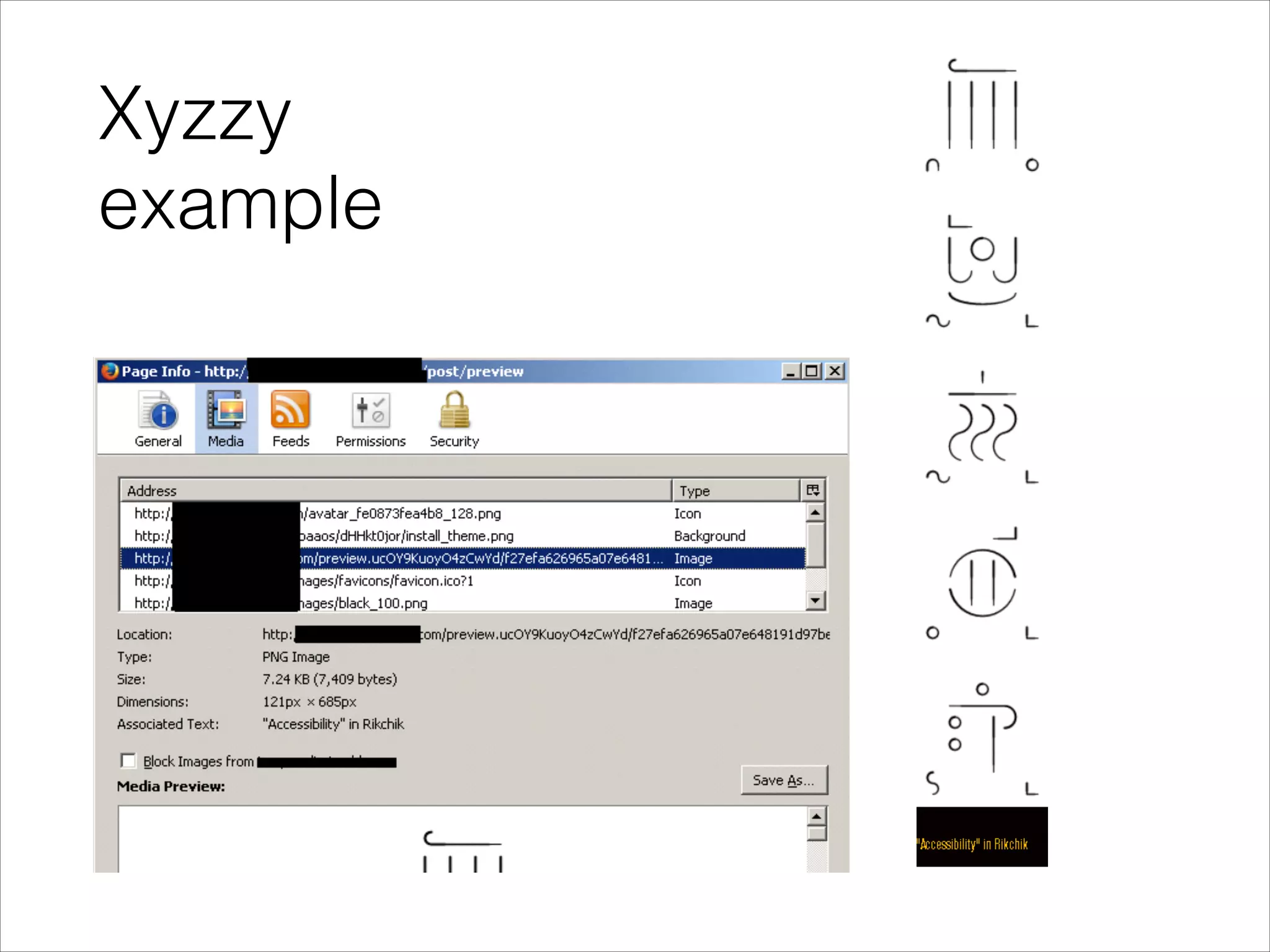
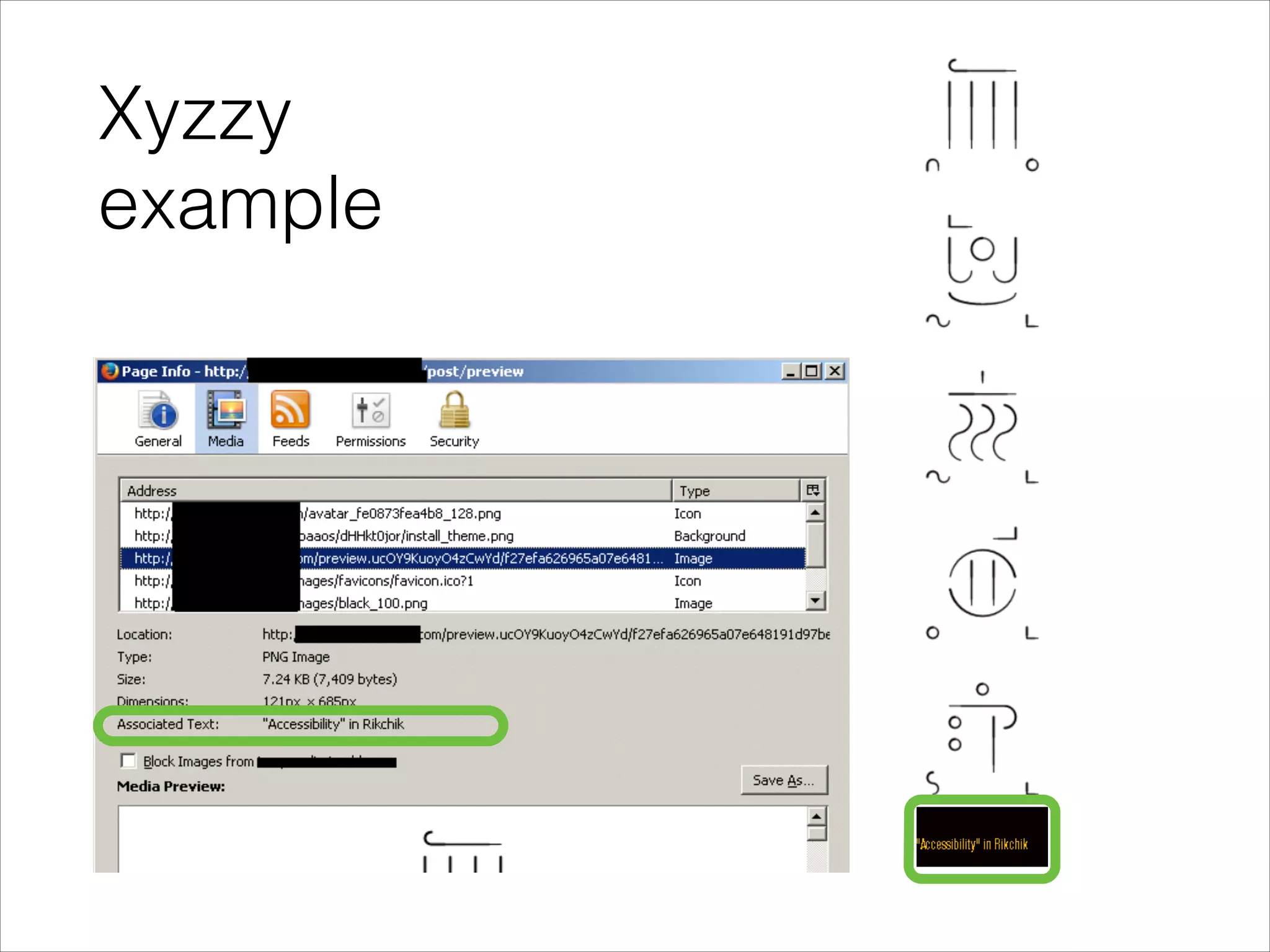
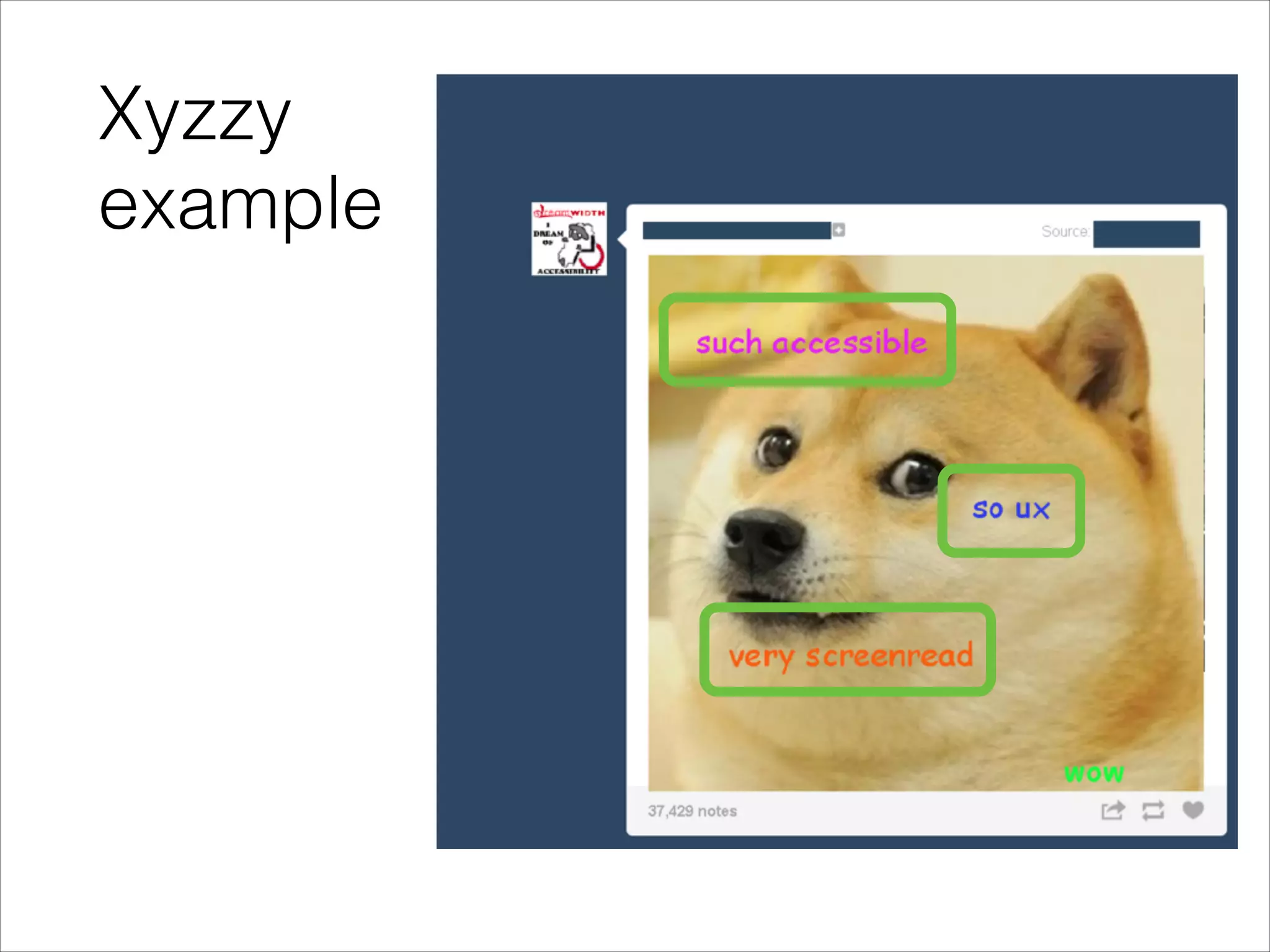
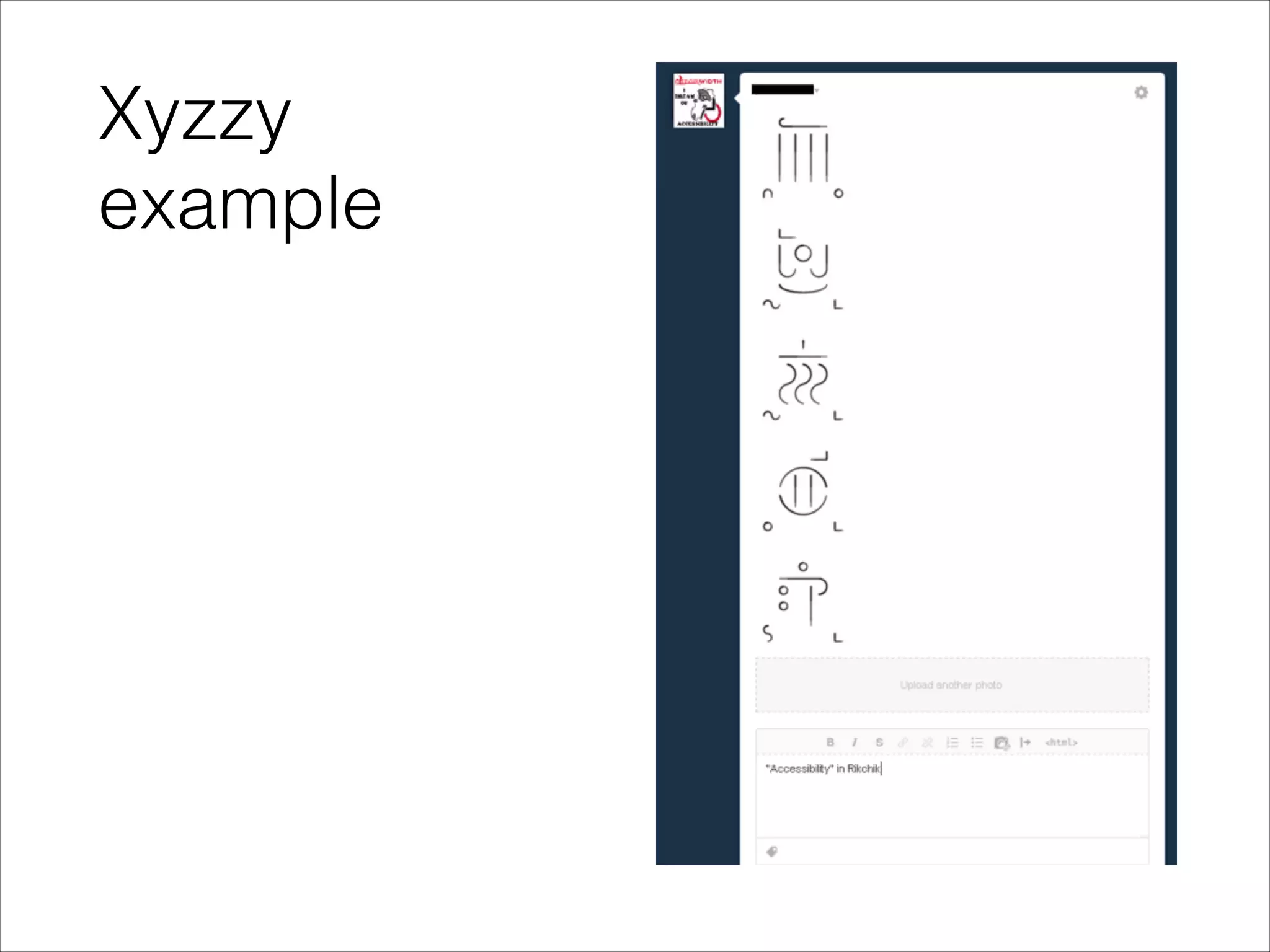
Xyzzy
example
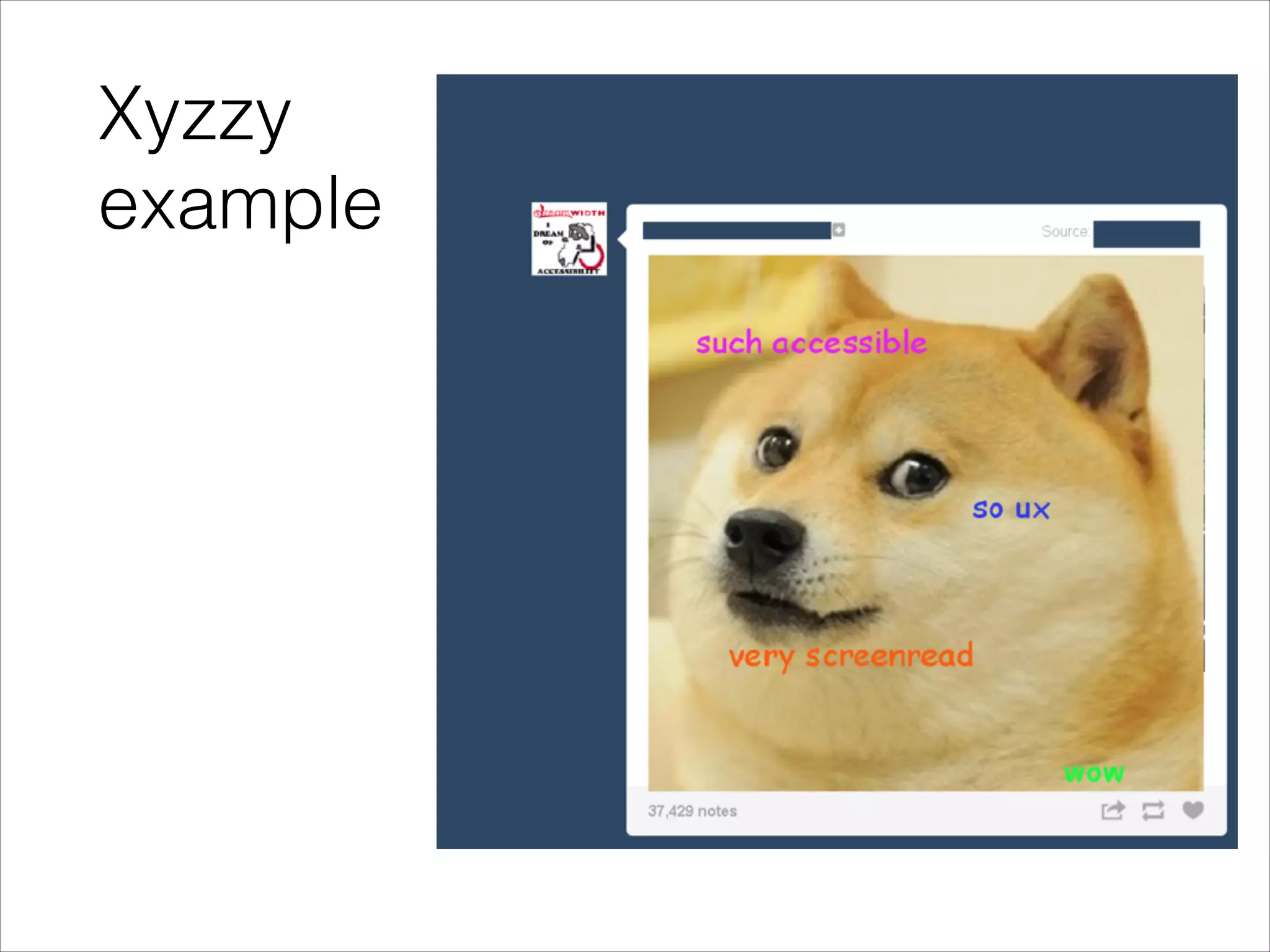
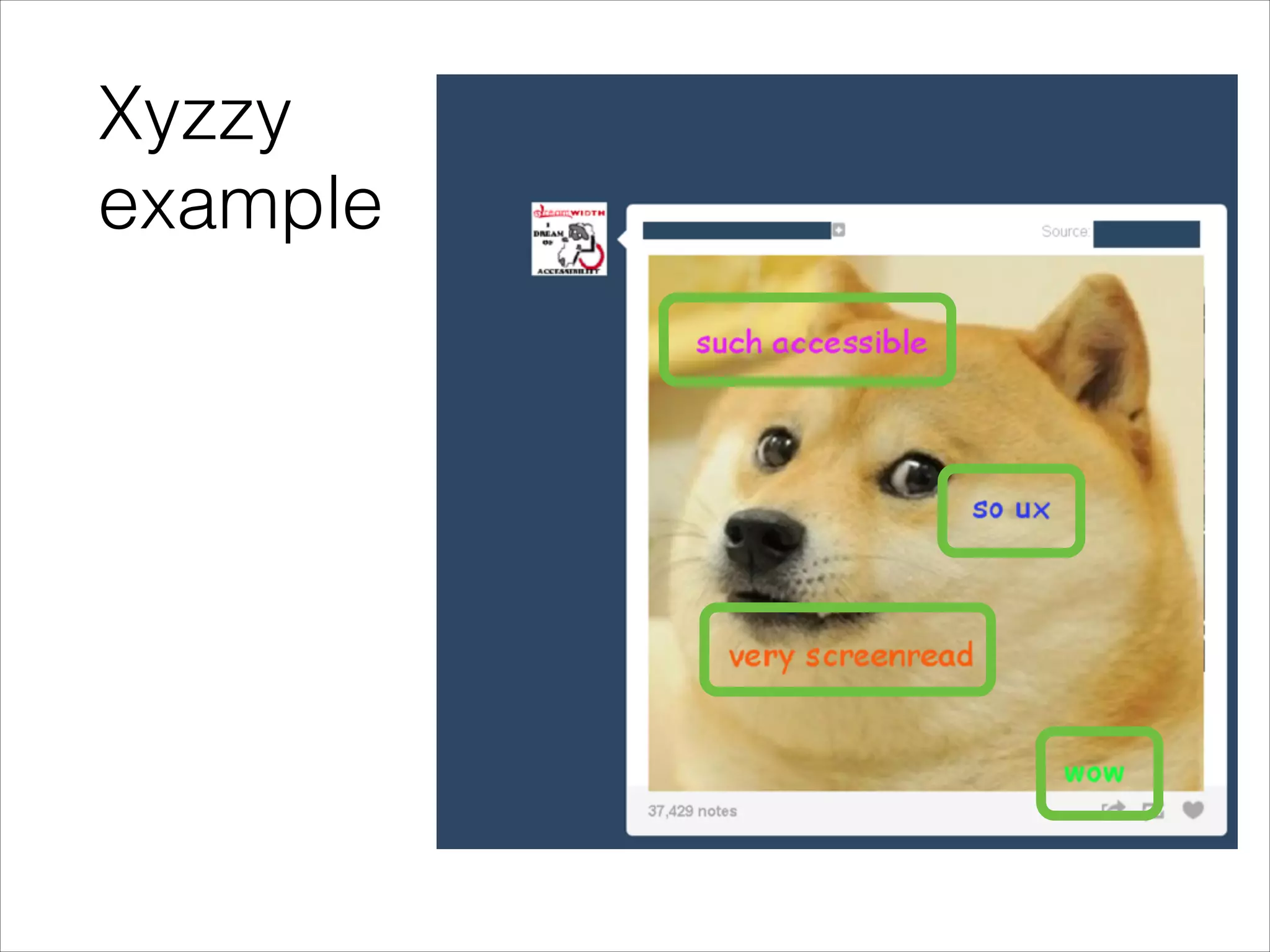
Xyzzy
example
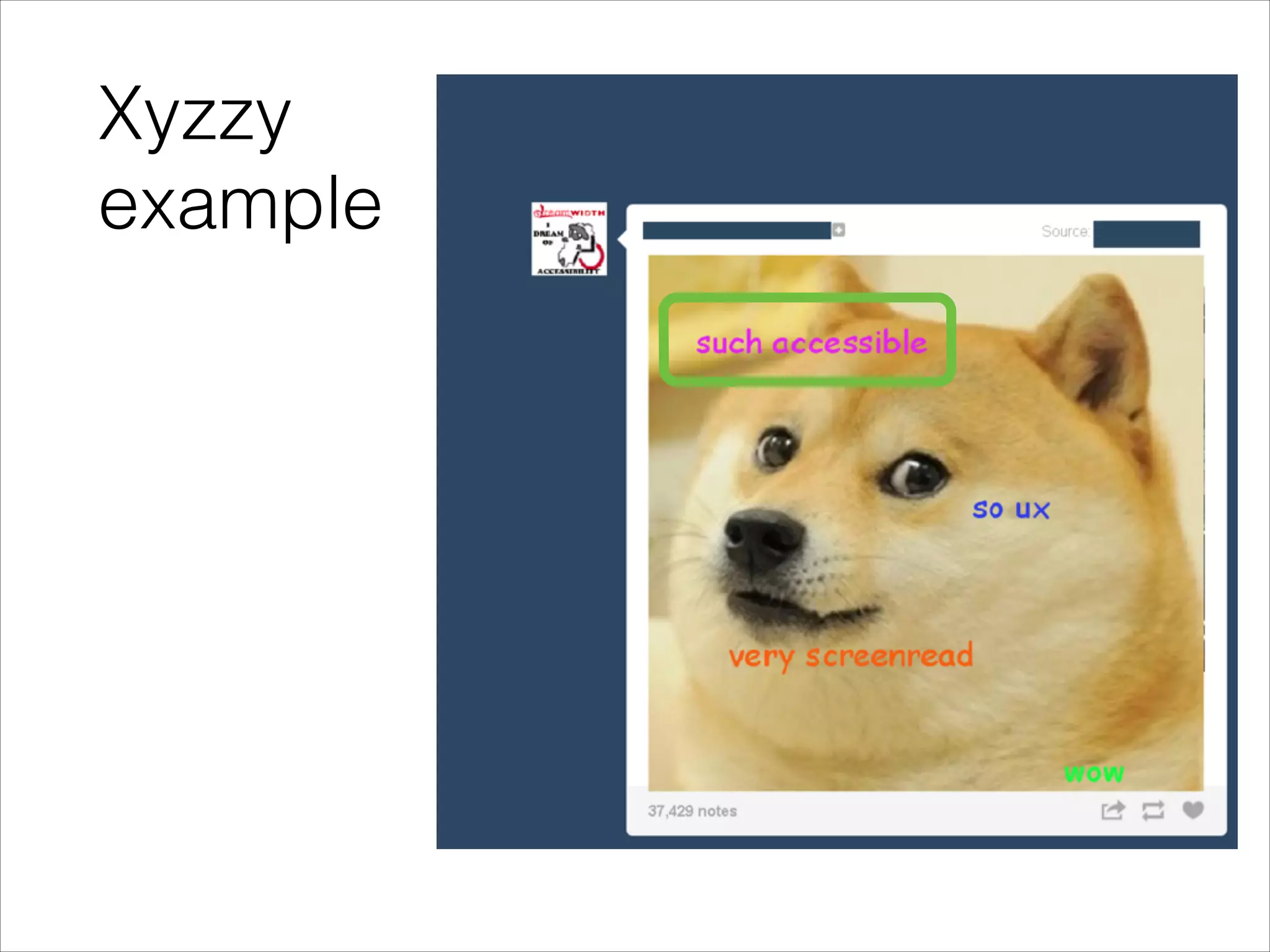
Xyzzy
example
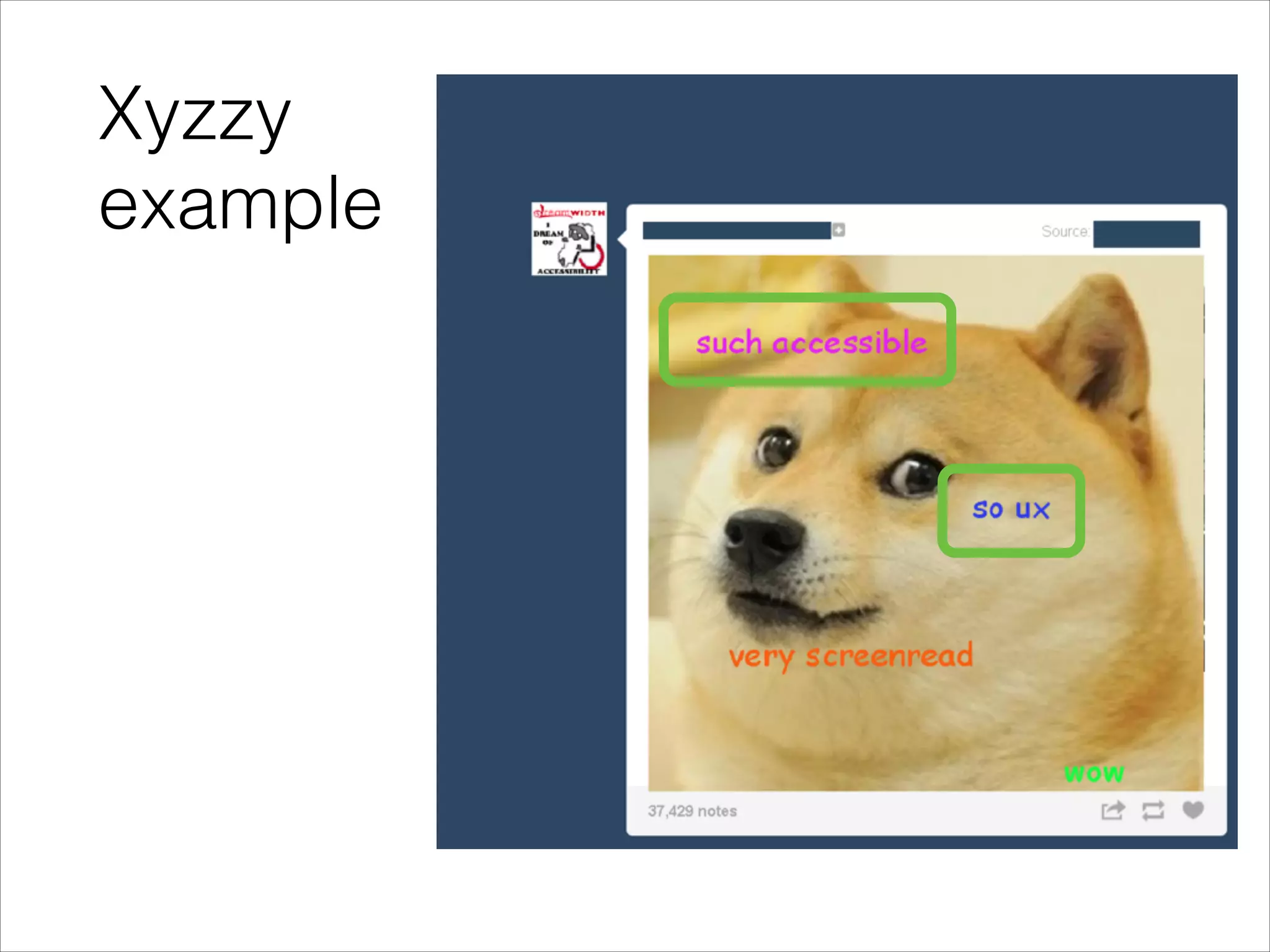
Xyzzy
example
Xyzzy
example
Xyzzy
example
Xyzzy
example
Xyzzy
example
Xyzzy
example
Xyzzy
example
Xyzzy
summary
Xyzzy
summary

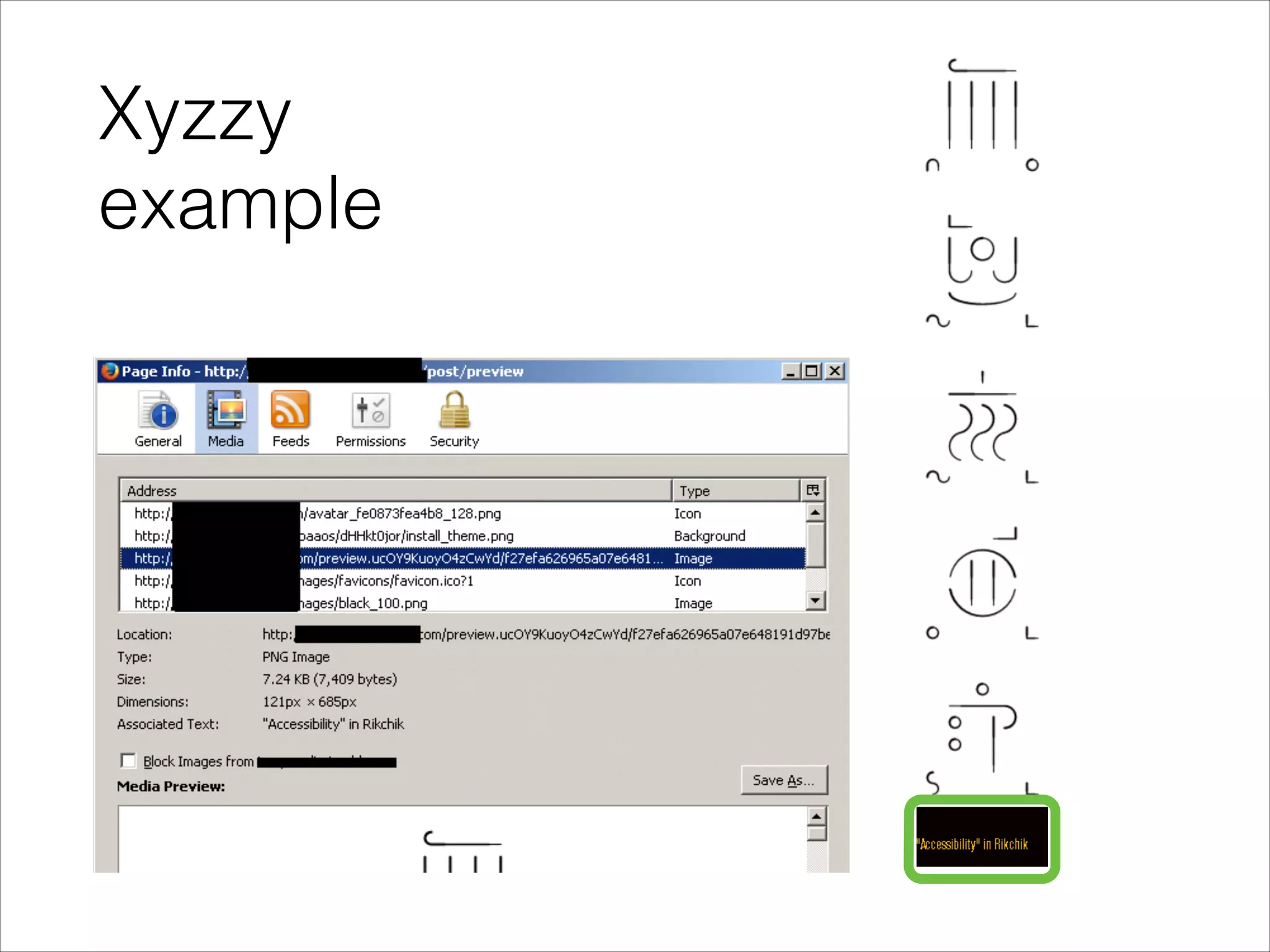
•

Alt and caption
are identical
Xyzzy
summary

•

Alt and caption
are identical

•

Human factor:
visual result
unappealing to
site's userbase
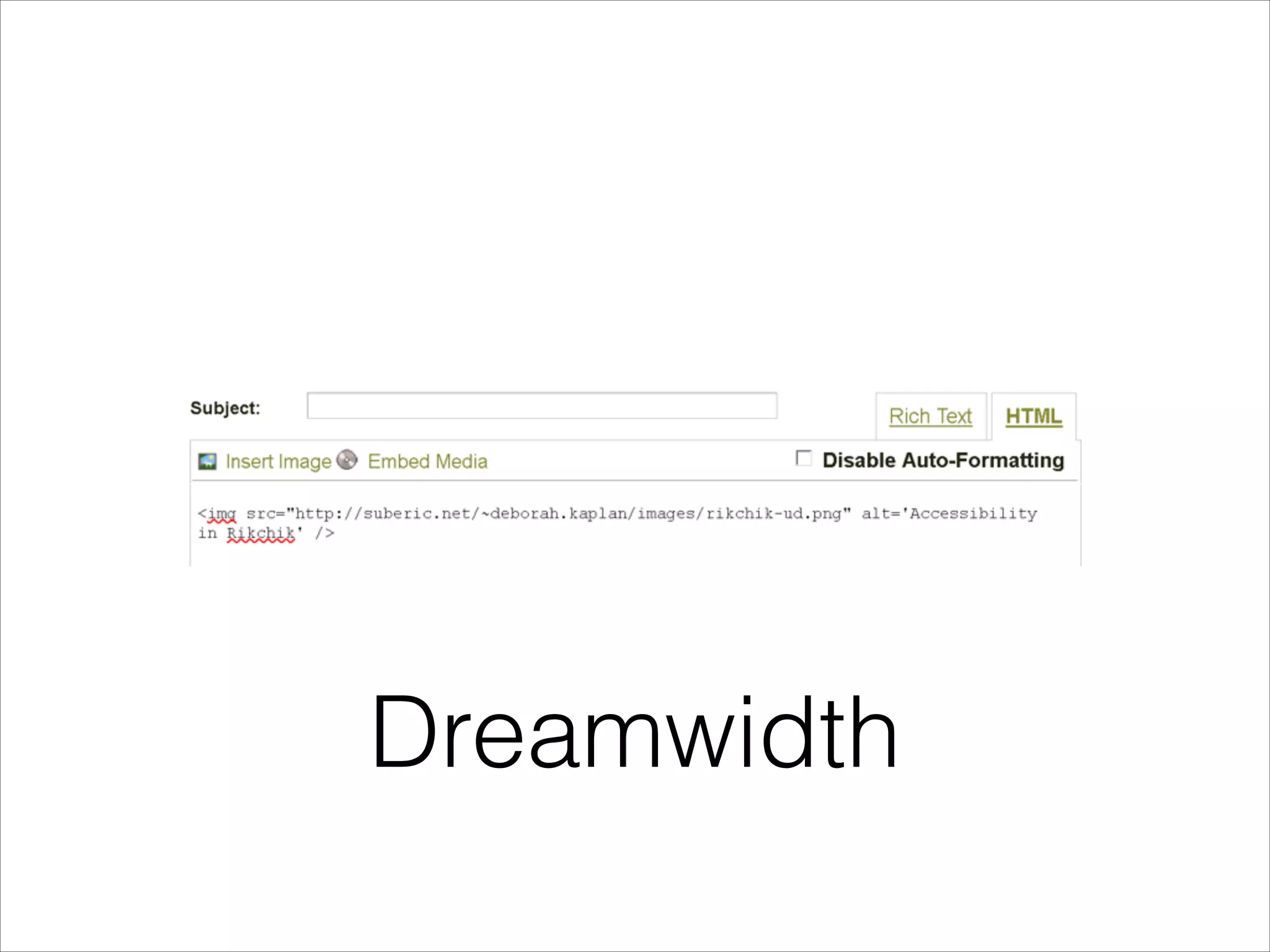
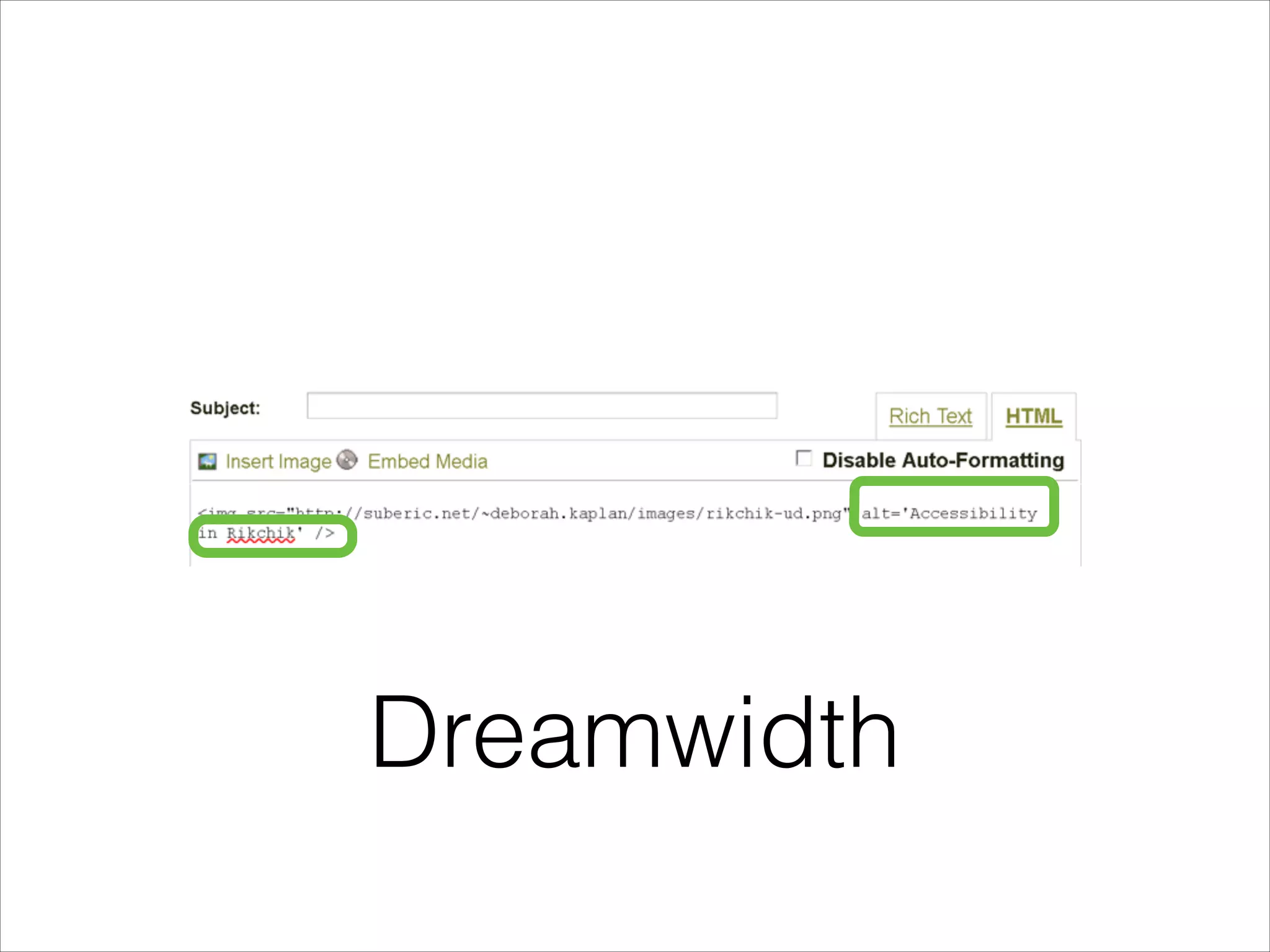
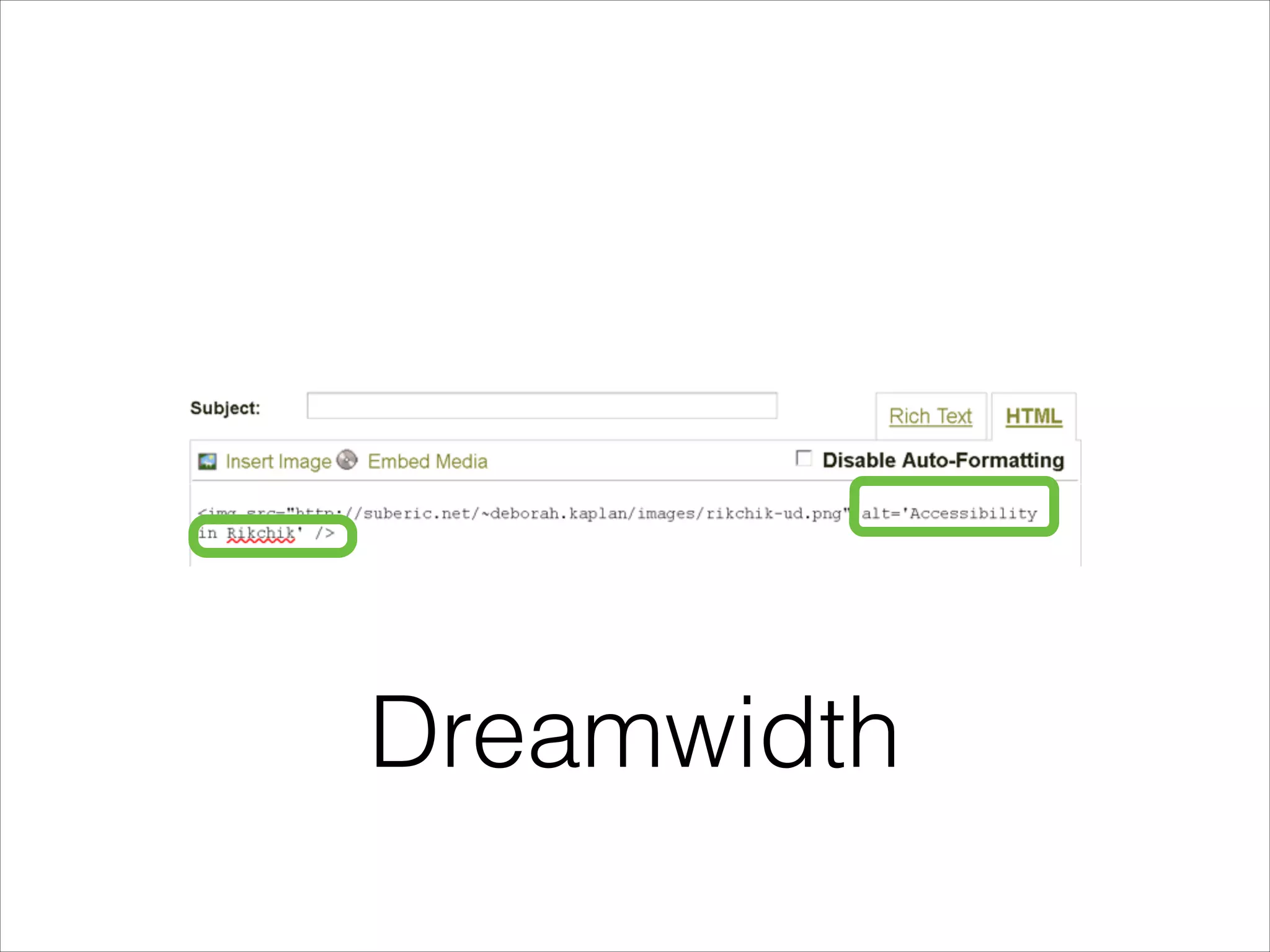
Help your users

More examples in the
alt attribute
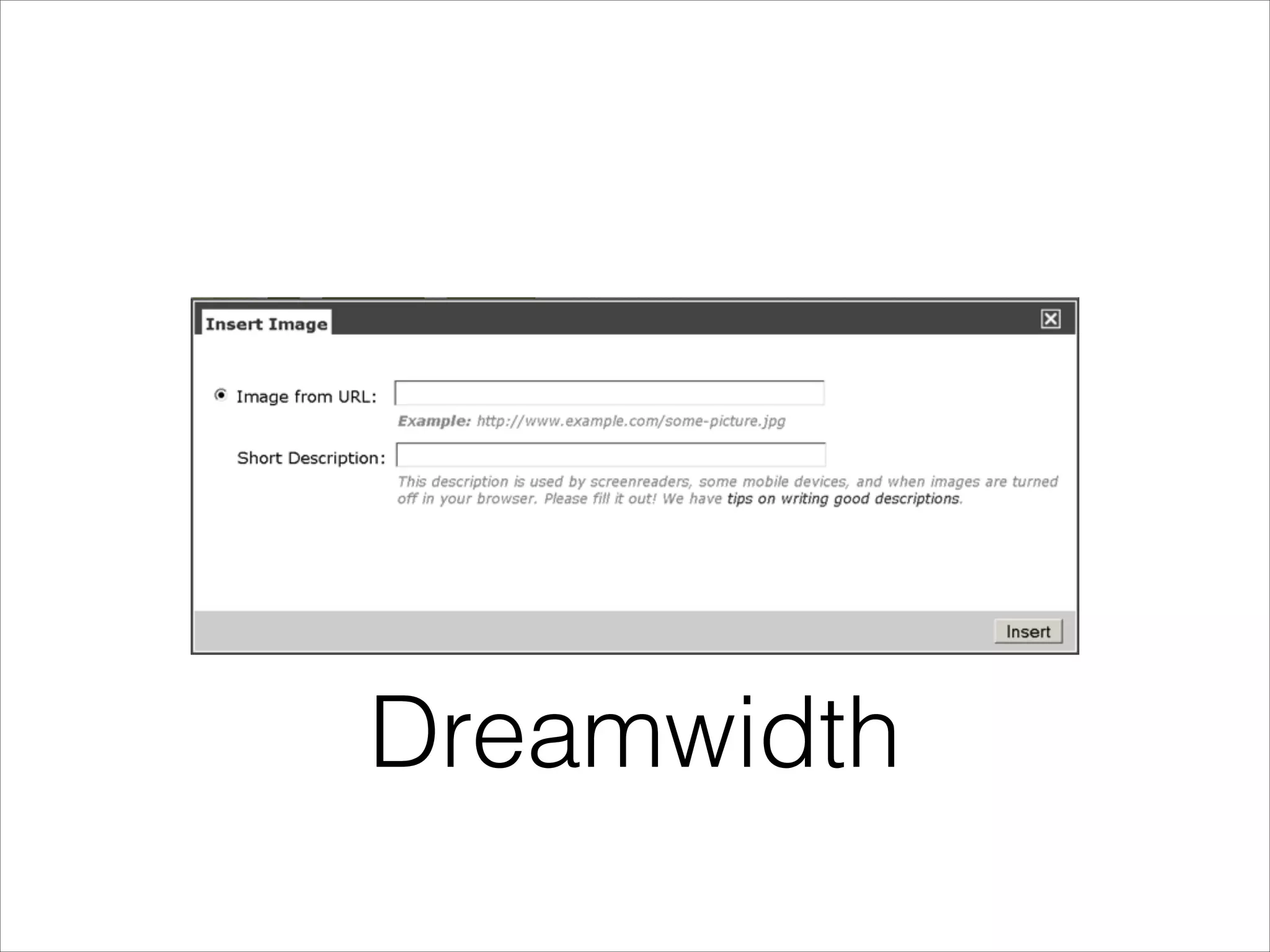
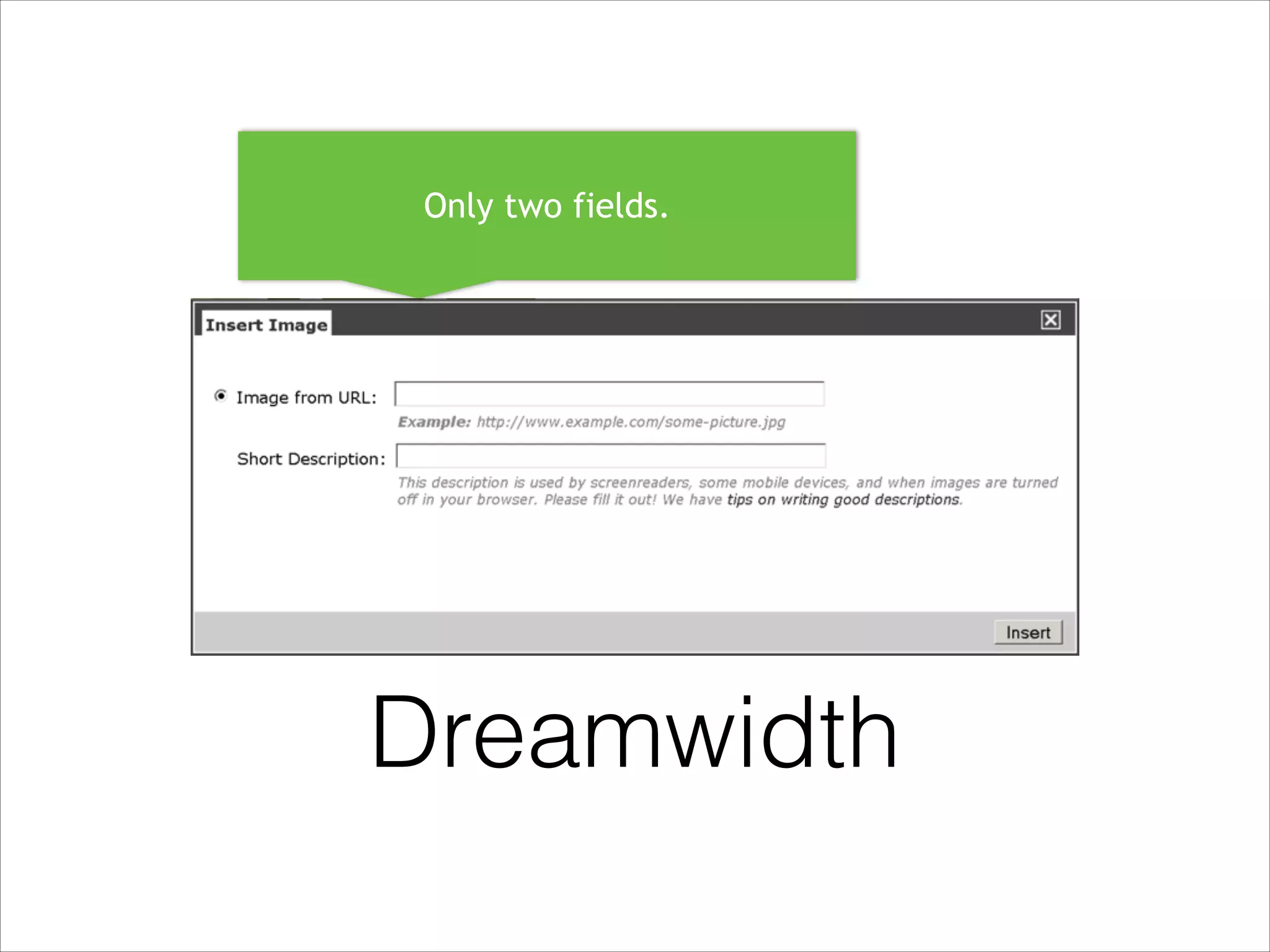
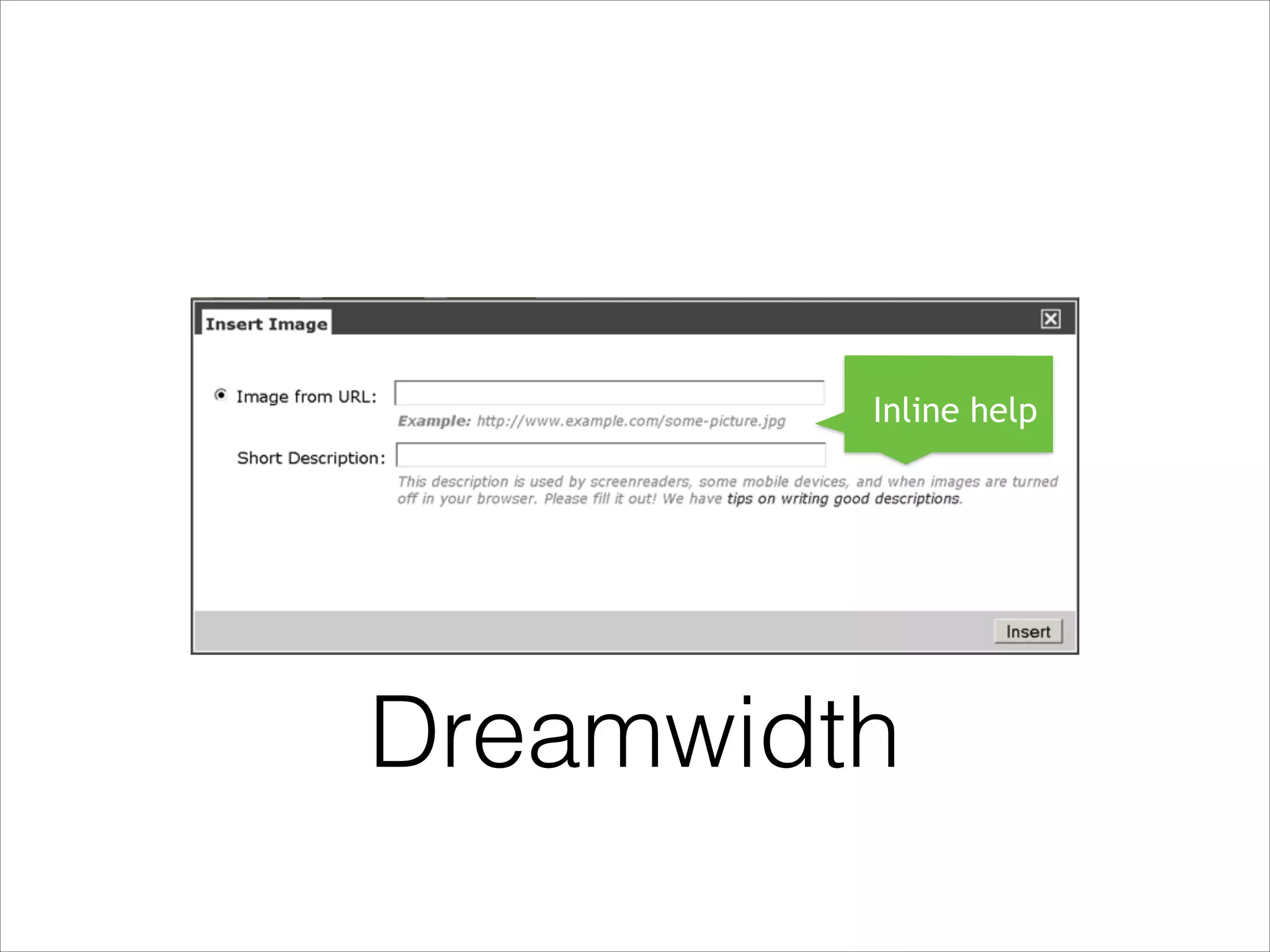
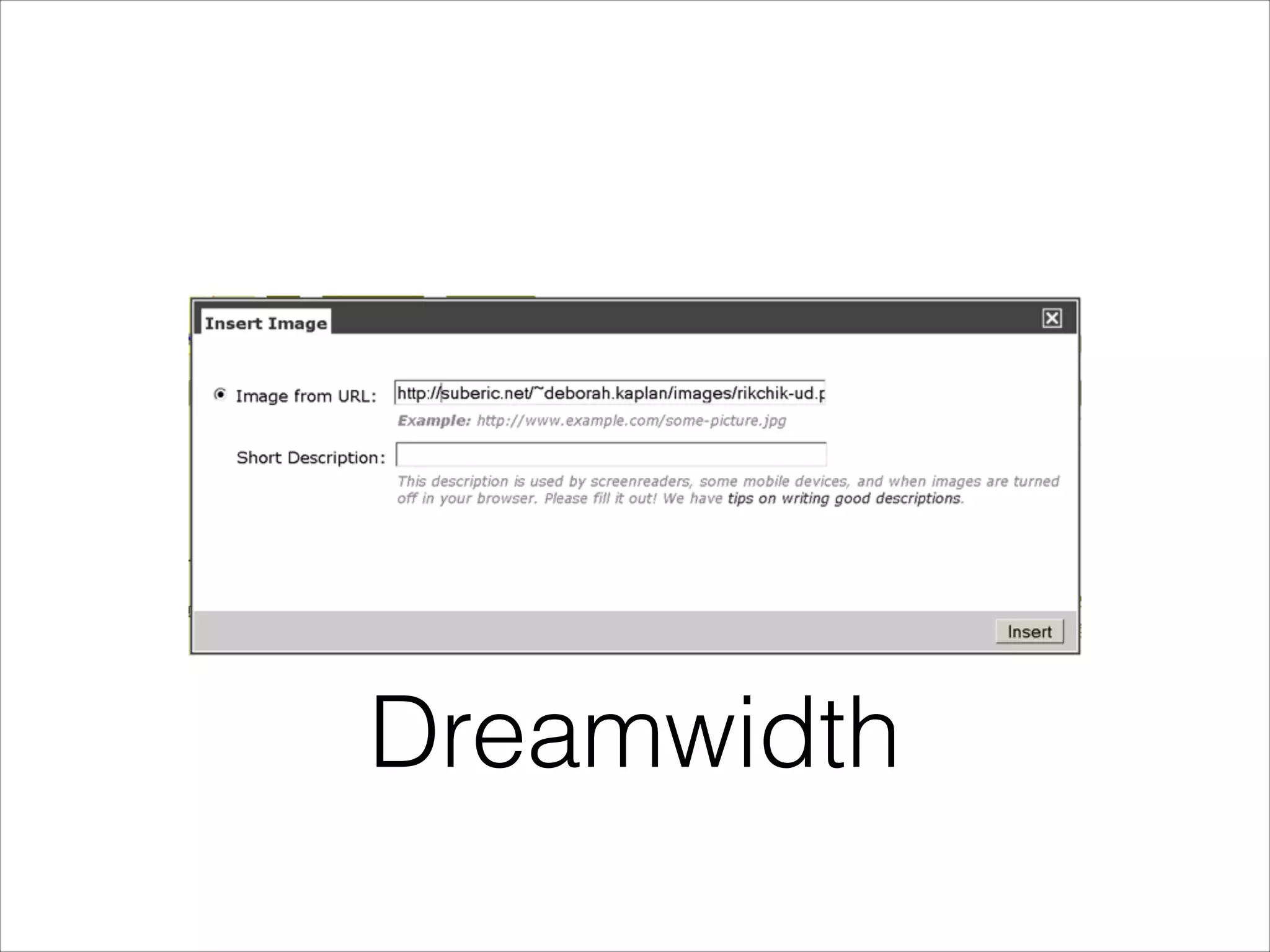
Dreamwidth
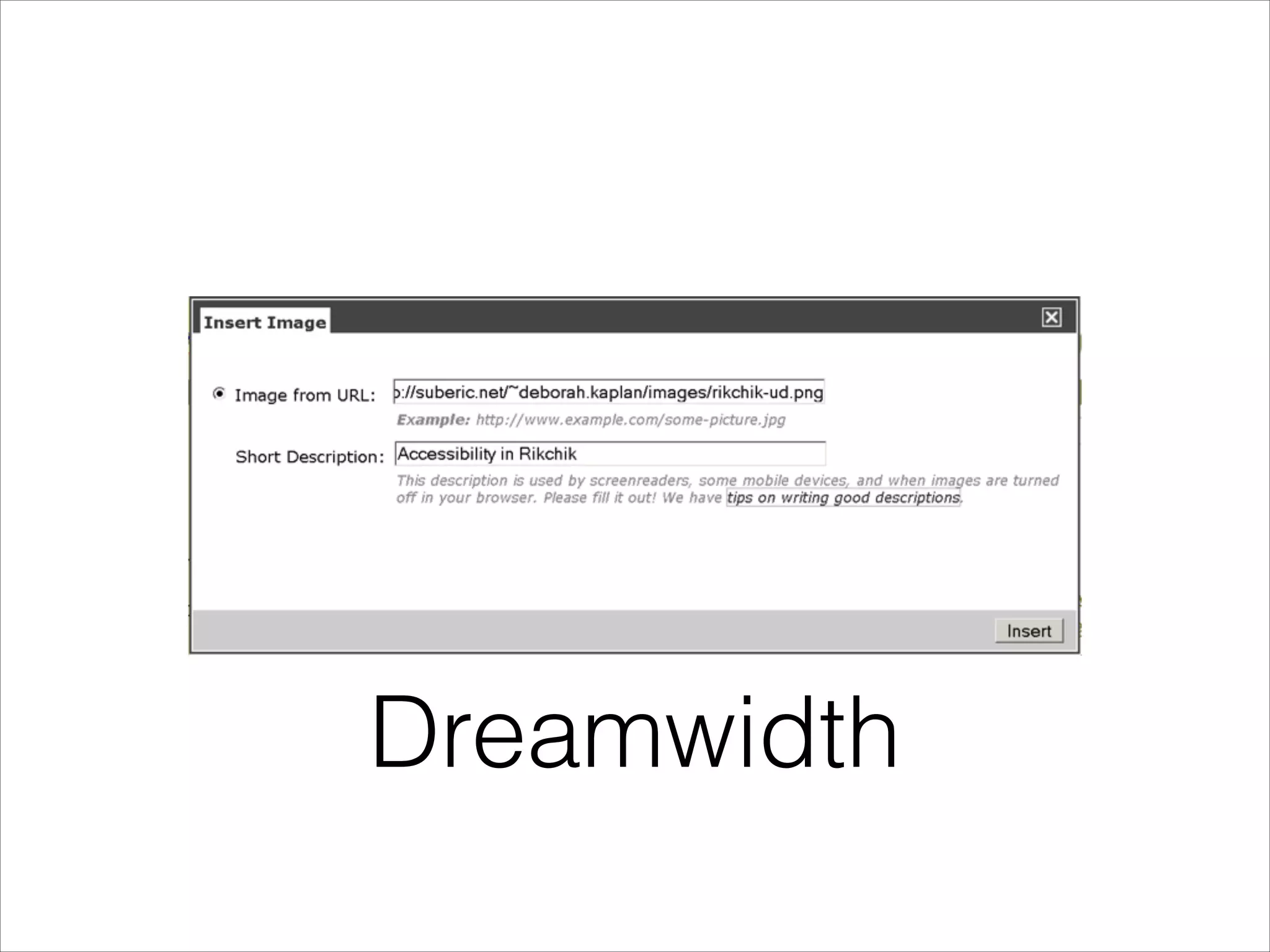
Only two fields.
Dreamwidth
Inline help

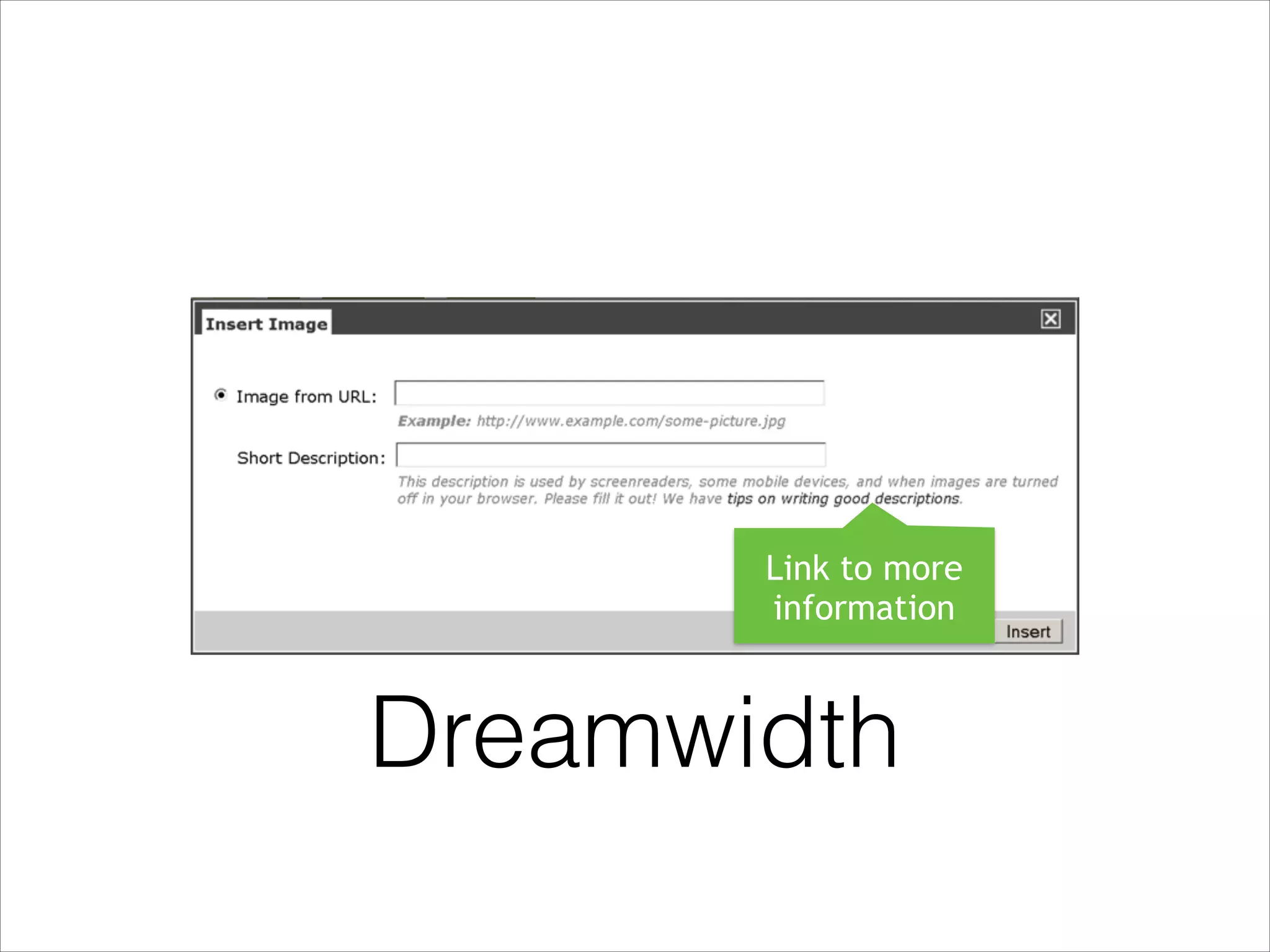
Dreamwidth
Link to more
information

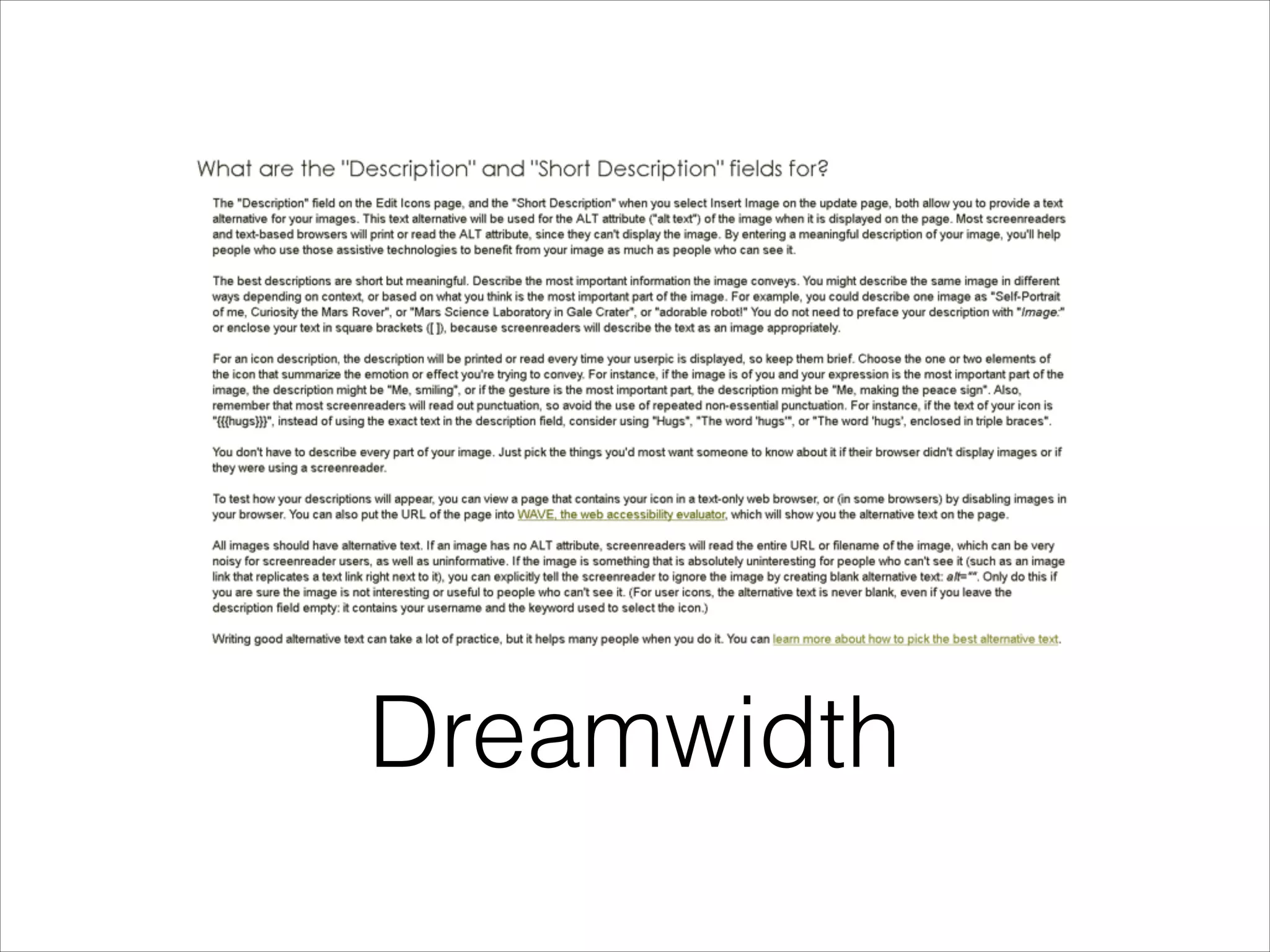
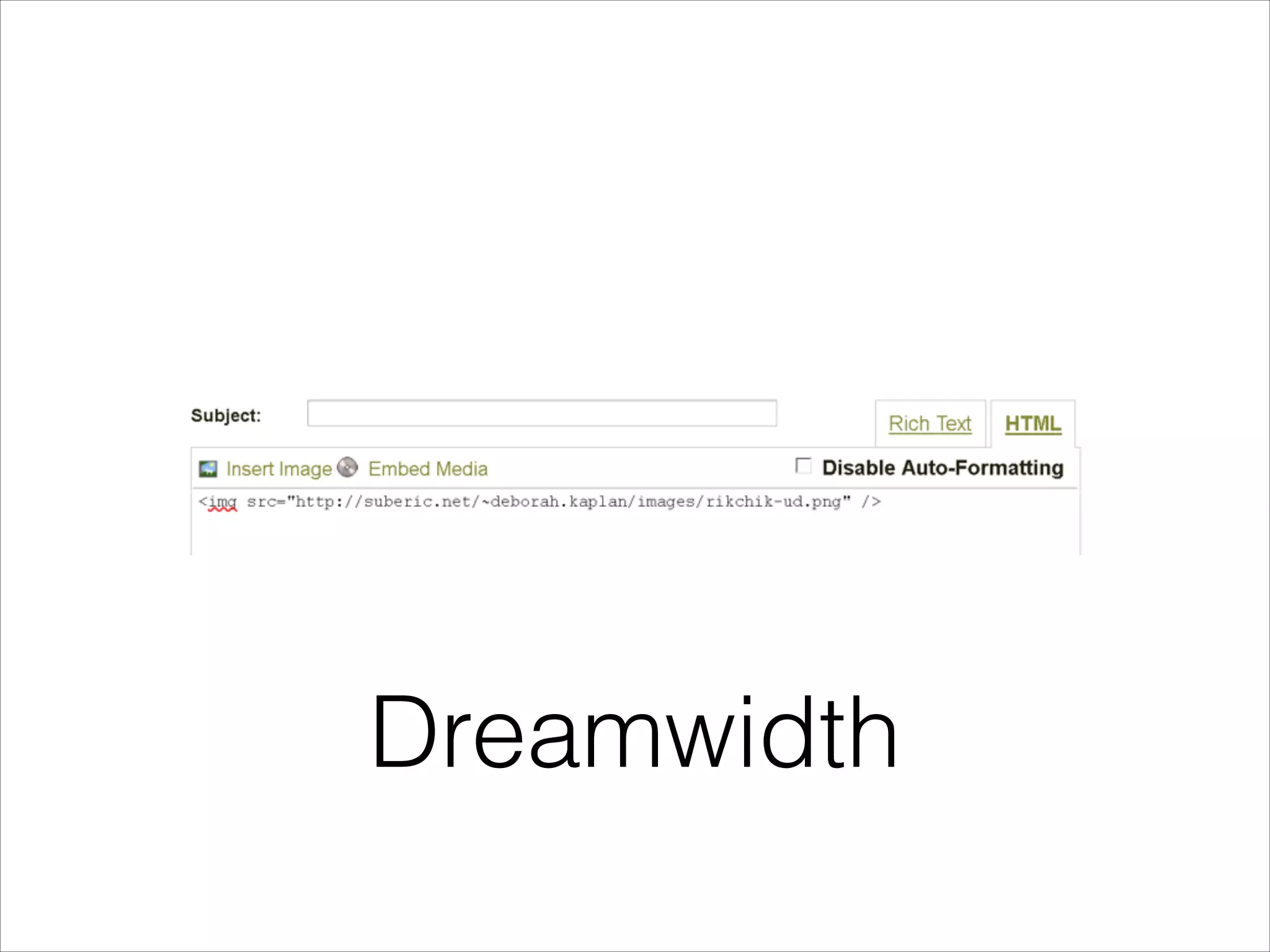
Dreamwidth
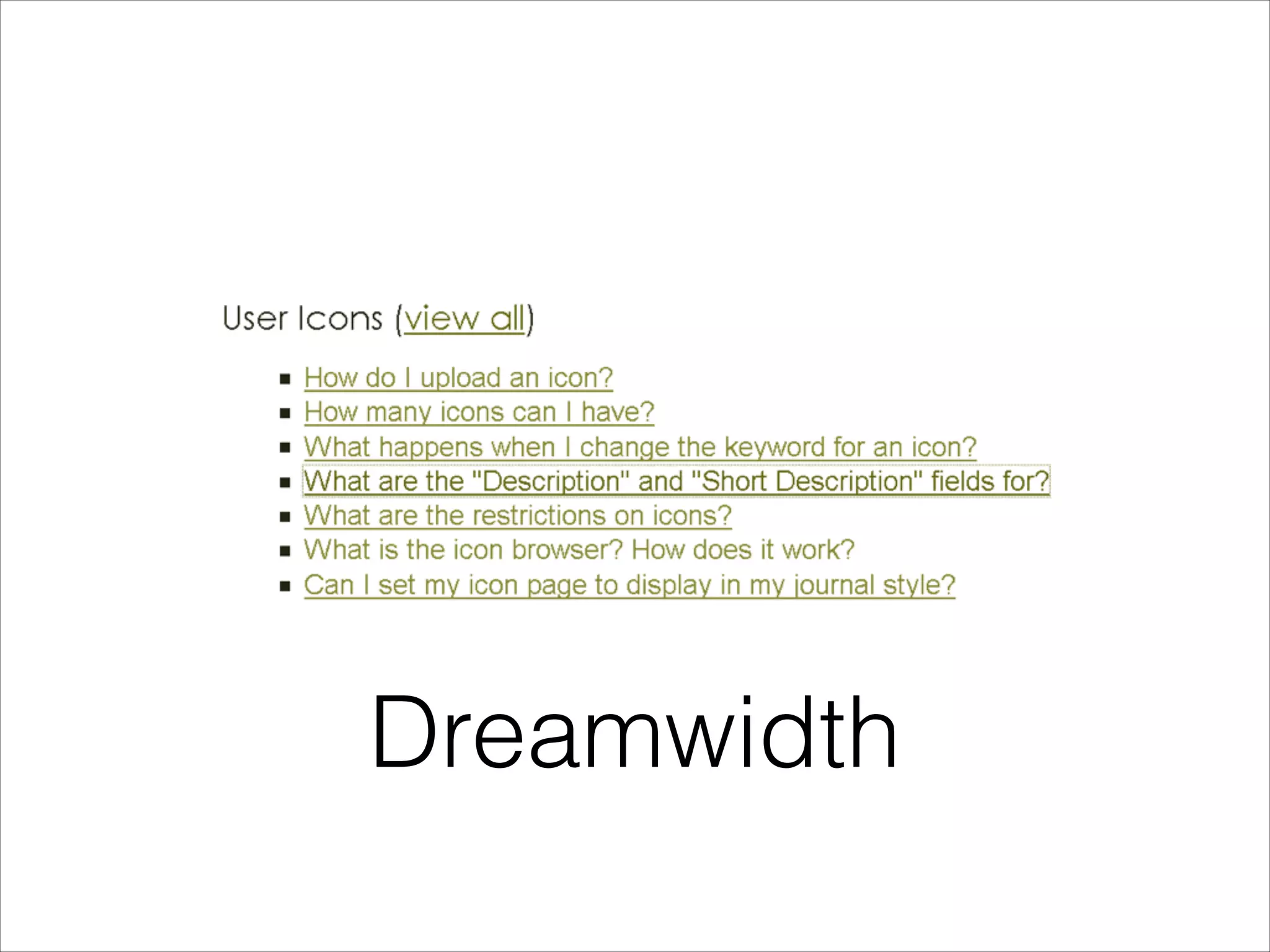
Dreamwidth
Dreamwidth
Dreamwidth
Dreamwidth
Dreamwidth
Dreamwidth
Dreamwidth
Dreamwidth
Know Your Users
Know Your Users
•

How many options can they tolerate?
Know Your Users
•

How many options can they tolerate?

•

Are you enforcing or encouraging?
Know Your Users
•

How many options can they tolerate?

•

Are you enforcing or encouraging?

•

What kind of education can you do?
Know Your Users
•

How many options can they tolerate?

•

Are you enforcing or encouraging?

•

What kind of education can you do?

•

Do they already care about accessibility?
Know Your Users
•

How many options can they tolerate?

•

Are you enforcing or encouraging?

•

What kind of education can you do?

•

Do they already care about accessibility?

•

What visual effect is acceptable to your users?
Know Your Users
•

How many options can they tolerate?

•

Are you enforcing or encouraging?

•

What kind of education can you do?

•

Do they already care about accessibility?

•

What visual effect is acceptable to your users?

•

What level of hand coding can they do?
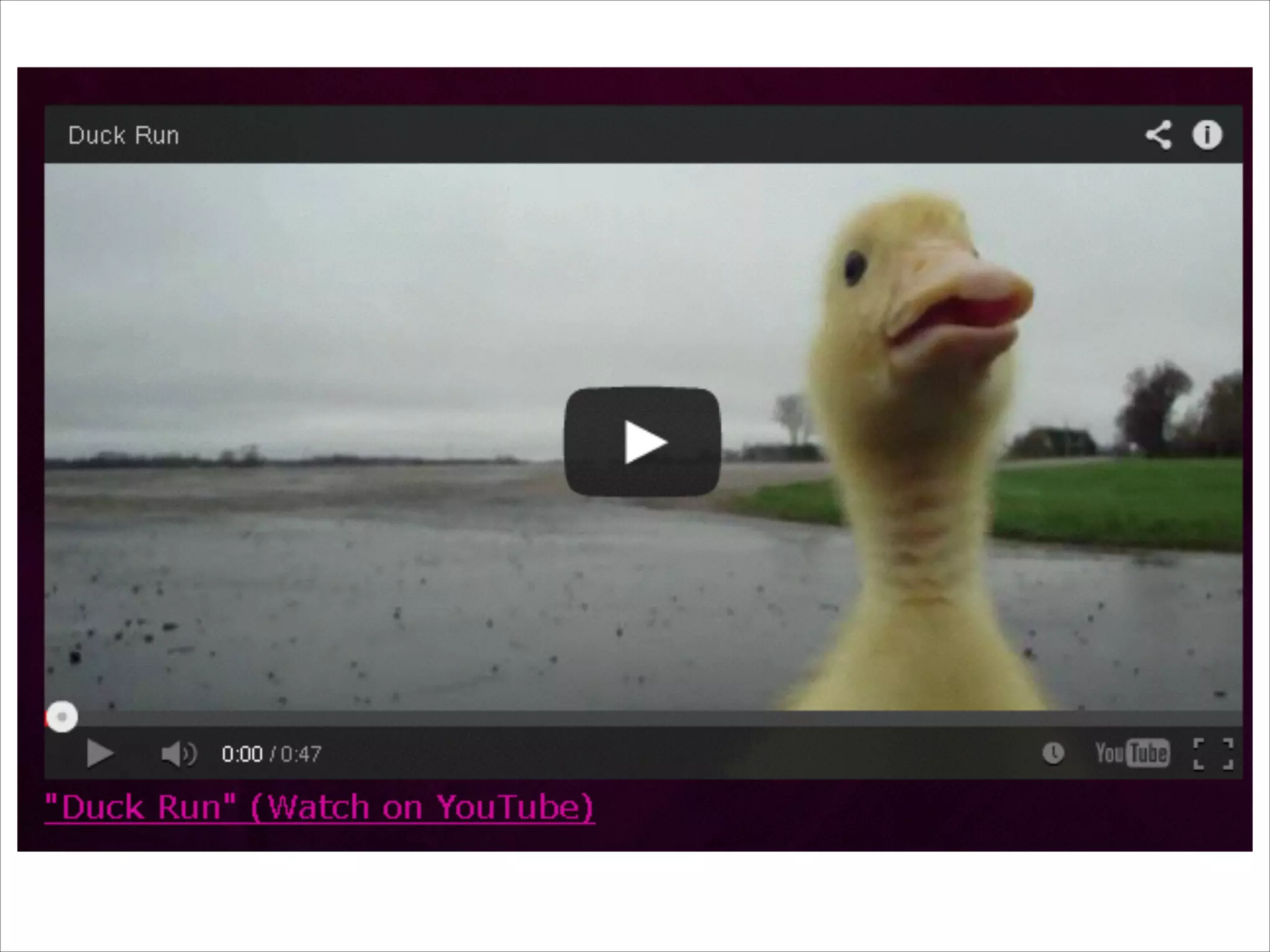
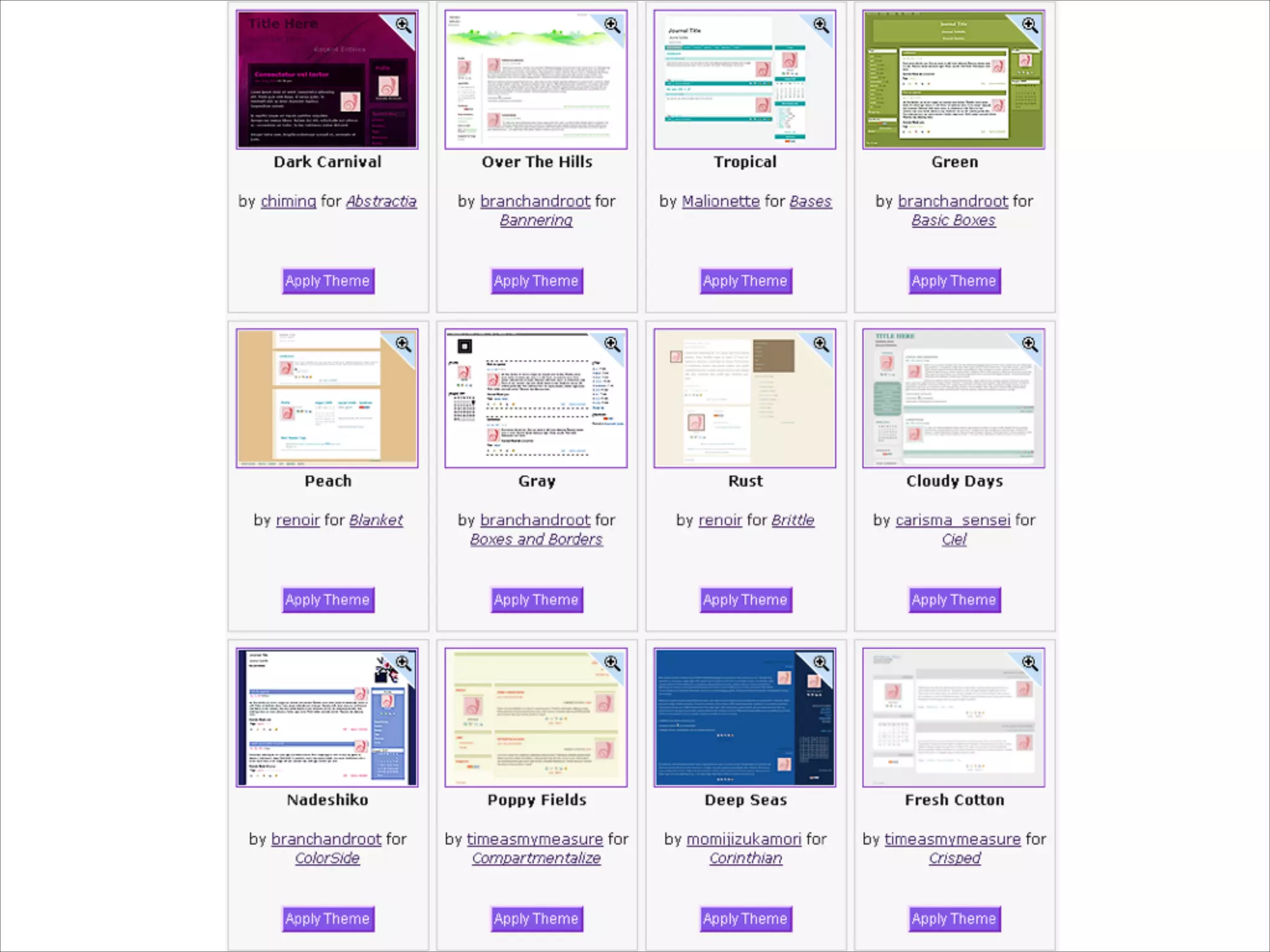
Silent Helping

Accessible embeds
and styles
Presentation:
Athena Yao
@afuna
http://fu.dreamwidth.org

Slides:
Deborah Kaplan
@deborah_gu
http://deborah.dreamwidth.org

Further resources:
•

Authoring Tool Accessibility Guidelines: http://
www.w3.org/WAI/intro/atag.php

•

Comparing Learning Management Systems: http://
weba.im/csun2013lms

•

Web Accessibility for the 21st century: https://
github.com/rahaeli/accessibility

Questions?

User Created Content: Maintain accessibility in content you don't control