REFLECTION
       Rohit Vipin Mathews
INTRODUCTION

 Reflection is the process of runtime type
  discovery.
 Reflection is a generic term that describes
  the ability to inspect and manipulate program
  elements at runtime.
 Using reflection services, we are able to
  programmatically obtain the same metadata
  information displayed by ildasm.exe.
REFLECTION ALLOWS YOU TO:

 Enumerate the members of a type
 Instantiate a new object

 Execute the members of an object

 Find out information about a type

 Find out information about an assembly

 Inspect the custom attributes applied to a
  type
 Create and compile a new assembly
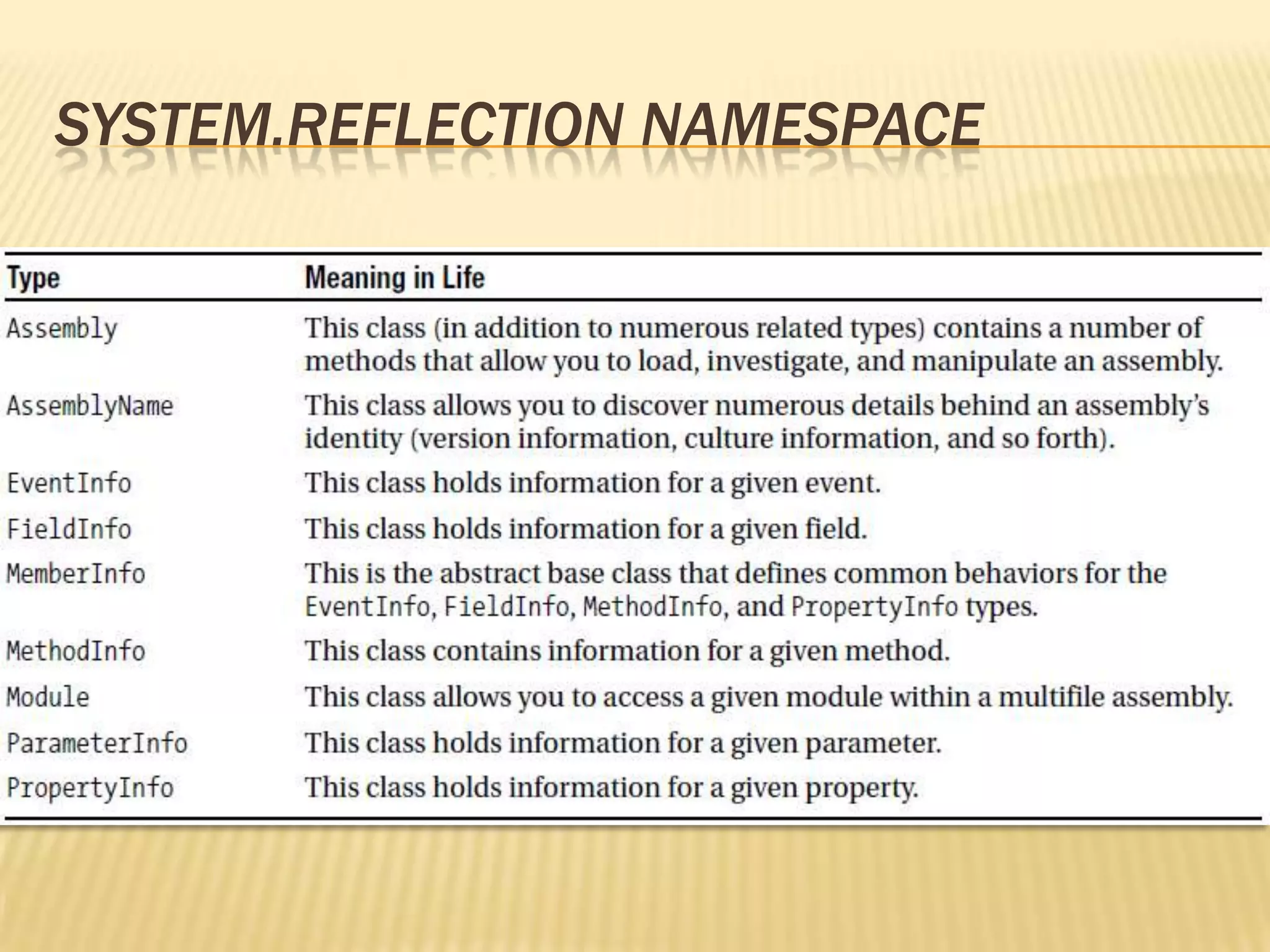
SYSTEM.REFLECTION NAMESPACE
THE SYSTEM.TYPE CLASS

 The System.Type class defines a number of
  members that can be used to examine a
  type’s metadata, a great number of which
  return types from the System.Reflection
  namespace.
 Eg: Type.GetMethods() returns an array of
  MethodInfo types, Type.GetFields() returns
  an array of FieldInfo types.
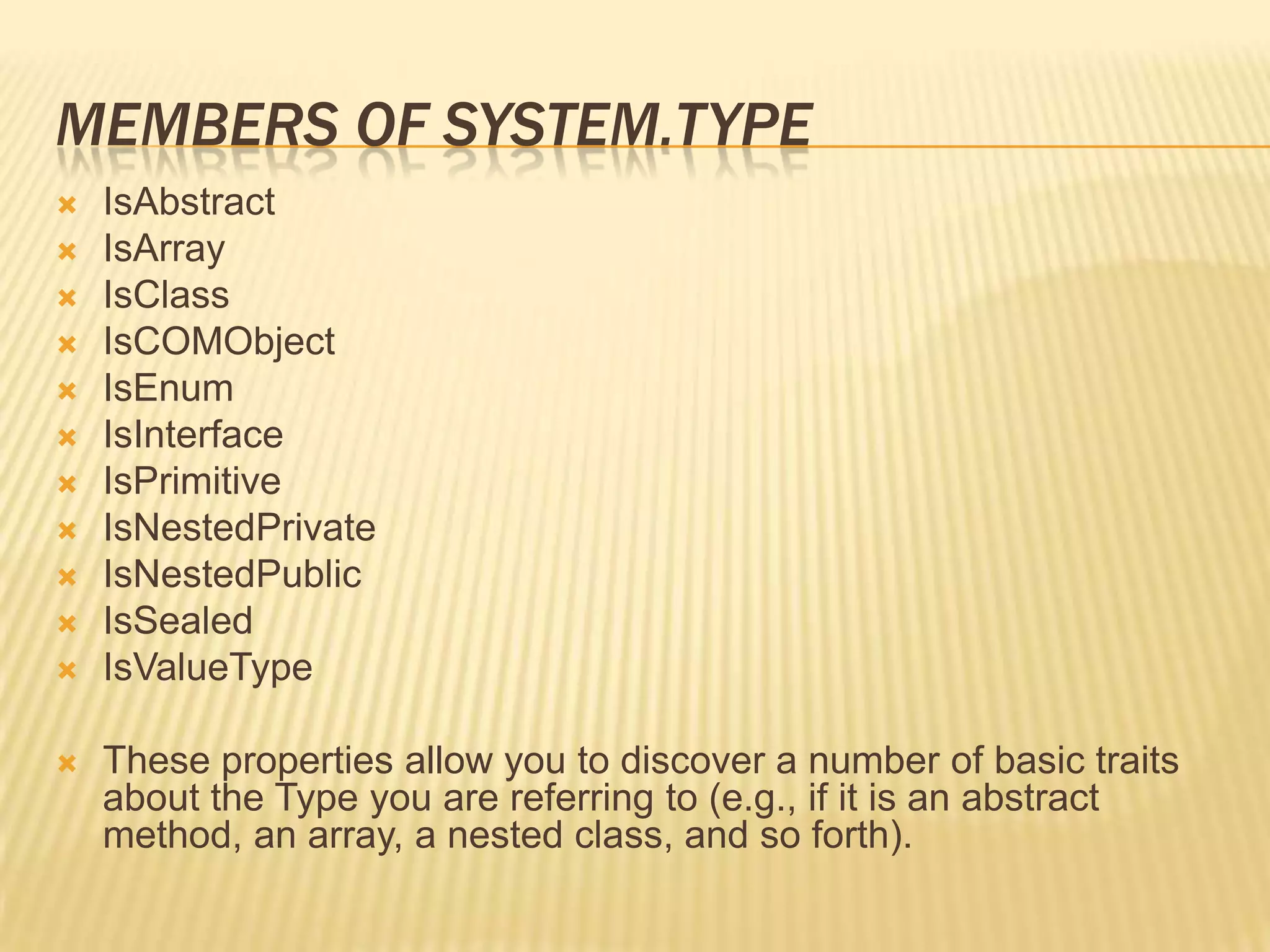
MEMBERS OF SYSTEM.TYPE
   IsAbstract
   IsArray
   IsClass
   IsCOMObject
   IsEnum
   IsInterface
   IsPrimitive
   IsNestedPrivate
   IsNestedPublic
   IsSealed
   IsValueType

   These properties allow you to discover a number of basic traits
    about the Type you are referring to (e.g., if it is an abstract
    method, an array, a nested class, and so forth).
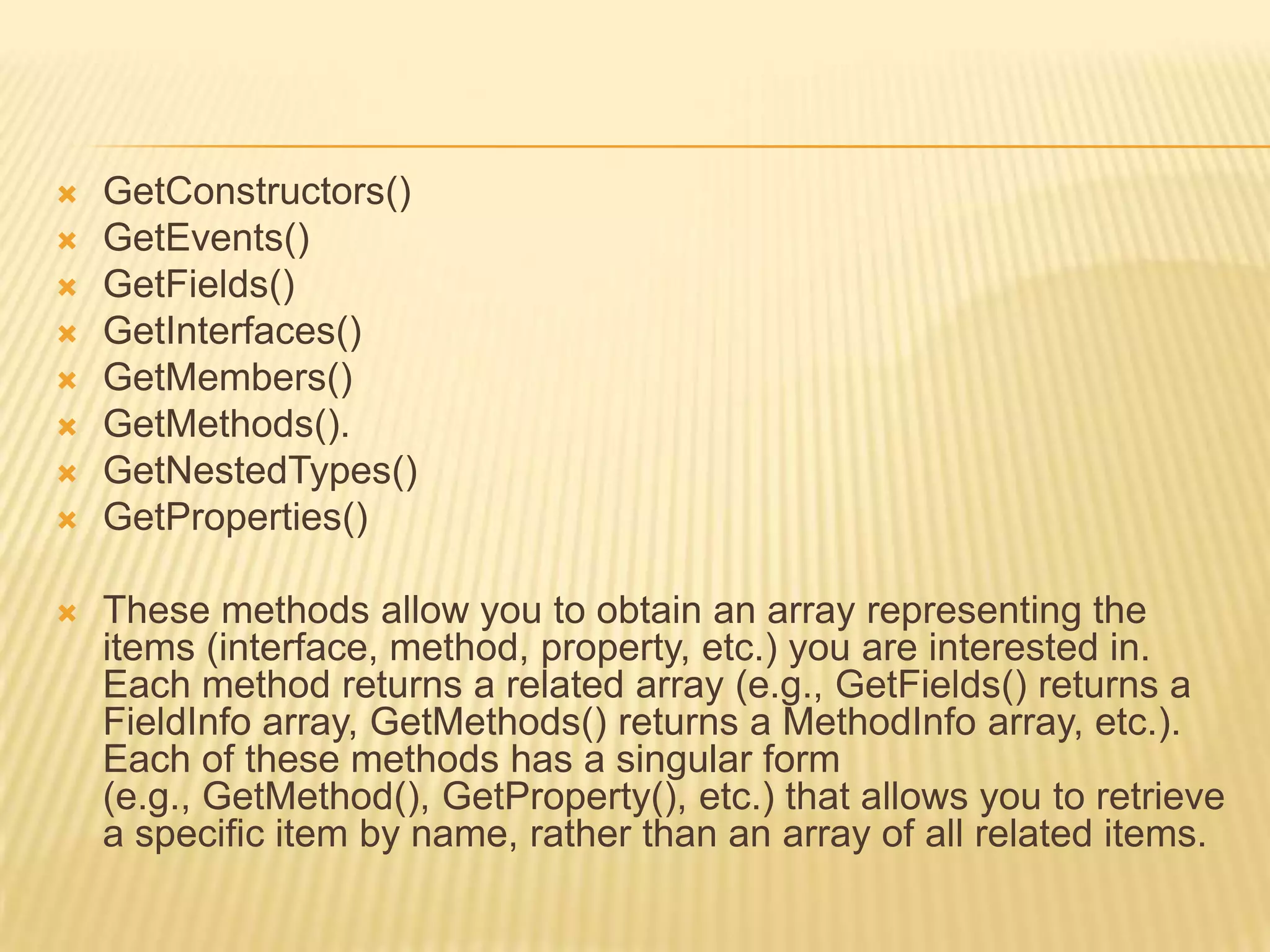
   GetConstructors()
   GetEvents()
   GetFields()
   GetInterfaces()
   GetMembers()
   GetMethods().
   GetNestedTypes()
   GetProperties()

   These methods allow you to obtain an array representing the
    items (interface, method, property, etc.) you are interested in.
    Each method returns a related array (e.g., GetFields() returns a
    FieldInfo array, GetMethods() returns a MethodInfo array, etc.).
    Each of these methods has a singular form
    (e.g., GetMethod(), GetProperty(), etc.) that allows you to retrieve
    a specific item by name, rather than an array of all related items.
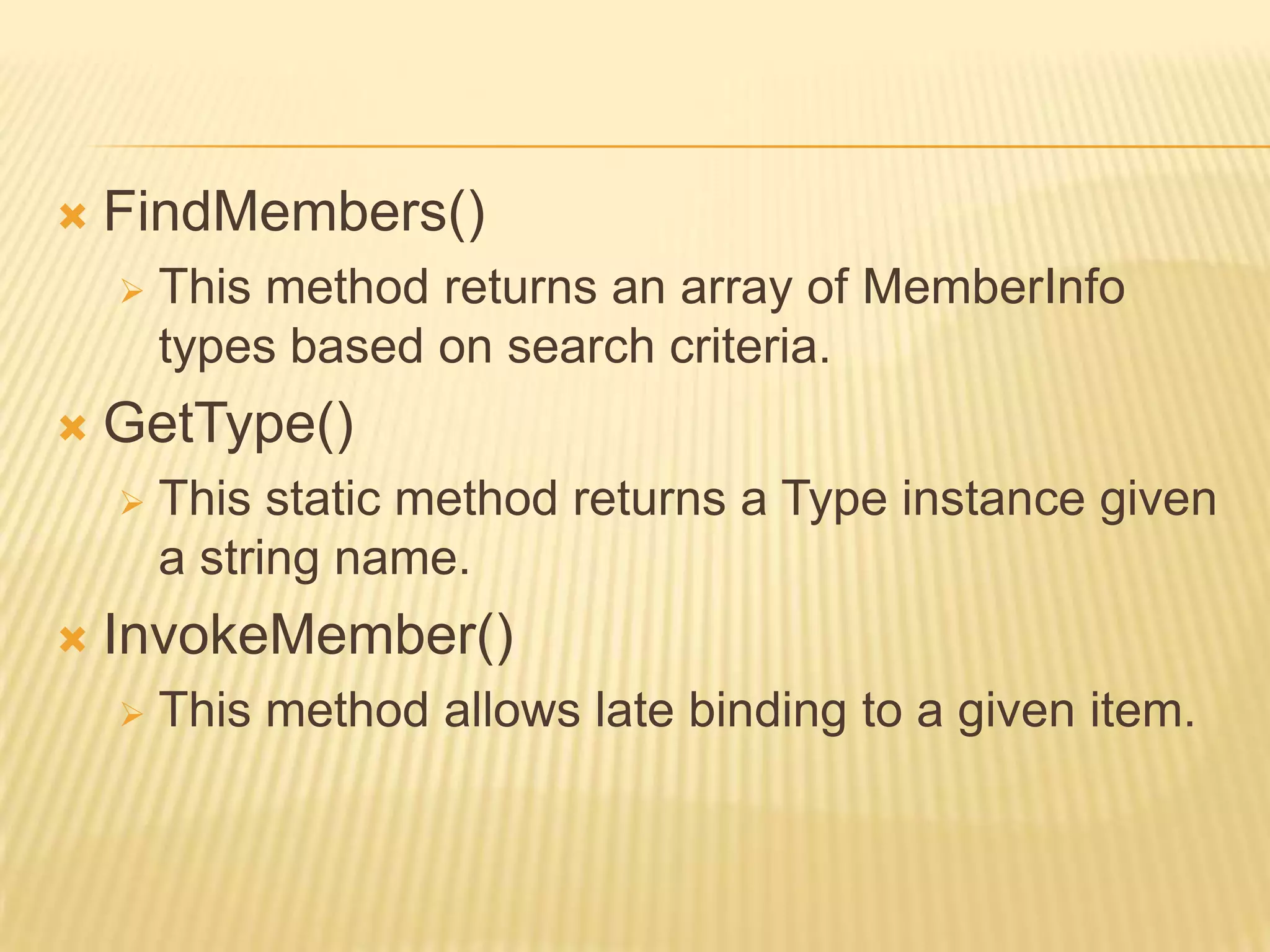
   FindMembers()
       This method returns an array of MemberInfo
        types based on search criteria.
   GetType()
       This static method returns a Type instance given
        a string name.
   InvokeMember()
       This method allows late binding to a given item.
USING SYSTEM.TYPE.GETTYPE()

 To obtain type information, you may call the
  static GetType() member of the System.Type
  class and specify the fully qualified string
  name of the type to examine.
 Compile-time knowledge of the type to be
  extracted from metadata is not required.
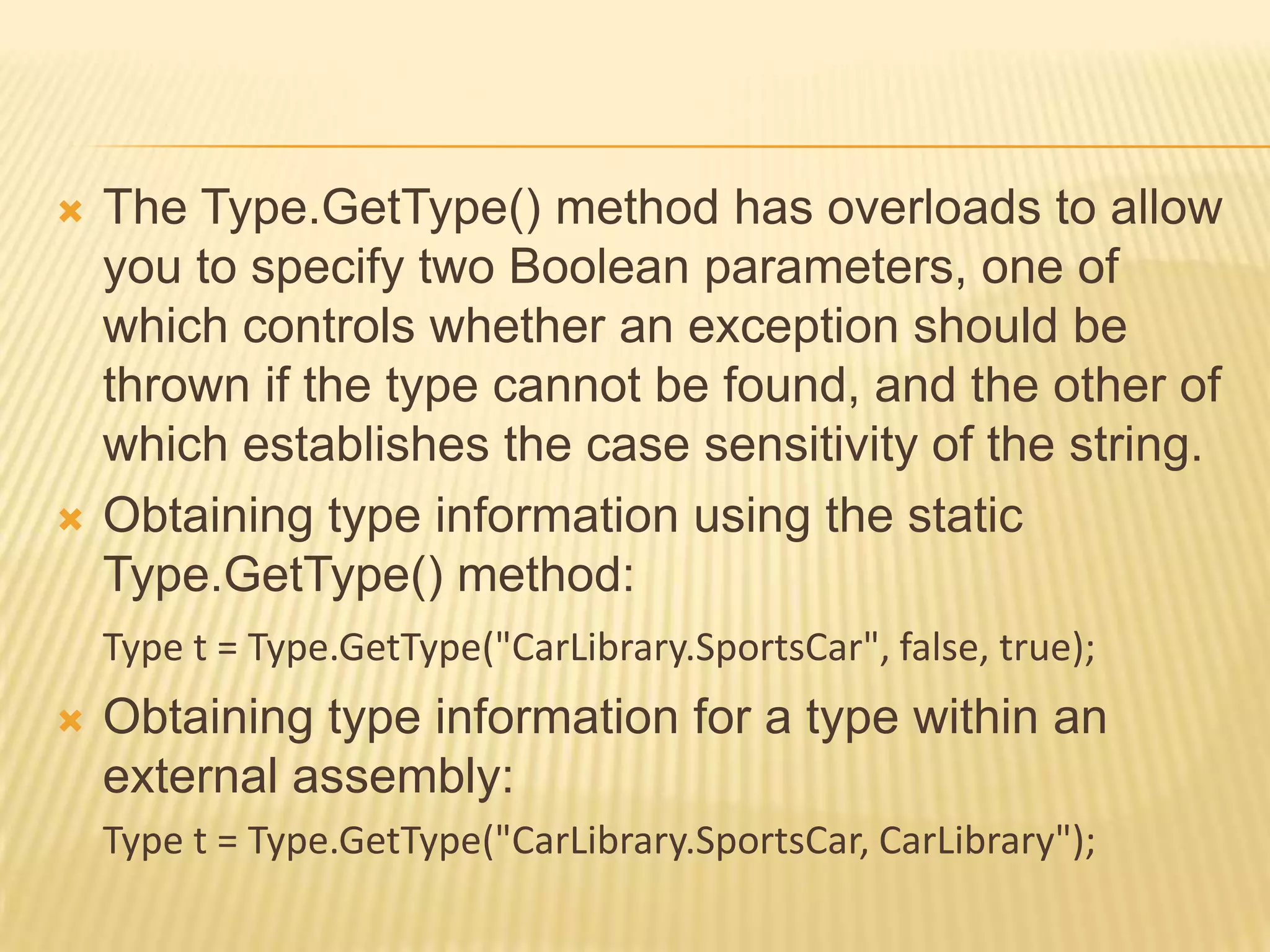
   The Type.GetType() method has overloads to allow
    you to specify two Boolean parameters, one of
    which controls whether an exception should be
    thrown if the type cannot be found, and the other of
    which establishes the case sensitivity of the string.
   Obtaining type information using the static
    Type.GetType() method:
    Type t = Type.GetType("CarLibrary.SportsCar", false, true);
   Obtaining type information for a type within an
    external assembly:
    Type t = Type.GetType("CarLibrary.SportsCar, CarLibrary");
REFLECTING ON METHODS
   Type.GetMethods() returns an array of
    System.Reflection.MethodInfo types.

// Display method names of type.
public static void ListMethods(Type t)
{
   Console.WriteLine("Methods");
   MethodInfo[] mi = t.GetMethods();
   foreach(MethodInfo m in mi)
       Console.WriteLine("->{0}", m.Name);
   Console.WriteLine("");
}
REFLECTING ON FIELDS
   Type.GetFields() returns an array of
    System.Reflection.FieldInfo types.

// Display field names of type
public static void ListFields(Type t)
{
   Console.WriteLine("Fields");
   FieldInfo[] fi = t.GetFields();
   foreach(FieldInfo field in fi)
       Console.WriteLine("->{0}", field.Name);
   Console.WriteLine("");
}
REFLECTING ON PROPERTIES
   Type. GetProperties() returns an array of
    System.Reflection. PropertyInfo types.

// Display property names of type.
public static void ListProps(Type t)
{
   Console.WriteLine("***** Properties *****");
   PropertyInfo[] pi = t.GetProperties();
   foreach(PropertyInfo prop in pi)
       Console.WriteLine("->{0}", prop.Name);
   Console.WriteLine("");
}
REFLECTING ON IMPLEMENTED INTERFACES

 ListInterfaces() prints out the names of any
  interfaces supported on the incoming type.
 The call to GetInterfaces() returns an array of
  System.Types, as interfaces are indeed types.
public static void ListInterfaces(Type t)
{
  Console.WriteLine("***** Interfaces *****");
  Type[] ifaces = t.GetInterfaces();
  foreach(Type i in ifaces)
  Console.WriteLine("->{0}", i.Name);
}
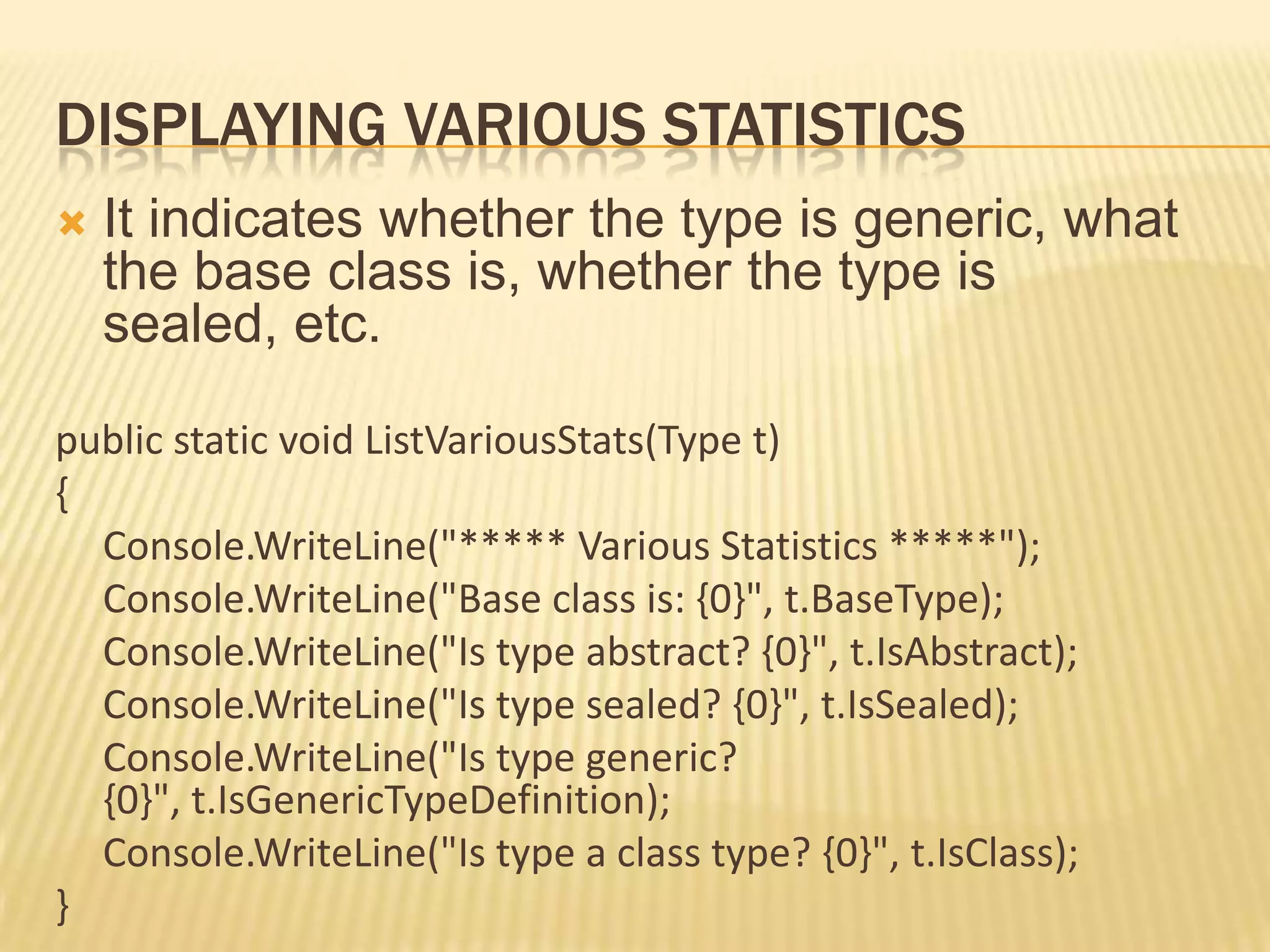
DISPLAYING VARIOUS STATISTICS
   It indicates whether the type is generic, what
    the base class is, whether the type is
    sealed, etc.

public static void ListVariousStats(Type t)
{
  Console.WriteLine("***** Various Statistics *****");
  Console.WriteLine("Base class is: {0}", t.BaseType);
  Console.WriteLine("Is type abstract? {0}", t.IsAbstract);
  Console.WriteLine("Is type sealed? {0}", t.IsSealed);
  Console.WriteLine("Is type generic?
  {0}", t.IsGenericTypeDefinition);
  Console.WriteLine("Is type a class type? {0}", t.IsClass);
}
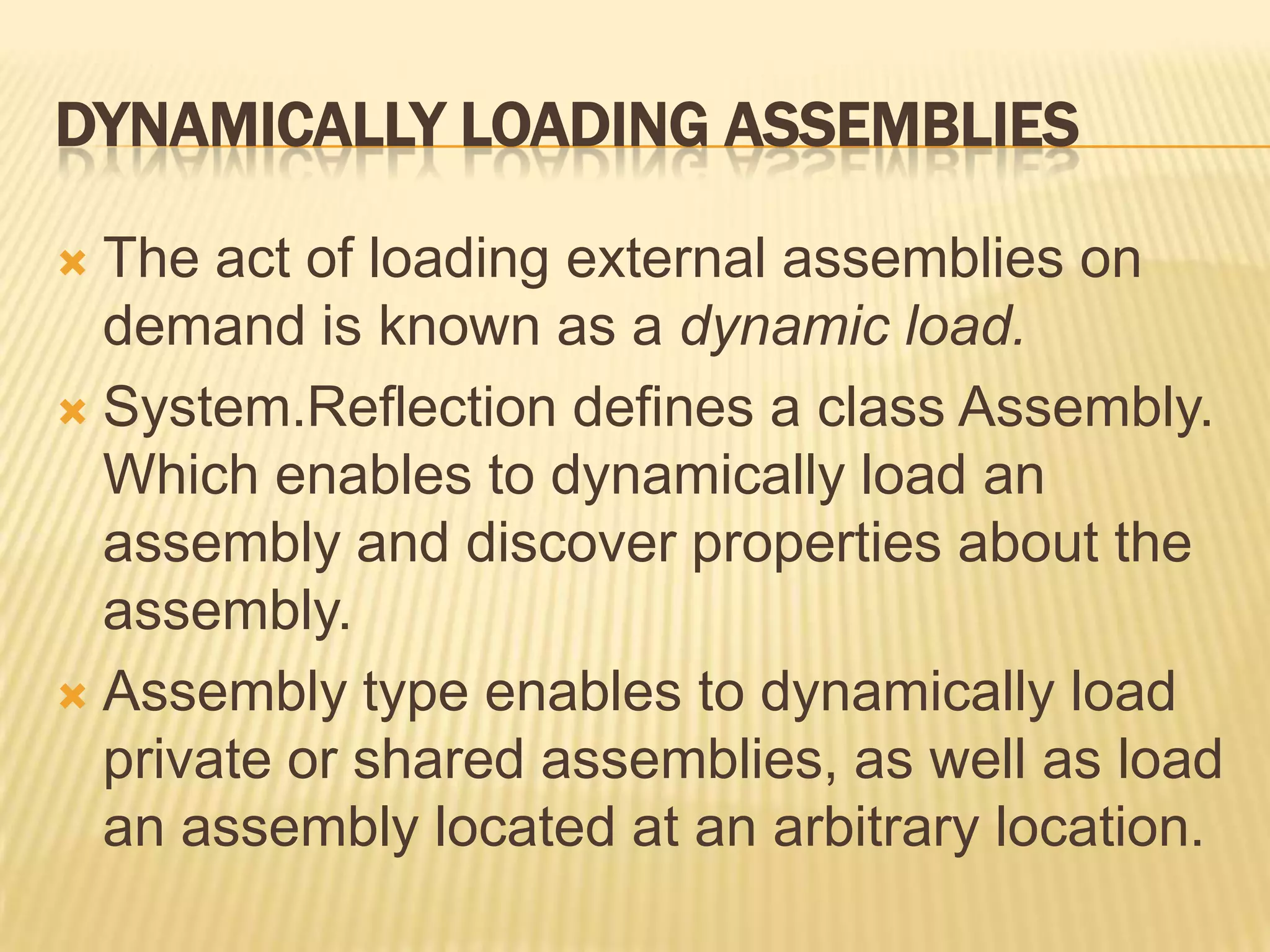
DYNAMICALLY LOADING ASSEMBLIES

 The act of loading external assemblies on
  demand is known as a dynamic load.
 System.Reflection defines a class Assembly.
  Which enables to dynamically load an
  assembly and discover properties about the
  assembly.
 Assembly type enables to dynamically load
  private or shared assemblies, as well as load
  an assembly located at an arbitrary location.
using System;
using System.Reflection;
using System.IO;
namespace ExternalAssemblyReflector
{
class Program
{
static void DisplayTypesInAsm(Assembly asm)
{
   Console.WriteLine("n Types in Assembly");
   Console.WriteLine("->{0}", asm.FullName);
   Type[] types = asm.GetTypes();
   foreach (Type t in types)
        Console.WriteLine("Type: {0}", t);
}
static void Main(string[] args)
{
    Console.WriteLine("External Assembly Viewer ");
    Assembly asm = null;
    Console.WriteLine("nEnter an assembly to evaluate");
    asmName = Console.ReadLine();
    try
    {
          asm = Assembly.LoadFrom(asmName);
          DisplayTypesInAsm(asm);
    }
    catch
    {
          Console.WriteLine("Sorry, can't find assembly.");
    }
}
}
}
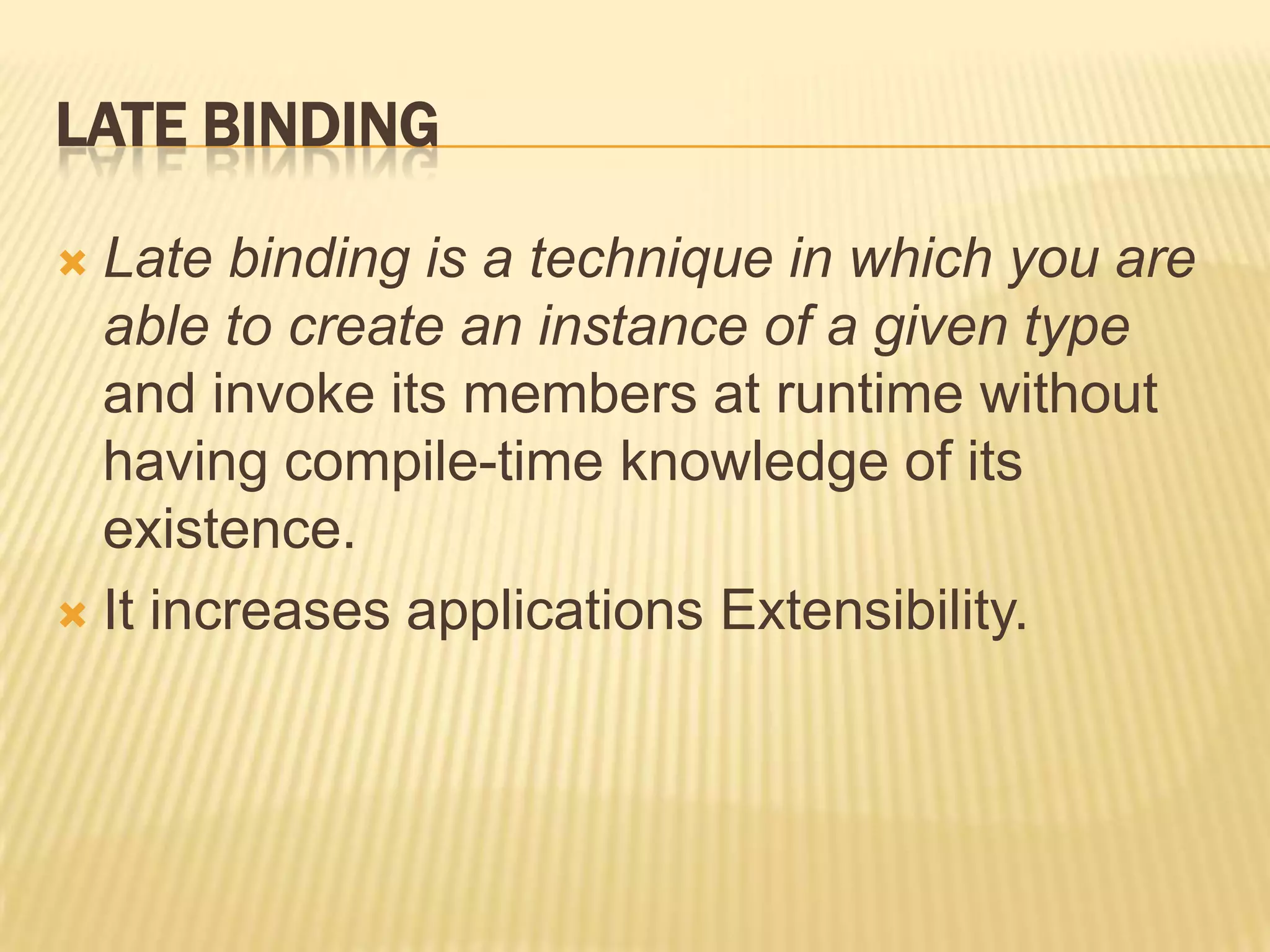
LATE BINDING

 Late binding is a technique in which you are
  able to create an instance of a given type
  and invoke its members at runtime without
  having compile-time knowledge of its
  existence.
 It increases applications Extensibility.
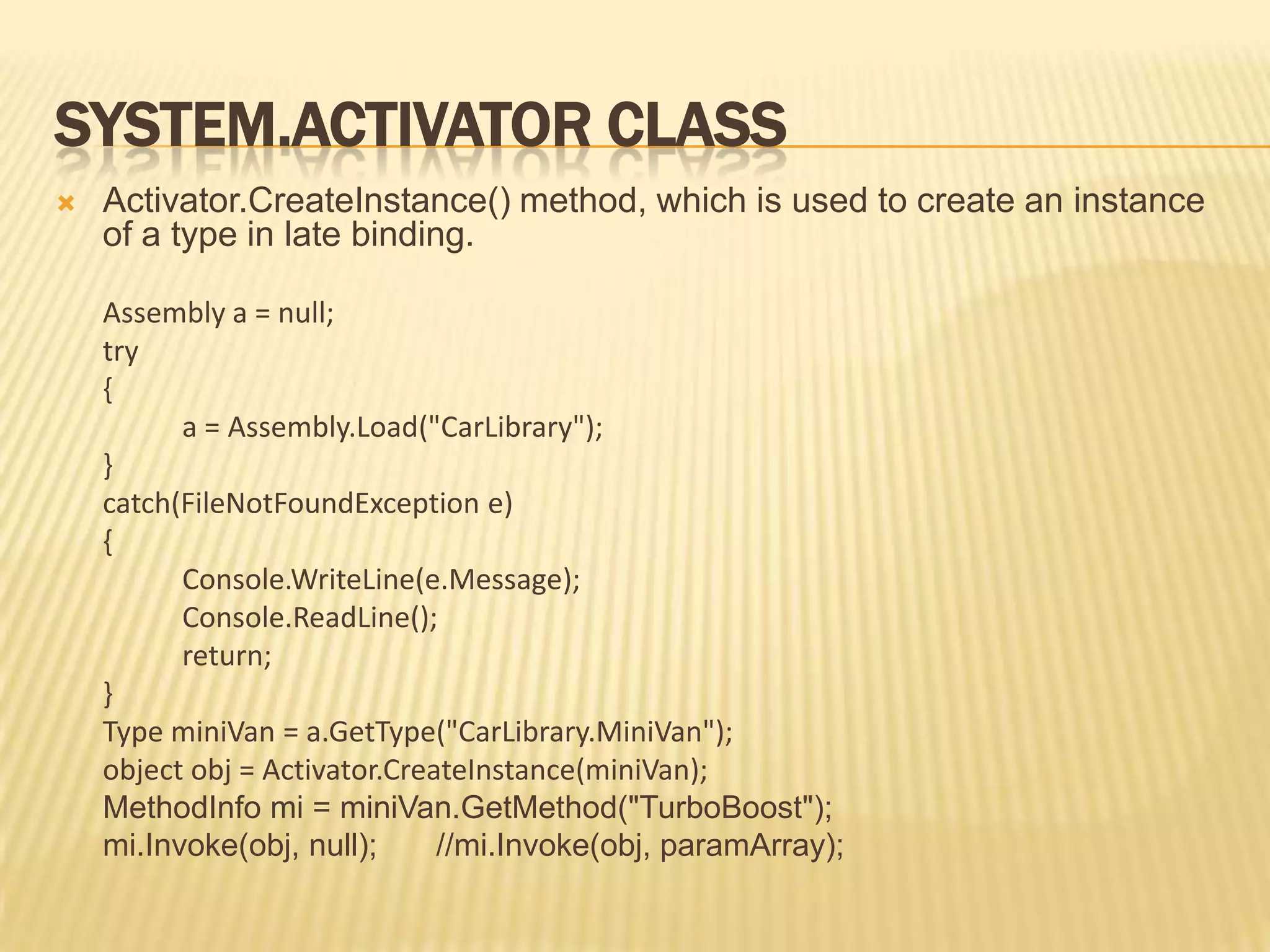
SYSTEM.ACTIVATOR CLASS
   Activator.CreateInstance() method, which is used to create an instance
    of a type in late binding.

    Assembly a = null;
    try
    {
          a = Assembly.Load("CarLibrary");
    }
    catch(FileNotFoundException e)
    {
          Console.WriteLine(e.Message);
          Console.ReadLine();
          return;
    }
    Type miniVan = a.GetType("CarLibrary.MiniVan");
    object obj = Activator.CreateInstance(miniVan);
    MethodInfo mi = miniVan.GetMethod("TurboBoost");
    mi.Invoke(obj, null);      //mi.Invoke(obj, paramArray);
Reflection power pointpresentation ppt

Reflection power pointpresentation ppt

  • 1.
    REFLECTION Rohit Vipin Mathews
  • 2.
    INTRODUCTION  Reflection isthe process of runtime type discovery.  Reflection is a generic term that describes the ability to inspect and manipulate program elements at runtime.  Using reflection services, we are able to programmatically obtain the same metadata information displayed by ildasm.exe.
  • 3.
    REFLECTION ALLOWS YOUTO:  Enumerate the members of a type  Instantiate a new object  Execute the members of an object  Find out information about a type  Find out information about an assembly  Inspect the custom attributes applied to a type  Create and compile a new assembly
  • 4.
  • 5.
    THE SYSTEM.TYPE CLASS The System.Type class defines a number of members that can be used to examine a type’s metadata, a great number of which return types from the System.Reflection namespace.  Eg: Type.GetMethods() returns an array of MethodInfo types, Type.GetFields() returns an array of FieldInfo types.
  • 6.
    MEMBERS OF SYSTEM.TYPE  IsAbstract  IsArray  IsClass  IsCOMObject  IsEnum  IsInterface  IsPrimitive  IsNestedPrivate  IsNestedPublic  IsSealed  IsValueType  These properties allow you to discover a number of basic traits about the Type you are referring to (e.g., if it is an abstract method, an array, a nested class, and so forth).
  • 7.
    GetConstructors()  GetEvents()  GetFields()  GetInterfaces()  GetMembers()  GetMethods().  GetNestedTypes()  GetProperties()  These methods allow you to obtain an array representing the items (interface, method, property, etc.) you are interested in. Each method returns a related array (e.g., GetFields() returns a FieldInfo array, GetMethods() returns a MethodInfo array, etc.). Each of these methods has a singular form (e.g., GetMethod(), GetProperty(), etc.) that allows you to retrieve a specific item by name, rather than an array of all related items.
  • 8.
    FindMembers()  This method returns an array of MemberInfo types based on search criteria.  GetType()  This static method returns a Type instance given a string name.  InvokeMember()  This method allows late binding to a given item.
  • 9.
    USING SYSTEM.TYPE.GETTYPE()  Toobtain type information, you may call the static GetType() member of the System.Type class and specify the fully qualified string name of the type to examine.  Compile-time knowledge of the type to be extracted from metadata is not required.
  • 10.
    The Type.GetType() method has overloads to allow you to specify two Boolean parameters, one of which controls whether an exception should be thrown if the type cannot be found, and the other of which establishes the case sensitivity of the string.  Obtaining type information using the static Type.GetType() method: Type t = Type.GetType("CarLibrary.SportsCar", false, true);  Obtaining type information for a type within an external assembly: Type t = Type.GetType("CarLibrary.SportsCar, CarLibrary");
  • 11.
    REFLECTING ON METHODS  Type.GetMethods() returns an array of System.Reflection.MethodInfo types. // Display method names of type. public static void ListMethods(Type t) { Console.WriteLine("Methods"); MethodInfo[] mi = t.GetMethods(); foreach(MethodInfo m in mi) Console.WriteLine("->{0}", m.Name); Console.WriteLine(""); }
  • 12.
    REFLECTING ON FIELDS  Type.GetFields() returns an array of System.Reflection.FieldInfo types. // Display field names of type public static void ListFields(Type t) { Console.WriteLine("Fields"); FieldInfo[] fi = t.GetFields(); foreach(FieldInfo field in fi) Console.WriteLine("->{0}", field.Name); Console.WriteLine(""); }
  • 13.
    REFLECTING ON PROPERTIES  Type. GetProperties() returns an array of System.Reflection. PropertyInfo types. // Display property names of type. public static void ListProps(Type t) { Console.WriteLine("***** Properties *****"); PropertyInfo[] pi = t.GetProperties(); foreach(PropertyInfo prop in pi) Console.WriteLine("->{0}", prop.Name); Console.WriteLine(""); }
  • 14.
    REFLECTING ON IMPLEMENTEDINTERFACES  ListInterfaces() prints out the names of any interfaces supported on the incoming type.  The call to GetInterfaces() returns an array of System.Types, as interfaces are indeed types. public static void ListInterfaces(Type t) { Console.WriteLine("***** Interfaces *****"); Type[] ifaces = t.GetInterfaces(); foreach(Type i in ifaces) Console.WriteLine("->{0}", i.Name); }
  • 15.
    DISPLAYING VARIOUS STATISTICS  It indicates whether the type is generic, what the base class is, whether the type is sealed, etc. public static void ListVariousStats(Type t) { Console.WriteLine("***** Various Statistics *****"); Console.WriteLine("Base class is: {0}", t.BaseType); Console.WriteLine("Is type abstract? {0}", t.IsAbstract); Console.WriteLine("Is type sealed? {0}", t.IsSealed); Console.WriteLine("Is type generic? {0}", t.IsGenericTypeDefinition); Console.WriteLine("Is type a class type? {0}", t.IsClass); }
  • 16.
    DYNAMICALLY LOADING ASSEMBLIES The act of loading external assemblies on demand is known as a dynamic load.  System.Reflection defines a class Assembly. Which enables to dynamically load an assembly and discover properties about the assembly.  Assembly type enables to dynamically load private or shared assemblies, as well as load an assembly located at an arbitrary location.
  • 17.
    using System; using System.Reflection; usingSystem.IO; namespace ExternalAssemblyReflector { class Program { static void DisplayTypesInAsm(Assembly asm) { Console.WriteLine("n Types in Assembly"); Console.WriteLine("->{0}", asm.FullName); Type[] types = asm.GetTypes(); foreach (Type t in types) Console.WriteLine("Type: {0}", t); }
  • 18.
    static void Main(string[]args) { Console.WriteLine("External Assembly Viewer "); Assembly asm = null; Console.WriteLine("nEnter an assembly to evaluate"); asmName = Console.ReadLine(); try { asm = Assembly.LoadFrom(asmName); DisplayTypesInAsm(asm); } catch { Console.WriteLine("Sorry, can't find assembly."); } } } }
  • 19.
    LATE BINDING  Latebinding is a technique in which you are able to create an instance of a given type and invoke its members at runtime without having compile-time knowledge of its existence.  It increases applications Extensibility.
  • 20.
    SYSTEM.ACTIVATOR CLASS  Activator.CreateInstance() method, which is used to create an instance of a type in late binding. Assembly a = null; try { a = Assembly.Load("CarLibrary"); } catch(FileNotFoundException e) { Console.WriteLine(e.Message); Console.ReadLine(); return; } Type miniVan = a.GetType("CarLibrary.MiniVan"); object obj = Activator.CreateInstance(miniVan); MethodInfo mi = miniVan.GetMethod("TurboBoost"); mi.Invoke(obj, null); //mi.Invoke(obj, paramArray);