Computer Viruses

PRANJAL SAIKIA
KAZIRANGA UNIVERSITY
M.Sc (IT)
Definition of Virus
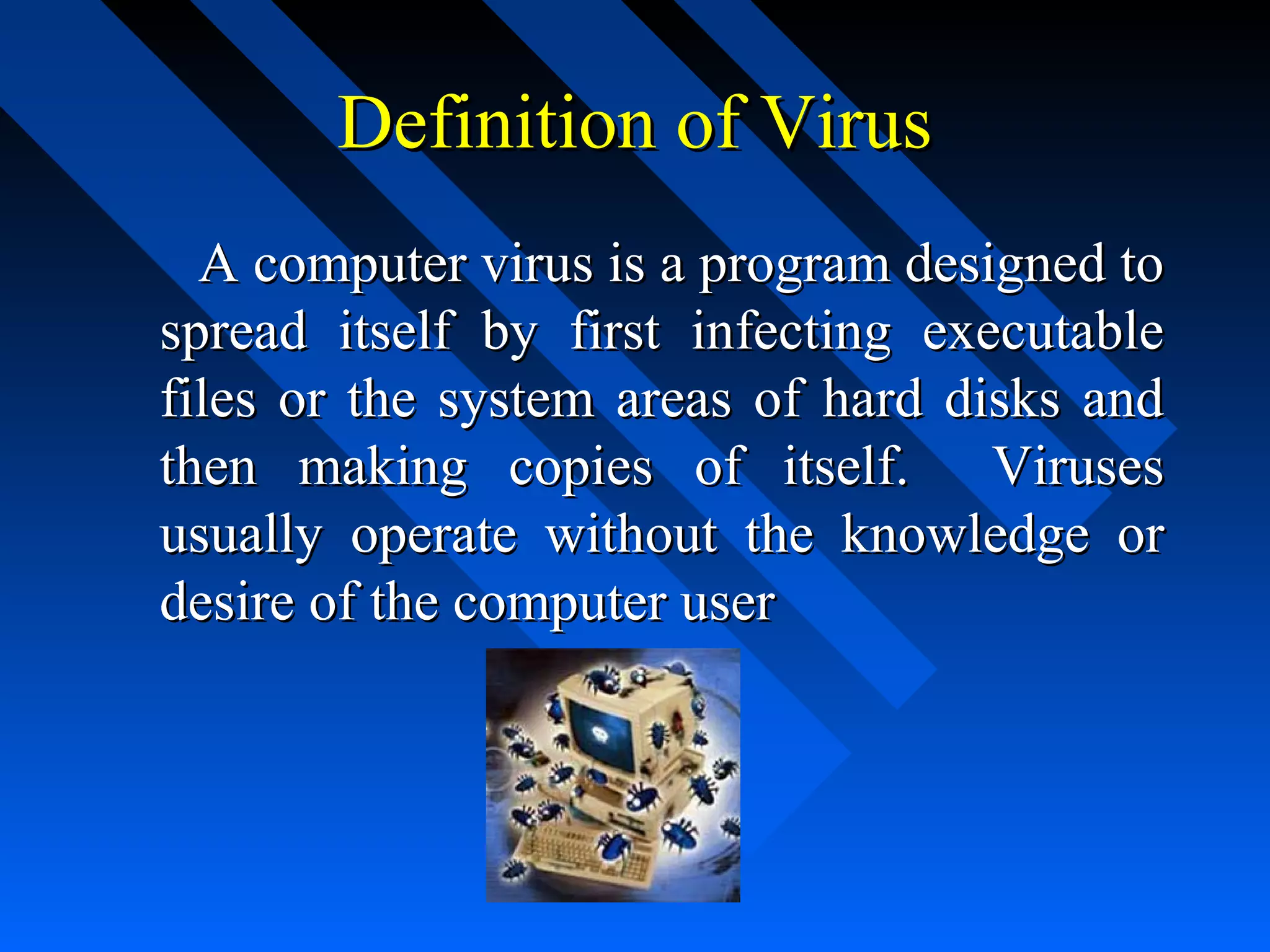
A computer virus is a program designed to
spread itself by first infecting executable
files or the system areas of hard disks and
then making copies of itself. Viruses
usually operate without the knowledge or
desire of the computer user
Types of Computer Virus
1. Boot Sector Virus
2. Multipartite Virus
4. Worm Virus
5. E-mail Virus
6. Macro Virus
7. Script Virus
8. Trojan Horse
Boot Sector Virus
A boot sector virus infects boot sector of
computers. During system boot, boot sector
virus is loaded into main memory and
destroys data stored in hard disk
Multipartite Virus
The multipartite virus are the types of
computer viruses that are both a file virus
and a boot sector virus. They enter the
computer via various sorts of media and
then embed themselves in the system
memory. They then go into the hard drive
and infect the boot sector. Once installed in
the boot sector these types of computer
viruses infect executable files and spread
themselves in the system.
Worm Virus
A worm virus is also a destructive
program that fills a computer system with
self-replicating information, clogging the
system so that its operations are slowed
down or stopped
E-mail Virus
            An e­mail virus moves around in e­
mail messages, and usually replicates itself 
by automatically mailing itself to dozens of 
people in the victim’s e­mail address book.
Macro Virus
A macro virus is associated with application
software like word and excel. When
opening the infected document, macro virus
is loaded into main memory and destroys
the data stored in hard disk
Script Virus
Commonly found script viruses are
written using the Visual Basic Scripting
edition (VBS) and the JavaScript
programming languages
Trojan Horse

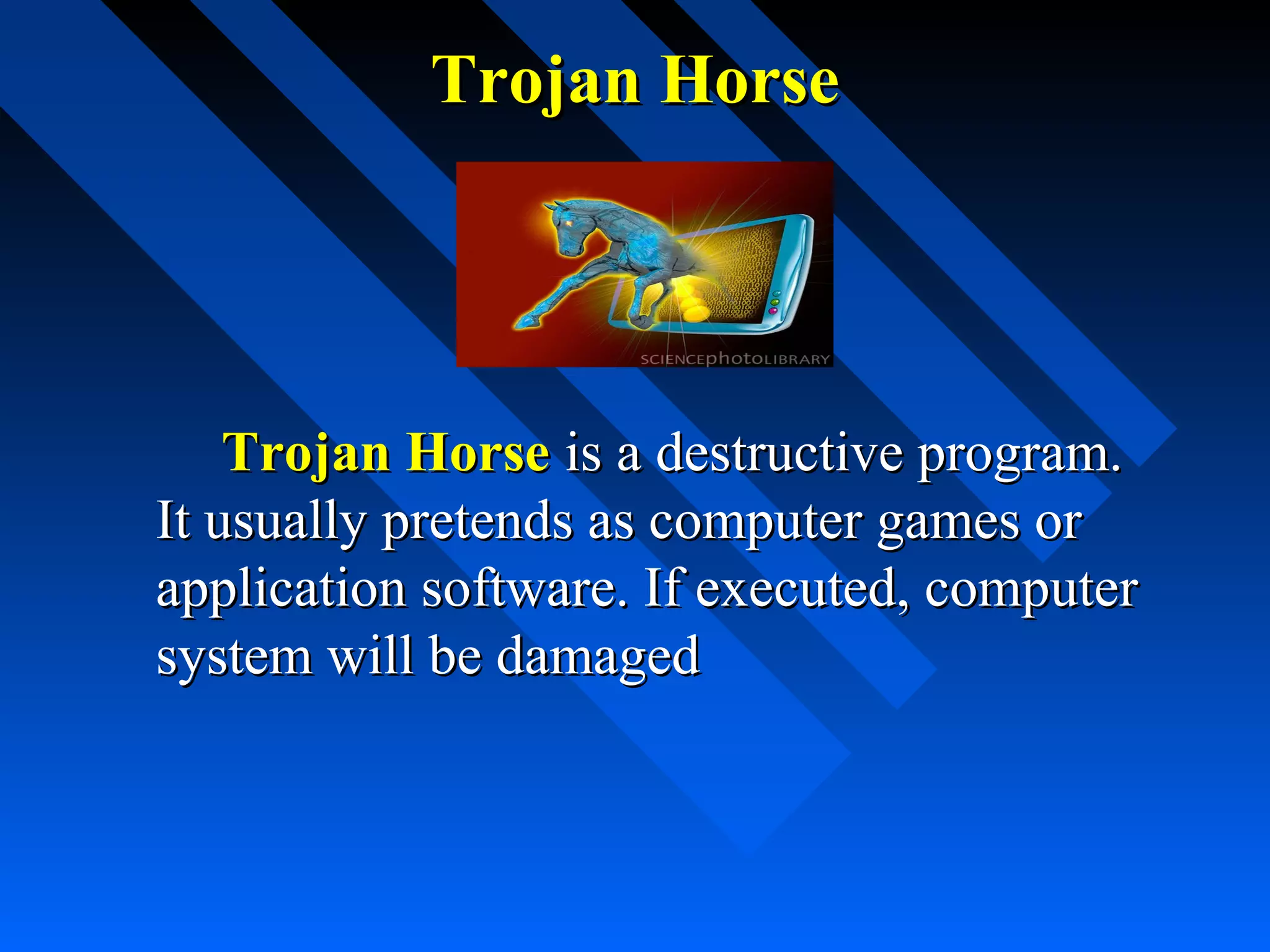
Trojan Horse is a destructive program.
It usually pretends as computer games or
application software. If executed, computer
system will be damaged
How does it spread


Computer viruses spread by attaching
themselves to other computer program files.



When you exchange a file or pen drive with
a virus the virus spreads from one computer
to the another.
Prevention is the best cure








Run a secure operating system like UNIX or
windows NT.
Install virus protection software.
Avoid programs from unknown sources.
Macro virus protection is enabled in all Microsoft
applications.
Never double-click on an attachment that contains
an executable that arrives as an e-mail attachment.
Thank You

Computer viruses