HTML5 and CSS3 and
Mobile Applications
SVCC 2013 (10/05/2013)
Foothill College Los Altos
Oswald Campesato
oswald@swiftbot.com
ocampesato@yahoo.com
Main Topics in This Session
CSS3 Features (condensed summary)
CSS3 Graphics/Animation (2D and 3D)
CSS3 and the GPU (must-have support)
Reflow/Repaint (what/when/how/why)
Chrome Continuous Update (CSS3/JS)
CSS3 "Gong" Game (CSS3/jQuery Mobile)
PhoneGap 3.0 Mobile Apps (in 4 lines)
CSS3-base Apps on Glass (also native)
Fun Canvas Demos (video and animation)
CSS3 Features (condensed list)
(Perf) Gradients (linear and radial)
(Perf) Rounded corners/drop shadows
CSS3 filters (merged with SVG filters)
Simple shapes (circle/ellipse/rectangle)
(Perf) 2D and 3D animation
Multi-column support
Exclusions and regions
Flexbox (like “grid bag” in Java AWT)
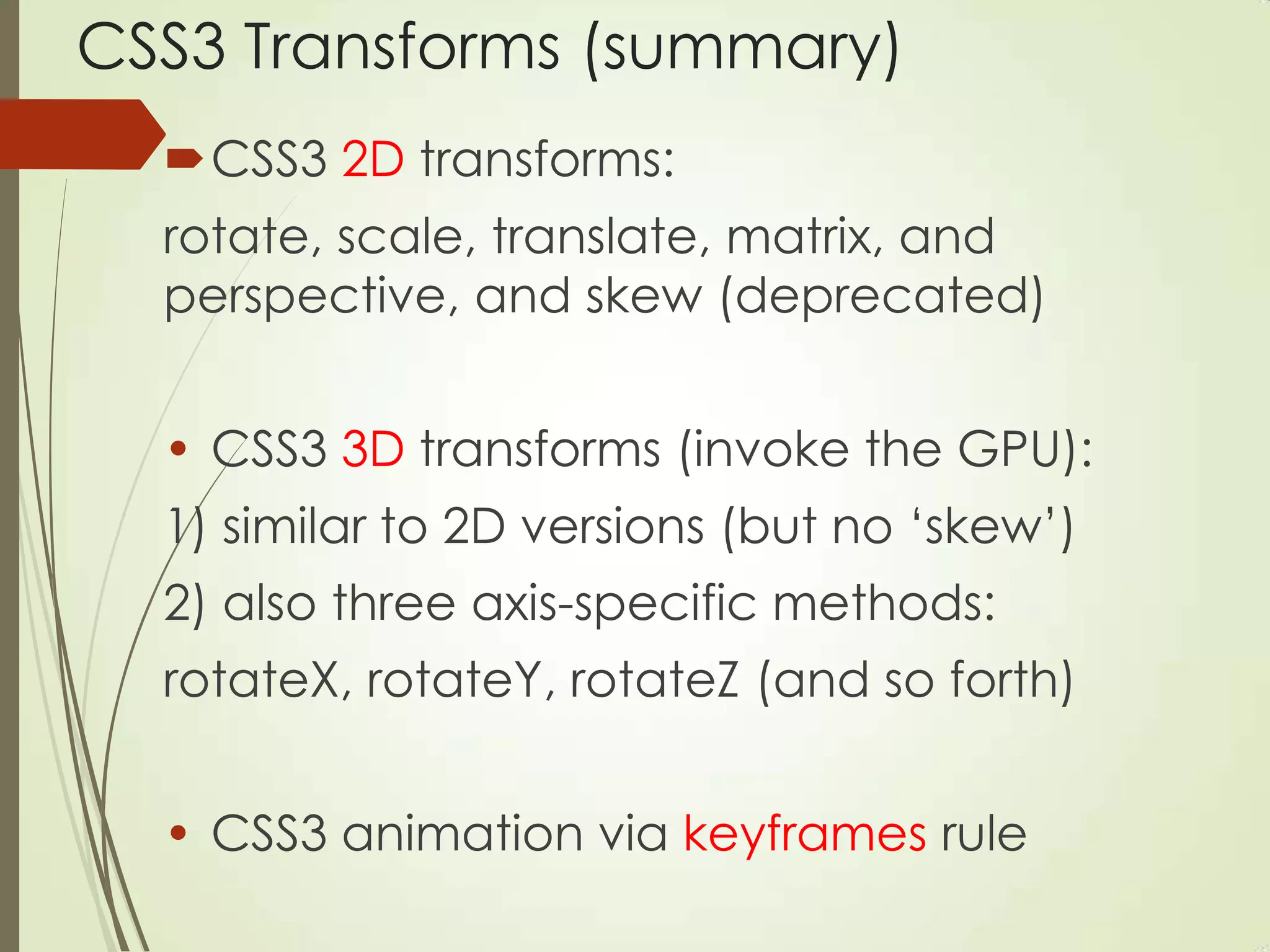
CSS3 Transforms (summary)
CSS3 2D transforms:
rotate, scale, translate, matrix, and
perspective, and skew (deprecated)
• CSS3 3D transforms (invoke the GPU):
1) similar to 2D versions (but no „skew‟)
2) also three axis-specific methods:
rotateX, rotateY, rotateZ (and so forth)
• CSS3 animation via keyframes rule
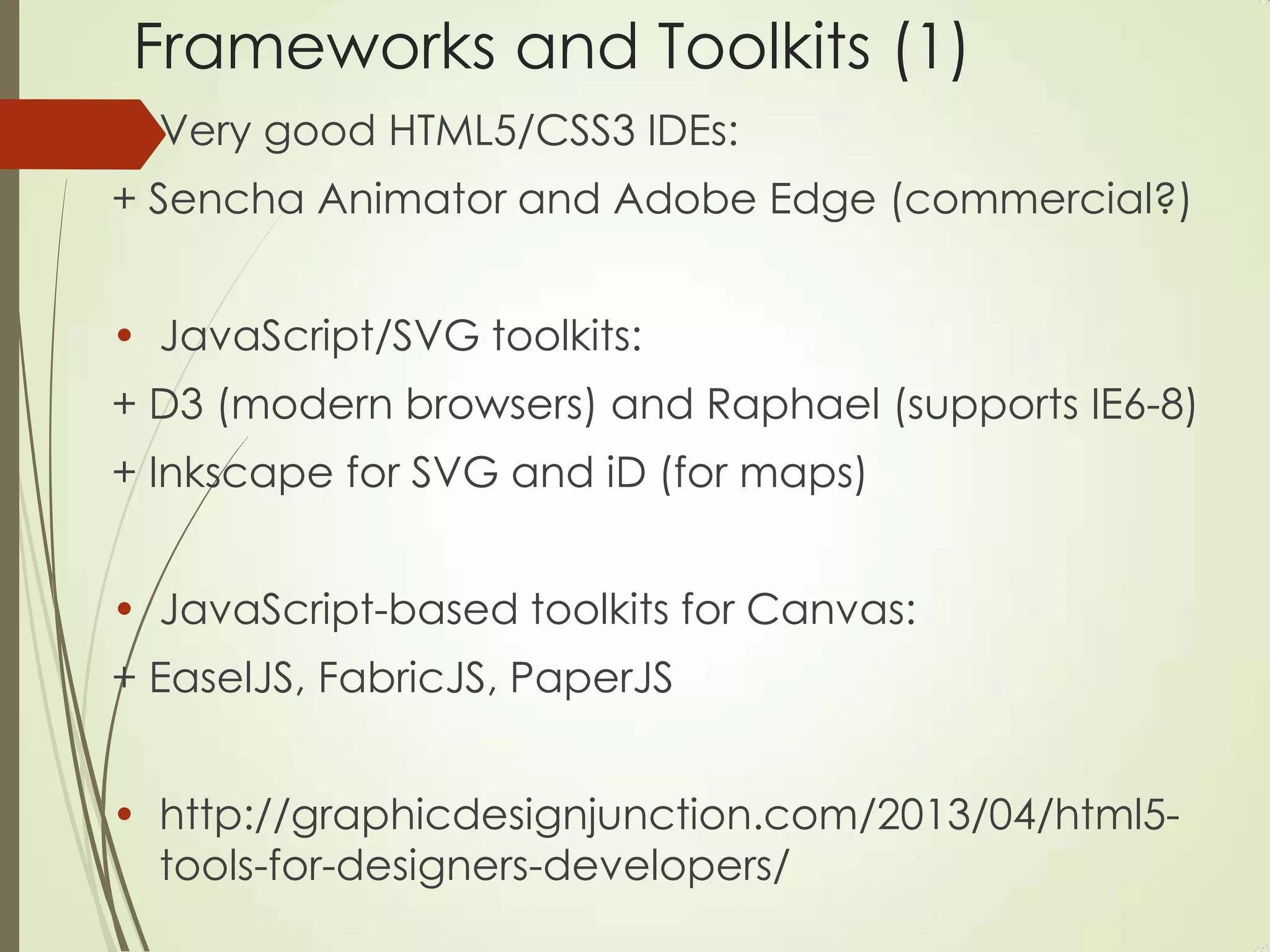
Frameworks and Toolkits (1)
• Very good HTML5/CSS3 IDEs:
+ Sencha Animator and Adobe Edge (commercial?)
• JavaScript/SVG toolkits:
+ D3 (modern browsers) and Raphael (supports IE6-8)
+ Inkscape for SVG and iD (for maps)
• JavaScript-based toolkits for Canvas:
+ EaselJS, FabricJS, PaperJS
• http://graphicdesignjunction.com/2013/04/html5-
tools-for-designers-developers/
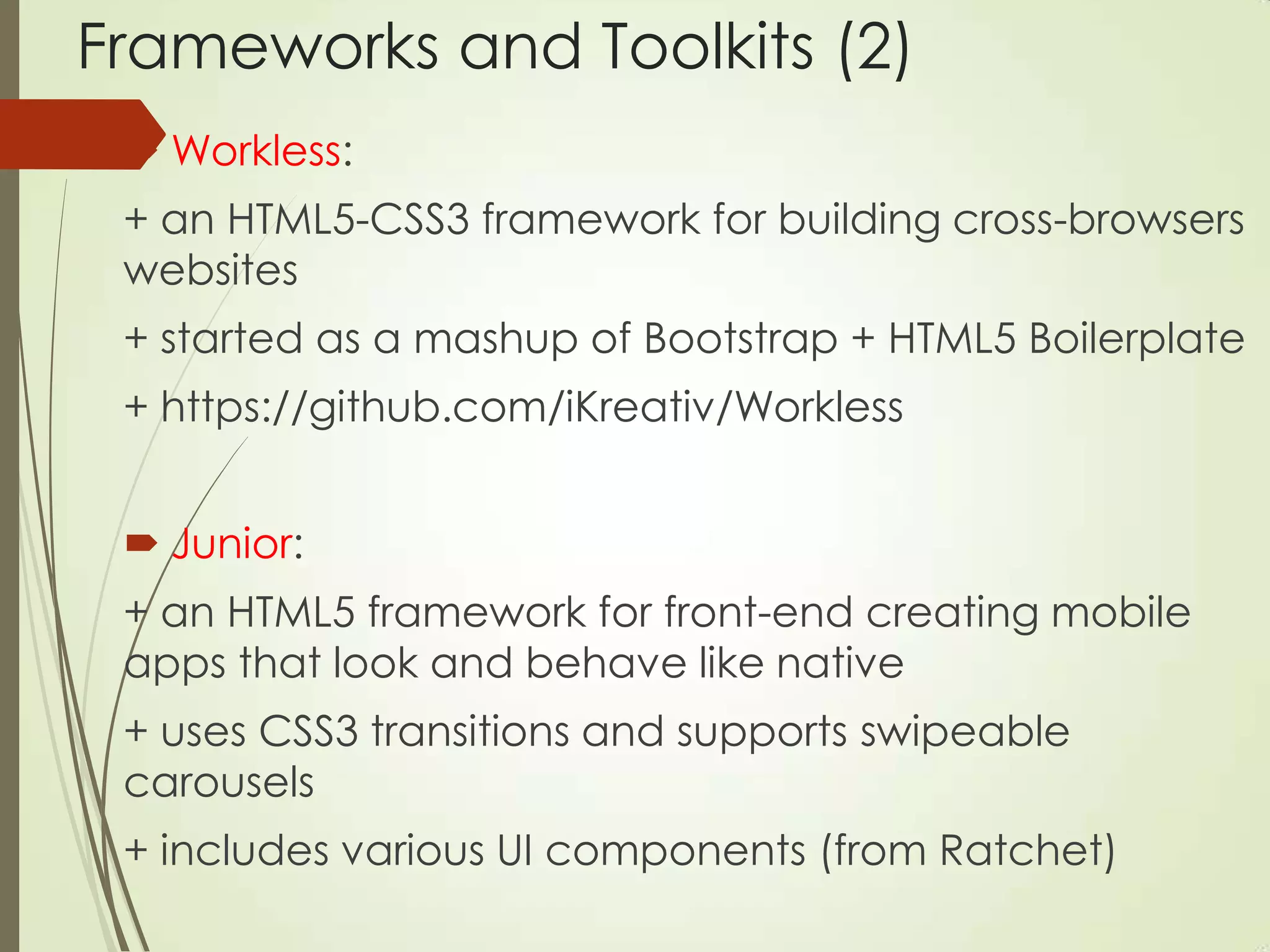
Frameworks and Toolkits (2)
 Workless:
+ an HTML5-CSS3 framework for building cross-browsers
websites
+ started as a mashup of Bootstrap + HTML5 Boilerplate
+ https://github.com/iKreativ/Workless
 Junior:
+ an HTML5 framework for front-end creating mobile
apps that look and behave like native
+ uses CSS3 transitions and supports swipeable
carousels
+ includes various UI components (from Ratchet)
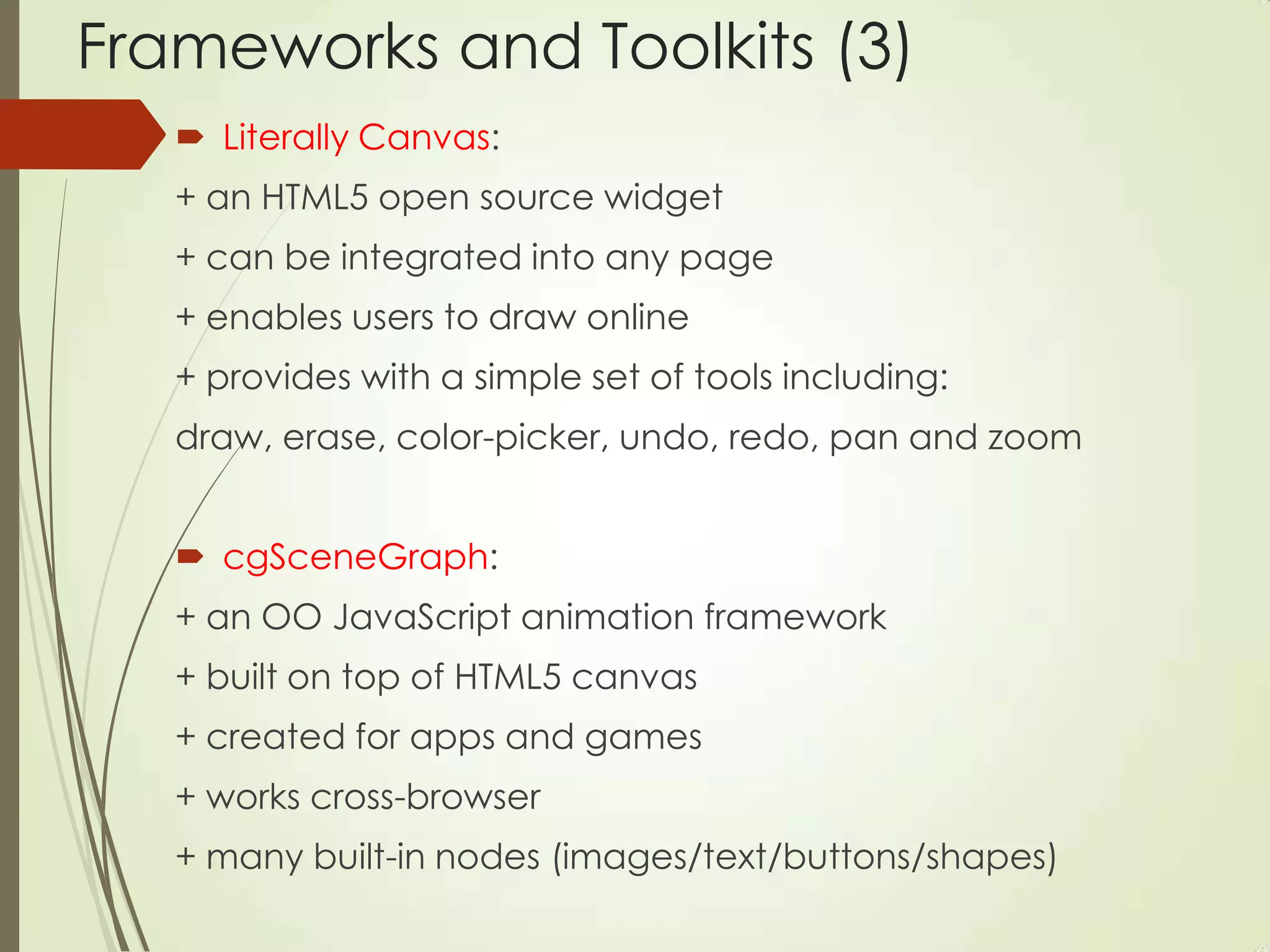
Frameworks and Toolkits (3)
 Literally Canvas:
+ an HTML5 open source widget
+ can be integrated into any page
+ enables users to draw online
+ provides with a simple set of tools including:
draw, erase, color-picker, undo, redo, pan and zoom
 cgSceneGraph:
+ an OO JavaScript animation framework
+ built on top of HTML5 canvas
+ created for apps and games
+ works cross-browser
+ many built-in nodes (images/text/buttons/shapes)
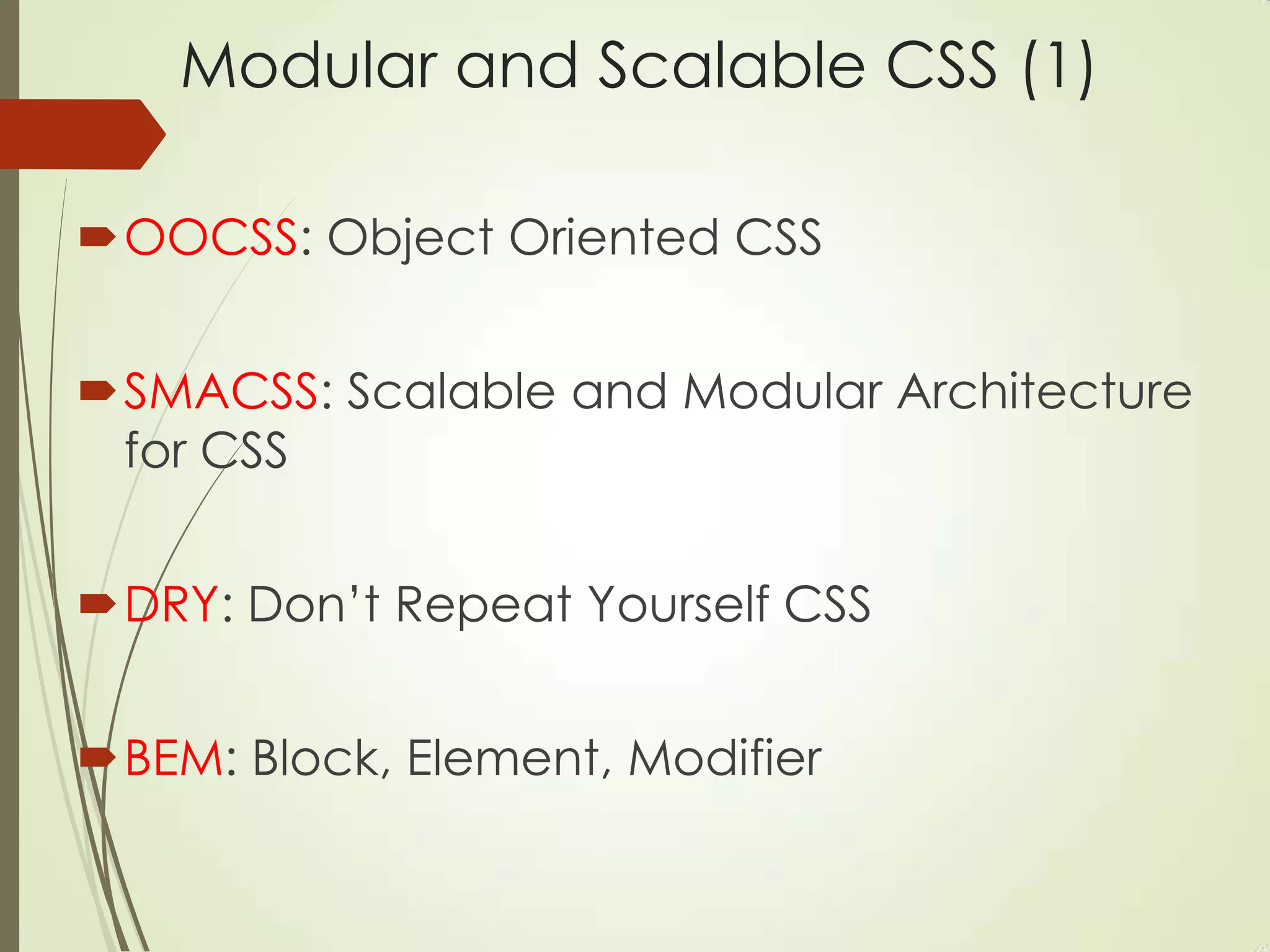
Modular and Scalable CSS (1)
OOCSS: Object Oriented CSS
SMACSS: Scalable and Modular Architecture
for CSS
DRY: Don‟t Repeat Yourself CSS
BEM: Block, Element, Modifier
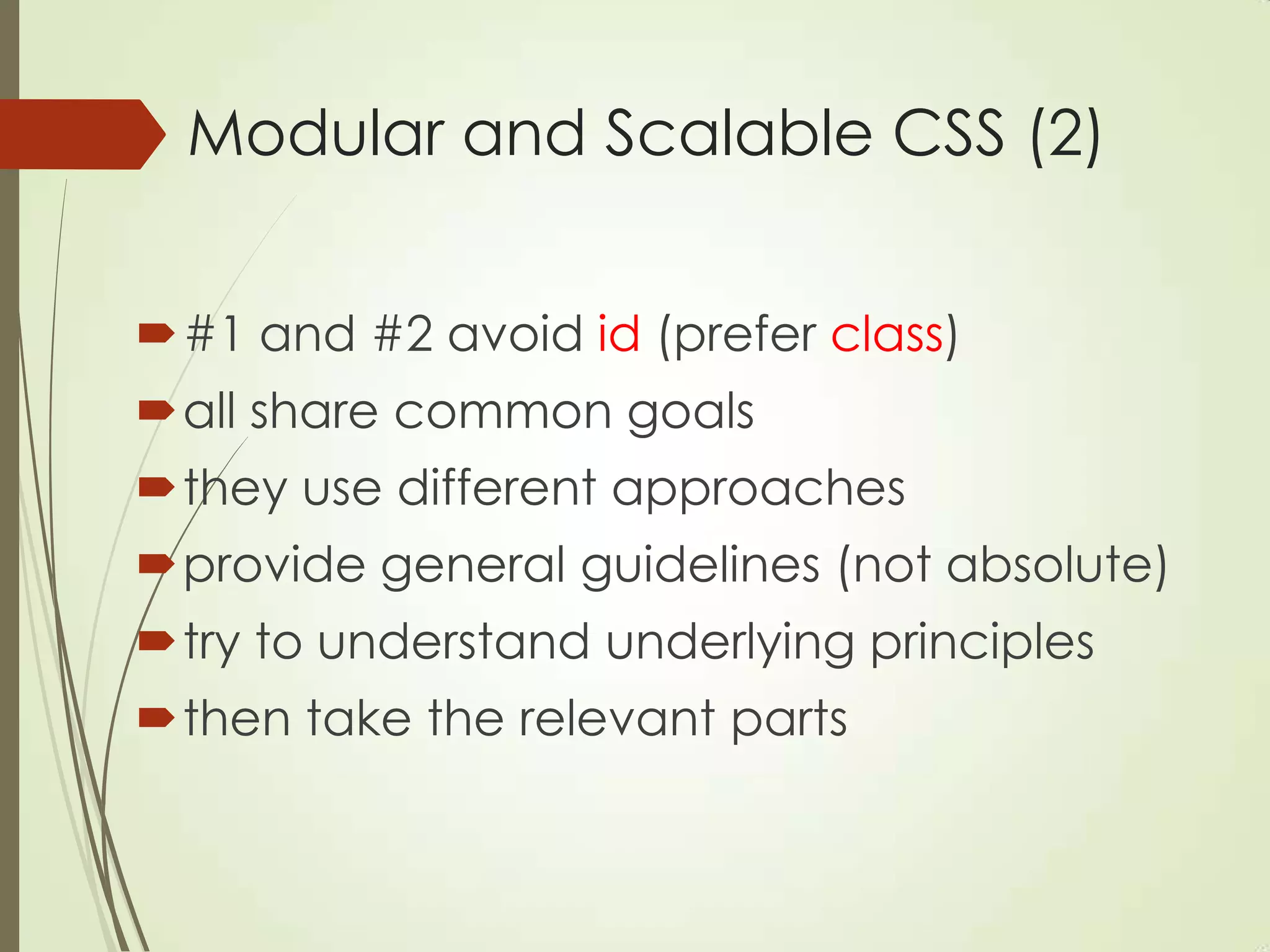
Modular and Scalable CSS (2)
#1 and #2 avoid id (prefer class)
all share common goals
they use different approaches
provide general guidelines (not absolute)
try to understand underlying principles
then take the relevant parts
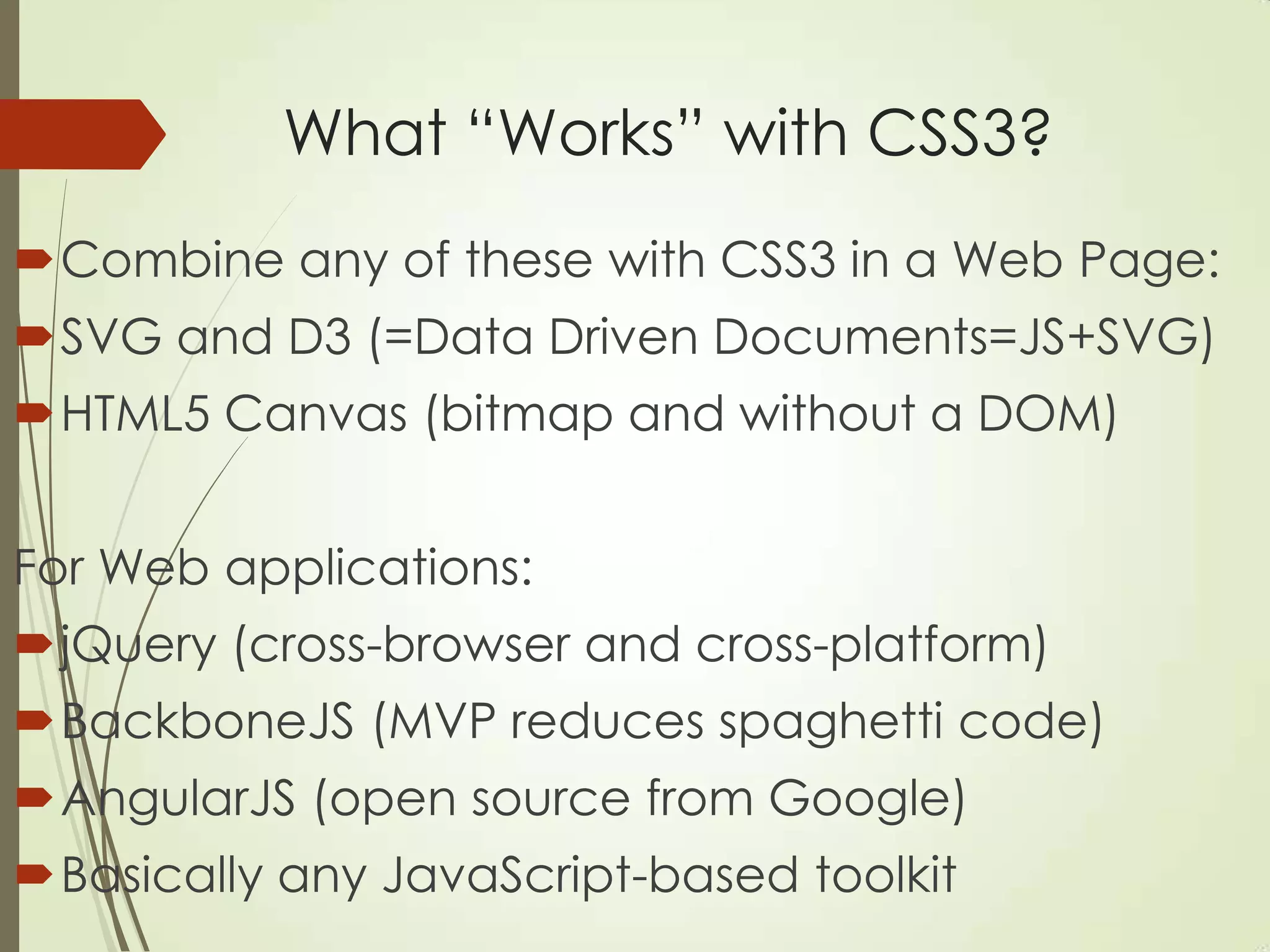
What “Works” with CSS3?
Combine any of these with CSS3 in a Web Page:
SVG and D3 (=Data Driven Documents=JS+SVG)
HTML5 Canvas (bitmap and without a DOM)
For Web applications:
jQuery (cross-browser and cross-platform)
BackboneJS (MVP reduces spaghetti code)
AngularJS (open source from Google)
Basically any JavaScript-based toolkit
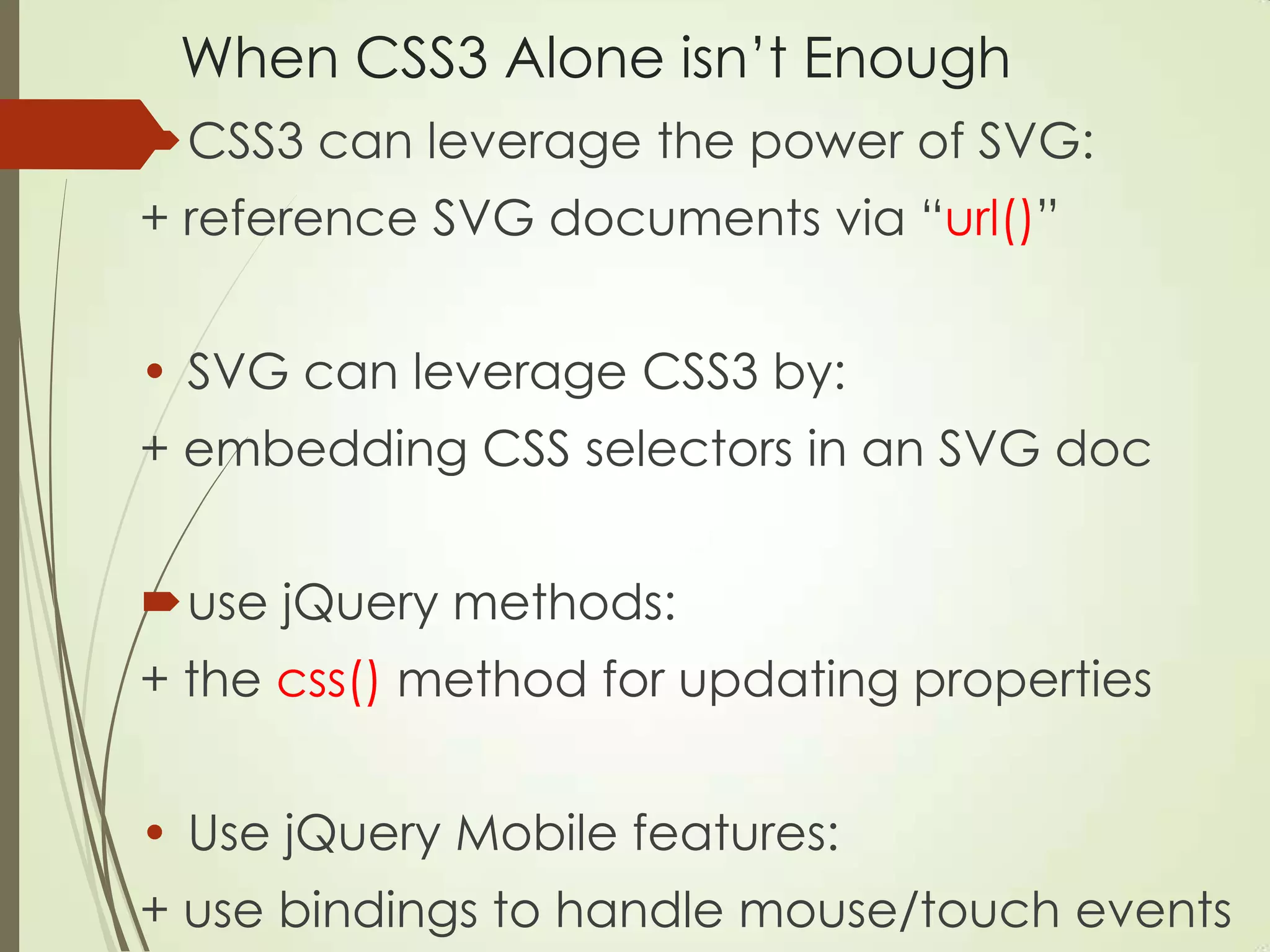
When CSS3 Alone isn‟t Enough
CSS3 can leverage the power of SVG:
+ reference SVG documents via “url()”
• SVG can leverage CSS3 by:
+ embedding CSS selectors in an SVG doc
use jQuery methods:
+ the css() method for updating properties
• Use jQuery Mobile features:
+ use bindings to handle mouse/touch events
Strengths of CSS3/SVG/Canvas
 CSS3: a) 2D/3D graphics/animation, b) GPU support, c)
embeddable in SVG <defs> element, d) “easing
functions” for animation, e) animate HTML elements
 SVG: a) 2D graphics/animation, b) some GPU support, c)
create arbitrary 2D shapes, d) custom <pattern>s, and e)
grouping via the <g> element, and “easing functions in
D3 (but SVG cannot animate HTML)
 Canvas: a) 2D graphics/animation, b) GPU support, c)
good for updating many small objects (games), d) works
with video (use ThreeJS/WebGL for 3D animation)
Useful Features of SVG (summary)
An XML-based vocabulary for 2D shapes:
render circles/ellipses/elliptic arcs
squares/rectangles/parallelograms
cubic/quadratic Bezier curves
arbitrary polygons
linear/radial gradients and filters
mouse events and animation support (*)
good for charts/graphs
works well with CSS3
(*) consider using D3.js
Other Aspects of SVG
 SVG elements are inserted in the DOM so you can
track/manage groups of SVG elements
 no blurred/jagged edges when zooming in
 Convenient format for import/export between tools
 Can apply XSL stylesheets to SVG documents
On the other hand:
• Verbose (what do you expect? It‟s XML)
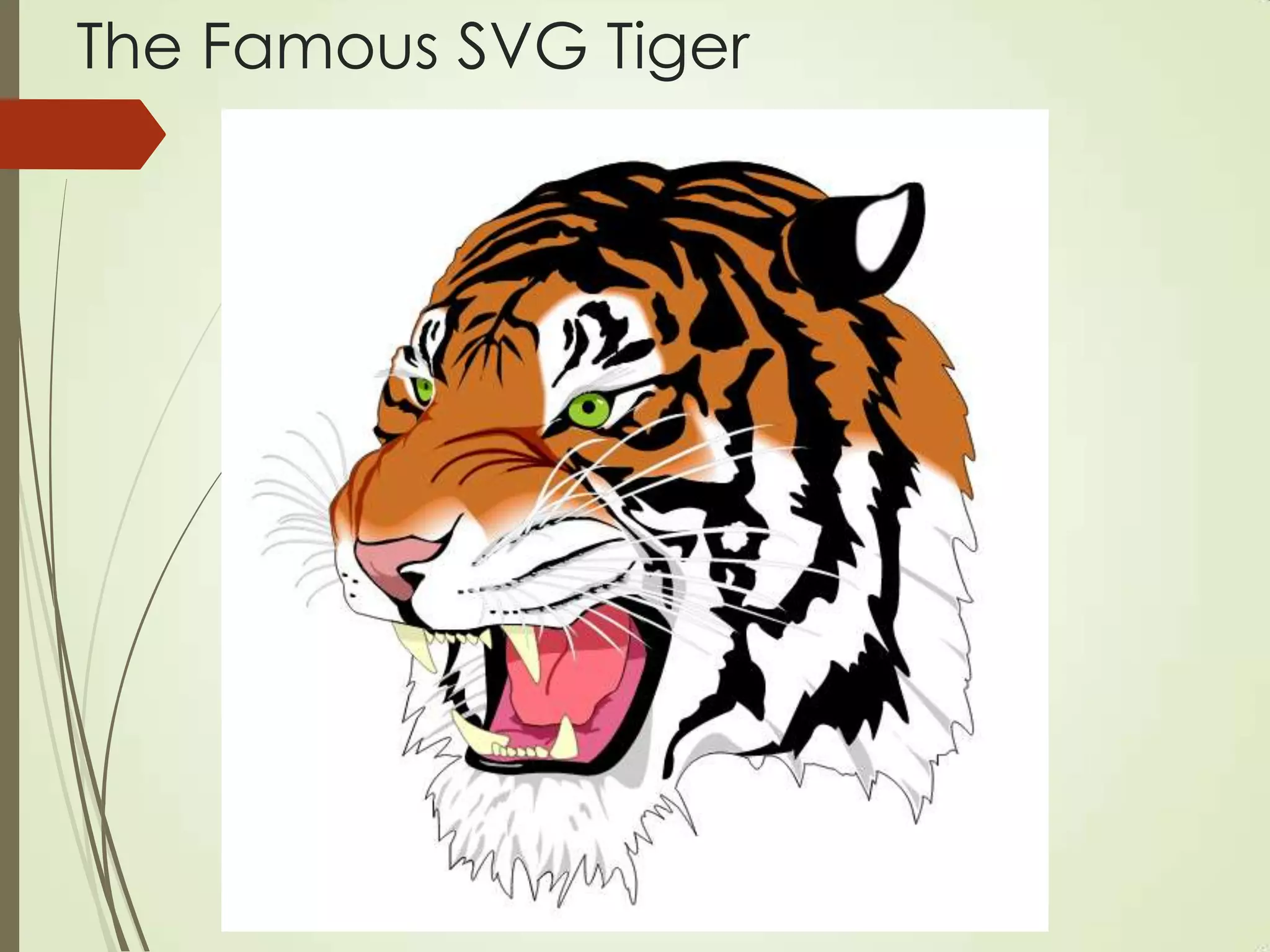
• Can be difficult/incomprehensible (SVG tiger)
 Animation code can be cumbersome/tedious
 Consider D3 instead of “pure” SVG
Blog by Patrick Dengler: SVG versus Canvas
The Famous SVG Tiger
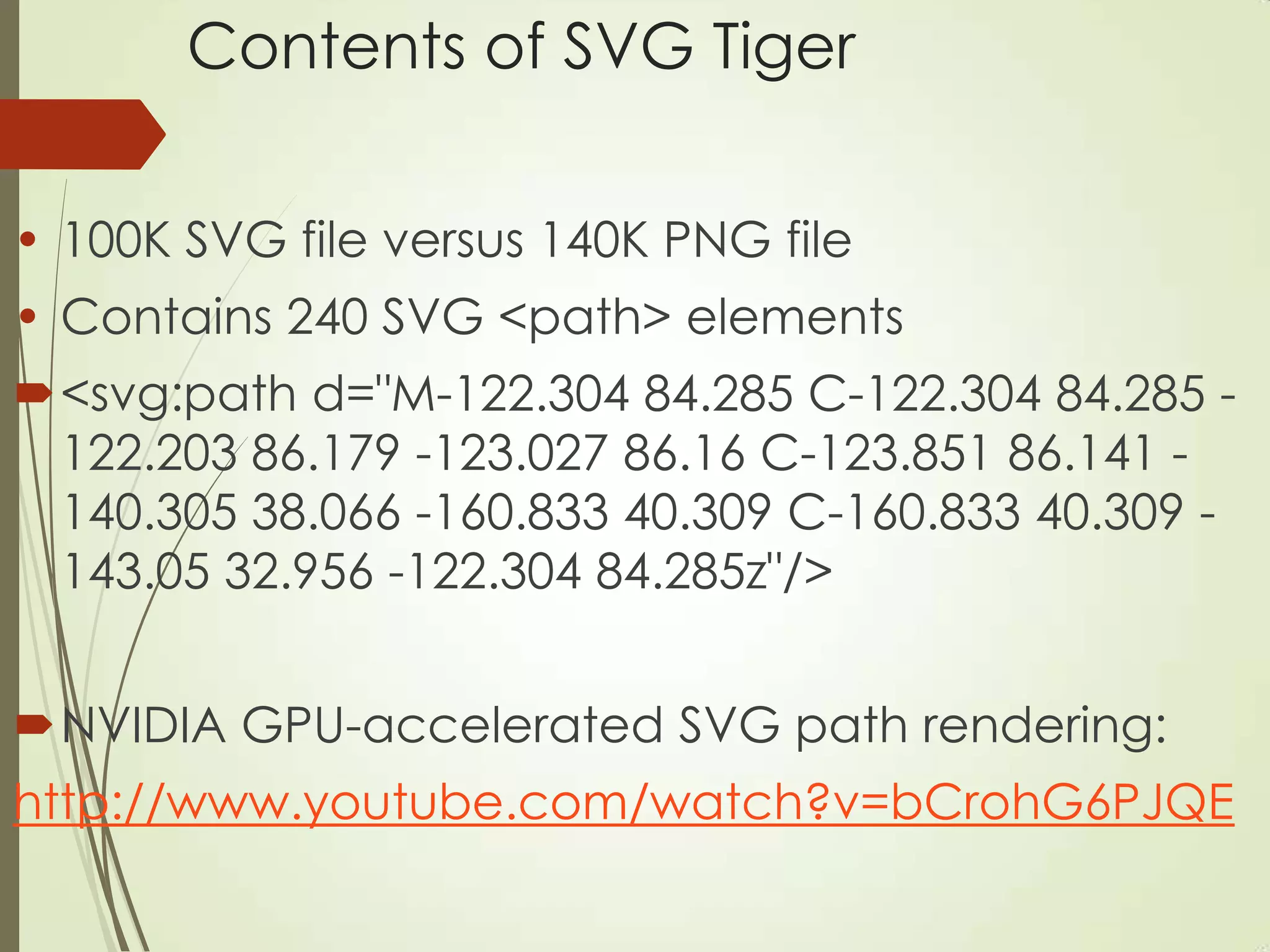
Contents of SVG Tiger
• 100K SVG file versus 140K PNG file
• Contains 240 SVG <path> elements
<svg:path d="M-122.304 84.285 C-122.304 84.285 -
122.203 86.179 -123.027 86.16 C-123.851 86.141 -
140.305 38.066 -160.833 40.309 C-160.833 40.309 -
143.05 32.956 -122.304 84.285z"/>
NVIDIA GPU-accelerated SVG path rendering:
http://www.youtube.com/watch?v=bCrohG6PJQE
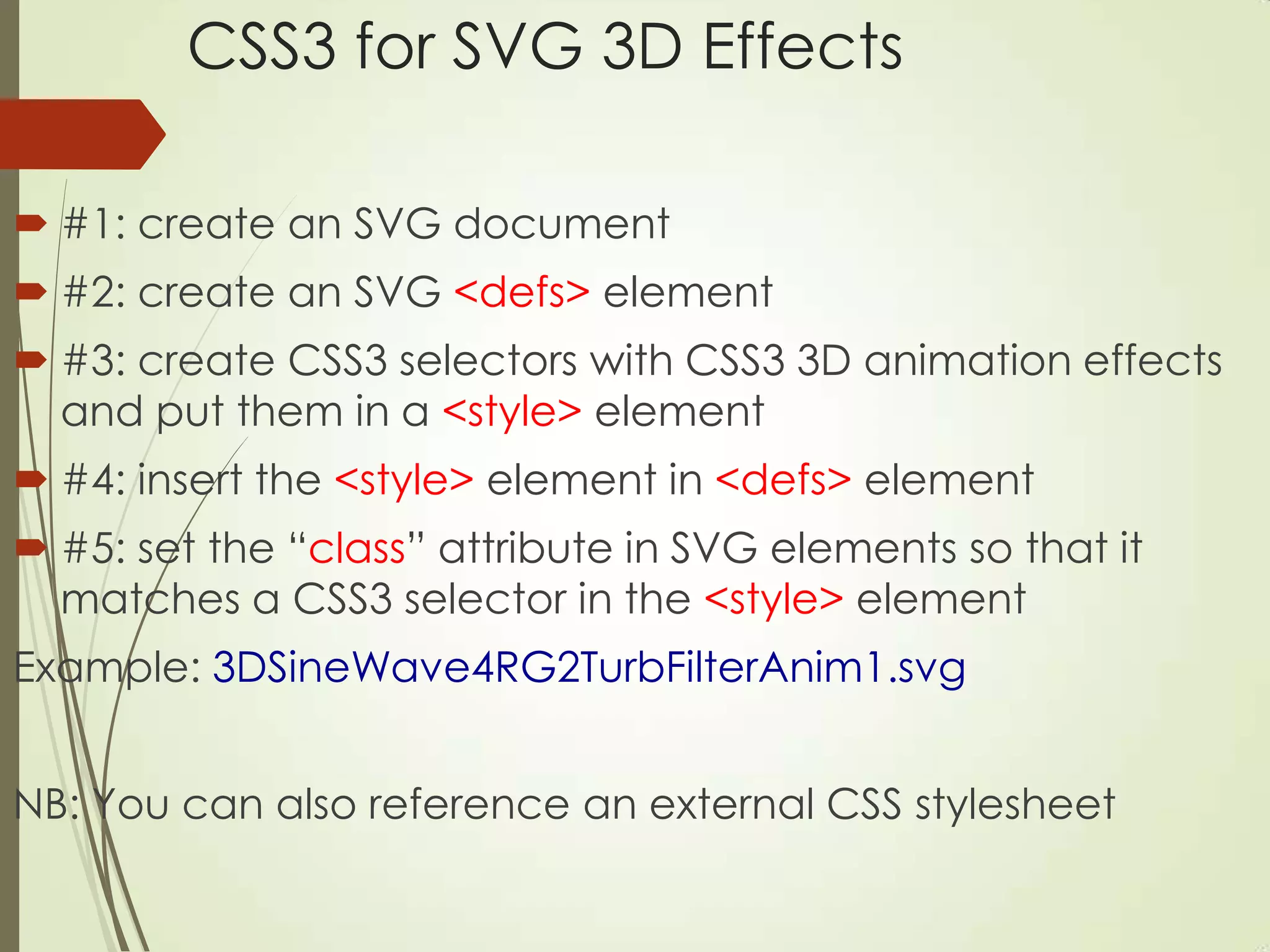
CSS3 for SVG 3D Effects
 #1: create an SVG document
 #2: create an SVG <defs> element
 #3: create CSS3 selectors with CSS3 3D animation effects
and put them in a <style> element
 #4: insert the <style> element in <defs> element
 #5: set the “class” attribute in SVG elements so that it
matches a CSS3 selector in the <style> element
Example: 3DSineWave4RG2TurbFilterAnim1.svg
NB: You can also reference an external CSS stylesheet
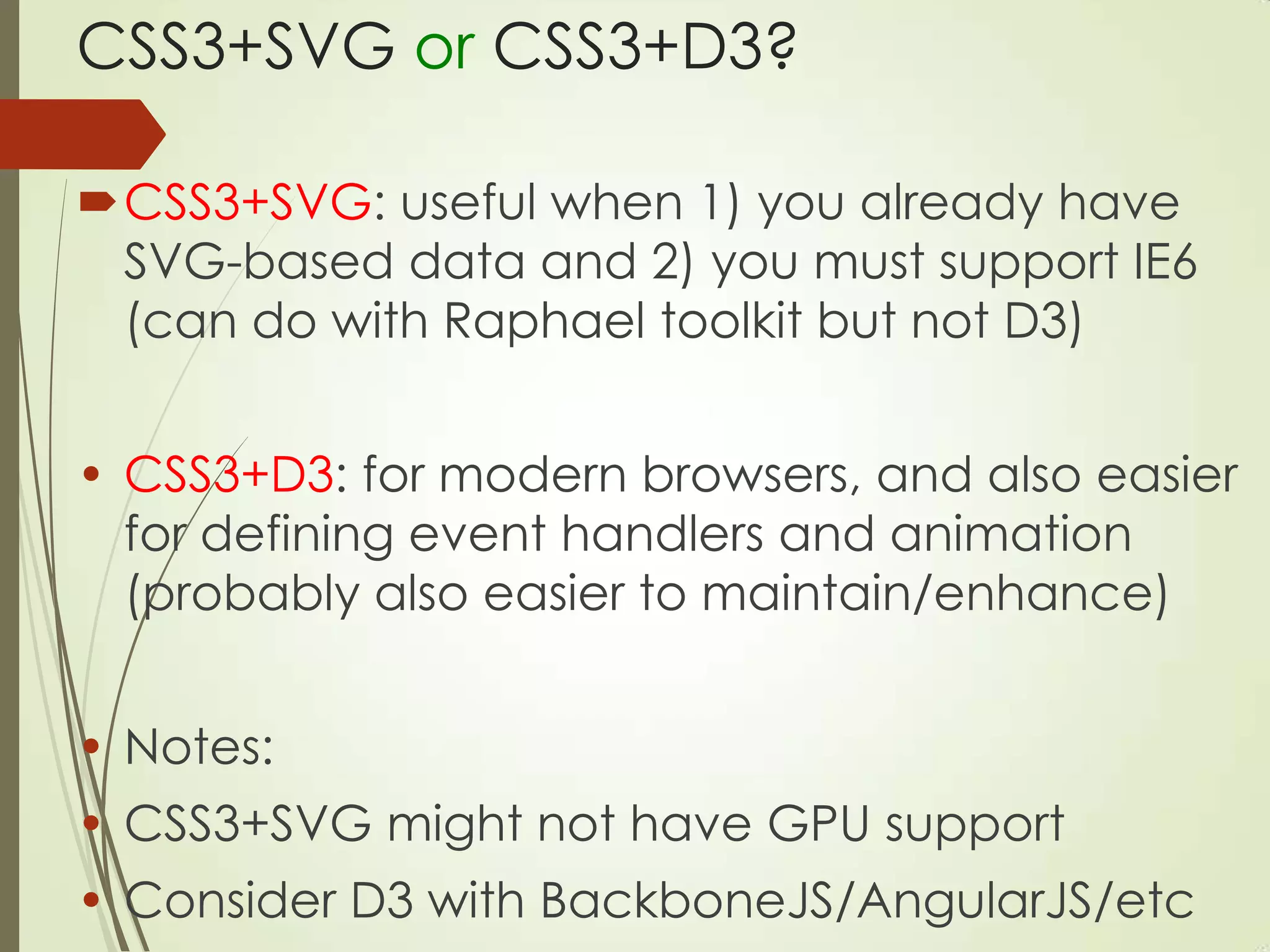
CSS3+SVG or CSS3+D3?
CSS3+SVG: useful when 1) you already have
SVG-based data and 2) you must support IE6
(can do with Raphael toolkit but not D3)
• CSS3+D3: for modern browsers, and also easier
for defining event handlers and animation
(probably also easier to maintain/enhance)
• Notes:
• CSS3+SVG might not have GPU support
• Consider D3 with BackboneJS/AngularJS/etc
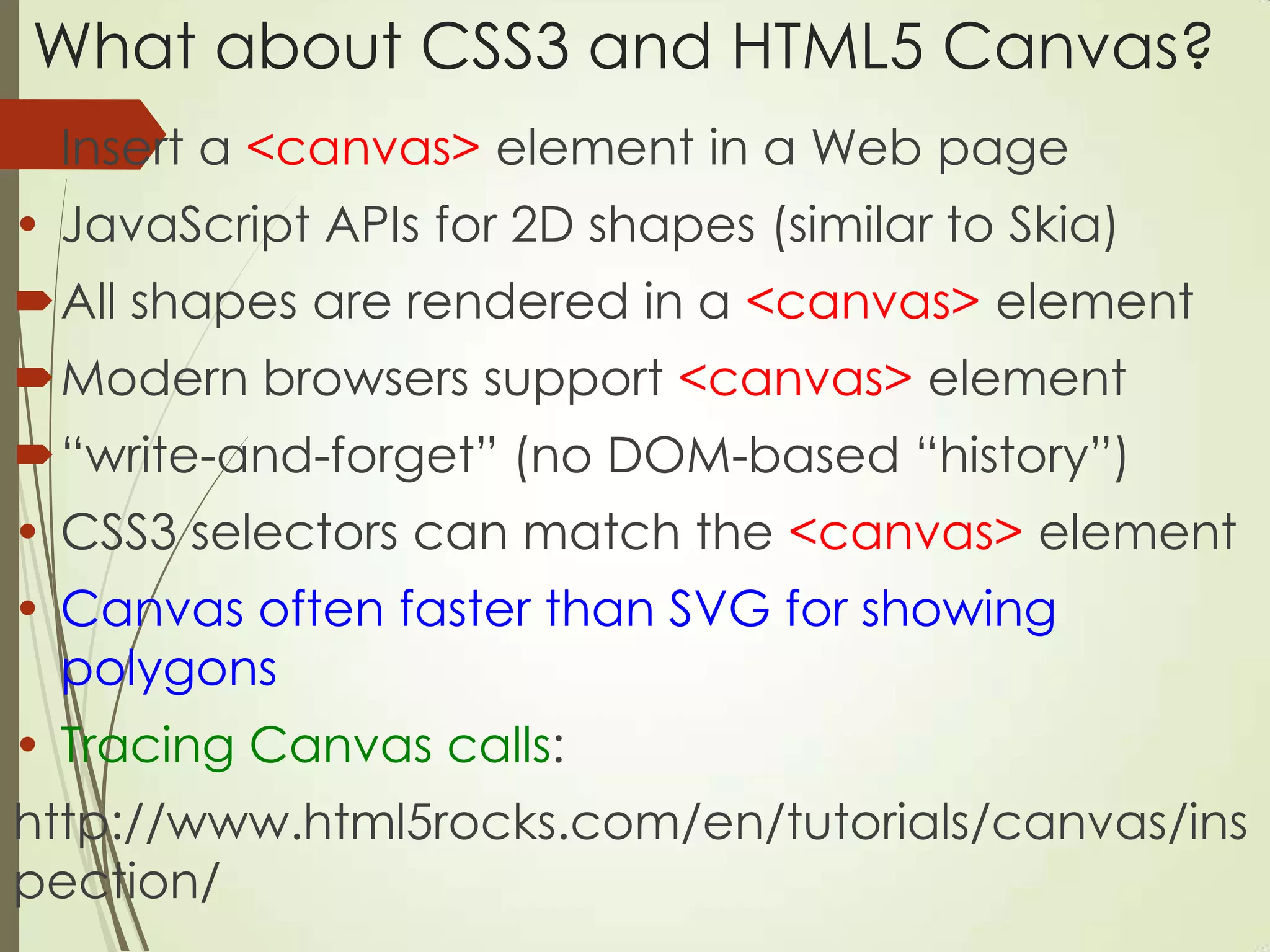
What about CSS3 and HTML5 Canvas?
Insert a <canvas> element in a Web page
• JavaScript APIs for 2D shapes (similar to Skia)
All shapes are rendered in a <canvas> element
Modern browsers support <canvas> element
“write-and-forget” (no DOM-based “history”)
• CSS3 selectors can match the <canvas> element
• Canvas often faster than SVG for showing
polygons
• Tracing Canvas calls:
http://www.html5rocks.com/en/tutorials/canvas/ins
pection/
Which is Faster: CSS3/Canvas/SVG?
• CSS3 is faster than Canvas for simple animation:
http://phrogz.net/tmp/image_move_speed.html
• CSS3 is faster than SVG for gradients
• D3 is better/faster than SVG for “follow the
mouse”
• Canvas is better than SVG for many small objects
• Test/compare performance on mobile devices
What is a GPU?
Graphics Processing Unit
A GPU is a single-chip dedicated processor
Boost the performance of video/graphics:
2-D or 3-D graphics
Digital output to flat panel display monitors
Texture mapping
MPEG decoding
Rendering polygons
Hardware overlays
Nvidia and GPUs
• The first GPU:
developed by NVidia in 1999 (GeForce 256)
processed 10 million polygons/second
contained more than 22 million transistors
• Nexus 7 2 (Android 4.3):
400MHz Adreno 320 Snapdragon S4 Pro
64 ALU, 400MHz, 57GFLOPS
GPU Support in Browsers
 the browser must be able to use the driver of the graphics
card installed on the host OS
 GPU acceleration for one browser on a given machine
doesn‟t guarantee support for all browsers
 Opera: hardware acceleration turned off by default
(might have changed recently)
 http://www.useragentman.com/blog/2012/09/23/cross-
browser-gpu-acceleration-and-requestanimationframe-in-
depth/
CSS3 and GPU Acceleration
 Add a “go faster hack” (aka “null transform”)
 common CSS3 transforms to invoke the GPU:
translate3D(0,0,0) or translateZ(0)
• Preceding “no-op” guarantees GPU is invoked
• Absence of such code does not mean that the GPU is not
invoked
• Convert some/all 2D transforms (except skew) to 3D?
Chrome and the “Null Transform”
#1) Chrome switches on hardware compositing mode (if
supported and not already “on”)
#2) Chrome creates a new layer and “backing surface”
Comments:
• A “backing surface” (= bitmap?) is a graphics context
(aka texture) into which layers are drawn
• Backing surfaces are uploaded to the GPU
• Layers sometimes share the same “backing surface”
• Rules that Chrome uses for creating new backing surfaces
in the next slide…
Chrome + Layers + Backing Surfaces
Chrome creates new backing surface if a layer:
1) uses 3D or perspective transform CSS properties
2) is used by <video> element using accelerated video
decoding
3) is used by a <canvas> element with a 3D context or
accelerated 2D context
4) uses a CSS animation for its opacity or uses an animated
webkit transform
5) uses accelerated CSS filters
6) has a descendant that is a compositing layer
7) has a sibling with a lower z-index which has a compositing
layer (is the layer rendered on top of a composited layer?)
Null Transform: can it be slower?
 Try this sample code in your browser:
http://dl.dropboxusercontent.com/u/17844821/zeug/
hwtest.html
 Contains 4,000 small <div> elements
 Original stackoverflow post (04/2012):
http://stackoverflow.com/questions/10014461/why-
does-enabling-hardware-acceleration-in-css3-slow-
down-performance
CSS3 Mask + Performance
• Mask results in a new offscreen buffer (OSB)
GPU first writes to the OSB instead of directly to
VRAM (Video RAM)
then the OSB contents are copied to VRAM
VRAM is comparatively limited on mobile
devices and it‟s “easily exhausted”
rounded corners and drop shadows use mask
combination of rounded corners and drop
shadows is extra slow;(
What are Reflow and Repaint?
Reflow: process of calculating the position
of elements in a Web page
Repaint: re-rendering pixel colors in a Web page
Compare “display” versus “visibility” in CSS:
+ display: none it‟s neither present nor visible so it
requires reflow and repaint
+ visibility: hidden it‟s still present, so no geometry
change, and only repaint is required
(Performance difference is small in this scenario)
What Causes Reflow and Repaint?
scroll and hover
box-shadow and drop shadows
floats and tables
opacity and gradients
border-radius
transparency and transitions
changing the font size
Add/remove/update the DOM
Leaf-side nodes: probably small changes
Top-side nodes: propagation can cause
many changes
Chrome and Layout Changes
 Chrome "batches" layout changes asynchronously
in order to maximize rendering performance
• Style information causes synchronous updates:
+ offsetTop, offsetLeft
+ offsetWidth, offsetHeight
+ scrollTop/Left/Width/Height
+ clientTop/Left/Width/Height
+ getComputedStyle()
 The goal: find and eliminate JavaScript code
and/or CSS selectors that cause synchronous
updates
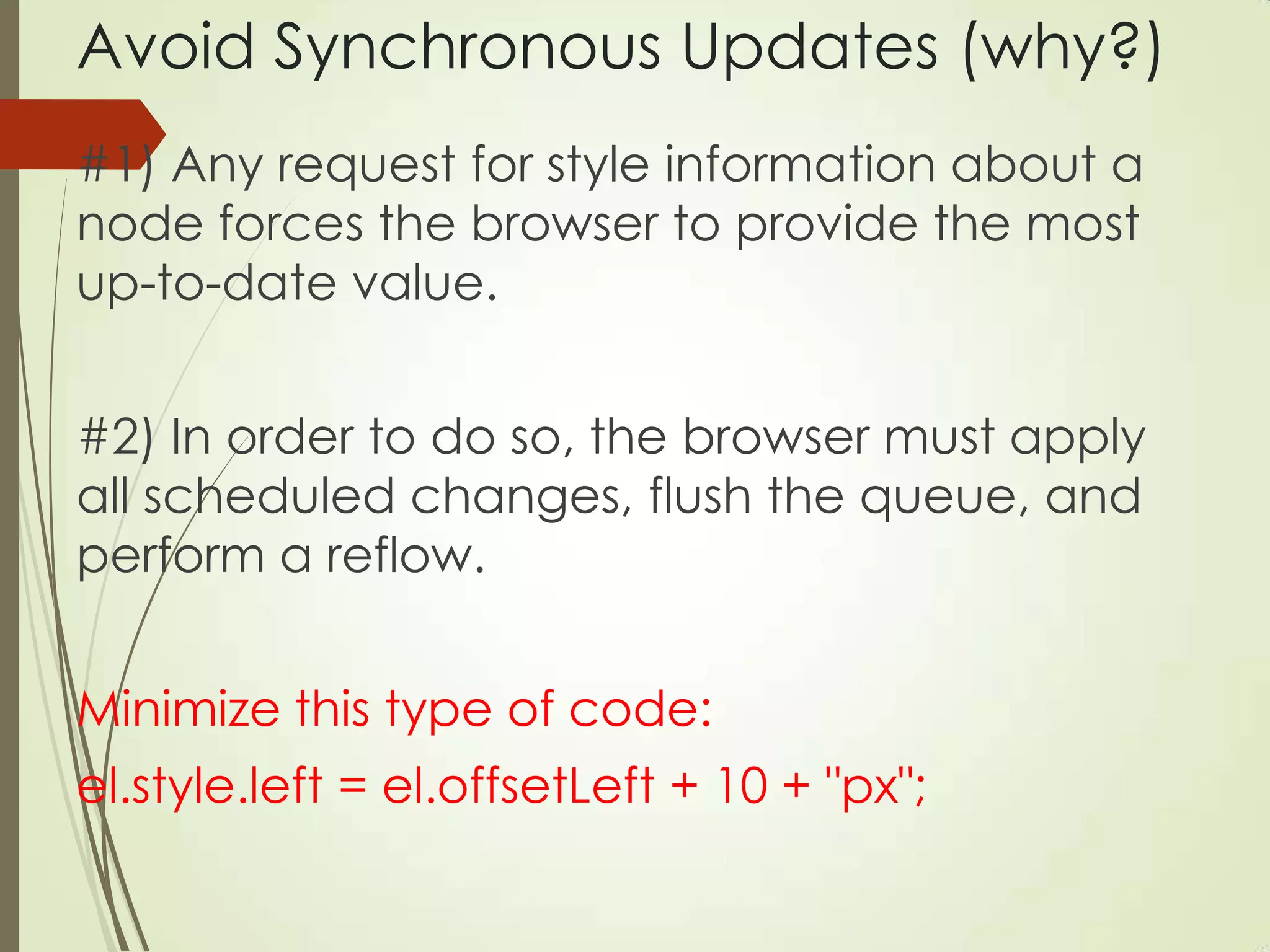
Avoid Synchronous Updates (why?)
#1) Any request for style information about a
node forces the browser to provide the most
up-to-date value.
#2) In order to do so, the browser must apply
all scheduled changes, flush the queue, and
perform a reflow.
Minimize this type of code:
el.style.left = el.offsetLeft + 10 + "px";
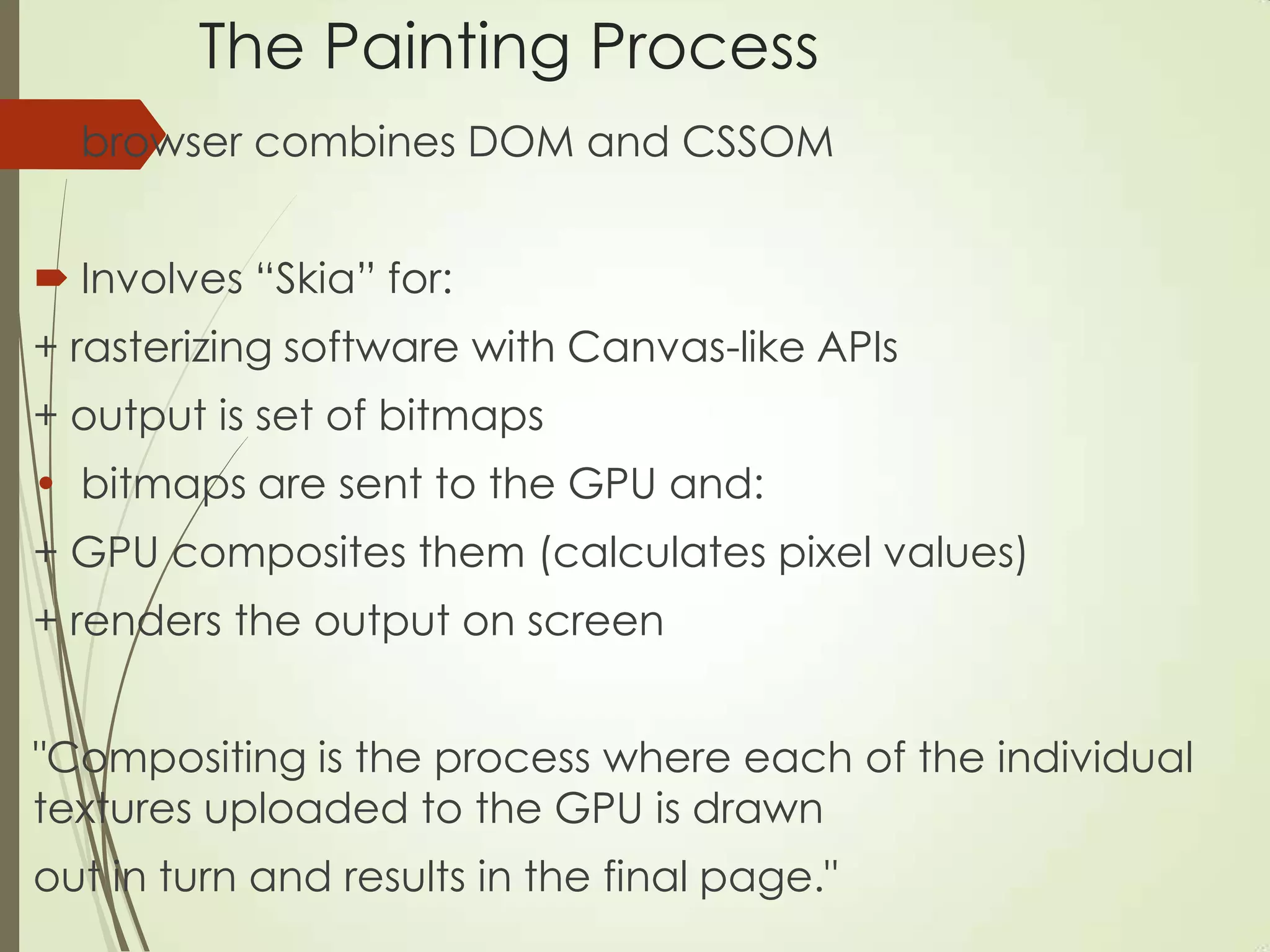
The Painting Process
 browser combines DOM and CSSOM
 Involves “Skia” for:
+ rasterizing software with Canvas-like APIs
+ output is set of bitmaps
• bitmaps are sent to the GPU and:
+ GPU composites them (calculates pixel values)
+ renders the output on screen
"Compositing is the process where each of the individual
textures uploaded to the GPU is drawn
out in turn and results in the final page."
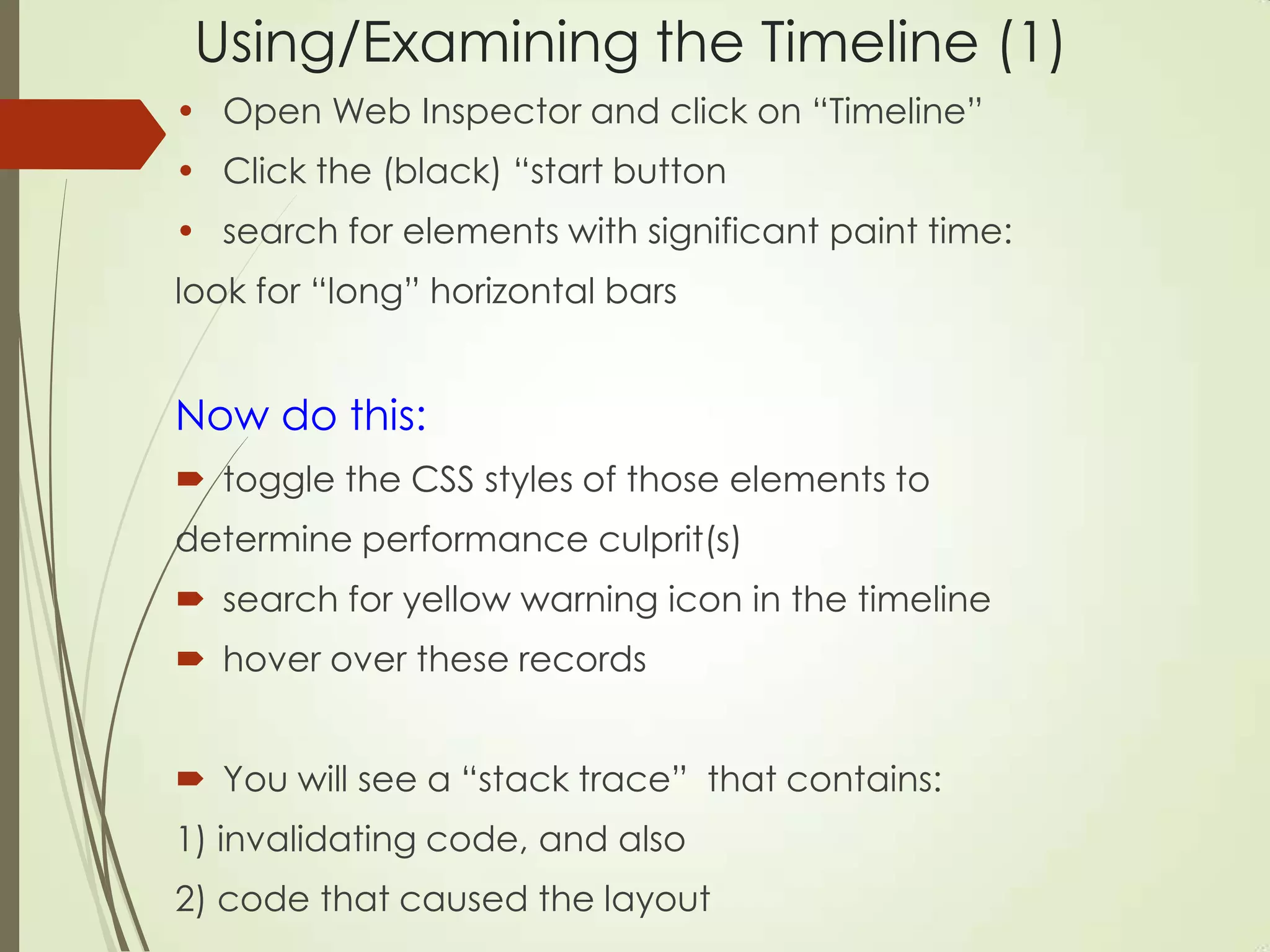
Using/Examining the Timeline (1)
• Open Web Inspector and click on “Timeline”
• Click the (black) “start button
• search for elements with significant paint time:
look for “long” horizontal bars
Now do this:
 toggle the CSS styles of those elements to
determine performance culprit(s)
 search for yellow warning icon in the timeline
 hover over these records
 You will see a “stack trace” that contains:
1) invalidating code, and also
2) code that caused the layout
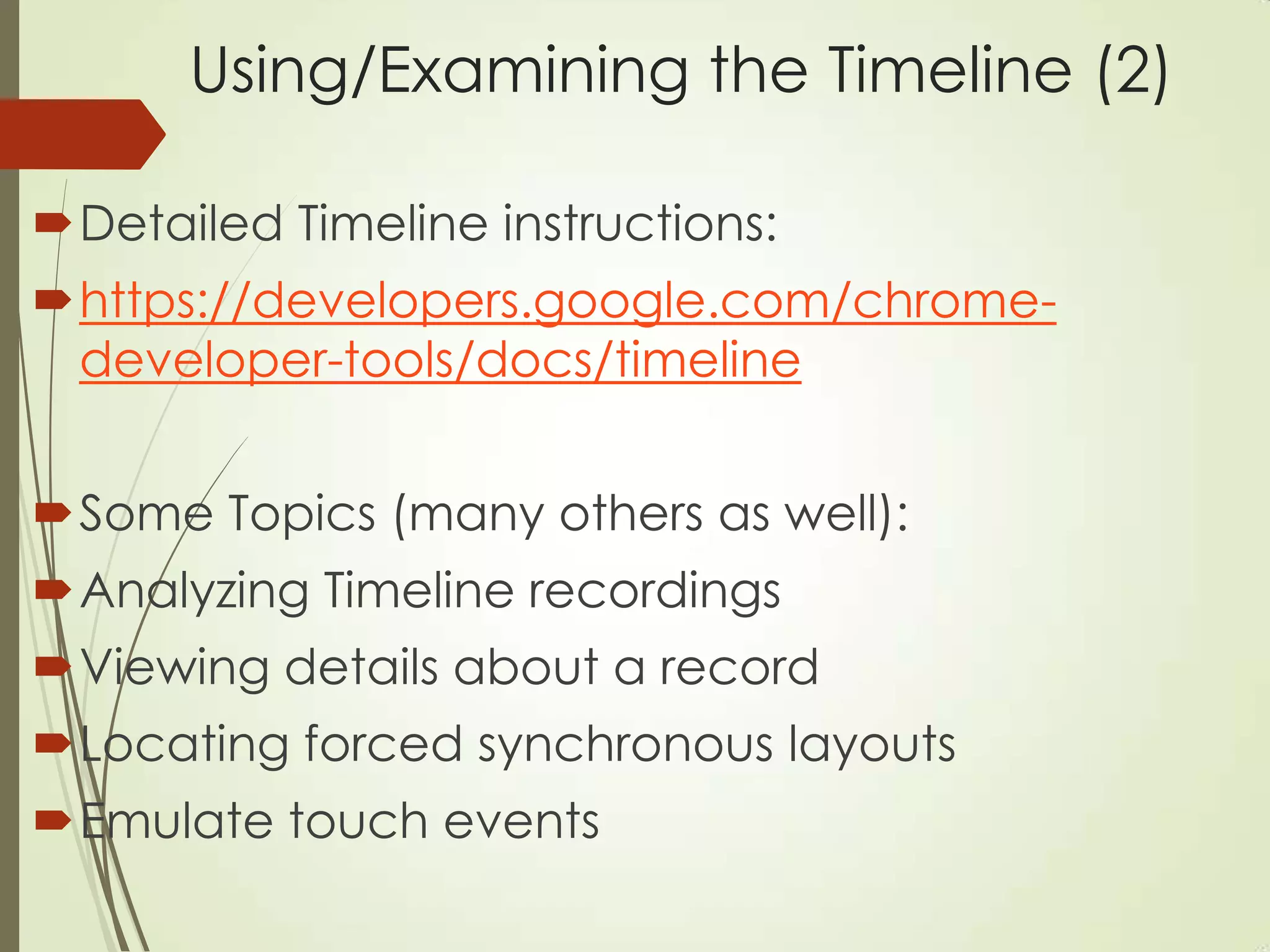
Using/Examining the Timeline (2)
Detailed Timeline instructions:
https://developers.google.com/chrome-
developer-tools/docs/timeline
Some Topics (many others as well):
Analyzing Timeline recordings
Viewing details about a record
Locating forced synchronous layouts
Emulate touch events
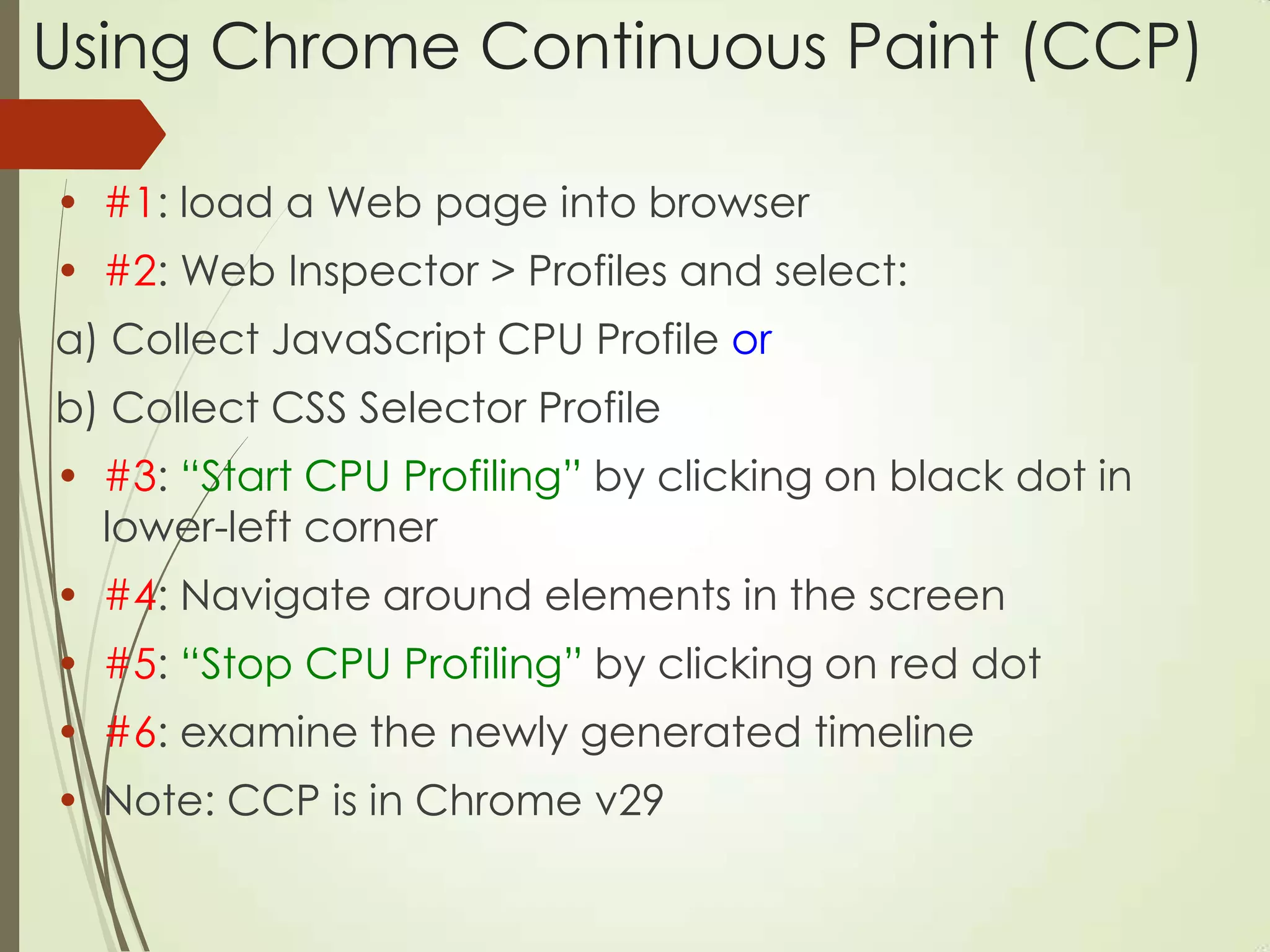
Using Chrome Continuous Paint (CCP)
• #1: load a Web page into browser
• #2: Web Inspector > Profiles and select:
a) Collect JavaScript CPU Profile or
b) Collect CSS Selector Profile
• #3: “Start CPU Profiling” by clicking on black dot in
lower-left corner
• #4: Navigate around elements in the screen
• #5: “Stop CPU Profiling” by clicking on red dot
• #6: examine the newly generated timeline
• Note: CCP is in Chrome v29
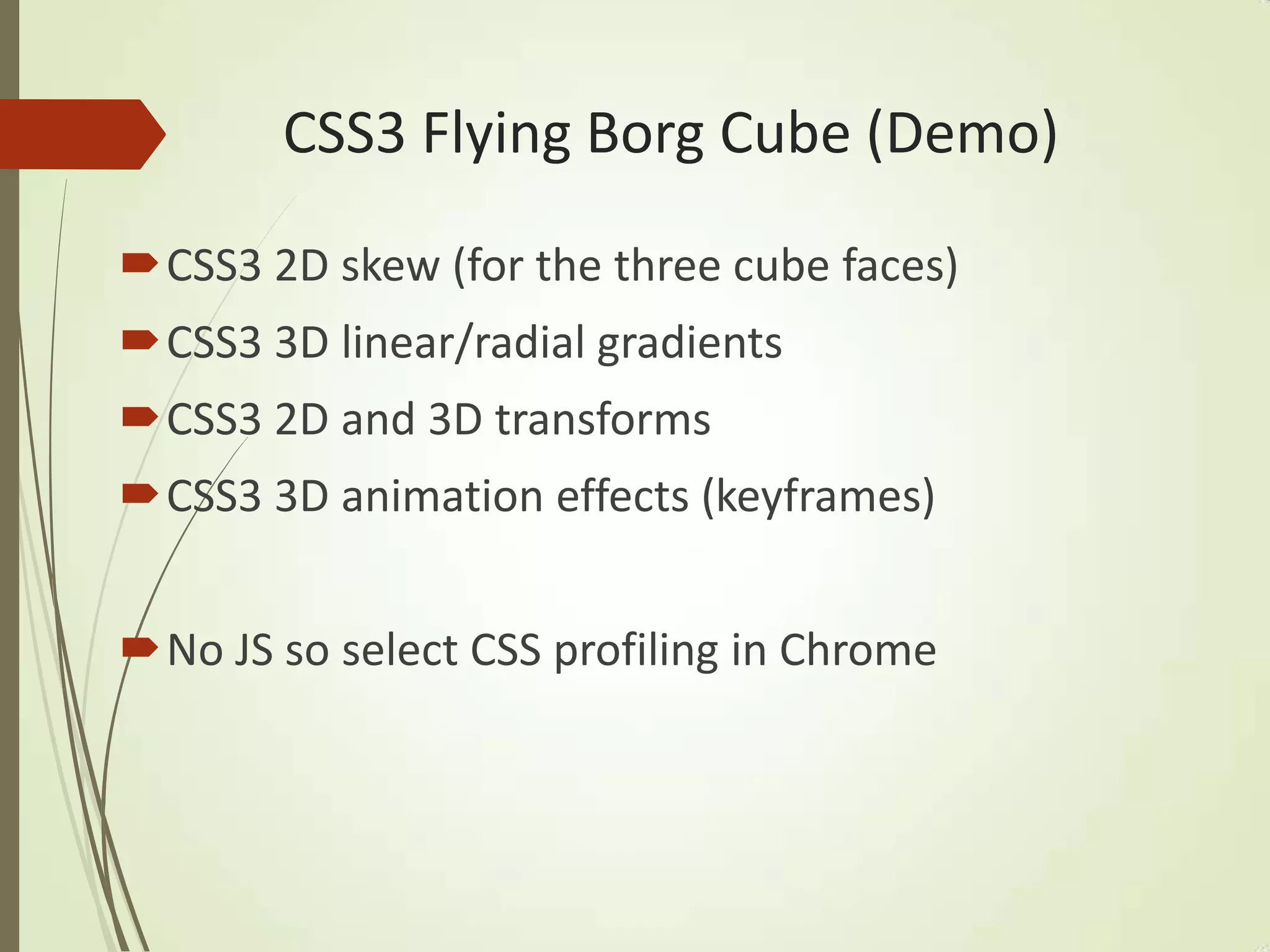
CSS3 Flying Borg Cube (Demo)
CSS3 2D skew (for the three cube faces)
CSS3 3D linear/radial gradients
CSS3 2D and 3D transforms
CSS3 3D animation effects (keyframes)
No JS so select CSS profiling in Chrome
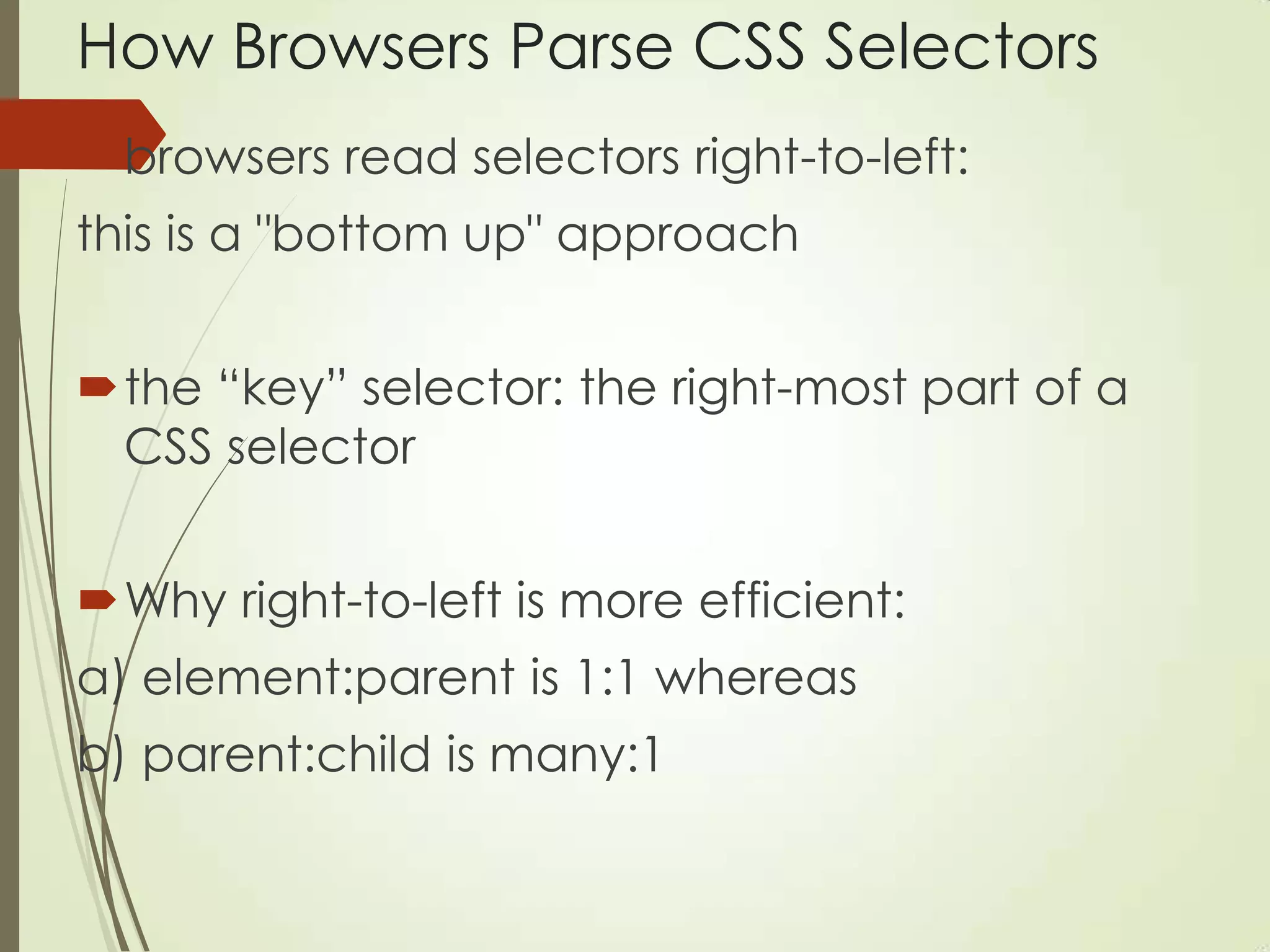
How Browsers Parse CSS Selectors
browsers read selectors right-to-left:
this is a "bottom up" approach
the “key” selector: the right-most part of a
CSS selector
Why right-to-left is more efficient:
a) element:parent is 1:1 whereas
b) parent:child is many:1
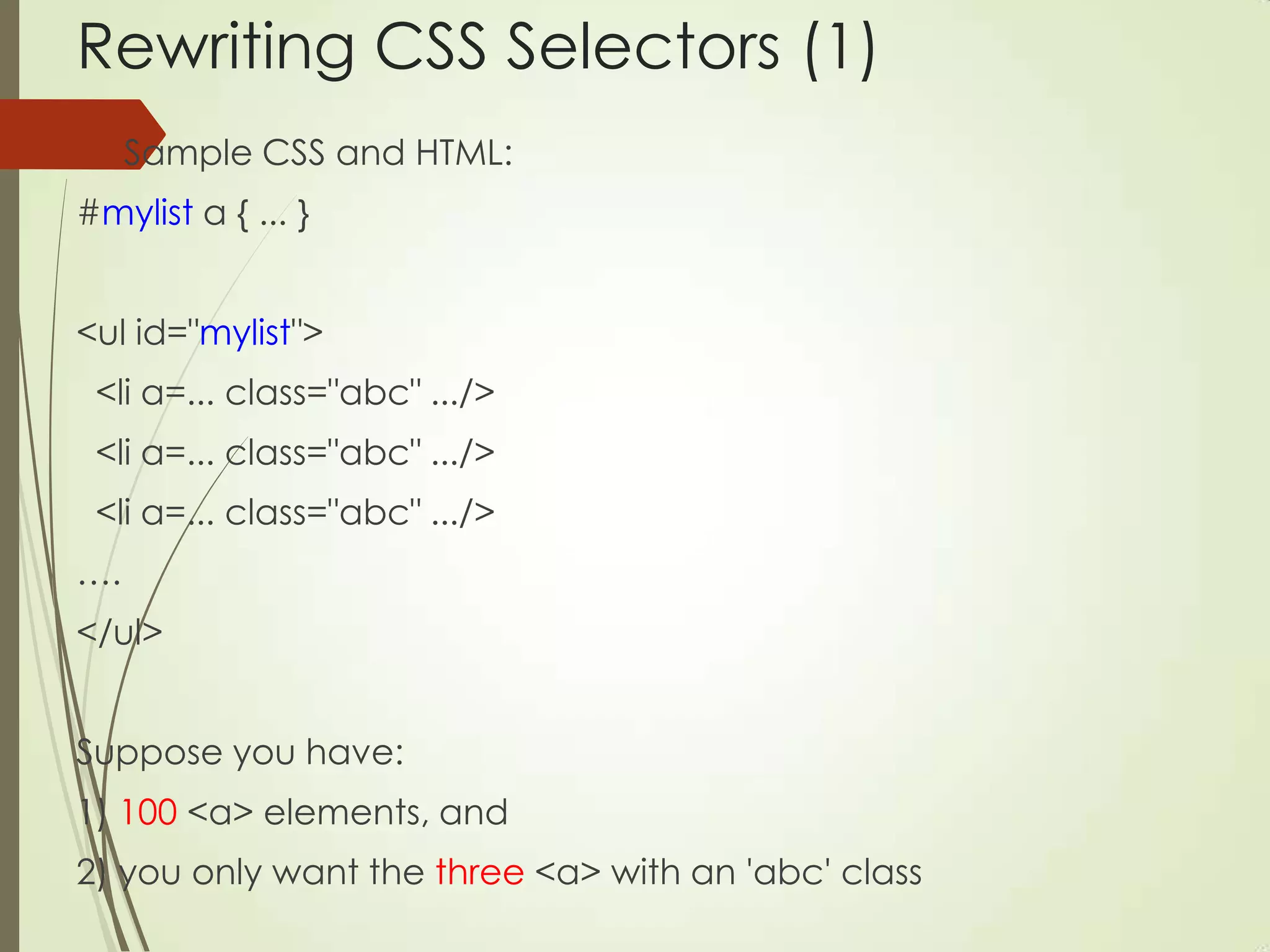
Rewriting CSS Selectors (1)
 Sample CSS and HTML:
#mylist a { ... }
<ul id="mylist">
<li a=... class="abc" .../>
….
</ul>
Suppose you have:
1) 100 <a> elements, and
2) you only want the three <a> with an 'abc' class
Rewriting CSS Selectors (2)
This CSS selector matches 100 elements:
#mylist a { ... }
This CSS selector matches 3 elements:
#mylist .abc { ... }
• Ariya Hidayat (Continuous Painting):
http://css.dzone.com/articles/continuous-painting-
mode
Sample Selector and “Efficient” CSS
 calculate/layout/paint in a sample selector:
.results h2 { // recalculate style
height: 25px; // layout
text-shadow: 2px black; // paint
}
 fast/efficient CSS (with null transform hack):
scale/translate/rotate/fade (opacity)
• Other operations incur layout and/or paint
• Paul Irish (Performance Tooling):
http://www.youtube.com/watch?v=HAqjyCH_LOE
Translate() versus top/left/right/bottom
 Factors in favor of translate():
+ tends to perform better
+ translate() does not touch the DOM
+ involves subpixels (and smoother due to blurring effect)
+ use it for “design-y motion” (animating a button press)
 Factors in favor of top/left/right/bottom:
+ use when element has relative/absolute/fixed positioning
Note: Both can yield different results on different browsers
+ Detailed articles (Chris Coyier/Paul Irish):
http://css-tricks.com/tale-of-animation-performance/
http://www.paulirish.com/2012/why-moving-elements-with-translate-is-
better-than-posabs-topleft/
Bootstrap 3.0 Improvements
 Bootstrap 3.0 is twice as fast as BS 2.3.2
 Provides a “mobile first” responsive grid
 Bootswatch and WrapBootstrap (“full themes”)
 Paul Irish checks BS 3.0 using CCP:
http://encosia.com/the-big-change-in-bootstrap-3-that-no-
ones-talking-about/
• Pamela Fox (“When Bootstrap Attacks”):
http://www.youtube.com/watch?v=xbpnqbM6cRk&feature
=youtu.be&goback=%2Egde_2071438_member_265749116#
%21
Issues with iOS7 and HTML5
 CSS-related requestAnimationFrame animations do not suspend
correctly
 Resizing a composited layer (with 3D transforms) sometimes does not
repaint correctly
 Performance issues for SVG animation
 Launching/quitting same home-screen app several times can hard-
lock your device
 Maximiliano Firtman‟s iOS7/HTML5 post:
http://www.mobilexweb.com/blog/safari-ios7-html5-problems-apis-
review
CSS3 “Gong” Game (Demo)
 Graphics: pure CSS3 (border-radius=50%)
 Animation: setTimeout() function
 JavaScript: for collision detection
• jQuery Mobile:
+ updating position (jQuery css() function)
+ creating elements (jQuery clone() function)
+ event handlers (jQuery Mobile vmouse)
• Deployed as an Android apk
CSS3 on Mobile: Android (Eclipse)
1) Create an Android app Hello and modify the main xml
layout file and Java file (see below)
2) modify $TOP/res/layout/activity_main.xml:
insert a WebView component (shown later)
3) create the directory $TOP/assets/www
4) Copy Hello.html (+ assets) into $TOP/assets/www
5) modify $TOP/src/com/…/HelloActivity.java:
reference Hello.html in the method onCreate()
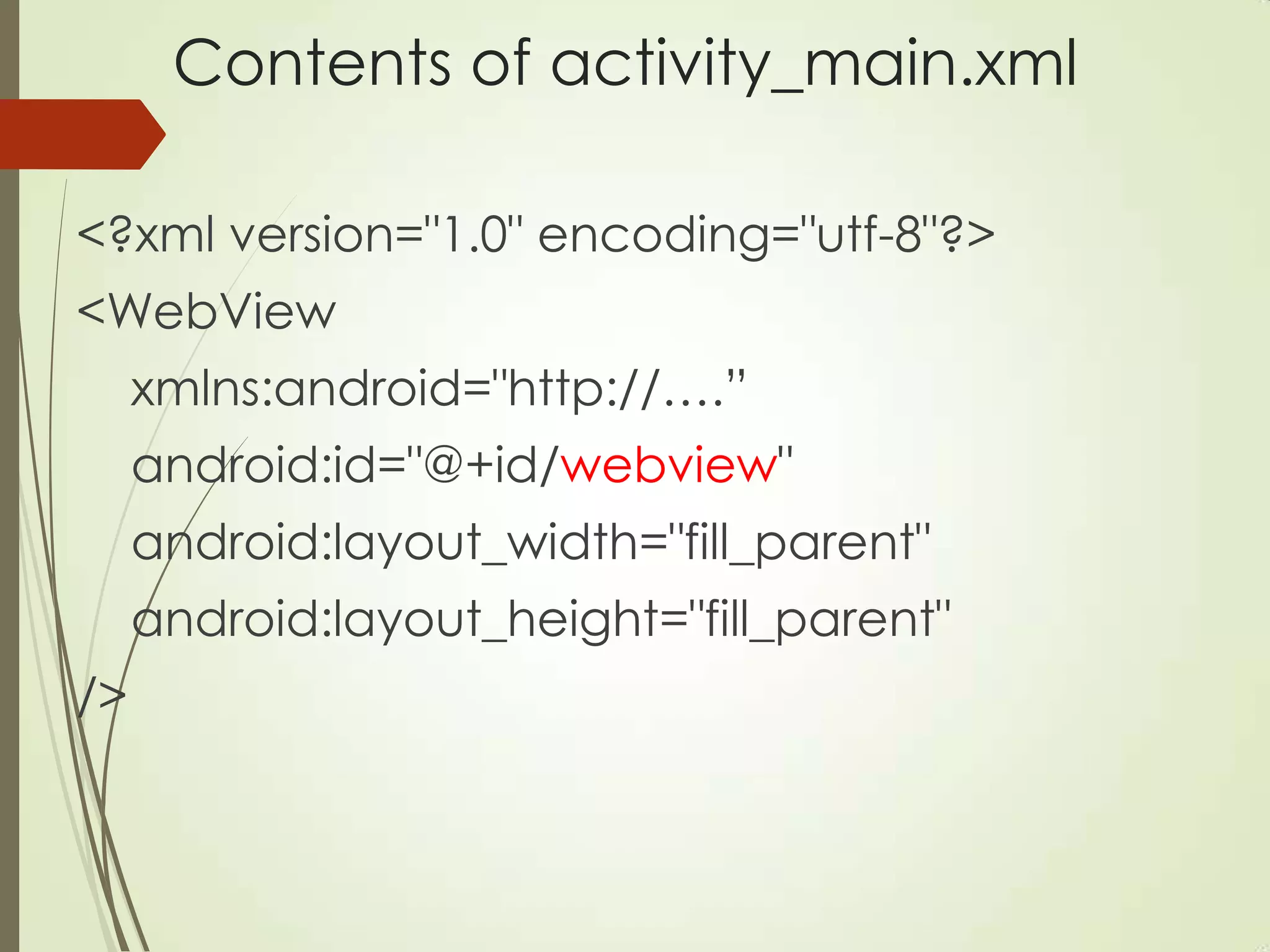
Contents of activity_main.xml
<?xml version="1.0" encoding="utf-8"?>
<WebView
xmlns:android="http://….”
android:id="@+id/webview"
android:layout_width="fill_parent"
android:layout_height="fill_parent"
/>
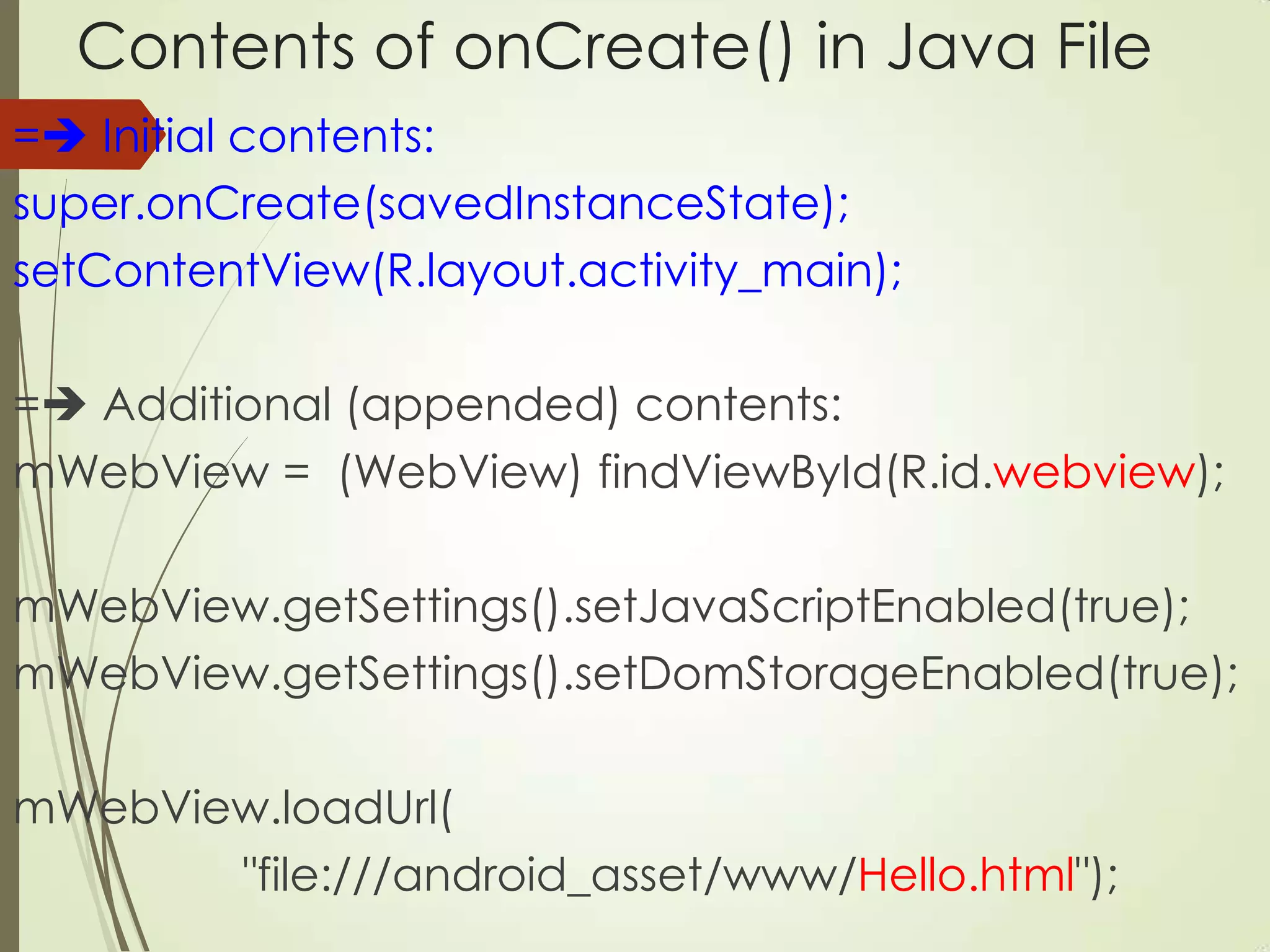
Contents of onCreate() in Java File
= Initial contents:
super.onCreate(savedInstanceState);
setContentView(R.layout.activity_main);
= Additional (appended) contents:
mWebView = (WebView) findViewById(R.id.webview);
mWebView.getSettings().setJavaScriptEnabled(true);
mWebView.getSettings().setDomStorageEnabled(true);
mWebView.loadUrl(
"file:///android_asset/www/Hello.html");
HTML5/CSS3 and PhoneGap
A Plugin to create Hybrid Mobile apps
A JavaScript “bridge”
Available on 6 platforms
PhoneGap 3.0 requires NodeJS
Always creates an index.html Web page
Why use PhoneGap?
No compilation required
No Java/Objective-C code
Handles the manual steps for you
Provides access to hardware (camera/etc)
PhoneGap 3.0 camera/sensors/etc support
is available via different modules
Create/Compile/Deploy in PhoneGap 3.0
Prerequisites: install NodeJS and PhoneGap
Create/compile/deploy:
#1: phonegap create hello com.demo.hello Hello1
#2: cd hello
#3: phonegap build android [ios …]
#4: phonegap install android [ios …]
Combine #3 and #4 with this step:
phonegap run android ios […]
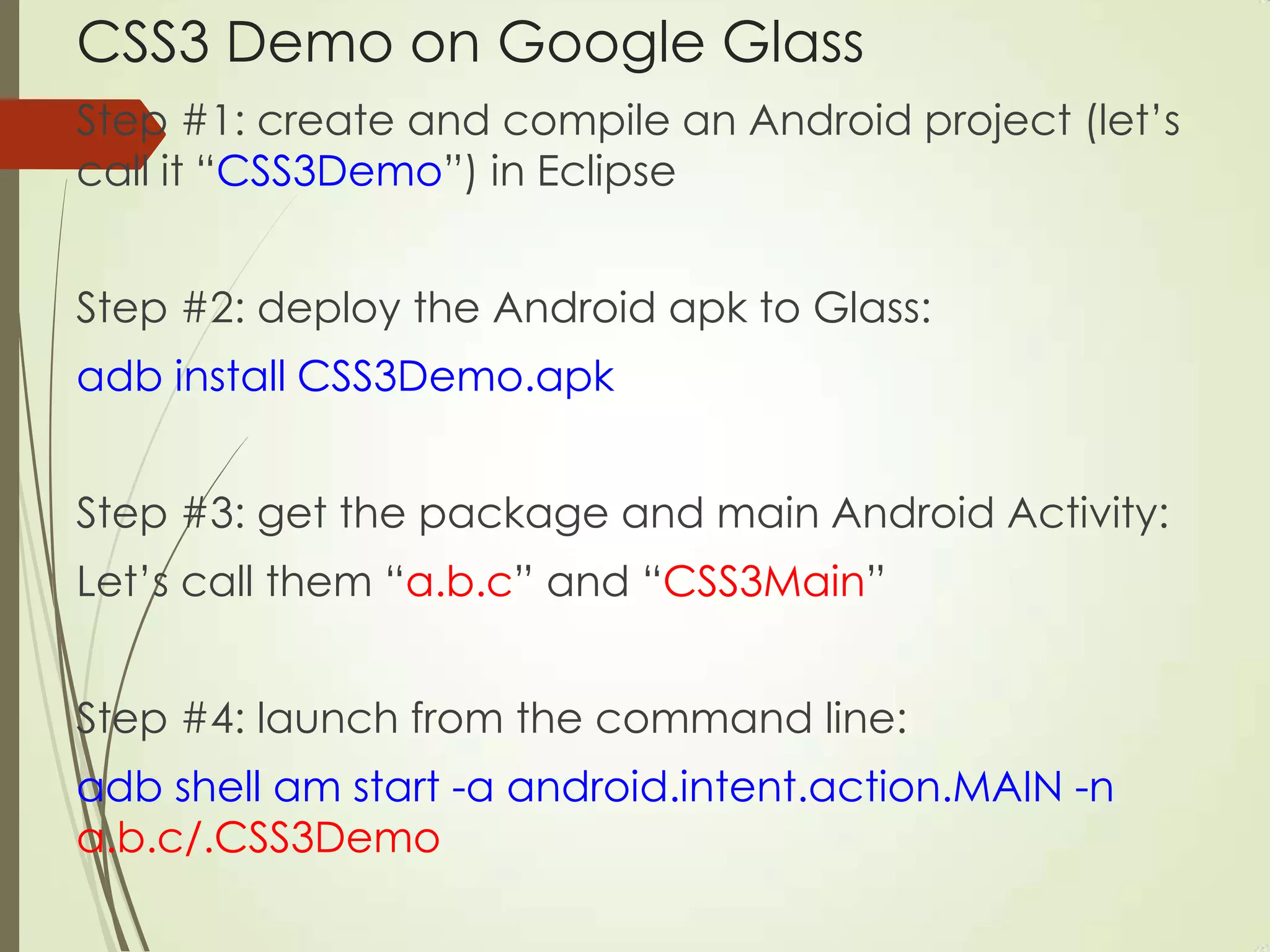
CSS3 Demo on Google Glass
Step #1: create and compile an Android project (let‟s
call it “CSS3Demo”) in Eclipse
Step #2: deploy the Android apk to Glass:
adb install CSS3Demo.apk
Step #3: get the package and main Android Activity:
Let‟s call them “a.b.c” and “CSS3Main”
Step #4: launch from the command line:
adb shell am start -a android.intent.action.MAIN -n
a.b.c/.CSS3Demo
CSS3 Resources
• caniuse.com
online forums (Yahoo group)
Various meetup groups in BA
stackoverflow.com
Impressive HTML5 Canvas Demos
• Various HTML5 Canvas demos:
http://www.craftymind.com/factory/html5video/C
anvasVideo.html
http://codepen.io/stuffit/pen/KrAwx
http://davidwalsh.name/canvas-demos
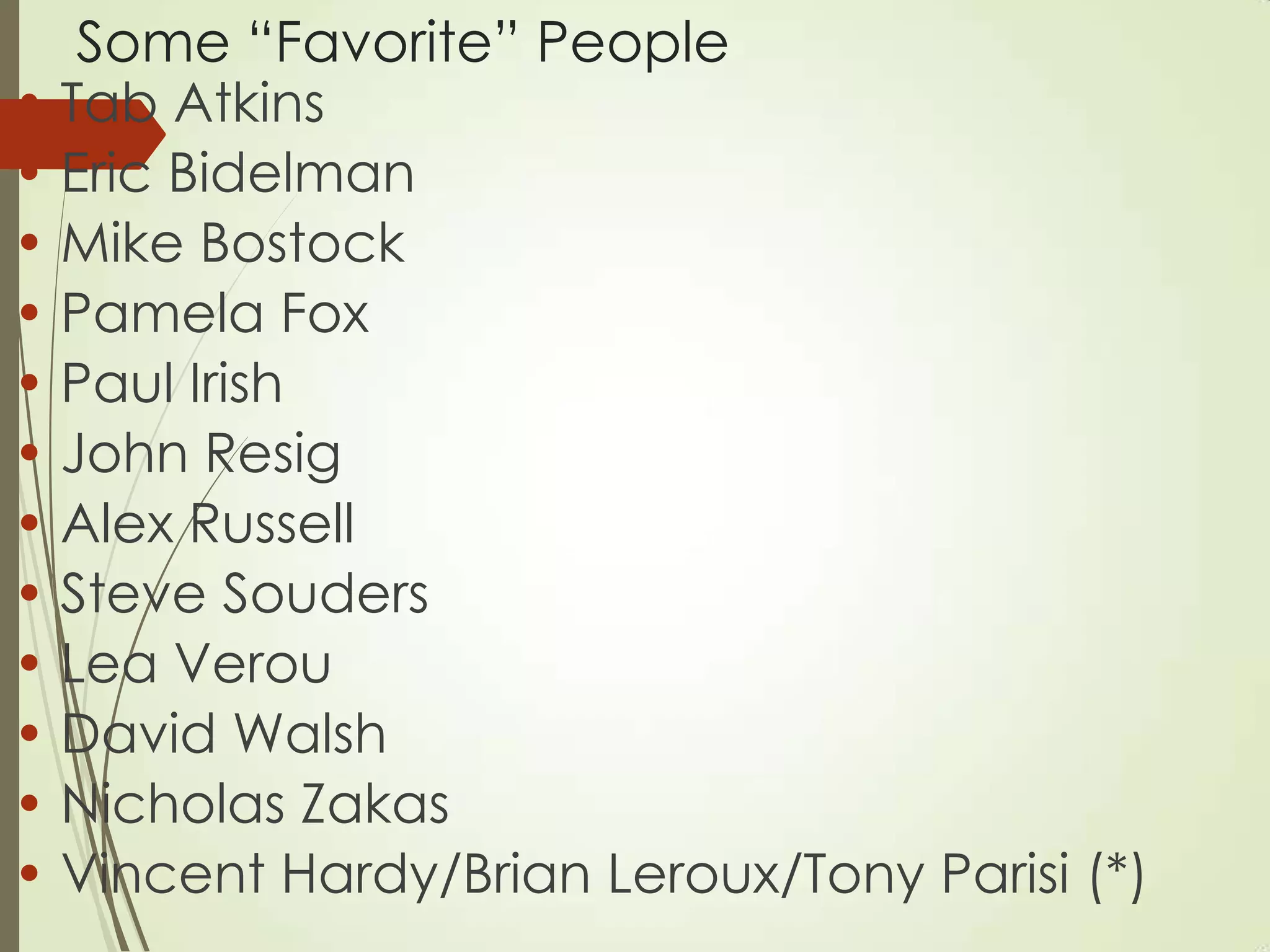
Some “Favorite” People
• Tab Atkins
• Eric Bidelman
• Mike Bostock
• Pamela Fox
• Paul Irish
• John Resig
• Alex Russell
• Steve Souders
• Lea Verou
• David Walsh
• Nicholas Zakas
• Vincent Hardy/Brian Leroux/Tony Parisi (*)
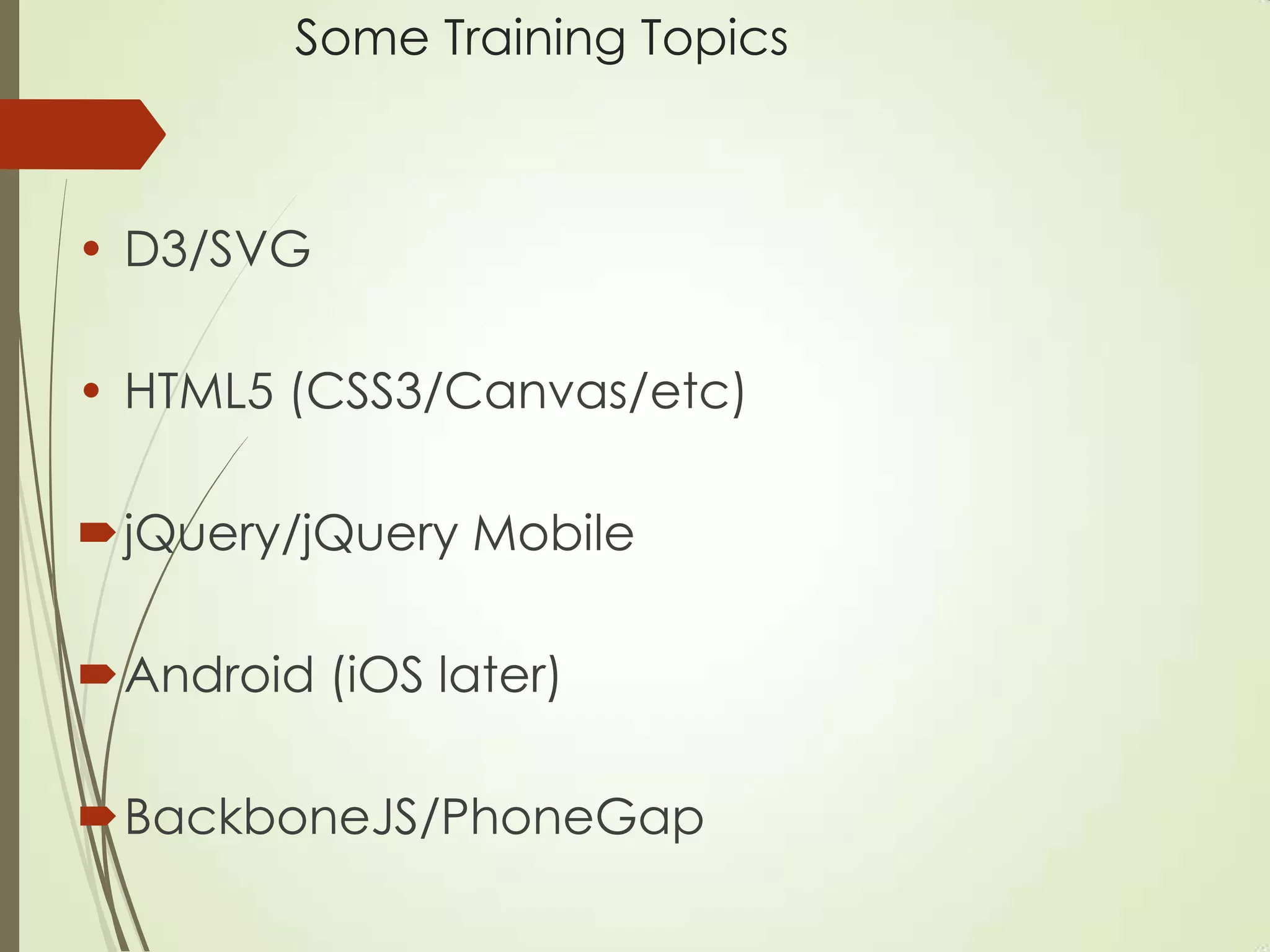
Some Training Topics
• D3/SVG
• HTML5 (CSS3/Canvas/etc)
jQuery/jQuery Mobile
Android (iOS later)
BackboneJS/PhoneGap
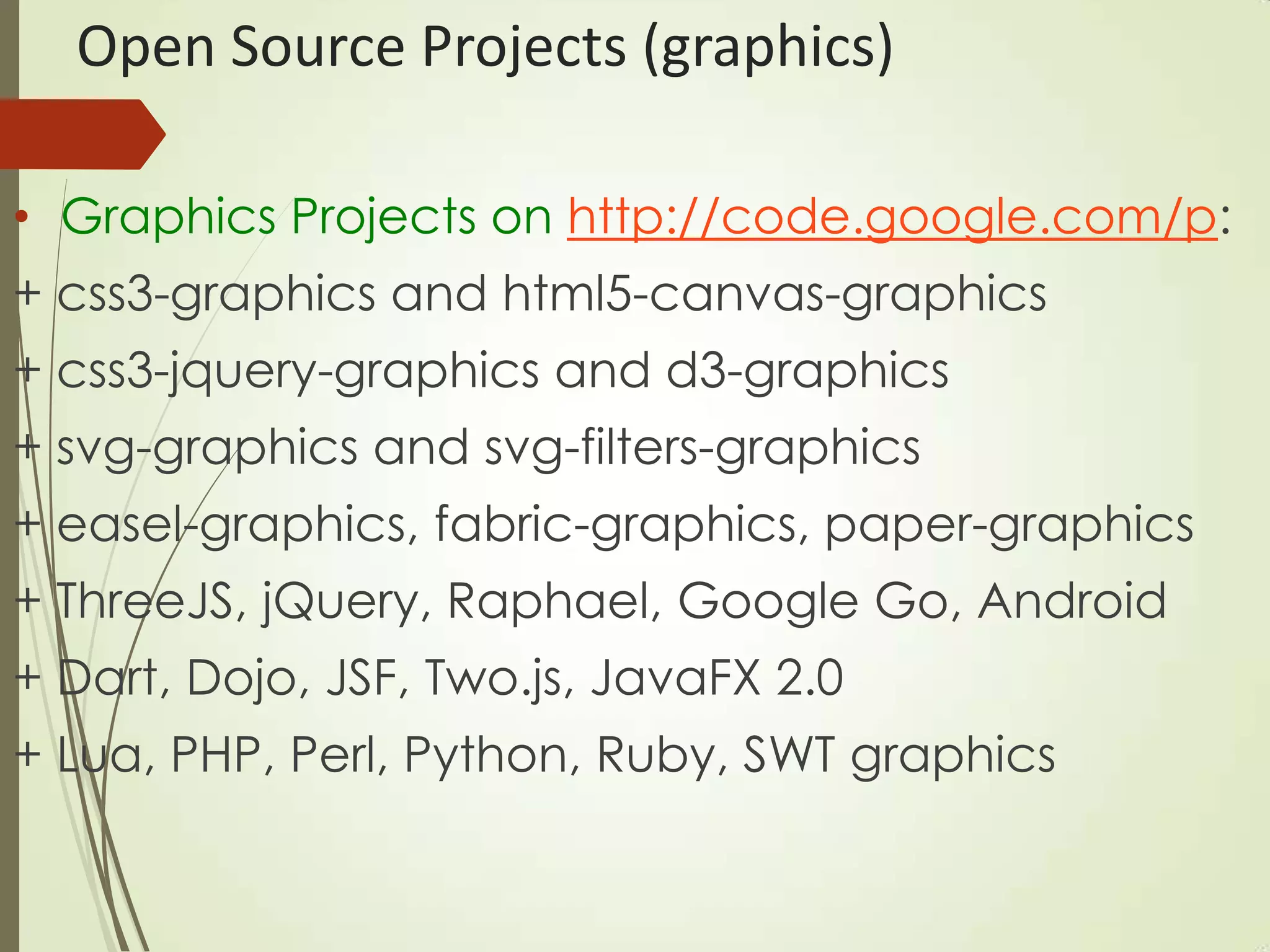
Open Source Projects (graphics)
• Graphics Projects on http://code.google.com/p:
+ css3-graphics and html5-canvas-graphics
+ css3-jquery-graphics and d3-graphics
+ svg-graphics and svg-filters-graphics
+ easel-graphics, fabric-graphics, paper-graphics
+ ThreeJS, jQuery, Raphael, Google Go, Android
+ Dart, Dojo, JSF, Two.js, JavaFX 2.0
+ Lua, PHP, Perl, Python, Ruby, SWT graphics
Recent/Upcoming Books
1) HTML5 Canvas and CSS3 Graphics (2012)
2) jQuery, CSS3, and HTML5 for Mobile (2013)
3) HTML5 Pocket Primer (2013)
4) jQuery Pocket Primer (2013)
5) HTML5 Mobile Pocket Primer (2014)
6) D3 Pocket Primer (2014)
• “WebGL: Up and Running” (Tony Parisi)
Co-creator of VRML and X3D

Svcc 2013-css3-and-mobile

  • 1.
    HTML5 and CSS3and Mobile Applications SVCC 2013 (10/05/2013) Foothill College Los Altos Oswald Campesato oswald@swiftbot.com ocampesato@yahoo.com
  • 2.
    Main Topics inThis Session CSS3 Features (condensed summary) CSS3 Graphics/Animation (2D and 3D) CSS3 and the GPU (must-have support) Reflow/Repaint (what/when/how/why) Chrome Continuous Update (CSS3/JS) CSS3 "Gong" Game (CSS3/jQuery Mobile) PhoneGap 3.0 Mobile Apps (in 4 lines) CSS3-base Apps on Glass (also native) Fun Canvas Demos (video and animation)
  • 3.
    CSS3 Features (condensedlist) (Perf) Gradients (linear and radial) (Perf) Rounded corners/drop shadows CSS3 filters (merged with SVG filters) Simple shapes (circle/ellipse/rectangle) (Perf) 2D and 3D animation Multi-column support Exclusions and regions Flexbox (like “grid bag” in Java AWT)
  • 4.
    CSS3 Transforms (summary) CSS32D transforms: rotate, scale, translate, matrix, and perspective, and skew (deprecated) • CSS3 3D transforms (invoke the GPU): 1) similar to 2D versions (but no „skew‟) 2) also three axis-specific methods: rotateX, rotateY, rotateZ (and so forth) • CSS3 animation via keyframes rule
  • 5.
    Frameworks and Toolkits(1) • Very good HTML5/CSS3 IDEs: + Sencha Animator and Adobe Edge (commercial?) • JavaScript/SVG toolkits: + D3 (modern browsers) and Raphael (supports IE6-8) + Inkscape for SVG and iD (for maps) • JavaScript-based toolkits for Canvas: + EaselJS, FabricJS, PaperJS • http://graphicdesignjunction.com/2013/04/html5- tools-for-designers-developers/
  • 6.
    Frameworks and Toolkits(2)  Workless: + an HTML5-CSS3 framework for building cross-browsers websites + started as a mashup of Bootstrap + HTML5 Boilerplate + https://github.com/iKreativ/Workless  Junior: + an HTML5 framework for front-end creating mobile apps that look and behave like native + uses CSS3 transitions and supports swipeable carousels + includes various UI components (from Ratchet)
  • 7.
    Frameworks and Toolkits(3)  Literally Canvas: + an HTML5 open source widget + can be integrated into any page + enables users to draw online + provides with a simple set of tools including: draw, erase, color-picker, undo, redo, pan and zoom  cgSceneGraph: + an OO JavaScript animation framework + built on top of HTML5 canvas + created for apps and games + works cross-browser + many built-in nodes (images/text/buttons/shapes)
  • 8.
    Modular and ScalableCSS (1) OOCSS: Object Oriented CSS SMACSS: Scalable and Modular Architecture for CSS DRY: Don‟t Repeat Yourself CSS BEM: Block, Element, Modifier
  • 9.
    Modular and ScalableCSS (2) #1 and #2 avoid id (prefer class) all share common goals they use different approaches provide general guidelines (not absolute) try to understand underlying principles then take the relevant parts
  • 10.
    What “Works” withCSS3? Combine any of these with CSS3 in a Web Page: SVG and D3 (=Data Driven Documents=JS+SVG) HTML5 Canvas (bitmap and without a DOM) For Web applications: jQuery (cross-browser and cross-platform) BackboneJS (MVP reduces spaghetti code) AngularJS (open source from Google) Basically any JavaScript-based toolkit
  • 11.
    When CSS3 Aloneisn‟t Enough CSS3 can leverage the power of SVG: + reference SVG documents via “url()” • SVG can leverage CSS3 by: + embedding CSS selectors in an SVG doc use jQuery methods: + the css() method for updating properties • Use jQuery Mobile features: + use bindings to handle mouse/touch events
  • 12.
    Strengths of CSS3/SVG/Canvas CSS3: a) 2D/3D graphics/animation, b) GPU support, c) embeddable in SVG <defs> element, d) “easing functions” for animation, e) animate HTML elements  SVG: a) 2D graphics/animation, b) some GPU support, c) create arbitrary 2D shapes, d) custom <pattern>s, and e) grouping via the <g> element, and “easing functions in D3 (but SVG cannot animate HTML)  Canvas: a) 2D graphics/animation, b) GPU support, c) good for updating many small objects (games), d) works with video (use ThreeJS/WebGL for 3D animation)
  • 13.
    Useful Features ofSVG (summary) An XML-based vocabulary for 2D shapes: render circles/ellipses/elliptic arcs squares/rectangles/parallelograms cubic/quadratic Bezier curves arbitrary polygons linear/radial gradients and filters mouse events and animation support (*) good for charts/graphs works well with CSS3 (*) consider using D3.js
  • 14.
    Other Aspects ofSVG  SVG elements are inserted in the DOM so you can track/manage groups of SVG elements  no blurred/jagged edges when zooming in  Convenient format for import/export between tools  Can apply XSL stylesheets to SVG documents On the other hand: • Verbose (what do you expect? It‟s XML) • Can be difficult/incomprehensible (SVG tiger)  Animation code can be cumbersome/tedious  Consider D3 instead of “pure” SVG Blog by Patrick Dengler: SVG versus Canvas
  • 15.
  • 16.
    Contents of SVGTiger • 100K SVG file versus 140K PNG file • Contains 240 SVG <path> elements <svg:path d="M-122.304 84.285 C-122.304 84.285 - 122.203 86.179 -123.027 86.16 C-123.851 86.141 - 140.305 38.066 -160.833 40.309 C-160.833 40.309 - 143.05 32.956 -122.304 84.285z"/> NVIDIA GPU-accelerated SVG path rendering: http://www.youtube.com/watch?v=bCrohG6PJQE
  • 17.
    CSS3 for SVG3D Effects  #1: create an SVG document  #2: create an SVG <defs> element  #3: create CSS3 selectors with CSS3 3D animation effects and put them in a <style> element  #4: insert the <style> element in <defs> element  #5: set the “class” attribute in SVG elements so that it matches a CSS3 selector in the <style> element Example: 3DSineWave4RG2TurbFilterAnim1.svg NB: You can also reference an external CSS stylesheet
  • 18.
    CSS3+SVG or CSS3+D3? CSS3+SVG:useful when 1) you already have SVG-based data and 2) you must support IE6 (can do with Raphael toolkit but not D3) • CSS3+D3: for modern browsers, and also easier for defining event handlers and animation (probably also easier to maintain/enhance) • Notes: • CSS3+SVG might not have GPU support • Consider D3 with BackboneJS/AngularJS/etc
  • 19.
    What about CSS3and HTML5 Canvas? Insert a <canvas> element in a Web page • JavaScript APIs for 2D shapes (similar to Skia) All shapes are rendered in a <canvas> element Modern browsers support <canvas> element “write-and-forget” (no DOM-based “history”) • CSS3 selectors can match the <canvas> element • Canvas often faster than SVG for showing polygons • Tracing Canvas calls: http://www.html5rocks.com/en/tutorials/canvas/ins pection/
  • 20.
    Which is Faster:CSS3/Canvas/SVG? • CSS3 is faster than Canvas for simple animation: http://phrogz.net/tmp/image_move_speed.html • CSS3 is faster than SVG for gradients • D3 is better/faster than SVG for “follow the mouse” • Canvas is better than SVG for many small objects • Test/compare performance on mobile devices
  • 21.
    What is aGPU? Graphics Processing Unit A GPU is a single-chip dedicated processor Boost the performance of video/graphics: 2-D or 3-D graphics Digital output to flat panel display monitors Texture mapping MPEG decoding Rendering polygons Hardware overlays
  • 22.
    Nvidia and GPUs •The first GPU: developed by NVidia in 1999 (GeForce 256) processed 10 million polygons/second contained more than 22 million transistors • Nexus 7 2 (Android 4.3): 400MHz Adreno 320 Snapdragon S4 Pro 64 ALU, 400MHz, 57GFLOPS
  • 23.
    GPU Support inBrowsers  the browser must be able to use the driver of the graphics card installed on the host OS  GPU acceleration for one browser on a given machine doesn‟t guarantee support for all browsers  Opera: hardware acceleration turned off by default (might have changed recently)  http://www.useragentman.com/blog/2012/09/23/cross- browser-gpu-acceleration-and-requestanimationframe-in- depth/
  • 24.
    CSS3 and GPUAcceleration  Add a “go faster hack” (aka “null transform”)  common CSS3 transforms to invoke the GPU: translate3D(0,0,0) or translateZ(0) • Preceding “no-op” guarantees GPU is invoked • Absence of such code does not mean that the GPU is not invoked • Convert some/all 2D transforms (except skew) to 3D?
  • 25.
    Chrome and the“Null Transform” #1) Chrome switches on hardware compositing mode (if supported and not already “on”) #2) Chrome creates a new layer and “backing surface” Comments: • A “backing surface” (= bitmap?) is a graphics context (aka texture) into which layers are drawn • Backing surfaces are uploaded to the GPU • Layers sometimes share the same “backing surface” • Rules that Chrome uses for creating new backing surfaces in the next slide…
  • 26.
    Chrome + Layers+ Backing Surfaces Chrome creates new backing surface if a layer: 1) uses 3D or perspective transform CSS properties 2) is used by <video> element using accelerated video decoding 3) is used by a <canvas> element with a 3D context or accelerated 2D context 4) uses a CSS animation for its opacity or uses an animated webkit transform 5) uses accelerated CSS filters 6) has a descendant that is a compositing layer 7) has a sibling with a lower z-index which has a compositing layer (is the layer rendered on top of a composited layer?)
  • 27.
    Null Transform: canit be slower?  Try this sample code in your browser: http://dl.dropboxusercontent.com/u/17844821/zeug/ hwtest.html  Contains 4,000 small <div> elements  Original stackoverflow post (04/2012): http://stackoverflow.com/questions/10014461/why- does-enabling-hardware-acceleration-in-css3-slow- down-performance
  • 28.
    CSS3 Mask +Performance • Mask results in a new offscreen buffer (OSB) GPU first writes to the OSB instead of directly to VRAM (Video RAM) then the OSB contents are copied to VRAM VRAM is comparatively limited on mobile devices and it‟s “easily exhausted” rounded corners and drop shadows use mask combination of rounded corners and drop shadows is extra slow;(
  • 29.
    What are Reflowand Repaint? Reflow: process of calculating the position of elements in a Web page Repaint: re-rendering pixel colors in a Web page Compare “display” versus “visibility” in CSS: + display: none it‟s neither present nor visible so it requires reflow and repaint + visibility: hidden it‟s still present, so no geometry change, and only repaint is required (Performance difference is small in this scenario)
  • 30.
    What Causes Reflowand Repaint? scroll and hover box-shadow and drop shadows floats and tables opacity and gradients border-radius transparency and transitions changing the font size Add/remove/update the DOM Leaf-side nodes: probably small changes Top-side nodes: propagation can cause many changes
  • 31.
    Chrome and LayoutChanges  Chrome "batches" layout changes asynchronously in order to maximize rendering performance • Style information causes synchronous updates: + offsetTop, offsetLeft + offsetWidth, offsetHeight + scrollTop/Left/Width/Height + clientTop/Left/Width/Height + getComputedStyle()  The goal: find and eliminate JavaScript code and/or CSS selectors that cause synchronous updates
  • 32.
    Avoid Synchronous Updates(why?) #1) Any request for style information about a node forces the browser to provide the most up-to-date value. #2) In order to do so, the browser must apply all scheduled changes, flush the queue, and perform a reflow. Minimize this type of code: el.style.left = el.offsetLeft + 10 + "px";
  • 33.
    The Painting Process browser combines DOM and CSSOM  Involves “Skia” for: + rasterizing software with Canvas-like APIs + output is set of bitmaps • bitmaps are sent to the GPU and: + GPU composites them (calculates pixel values) + renders the output on screen "Compositing is the process where each of the individual textures uploaded to the GPU is drawn out in turn and results in the final page."
  • 34.
    Using/Examining the Timeline(1) • Open Web Inspector and click on “Timeline” • Click the (black) “start button • search for elements with significant paint time: look for “long” horizontal bars Now do this:  toggle the CSS styles of those elements to determine performance culprit(s)  search for yellow warning icon in the timeline  hover over these records  You will see a “stack trace” that contains: 1) invalidating code, and also 2) code that caused the layout
  • 35.
    Using/Examining the Timeline(2) Detailed Timeline instructions: https://developers.google.com/chrome- developer-tools/docs/timeline Some Topics (many others as well): Analyzing Timeline recordings Viewing details about a record Locating forced synchronous layouts Emulate touch events
  • 36.
    Using Chrome ContinuousPaint (CCP) • #1: load a Web page into browser • #2: Web Inspector > Profiles and select: a) Collect JavaScript CPU Profile or b) Collect CSS Selector Profile • #3: “Start CPU Profiling” by clicking on black dot in lower-left corner • #4: Navigate around elements in the screen • #5: “Stop CPU Profiling” by clicking on red dot • #6: examine the newly generated timeline • Note: CCP is in Chrome v29
  • 37.
    CSS3 Flying BorgCube (Demo) CSS3 2D skew (for the three cube faces) CSS3 3D linear/radial gradients CSS3 2D and 3D transforms CSS3 3D animation effects (keyframes) No JS so select CSS profiling in Chrome
  • 38.
    How Browsers ParseCSS Selectors browsers read selectors right-to-left: this is a "bottom up" approach the “key” selector: the right-most part of a CSS selector Why right-to-left is more efficient: a) element:parent is 1:1 whereas b) parent:child is many:1
  • 39.
    Rewriting CSS Selectors(1)  Sample CSS and HTML: #mylist a { ... } <ul id="mylist"> <li a=... class="abc" .../> <li a=... class="abc" .../> <li a=... class="abc" .../> …. </ul> Suppose you have: 1) 100 <a> elements, and 2) you only want the three <a> with an 'abc' class
  • 40.
    Rewriting CSS Selectors(2) This CSS selector matches 100 elements: #mylist a { ... } This CSS selector matches 3 elements: #mylist .abc { ... } • Ariya Hidayat (Continuous Painting): http://css.dzone.com/articles/continuous-painting- mode
  • 41.
    Sample Selector and“Efficient” CSS  calculate/layout/paint in a sample selector: .results h2 { // recalculate style height: 25px; // layout text-shadow: 2px black; // paint }  fast/efficient CSS (with null transform hack): scale/translate/rotate/fade (opacity) • Other operations incur layout and/or paint • Paul Irish (Performance Tooling): http://www.youtube.com/watch?v=HAqjyCH_LOE
  • 42.
    Translate() versus top/left/right/bottom Factors in favor of translate(): + tends to perform better + translate() does not touch the DOM + involves subpixels (and smoother due to blurring effect) + use it for “design-y motion” (animating a button press)  Factors in favor of top/left/right/bottom: + use when element has relative/absolute/fixed positioning Note: Both can yield different results on different browsers + Detailed articles (Chris Coyier/Paul Irish): http://css-tricks.com/tale-of-animation-performance/ http://www.paulirish.com/2012/why-moving-elements-with-translate-is- better-than-posabs-topleft/
  • 43.
    Bootstrap 3.0 Improvements Bootstrap 3.0 is twice as fast as BS 2.3.2  Provides a “mobile first” responsive grid  Bootswatch and WrapBootstrap (“full themes”)  Paul Irish checks BS 3.0 using CCP: http://encosia.com/the-big-change-in-bootstrap-3-that-no- ones-talking-about/ • Pamela Fox (“When Bootstrap Attacks”): http://www.youtube.com/watch?v=xbpnqbM6cRk&feature =youtu.be&goback=%2Egde_2071438_member_265749116# %21
  • 44.
    Issues with iOS7and HTML5  CSS-related requestAnimationFrame animations do not suspend correctly  Resizing a composited layer (with 3D transforms) sometimes does not repaint correctly  Performance issues for SVG animation  Launching/quitting same home-screen app several times can hard- lock your device  Maximiliano Firtman‟s iOS7/HTML5 post: http://www.mobilexweb.com/blog/safari-ios7-html5-problems-apis- review
  • 45.
    CSS3 “Gong” Game(Demo)  Graphics: pure CSS3 (border-radius=50%)  Animation: setTimeout() function  JavaScript: for collision detection • jQuery Mobile: + updating position (jQuery css() function) + creating elements (jQuery clone() function) + event handlers (jQuery Mobile vmouse) • Deployed as an Android apk
  • 46.
    CSS3 on Mobile:Android (Eclipse) 1) Create an Android app Hello and modify the main xml layout file and Java file (see below) 2) modify $TOP/res/layout/activity_main.xml: insert a WebView component (shown later) 3) create the directory $TOP/assets/www 4) Copy Hello.html (+ assets) into $TOP/assets/www 5) modify $TOP/src/com/…/HelloActivity.java: reference Hello.html in the method onCreate()
  • 47.
    Contents of activity_main.xml <?xmlversion="1.0" encoding="utf-8"?> <WebView xmlns:android="http://….” android:id="@+id/webview" android:layout_width="fill_parent" android:layout_height="fill_parent" />
  • 48.
    Contents of onCreate()in Java File = Initial contents: super.onCreate(savedInstanceState); setContentView(R.layout.activity_main); = Additional (appended) contents: mWebView = (WebView) findViewById(R.id.webview); mWebView.getSettings().setJavaScriptEnabled(true); mWebView.getSettings().setDomStorageEnabled(true); mWebView.loadUrl( "file:///android_asset/www/Hello.html");
  • 49.
    HTML5/CSS3 and PhoneGap APlugin to create Hybrid Mobile apps A JavaScript “bridge” Available on 6 platforms PhoneGap 3.0 requires NodeJS Always creates an index.html Web page
  • 50.
    Why use PhoneGap? Nocompilation required No Java/Objective-C code Handles the manual steps for you Provides access to hardware (camera/etc) PhoneGap 3.0 camera/sensors/etc support is available via different modules
  • 51.
    Create/Compile/Deploy in PhoneGap3.0 Prerequisites: install NodeJS and PhoneGap Create/compile/deploy: #1: phonegap create hello com.demo.hello Hello1 #2: cd hello #3: phonegap build android [ios …] #4: phonegap install android [ios …] Combine #3 and #4 with this step: phonegap run android ios […]
  • 52.
    CSS3 Demo onGoogle Glass Step #1: create and compile an Android project (let‟s call it “CSS3Demo”) in Eclipse Step #2: deploy the Android apk to Glass: adb install CSS3Demo.apk Step #3: get the package and main Android Activity: Let‟s call them “a.b.c” and “CSS3Main” Step #4: launch from the command line: adb shell am start -a android.intent.action.MAIN -n a.b.c/.CSS3Demo
  • 53.
    CSS3 Resources • caniuse.com onlineforums (Yahoo group) Various meetup groups in BA stackoverflow.com
  • 54.
    Impressive HTML5 CanvasDemos • Various HTML5 Canvas demos: http://www.craftymind.com/factory/html5video/C anvasVideo.html http://codepen.io/stuffit/pen/KrAwx http://davidwalsh.name/canvas-demos
  • 55.
    Some “Favorite” People •Tab Atkins • Eric Bidelman • Mike Bostock • Pamela Fox • Paul Irish • John Resig • Alex Russell • Steve Souders • Lea Verou • David Walsh • Nicholas Zakas • Vincent Hardy/Brian Leroux/Tony Parisi (*)
  • 56.
    Some Training Topics •D3/SVG • HTML5 (CSS3/Canvas/etc) jQuery/jQuery Mobile Android (iOS later) BackboneJS/PhoneGap
  • 57.
    Open Source Projects(graphics) • Graphics Projects on http://code.google.com/p: + css3-graphics and html5-canvas-graphics + css3-jquery-graphics and d3-graphics + svg-graphics and svg-filters-graphics + easel-graphics, fabric-graphics, paper-graphics + ThreeJS, jQuery, Raphael, Google Go, Android + Dart, Dojo, JSF, Two.js, JavaFX 2.0 + Lua, PHP, Perl, Python, Ruby, SWT graphics
  • 58.
    Recent/Upcoming Books 1) HTML5Canvas and CSS3 Graphics (2012) 2) jQuery, CSS3, and HTML5 for Mobile (2013) 3) HTML5 Pocket Primer (2013) 4) jQuery Pocket Primer (2013) 5) HTML5 Mobile Pocket Primer (2014) 6) D3 Pocket Primer (2014) • “WebGL: Up and Running” (Tony Parisi) Co-creator of VRML and X3D