Nathaniel Schweinberg
       @nathanielks
    FightTheCurrent.org
What the git?
git is a Source Control
Management application
   It keeps track of your code!
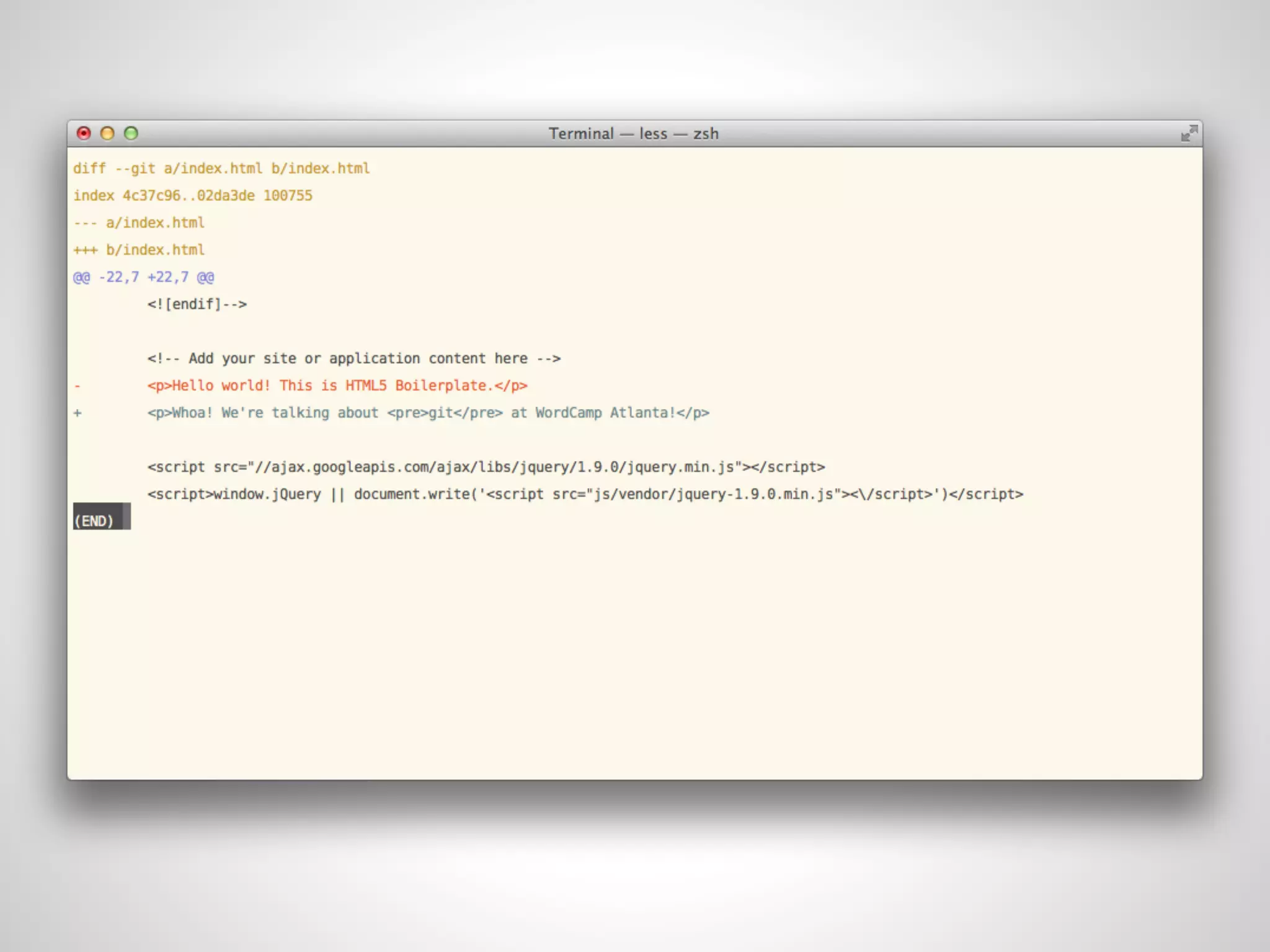
git stores only the changes
         you make
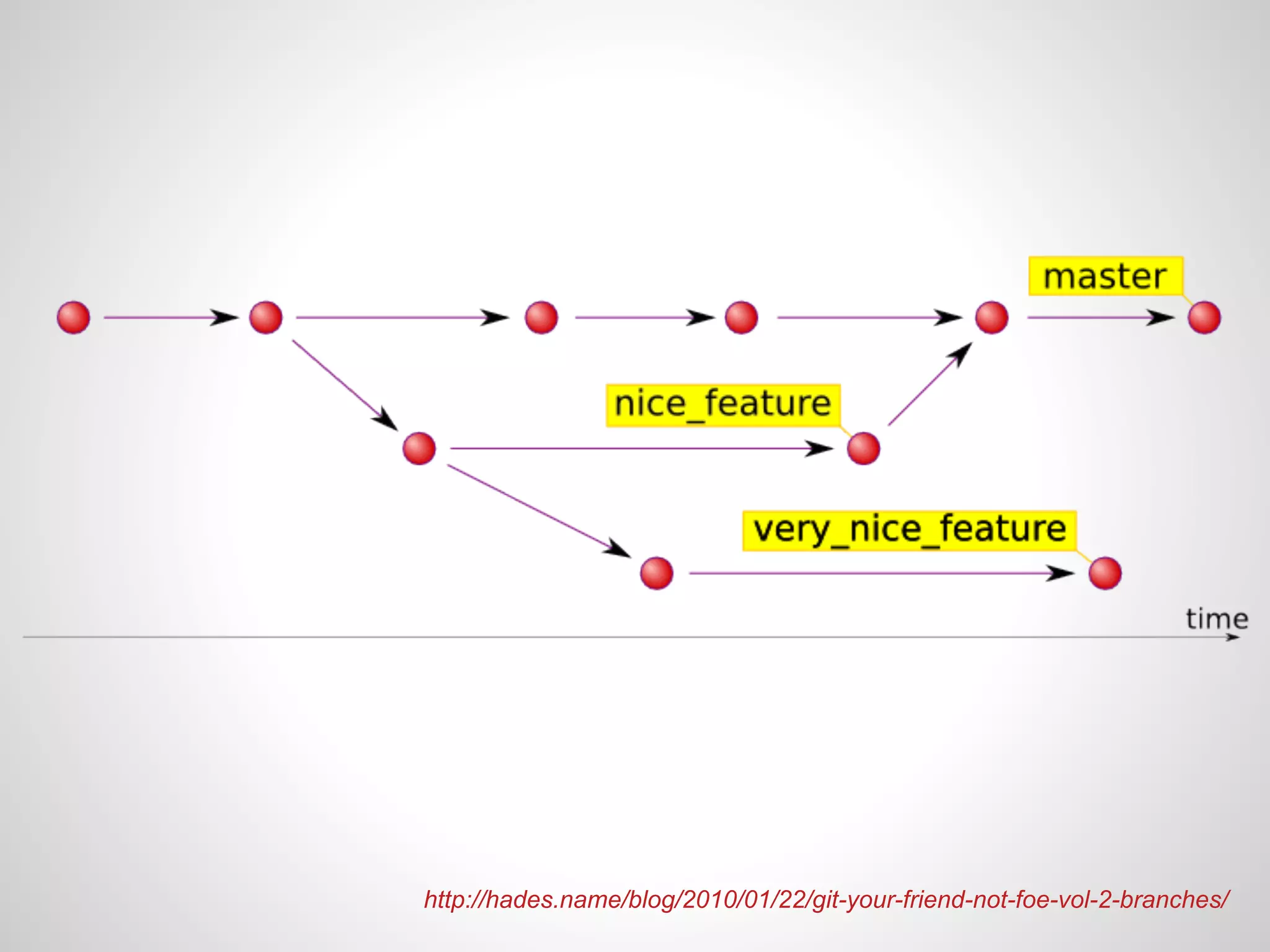
git allows you to focus
on the feature you’re
        writing
http://hades.name/blog/2010/01/22/git-your-friend-not-foe-vol-2-branches/
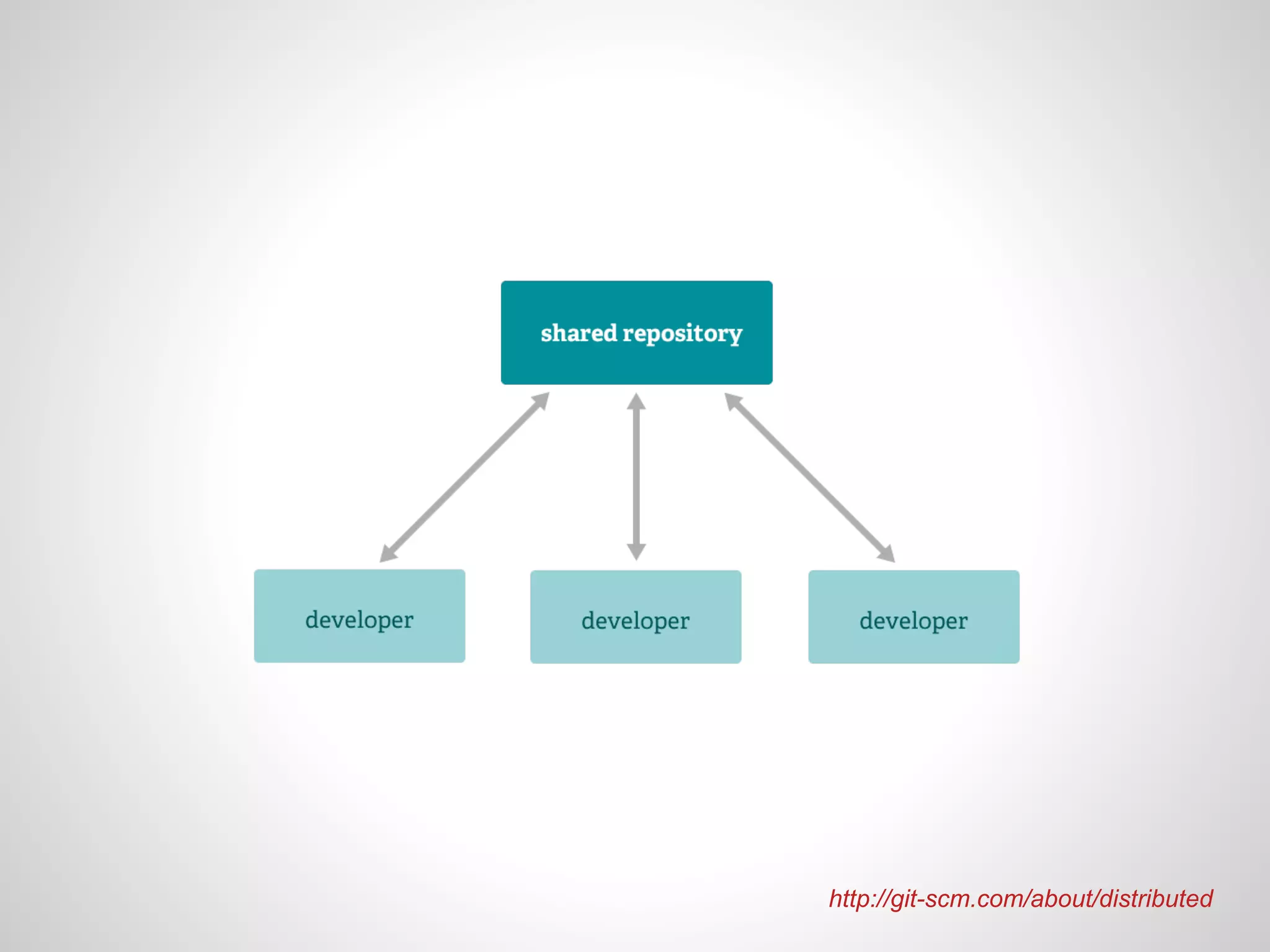
git allows multiple developers to
    work on the same project
http://git-scm.com/about/distributed
How to get started!
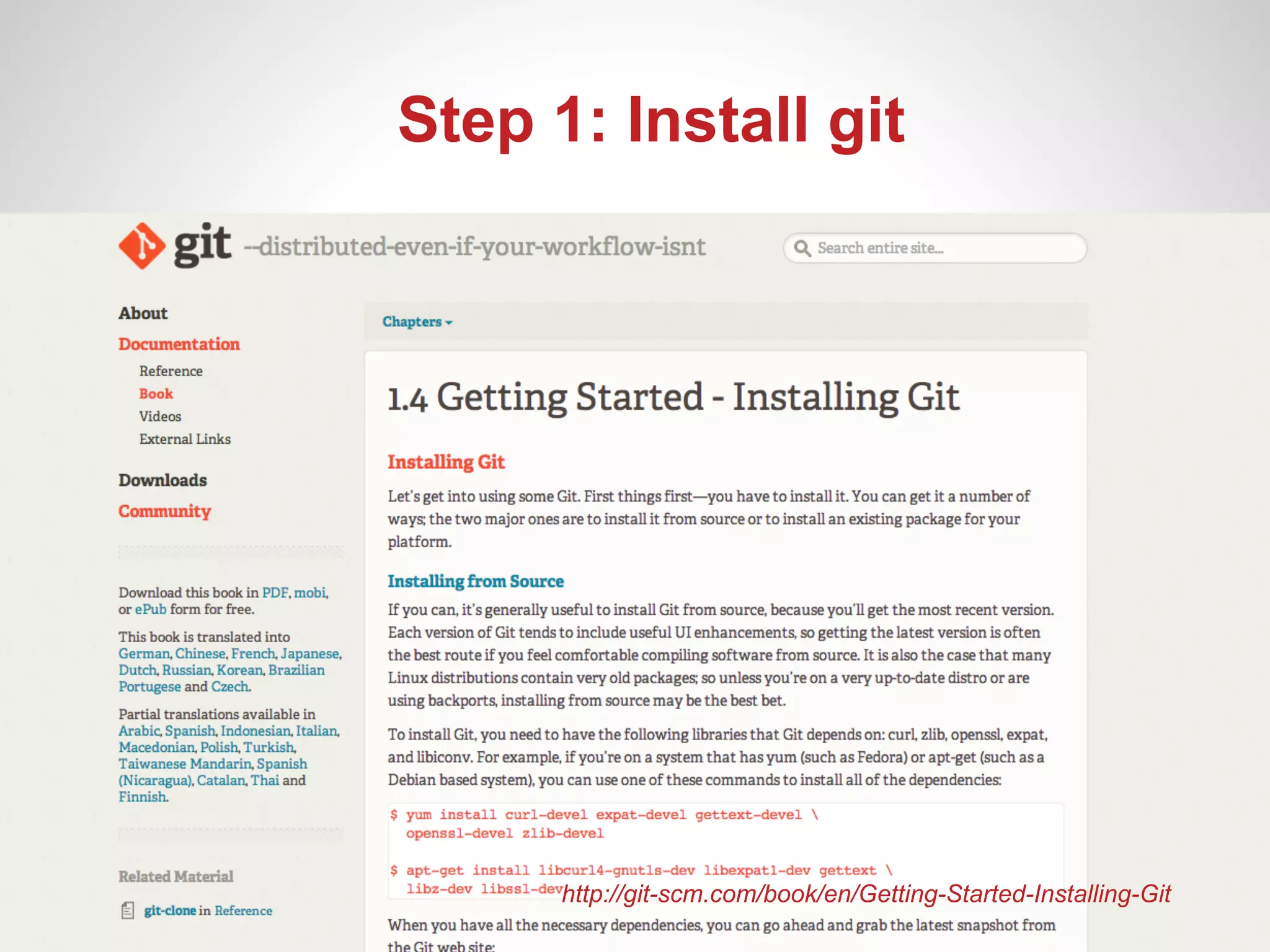
Step 1: Install git


      http://git-scm.com/book/en/Getting-Started-Installing-Git
Step 2: OPEN TERMINAL
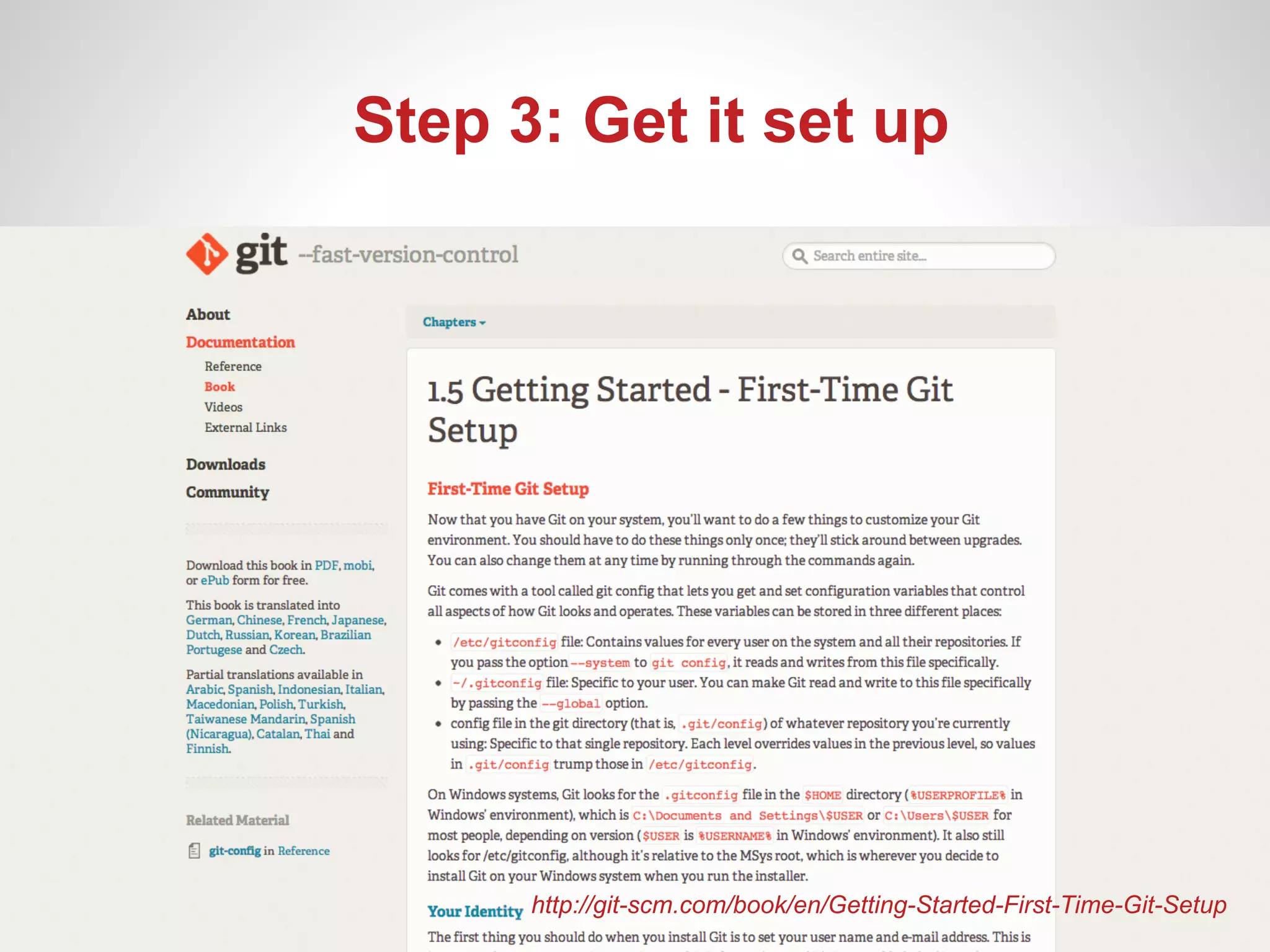
Step 3: Get it set up


      http://git-scm.com/book/en/Getting-Started-First-Time-Git-Setup
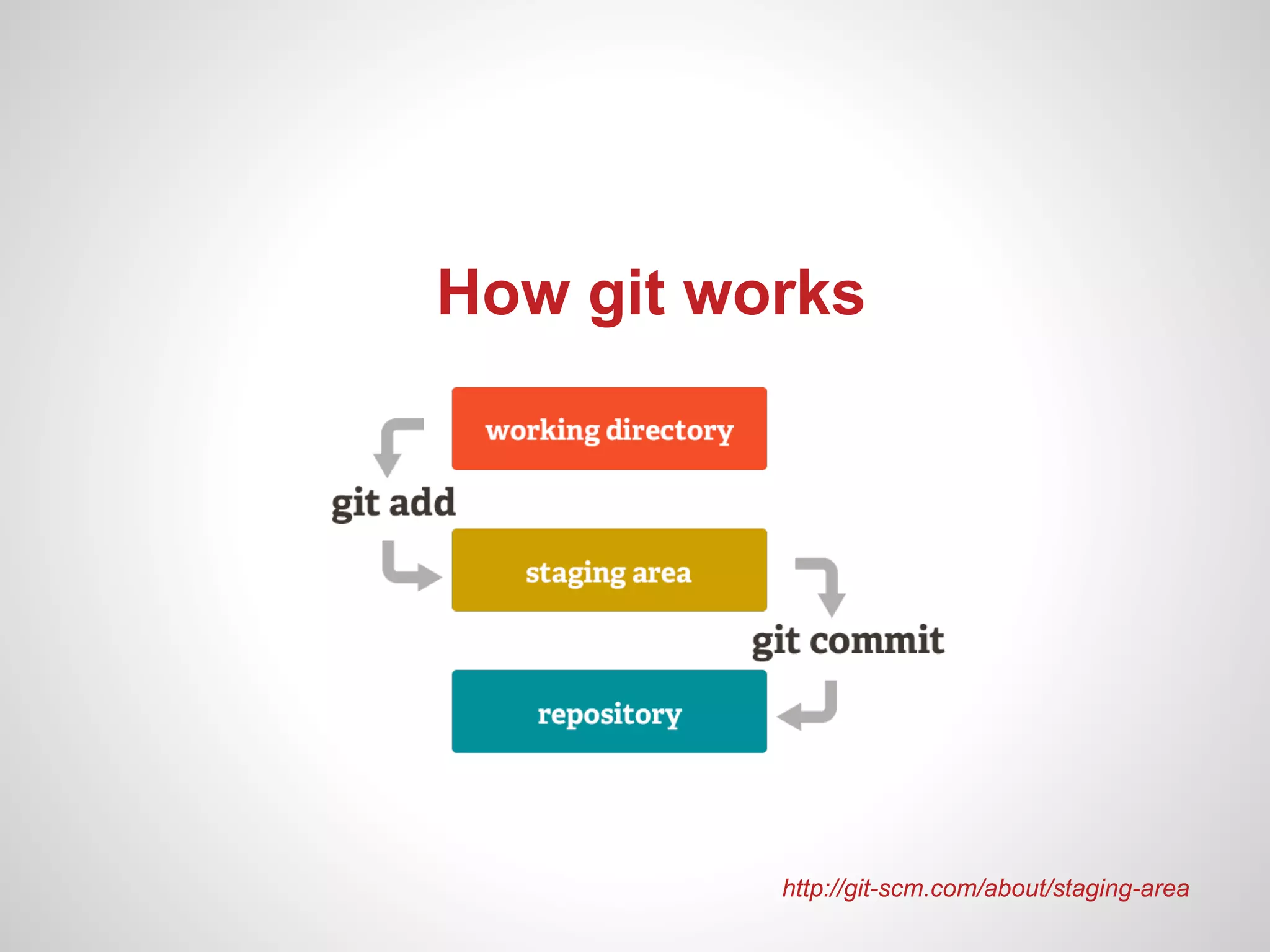
How git works


          http://git-scm.com/about/staging-area
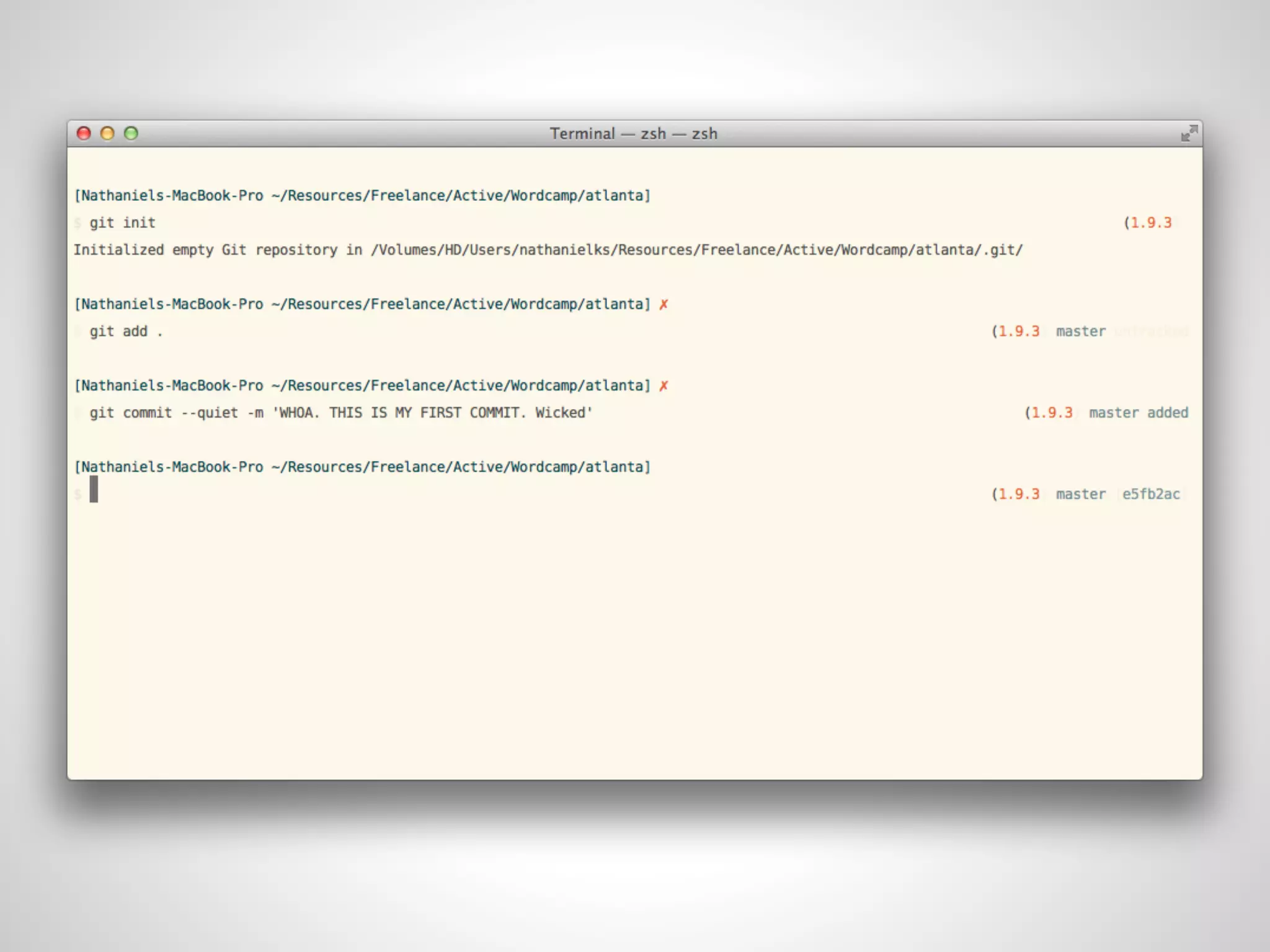
git init
Initializes a git repository
      in current folder
git add .
   Adds file . to the staging area
( . means current folder and all files inside )
git commit –m ‘initial commit’
 Commits files added to staging area
       ( -m adds commit message )
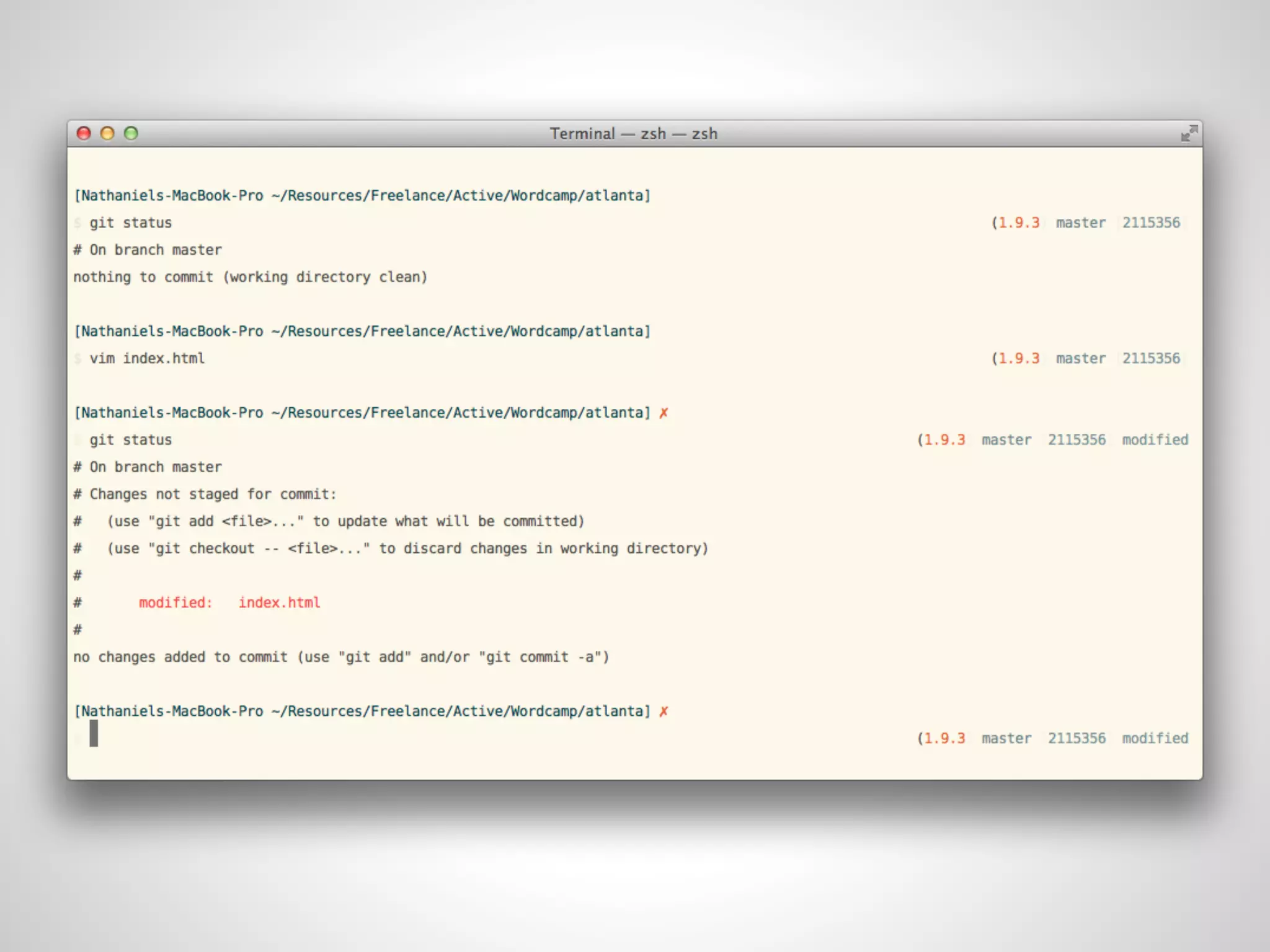
git status
Shows current status of
  working directory
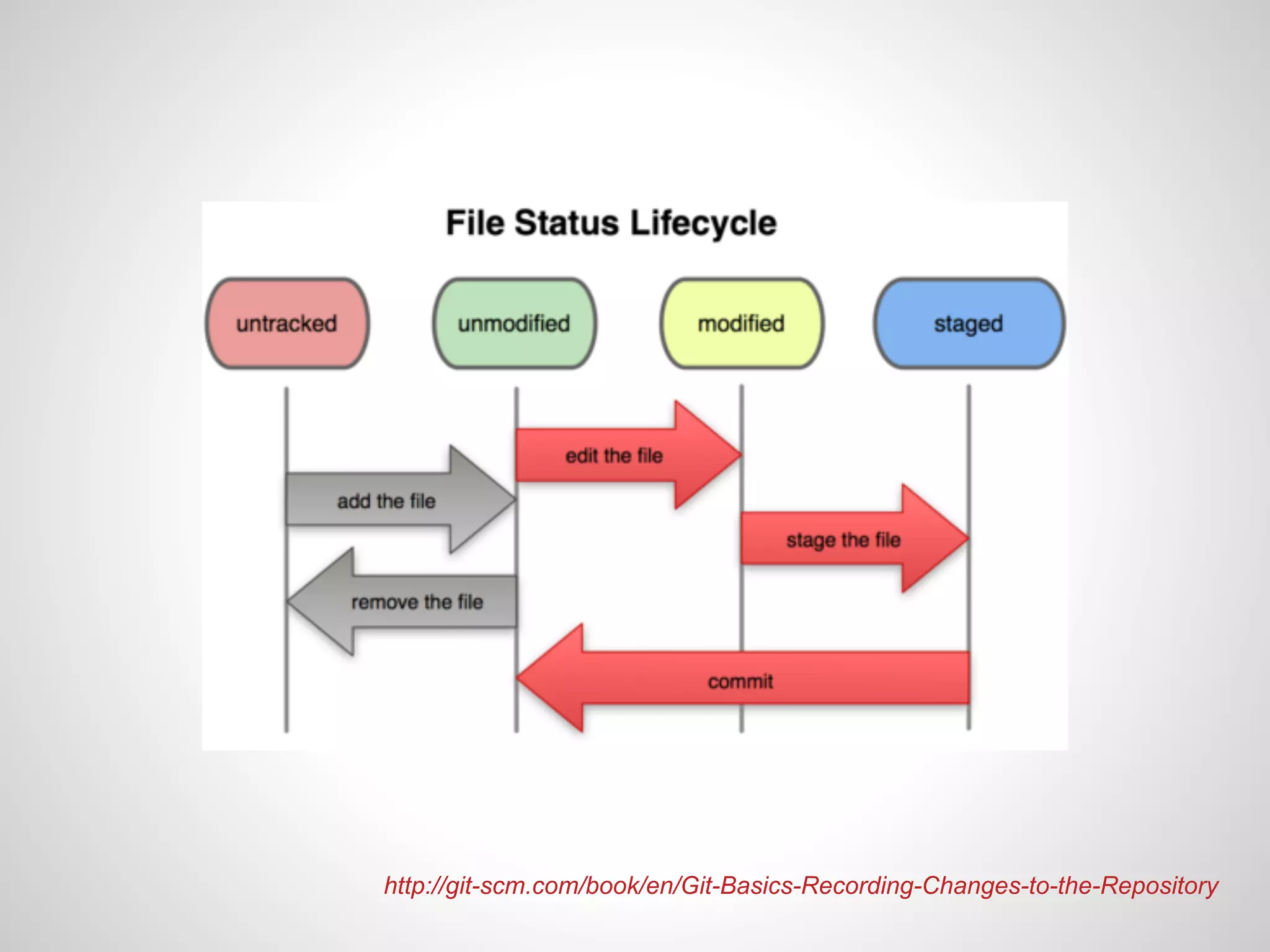
http://git-scm.com/book/en/Git-Basics-Recording-Changes-to-the-Repository
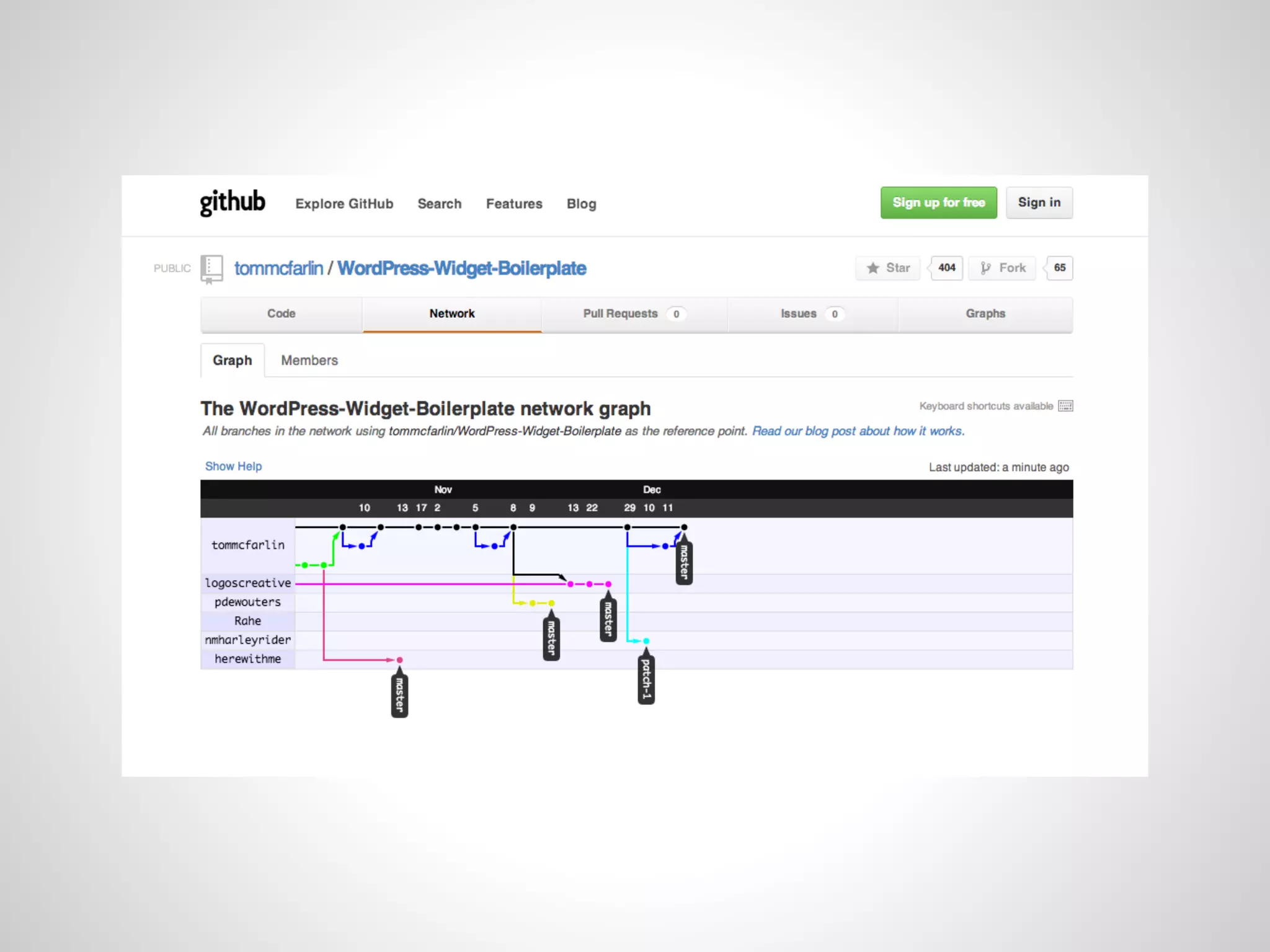
BRANCHING
Branching encourages
     a few things
Frictionless Context Switching
   Feature Based Workflow
 Disposable Experimentation


                            http://git-scm.com/about
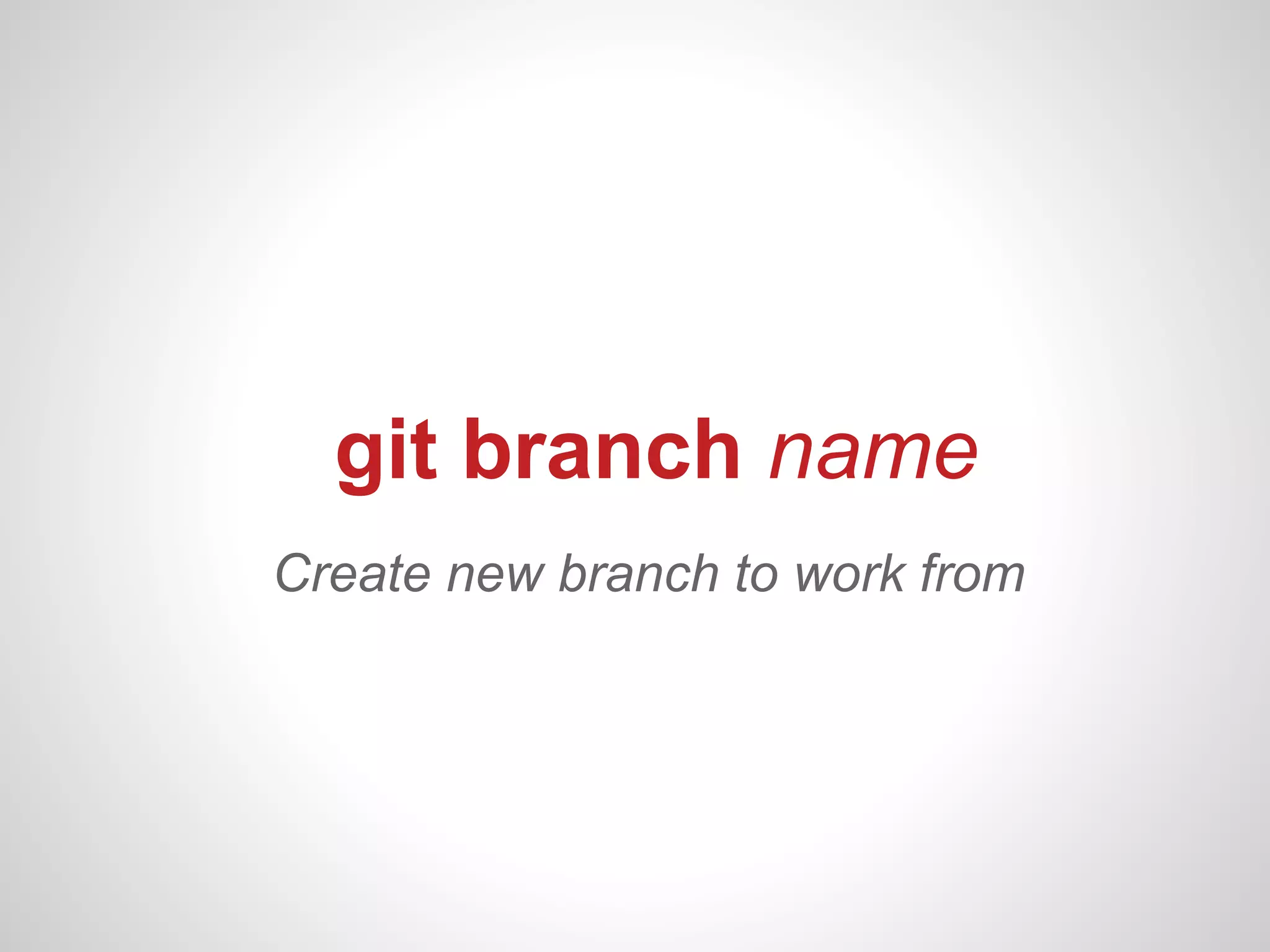
git branch name
Create new branch to work from
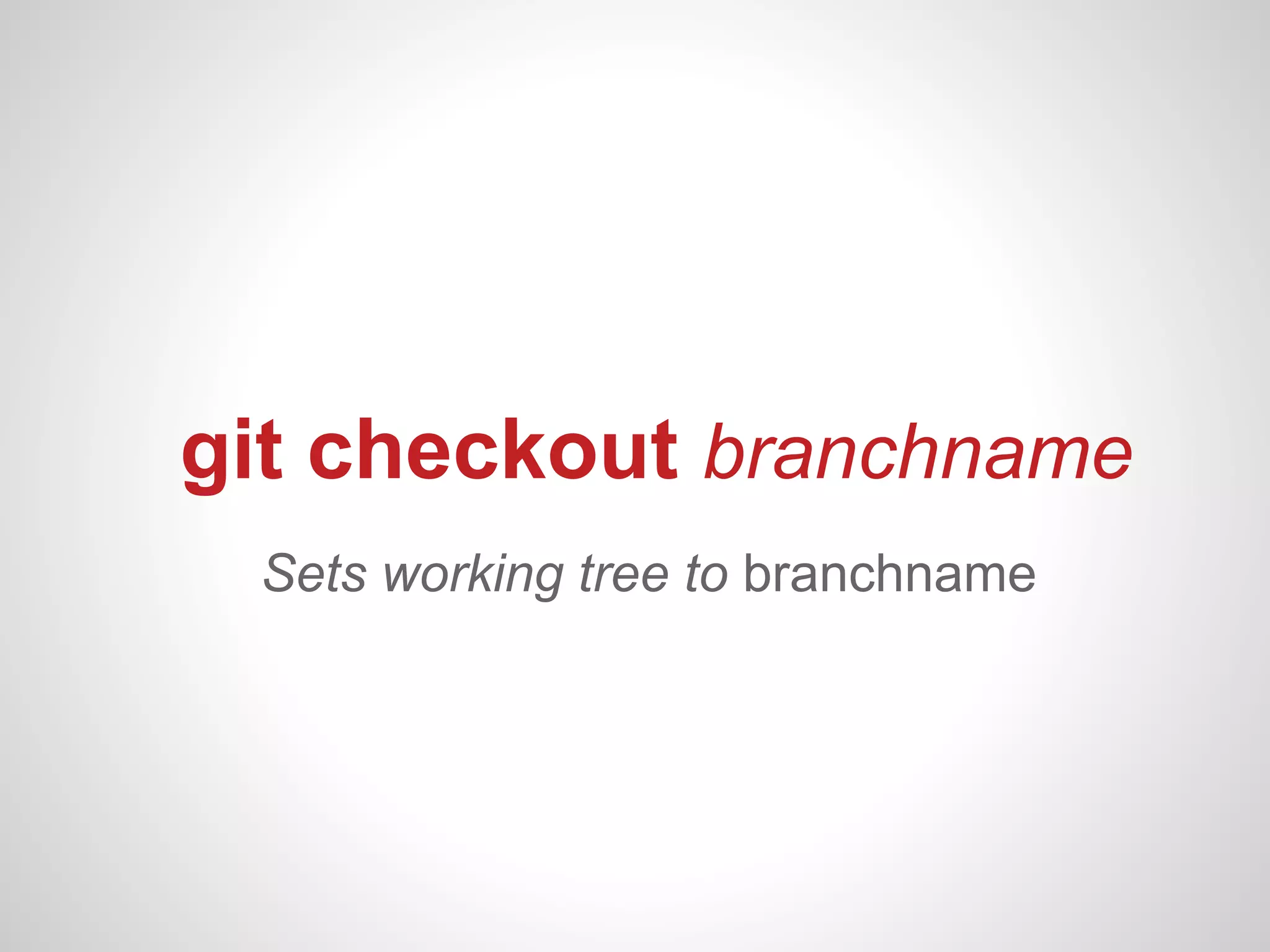
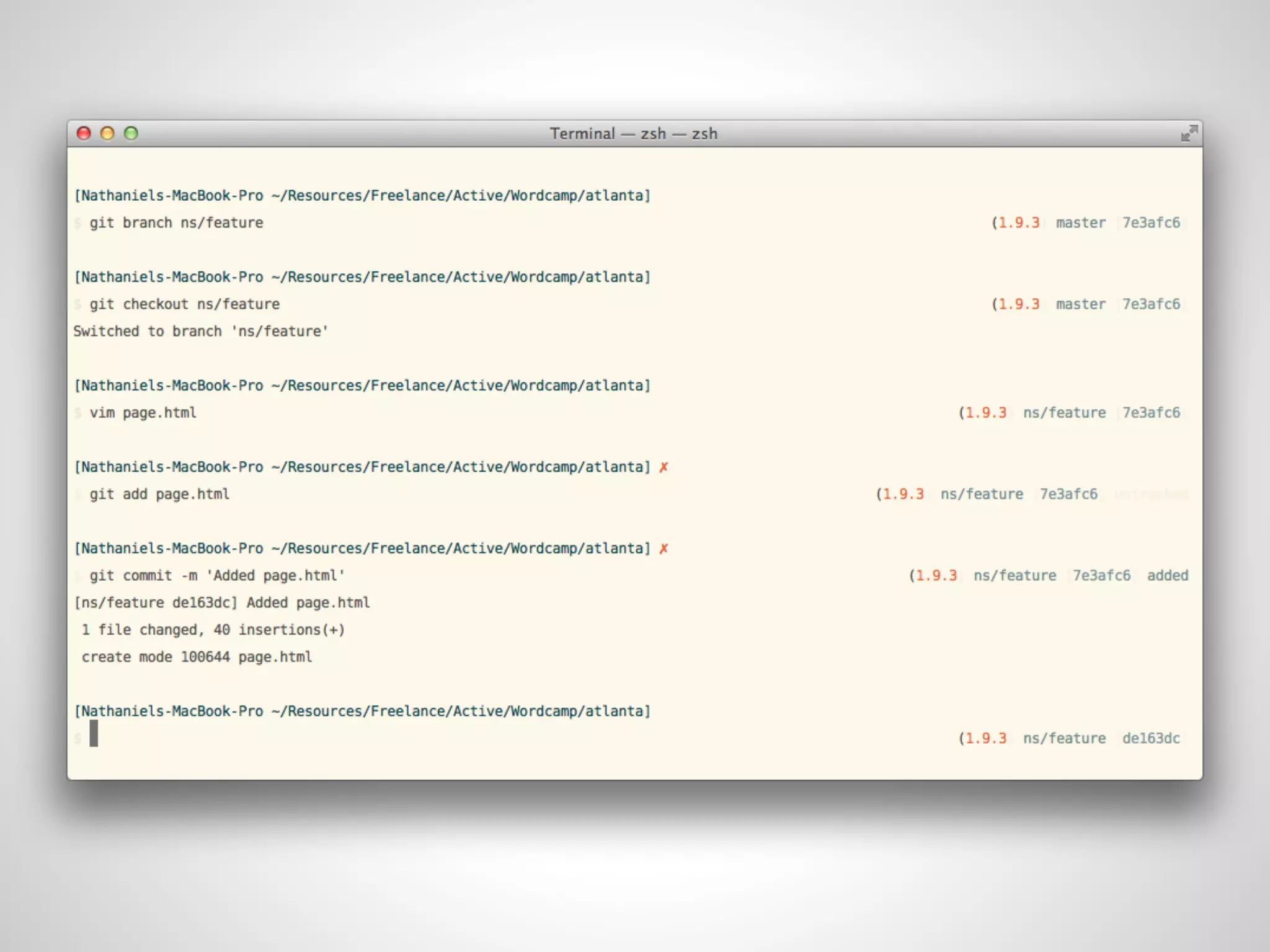
git checkout branchname
 Sets working tree to branchname
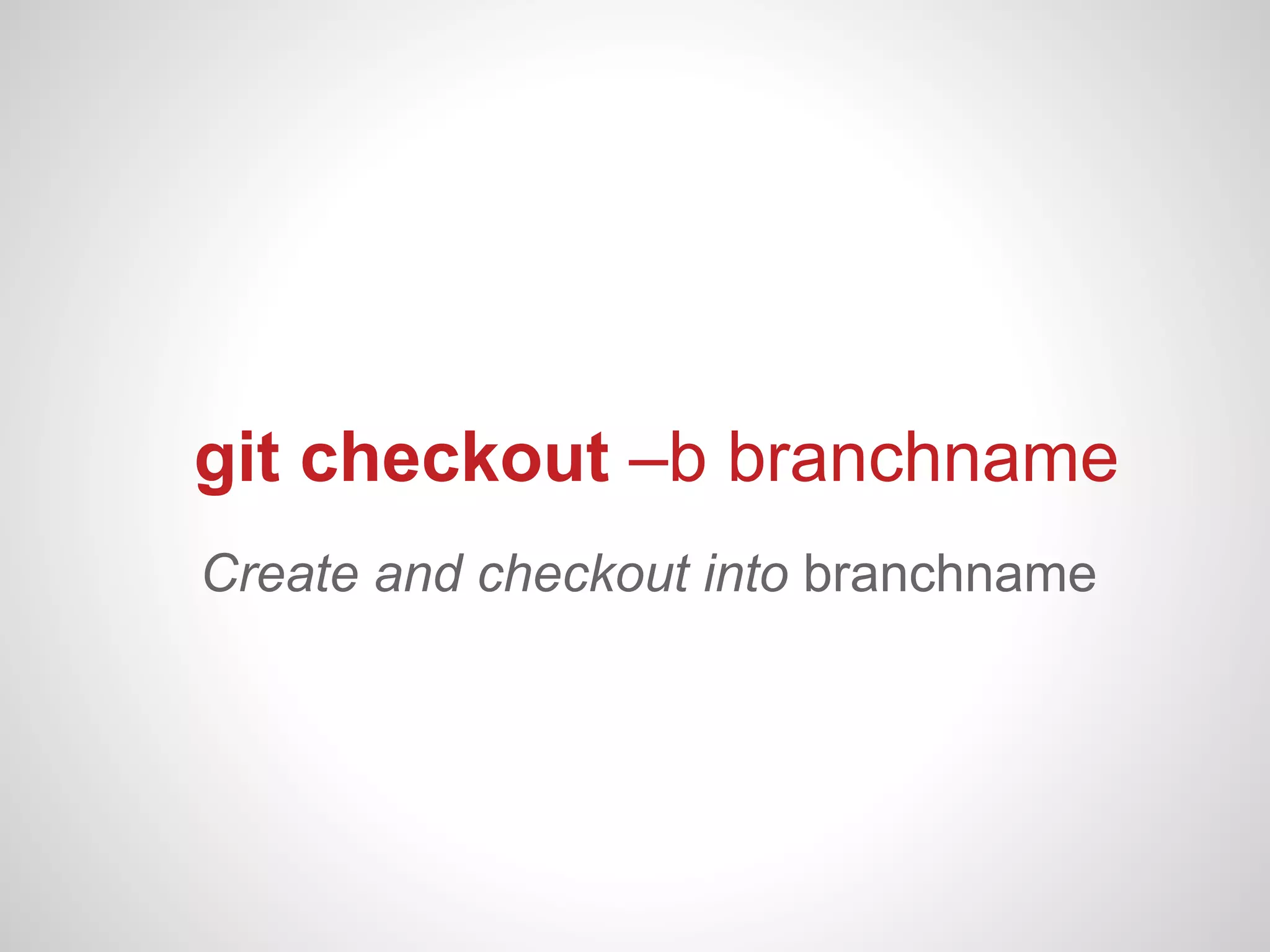
git checkout –b branchname
Create and checkout into branchname
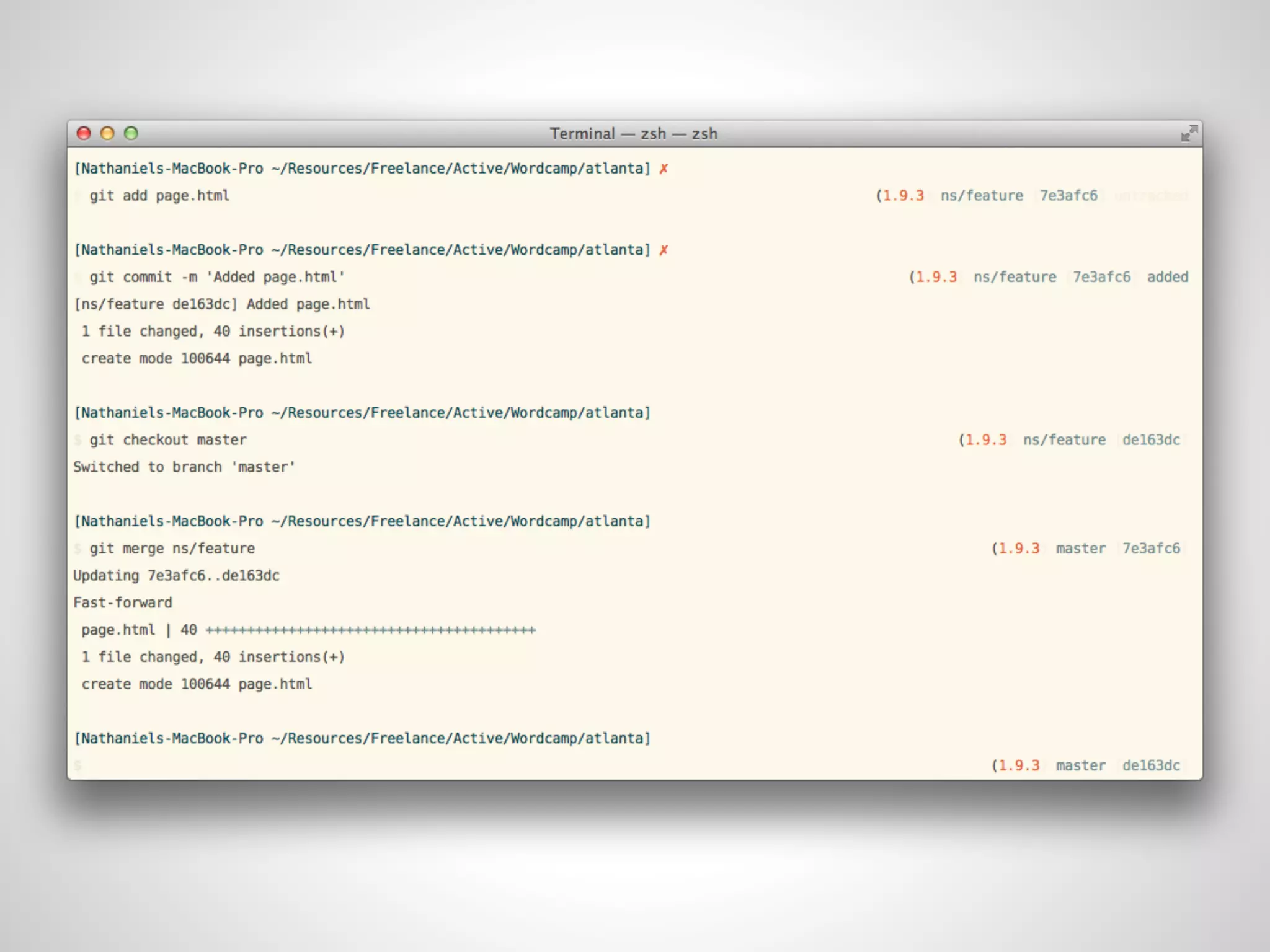
git merge branchname
Merges committed changes made in
 branchname with current branch
Repositories!
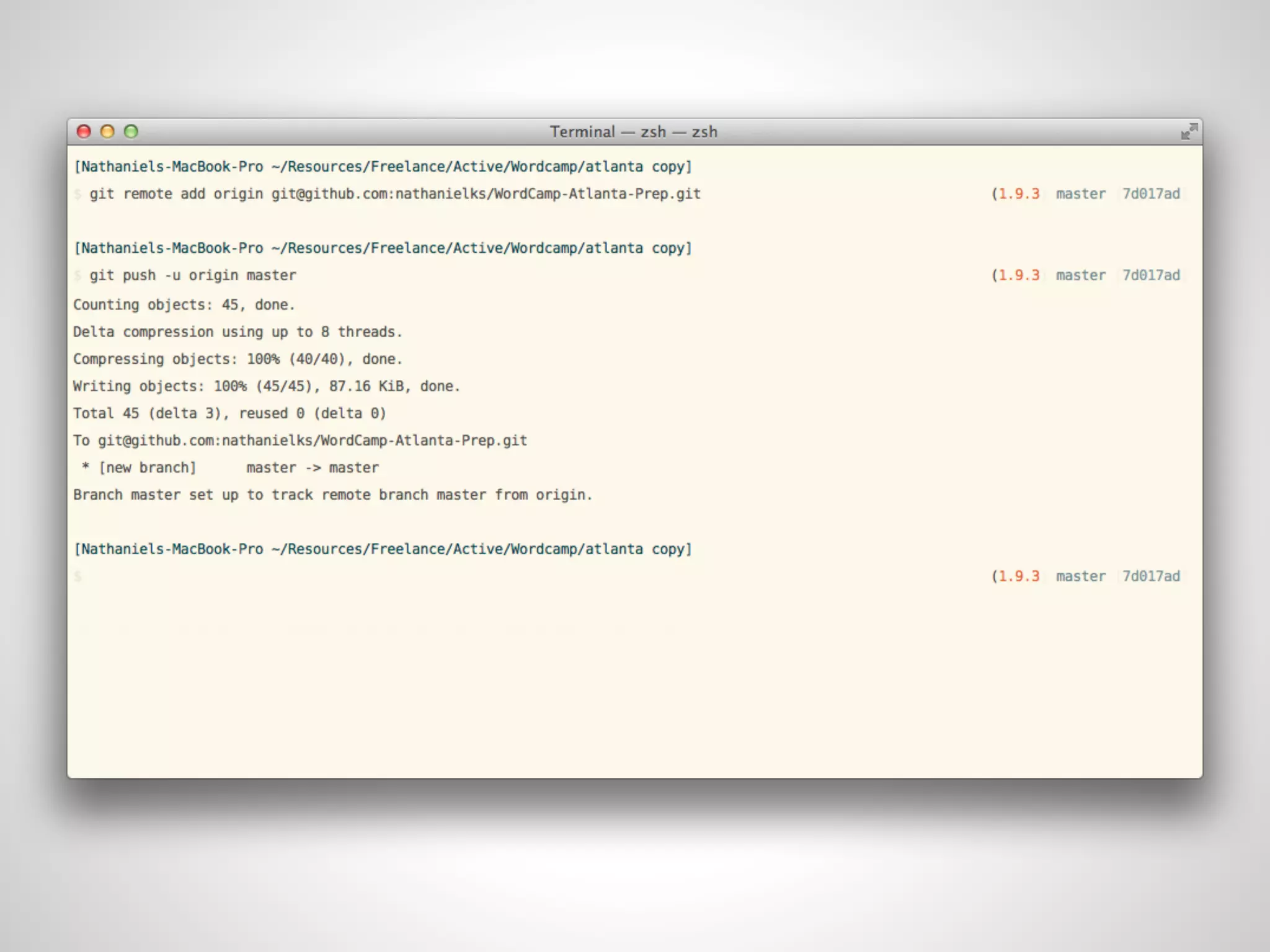
Let’s add a remote repository
Two basic actions
    git push              git pull
Pushes changes to    Pulls changes from
   remote repo          remote repo
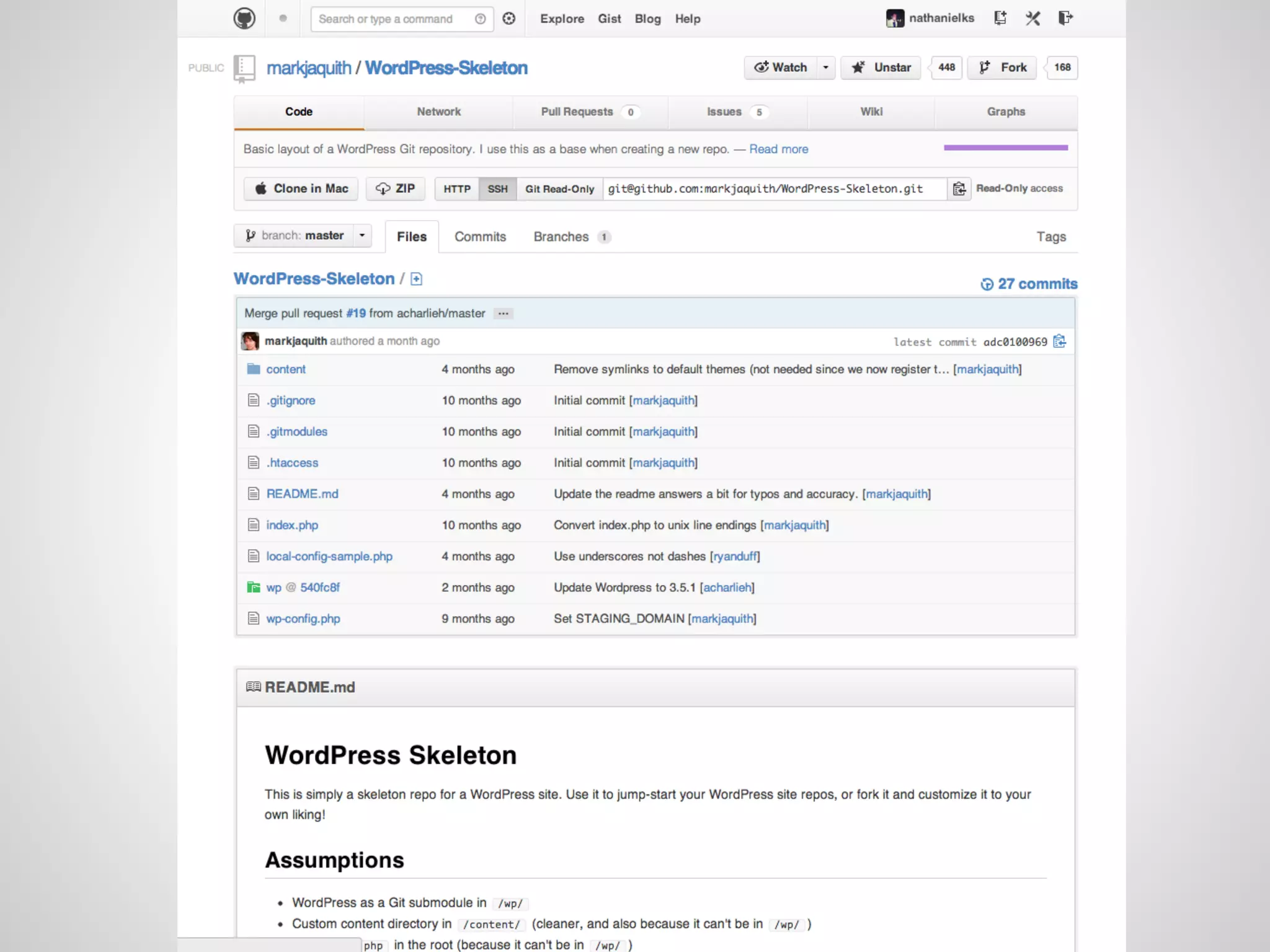
Let’s integrate with
   WordPress!
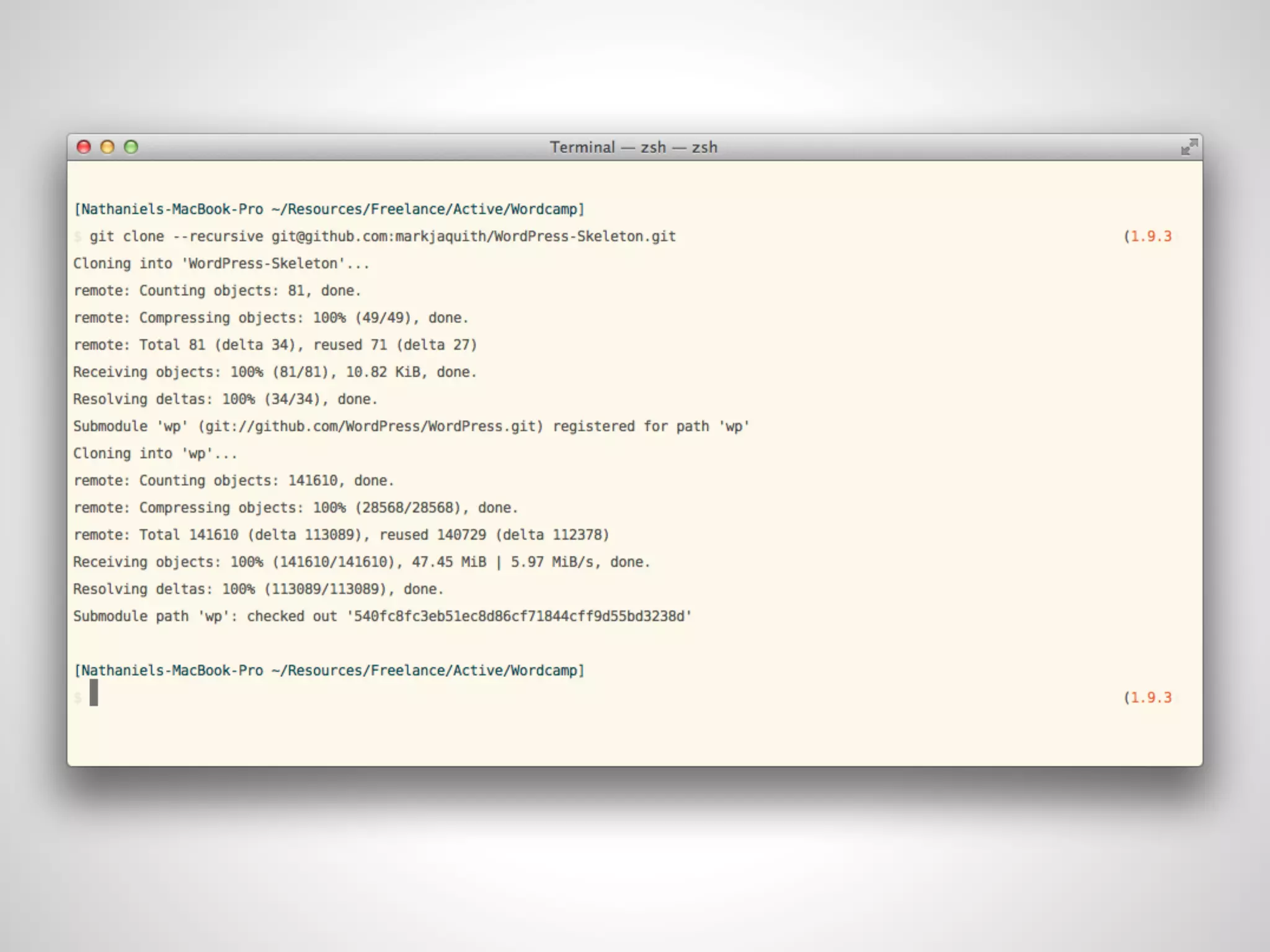
git clone
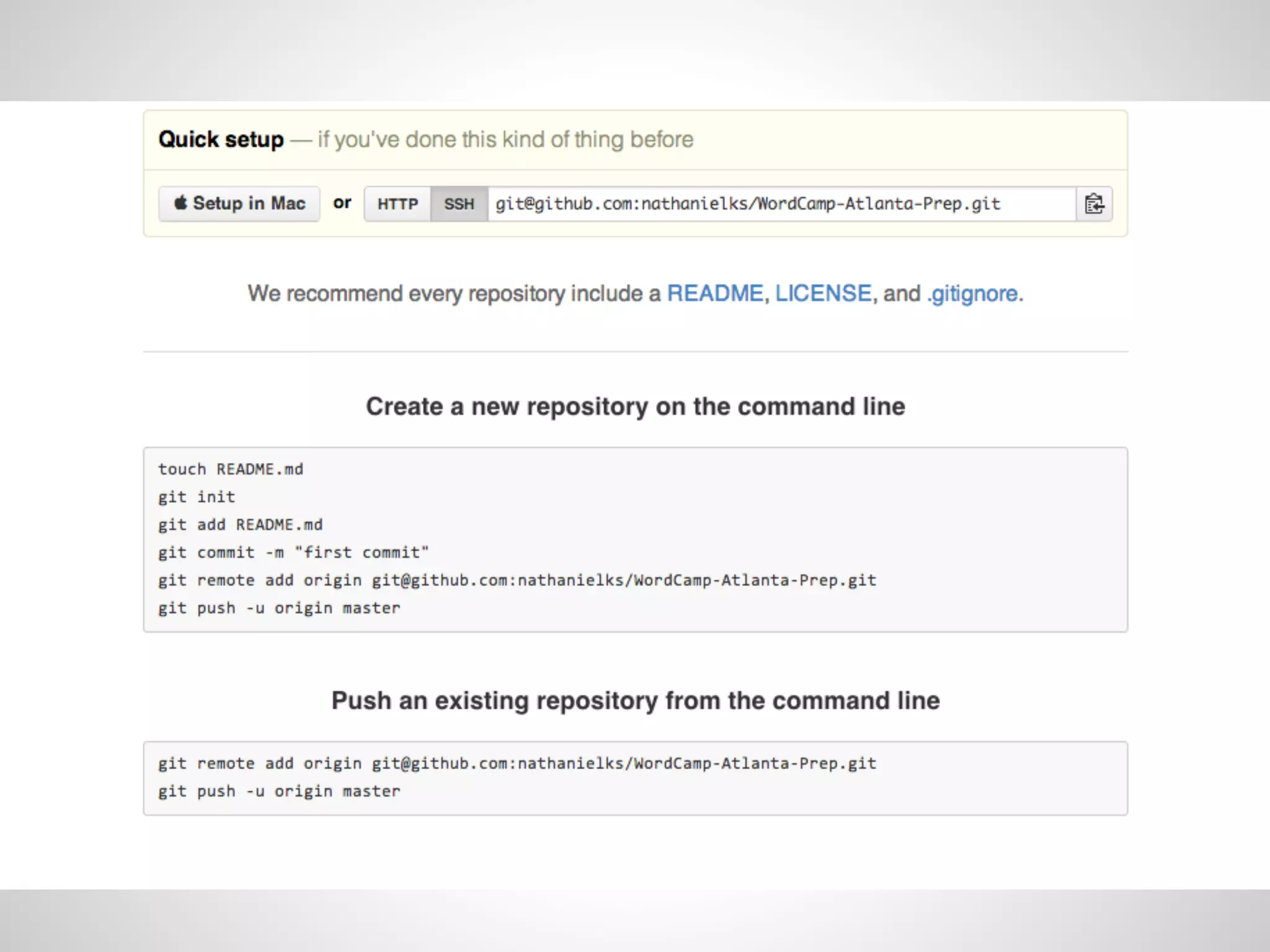
Use git clone to duplicate
a remote repository locally
Submodules!
  Submodules allow you to keep separate
sections of your code under source control
            ( repos within repos )
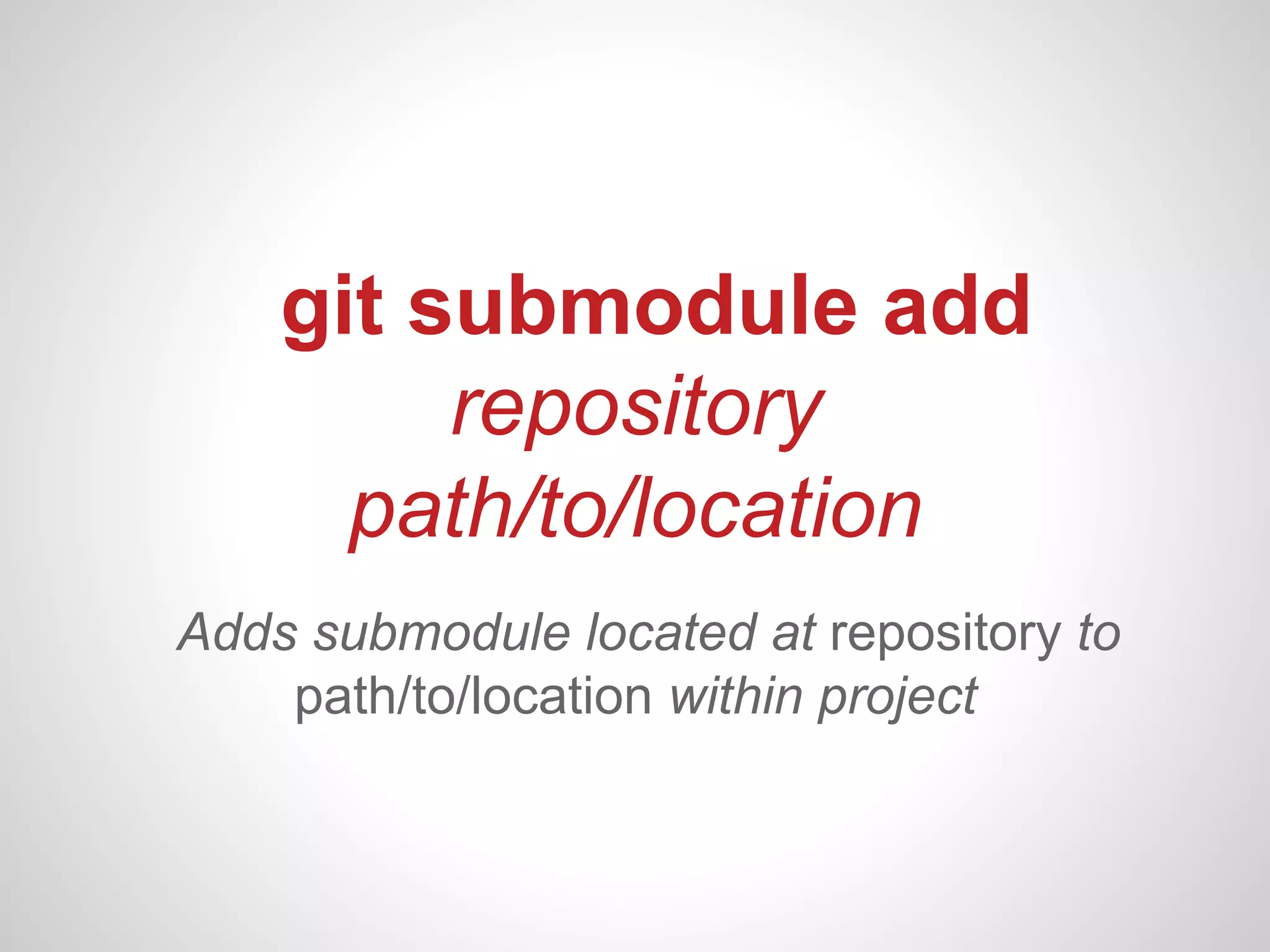
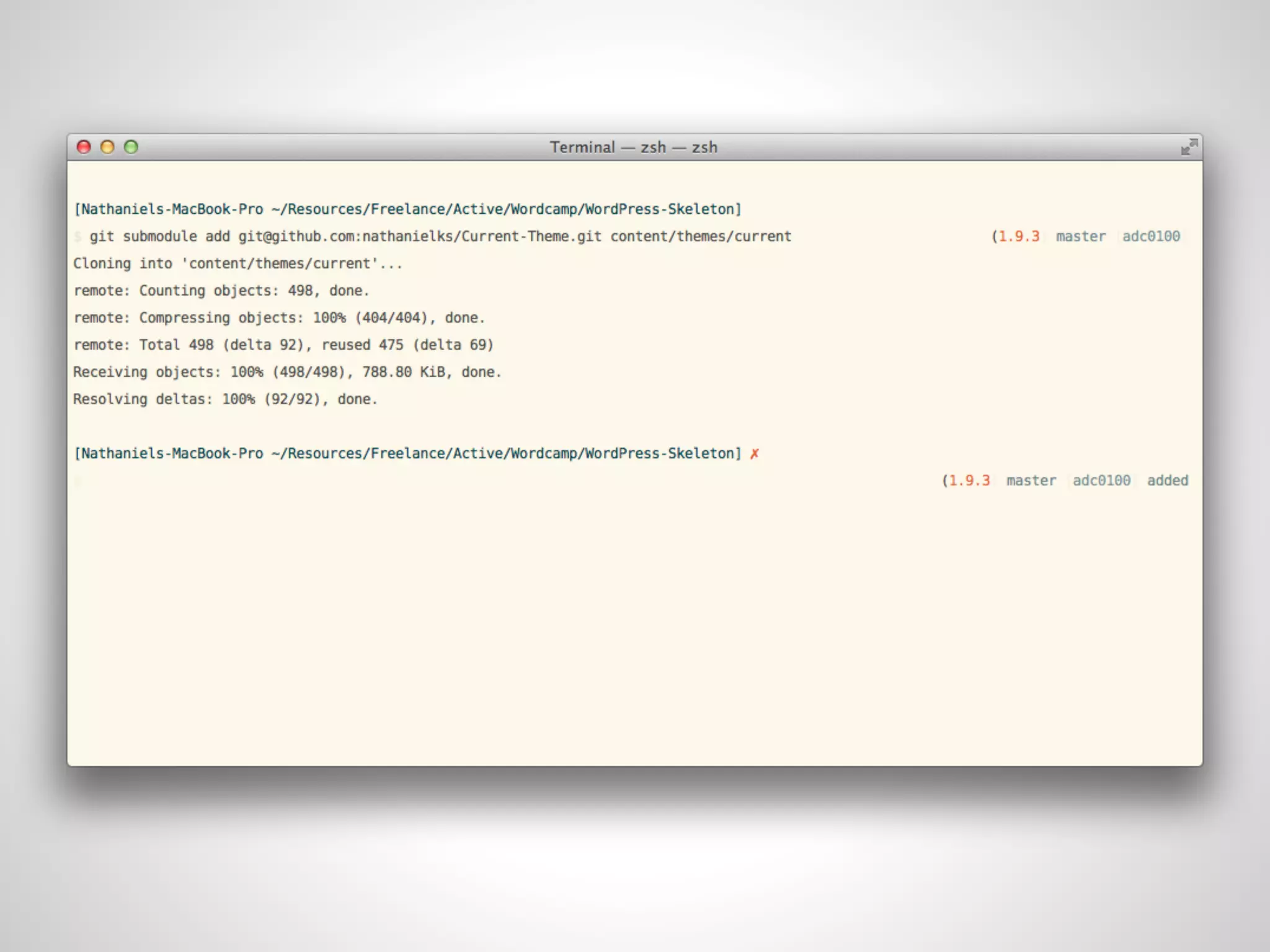
git submodule add
         repository
      path/to/location
Adds submodule located at repository to
    path/to/location within project
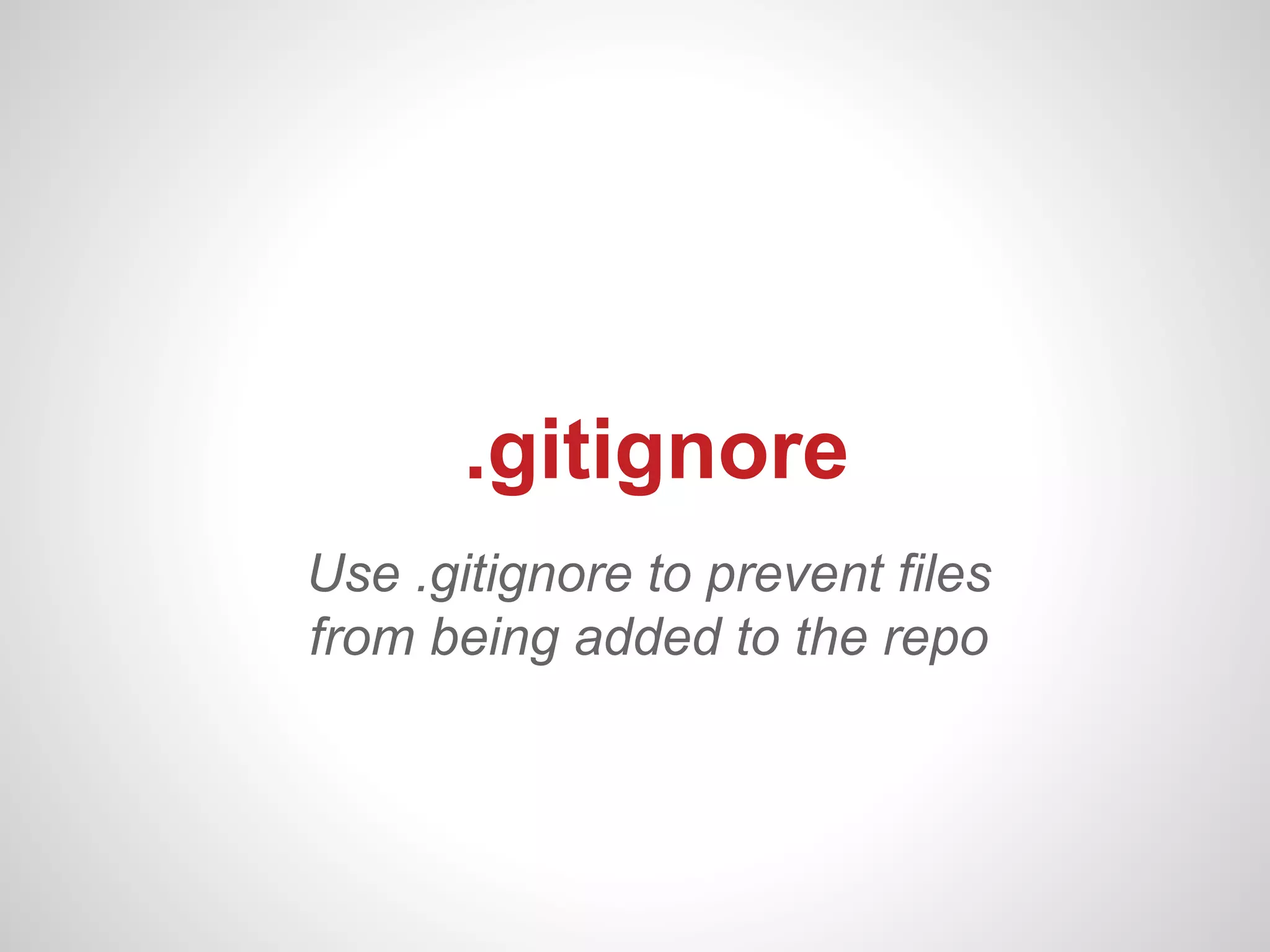
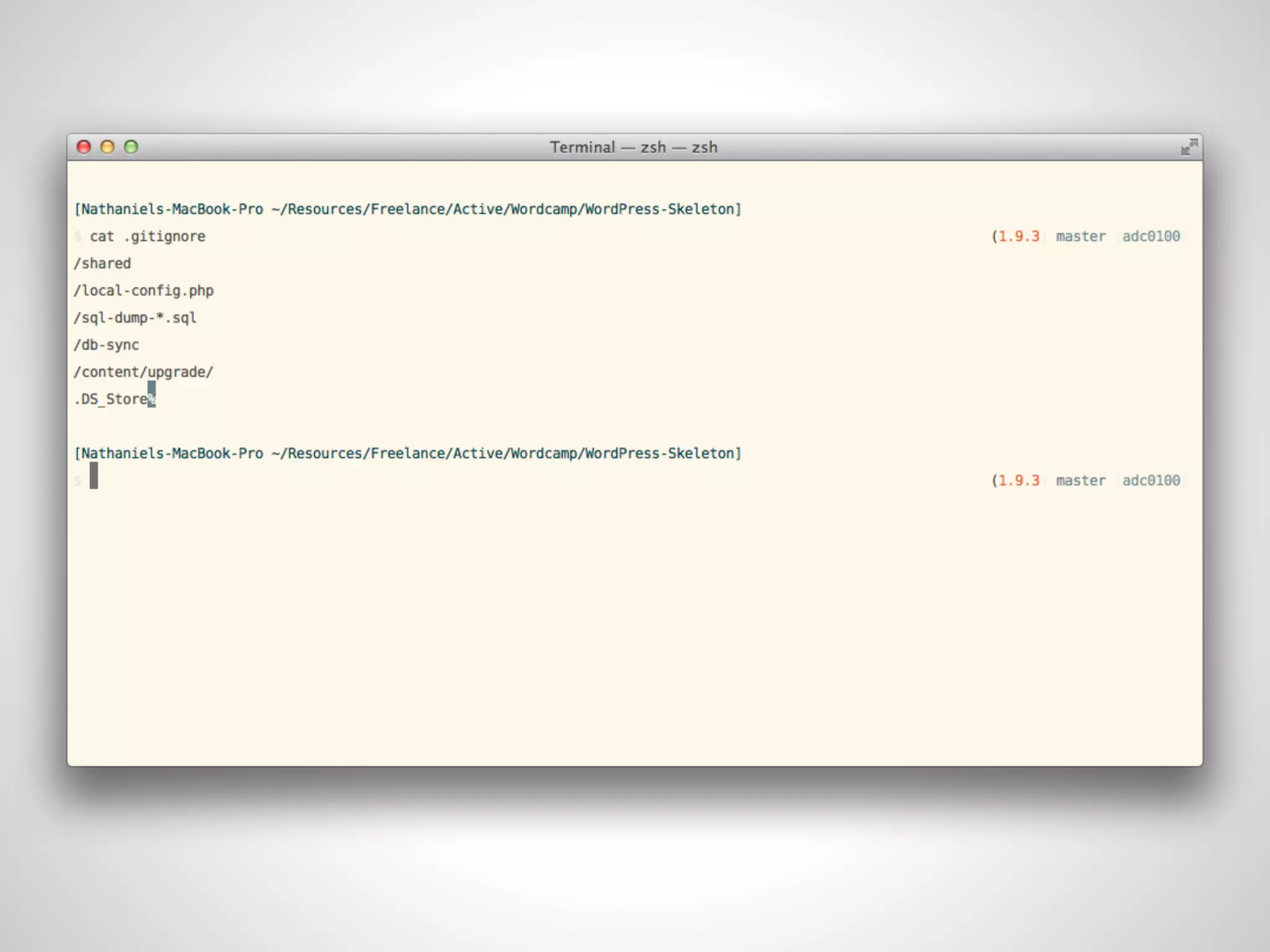
.gitignore
Use .gitignore to prevent files
from being added to the repo
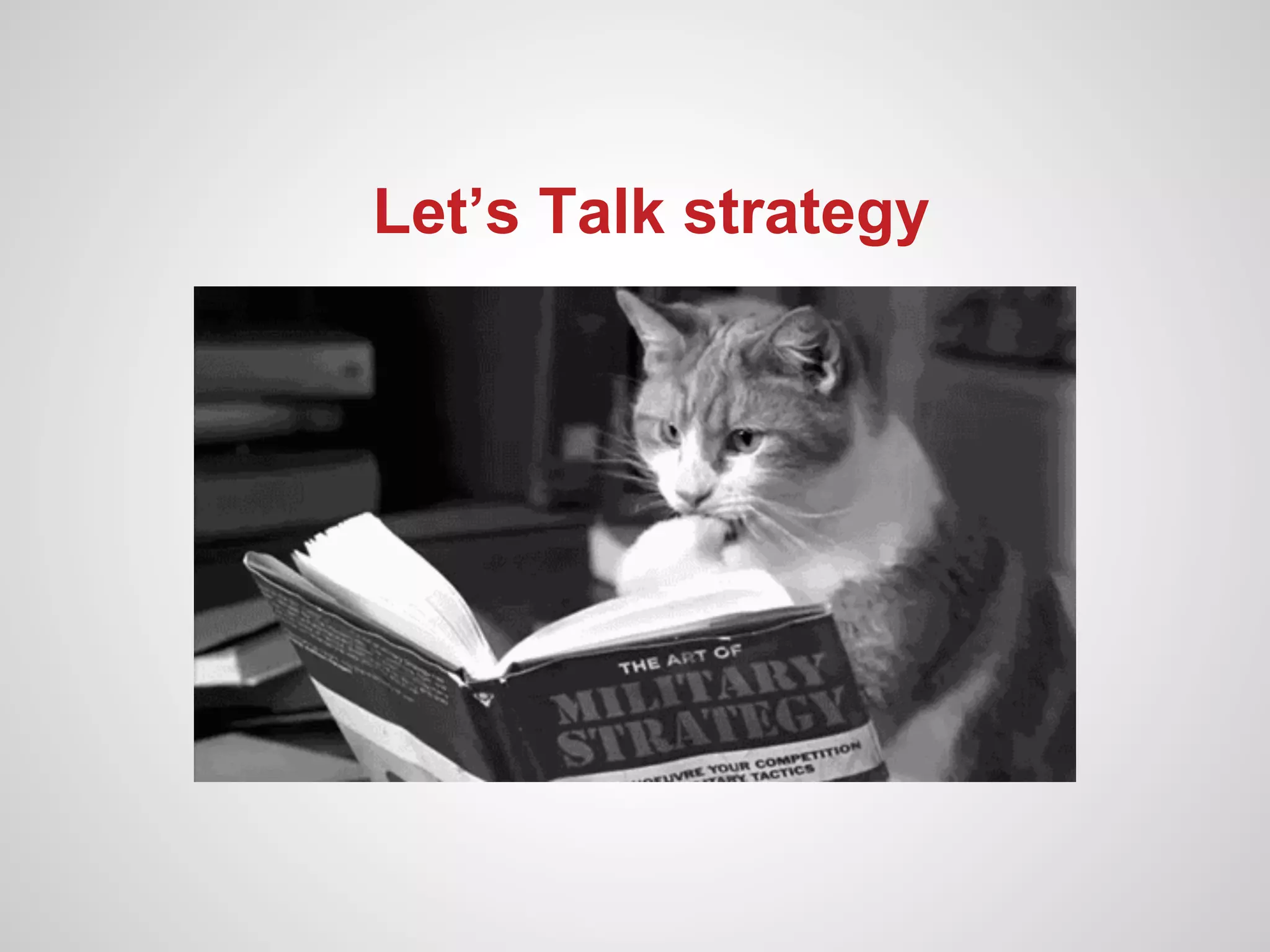
Let’s Talk strategy
Commit early,
Commit Often
Use descriptive commit
     messages!
Master branch is stable
       ONLY.
Always develop on a separate branch
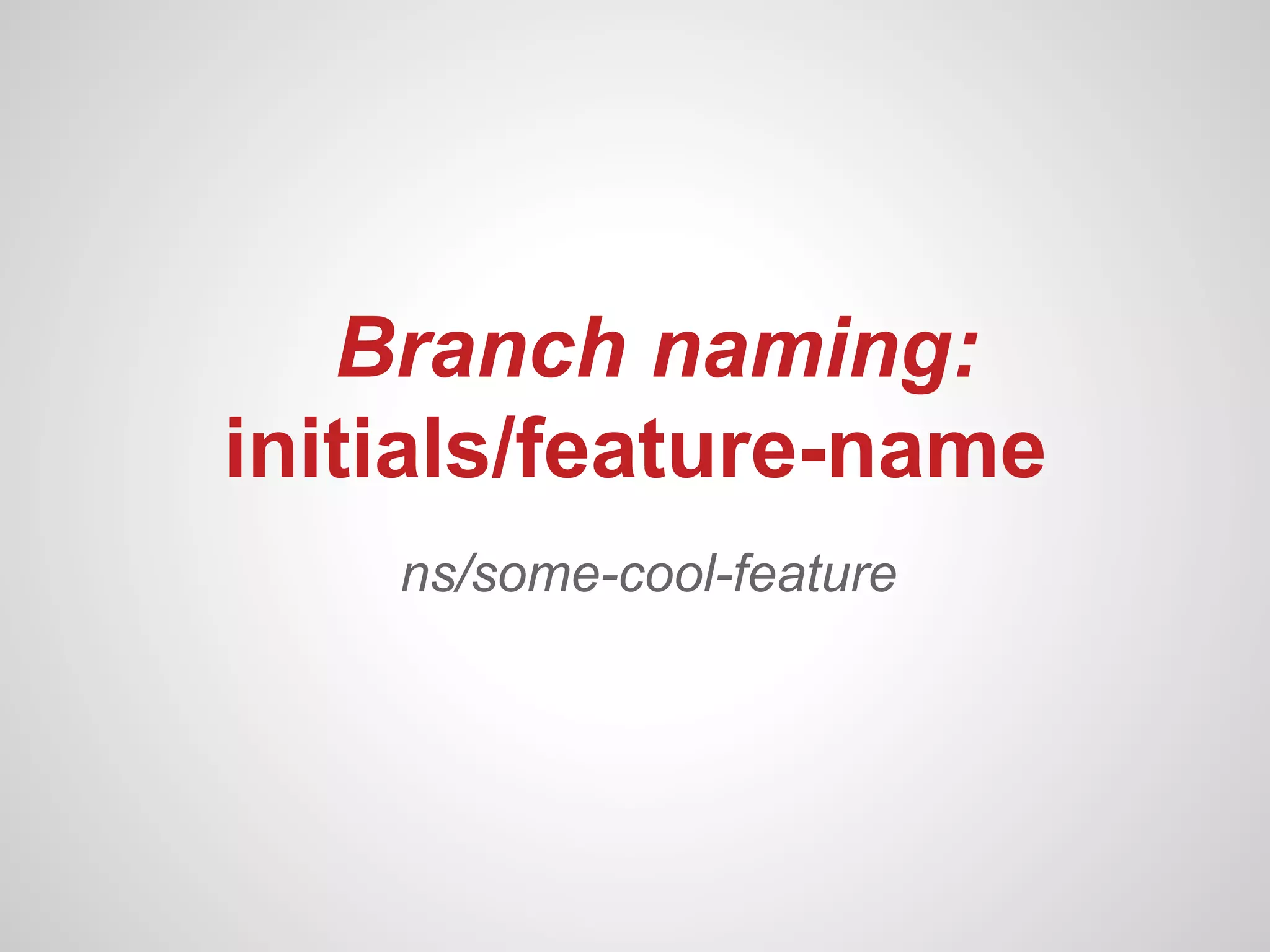
Branch naming:
initials/feature-name
    ns/some-cool-feature
Working with multiple
       Devs
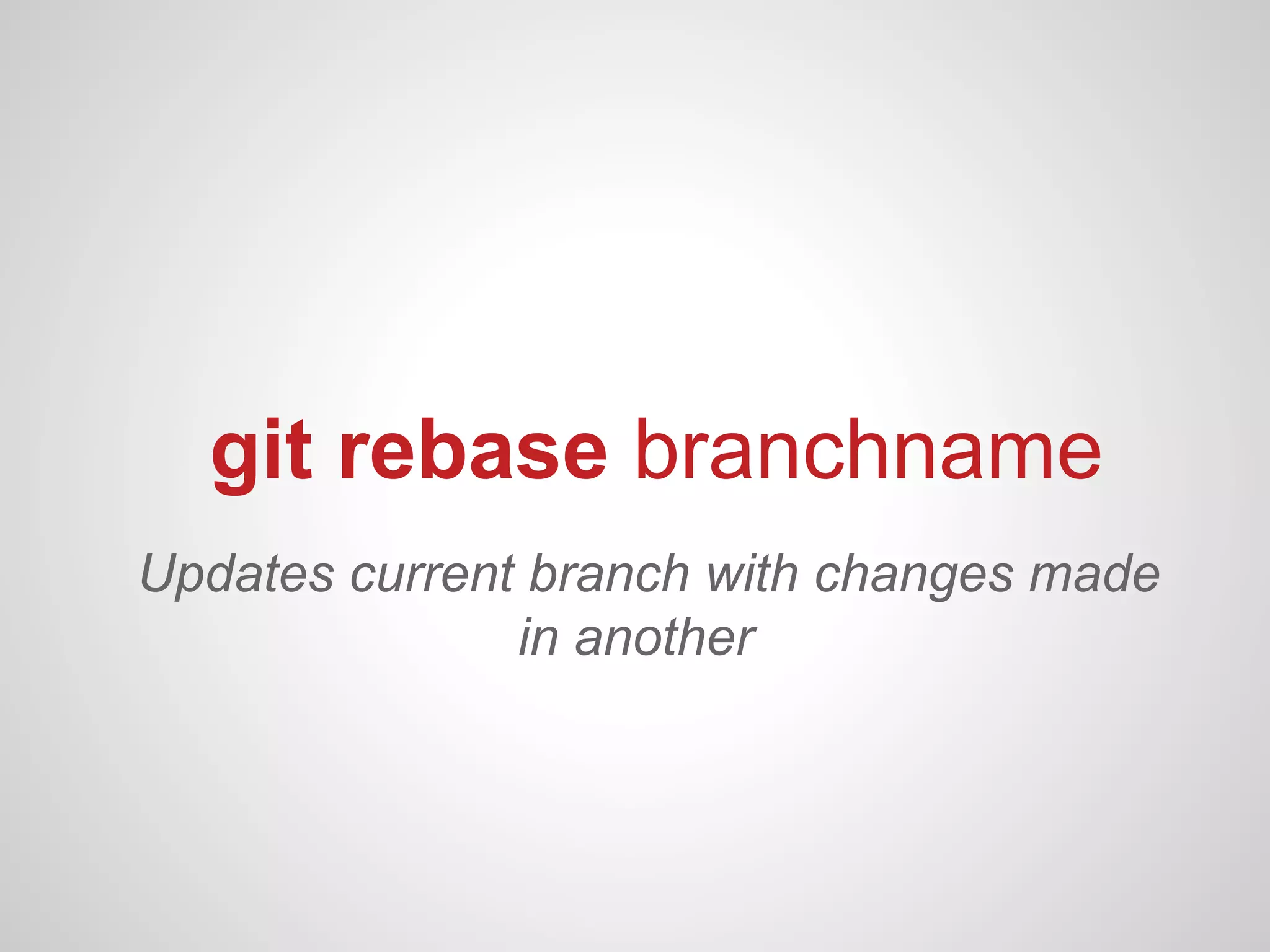
git rebase branchname
Updates current branch with changes made
               in another
Resources:
http://bit.ly/WhatTheGit
Nathaniel Schweinberg
       @nathanielks
    FightTheCurrent.org

What the Git? - WordCamp Atlanta