Integrating the cloud into your web operationsMike Richwalsky, John Carroll UniversityPhoto by Marco Fulle
Hello, my name is…Director of Marketing Services, John Carroll UniversityTechnology Fellow, NITLEBlog: HighEdWebTech.comFB/TWIT: mrichwalsky
Go Pens.
What is the cloud?Use of external infrastructure to solve internal technology issues and needsUse resources only as you need themScale up and down quickly and easilyPay only for what you use.
Why look to the cloud?
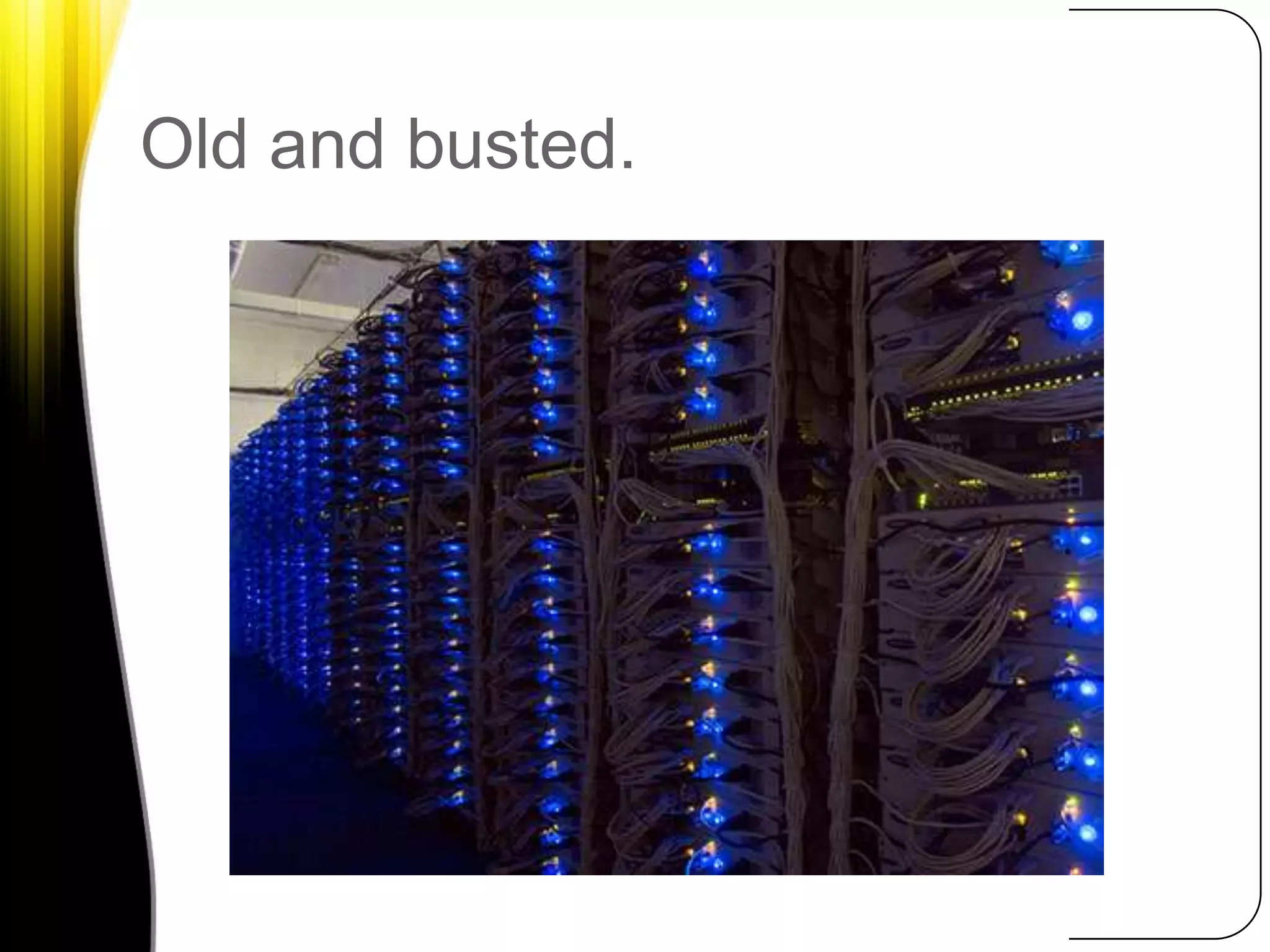
Old and busted.
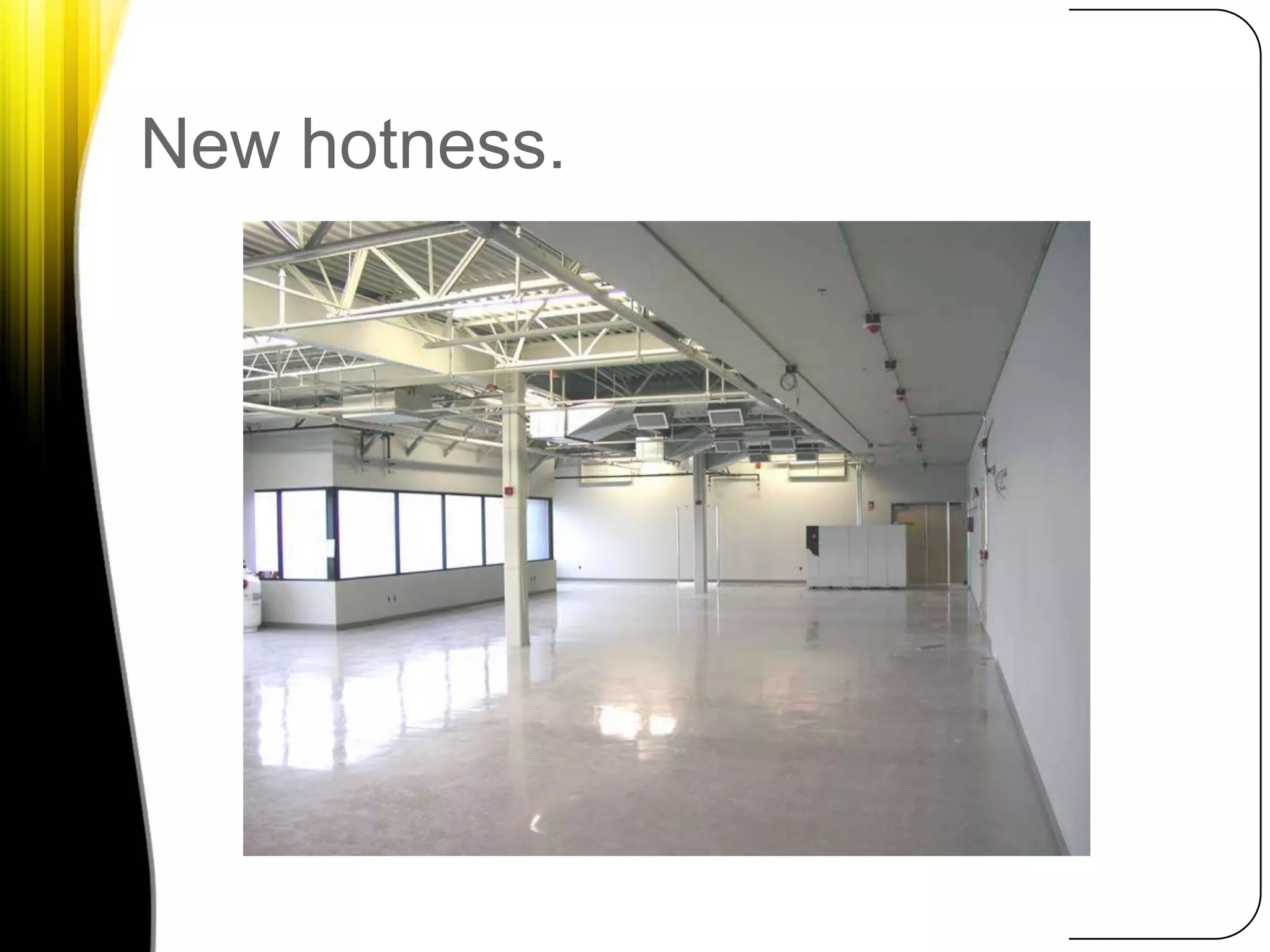
New hotness.
It can cost less to take advantage of external infrastructure than building your own from scratch, especially for short-term projects.
It’s not all or nothing.
How to Integrate the cloudSince our time is limited, let’s look at 3 ways you can start using the cloud today in your web development, marketing and communications efforts.
Content DeliverySpeed and reliabilityGeo-targetingBandwidth + access are cheapAsset hosting+CMS
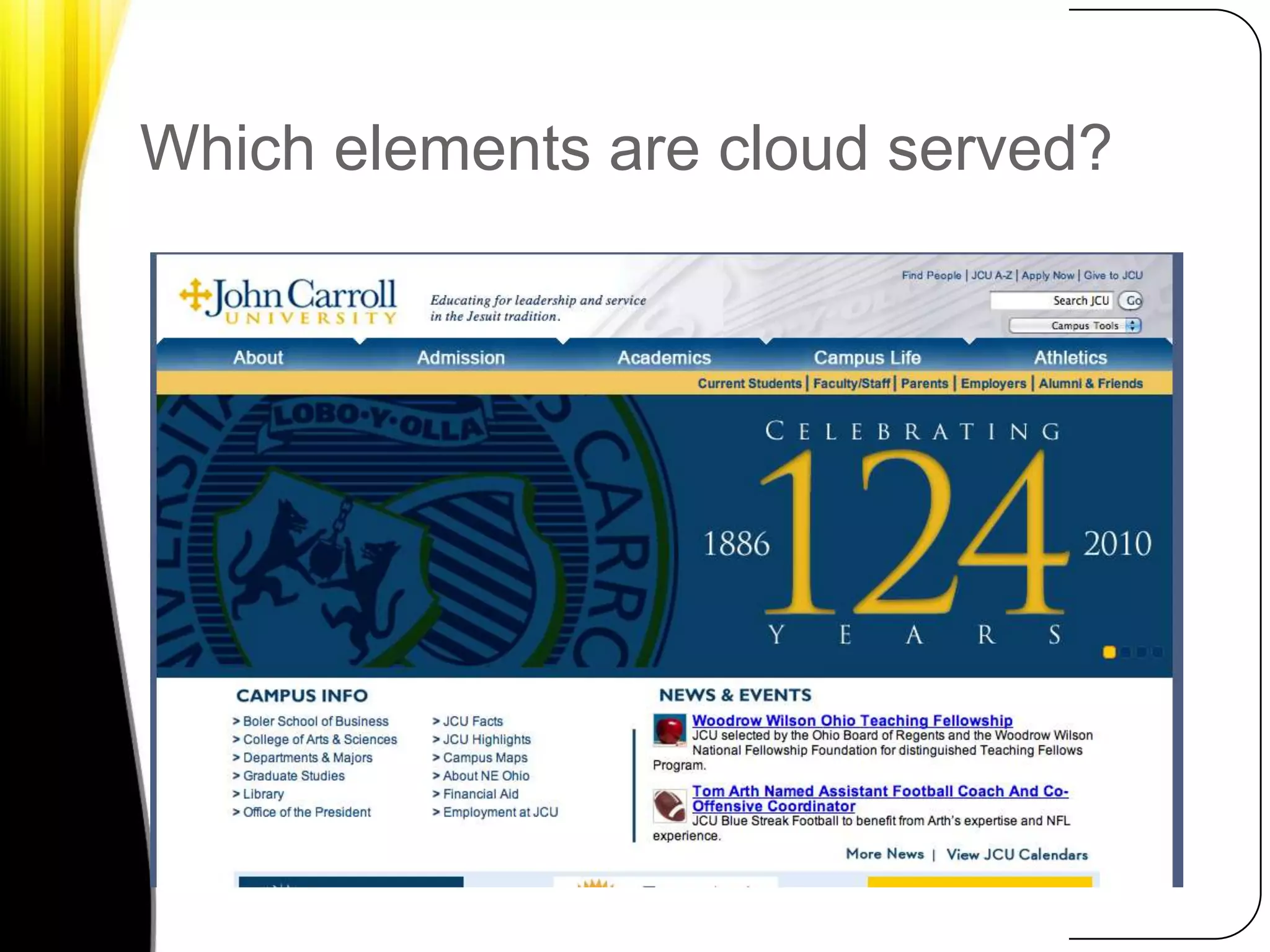
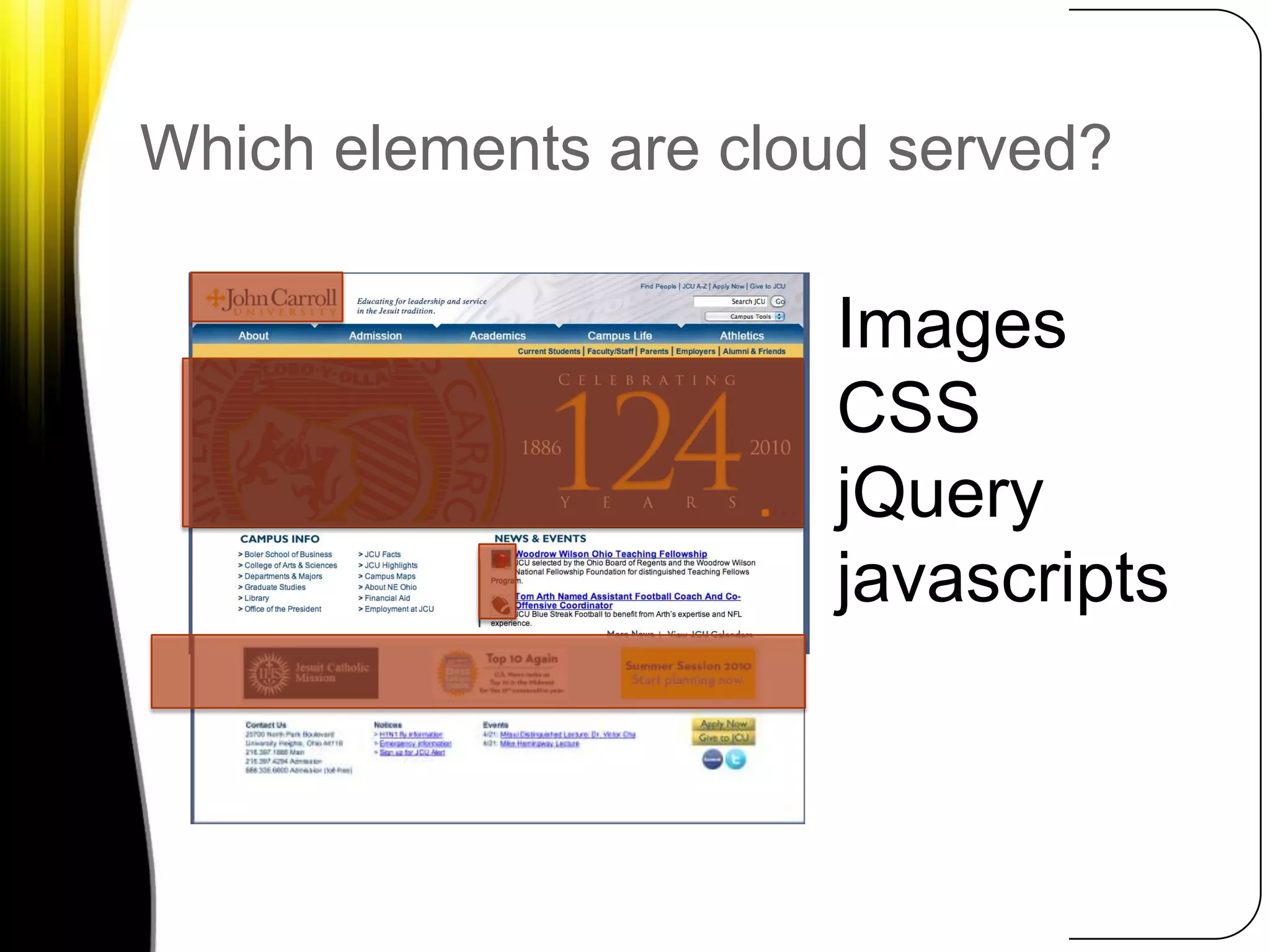
Which elements are cloud served?
Which elements are cloud served?ImagesCSSjQueryjavascripts
Case Study: Allegheny College
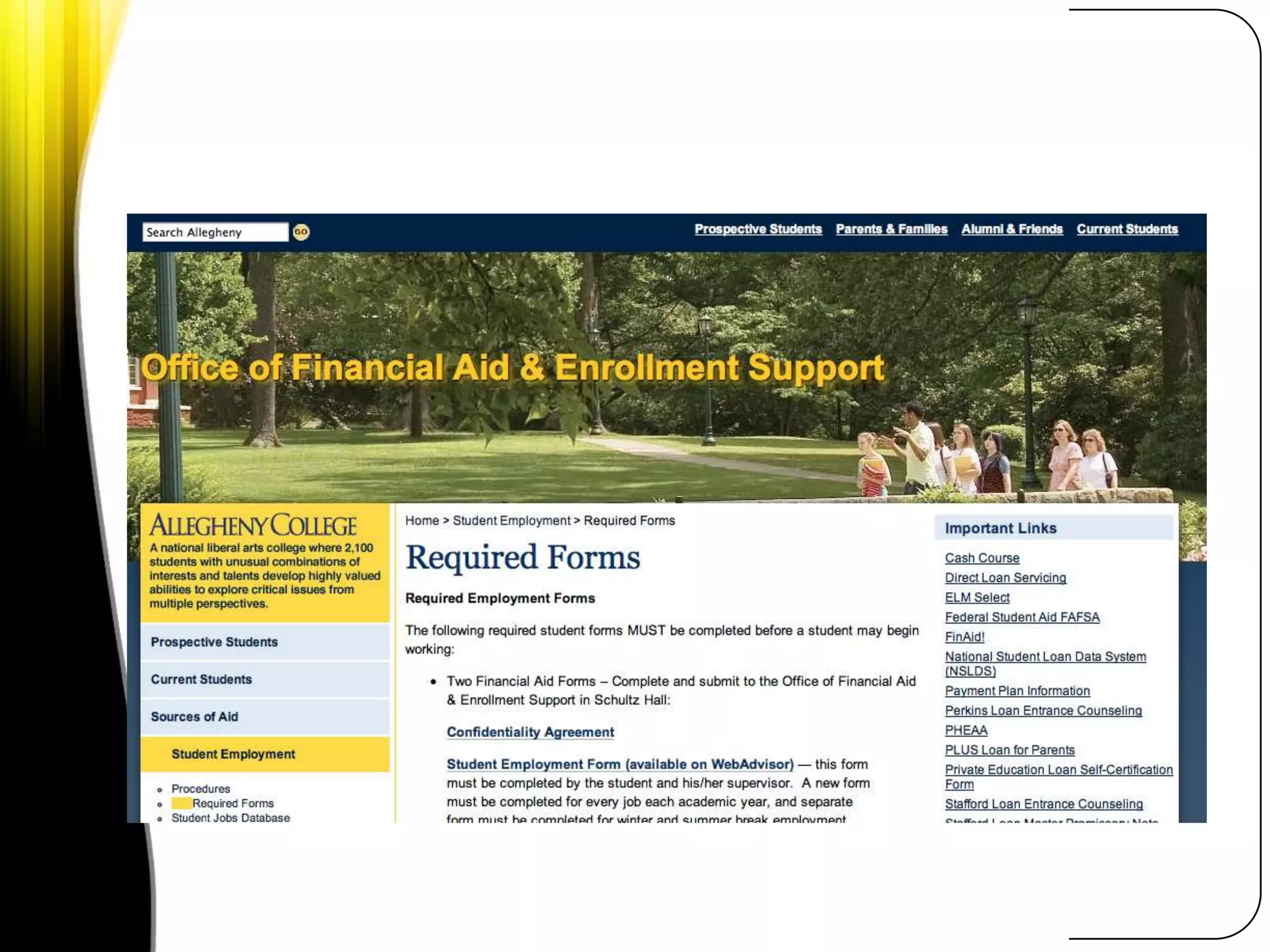
Case Study, Allegheny CollegeNeed to provide high quality video experience for fundraising effortOutsourced video hosting to Amazon S3Site handled initial load+long tailTotal Cost: $9
CMS User AssetsOn-campus: finite storageCloud: limitless storageSecurity for uploaded contentServed quickly and efficientlyCMS Plugins:WordPressJoomlaDrupal Module
Rapid DevelopmentSoftware evaluationTestingBuild out
Case Study, Pace UniversityePortfolio Platform Testing + BuildoutStarted Amazon EC2 server to develop on before launching production environment on campusTotal cost: ~$60
Backup to the cloudYes, your IT team do backupsMore is always betterCloud storage + bandwidth is inexpensive
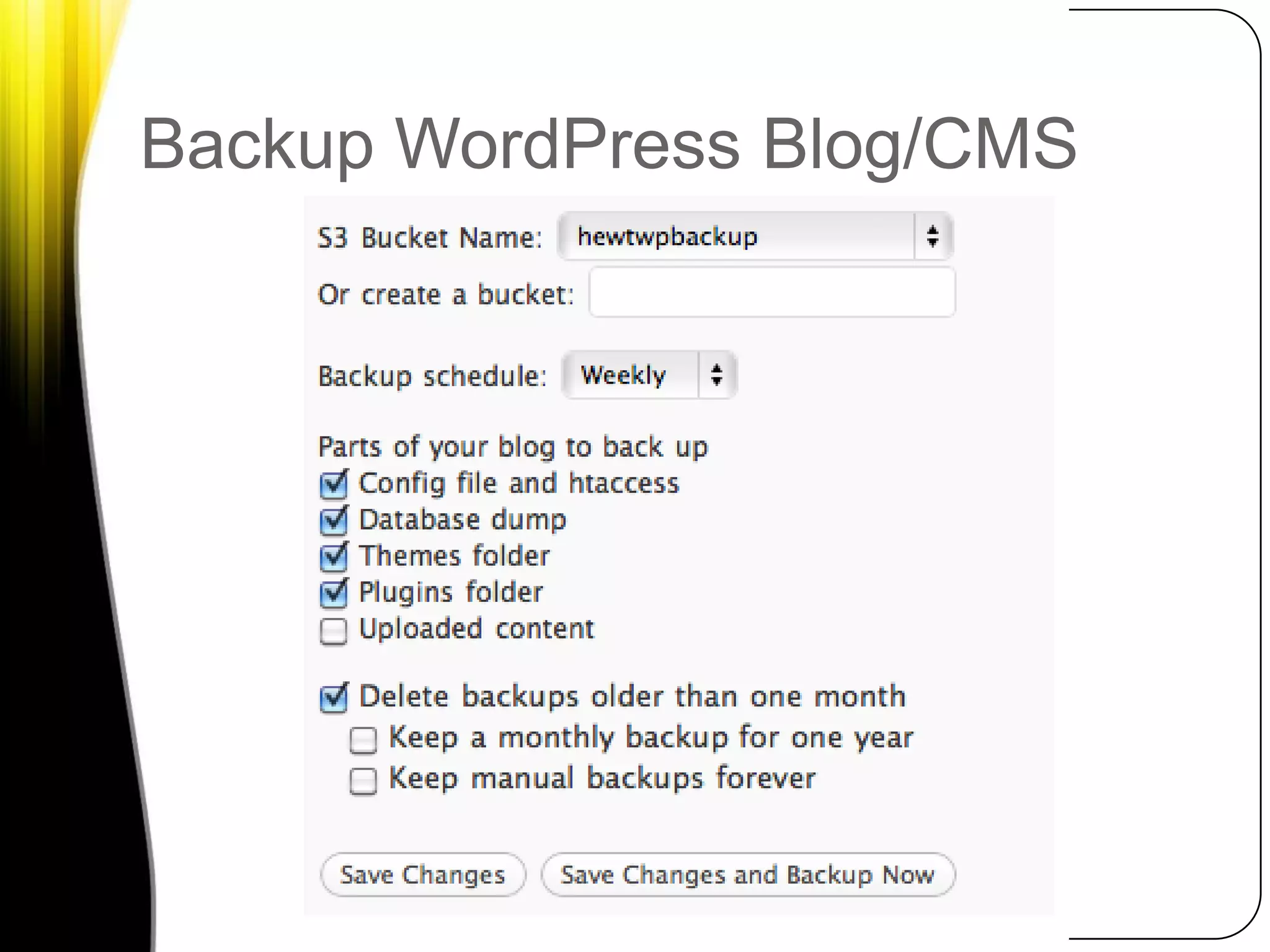
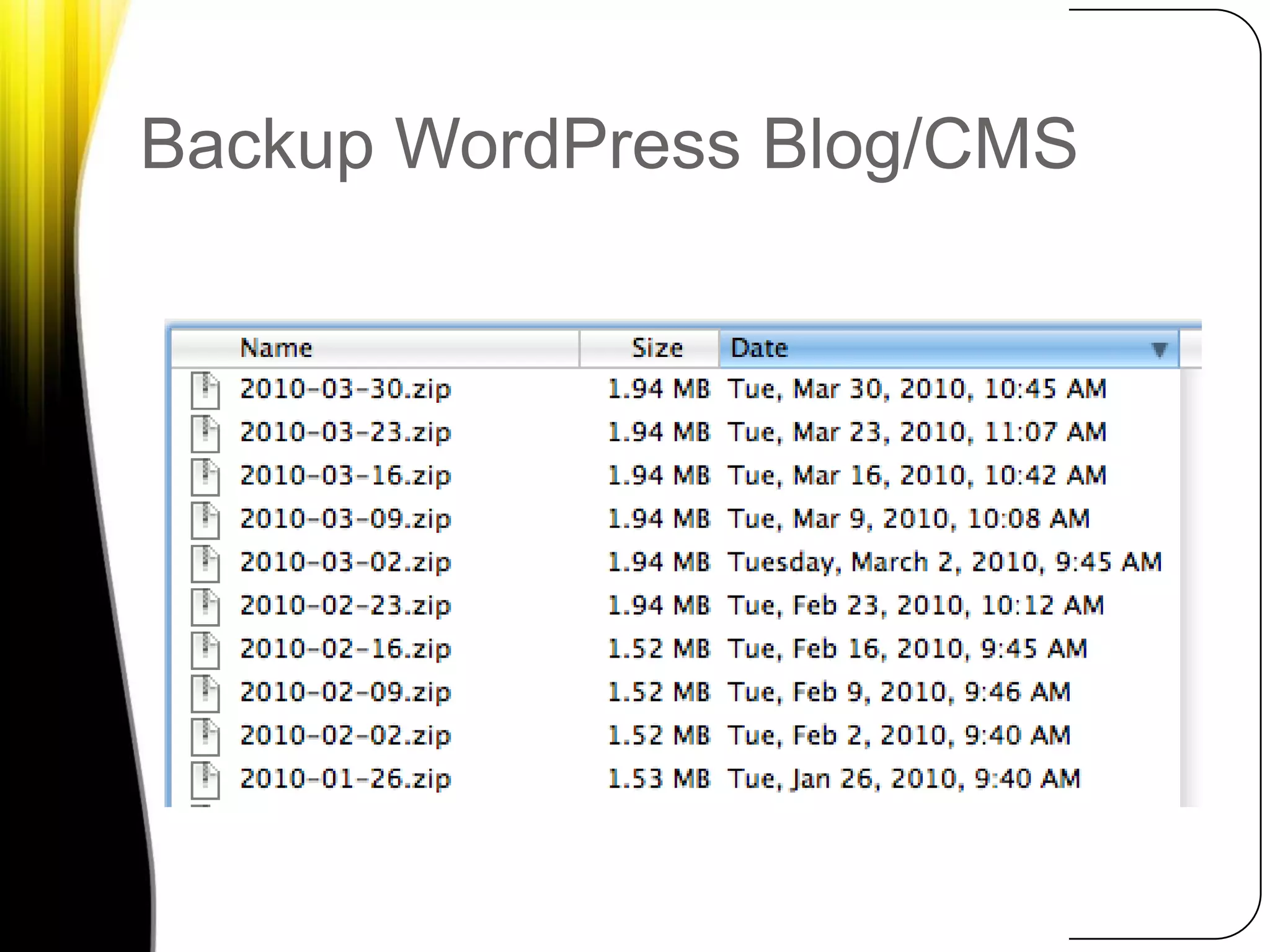
Backup WordPress Blog/CMS
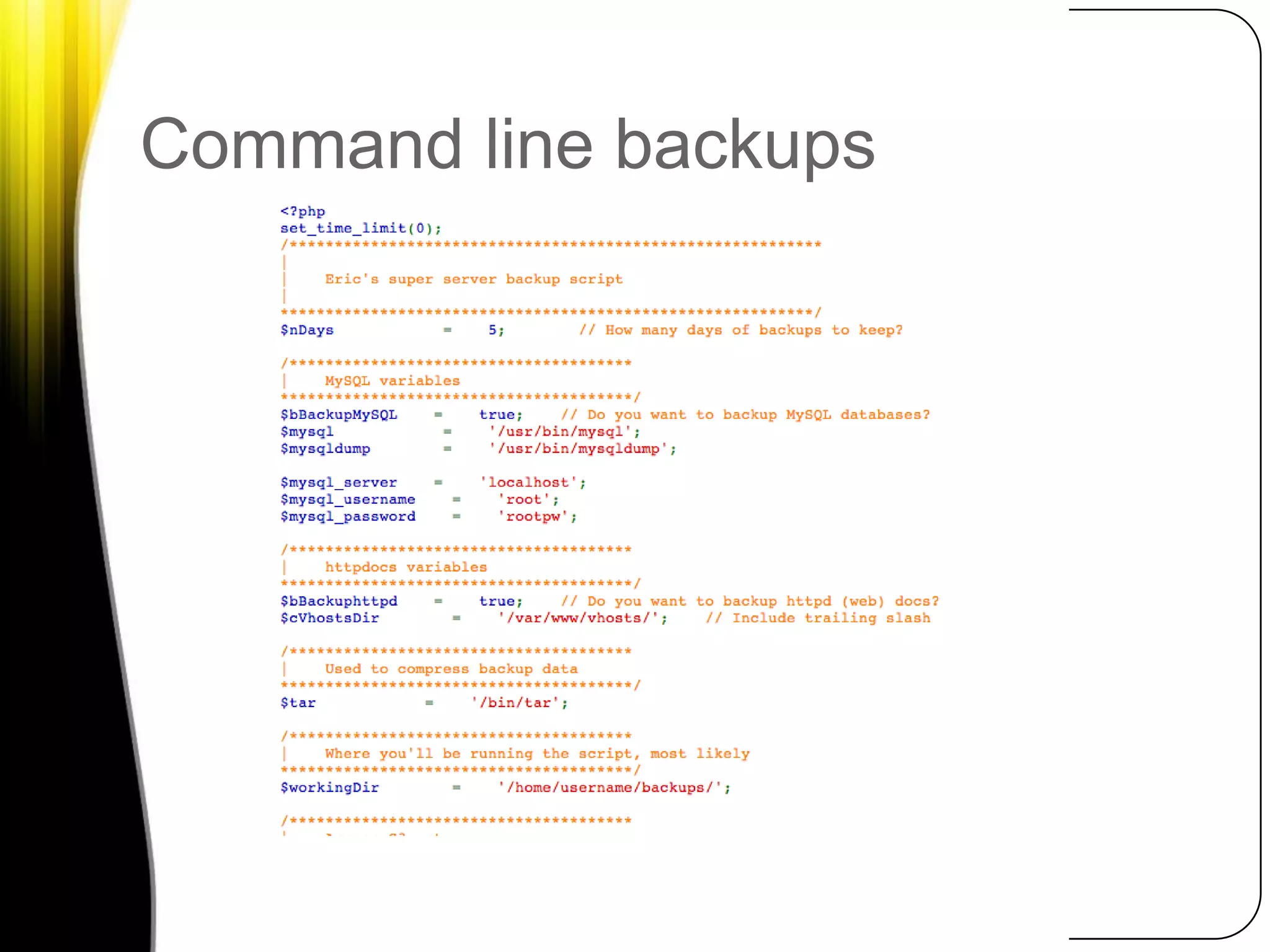
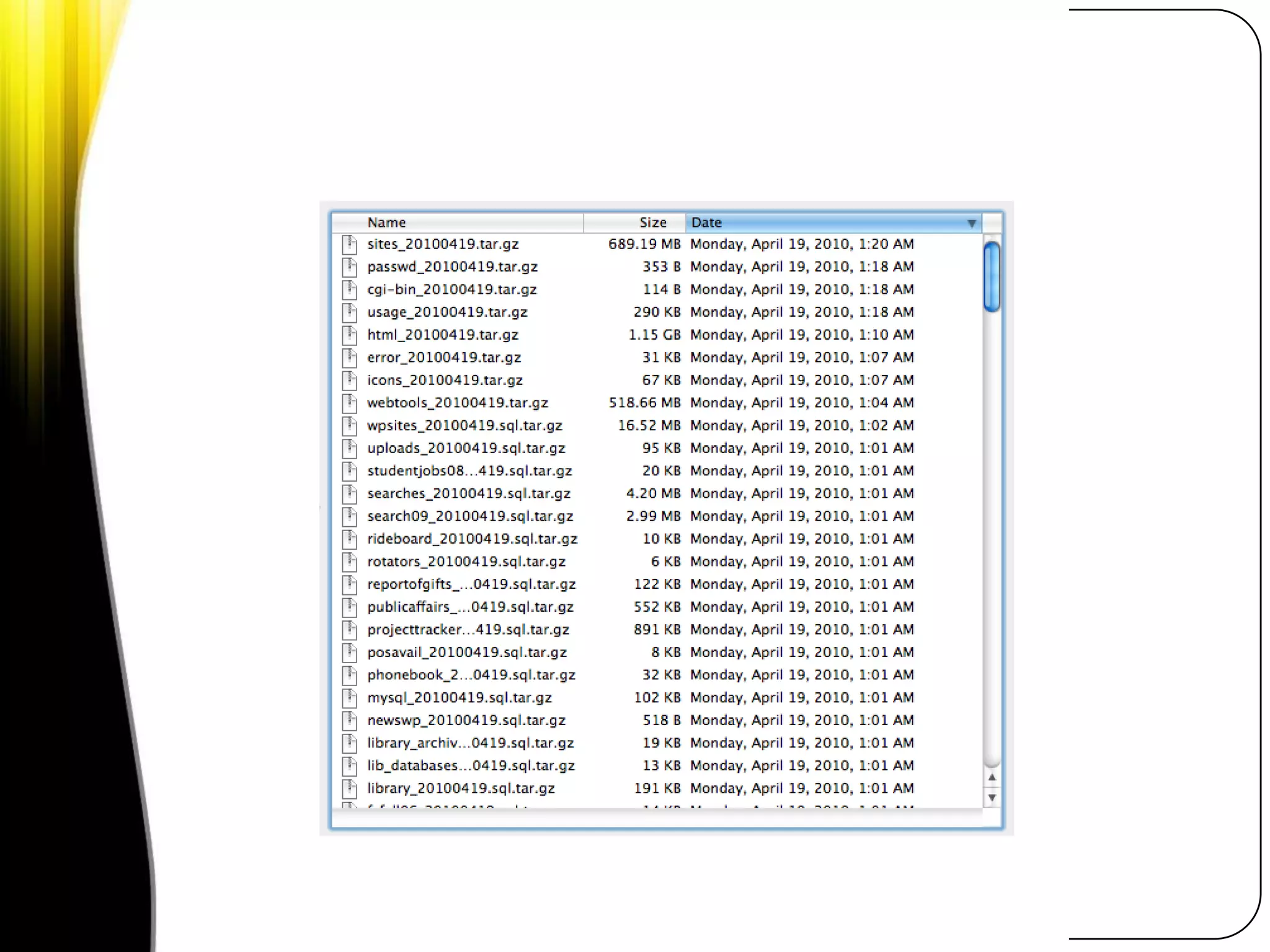
Backup your web server to S3Command-line scripts and tools written in a variety of languagesPHP, Python, Ruby, Perl and moreControl to just backup web content and/or MySQL databasesZipped up, these are small and cheap to move and store
Command line backups
SecurityYour data and services are only as secure as you make them. If data and processes on your campus are not secure, your cloud data and processes will not be secure.
Not everything is cloud worthySensitive student dataBandwidth intensive appsAnything else you feel should not be there?
Quick Cloud Project ChecklistWhat is the duration of your project?What type of service do you needRemember the cloud is better at some things than othersAmount of data you need to move in and outYou often pay for both upload and download

Integrating the cloud into your web operations

  • 1.
    Integrating the cloudinto your web operationsMike Richwalsky, John Carroll UniversityPhoto by Marco Fulle
  • 2.
    Hello, my nameis…Director of Marketing Services, John Carroll UniversityTechnology Fellow, NITLEBlog: HighEdWebTech.comFB/TWIT: mrichwalsky
  • 3.
  • 4.
    What is thecloud?Use of external infrastructure to solve internal technology issues and needsUse resources only as you need themScale up and down quickly and easilyPay only for what you use.
  • 5.
    Why look tothe cloud?
  • 7.
  • 8.
  • 9.
    It can costless to take advantage of external infrastructure than building your own from scratch, especially for short-term projects.
  • 11.
    It’s not allor nothing.
  • 12.
    How to Integratethe cloudSince our time is limited, let’s look at 3 ways you can start using the cloud today in your web development, marketing and communications efforts.
  • 13.
    Content DeliverySpeed andreliabilityGeo-targetingBandwidth + access are cheapAsset hosting+CMS
  • 14.
    Which elements arecloud served?
  • 15.
    Which elements arecloud served?ImagesCSSjQueryjavascripts
  • 17.
  • 18.
    Case Study, AlleghenyCollegeNeed to provide high quality video experience for fundraising effortOutsourced video hosting to Amazon S3Site handled initial load+long tailTotal Cost: $9
  • 19.
    CMS User AssetsOn-campus:finite storageCloud: limitless storageSecurity for uploaded contentServed quickly and efficientlyCMS Plugins:WordPressJoomlaDrupal Module
  • 21.
  • 23.
    Case Study, PaceUniversityePortfolio Platform Testing + BuildoutStarted Amazon EC2 server to develop on before launching production environment on campusTotal cost: ~$60
  • 24.
    Backup to thecloudYes, your IT team do backupsMore is always betterCloud storage + bandwidth is inexpensive
  • 25.
  • 26.
  • 27.
    Backup your webserver to S3Command-line scripts and tools written in a variety of languagesPHP, Python, Ruby, Perl and moreControl to just backup web content and/or MySQL databasesZipped up, these are small and cheap to move and store
  • 28.
  • 30.
    SecurityYour data andservices are only as secure as you make them. If data and processes on your campus are not secure, your cloud data and processes will not be secure.
  • 31.
    Not everything iscloud worthySensitive student dataBandwidth intensive appsAnything else you feel should not be there?
  • 32.
    Quick Cloud ProjectChecklistWhat is the duration of your project?What type of service do you needRemember the cloud is better at some things than othersAmount of data you need to move in and outYou often pay for both upload and download