Cloud Driven
Development
a better workflow, less worries, and more power


Peter Vanhee
20th October 2012 - DrupalCamp Spain
Who am I?

‣ Consumer and contributor to Drupal for over 6 years
  @pvhee

‣ Co-founder Marzee Labs @marzeelabs, a web shop
  from Barcelona

‣ http://marzeelabs.org
The Cloud

“The cloud has given has us the ability to provide
nearly limitless, on-demand resources to speed up
our web development and deployment processes”
For me?


Photo from Flickr by Abode of Chaos
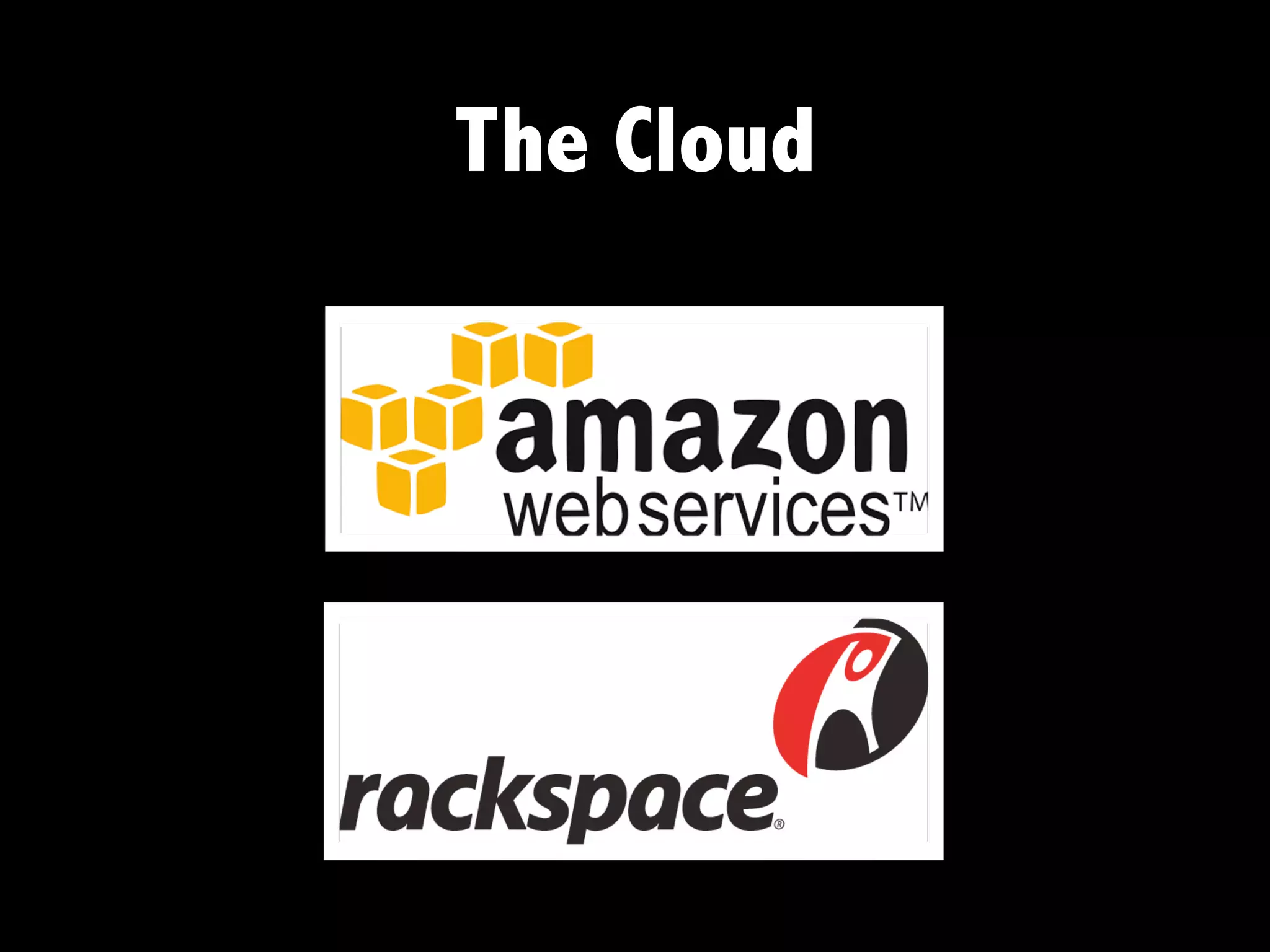
The Cloud
Is that enough?
Enter PaaS

‣ “Platform-as-a-service”
‣ Yet another service built on top of the cloud
‣ Provides a computing platform and a solution
  stack


                                             Source: Wikipedia
Know any?
Paas for Drupal
In general, Drupal PaaS offer

‣ Different environments. Typically a development,
  staging and production environment
‣ Code repository, e.g. git
‣ On-demand resources
‣ Specialty services for search, caching, performance
  optimization, etc.
‣ A lot of automation of the tools you typically use (or
  want to) when building Drupal sites
More good stuff


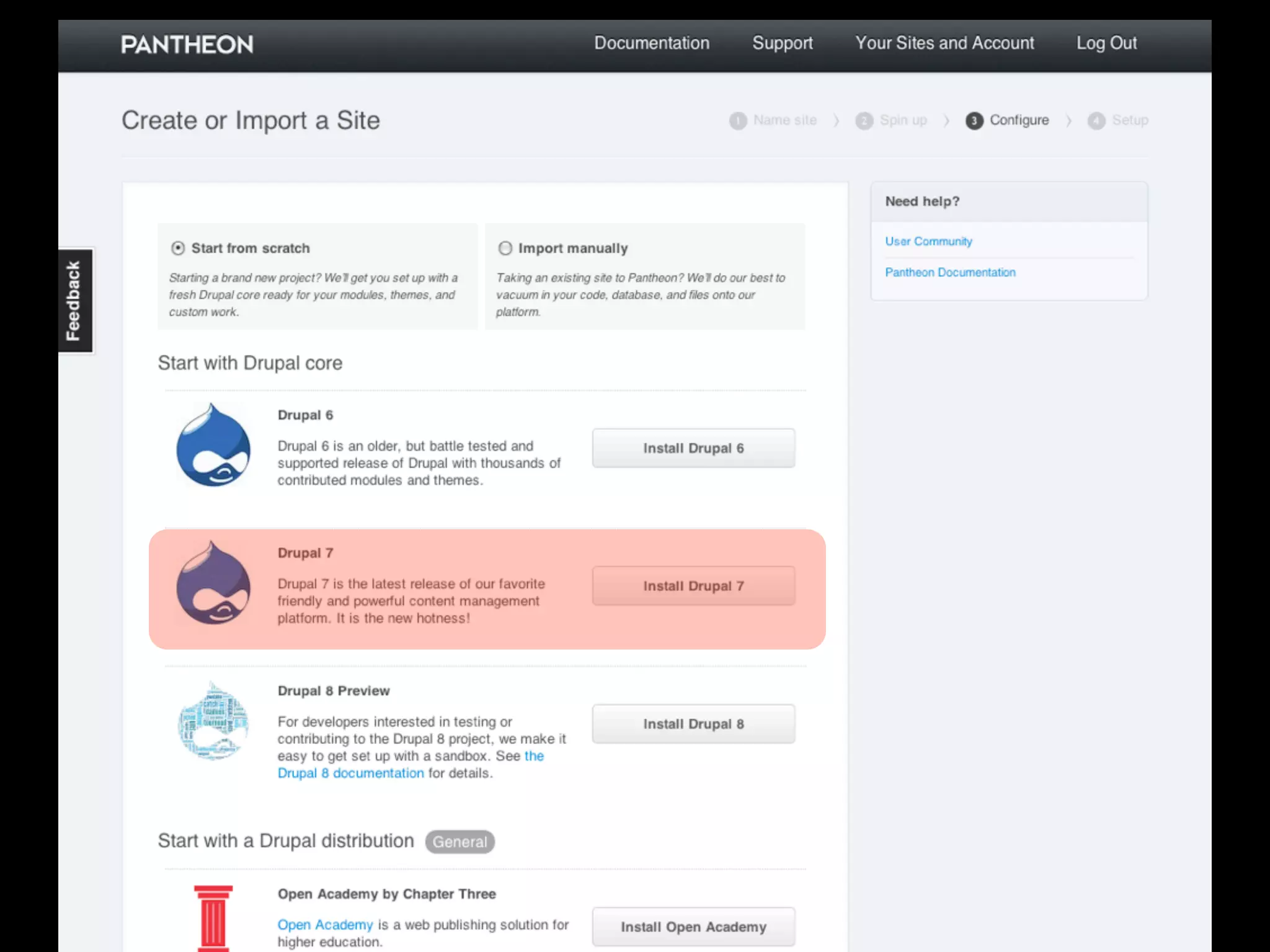
‣ one-click installs of Drupal distributions
‣ they teach you awesome developer processes
Disadvantages?

‣ Difficult to break away from the standard setup
‣ Not always shell access - and shell in generally
  very limited
‣ Cannot install just anything
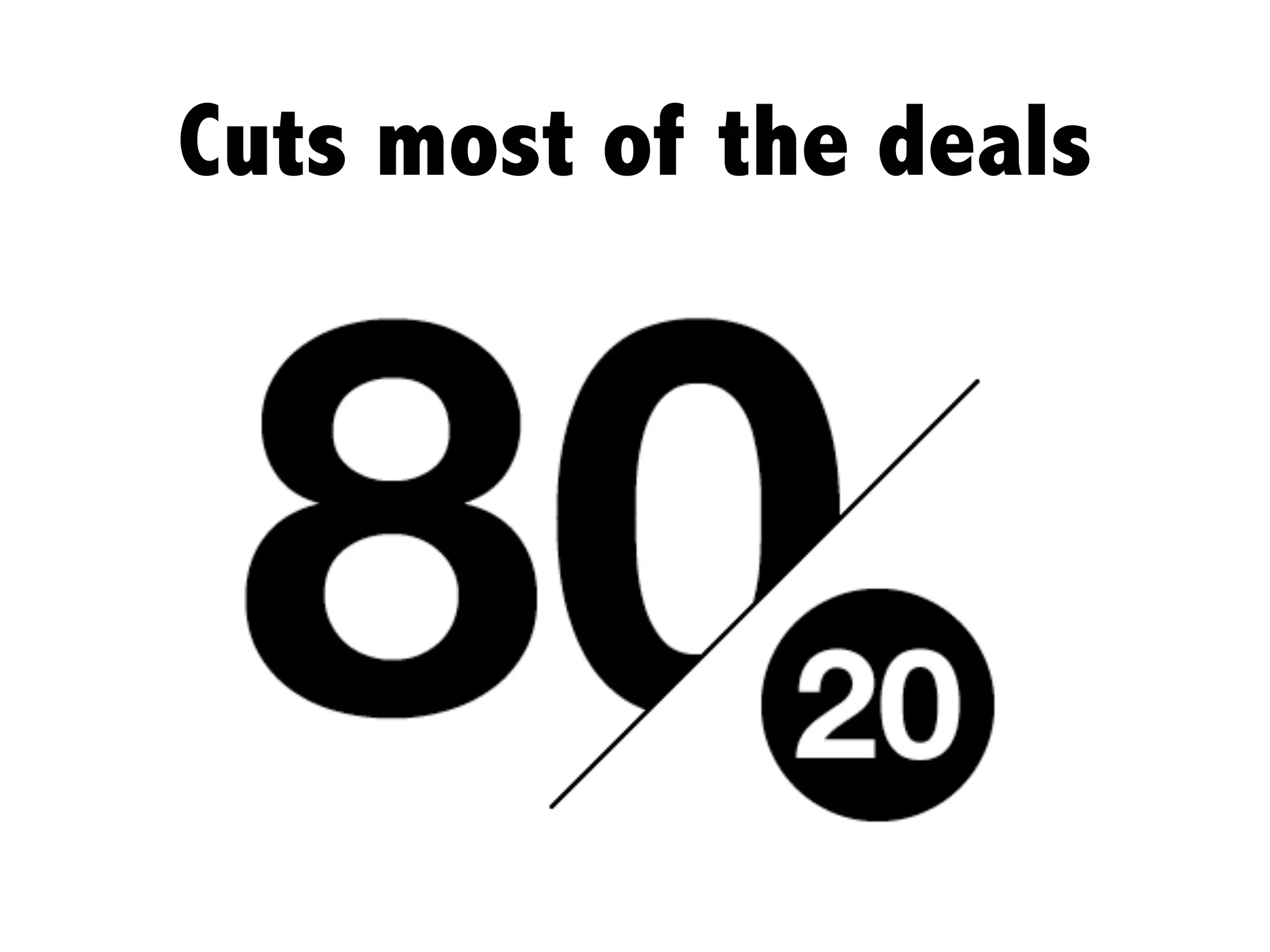
Cuts most of the deals
Enter Cloud Driven
       Development

“Cloud Driven Development puts the fun back into
   your Drupal development and deployment”
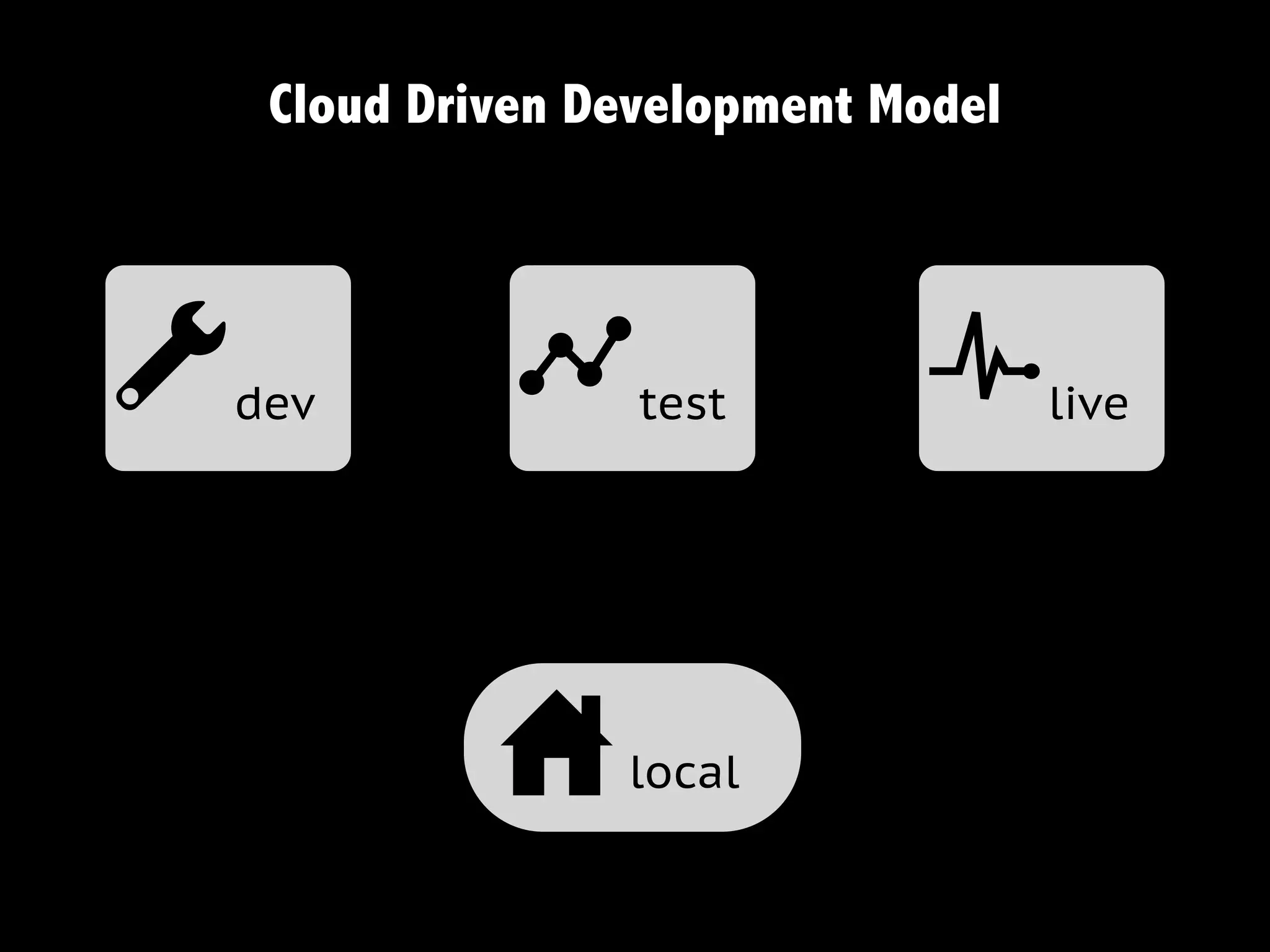
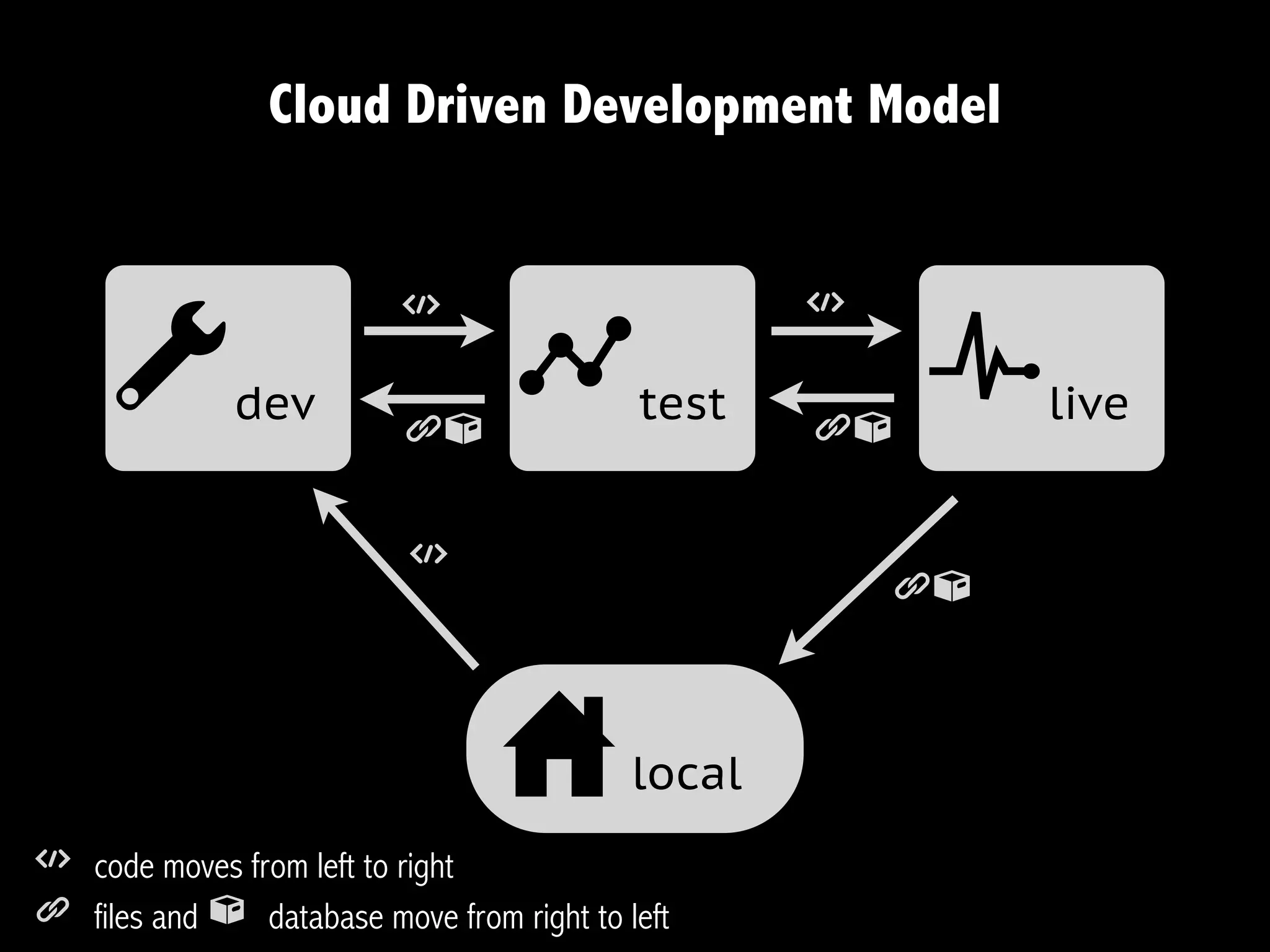
Cloud Driven Development Model


adev          b    test       c      live


             u    local
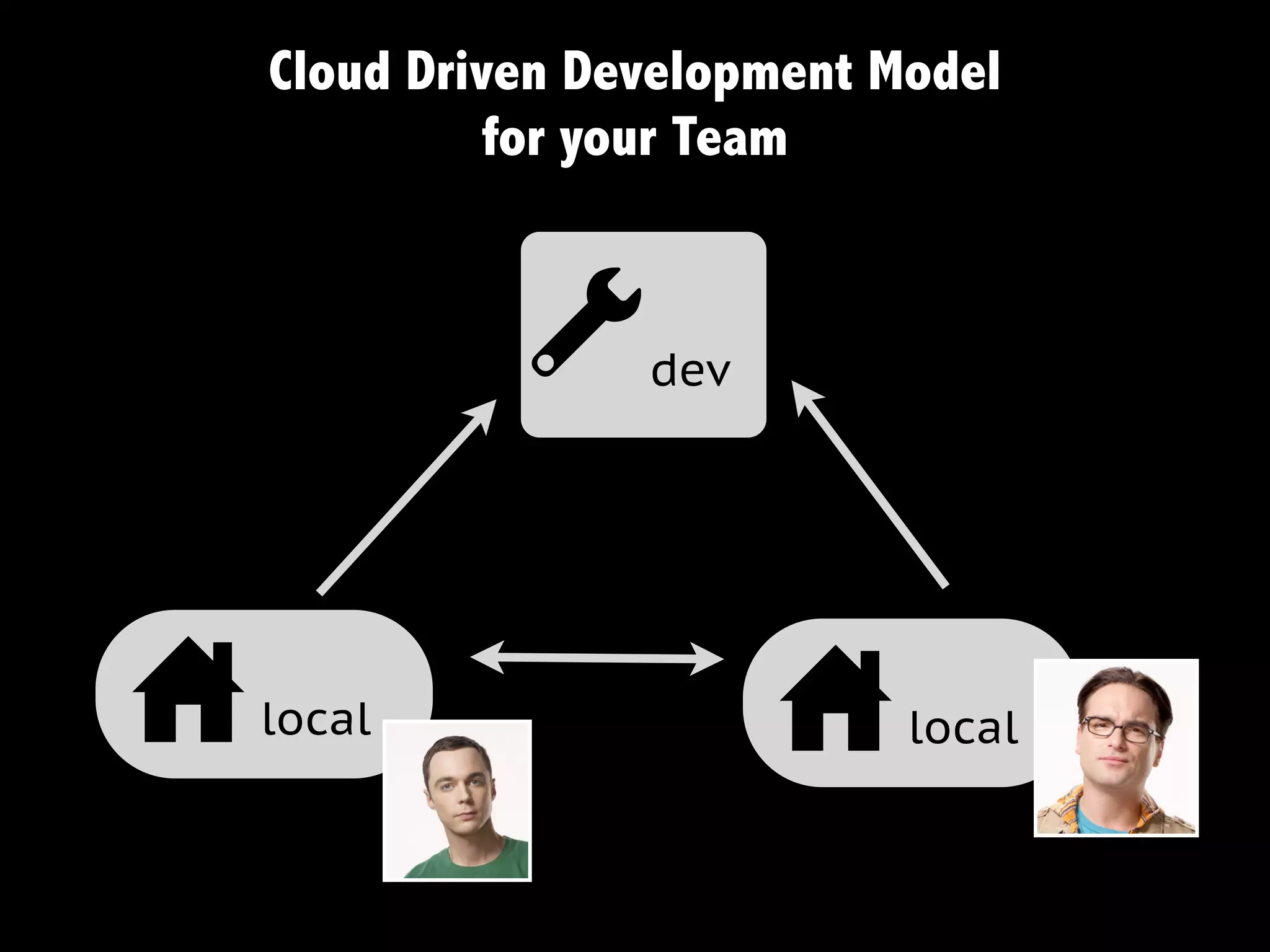
Cloud Driven Development Model
             for your Team


              a    dev


u   local
                         u    local
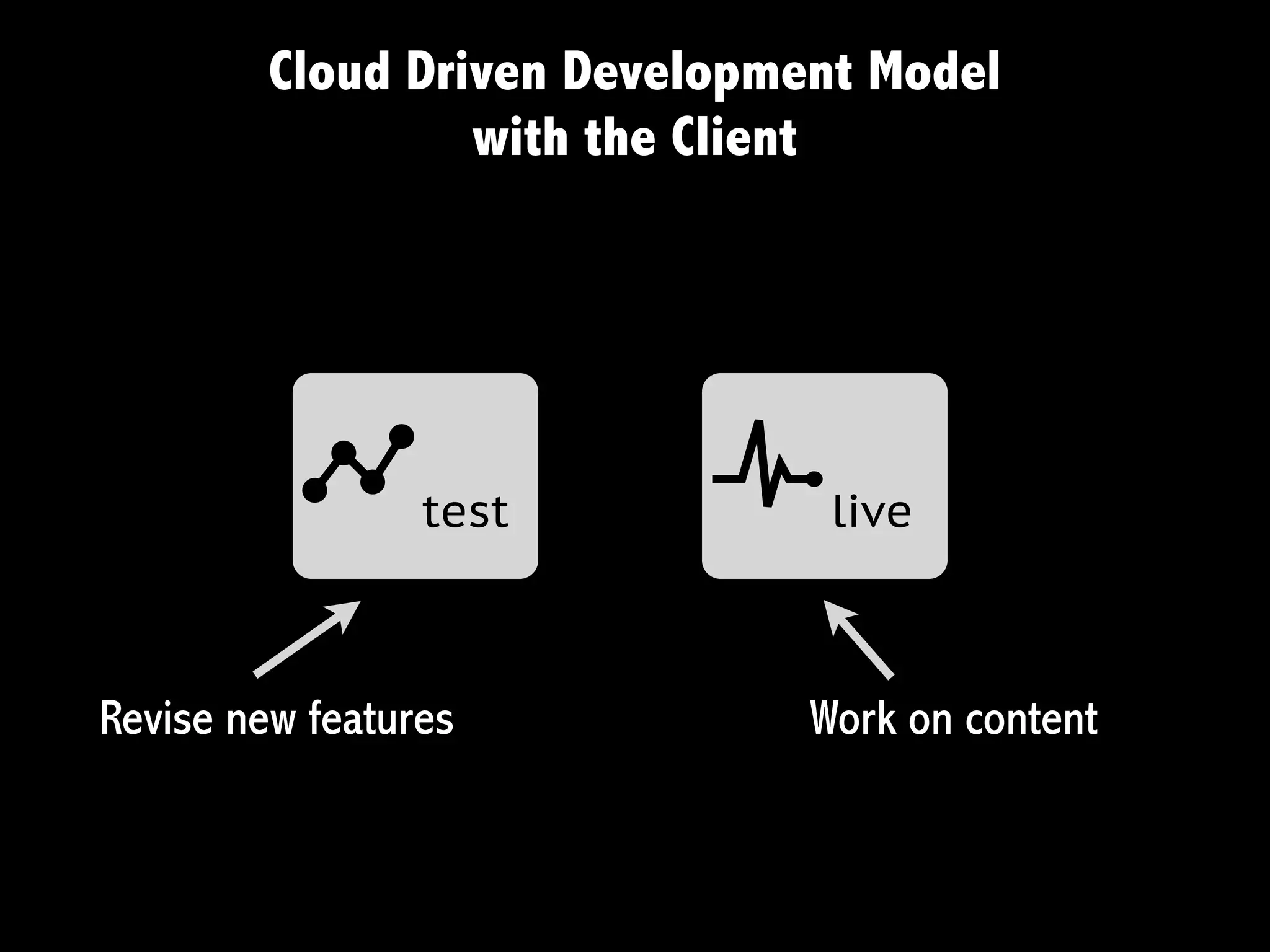
Cloud Driven Development Model
                  with the Client


          b      test     c     live


Revise new features            Work on content
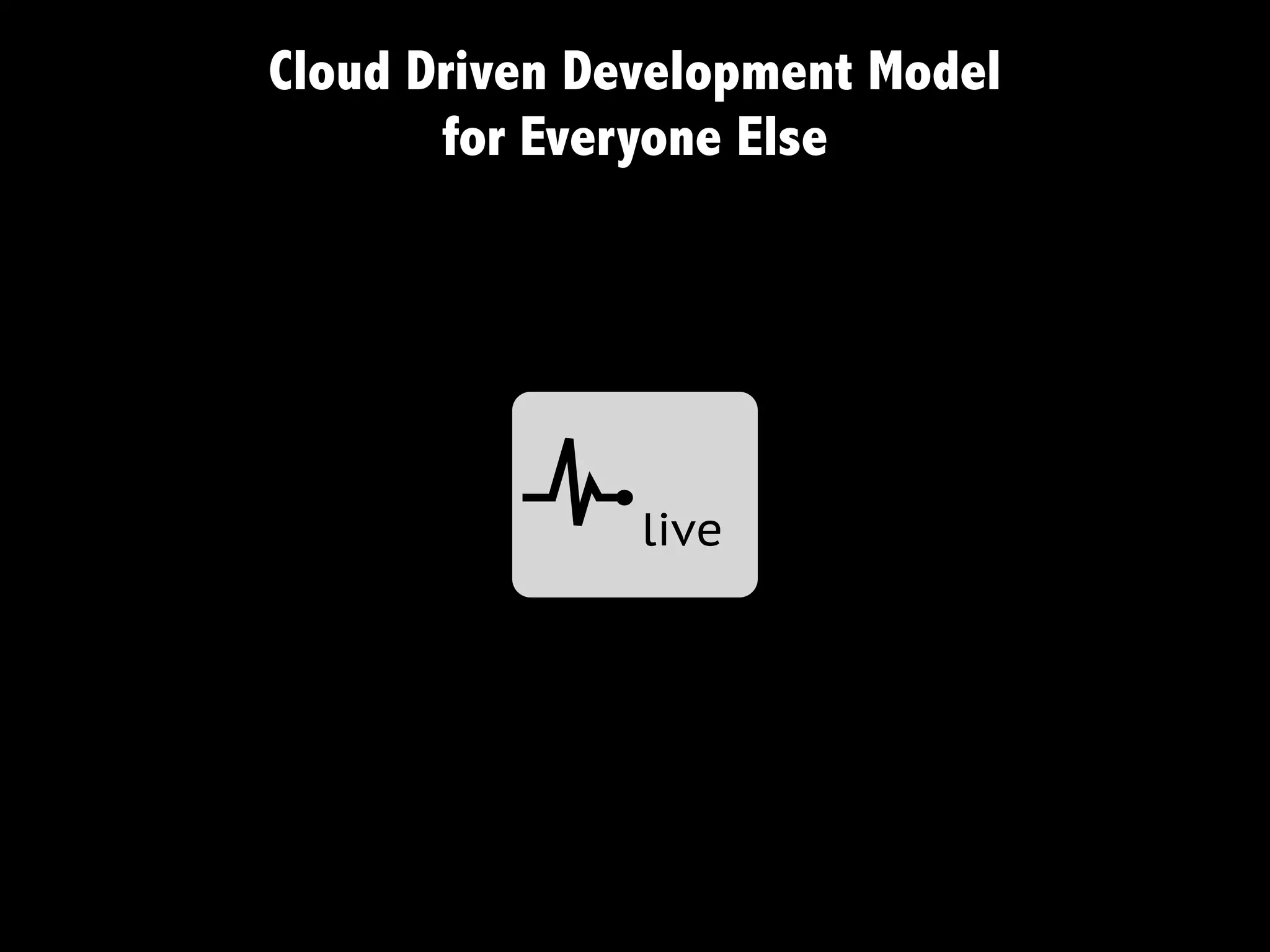
Cloud Driven Development Model
       for Everyone Else


          c    live
Cloud Driven Development Model


                          t                        t

     a        dev
                          gn
                                  b        test
                                                   gn
                                                        c   live


                           t
                                                       gn


                                 u         local
t code moves from left to right
g files and n database move from right to left
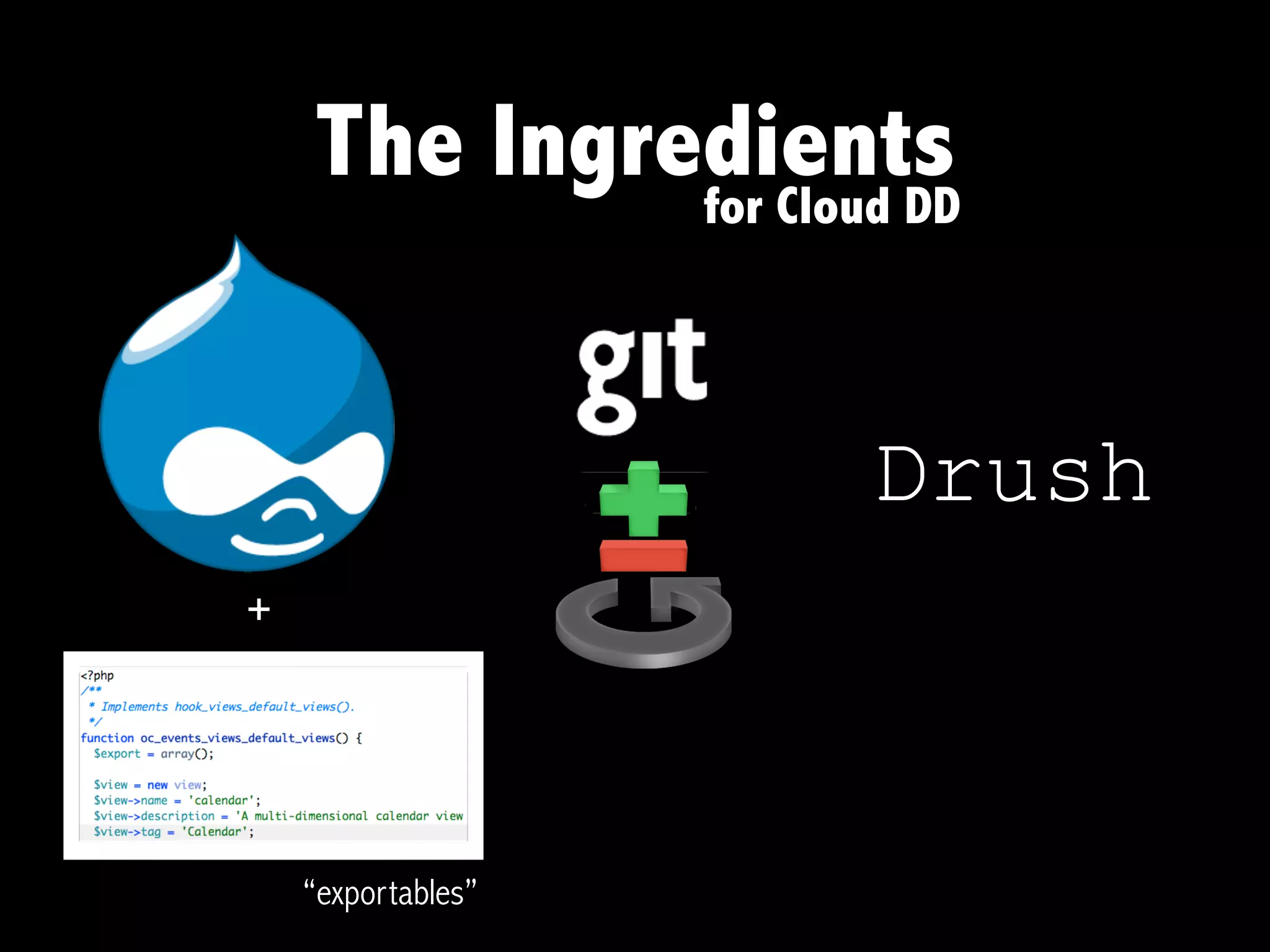
The Ingredients
             for Cloud DD


                      Drush
+


    “exportables”
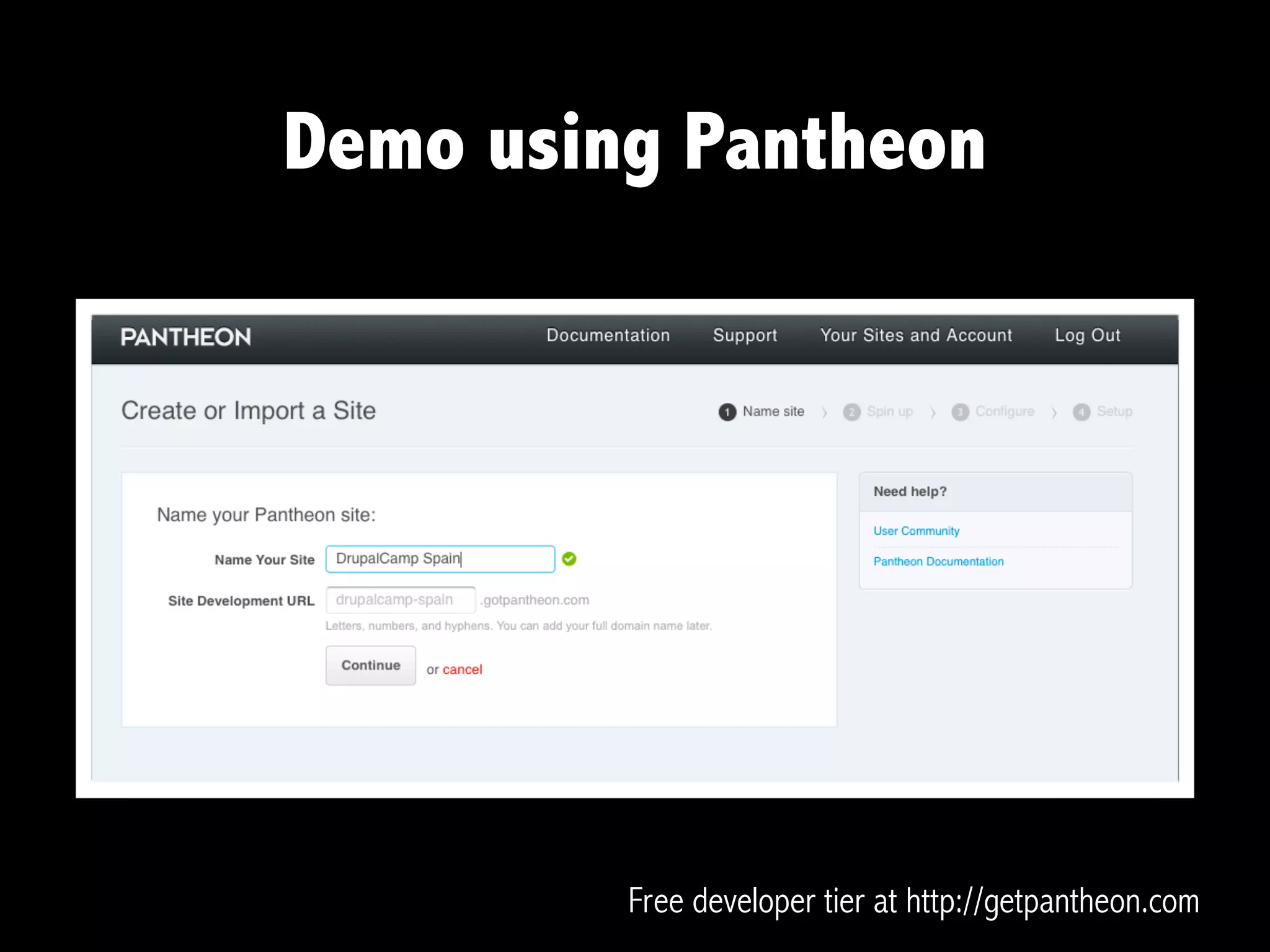
Demo using Pantheon


         Free developer tier at http://getpantheon.com
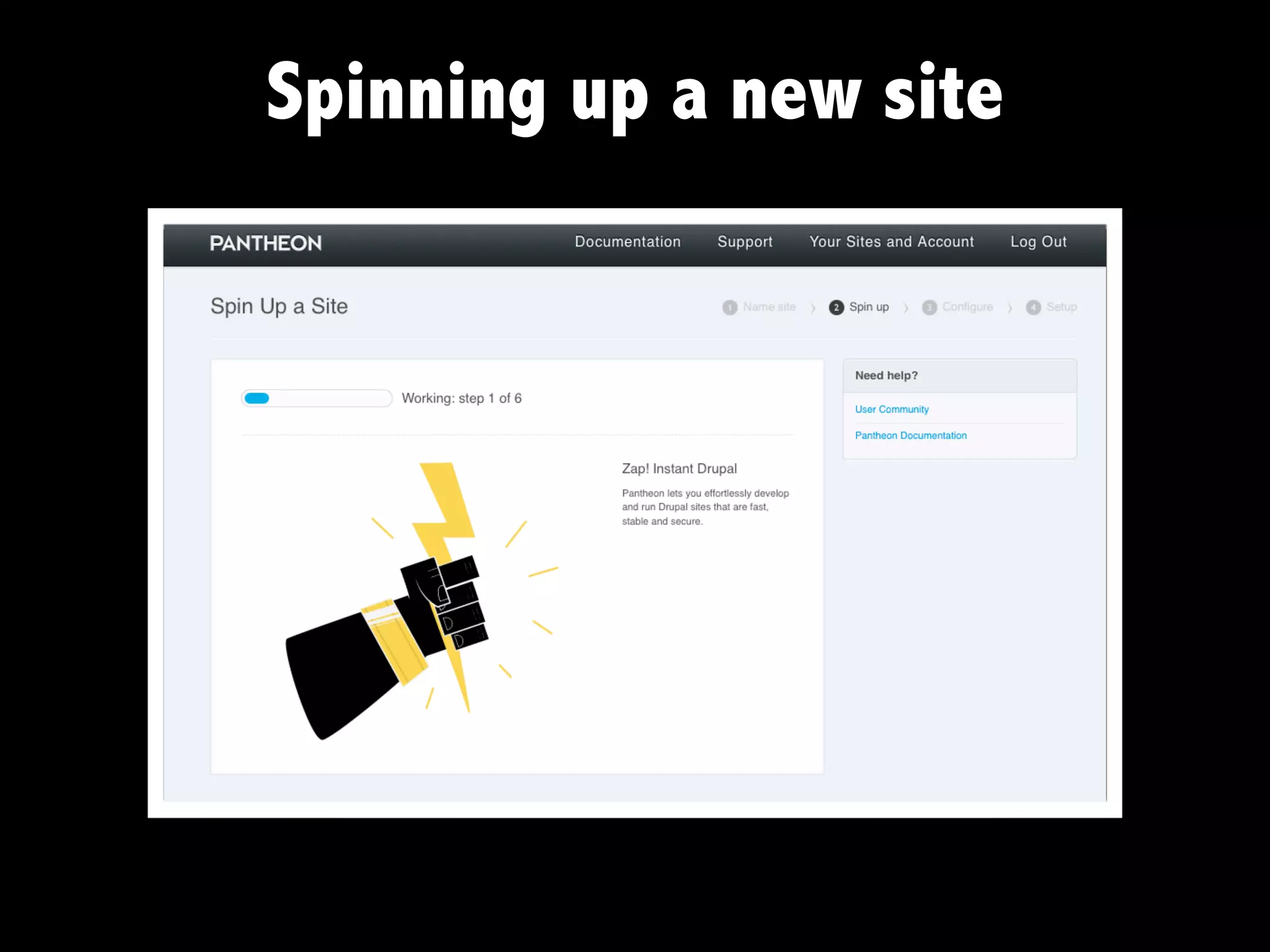
Spinning up a new site
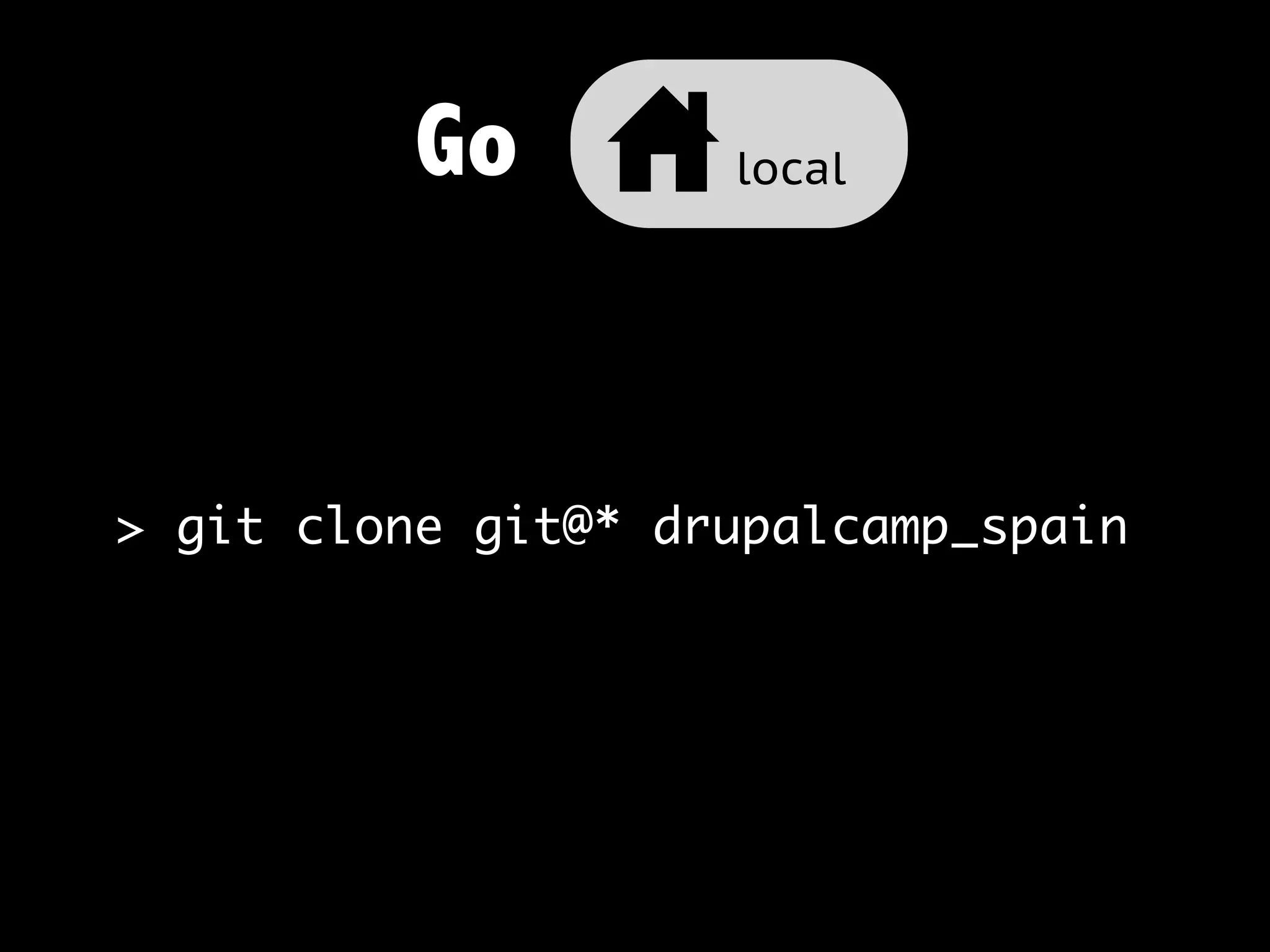
Go u local


> git clone git@* drupalcamp_spain
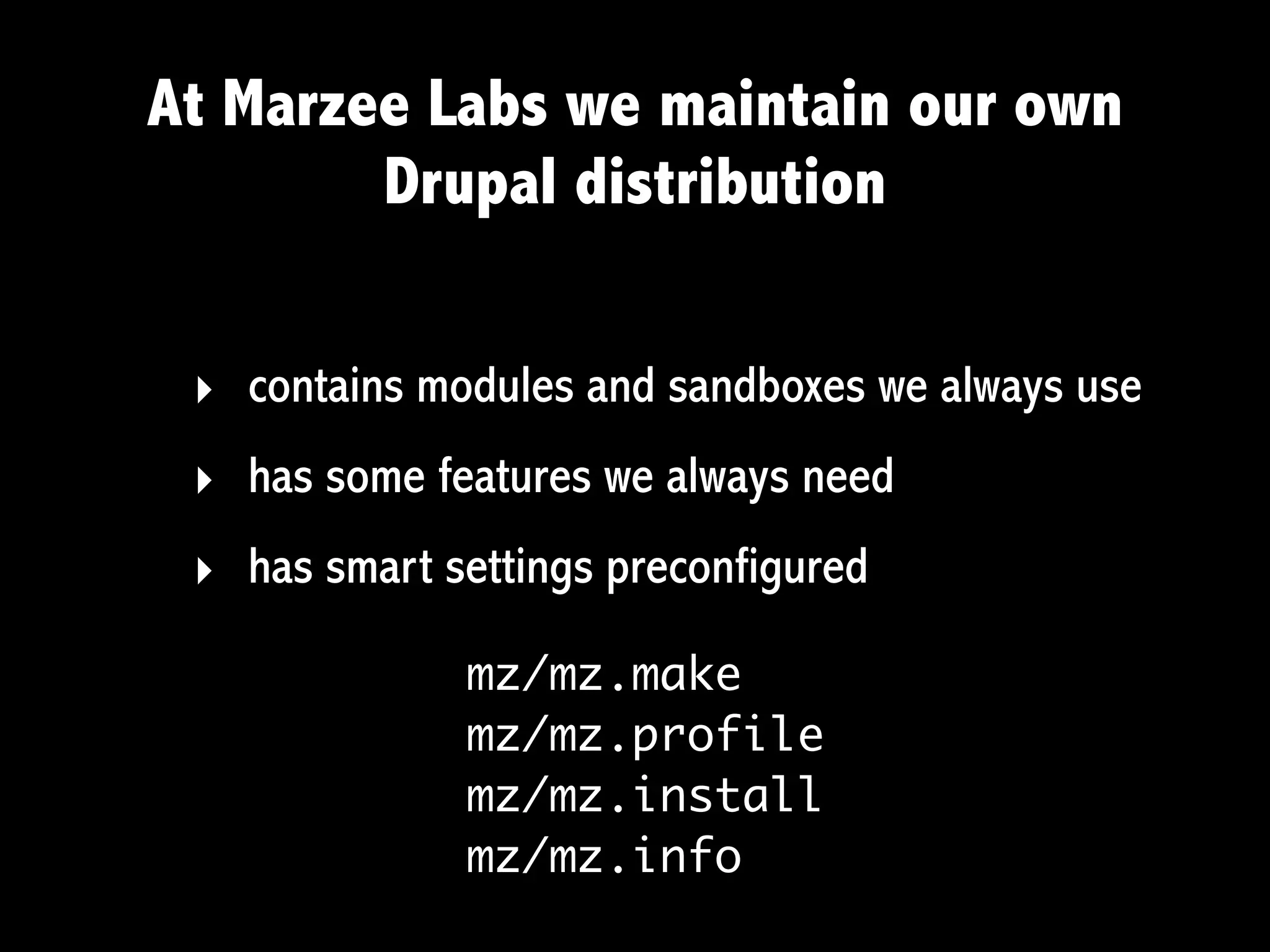
At Marzee Labs we maintain our own
        Drupal distribution

 ‣ contains modules and sandboxes we always use
 ‣ has some features we always need
 ‣ has smart settings preconfigured
              mz/mz.make
              mz/mz.profile
              mz/mz.install
              mz/mz.info
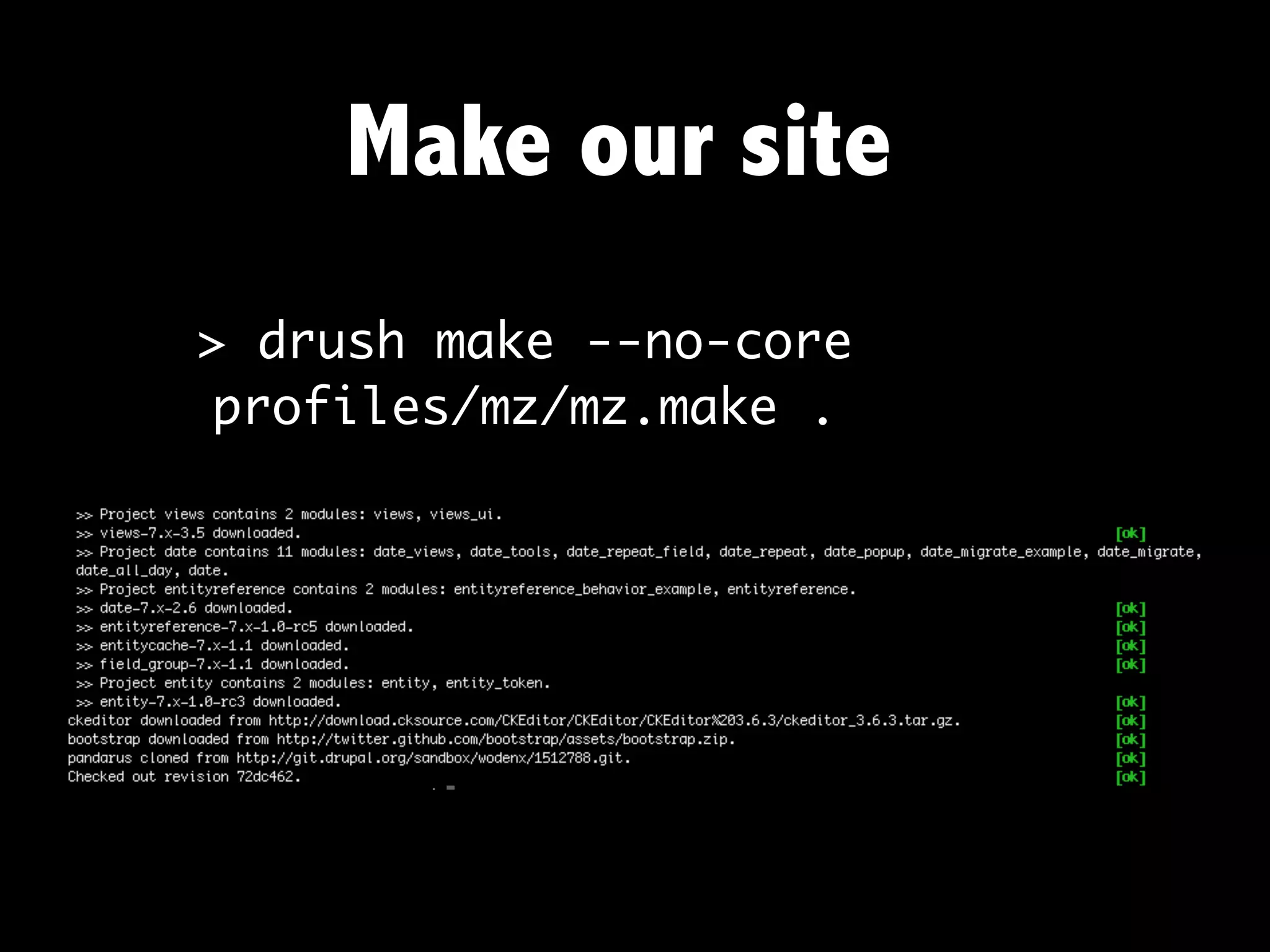
Make our site
> drush make --no-core
 profiles/mz/mz.make .
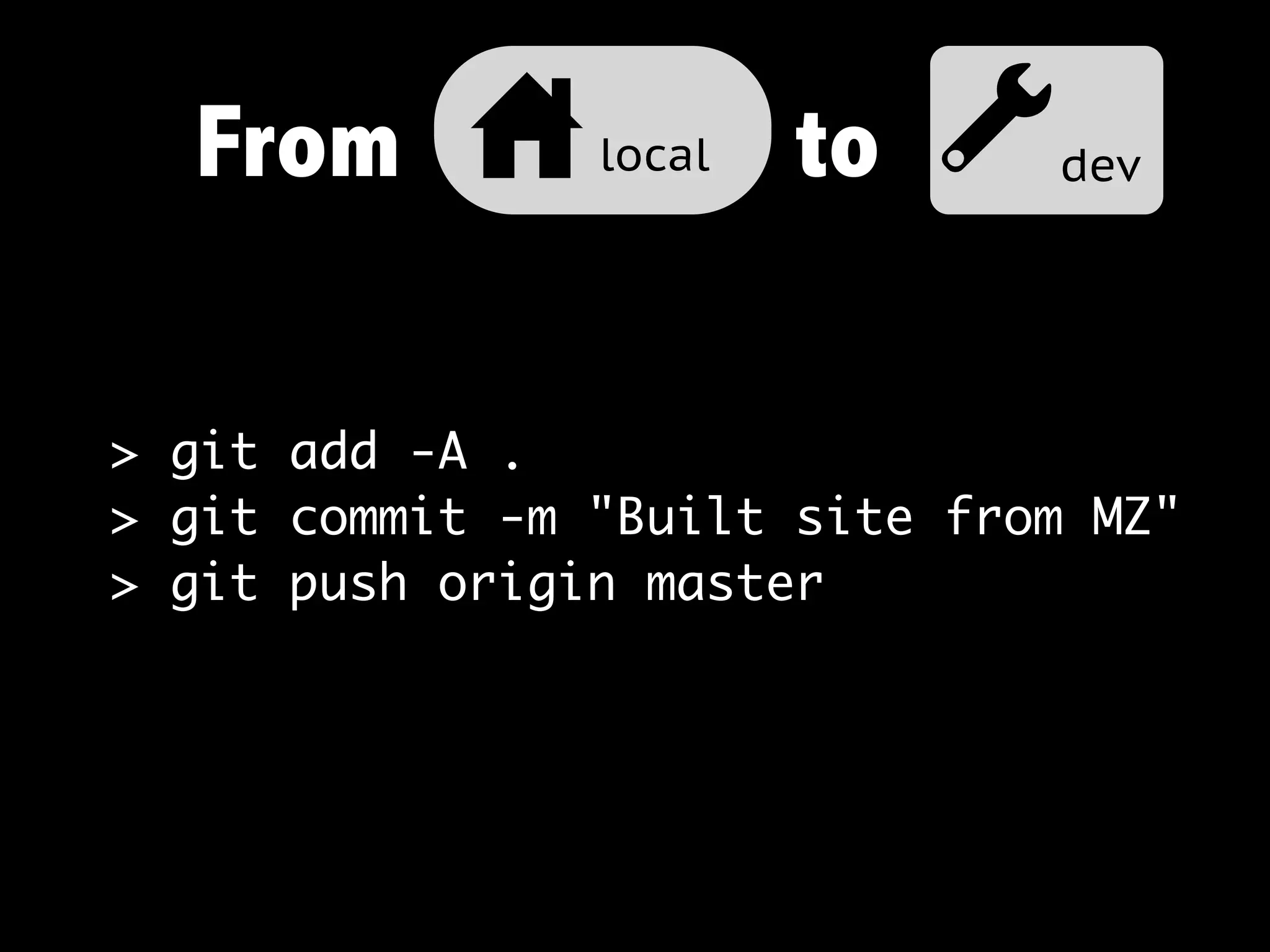
From u local to adev

> git add -A .
> git commit -m "Built site from MZ"
> git push origin master
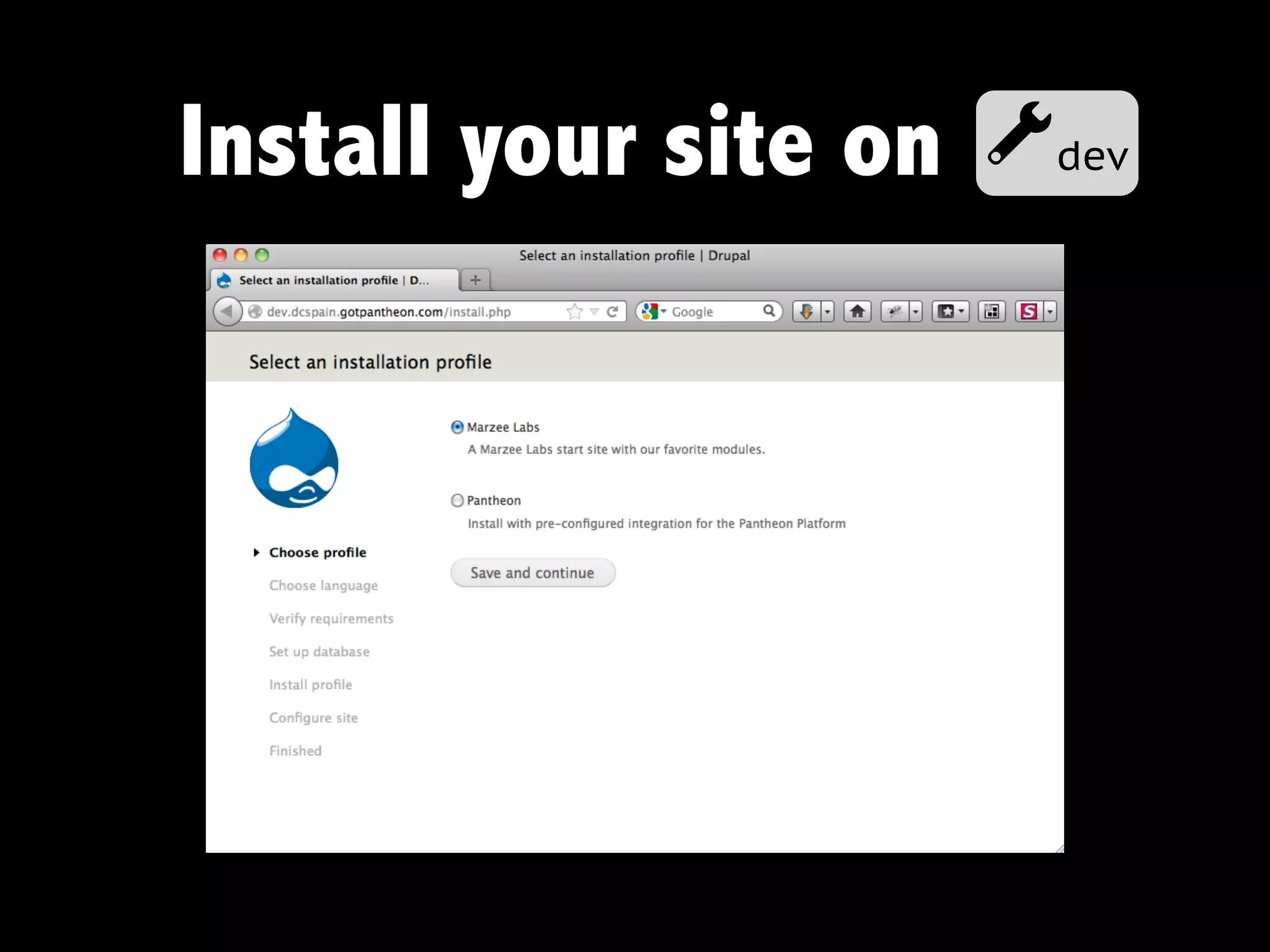
Install your site on   adev
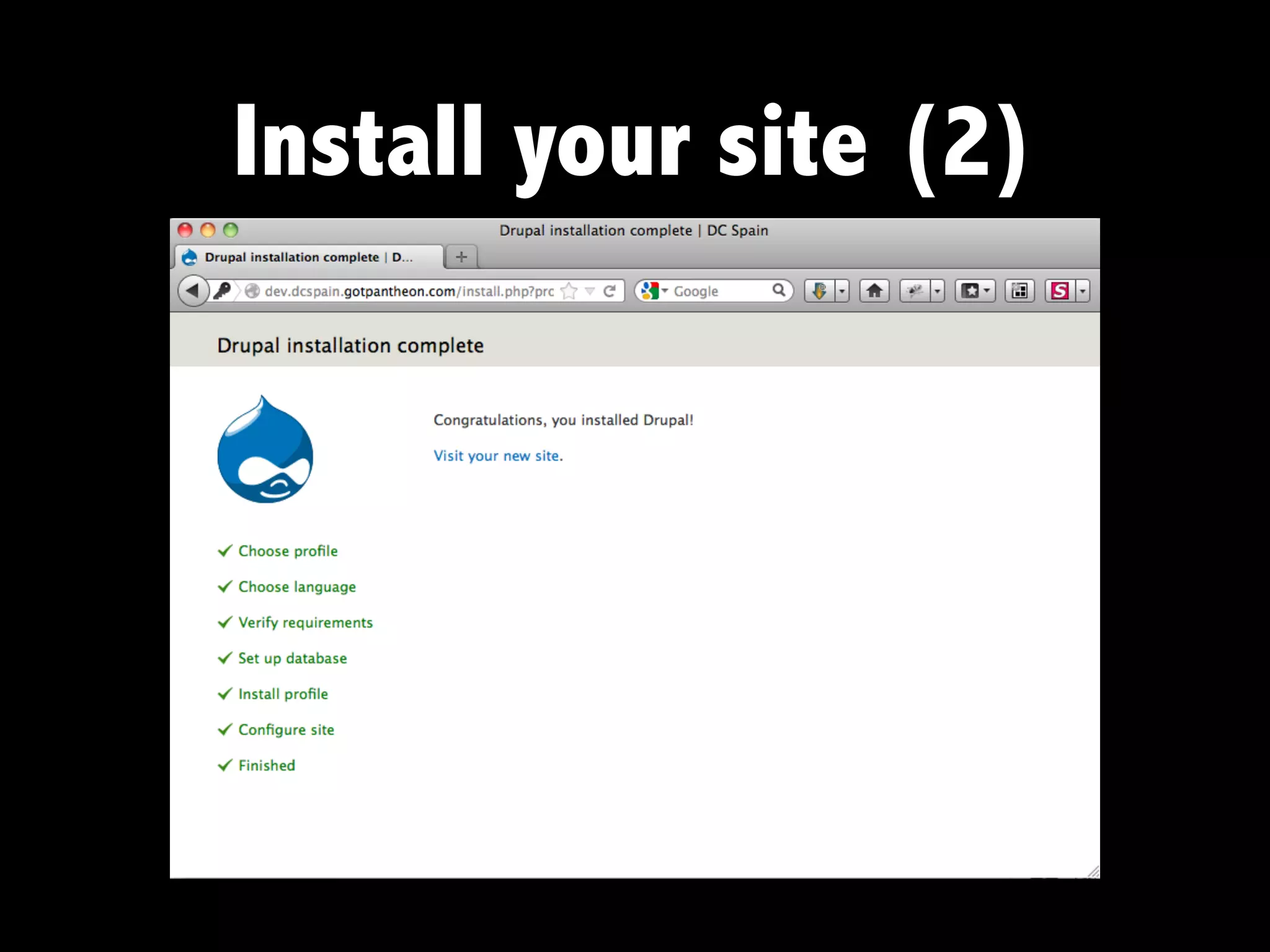
Install your site (2)
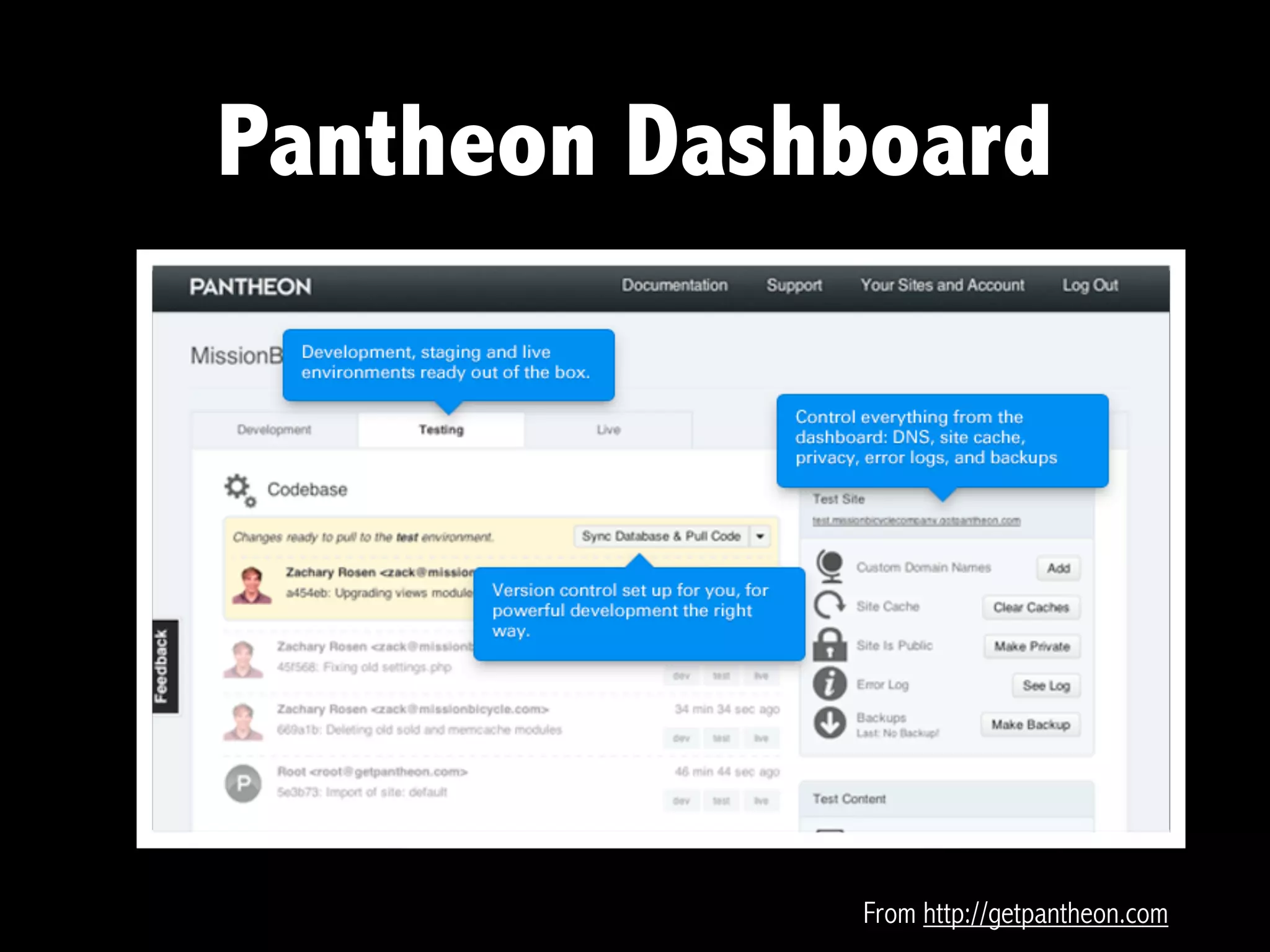
Pantheon Dashboard


             From http://getpantheon.com
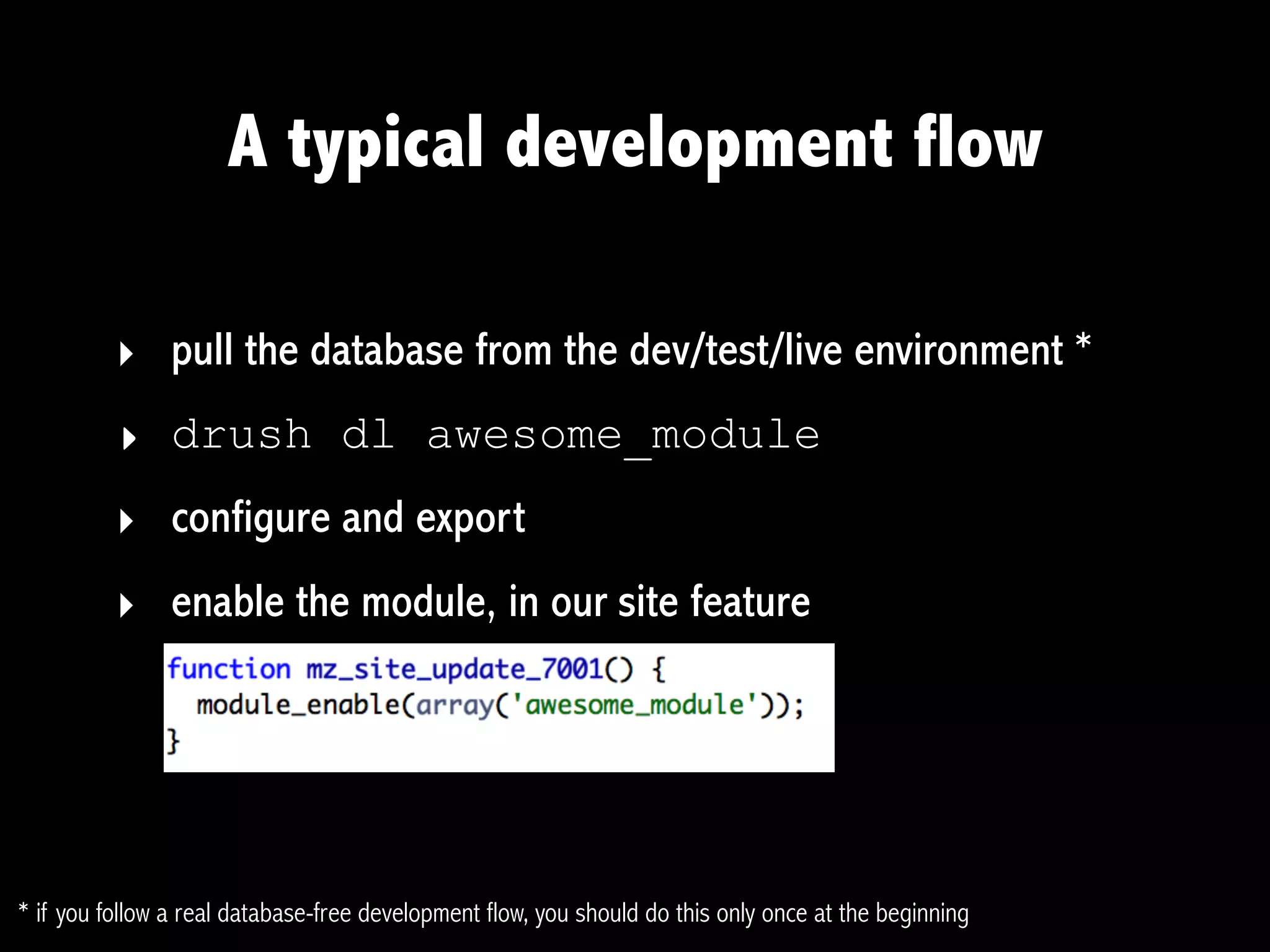
A typical development flow

          ‣ pull the database from the dev/test/live environment *
          ‣ drush dl awesome_module
          ‣ configure and export
          ‣ enable the module, in our site feature


* if you follow a real database-free development flow, you should do this only once at the beginning
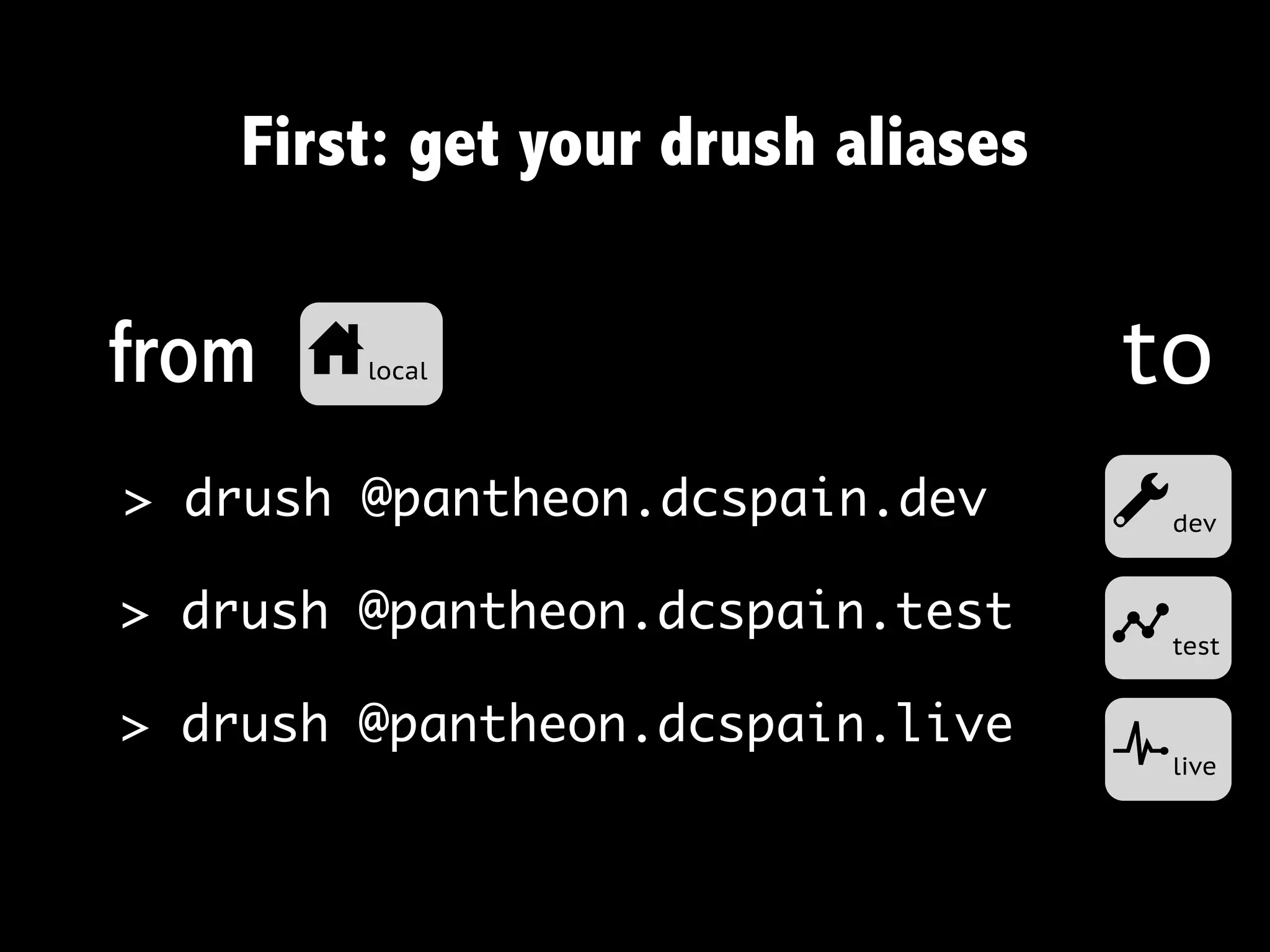
First: get your drush aliases


from   ulocal                       to
> drush @pantheon.dcspain.dev       a   dev


> drush @pantheon.dcspain.test
                                    b   test


> drush @pantheon.dcspain.live
                                    c   live
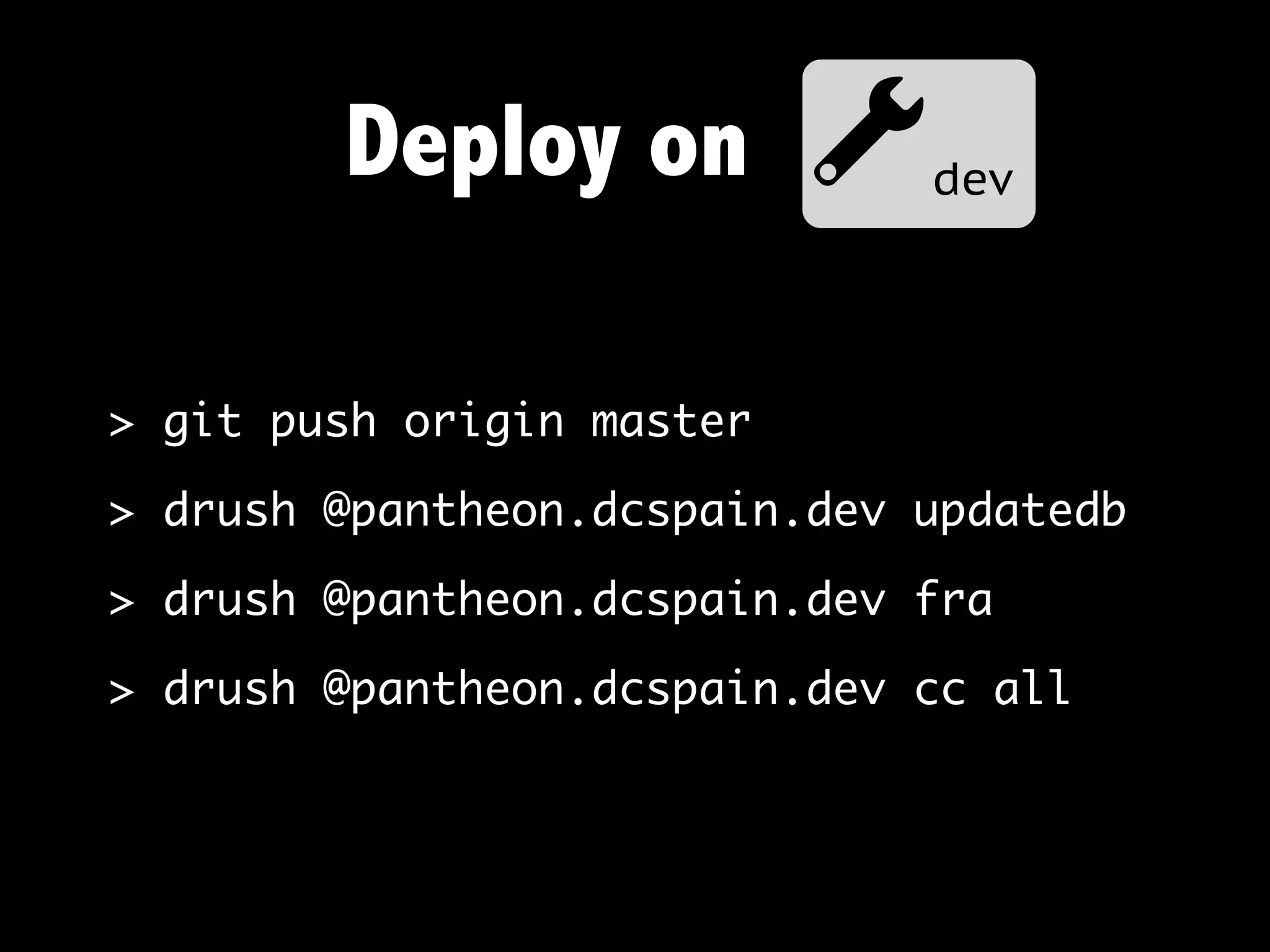
Deploy on adev

> git push origin master

> drush @pantheon.dcspain.dev updatedb

> drush @pantheon.dcspain.dev fra

> drush @pantheon.dcspain.dev cc all
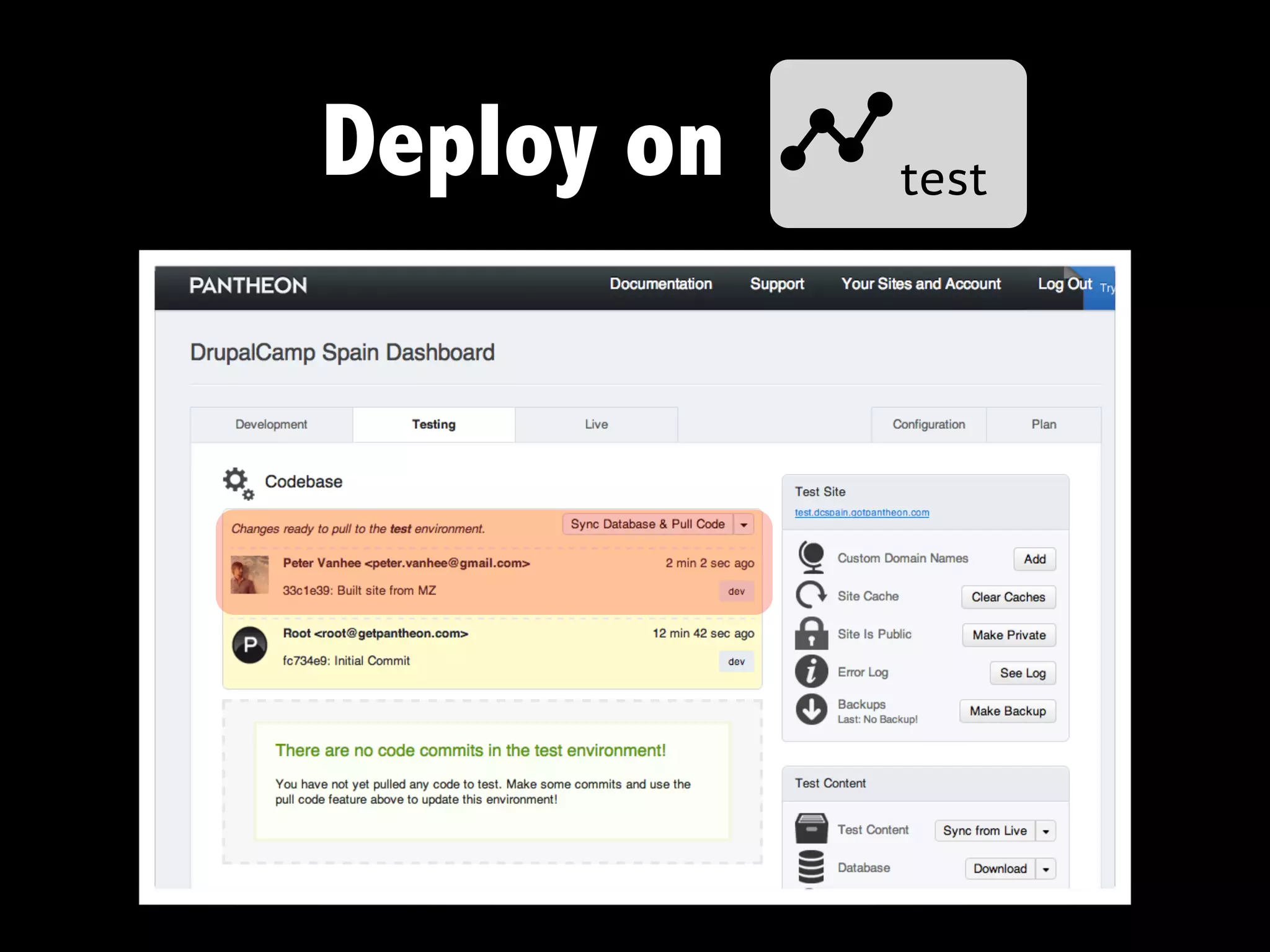
Deploy on btest
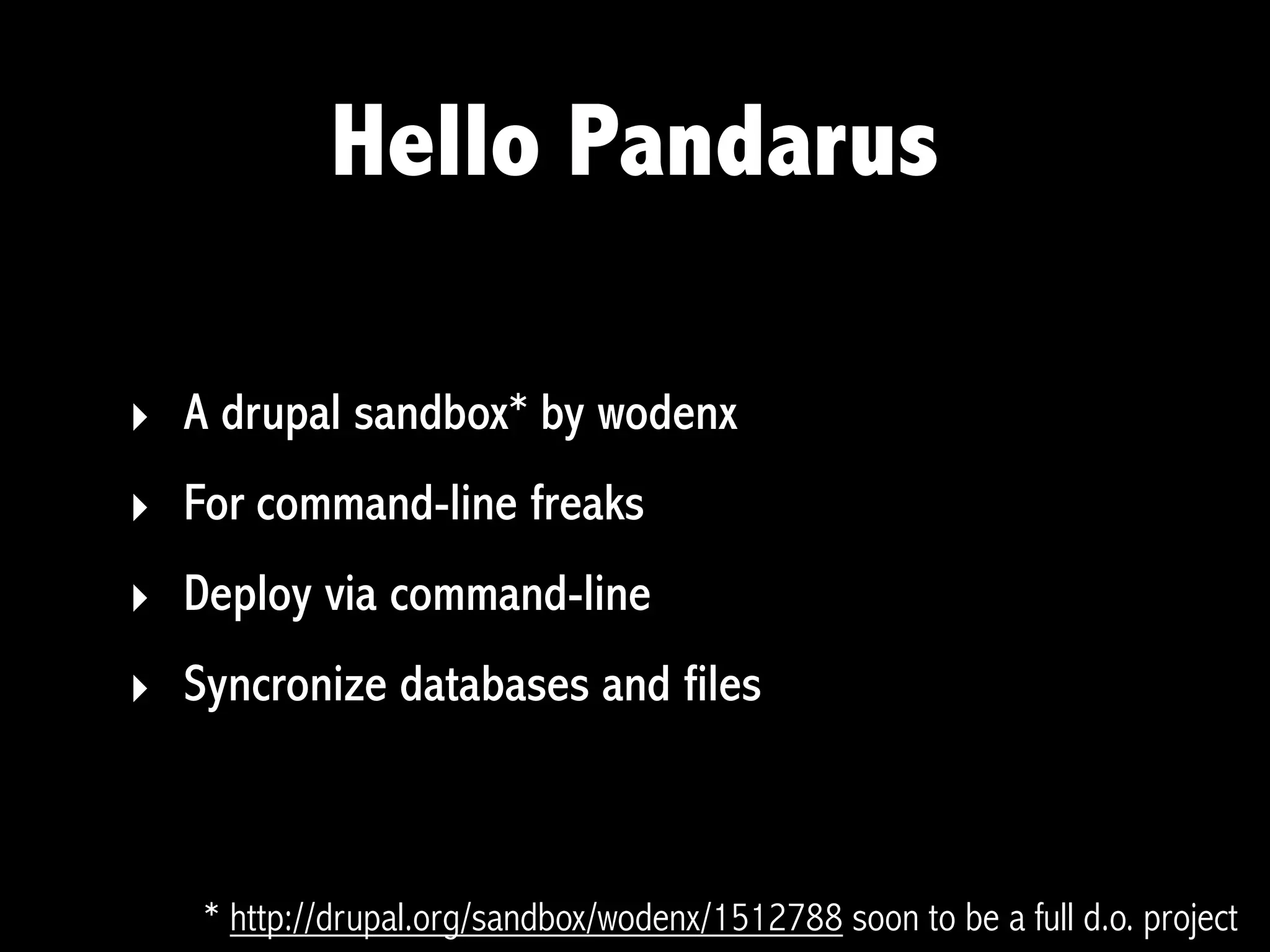
Hello Pandarus

‣ A drupal sandbox* by wodenx
‣ For command-line freaks
‣ Deploy via command-line
‣ Syncronize databases and files


   * http://drupal.org/sandbox/wodenx/1512788 soon to be a full d.o. project
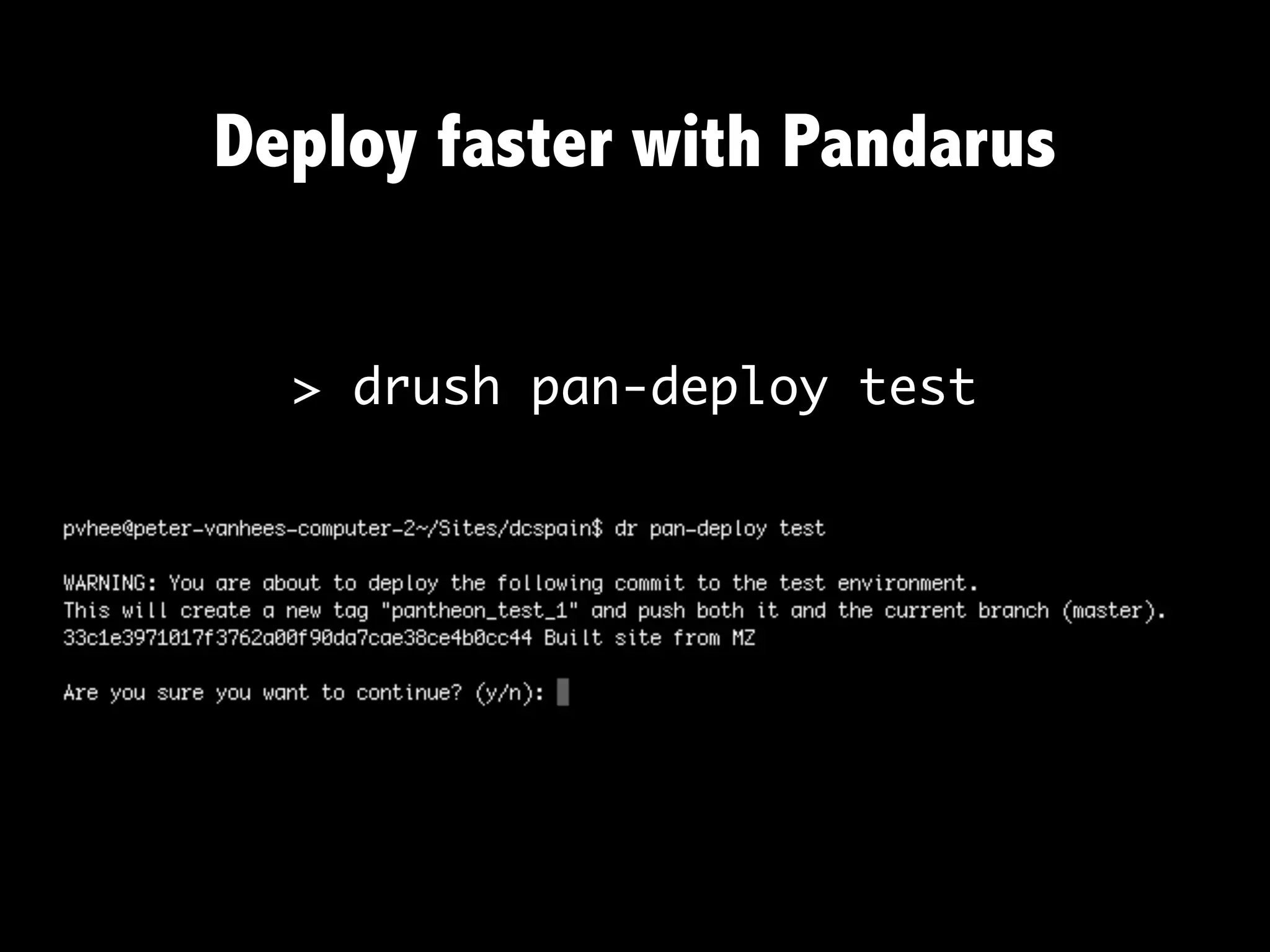
Deploy faster with Pandarus


  > drush pan-deploy test
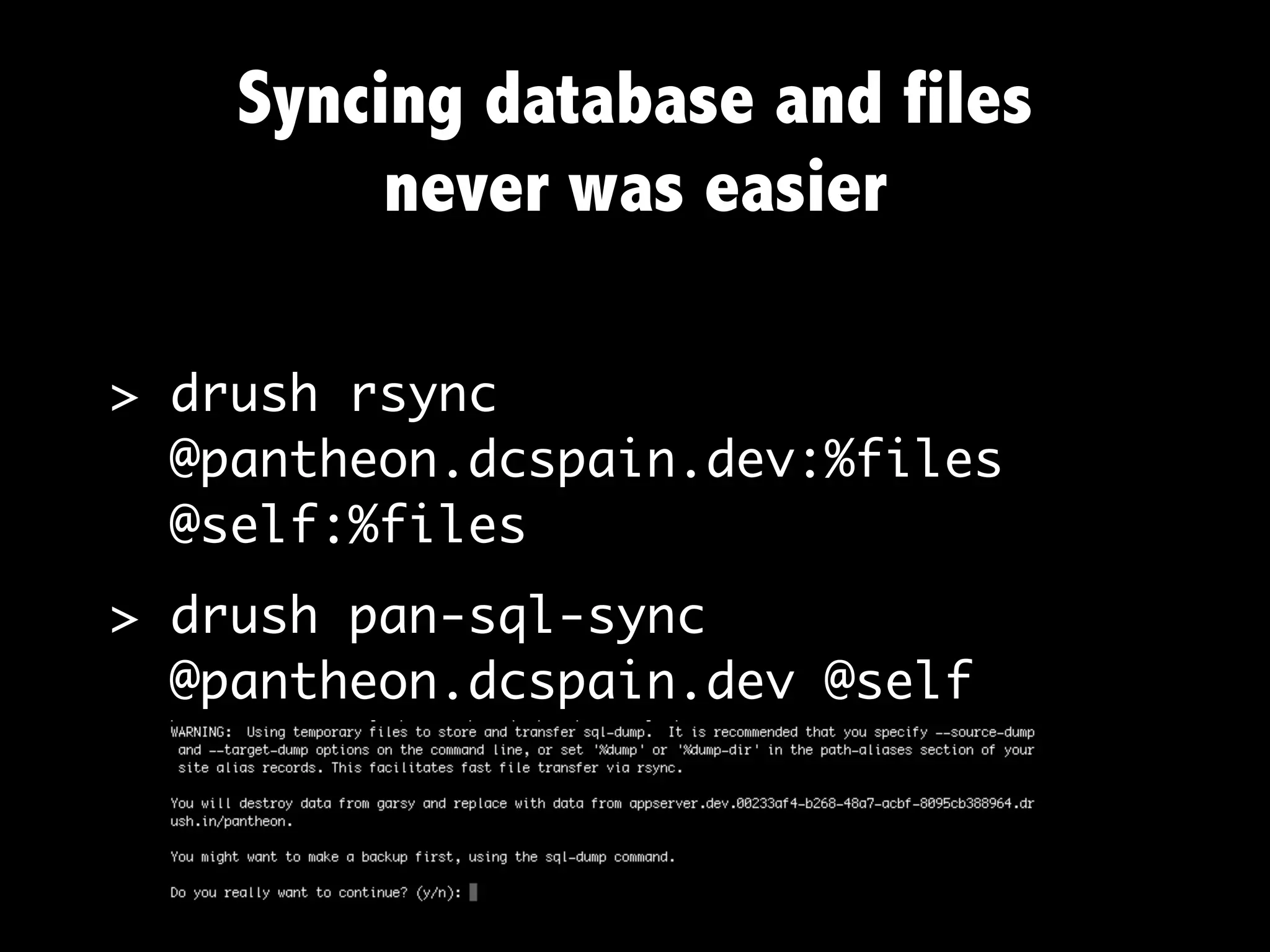
Syncing database and files
         never was easier

> drush rsync
  @pantheon.dcspain.dev:%files
  @self:%files
> drush pan-sql-sync
  @pantheon.dcspain.dev @self
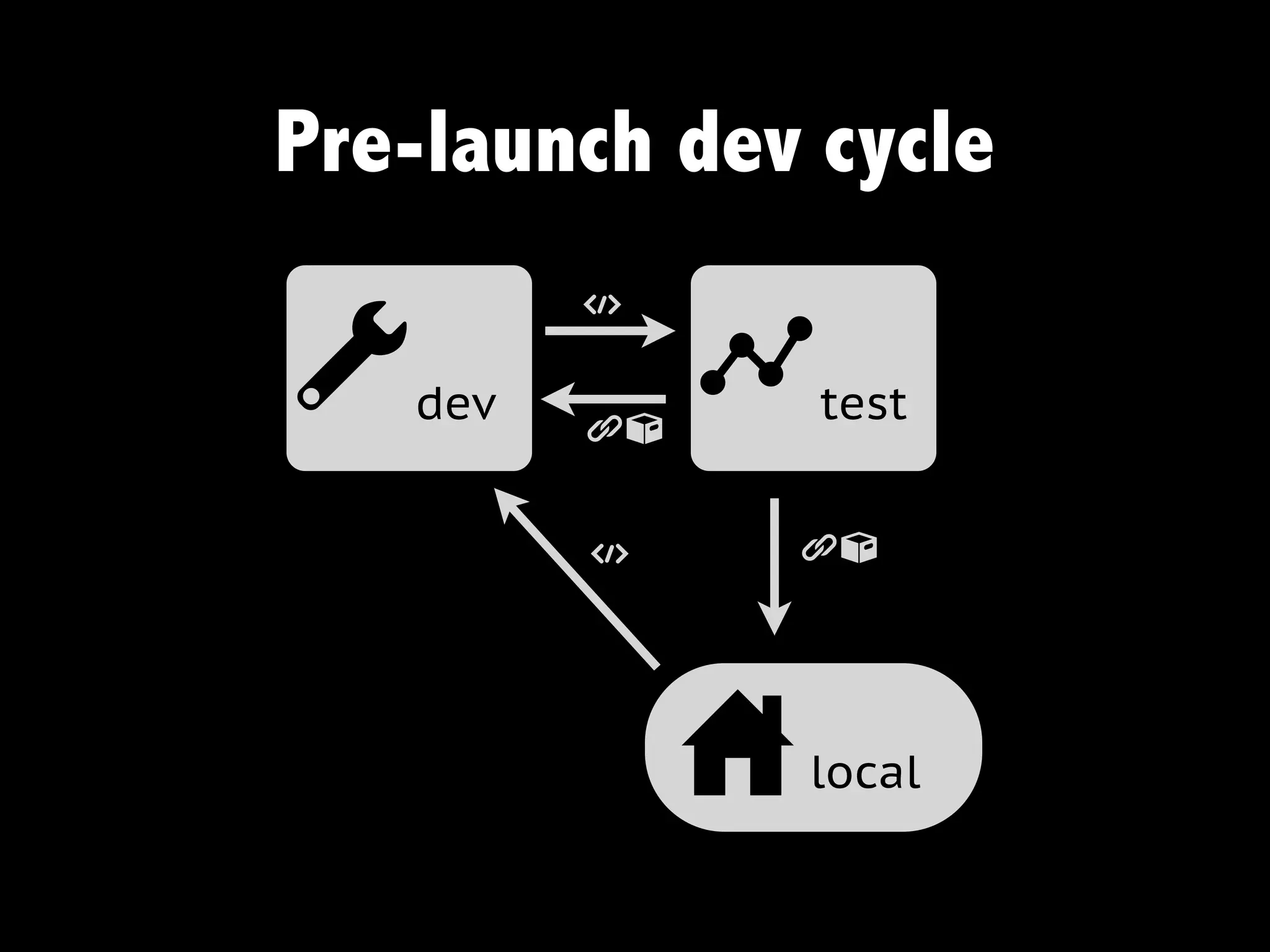
Pre-launch dev cycle
         t

a  dev
         gn
              b   test


         t    gn


              u   local
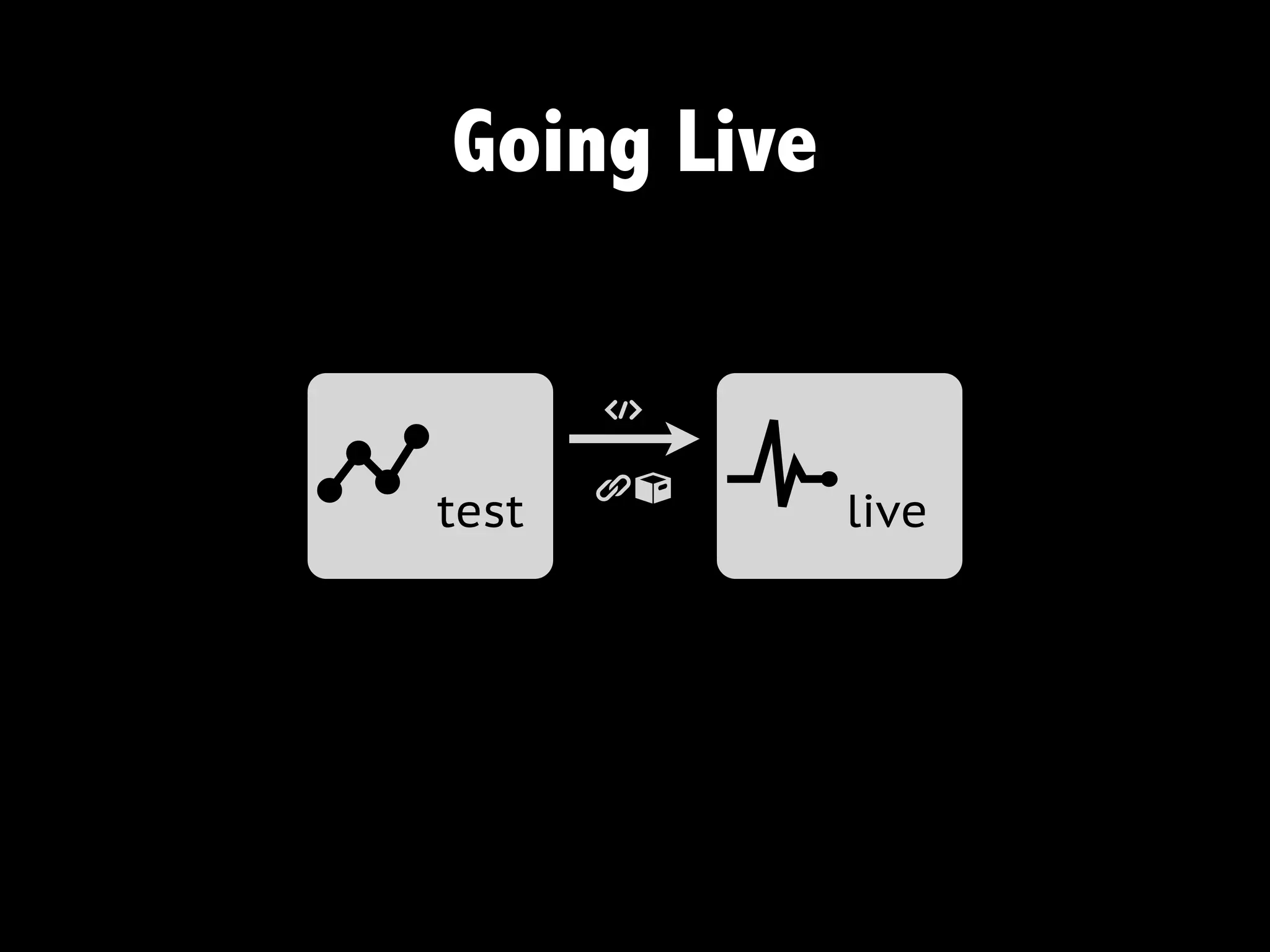
Going Live

        t

btest   gn   c   live
Searching like a pro
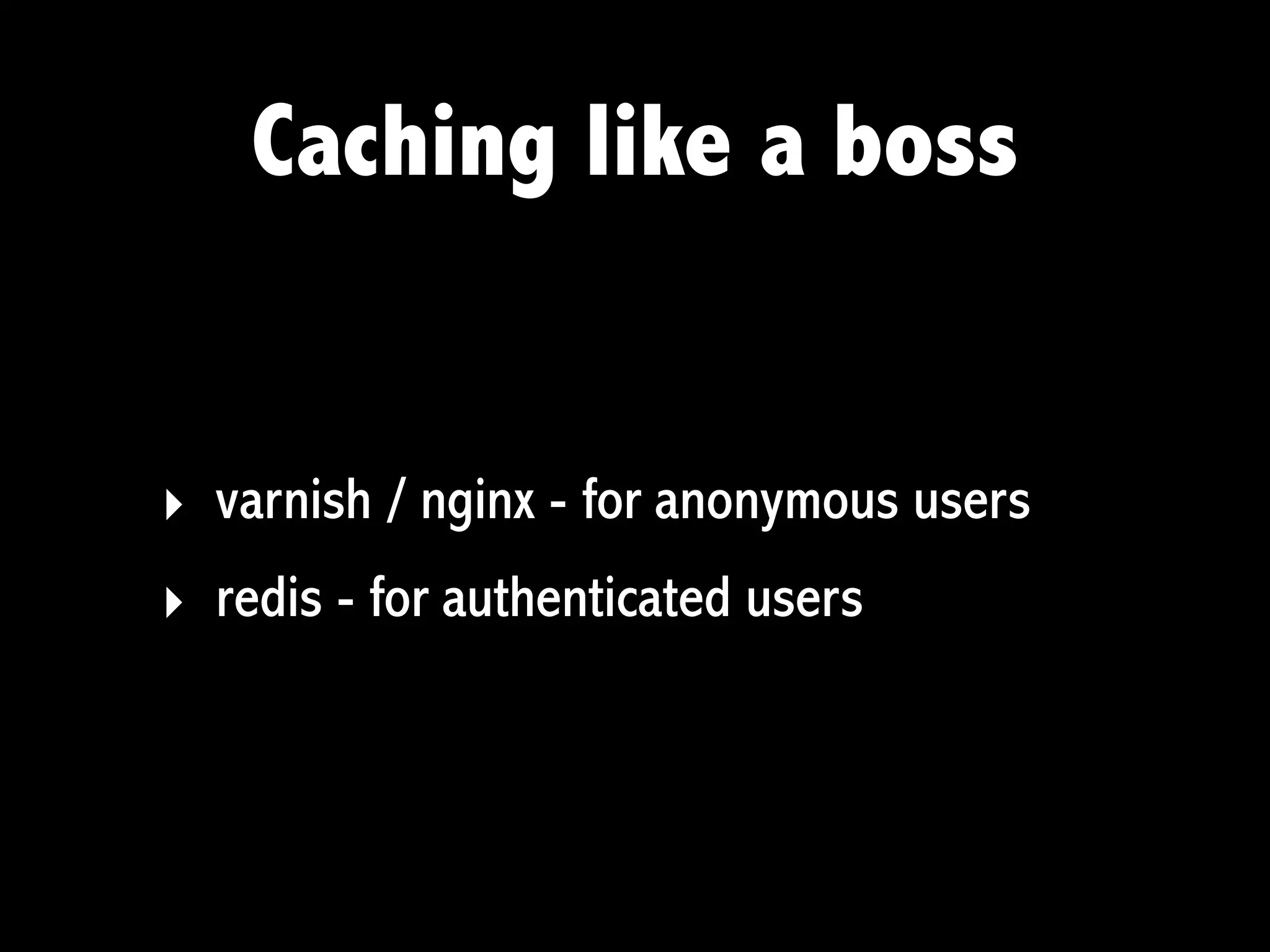
Caching like a boss


‣ varnish / nginx - for anonymous users
‣ redis - for authenticated users
Scale!


         From http://getpantheon.com
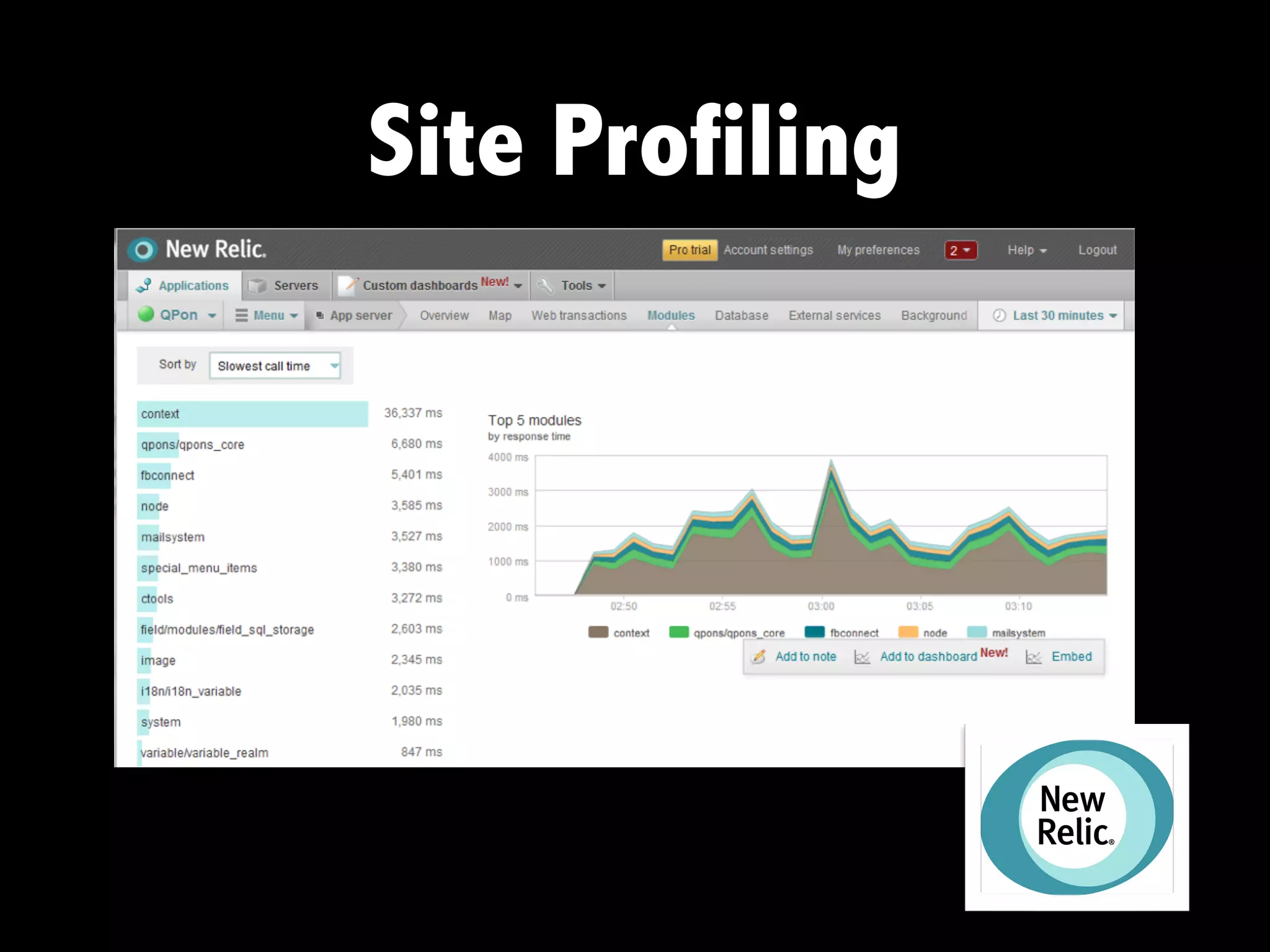
Site Profiling
Ou Yeah.. there is more


‣ Drupal core updates
‣ On-server development - hot fixes directly on the
  server
Things to look out for

‣ Drupal 8 and the CMI: will make exportables much better
  (think: bye-bye Features)
‣ More command-line magic
‣ More automation
‣ Cloud Driven Development: the future for Drupal?
Thanks!
http://marzeelabs.org   @marzeelabs

Cloud Driven Development: a better workflow, less worries, and more power

  • 1.
    Cloud Driven Development a betterworkflow, less worries, and more power Peter Vanhee 20th October 2012 - DrupalCamp Spain
  • 2.
    Who am I? ‣Consumer and contributor to Drupal for over 6 years @pvhee ‣ Co-founder Marzee Labs @marzeelabs, a web shop from Barcelona ‣ http://marzeelabs.org
  • 3.
    The Cloud “The cloudhas given has us the ability to provide nearly limitless, on-demand resources to speed up our web development and deployment processes”
  • 4.
    For me? Photo fromFlickr by Abode of Chaos
  • 5.
  • 6.
  • 7.
    Enter PaaS ‣ “Platform-as-a-service” ‣Yet another service built on top of the cloud ‣ Provides a computing platform and a solution stack Source: Wikipedia
  • 8.
  • 9.
  • 10.
    In general, DrupalPaaS offer ‣ Different environments. Typically a development, staging and production environment ‣ Code repository, e.g. git ‣ On-demand resources ‣ Specialty services for search, caching, performance optimization, etc. ‣ A lot of automation of the tools you typically use (or want to) when building Drupal sites
  • 11.
    More good stuff ‣one-click installs of Drupal distributions ‣ they teach you awesome developer processes
  • 12.
    Disadvantages? ‣ Difficult tobreak away from the standard setup ‣ Not always shell access - and shell in generally very limited ‣ Cannot install just anything
  • 13.
    Cuts most ofthe deals
  • 14.
    Enter Cloud Driven Development “Cloud Driven Development puts the fun back into your Drupal development and deployment”
  • 15.
    Cloud Driven DevelopmentModel adev b test c live u local
  • 16.
    Cloud Driven DevelopmentModel for your Team a dev u local u local
  • 17.
    Cloud Driven DevelopmentModel with the Client b test c live Revise new features Work on content
  • 18.
    Cloud Driven DevelopmentModel for Everyone Else c live
  • 19.
    Cloud Driven DevelopmentModel t t a dev gn b test gn c live t gn u local t code moves from left to right g files and n database move from right to left
  • 20.
    The Ingredients for Cloud DD Drush + “exportables”
  • 21.
    Demo using Pantheon Free developer tier at http://getpantheon.com
  • 22.
    Spinning up anew site
  • 24.
    Go u local >git clone git@* drupalcamp_spain
  • 25.
    At Marzee Labswe maintain our own Drupal distribution ‣ contains modules and sandboxes we always use ‣ has some features we always need ‣ has smart settings preconfigured mz/mz.make mz/mz.profile mz/mz.install mz/mz.info
  • 26.
    Make our site >drush make --no-core profiles/mz/mz.make .
  • 27.
    From u localto adev > git add -A . > git commit -m "Built site from MZ" > git push origin master
  • 28.
  • 29.
  • 30.
    Pantheon Dashboard From http://getpantheon.com
  • 31.
    A typical developmentflow ‣ pull the database from the dev/test/live environment * ‣ drush dl awesome_module ‣ configure and export ‣ enable the module, in our site feature * if you follow a real database-free development flow, you should do this only once at the beginning
  • 32.
    First: get yourdrush aliases from ulocal to > drush @pantheon.dcspain.dev a dev > drush @pantheon.dcspain.test b test > drush @pantheon.dcspain.live c live
  • 33.
    Deploy on adev >git push origin master > drush @pantheon.dcspain.dev updatedb > drush @pantheon.dcspain.dev fra > drush @pantheon.dcspain.dev cc all
  • 34.
  • 35.
    Hello Pandarus ‣ Adrupal sandbox* by wodenx ‣ For command-line freaks ‣ Deploy via command-line ‣ Syncronize databases and files * http://drupal.org/sandbox/wodenx/1512788 soon to be a full d.o. project
  • 36.
    Deploy faster withPandarus > drush pan-deploy test
  • 37.
    Syncing database andfiles never was easier > drush rsync @pantheon.dcspain.dev:%files @self:%files > drush pan-sql-sync @pantheon.dcspain.dev @self
  • 38.
    Pre-launch dev cycle t a dev gn b test t gn u local
  • 39.
    Going Live t btest gn c live
  • 40.
  • 41.
    Caching like aboss ‣ varnish / nginx - for anonymous users ‣ redis - for authenticated users
  • 42.
    Scale! From http://getpantheon.com
  • 43.
  • 44.
    Ou Yeah.. thereis more ‣ Drupal core updates ‣ On-server development - hot fixes directly on the server
  • 45.
    Things to lookout for ‣ Drupal 8 and the CMI: will make exportables much better (think: bye-bye Features) ‣ More command-line magic ‣ More automation ‣ Cloud Driven Development: the future for Drupal?
  • 46.