Jenkins X Hands-on
automated CI/CD solution
for modern cloud applications on Kubernetes
JBUG Korea
automated CI/CD solution
for modern cloud applications
on Kubernetes
Application Build & Deploy
as WAR
on WAS
** AS-IS **
Application Build & Deploy
as Container
on Kubernetes
** TO-BE **
Jenkins X
automated CI/CD for kubernetes
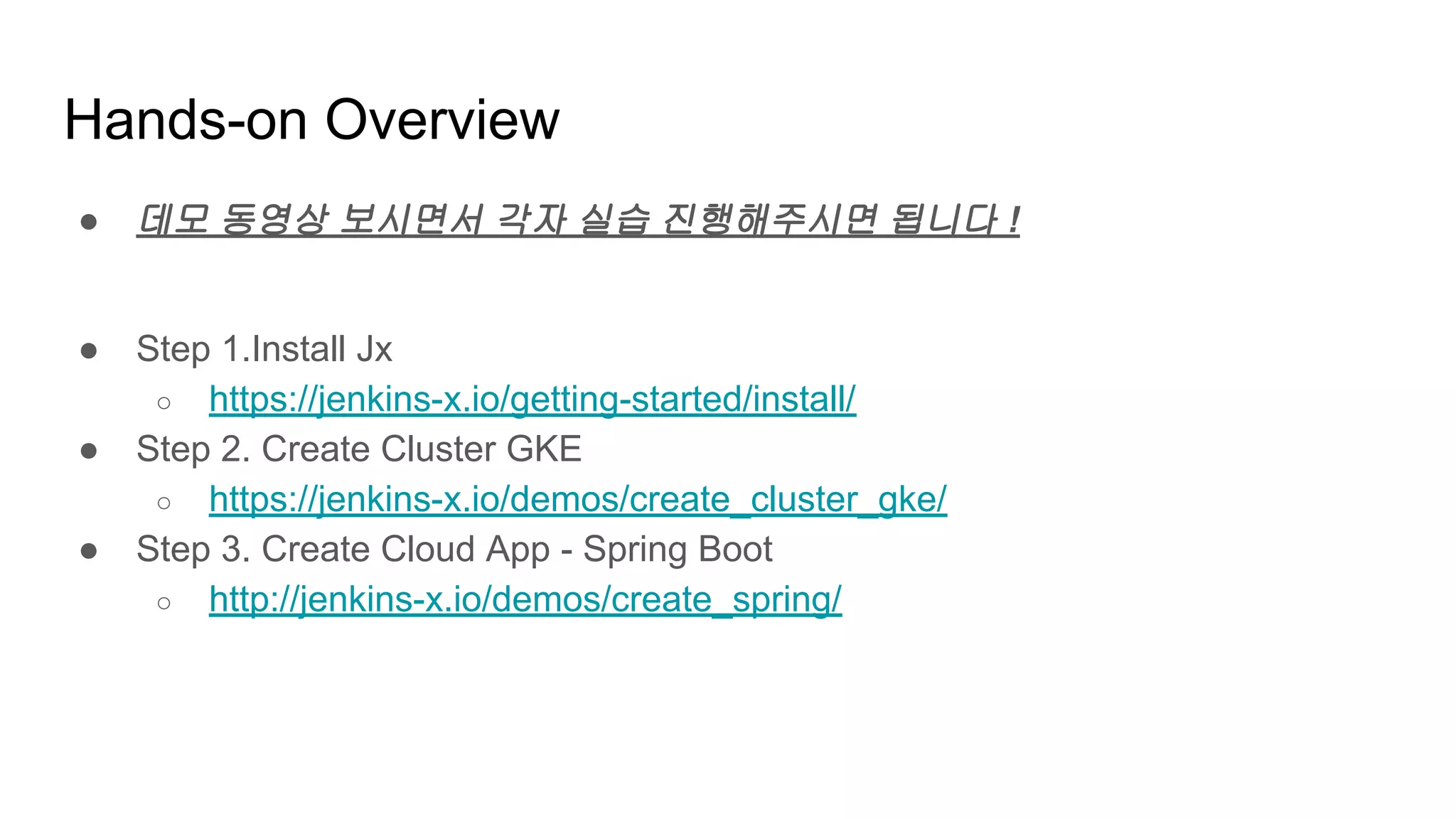
Hands-on Overview
● 데모 동영상 보시면서 각자 실습 진행해주시면 됩니다 !
● Step 1.Install Jx
○ https://jenkins-x.io/getting-started/install/
● Step 2. Create Cluster GKE
○ https://jenkins-x.io/demos/create_cluster_gke/
● Step 3. Create Cloud App - Spring Boot
○ http://jenkins-x.io/demos/create_spring/
Jenkins X
Jenkins + other apps
https://jenkins-x.io
helm, skaffold, nexus,
monocular etc
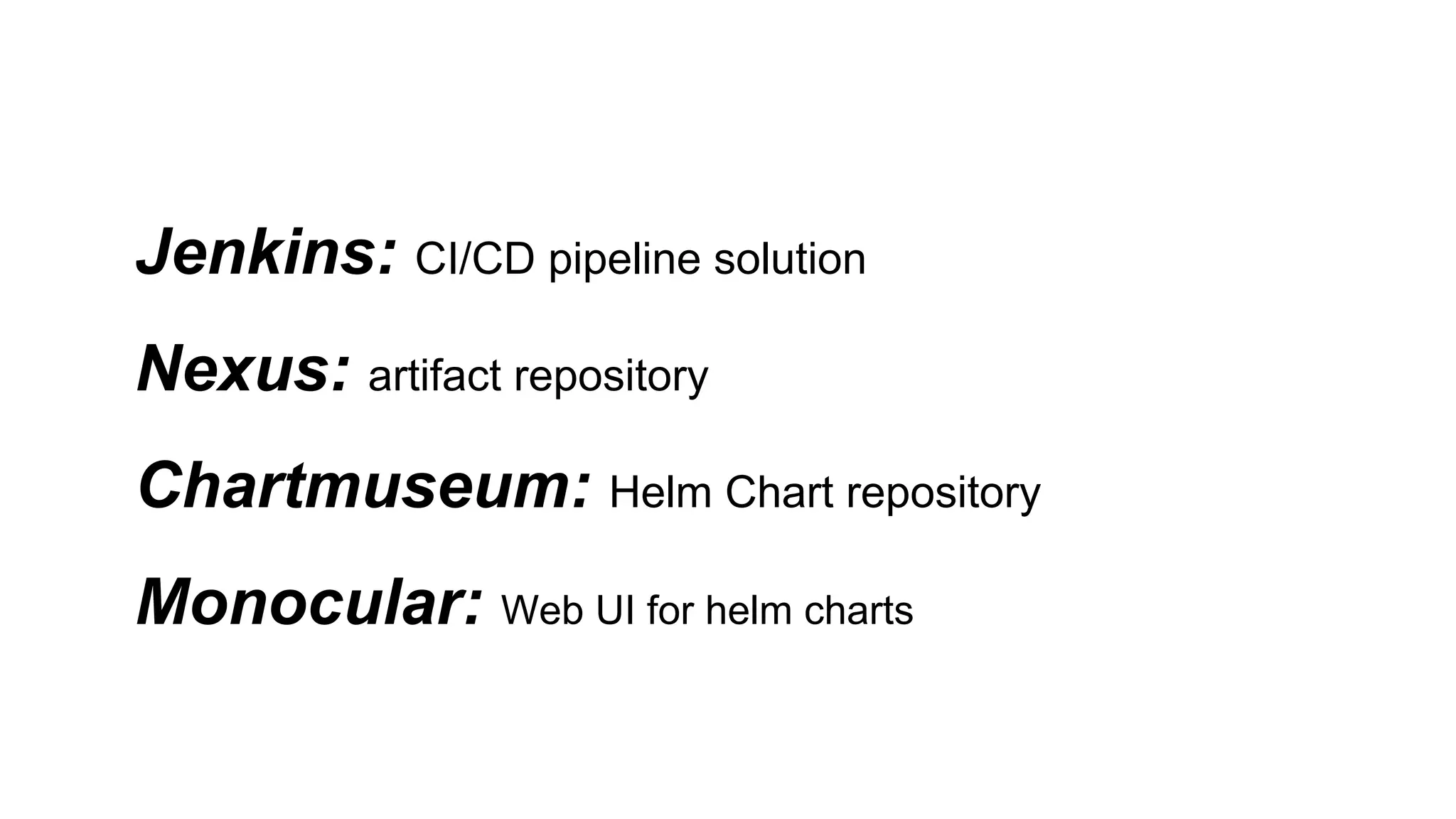
Jenkins: CI/CD pipeline solution
Nexus: artifact repository
Chartmuseum: Helm Chart repository
Monocular: Web UI for helm charts
Jenkins X
automated CI/CD for kubernetes
https://goo.gl/qSGeUw
Let’s start Hands-on
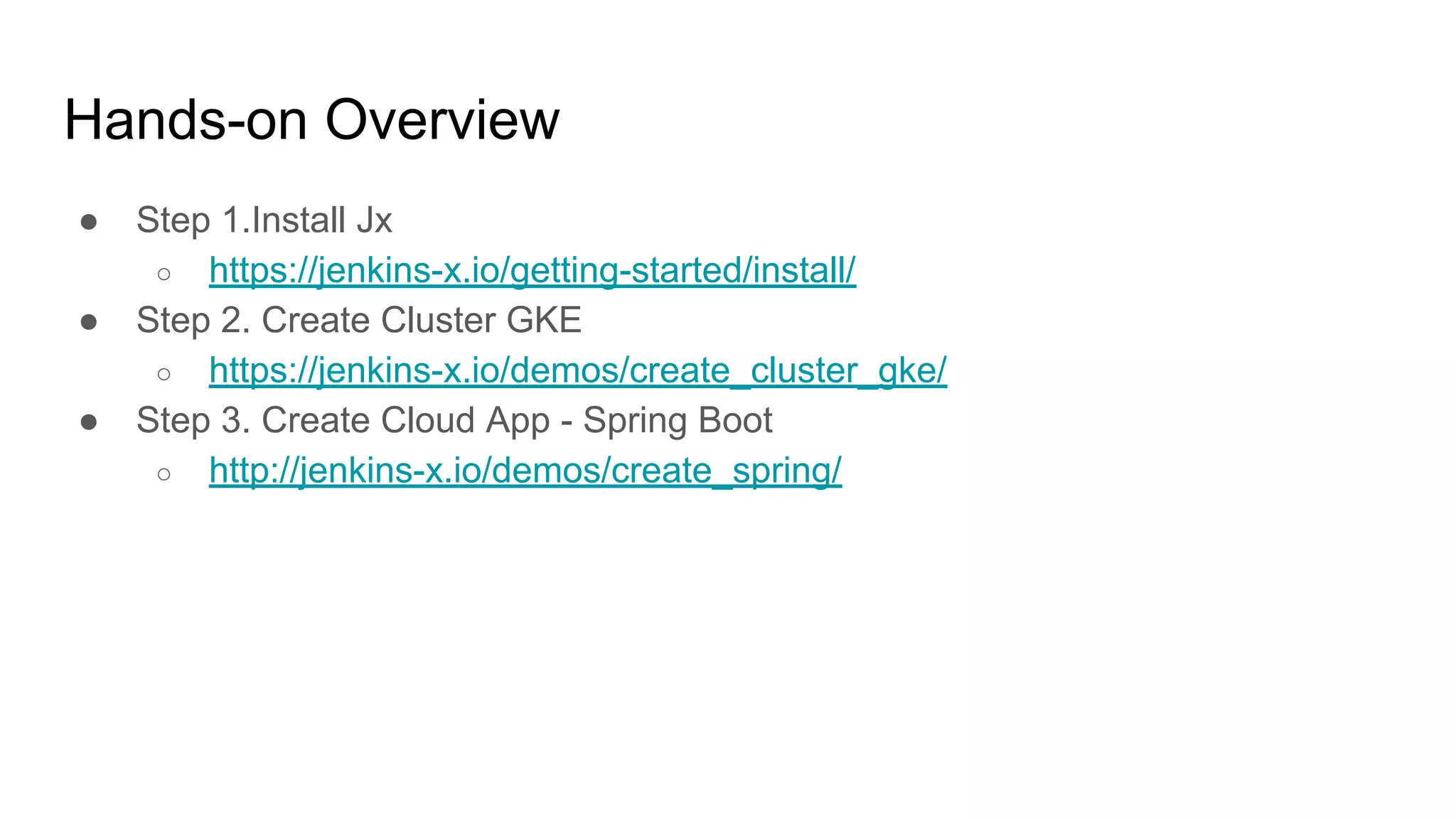
Hands-on Overview
● Step 1.Install Jx
○ https://jenkins-x.io/getting-started/install/
● Step 2. Create Cluster GKE
○ https://jenkins-x.io/demos/create_cluster_gke/
● Step 3. Create Cloud App - Spring Boot
○ http://jenkins-x.io/demos/create_spring/
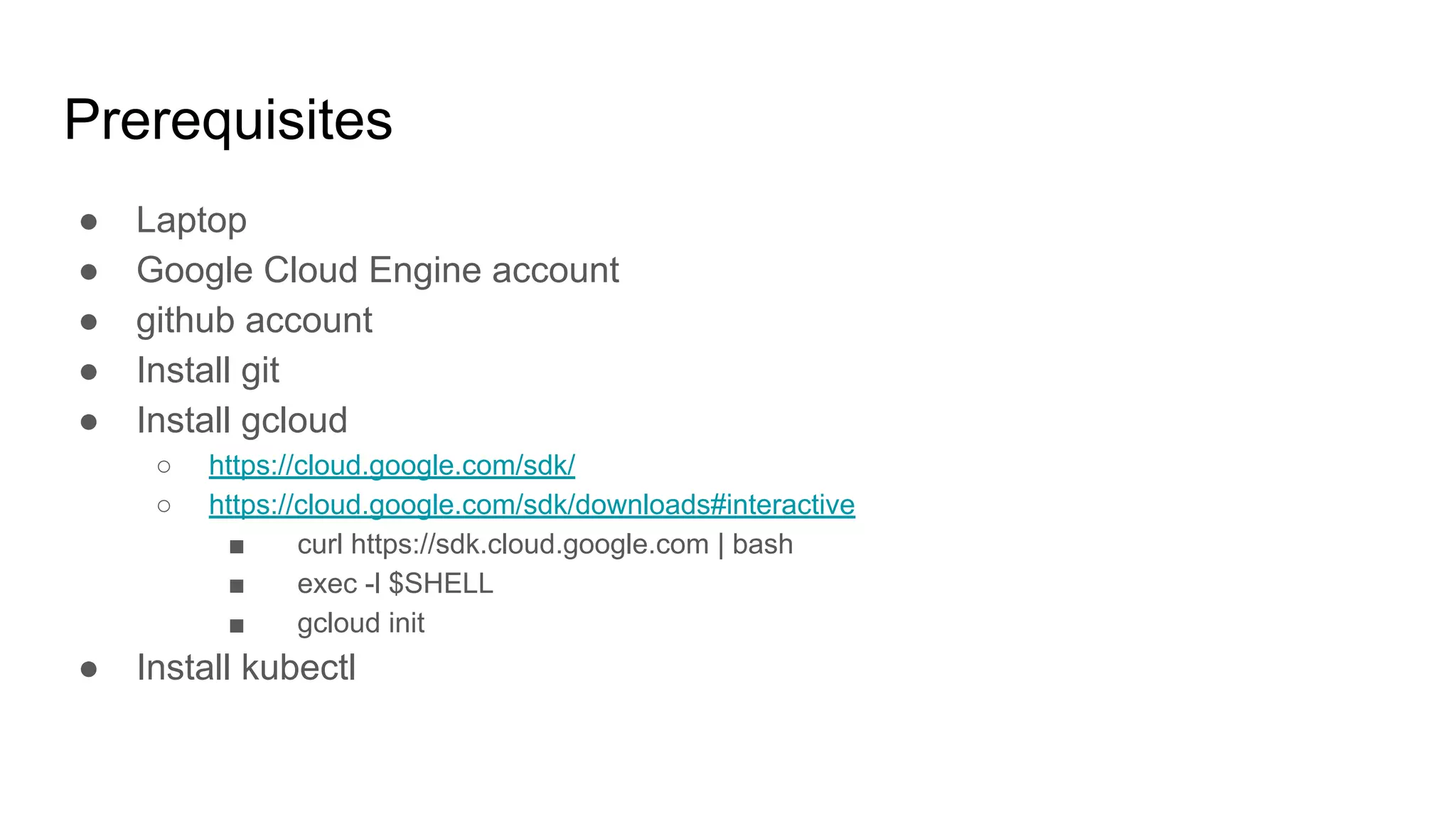
Prerequisites
● Laptop
● Google Cloud Engine account
● github account
● Install git
● Install gcloud
○ https://cloud.google.com/sdk/
○ https://cloud.google.com/sdk/downloads#interactive
■ curl https://sdk.cloud.google.com | bash
■ exec -l $SHELL
■ gcloud init
● Install kubectl
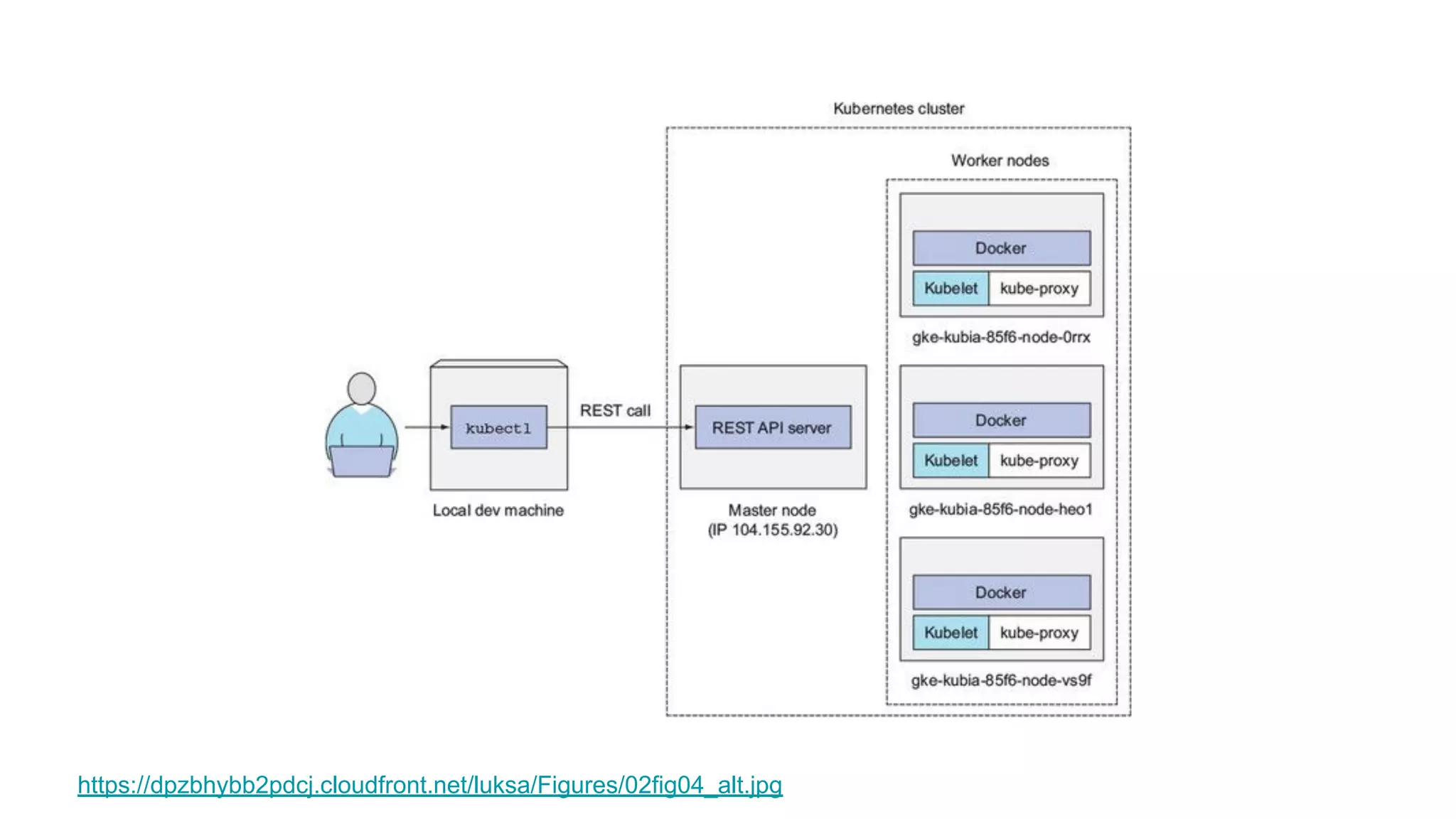
https://dpzbhybb2pdcj.cloudfront.net/luksa/Figures/02fig04_alt.jpg
Step 1. Install Jx
● https://jenkins-x.io/getting-started/install/
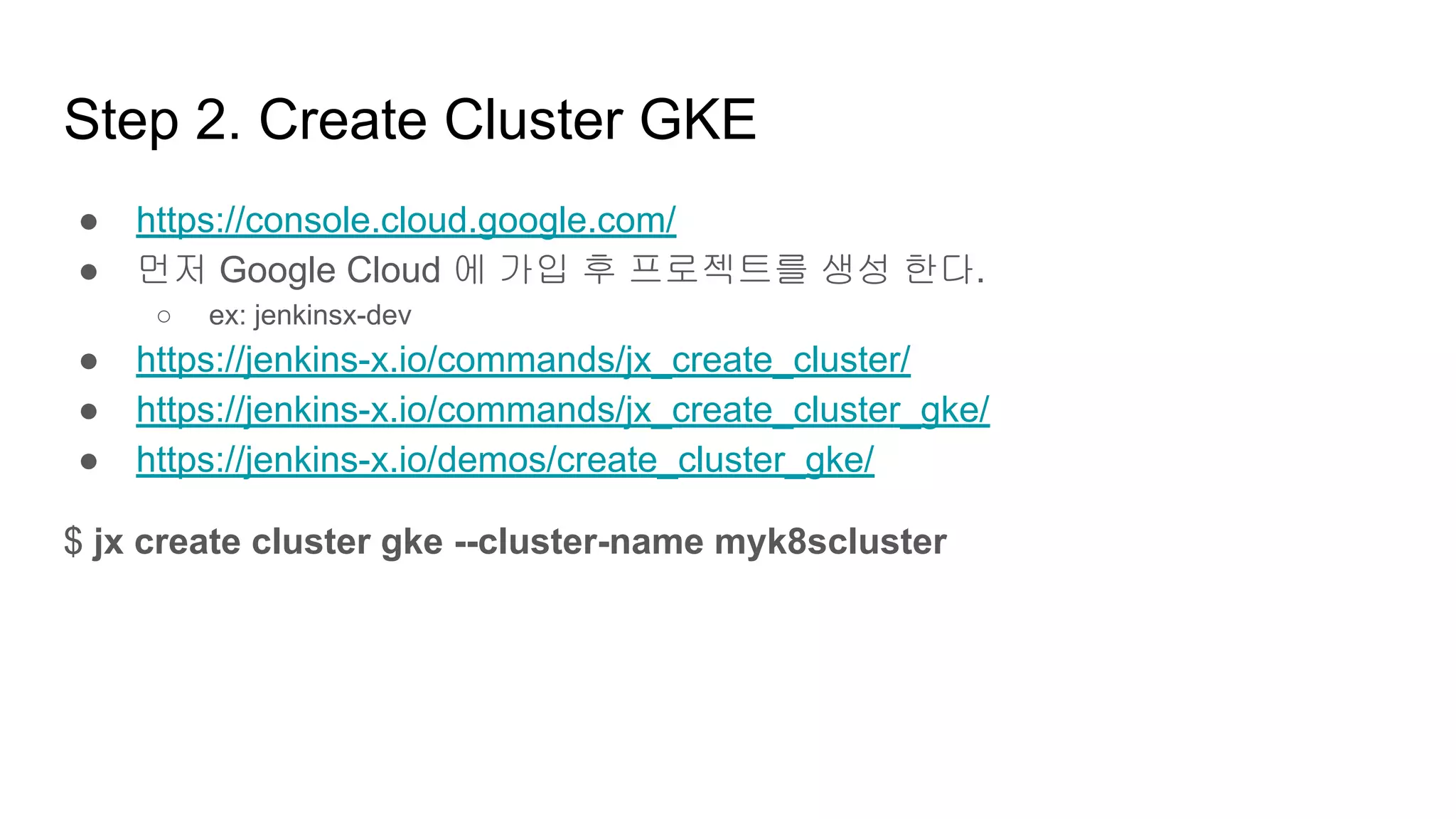
Step 2. Create Cluster GKE
● https://console.cloud.google.com/
● 먼저 Google Cloud 에 가입 후 프로젝트를 생성 한다.
○ ex: jenkinsx-dev
● https://jenkins-x.io/commands/jx_create_cluster/
● https://jenkins-x.io/commands/jx_create_cluster_gke/
● https://jenkins-x.io/demos/create_cluster_gke/
$ jx create cluster gke --cluster-name myk8scluster
Step 2. Create Cluster GKE
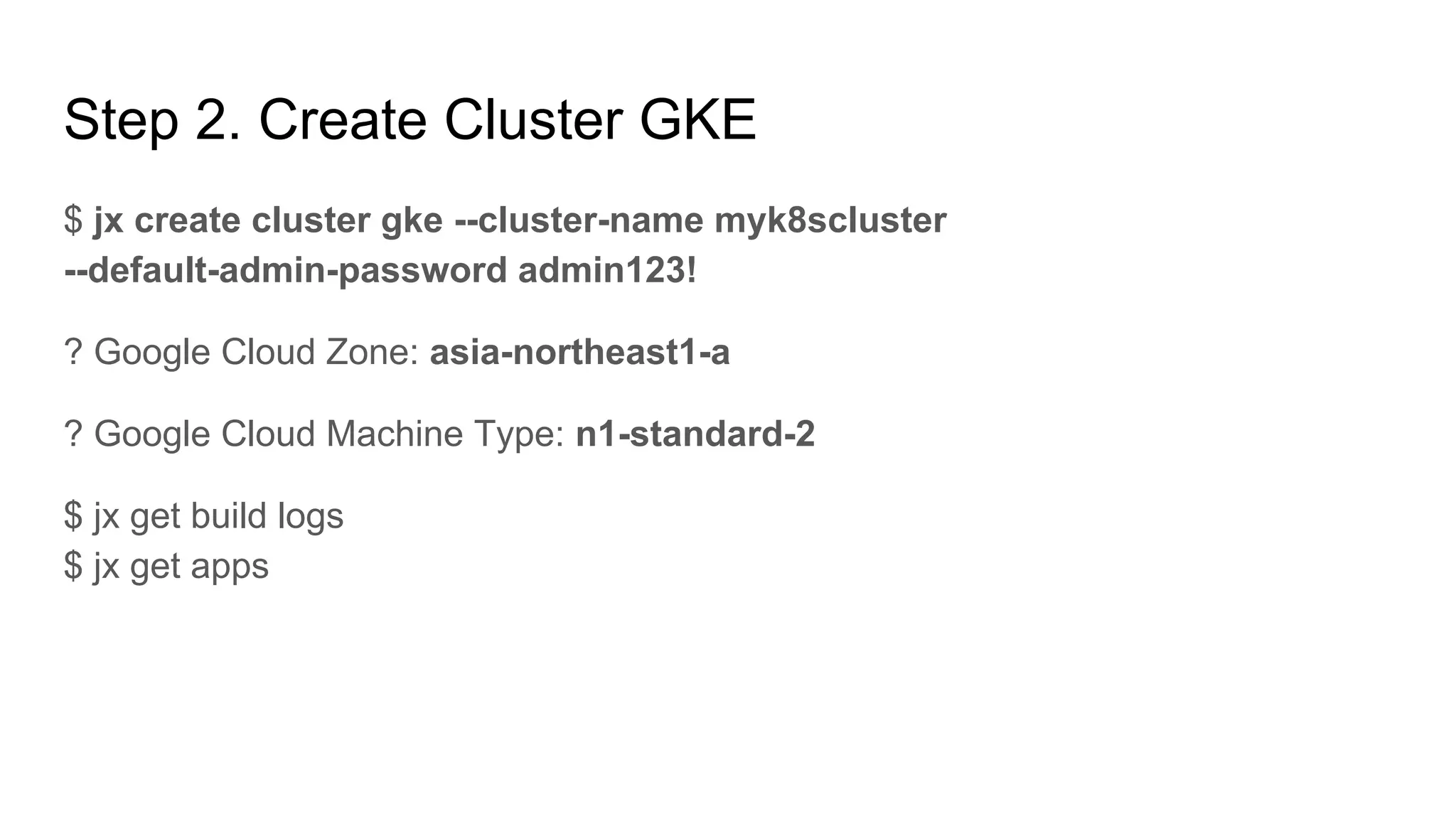
$ jx create cluster gke --cluster-name myk8scluster
--default-admin-password admin123!
? Google Cloud Zone: asia-northeast1-a
? Google Cloud Machine Type: n1-standard-2
$ jx get build logs
$ jx get apps
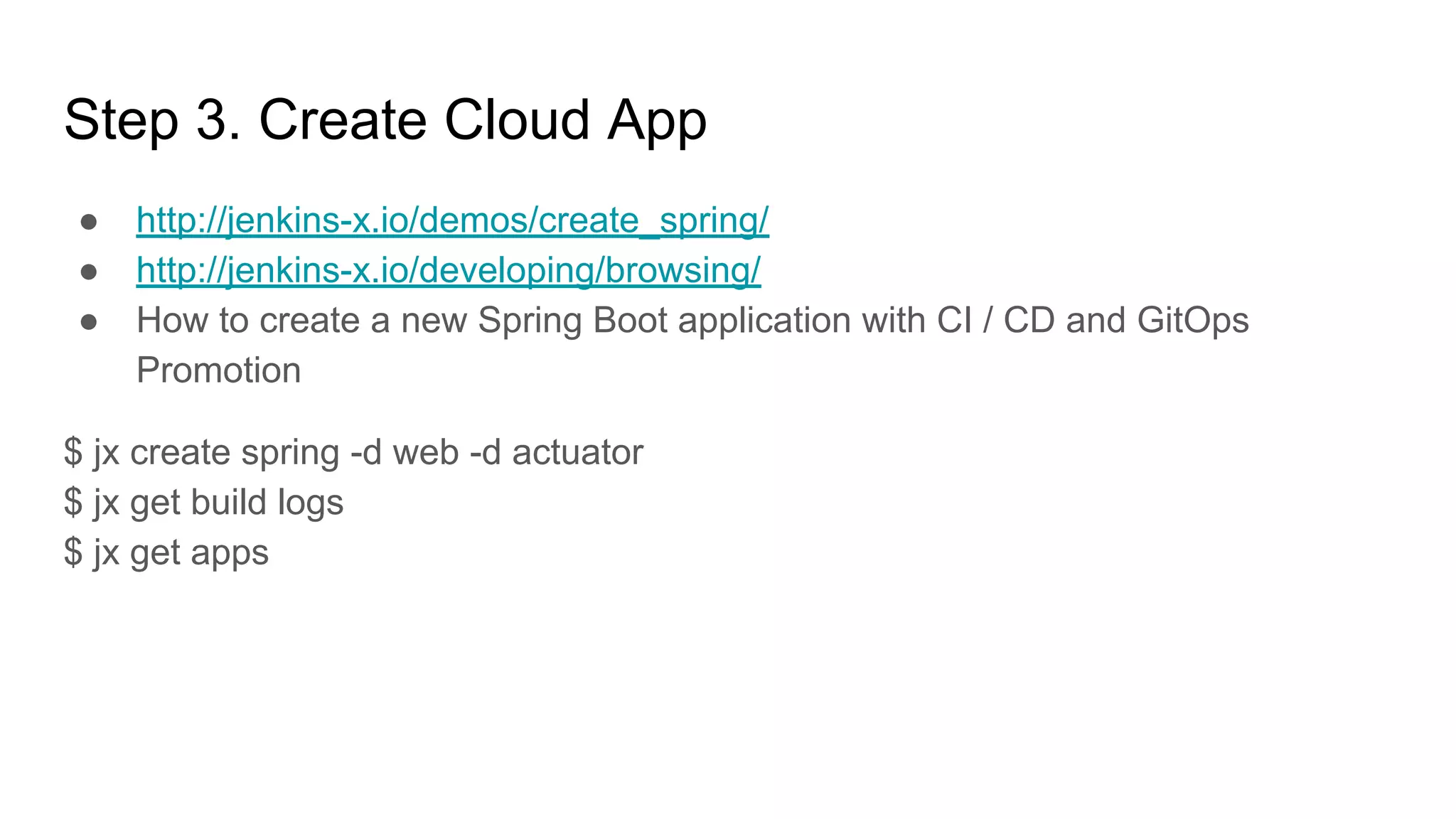
● http://jenkins-x.io/demos/create_spring/
● http://jenkins-x.io/developing/browsing/
● How to create a new Spring Boot application with CI / CD and GitOps
Promotion
$ jx create spring -d web -d actuator
$ jx get build logs
$ jx get apps
Step 3. Create Cloud App
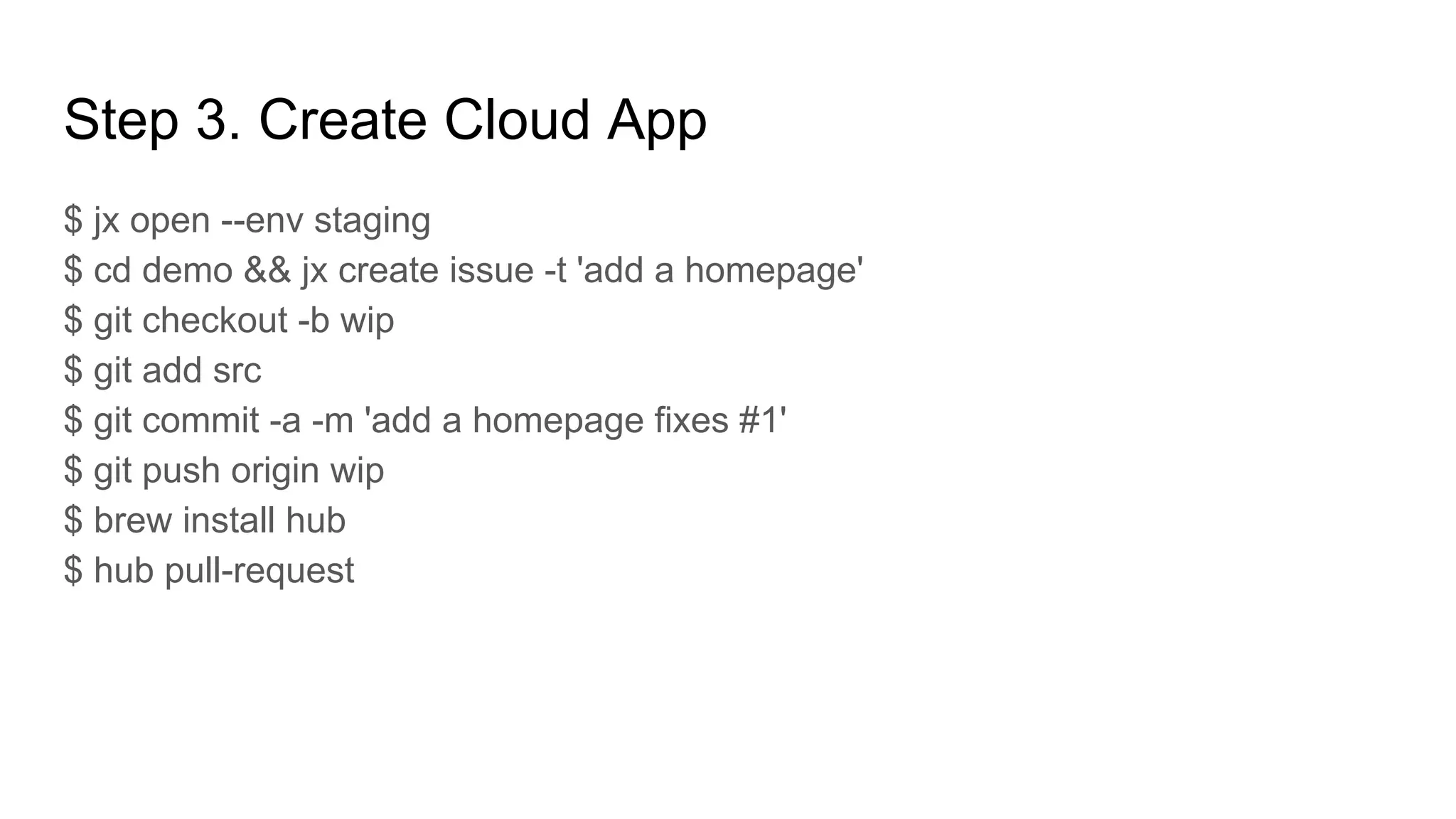
$ jx open --env staging
$ cd demo && jx create issue -t 'add a homepage'
$ git checkout -b wip
$ git add src
$ git commit -a -m 'add a homepage fixes #1'
$ git push origin wip
$ brew install hub
$ hub pull-request
Step 3. Create Cloud App
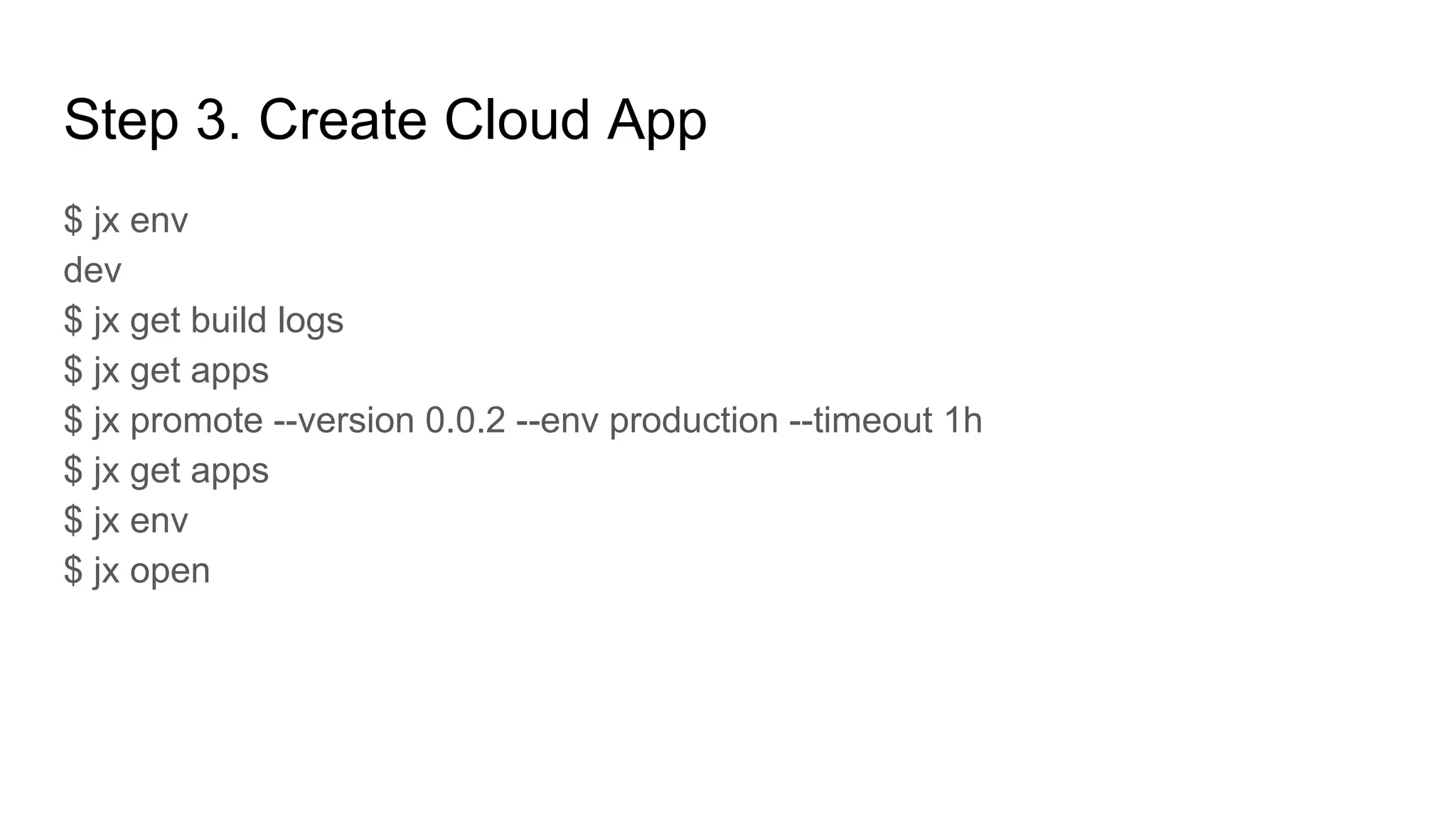
$ jx env
dev
$ jx get build logs
$ jx get apps
$ jx promote --version 0.0.2 --env production --timeout 1h
$ jx get apps
$ jx env
$ jx open
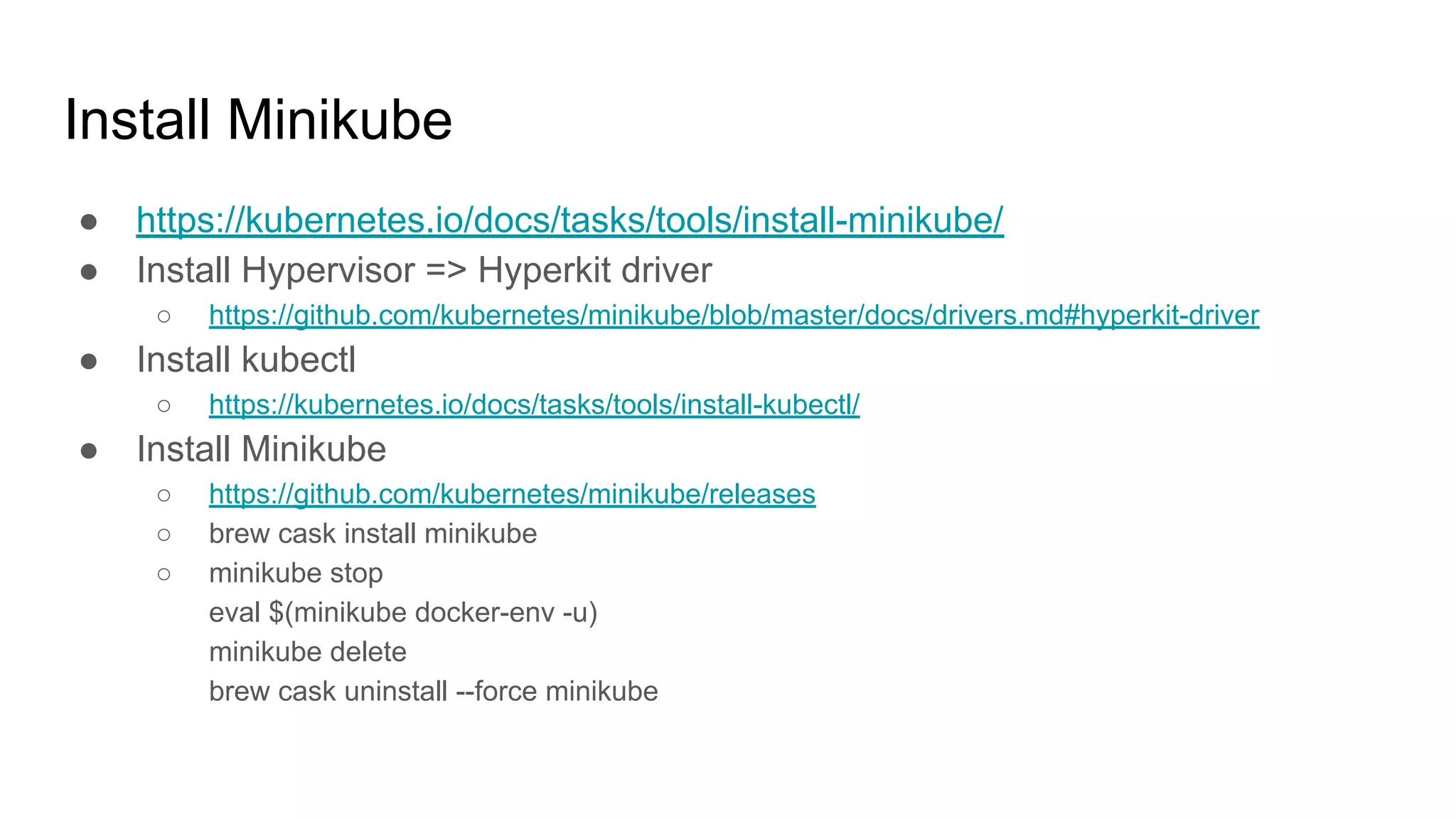
Install Minikube
● https://kubernetes.io/docs/tasks/tools/install-minikube/
● Install Hypervisor => Hyperkit driver
○ https://github.com/kubernetes/minikube/blob/master/docs/drivers.md#hyperkit-driver
● Install kubectl
○ https://kubernetes.io/docs/tasks/tools/install-kubectl/
● Install Minikube
○ https://github.com/kubernetes/minikube/releases
○ brew cask install minikube
○ minikube stop
eval $(minikube docker-env -u)
minikube delete
brew cask uninstall --force minikube
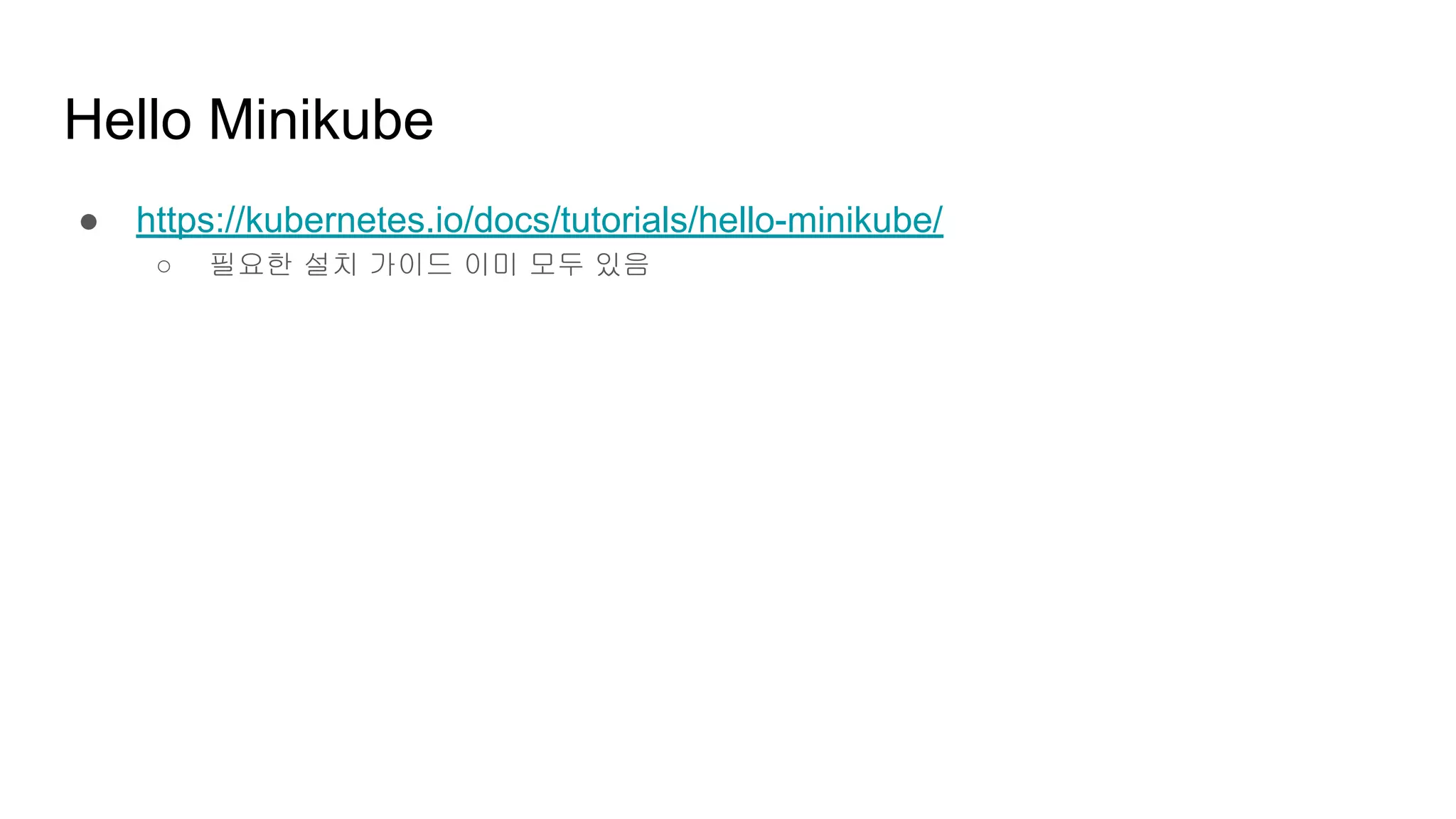
Hello Minikube
● https://kubernetes.io/docs/tutorials/hello-minikube/
○ 필요한 설치 가이드 이미 모두 있음
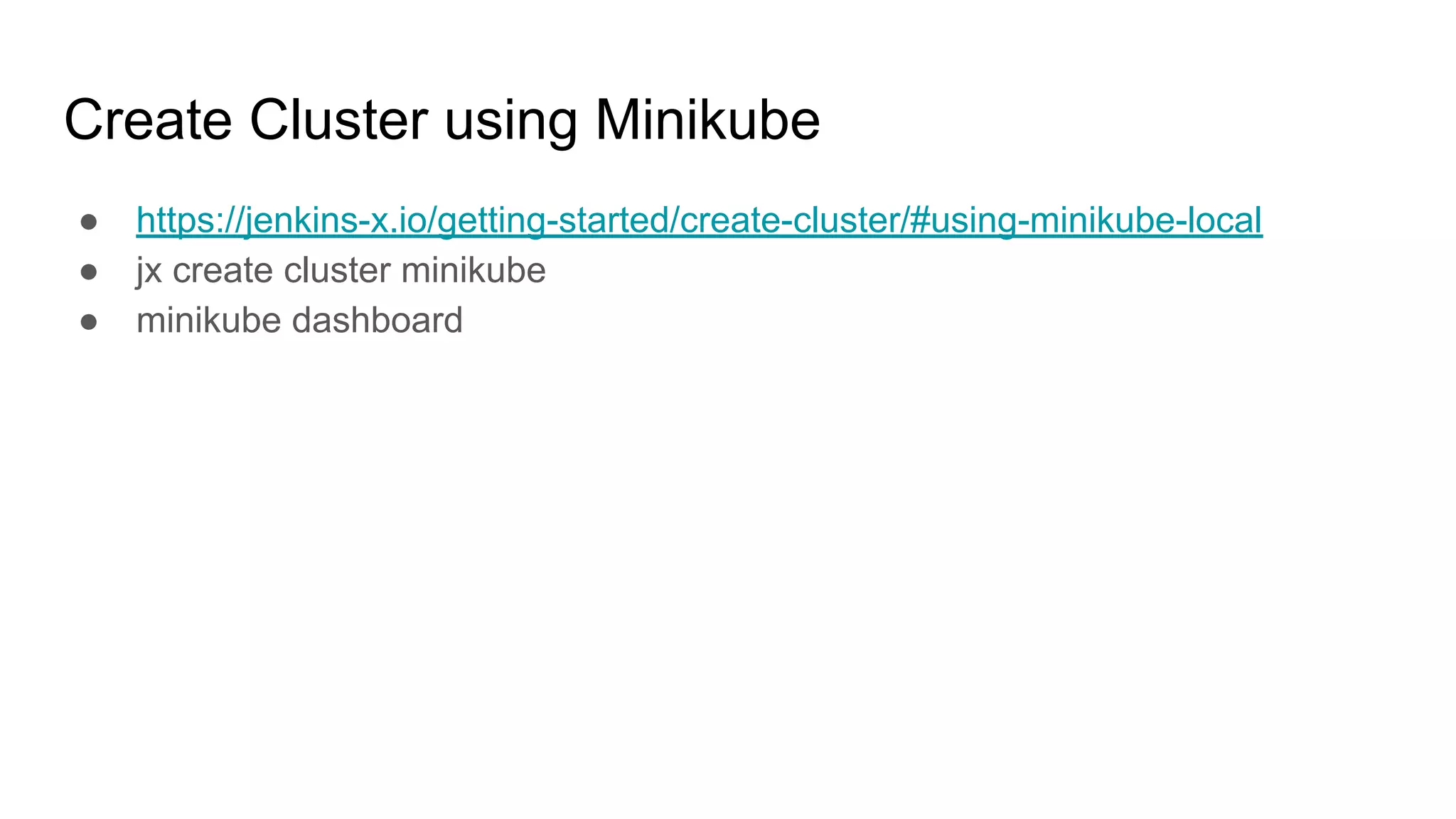
Create Cluster using Minikube
● https://jenkins-x.io/getting-started/create-cluster/#using-minikube-local
● jx create cluster minikube
● minikube dashboard
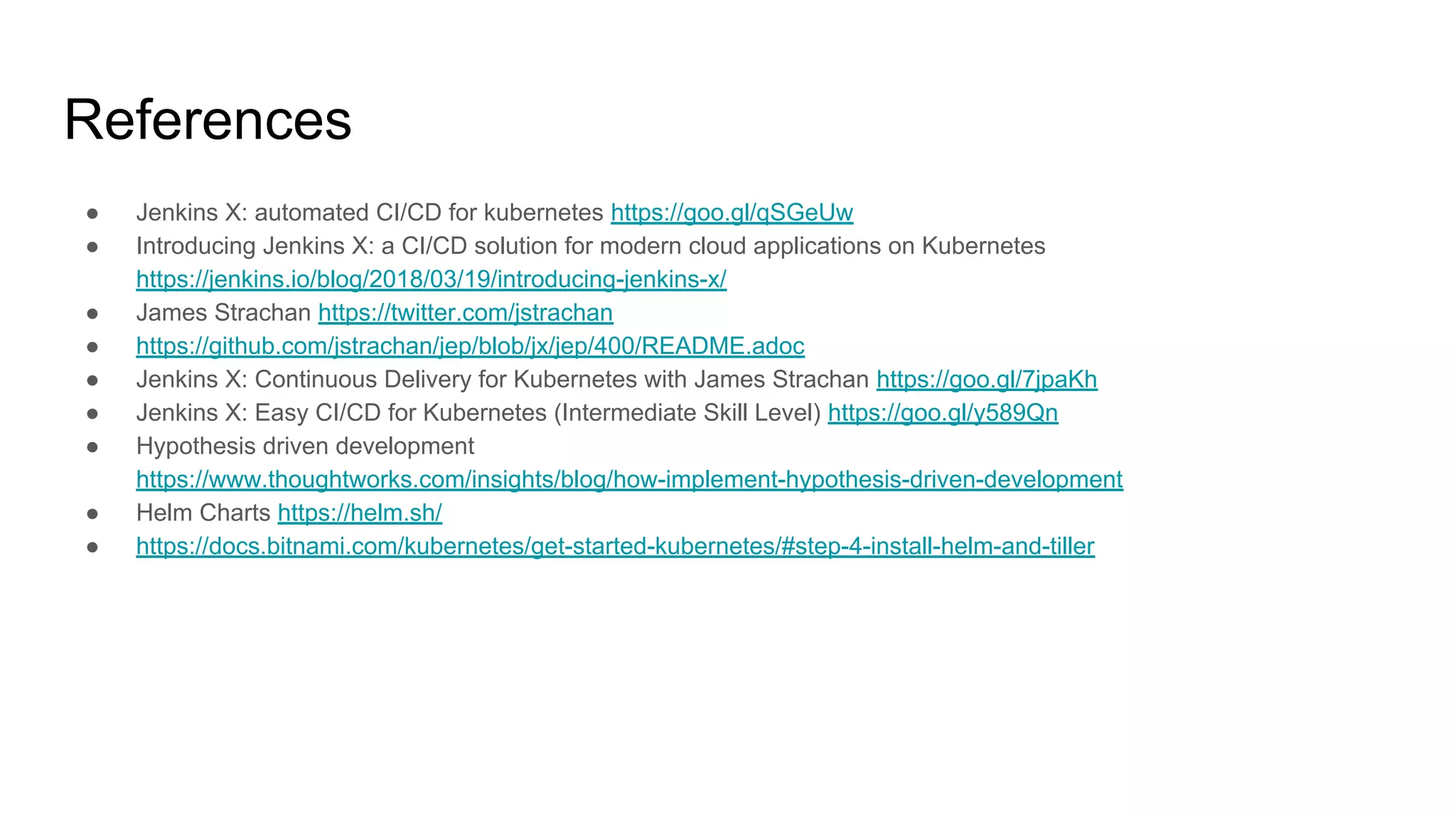
References
● Jenkins X: automated CI/CD for kubernetes https://goo.gl/qSGeUw
● Introducing Jenkins X: a CI/CD solution for modern cloud applications on Kubernetes
https://jenkins.io/blog/2018/03/19/introducing-jenkins-x/
● James Strachan https://twitter.com/jstrachan
● https://github.com/jstrachan/jep/blob/jx/jep/400/README.adoc
● Jenkins X: Continuous Delivery for Kubernetes with James Strachan https://goo.gl/7jpaKh
● Jenkins X: Easy CI/CD for Kubernetes (Intermediate Skill Level) https://goo.gl/y589Qn
● Hypothesis driven development
https://www.thoughtworks.com/insights/blog/how-implement-hypothesis-driven-development
● Helm Charts https://helm.sh/
● https://docs.bitnami.com/kubernetes/get-started-kubernetes/#step-4-install-helm-and-tiller

Jenkins X Hands-on - automated CI/CD solution for cloud native applications on Kubernetes

  • 1.
    Jenkins X Hands-on automatedCI/CD solution for modern cloud applications on Kubernetes JBUG Korea
  • 2.
    automated CI/CD solution formodern cloud applications on Kubernetes
  • 3.
    Application Build &Deploy as WAR on WAS ** AS-IS **
  • 4.
    Application Build &Deploy as Container on Kubernetes ** TO-BE **
  • 5.
  • 6.
    Hands-on Overview ● 데모동영상 보시면서 각자 실습 진행해주시면 됩니다 ! ● Step 1.Install Jx ○ https://jenkins-x.io/getting-started/install/ ● Step 2. Create Cluster GKE ○ https://jenkins-x.io/demos/create_cluster_gke/ ● Step 3. Create Cloud App - Spring Boot ○ http://jenkins-x.io/demos/create_spring/
  • 7.
  • 8.
    Jenkins + otherapps https://jenkins-x.io
  • 9.
  • 10.
    Jenkins: CI/CD pipelinesolution Nexus: artifact repository Chartmuseum: Helm Chart repository Monocular: Web UI for helm charts
  • 11.
    Jenkins X automated CI/CDfor kubernetes https://goo.gl/qSGeUw
  • 12.
  • 13.
    Hands-on Overview ● Step1.Install Jx ○ https://jenkins-x.io/getting-started/install/ ● Step 2. Create Cluster GKE ○ https://jenkins-x.io/demos/create_cluster_gke/ ● Step 3. Create Cloud App - Spring Boot ○ http://jenkins-x.io/demos/create_spring/
  • 14.
    Prerequisites ● Laptop ● GoogleCloud Engine account ● github account ● Install git ● Install gcloud ○ https://cloud.google.com/sdk/ ○ https://cloud.google.com/sdk/downloads#interactive ■ curl https://sdk.cloud.google.com | bash ■ exec -l $SHELL ■ gcloud init ● Install kubectl
  • 15.
  • 16.
    Step 1. InstallJx ● https://jenkins-x.io/getting-started/install/
  • 17.
    Step 2. CreateCluster GKE ● https://console.cloud.google.com/ ● 먼저 Google Cloud 에 가입 후 프로젝트를 생성 한다. ○ ex: jenkinsx-dev ● https://jenkins-x.io/commands/jx_create_cluster/ ● https://jenkins-x.io/commands/jx_create_cluster_gke/ ● https://jenkins-x.io/demos/create_cluster_gke/ $ jx create cluster gke --cluster-name myk8scluster
  • 18.
    Step 2. CreateCluster GKE $ jx create cluster gke --cluster-name myk8scluster --default-admin-password admin123! ? Google Cloud Zone: asia-northeast1-a ? Google Cloud Machine Type: n1-standard-2 $ jx get build logs $ jx get apps
  • 19.
    ● http://jenkins-x.io/demos/create_spring/ ● http://jenkins-x.io/developing/browsing/ ●How to create a new Spring Boot application with CI / CD and GitOps Promotion $ jx create spring -d web -d actuator $ jx get build logs $ jx get apps Step 3. Create Cloud App
  • 20.
    $ jx open--env staging $ cd demo && jx create issue -t 'add a homepage' $ git checkout -b wip $ git add src $ git commit -a -m 'add a homepage fixes #1' $ git push origin wip $ brew install hub $ hub pull-request Step 3. Create Cloud App
  • 21.
    Step 3. CreateCloud App $ jx env dev $ jx get build logs $ jx get apps $ jx promote --version 0.0.2 --env production --timeout 1h $ jx get apps $ jx env $ jx open
  • 22.
    Install Minikube ● https://kubernetes.io/docs/tasks/tools/install-minikube/ ●Install Hypervisor => Hyperkit driver ○ https://github.com/kubernetes/minikube/blob/master/docs/drivers.md#hyperkit-driver ● Install kubectl ○ https://kubernetes.io/docs/tasks/tools/install-kubectl/ ● Install Minikube ○ https://github.com/kubernetes/minikube/releases ○ brew cask install minikube ○ minikube stop eval $(minikube docker-env -u) minikube delete brew cask uninstall --force minikube
  • 23.
  • 24.
    Create Cluster usingMinikube ● https://jenkins-x.io/getting-started/create-cluster/#using-minikube-local ● jx create cluster minikube ● minikube dashboard
  • 25.
    References ● Jenkins X:automated CI/CD for kubernetes https://goo.gl/qSGeUw ● Introducing Jenkins X: a CI/CD solution for modern cloud applications on Kubernetes https://jenkins.io/blog/2018/03/19/introducing-jenkins-x/ ● James Strachan https://twitter.com/jstrachan ● https://github.com/jstrachan/jep/blob/jx/jep/400/README.adoc ● Jenkins X: Continuous Delivery for Kubernetes with James Strachan https://goo.gl/7jpaKh ● Jenkins X: Easy CI/CD for Kubernetes (Intermediate Skill Level) https://goo.gl/y589Qn ● Hypothesis driven development https://www.thoughtworks.com/insights/blog/how-implement-hypothesis-driven-development ● Helm Charts https://helm.sh/ ● https://docs.bitnami.com/kubernetes/get-started-kubernetes/#step-4-install-helm-and-tiller