HOW TO 
MAKE A BOOK 
The Pressbooks Guide to Self-Publishing 
selfpublishing.pressbooks.com 
pressbooks.com 
support@pressbooks.com
TODAY’S TO-DO LIST 
1. Learn how to turn a Manuscript into a Book.
TOMORROW’S TO-DO LIST 
1. Turn your a Manuscript into a Book.
THERE ARE 
TWO WAYS 
TO DO THIS.
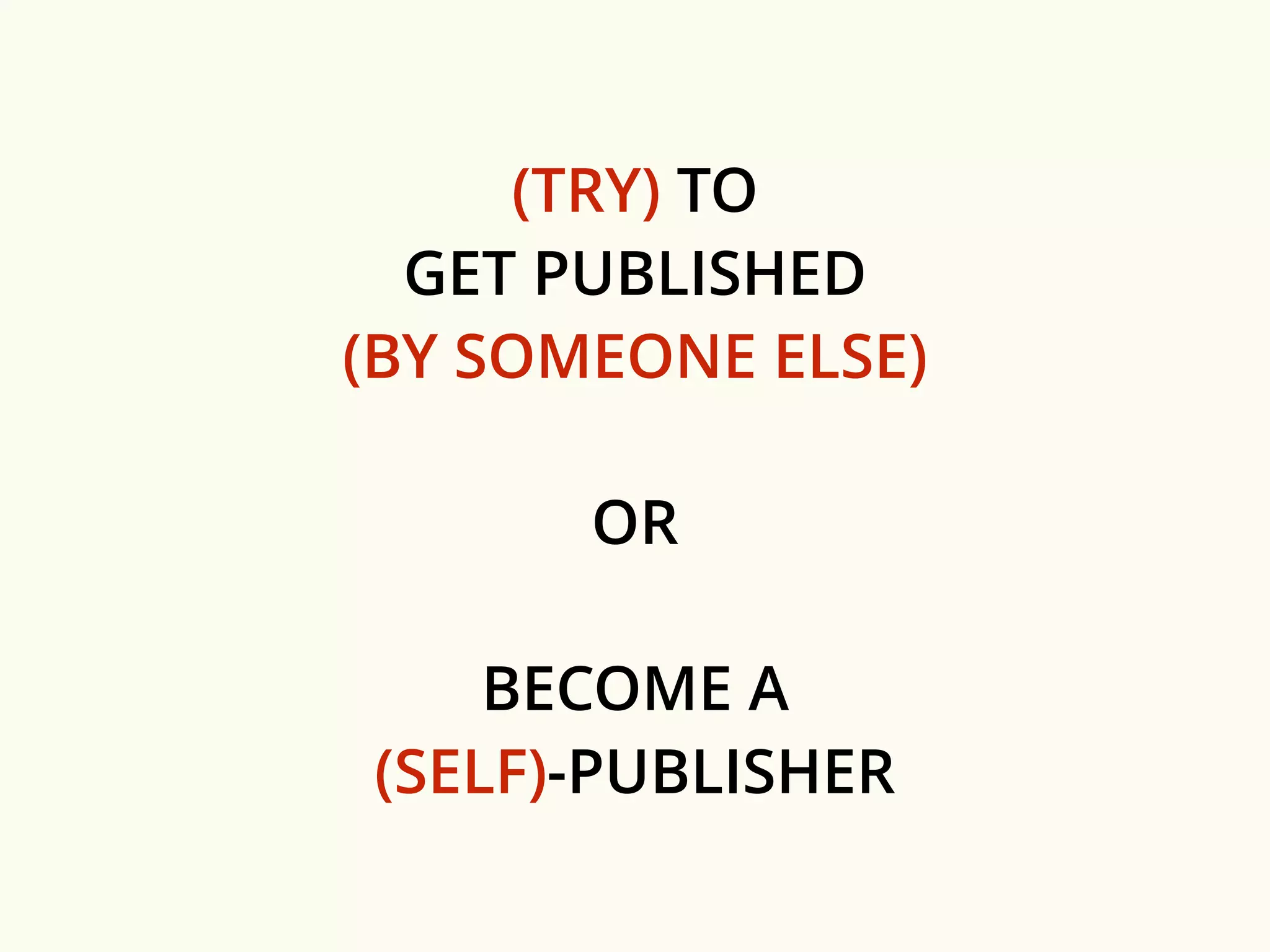
(TRY) TO 
GET PUBLISHED 
(BY SOMEONE ELSE) 
OR 
BECOME A 
(SELF)-PUBLISHER
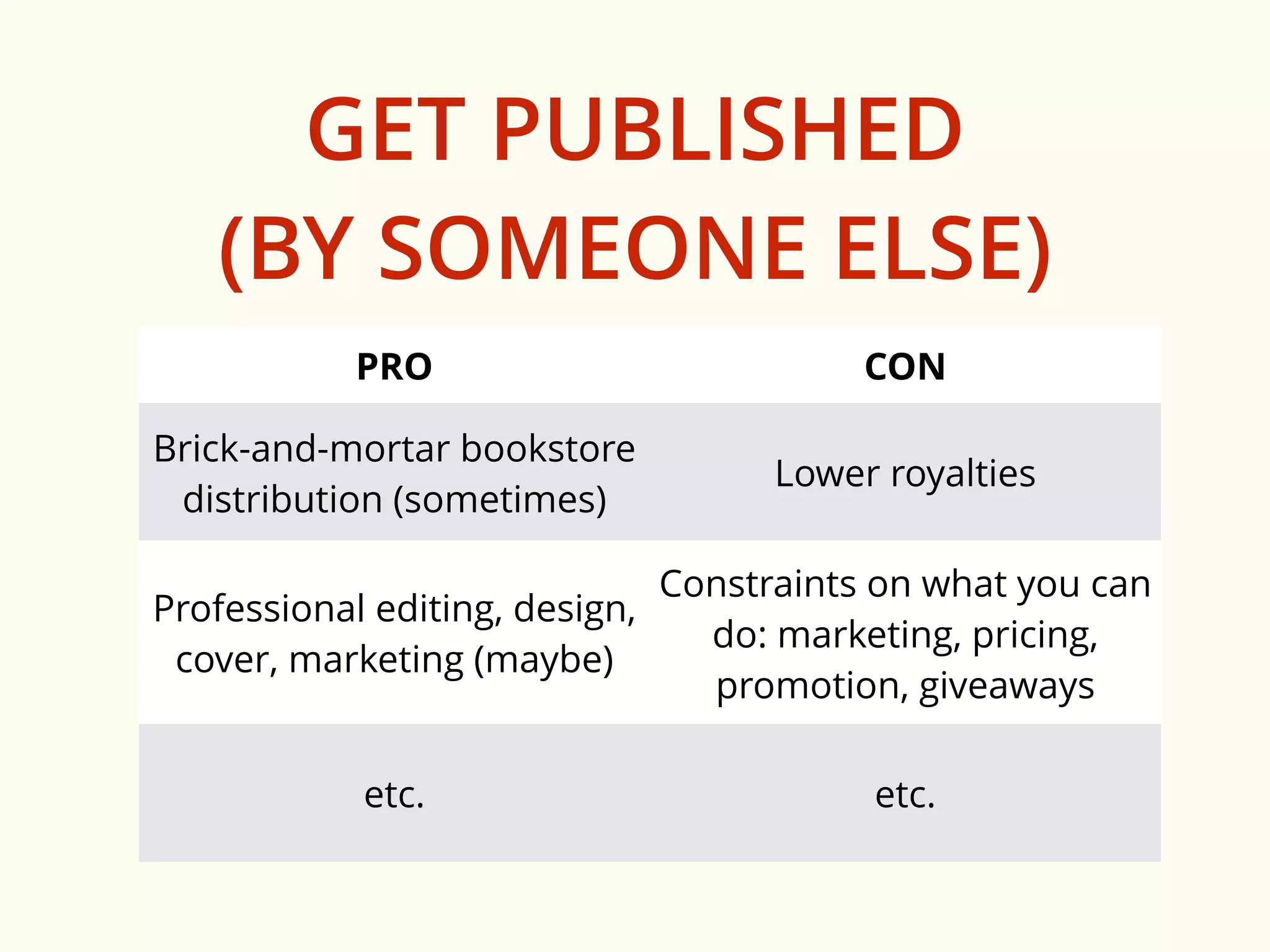
GET PUBLISHED 
(BY SOMEONE ELSE) 
PRO CON 
Brick-and-mortar bookstore 
distribution (sometimes) 
Lower royalties 
Professional editing, design, 
cover, marketing (maybe) 
Constraints on what you can 
do: marketing, pricing, 
promotion, giveaways 
etc. etc.
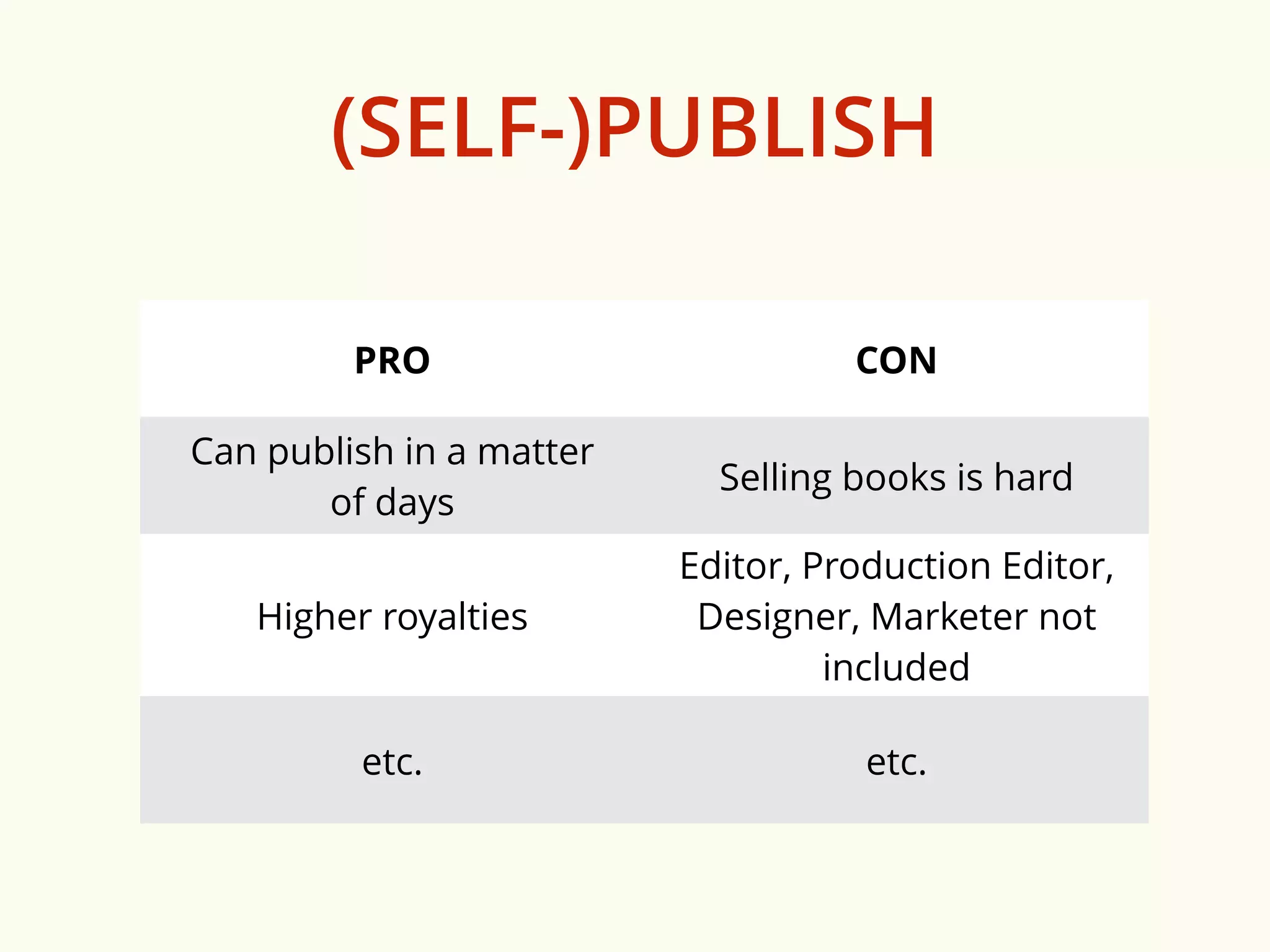
(SELF-)PUBLISH 
PRO CON 
Can publish in a matter 
of days 
Selling books is hard 
Higher royalties 
Editor, Production Editor, 
Designer, Marketer not 
included 
etc. etc.
THE REST 
OF THIS PRESENTATION 
IS FOR 
those who want to be (self-)publishers
HOW TO 
MAKE A BOOK
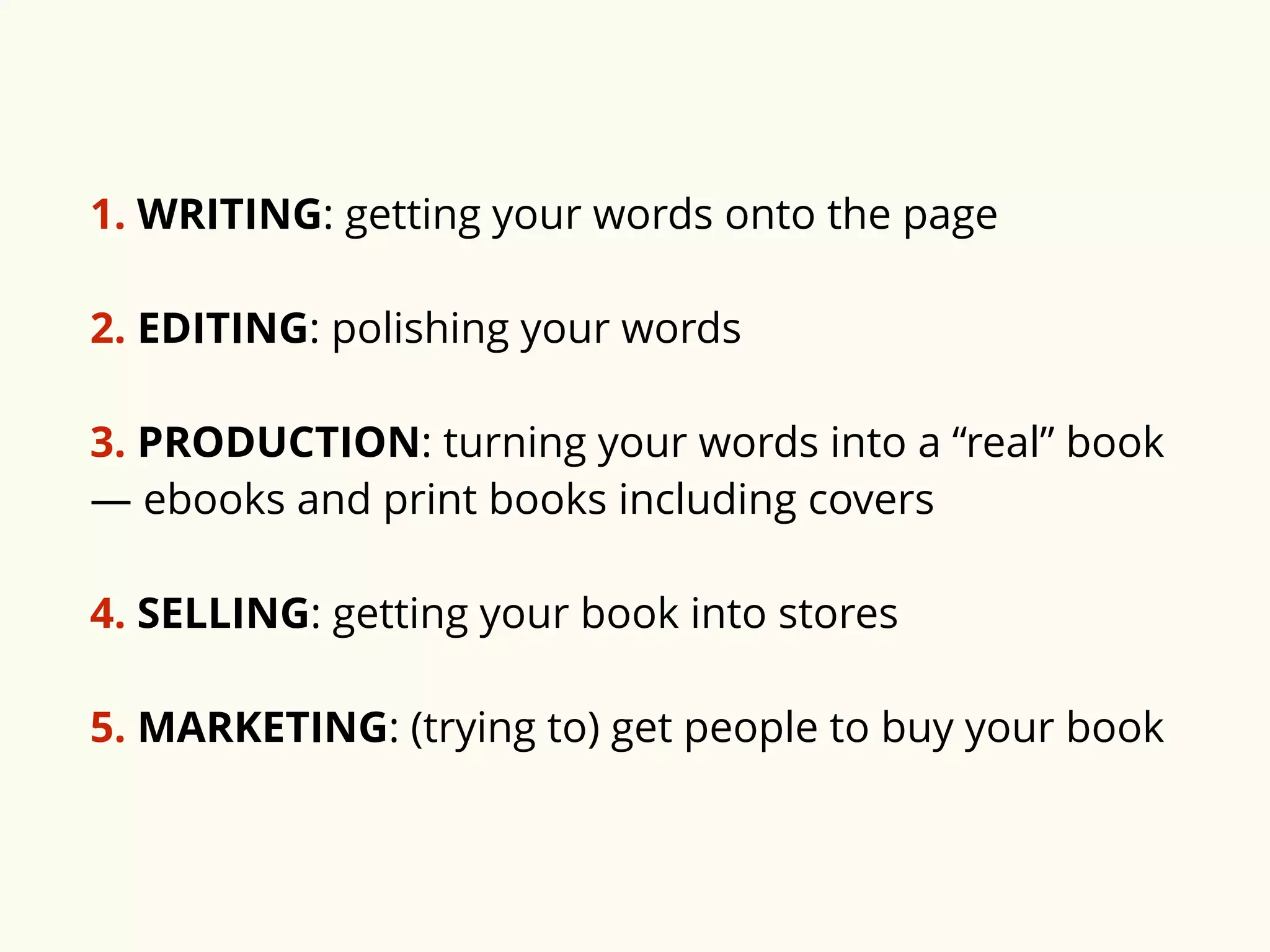
1. WRITING: getting your words onto the page 
2. EDITING: polishing your words 
3. PRODUCTION: turning your words into a “real” book 
— ebooks and print books including covers 
4. SELLING: getting your book into stores 
5. MARKETING: (trying to) get people to buy your book
PART ONE: 
WRITING
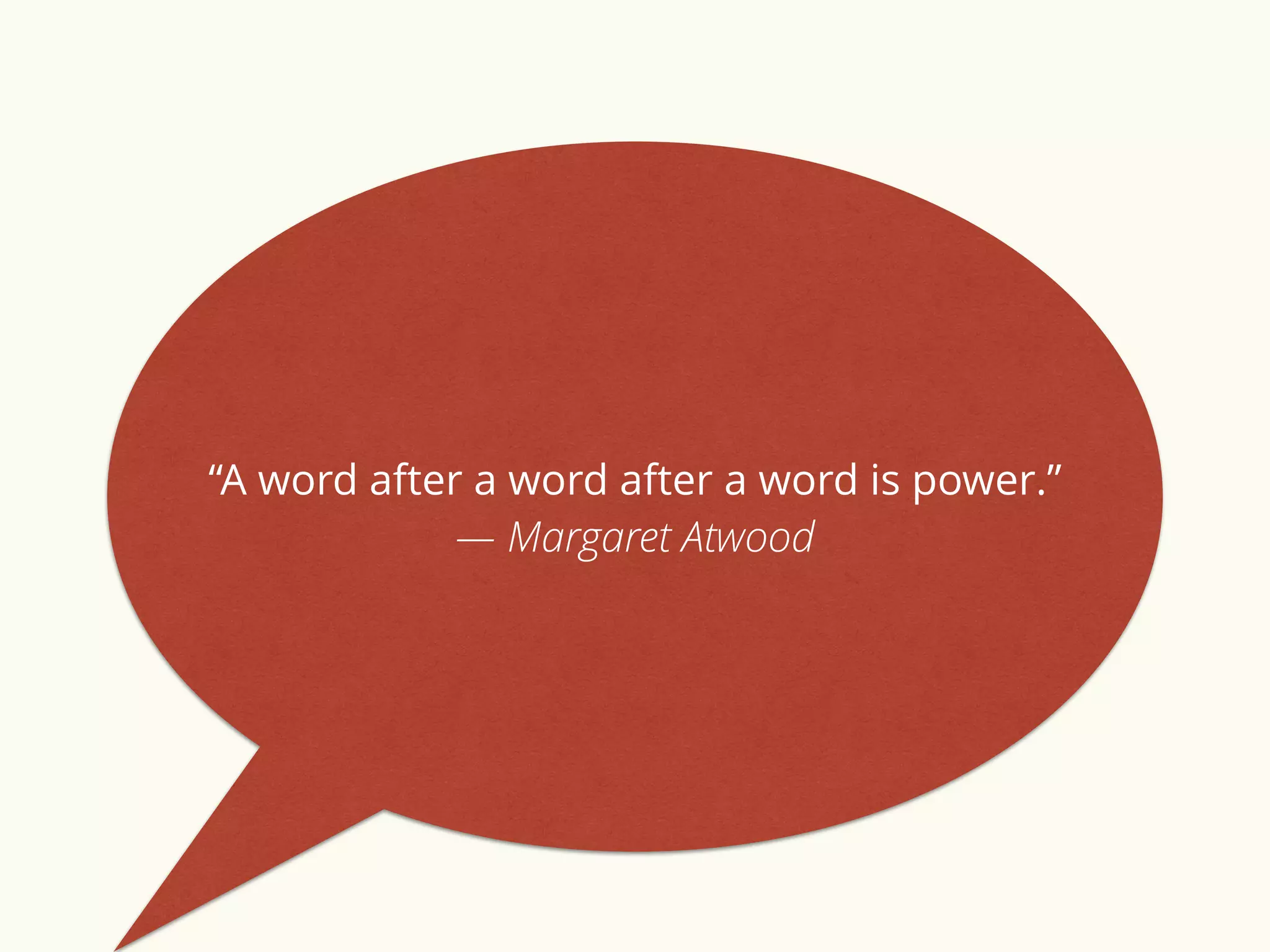
“A word after a word after a word is power.” 
― Margaret Atwood
Ready to write? You can work in Word (or 
your favourite writing software), or login to 
pressbooks.com and write & style your 
book directly in our online editor.
“There is nothing to writing. All you do is sit down at a typewriter 
and bleed.” 
― Ernest Hemingway 
“There is no greater agony than bearing an untold story 
inside you.” 
― Maya Angelou 
“This is how you do it: you sit down at the keyboard and you put 
one word after another until it’s done. It's that easy, and that hard.” 
― Neil Gaiman 
“I hate writing. I love having written.” 
― Dorothy Parker 
“You can't wait for inspiration. You have to go after it with a club.” 
― Jack London
PART TWO: 
EDITING
“The first draft of anything is sh*t.” 
― Ernest Hemingway
Editing is part of what turns 
a manuscript into a book. 
Traditionally, publishers took 
on the critical role of editing.
If you are self-publishing, an 
external editor is not 
necessary, but is highly 
recommended.
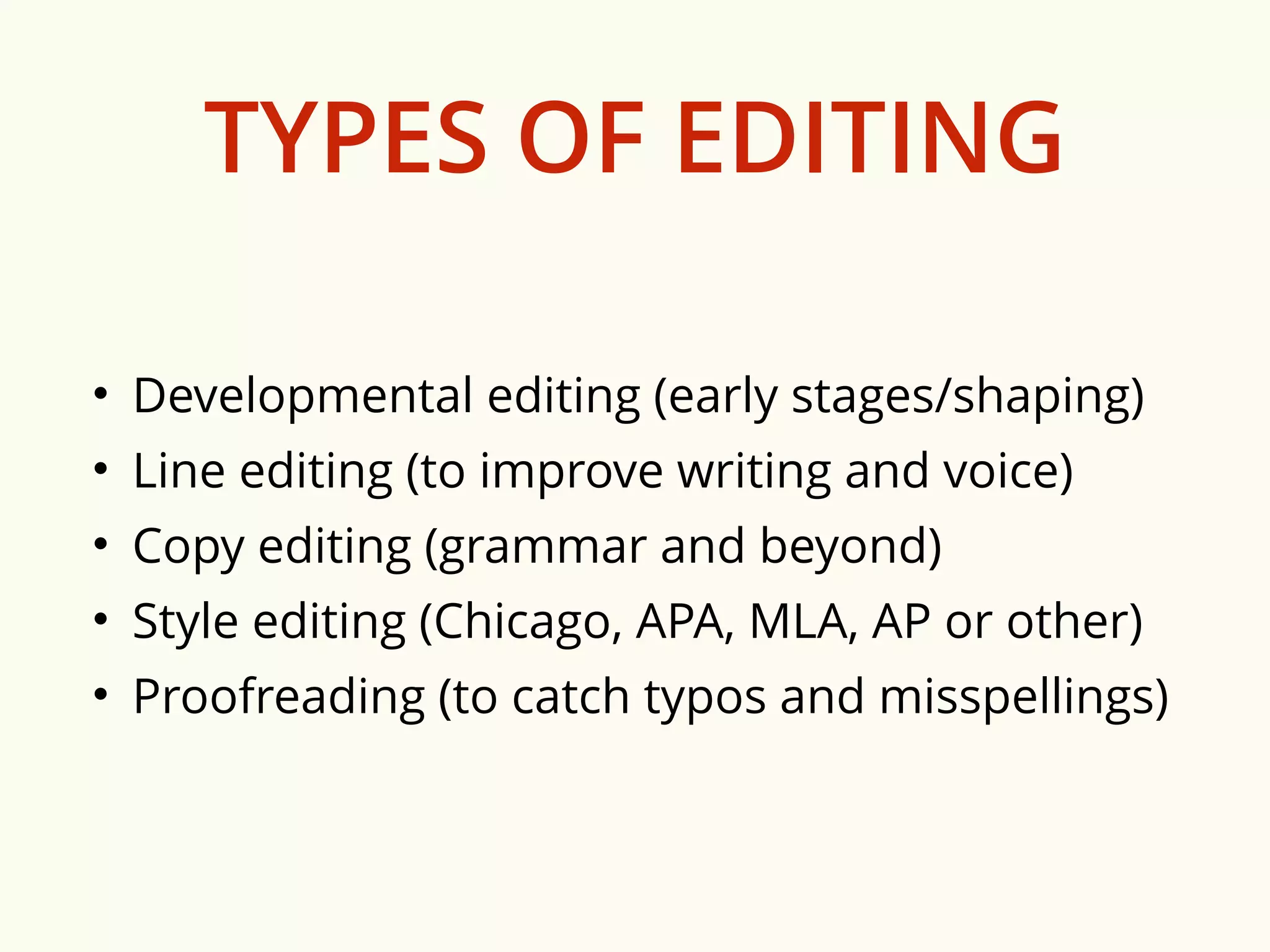
TYPES OF EDITING 
• Developmental editing (early stages/shaping) 
• Line editing (to improve writing and voice) 
• Copy editing (grammar and beyond) 
• Style editing (Chicago, APA, MLA, AP or other) 
• Proofreading (to catch typos and misspellings)
You can easily edit your book in 
pressbooks.com. Our system tracks changes, 
allows you to add editors or reviewers as 
collaborators, and lets you fix errors and typos 
and reexport all your files for publication as 
many times as you want.
If you are looking for a great editor, you can 
contact your local writer’s federation, or try: 
* bubblecow.co.uk 
* writerly.com
PART THREE: 
PRODUCTION
"Of all the things which man can do or make 
here below, by far the most momentous, 
wonderful and worthy are the things we call 
books." 
— Thomas Carlyle
WHAT FILES DO YOU NEED 
TO PUBLISH YOUR BOOK? 
1. PRINT FILES 
…and/or… 
2. EBOOK FILES 
…and… 
3. COVER FILES 
NOTE: Covers are different for print and ebooks.
PRINT FILES 
To make a print book, you need a designed 
PDF file, called an “interior file.” 
PDF interior files look like … “books”: 
title page, page numbers, chapter headings, 
etc. etc.
pressbooks.com produces beautiful 
print book files automatically for you — 
without you having to learn anything 
about book design, or hiring a designer.
EBOOK FILES 
“Ebooks” are special files used in ebook reading 
devices (such as a Kindle). There are two (main) 
kinds of ebooks: 
MOBI: the file format used by Amazon Kindle 
EPUB: the file format used by Apple’s iBooks, 
Kobo, Nook, Google and just about every 
other ebook platform
pressbooks.com produces beautiful 
ebooks for you — without you having to 
learn anything about ebook file 
formatting, coding or hiring an ebook 
developer.
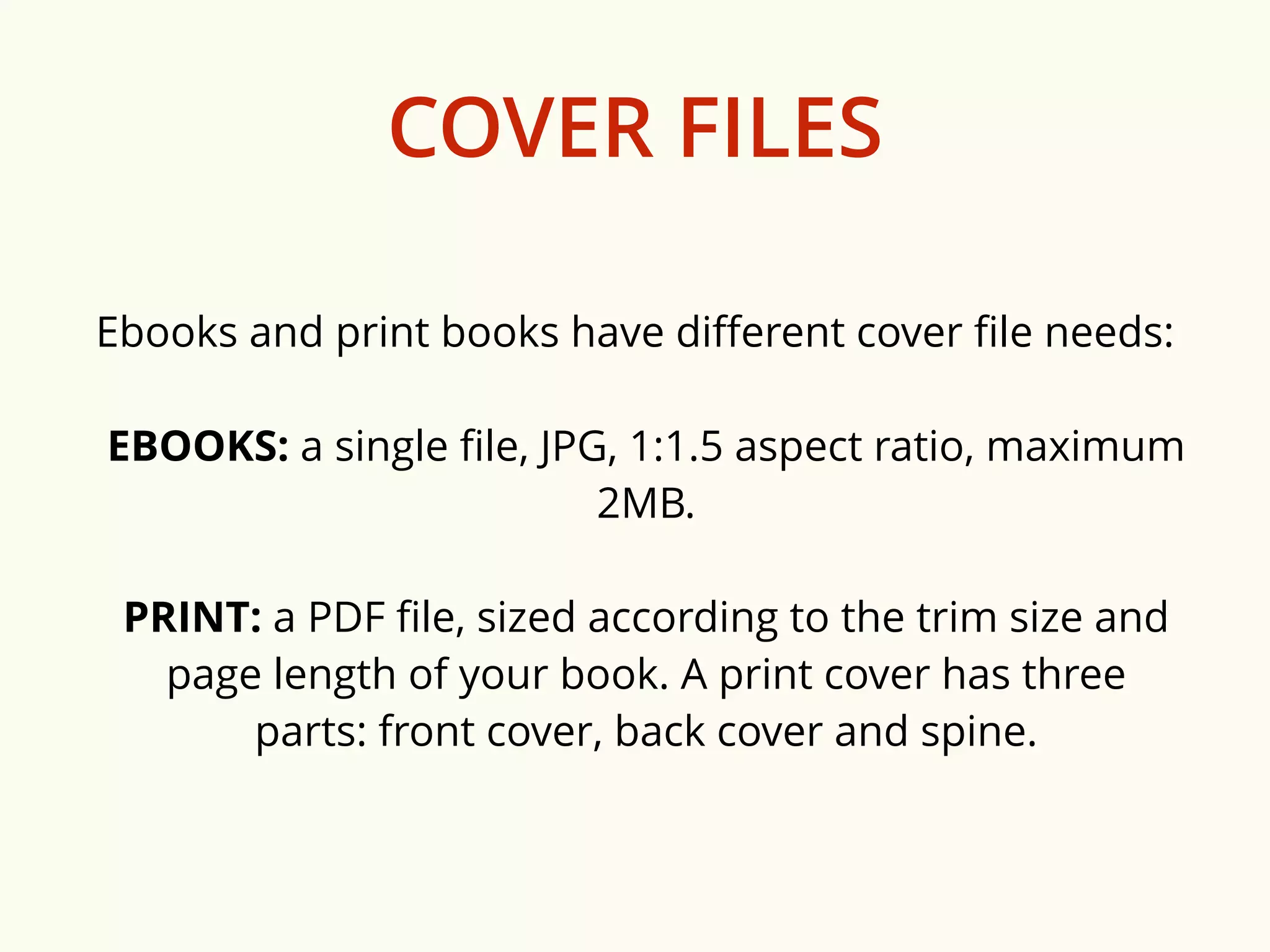
COVER FILES 
Ebooks and print books have different cover file needs: 
EBOOKS: a single file, JPG, 1:1.5 aspect ratio, maximum 
2MB. 
PRINT: a PDF file, sized according to the trim size and 
page length of your book. A print cover has three 
parts: front cover, back cover and spine.
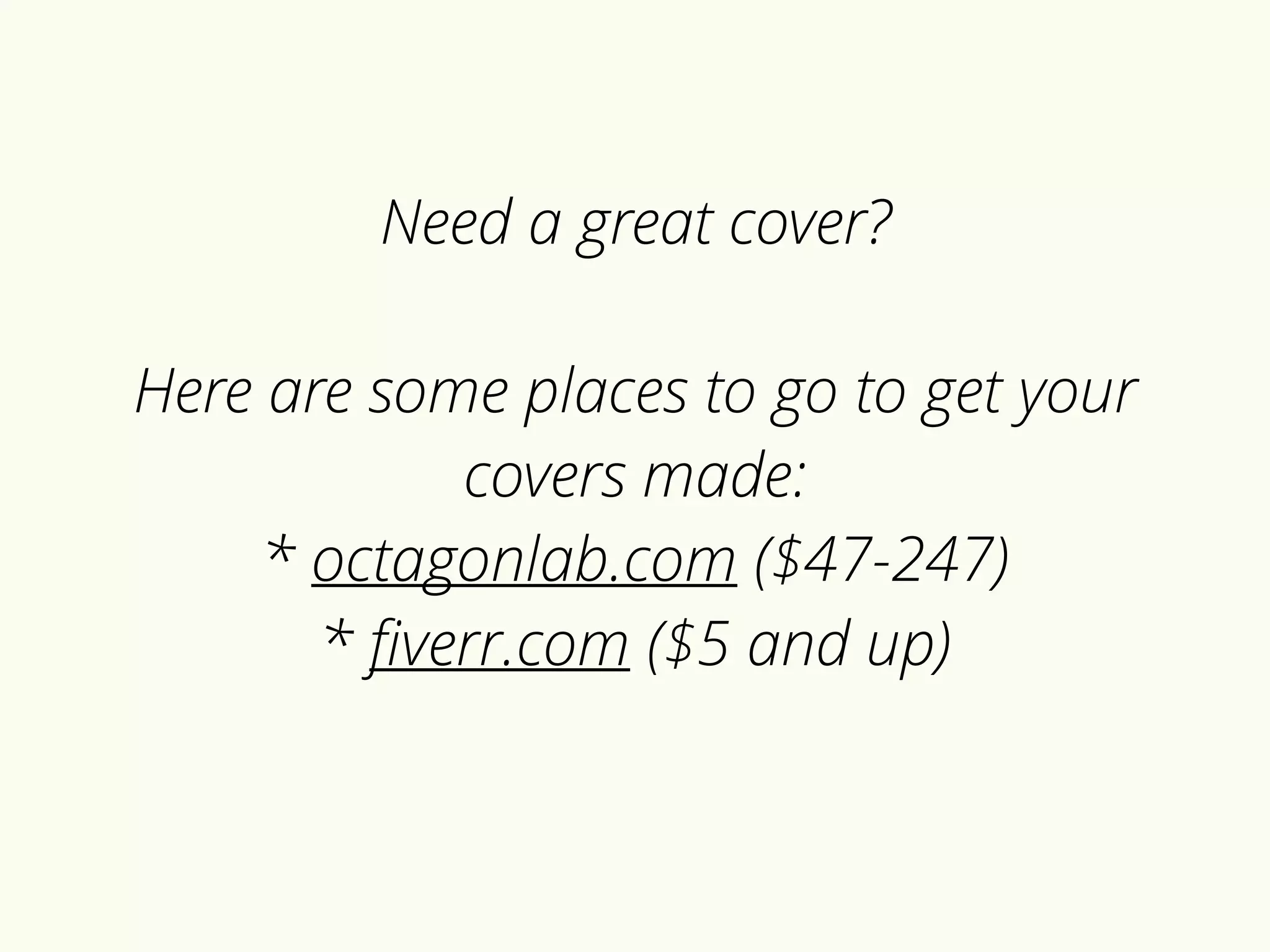
Need a great cover? 
Here are some places to go to get your 
covers made: 
* octagonlab.com ($47-247) 
* fiverr.com ($5 and up)
WHY 
PRESSBOOKS.COM 
WAS INVENTED: 
To make it easy for anyone to 
produce (the files needed to 
publish) beautiful books.
4-STEP GUIDE TO 
MAKING A BOOK 
WITH PRESSBOOKS
1. 
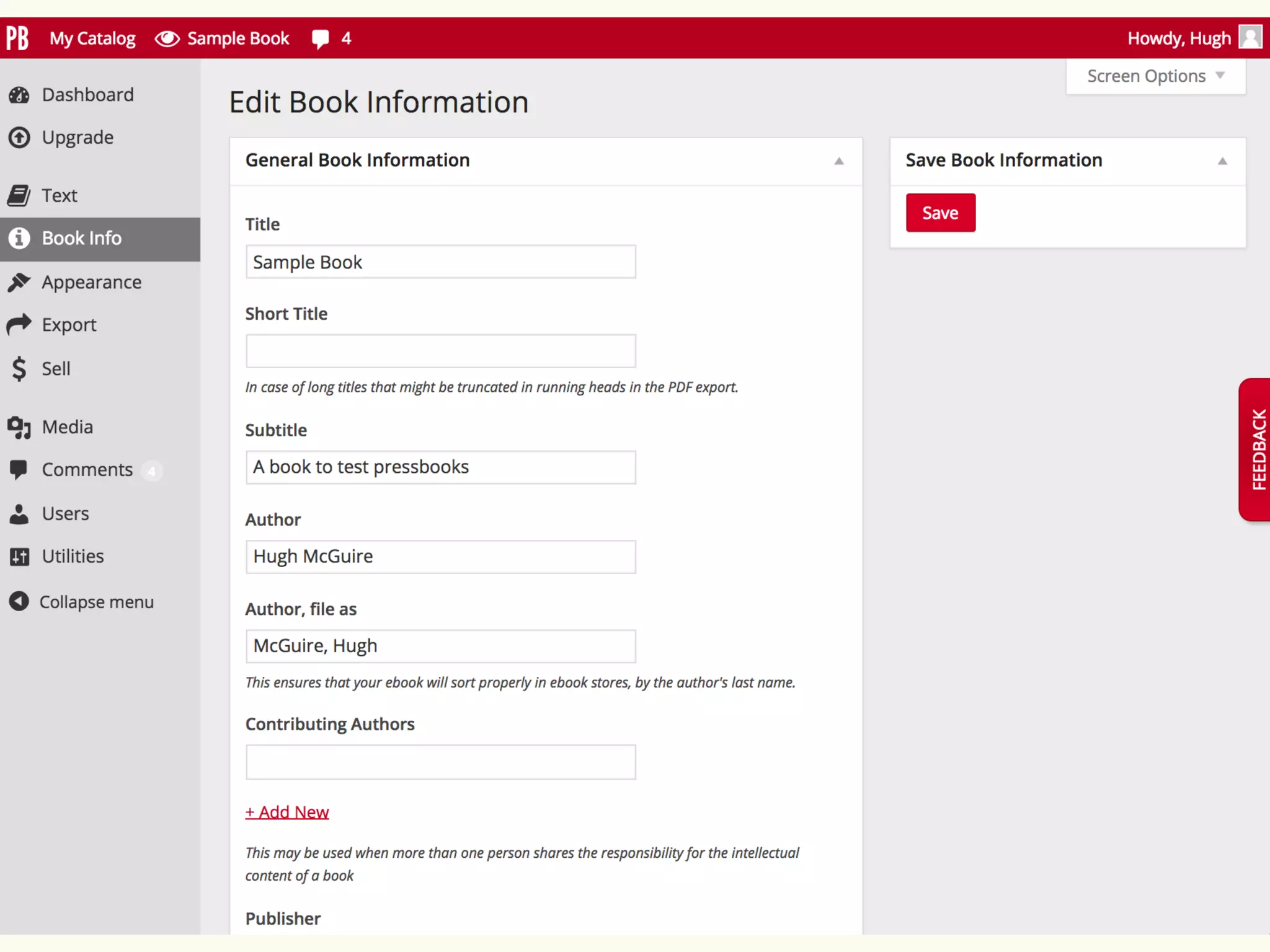
ADD YOUR BOOK INFORMATION 
(Title, Author, etc.)
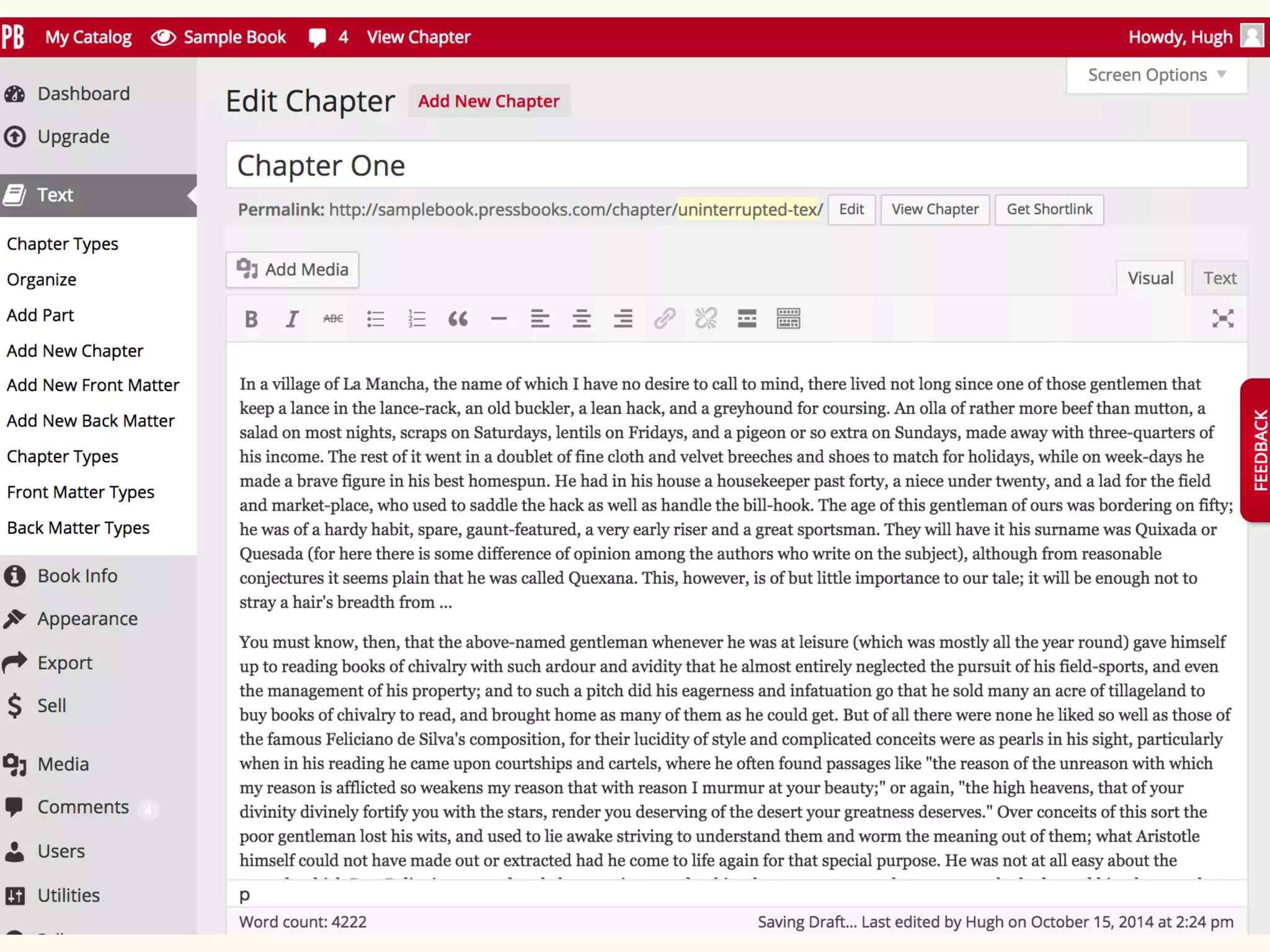
2. 
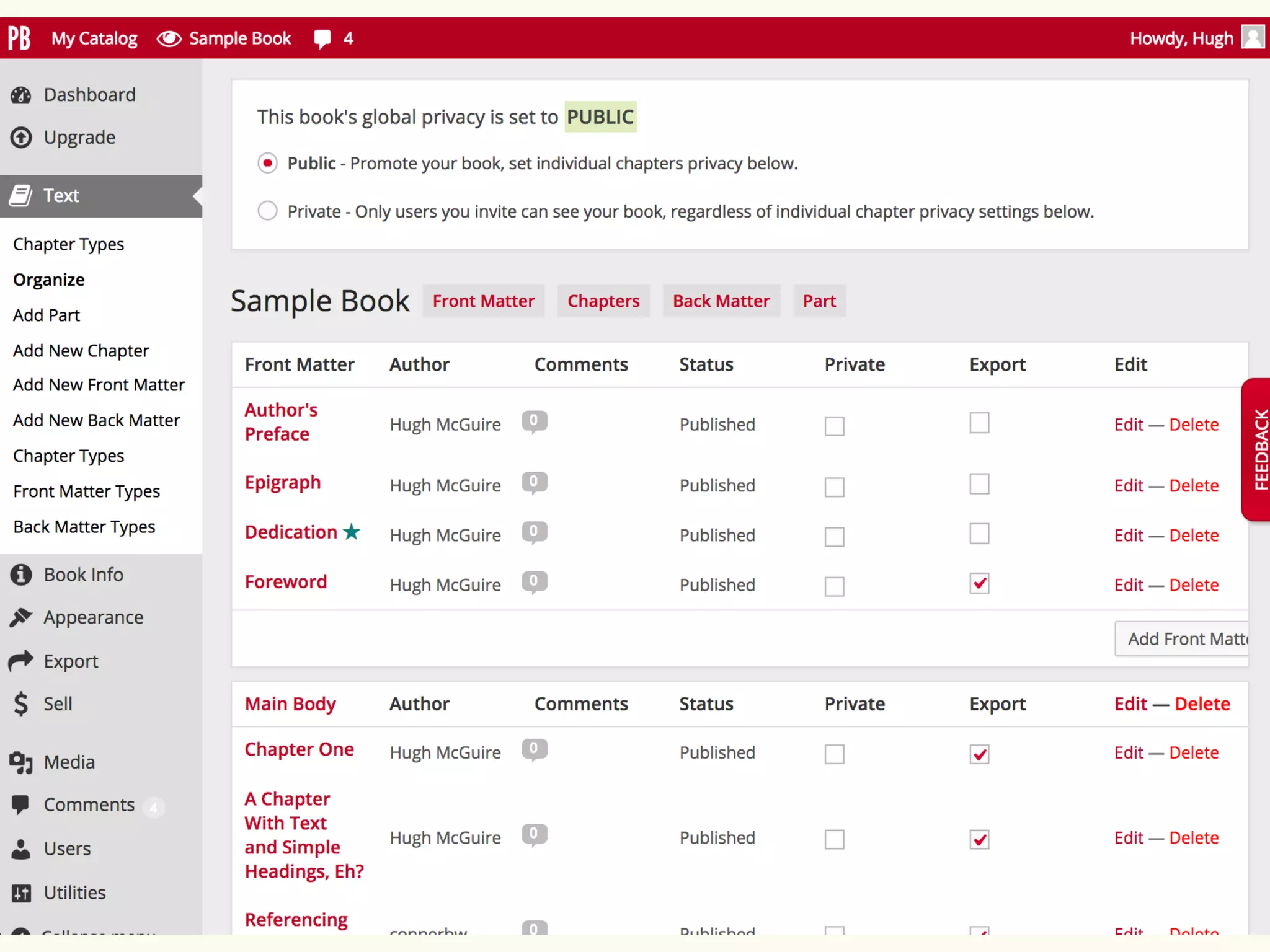
IMPORT, ADD, EDIT & 
REARRANGE 
YOUR CHAPTERS
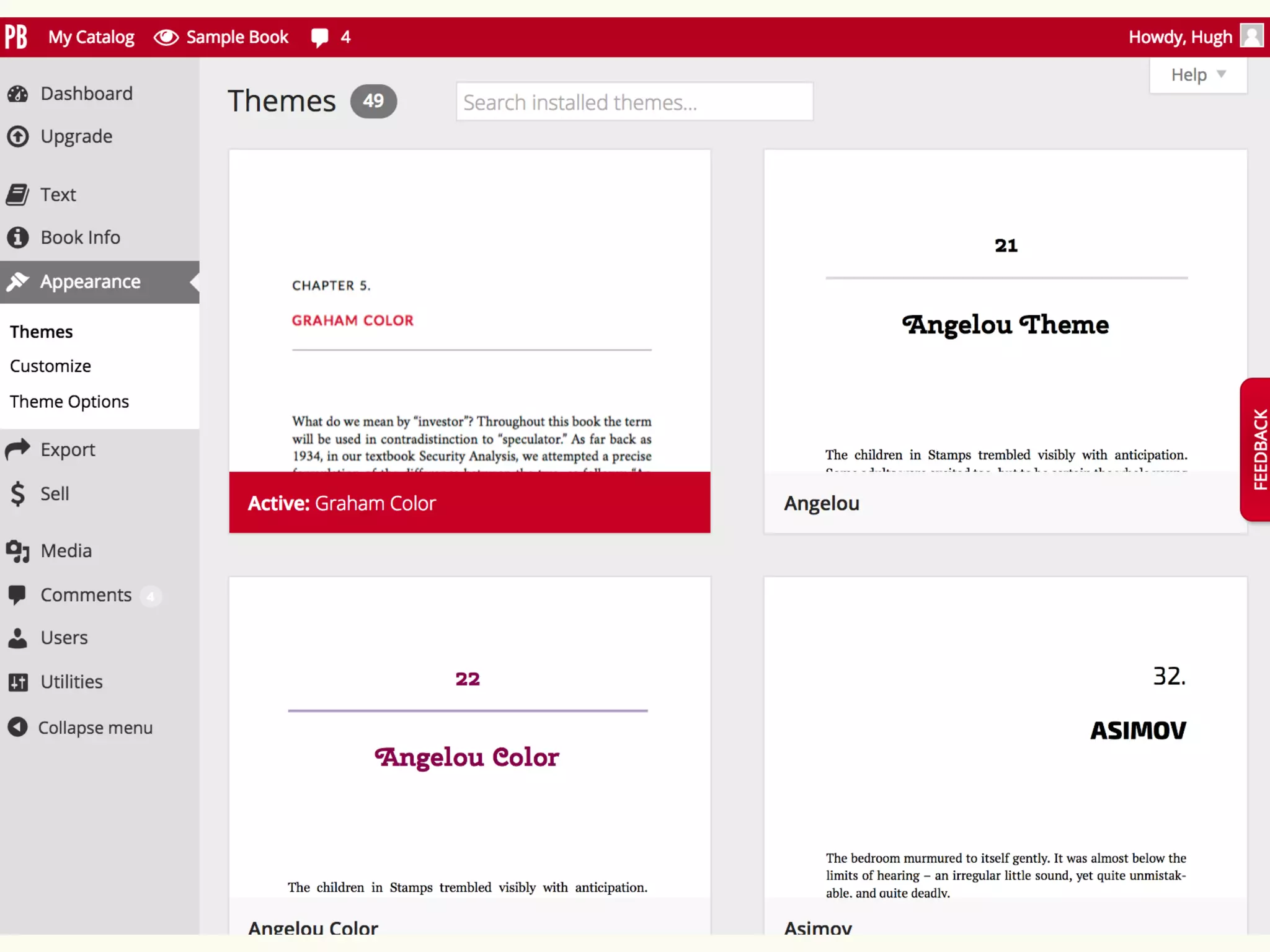
3. 
CHOOSE A THEME 
(BOOK DESIGN)
4. 
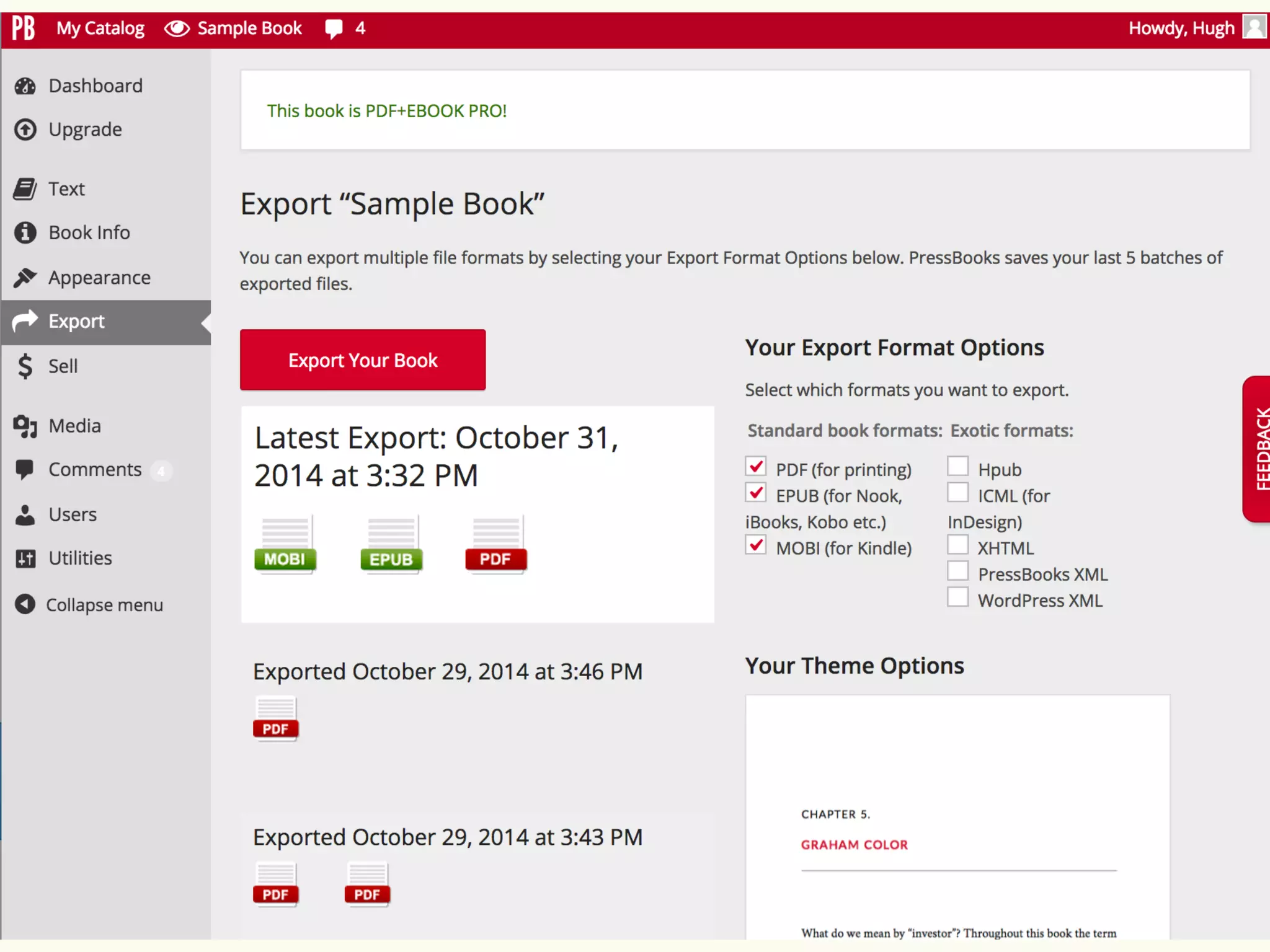
EXPORT YOUR BOOK IN 
PDF, EPUB & MOBI
Now you can download your files … 
and do what you like with them!
PART FOUR: 
SELLING
“I am fatally attracted to all bookstores.” 
― Lewis Buzbee
You’ve written your book. 
You’ve edited your book. 
You’ve produced your files. 
You’ve got a “book” now! 
But it’s not a book until people can buy it.
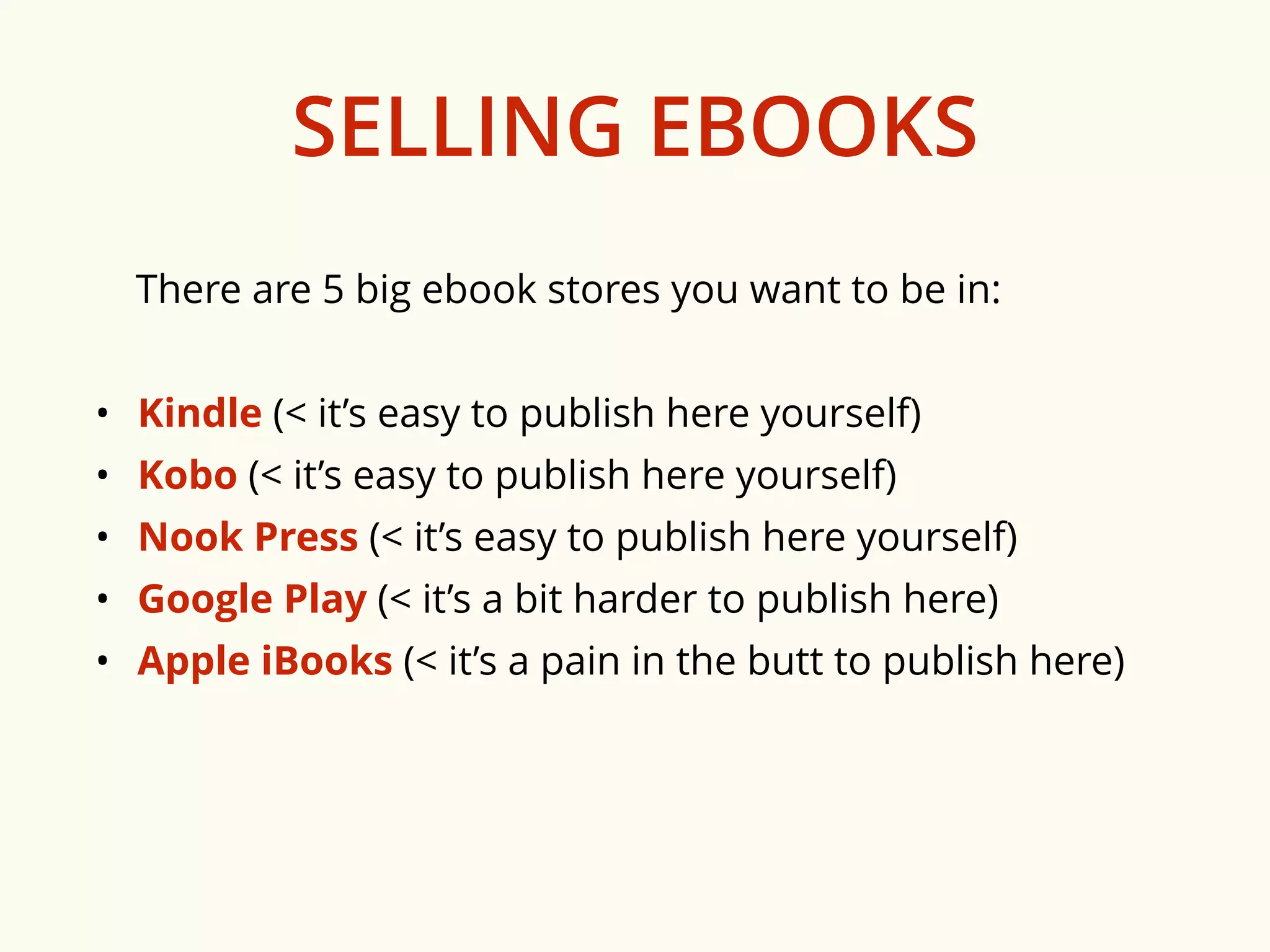
SELLING EBOOKS 
There are 5 big ebook stores you want to be in: 
• Kindle (< it’s easy to publish here yourself) 
• Kobo (< it’s easy to publish here yourself) 
• Nook Press (< it’s easy to publish here yourself) 
• Google Play (< it’s a bit harder to publish here) 
• Apple iBooks (< it’s a pain in the butt to publish here)
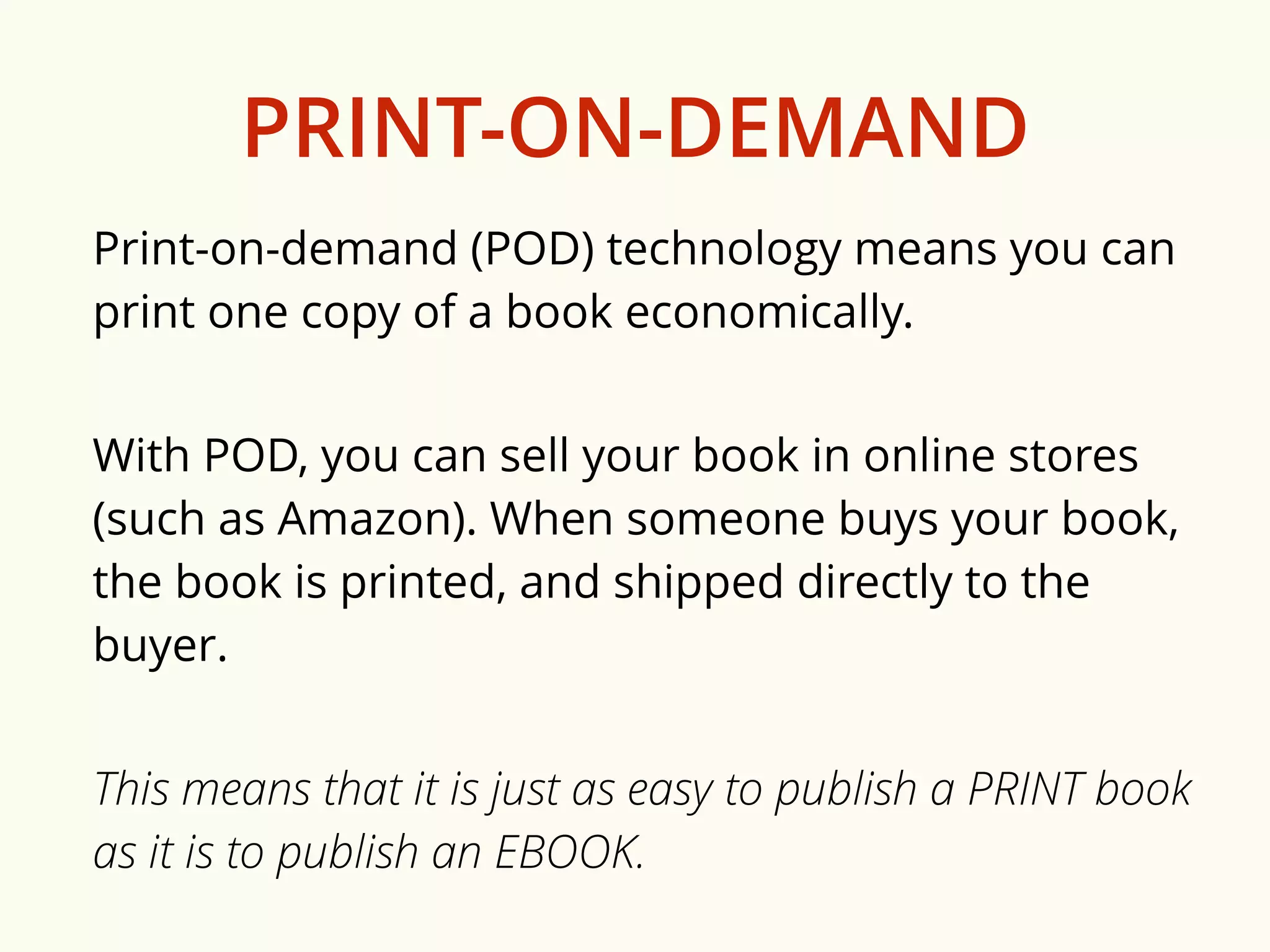
PRINT-ON-DEMAND 
Print-on-demand (POD) technology means you can 
print one copy of a book economically. 
With POD, you can sell your book in online stores 
(such as Amazon). When someone buys your book, 
the book is printed, and shipped directly to the 
buyer. 
This means that it is just as easy to publish a PRINT book 
as it is to publish an EBOOK.
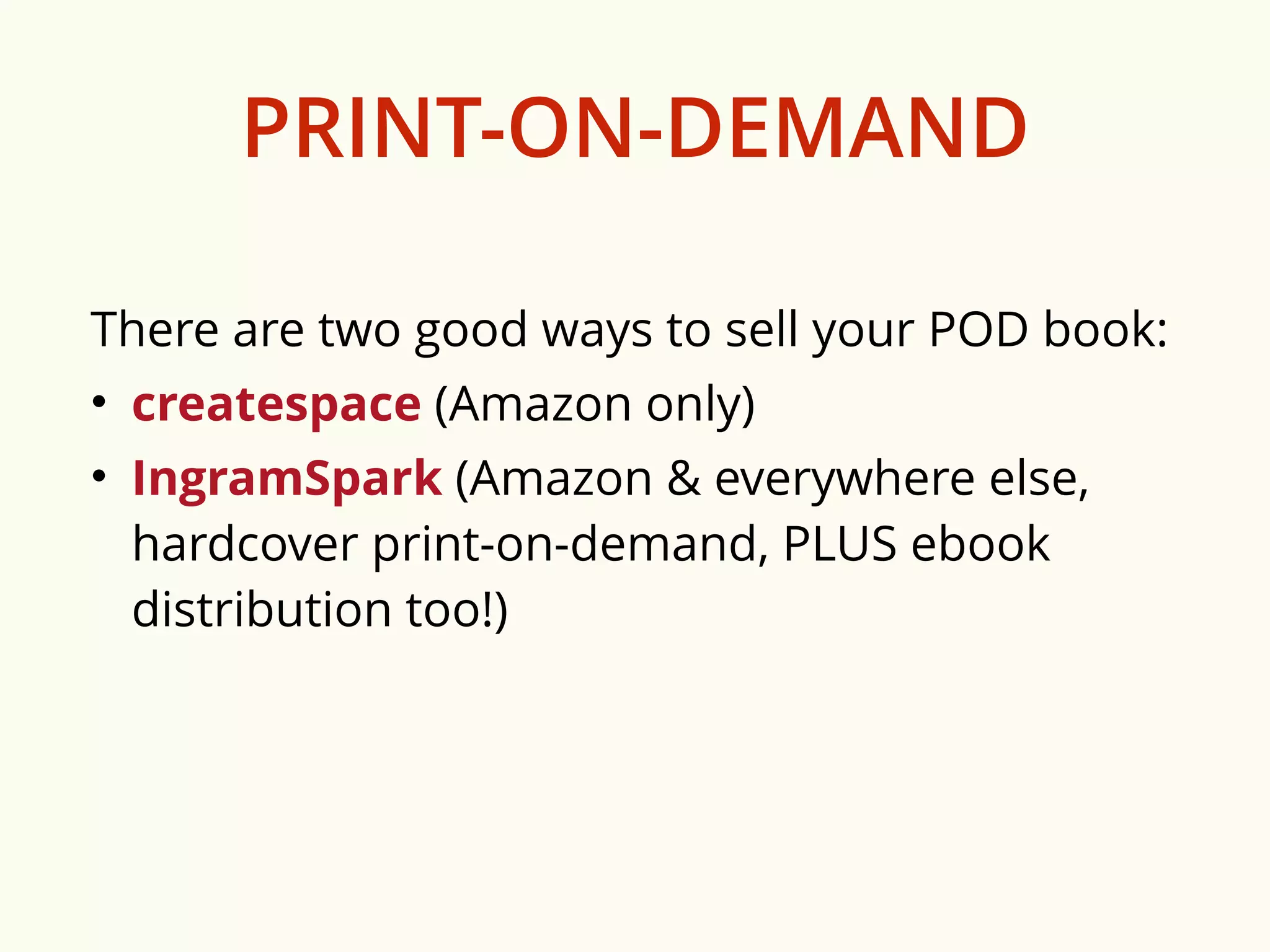
PRINT-ON-DEMAND 
There are two good ways to sell your POD book: 
• createspace (Amazon only) 
• IngramSpark (Amazon & everywhere else, 
hardcover print-on-demand, PLUS ebook 
distribution too!)
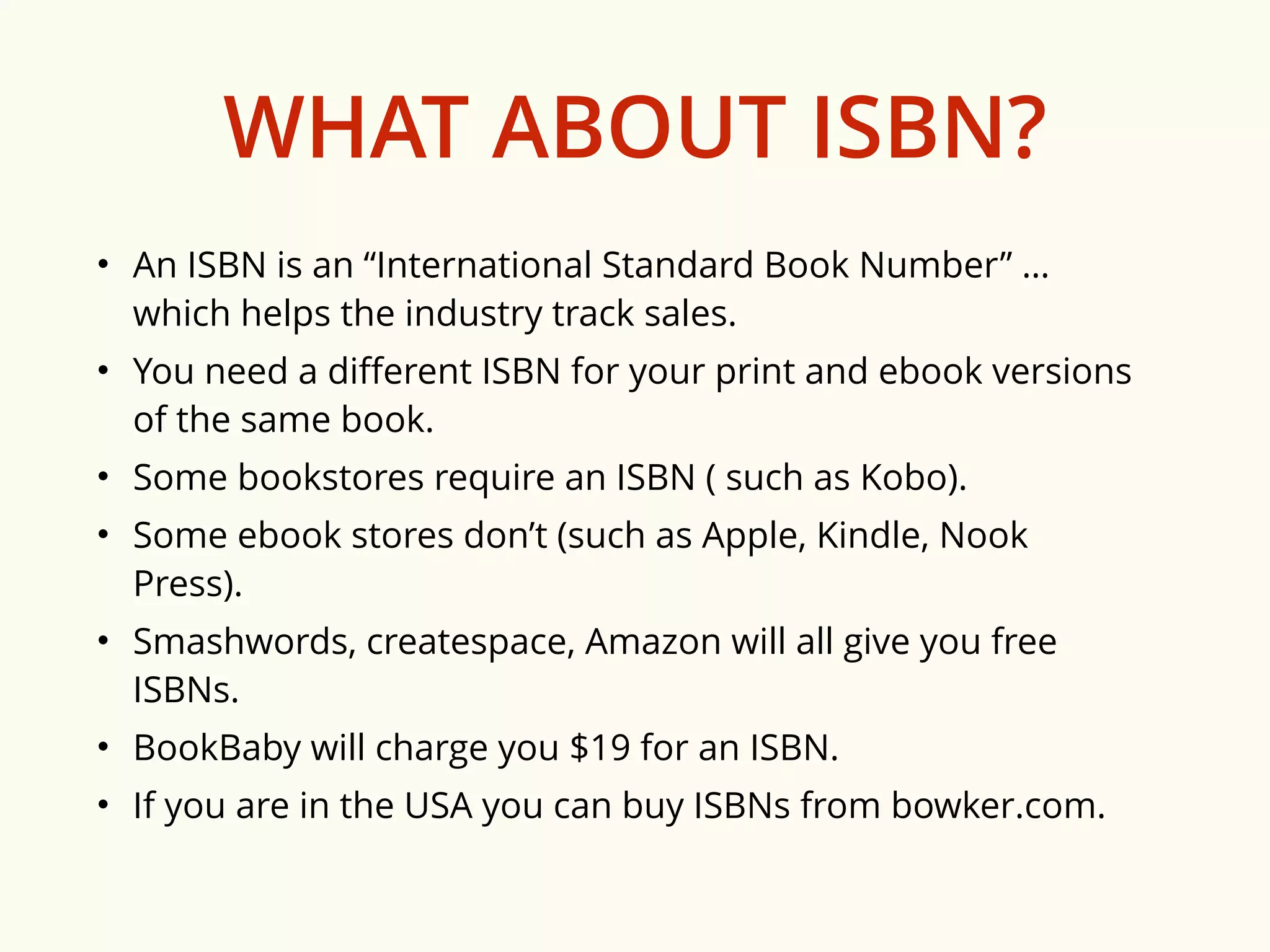
WHAT ABOUT ISBN? 
• An ISBN is an “International Standard Book Number” … 
which helps the industry track sales. 
• You need a different ISBN for your print and ebook versions 
of the same book. 
• Some bookstores require an ISBN ( such as Kobo). 
• Some ebook stores don’t (such as Apple, Kindle, Nook 
Press). 
• Smashwords, createspace, Amazon will all give you free 
ISBNs. 
• BookBaby will charge you $19 for an ISBN. 
• If you are in the USA you can buy ISBNs from bowker.com.
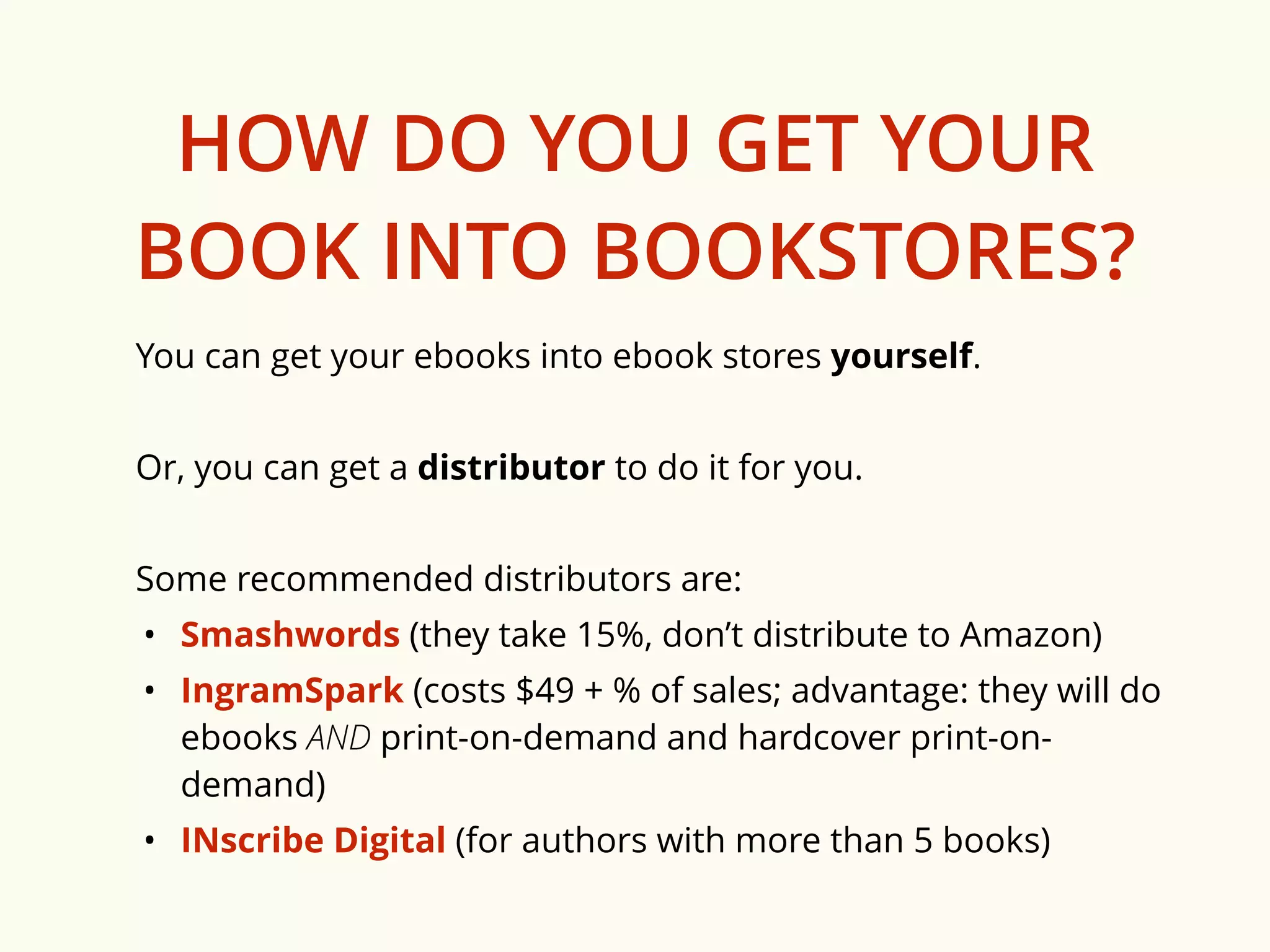
HOW DO YOU GET YOUR 
BOOK INTO BOOKSTORES? 
You can get your ebooks into ebook stores yourself. 
Or, you can get a distributor to do it for you. 
Some recommended distributors are: 
• Smashwords (they take 15%, don’t distribute to Amazon) 
• IngramSpark (costs $49 + % of sales; advantage: they will do 
ebooks AND print-on-demand and hardcover print-on-demand) 
• INscribe Digital (for authors with more than 5 books)
PART FIVE: 
MARKETING
“Talent is cheaper than table salt. What separates 
the talented individual from the successful one is 
a lot of hard work.” 
– Stephen King
Marketing your book is hard.
HERE ARE SOME 
MARKETING SUGGESTIONS 
• Learn about / include SEO & metadata for search. 
• Amass as many reviewers and (good) ratings as you 
can get. 
• Build an email list!! 
• Communicate on social media. 
• Have a website/blog! 
• Go to in-person events: book signings, book fairs… 
• Get media coverage. 
• Guest-post on other people’s blogs. Link back.
Marketing your book is up to you. 
Here are some great marketing bloggers you 
should read: 
• Jane Friedman: http://janefriedman.com/blog/ 
• Hugh Howey: http://www.hughhowey.com/ 
• Joanna Penn: http://www.thecreativepenn.com/ 
• James Altucher: http://www.jamesaltucher.com/ 
• Carla King: http://selfpubbootcamp.com/ 
• Chris Brogan: http://chrisbrogan.com/ 
• Emily Craven: http://ebookrevolution.com.au/
BOTTOM LINE
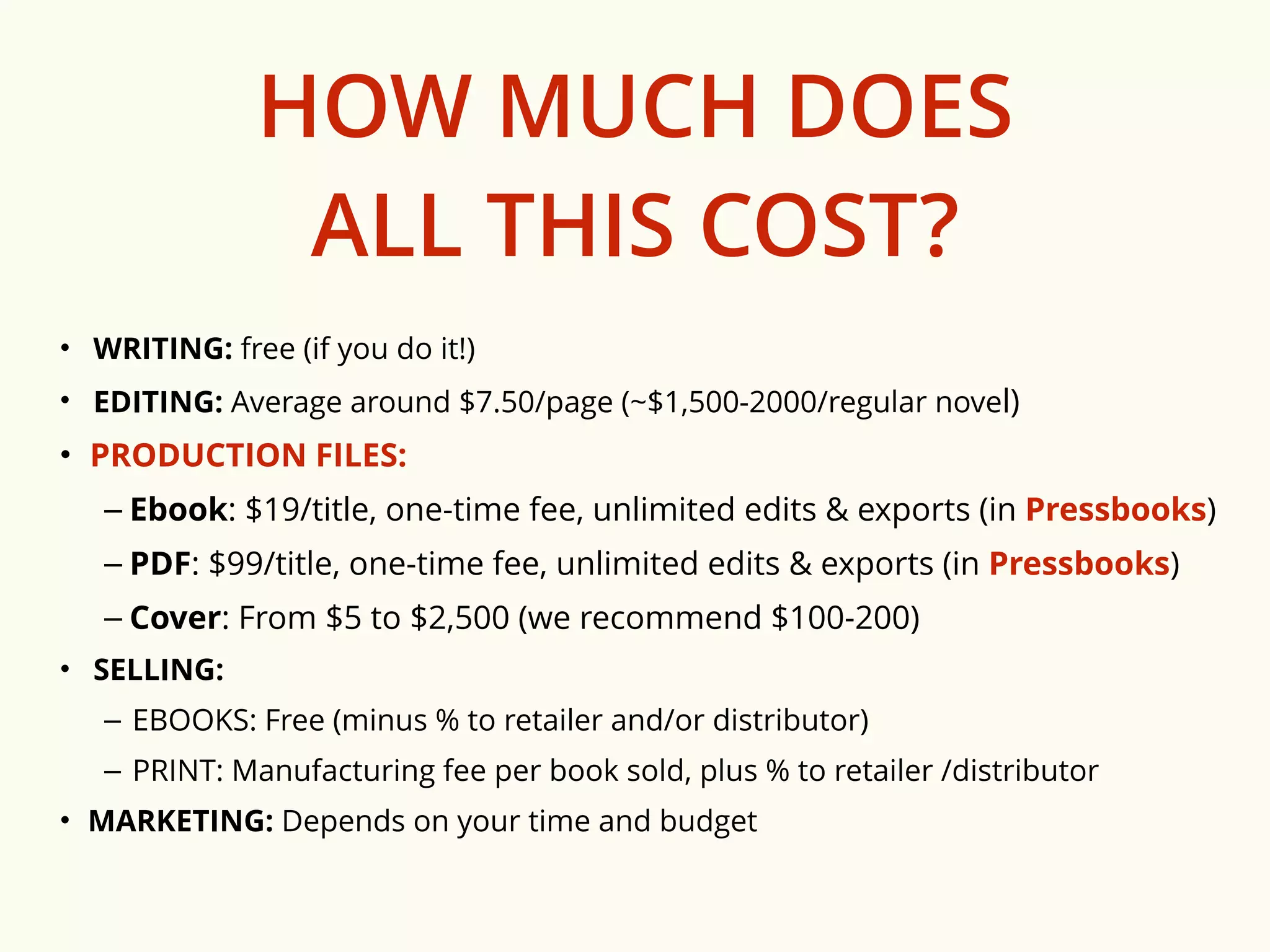
HOW MUCH DOES 
ALL THIS COST? 
• WRITING: free (if you do it!) 
• EDITING: Average around $7.50/page (~$1,500-2000/regular novel) 
• PRODUCTION FILES: 
– Ebook: $19/title, one-time fee, unlimited edits & exports (in Pressbooks) 
– PDF: $99/title, one-time fee, unlimited edits & exports (in Pressbooks) 
– Cover: From $5 to $2,500 (we recommend $100-200) 
• SELLING: 
– EBOOKS: Free (minus % to retailer and/or distributor) 
– PRINT: Manufacturing fee per book sold, plus % to retailer /distributor 
• MARKETING: Depends on your time and budget
HOW 
PRESSBOOKS.COM 
CAN HELP
Turning your manuscript into a real book is a 
long, tough process. 
PRESSBOOKS.COM 
makes part of that process 
— making beautiful ebooks and print books — 
easy for everyone.
Make your book today at: 
PRESSBOOKS.COM 
or… 
send questions to: 
support@pressbooks.com
How to Make a Book: The Pressbooks Guide to Self-Publishing

How to Make a Book: The Pressbooks Guide to Self-Publishing

  • 1.
    HOW TO MAKEA BOOK The Pressbooks Guide to Self-Publishing selfpublishing.pressbooks.com pressbooks.com support@pressbooks.com
  • 2.
    TODAY’S TO-DO LIST 1. Learn how to turn a Manuscript into a Book.
  • 3.
    TOMORROW’S TO-DO LIST 1. Turn your a Manuscript into a Book.
  • 4.
    THERE ARE TWOWAYS TO DO THIS.
  • 5.
    (TRY) TO GETPUBLISHED (BY SOMEONE ELSE) OR BECOME A (SELF)-PUBLISHER
  • 6.
    GET PUBLISHED (BYSOMEONE ELSE) PRO CON Brick-and-mortar bookstore distribution (sometimes) Lower royalties Professional editing, design, cover, marketing (maybe) Constraints on what you can do: marketing, pricing, promotion, giveaways etc. etc.
  • 7.
    (SELF-)PUBLISH PRO CON Can publish in a matter of days Selling books is hard Higher royalties Editor, Production Editor, Designer, Marketer not included etc. etc.
  • 8.
    THE REST OFTHIS PRESENTATION IS FOR those who want to be (self-)publishers
  • 9.
  • 10.
    1. WRITING: gettingyour words onto the page 2. EDITING: polishing your words 3. PRODUCTION: turning your words into a “real” book — ebooks and print books including covers 4. SELLING: getting your book into stores 5. MARKETING: (trying to) get people to buy your book
  • 11.
  • 12.
    “A word aftera word after a word is power.” ― Margaret Atwood
  • 13.
    Ready to write?You can work in Word (or your favourite writing software), or login to pressbooks.com and write & style your book directly in our online editor.
  • 14.
    “There is nothingto writing. All you do is sit down at a typewriter and bleed.” ― Ernest Hemingway “There is no greater agony than bearing an untold story inside you.” ― Maya Angelou “This is how you do it: you sit down at the keyboard and you put one word after another until it’s done. It's that easy, and that hard.” ― Neil Gaiman “I hate writing. I love having written.” ― Dorothy Parker “You can't wait for inspiration. You have to go after it with a club.” ― Jack London
  • 15.
  • 16.
    “The first draftof anything is sh*t.” ― Ernest Hemingway
  • 17.
    Editing is partof what turns a manuscript into a book. Traditionally, publishers took on the critical role of editing.
  • 18.
    If you areself-publishing, an external editor is not necessary, but is highly recommended.
  • 19.
    TYPES OF EDITING • Developmental editing (early stages/shaping) • Line editing (to improve writing and voice) • Copy editing (grammar and beyond) • Style editing (Chicago, APA, MLA, AP or other) • Proofreading (to catch typos and misspellings)
  • 20.
    You can easilyedit your book in pressbooks.com. Our system tracks changes, allows you to add editors or reviewers as collaborators, and lets you fix errors and typos and reexport all your files for publication as many times as you want.
  • 21.
    If you arelooking for a great editor, you can contact your local writer’s federation, or try: * bubblecow.co.uk * writerly.com
  • 22.
  • 23.
    "Of all thethings which man can do or make here below, by far the most momentous, wonderful and worthy are the things we call books." — Thomas Carlyle
  • 24.
    WHAT FILES DOYOU NEED TO PUBLISH YOUR BOOK? 1. PRINT FILES …and/or… 2. EBOOK FILES …and… 3. COVER FILES NOTE: Covers are different for print and ebooks.
  • 25.
    PRINT FILES Tomake a print book, you need a designed PDF file, called an “interior file.” PDF interior files look like … “books”: title page, page numbers, chapter headings, etc. etc.
  • 26.
    pressbooks.com produces beautiful print book files automatically for you — without you having to learn anything about book design, or hiring a designer.
  • 27.
    EBOOK FILES “Ebooks”are special files used in ebook reading devices (such as a Kindle). There are two (main) kinds of ebooks: MOBI: the file format used by Amazon Kindle EPUB: the file format used by Apple’s iBooks, Kobo, Nook, Google and just about every other ebook platform
  • 28.
    pressbooks.com produces beautiful ebooks for you — without you having to learn anything about ebook file formatting, coding or hiring an ebook developer.
  • 29.
    COVER FILES Ebooksand print books have different cover file needs: EBOOKS: a single file, JPG, 1:1.5 aspect ratio, maximum 2MB. PRINT: a PDF file, sized according to the trim size and page length of your book. A print cover has three parts: front cover, back cover and spine.
  • 30.
    Need a greatcover? Here are some places to go to get your covers made: * octagonlab.com ($47-247) * fiverr.com ($5 and up)
  • 31.
    WHY PRESSBOOKS.COM WASINVENTED: To make it easy for anyone to produce (the files needed to publish) beautiful books.
  • 32.
    4-STEP GUIDE TO MAKING A BOOK WITH PRESSBOOKS
  • 33.
    1. ADD YOURBOOK INFORMATION (Title, Author, etc.)
  • 35.
    2. IMPORT, ADD,EDIT & REARRANGE YOUR CHAPTERS
  • 38.
    3. CHOOSE ATHEME (BOOK DESIGN)
  • 40.
    4. EXPORT YOURBOOK IN PDF, EPUB & MOBI
  • 42.
    Now you candownload your files … and do what you like with them!
  • 43.
  • 44.
    “I am fatallyattracted to all bookstores.” ― Lewis Buzbee
  • 45.
    You’ve written yourbook. You’ve edited your book. You’ve produced your files. You’ve got a “book” now! But it’s not a book until people can buy it.
  • 46.
    SELLING EBOOKS Thereare 5 big ebook stores you want to be in: • Kindle (< it’s easy to publish here yourself) • Kobo (< it’s easy to publish here yourself) • Nook Press (< it’s easy to publish here yourself) • Google Play (< it’s a bit harder to publish here) • Apple iBooks (< it’s a pain in the butt to publish here)
  • 47.
    PRINT-ON-DEMAND Print-on-demand (POD)technology means you can print one copy of a book economically. With POD, you can sell your book in online stores (such as Amazon). When someone buys your book, the book is printed, and shipped directly to the buyer. This means that it is just as easy to publish a PRINT book as it is to publish an EBOOK.
  • 48.
    PRINT-ON-DEMAND There aretwo good ways to sell your POD book: • createspace (Amazon only) • IngramSpark (Amazon & everywhere else, hardcover print-on-demand, PLUS ebook distribution too!)
  • 49.
    WHAT ABOUT ISBN? • An ISBN is an “International Standard Book Number” … which helps the industry track sales. • You need a different ISBN for your print and ebook versions of the same book. • Some bookstores require an ISBN ( such as Kobo). • Some ebook stores don’t (such as Apple, Kindle, Nook Press). • Smashwords, createspace, Amazon will all give you free ISBNs. • BookBaby will charge you $19 for an ISBN. • If you are in the USA you can buy ISBNs from bowker.com.
  • 50.
    HOW DO YOUGET YOUR BOOK INTO BOOKSTORES? You can get your ebooks into ebook stores yourself. Or, you can get a distributor to do it for you. Some recommended distributors are: • Smashwords (they take 15%, don’t distribute to Amazon) • IngramSpark (costs $49 + % of sales; advantage: they will do ebooks AND print-on-demand and hardcover print-on-demand) • INscribe Digital (for authors with more than 5 books)
  • 51.
  • 52.
    “Talent is cheaperthan table salt. What separates the talented individual from the successful one is a lot of hard work.” – Stephen King
  • 53.
  • 54.
    HERE ARE SOME MARKETING SUGGESTIONS • Learn about / include SEO & metadata for search. • Amass as many reviewers and (good) ratings as you can get. • Build an email list!! • Communicate on social media. • Have a website/blog! • Go to in-person events: book signings, book fairs… • Get media coverage. • Guest-post on other people’s blogs. Link back.
  • 55.
    Marketing your bookis up to you. Here are some great marketing bloggers you should read: • Jane Friedman: http://janefriedman.com/blog/ • Hugh Howey: http://www.hughhowey.com/ • Joanna Penn: http://www.thecreativepenn.com/ • James Altucher: http://www.jamesaltucher.com/ • Carla King: http://selfpubbootcamp.com/ • Chris Brogan: http://chrisbrogan.com/ • Emily Craven: http://ebookrevolution.com.au/
  • 56.
  • 57.
    HOW MUCH DOES ALL THIS COST? • WRITING: free (if you do it!) • EDITING: Average around $7.50/page (~$1,500-2000/regular novel) • PRODUCTION FILES: – Ebook: $19/title, one-time fee, unlimited edits & exports (in Pressbooks) – PDF: $99/title, one-time fee, unlimited edits & exports (in Pressbooks) – Cover: From $5 to $2,500 (we recommend $100-200) • SELLING: – EBOOKS: Free (minus % to retailer and/or distributor) – PRINT: Manufacturing fee per book sold, plus % to retailer /distributor • MARKETING: Depends on your time and budget
  • 58.
  • 59.
    Turning your manuscriptinto a real book is a long, tough process. PRESSBOOKS.COM makes part of that process — making beautiful ebooks and print books — easy for everyone.
  • 60.
    Make your booktoday at: PRESSBOOKS.COM or… send questions to: support@pressbooks.com