Chapter 9:  Object-Relational Databases Nested Relations Complex Types and Object Orientation Querying with Complex Types Creation of Complex Values and Objects Comparison of Object-Oriented and Object-Relational Databases
Object-Relational Data Models Extend the relational data model by including object orientation and constructs to deal with added data types. Allow attributes of tuples to have complex types, including non-atomic values such as nested relations. Preserve relational foundations, in particular the declarative access to data, while extending modeling power. Upward compatibility with existing relational languages.
Nested Relations Motivation: Permit non-atomic domains (atomic    indivisible) Example of non-atomic domain:  set of integers,or set of tuples Allows more intuitive modeling for applications with complex data Intuitive definition: allow relations whenever we allow atomic (scalar) values — relations within relations Retains mathematical foundation of relational model  Violates first normal form.
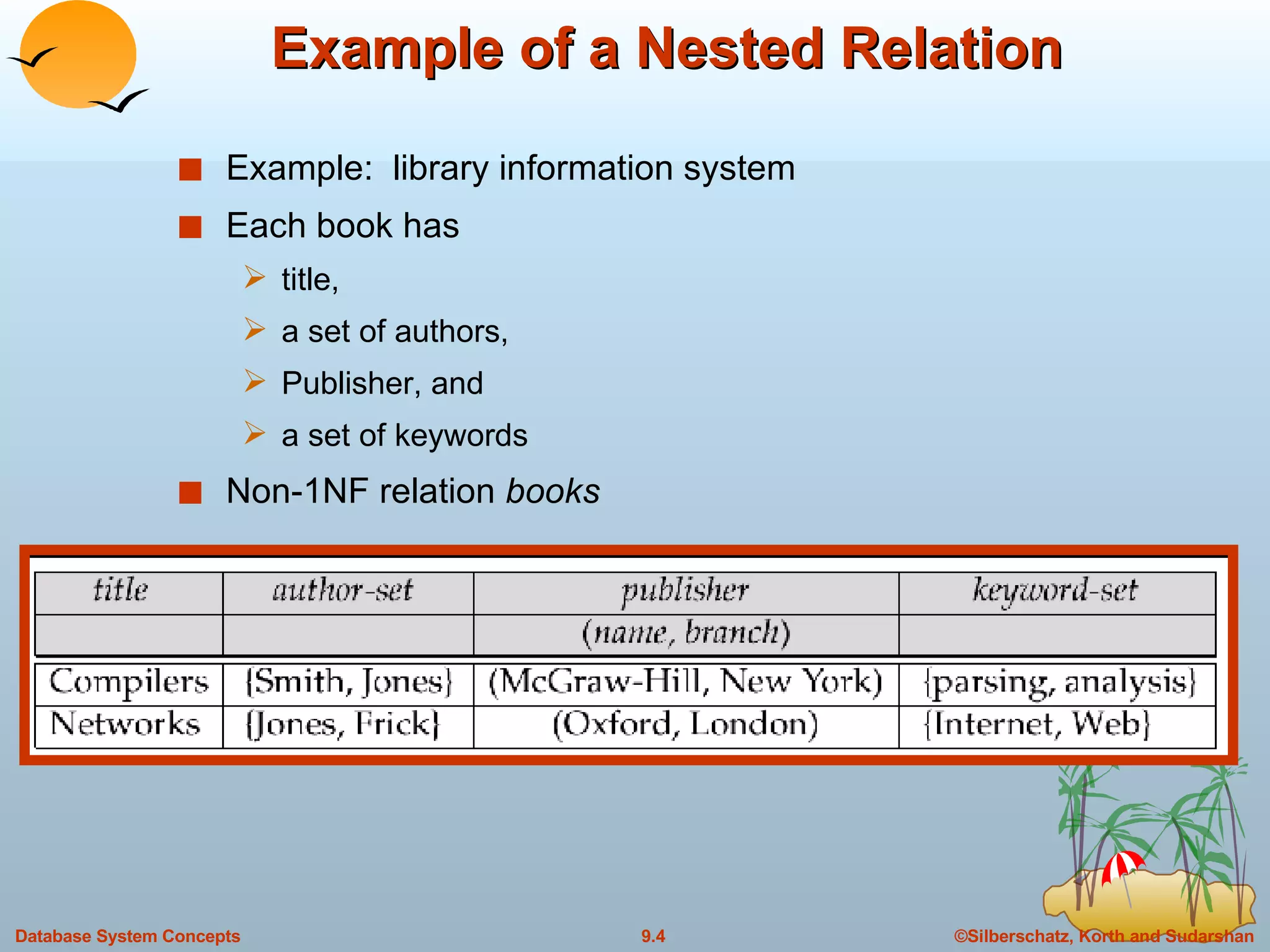
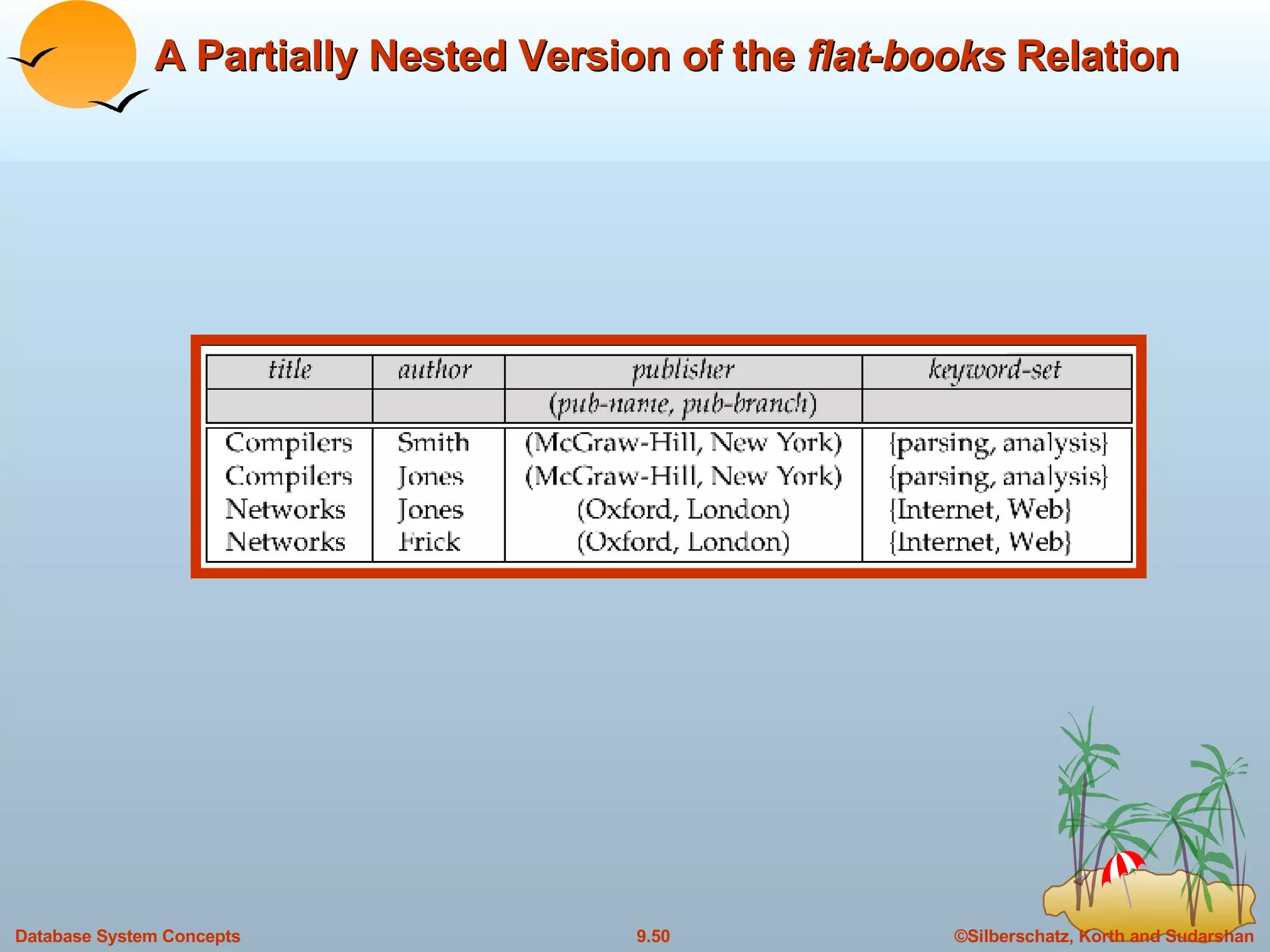
Example of a Nested Relation Example:  library information system Each book has  title,  a set of authors, Publisher, and a set of keywords Non-1NF relation  books
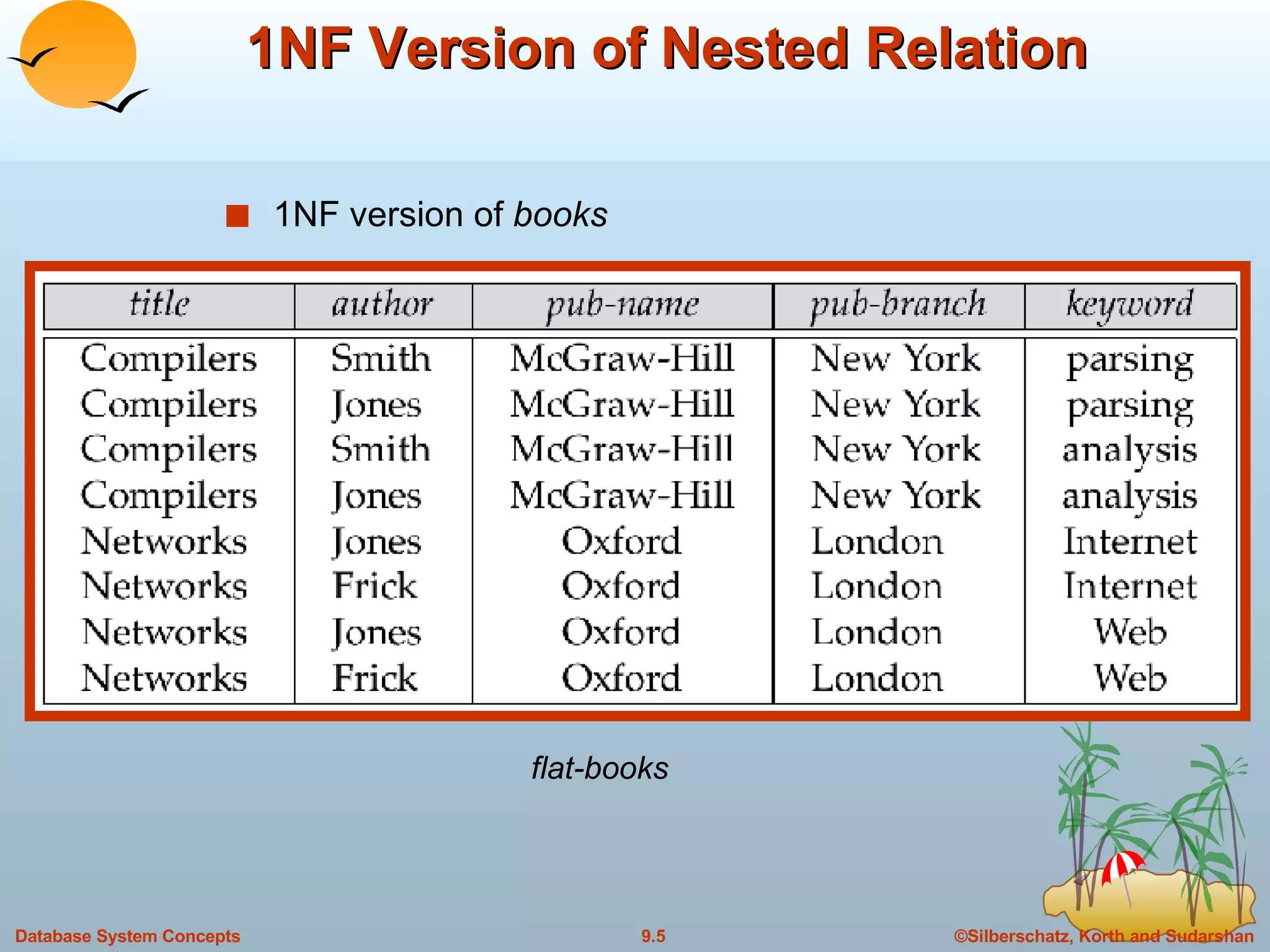
1NF Version of Nested Relation 1NF version of  books flat-books
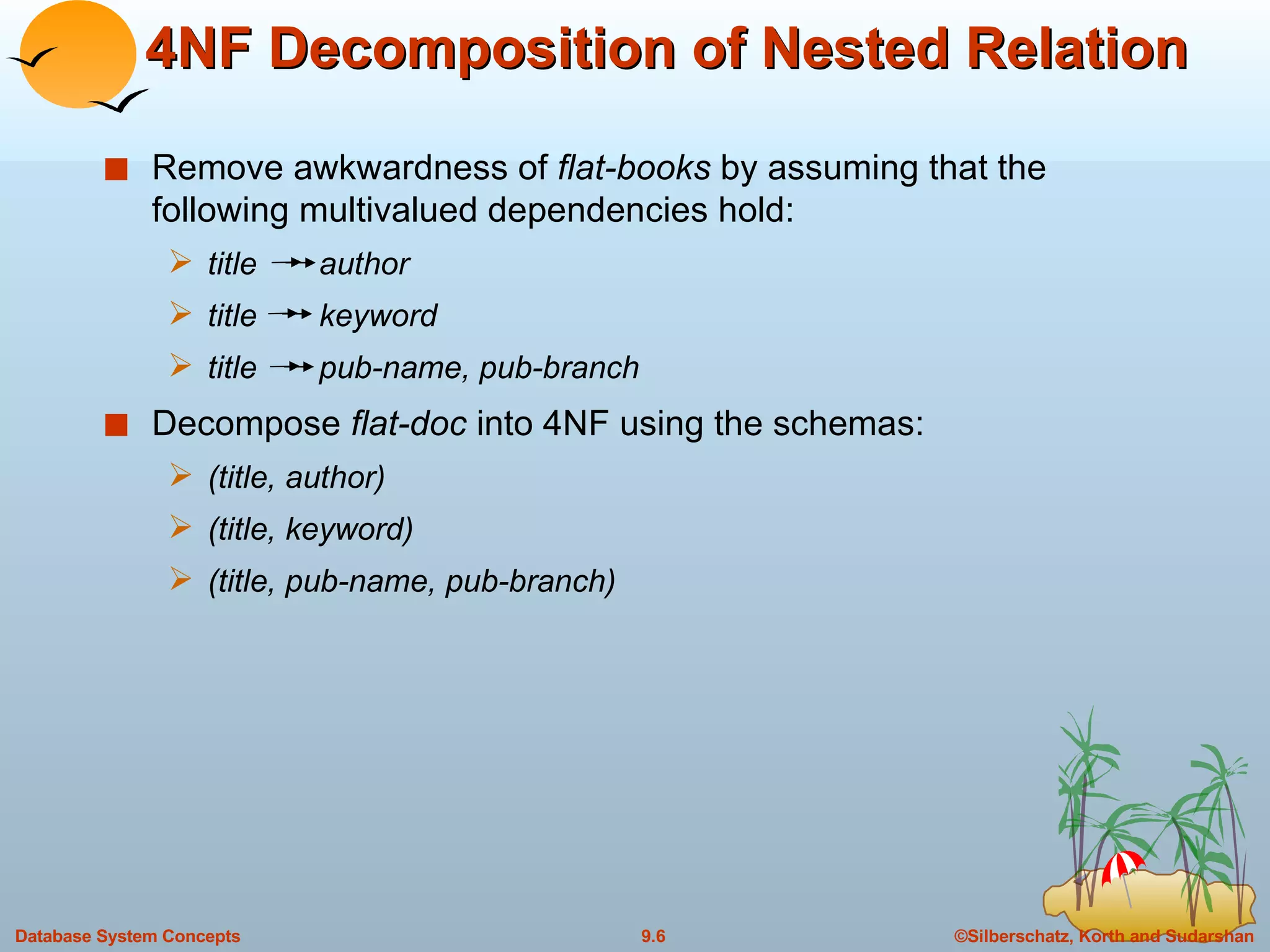
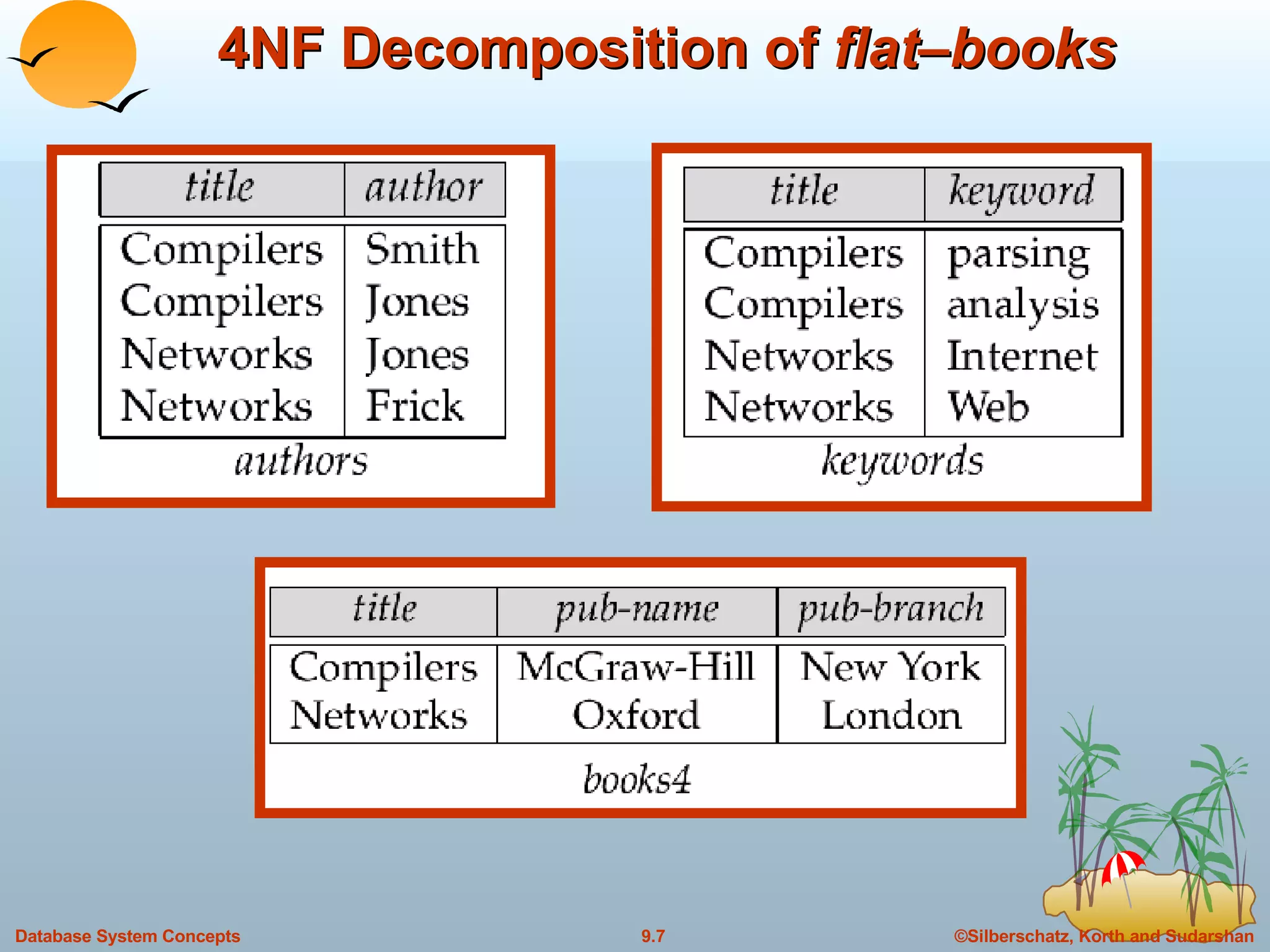
4NF Decomposition of Nested Relation Remove awkwardness of  flat-books  by assuming that the following multivalued dependencies hold: title  author title  keyword title  pub-name, pub-branch Decompose  flat-doc  into 4NF using the schemas: (title, author) (title, keyword) (title, pub-name, pub-branch)
4NF Decomposition of  flat – books
Problems with 4NF Schema 4NF design requires users to include joins in their queries. 1NF relational view  flat-books  defined by join of 4NF relations: eliminates the need for users to perform joins, but loses the one-to-one correspondence between tuples and documents. And has a large amount of redundancy Nested relations representation is much more natural here.
Complex Types and SQL:1999 Extensions to SQL to support complex types include: Collection and large object types Nested relations are an example of collection types Structured types Nested record structures like composite attributes  Inheritance Object orientation Including object identifiers and references Our description is mainly based on the SQL:1999 standard Not fully implemented in any database system currently But some features are present in each of the major commercial database systems Read the manual of your database system to see what it supports We present some features that are not in SQL:1999 These are noted explicitly
Collection Types Set type (not in SQL:1999) create table   books  ( ….. keyword-set  setof ( varchar (20)) …… ) Sets are an instance of collection types. Other instances include Arrays (are supported in SQL:1999) E.g.  author-array   varchar (20)  array [10] Can access elements of array in usual fashion:  E.g.  author-array [1] Multisets  (not supported in SQL:1999) I.e., unordered collections, where an element may occur multiple times Nested relations are sets of tuples SQL:1999 supports arrays of tuples
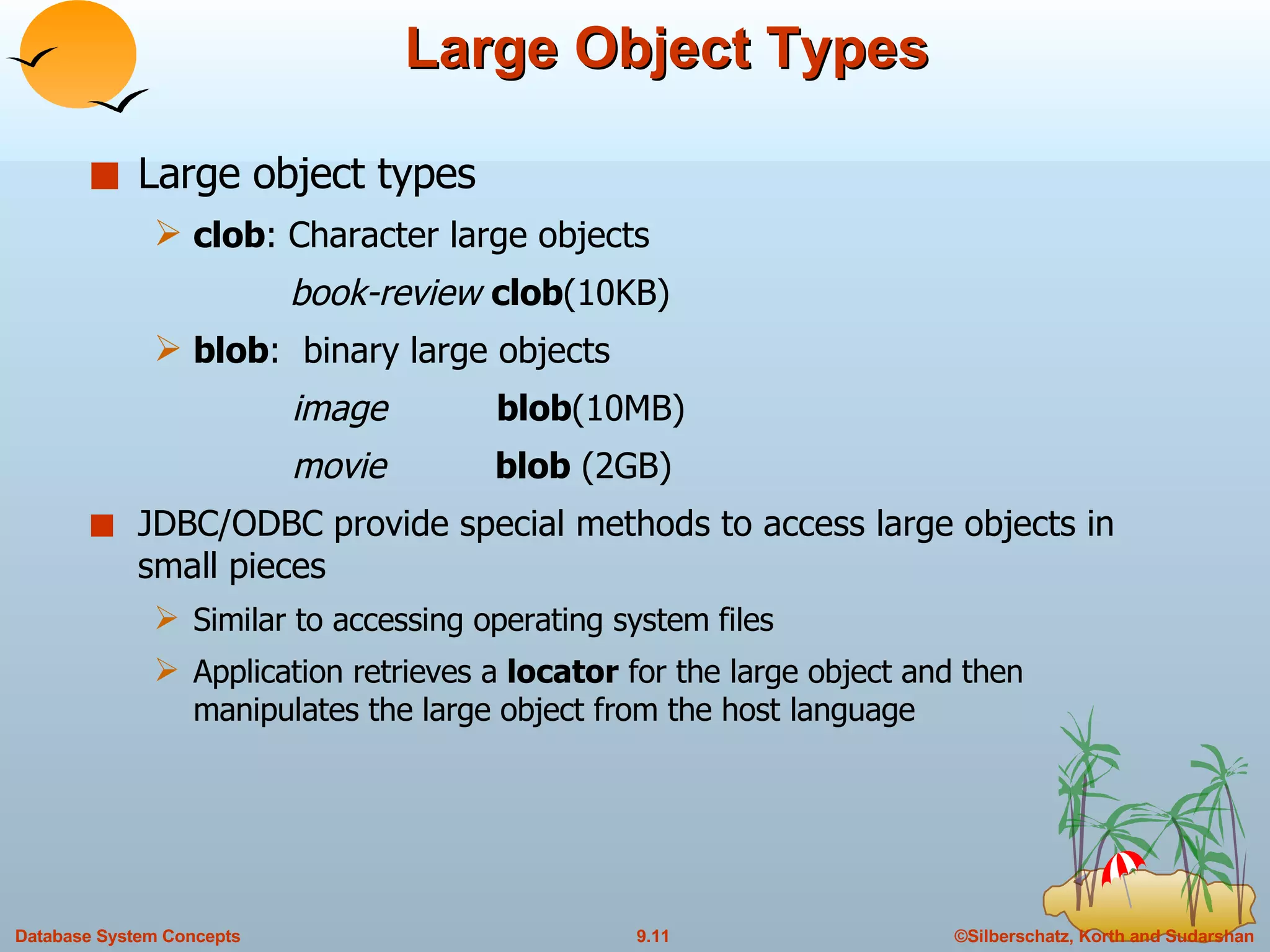
Large Object Types Large object types clob : Character large objects  book-review   clob (10KB) blob :  binary large objects   image   blob (10MB)   movie  blob  (2GB) JDBC/ODBC provide special methods to access large objects in small pieces Similar to accessing operating system files  Application retrieves a  locator  for the large object and then manipulates the large object from the host language
Structured and Collection Types Structured types  can be declared and used in SQL   create type  Publisher  as   ( name   varchar (20),   branch  varchar (20))   create type  Book  as   ( title  varchar (20),   author-array  varchar (20)  array  [10],   pub-date  date ,   publisher  Publisher ,   keyword-set  setof ( varchar (20))) Note:  setof  declaration of keyword-set is not supported by SQL:1999 Using an array to store authors lets us record the order of the authors Structured types can be used to create tables create table  books  of   Book Similar to the nested relation books, but with array of authors  instead of set
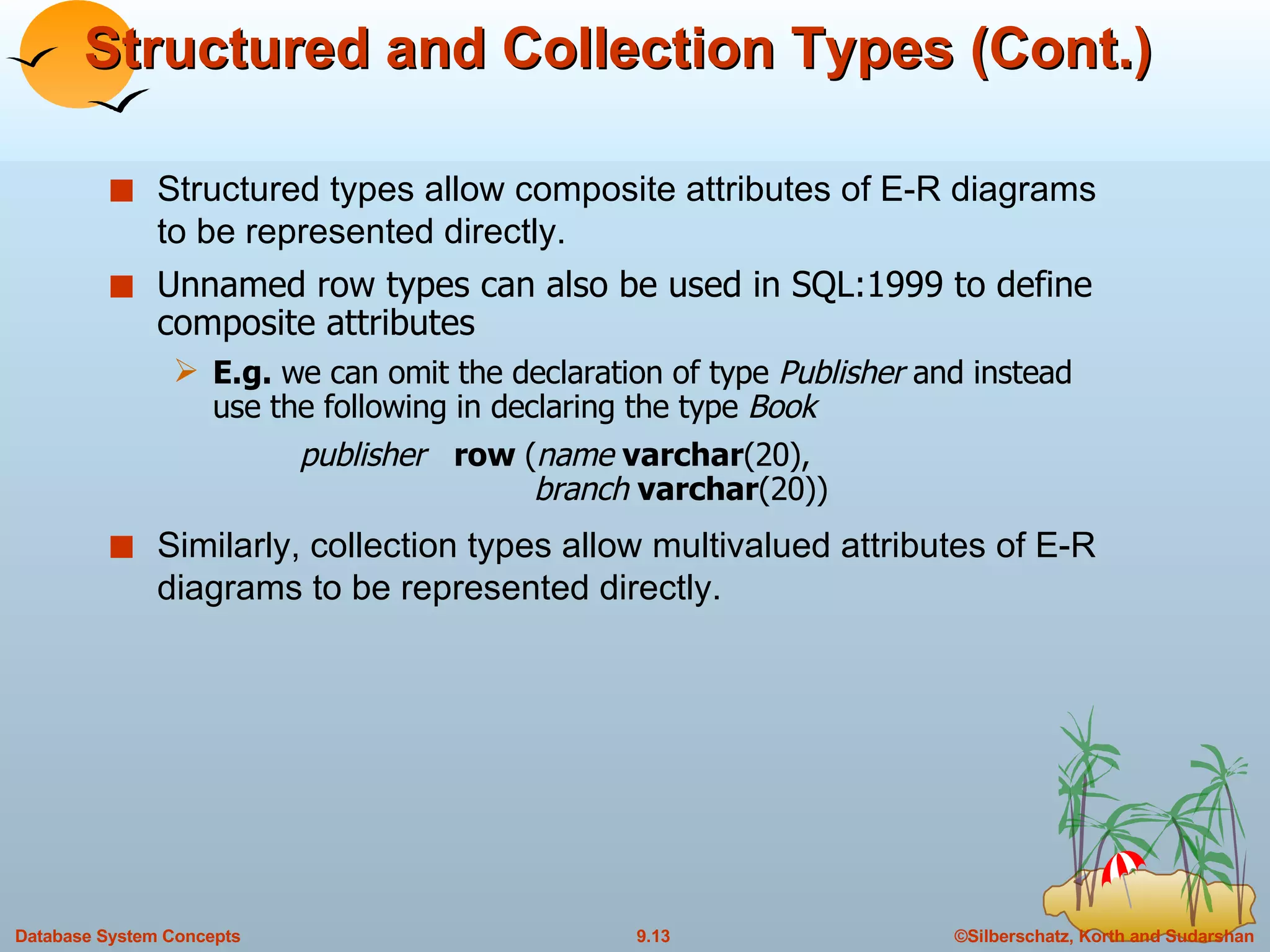
Structured and Collection Types (Cont.) Structured types allow composite attributes of E-R diagrams to be represented directly. Unnamed row types can also be used in SQL:1999 to define composite attributes E.g.  we can omit the declaration of type  Publisher  and instead use the following in declaring the type  Book publisher  row  ( name  varchar (20),    branch  varchar (20)) Similarly, collection types allow multivalued attributes of E-R diagrams to be represented directly.
Structured Types (Cont.) We can create tables without creating an intermediate type  For example, the table  books  could also be defined as follows:   create table   books   ( title  varchar (20),   author-array  varchar (20)  array [10],   pub-date  date,   publisher Publisher   keyword-list  setof ( varchar (20))) Methods can be part of the type definition of a structured type:   create type  Employee  as  (   name  varchar (20),   salary  integer )   method  giveraise  ( percent  integer ) We create the method body separately   create method  giveraise  ( percent  integer )  for  Employee   begin   set self . salary  =  self .salary + ( self . salary  *  percent ) / 100;   end
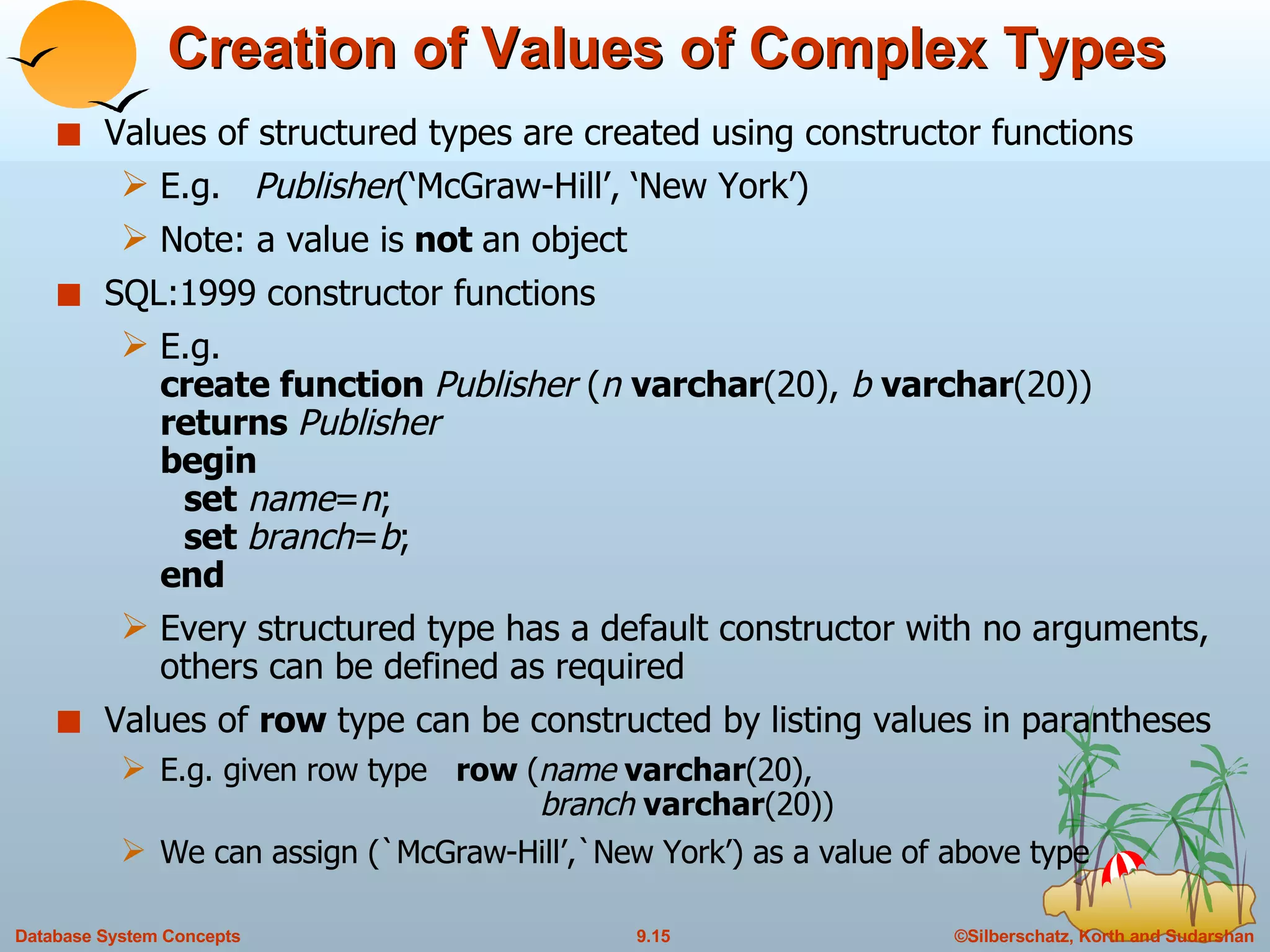
Creation of Values of Complex Types Values of structured types are created using constructor functions E.g.  Publisher (‘McGraw-Hill’, ‘New York’)  Note: a value is  not  an object  SQL:1999 constructor functions  E.g.  create function  Publisher  ( n  varchar (20),  b  varchar (20)) returns  Publisher begin set   name = n ; set  branch = b ; end Every structured type has a default constructor with no arguments, others can be defined as required Values of  row  type can be constructed by listing values in parantheses E.g. given row type  row  ( name  varchar (20),    branch  varchar (20)) We can assign (`McGraw-Hill’,`New York’) as a value of above type
Creation of Values of Complex Types Array construction array  [‘Silberschatz’,`Korth’,`Sudarshan’] Set value attributes (not supported in SQL:1999) set ( v1, v2, …, vn) To create a tuple of the  books  relation    (‘Compilers’,  array [`Smith’,`Jones’],    Publisher (`McGraw-Hill’,`New York’),    set (`parsing’,`analysis’)) To insert the preceding tuple into the relation  books insert into   books values   (`Compilers’,  array [`Smith’,`Jones’],   Publisher (‘McGraw Hill’,`New York’ ),      set (`parsing’,`analysis’))
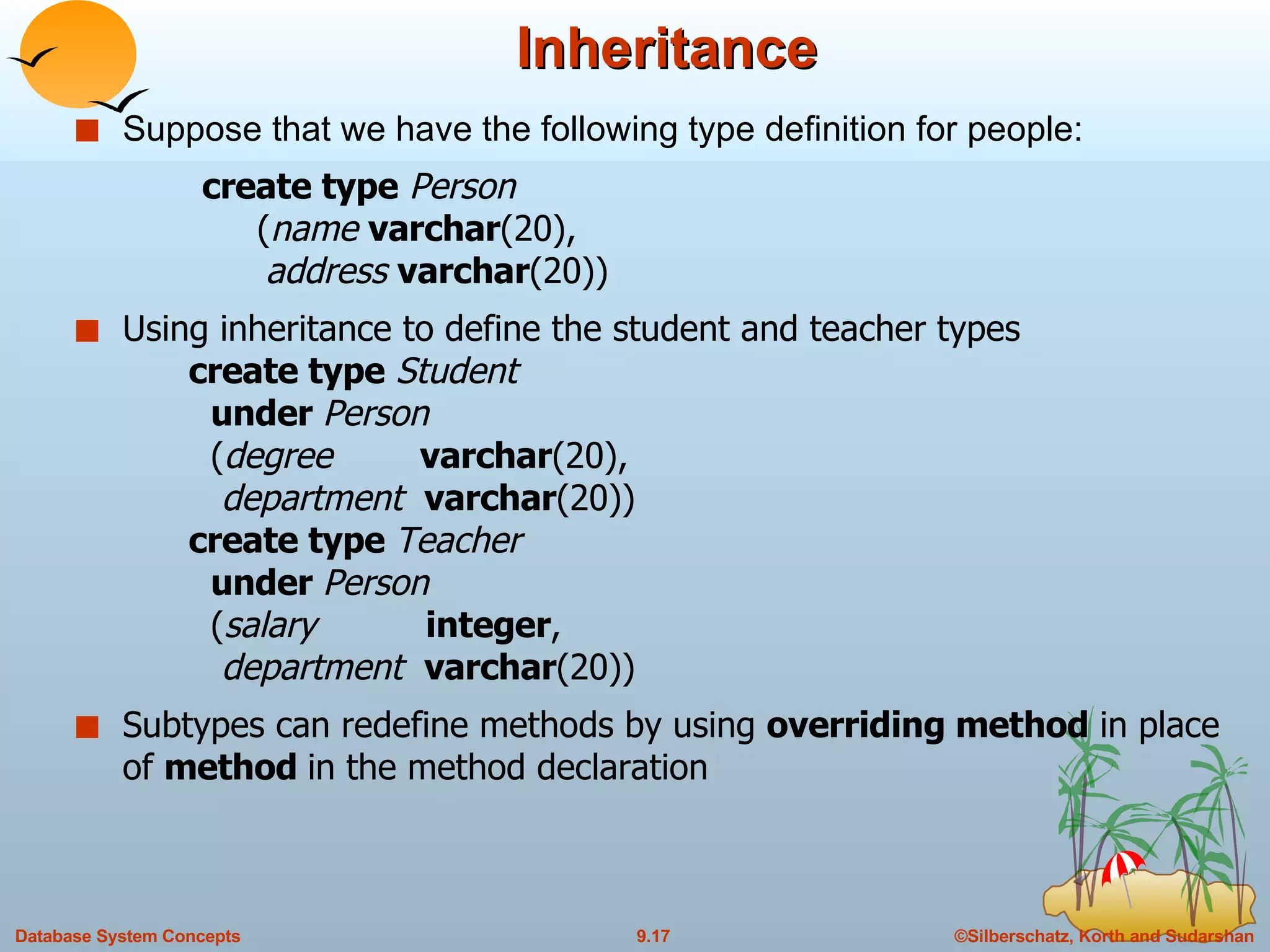
Inheritance Suppose that we have the following type definition for people: create type   Person   ( name  varchar (20),   address  varchar (20)) Using inheritance to define the student and teacher types    create type   Student   under  Person   ( degree  varchar (20),   department  varchar (20))   create type  Teacher   under  Person   ( salary  integer ,   department  varchar (20)) Subtypes can redefine methods by using  overriding method  in place of  method  in the method declaration
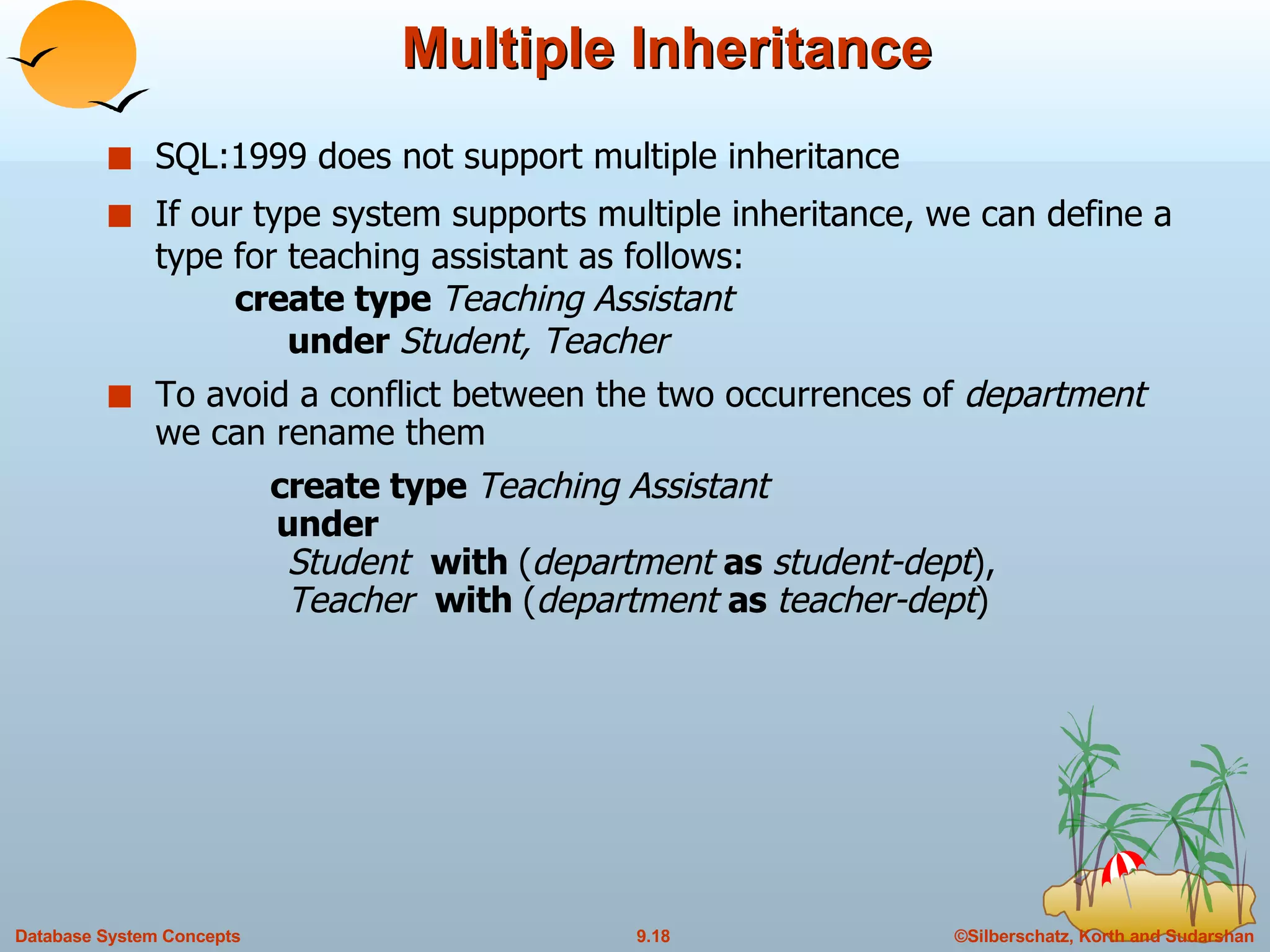
Multiple Inheritance SQL:1999 does not support multiple inheritance If our type system supports multiple inheritance, we can define a type for teaching assistant as follows: create type  Teaching Assistant   under  Student, Teacher To avoid a conflict between the two occurrences of  department  we can rename them  create type  Teaching Assistant   under    Student  with  ( department  as  student-dept ),   Teacher  with  ( department  as  teacher-dept )
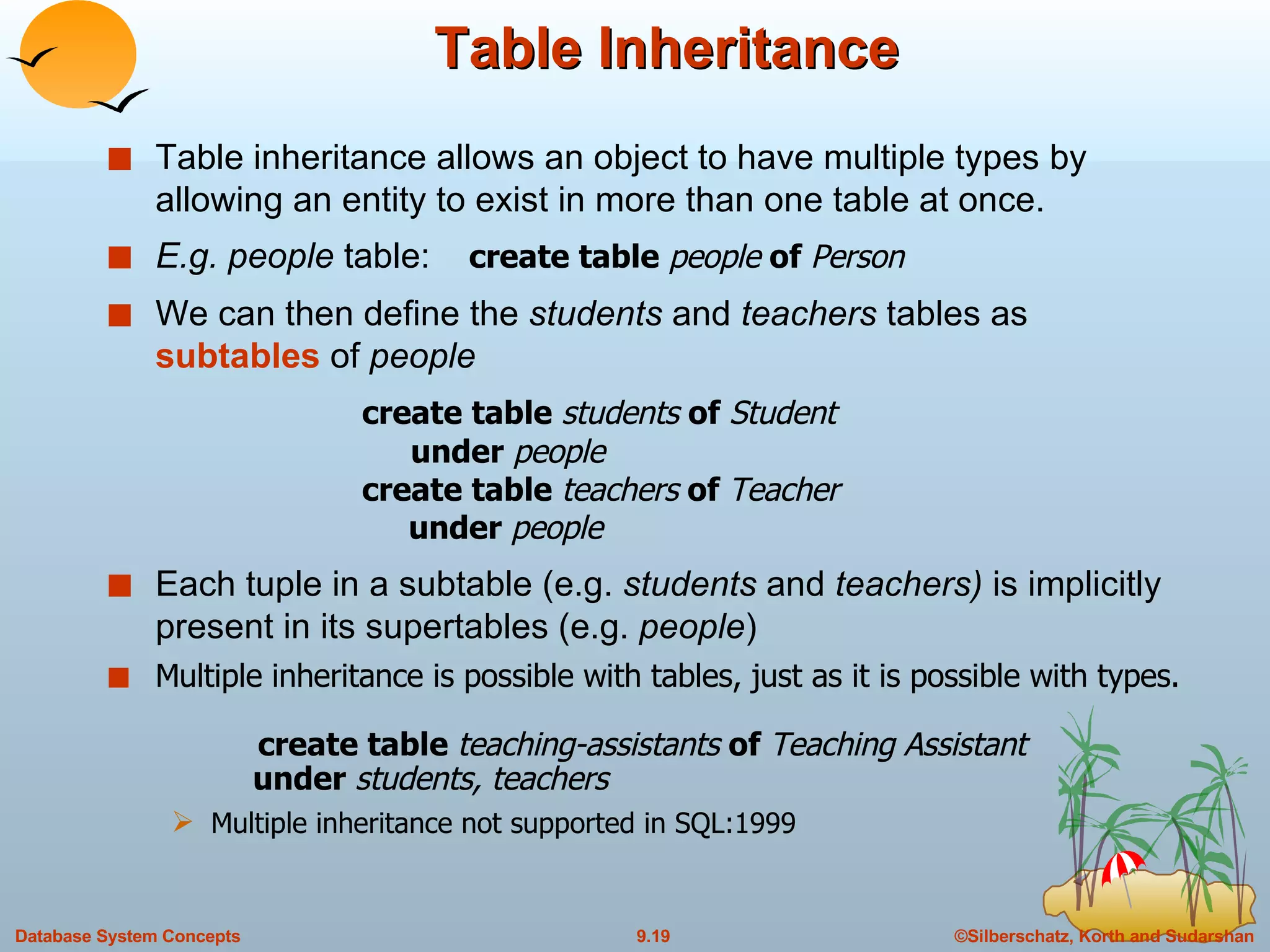
Table Inheritance Table inheritance allows an object to have multiple types by allowing an entity to exist in more than one table at once. E.g. people  table:  create table  people  of  Person We can then define the  students  and  teachers  tables as  subtables  of  people create table  students  of  Student     under  people create table  teachers  of  Teacher   under  people Each tuple in a subtable (e.g.  students  and  teachers)  is implicitly present in its supertables (e.g.  people ) Multiple inheritance is possible with tables, just as it is possible with types.     create table  teaching-assistants  of  Teaching Assistant   under  students, teachers Multiple inheritance not supported in SQL:1999
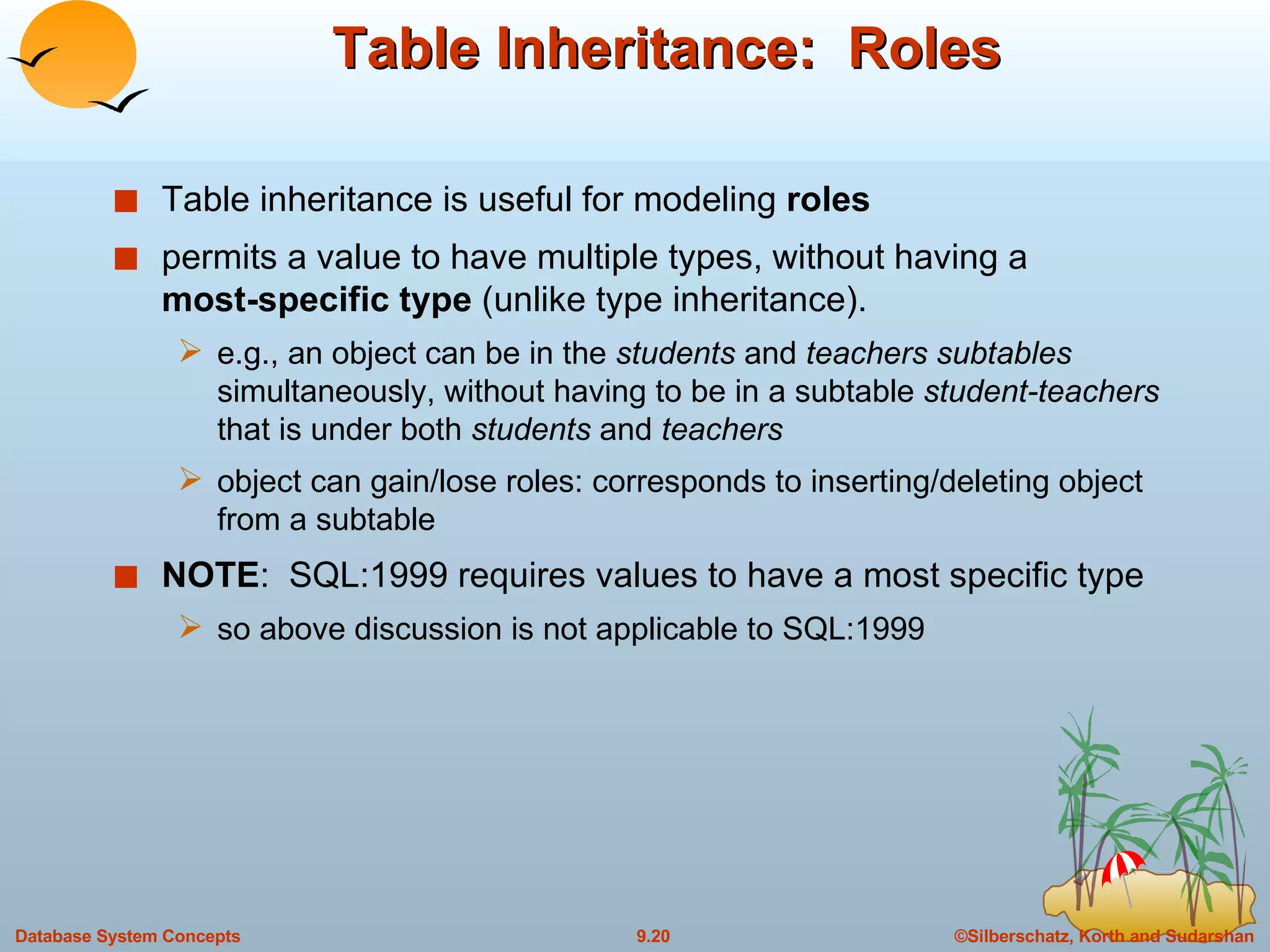
Table Inheritance:  Roles Table inheritance is useful for modeling  roles permits a value to have multiple types, without having a  most-specific   type  (unlike type inheritance). e.g., an object can be in the  students  and  teachers subtables  simultaneously, without having to be in a subtable  student-teachers  that is under both  students  and  teachers object can gain/lose roles: corresponds to inserting/deleting object from a subtable NOTE :  SQL:1999 requires values to have a most specific type so above discussion is not applicable to SQL:1999
Table Inheritance:  Consistency Requirements  Consistency requirements on subtables and supertables. Each tuple of the supertable (e.g.  people)  can correspond to at most one tuple in each of the subtables (e.g.  students  and  teachers) Additional constraint in SQL:1999: All tuples corresponding to each other (that is, with the same values for inherited attributes) must be derived from one tuple (inserted into one table).  That is, each entity must have a most specific type We cannot have a tuple in  people  corresponding to a tuple each in  students  and  teachers
Table Inheritance: Storage Alternatives Storage alternatives Store only local attributes and the primary key of the supertable in subtable Inherited attributes derived by means of a join with the supertable Each table stores all inherited and locally defined attributes Supertables implicitly contain (inherited attributes of) all tuples in their subtables Access to all attributes of a tuple is faster: no join required If entities must have most specific type, tuple is stored only in one table, where it was created Otherwise, there could be redundancy
Reference Types Object-oriented languages provide the ability to create and refer to objects.  In SQL:1999 References are to tuples, and References must be scoped,  I.e., can only point to tuples in one specified table We will study how to define references first, and later see how to use references
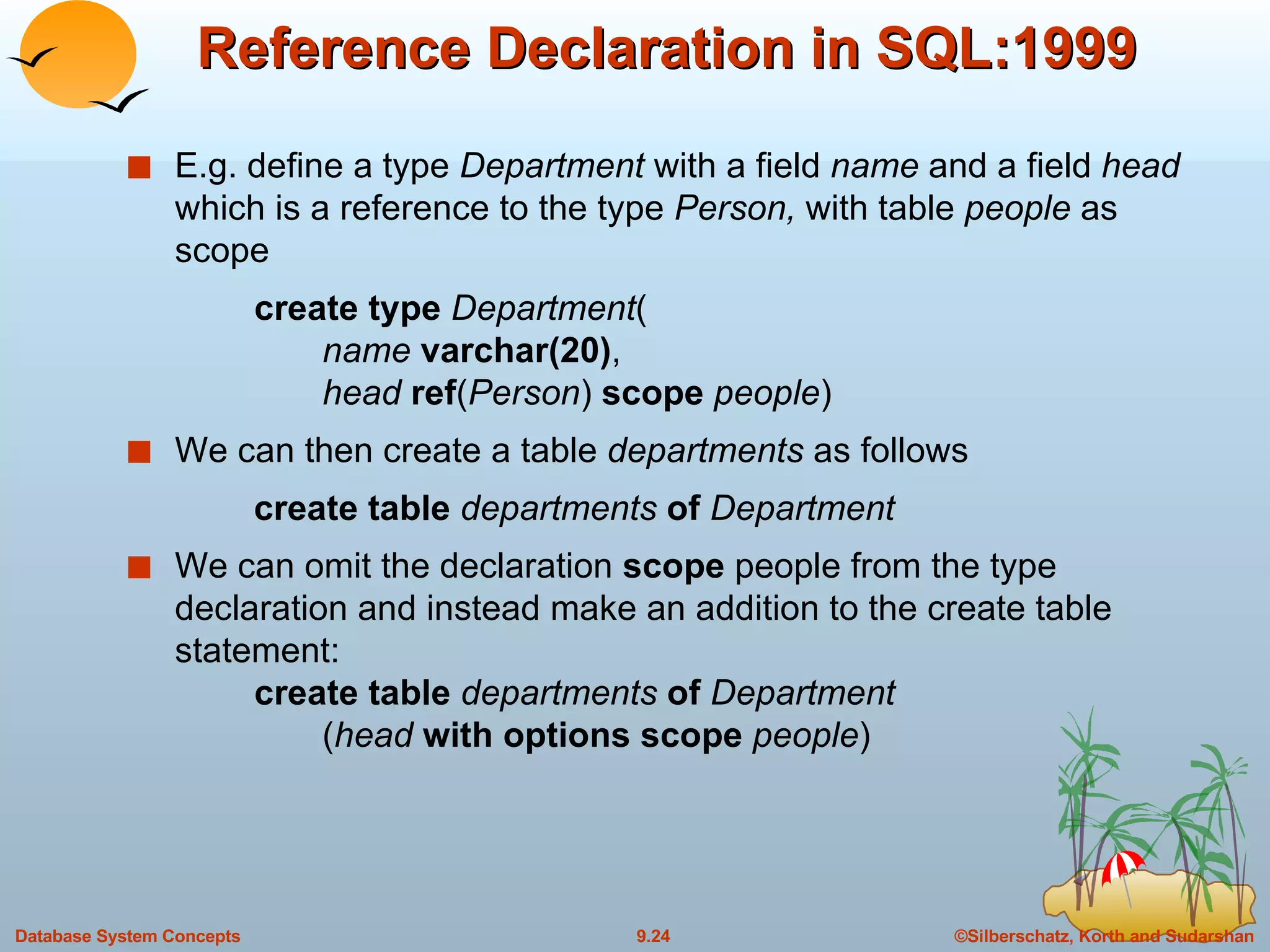
Reference Declaration in SQL:1999 E.g. define a type  Department  with a field  name  and a field  head  which is a reference to the type  Person,  with table  people  as scope create type  Department (   name  varchar(20) ,   head  ref ( Person )  scope  people ) We can then create a table  departments  as follows create table  departments  of  Department We can omit the declaration  scope  people from the type declaration and instead make an addition to the create table statement: create table  departments  of  Department   ( head  with   options scope   people )
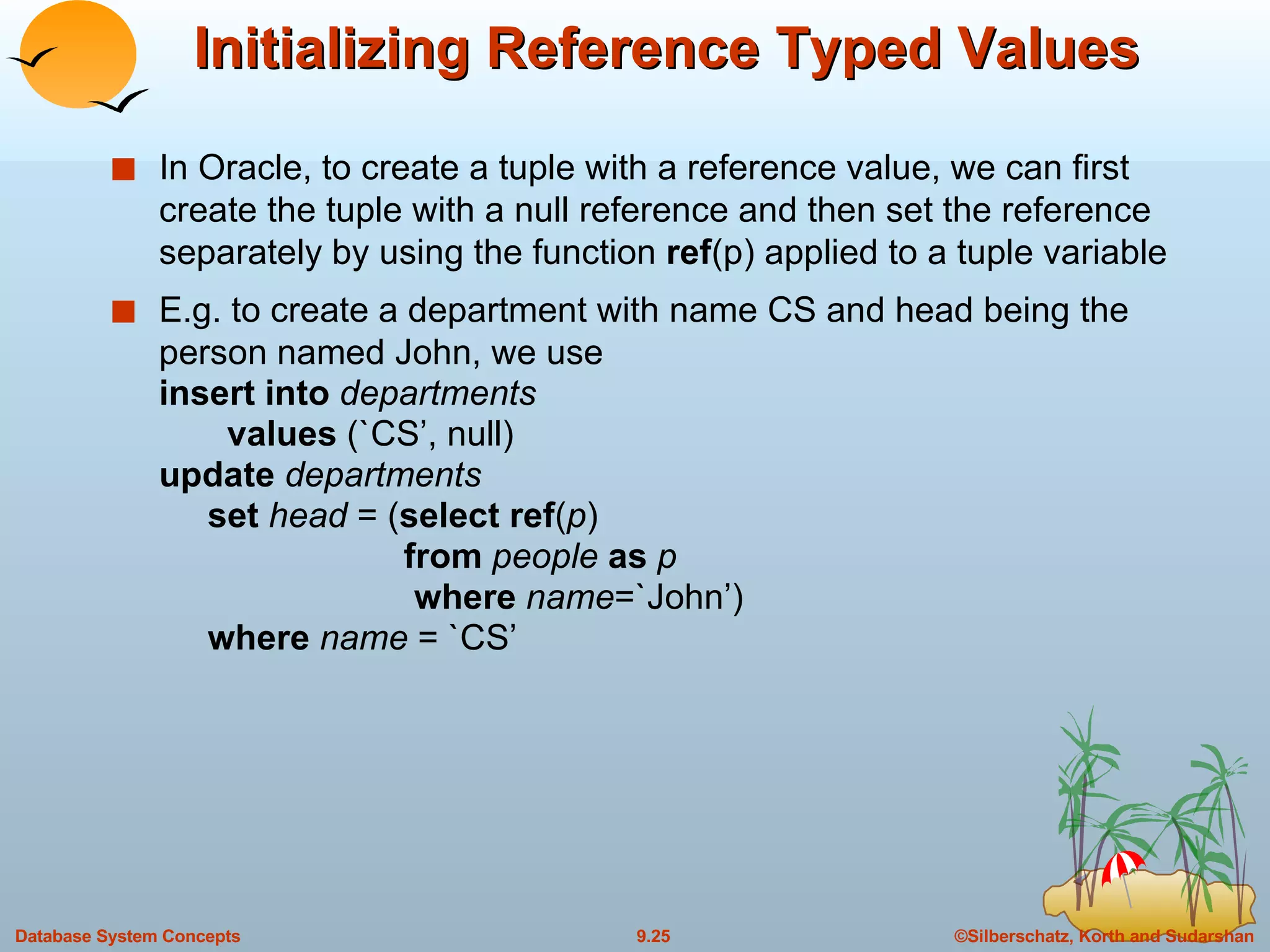
Initializing Reference Typed Values In Oracle, to create a tuple with a reference value, we can first create the tuple with a null reference and then set the reference separately by using the function  ref (p) applied to a tuple variable E.g. to create a department with name CS and head being the person named John, we use insert into  departments   values  (`CS’, null) update  departments   set   head  = ( select ref ( p )   from  people  as  p   where  name =`John’)   where  name  = `CS’
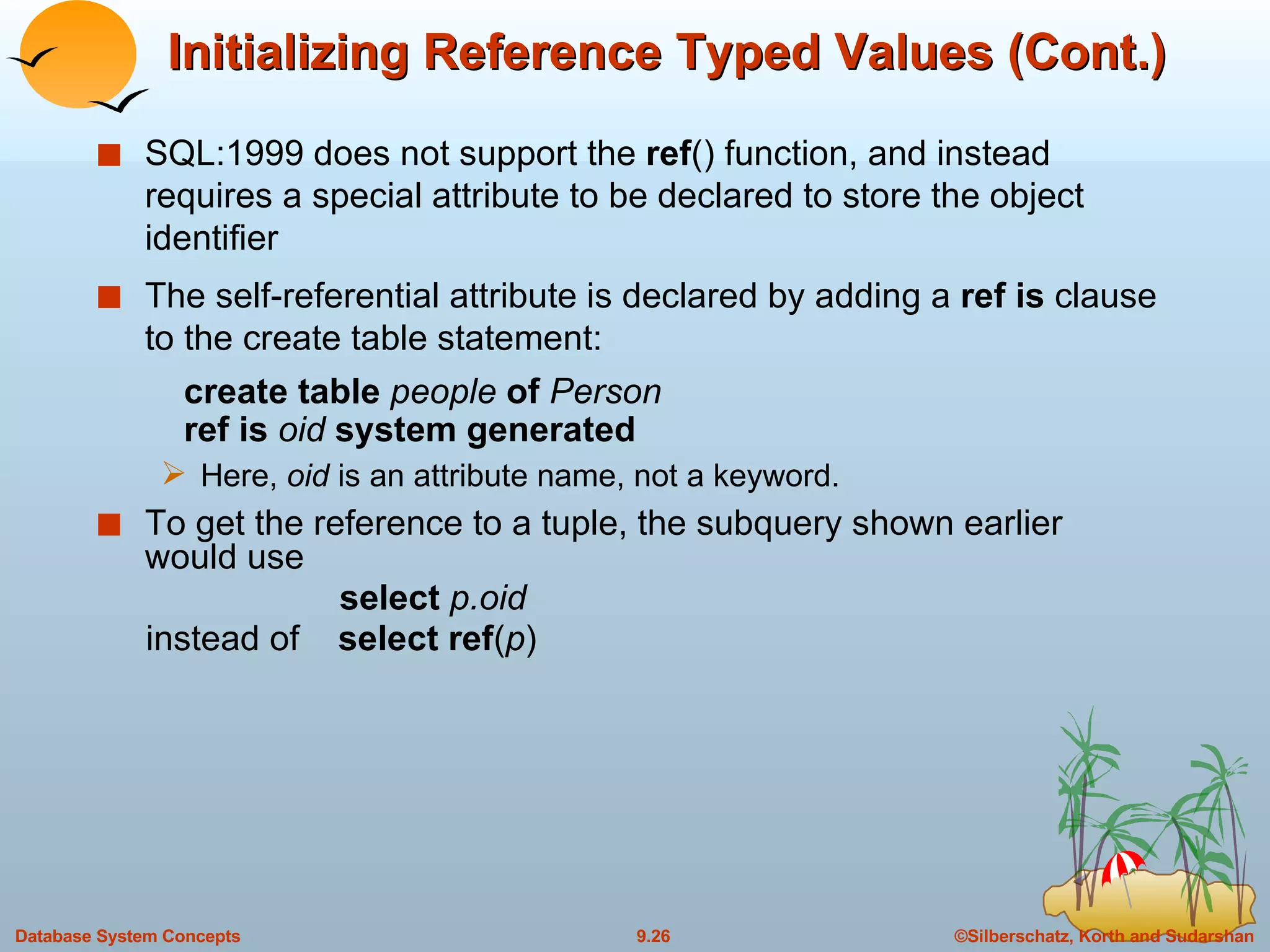
Initializing Reference Typed Values (Cont.) SQL:1999 does not support the  ref () function, and instead requires a special attribute to be declared to store the object identifier  The self-referential attribute is declared by adding a  ref is  clause to the create table statement:   create table  people  of  Person   ref is  oid  system generated Here,  oid  is an attribute name, not a keyword.  To get the reference to a tuple, the subquery shown earlier would use   select  p.oid instead of  select ref ( p )
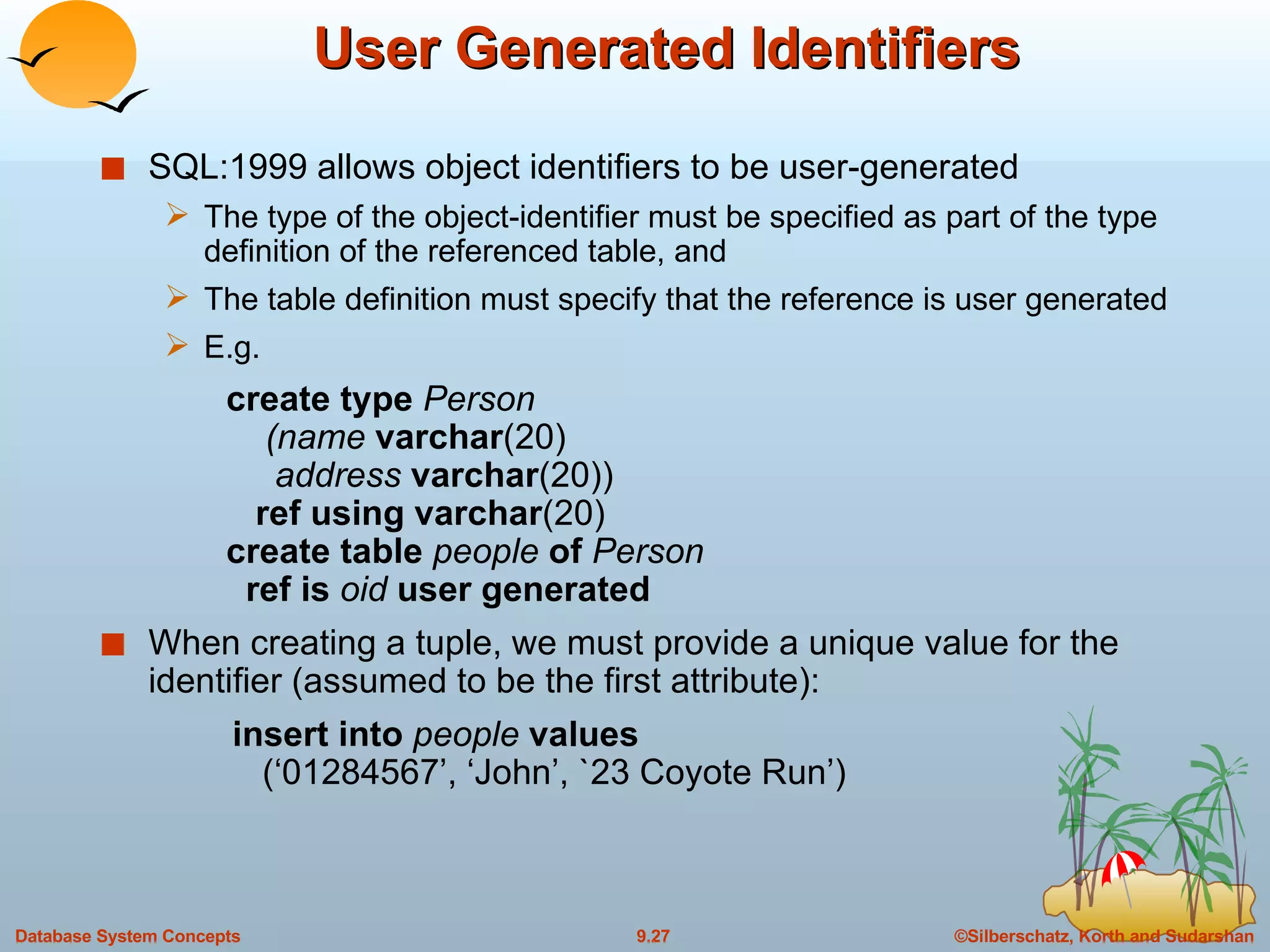
User Generated Identifiers SQL:1999 allows object identifiers to be user-generated The type of the object-identifier must be specified as part of the type definition of the referenced table, and The table definition must specify that the reference is user generated E.g.    create type  Person   (name  varchar (20)   address  varchar (20))   ref using varchar (20)   create table  people  of  Person   ref is  oid  user generated When creating a tuple, we must provide a unique value for the identifier (assumed to be the first attribute): insert into  people  values   (‘01284567’, ‘John’, `23 Coyote Run’)
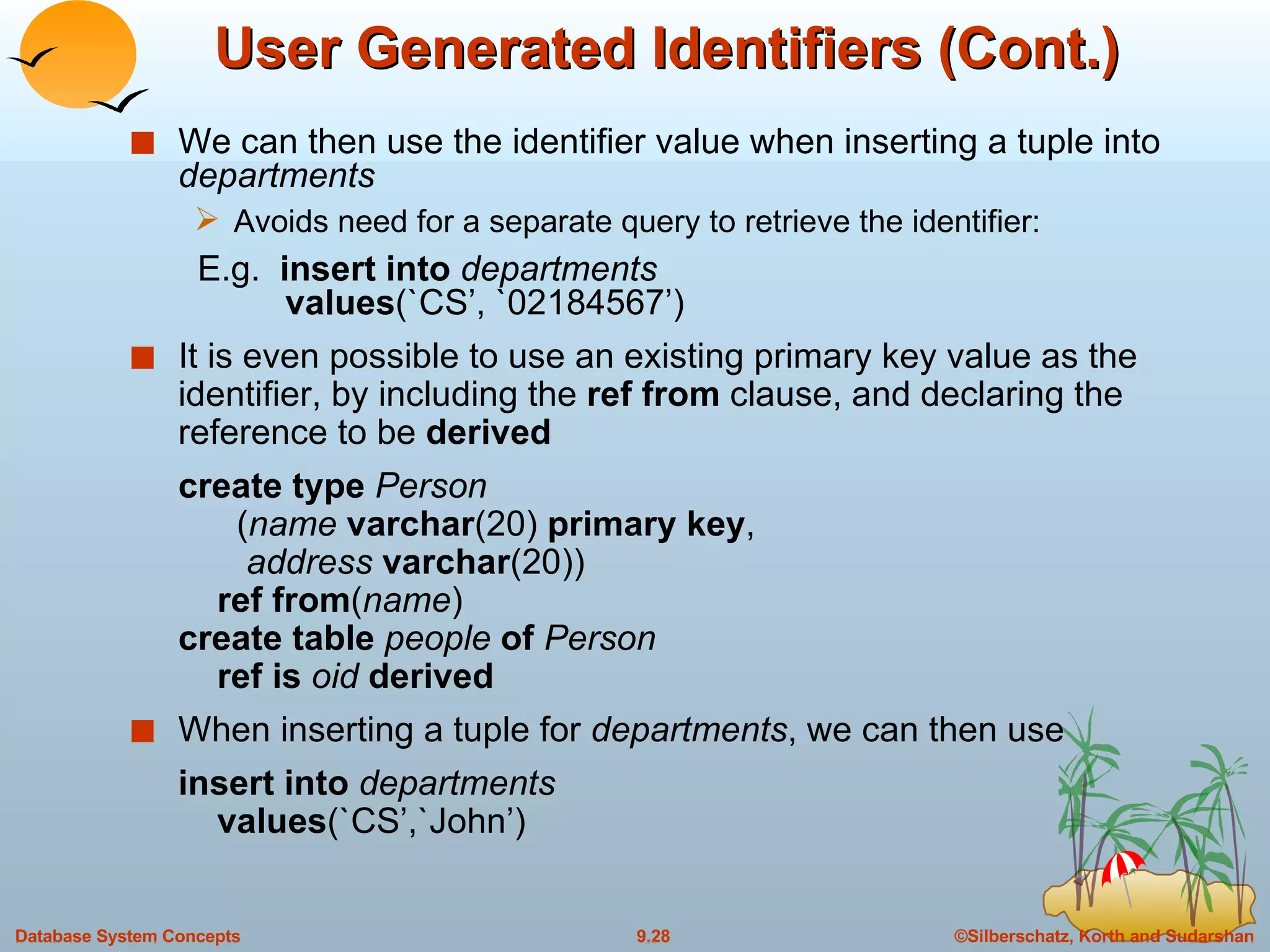
User Generated Identifiers (Cont.) We can then use the identifier value when inserting a tuple into   departments Avoids need for a separate query to retrieve the identifier:   E.g.   insert into  departments   values (`CS’, `02184567’) It is even possible to use an existing primary key value as the identifier, by including the  ref from  clause, and declaring the reference to be  derived   create type  Person   ( name  varchar (20)  primary key ,   address  varchar (20))   ref from ( name ) create table  people  of  Person   ref is  oid  derived When inserting a tuple for  departments , we can then use insert into  departments   values (`CS’,`John’)
Path Expressions Find the names and addresses of the heads of all departments: select  head  – > name ,  head  – > address from  departments An expression such as “head – > name” is called a  path expression Path expressions help avoid explicit joins If department head were not a reference, a join of  departments  with  people  would be required to get at the address Makes expressing the query much easier for the user
Querying with Structured Types Find the title and the name of the publisher of each book.  select  title ,  publisher.name from  books Note the use of the dot notation to access fields of the composite attribute (structured type)  publisher
Collection-Value Attributes Collection-valued attributes can be treated much like relations, using the keyword  unnest The  books  relation has array-valued attribute  author-array  and set-valued attribute  keyword-set To find all books that have the word “database” as one of their keywords,    select  title from  books where ‘ database’  in  ( unnest ( keyword-set )) Note: Above syntax is valid in SQL:1999,  but the only collection type supported by SQL:1999 is the array type  To get a relation containing pairs of the form “title, author-name” for each book and each author of the book select  B.title, A   from  books  as  B ,  unnest  ( B.author-array )  as  A
Collection Valued Attributes (Cont.) We can access individual elements of an array by using indices E.g. If we know that a particular book has three authors, we could write: select  author-array [1],  author-array [2],  author-array [3] from  books where  title  = `Database System Concepts’
Unnesting The transformation of a nested relation into a form with fewer (or no) relation-valued attributes us called  unnesting . E.g. select  title ,  A  as  author ,  publisher.name  as  pub_name ,    publisher.branch  as  pub_branch ,  K  as  keyword from  books  as  B ,  unnest ( B.author-array )  as  A ,  unnest  ( B.keyword-list )  as  K
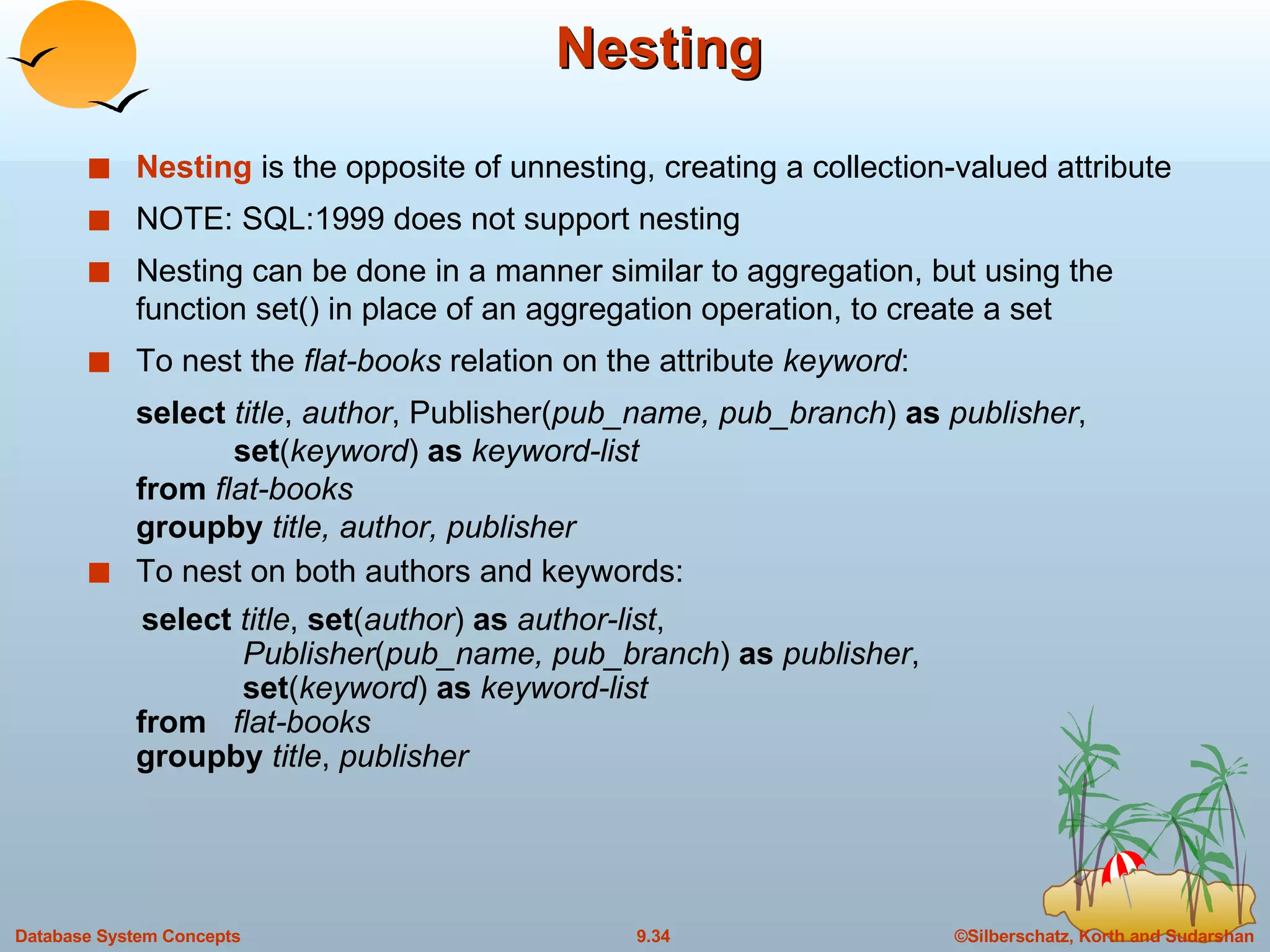
Nesting  Nesting  is the opposite of unnesting, creating a collection-valued attribute NOTE: SQL:1999 does not support nesting Nesting can be done in a manner similar to aggregation, but using the function set() in place of an aggregation operation, to create a set To nest the  flat-books  relation on the attribute  keyword : select  title ,  author , Publisher( pub_name, pub_branch )  as  publisher ,    set ( keyword )  as  keyword-list from  flat-books groupby  title, author, publisher To nest on both authors and keywords: select  title ,  set ( author )  as  author-list ,    Publisher ( pub_name, pub_branch )  as  publisher ,   set ( keyword )  as  keyword-list from  flat-books groupby  title ,  publisher
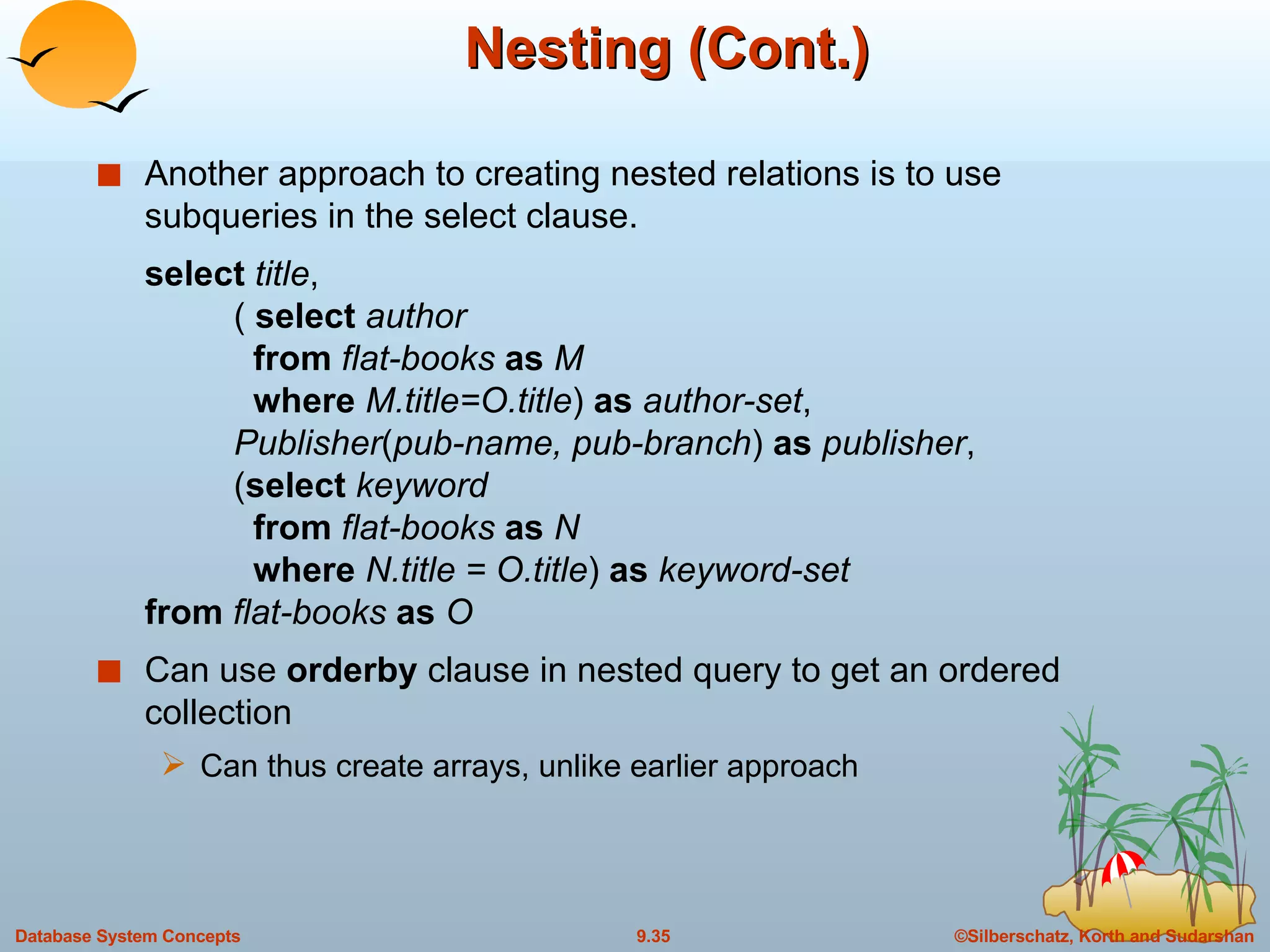
Nesting (Cont.) Another approach to creating nested relations is to use subqueries in the select clause.  select  title ,  (  select  author   from  flat-books  as  M   where  M.title=O.title )  as  author-set ,   Publisher ( pub-name, pub-branch )  as  publisher ,  ( select  keyword   from  flat-books  as  N   where  N.title = O.title )  as  keyword-set from  flat-books  as  O Can use  orderby  clause in nested query to get an ordered collection Can thus create arrays, unlike earlier approach
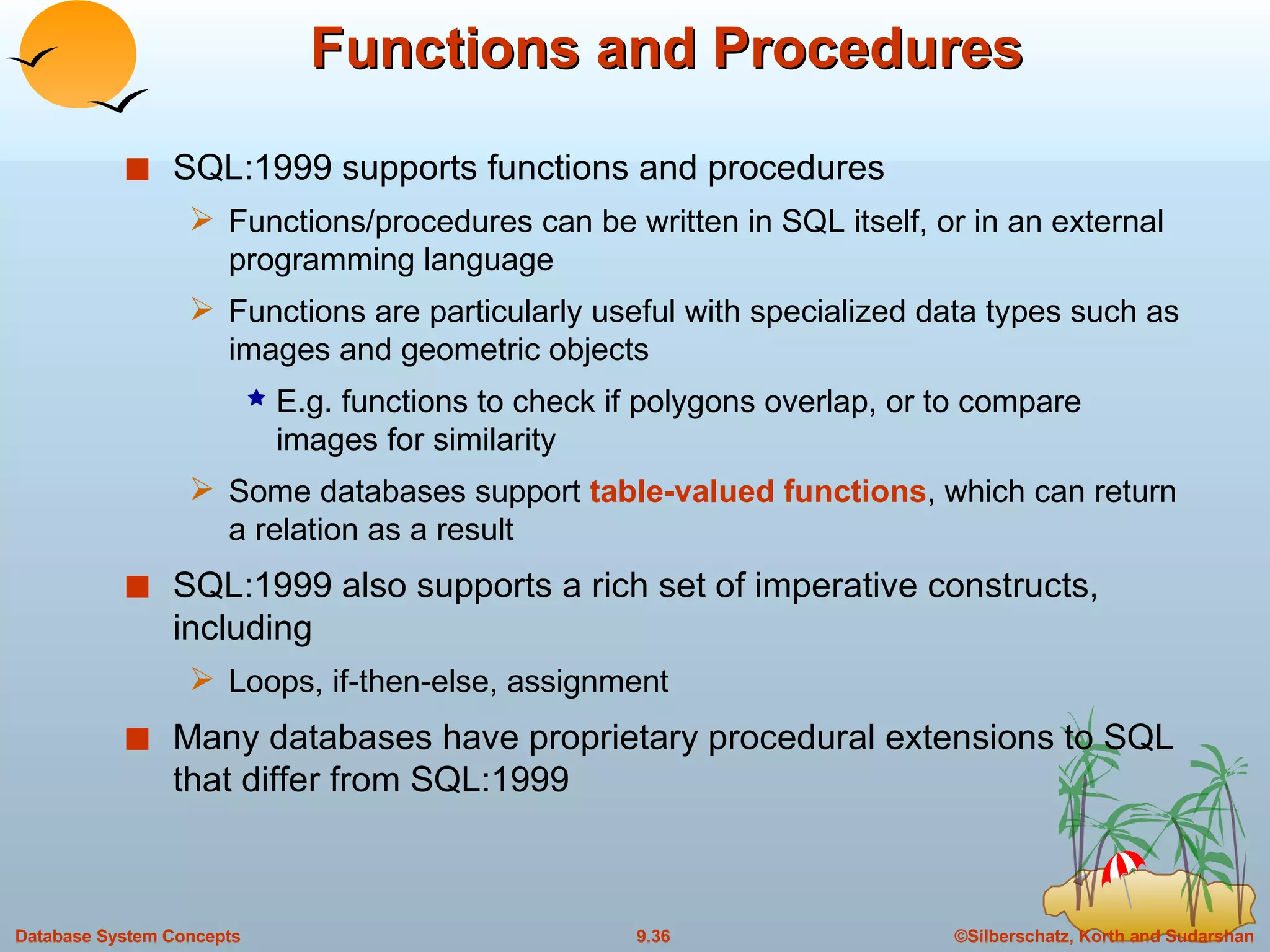
Functions and Procedures SQL:1999 supports functions and procedures Functions/procedures can be written in SQL itself, or in an external programming language Functions are particularly useful with specialized data types such as images and geometric objects E.g. functions to check if polygons overlap, or to compare images for similarity Some databases support  table-valued functions , which can return a relation as a result SQL:1999 also supports a rich set of imperative constructs, including Loops, if-then-else, assignment Many databases have proprietary procedural extensions to SQL that differ from SQL:1999
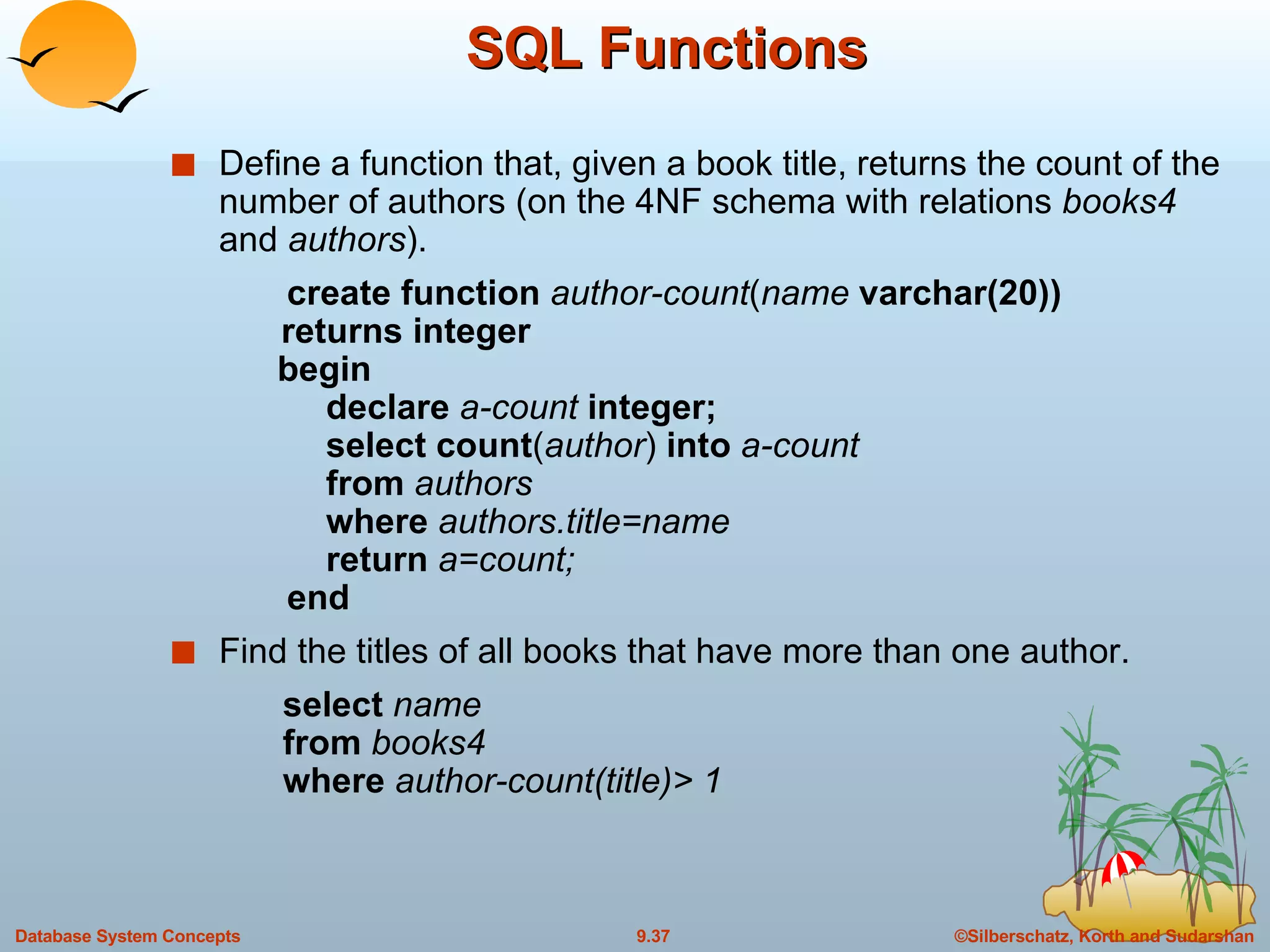
SQL Functions Define a function that, given a book title, returns the count of the number of authors (on the 4NF schema with relations  books4  and  authors ). create function  author-count ( name  varchar(20))   returns integer   begin   declare  a-count  integer;   select count ( author )  into  a-count   from  authors   where  authors.title=name   return  a=count;   end Find the titles of all books that have more than one author. select  name from  books4 where  author-count(title)> 1
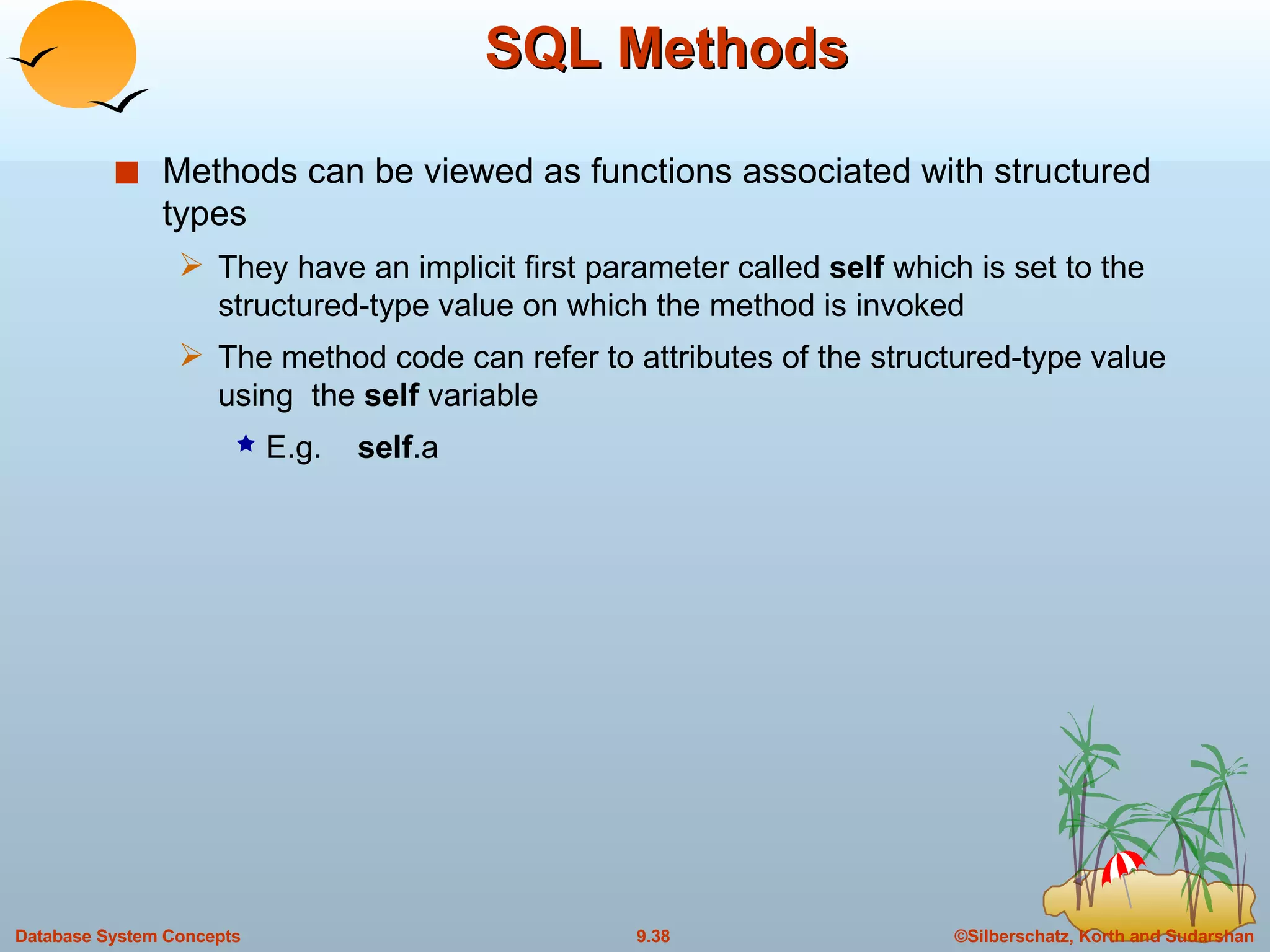
SQL Methods Methods can be viewed as functions associated with structured types They have an implicit first parameter called  self  which is set to the structured-type value on which the method is invoked The method code can refer to attributes of the structured-type value using  the  self  variable E.g.  self .a
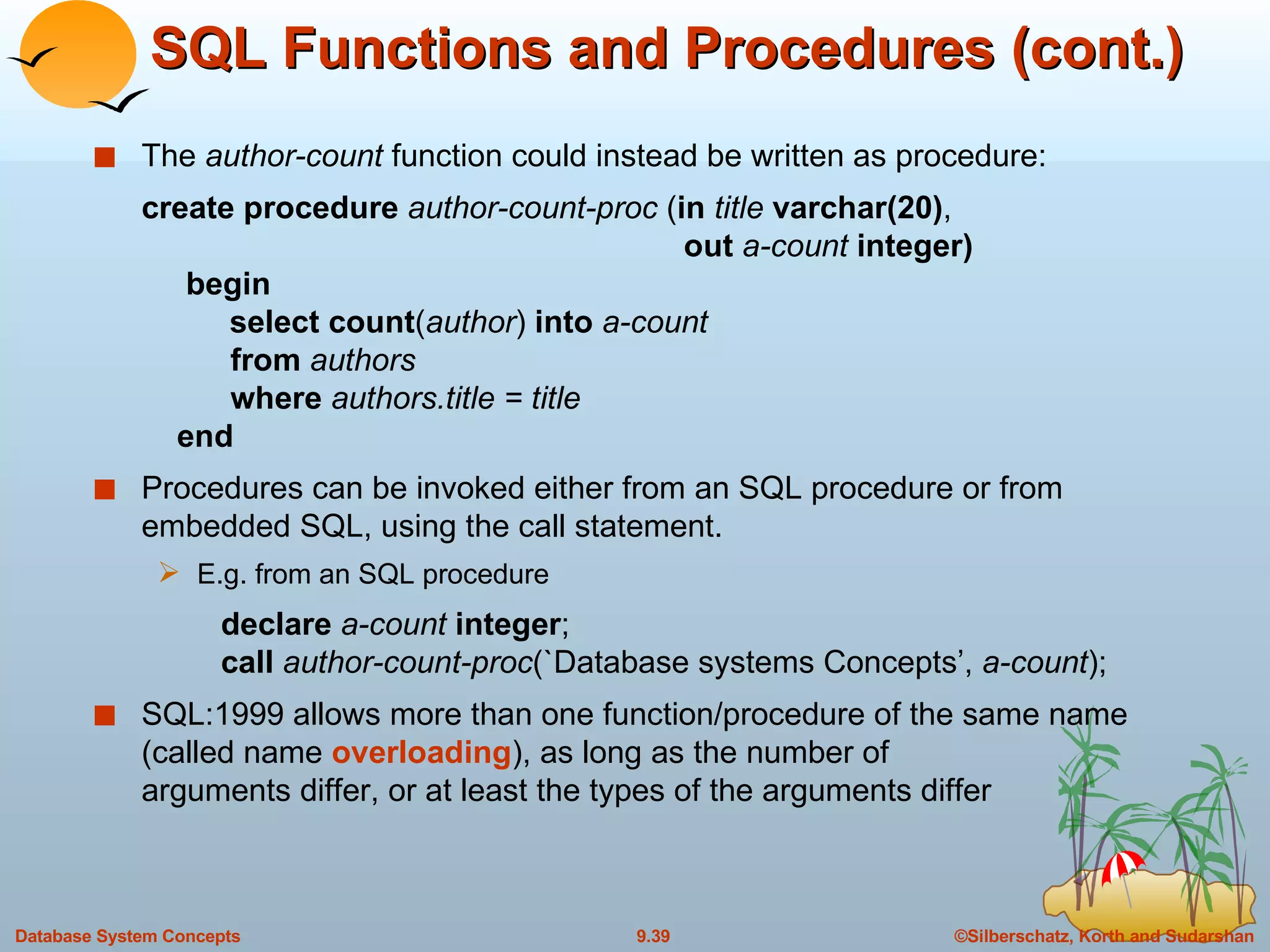
SQL Functions and Procedures (cont.) The  author-count  function could instead be written as procedure: create procedure  author-count-proc  ( in  title  varchar(20) ,    out  a-count  integer)   begin  select count ( author )  into  a-count   from  authors   where  authors.title = title   end Procedures can be invoked either from an SQL procedure or from embedded SQL, using the call statement. E.g. from an SQL procedure declare  a-count  integer ; call  author-count-proc (`Database systems Concepts’,  a-count ); SQL:1999 allows more than one function/procedure of the same name (called name  overloading ), as long as the number of  arguments differ, or at least the types of the arguments differ
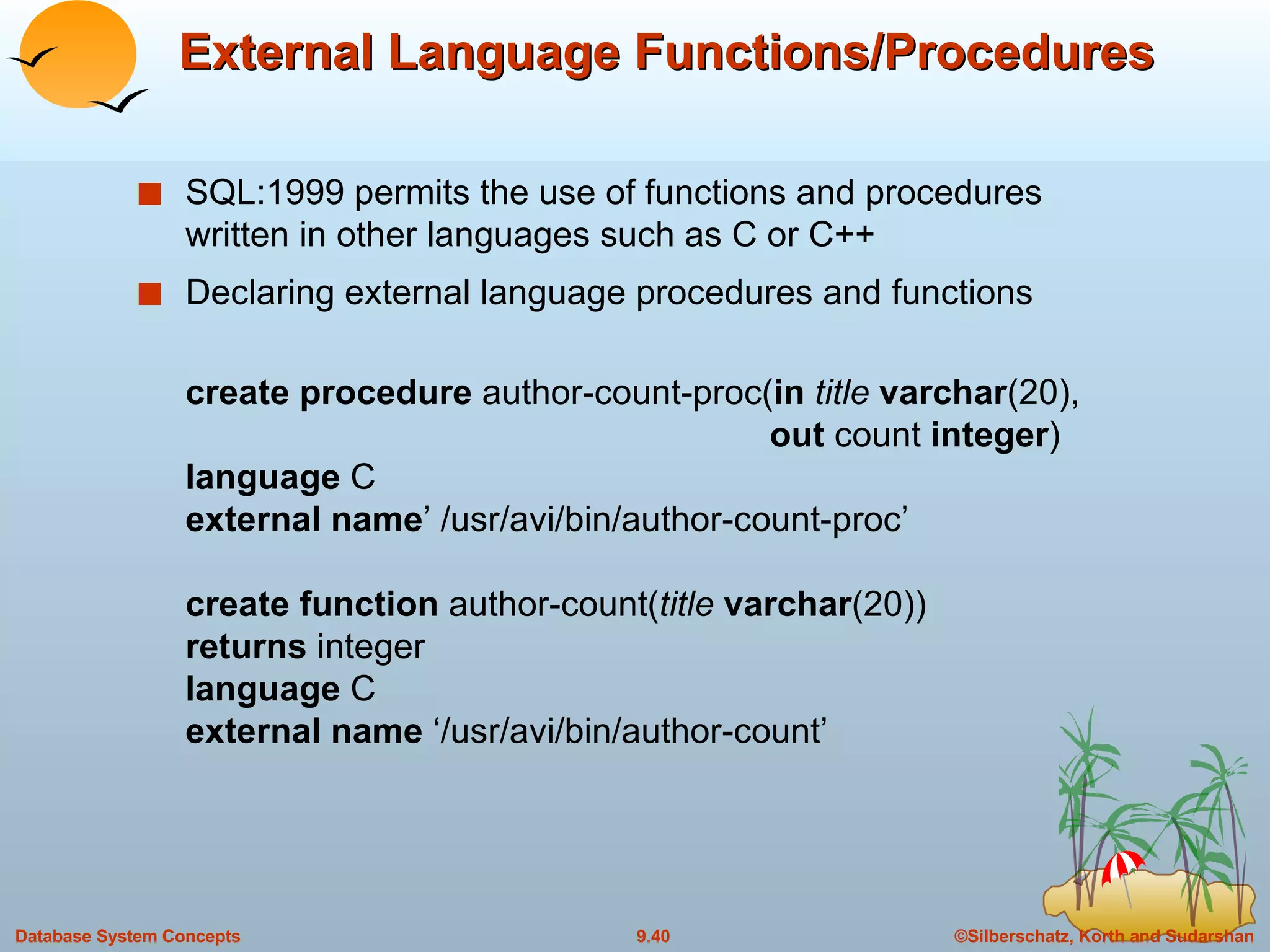
External Language Functions/Procedures SQL:1999 permits the use of functions and procedures written in other languages such as C or C++  Declaring external language procedures and functions create procedure  author-count-proc( in   title  varchar (20),   out  count  integer ) language  C external name ’ /usr/avi/bin/author-count-proc’ create function  author-count( title  varchar (20)) returns  integer language  C external name  ‘/usr/avi/bin/author-count’
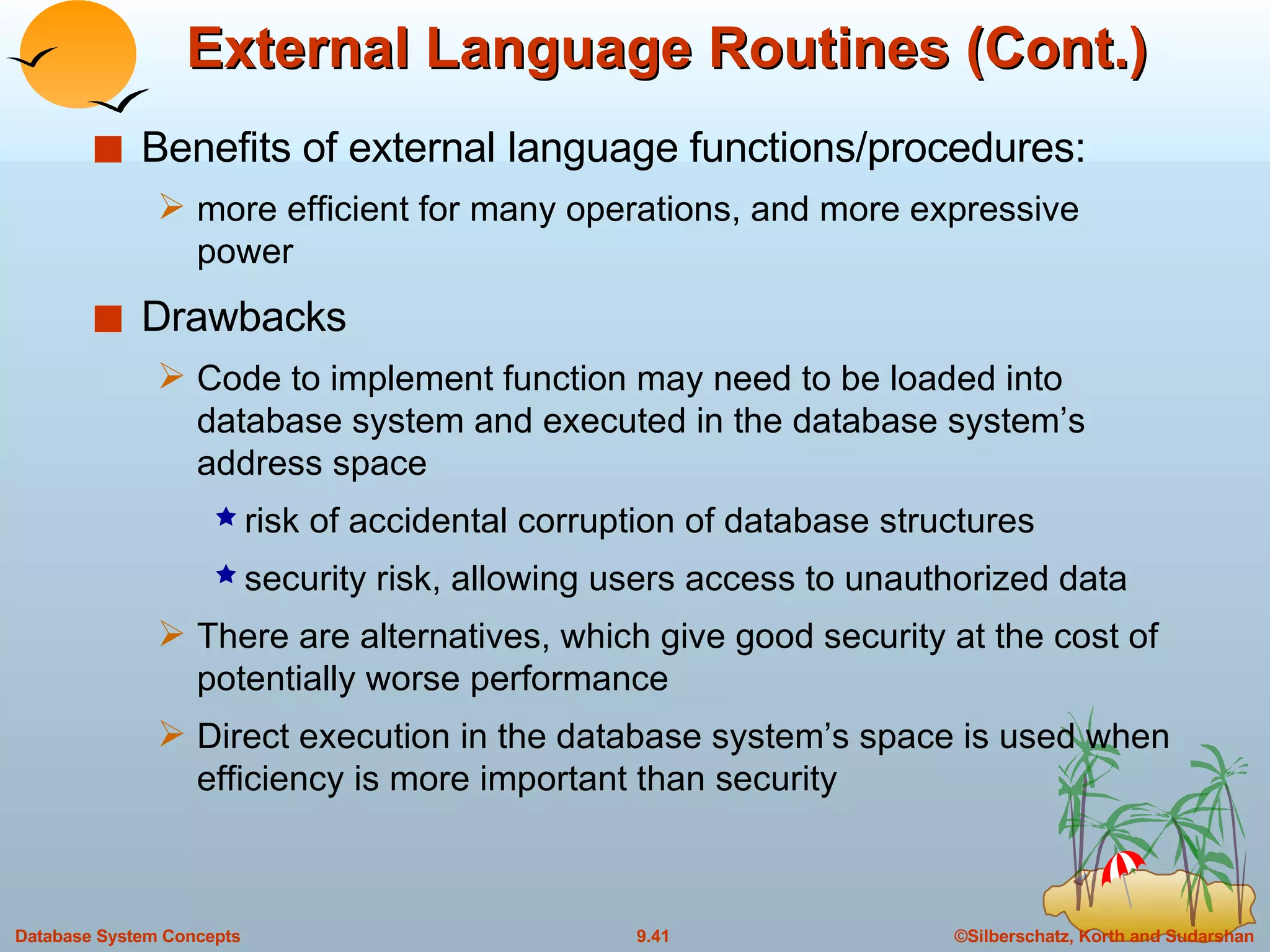
External Language Routines (Cont.) Benefits of external language functions/procedures:  more efficient for many operations, and more expressive power Drawbacks Code to implement function may need to be loaded into database system and executed in the database system’s address space risk of accidental corruption of database structures security risk, allowing users access to unauthorized data There are alternatives, which give good security at the cost of potentially worse performance Direct execution in the database system’s space is used when efficiency is more important than security
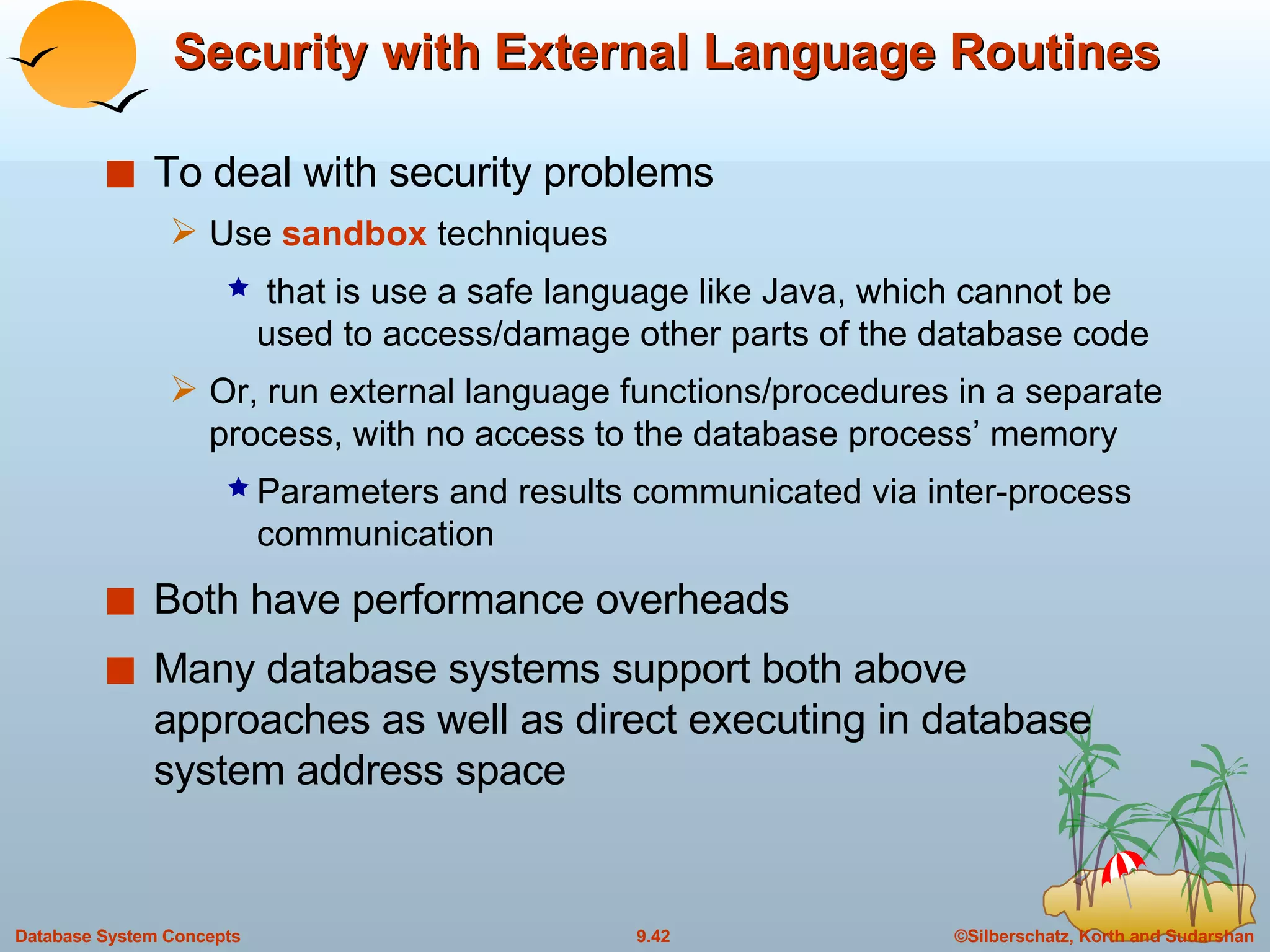
Security with External Language Routines To deal with security problems Use  sandbox  techniques that is use a safe language like Java, which cannot be used to access/damage other parts of the database code Or, run external language functions/procedures in a separate process, with no access to the database process’ memory Parameters and results communicated via inter-process communication Both have performance overheads Many database systems support both above approaches as well as direct executing in database system address space
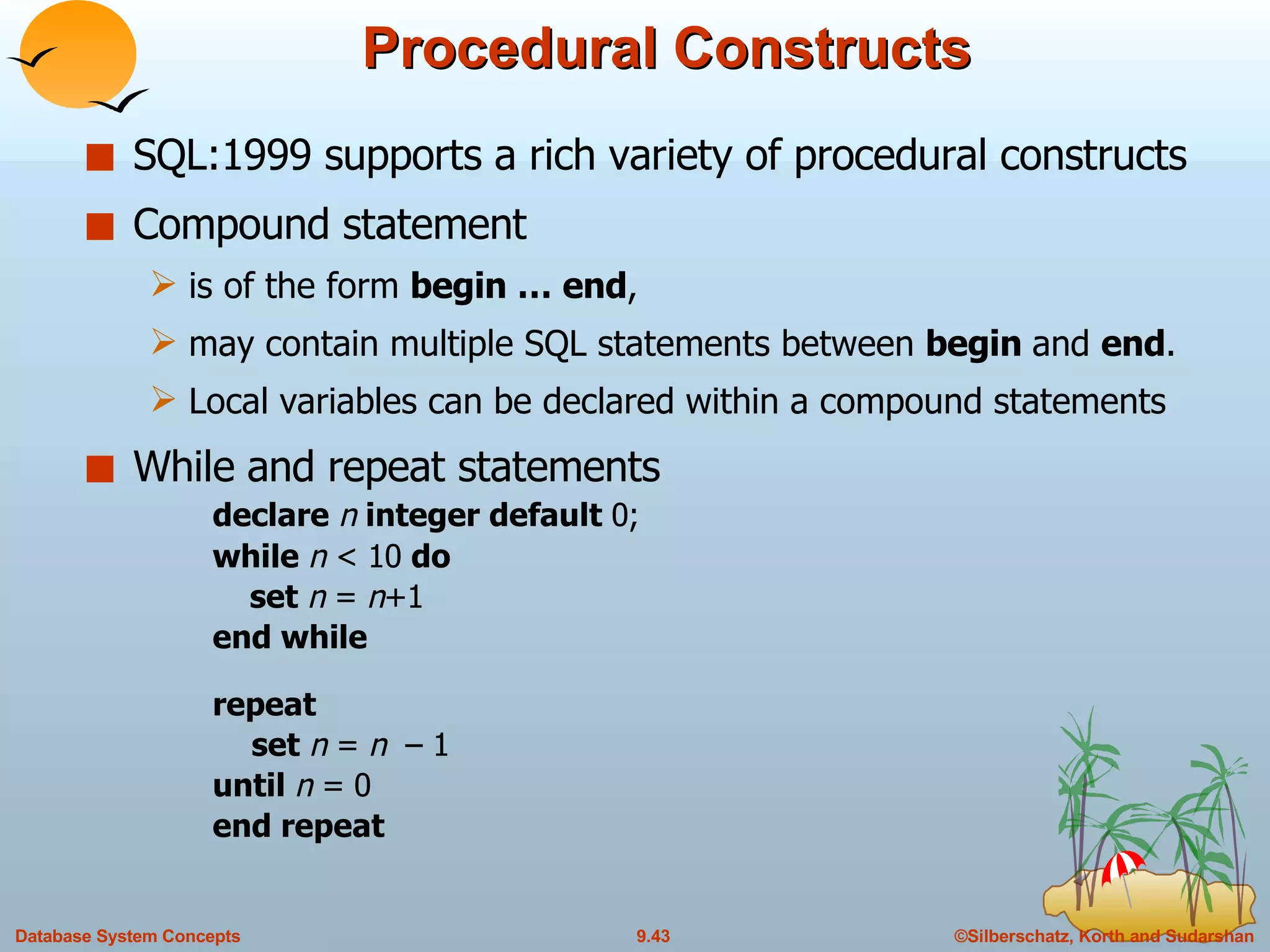
Procedural Constructs SQL:1999 supports a rich variety of procedural constructs Compound statement  is of the form  begin … end ,  may contain multiple SQL statements between  begin  and  end . Local variables can be declared within a compound statements While   and repeat statements declare  n  integer default  0; while  n  < 10  do   set  n  =  n +1 end while repeat set  n  =  n  – 1 until  n  = 0 end repeat
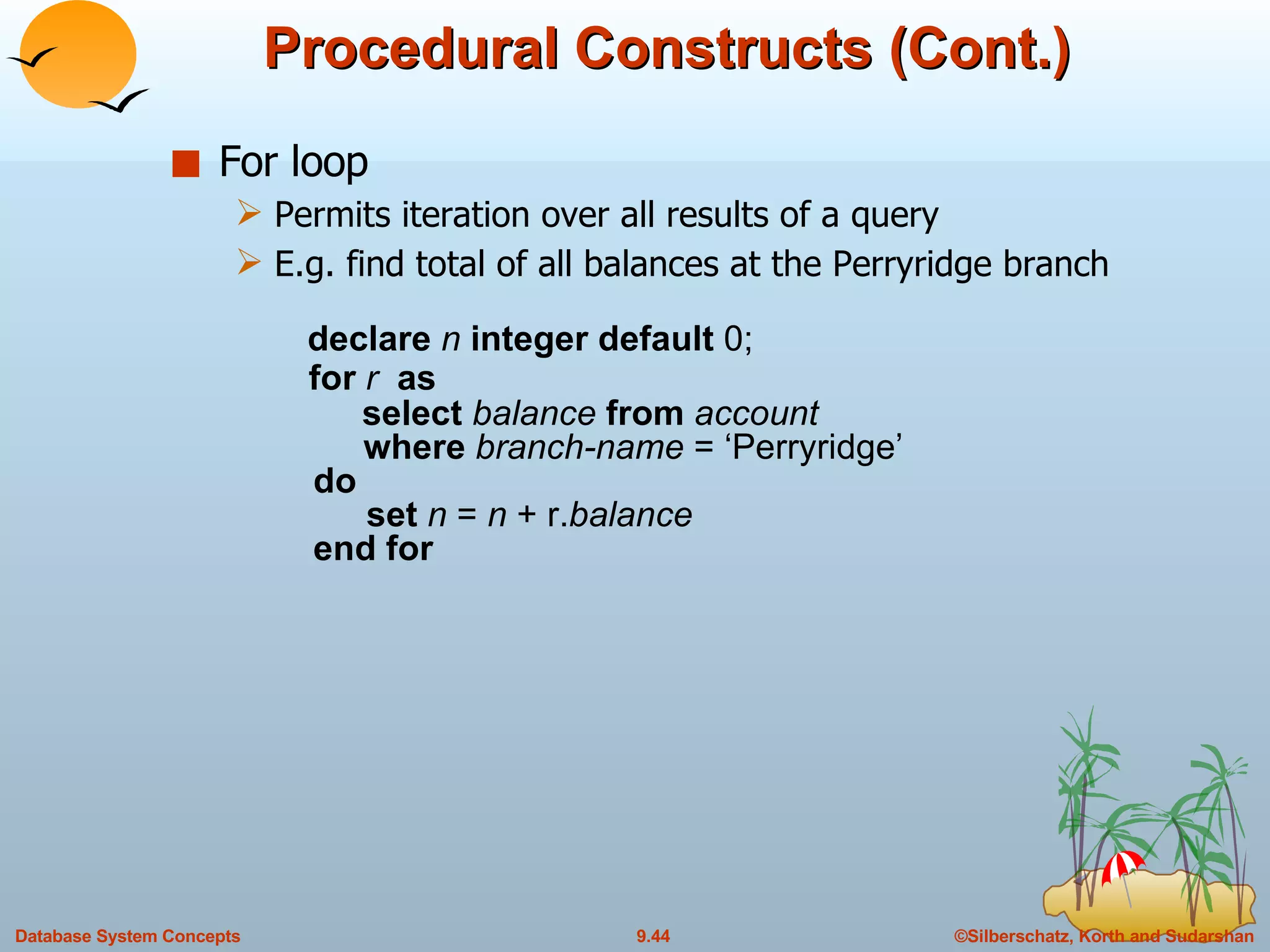
Procedural Constructs (Cont.) For loop Permits iteration over all results of a query E.g. find total of all balances at the Perryridge branch   declare  n  integer default  0;   for  r  as   select  balance  from  account   where  branch-name  = ‘Perryridge’   do   set  n  =  n  + r. balance   end for
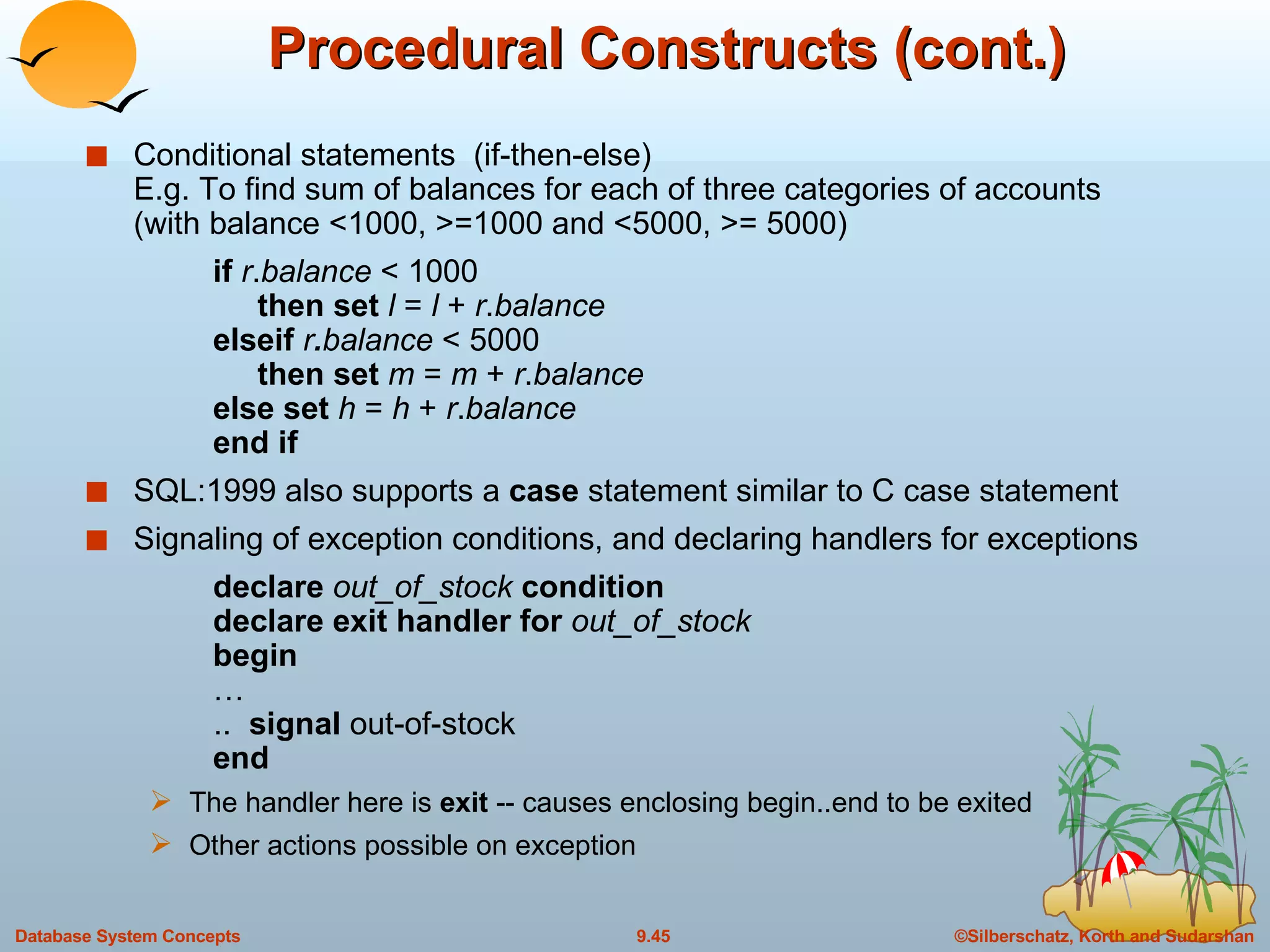
Procedural Constructs (cont.) Conditional statements  (if-then-else) E.g. To find sum of balances for each of three categories of accounts (with balance <1000, >=1000 and <5000, >= 5000) if   r . balance  < 1000   then set  l  =  l  +  r . balance elseif  r . balance  < 5000   then set  m  =  m  +  r . balance else set  h  =  h  +  r . balance end if  SQL:1999 also supports a  case  statement similar to C case statement Signaling of exception conditions, and declaring handlers for exceptions declare  out_of_stock  condition declare exit handler for  out_of_stock begin …   ..  signal  out-of-stock end The handler here is  exit  -- causes enclosing begin..end to be exited Other actions possible on exception
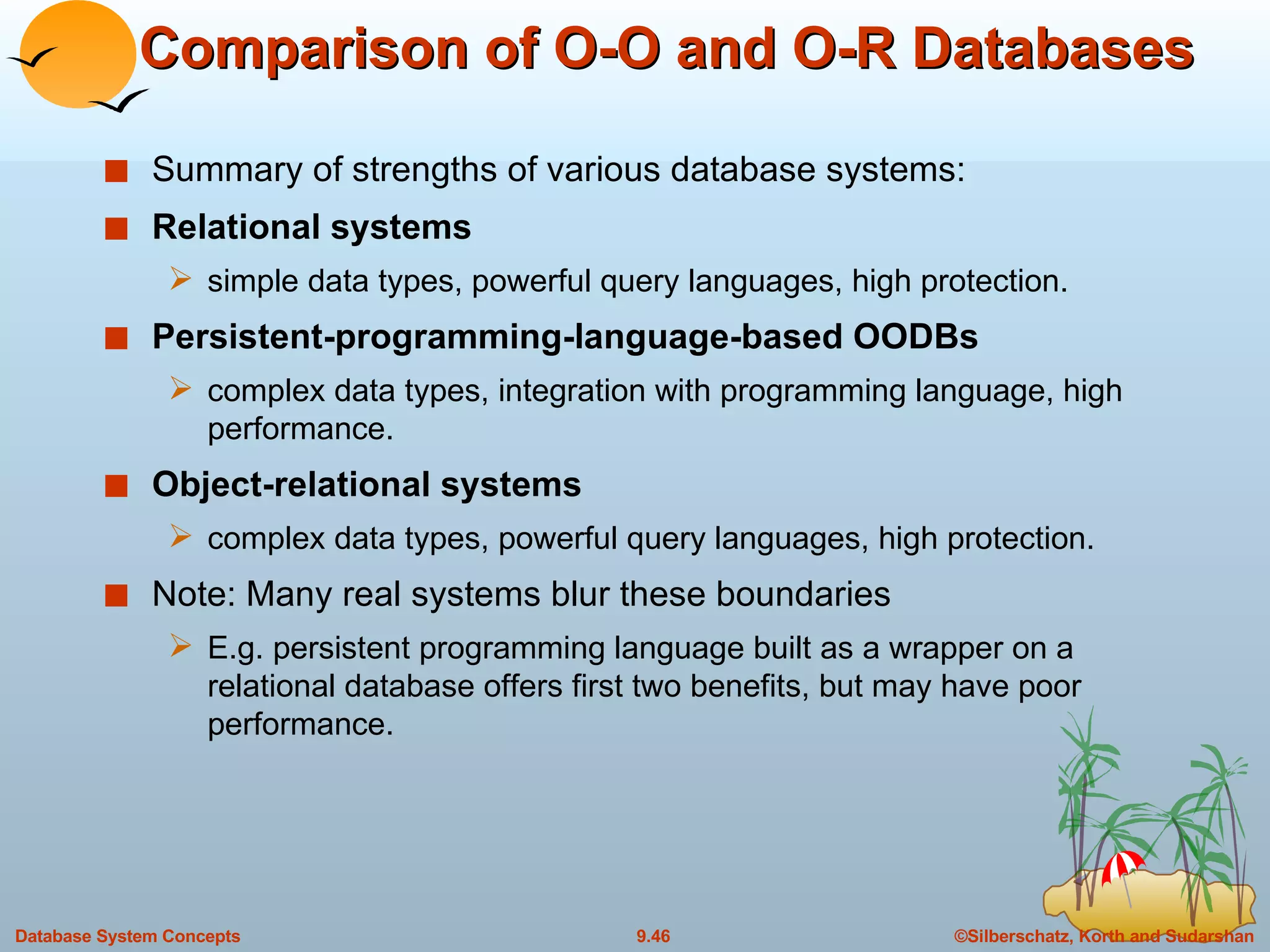
Comparison of O-O and O-R Databases Summary of strengths of various database systems: Relational systems simple data types, powerful query languages, high protection. Persistent-programming-language-based OODBs complex data types, integration with programming language, high performance. Object-relational systems complex data types, powerful query languages, high protection. Note: Many real systems blur these boundaries E.g. persistent programming language built as a wrapper on a relational database offers first two benefits, but may have poor performance.
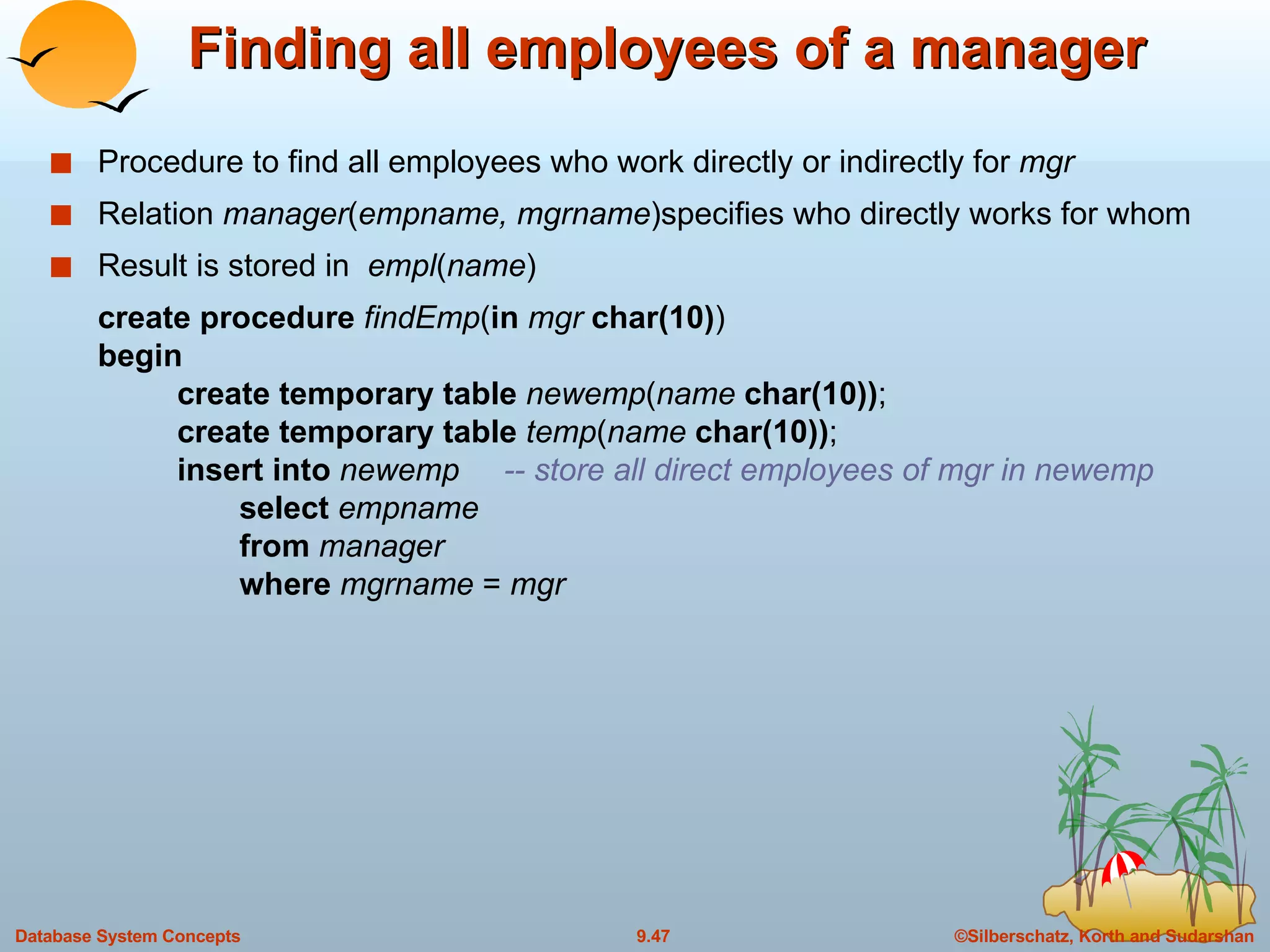
Finding all employees of a manager Procedure to find all employees who work directly or indirectly for  mgr  Relation  manager ( empname, mgrname )specifies who directly works for whom Result is stored in  empl ( name ) create procedure  findEmp ( in   mgr  char(10) ) begin create temporary table  newemp ( name  char(10)) ; create temporary table  temp ( name  char(10)) ; insert into  newemp  -- store all direct employees of mgr in newemp   select  empname   from  manager   where  mgrname  =  mgr
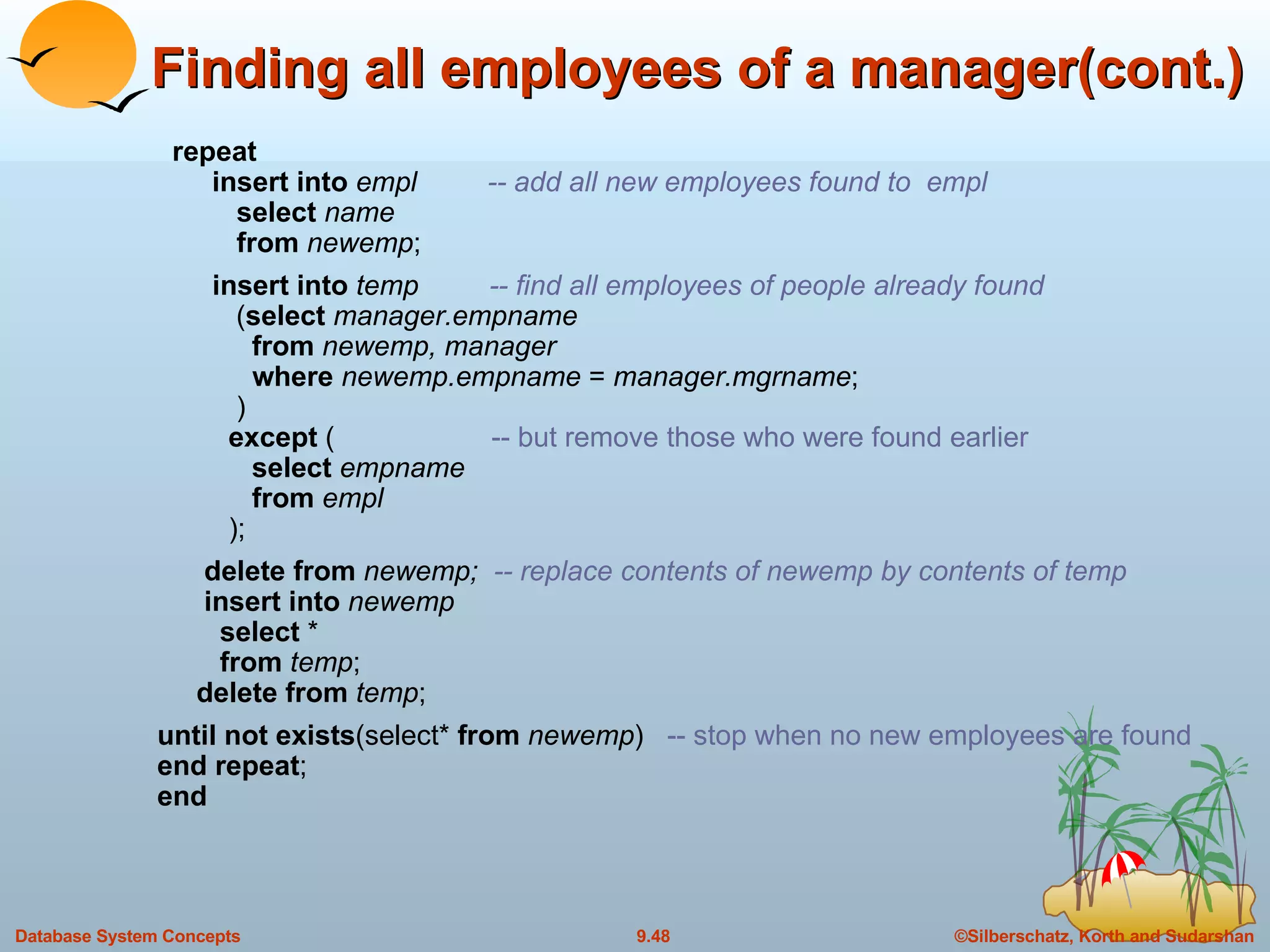
Finding all employees of a manager(cont.) repeat   insert into  empl  -- add all new employees found to  empl select  name from  newemp ; insert into  temp  -- find all employees of people already found   ( select  manager.empname   from  newemp, manager   where  newemp.empname  =  manager.mgrname ;   )   except  (  -- but remove those who were found earlier   select  empname   from  empl   );   delete from  newemp;  -- replace contents of newemp by contents of temp   insert into  newemp   select  *   from  temp ;   delete from  temp ; until not exists (select*  from  newemp )  -- stop when no new employees are found end repeat ; end
End of Chapter
A Partially Nested Version of the  flat-books  Relation

9. Object Relational Databases in DBMS

  • 1.
    Chapter 9: Object-Relational Databases Nested Relations Complex Types and Object Orientation Querying with Complex Types Creation of Complex Values and Objects Comparison of Object-Oriented and Object-Relational Databases
  • 2.
    Object-Relational Data ModelsExtend the relational data model by including object orientation and constructs to deal with added data types. Allow attributes of tuples to have complex types, including non-atomic values such as nested relations. Preserve relational foundations, in particular the declarative access to data, while extending modeling power. Upward compatibility with existing relational languages.
  • 3.
    Nested Relations Motivation:Permit non-atomic domains (atomic  indivisible) Example of non-atomic domain: set of integers,or set of tuples Allows more intuitive modeling for applications with complex data Intuitive definition: allow relations whenever we allow atomic (scalar) values — relations within relations Retains mathematical foundation of relational model Violates first normal form.
  • 4.
    Example of aNested Relation Example: library information system Each book has title, a set of authors, Publisher, and a set of keywords Non-1NF relation books
  • 5.
    1NF Version ofNested Relation 1NF version of books flat-books
  • 6.
    4NF Decomposition ofNested Relation Remove awkwardness of flat-books by assuming that the following multivalued dependencies hold: title author title keyword title pub-name, pub-branch Decompose flat-doc into 4NF using the schemas: (title, author) (title, keyword) (title, pub-name, pub-branch)
  • 7.
    4NF Decomposition of flat – books
  • 8.
    Problems with 4NFSchema 4NF design requires users to include joins in their queries. 1NF relational view flat-books defined by join of 4NF relations: eliminates the need for users to perform joins, but loses the one-to-one correspondence between tuples and documents. And has a large amount of redundancy Nested relations representation is much more natural here.
  • 9.
    Complex Types andSQL:1999 Extensions to SQL to support complex types include: Collection and large object types Nested relations are an example of collection types Structured types Nested record structures like composite attributes Inheritance Object orientation Including object identifiers and references Our description is mainly based on the SQL:1999 standard Not fully implemented in any database system currently But some features are present in each of the major commercial database systems Read the manual of your database system to see what it supports We present some features that are not in SQL:1999 These are noted explicitly
  • 10.
    Collection Types Settype (not in SQL:1999) create table books ( ….. keyword-set setof ( varchar (20)) …… ) Sets are an instance of collection types. Other instances include Arrays (are supported in SQL:1999) E.g. author-array varchar (20) array [10] Can access elements of array in usual fashion: E.g. author-array [1] Multisets (not supported in SQL:1999) I.e., unordered collections, where an element may occur multiple times Nested relations are sets of tuples SQL:1999 supports arrays of tuples
  • 11.
    Large Object TypesLarge object types clob : Character large objects book-review clob (10KB) blob : binary large objects image blob (10MB) movie blob (2GB) JDBC/ODBC provide special methods to access large objects in small pieces Similar to accessing operating system files Application retrieves a locator for the large object and then manipulates the large object from the host language
  • 12.
    Structured and CollectionTypes Structured types can be declared and used in SQL create type Publisher as ( name varchar (20), branch varchar (20)) create type Book as ( title varchar (20), author-array varchar (20) array [10], pub-date date , publisher Publisher , keyword-set setof ( varchar (20))) Note: setof declaration of keyword-set is not supported by SQL:1999 Using an array to store authors lets us record the order of the authors Structured types can be used to create tables create table books of Book Similar to the nested relation books, but with array of authors instead of set
  • 13.
    Structured and CollectionTypes (Cont.) Structured types allow composite attributes of E-R diagrams to be represented directly. Unnamed row types can also be used in SQL:1999 to define composite attributes E.g. we can omit the declaration of type Publisher and instead use the following in declaring the type Book publisher row ( name varchar (20), branch varchar (20)) Similarly, collection types allow multivalued attributes of E-R diagrams to be represented directly.
  • 14.
    Structured Types (Cont.)We can create tables without creating an intermediate type For example, the table books could also be defined as follows: create table books ( title varchar (20), author-array varchar (20) array [10], pub-date date, publisher Publisher keyword-list setof ( varchar (20))) Methods can be part of the type definition of a structured type: create type Employee as ( name varchar (20), salary integer ) method giveraise ( percent integer ) We create the method body separately create method giveraise ( percent integer ) for Employee begin set self . salary = self .salary + ( self . salary * percent ) / 100; end
  • 15.
    Creation of Valuesof Complex Types Values of structured types are created using constructor functions E.g. Publisher (‘McGraw-Hill’, ‘New York’) Note: a value is not an object SQL:1999 constructor functions E.g. create function Publisher ( n varchar (20), b varchar (20)) returns Publisher begin set name = n ; set branch = b ; end Every structured type has a default constructor with no arguments, others can be defined as required Values of row type can be constructed by listing values in parantheses E.g. given row type row ( name varchar (20), branch varchar (20)) We can assign (`McGraw-Hill’,`New York’) as a value of above type
  • 16.
    Creation of Valuesof Complex Types Array construction array [‘Silberschatz’,`Korth’,`Sudarshan’] Set value attributes (not supported in SQL:1999) set ( v1, v2, …, vn) To create a tuple of the books relation (‘Compilers’, array [`Smith’,`Jones’], Publisher (`McGraw-Hill’,`New York’), set (`parsing’,`analysis’)) To insert the preceding tuple into the relation books insert into books values (`Compilers’, array [`Smith’,`Jones’], Publisher (‘McGraw Hill’,`New York’ ), set (`parsing’,`analysis’))
  • 17.
    Inheritance Suppose thatwe have the following type definition for people: create type Person ( name varchar (20), address varchar (20)) Using inheritance to define the student and teacher types create type Student under Person ( degree varchar (20), department varchar (20)) create type Teacher under Person ( salary integer , department varchar (20)) Subtypes can redefine methods by using overriding method in place of method in the method declaration
  • 18.
    Multiple Inheritance SQL:1999does not support multiple inheritance If our type system supports multiple inheritance, we can define a type for teaching assistant as follows: create type Teaching Assistant under Student, Teacher To avoid a conflict between the two occurrences of department we can rename them create type Teaching Assistant under Student with ( department as student-dept ), Teacher with ( department as teacher-dept )
  • 19.
    Table Inheritance Tableinheritance allows an object to have multiple types by allowing an entity to exist in more than one table at once. E.g. people table: create table people of Person We can then define the students and teachers tables as subtables of people create table students of Student under people create table teachers of Teacher under people Each tuple in a subtable (e.g. students and teachers) is implicitly present in its supertables (e.g. people ) Multiple inheritance is possible with tables, just as it is possible with types. create table teaching-assistants of Teaching Assistant under students, teachers Multiple inheritance not supported in SQL:1999
  • 20.
    Table Inheritance: Roles Table inheritance is useful for modeling roles permits a value to have multiple types, without having a most-specific type (unlike type inheritance). e.g., an object can be in the students and teachers subtables simultaneously, without having to be in a subtable student-teachers that is under both students and teachers object can gain/lose roles: corresponds to inserting/deleting object from a subtable NOTE : SQL:1999 requires values to have a most specific type so above discussion is not applicable to SQL:1999
  • 21.
    Table Inheritance: Consistency Requirements Consistency requirements on subtables and supertables. Each tuple of the supertable (e.g. people) can correspond to at most one tuple in each of the subtables (e.g. students and teachers) Additional constraint in SQL:1999: All tuples corresponding to each other (that is, with the same values for inherited attributes) must be derived from one tuple (inserted into one table). That is, each entity must have a most specific type We cannot have a tuple in people corresponding to a tuple each in students and teachers
  • 22.
    Table Inheritance: StorageAlternatives Storage alternatives Store only local attributes and the primary key of the supertable in subtable Inherited attributes derived by means of a join with the supertable Each table stores all inherited and locally defined attributes Supertables implicitly contain (inherited attributes of) all tuples in their subtables Access to all attributes of a tuple is faster: no join required If entities must have most specific type, tuple is stored only in one table, where it was created Otherwise, there could be redundancy
  • 23.
    Reference Types Object-orientedlanguages provide the ability to create and refer to objects. In SQL:1999 References are to tuples, and References must be scoped, I.e., can only point to tuples in one specified table We will study how to define references first, and later see how to use references
  • 24.
    Reference Declaration inSQL:1999 E.g. define a type Department with a field name and a field head which is a reference to the type Person, with table people as scope create type Department ( name varchar(20) , head ref ( Person ) scope people ) We can then create a table departments as follows create table departments of Department We can omit the declaration scope people from the type declaration and instead make an addition to the create table statement: create table departments of Department ( head with options scope people )
  • 25.
    Initializing Reference TypedValues In Oracle, to create a tuple with a reference value, we can first create the tuple with a null reference and then set the reference separately by using the function ref (p) applied to a tuple variable E.g. to create a department with name CS and head being the person named John, we use insert into departments values (`CS’, null) update departments set head = ( select ref ( p ) from people as p where name =`John’) where name = `CS’
  • 26.
    Initializing Reference TypedValues (Cont.) SQL:1999 does not support the ref () function, and instead requires a special attribute to be declared to store the object identifier The self-referential attribute is declared by adding a ref is clause to the create table statement: create table people of Person ref is oid system generated Here, oid is an attribute name, not a keyword. To get the reference to a tuple, the subquery shown earlier would use select p.oid instead of select ref ( p )
  • 27.
    User Generated IdentifiersSQL:1999 allows object identifiers to be user-generated The type of the object-identifier must be specified as part of the type definition of the referenced table, and The table definition must specify that the reference is user generated E.g. create type Person (name varchar (20) address varchar (20)) ref using varchar (20) create table people of Person ref is oid user generated When creating a tuple, we must provide a unique value for the identifier (assumed to be the first attribute): insert into people values (‘01284567’, ‘John’, `23 Coyote Run’)
  • 28.
    User Generated Identifiers(Cont.) We can then use the identifier value when inserting a tuple into departments Avoids need for a separate query to retrieve the identifier: E.g. insert into departments values (`CS’, `02184567’) It is even possible to use an existing primary key value as the identifier, by including the ref from clause, and declaring the reference to be derived create type Person ( name varchar (20) primary key , address varchar (20)) ref from ( name ) create table people of Person ref is oid derived When inserting a tuple for departments , we can then use insert into departments values (`CS’,`John’)
  • 29.
    Path Expressions Findthe names and addresses of the heads of all departments: select head – > name , head – > address from departments An expression such as “head – > name” is called a path expression Path expressions help avoid explicit joins If department head were not a reference, a join of departments with people would be required to get at the address Makes expressing the query much easier for the user
  • 30.
    Querying with StructuredTypes Find the title and the name of the publisher of each book. select title , publisher.name from books Note the use of the dot notation to access fields of the composite attribute (structured type) publisher
  • 31.
    Collection-Value Attributes Collection-valuedattributes can be treated much like relations, using the keyword unnest The books relation has array-valued attribute author-array and set-valued attribute keyword-set To find all books that have the word “database” as one of their keywords, select title from books where ‘ database’ in ( unnest ( keyword-set )) Note: Above syntax is valid in SQL:1999, but the only collection type supported by SQL:1999 is the array type To get a relation containing pairs of the form “title, author-name” for each book and each author of the book select B.title, A from books as B , unnest ( B.author-array ) as A
  • 32.
    Collection Valued Attributes(Cont.) We can access individual elements of an array by using indices E.g. If we know that a particular book has three authors, we could write: select author-array [1], author-array [2], author-array [3] from books where title = `Database System Concepts’
  • 33.
    Unnesting The transformationof a nested relation into a form with fewer (or no) relation-valued attributes us called unnesting . E.g. select title , A as author , publisher.name as pub_name , publisher.branch as pub_branch , K as keyword from books as B , unnest ( B.author-array ) as A , unnest ( B.keyword-list ) as K
  • 34.
    Nesting Nesting is the opposite of unnesting, creating a collection-valued attribute NOTE: SQL:1999 does not support nesting Nesting can be done in a manner similar to aggregation, but using the function set() in place of an aggregation operation, to create a set To nest the flat-books relation on the attribute keyword : select title , author , Publisher( pub_name, pub_branch ) as publisher , set ( keyword ) as keyword-list from flat-books groupby title, author, publisher To nest on both authors and keywords: select title , set ( author ) as author-list , Publisher ( pub_name, pub_branch ) as publisher , set ( keyword ) as keyword-list from flat-books groupby title , publisher
  • 35.
    Nesting (Cont.) Anotherapproach to creating nested relations is to use subqueries in the select clause. select title , ( select author from flat-books as M where M.title=O.title ) as author-set , Publisher ( pub-name, pub-branch ) as publisher , ( select keyword from flat-books as N where N.title = O.title ) as keyword-set from flat-books as O Can use orderby clause in nested query to get an ordered collection Can thus create arrays, unlike earlier approach
  • 36.
    Functions and ProceduresSQL:1999 supports functions and procedures Functions/procedures can be written in SQL itself, or in an external programming language Functions are particularly useful with specialized data types such as images and geometric objects E.g. functions to check if polygons overlap, or to compare images for similarity Some databases support table-valued functions , which can return a relation as a result SQL:1999 also supports a rich set of imperative constructs, including Loops, if-then-else, assignment Many databases have proprietary procedural extensions to SQL that differ from SQL:1999
  • 37.
    SQL Functions Definea function that, given a book title, returns the count of the number of authors (on the 4NF schema with relations books4 and authors ). create function author-count ( name varchar(20)) returns integer begin declare a-count integer; select count ( author ) into a-count from authors where authors.title=name return a=count; end Find the titles of all books that have more than one author. select name from books4 where author-count(title)> 1
  • 38.
    SQL Methods Methodscan be viewed as functions associated with structured types They have an implicit first parameter called self which is set to the structured-type value on which the method is invoked The method code can refer to attributes of the structured-type value using the self variable E.g. self .a
  • 39.
    SQL Functions andProcedures (cont.) The author-count function could instead be written as procedure: create procedure author-count-proc ( in title varchar(20) , out a-count integer) begin select count ( author ) into a-count from authors where authors.title = title end Procedures can be invoked either from an SQL procedure or from embedded SQL, using the call statement. E.g. from an SQL procedure declare a-count integer ; call author-count-proc (`Database systems Concepts’, a-count ); SQL:1999 allows more than one function/procedure of the same name (called name overloading ), as long as the number of arguments differ, or at least the types of the arguments differ
  • 40.
    External Language Functions/ProceduresSQL:1999 permits the use of functions and procedures written in other languages such as C or C++ Declaring external language procedures and functions create procedure author-count-proc( in title varchar (20), out count integer ) language C external name ’ /usr/avi/bin/author-count-proc’ create function author-count( title varchar (20)) returns integer language C external name ‘/usr/avi/bin/author-count’
  • 41.
    External Language Routines(Cont.) Benefits of external language functions/procedures: more efficient for many operations, and more expressive power Drawbacks Code to implement function may need to be loaded into database system and executed in the database system’s address space risk of accidental corruption of database structures security risk, allowing users access to unauthorized data There are alternatives, which give good security at the cost of potentially worse performance Direct execution in the database system’s space is used when efficiency is more important than security
  • 42.
    Security with ExternalLanguage Routines To deal with security problems Use sandbox techniques that is use a safe language like Java, which cannot be used to access/damage other parts of the database code Or, run external language functions/procedures in a separate process, with no access to the database process’ memory Parameters and results communicated via inter-process communication Both have performance overheads Many database systems support both above approaches as well as direct executing in database system address space
  • 43.
    Procedural Constructs SQL:1999supports a rich variety of procedural constructs Compound statement is of the form begin … end , may contain multiple SQL statements between begin and end . Local variables can be declared within a compound statements While and repeat statements declare n integer default 0; while n < 10 do set n = n +1 end while repeat set n = n – 1 until n = 0 end repeat
  • 44.
    Procedural Constructs (Cont.)For loop Permits iteration over all results of a query E.g. find total of all balances at the Perryridge branch declare n integer default 0; for r as select balance from account where branch-name = ‘Perryridge’ do set n = n + r. balance end for
  • 45.
    Procedural Constructs (cont.)Conditional statements (if-then-else) E.g. To find sum of balances for each of three categories of accounts (with balance <1000, >=1000 and <5000, >= 5000) if r . balance < 1000 then set l = l + r . balance elseif r . balance < 5000 then set m = m + r . balance else set h = h + r . balance end if SQL:1999 also supports a case statement similar to C case statement Signaling of exception conditions, and declaring handlers for exceptions declare out_of_stock condition declare exit handler for out_of_stock begin … .. signal out-of-stock end The handler here is exit -- causes enclosing begin..end to be exited Other actions possible on exception
  • 46.
    Comparison of O-Oand O-R Databases Summary of strengths of various database systems: Relational systems simple data types, powerful query languages, high protection. Persistent-programming-language-based OODBs complex data types, integration with programming language, high performance. Object-relational systems complex data types, powerful query languages, high protection. Note: Many real systems blur these boundaries E.g. persistent programming language built as a wrapper on a relational database offers first two benefits, but may have poor performance.
  • 47.
    Finding all employeesof a manager Procedure to find all employees who work directly or indirectly for mgr Relation manager ( empname, mgrname )specifies who directly works for whom Result is stored in empl ( name ) create procedure findEmp ( in mgr char(10) ) begin create temporary table newemp ( name char(10)) ; create temporary table temp ( name char(10)) ; insert into newemp -- store all direct employees of mgr in newemp select empname from manager where mgrname = mgr
  • 48.
    Finding all employeesof a manager(cont.) repeat insert into empl -- add all new employees found to empl select name from newemp ; insert into temp -- find all employees of people already found ( select manager.empname from newemp, manager where newemp.empname = manager.mgrname ; ) except ( -- but remove those who were found earlier select empname from empl ); delete from newemp; -- replace contents of newemp by contents of temp insert into newemp select * from temp ; delete from temp ; until not exists (select* from newemp ) -- stop when no new employees are found end repeat ; end
  • 49.
  • 50.
    A Partially NestedVersion of the flat-books Relation