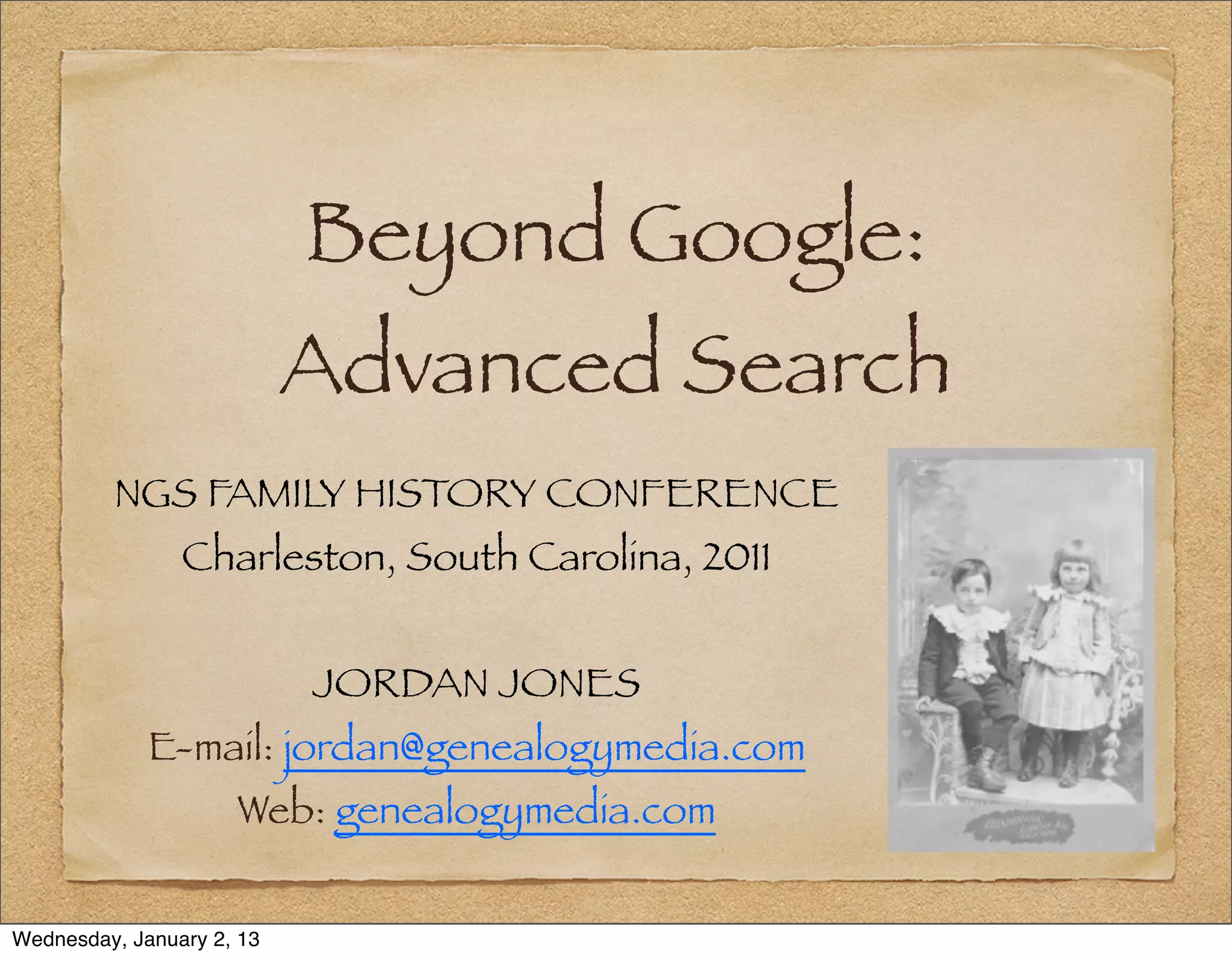

Beyond Google:
                           Advanced Search
         NGS FAMILY HISTORY CONFERENCE
                Charleston, South Carolina, 2011


                           JORDAN JONES
             E-mail: jordan@genealogymedia.com
                     Web: genealogymedia.com


Wednesday, January 2, 13
National Genealogical Society
                   Since 1903, the premier national society
                   for everyone from the beginner to the
                   most advanced family historian. Join now!
                   Attend our Annual Conference:
                           8-11 May 2013, Las Vegas, NV
                           7-10 May 2014, Richmond, VA
                   See www.ngsgenealogy.org for details.

Wednesday, January 2, 13
Roadmap

              1. Access: Search and Navigation
              2. How Search Engines Work
              3. Kinds of Searches
              4. Search Methodologies
              5. A Search Example: Jane Graham


Wednesday, January 2, 13
1 – Access: Search and
           Navigation


Wednesday, January 2, 13
The Librarian’s Definition
                Access is “The availability of or permission
                to use records.”


                           – Archives & Records Management
                           Handbook, Oregon State U., http://
                           osulibrary.oregonstate.edu/archives/
                           handbook/definitions/


Wednesday, January 2, 13
The Techie’s Definition


                For web sites, access similarly describes the
                permission and ability for people to
                “identify, locate, and use information.”


Wednesday, January 2, 13
The Data Problem

                In July 2008, Google’s search bots had
                reached 1 trillion unique URLs


                           http://googleblog.blogspot.com/2008/07/
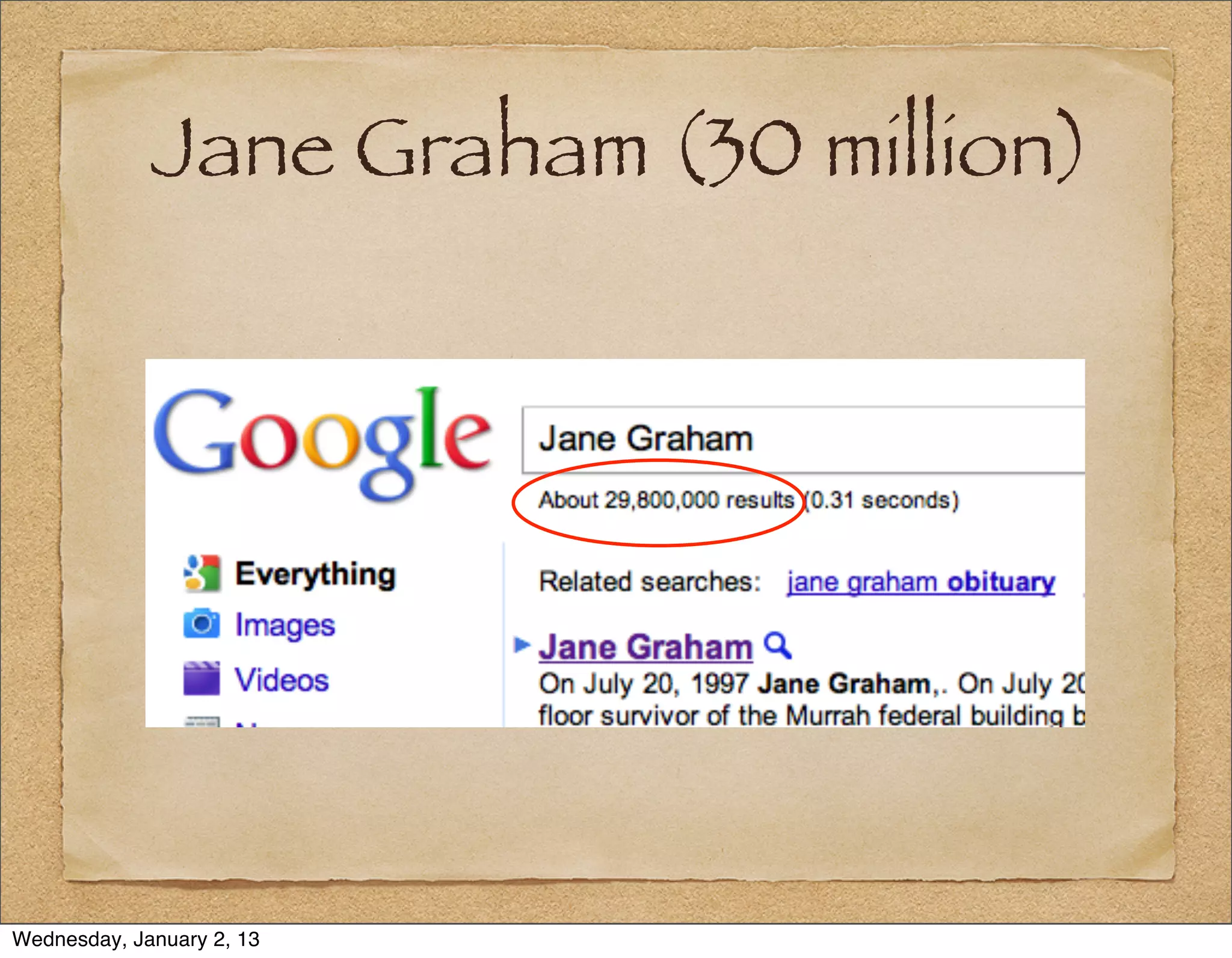
                           we-knew-web-was-big.html).


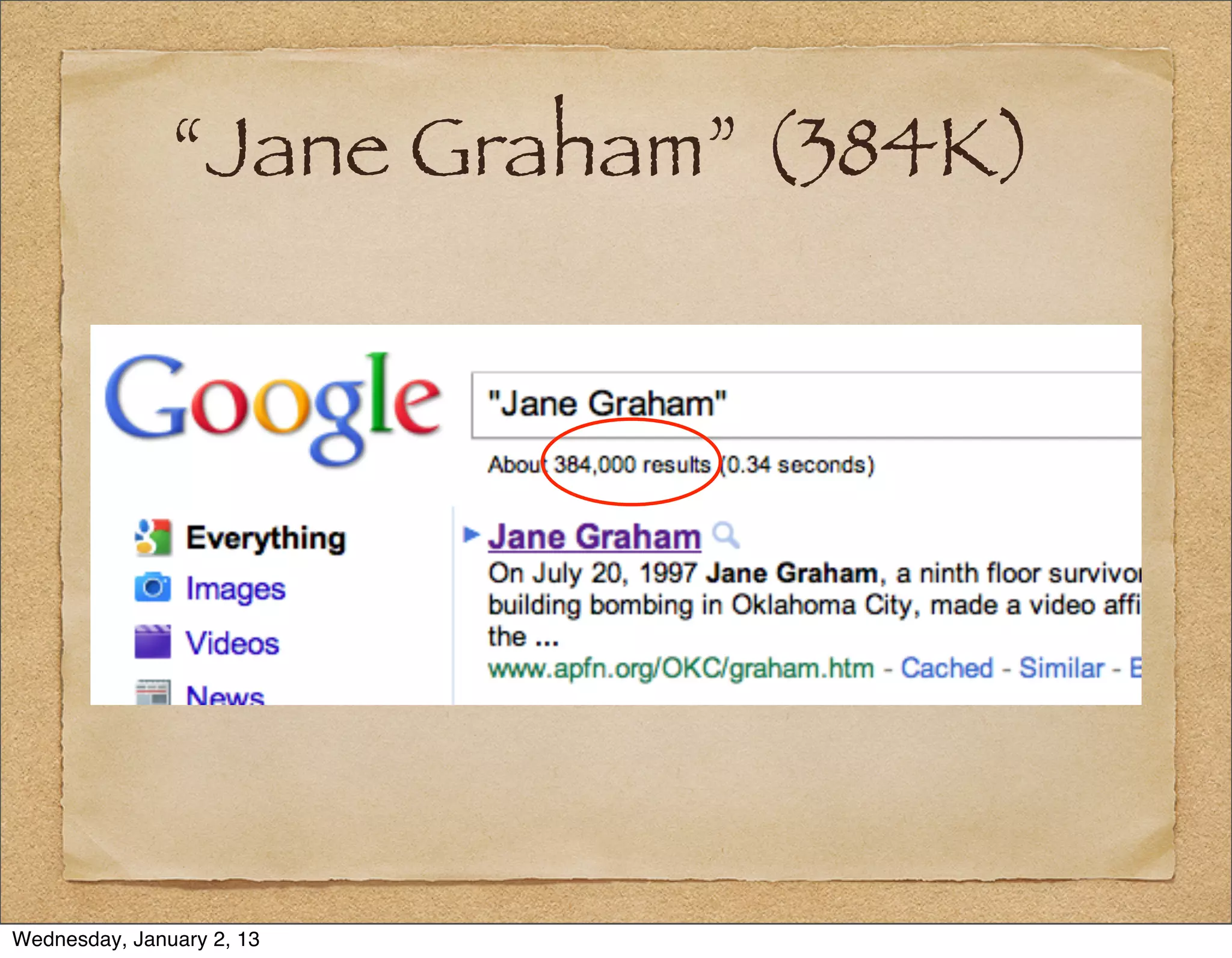
Wednesday, January 2, 13
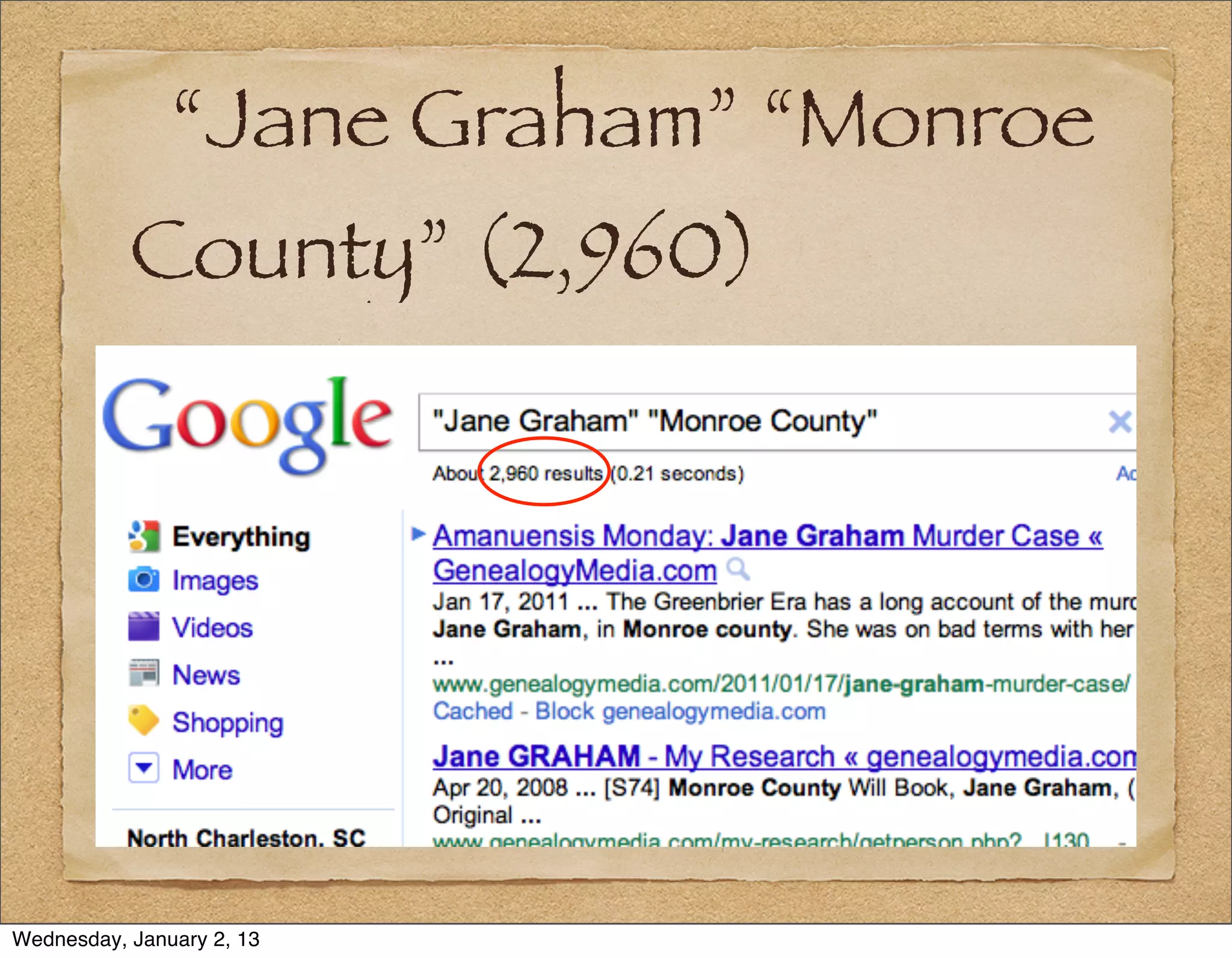
The Data Problem


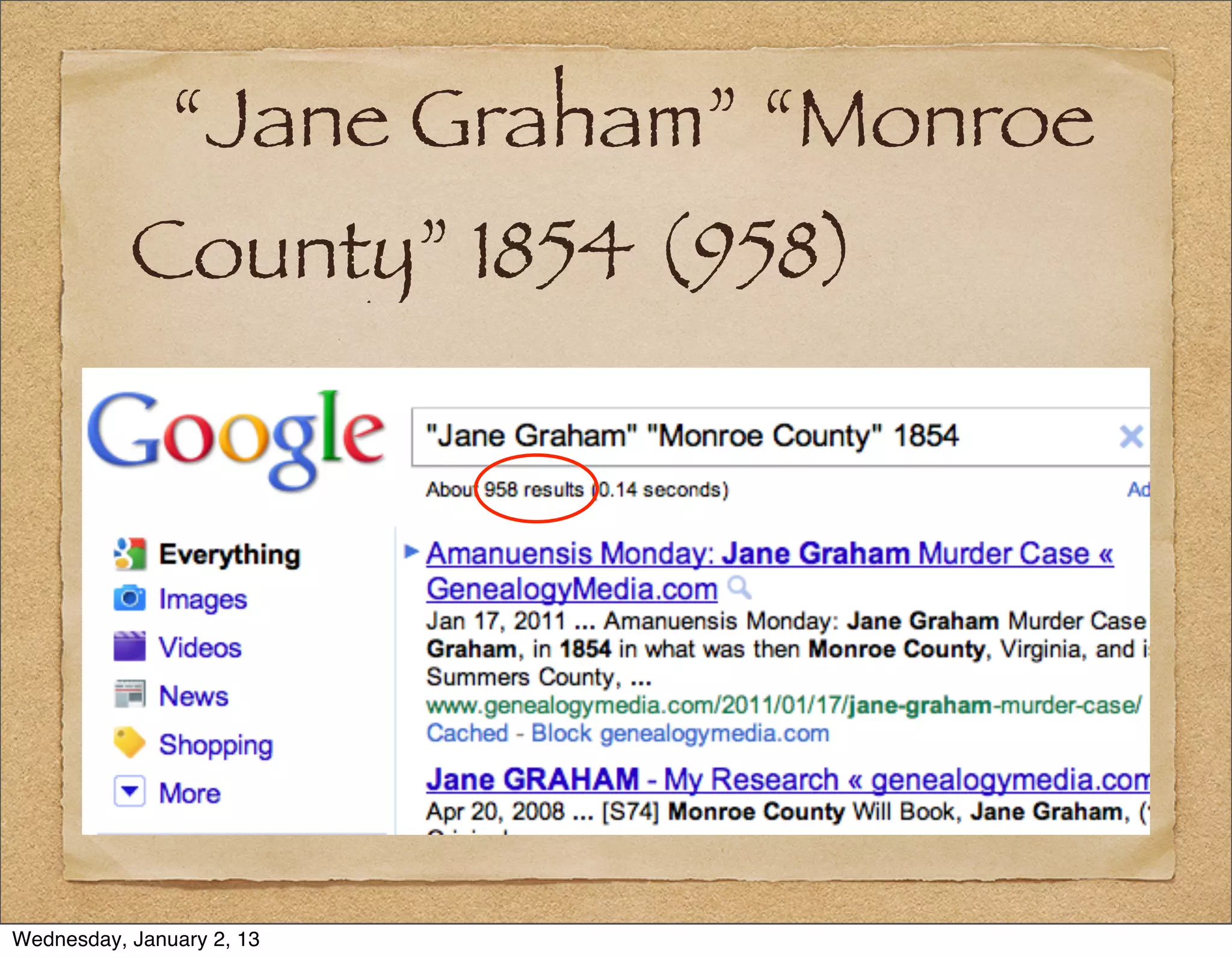
Wednesday, January 2, 13
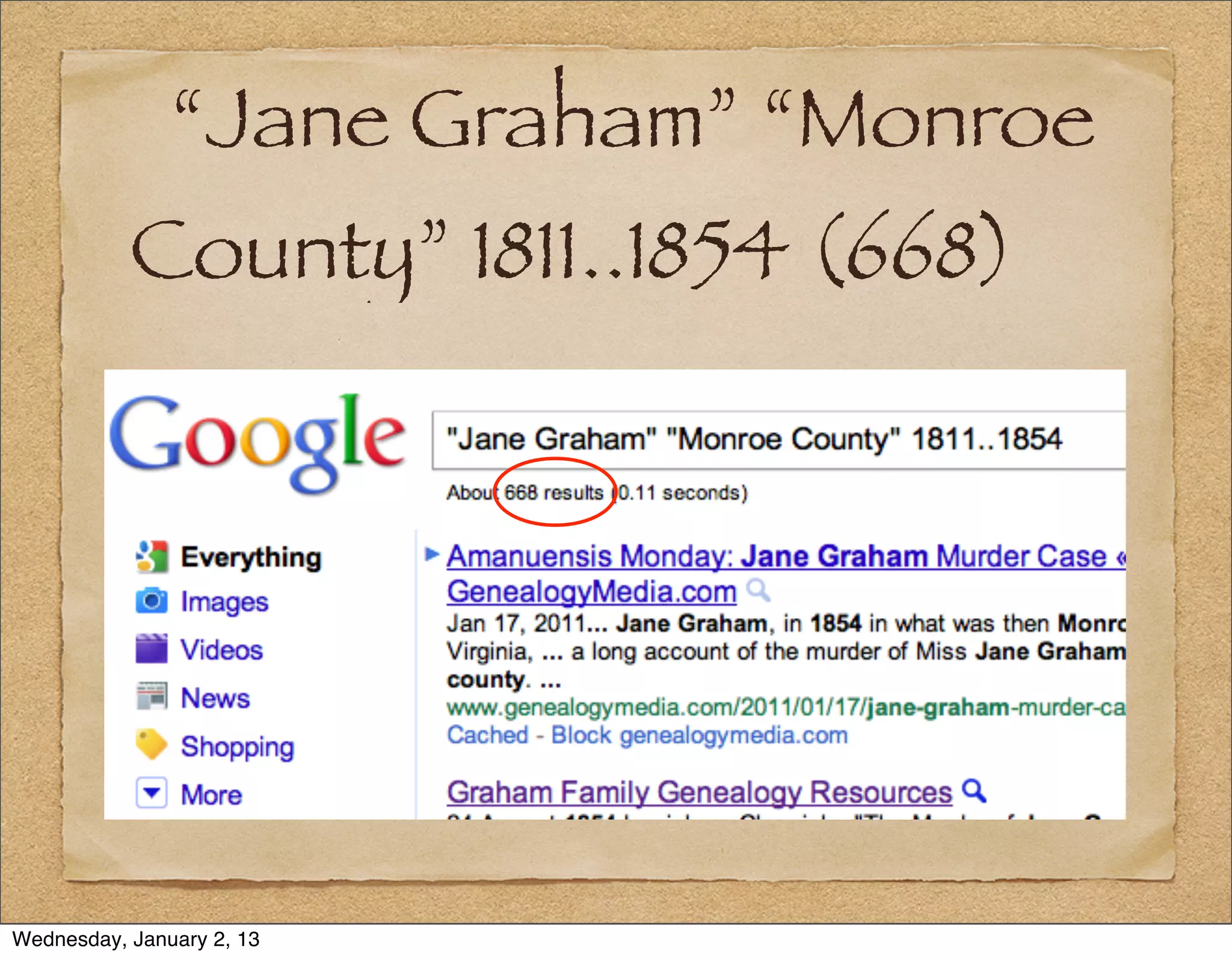
Web Access

                     Navigation - Clicking through a pre-
                     defined path in a website to find the
                     information you need.
                     Search - Only helpful if you do not know
                     how to navigate to the information.


Wednesday, January 2, 13
Design for Access


                A good web designer will focus on
                improving customer access to information
                through both paths (search and
                navigation).


Wednesday, January 2, 13
2 – How Search Engines
           Work


Wednesday, January 2, 13
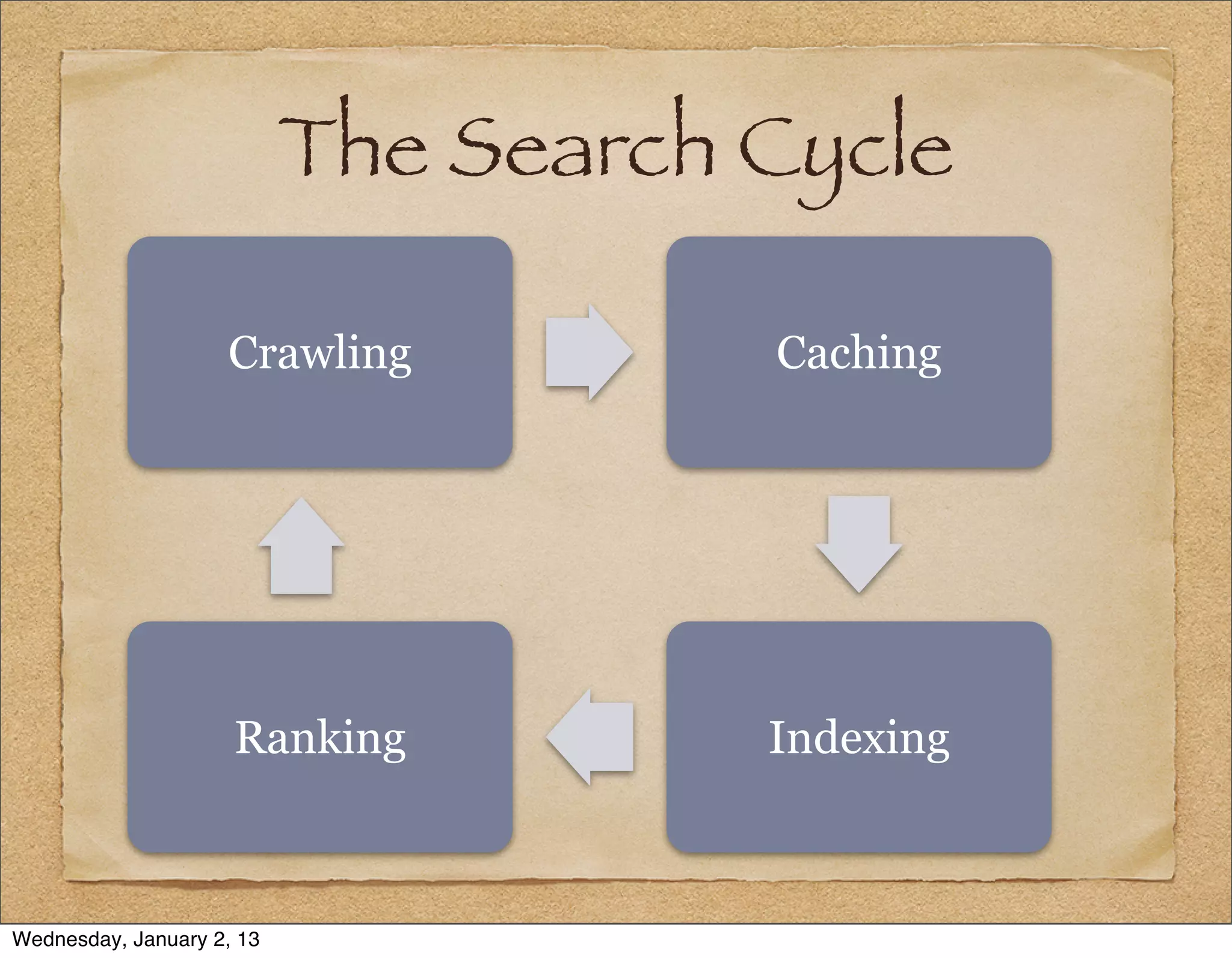
How Search Engines Work
          1. “Web Spiders”            2.Caching
              The search engine        Some web search
              has computer             applications (such
              programs “crawl”         as Google) store
              through all the links    (cache) all the
              on the web               pages they crawl


Wednesday, January 2, 13
How Search Engines Work
          3. Indexing              4.Ranking - Links are
              The search engine     ranked in terms of
              creates and           relevance,
              manages an index      popularity,
              of all the words      authoritativeness
              found on the pages    and other criteria:
              crawled               The Secret Sauce.


Wednesday, January 2, 13
The Search Cycle

                    Crawling          Caching


                     Ranking          Indexing


Wednesday, January 2, 13
3 – Kinds of Searches


Wednesday, January 2, 13
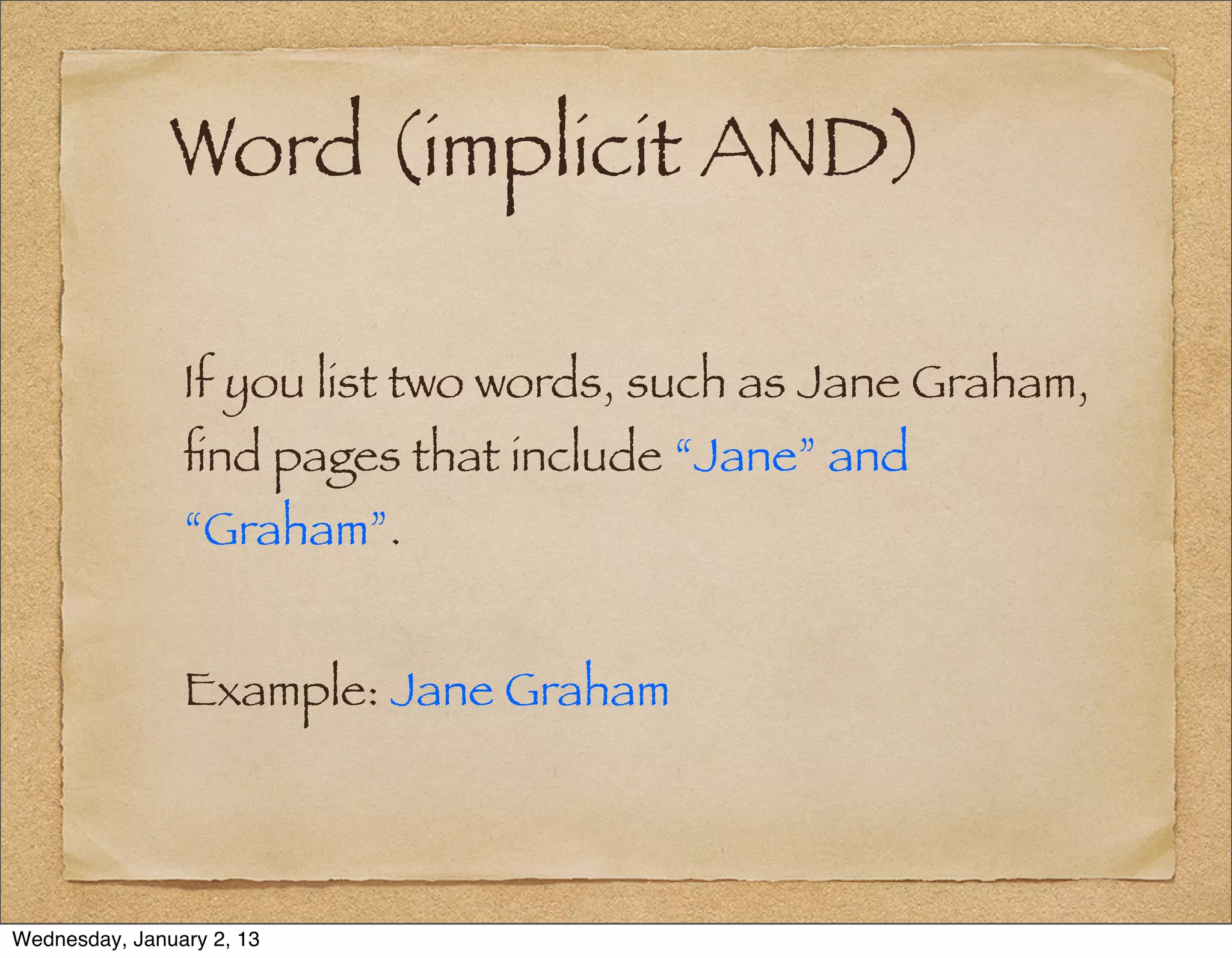
Word (implicit AND)

                If you list two words, such as Jane Graham,
                find pages that include “Jane” and
                “Graham”.


                Example: Jane Graham


Wednesday, January 2, 13
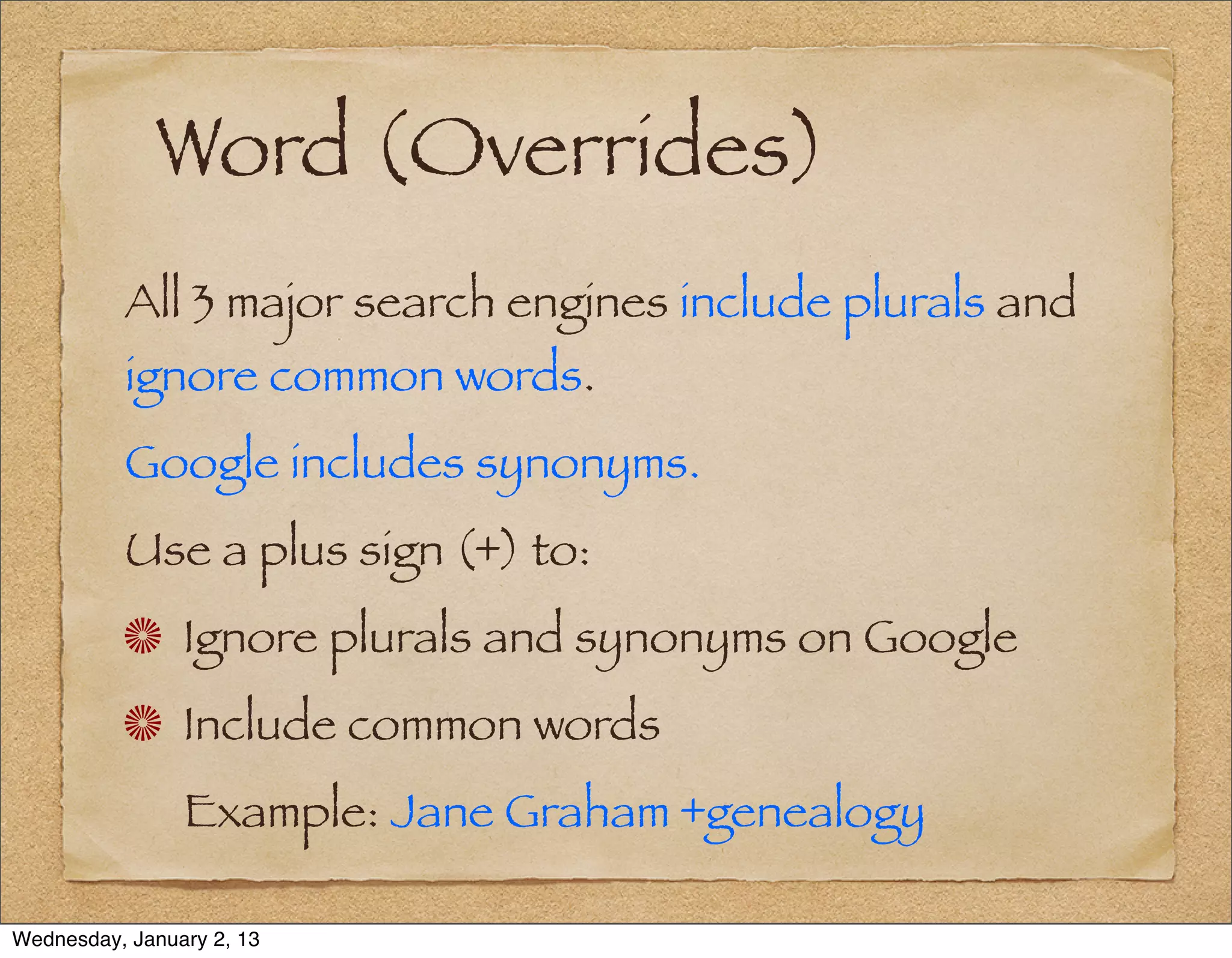
Word (Overrides)
          All 3 major search engines include plurals and
          ignore common words.
          Google includes synonyms.
          Use a plus sign (+) to:
                Ignore plurals and synonyms on Google
                Include common words
                Example: Jane Graham +genealogy

Wednesday, January 2, 13
Phrase & Boolean OR

                Phrase searches are often used in
                conjunction with a Boolean OR.


                Examples:
                “Jane Graham”
                “Jane Graham” OR “Graham Jane”


Wednesday, January 2, 13
Proximity Searches
                Proximity or wildcard searches can be used
                to find pages where words are near one
                another.


                Example (Google):
                Jane * Graham OR Graham * Jane
                Where * = one or two words.


Wednesday, January 2, 13
Special Search Pages
                Yahoo Shortcuts — help.yahoo.com/l/us/
                yahoo/search/basics/
                Google Search Features —
                www.google.com/intl/en/help/features.html
                Bing Advanced Search Keywords —
                onlinehelp.microsoft.com/en-us/bing/
                ff808421.aspx


Wednesday, January 2, 13
Some Shortcuts
                define [keyword] (all 3)
                Example: define tithables
                facts [keyword] (Yahoo) — encyclopedia
                entries, along with web results
                Example: facts south carolina
                convert [unit] to [unit] (all 3)
                Example: convert 2 stones to pounds


Wednesday, January 2, 13
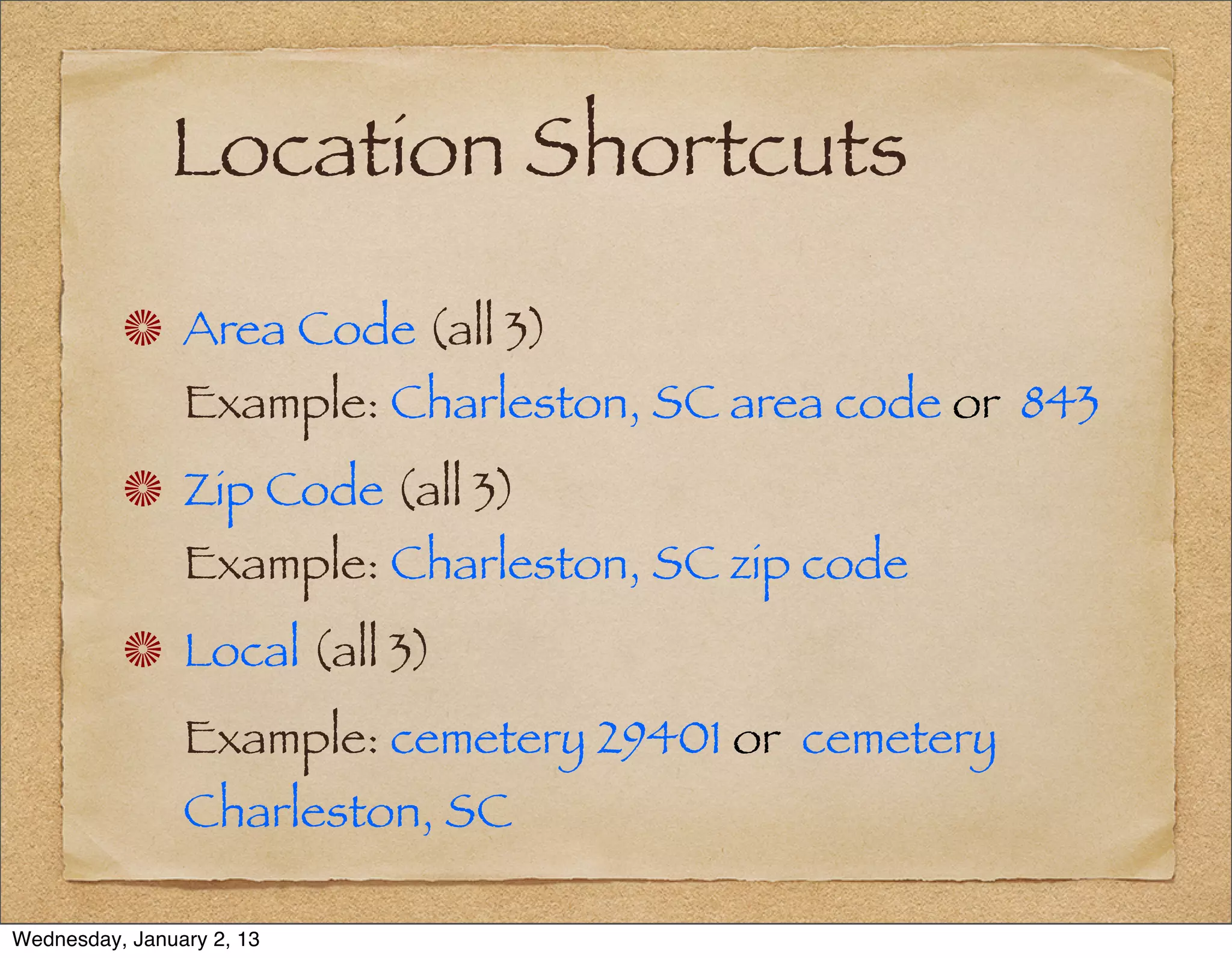
Location Shortcuts
                Area Code (all 3)
                Example: Charleston, SC area code or 843
                Zip Code (all 3)
                Example: Charleston, SC zip code
                Local (all 3)
                Example: cemetery 29401 or cemetery
                Charleston, SC

Wednesday, January 2, 13
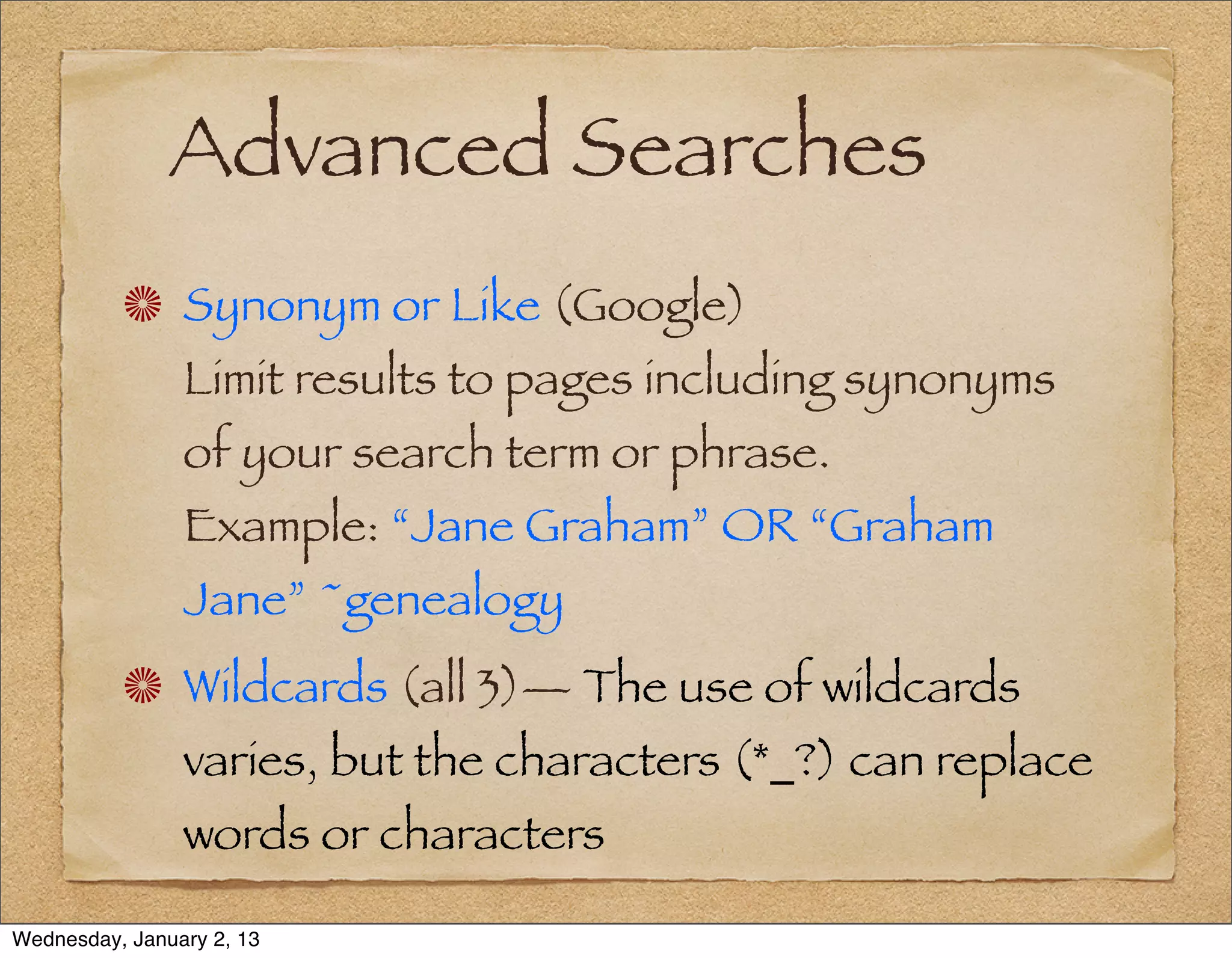
Advanced Searches
                Synonym or Like (Google)
                Limit results to pages including synonyms
                of your search term or phrase.
                Example: “Jane Graham” OR “Graham
                Jane” ~genealogy
                Wildcards (all 3)— The use of wildcards
                varies, but the characters (*_?) can replace
                words or characters

Wednesday, January 2, 13
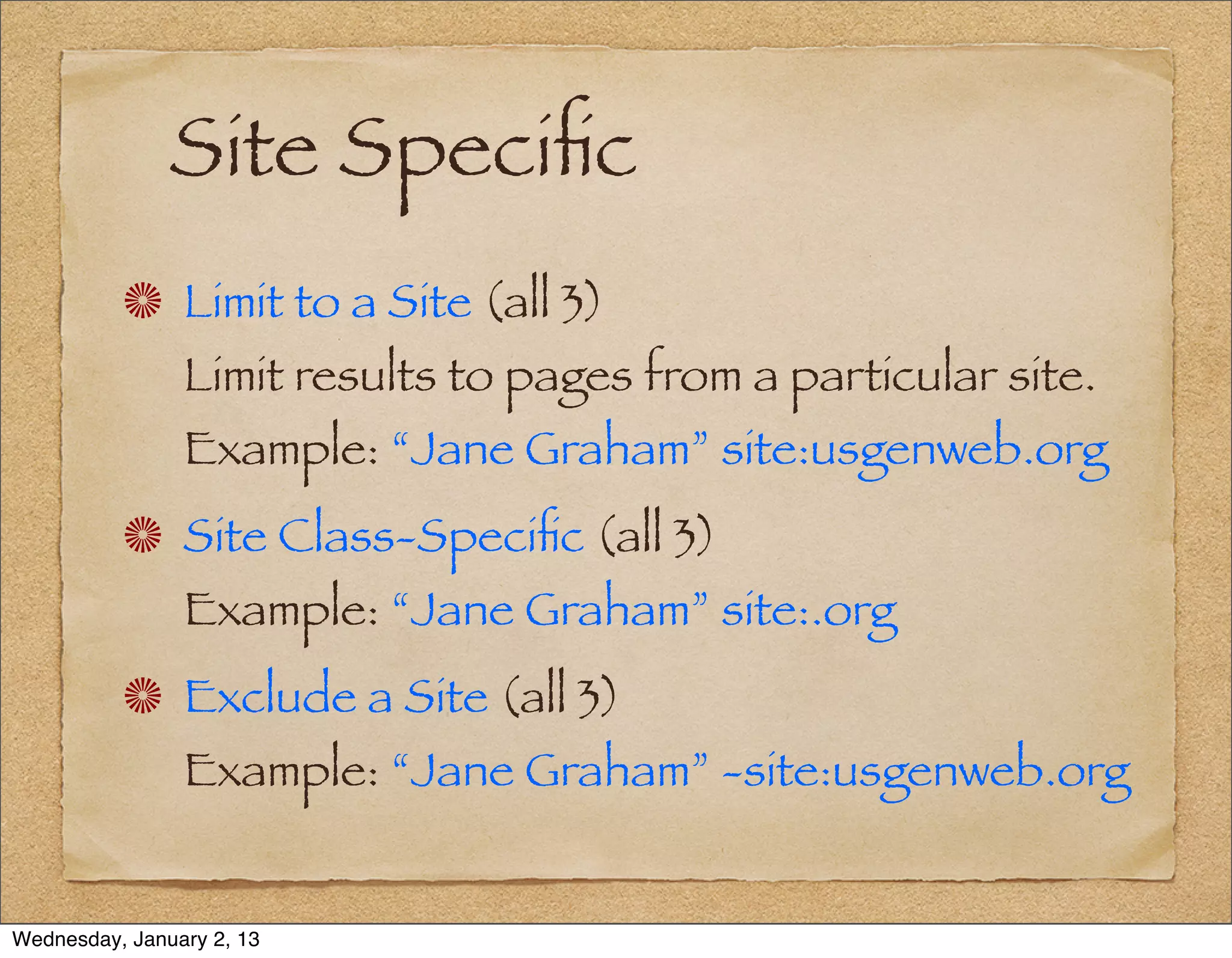
Site Specific
                Limit to a Site (all 3)
                Limit results to pages from a particular site.
                Example: “Jane Graham” site:usgenweb.org
                Site Class-Specific (all 3)
                Example: “Jane Graham” site:.org
                Exclude a Site (all 3)
                Example: “Jane Graham” -site:usgenweb.org


Wednesday, January 2, 13
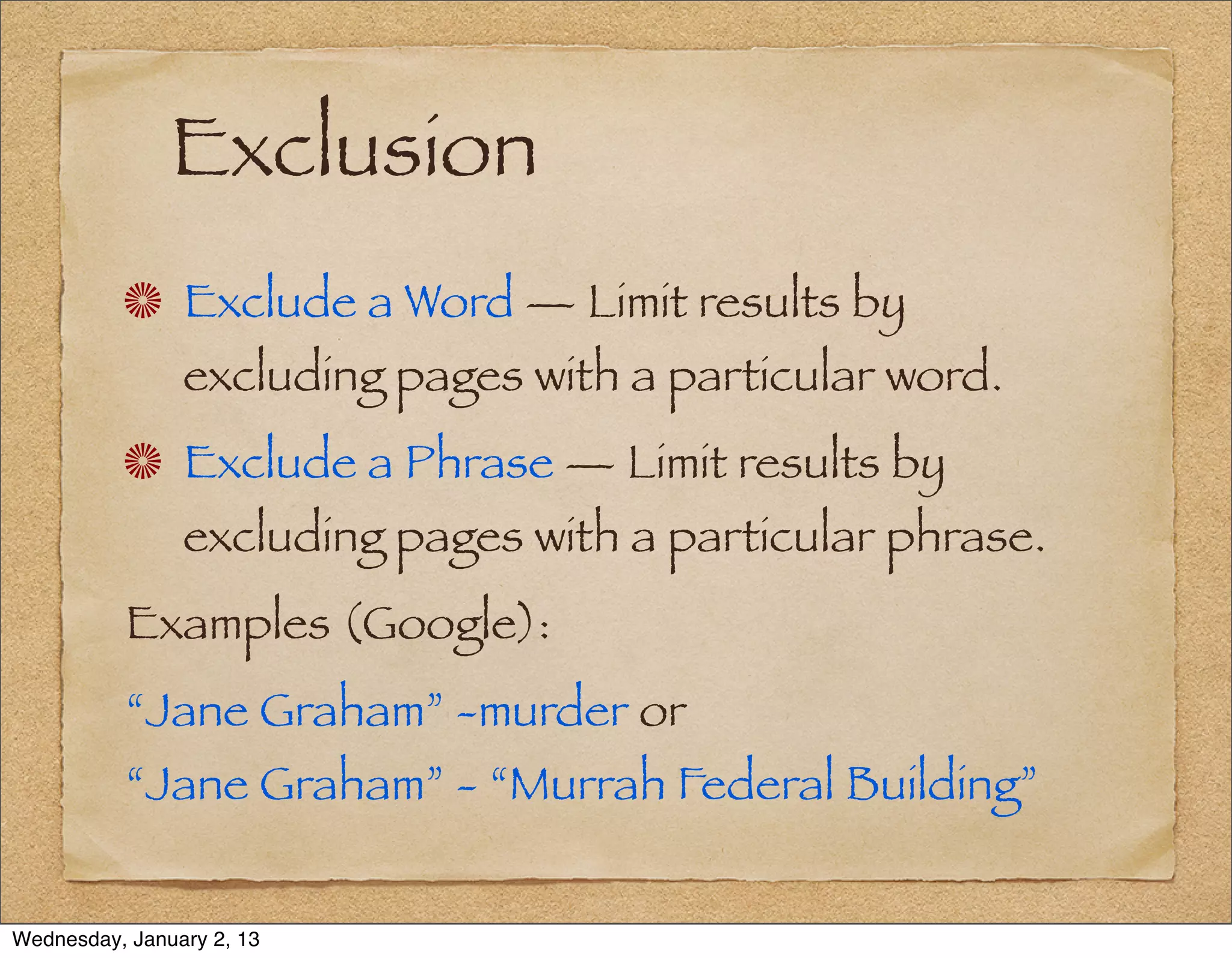
Exclusion
                Exclude a Word — Limit results by
                excluding pages with a particular word.
                Exclude a Phrase — Limit results by
                excluding pages with a particular phrase.
          Examples (Google):
          “Jane Graham” -murder or
          “Jane Graham” - “Murrah Federal Building”


Wednesday, January 2, 13
Numerical Range

                On Google, numerical ranges can be
                searched by putting two periods between
                numbers.
                This can be used to search a range of
                dates.
          Example: “Jane Graham” 1811..1854


Wednesday, January 2, 13
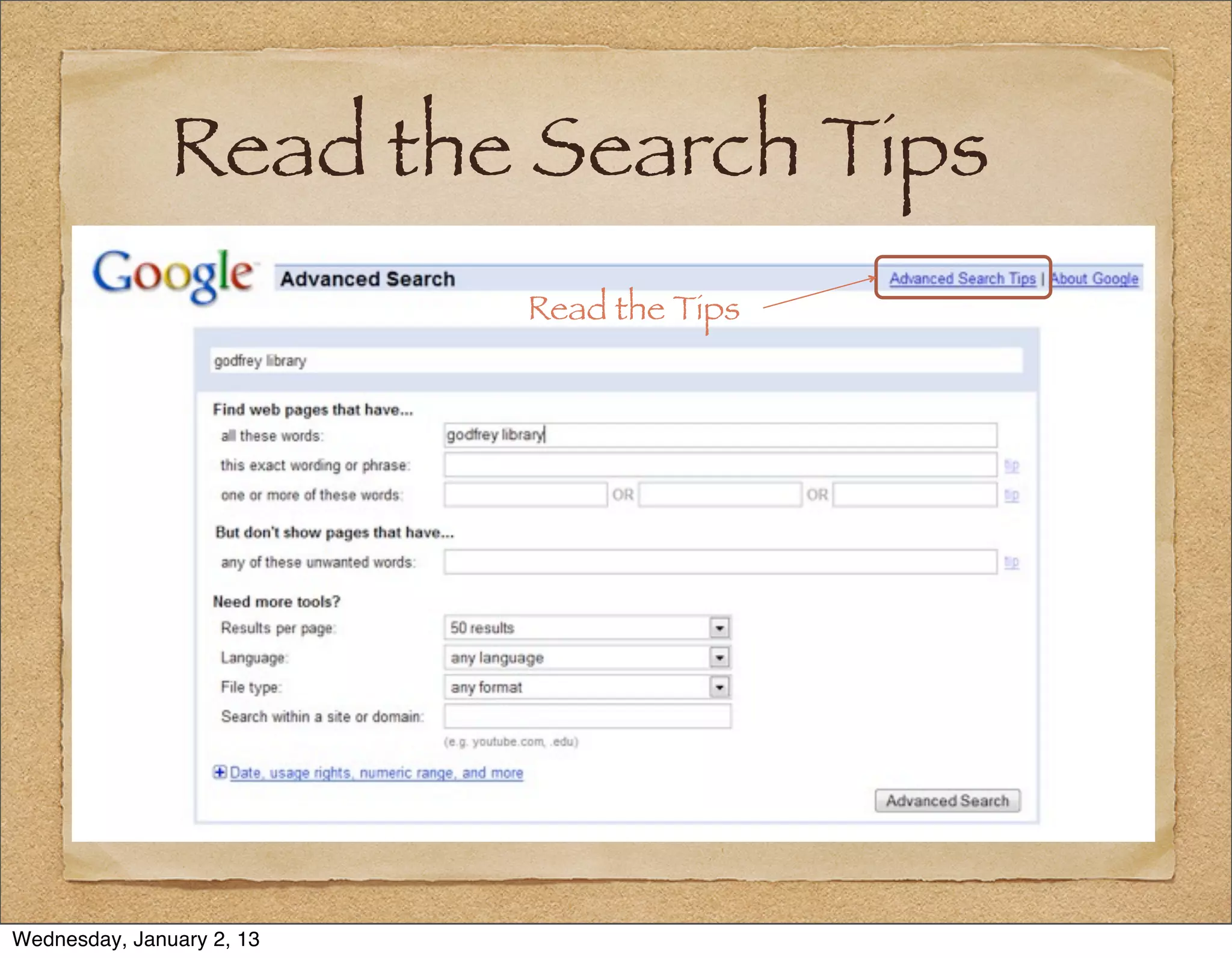
Read the Search Tips
                           Read the Tips


Wednesday, January 2, 13
4 – Search Methodology
                 Plan Your Path to
                 Achieve Predictable Results


Wednesday, January 2, 13
Review Site Guidelines

          Read the advanced search tips:
                Yahoo: help.yahoo.com/l/us/yahoo/
                search/
                Google: www.google.com/support/
                websearch/


Wednesday, January 2, 13
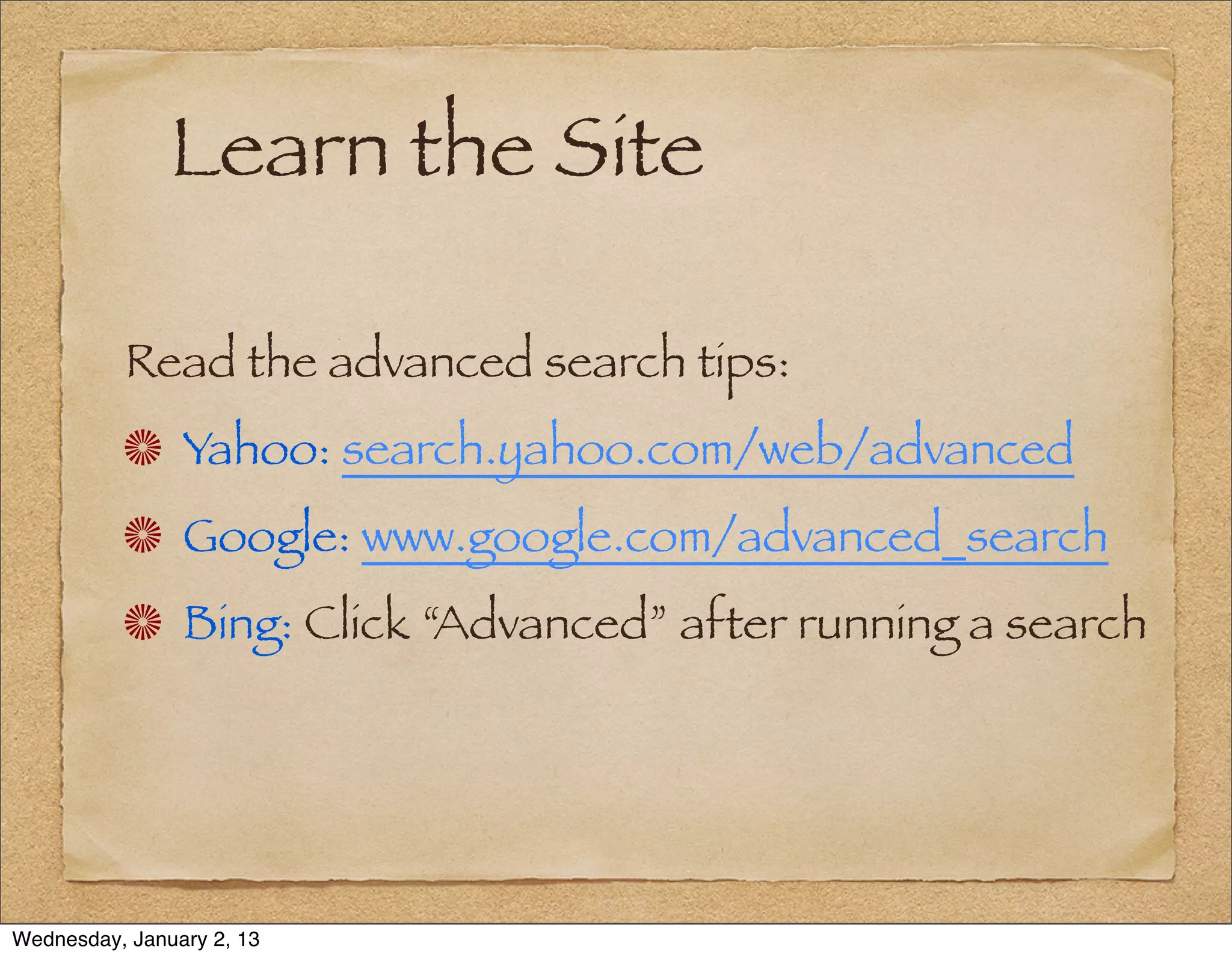
Learn the Site

          Read the advanced search tips:
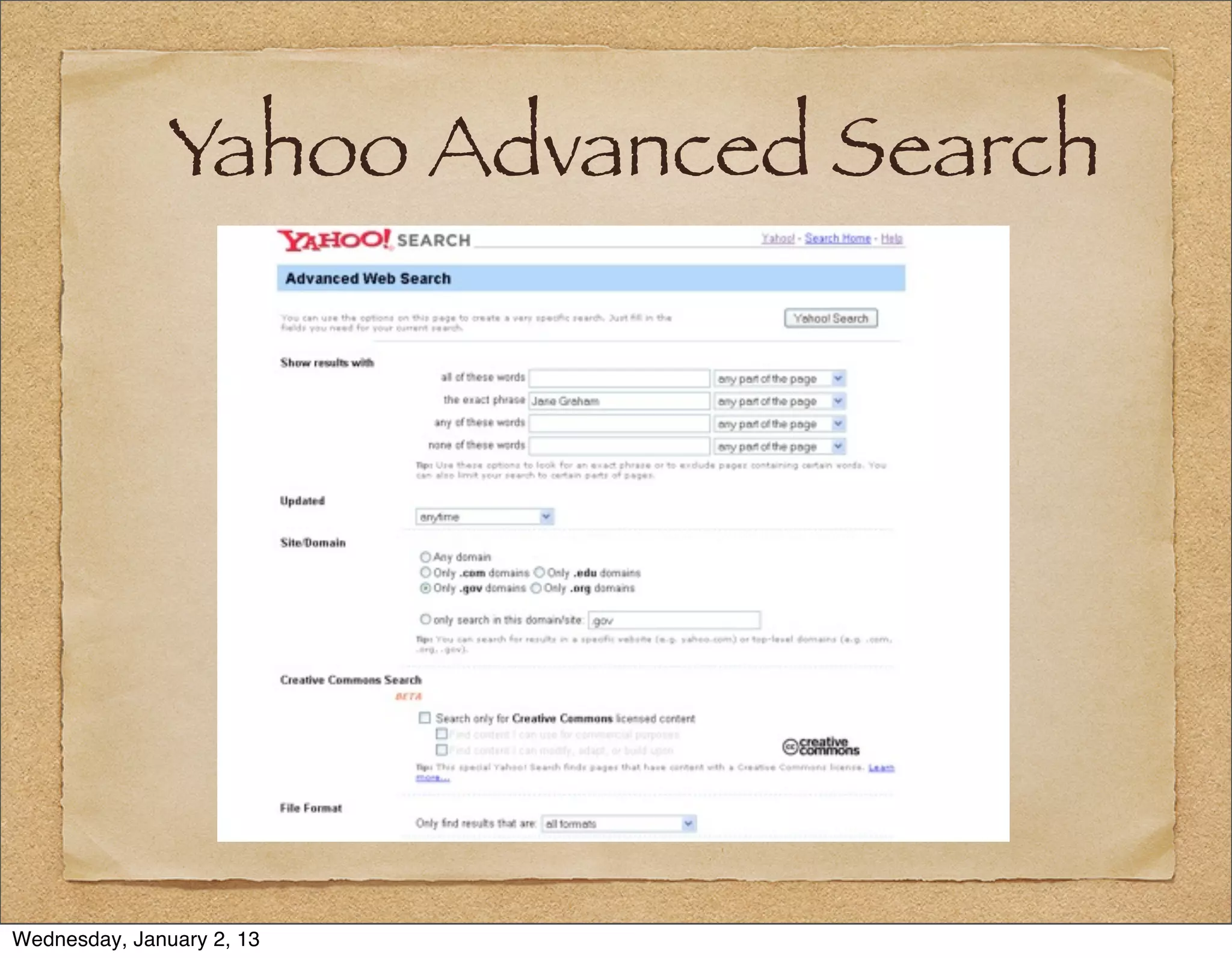
                Yahoo: search.yahoo.com/web/advanced
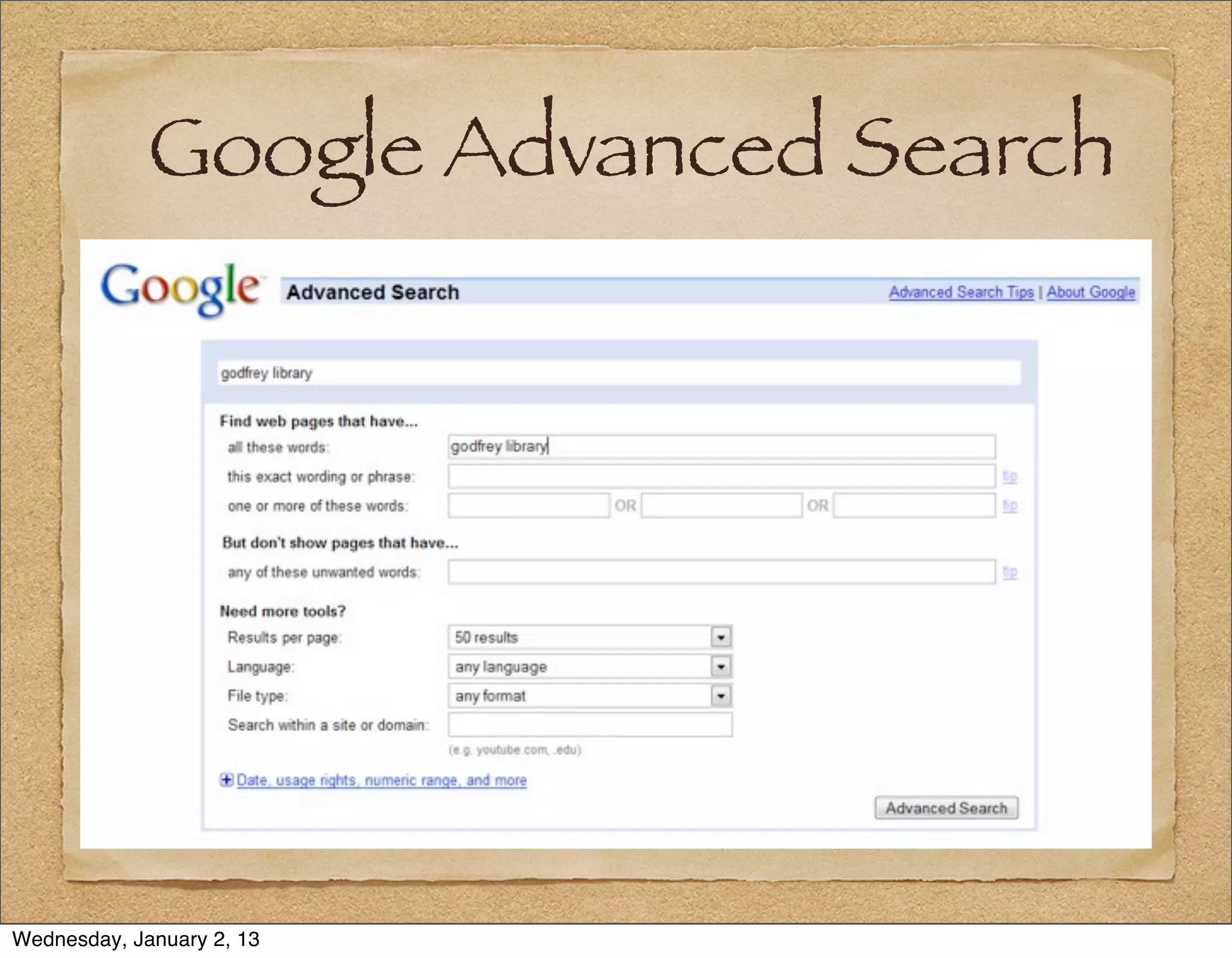
                Google: www.google.com/advanced_search
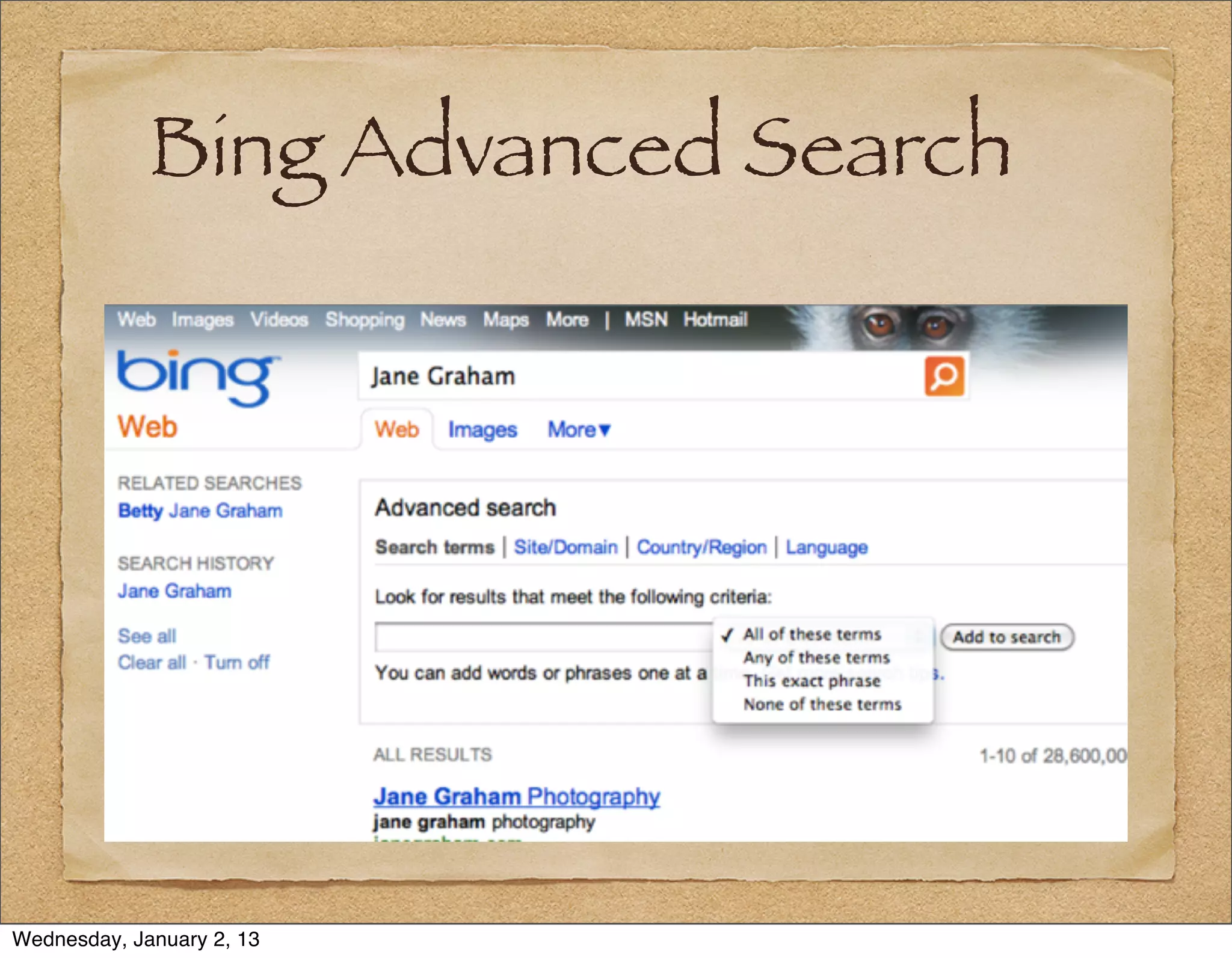
                Bing: Click “Advanced” after running a search


Wednesday, January 2, 13
Google Advanced Search


Wednesday, January 2, 13
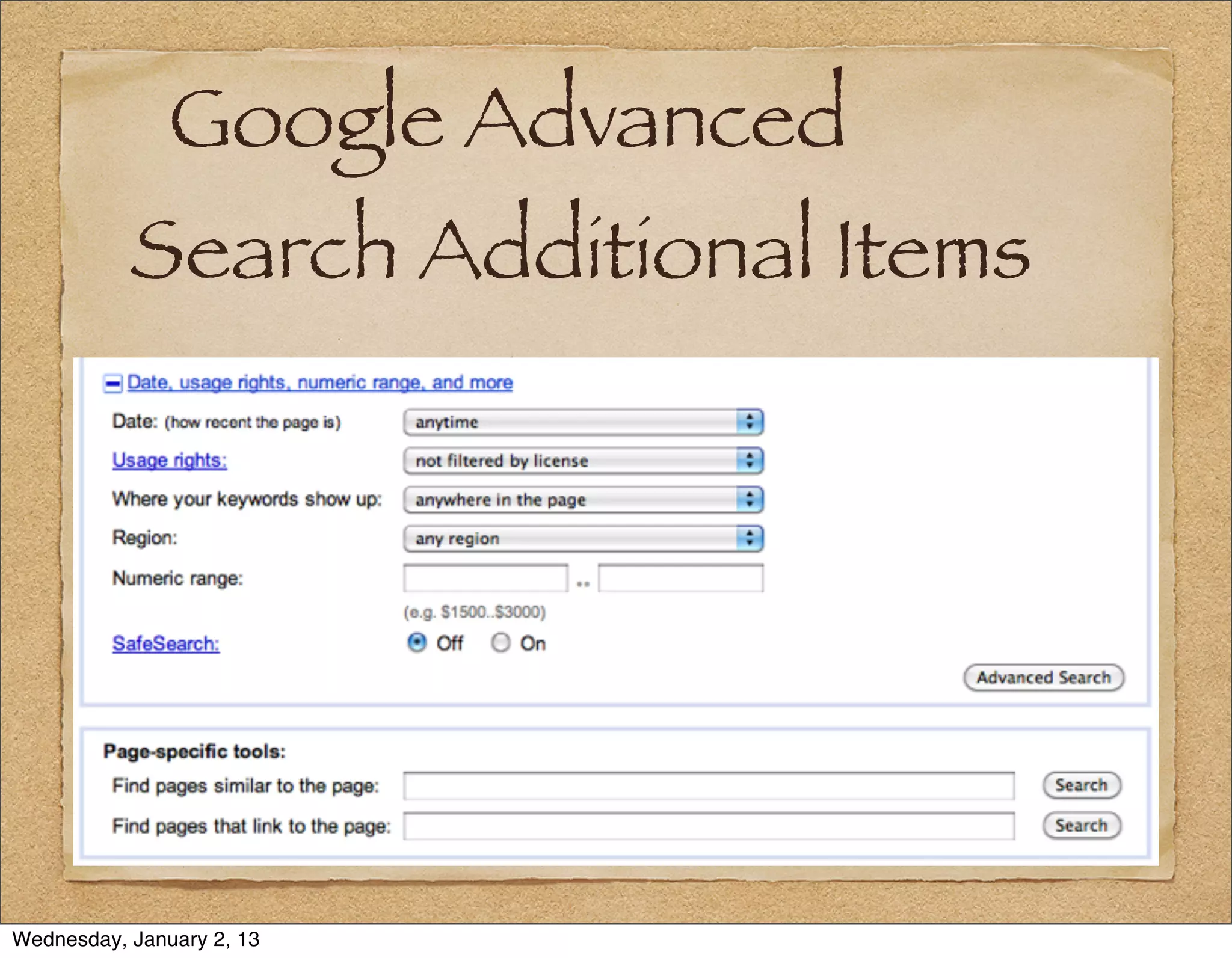
Google Advanced
           Search Additional Items


Wednesday, January 2, 13
Bing Advanced Search


Wednesday, January 2, 13
Yahoo Advanced Search


Wednesday, January 2, 13
Mocavo
          A new genealogy-specific search website site
          launched on March 16, 2011: www.mocavo.com
                Mocavo Search Tips: en.wordpress.com/
                tag/mocavo-search-tips/
                Capitalization does not matter
                Names inside quotation marks: “Jane
                Graham”


Wednesday, January 2, 13
Mocavo

                Mocavo understands middle names, middle
                initials, and that given names and surnames
                can be reversed.
                “Jane Graham” searches for “Graham
                Jane” “Jane N. Graham” and “Graham,
                Jane Nancy”


Wednesday, January 2, 13
Mocavo

                Mocavo supports both OR [ | ] and NOT
                [−]
                Searches major public genealogy sites, and
                is starting to search blogs


Wednesday, January 2, 13
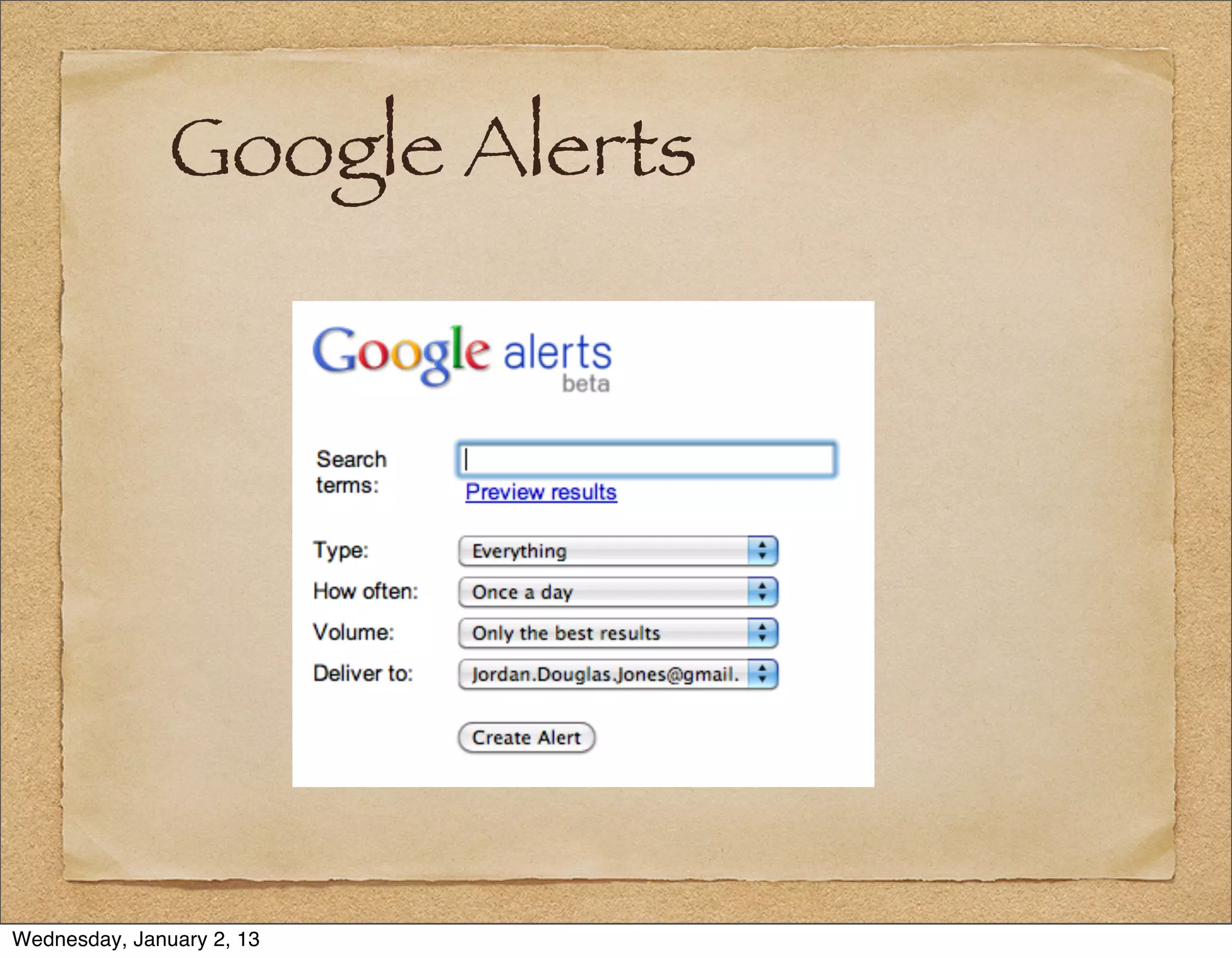
Google Alerts

          You can have Google search in the
          background and send results on a regular
          basis:
          www.google.com/alerts/
          Search News, Blogs, Realtime, Video,
          Discussions, or Everything


Wednesday, January 2, 13
Google Alerts
          Get results when Google finds them (“as-it-
          happens”), daily or weekly
                Select “All” or “Only the best” results
                Choose to receive your results
                in your e-mail, or
                via an RSS feed


Wednesday, January 2, 13
Google Alerts


Wednesday, January 2, 13
5 – A Search Example:
           Jane Graham
                 Using a Search engine to its Potential


Wednesday, January 2, 13
Finding Jane Graham
          Facts: Jane Graham, was born in 1811 and died
          unmarried in 1854. She lived her life in Monroe
          County, VA (now WV).


          Q: How do I find her?
          A: By adjusting the specificity of the search.


Wednesday, January 2, 13
Jane Graham (30 million)


Wednesday, January 2, 13
“Jane Graham” (384K)


Wednesday, January 2, 13
“Jane Graham” “Monroe
           County” (2,960)


Wednesday, January 2, 13
“Jane Graham” “Monroe
           County” 1854 (958)


Wednesday, January 2, 13
“Jane Graham” “Monroe
           County” 1811..1854 (668)


Wednesday, January 2, 13
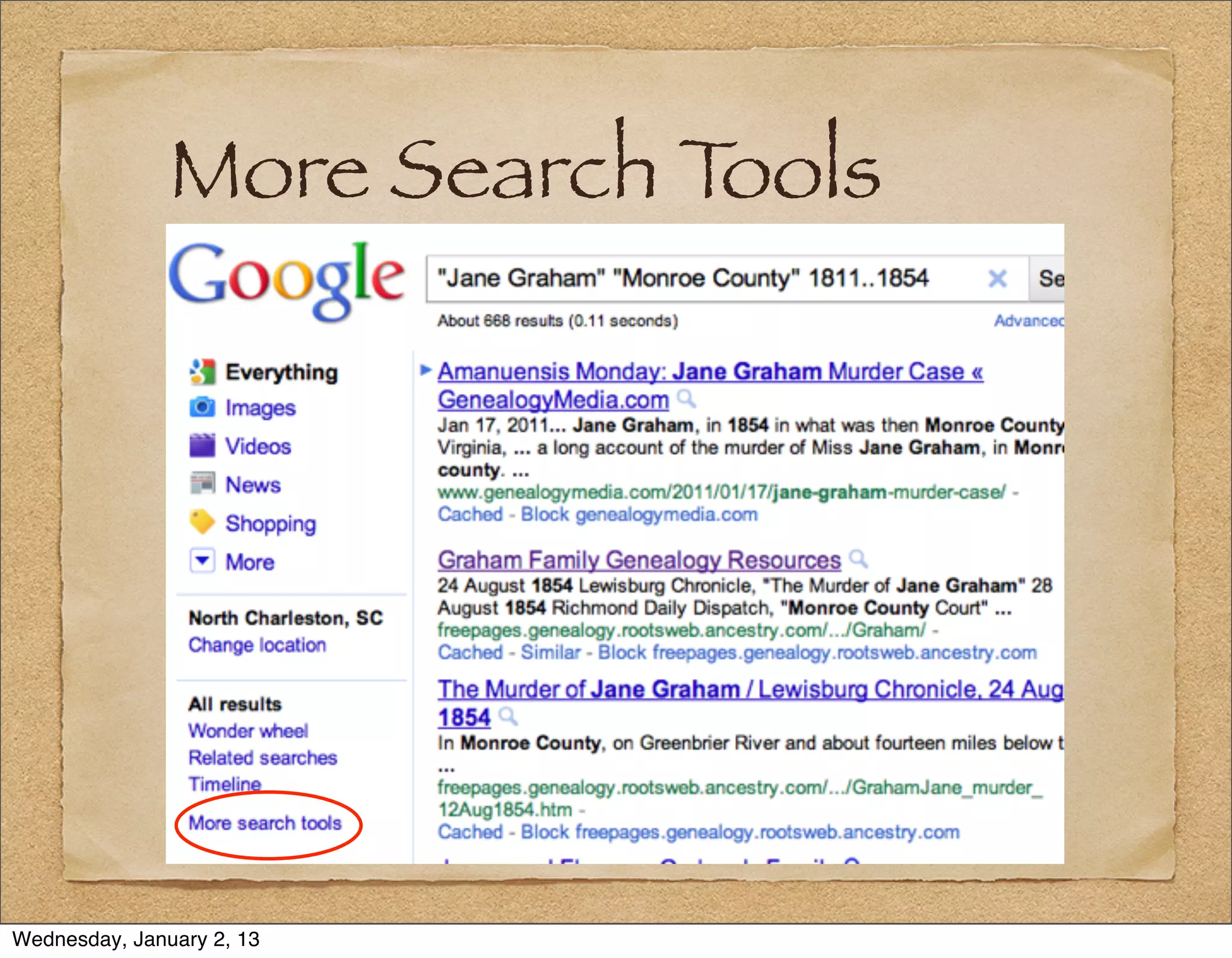
More Search Tools


Wednesday, January 2, 13
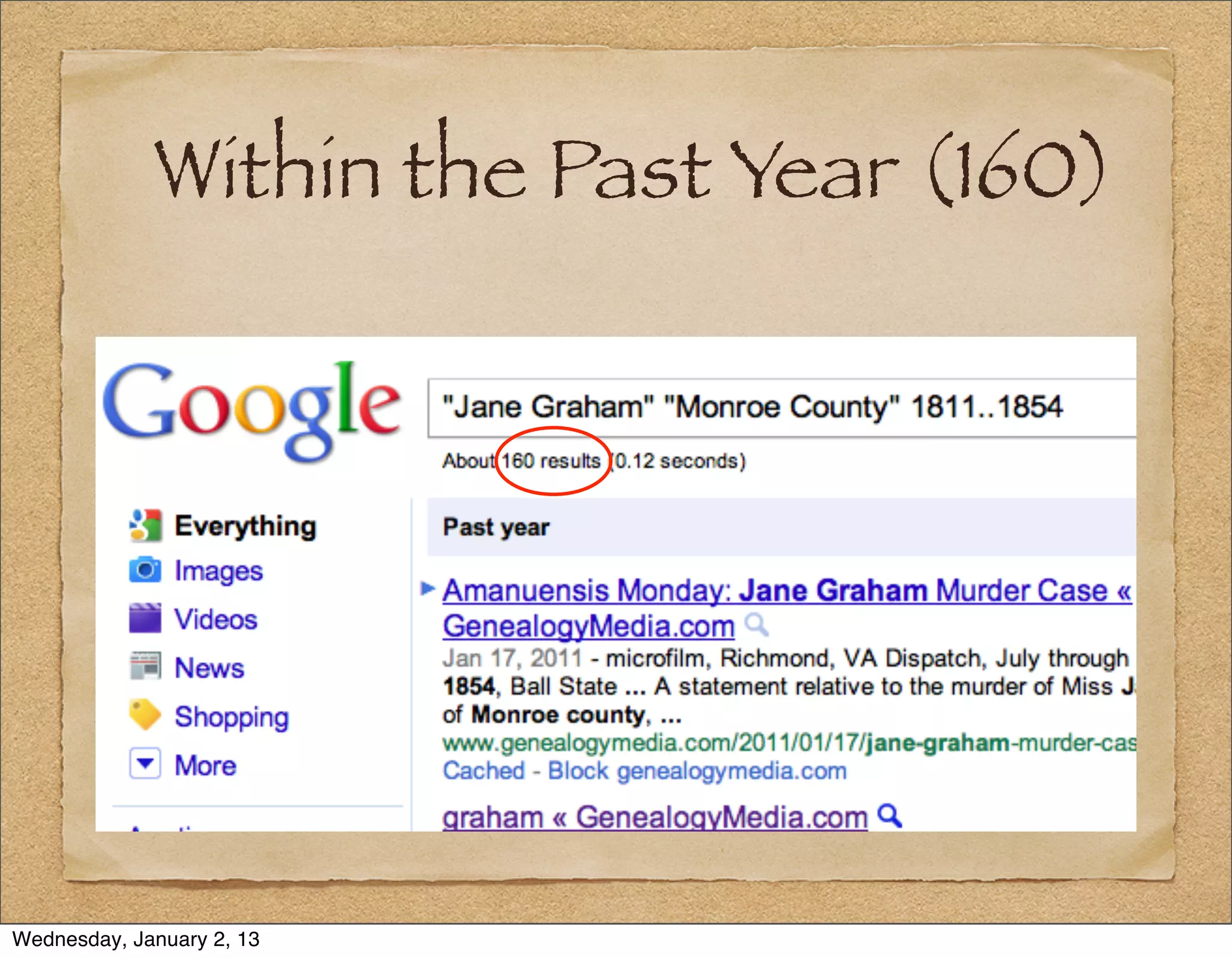
Within the Past Year (160)


Wednesday, January 2, 13
Summary


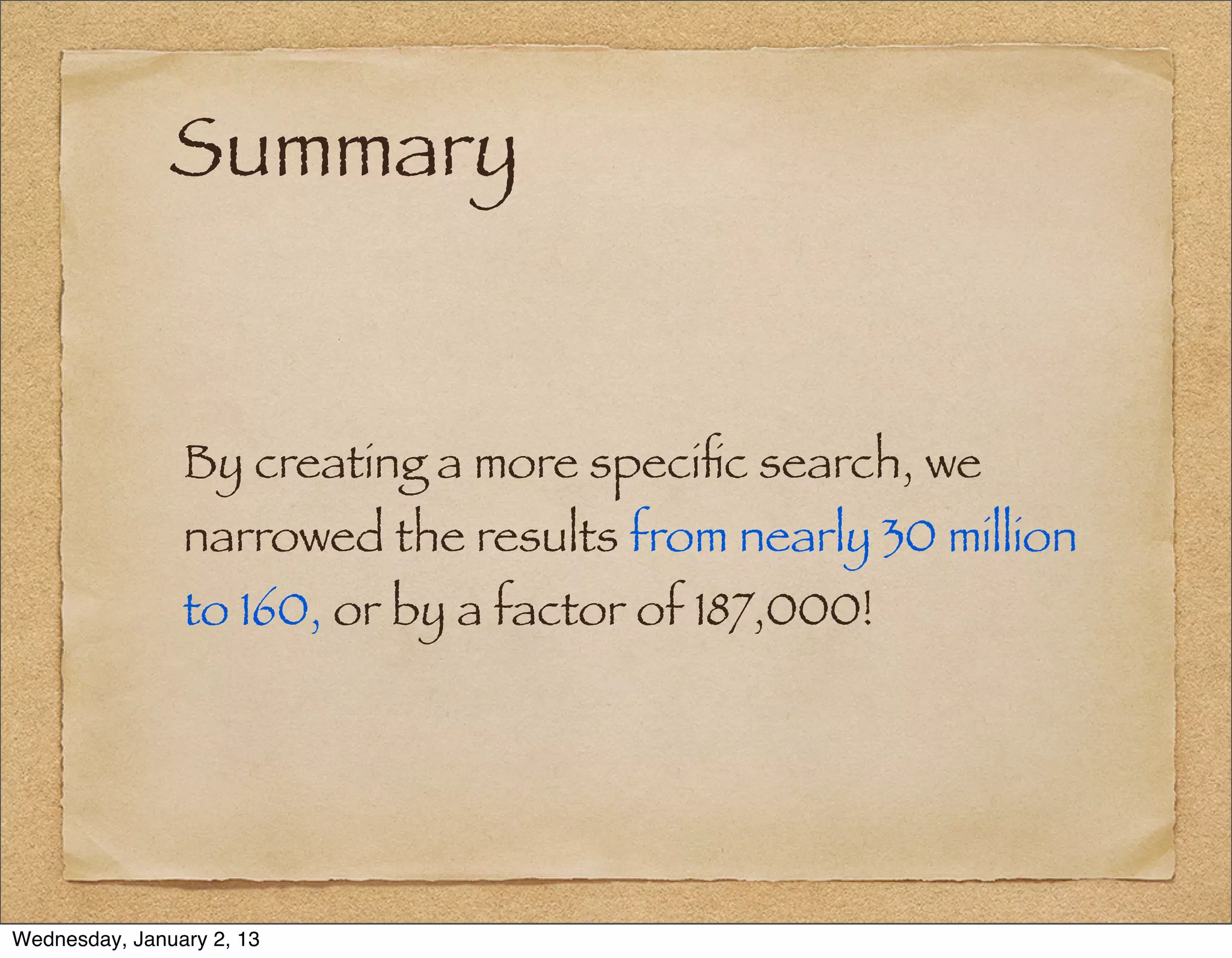
                By creating a more specific search, we
                narrowed the results from nearly 30 million
                to 160, or by a factor of 187,000!


Wednesday, January 2, 13
A Caveat About Page
           Date Searches
                Stephen Morse points out that Google is
                really tracking when they indexed a page,
                not when the page was last modified.
                Probably a better search for the age of a
                web page is Stephen Morse’s:
                stevemorse.org/google/googledate.html


Wednesday, January 2, 13
A Site-Specific Search

          Say I want search the surname “Gregg” on the
          US GenNet site for Nance County, NE
          I issue the search:
          Gregg site:www.usgennet.org/usa/ne/
          county/nance/


Wednesday, January 2, 13
Steve Morse’s One-Step
          No discussion of Internet search for
          genealogists would be complete without a
          discussion of Stephen Morse’s One-Step Web
          Pages at:
          www.stevemorse.org
          Morse uses “deep linking” to get directly to
          the content.


Wednesday, January 2, 13
A Morse Example

          The One-Step site allows you to search
          Ancestry (if you have an account) with
          surnames of fewer than 3 letters.
          It does this by sending 26 searches for each
          letter you don’t specify.


Wednesday, January 2, 13
Other Search Sites
              Dogpile – www.dogpile.com   Internet Archive (Way Back
              Google Book Search –        Machine) –
              books.google.com/           www.archive.org/web/
                                          web.php
              Google Scholar –
              scholar.google.com/         Live Roots –
                                          www.liveroots.com/
              Google Patent Search –
              www.google.com/patents?     WorldCat –
              hl=en                       www.worldcat.org/


Wednesday, January 2, 13
Contact


                                         J o rd a n J o n e s
                             j o rd a n @ g e n e a l o g y m e d i a . c o m


             Th e s e s l i d e s , a n d t h e h a n d o u t , a re a v a i l a b l e a t :
                    http://www.genealogymedia.com/talks/


Wednesday, January 2, 13
Contact
                            jordan@genealogymedia.com


                            These slides will be posted at
                           www.genealogymedia.com/talks/


Wednesday, January 2, 13

Beyond Google: Advanced Search

  • 1.
    Beyond Google: Advanced Search NGS FAMILY HISTORY CONFERENCE Charleston, South Carolina, 2011 JORDAN JONES E-mail: jordan@genealogymedia.com Web: genealogymedia.com Wednesday, January 2, 13
  • 2.
    National Genealogical Society Since 1903, the premier national society for everyone from the beginner to the most advanced family historian. Join now! Attend our Annual Conference: 8-11 May 2013, Las Vegas, NV 7-10 May 2014, Richmond, VA See www.ngsgenealogy.org for details. Wednesday, January 2, 13
  • 3.
  • 4.
    Roadmap 1. Access: Search and Navigation 2. How Search Engines Work 3. Kinds of Searches 4. Search Methodologies 5. A Search Example: Jane Graham Wednesday, January 2, 13
  • 5.
    1 – Access:Search and Navigation Wednesday, January 2, 13
  • 6.
    The Librarian’s Definition Access is “The availability of or permission to use records.” – Archives & Records Management Handbook, Oregon State U., http:// osulibrary.oregonstate.edu/archives/ handbook/definitions/ Wednesday, January 2, 13
  • 7.
    The Techie’s Definition For web sites, access similarly describes the permission and ability for people to “identify, locate, and use information.” Wednesday, January 2, 13
  • 8.
    The Data Problem In July 2008, Google’s search bots had reached 1 trillion unique URLs http://googleblog.blogspot.com/2008/07/ we-knew-web-was-big.html). Wednesday, January 2, 13
  • 9.
  • 10.
    Web Access Navigation - Clicking through a pre- defined path in a website to find the information you need. Search - Only helpful if you do not know how to navigate to the information. Wednesday, January 2, 13
  • 11.
    Design for Access A good web designer will focus on improving customer access to information through both paths (search and navigation). Wednesday, January 2, 13
  • 12.
    2 – HowSearch Engines Work Wednesday, January 2, 13
  • 13.
    How Search EnginesWork 1. “Web Spiders” 2.Caching The search engine Some web search has computer applications (such programs “crawl” as Google) store through all the links (cache) all the on the web pages they crawl Wednesday, January 2, 13
  • 14.
    How Search EnginesWork 3. Indexing 4.Ranking - Links are The search engine ranked in terms of creates and relevance, manages an index popularity, of all the words authoritativeness found on the pages and other criteria: crawled The Secret Sauce. Wednesday, January 2, 13
  • 15.
    The Search Cycle Crawling Caching Ranking Indexing Wednesday, January 2, 13
  • 16.
    3 – Kindsof Searches Wednesday, January 2, 13
  • 17.
    Word (implicit AND) If you list two words, such as Jane Graham, find pages that include “Jane” and “Graham”. Example: Jane Graham Wednesday, January 2, 13
  • 18.
    Word (Overrides) All 3 major search engines include plurals and ignore common words. Google includes synonyms. Use a plus sign (+) to: Ignore plurals and synonyms on Google Include common words Example: Jane Graham +genealogy Wednesday, January 2, 13
  • 19.
    Phrase & BooleanOR Phrase searches are often used in conjunction with a Boolean OR. Examples: “Jane Graham” “Jane Graham” OR “Graham Jane” Wednesday, January 2, 13
  • 20.
    Proximity Searches Proximity or wildcard searches can be used to find pages where words are near one another. Example (Google): Jane * Graham OR Graham * Jane Where * = one or two words. Wednesday, January 2, 13
  • 21.
    Special Search Pages Yahoo Shortcuts — help.yahoo.com/l/us/ yahoo/search/basics/ Google Search Features — www.google.com/intl/en/help/features.html Bing Advanced Search Keywords — onlinehelp.microsoft.com/en-us/bing/ ff808421.aspx Wednesday, January 2, 13
  • 22.
    Some Shortcuts define [keyword] (all 3) Example: define tithables facts [keyword] (Yahoo) — encyclopedia entries, along with web results Example: facts south carolina convert [unit] to [unit] (all 3) Example: convert 2 stones to pounds Wednesday, January 2, 13
  • 23.
    Location Shortcuts Area Code (all 3) Example: Charleston, SC area code or 843 Zip Code (all 3) Example: Charleston, SC zip code Local (all 3) Example: cemetery 29401 or cemetery Charleston, SC Wednesday, January 2, 13
  • 24.
    Advanced Searches Synonym or Like (Google) Limit results to pages including synonyms of your search term or phrase. Example: “Jane Graham” OR “Graham Jane” ~genealogy Wildcards (all 3)— The use of wildcards varies, but the characters (*_?) can replace words or characters Wednesday, January 2, 13
  • 25.
    Site Specific Limit to a Site (all 3) Limit results to pages from a particular site. Example: “Jane Graham” site:usgenweb.org Site Class-Specific (all 3) Example: “Jane Graham” site:.org Exclude a Site (all 3) Example: “Jane Graham” -site:usgenweb.org Wednesday, January 2, 13
  • 26.
    Exclusion Exclude a Word — Limit results by excluding pages with a particular word. Exclude a Phrase — Limit results by excluding pages with a particular phrase. Examples (Google): “Jane Graham” -murder or “Jane Graham” - “Murrah Federal Building” Wednesday, January 2, 13
  • 27.
    Numerical Range On Google, numerical ranges can be searched by putting two periods between numbers. This can be used to search a range of dates. Example: “Jane Graham” 1811..1854 Wednesday, January 2, 13
  • 28.
    Read the SearchTips Read the Tips Wednesday, January 2, 13
  • 29.
    4 – SearchMethodology Plan Your Path to Achieve Predictable Results Wednesday, January 2, 13
  • 30.
    Review Site Guidelines Read the advanced search tips: Yahoo: help.yahoo.com/l/us/yahoo/ search/ Google: www.google.com/support/ websearch/ Wednesday, January 2, 13
  • 31.
    Learn the Site Read the advanced search tips: Yahoo: search.yahoo.com/web/advanced Google: www.google.com/advanced_search Bing: Click “Advanced” after running a search Wednesday, January 2, 13
  • 32.
  • 33.
    Google Advanced Search Additional Items Wednesday, January 2, 13
  • 34.
  • 35.
  • 36.
    Mocavo A new genealogy-specific search website site launched on March 16, 2011: www.mocavo.com Mocavo Search Tips: en.wordpress.com/ tag/mocavo-search-tips/ Capitalization does not matter Names inside quotation marks: “Jane Graham” Wednesday, January 2, 13
  • 37.
    Mocavo Mocavo understands middle names, middle initials, and that given names and surnames can be reversed. “Jane Graham” searches for “Graham Jane” “Jane N. Graham” and “Graham, Jane Nancy” Wednesday, January 2, 13
  • 38.
    Mocavo Mocavo supports both OR [ | ] and NOT [−] Searches major public genealogy sites, and is starting to search blogs Wednesday, January 2, 13
  • 39.
    Google Alerts You can have Google search in the background and send results on a regular basis: www.google.com/alerts/ Search News, Blogs, Realtime, Video, Discussions, or Everything Wednesday, January 2, 13
  • 40.
    Google Alerts Get results when Google finds them (“as-it- happens”), daily or weekly Select “All” or “Only the best” results Choose to receive your results in your e-mail, or via an RSS feed Wednesday, January 2, 13
  • 41.
  • 42.
    5 – ASearch Example: Jane Graham Using a Search engine to its Potential Wednesday, January 2, 13
  • 43.
    Finding Jane Graham Facts: Jane Graham, was born in 1811 and died unmarried in 1854. She lived her life in Monroe County, VA (now WV). Q: How do I find her? A: By adjusting the specificity of the search. Wednesday, January 2, 13
  • 44.
    Jane Graham (30million) Wednesday, January 2, 13
  • 45.
  • 46.
    “Jane Graham” “Monroe County” (2,960) Wednesday, January 2, 13
  • 47.
    “Jane Graham” “Monroe County” 1854 (958) Wednesday, January 2, 13
  • 48.
    “Jane Graham” “Monroe County” 1811..1854 (668) Wednesday, January 2, 13
  • 49.
  • 50.
    Within the PastYear (160) Wednesday, January 2, 13
  • 51.
    Summary By creating a more specific search, we narrowed the results from nearly 30 million to 160, or by a factor of 187,000! Wednesday, January 2, 13
  • 52.
    A Caveat AboutPage Date Searches Stephen Morse points out that Google is really tracking when they indexed a page, not when the page was last modified. Probably a better search for the age of a web page is Stephen Morse’s: stevemorse.org/google/googledate.html Wednesday, January 2, 13
  • 53.
    A Site-Specific Search Say I want search the surname “Gregg” on the US GenNet site for Nance County, NE I issue the search: Gregg site:www.usgennet.org/usa/ne/ county/nance/ Wednesday, January 2, 13
  • 54.
    Steve Morse’s One-Step No discussion of Internet search for genealogists would be complete without a discussion of Stephen Morse’s One-Step Web Pages at: www.stevemorse.org Morse uses “deep linking” to get directly to the content. Wednesday, January 2, 13
  • 55.
    A Morse Example The One-Step site allows you to search Ancestry (if you have an account) with surnames of fewer than 3 letters. It does this by sending 26 searches for each letter you don’t specify. Wednesday, January 2, 13
  • 56.
    Other Search Sites Dogpile – www.dogpile.com Internet Archive (Way Back Google Book Search – Machine) – books.google.com/ www.archive.org/web/ web.php Google Scholar – scholar.google.com/ Live Roots – www.liveroots.com/ Google Patent Search – www.google.com/patents? WorldCat – hl=en www.worldcat.org/ Wednesday, January 2, 13
  • 57.
    Contact J o rd a n J o n e s j o rd a n @ g e n e a l o g y m e d i a . c o m Th e s e s l i d e s , a n d t h e h a n d o u t , a re a v a i l a b l e a t : http://www.genealogymedia.com/talks/ Wednesday, January 2, 13
  • 58.
    Contact jordan@genealogymedia.com These slides will be posted at www.genealogymedia.com/talks/ Wednesday, January 2, 13