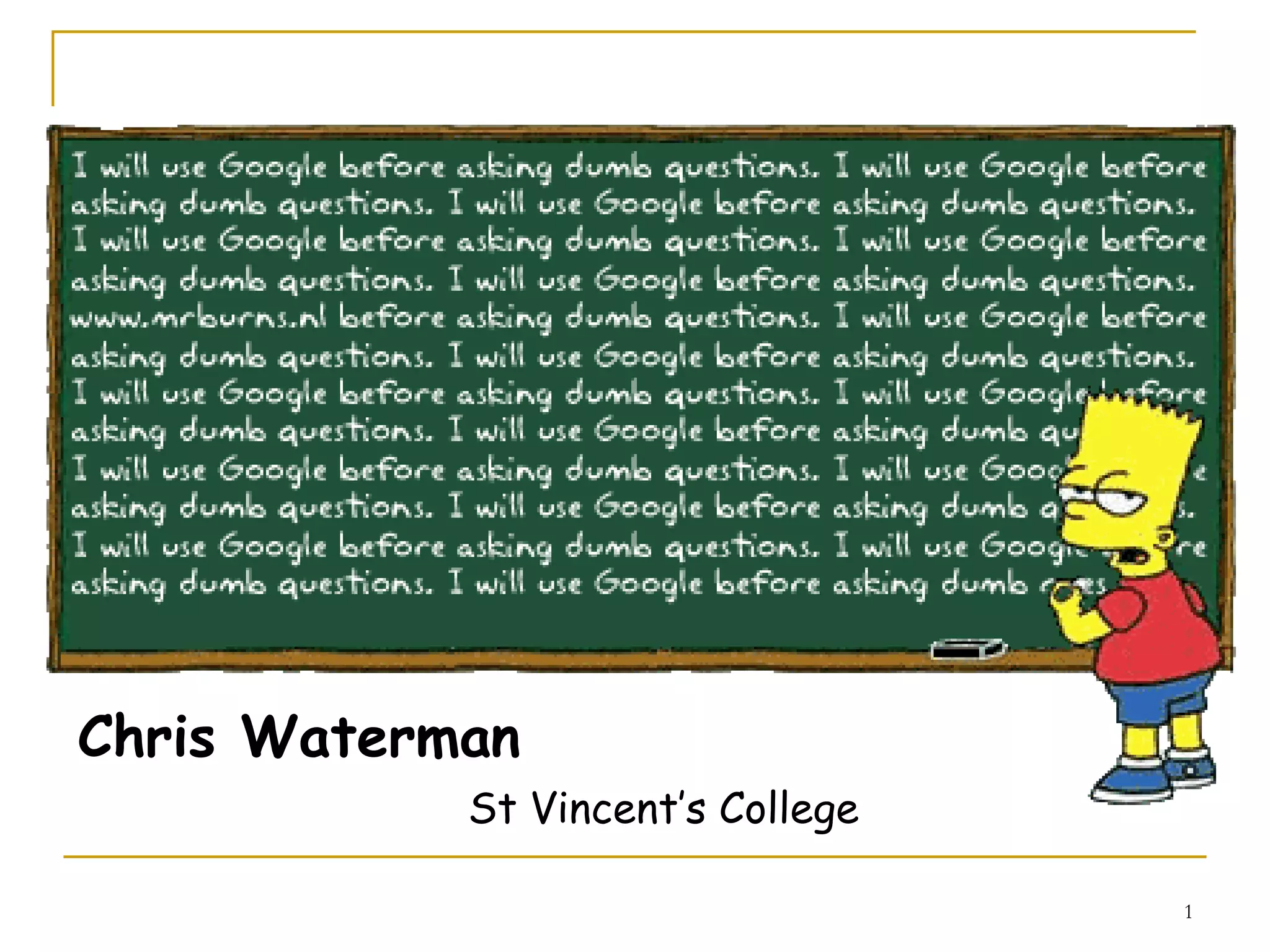
Better Assignment Research


          More marks in half the time
Chris Waterman
            St Vincent’s College

                                   1
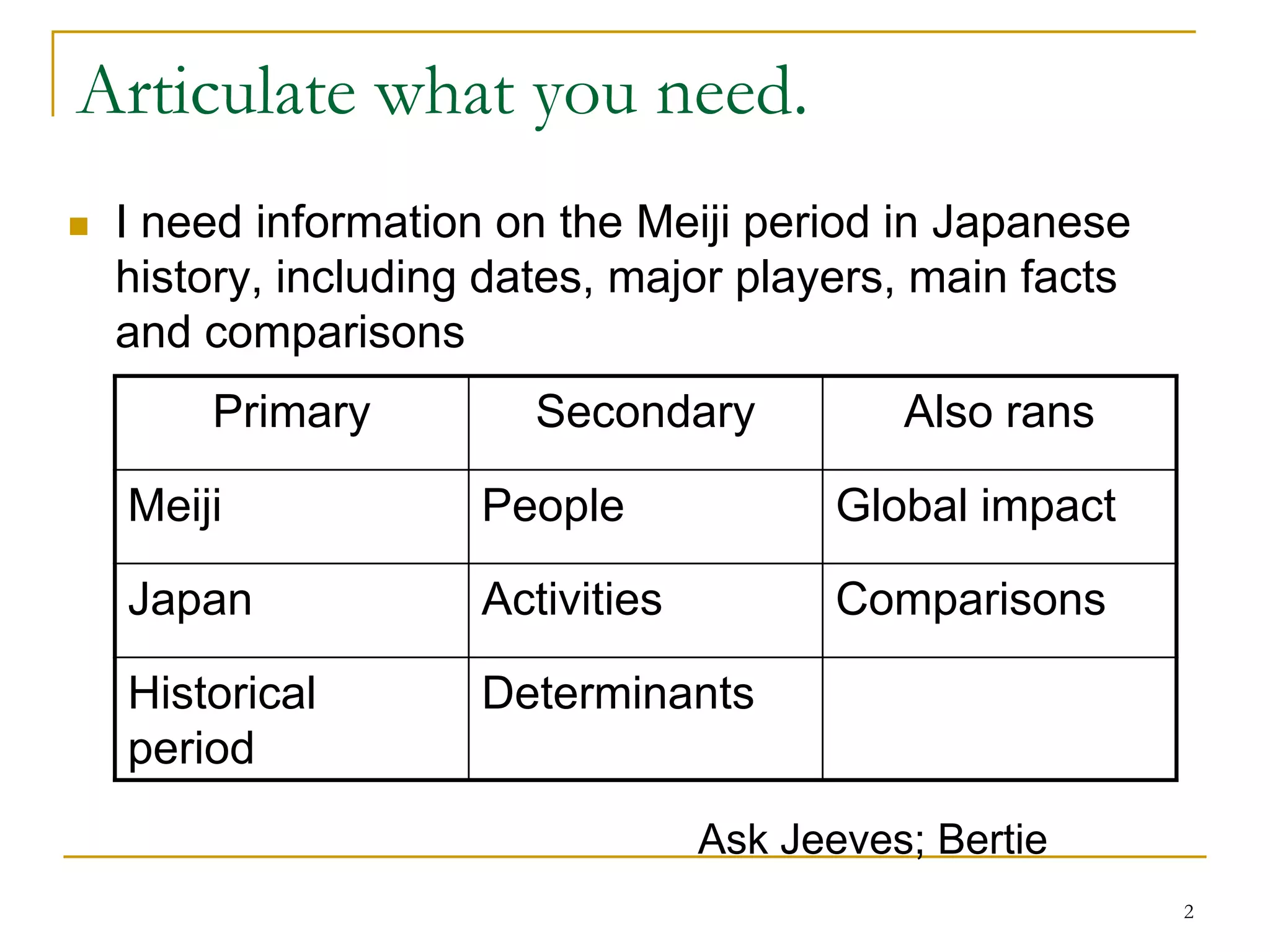
Articulate what you need.
   I need information on the Meiji period in Japanese
    history, including dates, major players, main facts
    and comparisons
        Primary          Secondary           Also rans

    Meiji             People              Global impact

    Japan             Activities          Comparisons

    Historical        Determinants
    period
                                   Ask Jeeves; Bertie
                                                          2
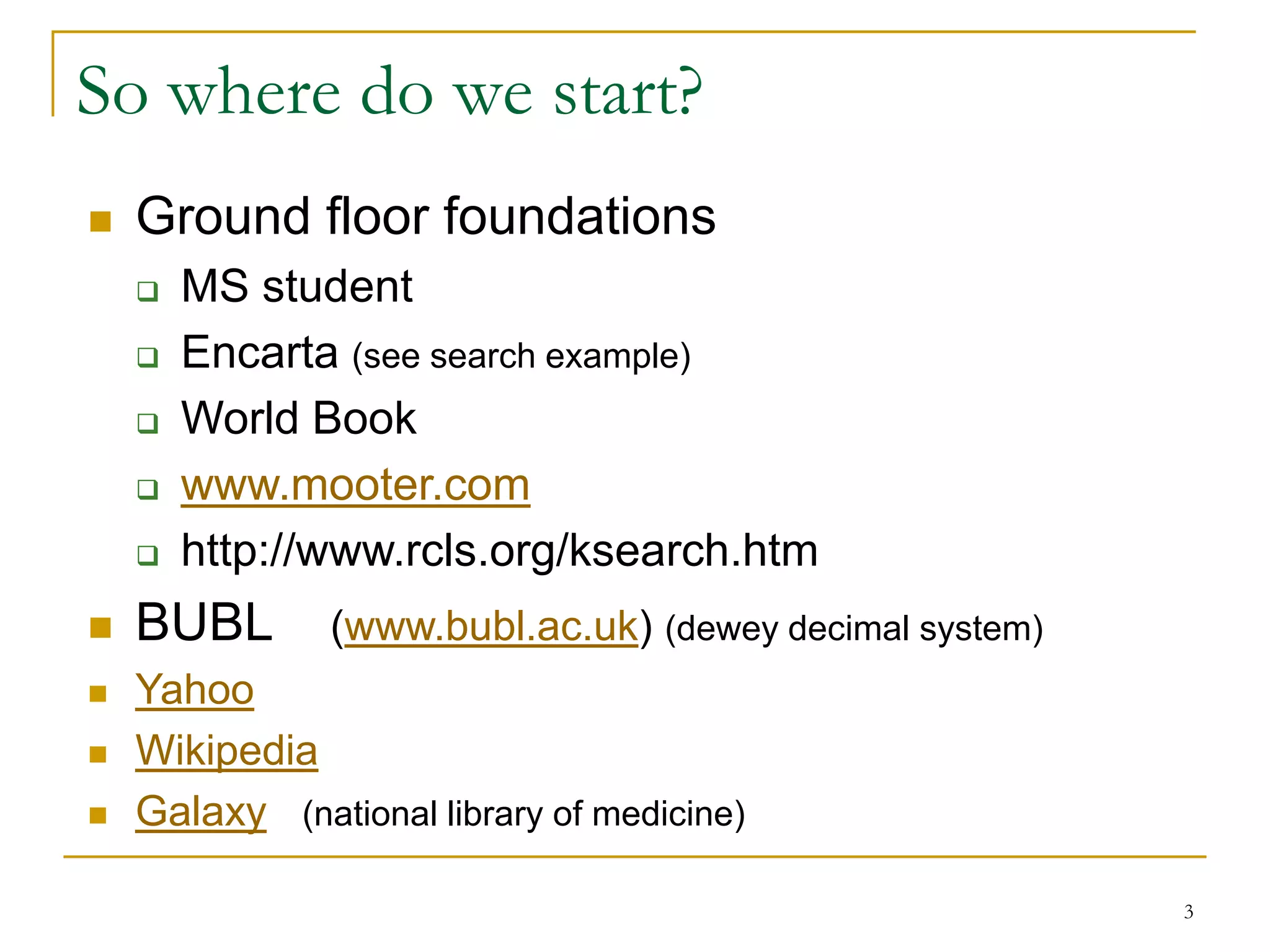
So where do we start?
   Ground floor foundations
       MS student
       Encarta (see search example)
       World Book
       www.mooter.com
       http://www.rcls.org/ksearch.htm
   BUBL       (www.bubl.ac.uk) (dewey decimal system)
   Yahoo
   Wikipedia
   Galaxy (national library of medicine)

                                                         3
What’s really new?

   Go for the latest and greatest
   RSS feeds
       Pluck
       Etc.
   Podcasts
   Graylit networks


                                     4
So let’s Google better.
   Describe your search as completely as possible to
    narrow -- don’t capitalize, Google is case insensitive.
         (eg. a search for carnivore obtains a game, a type of animal
         and an FBI program, so specify your term)


   Add quotes to limit search to those sites with this
    specific phrase: “history of chocolate”

   Limit search to specific sites or file types:
      “history of chocolate” -.com filetype:ppt site:edu
                                                                     Most search
   + to include;           - to exclude    (no spaces)          engines have an
                                                                advanced search
                                                              similar to Google’s

          Go see William
                                                                              5
          the conker (er)
Boolean Logic for Searches
   AND -- This is assumed by Google. No need to add it
    in.                                                 To be or
    eg. Chocolate AND cadbury   = chocolate cadbury           not to be…
   OR -- finds either term =chocolate OR cadbury

   Stemming now works! Still use your wildcards:
    whole words only; * = any word

   Nested Boolean Searches
                 chocolate AND [diet OR health]
   Don’t discard spelling errors
   Try doing it double!          Stop words
         internet internet
     
                                        I,   a,      the,    of.     etc.
                                                      Put them in quotes.

                                                                            6
Narrowing the search even further.
Special Syntax
 filetype:
 intitle:                        Date Range
 allintitle:                     •Remember it’s in Julian
 site:                                     There are many
 intitle & site: (combo)                   converters available,
                                            don’t worry…
 intext:                                   http://aa.usno.navy.mil/da
 related:                                  ta/docs/JulianDate.html


For the maths dept only:
site:com site:edu assumes an
AND. Use this to make it OR
something (site:edu | site:com)

                                                                  7
Directories
 When you go to the library, you have:
   subject, author, title, etc, searches.
 Mostly you stick to „subject‟.

 That‟s what you can do with Google too.


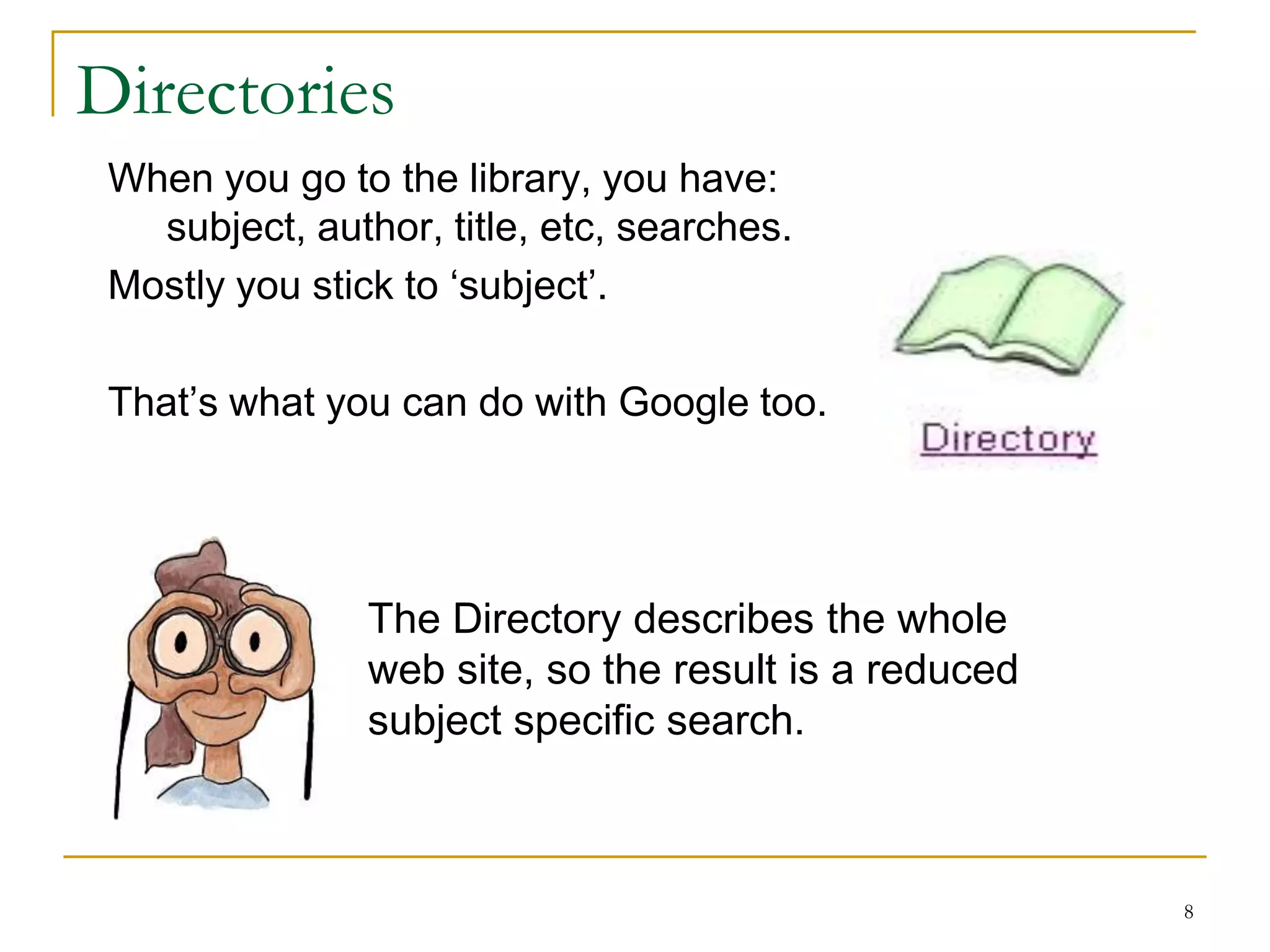
                The Directory describes the whole
                web site, so the result is a reduced
                subject specific search.


                                                       8
Remember this about Google
   Advertising, you can pay to have sites
    ranked at the top
   Results listing is not accurate; it is transitory
   Will not show more than 1000 results per search
   Will not search more than ten words in search box
        use your wild cards here, they don’t count
   Won’t show more than two results per site
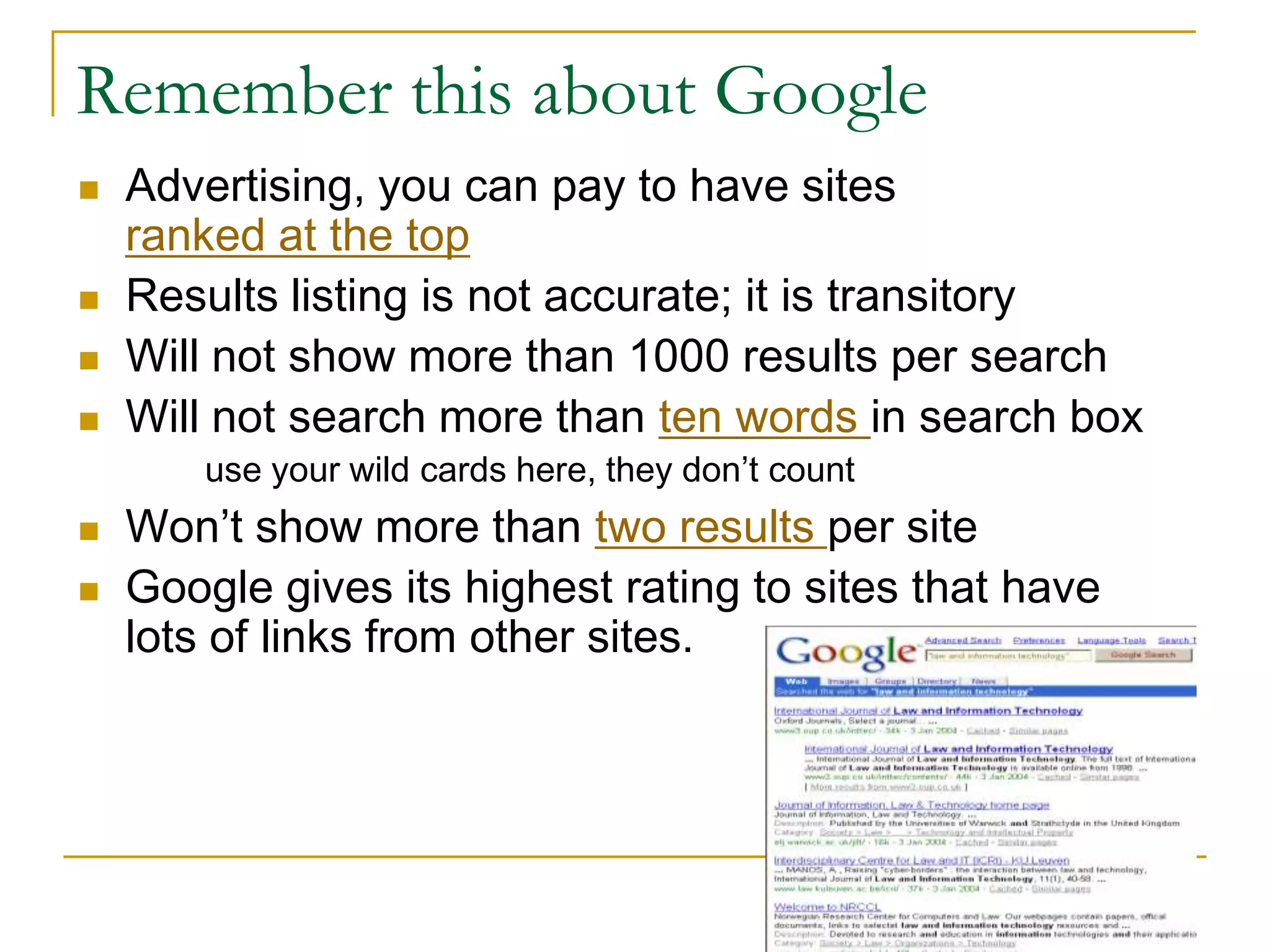
   Google gives its highest rating to sites that have
    lots of links from other sites.


                                                         9
So why bother with anything else?
   Unseen WEB – Google doesn’t get to everything
    You may need to use other engines in conjunction
   Ephemeral stuff
         Use Google’s cache option
   Gray literature
         Academic papers          committee reports   journals
         Conference papers        corporate docs      trade papers

    http://graylit.osti.gov
    http://adt.caul.edu.au
    www.slnsw.gov.au
    http://www.nla.gov.au


                                                                      10
So why bother with anything else?
   Quality, specific Information –
    demands better searching skills
   Nature of Structured Documents
    Advanced Search Training
   Sometimes you are looking for a more obscure site
   You may be searching a material type that another
    search engine will do better

                                chance… all search engines search
                                a slightly different database - you
                                just might be luckier with another!


                                                                  11
Only if we have time…


                        12
Some more cool stuff
   Google Labs – the coolest feature of all
   Google calculates!
   Calculate in words               Try converting Celsius
   Google defines                   to Fahrenheit and more
   Google translates
   Look up the news
   Where to get pictures
   Speak:                  Try the definitions search box for
       Swedish chef
                                    maths or irrational number
       Elmer Fudd
       Klingon                     teacher
   Go shopping with Froogle or catalogues
   Give the sets a go
   Join a group (ok, this is daggy but some people like it)
                                                               13
Google sites

   http://alltooflat.com/geeky/elgoog/
   http://www.google.com/coop
   http://www.google.com/trends
   http://www.elgoog.com


                                          14
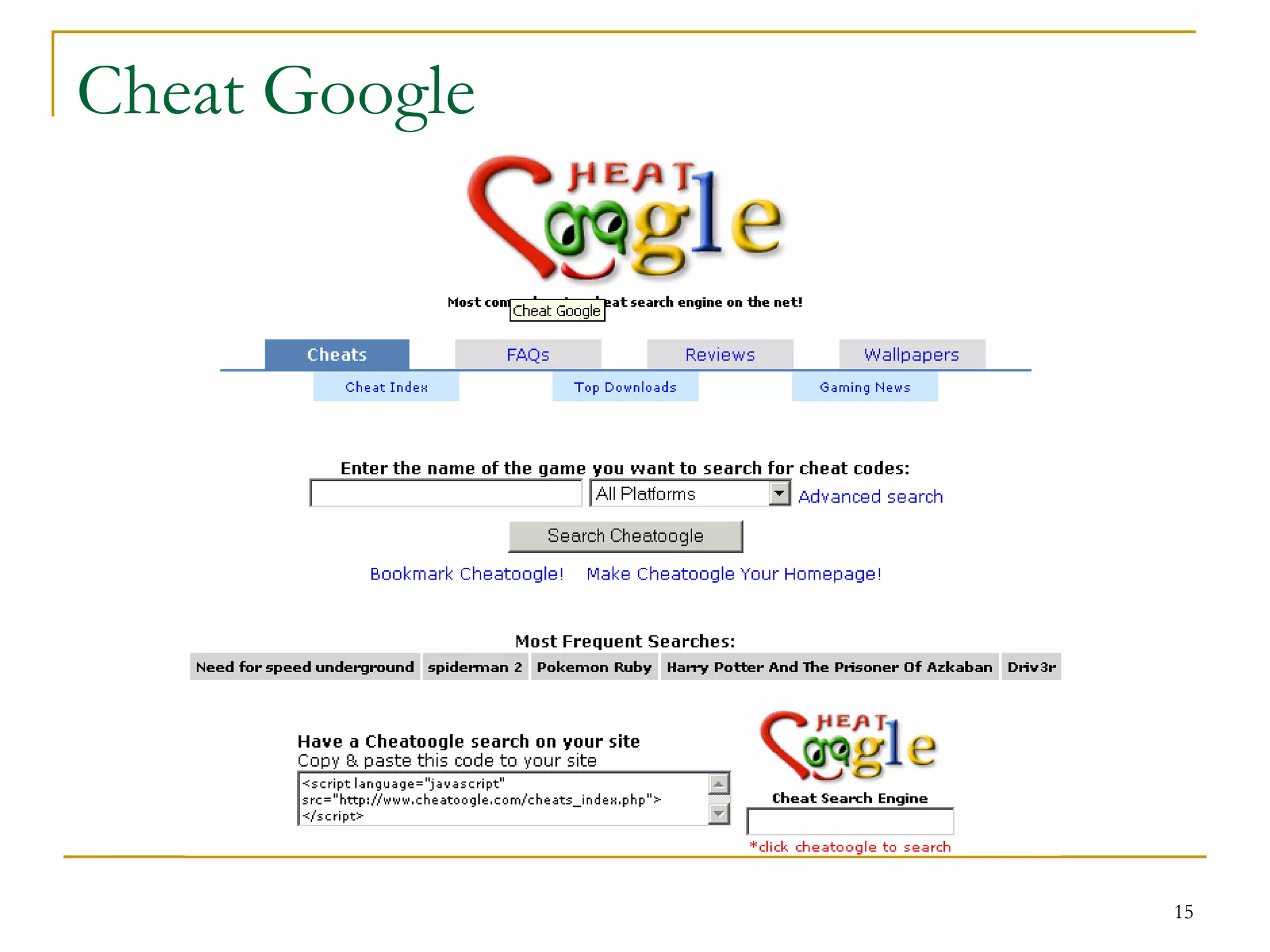
Cheat Google


               15
Google Whacking

   The „game‟ of finding 2 words searches (no
    quotes) that yield only one result.
       hobo matureness
       gigolo whitethroat


                                                 16
That’s all for now


          Applaud   or throw money…
                                  17
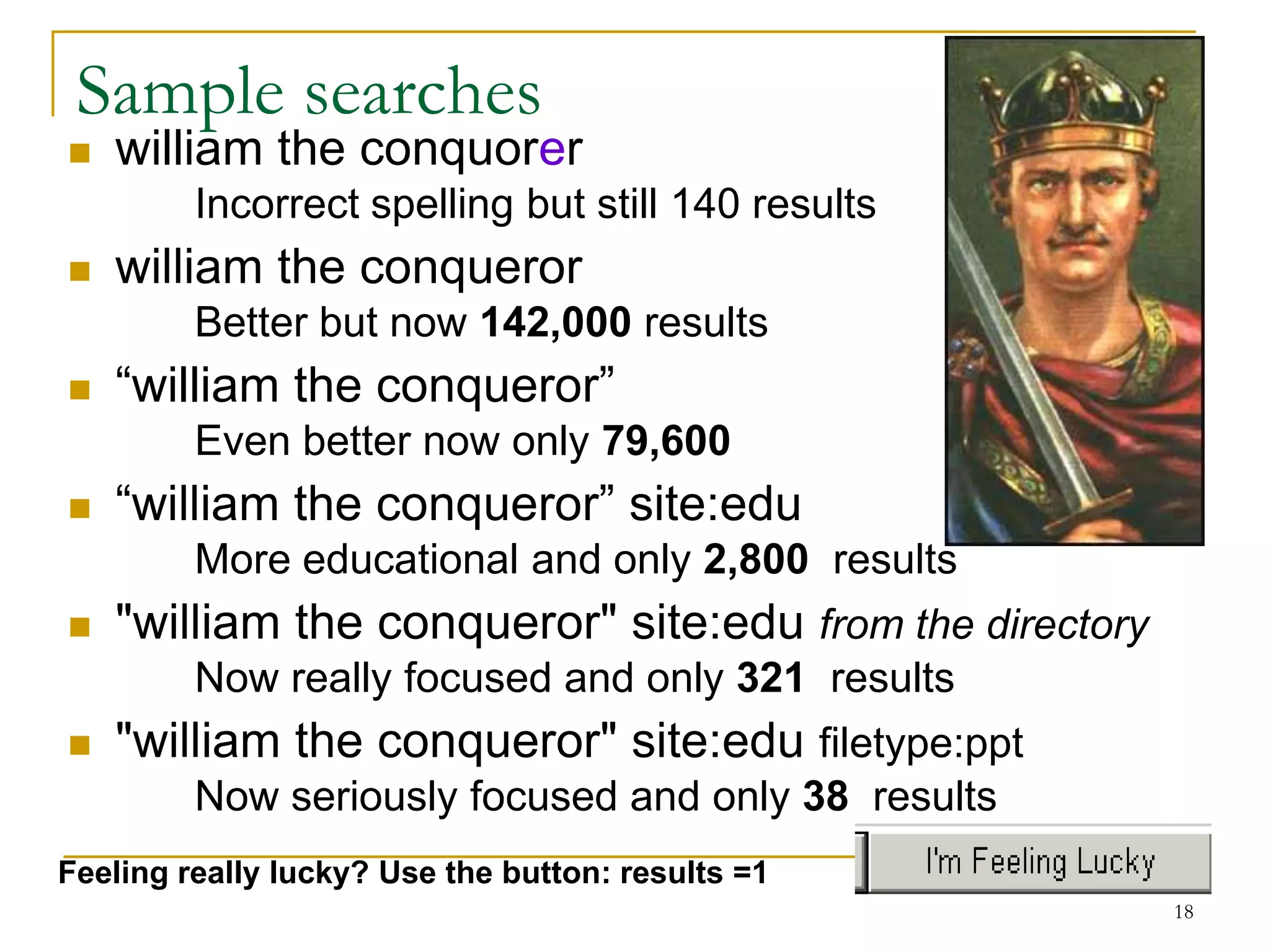
Sample searches
   william the conquorer
         Incorrect spelling but still 140 results
   william the conqueror
         Better but now 142,000 results
   “william the conqueror”
         Even better now only 79,600
   “william the conqueror” site:edu
         More educational and only 2,800 results
   "william the conqueror" site:edu from the directory
         Now really focused and only 321 results
   "william the conqueror" site:edu filetype:ppt
         Now seriously focused and only 38 results
Feeling really lucky? Use the button: results =1
                                                          18

dulces

  • 1.
    Better Assignment Research More marks in half the time
  • 2.
    Chris Waterman St Vincent’s College 1
  • 3.
    Articulate what youneed.  I need information on the Meiji period in Japanese history, including dates, major players, main facts and comparisons Primary Secondary Also rans Meiji People Global impact Japan Activities Comparisons Historical Determinants period Ask Jeeves; Bertie 2
  • 4.
    So where dowe start?  Ground floor foundations  MS student  Encarta (see search example)  World Book  www.mooter.com  http://www.rcls.org/ksearch.htm  BUBL (www.bubl.ac.uk) (dewey decimal system)  Yahoo  Wikipedia  Galaxy (national library of medicine) 3
  • 5.
    What’s really new?  Go for the latest and greatest  RSS feeds  Pluck  Etc.  Podcasts  Graylit networks 4
  • 6.
    So let’s Googlebetter.  Describe your search as completely as possible to narrow -- don’t capitalize, Google is case insensitive. (eg. a search for carnivore obtains a game, a type of animal and an FBI program, so specify your term)  Add quotes to limit search to those sites with this specific phrase: “history of chocolate”  Limit search to specific sites or file types: “history of chocolate” -.com filetype:ppt site:edu Most search  + to include; - to exclude (no spaces) engines have an advanced search similar to Google’s Go see William 5 the conker (er)
  • 7.
    Boolean Logic forSearches  AND -- This is assumed by Google. No need to add it in. To be or eg. Chocolate AND cadbury = chocolate cadbury not to be…  OR -- finds either term =chocolate OR cadbury  Stemming now works! Still use your wildcards: whole words only; * = any word  Nested Boolean Searches chocolate AND [diet OR health]  Don’t discard spelling errors  Try doing it double! Stop words internet internet   I, a, the, of. etc. Put them in quotes. 6
  • 8.
    Narrowing the searcheven further. Special Syntax  filetype:  intitle: Date Range  allintitle: •Remember it’s in Julian  site: There are many  intitle & site: (combo) converters available, don’t worry…  intext: http://aa.usno.navy.mil/da  related: ta/docs/JulianDate.html For the maths dept only: site:com site:edu assumes an AND. Use this to make it OR something (site:edu | site:com) 7
  • 9.
    Directories When yougo to the library, you have: subject, author, title, etc, searches. Mostly you stick to „subject‟. That‟s what you can do with Google too. The Directory describes the whole web site, so the result is a reduced subject specific search. 8
  • 10.
    Remember this aboutGoogle  Advertising, you can pay to have sites ranked at the top  Results listing is not accurate; it is transitory  Will not show more than 1000 results per search  Will not search more than ten words in search box use your wild cards here, they don’t count  Won’t show more than two results per site  Google gives its highest rating to sites that have lots of links from other sites. 9
  • 11.
    So why botherwith anything else?  Unseen WEB – Google doesn’t get to everything You may need to use other engines in conjunction  Ephemeral stuff  Use Google’s cache option  Gray literature  Academic papers committee reports journals  Conference papers corporate docs trade papers http://graylit.osti.gov http://adt.caul.edu.au www.slnsw.gov.au http://www.nla.gov.au 10
  • 12.
    So why botherwith anything else?  Quality, specific Information – demands better searching skills  Nature of Structured Documents Advanced Search Training  Sometimes you are looking for a more obscure site  You may be searching a material type that another search engine will do better chance… all search engines search a slightly different database - you just might be luckier with another! 11
  • 13.
    Only if wehave time… 12
  • 14.
    Some more coolstuff  Google Labs – the coolest feature of all  Google calculates!  Calculate in words Try converting Celsius  Google defines to Fahrenheit and more  Google translates  Look up the news  Where to get pictures  Speak: Try the definitions search box for  Swedish chef  maths or irrational number  Elmer Fudd  Klingon  teacher  Go shopping with Froogle or catalogues  Give the sets a go  Join a group (ok, this is daggy but some people like it) 13
  • 15.
    Google sites  http://alltooflat.com/geeky/elgoog/  http://www.google.com/coop  http://www.google.com/trends  http://www.elgoog.com 14
  • 16.
  • 17.
    Google Whacking  The „game‟ of finding 2 words searches (no quotes) that yield only one result.  hobo matureness  gigolo whitethroat 16
  • 18.
    That’s all fornow Applaud or throw money… 17
  • 19.
    Sample searches  william the conquorer Incorrect spelling but still 140 results  william the conqueror Better but now 142,000 results  “william the conqueror” Even better now only 79,600  “william the conqueror” site:edu More educational and only 2,800 results  "william the conqueror" site:edu from the directory Now really focused and only 321 results  "william the conqueror" site:edu filetype:ppt Now seriously focused and only 38 results Feeling really lucky? Use the button: results =1 18