
MJ Ferdous
Technical Specialist
Email: a-mjferd@microsoft.com
Microsoft SharePoint Solution
Document Management Solution under Intranet Portal
http://www.discoversharepoint.com/
What are we going to talk about here?
• About Microsoft SharePoint Solution
• Why Document Management Solution?
• One Drive for Business
• Workflow in Process Automation
• Smart with Enterprise Search
• Case Study
http://www.discoversharepoint.com/
What is SharePoint?
• Microsoft SharePoint is a Web application platform developed
by Microsoft. SharePoint Portal is a Web Sites similar to you access others
site in a web browser such as Internet Explorer, Chrome, or Firefox.
• You can use it as a secure place to store, organize, share, and access
information from almost any device.
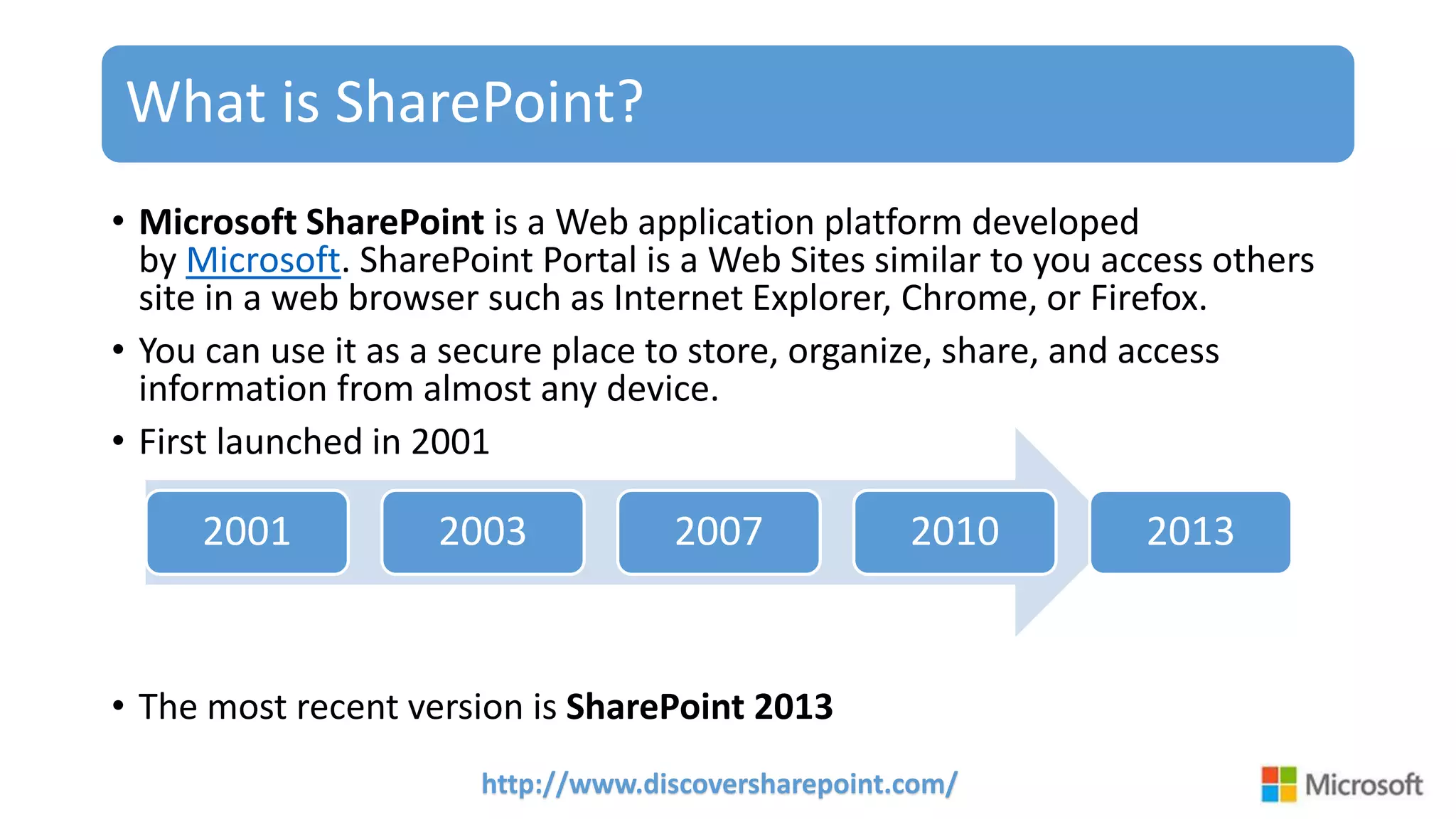
• First launched in 2001
• The most recent version is SharePoint 2013
2001 2003 2007 2010 2013
http://www.discoversharepoint.com/
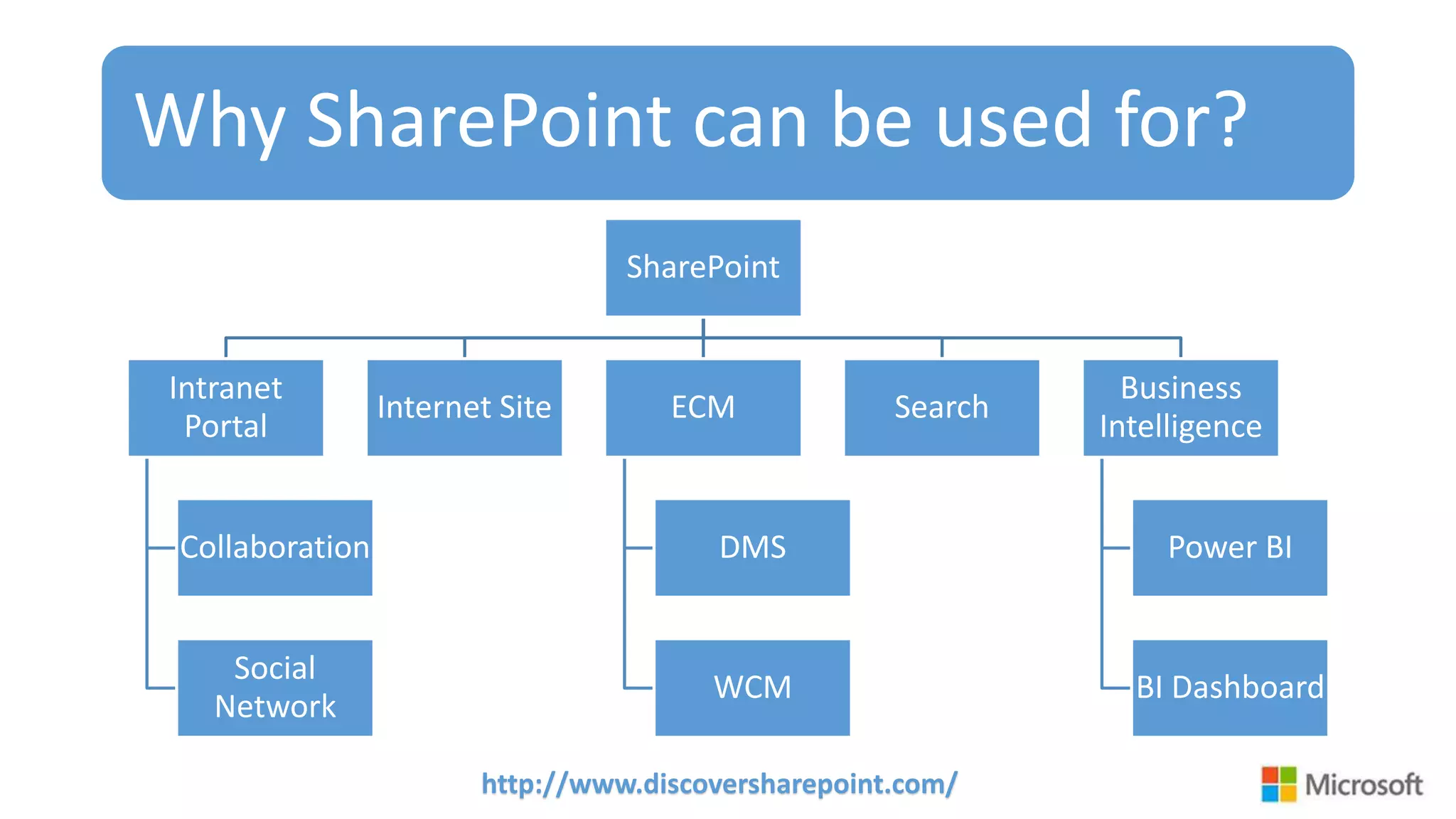
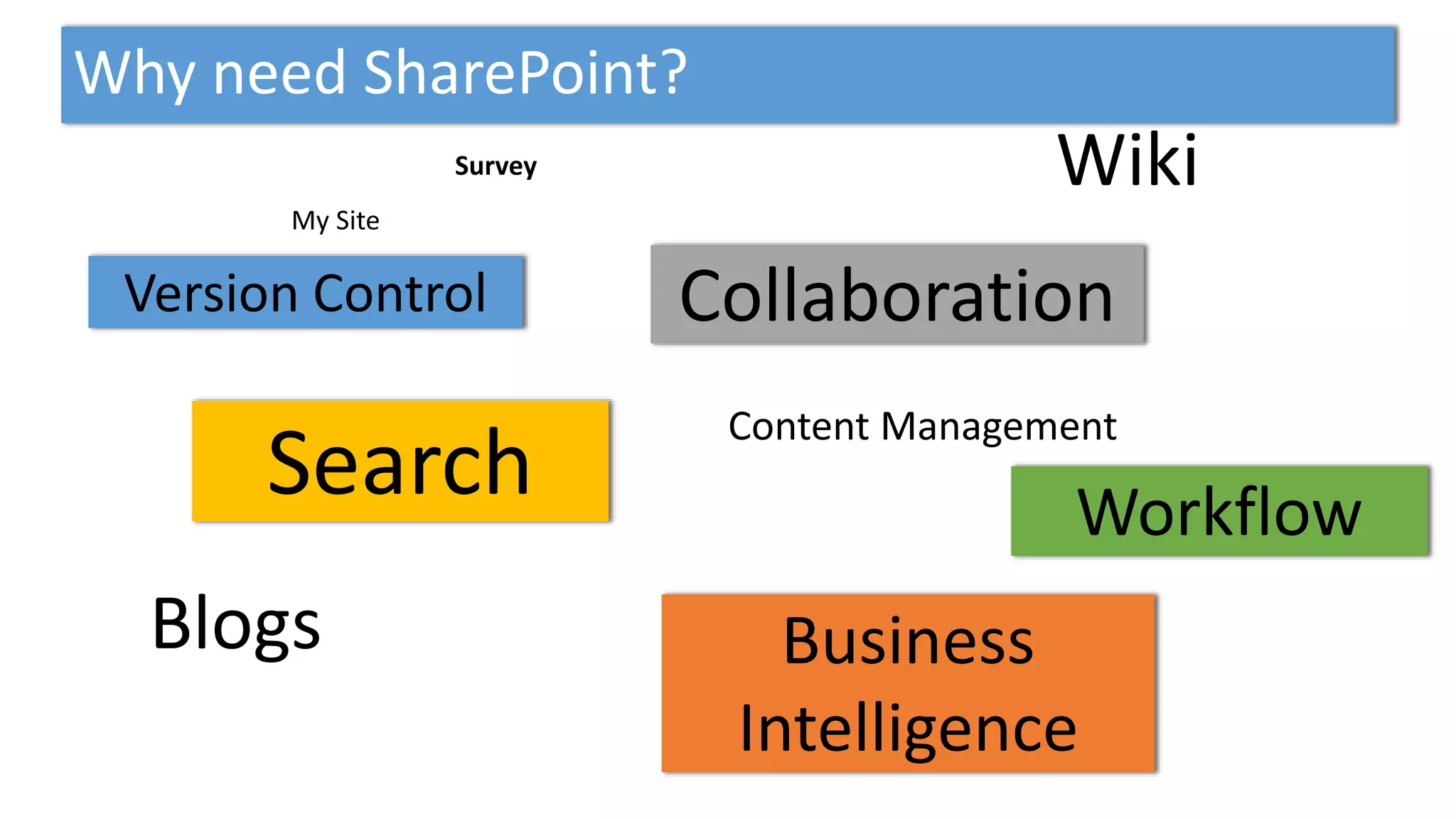
Why SharePoint can be used for?
SharePoint
Intranet
Portal
Collaboration
Social
Network
Internet Site ECM
DMS
WCM
Search
Business
Intelligence
Power BI
BI Dashboard
Why need Document Management Solution?
How do you manage you office documents?
• To Manage Unstructured Data (SP Library)
• Unstructured Data
• MS Word
• MS excel,
• Pdf,
• picture etc
How do you do (?) that?
• To Versioning, Approving (workflow), Auditing Document
Why need SharePoint?
Because Microsoft SharePoint makes life easier for people to work
together:
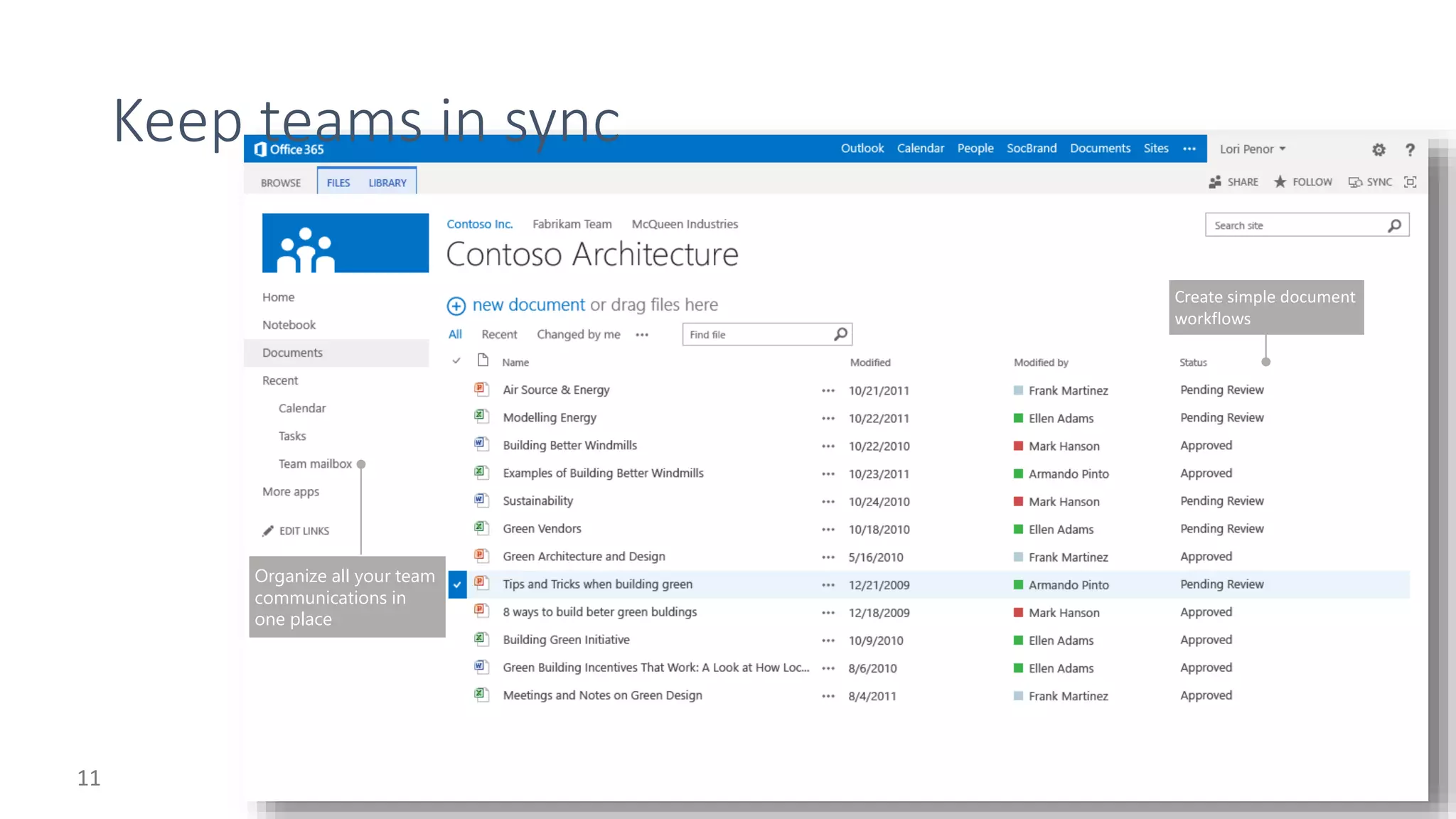
• SharePoint helps keep your whole organization in sync.
• SharePoint helps make processes and people more productive.
• SharePoint helps you deliver more engaging and effective customer
experiences.
• SharePoint makes it easier to crunch the numbers with other people.
• SharePoint can help assist you in achieving legal and regulatory
compliance.
• SharePoint helps balance IT and business needs.
Why need SharePoint?
• Because Microsoft SharePoint makes life easier for people to work
together.
Why need SharePoint?
Organize all your team
communications in
one place
http://www.discoversharepoint.com/
Document Library
Live Demo
http://www.discoversharepoint.com/
SharePoint Workflow
• Workflows in SharePoint 2013 allow you to model and automate
your business processes.
• These business processes can be as simple as a document approval
process with a single approver
• As complex as customer-facing product catalog using web service calls
and database support
• As formidable as virtually any structured business process, full of
conditions, loops, user inputs, tasks, and custom actions.
http://www.discoversharepoint.com/
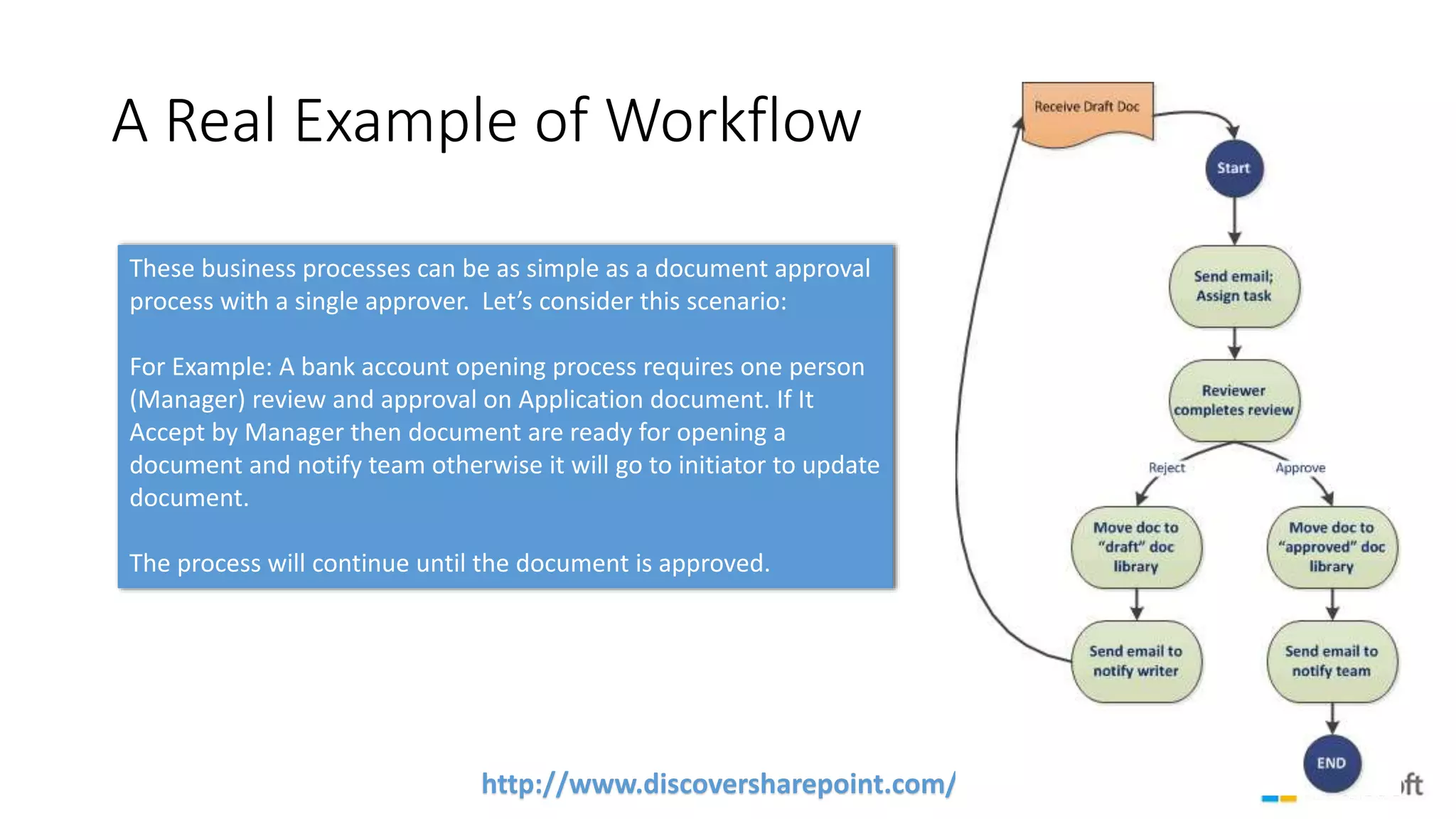
A Real Example of Workflow
These business processes can be as simple as a document approval
process with a single approver. Let’s consider this scenario:
For Example: A bank account opening process requires one person
(Manager) review and approval on Application document. If It
Accept by Manager then document are ready for opening a
document and notify team otherwise it will go to initiator to update
document.
The process will continue until the document is approved.
http://www.discoversharepoint.com/
Workflow
Live Demo
http://www.discoversharepoint.com/
Enterprise Search
Live Demo
YOUR QUESTIONS.

SharePoint Document Management

  • 1.
    MJ Ferdous Technical Specialist Email:a-mjferd@microsoft.com Microsoft SharePoint Solution Document Management Solution under Intranet Portal
  • 2.
    http://www.discoversharepoint.com/ What are wegoing to talk about here? • About Microsoft SharePoint Solution • Why Document Management Solution? • One Drive for Business • Workflow in Process Automation • Smart with Enterprise Search • Case Study
  • 3.
    http://www.discoversharepoint.com/ What is SharePoint? •Microsoft SharePoint is a Web application platform developed by Microsoft. SharePoint Portal is a Web Sites similar to you access others site in a web browser such as Internet Explorer, Chrome, or Firefox. • You can use it as a secure place to store, organize, share, and access information from almost any device. • First launched in 2001 • The most recent version is SharePoint 2013 2001 2003 2007 2010 2013
  • 4.
    http://www.discoversharepoint.com/ Why SharePoint canbe used for? SharePoint Intranet Portal Collaboration Social Network Internet Site ECM DMS WCM Search Business Intelligence Power BI BI Dashboard
  • 5.
    Why need DocumentManagement Solution? How do you manage you office documents? • To Manage Unstructured Data (SP Library) • Unstructured Data • MS Word • MS excel, • Pdf, • picture etc How do you do (?) that? • To Versioning, Approving (workflow), Auditing Document
  • 6.
    Why need SharePoint? BecauseMicrosoft SharePoint makes life easier for people to work together: • SharePoint helps keep your whole organization in sync. • SharePoint helps make processes and people more productive. • SharePoint helps you deliver more engaging and effective customer experiences. • SharePoint makes it easier to crunch the numbers with other people. • SharePoint can help assist you in achieving legal and regulatory compliance. • SharePoint helps balance IT and business needs.
  • 7.
    Why need SharePoint? •Because Microsoft SharePoint makes life easier for people to work together.
  • 8.
  • 11.
    Organize all yourteam communications in one place
  • 13.
  • 14.
    http://www.discoversharepoint.com/ SharePoint Workflow • Workflowsin SharePoint 2013 allow you to model and automate your business processes. • These business processes can be as simple as a document approval process with a single approver • As complex as customer-facing product catalog using web service calls and database support • As formidable as virtually any structured business process, full of conditions, loops, user inputs, tasks, and custom actions.
  • 15.
    http://www.discoversharepoint.com/ A Real Exampleof Workflow These business processes can be as simple as a document approval process with a single approver. Let’s consider this scenario: For Example: A bank account opening process requires one person (Manager) review and approval on Application document. If It Accept by Manager then document are ready for opening a document and notify team otherwise it will go to initiator to update document. The process will continue until the document is approved.
  • 16.
  • 18.
  • 19.

Editor's Notes

  • #4 Note: You can use it as a secure place to store, organize, share, and access information from almost any device. All you need is a web browser, such as Internet Explorer, Chrome, or Firefox. http://blogs.msdn.com/b/ocarpen/archive/2012/07/31/sharepoint-2013-preview-is-launched.aspx
  • #5 SharePoint can be used to provide intranet portals, document & file management, collaboration, social networks, extranets, websites, enterprise search, and business intelligence. 
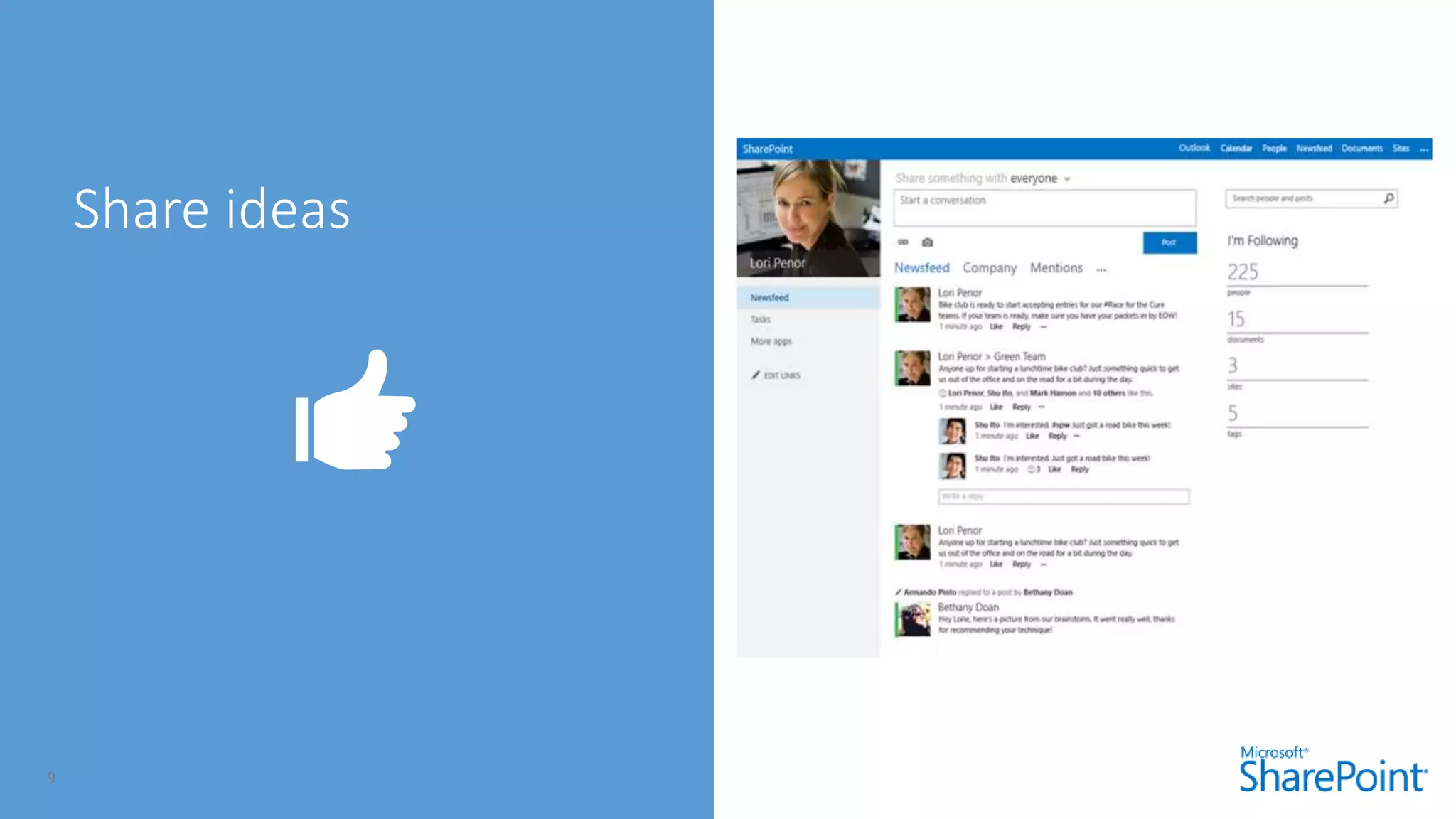
  • #10 As organizations look at becoming more social it’s crucial to think beyond a set of features, and start to understand how social can help them achieve some of their key business needs; such as keeping employees up-to-date, breaking down silos, increasing reuse of information, documenting tacit knowledge, finding who knows what, making collaborative decisions and putting social to work.
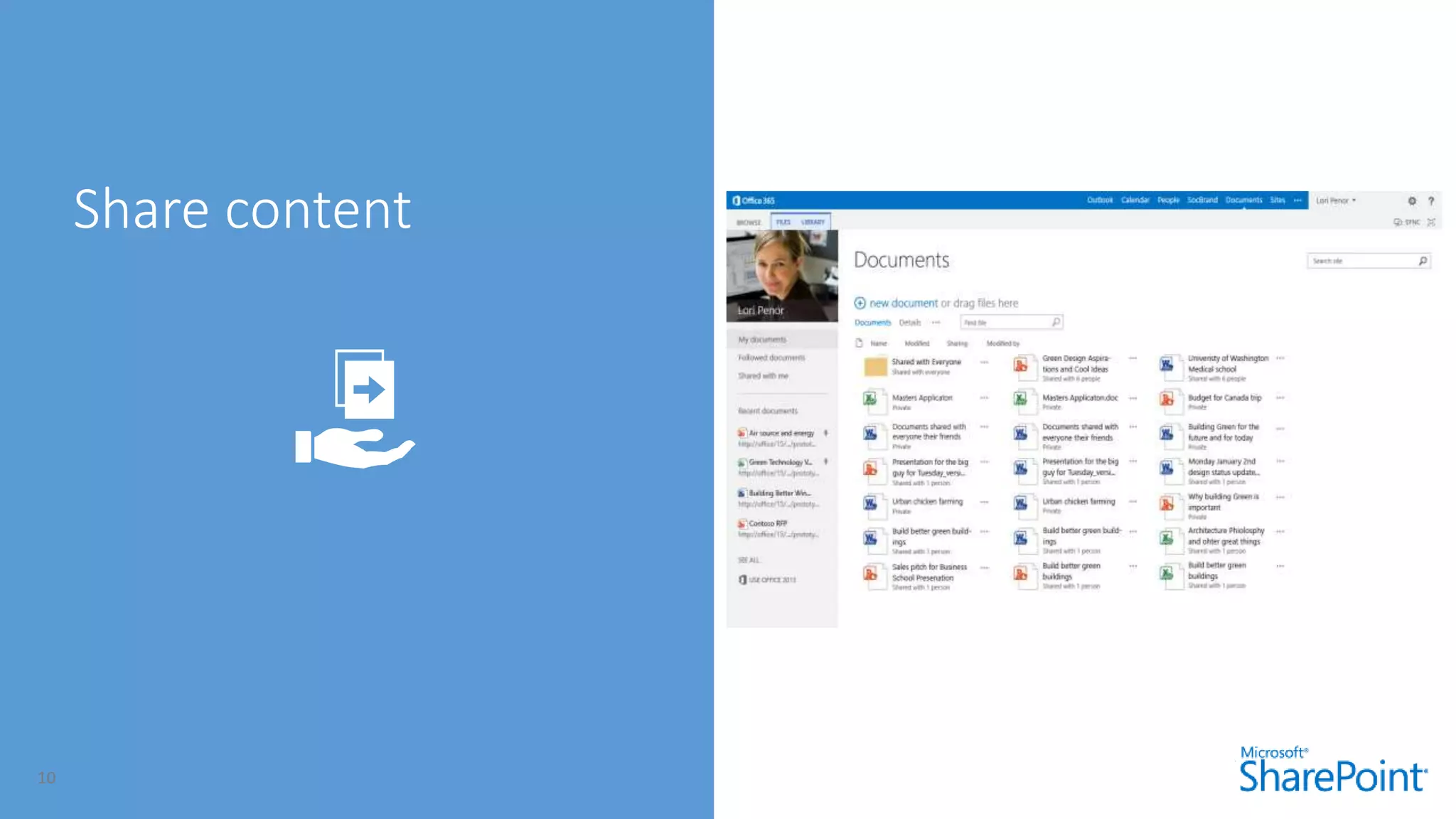
  • #11 With the next release of SharePoint we’ve focused on creating a brand new and simplified user experience so that common tasks like document sharing, editing lists inline and create sites in a few simple clicks are easier than ever but still keeping you firmly in control of your content.
  • #12 We’ve introduced a new feature that’s available in both SharePoint and Outlook so you can bring together all your team’s email and documents in one place. So if a colleague updates a client proposal or sends an email to the team on new product pricing you see the changes instantly and your team’s always in sync. Often teams cross company boundaries. You could be working with an external partner or customer.
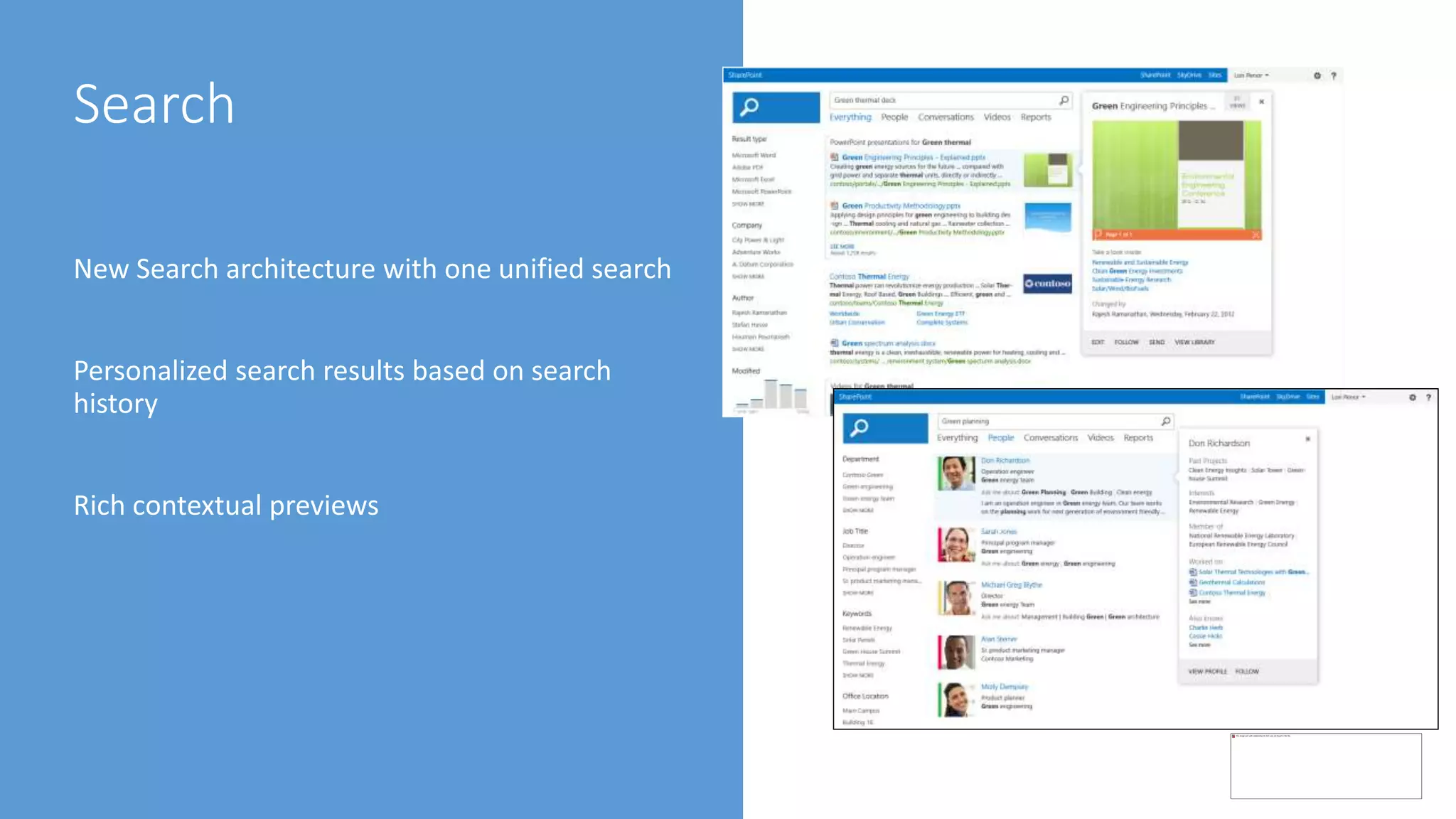
  • #18 Speaker Notes Personalized search results based on your search history: Make re-finding information easier than ever by promoting content that you’ve searched for in the past; making Search about more than finding documents, but as an aid to navigation. Rich contextual previews with meaningful actions:  Finding the right document is made simpler by providing a variety of previewing capabilities to ensure you’ve got the right document, combined with contextual actions to continue your journey and complete your task. Intelligent and customized search results experience: SharePoint “15” enhances results relevance out-of-box with an ability to alter the layout and ranking based on what you’re looking for, and what you’ve found; taking relevance to a new level and giving administrators powerful tools for improving the Search Experience.