A Lap Around Microsoft’s
Business Intelligence
Platform
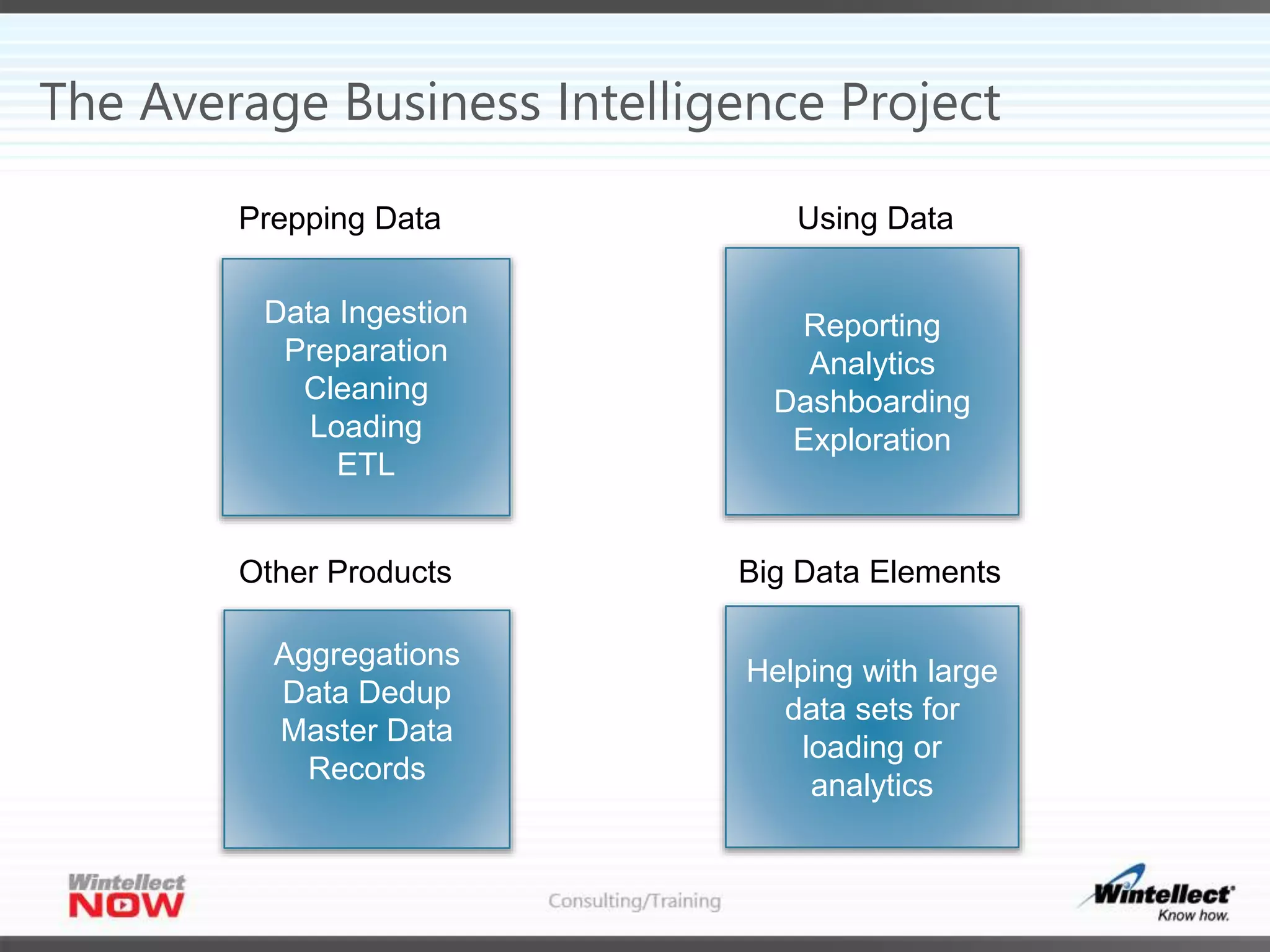
The Average Business Intelligence Project
Data Ingestion
Preparation
Cleaning
Loading
ETL
Reporting
Analytics
Dashboarding
Exploration
Prepping Data Using Data
Big Data Elements
Helping with large
data sets for
loading or
analytics
Other Products
Aggregations
Data Dedup
Master Data
Records
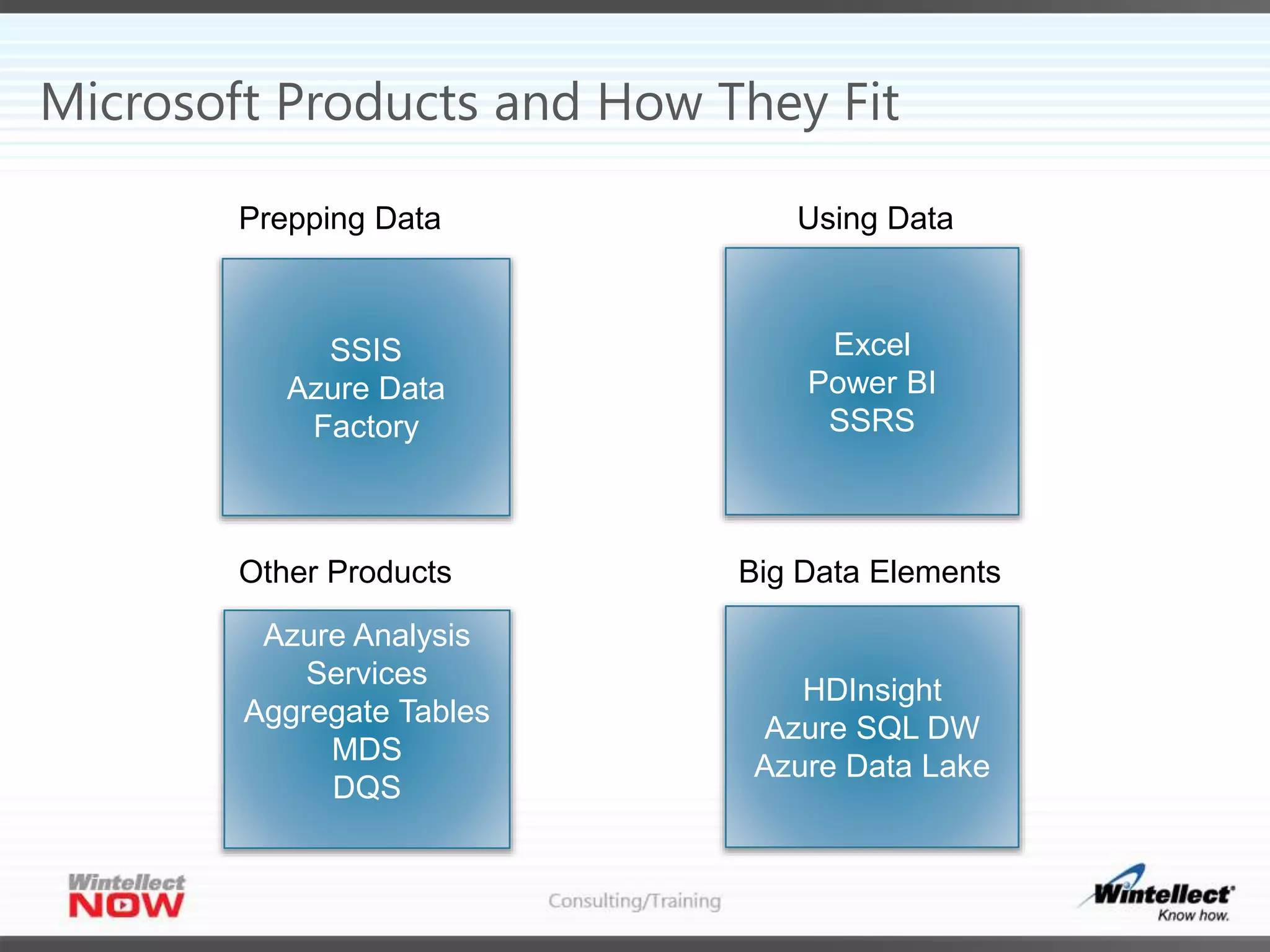
Microsoft Products and How They Fit
SSIS
Azure Data
Factory
Excel
Power BI
SSRS
Prepping Data Using Data
Big Data Elements
HDInsight
Azure SQL DW
Azure Data Lake
Other Products
Azure Analysis
Services
Aggregate Tables
MDS
DQS
Data Prep - SSIS
 ETL Tool
 Very versatile
 Only on premises or Azure VM (IAAS)
 Lots of addins
 Pull data from SAP, SalesForce, SQL, Oracle, PostgreSQL, MySQL, CSVs
Data Prep – Azure Data Factory
 Great for Sensor Data
 Hard to debug
 Hard to run manually
 Hard to create test versions and deploy
 Azure Platform-as-a-Service(PAAS)
Using Data – Power BI
 Great for visualizations
 Great for self-service BI
 Easy to share artifacts
 Hosted in the cloud or on-premise
 Great for mobile
 Embed in custom applications
Using Data - Excel
 Great tool! Still the gold standard!
 Think about sharing Excel worksheets in SharePoint online
 Great for visualizations
 Great for adhoc analysis
 Terrible as a data storage engine
 Terrible for repeatable reports that need to be shared with customers and outside
parties
 Terrible for printing
Using Data - SSRS
 Great for PDFs
 Static reports
 Created by developers
 Great for approved data
 Great for users who don’t want to explore
 Lots of export options
 Embed in custom applications
Report Portal Options
 SSRS
 Power BI
 SharePoint
 Custom
Big Data - HDInsight
 Hadoop as a PAAS offering
 Commonly used for ETL and data cleaning of massive data
 Hive
 Pig
 Spark
 Storm
 Kafka
 Languages use Java, Python, C#, SQL-like languages
 Charged when creating the cluster – node count
Big Data – Azure Data Lake
 Two different products
 Azure Data Lake Store
 WebHDFS
 Large files
 Pay for what you use
 Azure Data Lake Analytics
 Jobs are only charged when running ($0.03/per minute/per degree of parallelism)
 Each jobs has it’s own degree of parallelism
 Uses U-SQL to create jobs
 Mix of U-SQL/C#
Big Data – Azure SQL Data Warehouse
 Based on SQL Server
 On premise version is APS/PDW
 Only structured data (relational)
 Charged for entire cluster for entire time it’s running
 Degree of parallellism is at cluster creation but can be changed.
 Take time to change and may require data movement
 Can be paused
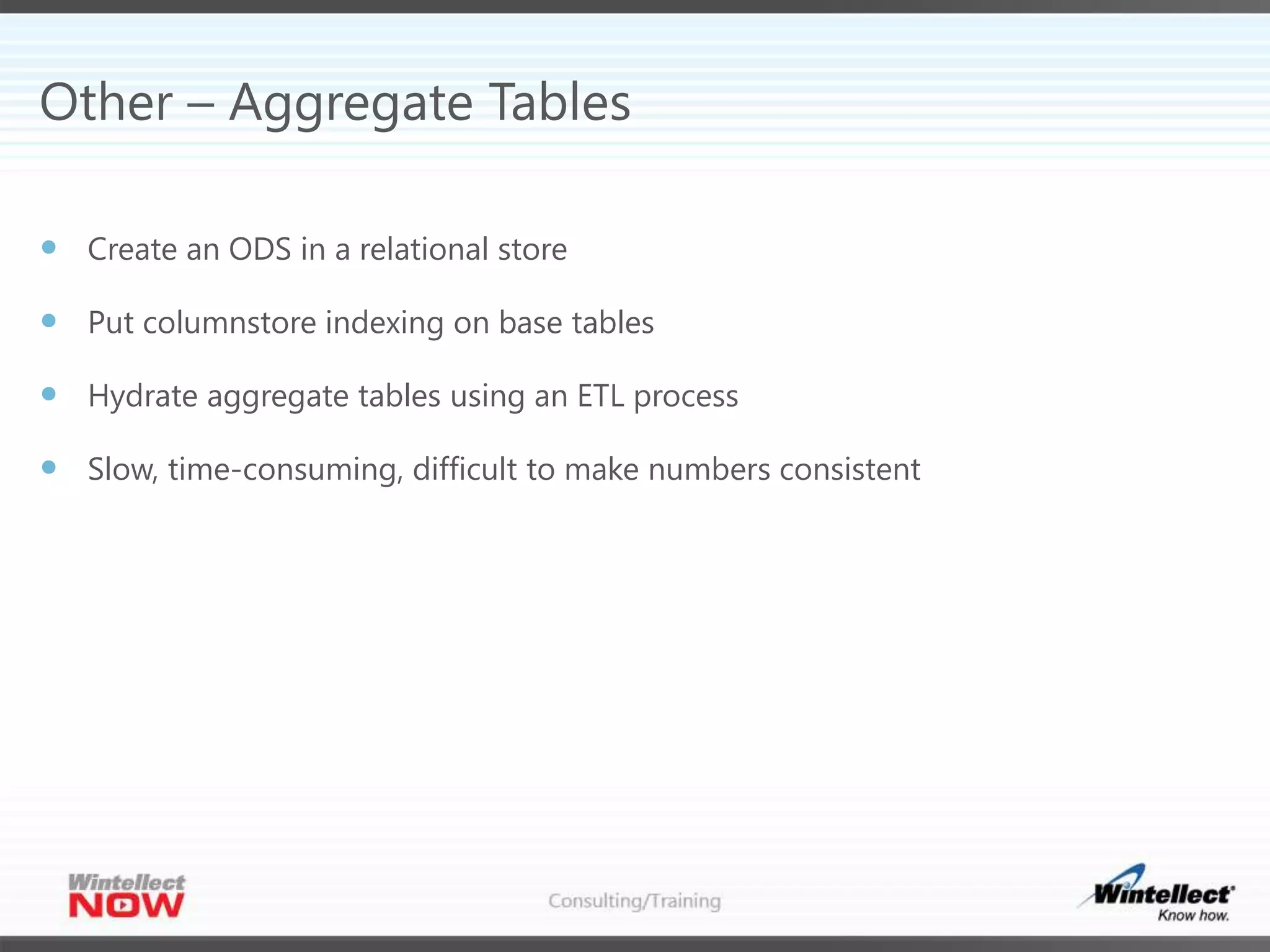
Other – Aggregate Tables
 Create an ODS in a relational store
 Put columnstore indexing on base tables
 Hydrate aggregate tables using an ETL process
 Slow, time-consuming, difficult to make numbers consistent
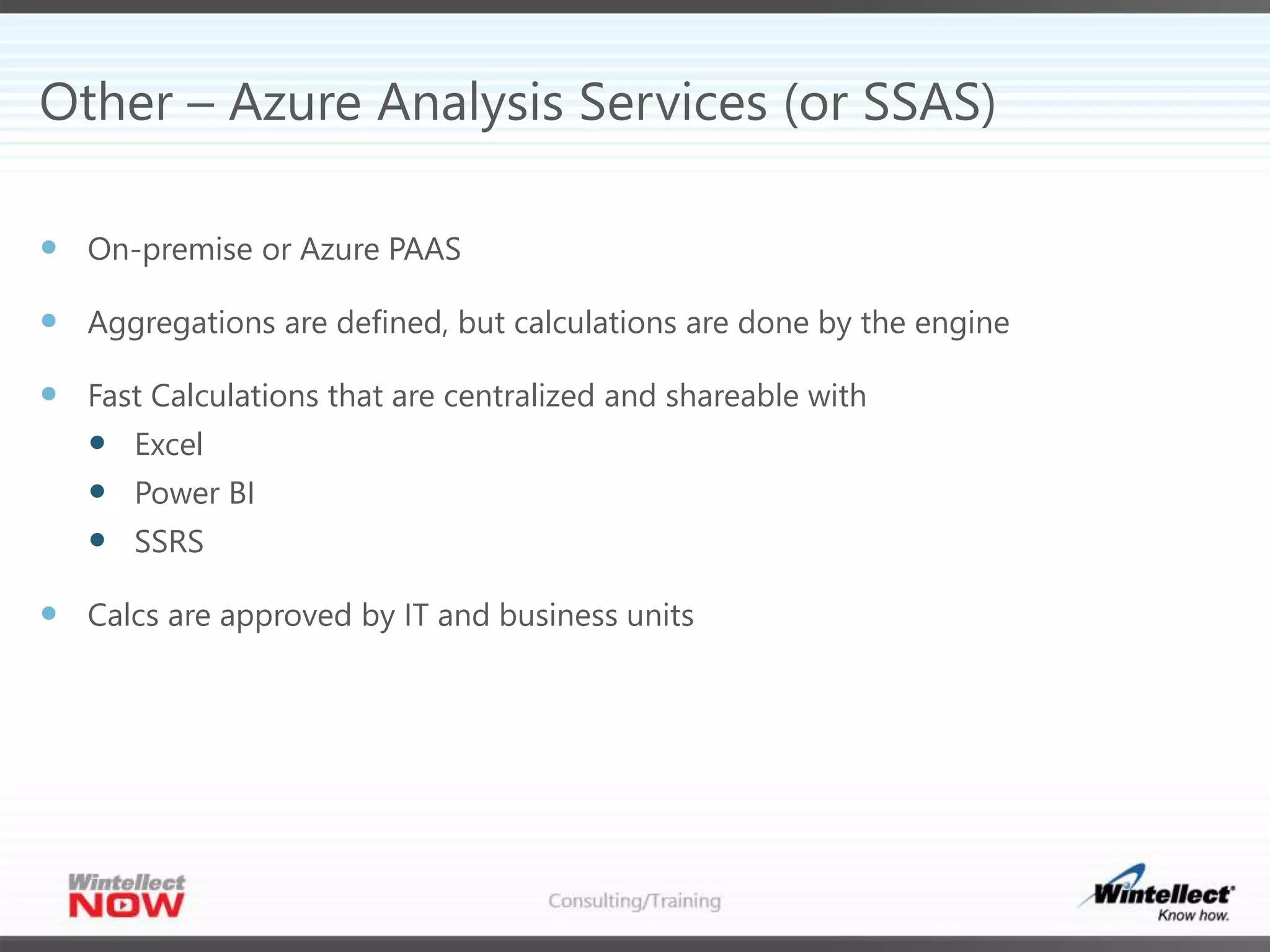
Other – Azure Analysis Services (or SSAS)
 On-premise or Azure PAAS
 Aggregations are defined, but calculations are done by the engine
 Fast Calculations that are centralized and shareable with
 Excel
 Power BI
 SSRS
 Calcs are approved by IT and business units
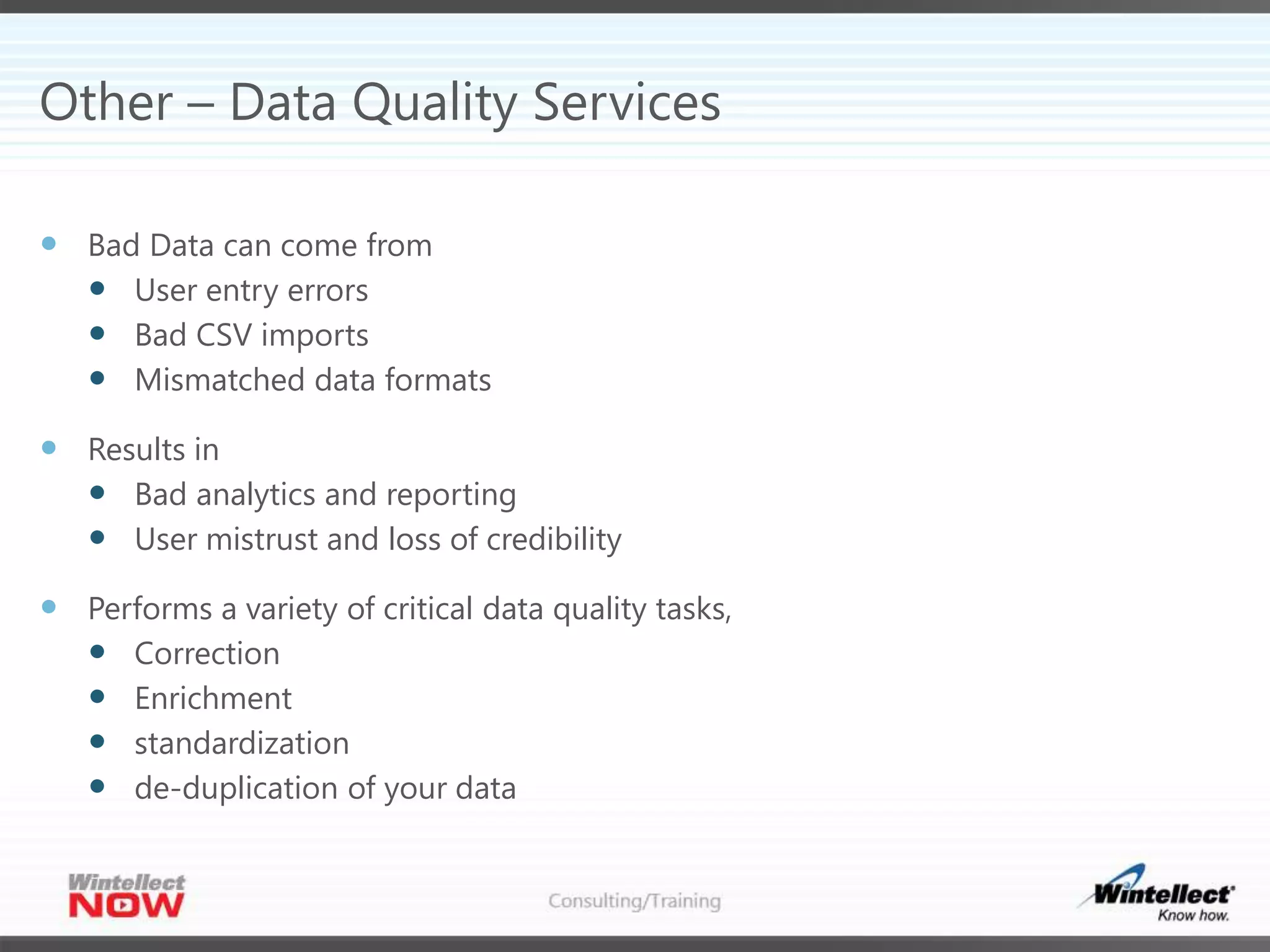
Other – Data Quality Services
 Bad Data can come from
 User entry errors
 Bad CSV imports
 Mismatched data formats
 Results in
 Bad analytics and reporting
 User mistrust and loss of credibility
 Performs a variety of critical data quality tasks,
 Correction
 Enrichment
 standardization
 de-duplication of your data
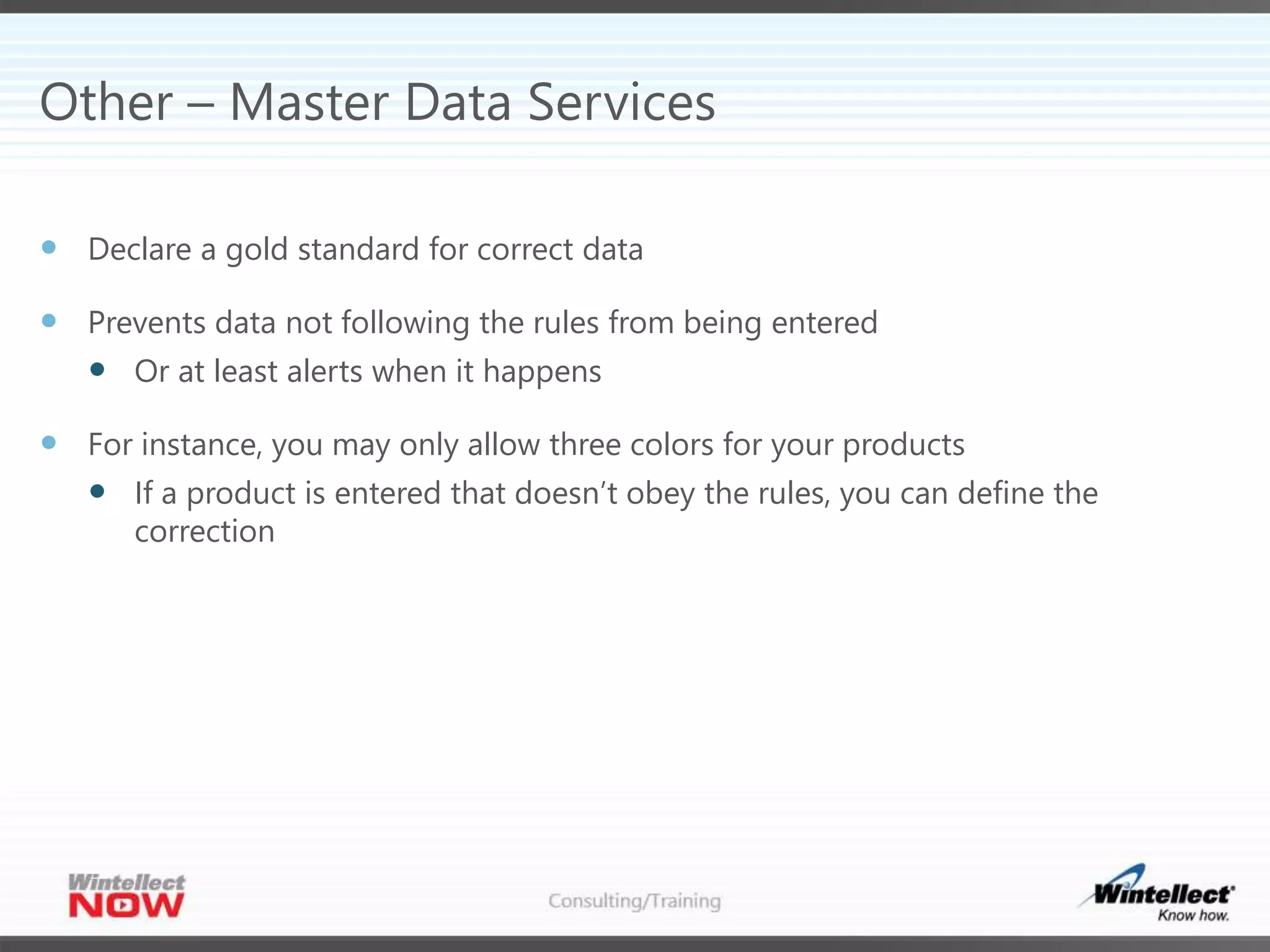
Other – Master Data Services
 Declare a gold standard for correct data
 Prevents data not following the rules from being entered
 Or at least alerts when it happens
 For instance, you may only allow three colors for your products
 If a product is entered that doesn’t obey the rules, you can define the
correction
Tips & Tricks for Success
 Keep your first project simple
 Code for reuse
 Audit, audit, audit
 Audit Reports
 Audit ETL
 Audit Data Usage
 Audit raw performance
 Keep the total number of tools down for awhile
 Control your export formats
 Watch your users!
 Adhoc is good enough!
Q & A
 Ike Ellis
 Crafting Bytes
 619.922.9801
 ike@craftingbytes.com
 Microsoft MVP
 Co-author of Developing Azure Solutions
 @ike_ellis
 Based in San Diego, CA
 Slides will be up on slideshare

A lap around microsofts business intelligence platform

  • 1.
    A Lap AroundMicrosoft’s Business Intelligence Platform
  • 2.
    The Average BusinessIntelligence Project Data Ingestion Preparation Cleaning Loading ETL Reporting Analytics Dashboarding Exploration Prepping Data Using Data Big Data Elements Helping with large data sets for loading or analytics Other Products Aggregations Data Dedup Master Data Records
  • 3.
    Microsoft Products andHow They Fit SSIS Azure Data Factory Excel Power BI SSRS Prepping Data Using Data Big Data Elements HDInsight Azure SQL DW Azure Data Lake Other Products Azure Analysis Services Aggregate Tables MDS DQS
  • 4.
    Data Prep -SSIS  ETL Tool  Very versatile  Only on premises or Azure VM (IAAS)  Lots of addins  Pull data from SAP, SalesForce, SQL, Oracle, PostgreSQL, MySQL, CSVs
  • 5.
    Data Prep –Azure Data Factory  Great for Sensor Data  Hard to debug  Hard to run manually  Hard to create test versions and deploy  Azure Platform-as-a-Service(PAAS)
  • 6.
    Using Data –Power BI  Great for visualizations  Great for self-service BI  Easy to share artifacts  Hosted in the cloud or on-premise  Great for mobile  Embed in custom applications
  • 7.
    Using Data -Excel  Great tool! Still the gold standard!  Think about sharing Excel worksheets in SharePoint online  Great for visualizations  Great for adhoc analysis  Terrible as a data storage engine  Terrible for repeatable reports that need to be shared with customers and outside parties  Terrible for printing
  • 8.
    Using Data -SSRS  Great for PDFs  Static reports  Created by developers  Great for approved data  Great for users who don’t want to explore  Lots of export options  Embed in custom applications
  • 9.
    Report Portal Options SSRS  Power BI  SharePoint  Custom
  • 10.
    Big Data -HDInsight  Hadoop as a PAAS offering  Commonly used for ETL and data cleaning of massive data  Hive  Pig  Spark  Storm  Kafka  Languages use Java, Python, C#, SQL-like languages  Charged when creating the cluster – node count
  • 11.
    Big Data –Azure Data Lake  Two different products  Azure Data Lake Store  WebHDFS  Large files  Pay for what you use  Azure Data Lake Analytics  Jobs are only charged when running ($0.03/per minute/per degree of parallelism)  Each jobs has it’s own degree of parallelism  Uses U-SQL to create jobs  Mix of U-SQL/C#
  • 12.
    Big Data –Azure SQL Data Warehouse  Based on SQL Server  On premise version is APS/PDW  Only structured data (relational)  Charged for entire cluster for entire time it’s running  Degree of parallellism is at cluster creation but can be changed.  Take time to change and may require data movement  Can be paused
  • 13.
    Other – AggregateTables  Create an ODS in a relational store  Put columnstore indexing on base tables  Hydrate aggregate tables using an ETL process  Slow, time-consuming, difficult to make numbers consistent
  • 14.
    Other – AzureAnalysis Services (or SSAS)  On-premise or Azure PAAS  Aggregations are defined, but calculations are done by the engine  Fast Calculations that are centralized and shareable with  Excel  Power BI  SSRS  Calcs are approved by IT and business units
  • 15.
    Other – DataQuality Services  Bad Data can come from  User entry errors  Bad CSV imports  Mismatched data formats  Results in  Bad analytics and reporting  User mistrust and loss of credibility  Performs a variety of critical data quality tasks,  Correction  Enrichment  standardization  de-duplication of your data
  • 16.
    Other – MasterData Services  Declare a gold standard for correct data  Prevents data not following the rules from being entered  Or at least alerts when it happens  For instance, you may only allow three colors for your products  If a product is entered that doesn’t obey the rules, you can define the correction
  • 17.
    Tips & Tricksfor Success  Keep your first project simple  Code for reuse  Audit, audit, audit  Audit Reports  Audit ETL  Audit Data Usage  Audit raw performance  Keep the total number of tools down for awhile  Control your export formats  Watch your users!  Adhoc is good enough!
  • 18.
    Q & A Ike Ellis  Crafting Bytes  619.922.9801  ike@craftingbytes.com  Microsoft MVP  Co-author of Developing Azure Solutions  @ike_ellis  Based in San Diego, CA  Slides will be up on slideshare