UDL 2.0http://metaatem.net/wordsBeth Poss, MA CCC-SLPChristopher R. Bugaj, MA CCC-SLP
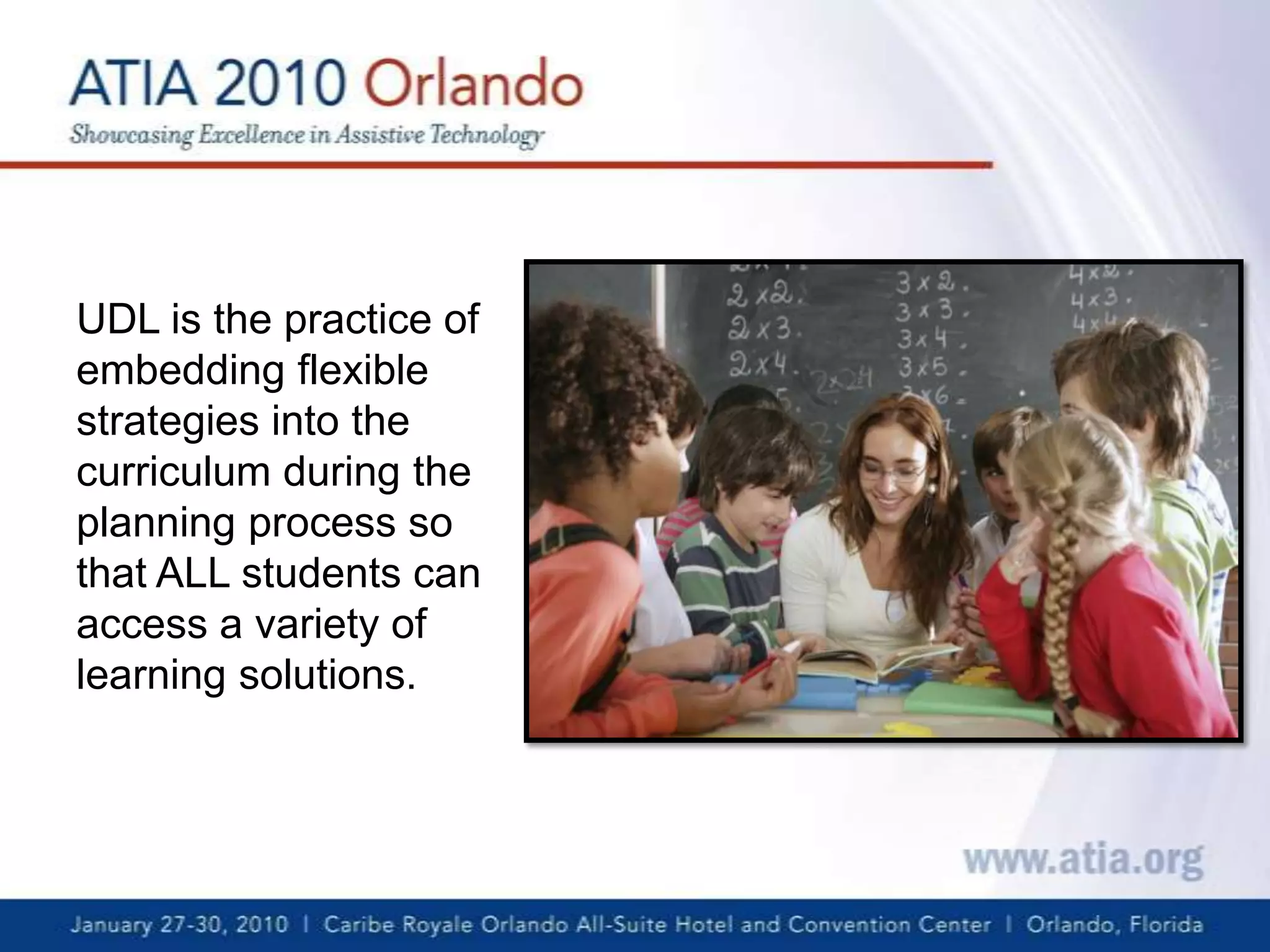
UDL is the practice of embedding flexible strategies into the curriculum during the planning process so that ALL students can access a variety of learning solutions.
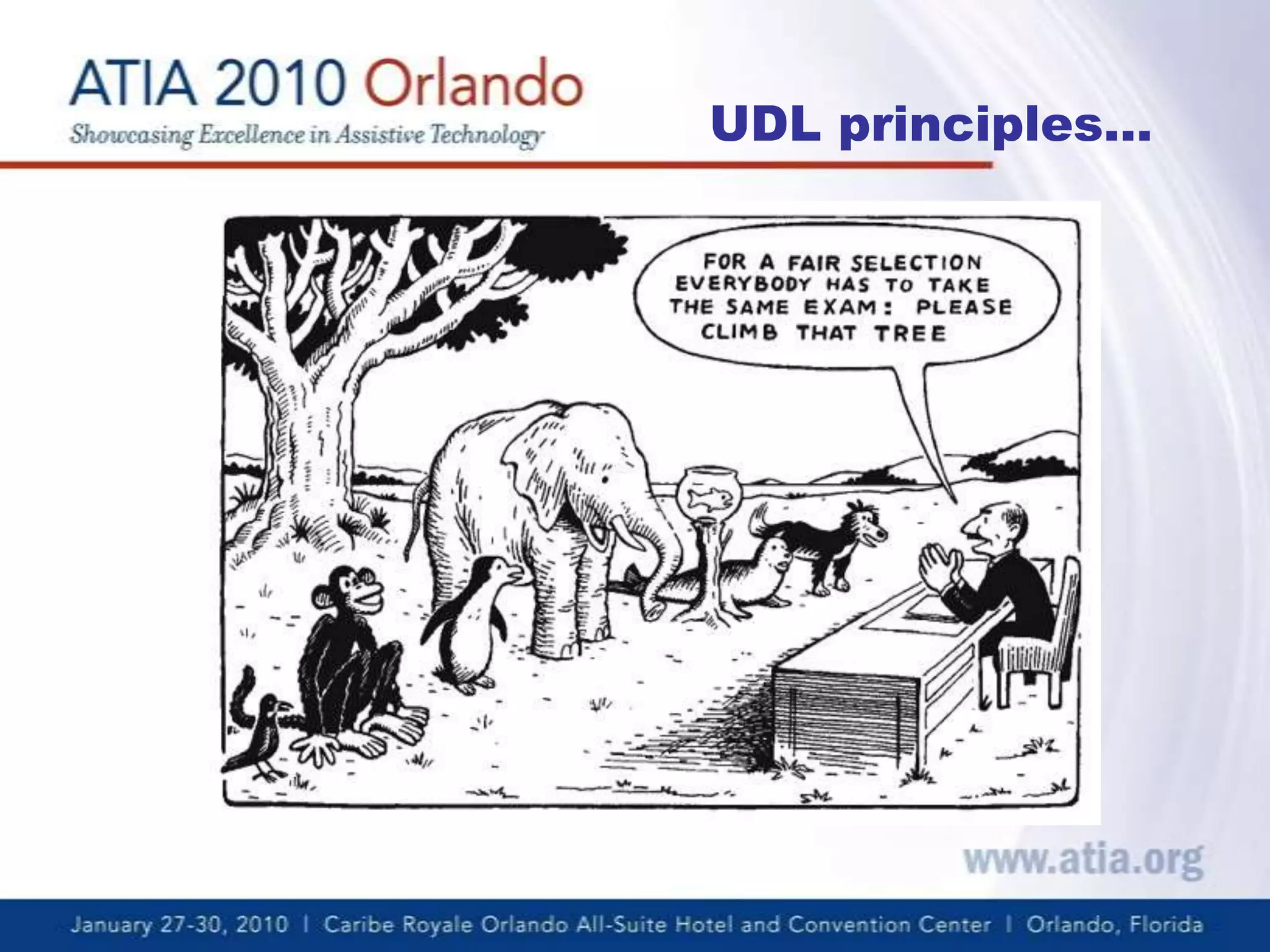
UDL principles…
Web 2.0 & New Possibilitiesfor Education   Web 2.0 provides a expansive learning world “inwhich the Web is seen as a two-way medium, where people are both readers and writers. The main catalyst for this is social software, allowing communication and collaboration between two or more people”. (O’Reilly, 2005)
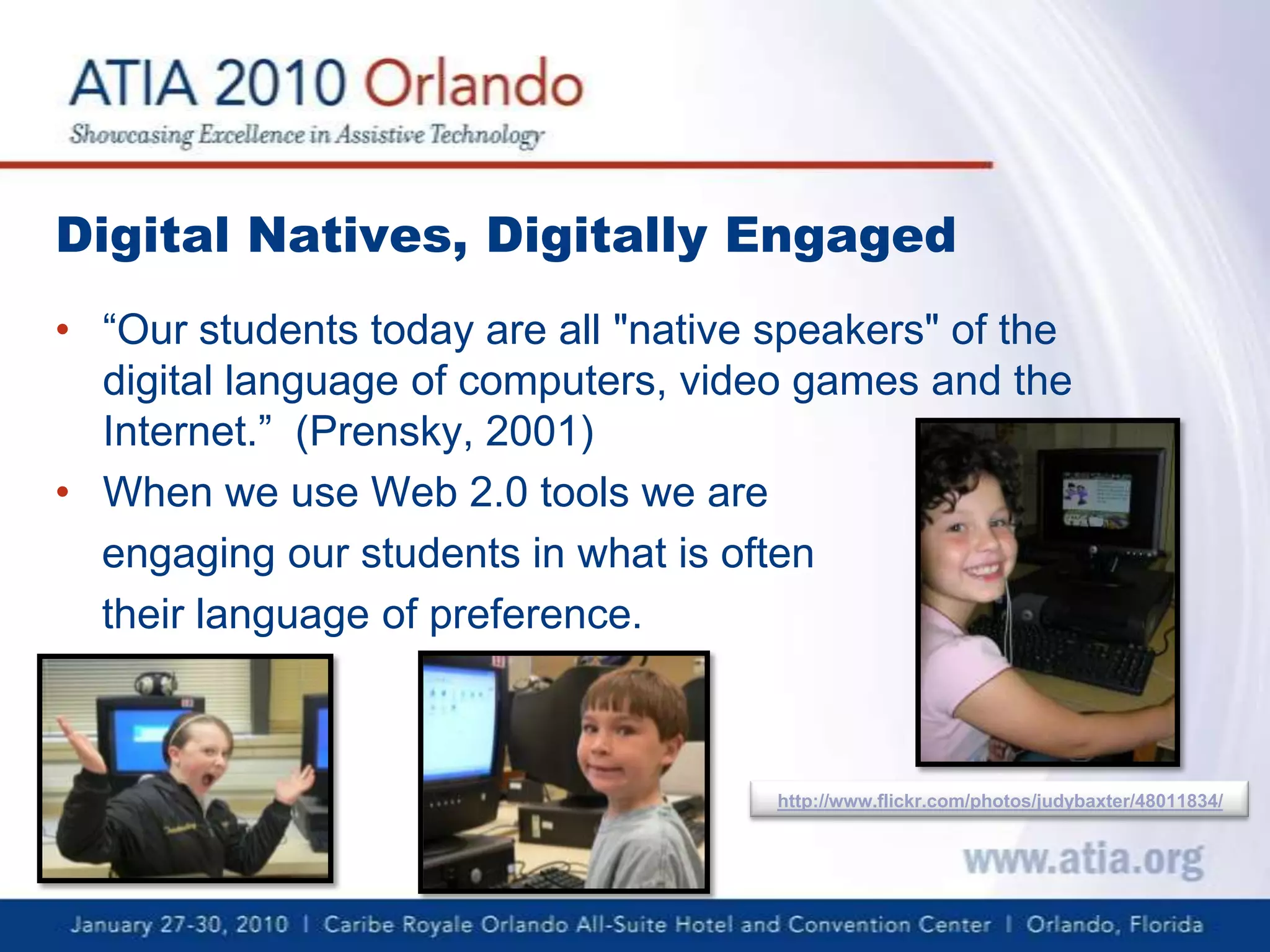
Digital Natives, Digitally Engaged“Our students today are all "native speakers" of the digital language of computers, video games and the Internet.”  (Prensky, 2001)When we use Web 2.0 tools we are engaging our students in what is often their language of preference.http://www.flickr.com/photos/judybaxter/48011834/
Universal Design for Learning meets Web 2.0Universal Design for LearningMultiple means of EngagementMultiple means of RepresentationMultiple means of ExpressionWeb 2.0User-centeredInformation sharingCollaborationBlanket term for any website that is more than absorbing content
Our CriteriaDoes it provide all three principles of UDL?Is it relatively easy to use?Is it free?What is the registration process?Appropriate Content?  Is it better to have a student  stumble across something that’s “inappropriate” which can be used as a learning opportunity OR deny access completely so the student does not experience the “inappropriate” content?  We let you decide.
Glogster EDU - Multimedia PosterRepresentationVideo, audio, images and textPresent curriculum information in an engaging, interactive mannerExpressionCollaborativePresentation alternative
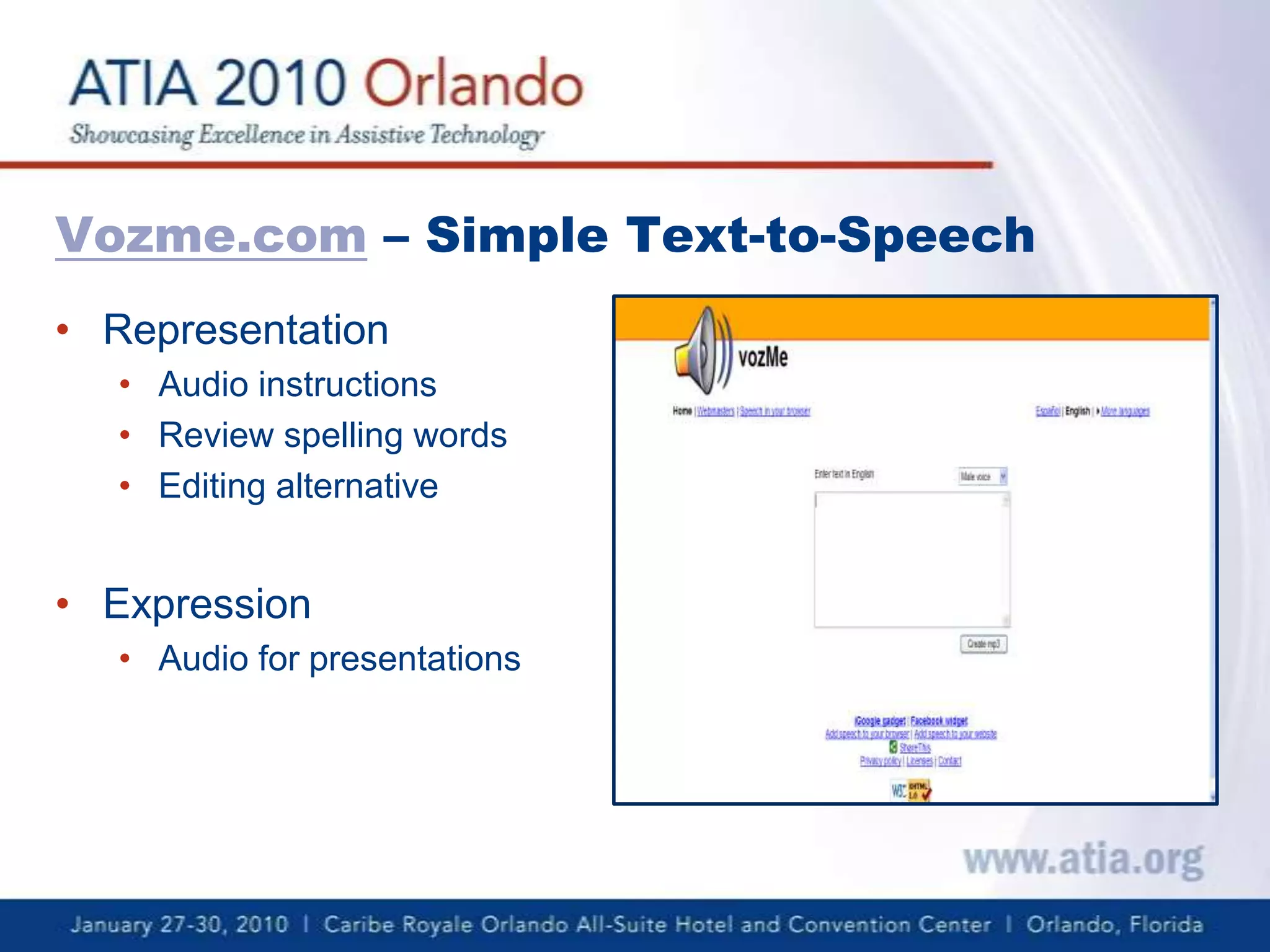
Vozme.com – Simple Text-to-SpeechRepresentation Audio instructionsReview spelling wordsEditing alternativeExpression  Audio for presentations
Flickr— Online photo and video sharingRepresentationAnnotations to photos as prompts, provide informationVisually represent ideas, curricular conceptsMany Creative Commons licensed files that can be used freely ExpressionCollaborative or individual use of annotations by studentsAlternative presentation formats
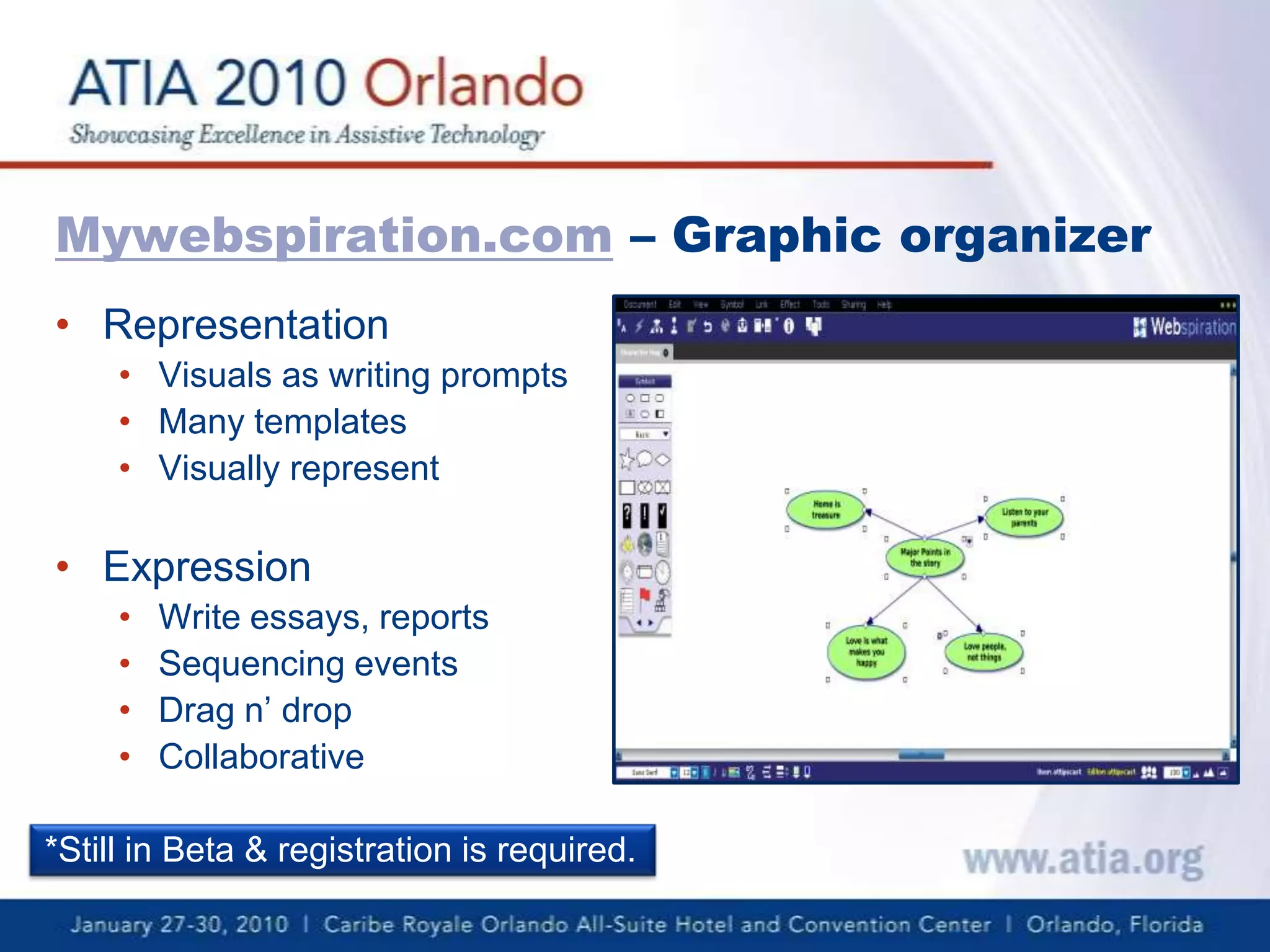
Mywebspiration.com – Graphic organizerRepresentation Visuals as writing promptsMany templatesVisually representExpressionWrite essays, reportsSequencing eventsDrag n’ dropCollaborative*Still in Beta & registration is required.
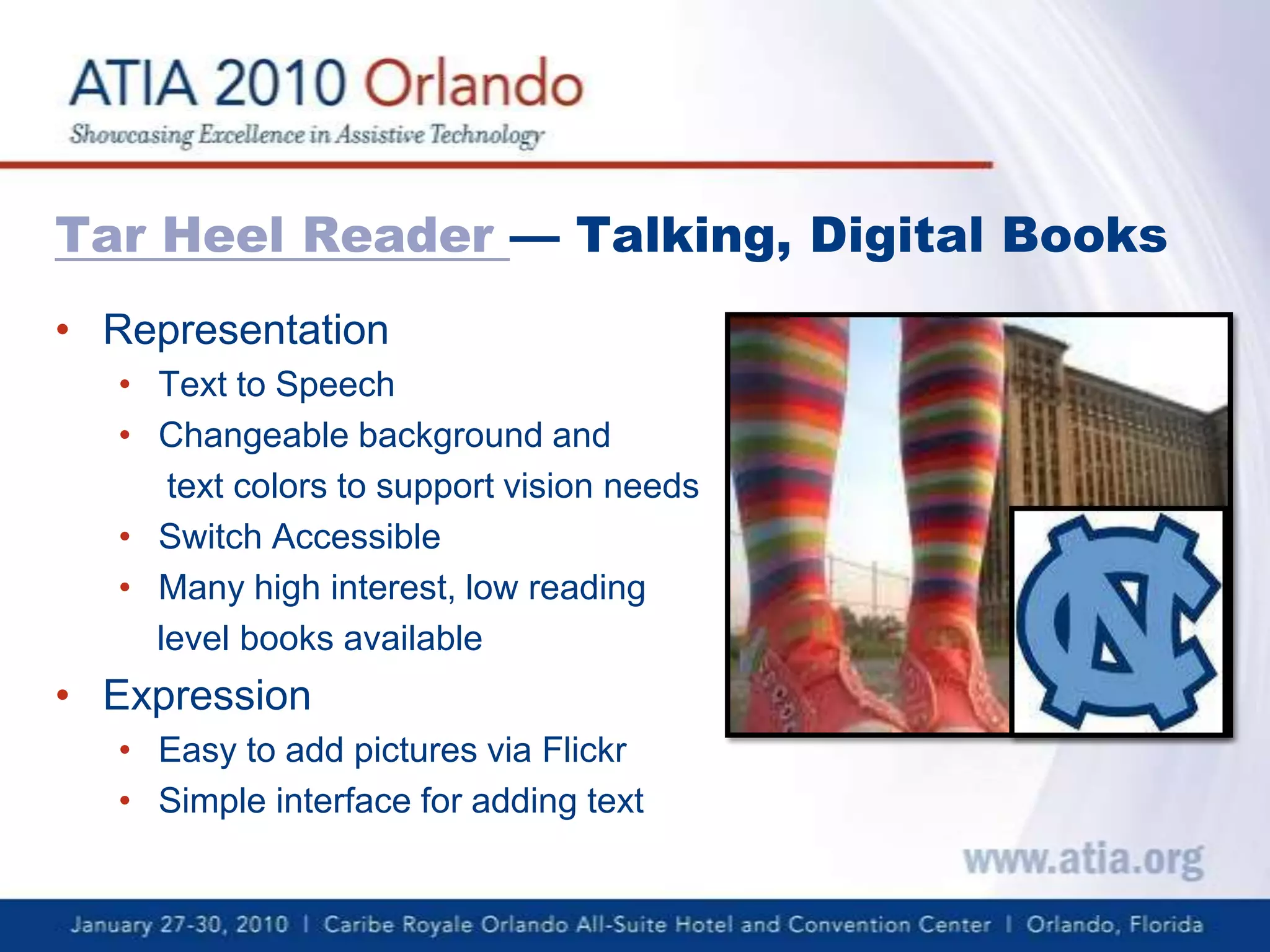
Tar Heel Reader — Talking, Digital BooksRepresentationText to SpeechChangeable background and      text colors to support vision needsSwitch AccessibleMany high interest, low reading     level books availableExpressionEasy to add pictures via FlickrSimple interface for adding text
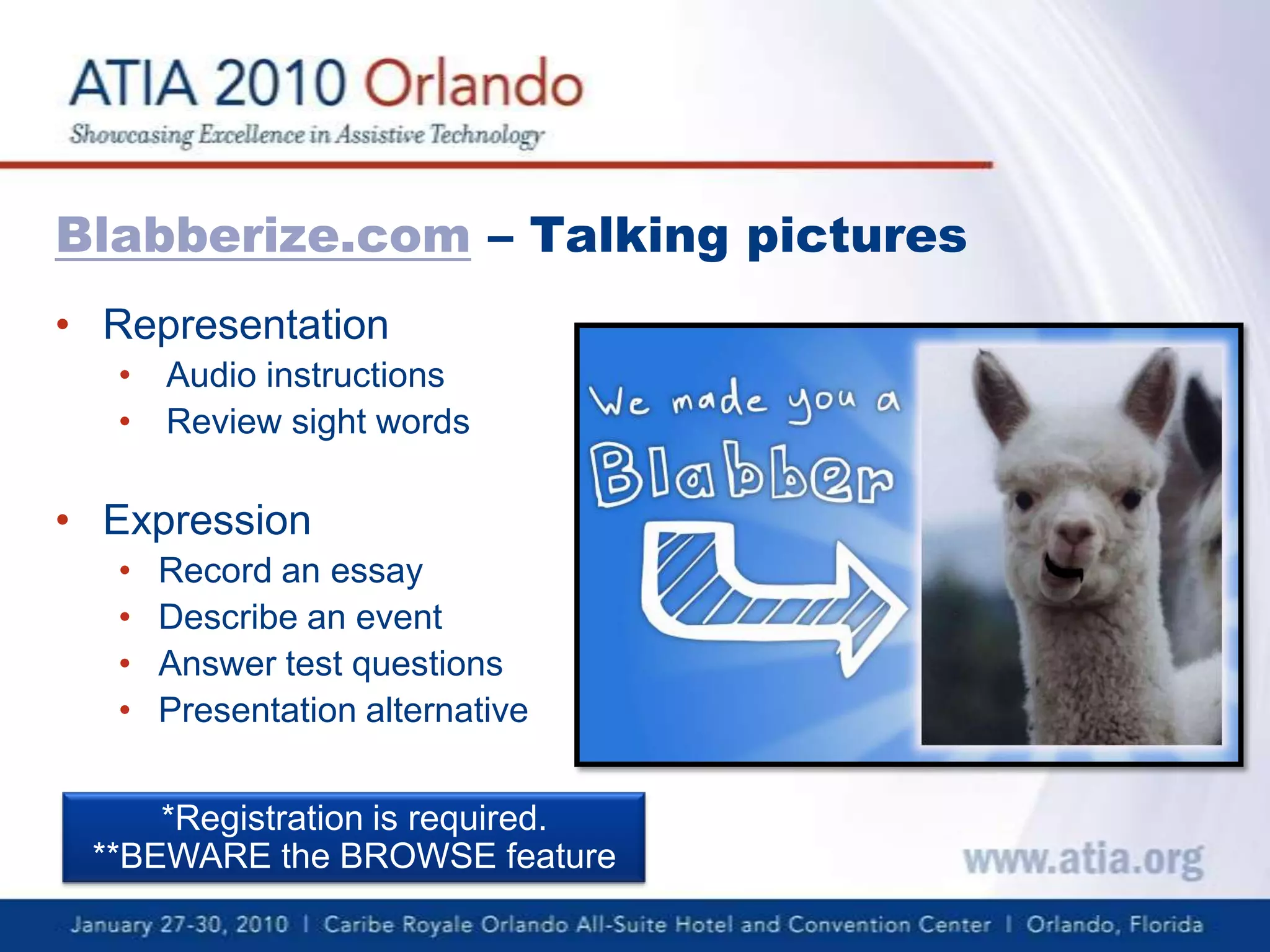
Blabberize.com – Talking picturesRepresentation
Audio instructions
Review sight words
Expression
Record an essay
Describe an event

UDL 2.0

  • 1.
    UDL 2.0http://metaatem.net/wordsBeth Poss,MA CCC-SLPChristopher R. Bugaj, MA CCC-SLP
  • 2.
    UDL is thepractice of embedding flexible strategies into the curriculum during the planning process so that ALL students can access a variety of learning solutions.
  • 3.
  • 5.
    Web 2.0 &New Possibilitiesfor Education Web 2.0 provides a expansive learning world “inwhich the Web is seen as a two-way medium, where people are both readers and writers. The main catalyst for this is social software, allowing communication and collaboration between two or more people”. (O’Reilly, 2005)
  • 6.
    Digital Natives, DigitallyEngaged“Our students today are all "native speakers" of the digital language of computers, video games and the Internet.” (Prensky, 2001)When we use Web 2.0 tools we are engaging our students in what is often their language of preference.http://www.flickr.com/photos/judybaxter/48011834/
  • 7.
    Universal Design forLearning meets Web 2.0Universal Design for LearningMultiple means of EngagementMultiple means of RepresentationMultiple means of ExpressionWeb 2.0User-centeredInformation sharingCollaborationBlanket term for any website that is more than absorbing content
  • 8.
    Our CriteriaDoes itprovide all three principles of UDL?Is it relatively easy to use?Is it free?What is the registration process?Appropriate Content? Is it better to have a student stumble across something that’s “inappropriate” which can be used as a learning opportunity OR deny access completely so the student does not experience the “inappropriate” content? We let you decide.
  • 9.
    Glogster EDU -Multimedia PosterRepresentationVideo, audio, images and textPresent curriculum information in an engaging, interactive mannerExpressionCollaborativePresentation alternative
  • 10.
    Vozme.com – SimpleText-to-SpeechRepresentation Audio instructionsReview spelling wordsEditing alternativeExpression Audio for presentations
  • 11.
    Flickr— Online photoand video sharingRepresentationAnnotations to photos as prompts, provide informationVisually represent ideas, curricular conceptsMany Creative Commons licensed files that can be used freely ExpressionCollaborative or individual use of annotations by studentsAlternative presentation formats
  • 12.
    Mywebspiration.com – GraphicorganizerRepresentation Visuals as writing promptsMany templatesVisually representExpressionWrite essays, reportsSequencing eventsDrag n’ dropCollaborative*Still in Beta & registration is required.
  • 13.
    Tar Heel Reader— Talking, Digital BooksRepresentationText to SpeechChangeable background and text colors to support vision needsSwitch AccessibleMany high interest, low reading level books availableExpressionEasy to add pictures via FlickrSimple interface for adding text
  • 14.
    Blabberize.com – TalkingpicturesRepresentation
  • 15.
  • 16.
  • 17.
  • 18.
  • 19.
  • 20.
  • 21.
    Presentation alternative*Registration isrequired.**BEWARE the BROWSE feature
  • 22.
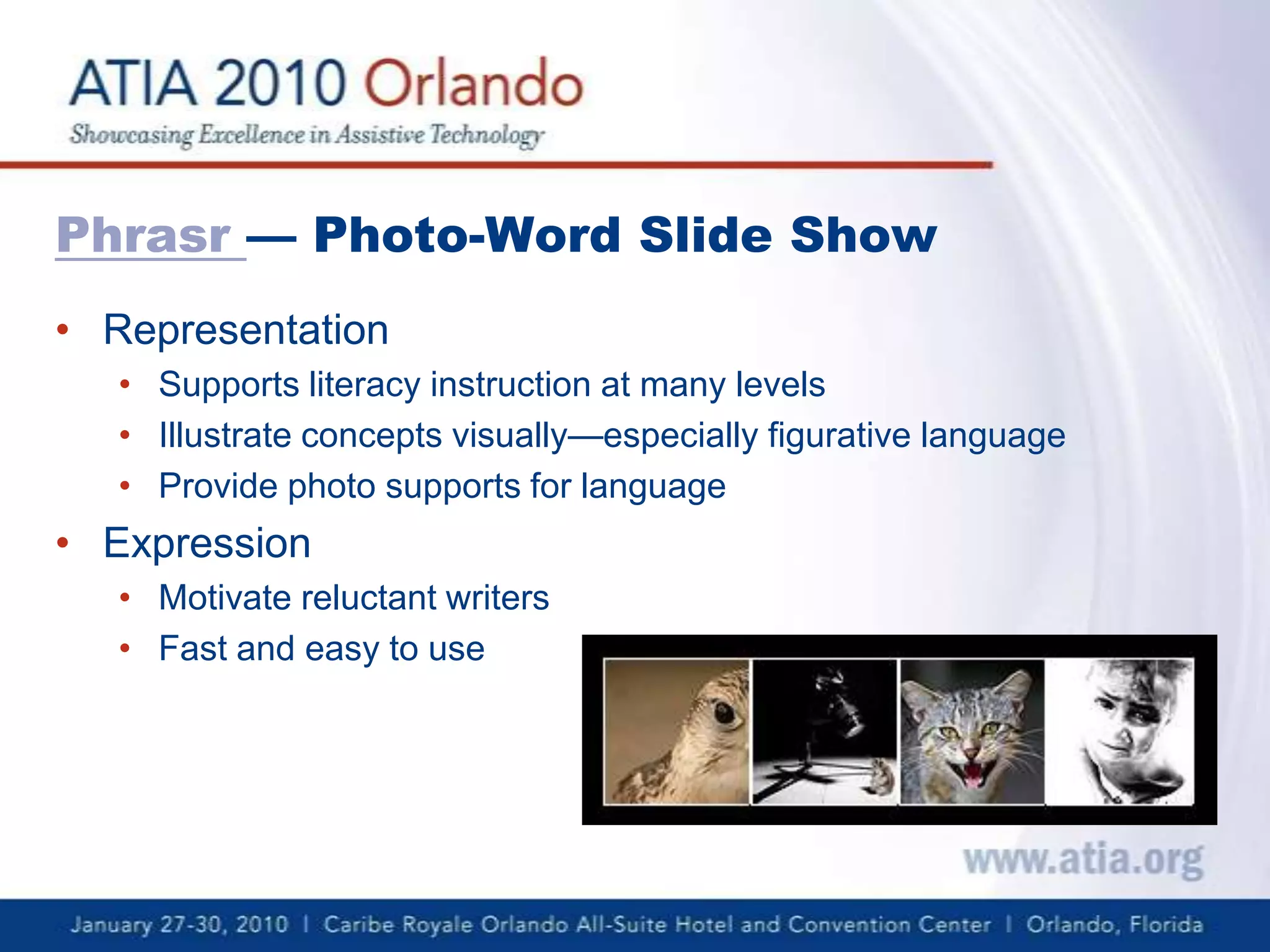
    Phrasr— Photo-Word SlideShow RepresentationSupports literacy instruction at many levelsIllustrate concepts visually—especially figurative languageProvide photo supports for languageExpressionMotivate reluctant writersFast and easy to use
  • 23.
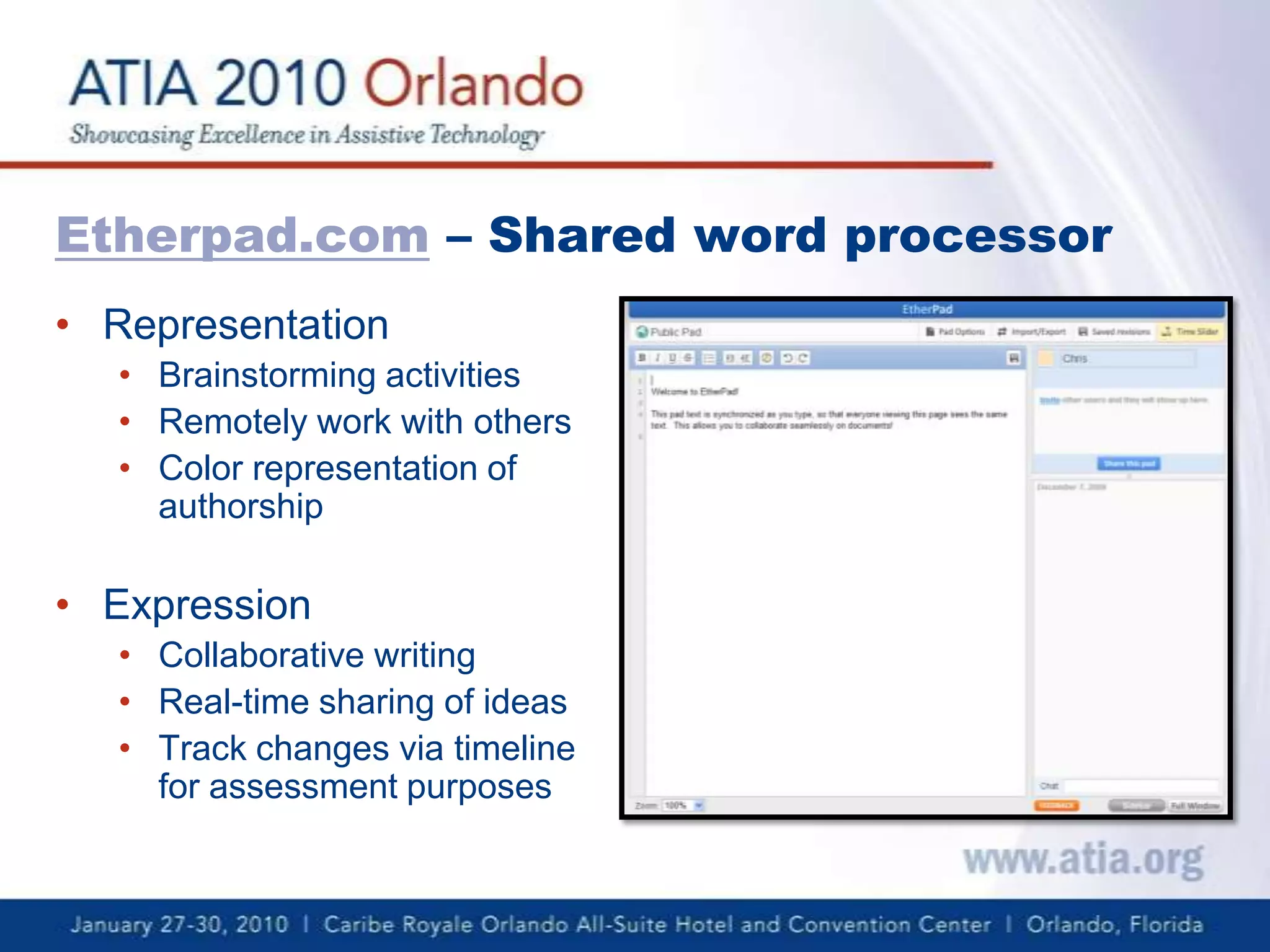
    Etherpad.com – Sharedword processorRepresentation
  • 24.
  • 25.
  • 26.
  • 27.
  • 28.
  • 29.
  • 30.
    Track changes viatimeline for assessment purposesWhere To Find More Web 2.0 ResourcesGo2web20.netUDLtechtoolkit.wikispaces.com
  • 31.
    Contact InformationBeth Poss,MA CCC-SLPpossbeth@gmail.comhttp://twitter.com/possbethChristopher Bugaj, MA CCC-SLPattipscast@gmail.comhttp://twitter.com/attipscastwww.attipscast.wordpress.comwww.iste.org/chewat
  • 32.
    Thank You!Thank youfor attending this session! Watch for us in Chicago this October!Please help us improve the quality of our conference by completing your session evaluation form.Completed evaluation forms should be submitted as you exit or to staff at the registration desk.