Progressive Enhancement
    Use all the latest hotness without breaking your theme for anybody


Natalie MacLees                                                SoCal WP
@nataliemac                                                    @socalwp
If you’re looking for the
   more honest, truthful
answer to pretty much any
question on web design and
     usability, here it is:
If you’re looking for the
   more honest, truthful
answer to pretty much any
question on web design and
     usability, here it is:

     It depends.
                     - Jeremy Keith
TAFEE


    http://paulirish.com/2011/tiered-adaptive-front-end-experiences/
TAFEE
•   More time for what matters


                                 http://paulirish.com/2011/tiered-adaptive-front-end-experiences/
TAFEE
• More time for what matters
• Growth audience


                               http://paulirish.com/2011/tiered-adaptive-front-end-experiences/
TAFEE
• More time for what matters
• Growth audience
• Improve site performance


                               http://paulirish.com/2011/tiered-adaptive-front-end-experiences/
TAFEE
• More time for what matters
• Growth audience
• Improve site performance
• Better search engine rankings


                                  http://paulirish.com/2011/tiered-adaptive-front-end-experiences/
TAFEE
• More time for what matters
• Growth audience
• Improve site performance
• Better search engine rankings
• A future proof theme


                                  http://paulirish.com/2011/tiered-adaptive-front-end-experiences/
TAFEE
• More time for what matters
• Growth audience
• Improve site performance
• Better search engine rankings
• A future proof theme
• Easier maintenance and updates


                               http://paulirish.com/2011/tiered-adaptive-front-end-experiences/
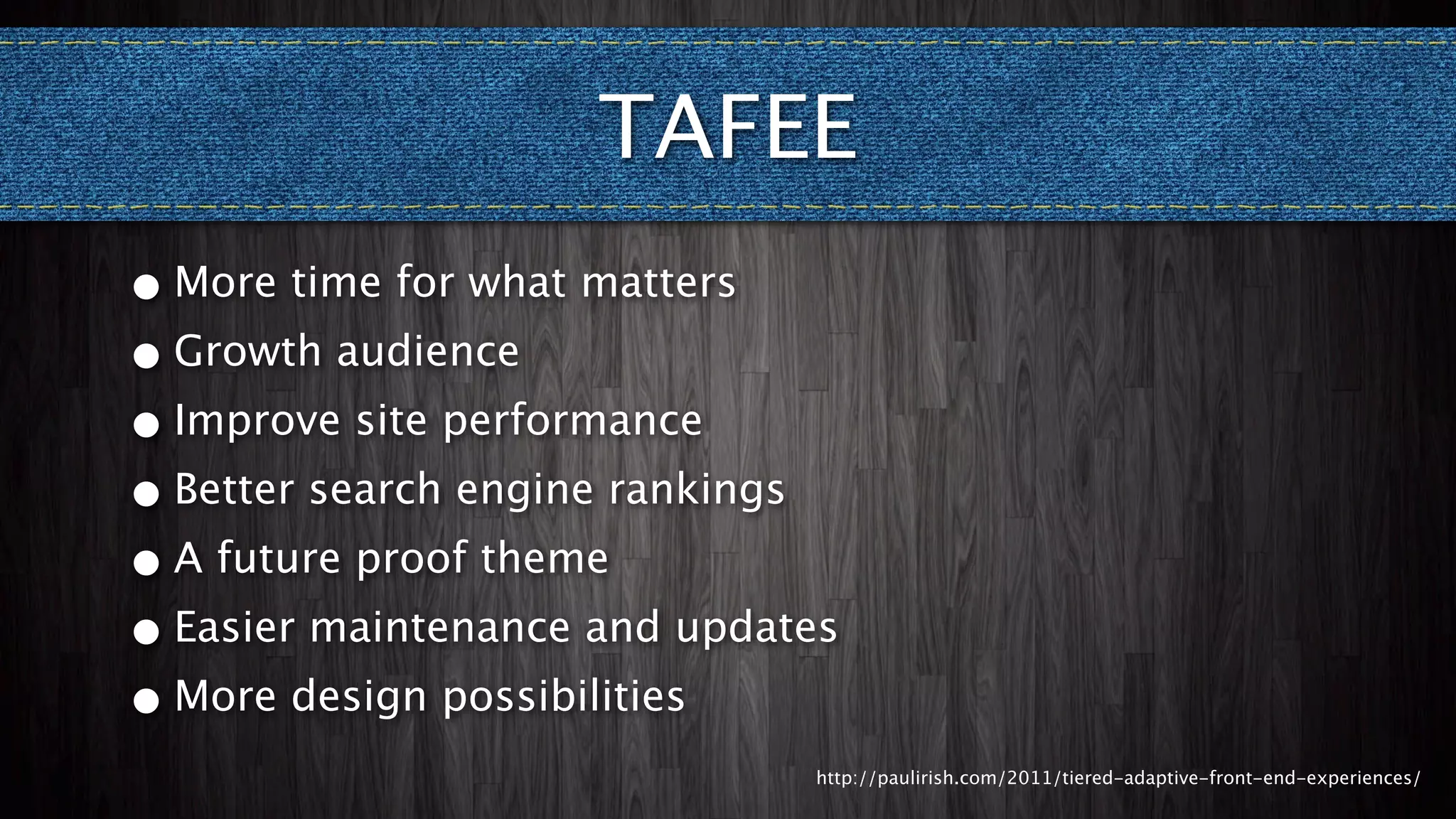
TAFEE
• More time for what matters
• Growth audience
• Improve site performance
• Better search engine rankings
• A future proof theme
• Easier maintenance and updates
• More design possibilities
                               http://paulirish.com/2011/tiered-adaptive-front-end-experiences/
I want to use...
    HTML5
What is HTML5?
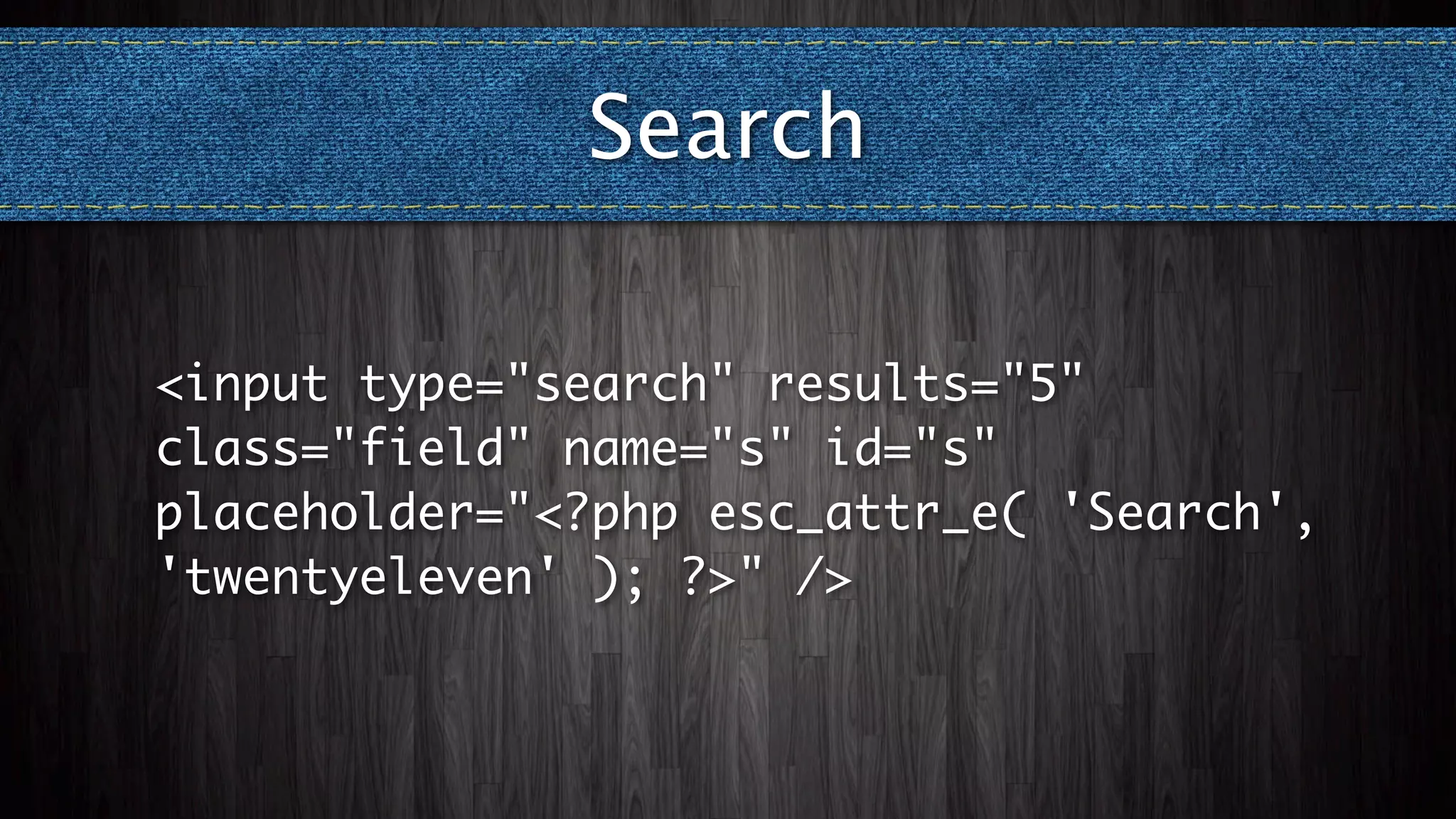
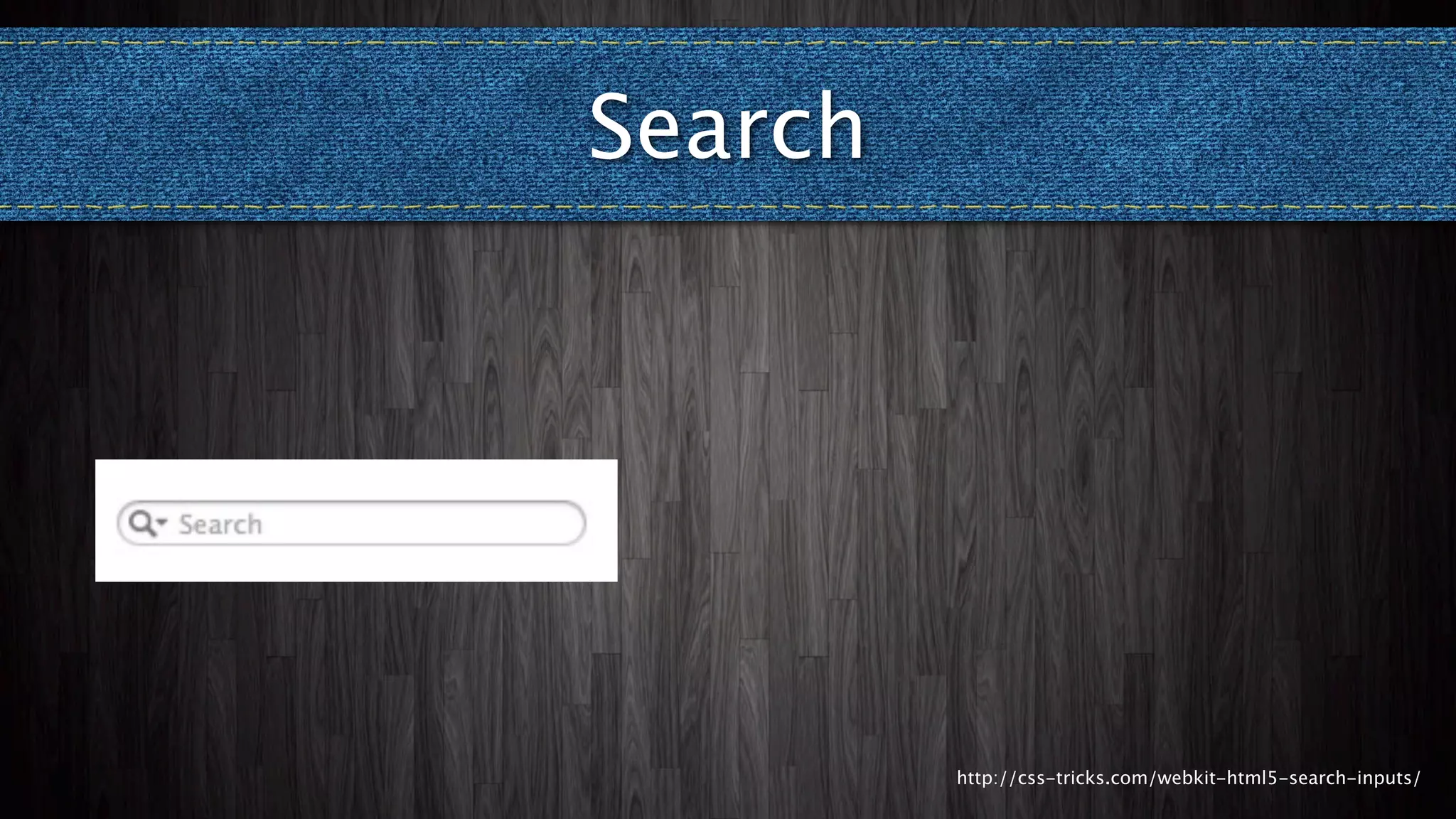
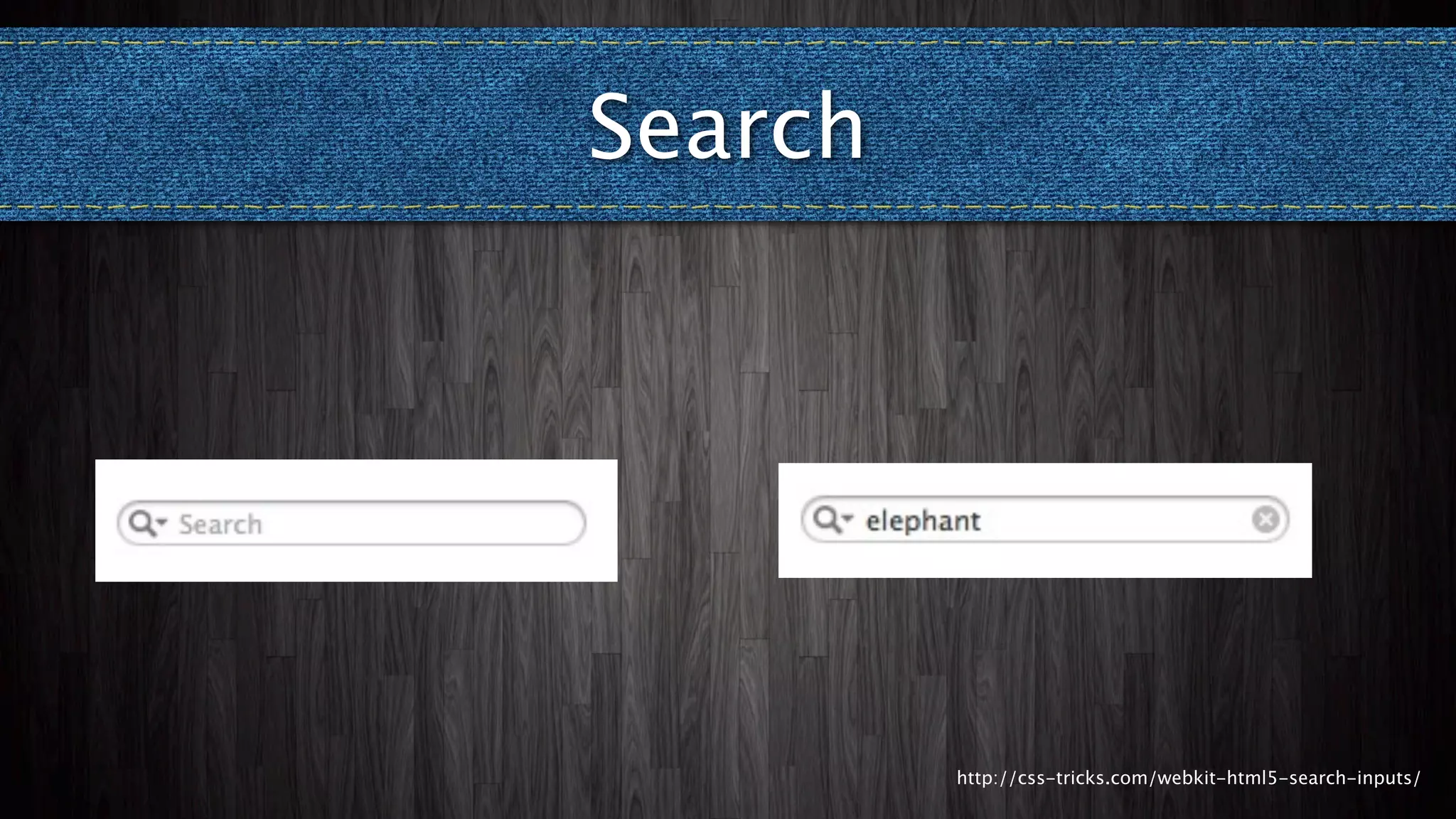
Search

<input type="search" results="5"
class="field" name="s" id="s"
placeholder="<?php esc_attr_e( 'Search',
'twentyeleven' ); ?>" />
Search


         http://css-tricks.com/webkit-html5-search-inputs/
Search


         http://css-tricks.com/webkit-html5-search-inputs/
Search


         http://css-tricks.com/webkit-html5-search-inputs/
HTML5 Comment Form
function html5_comment_form($i) {
  $i['email'] = str_replace('"text"', '"email"',
$i['email']);
  $i['url']   = str_replace('"text"', '"url"',
$i['url']);
  return $i;
}

add_filter('comment_form_default_fields',
'html5_comment_form');
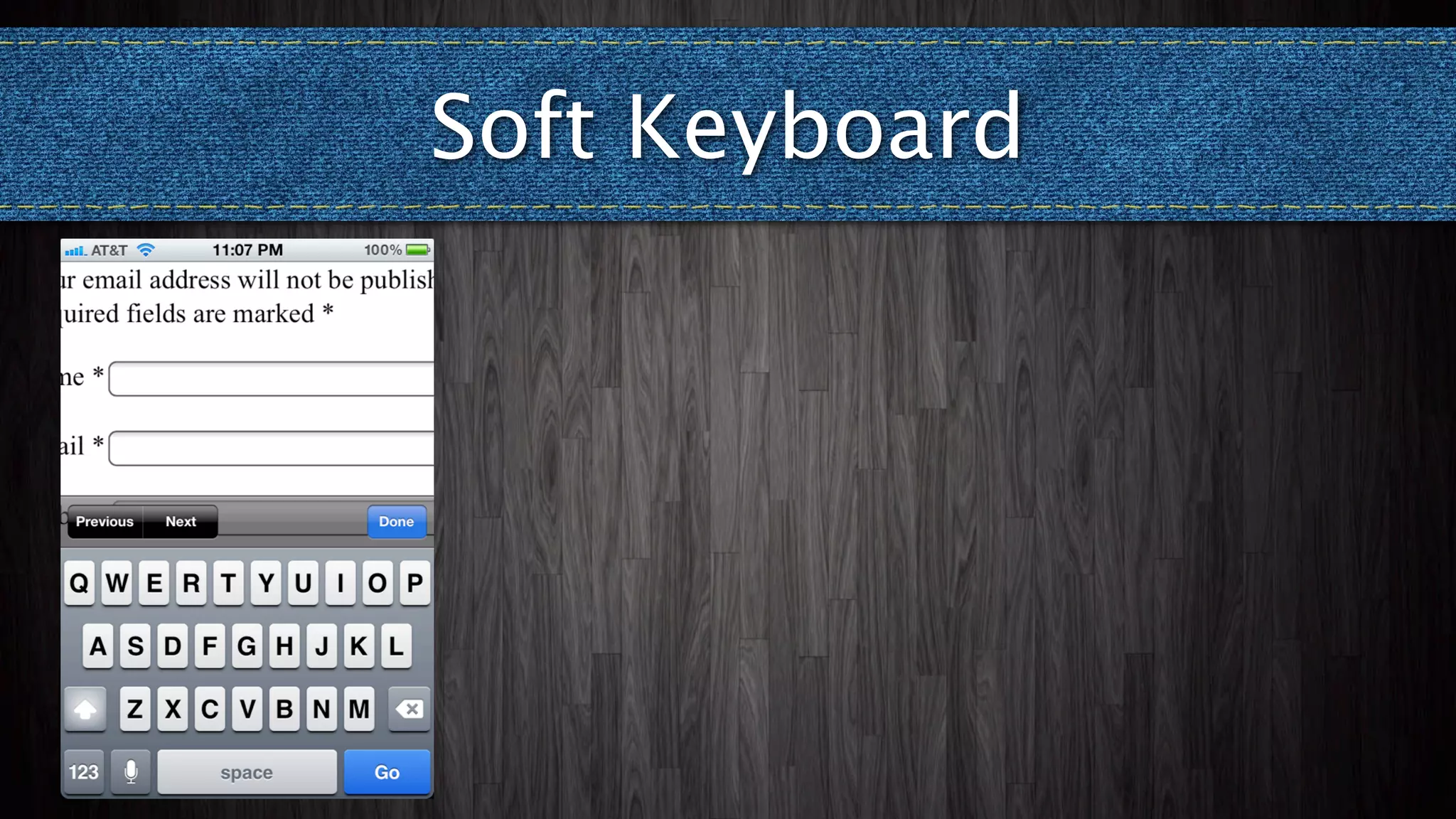
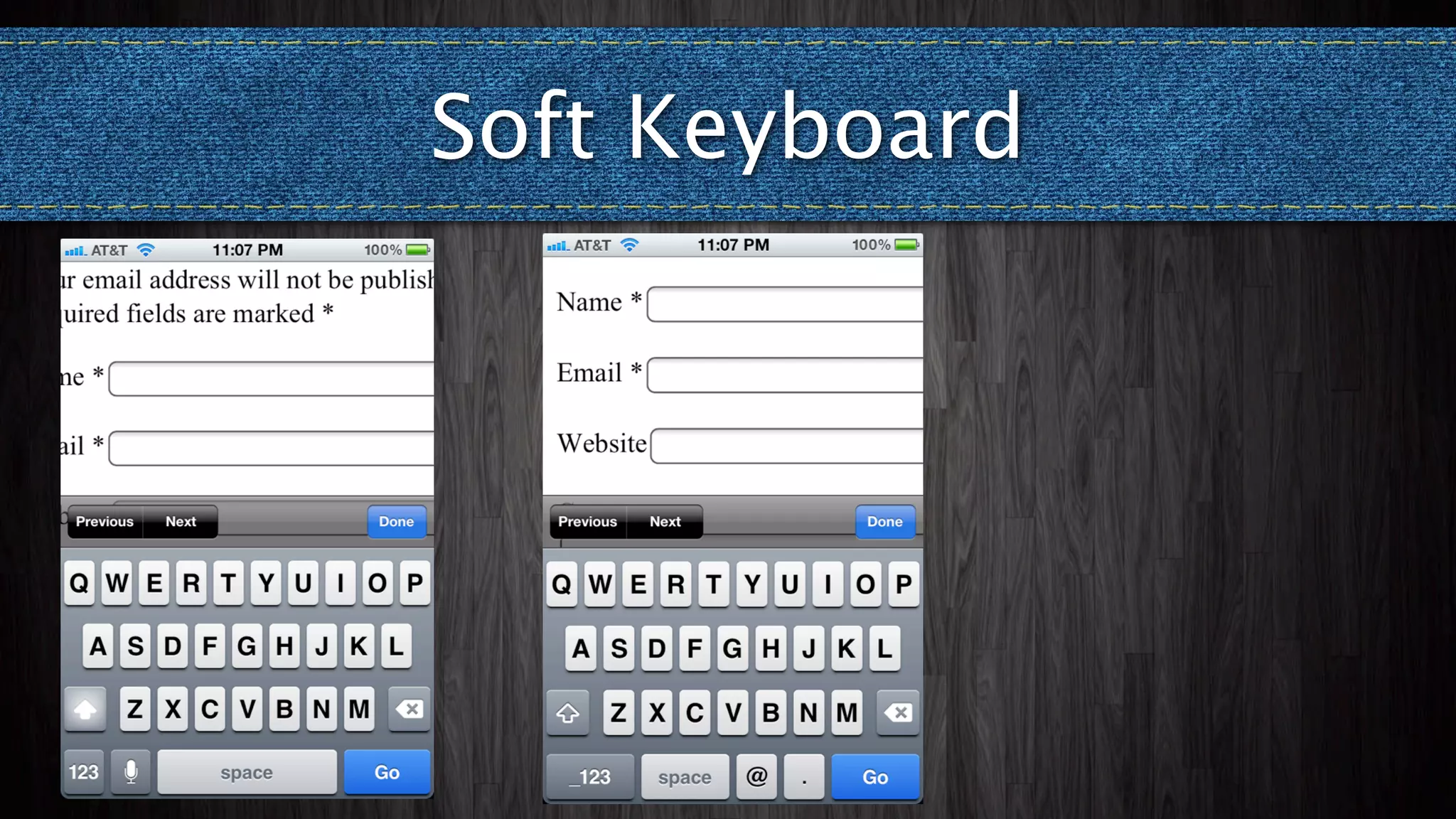
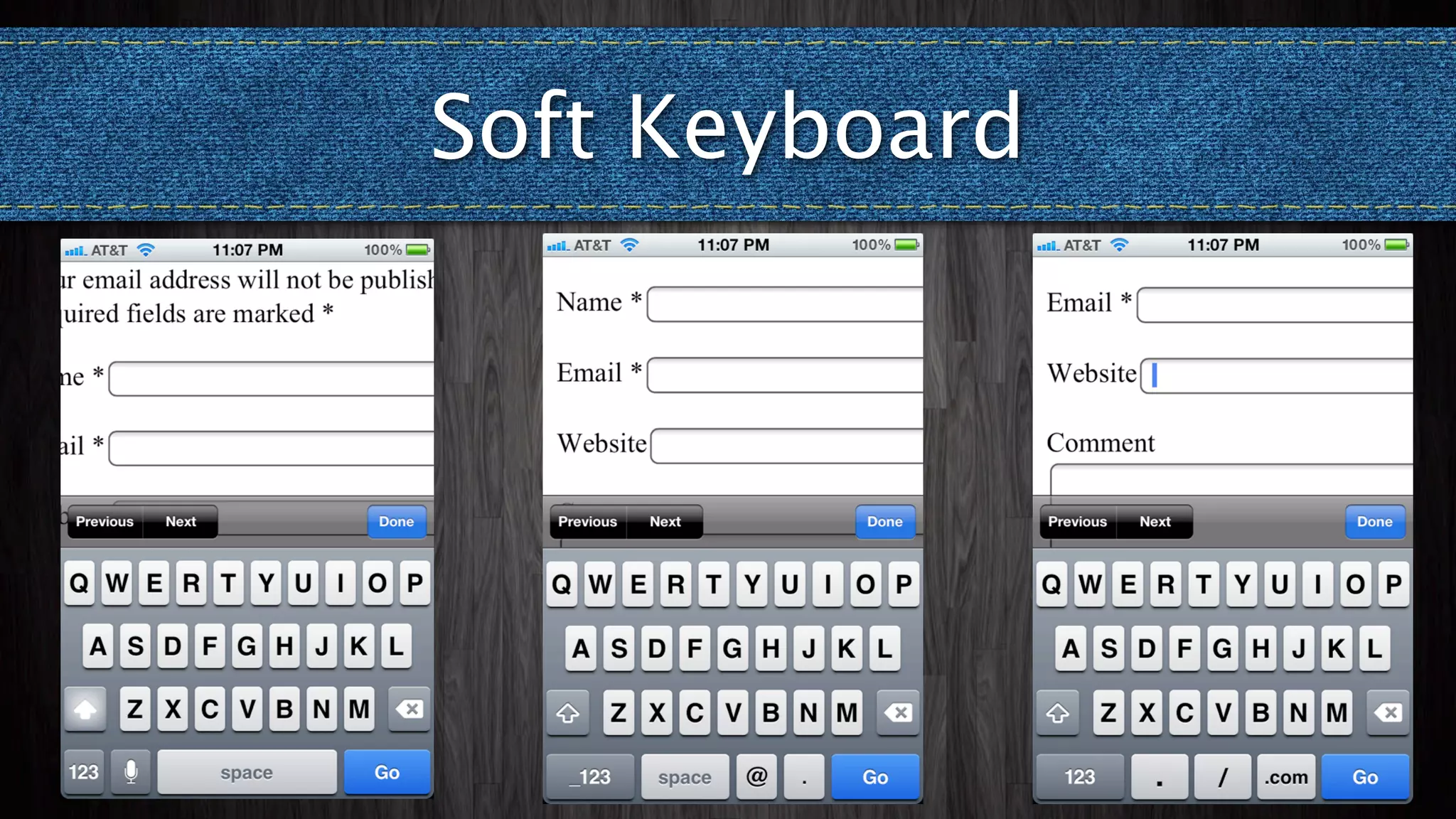
Soft Keyboard
Soft Keyboard
Soft Keyboard
Soft Keyboard
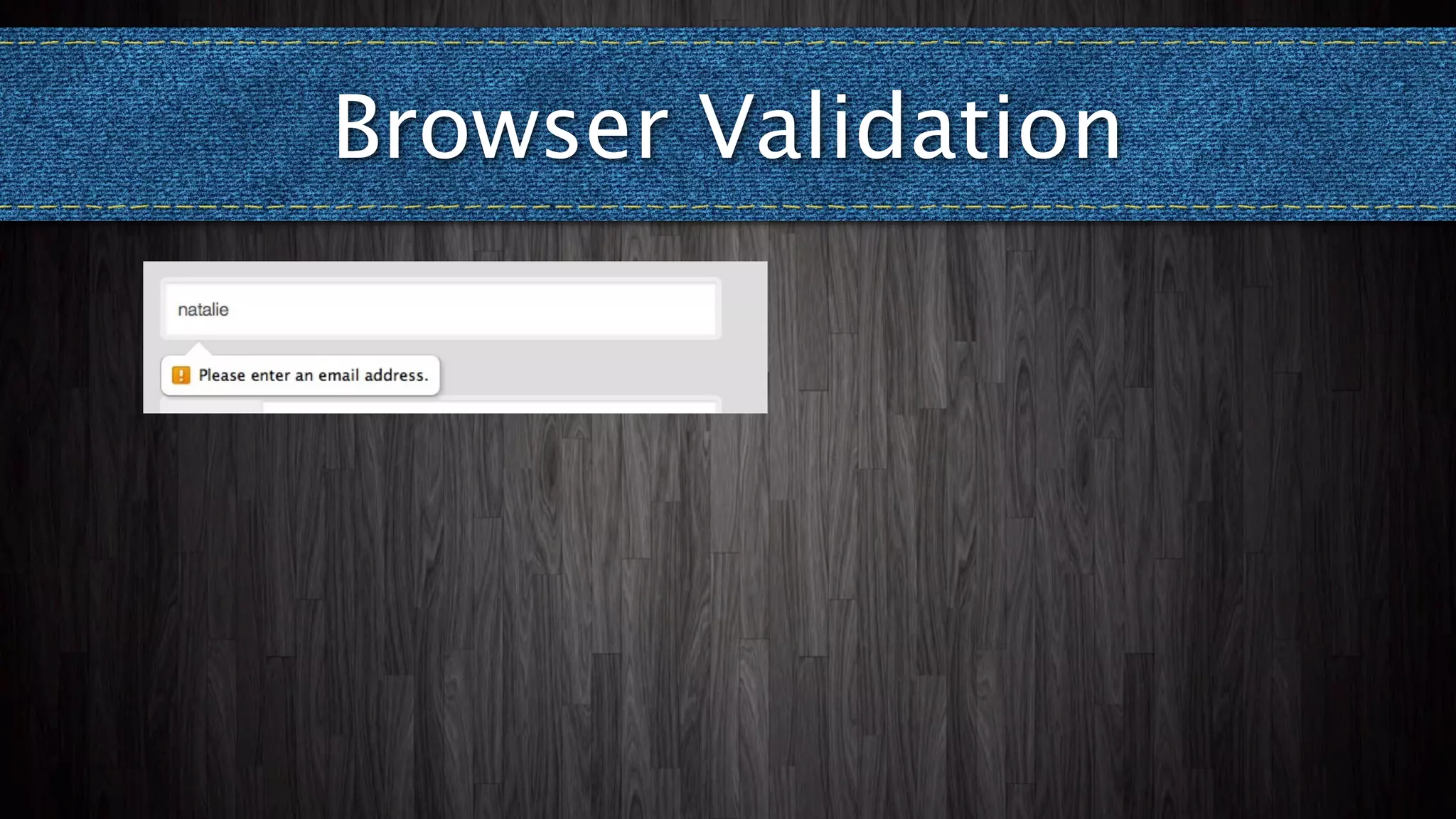
Browser Validation
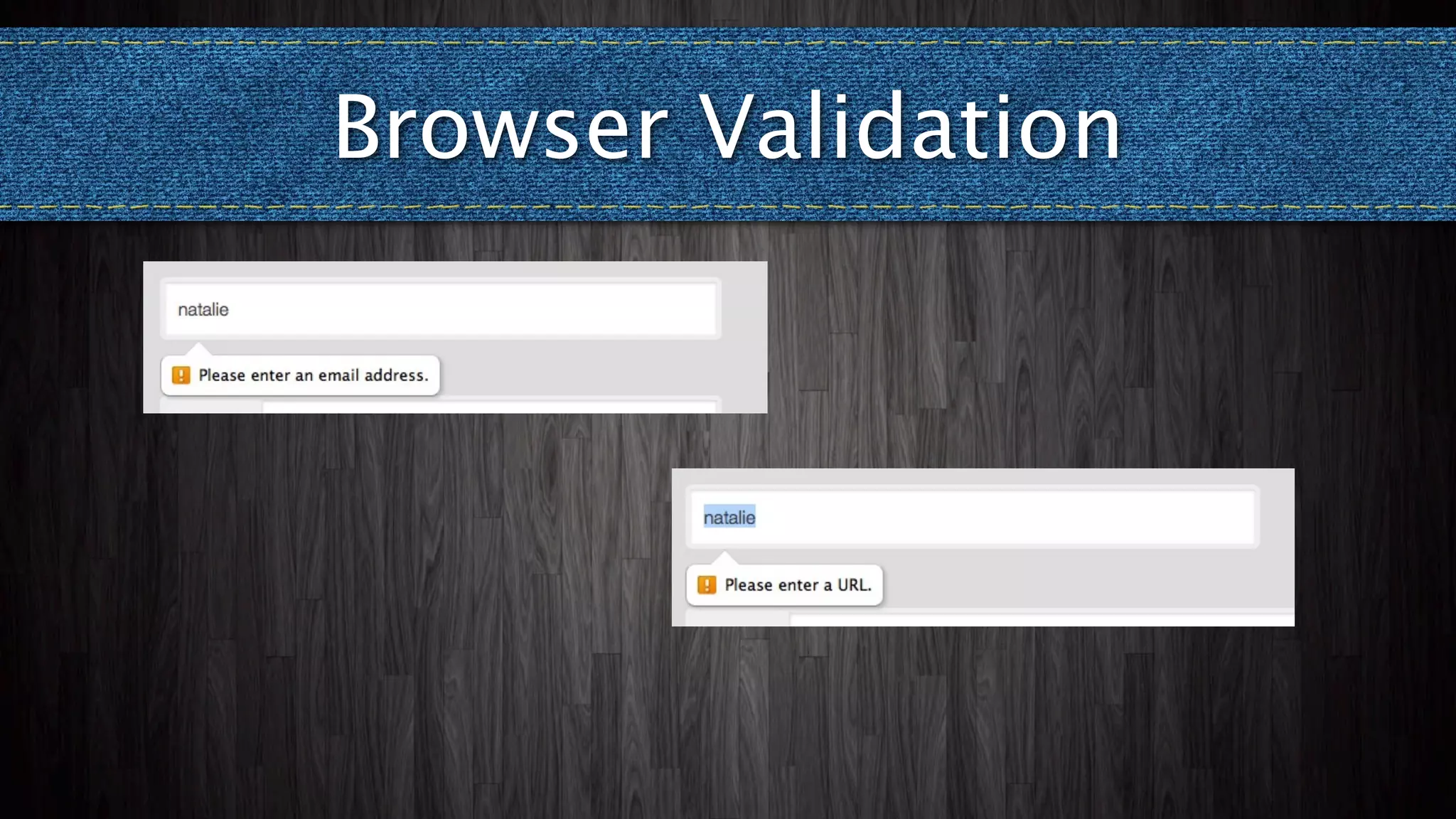
Browser Validation
Browser Validation
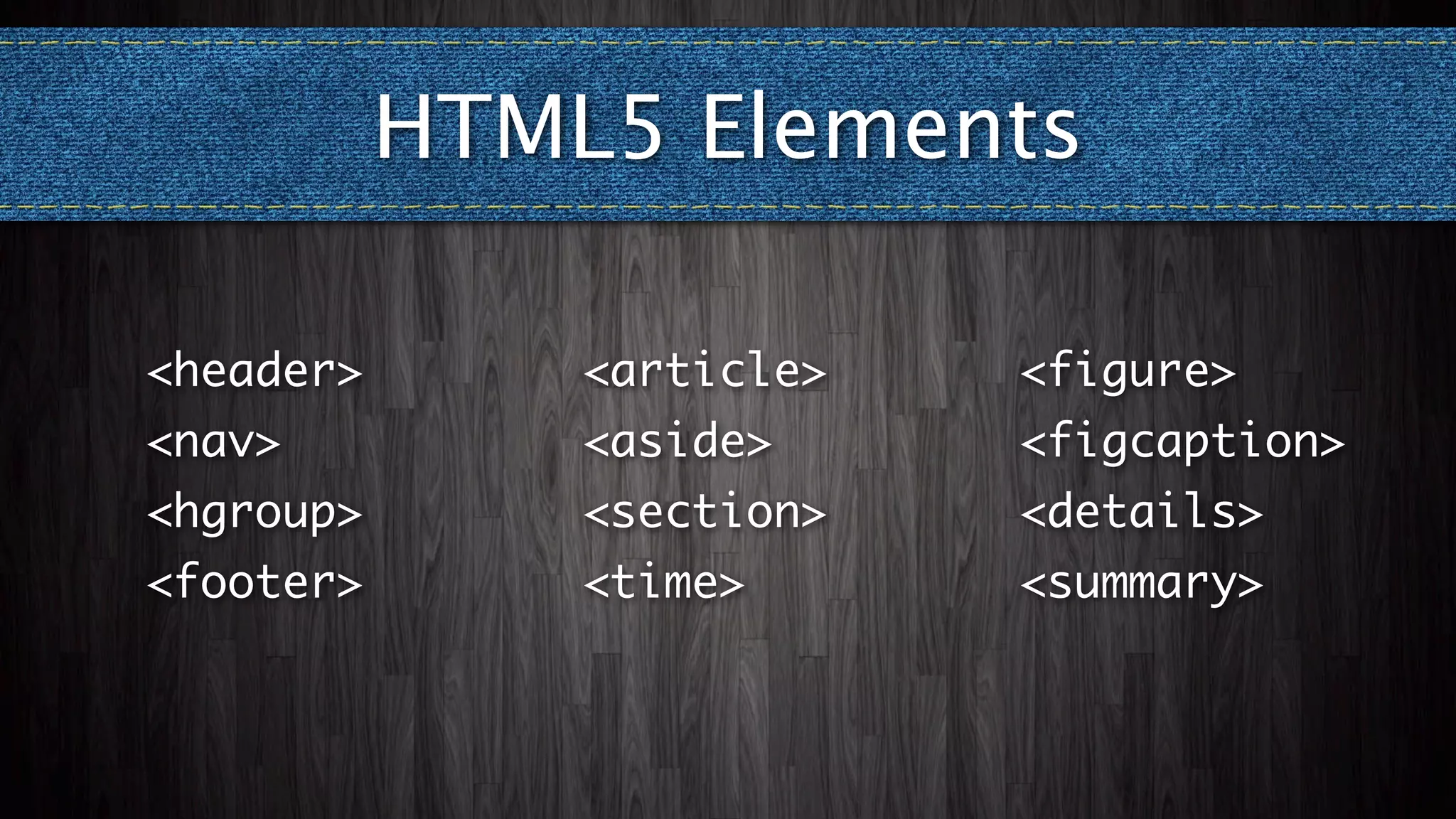
HTML5 Elements

<header>       <article>   <figure>
<nav>          <aside>     <figcaption>
<hgroup>       <section>   <details>
<footer>       <time>      <summary>
HTML5 Elements Option 1
<!--[if lt IE 9]>

<script src="<?php echo
get_template_directory_uri(); ?>/js/
html5.js" type="text/javascript"></
script>

<![endif]-->
                         http://remysharp.com/2009/01/07/html5-enabling-script/
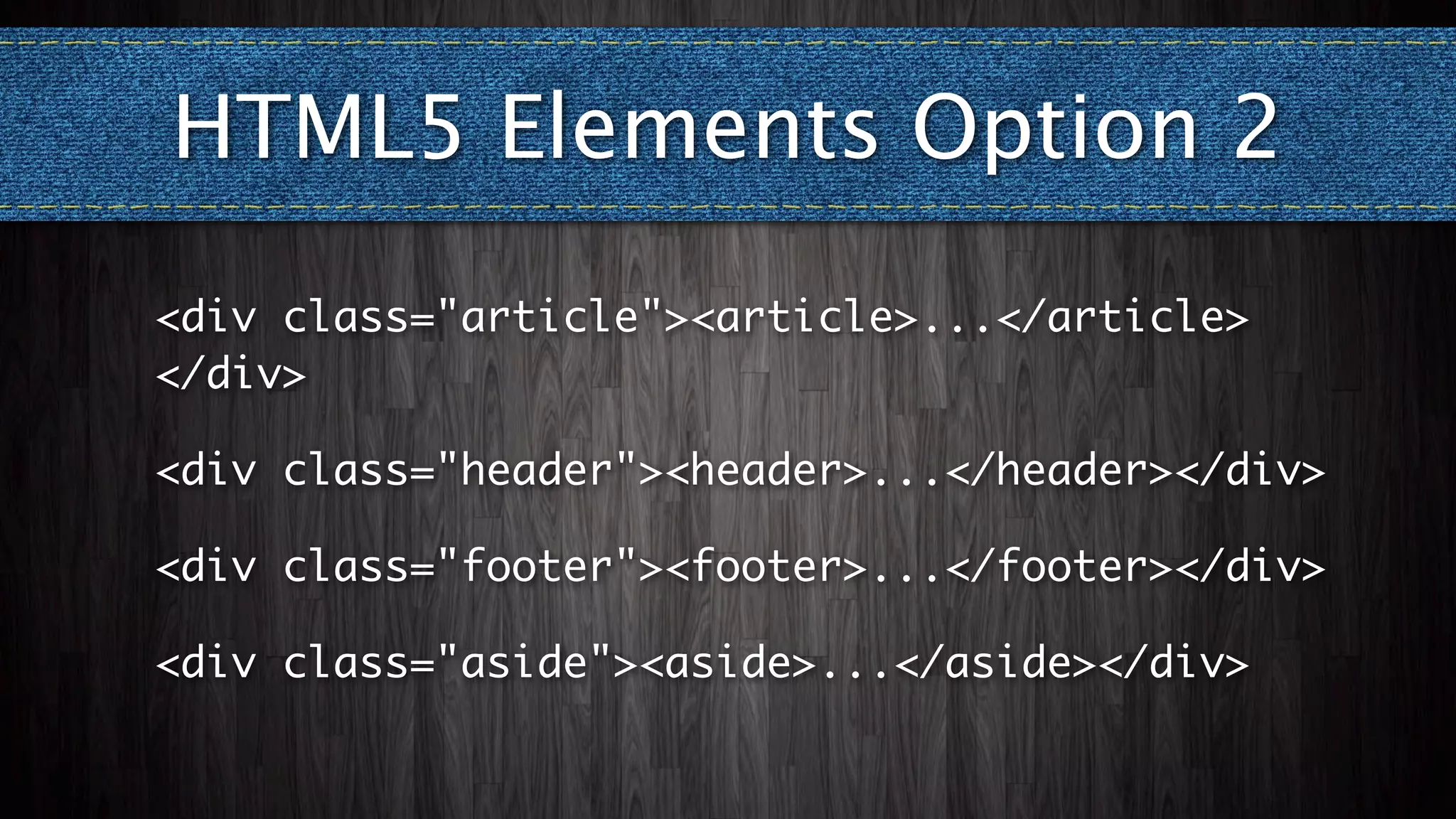
HTML5 Elements Option 2
<div class="article"><article>...</article>
</div>

<div class="header"><header>...</header></div>

<div class="footer"><footer>...</footer></div>

<div class="aside"><aside>...</aside></div>
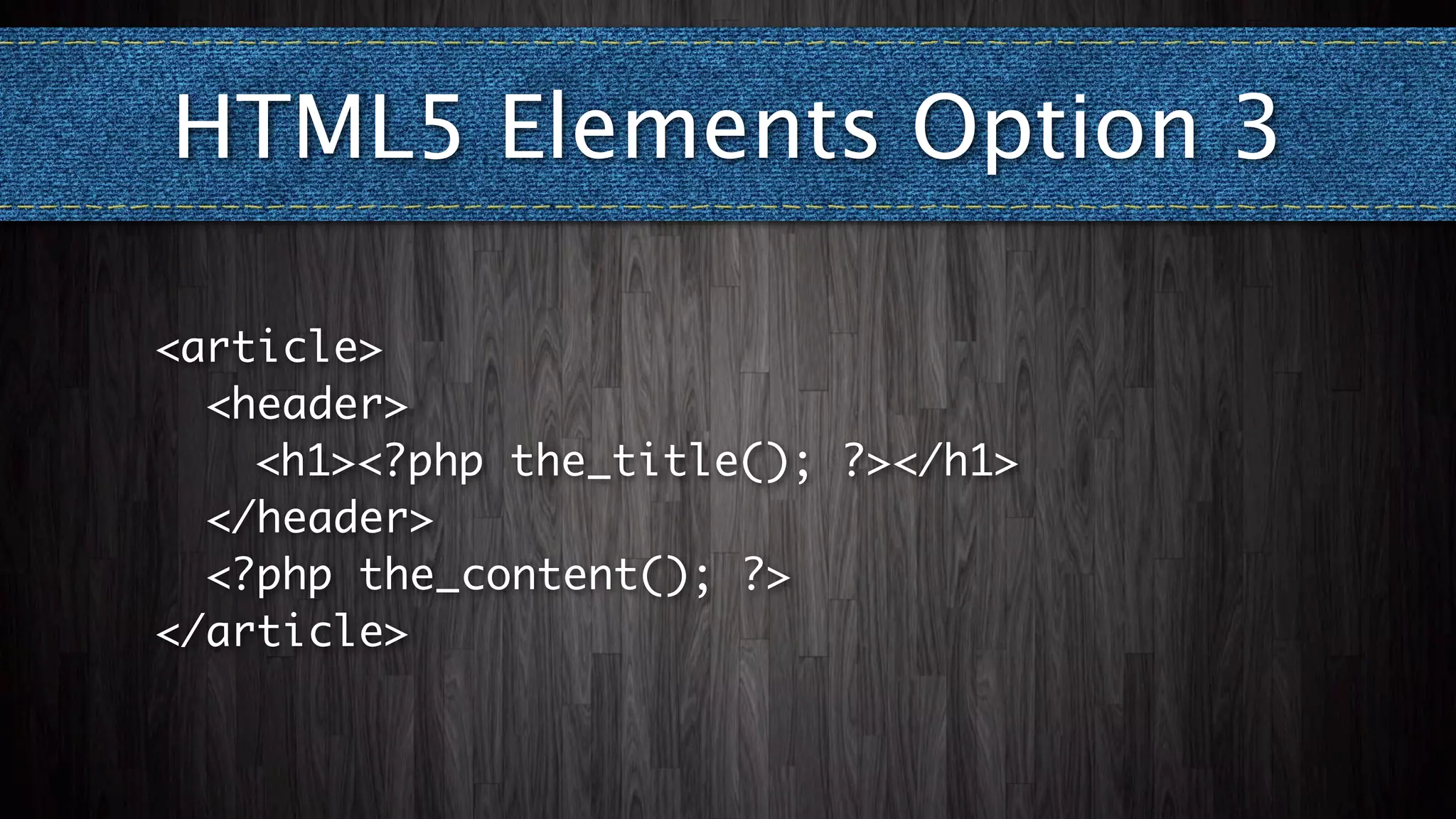
HTML5 Elements Option 3

<article>
	 <header>
	 	 <h1><?php the_title(); ?></h1>
	 </header>
	 <?php the_content(); ?>
</article>
I want to use...
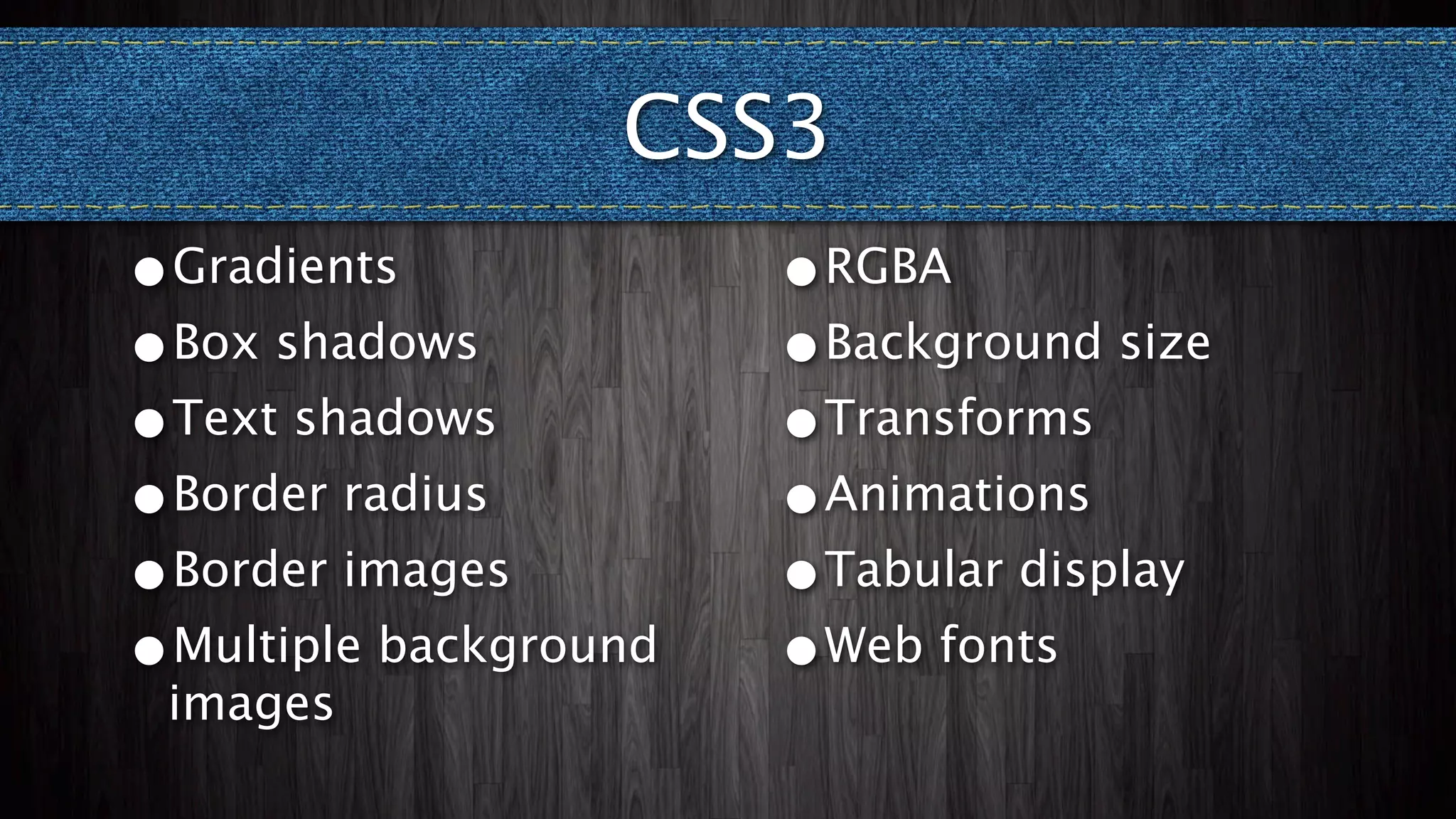
     CSS3
CSS3
•Gradients             •RGBA
•Box shadows           •Background size
•Text shadows          •Transforms
•Border radius         •Animations
•Border images         •Tabular display
•Multiple background   •Web fonts
 images
CSS Targeting
<!--[if IE 6]>
  <html id="ie6" <?php language_attributes(); ?>>
<![endif]-->
<!--[if IE 7]>
  <html id="ie7" <?php language_attributes(); ?>>
<![endif]-->
<!--[if IE 8]>
  <html id="ie8" <?php language_attributes(); ?>>
<![endif]-->
<!--[if !(IE 6) | !(IE 7) | !(IE 8) ]><!-->
  <html <?php language_attributes(); ?>>
<!--<![endif]-->
I want to use...
     SVG
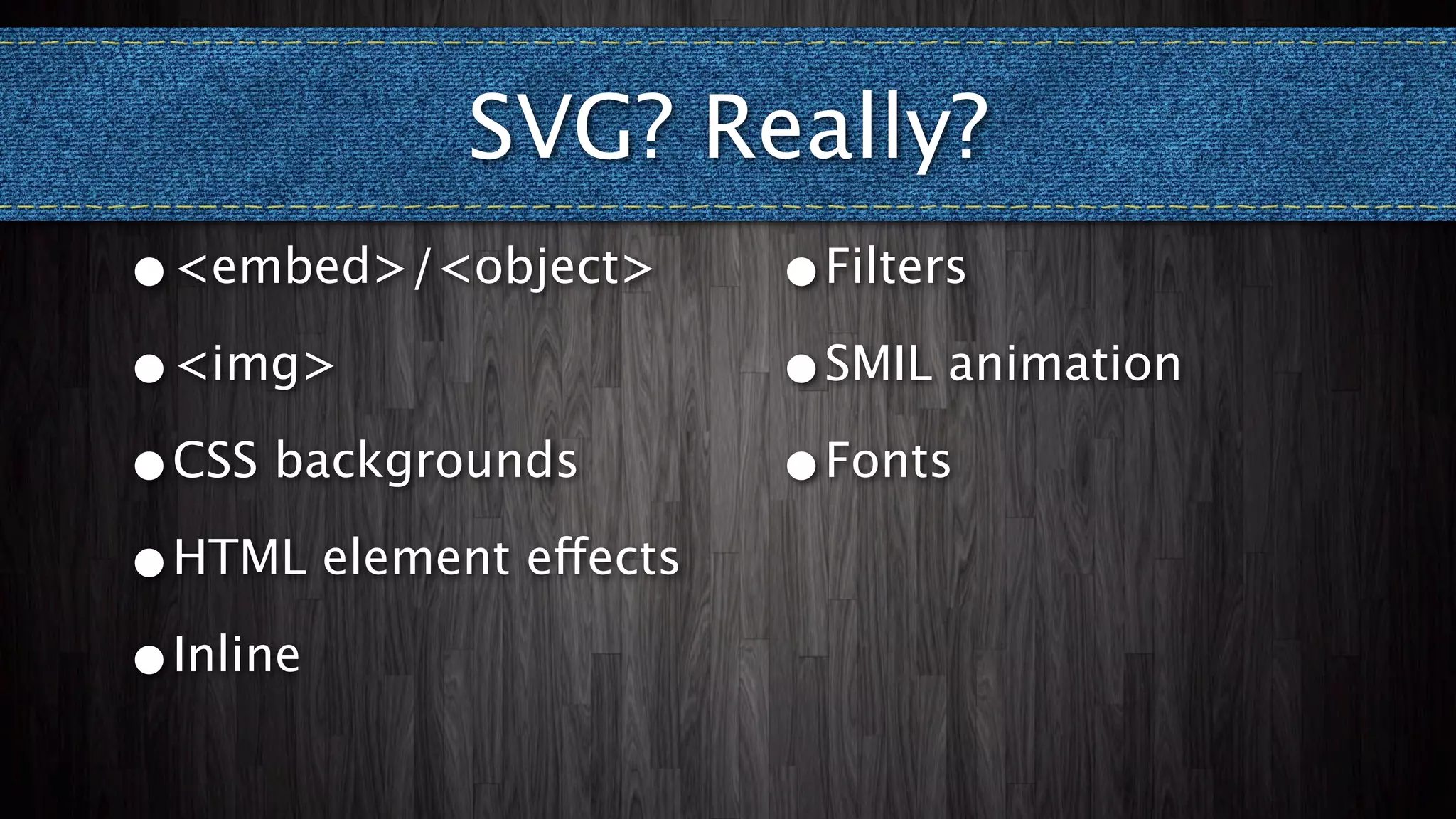
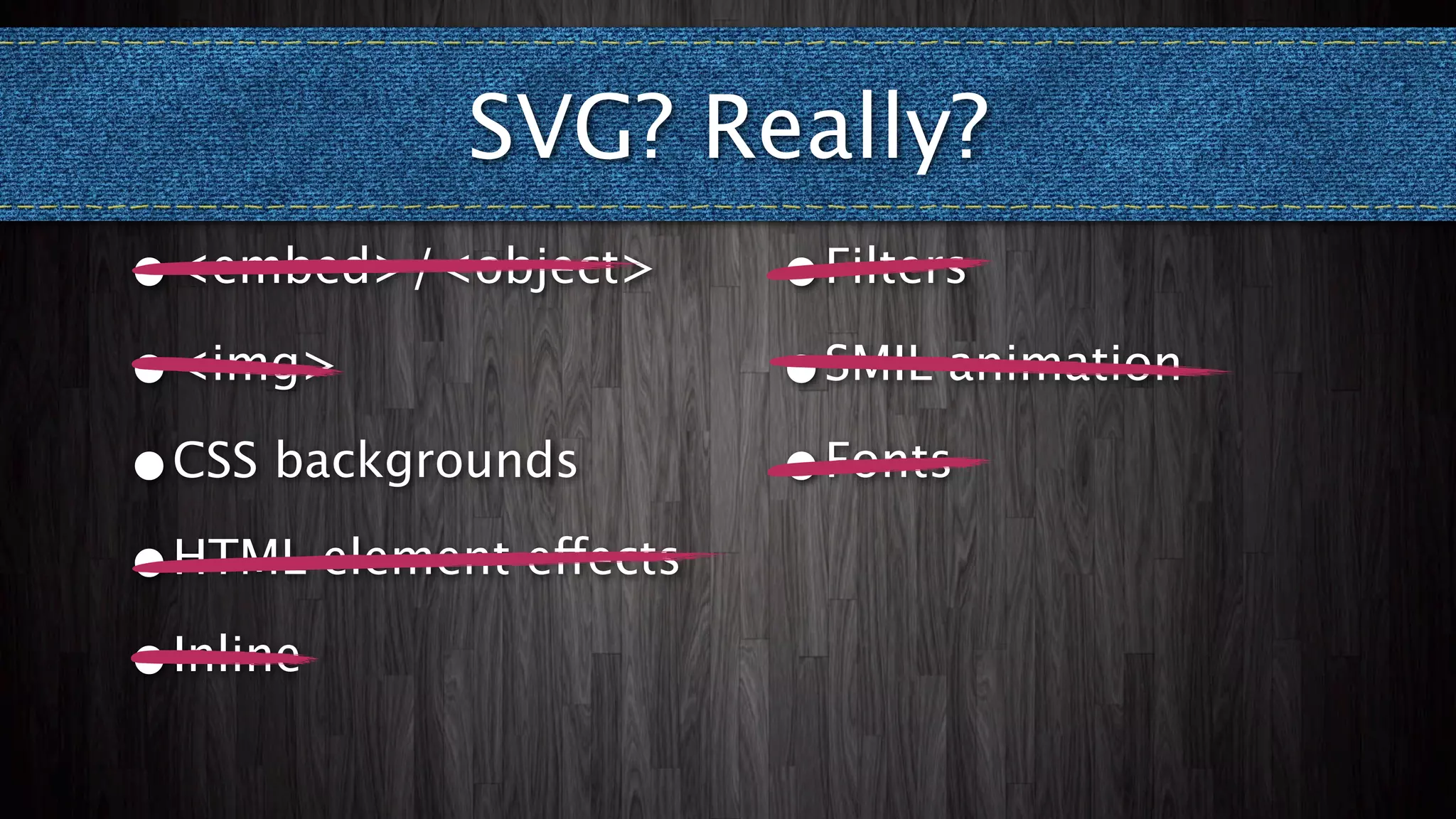
SVG? Really?
•<embed>/<object>       •Filters

•<img>                  •SMIL animation

•CSS backgrounds        •Fonts

•HTML element effects

•Inline
SVG? Really?
•<embed>/<object>       •Filters

•<img>                  •SMIL animation

•CSS backgrounds        •Fonts

•HTML element effects

•Inline
SVG CSS Background


            http://designfestival.com/a-farewell-to-css3-gradients/
SVG CSS Background


            http://designfestival.com/a-farewell-to-css3-gradients/
I want to use...
     ARIA
ARIA
ARIA

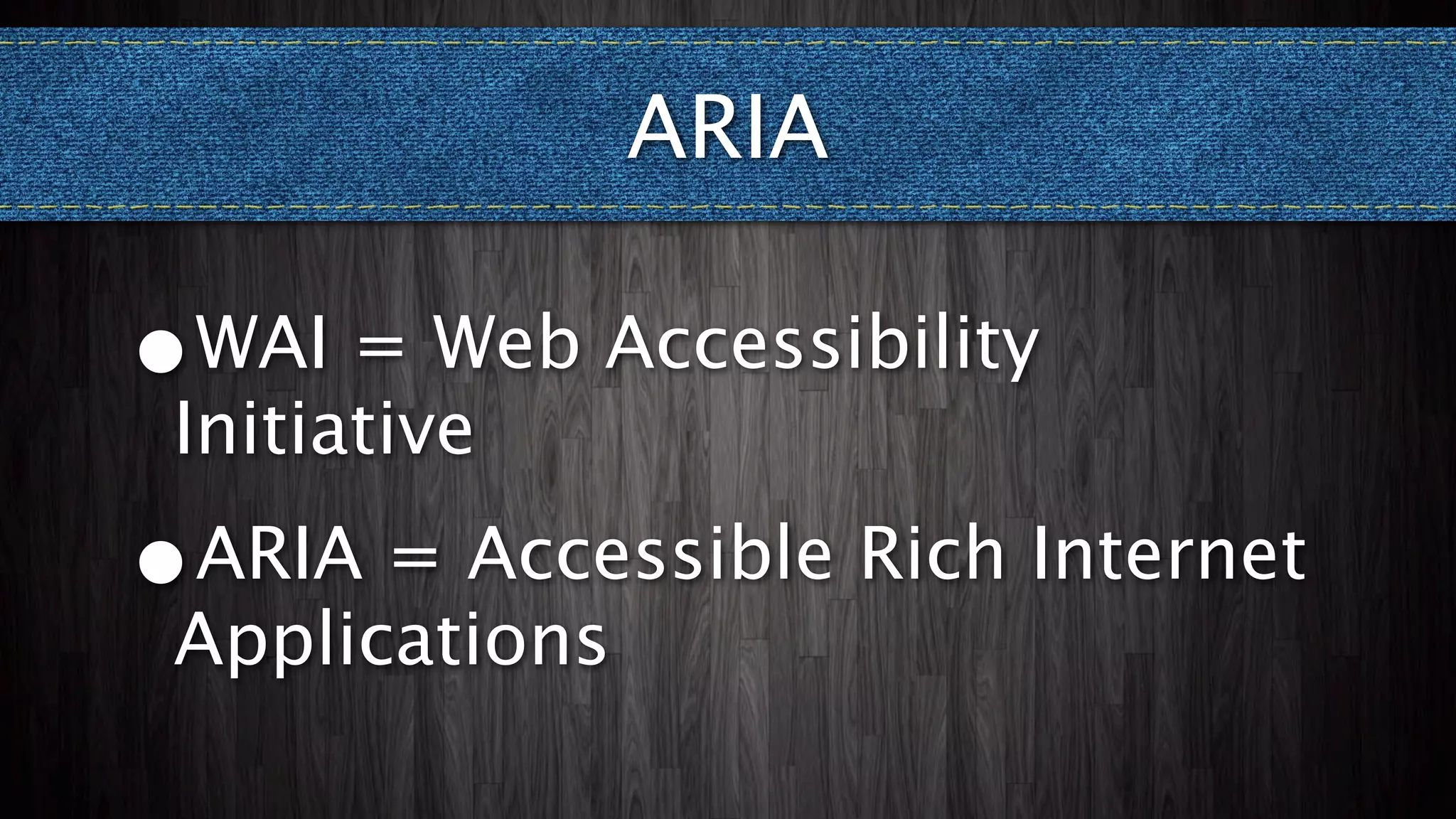
•WAI = Web Accessibility
Initiative
ARIA

•WAI = Web Accessibility
Initiative
•
ARIA = Accessible Rich Internet
Applications
ARIA
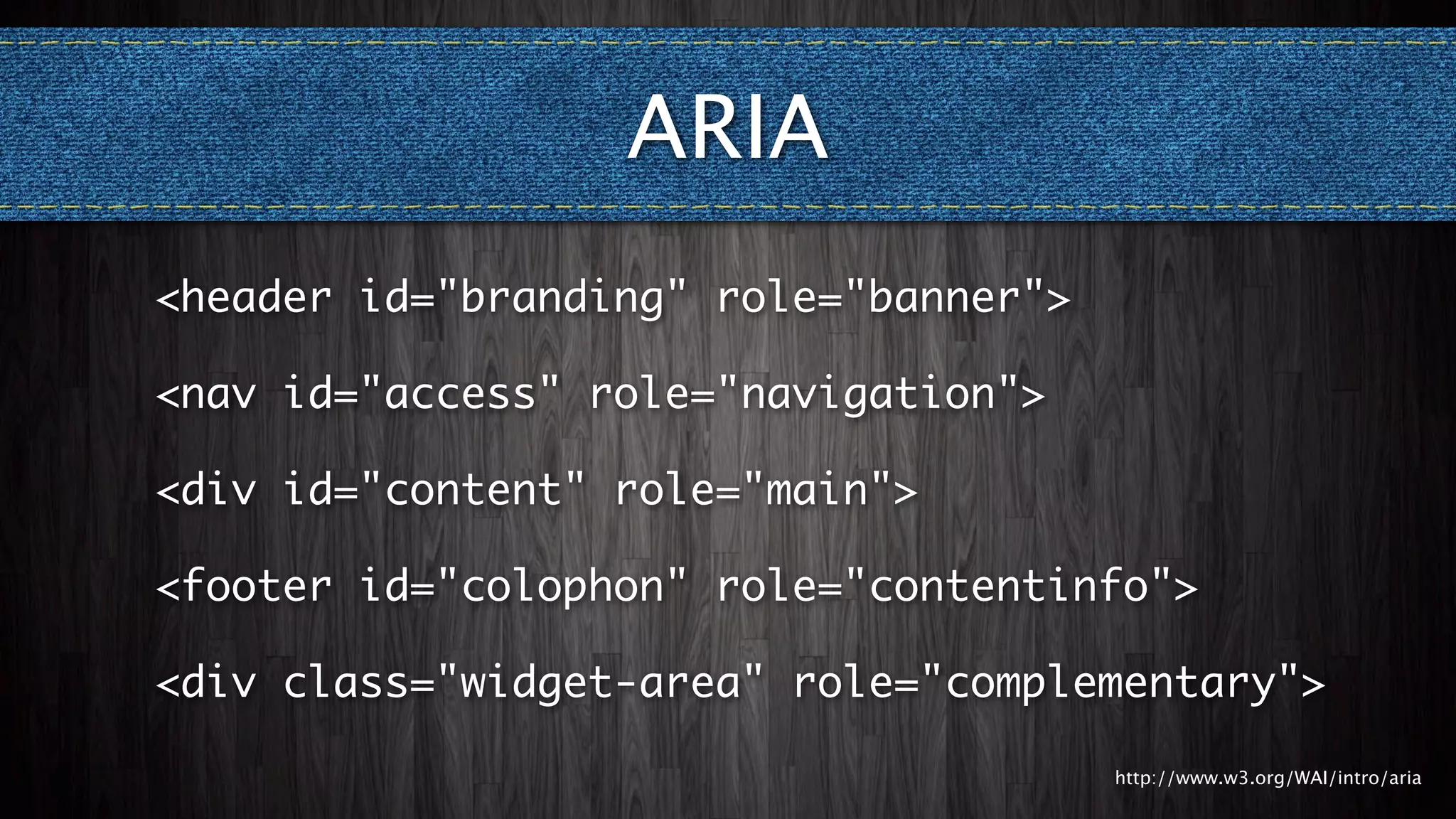
<header id="branding" role="banner">

<nav id="access" role="navigation">

<div id="content" role="main">

<footer id="colophon" role="contentinfo">

<div class="widget-area" role="complementary">

                                       http://www.w3.org/WAI/intro/aria
I want to use...
Responsive Design
Responsive vs. Adaptive


•
Responsive = any size
Responsive vs. Adaptive


•Responsive = any size
•Adaptive = selected sizes
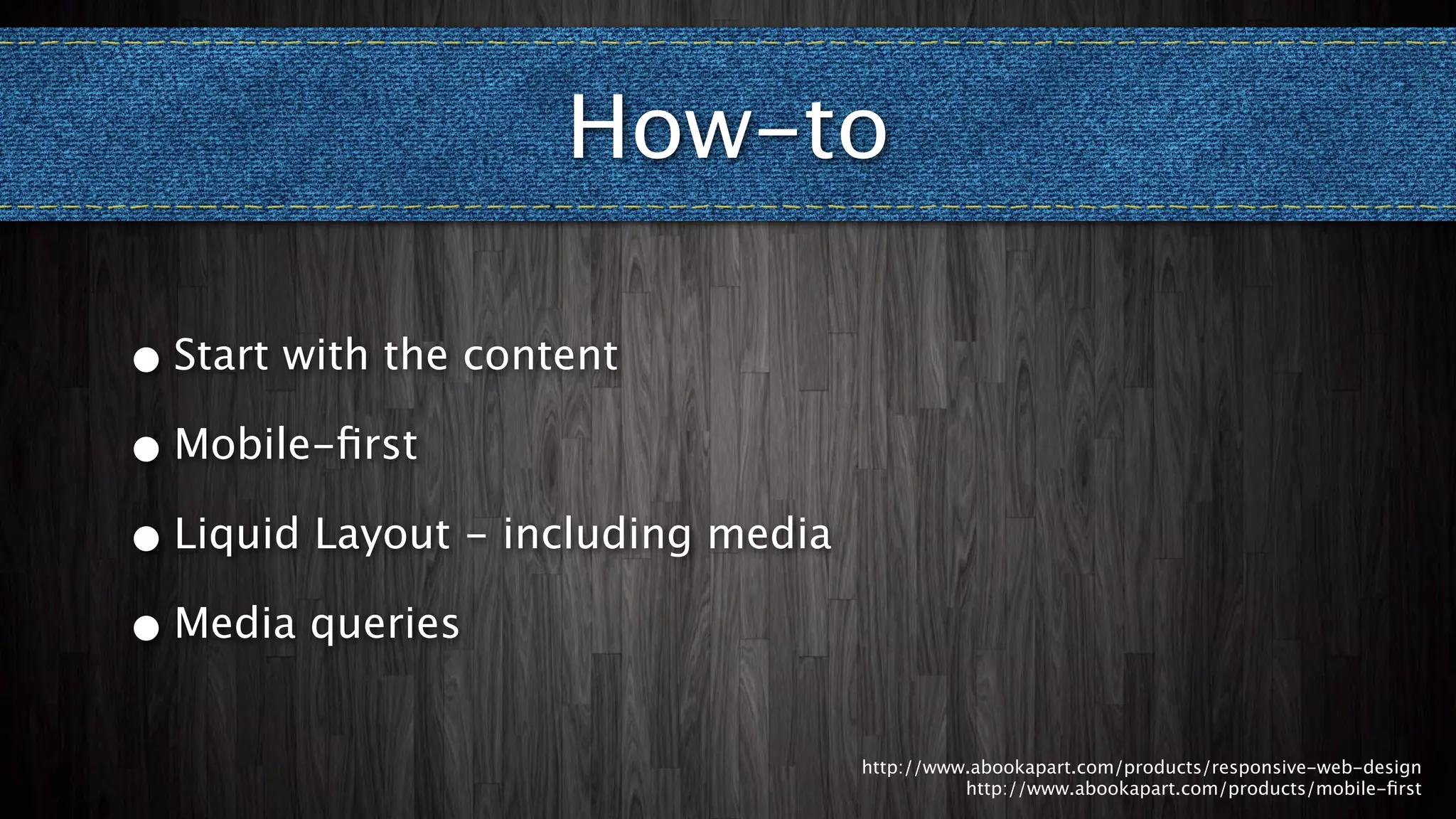
How-to


     http://www.abookapart.com/products/responsive-web-design
               http://www.abookapart.com/products/mobile-first
How-to

•   Start with the content


                             http://www.abookapart.com/products/responsive-web-design
                                       http://www.abookapart.com/products/mobile-first
How-to

• Start with the content

• Mobile-first


                           http://www.abookapart.com/products/responsive-web-design
                                     http://www.abookapart.com/products/mobile-first
How-to

• Start with the content

• Mobile-first

• Liquid Layout - including media


                                    http://www.abookapart.com/products/responsive-web-design
                                              http://www.abookapart.com/products/mobile-first
How-to

• Start with the content

• Mobile-first

• Liquid Layout - including media

• Media queries


                                    http://www.abookapart.com/products/responsive-web-design
                                              http://www.abookapart.com/products/mobile-first
Caveats
Caveats

•   Large images to small screens?
Caveats

• Large images to small screens?

• Context by device
Caveats

• Large images to small screens?

• Context by device

• Not all browsers support media queries
Caveats

• Large images to small screens?

• Context by device

• Not all browsers support media queries

• Ridiculous line lengths for large screens
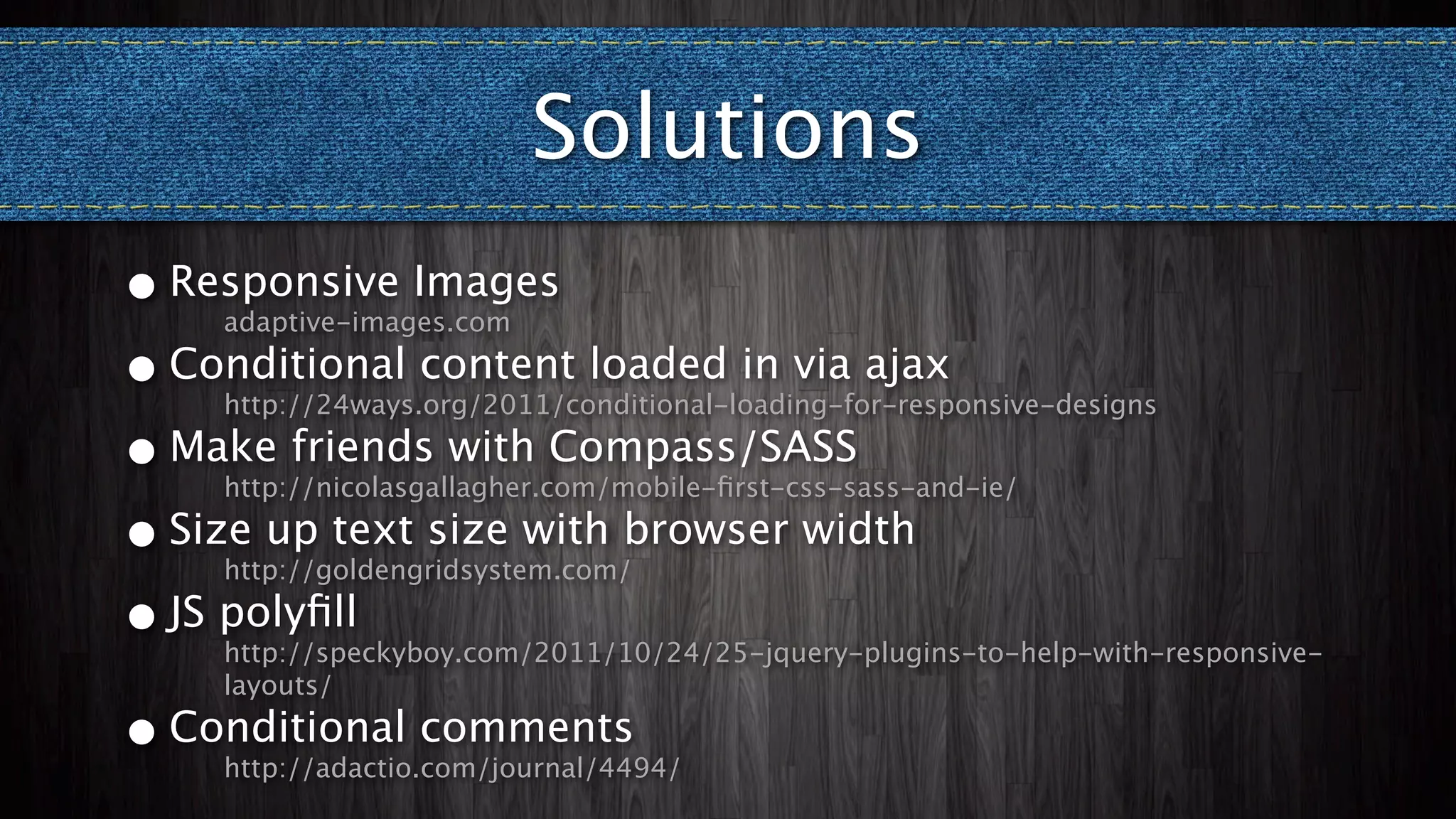
Solutions
Solutions
•   Responsive Images
      adaptive-images.com
Solutions
• Responsive Images
    adaptive-images.com

• Conditional content loaded in via ajax
    http://24ways.org/2011/conditional-loading-for-responsive-designs
Solutions
• Responsive Images
    adaptive-images.com

• Conditional content loaded in via ajax
    http://24ways.org/2011/conditional-loading-for-responsive-designs

• Make friends with Compass/SASS
    http://nicolasgallagher.com/mobile-first-css-sass-and-ie/
Solutions
• Responsive Images
    adaptive-images.com

• Conditional content loaded in via ajax
    http://24ways.org/2011/conditional-loading-for-responsive-designs

• Make friends with Compass/SASS
    http://nicolasgallagher.com/mobile-first-css-sass-and-ie/

• Size up text size with browser width
    http://goldengridsystem.com/
Solutions
• Responsive Images
    adaptive-images.com

• Conditional content loaded in via ajax
    http://24ways.org/2011/conditional-loading-for-responsive-designs

• Make friends with Compass/SASS
    http://nicolasgallagher.com/mobile-first-css-sass-and-ie/

• Size up text size with browser width
    http://goldengridsystem.com/

• JS polyfill
    http://speckyboy.com/2011/10/24/25-jquery-plugins-to-help-with-responsive-
    layouts/
Solutions
•   Responsive Images
      adaptive-images.com

• Conditional content loaded in via ajax
      http://24ways.org/2011/conditional-loading-for-responsive-designs

• Make friends with Compass/SASS
      http://nicolasgallagher.com/mobile-first-css-sass-and-ie/

• Size up text size with browser width
      http://goldengridsystem.com/

• JS polyfill
      http://speckyboy.com/2011/10/24/25-jquery-plugins-to-help-with-responsive-
      layouts/

•   Conditional comments
      http://adactio.com/journal/4494/
Questions?

Progressively Enhancing WordPress Themes

  • 1.
    Progressive Enhancement Use all the latest hotness without breaking your theme for anybody Natalie MacLees SoCal WP @nataliemac @socalwp
  • 3.
    If you’re lookingfor the more honest, truthful answer to pretty much any question on web design and usability, here it is:
  • 4.
    If you’re lookingfor the more honest, truthful answer to pretty much any question on web design and usability, here it is: It depends. - Jeremy Keith
  • 5.
    TAFEE http://paulirish.com/2011/tiered-adaptive-front-end-experiences/
  • 6.
    TAFEE • More time for what matters http://paulirish.com/2011/tiered-adaptive-front-end-experiences/
  • 7.
    TAFEE • More timefor what matters • Growth audience http://paulirish.com/2011/tiered-adaptive-front-end-experiences/
  • 8.
    TAFEE • More timefor what matters • Growth audience • Improve site performance http://paulirish.com/2011/tiered-adaptive-front-end-experiences/
  • 9.
    TAFEE • More timefor what matters • Growth audience • Improve site performance • Better search engine rankings http://paulirish.com/2011/tiered-adaptive-front-end-experiences/
  • 10.
    TAFEE • More timefor what matters • Growth audience • Improve site performance • Better search engine rankings • A future proof theme http://paulirish.com/2011/tiered-adaptive-front-end-experiences/
  • 11.
    TAFEE • More timefor what matters • Growth audience • Improve site performance • Better search engine rankings • A future proof theme • Easier maintenance and updates http://paulirish.com/2011/tiered-adaptive-front-end-experiences/
  • 12.
    TAFEE • More timefor what matters • Growth audience • Improve site performance • Better search engine rankings • A future proof theme • Easier maintenance and updates • More design possibilities http://paulirish.com/2011/tiered-adaptive-front-end-experiences/
  • 13.
    I want touse... HTML5
  • 14.
  • 15.
    Search <input type="search" results="5" class="field"name="s" id="s" placeholder="<?php esc_attr_e( 'Search', 'twentyeleven' ); ?>" />
  • 16.
    Search http://css-tricks.com/webkit-html5-search-inputs/
  • 17.
    Search http://css-tricks.com/webkit-html5-search-inputs/
  • 18.
    Search http://css-tricks.com/webkit-html5-search-inputs/
  • 19.
    HTML5 Comment Form functionhtml5_comment_form($i) { $i['email'] = str_replace('"text"', '"email"', $i['email']); $i['url'] = str_replace('"text"', '"url"', $i['url']); return $i; } add_filter('comment_form_default_fields', 'html5_comment_form');
  • 20.
  • 21.
  • 22.
  • 23.
  • 24.
  • 25.
  • 26.
  • 27.
    HTML5 Elements <header> <article> <figure> <nav> <aside> <figcaption> <hgroup> <section> <details> <footer> <time> <summary>
  • 28.
    HTML5 Elements Option1 <!--[if lt IE 9]> <script src="<?php echo get_template_directory_uri(); ?>/js/ html5.js" type="text/javascript"></ script> <![endif]--> http://remysharp.com/2009/01/07/html5-enabling-script/
  • 29.
    HTML5 Elements Option2 <div class="article"><article>...</article> </div> <div class="header"><header>...</header></div> <div class="footer"><footer>...</footer></div> <div class="aside"><aside>...</aside></div>
  • 30.
    HTML5 Elements Option3 <article> <header> <h1><?php the_title(); ?></h1> </header> <?php the_content(); ?> </article>
  • 31.
    I want touse... CSS3
  • 32.
    CSS3 •Gradients •RGBA •Box shadows •Background size •Text shadows •Transforms •Border radius •Animations •Border images •Tabular display •Multiple background •Web fonts images
  • 33.
    CSS Targeting <!--[if IE6]> <html id="ie6" <?php language_attributes(); ?>> <![endif]--> <!--[if IE 7]> <html id="ie7" <?php language_attributes(); ?>> <![endif]--> <!--[if IE 8]> <html id="ie8" <?php language_attributes(); ?>> <![endif]--> <!--[if !(IE 6) | !(IE 7) | !(IE 8) ]><!--> <html <?php language_attributes(); ?>> <!--<![endif]-->
  • 34.
    I want touse... SVG
  • 35.
    SVG? Really? •<embed>/<object> •Filters •<img> •SMIL animation •CSS backgrounds •Fonts •HTML element effects •Inline
  • 36.
    SVG? Really? •<embed>/<object> •Filters •<img> •SMIL animation •CSS backgrounds •Fonts •HTML element effects •Inline
  • 37.
    SVG CSS Background http://designfestival.com/a-farewell-to-css3-gradients/
  • 38.
    SVG CSS Background http://designfestival.com/a-farewell-to-css3-gradients/
  • 39.
    I want touse... ARIA
  • 40.
  • 41.
    ARIA •WAI = WebAccessibility Initiative
  • 42.
    ARIA •WAI = WebAccessibility Initiative • ARIA = Accessible Rich Internet Applications
  • 43.
    ARIA <header id="branding" role="banner"> <navid="access" role="navigation"> <div id="content" role="main"> <footer id="colophon" role="contentinfo"> <div class="widget-area" role="complementary"> http://www.w3.org/WAI/intro/aria
  • 44.
    I want touse... Responsive Design
  • 45.
  • 46.
  • 47.
    Responsive vs. Adaptive •Responsive= any size •Adaptive = selected sizes
  • 48.
    How-to http://www.abookapart.com/products/responsive-web-design http://www.abookapart.com/products/mobile-first
  • 49.
    How-to • Start with the content http://www.abookapart.com/products/responsive-web-design http://www.abookapart.com/products/mobile-first
  • 50.
    How-to • Start withthe content • Mobile-first http://www.abookapart.com/products/responsive-web-design http://www.abookapart.com/products/mobile-first
  • 51.
    How-to • Start withthe content • Mobile-first • Liquid Layout - including media http://www.abookapart.com/products/responsive-web-design http://www.abookapart.com/products/mobile-first
  • 52.
    How-to • Start withthe content • Mobile-first • Liquid Layout - including media • Media queries http://www.abookapart.com/products/responsive-web-design http://www.abookapart.com/products/mobile-first
  • 53.
  • 54.
    Caveats • Large images to small screens?
  • 55.
    Caveats • Large imagesto small screens? • Context by device
  • 56.
    Caveats • Large imagesto small screens? • Context by device • Not all browsers support media queries
  • 57.
    Caveats • Large imagesto small screens? • Context by device • Not all browsers support media queries • Ridiculous line lengths for large screens
  • 58.
  • 59.
    Solutions • Responsive Images adaptive-images.com
  • 60.
    Solutions • Responsive Images adaptive-images.com • Conditional content loaded in via ajax http://24ways.org/2011/conditional-loading-for-responsive-designs
  • 61.
    Solutions • Responsive Images adaptive-images.com • Conditional content loaded in via ajax http://24ways.org/2011/conditional-loading-for-responsive-designs • Make friends with Compass/SASS http://nicolasgallagher.com/mobile-first-css-sass-and-ie/
  • 62.
    Solutions • Responsive Images adaptive-images.com • Conditional content loaded in via ajax http://24ways.org/2011/conditional-loading-for-responsive-designs • Make friends with Compass/SASS http://nicolasgallagher.com/mobile-first-css-sass-and-ie/ • Size up text size with browser width http://goldengridsystem.com/
  • 63.
    Solutions • Responsive Images adaptive-images.com • Conditional content loaded in via ajax http://24ways.org/2011/conditional-loading-for-responsive-designs • Make friends with Compass/SASS http://nicolasgallagher.com/mobile-first-css-sass-and-ie/ • Size up text size with browser width http://goldengridsystem.com/ • JS polyfill http://speckyboy.com/2011/10/24/25-jquery-plugins-to-help-with-responsive- layouts/
  • 64.
    Solutions • Responsive Images adaptive-images.com • Conditional content loaded in via ajax http://24ways.org/2011/conditional-loading-for-responsive-designs • Make friends with Compass/SASS http://nicolasgallagher.com/mobile-first-css-sass-and-ie/ • Size up text size with browser width http://goldengridsystem.com/ • JS polyfill http://speckyboy.com/2011/10/24/25-jquery-plugins-to-help-with-responsive- layouts/ • Conditional comments http://adactio.com/journal/4494/
  • 65.

Editor's Notes

  • #2 \n
  • #3 \n
  • #4 \n
  • #5 \n
  • #6 \n
  • #7 \n
  • #8 \n
  • #9 \n
  • #10 \n
  • #11 \n
  • #12 \n
  • #13 \n
  • #14 many things to many people\nseveral different specs/technologies\nfor us: forms and elements\n
  • #15 \n\n
  • #16 Pros:\nEnables search history with the results attribute\nAllows field to be easily cleared\nOptional incremental attribute for firing off events for live search\nTreated as a text field for browsers without support\nCons:\nLimited ability to style in some browsers (Webkit)\nNote:\nPlaceholder attribute already used in TwentyEleven\nSee http://css-tricks.com/7261-webkit-html5-search-inputs/ for styling information and CSS limitations\n\n
  • #17 Pros:\nEnables search history with the results attribute\nAllows field to be easily cleared\nOptional incremental attribute for firing off events for live search\nTreated as a text field for browsers without support\nCons:\nLimited ability to style in some browsers (Webkit)\nNote:\nPlaceholder attribute already used in TwentyEleven\nSee http://css-tricks.com/7261-webkit-html5-search-inputs/ for styling information and CSS limitations\n\n
  • #18 \n
  • #19 Pros:\nHandy soft keyboard customization\n
  • #20 Pros:\nHandy soft keyboard customization\n
  • #21 Pros:\nHandy soft keyboard customization\n
  • #22 Pros:\nAutomatic form validation for valid email and url\nTreated as regular text fields in browsers without support\nCons:\nEarly browser support was shaky at best - poor error messaging\nLoss of control over presentation of error messages\nNotes:\nNeed to update CSS and JavaScript to handle new attribute values\n
  • #23 Pros:\nAutomatic form validation for valid email and url\nTreated as regular text fields in browsers without support\nCons:\nEarly browser support was shaky at best - poor error messaging\nLoss of control over presentation of error messages\nNotes:\nNeed to update CSS and JavaScript to handle new attribute values\n
  • #24 Pros:\nLess &lt;div&gt;s - code is easier to read\nGive semantic meaning to common elements\nCons:\nNeeds some extra styling help\nIE doesn&amp;#x2019;t recognize these elements without JavaScript\n
  • #25 JavaScript polyfill\nRemy Sharp&amp;#x2019;s HTML5 Shiv Included with TwentyEleven\nPros:\nSimple and neat\nCons:\nRelies on JavaScript\n
  • #26 &lt;div&gt; wrappers for new elements\nPros:\nNo JS reliance\nBullet-proof\nCons:\nExtra markup (but not really much)\nNotes: Use &lt;div&gt;s, not new elements for CSS styling and JS\n
  • #27 Avoid using new elements for CSS purposes\nAvoid adding classes and IDs to new elements\nInclude in markup for semantics\nAdd wrapper &lt;div&gt;s as necessary\nPros:\nLightweight\nCons:\nMaintenance and keeping track\n
  • #28 \n
  • #29 Pros:\nAchieve gorgeous results without images\nUse fun type faces on the web\nAccomplish complex tasks that would otherwise be extremely difficult or impossible\nCons:\nNeed to check all fallbacks\nCan cause lag in redrawing/scrolling if used too heavily\nNeed to specify the same properties and values over and over again with vendor prefixes and sometimes different syntax\nNotes:\nCheck and double-check fallbacks - for example, you can&amp;#x2019;t rely on only a box shadow to separate one element from another\nSupporting vendor prefixes and multiple syntaxes easier when using something like Less or Sass/Compass\n\n
  • #30 Allows you to easily target CSS rules for the most difficult to accommodate browsers\n
  • #31 \n
  • #32 Not ready to be used - difficult to provide adequate fallbacks\nHowever - CSS backgrounds are a great candidate - easy to provide an elegant fallback\nCan be a great alternative to CSS3 gradient backgrounds, which can be tough to deal with\nhttp://svg-edit.googlecode.com/svn/trunk/editor/svg-editor.html\n
  • #33 Not ready to be used - difficult to provide adequate fallbacks\nHowever - CSS backgrounds are a great candidate - easy to provide an elegant fallback\nCan be a great alternative to CSS3 gradient backgrounds, which can be tough to deal with\nhttp://svg-edit.googlecode.com/svn/trunk/editor/svg-editor.html\n
  • #34 Not ready to be used - difficult to provide adequate fallbacks\nHowever - CSS backgrounds are a great candidate - easy to provide an elegant fallback\nCan be a great alternative to CSS3 gradient backgrounds, which can be tough to deal with\nhttp://svg-edit.googlecode.com/svn/trunk/editor/svg-editor.html\n
  • #35 Not ready to be used - difficult to provide adequate fallbacks\nHowever - CSS backgrounds are a great candidate - easy to provide an elegant fallback\nCan be a great alternative to CSS3 gradient backgrounds, which can be tough to deal with\nhttp://svg-edit.googlecode.com/svn/trunk/editor/svg-editor.html\n
  • #36 Not ready to be used - difficult to provide adequate fallbacks\nHowever - CSS backgrounds are a great candidate - easy to provide an elegant fallback\nCan be a great alternative to CSS3 gradient backgrounds, which can be tough to deal with\nhttp://svg-edit.googlecode.com/svn/trunk/editor/svg-editor.html\n
  • #37 Not ready to be used - difficult to provide adequate fallbacks\nHowever - CSS backgrounds are a great candidate - easy to provide an elegant fallback\nCan be a great alternative to CSS3 gradient backgrounds, which can be tough to deal with\nhttp://svg-edit.googlecode.com/svn/trunk/editor/svg-editor.html\n
  • #38 Not ready to be used - difficult to provide adequate fallbacks\nHowever - CSS backgrounds are a great candidate - easy to provide an elegant fallback\nCan be a great alternative to CSS3 gradient backgrounds, which can be tough to deal with\nhttp://svg-edit.googlecode.com/svn/trunk/editor/svg-editor.html\n
  • #39 \n
  • #40 \n
  • #41 \n
  • #42 \n
  • #43 \n
  • #44 \n
  • #45 \n
  • #46 \n
  • #47 Content first - for WP? We know what types of content we&apos;ll have - posts, pages, images, videos, links, etc.\nMobile first ensures the experience is optimal for the hardest-to-please audience\nPercentage widths for everything\nUse media queries to adjust layout\nNotes:\nDesign and development are no longer two separate entities\n
  • #48 Content first - for WP? We know what types of content we&apos;ll have - posts, pages, images, videos, links, etc.\nMobile first ensures the experience is optimal for the hardest-to-please audience\nPercentage widths for everything\nUse media queries to adjust layout\nNotes:\nDesign and development are no longer two separate entities\n
  • #49 Content first - for WP? We know what types of content we&apos;ll have - posts, pages, images, videos, links, etc.\nMobile first ensures the experience is optimal for the hardest-to-please audience\nPercentage widths for everything\nUse media queries to adjust layout\nNotes:\nDesign and development are no longer two separate entities\n
  • #50 Content first - for WP? We know what types of content we&apos;ll have - posts, pages, images, videos, links, etc.\nMobile first ensures the experience is optimal for the hardest-to-please audience\nPercentage widths for everything\nUse media queries to adjust layout\nNotes:\nDesign and development are no longer two separate entities\n
  • #51 \n
  • #52 \n
  • #53 \n
  • #54 \n
  • #55 \n
  • #56 \n
  • #57 \n
  • #58 \n
  • #59 \n
  • #60 \n
  • #61 \n