Facebook Basics for Your
Organization
                           March 9, 2011


                            The 2011 MyCharityConnects
                            Webinar Series is generously
                             supported by Direct Energy.
Today’s Presenter


Amy Huynh
  Marketing & Communications Coordinator
reminders
 You can hear us, but we can’t hear you
 Presentation slides will be available on
  www.mycharityconnects.org/pastwebinars
 For the best webinar experience, close all other applications
 Turn up your computer’s volume
 Have questions? Type questions in the Questions Log
What is CanadaHelps?
  A public charitable foundation that provides accessible and
  affordable online technology to both donors and charities.

For Charities
   A cost-effective means of raising funds online.

For Donors
   A one-stop-shop for giving.

              CanadaHelps is a charity helping charities.
                 CanadaHelps is giving made simple.
Agenda
Anatomy of a Facebook Page

   What To Do First ...

    Now You’re Ready For ...

    Tips & Reminders

   About MyCharityConnects

Q&A
Why Facebook?
•   Enormous network: 17 million+ users in Canada!
•   Free and easy to use
•   New tools and features are always being added
•   Make meaningful connections with current supporters and
    gain new ones
Things to Consider
• Information is shared and is
  public
• Limited control over other
  users’ opinions
• New tools and features are
  always being added
• Maintenance and commitment
  is required
ANATOMY OF A FACEBOOK PAGE
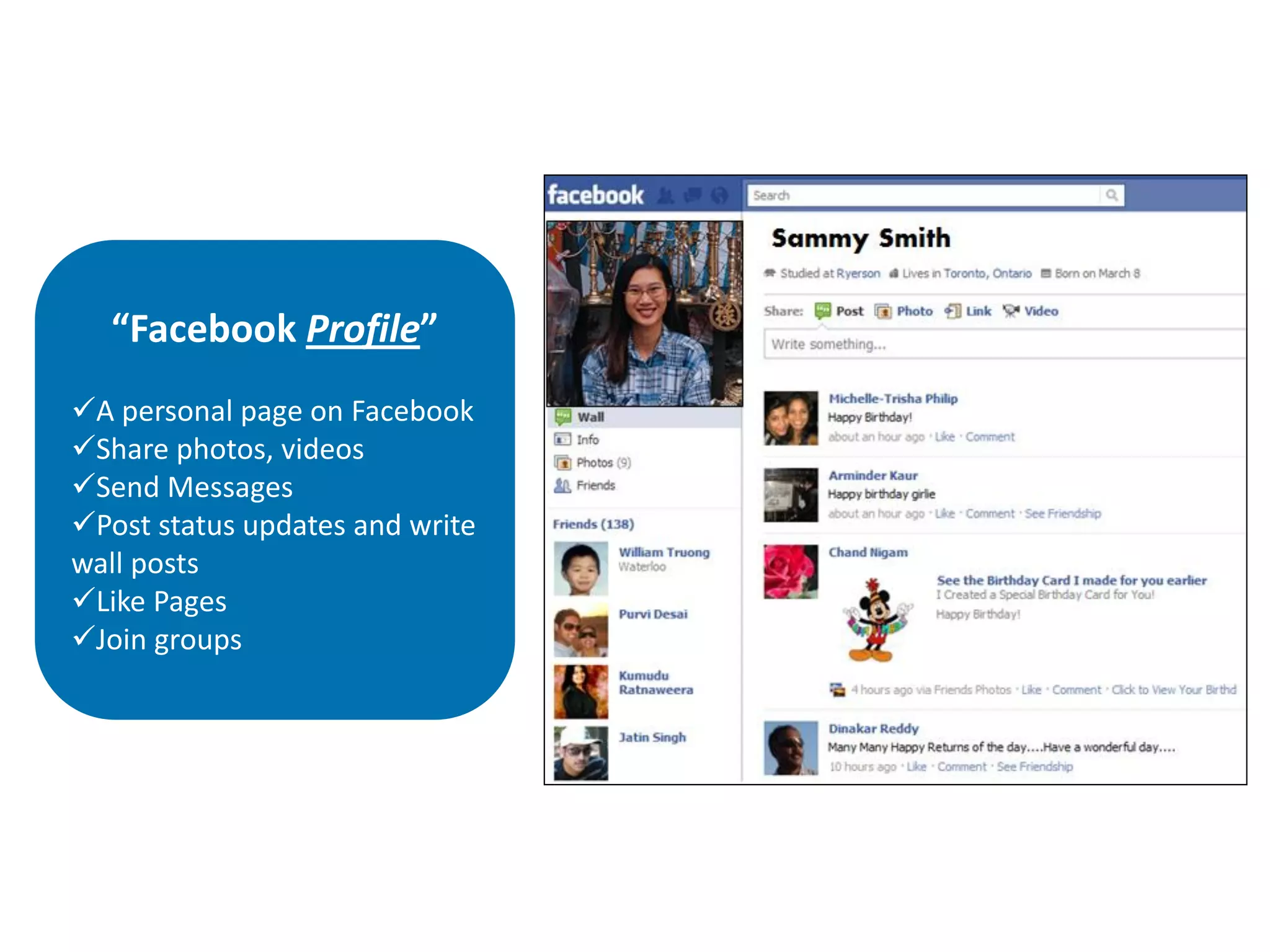
“Facebook Profile”
A personal page on Facebook
Share photos, videos
Send Messages
Post status updates and write
wall posts
Like Pages
Join groups
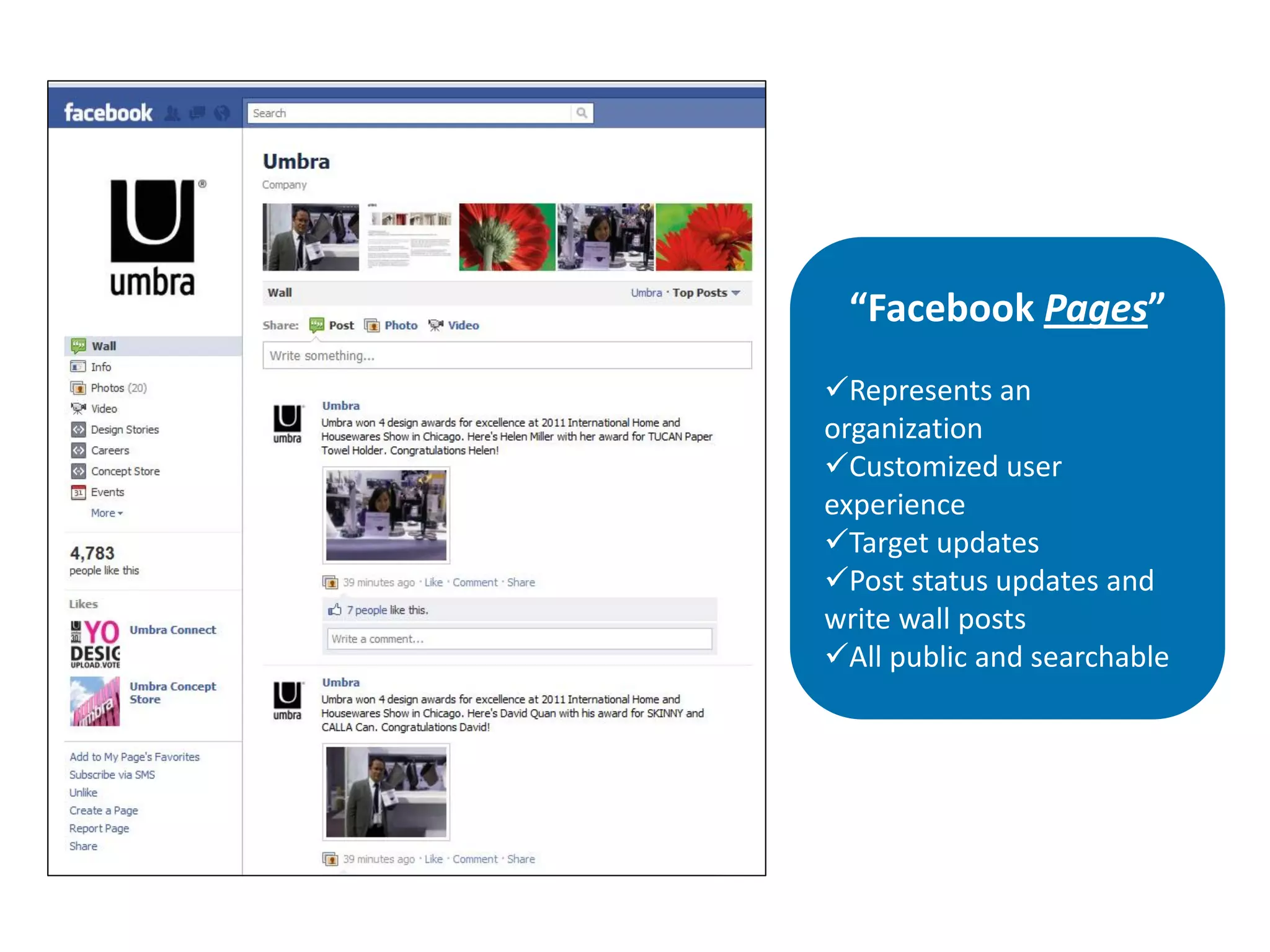
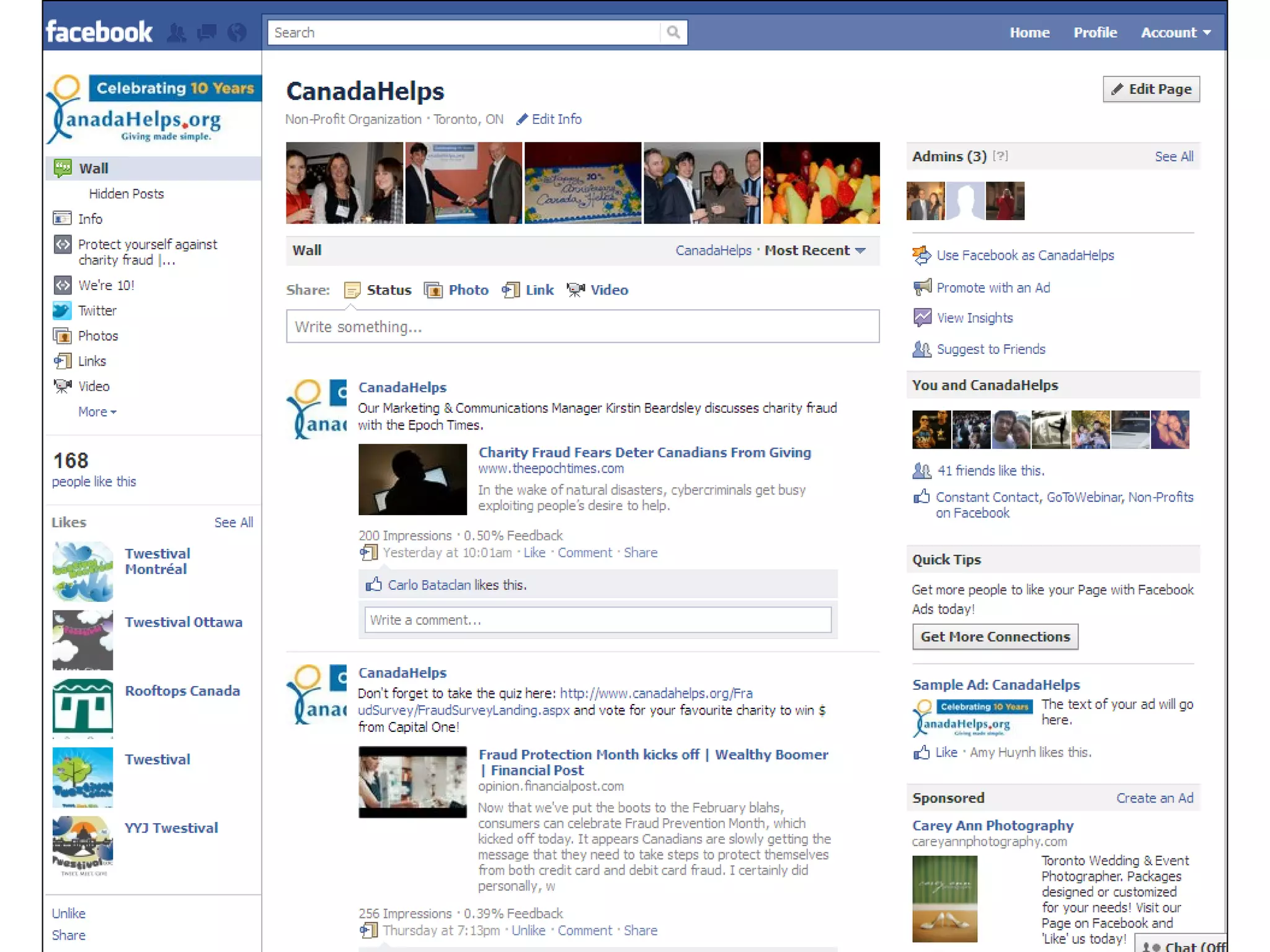
“Facebook Pages”
Represents an
organization
Customized user
experience
Target updates
Post status updates and
write wall posts
All public and searchable
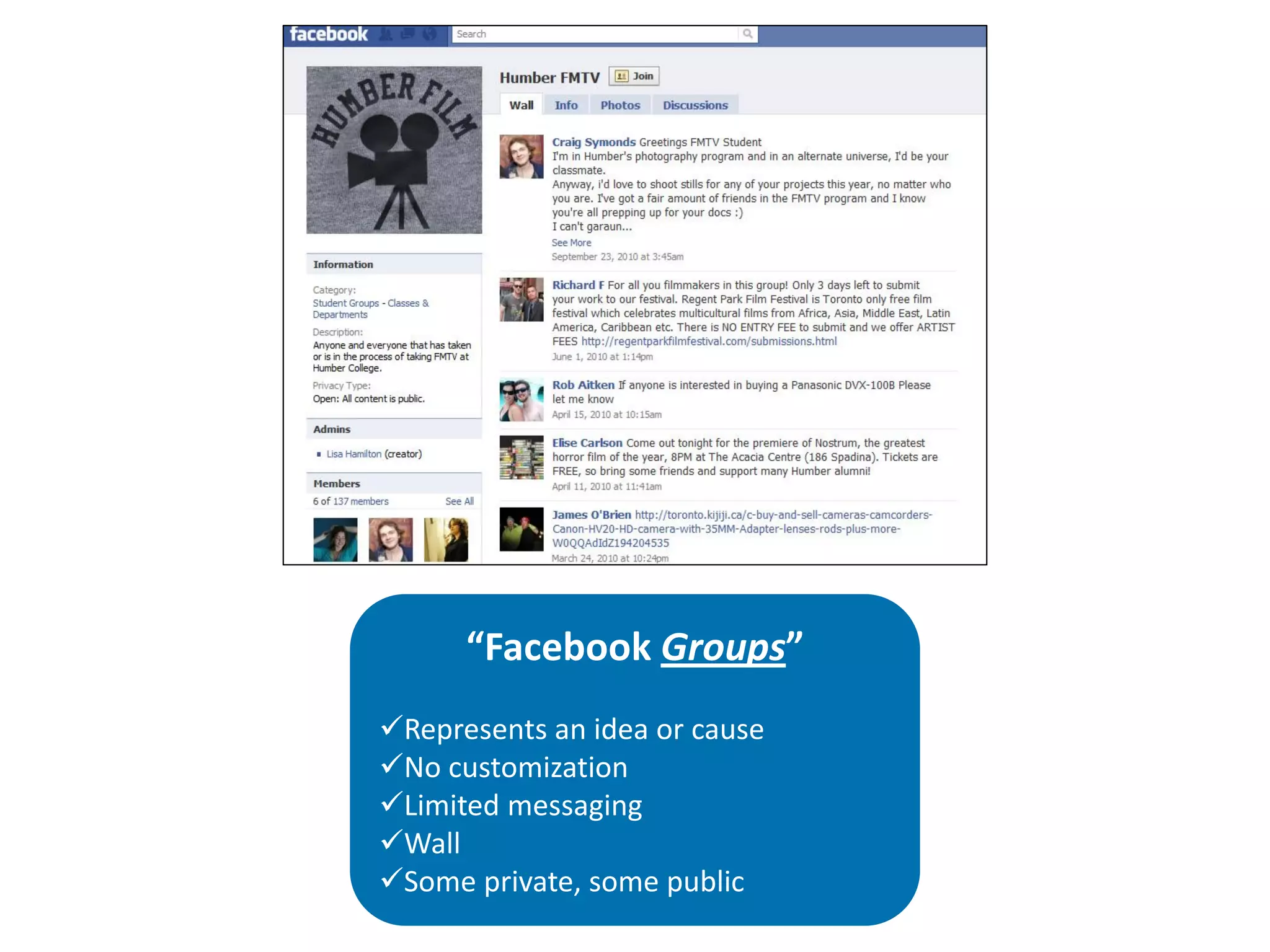
“Facebook Groups”
Represents an idea or cause
No customization
Limited messaging
Wall
Some private, some public
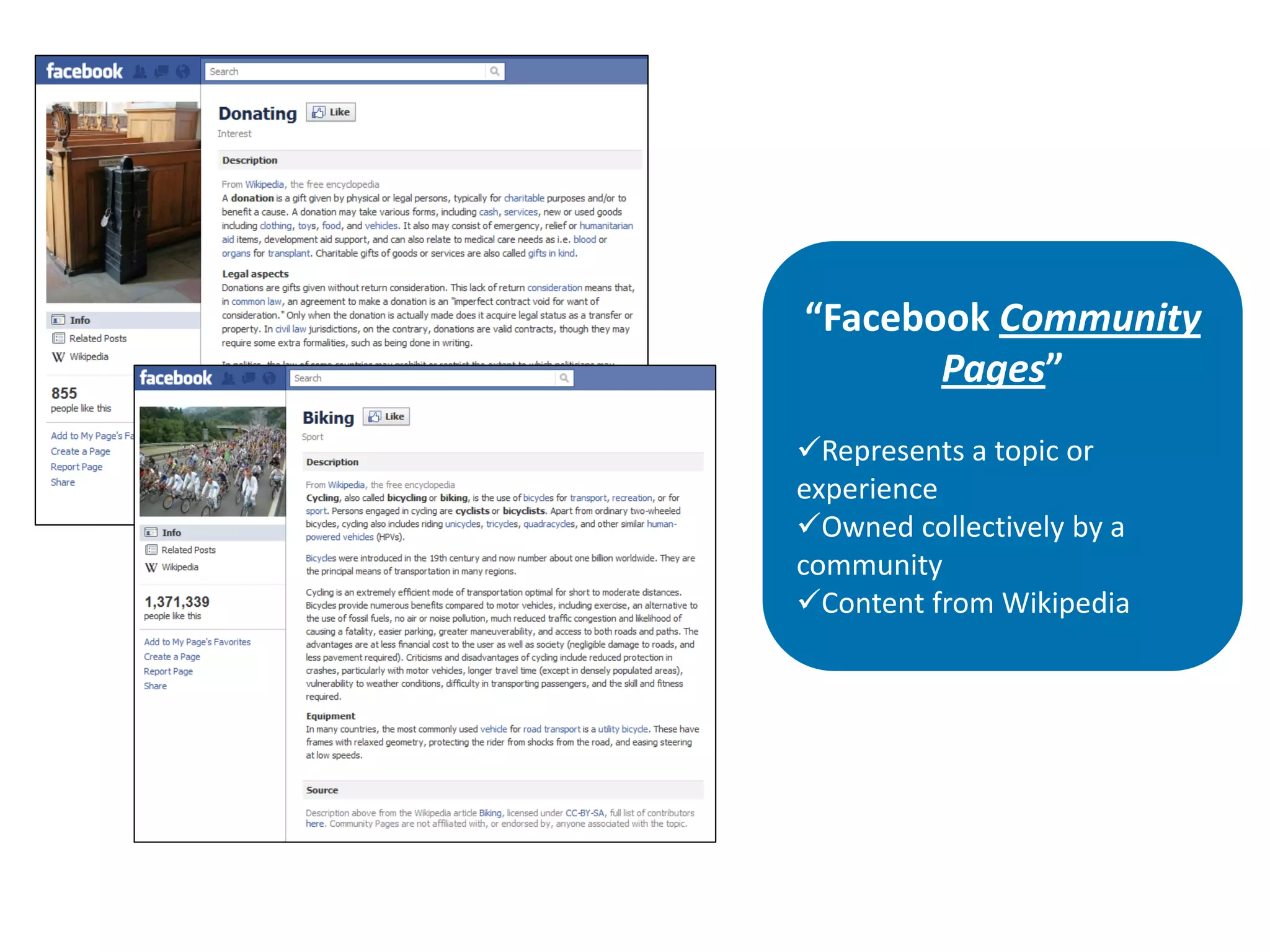
“Facebook Community
       Pages”
Represents a topic or
experience
Owned collectively by a
community
Content from Wikipedia
WHAT TO DO FIRST…
Get informed!


• Check out www.facebook.com/nonprofits for tips and best
  practices
• Good idea to “like” them to keep informed of any updates
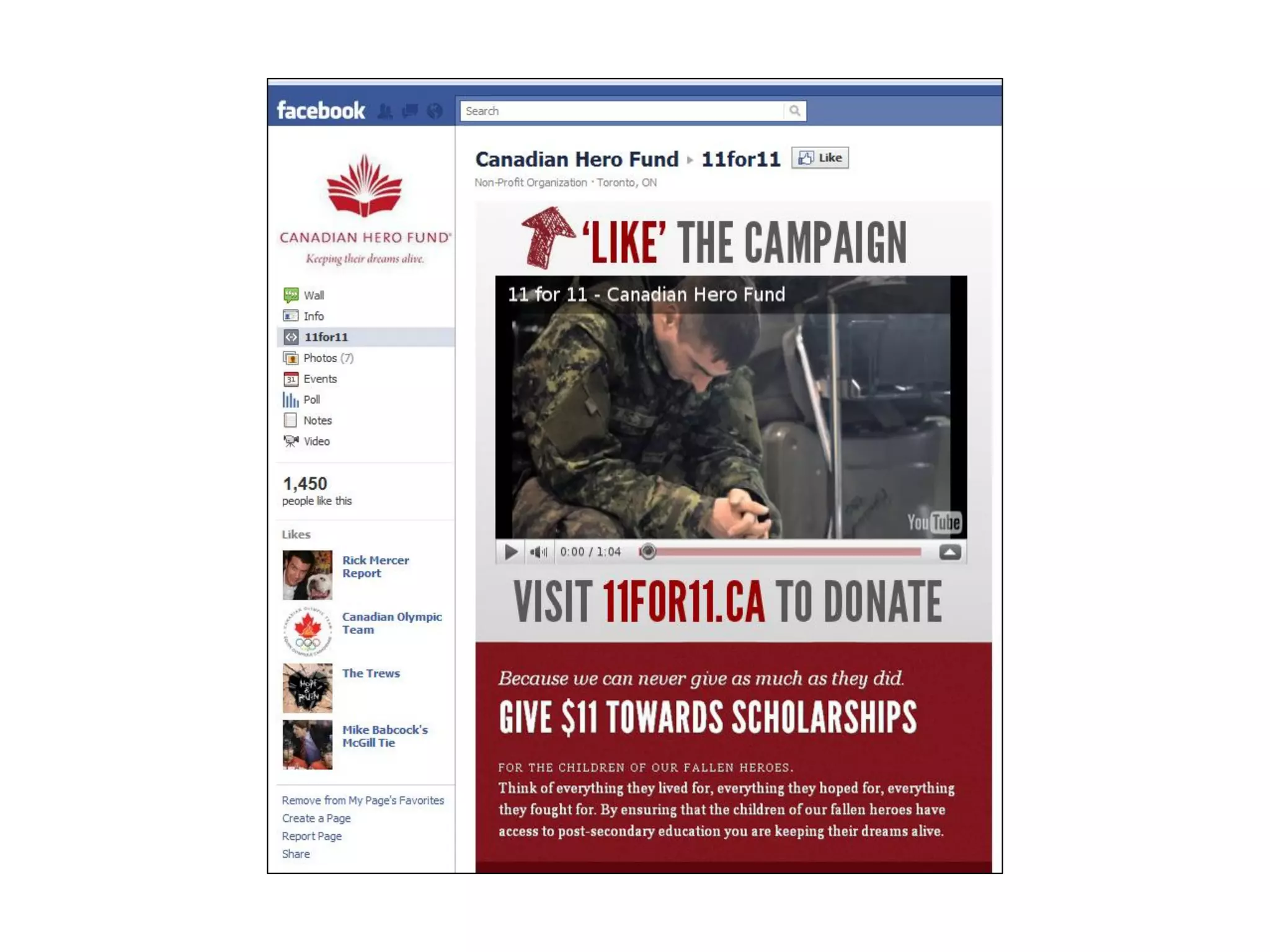
• See what other organizations are doing
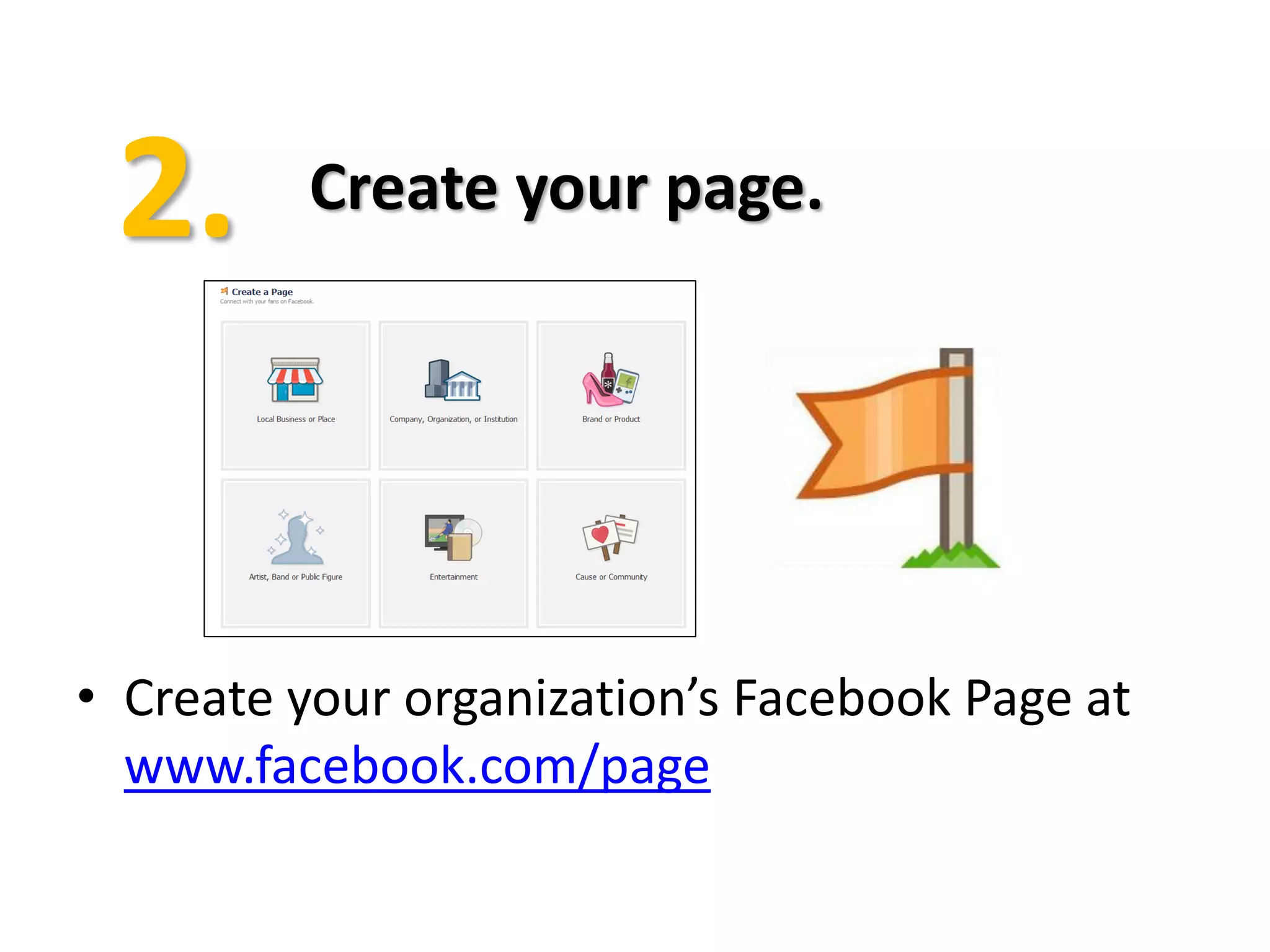
Create your page.


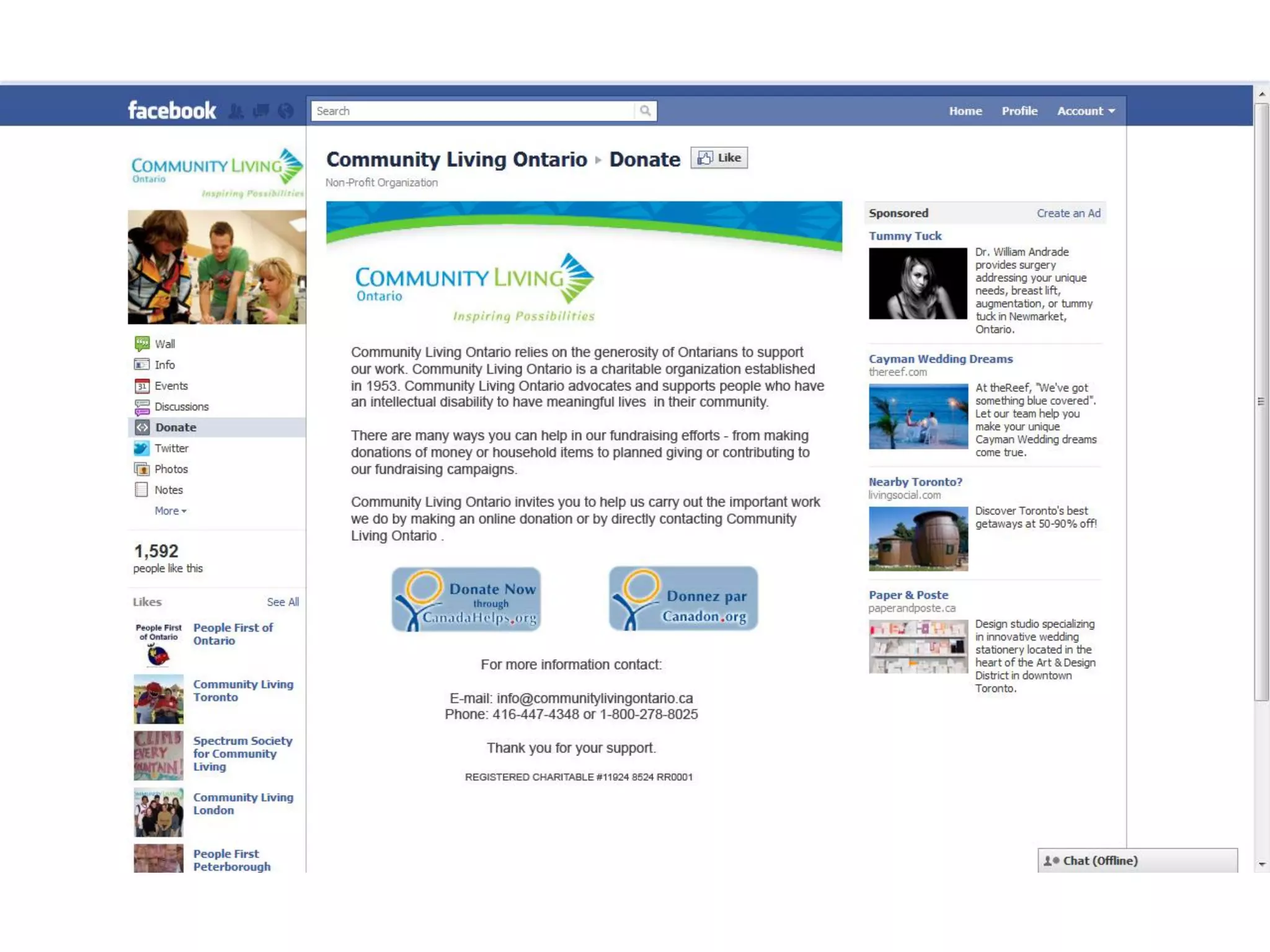
• Create your organization’s Facebook Page at
  www.facebook.com/page
Secure a username for your
          Page.


• Choose a username for your Page at
  www.facebook.com/username
• Eligible to create a username when your Page has
  more than 25 fans
• Example: www.facebook.com/canadahelps
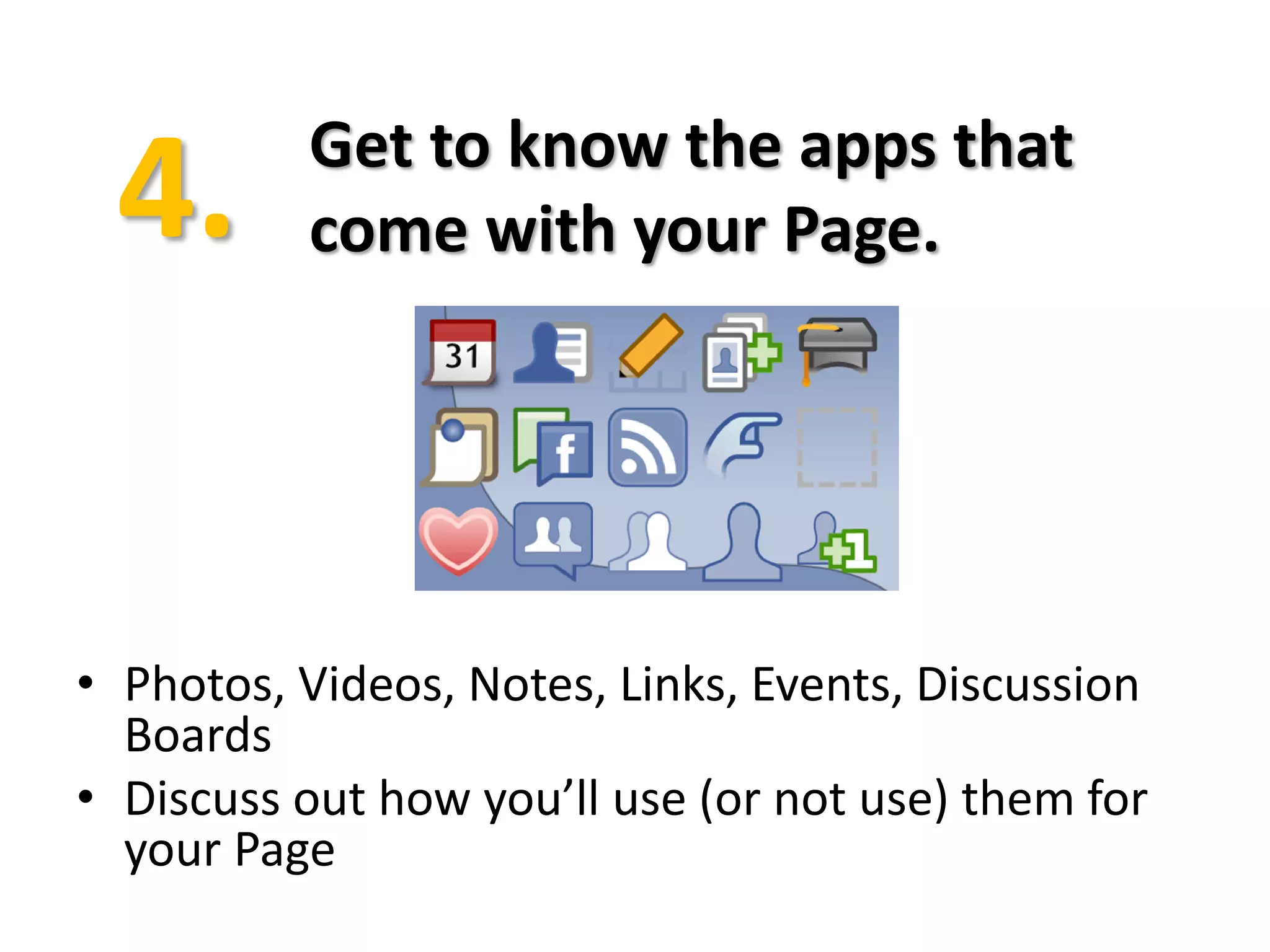
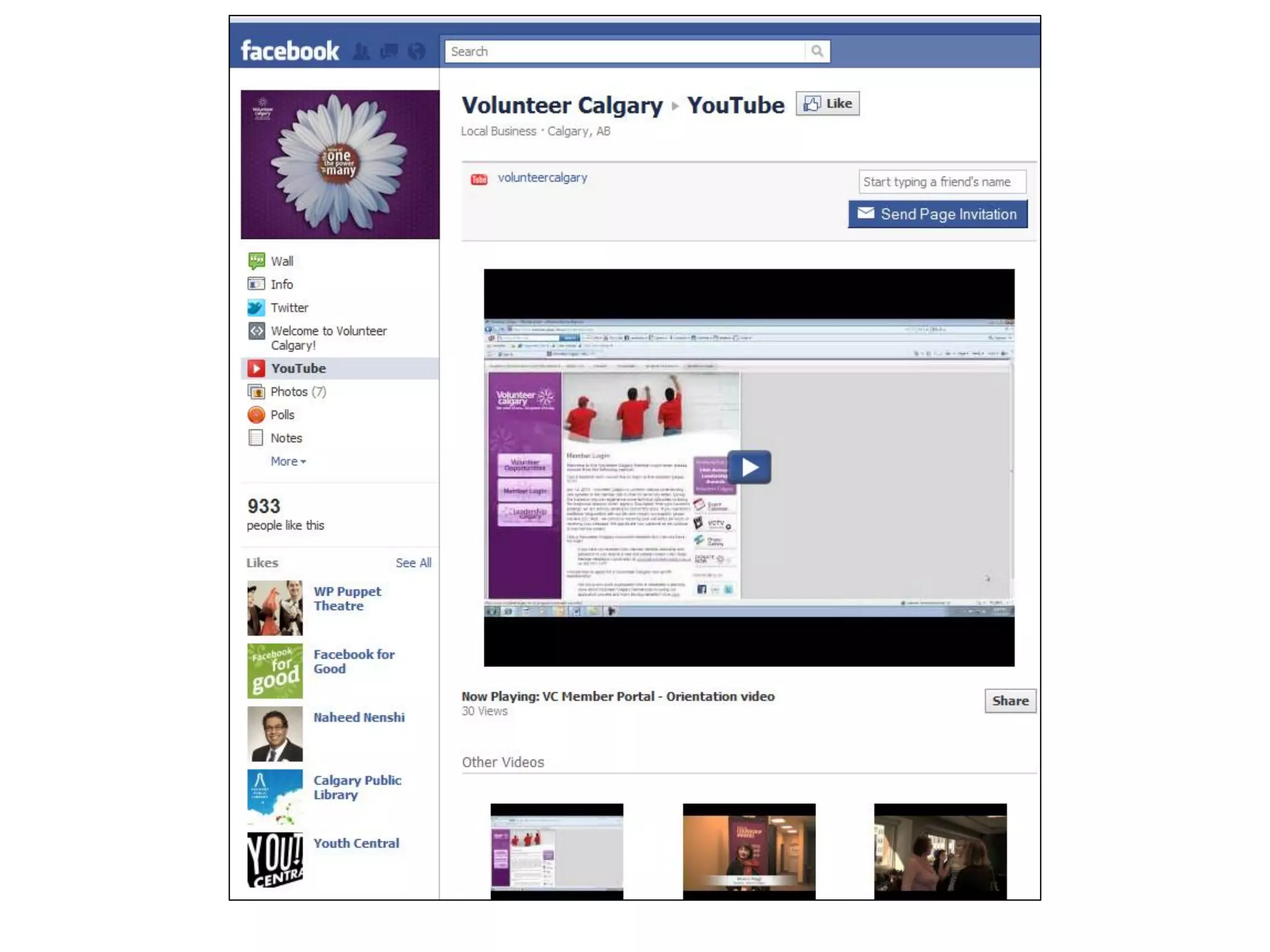
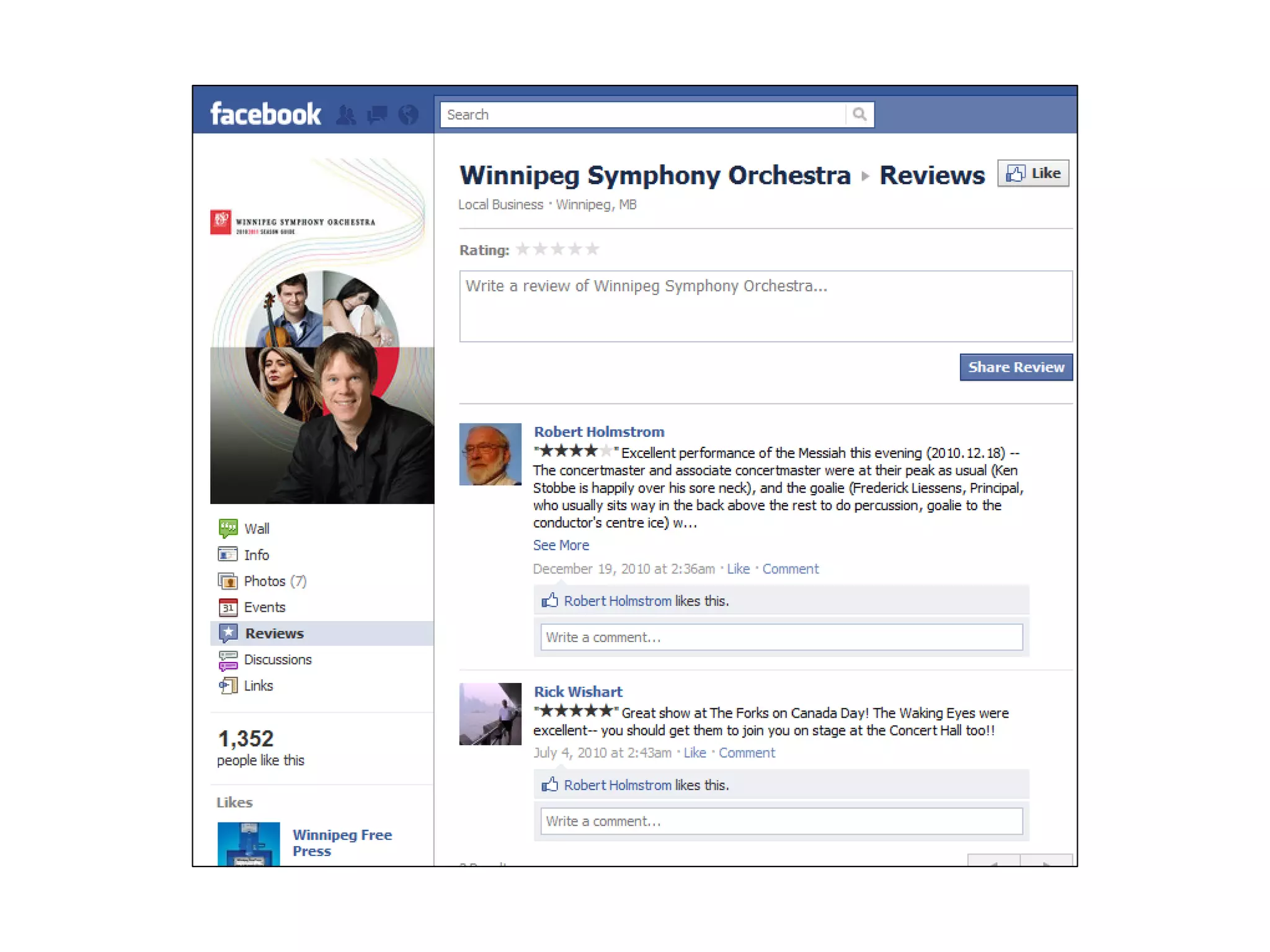
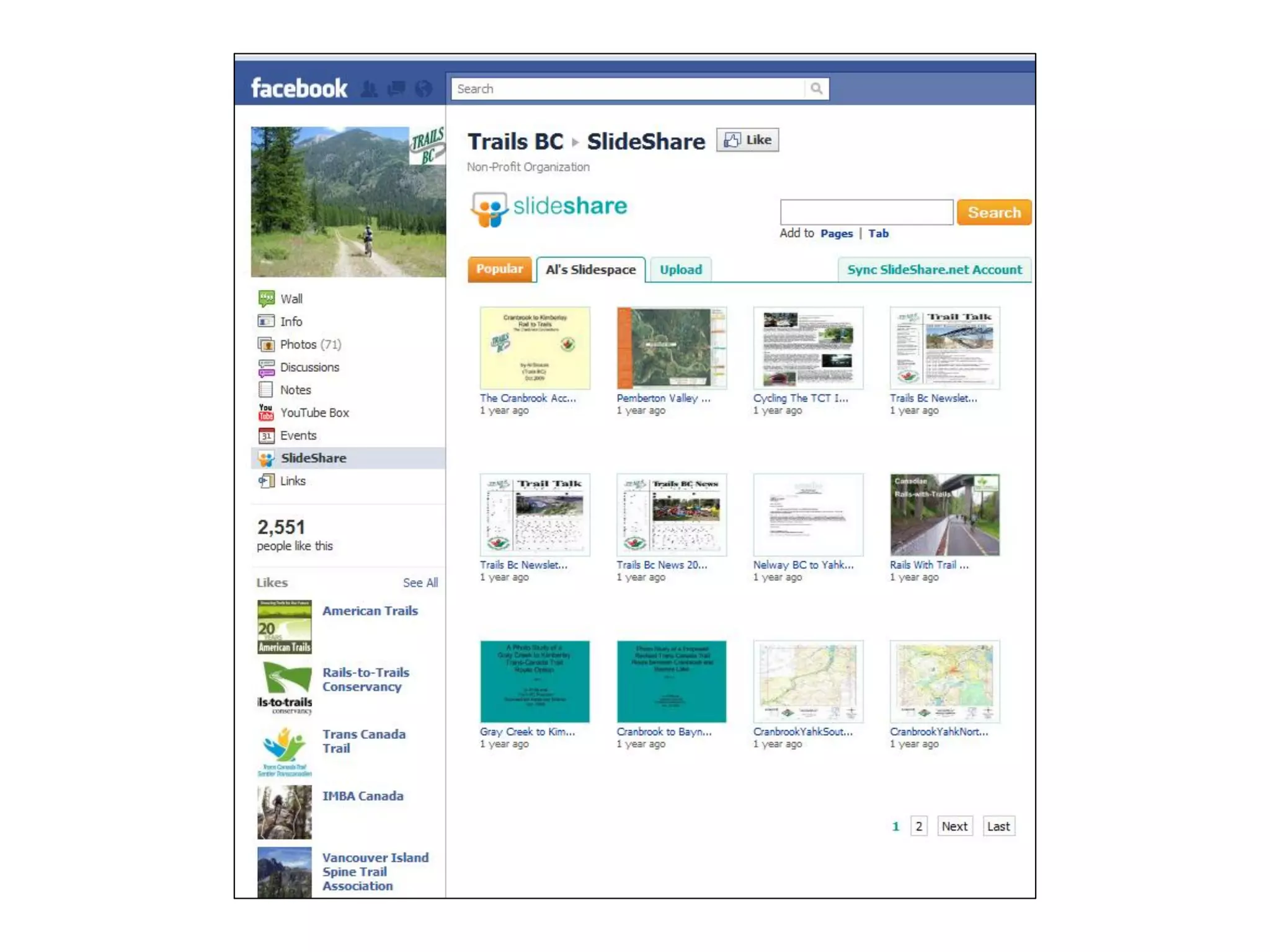
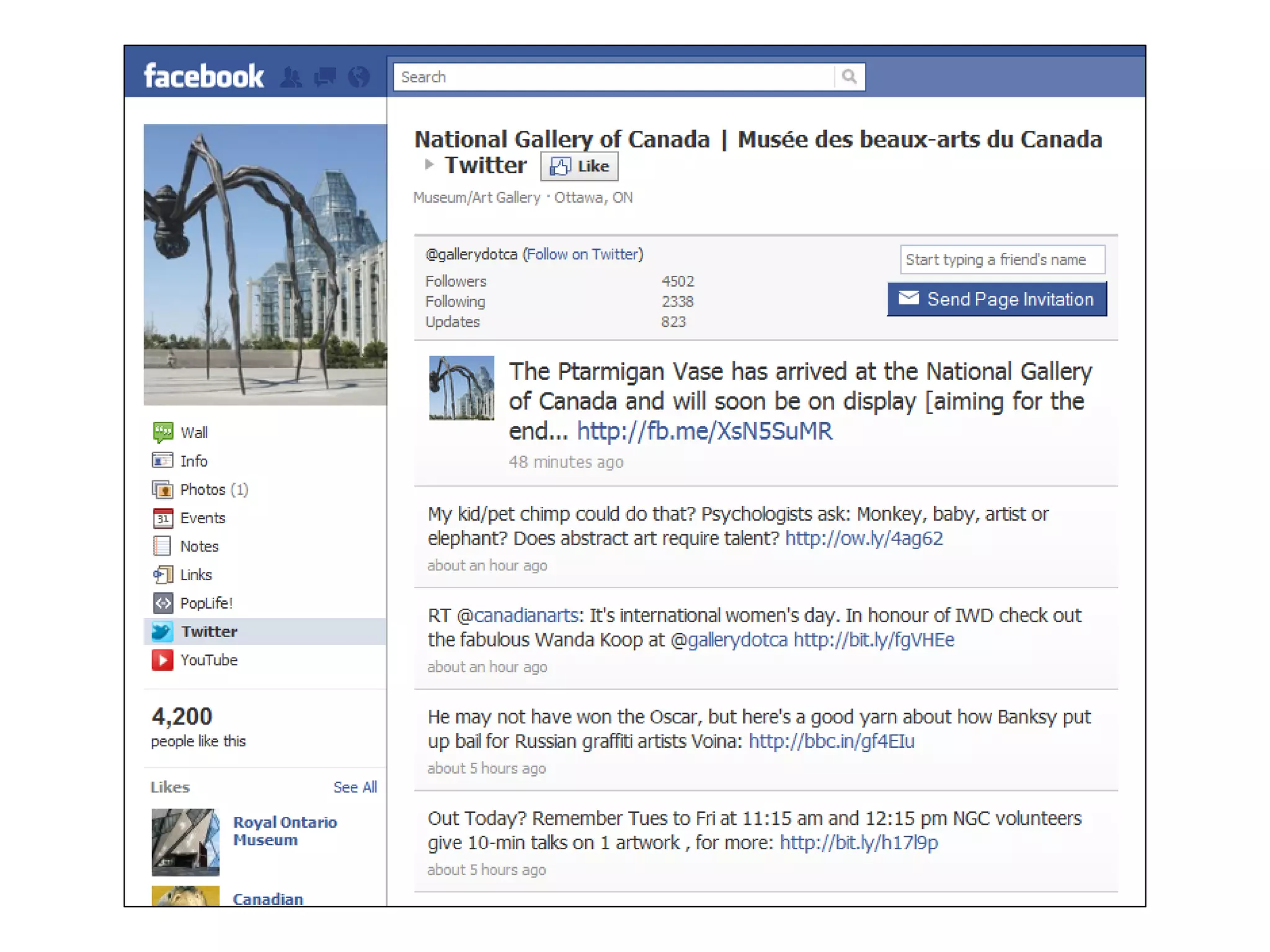
Get to know the apps that
          come with your Page.


• Photos, Videos, Notes, Links, Events, Discussion
  Boards
• Discuss out how you’ll use (or not use) them for
  your Page
Populate your page.


• Populate your page with the content you have:
  photos from past events, PSAs, information about
  pillar events and programs
• Fill out all your basic info
Develop content ideas for
                     post-launch.


•   Have some content ideas for after your launch
•   Great time to test out the apps:
     •   Start a discussion
     •   Post a link to an interesting news article
     •   Update your status
     •   Write a note!
Promote!


• Add your Facebook Page link everywhere
• Make an announcement to your email list of
  your page launch
• “Suggest to Friends”
NOW YOU’RE READY FOR…
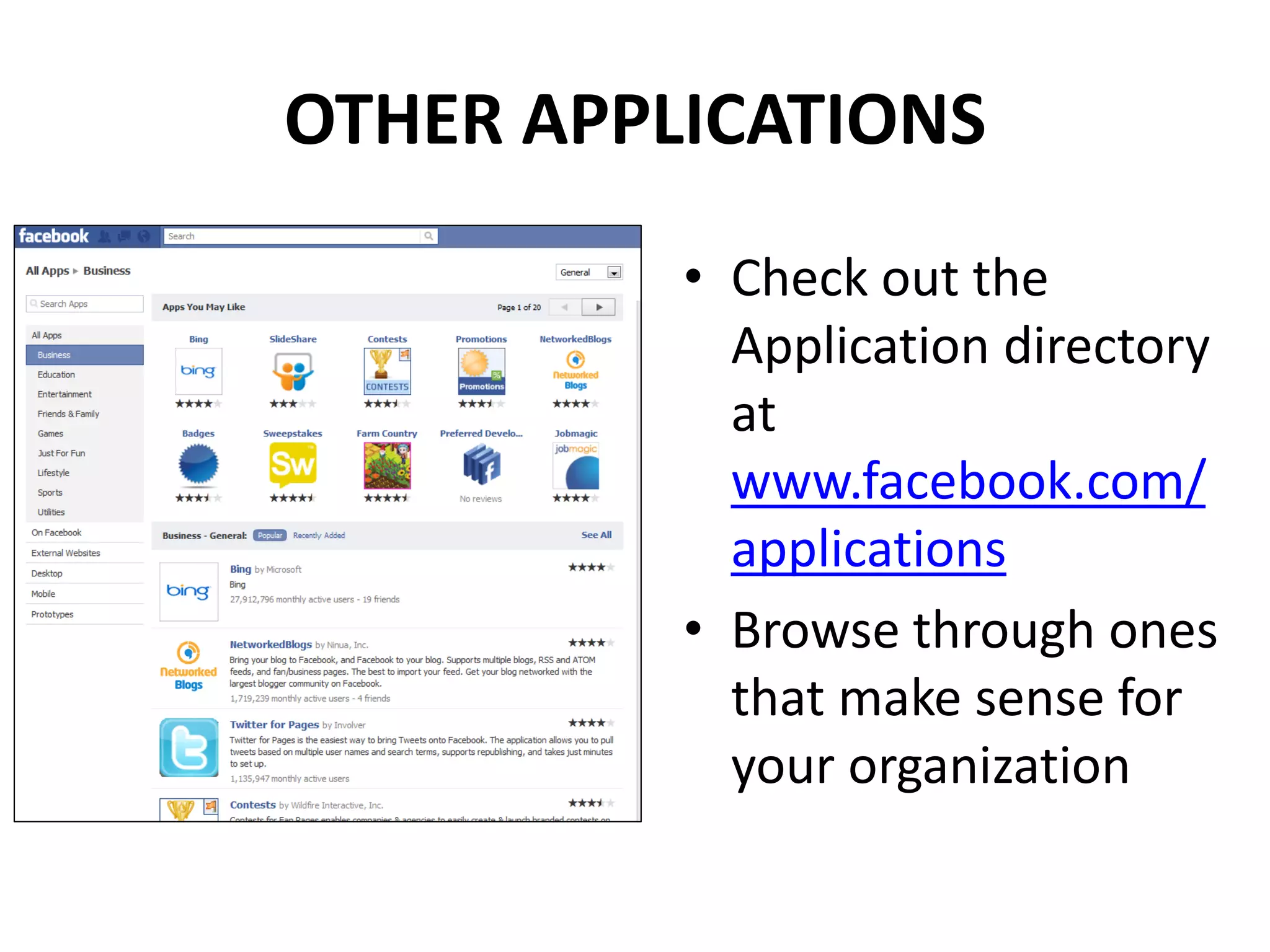
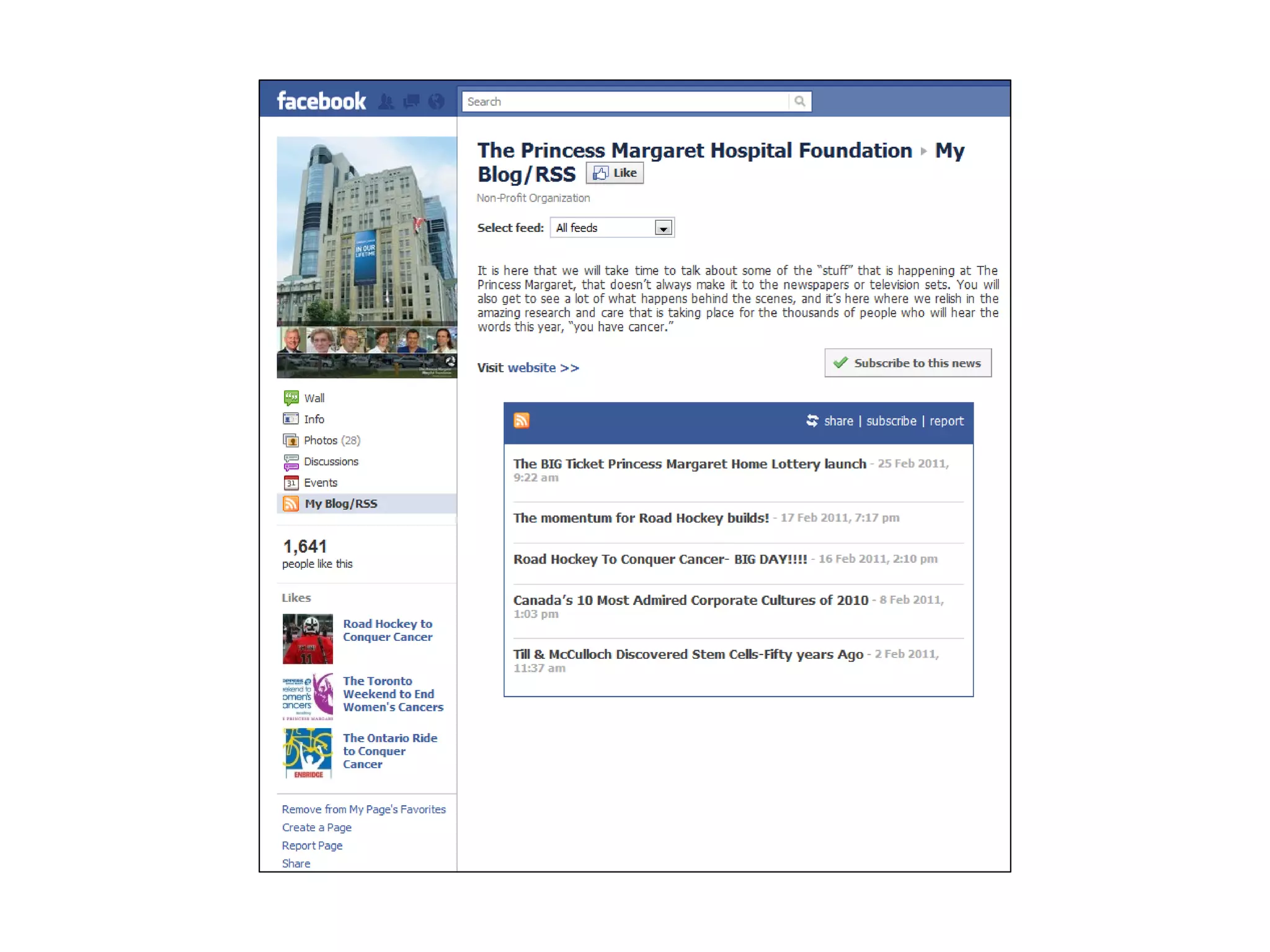
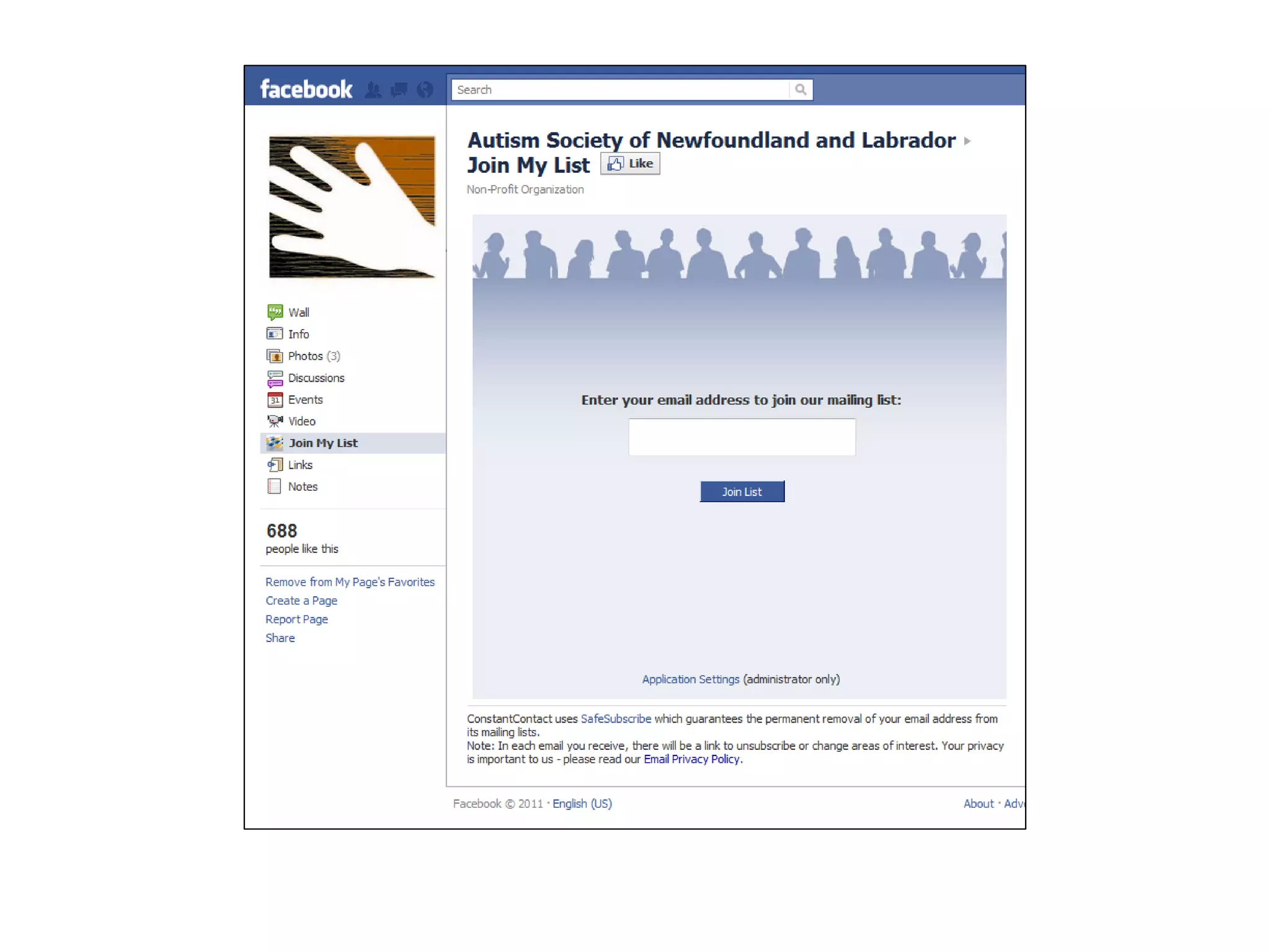
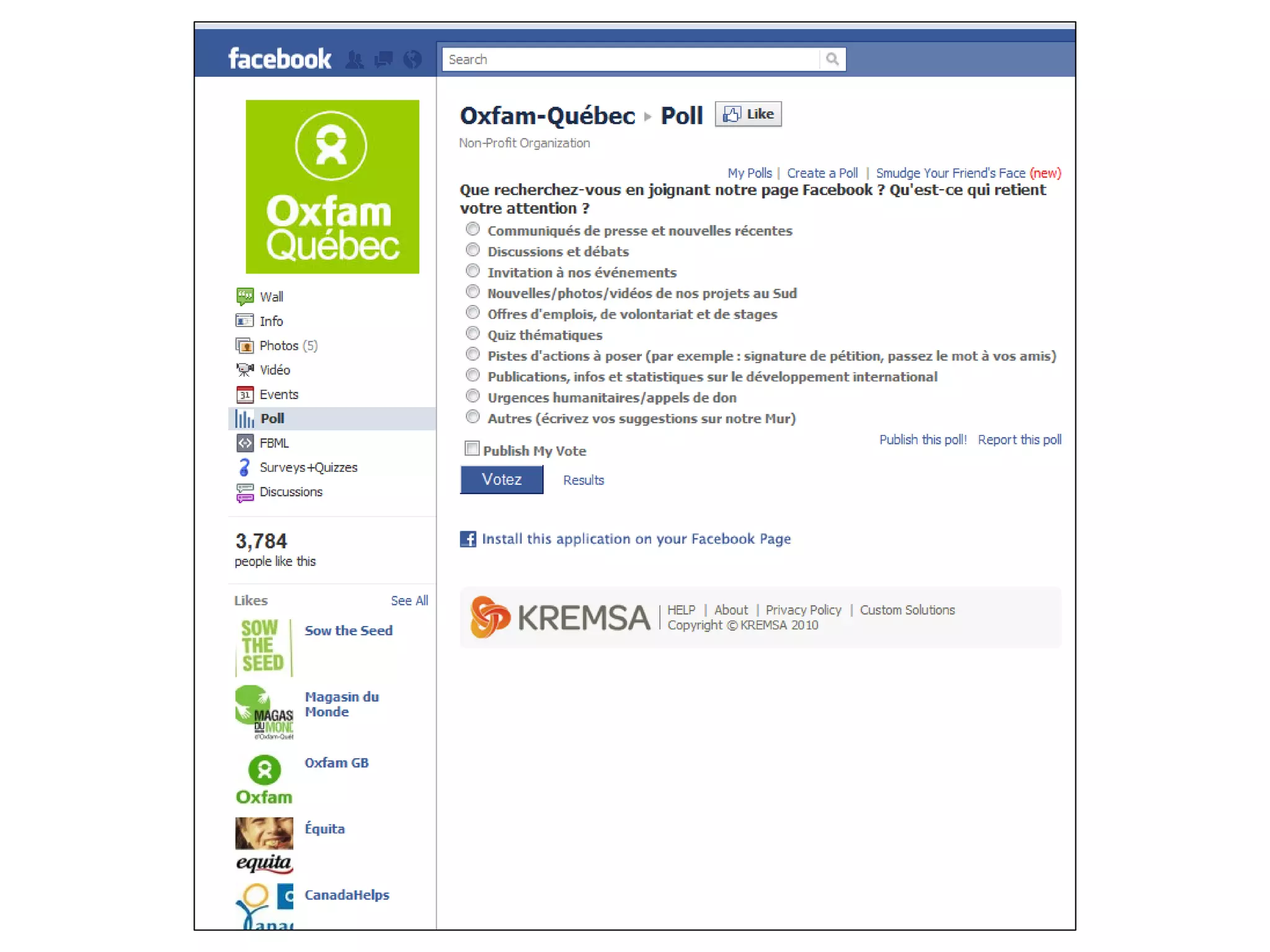
OTHER APPLICATIONS
          • Check out the
            Application directory
            at
            www.facebook.com/
            applications
          • Browse through ones
            that make sense for
            your organization
CUSTOMIZATION


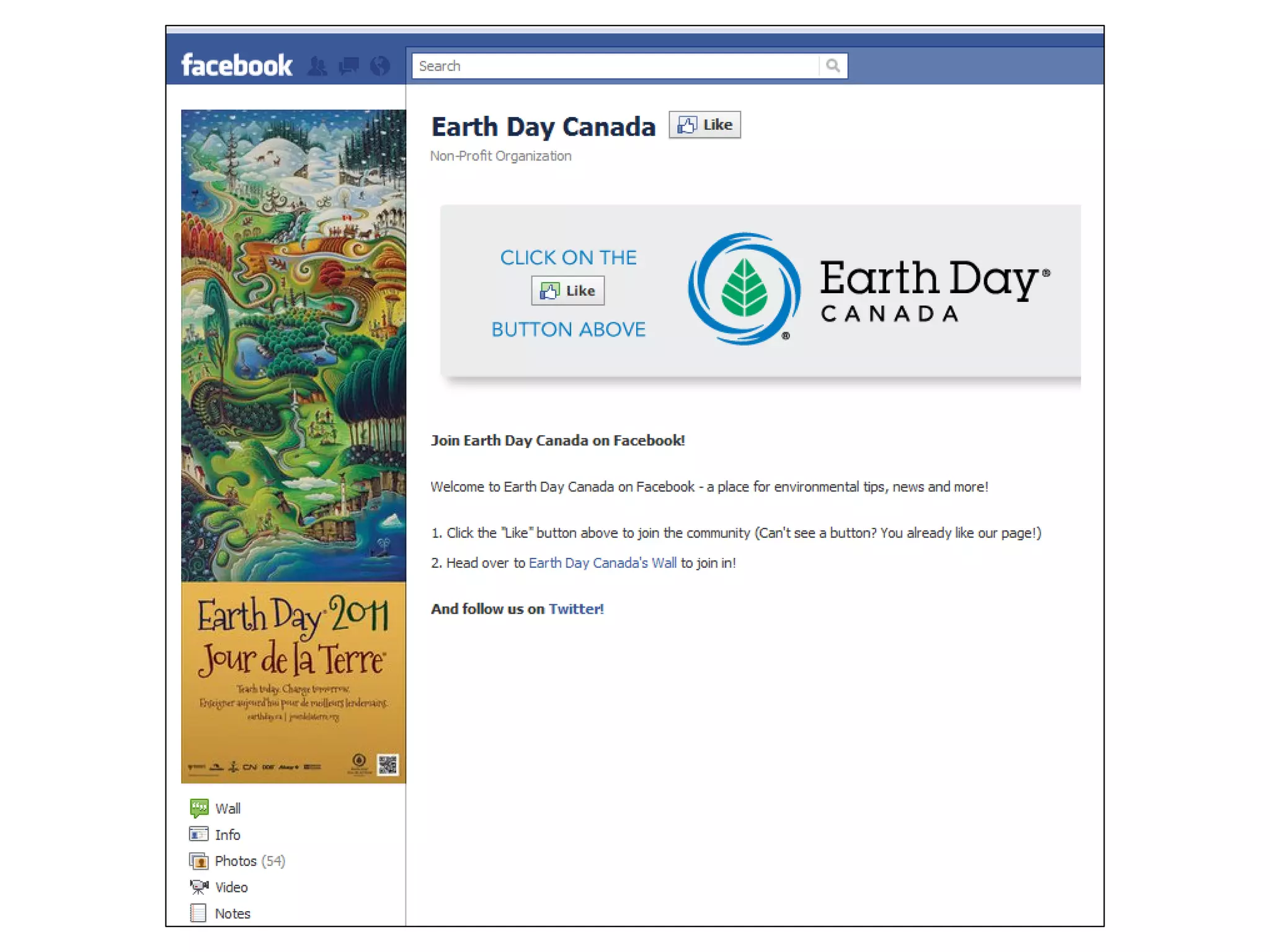
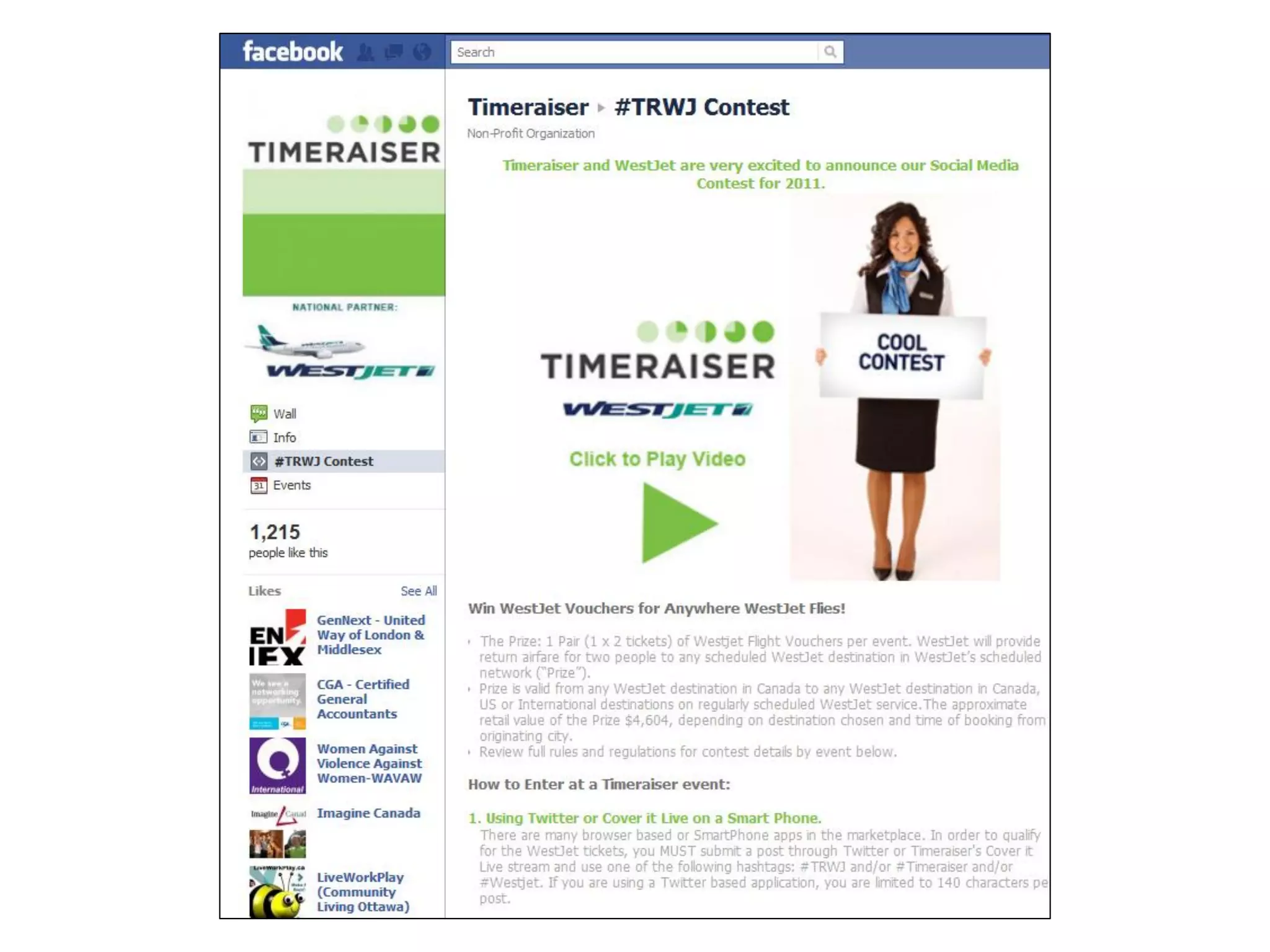
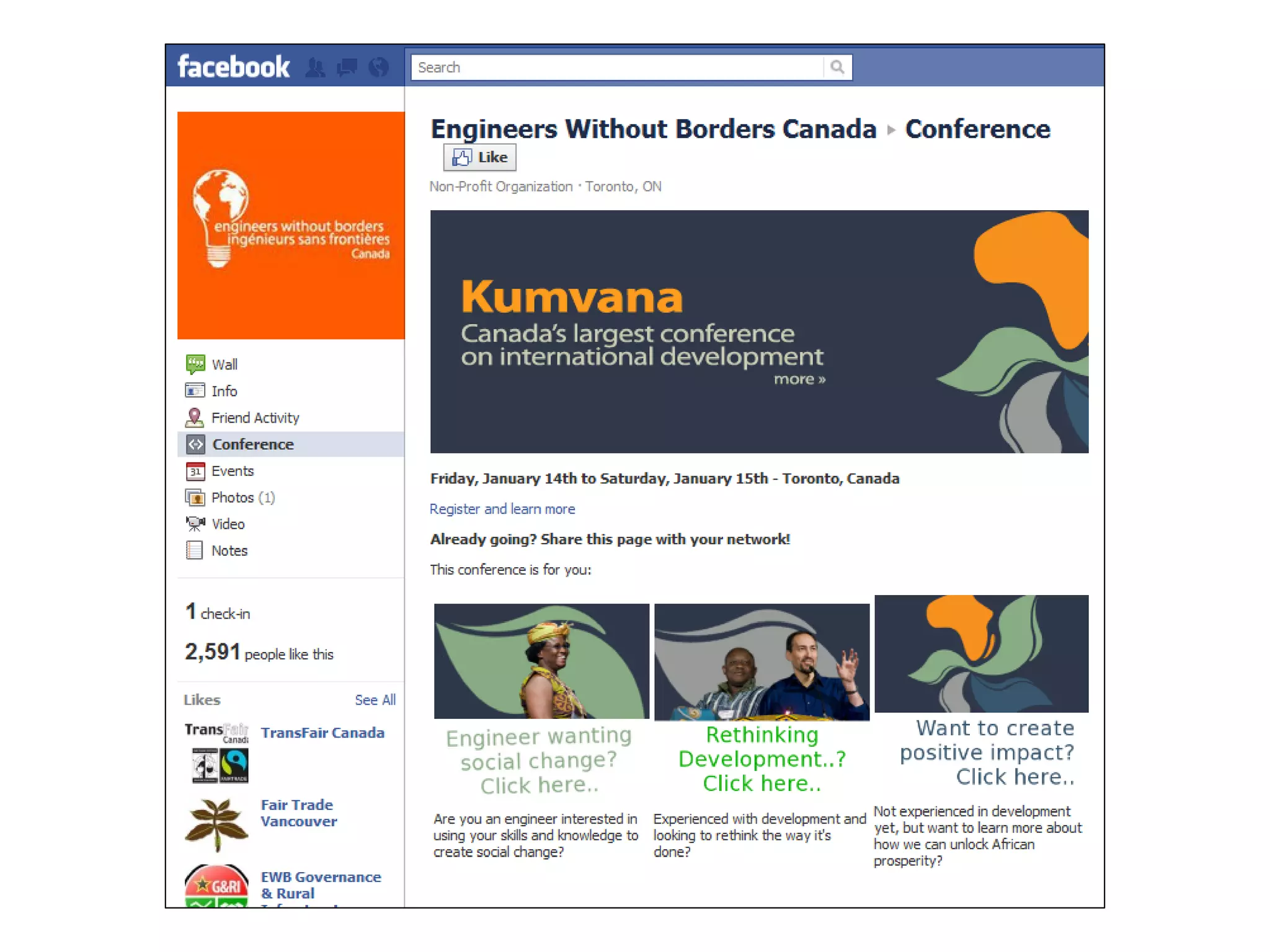
• Create custom tabs for: welcoming non-Fans,
  contests, projects, events, initiatives,
  recruitment, etc.
• Static FBML, Static HTML, iFrames
Customization
STRATEGY


• Integrate with your existing communications plan
• What are your current marketing, fundraising or
  programming goals? What desired outcomes do
  you wish to achieve? Can Facebook be used to
  accomplish them?
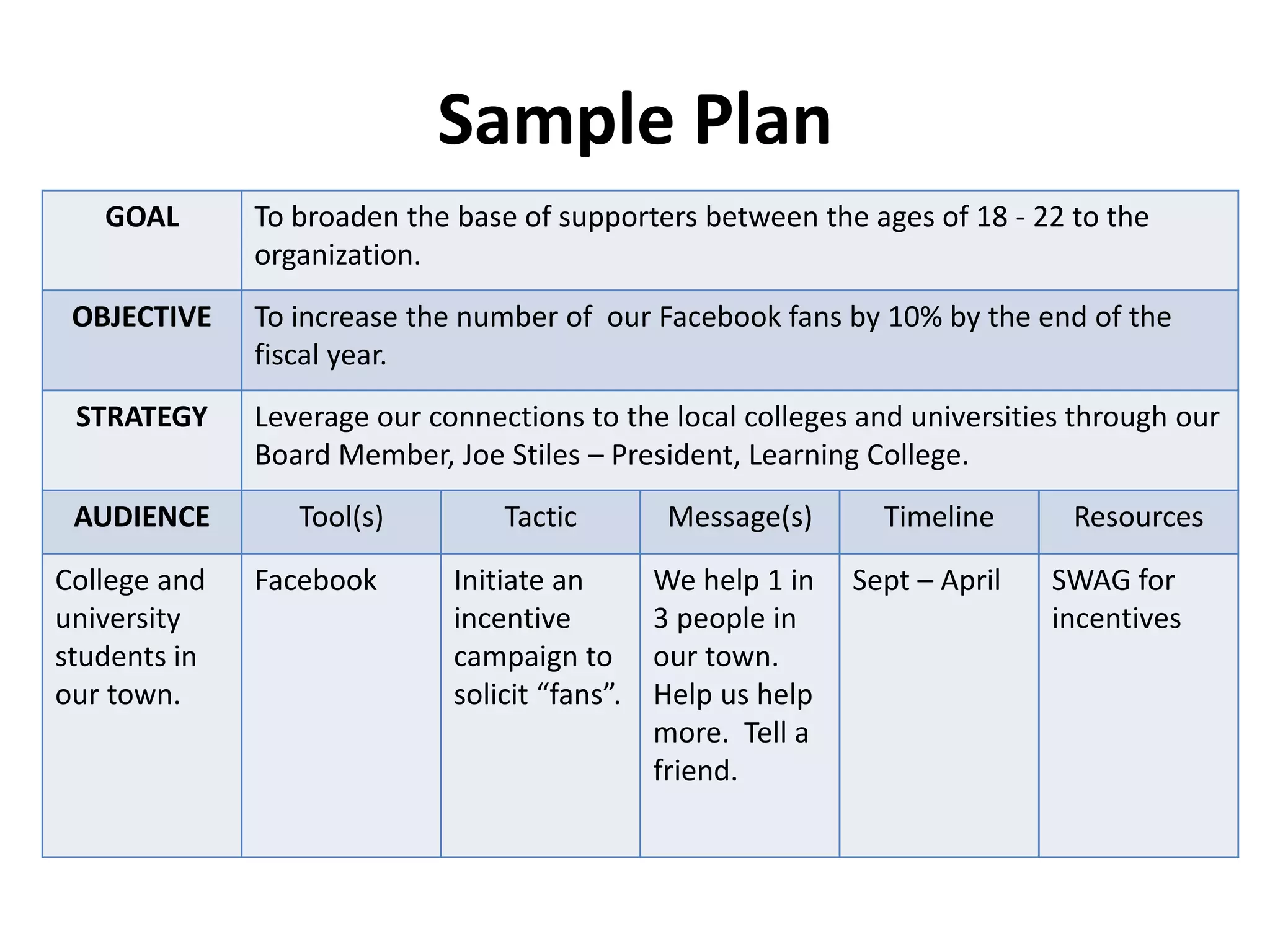
Sample Plan
   GOAL       To broaden the base of supporters between the ages of 18 - 22 to the
              organization.
 OBJECTIVE    To increase the number of our Facebook fans by 10% by the end of the
              fiscal year.
 STRATEGY     Leverage our connections to the local colleges and universities through our
              Board Member, Joe Stiles – President, Learning College.
 AUDIENCE        Tool(s)         Tactic         Message(s)      Timeline      Resources

College and   Facebook       Initiate an       We help 1 in   Sept – April   SWAG for
university                   incentive         3 people in                   incentives
students in                  campaign to       our town.
our town.                    solicit “fans”.   Help us help
                                               more. Tell a
                                               friend.
TIPS & REMINDERS
Go at a comfortable pace

• Take your time
• Learn about the different tools
• Then focus on building your network
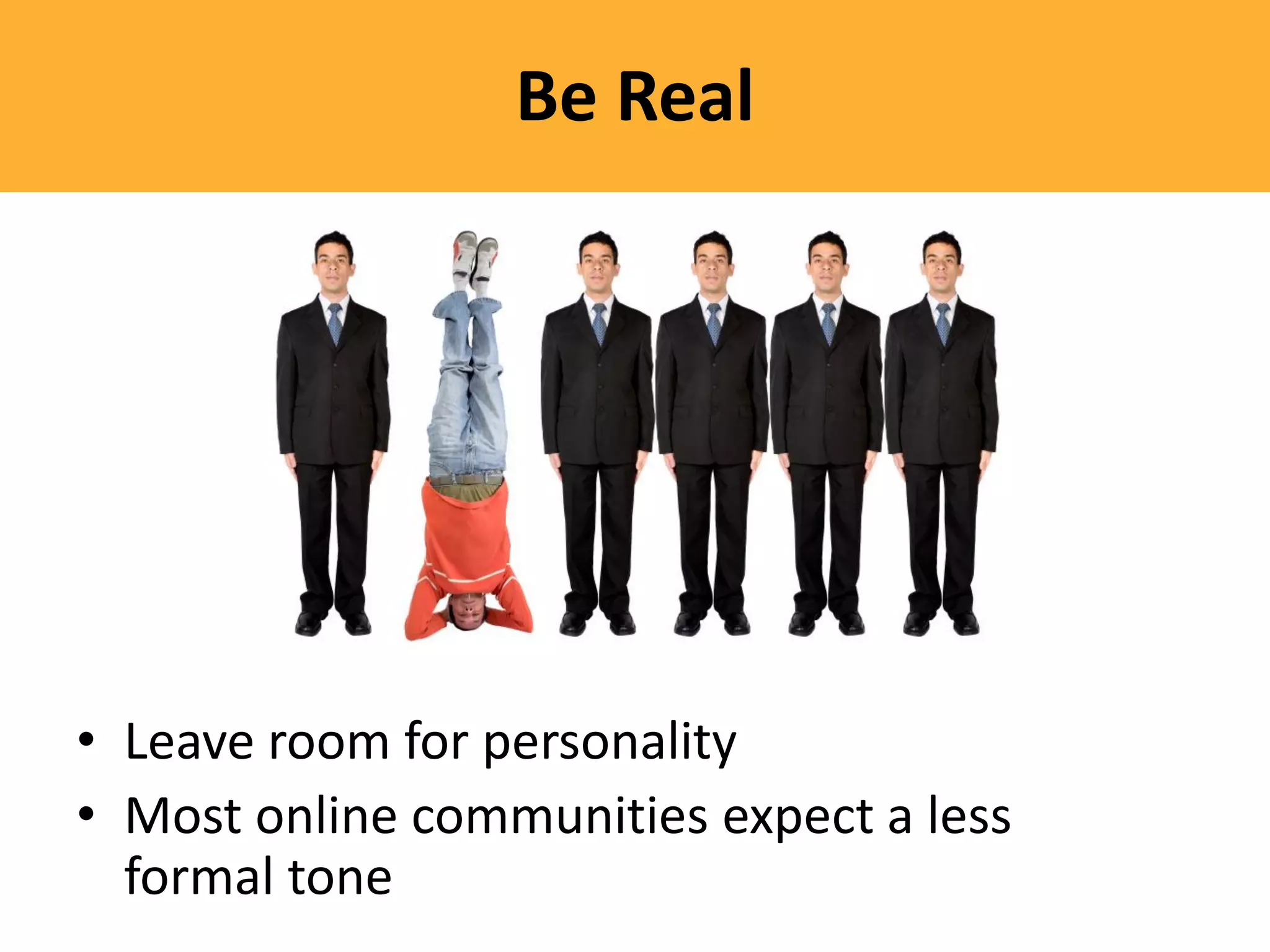
Be Real


• Leave room for personality
• Most online communities expect a less
  formal tone
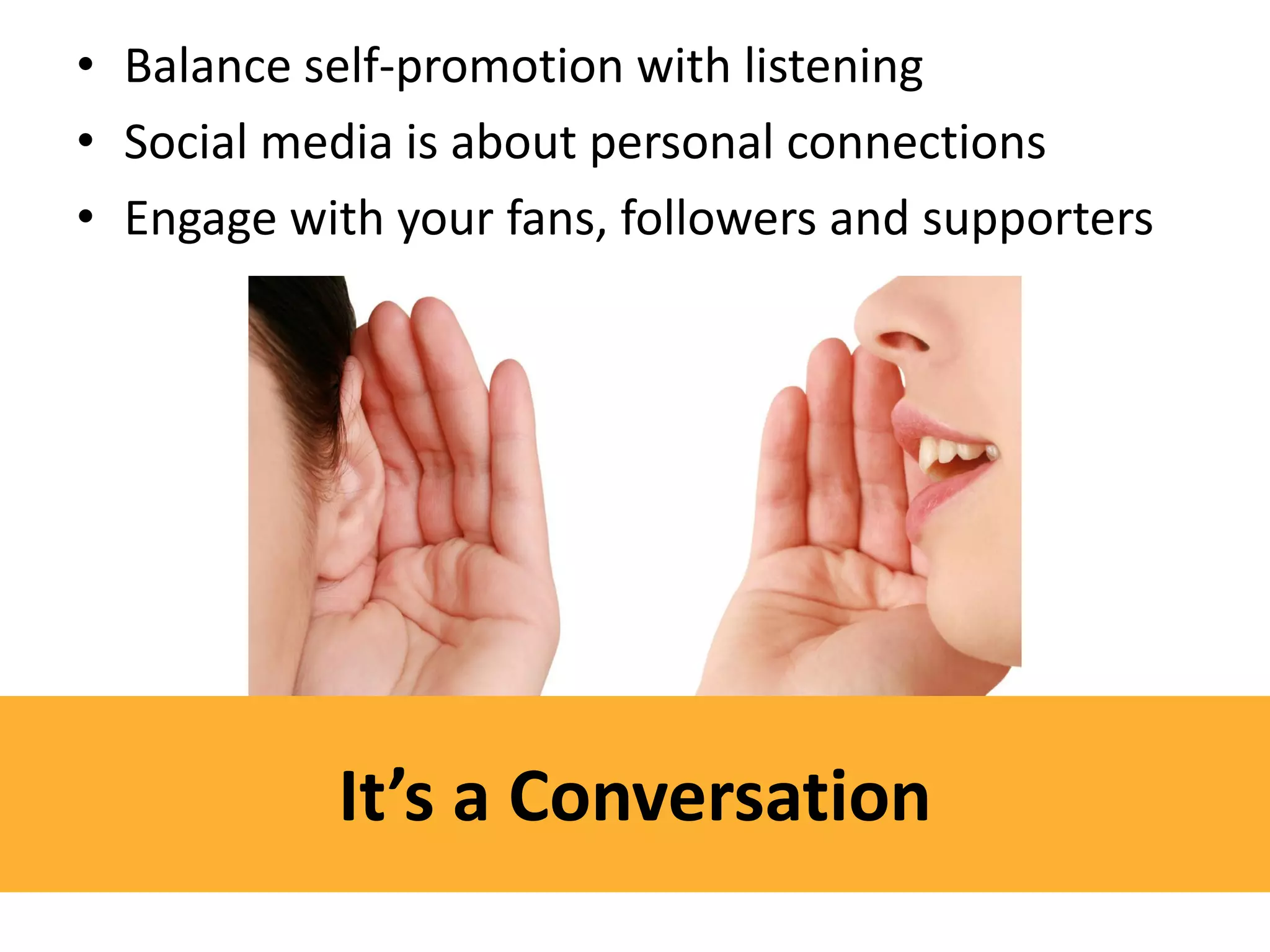
• Balance self-promotion with listening
• Social media is about personal connections
• Engage with your fans, followers and supporters


           It’s a Conversation
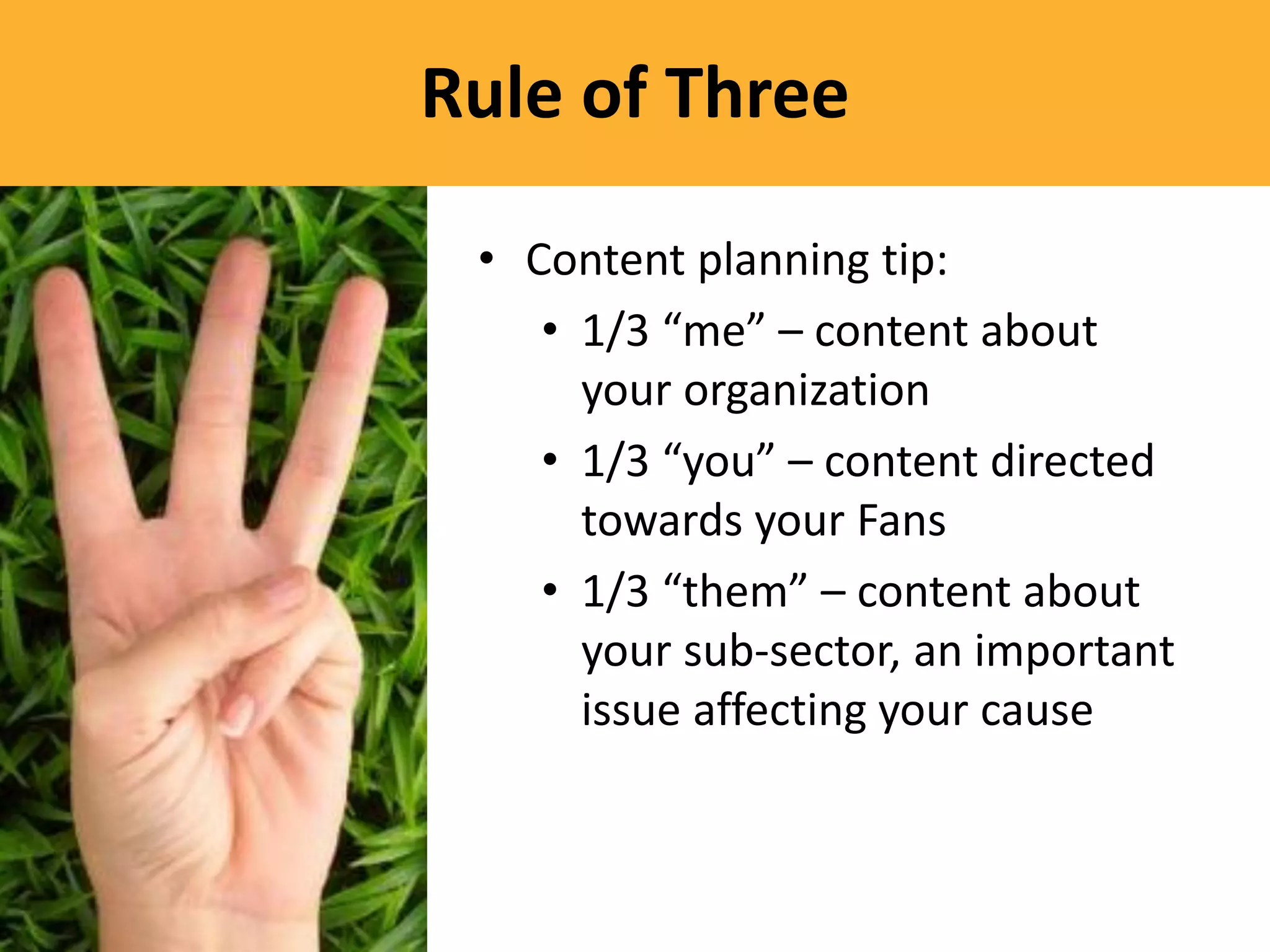
Rule of Three

 • Content planning tip:
    • 1/3 “me” – content about
      your organization
    • 1/3 “you” – content directed
      towards your Fans
    • 1/3 “them” – content about
      your sub-sector, an important
      issue affecting your cause
Listen, Learn, Adapt

• Use Facebook
  Insights
• Observe activity
  on your page
• Analyze, adjust,
  optimize
• Track referrals to
  your website
• What’s next on the horizon?
• Keep on top of Facebook’s changes
• Attend training opportunities


    Keep Your Ear to the Ground
ABOUT MYCHARITYCONNECTS
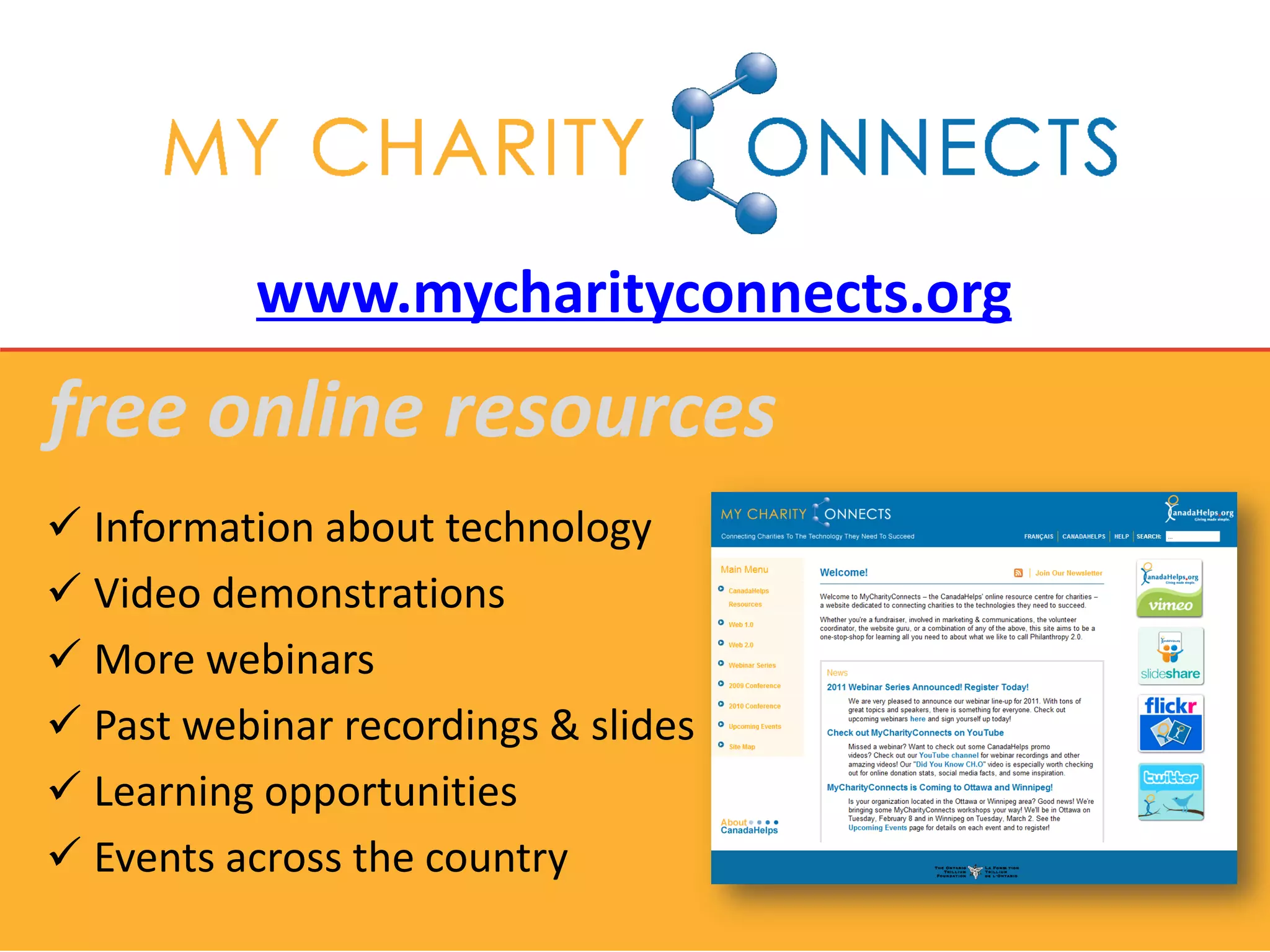
www.mycharityconnects.org
free online resources
 Information about technology
 Video demonstrations
 More webinars
 Past webinar recordings & slides
 Learning opportunities
 Events across the country
MyCharityConnects Conference 2011
               JUNE 6 – 7 | MaRS Centre, Toronto

• Join us for thought-provoking keynotes,
  practical how-to workshops and plenty of
  chances to learn from other non-profits
  about what works online… and what
  doesn’t!
• A proud partner in Net Change Week
• Registration is open! Early bird ends on
  April 30. Limited quantities available.
     www.mycharityconnects.org/2011Conference
Upcoming Webinars
          www.mycharityconnects.org/webinars

• March 15 – Special Webinar: Charity Fraud –
  What does your charity need to know?
• March 23 – The Art of Storytelling: 2.0 Edition
• April 13 – Blogging Basics
• April 27 – Social Media Done Right: 5 Case
  Studies
• May 11 – Spruce up your E-newsletter
• May 25 – 10 Tips to Improve Your Website
• June 15 – Getting the Most From your MyCharity
  Account & Reports
• June 29 – Know Your Website: An Intro to Google
  Analytics
Keep in touch!
        info@canadahelps.org


    www.twitter.com/canadahelps


www.slideshare.net/MyCharityConnects


   www.facebook.com/canadahelps


   www.youtube.com/canadahelps
YOUR TURN

Facebook Basics for Your Organization

  • 1.
    Facebook Basics forYour Organization March 9, 2011 The 2011 MyCharityConnects Webinar Series is generously supported by Direct Energy.
  • 2.
    Today’s Presenter Amy Huynh Marketing & Communications Coordinator
  • 3.
    reminders  You canhear us, but we can’t hear you  Presentation slides will be available on www.mycharityconnects.org/pastwebinars  For the best webinar experience, close all other applications  Turn up your computer’s volume  Have questions? Type questions in the Questions Log
  • 4.
    What is CanadaHelps? A public charitable foundation that provides accessible and affordable online technology to both donors and charities. For Charities A cost-effective means of raising funds online. For Donors A one-stop-shop for giving. CanadaHelps is a charity helping charities. CanadaHelps is giving made simple.
  • 5.
    Agenda Anatomy of aFacebook Page What To Do First ... Now You’re Ready For ... Tips & Reminders About MyCharityConnects Q&A
  • 6.
    Why Facebook? • Enormous network: 17 million+ users in Canada! • Free and easy to use • New tools and features are always being added • Make meaningful connections with current supporters and gain new ones
  • 7.
    Things to Consider •Information is shared and is public • Limited control over other users’ opinions • New tools and features are always being added • Maintenance and commitment is required
  • 8.
    ANATOMY OF AFACEBOOK PAGE
  • 9.
    “Facebook Profile” A personalpage on Facebook Share photos, videos Send Messages Post status updates and write wall posts Like Pages Join groups
  • 10.
    “Facebook Pages” Represents an organization Customizeduser experience Target updates Post status updates and write wall posts All public and searchable
  • 11.
    “Facebook Groups” Represents anidea or cause No customization Limited messaging Wall Some private, some public
  • 12.
    “Facebook Community Pages” Represents a topic or experience Owned collectively by a community Content from Wikipedia
  • 15.
    WHAT TO DOFIRST…
  • 16.
    Get informed! • Checkout www.facebook.com/nonprofits for tips and best practices • Good idea to “like” them to keep informed of any updates • See what other organizations are doing
  • 17.
    Create your page. •Create your organization’s Facebook Page at www.facebook.com/page
  • 18.
    Secure a usernamefor your Page. • Choose a username for your Page at www.facebook.com/username • Eligible to create a username when your Page has more than 25 fans • Example: www.facebook.com/canadahelps
  • 19.
    Get to knowthe apps that come with your Page. • Photos, Videos, Notes, Links, Events, Discussion Boards • Discuss out how you’ll use (or not use) them for your Page
  • 20.
    Populate your page. •Populate your page with the content you have: photos from past events, PSAs, information about pillar events and programs • Fill out all your basic info
  • 21.
    Develop content ideasfor post-launch. • Have some content ideas for after your launch • Great time to test out the apps: • Start a discussion • Post a link to an interesting news article • Update your status • Write a note!
  • 22.
    Promote! • Add yourFacebook Page link everywhere • Make an announcement to your email list of your page launch • “Suggest to Friends”
  • 23.
  • 24.
    OTHER APPLICATIONS • Check out the Application directory at www.facebook.com/ applications • Browse through ones that make sense for your organization
  • 32.
    CUSTOMIZATION • Create customtabs for: welcoming non-Fans, contests, projects, events, initiatives, recruitment, etc. • Static FBML, Static HTML, iFrames
  • 35.
  • 38.
    STRATEGY • Integrate withyour existing communications plan • What are your current marketing, fundraising or programming goals? What desired outcomes do you wish to achieve? Can Facebook be used to accomplish them?
  • 39.
    Sample Plan GOAL To broaden the base of supporters between the ages of 18 - 22 to the organization. OBJECTIVE To increase the number of our Facebook fans by 10% by the end of the fiscal year. STRATEGY Leverage our connections to the local colleges and universities through our Board Member, Joe Stiles – President, Learning College. AUDIENCE Tool(s) Tactic Message(s) Timeline Resources College and Facebook Initiate an We help 1 in Sept – April SWAG for university incentive 3 people in incentives students in campaign to our town. our town. solicit “fans”. Help us help more. Tell a friend.
  • 40.
  • 41.
    Go at acomfortable pace • Take your time • Learn about the different tools • Then focus on building your network
  • 42.
    Be Real • Leaveroom for personality • Most online communities expect a less formal tone
  • 43.
    • Balance self-promotionwith listening • Social media is about personal connections • Engage with your fans, followers and supporters It’s a Conversation
  • 44.
    Rule of Three • Content planning tip: • 1/3 “me” – content about your organization • 1/3 “you” – content directed towards your Fans • 1/3 “them” – content about your sub-sector, an important issue affecting your cause
  • 45.
    Listen, Learn, Adapt •Use Facebook Insights • Observe activity on your page • Analyze, adjust, optimize • Track referrals to your website
  • 46.
    • What’s nexton the horizon? • Keep on top of Facebook’s changes • Attend training opportunities Keep Your Ear to the Ground
  • 47.
  • 48.
    www.mycharityconnects.org free online resources Information about technology  Video demonstrations  More webinars  Past webinar recordings & slides  Learning opportunities  Events across the country
  • 49.
    MyCharityConnects Conference 2011 JUNE 6 – 7 | MaRS Centre, Toronto • Join us for thought-provoking keynotes, practical how-to workshops and plenty of chances to learn from other non-profits about what works online… and what doesn’t! • A proud partner in Net Change Week • Registration is open! Early bird ends on April 30. Limited quantities available. www.mycharityconnects.org/2011Conference
  • 50.
    Upcoming Webinars www.mycharityconnects.org/webinars • March 15 – Special Webinar: Charity Fraud – What does your charity need to know? • March 23 – The Art of Storytelling: 2.0 Edition • April 13 – Blogging Basics • April 27 – Social Media Done Right: 5 Case Studies • May 11 – Spruce up your E-newsletter • May 25 – 10 Tips to Improve Your Website • June 15 – Getting the Most From your MyCharity Account & Reports • June 29 – Know Your Website: An Intro to Google Analytics
  • 51.
    Keep in touch! info@canadahelps.org www.twitter.com/canadahelps www.slideshare.net/MyCharityConnects www.facebook.com/canadahelps www.youtube.com/canadahelps
  • 52.