Fun with Linux
  Telephony
       Donald Burr
 <dburr@DonaldBurr.com>
Topics We’ll Cover

• Introduction & Terminology
• Hardware and Software
• Basic Setup
• Advanced Configuration
• Q&A & Wrap Up
What the heck is VoIP?
•   Voice over IP (VoIP) is a family of technologies,
    methodologies, communication protocols, and
    transmission techniques for the delivery of
    voice communications and multimedia sessions
    over Internet Protocol (IP) networks, such as
    the Internet. Other terms frequently
    encountered and often used synonymously
    with VoIP are IP telephony, Internet telephony,
    voice over broadband (VoBB), broadband
    telephony, and broadband phone.
What the heck is VoIP?
•   Internet telephony refers to communications services—Voice, fax, SMS,
    and/or voice-messaging applications—that are transported via the
    Internet, rather than the public switched telephone network (PSTN). The
    steps involved in originating a VoIP telephone call are signaling and media
    channel setup, digitization of the analog voice signal, encoding,
    packetization, and transmission as Internet Protocol (IP) packets over a
    packet-switched network. On the receiving side, similar steps (usually in
    the reverse order) such as reception of the IP packets, decoding of the
    packets and digital-to-analog conversion reproduce the original voice
    stream.[1] Even though IP Telephony and VoIP are terms that are used
    interchangeably, they are actually different; IP telephony has to do with
    digital telephony systems that use IP protocols for voice communication
    while VoIP is actually a subset of IP Telephony.VoIP is a technology used
    by IP telephony as a means of transporting phone calls.[2]
What it all
        boils down to

• Software (and hardware) that lets you use
  your computer as a telephone switchboard
  (PBX)... and so much more!
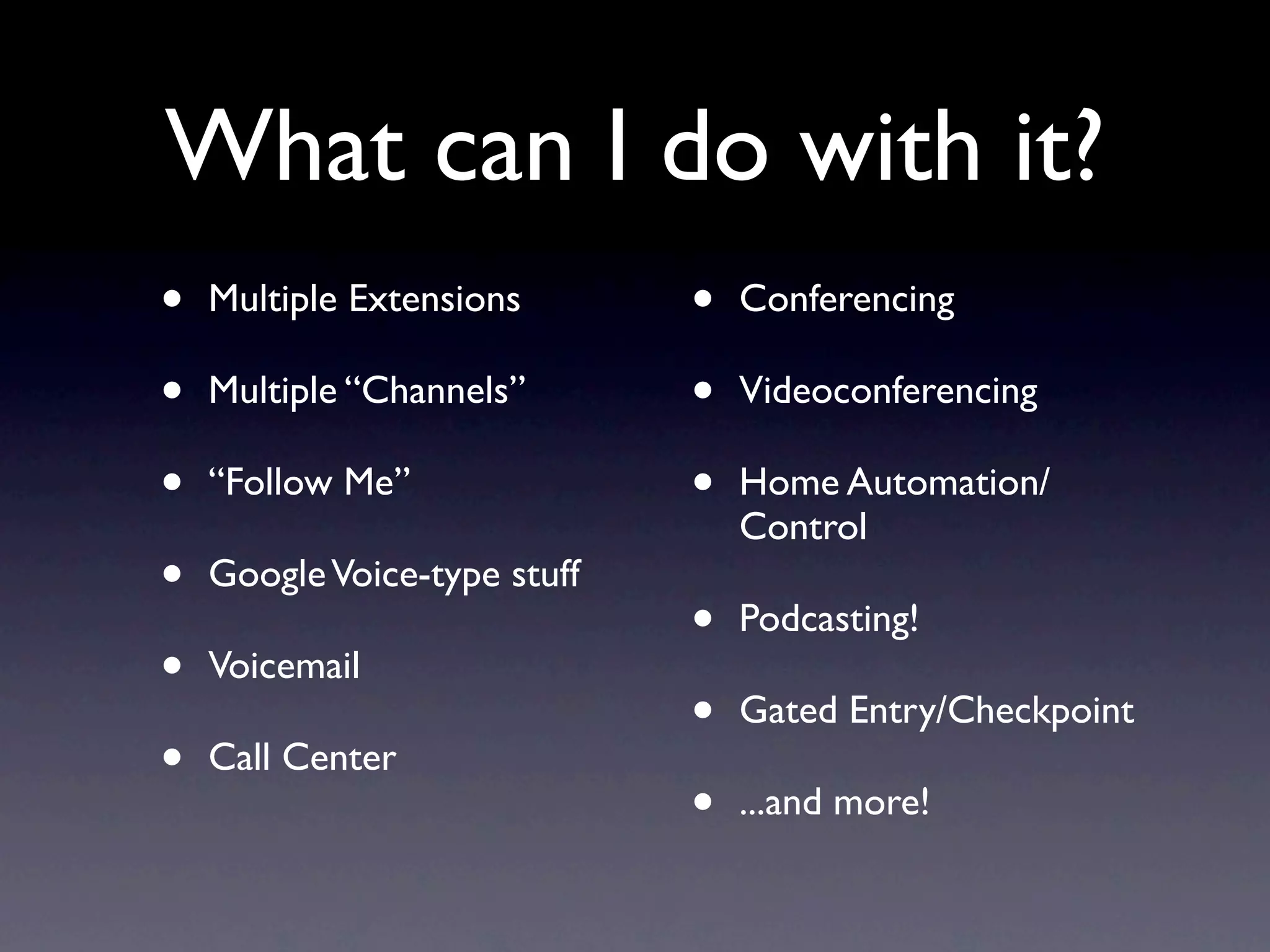
What can I do with it?
•   Multiple Extensions       •   Conferencing

•   Multiple “Channels”       •   Videoconferencing

•   “Follow Me”               •   Home Automation/
                                  Control
•   Google Voice-type stuff
                              •   Podcasting!
•   Voicemail
                              •   Gated Entry/Checkpoint
•   Call Center
                              •   ...and more!
Why would you want
     to do this?
• More control
• More professional
• Save money
• Stick it to the man
• Because it’s cool/fun/geeky
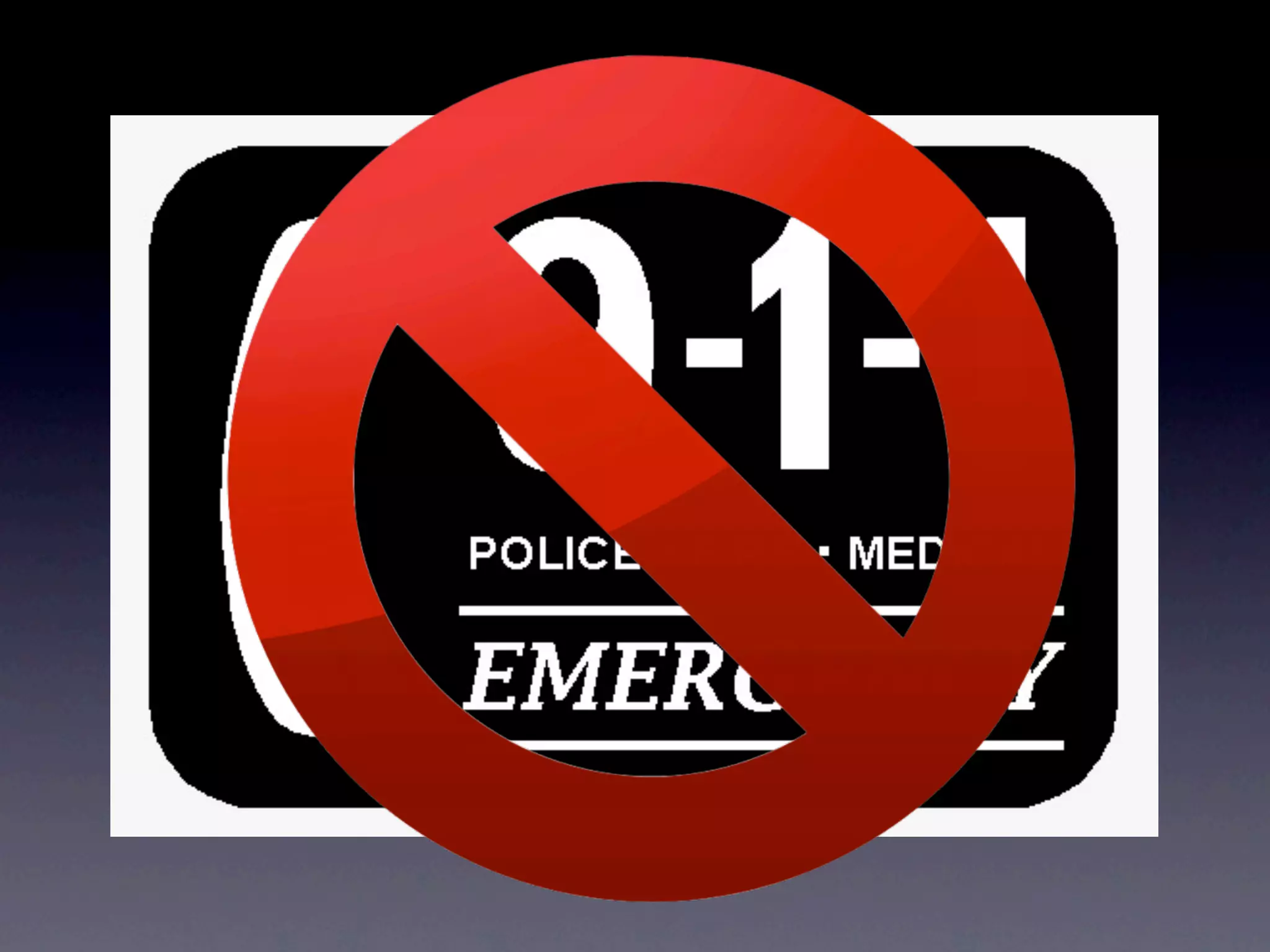
Just remember
  one thing...
Time to Get
 Schooled...
Terminology
•   SIP - Session Initiation Protocol
    •   IETF protocol to handle VoiP and other text and multimedia services
    •   aka RFC 3261
•   SIP Provider
    •   Company that provides inbound and/or outbound calling via SIP
•   PBX - Private Branch Exchange
    •   Box that sits at your business
    •   One end connects to a line coming in from your phone company
    •   All of your internal phones connect to it
•   IVR - Interactive Voice Response
    •   “Press 1 for sales, press 2 for support, ...”
    •   AKA Auto Attendant, Digital Receptionist
Terminology
•   PSTN - Public Switched Telephone Network
    •   aka POTS - Plain Old Telephone Service
•   DID - Direct Inward Dialing
    •   Service that gives you a phone number that you can route to your PBX
•   DISA - Direct Inward System Access
    •   Allows an external caller to use internal-only features/dial out as if you were
        connected to the internal system
    •   Kind of like a “VPN for telephones”
•   Trunking
    •   A transmission channel between SIP provider and you
    •   One or more - Sharing & managing multiple SIP providers
•   Dialplan
    •   The “rules” for how to handle calls (both inbound and outbound)
Terminology
•   ATA
    •   Analog Telephone Adapter
    •   Lets you connect an old school phone to your VoiP service
•   IP Phone
    •   Phone that has Internet and SIP connectivity “baked in”
    •   Ethernet (or WiFi) instead of phone wire
•   Softphone
    •   Computer or smartphone/tablet software that functions
        as an IP phone
Two main Linux VoiP
     software solutions
•   Asterisk
    •   The “gold standard”
    •   Older code (but still supported)
    •   Still the recommended choice (IMHO)
•   FreeSwitch
    •   The “new kid on the block”
    •   Started by former Asterisk devs
    •   Completely reimagined from scratch
    •   Still relatively immature
Which one to use?

• My vote: Asterisk
 • Tried and true code base
 • Well supported
 • Lots of documentation
 • Large user base/community
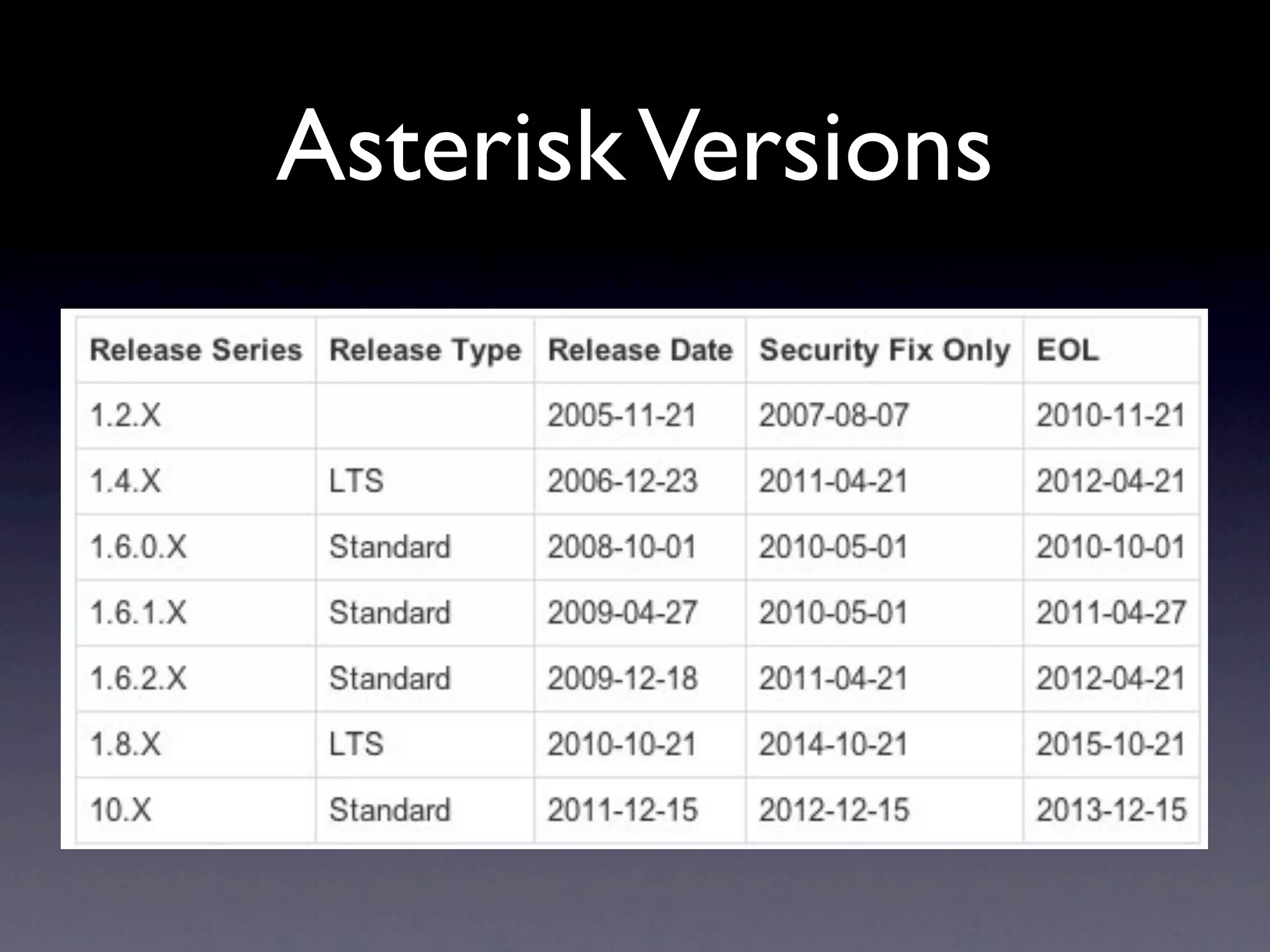
Asterisk Versions
Where do I get it?
•   It’s in most distros’ package managers
    •   But might not be the latest and greatest (or
        even complete)
    •   Many distros don’t include the web GUI’s
•   Or you could download and install a
    “distribution”
    •   Especially appropriate if you’re building a
        machine specifically for this purpose
Asterisk “Distributions”
•   Asterisk + Web GUI + extra “stuff” in a “one-
    click” install CD (like Mythbuntu, Knoppix, etc.)
•   Some of the more popular ones
    •   AsteriskNOW
    •   Trixbox
    •   FreePBX
•   I’m sure there are plenty of others
My vote: FreePBX
• Current version is using Asterisk 1.8 LTS
• Uses a lean and mean (and secure) CentOS
  as its base OS
• Really good web GUI
• “Hooks” for customizing via editing
  config files
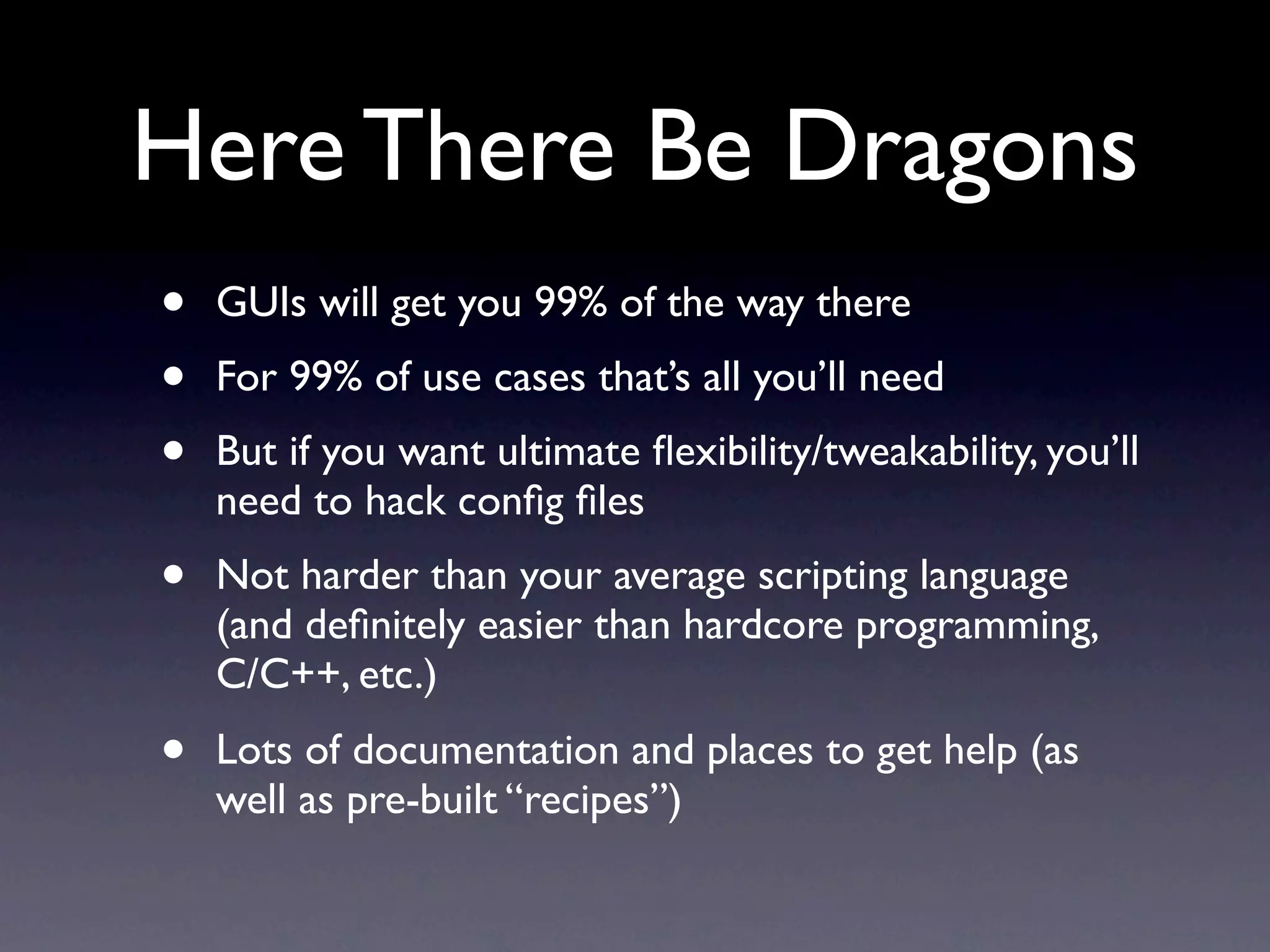
Here There Be Dragons
•   GUIs will get you 99% of the way there
•   For 99% of use cases that’s all you’ll need
•   But if you want ultimate flexibility/tweakability, you’ll
    need to hack config files
•   Not harder than your average scripting language
    (and definitely easier than hardcore programming,
    C/C++, etc.)
•   Lots of documentation and places to get help (as
    well as pre-built “recipes”)
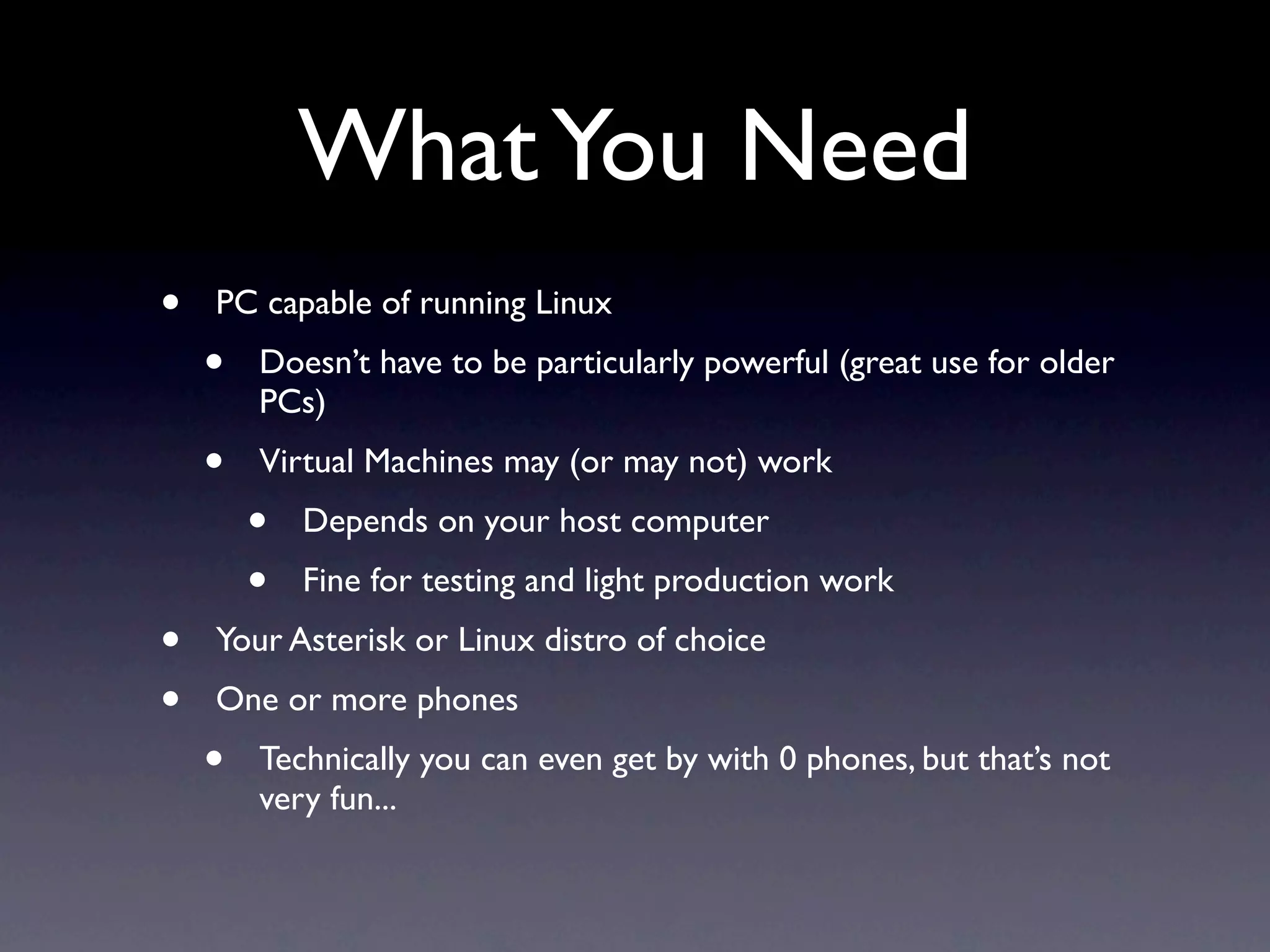
What You Need
•   PC capable of running Linux
    •   Doesn’t have to be particularly powerful (great use for older
        PCs)
    •   Virtual Machines may (or may not) work
        •   Depends on your host computer
        •   Fine for testing and light production work
•   Your Asterisk or Linux distro of choice
•   One or more phones
    •   Technically you can even get by with 0 phones, but that’s not
        very fun...
What sorts of phones
are we talking about
       here?
Softphones
Softphones for
          computers
• Windows
  • MicroSIP:
    http://microsip.org.ua/downloads/
• Mac:
  • Telephone (in Mac App Store)
• Linux:
  • Twinkle (look in your distro’s repository)
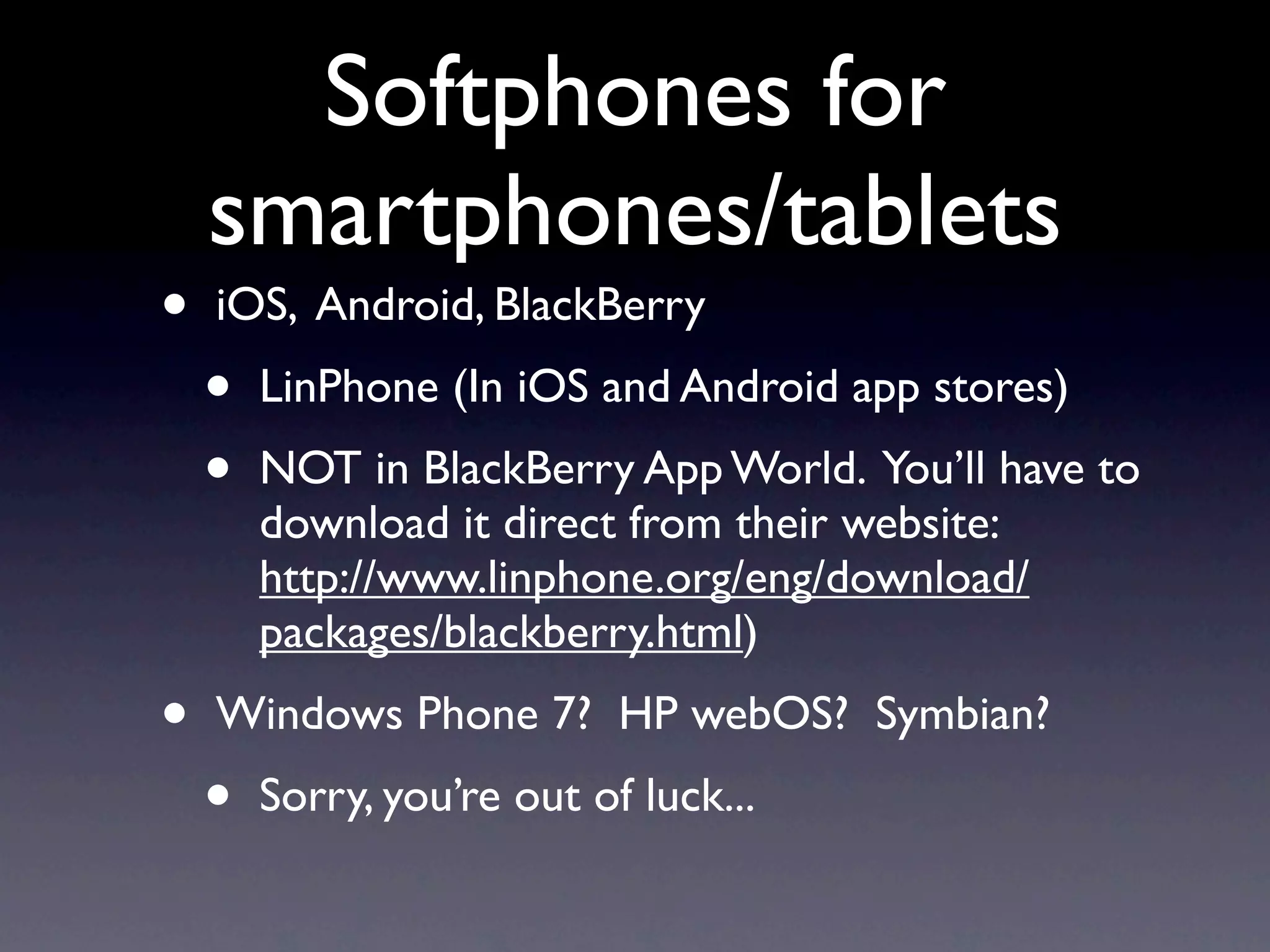
Softphones for
    smartphones/tablets
•   iOS, Android, BlackBerry
    •   LinPhone (In iOS and Android app stores)
    •   NOT in BlackBerry App World. You’ll have to
        download it direct from their website:
        http://www.linphone.org/eng/download/
        packages/blackberry.html)
•   Windows Phone 7? HP webOS? Symbian?
    •   Sorry, you’re out of luck...
All of these are free*
      by the way


 *as in beer AND as in speech too!
But we all like to play
with teh shiny*, don’t
         we?

   *by this we mean hardware.
        Sadly, NOT free...
IP Phones
and ATA’s
OBi 100
•   Cheap
•   Requires an analog telephone (it’s an ATA)
•   Best bet if you...
    •   ...want to experiment with “real” hardware
    •   ...are looking for a low-cost solution
    •   ...already have a bunch of fairly nice (analog/
        POTS) phones that you want to recycle
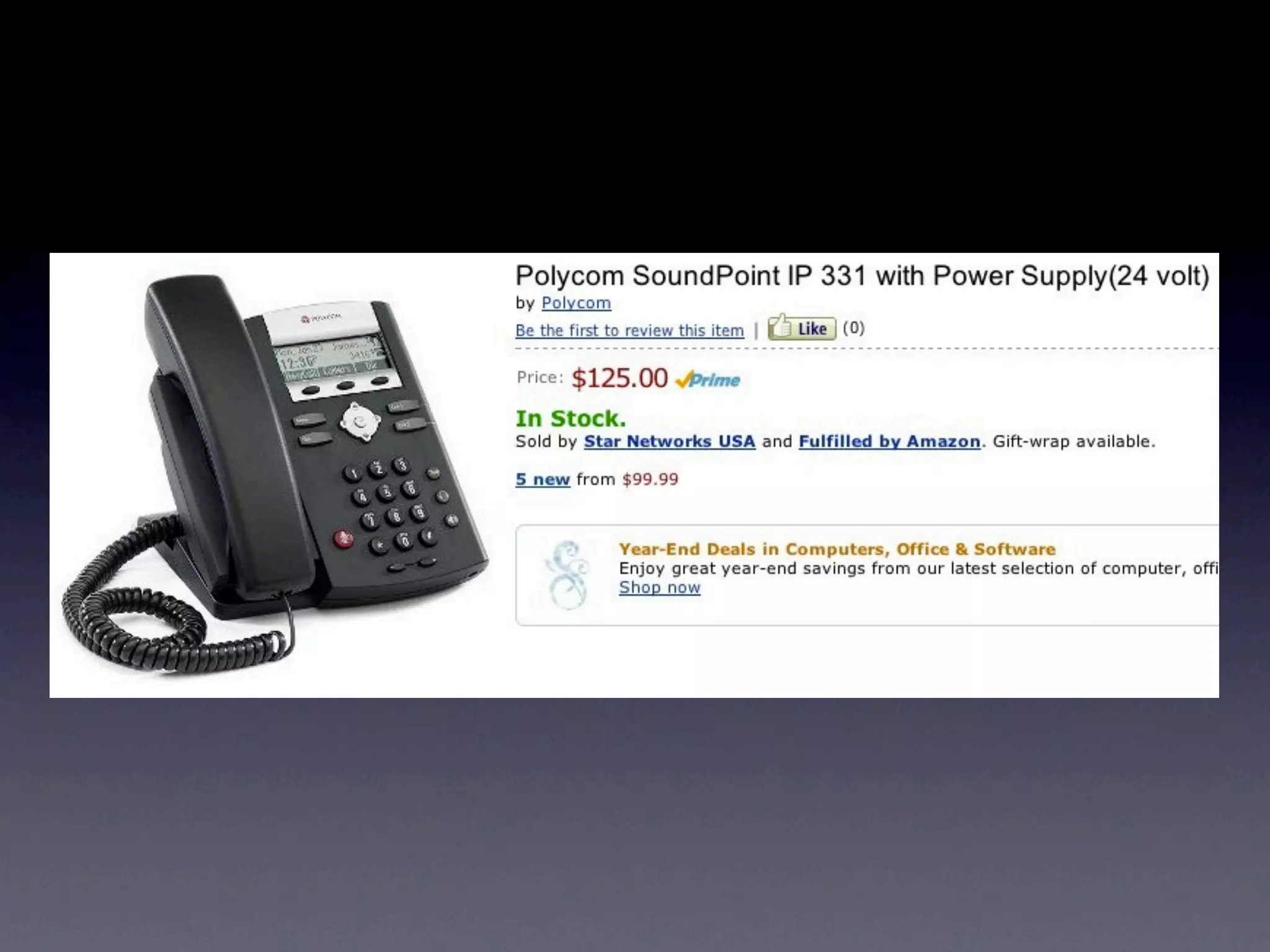
Handsets by
  Polycom, Cisco, etc.
• The fancy IP Phones that the “big boys” use
• Some are fairly inexpensive, but the price
  goes up fast
• Lots of fancy features (on the higher end
  units)
• Recommended for new business
  installations
Panasonic KX-TGP551T04
        (plus, optionally, one or more
               KX-TPA50B04’s)
•   A fully featured IP phone at an excellent price
•   You get a corded phone AND a cordless phone
    too - what a deal!
•   Supports multiple lines (but all lines ring all phones)
•   Works great with Asterisk/FreePBX, despite what
    the literature says
    •   They haven’t disabled this (yet...)
    •   You can disable automatic firmware updates
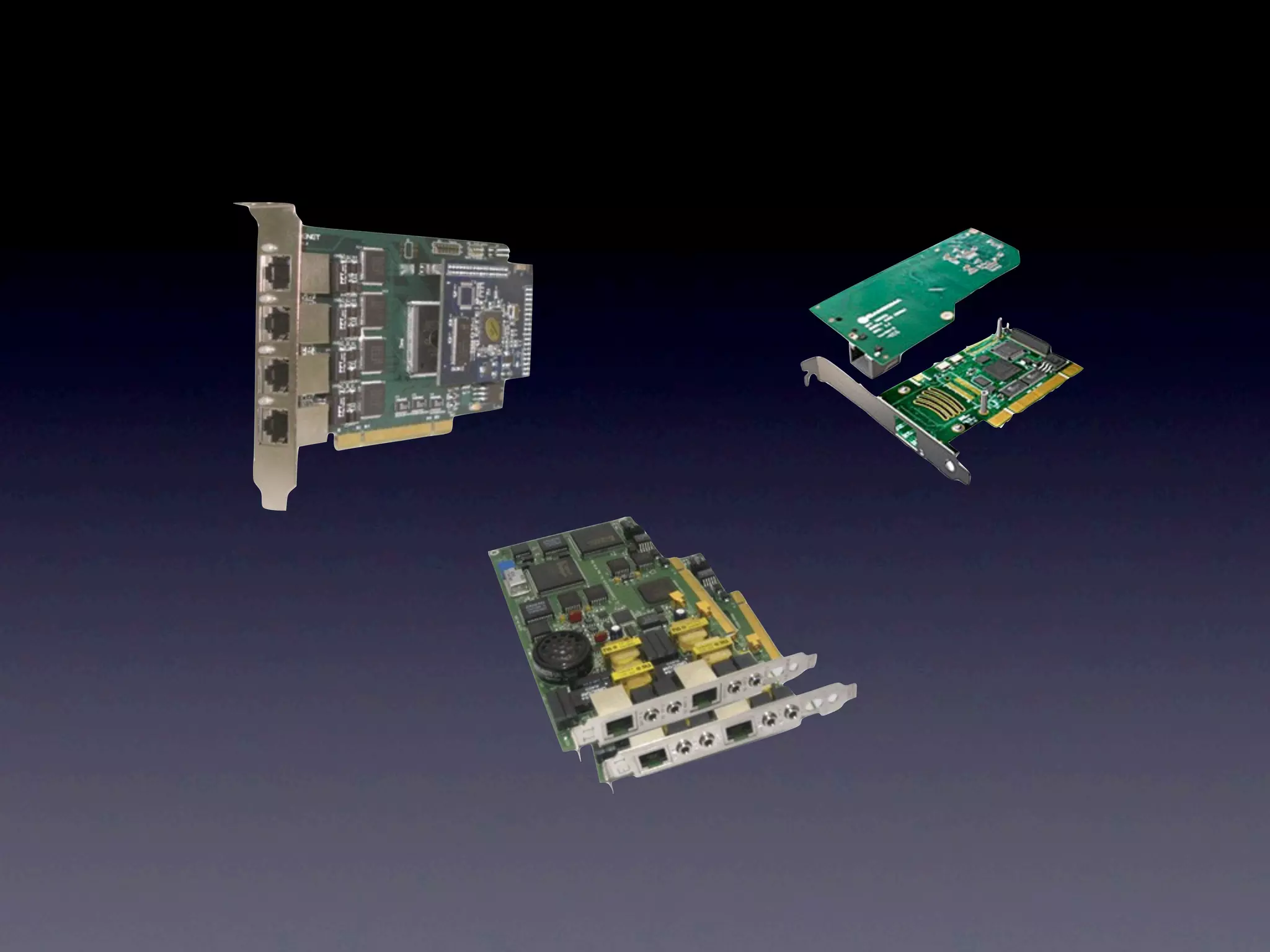
Telephony interface
         boards

• Connect to traditional types of trunk
  lines/systems (T1/E1, etc.)
• Good for legacy installs
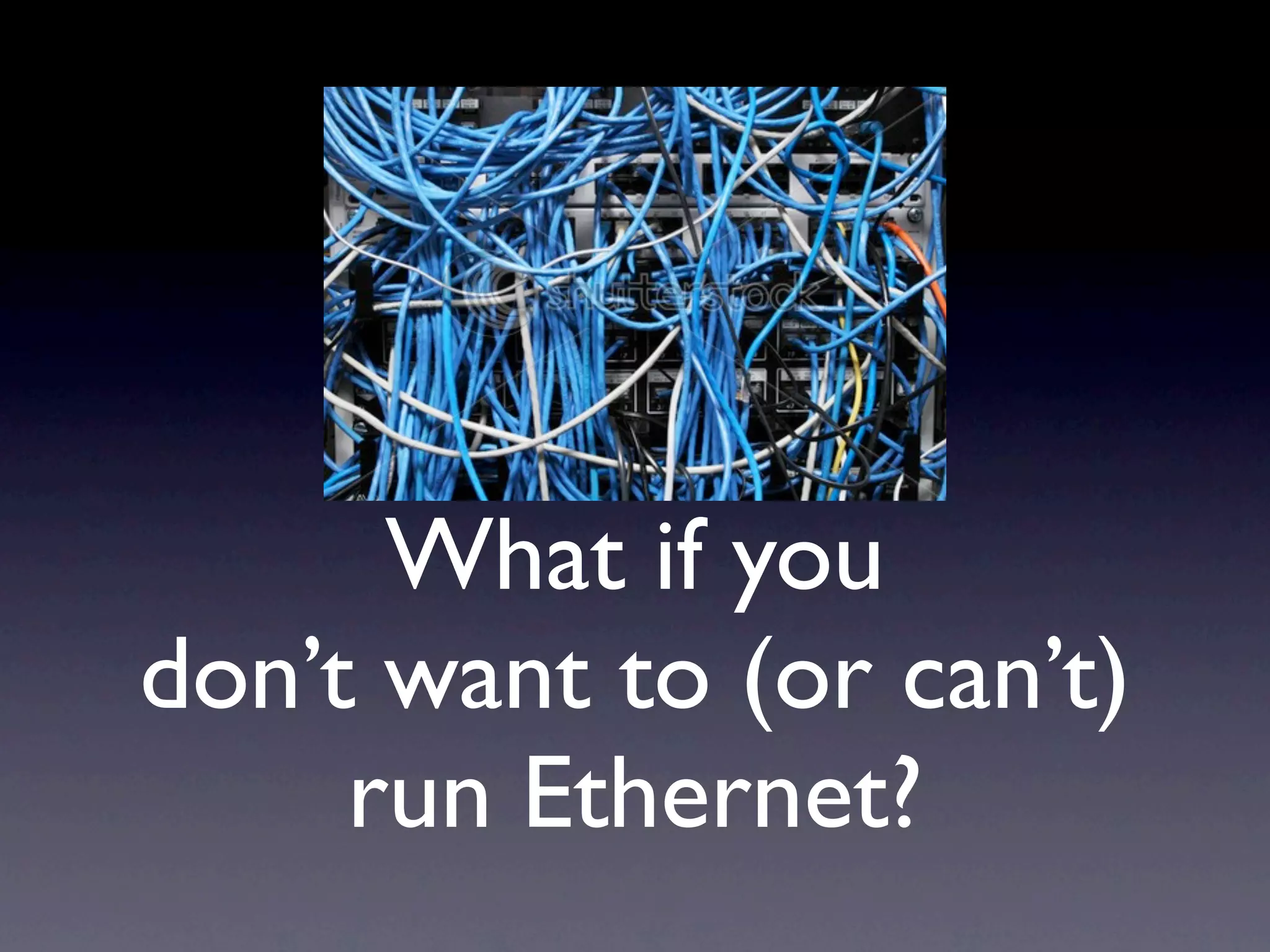
What if you
don’t want to (or can’t)
     run Ethernet?
Bridges
Uhh,
Ethernet bridges
    that is...
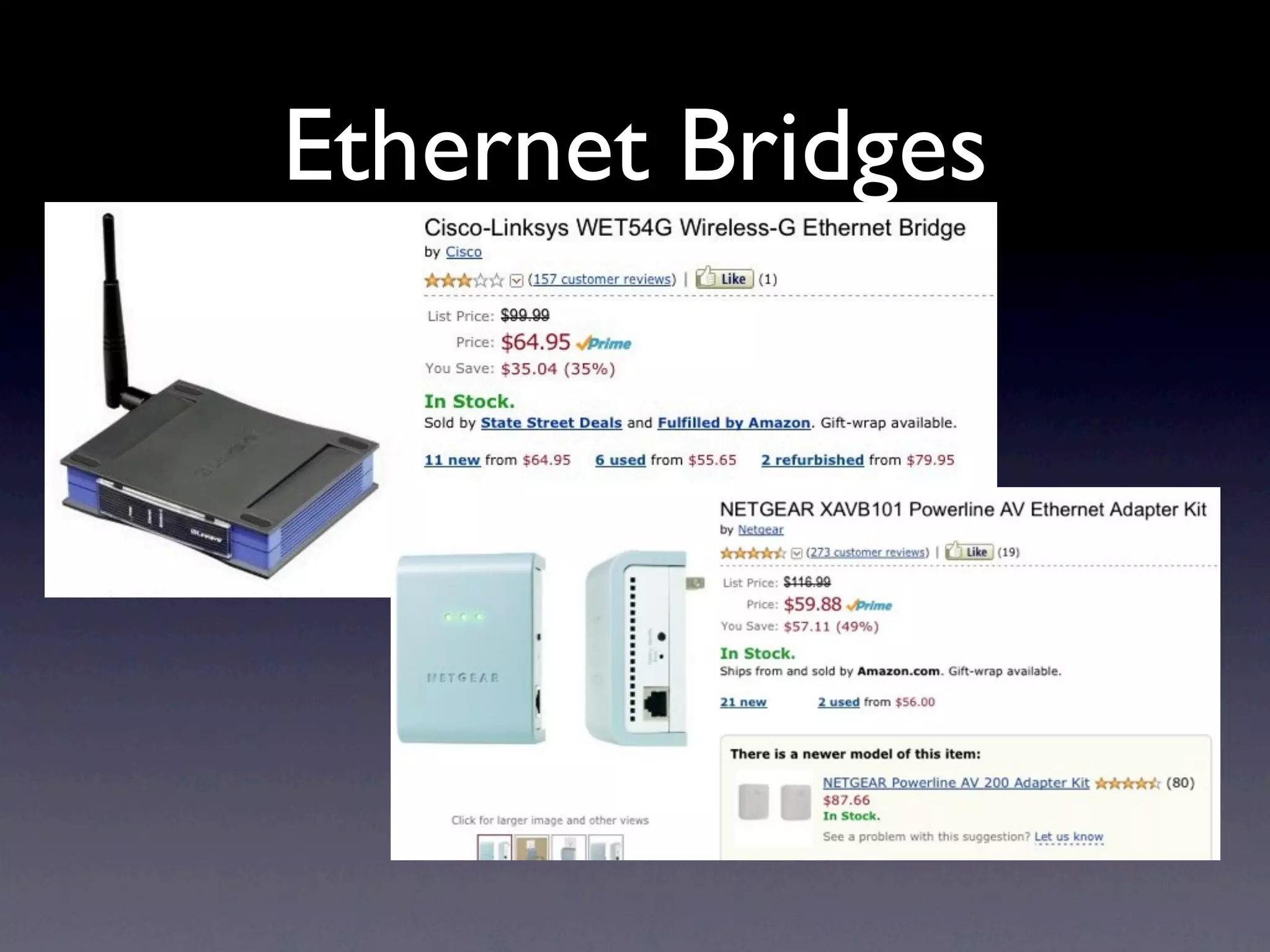
Ethernet Bridges
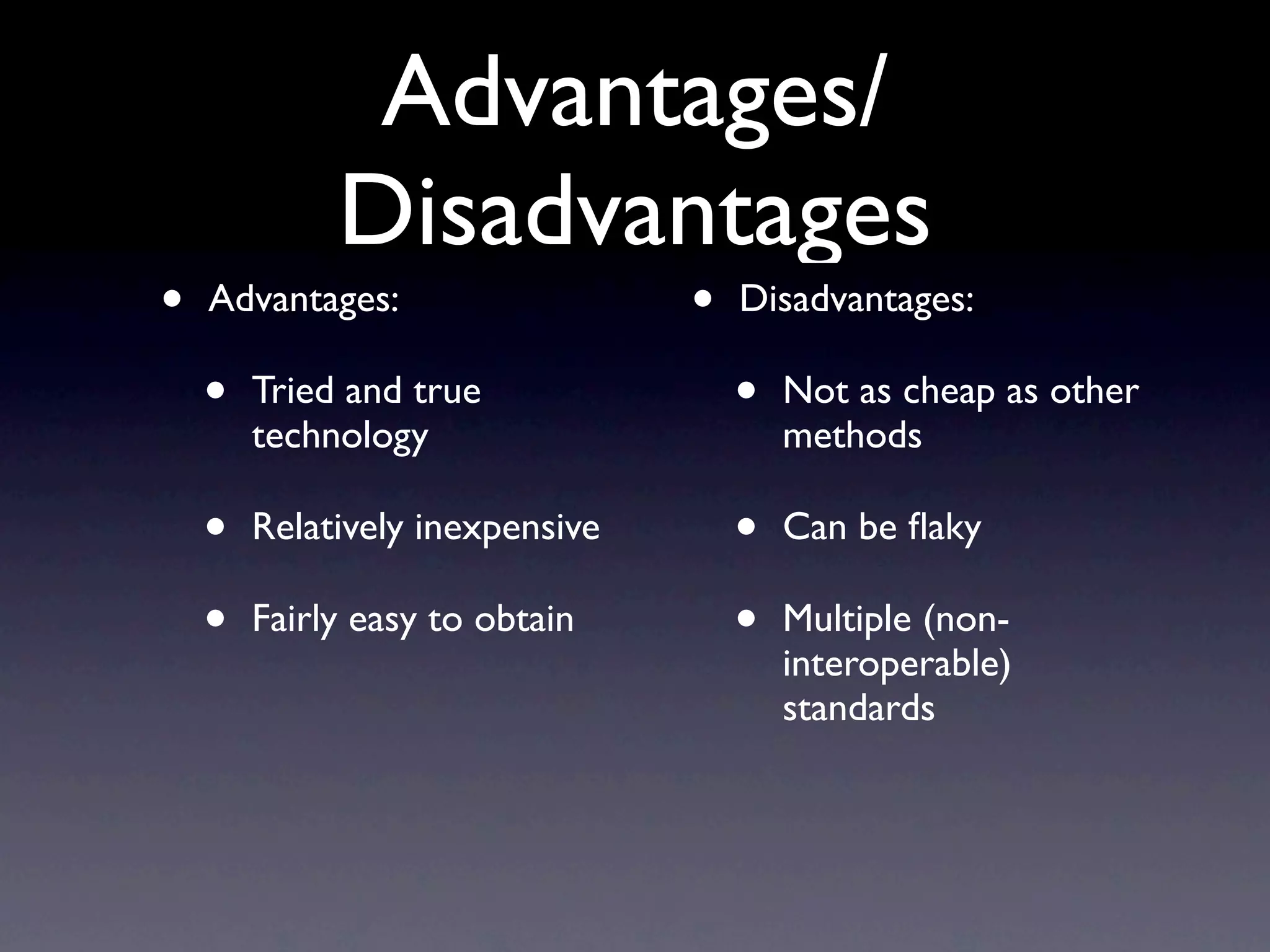
Advantages/
             Disadvantages
•   Advantages:                  •   Disadvantages:

    •   Tried and true               •   Not as cheap as other
        technology                       methods

    •   Relatively inexpensive       •   Can be flaky

    •   Fairly easy to obtain        •   Multiple (non-
                                         interoperable)
                                         standards
WiFi IP Phone
Advantages/
             Disadvantages
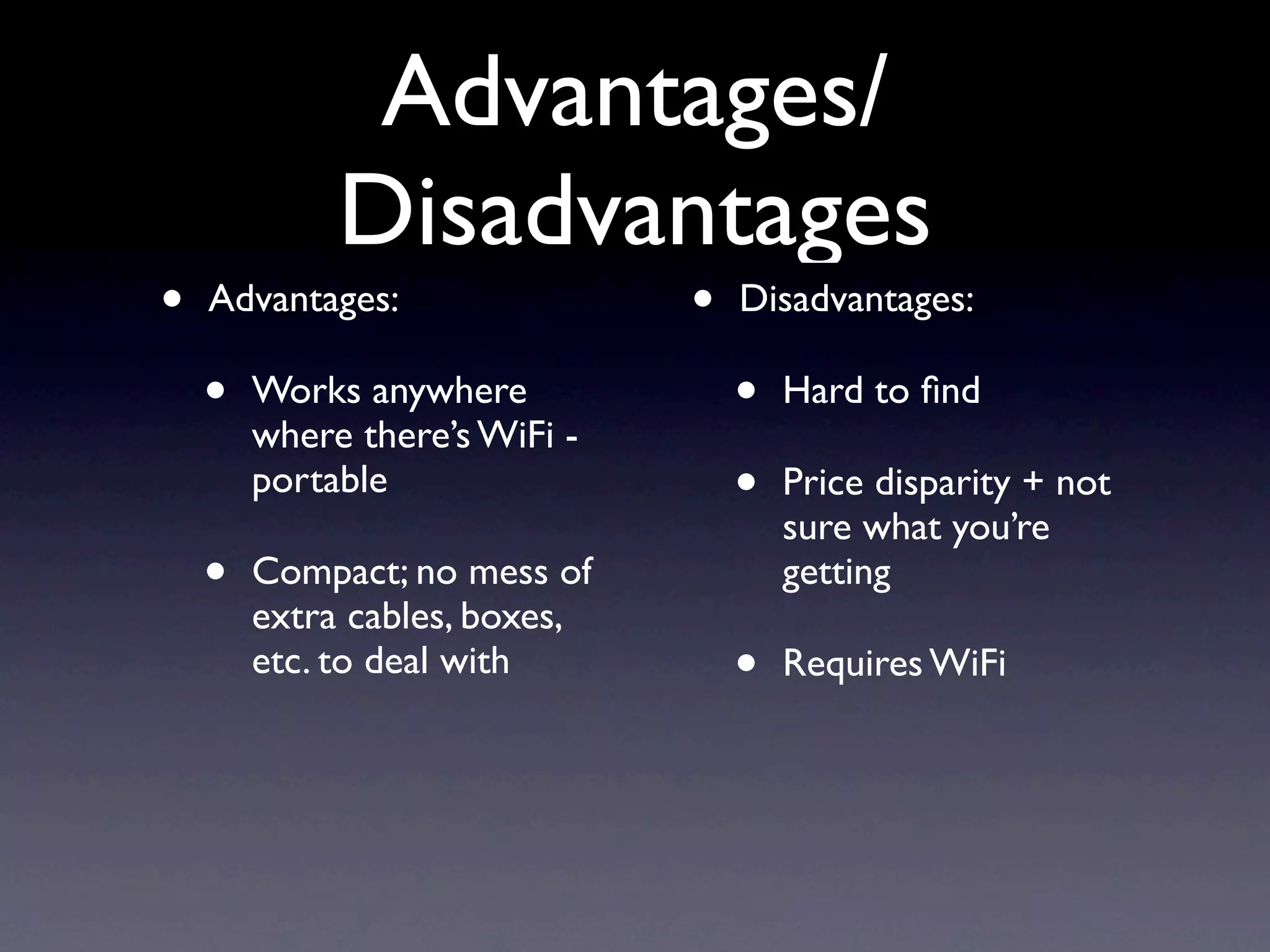
•   Advantages:                •   Disadvantages:

    •   Works anywhere             •   Hard to find
        where there’s WiFi -
        portable                   •   Price disparity + not
                                       sure what you’re
    •   Compact; no mess of            getting
        extra cables, boxes,
        etc. to deal with          •   Requires WiFi
DIY “wireless”
  IP Phone

      +
Advantages/
             Disadvantages
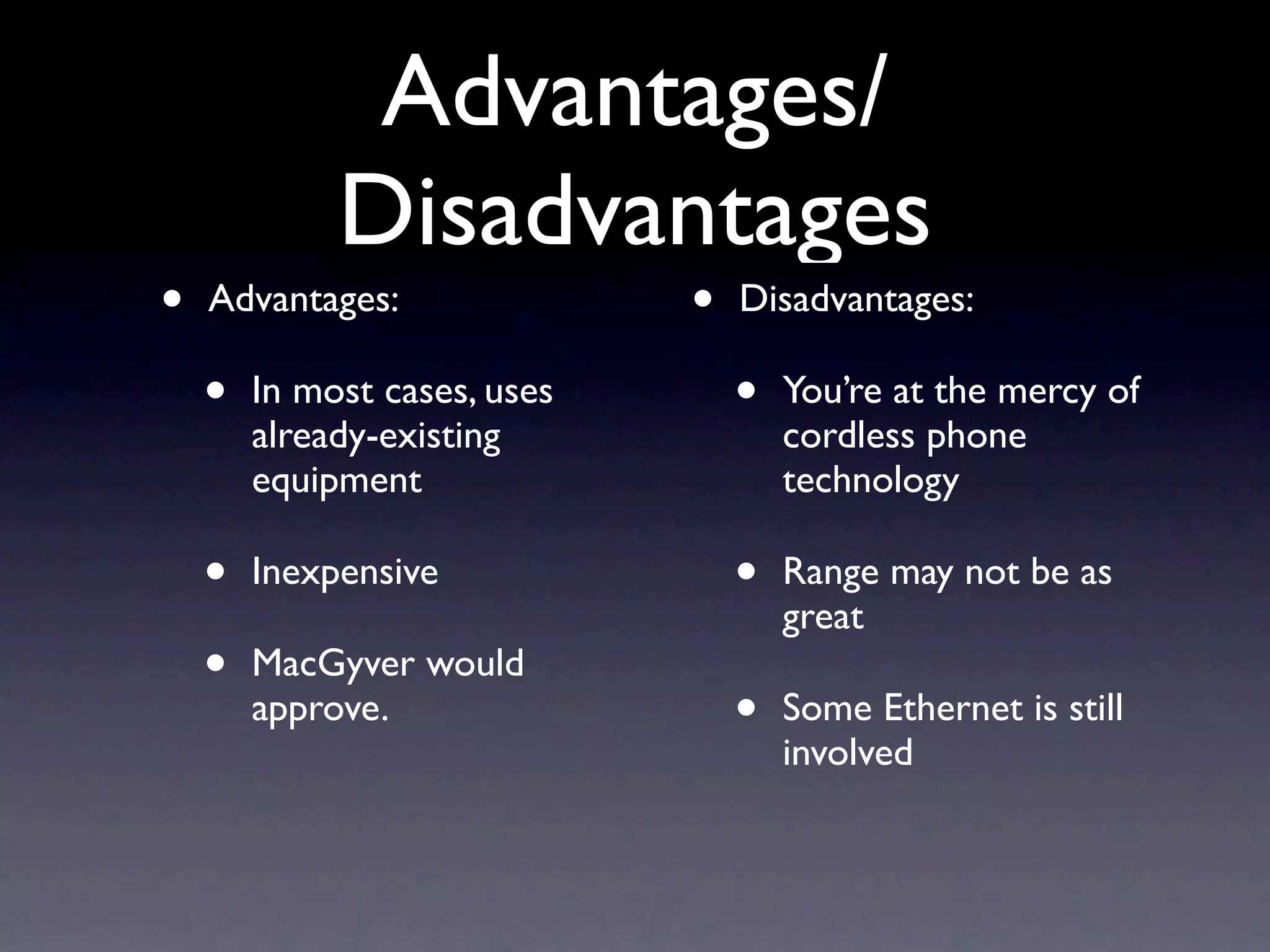
•   Advantages:               •   Disadvantages:

    •   In most cases, uses       •   You’re at the mercy of
        already-existing              cordless phone
        equipment                     technology

    •   Inexpensive               •   Range may not be as
                                      great
    •   MacGyver would
        approve.                  •   Some Ethernet is still
                                      involved
Enough jibba-jabba,
  get on with it!
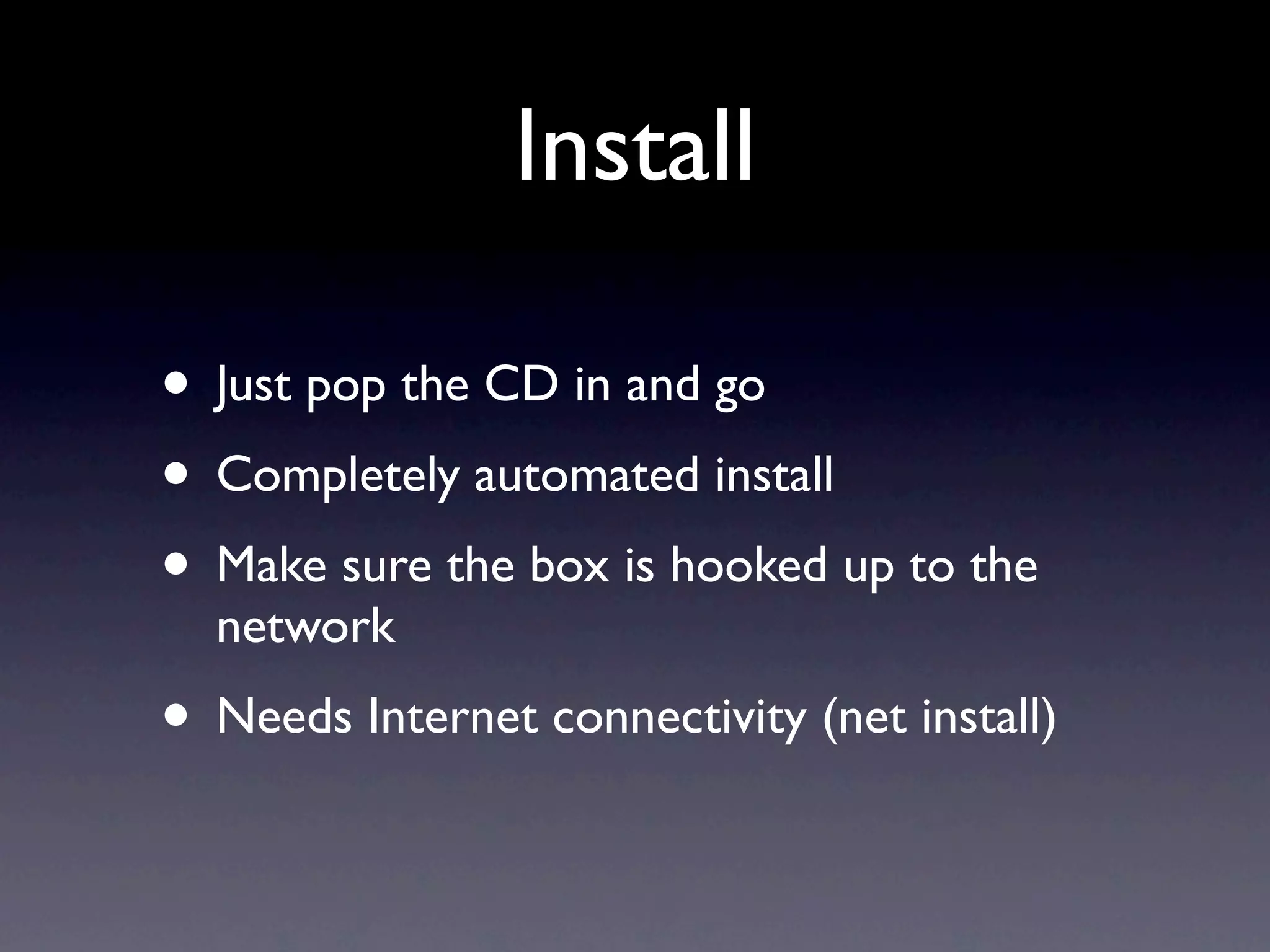
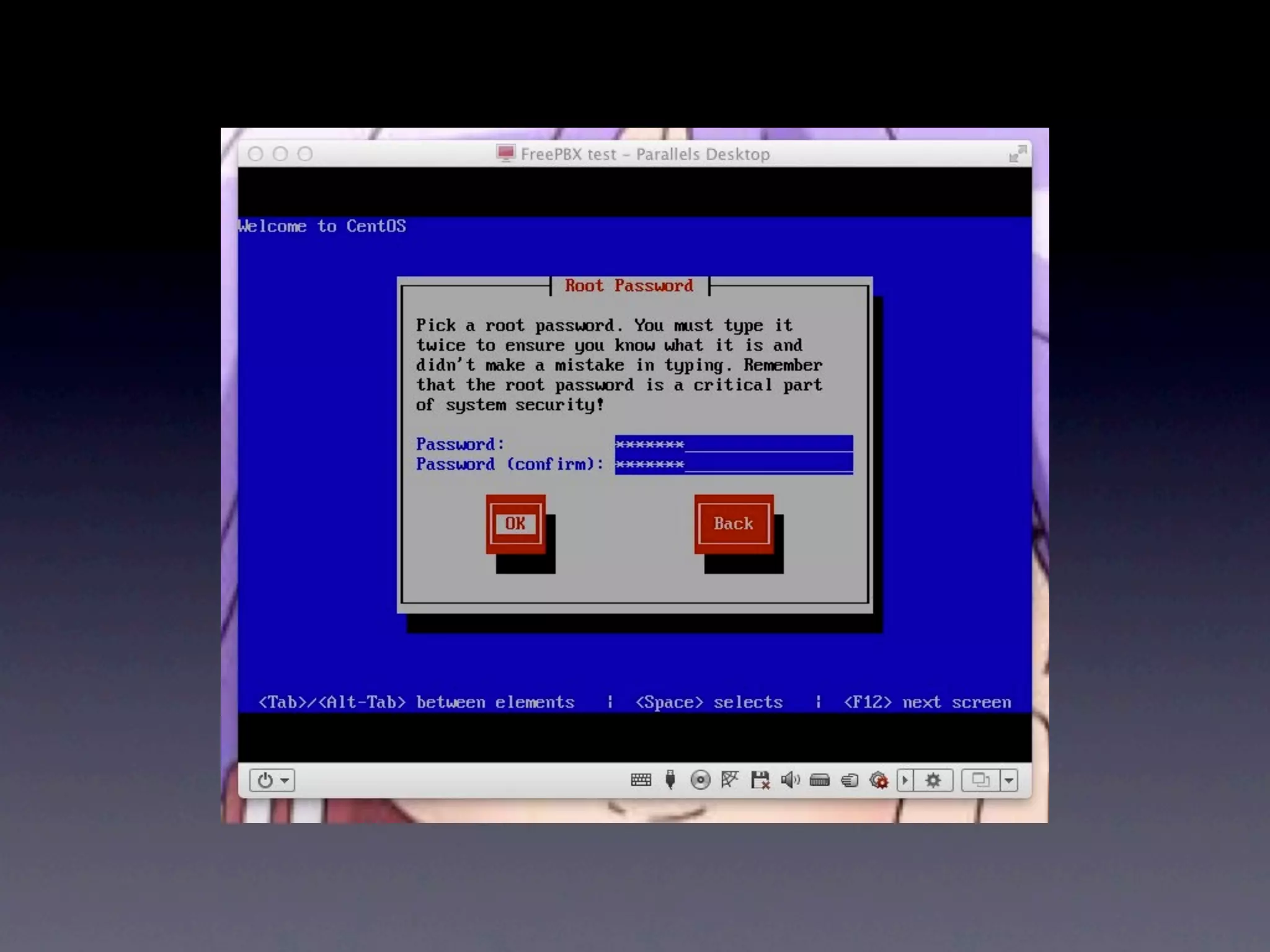
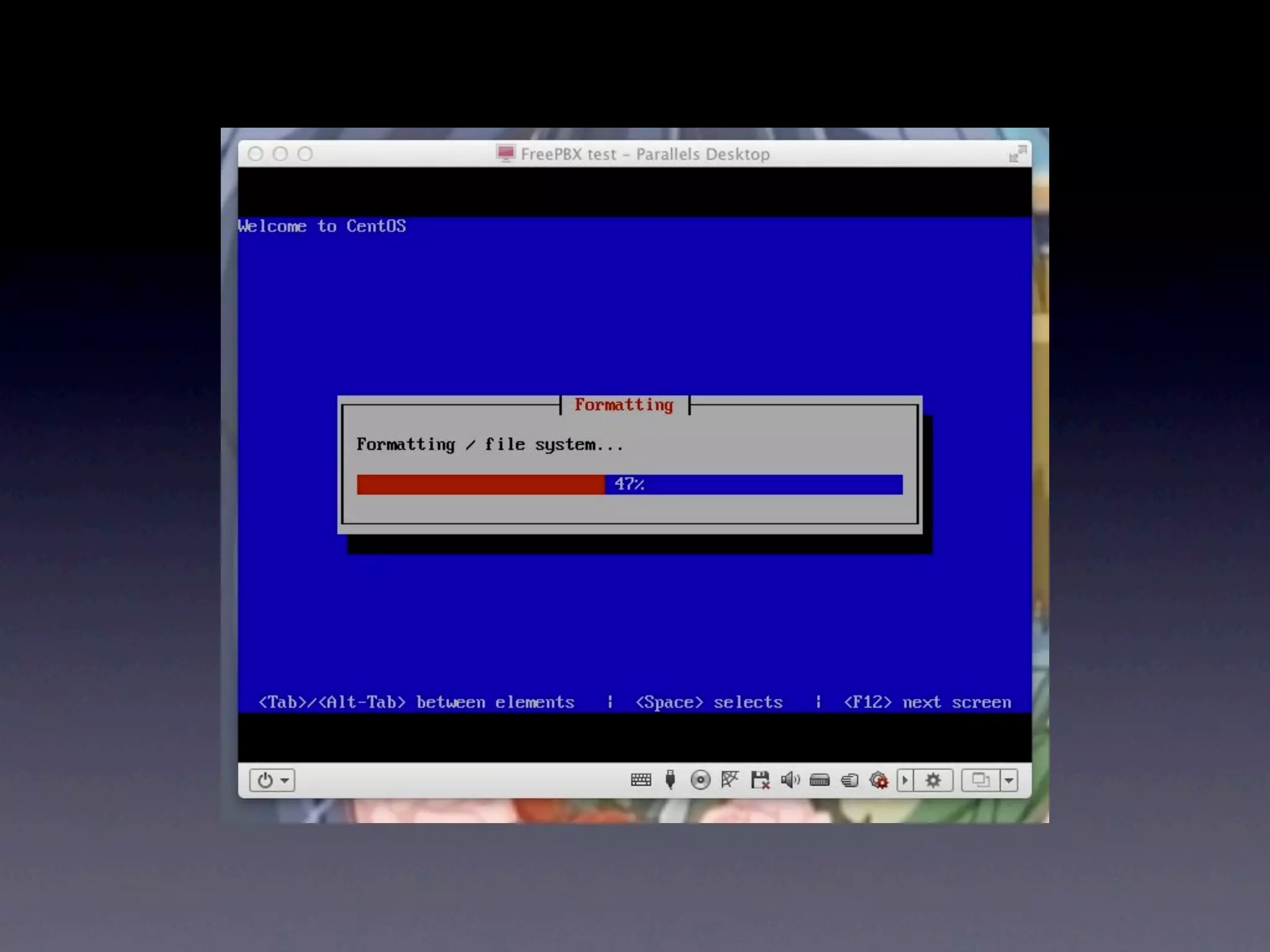
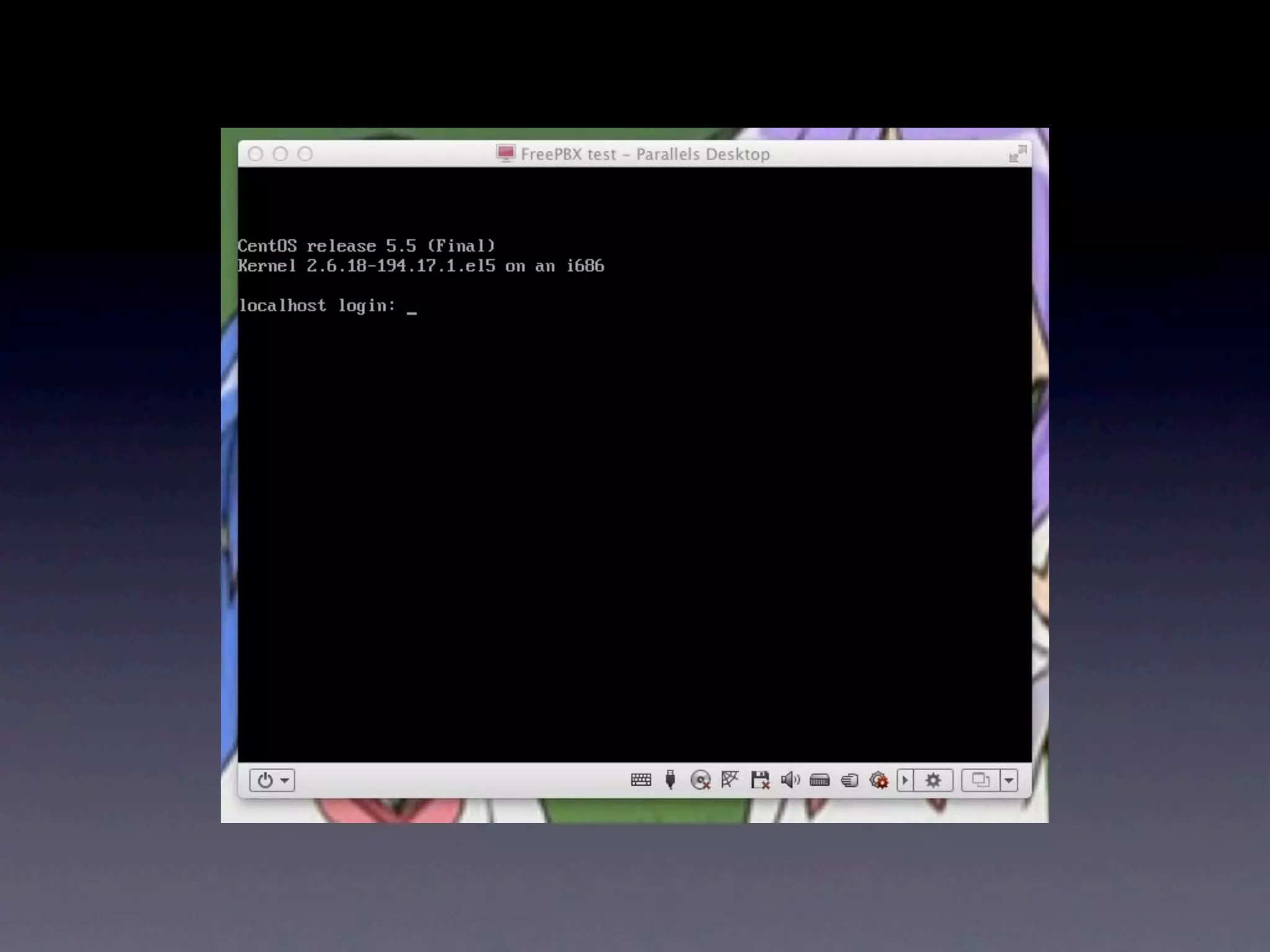
Install

• Just pop the CD in and go
• Completely automated install
• Make sure the box is hooked up to the
  network
• Needs Internet connectivity (net install)
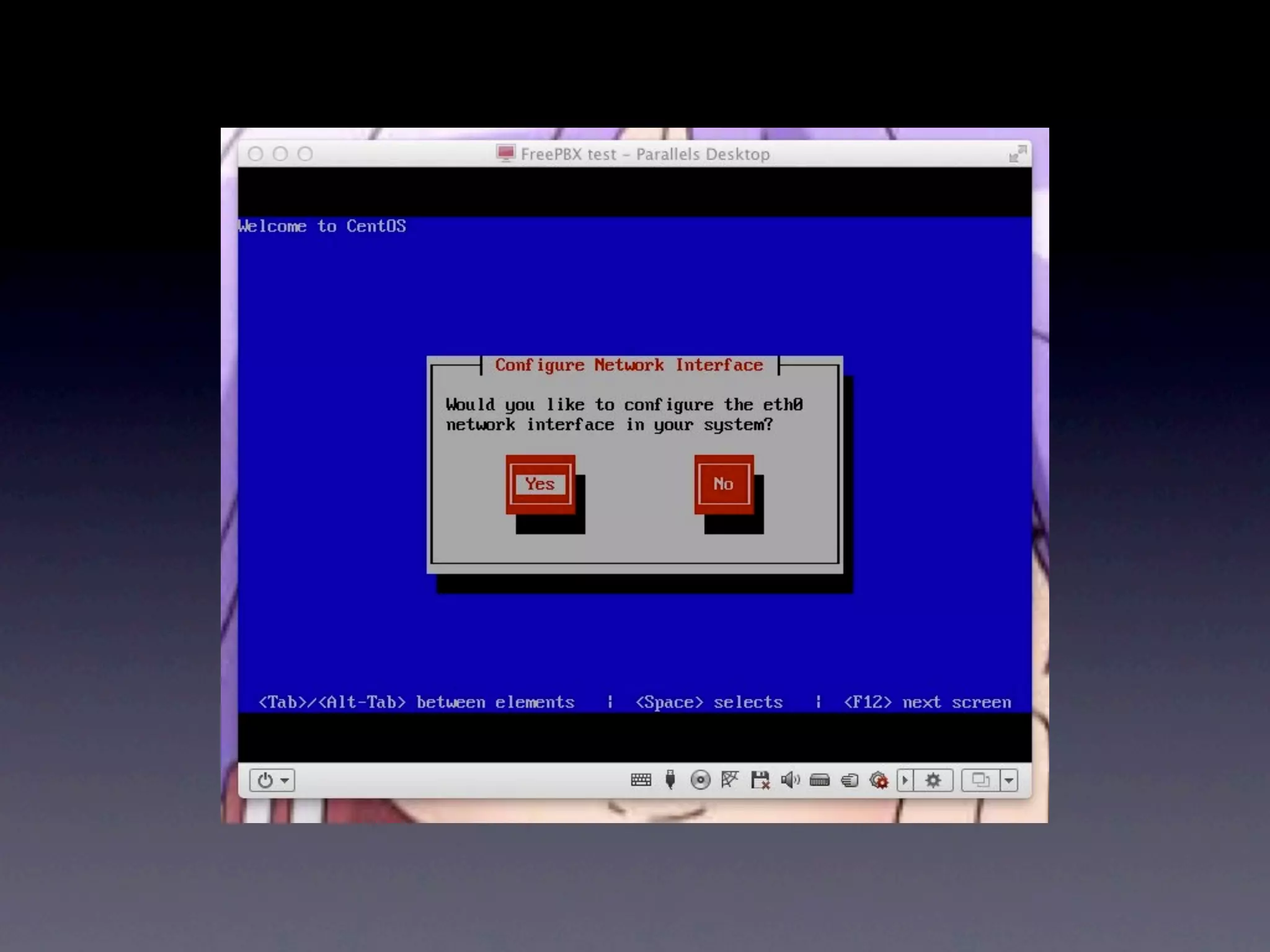
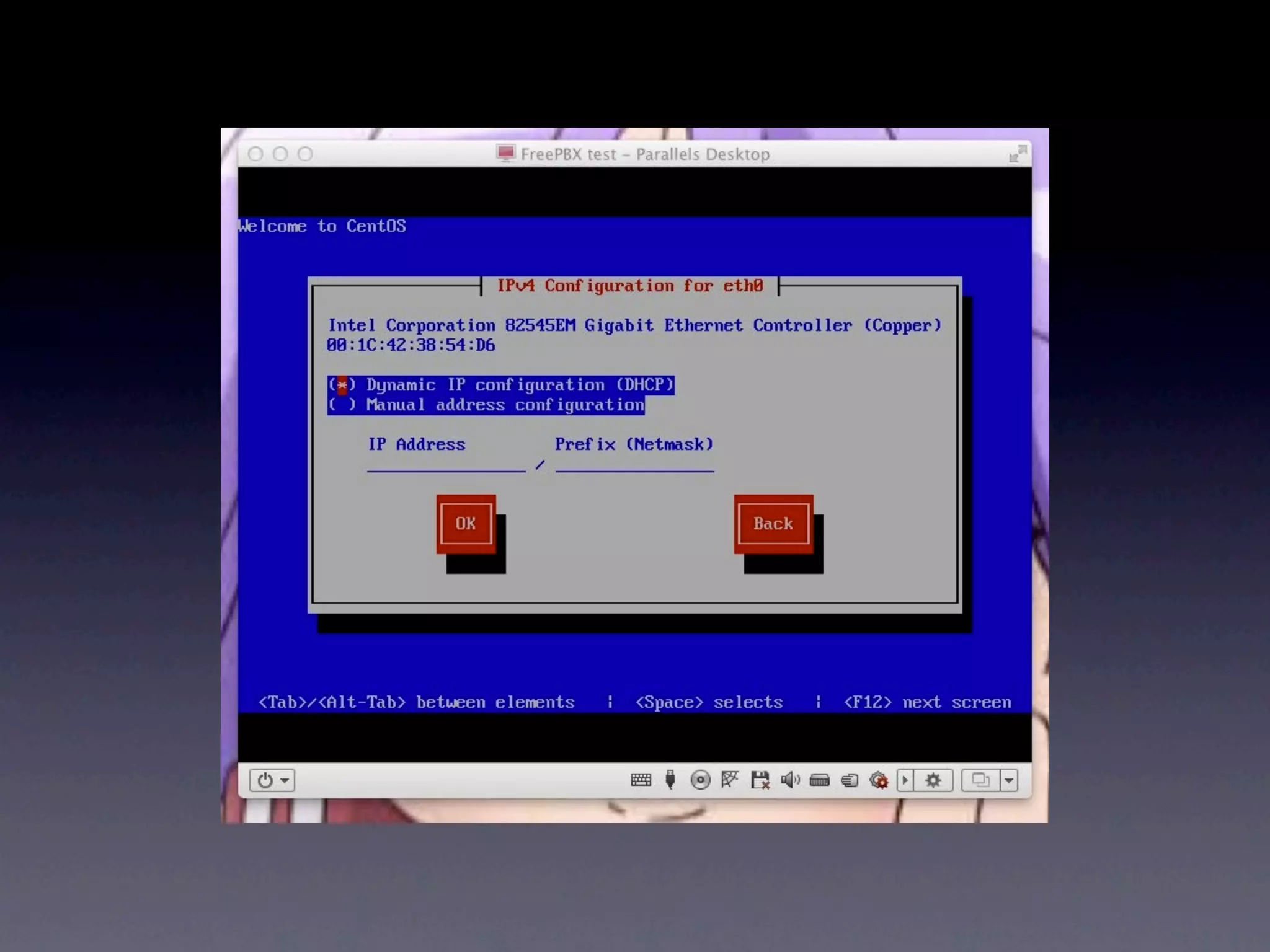
Install
• Give it a static IP
• Forward ports 5060, 5070, 5080
 • Or use UPnP and/or NAT-PMP
• Set up QoS
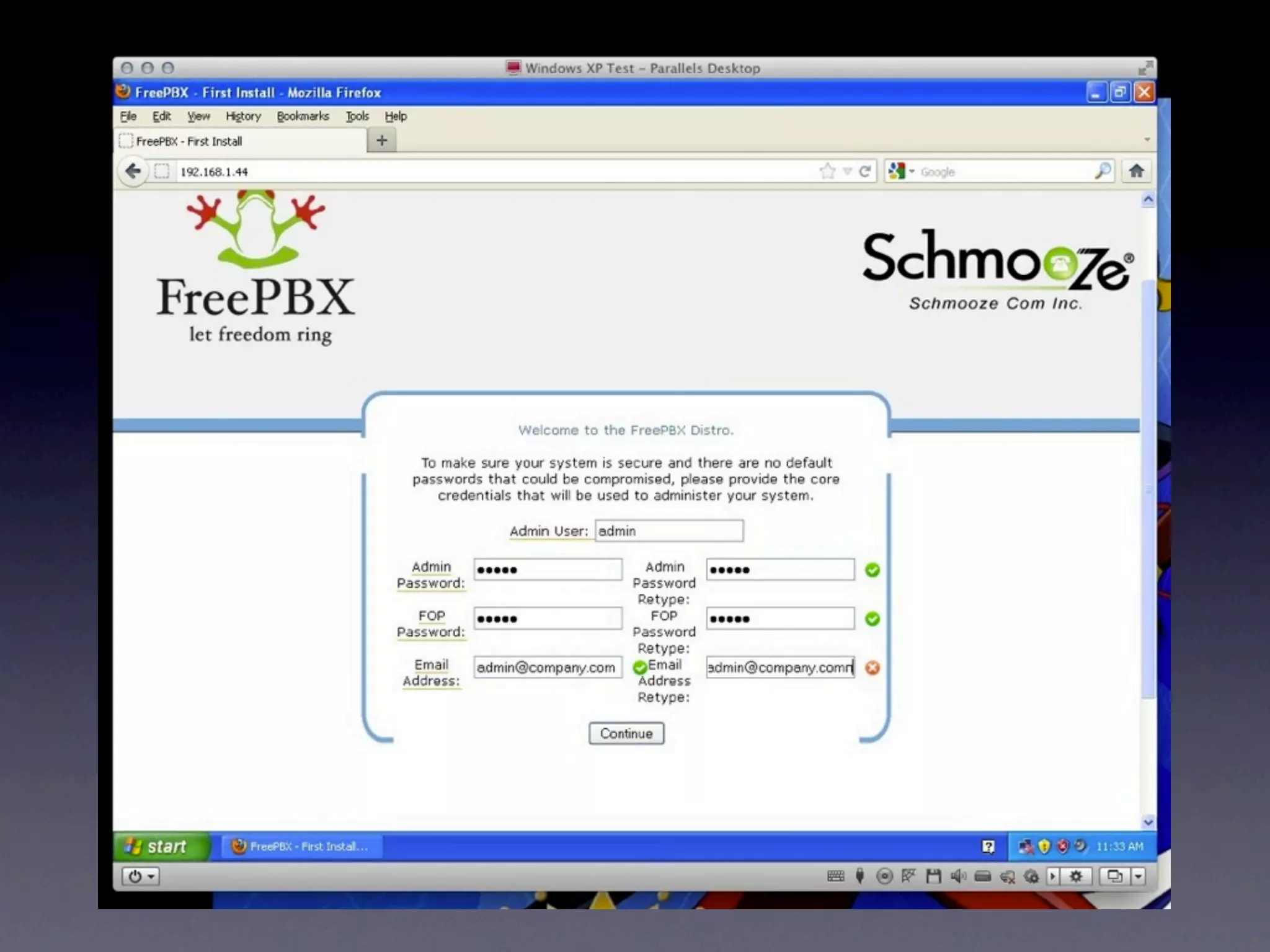
• Once it’s installed browse to
  http://IP_ADDRESS/ in your web browser
It’s Demo Time!!!
Q&A
For More Info

• http://DonaldBurr.com/
 • Slides, notes, links to all websites/
    products mentioned, notes on various
    configuration tweaks I had to make, etc.
For More Info
•   Asterisk
    http://www.asterisk.org/
    Main Asterisk site, documentation, forums, etc.
•   VoIP-Info
    http://www.voip-info.org/
    Good general VoIP information site. Also includes Asterisk/
    FreePBX configuration instructions.
•   AsteriskGuru
    http://www.asteriskguru.com/
    Asterisk documentation, user forums
•   Google is your friend
VoIP Providers
•   IPKall
    http://ipkall.com/
    Free Washington State area dial-in only (DID) numbers,
    ideal for testing
•   CallCentric
    http://callcentric.com/
    Reasonably priced dial-in (DID) and dial-out plans, for
    both individuals and businesses. Both local (all across the
    USA) and toll-free (1-800/877/866) numbers are available.
•   Disclaimer: I am not affiliated with any of these outfits,
    nor do I benefit in any way from referring you to them.
Thanks for coming!
   May the Source be with you!

Fun with Linux Telephony

  • 1.
    Fun with Linux Telephony Donald Burr <dburr@DonaldBurr.com>
  • 2.
    Topics We’ll Cover •Introduction & Terminology • Hardware and Software • Basic Setup • Advanced Configuration • Q&A & Wrap Up
  • 3.
    What the heckis VoIP? • Voice over IP (VoIP) is a family of technologies, methodologies, communication protocols, and transmission techniques for the delivery of voice communications and multimedia sessions over Internet Protocol (IP) networks, such as the Internet. Other terms frequently encountered and often used synonymously with VoIP are IP telephony, Internet telephony, voice over broadband (VoBB), broadband telephony, and broadband phone.
  • 4.
    What the heckis VoIP? • Internet telephony refers to communications services—Voice, fax, SMS, and/or voice-messaging applications—that are transported via the Internet, rather than the public switched telephone network (PSTN). The steps involved in originating a VoIP telephone call are signaling and media channel setup, digitization of the analog voice signal, encoding, packetization, and transmission as Internet Protocol (IP) packets over a packet-switched network. On the receiving side, similar steps (usually in the reverse order) such as reception of the IP packets, decoding of the packets and digital-to-analog conversion reproduce the original voice stream.[1] Even though IP Telephony and VoIP are terms that are used interchangeably, they are actually different; IP telephony has to do with digital telephony systems that use IP protocols for voice communication while VoIP is actually a subset of IP Telephony.VoIP is a technology used by IP telephony as a means of transporting phone calls.[2]
  • 5.
    What it all boils down to • Software (and hardware) that lets you use your computer as a telephone switchboard (PBX)... and so much more!
  • 6.
    What can Ido with it? • Multiple Extensions • Conferencing • Multiple “Channels” • Videoconferencing • “Follow Me” • Home Automation/ Control • Google Voice-type stuff • Podcasting! • Voicemail • Gated Entry/Checkpoint • Call Center • ...and more!
  • 7.
    Why would youwant to do this? • More control • More professional • Save money • Stick it to the man • Because it’s cool/fun/geeky
  • 8.
    Just remember one thing...
  • 11.
    Time to Get Schooled...
  • 12.
    Terminology • SIP - Session Initiation Protocol • IETF protocol to handle VoiP and other text and multimedia services • aka RFC 3261 • SIP Provider • Company that provides inbound and/or outbound calling via SIP • PBX - Private Branch Exchange • Box that sits at your business • One end connects to a line coming in from your phone company • All of your internal phones connect to it • IVR - Interactive Voice Response • “Press 1 for sales, press 2 for support, ...” • AKA Auto Attendant, Digital Receptionist
  • 13.
    Terminology • PSTN - Public Switched Telephone Network • aka POTS - Plain Old Telephone Service • DID - Direct Inward Dialing • Service that gives you a phone number that you can route to your PBX • DISA - Direct Inward System Access • Allows an external caller to use internal-only features/dial out as if you were connected to the internal system • Kind of like a “VPN for telephones” • Trunking • A transmission channel between SIP provider and you • One or more - Sharing & managing multiple SIP providers • Dialplan • The “rules” for how to handle calls (both inbound and outbound)
  • 14.
    Terminology • ATA • Analog Telephone Adapter • Lets you connect an old school phone to your VoiP service • IP Phone • Phone that has Internet and SIP connectivity “baked in” • Ethernet (or WiFi) instead of phone wire • Softphone • Computer or smartphone/tablet software that functions as an IP phone
  • 15.
    Two main LinuxVoiP software solutions • Asterisk • The “gold standard” • Older code (but still supported) • Still the recommended choice (IMHO) • FreeSwitch • The “new kid on the block” • Started by former Asterisk devs • Completely reimagined from scratch • Still relatively immature
  • 16.
    Which one touse? • My vote: Asterisk • Tried and true code base • Well supported • Lots of documentation • Large user base/community
  • 17.
  • 18.
    Where do Iget it? • It’s in most distros’ package managers • But might not be the latest and greatest (or even complete) • Many distros don’t include the web GUI’s • Or you could download and install a “distribution” • Especially appropriate if you’re building a machine specifically for this purpose
  • 19.
    Asterisk “Distributions” • Asterisk + Web GUI + extra “stuff” in a “one- click” install CD (like Mythbuntu, Knoppix, etc.) • Some of the more popular ones • AsteriskNOW • Trixbox • FreePBX • I’m sure there are plenty of others
  • 20.
    My vote: FreePBX •Current version is using Asterisk 1.8 LTS • Uses a lean and mean (and secure) CentOS as its base OS • Really good web GUI • “Hooks” for customizing via editing config files
  • 21.
    Here There BeDragons • GUIs will get you 99% of the way there • For 99% of use cases that’s all you’ll need • But if you want ultimate flexibility/tweakability, you’ll need to hack config files • Not harder than your average scripting language (and definitely easier than hardcore programming, C/C++, etc.) • Lots of documentation and places to get help (as well as pre-built “recipes”)
  • 22.
    What You Need • PC capable of running Linux • Doesn’t have to be particularly powerful (great use for older PCs) • Virtual Machines may (or may not) work • Depends on your host computer • Fine for testing and light production work • Your Asterisk or Linux distro of choice • One or more phones • Technically you can even get by with 0 phones, but that’s not very fun...
  • 23.
    What sorts ofphones are we talking about here?
  • 24.
  • 25.
    Softphones for computers • Windows • MicroSIP: http://microsip.org.ua/downloads/ • Mac: • Telephone (in Mac App Store) • Linux: • Twinkle (look in your distro’s repository)
  • 26.
    Softphones for smartphones/tablets • iOS, Android, BlackBerry • LinPhone (In iOS and Android app stores) • NOT in BlackBerry App World. You’ll have to download it direct from their website: http://www.linphone.org/eng/download/ packages/blackberry.html) • Windows Phone 7? HP webOS? Symbian? • Sorry, you’re out of luck...
  • 27.
    All of theseare free* by the way *as in beer AND as in speech too!
  • 28.
    But we alllike to play with teh shiny*, don’t we? *by this we mean hardware. Sadly, NOT free...
  • 29.
  • 31.
    OBi 100 • Cheap • Requires an analog telephone (it’s an ATA) • Best bet if you... • ...want to experiment with “real” hardware • ...are looking for a low-cost solution • ...already have a bunch of fairly nice (analog/ POTS) phones that you want to recycle
  • 33.
    Handsets by Polycom, Cisco, etc. • The fancy IP Phones that the “big boys” use • Some are fairly inexpensive, but the price goes up fast • Lots of fancy features (on the higher end units) • Recommended for new business installations
  • 35.
    Panasonic KX-TGP551T04 (plus, optionally, one or more KX-TPA50B04’s) • A fully featured IP phone at an excellent price • You get a corded phone AND a cordless phone too - what a deal! • Supports multiple lines (but all lines ring all phones) • Works great with Asterisk/FreePBX, despite what the literature says • They haven’t disabled this (yet...) • You can disable automatic firmware updates
  • 37.
    Telephony interface boards • Connect to traditional types of trunk lines/systems (T1/E1, etc.) • Good for legacy installs
  • 38.
    What if you don’twant to (or can’t) run Ethernet?
  • 39.
  • 40.
  • 41.
  • 42.
    Advantages/ Disadvantages • Advantages: • Disadvantages: • Tried and true • Not as cheap as other technology methods • Relatively inexpensive • Can be flaky • Fairly easy to obtain • Multiple (non- interoperable) standards
  • 43.
  • 44.
    Advantages/ Disadvantages • Advantages: • Disadvantages: • Works anywhere • Hard to find where there’s WiFi - portable • Price disparity + not sure what you’re • Compact; no mess of getting extra cables, boxes, etc. to deal with • Requires WiFi
  • 45.
  • 46.
    Advantages/ Disadvantages • Advantages: • Disadvantages: • In most cases, uses • You’re at the mercy of already-existing cordless phone equipment technology • Inexpensive • Range may not be as great • MacGyver would approve. • Some Ethernet is still involved
  • 47.
    Enough jibba-jabba, get on with it!
  • 48.
    Install • Just popthe CD in and go • Completely automated install • Make sure the box is hooked up to the network • Needs Internet connectivity (net install)
  • 62.
    Install • Give ita static IP • Forward ports 5060, 5070, 5080 • Or use UPnP and/or NAT-PMP • Set up QoS • Once it’s installed browse to http://IP_ADDRESS/ in your web browser
  • 65.
  • 66.
  • 67.
    For More Info •http://DonaldBurr.com/ • Slides, notes, links to all websites/ products mentioned, notes on various configuration tweaks I had to make, etc.
  • 68.
    For More Info • Asterisk http://www.asterisk.org/ Main Asterisk site, documentation, forums, etc. • VoIP-Info http://www.voip-info.org/ Good general VoIP information site. Also includes Asterisk/ FreePBX configuration instructions. • AsteriskGuru http://www.asteriskguru.com/ Asterisk documentation, user forums • Google is your friend
  • 69.
    VoIP Providers • IPKall http://ipkall.com/ Free Washington State area dial-in only (DID) numbers, ideal for testing • CallCentric http://callcentric.com/ Reasonably priced dial-in (DID) and dial-out plans, for both individuals and businesses. Both local (all across the USA) and toll-free (1-800/877/866) numbers are available. • Disclaimer: I am not affiliated with any of these outfits, nor do I benefit in any way from referring you to them.
  • 71.
    Thanks for coming! May the Source be with you!