Visual aids
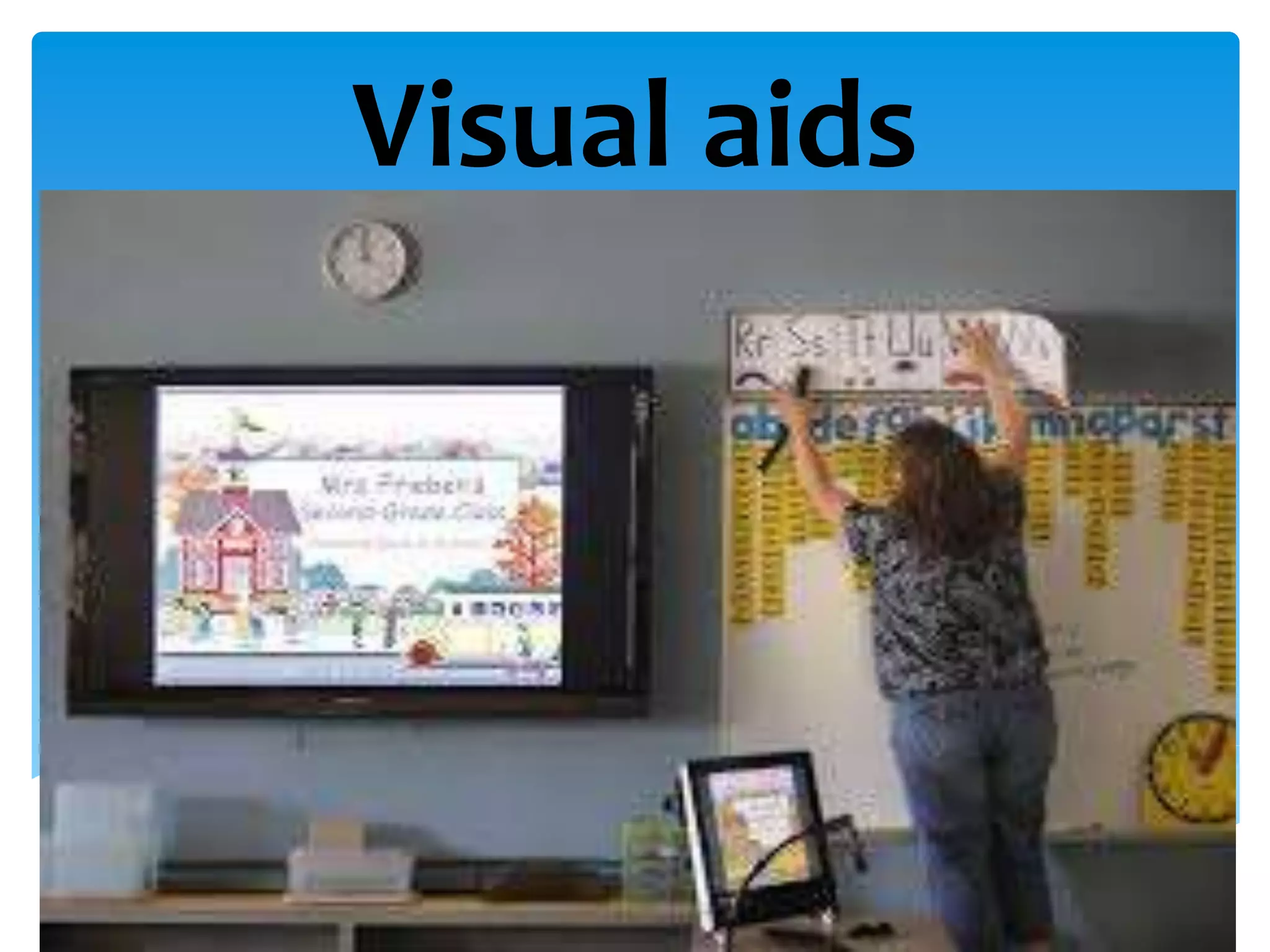
Using visual aids is a good way to
make your speech clearer, effective, and
memorable. Overhead projector, slides, and
LCD are common technology for the visual
aids. They are used for the charts ,a graphs
and illustrations, diagrams and drawings in
presenting your data to support your point.
Using visual aids during the speech
Charts are used in presenting
relationship, while graphs are for
comparison illustrations, diagrams, and
drawings are used to make image to
your exposition, process , and
description. It is true that picture paints
a thousand words.
Charts
If you decide to use slides or overheads
projectors, make sure you’re familiar
with the equipment involved and the
lighting system of the room you’ll be
working in. Leave enough time before
your presentation to prepare your visual
aids adequately. If you don’t have much
time, flip charts are good choice.
1. Put an appropriate amount of
information and data on each chart or
graph. Too much data can overwhelm
the audience and be difficult to
remember.
2. Triple-check all numerical values. A slight
error in just one number can discredit
your entire presentation.
How to use Charts, Graphs, and Diagrams
3. Make pie chart slices match their
percentage values. A slice indicating 10
percentage should account for 10
percent of the total pie. Make sure
slices are accurate by multiplying their
percentage values by 360(10 percent of
360 is 36) and measuring an appropriate
angle with a protractor (36 degree in our
example).
Pie Chart
4. Keep your bar graphs in two
dimensions. Three-Dimensional bar
graphs are difficult to read
accurately.
5. Add graphics to your charts graphs,
but be discriminating. If there are too
many or they’re too large, they will
distract your audience.
6. Print large, fat letters and numbers on
your charts so that the data will be
visible from the back of the room.
7. Write in the top two-thirds of each
charts sheet.
8. Use dark colors (Black, and blue work
best). Avoid using lighter colors
such as yellow, orange, and pink.
9. Consider a variety of darker colors to
make your charts, especially when it
comes to human figures.
11. Test your charts’ effectiveness by tying
to read them from the far away. If
you can’t rad them start again using
larger figures.
12. Don’t write too much text on a single
page.
1. Darken the room slightly so your slides
will be properly visible.
2. Leave each slide up for at least 20
seconds.
3. If you need to discuss something else
between two slides, insert a blank
(black) slide between the two slides
so that your audience won’t be
distracted.
Using slides and Overheads
4. Used software templates to create
professional-looking overheads.
5. Number your overheads in case you
accidentally drop them.
6. Apply masking tape to the edges of the
projector not covered by the overhead
to avoid glare.
7. Use fewer overheads by showing only
one part of a single overhead at a
time.
8. Stand next to screen (not the
projector)after you place each overhead
on the projector. This way, your
audience doesn’t have to look back
and fourth between you and the
screen.
9. Overheads have an advantage over slides in
that their order of presentation is flexible.
The disadvantage is that they don’t work
well for larger audience.
10. Use an overhead projector with two bulbs
to allow for quick and easy bulb
replacement. Bring extension cord and
adapter with you if using an overhead
projector.
11. Your presentation shouldn’t rely too
heavily on visual aid. They should
support, not comprise, your presentation.

Visual aids

  • 1.
  • 2.
    Using visual aidsis a good way to make your speech clearer, effective, and memorable. Overhead projector, slides, and LCD are common technology for the visual aids. They are used for the charts ,a graphs and illustrations, diagrams and drawings in presenting your data to support your point. Using visual aids during the speech
  • 3.
    Charts are usedin presenting relationship, while graphs are for comparison illustrations, diagrams, and drawings are used to make image to your exposition, process , and description. It is true that picture paints a thousand words. Charts
  • 5.
    If you decideto use slides or overheads projectors, make sure you’re familiar with the equipment involved and the lighting system of the room you’ll be working in. Leave enough time before your presentation to prepare your visual aids adequately. If you don’t have much time, flip charts are good choice.
  • 6.
    1. Put anappropriate amount of information and data on each chart or graph. Too much data can overwhelm the audience and be difficult to remember. 2. Triple-check all numerical values. A slight error in just one number can discredit your entire presentation. How to use Charts, Graphs, and Diagrams
  • 7.
    3. Make piechart slices match their percentage values. A slice indicating 10 percentage should account for 10 percent of the total pie. Make sure slices are accurate by multiplying their percentage values by 360(10 percent of 360 is 36) and measuring an appropriate angle with a protractor (36 degree in our example).
  • 8.
  • 9.
    4. Keep yourbar graphs in two dimensions. Three-Dimensional bar graphs are difficult to read accurately. 5. Add graphics to your charts graphs, but be discriminating. If there are too many or they’re too large, they will distract your audience. 6. Print large, fat letters and numbers on your charts so that the data will be visible from the back of the room.
  • 10.
    7. Write inthe top two-thirds of each charts sheet. 8. Use dark colors (Black, and blue work best). Avoid using lighter colors such as yellow, orange, and pink. 9. Consider a variety of darker colors to make your charts, especially when it comes to human figures.
  • 11.
    11. Test yourcharts’ effectiveness by tying to read them from the far away. If you can’t rad them start again using larger figures. 12. Don’t write too much text on a single page.
  • 12.
    1. Darken theroom slightly so your slides will be properly visible. 2. Leave each slide up for at least 20 seconds. 3. If you need to discuss something else between two slides, insert a blank (black) slide between the two slides so that your audience won’t be distracted. Using slides and Overheads
  • 13.
    4. Used softwaretemplates to create professional-looking overheads. 5. Number your overheads in case you accidentally drop them. 6. Apply masking tape to the edges of the projector not covered by the overhead to avoid glare.
  • 14.
    7. Use feweroverheads by showing only one part of a single overhead at a time. 8. Stand next to screen (not the projector)after you place each overhead on the projector. This way, your audience doesn’t have to look back and fourth between you and the screen.
  • 15.
    9. Overheads havean advantage over slides in that their order of presentation is flexible. The disadvantage is that they don’t work well for larger audience. 10. Use an overhead projector with two bulbs to allow for quick and easy bulb replacement. Bring extension cord and adapter with you if using an overhead projector. 11. Your presentation shouldn’t rely too heavily on visual aid. They should support, not comprise, your presentation.